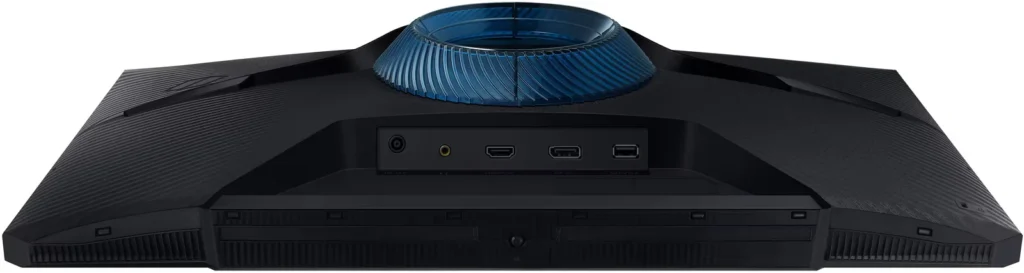
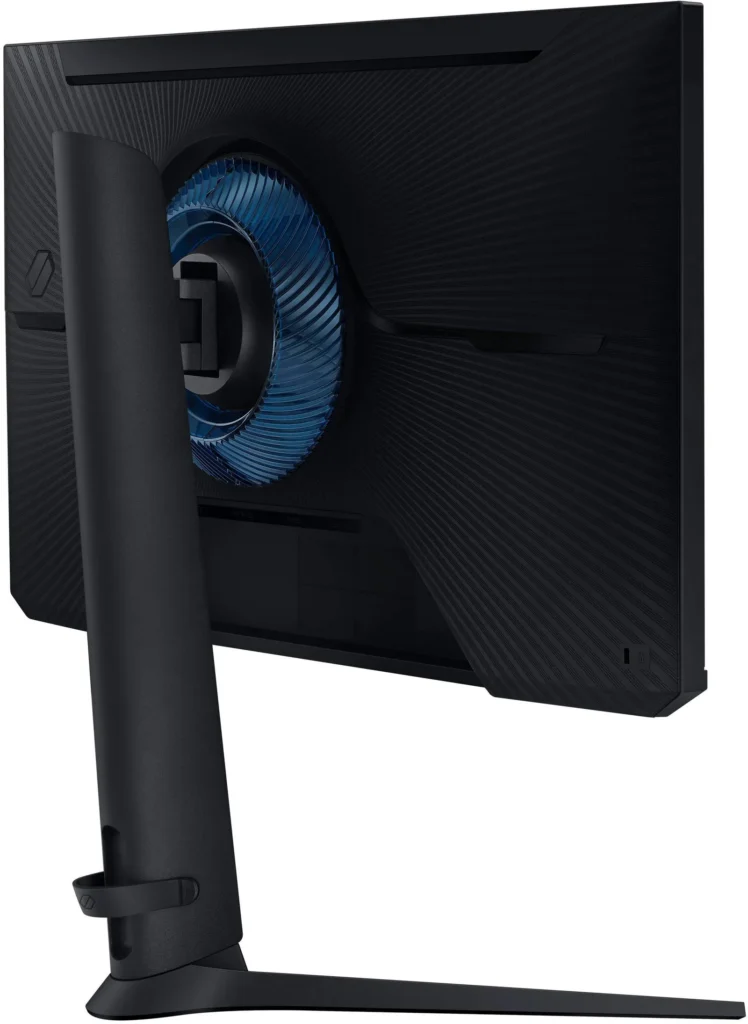
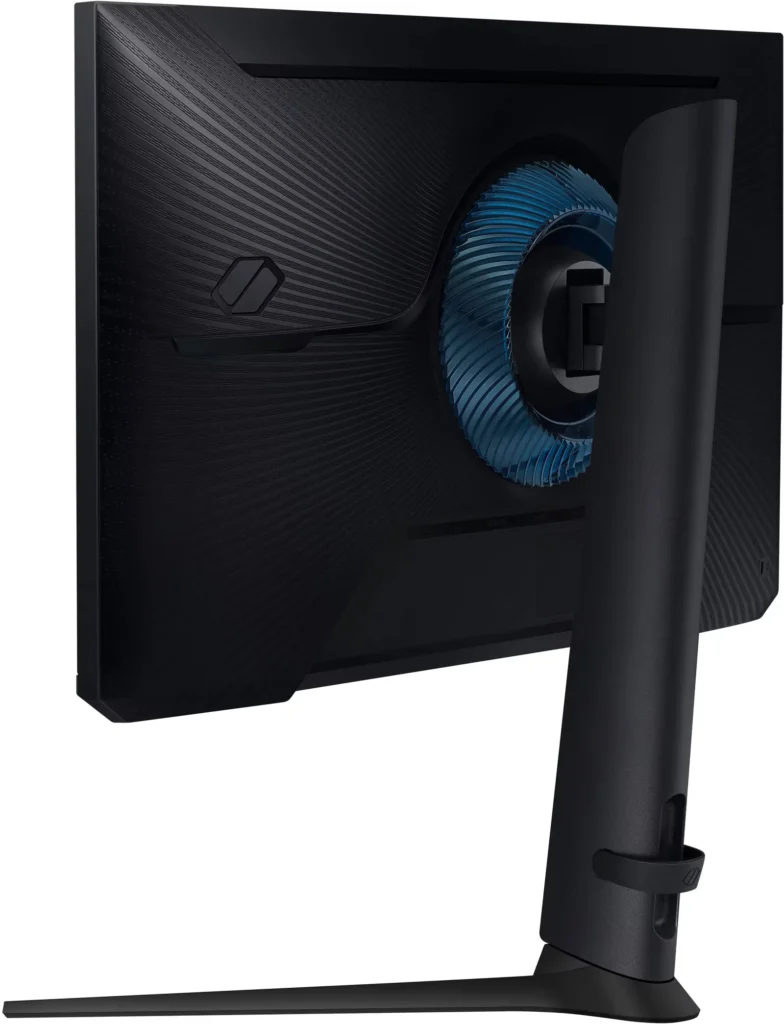
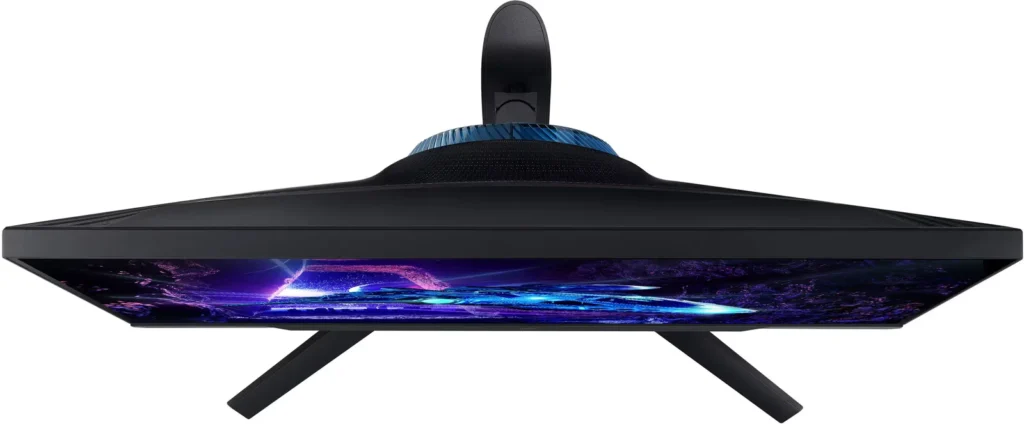
Customer Media
Highlights
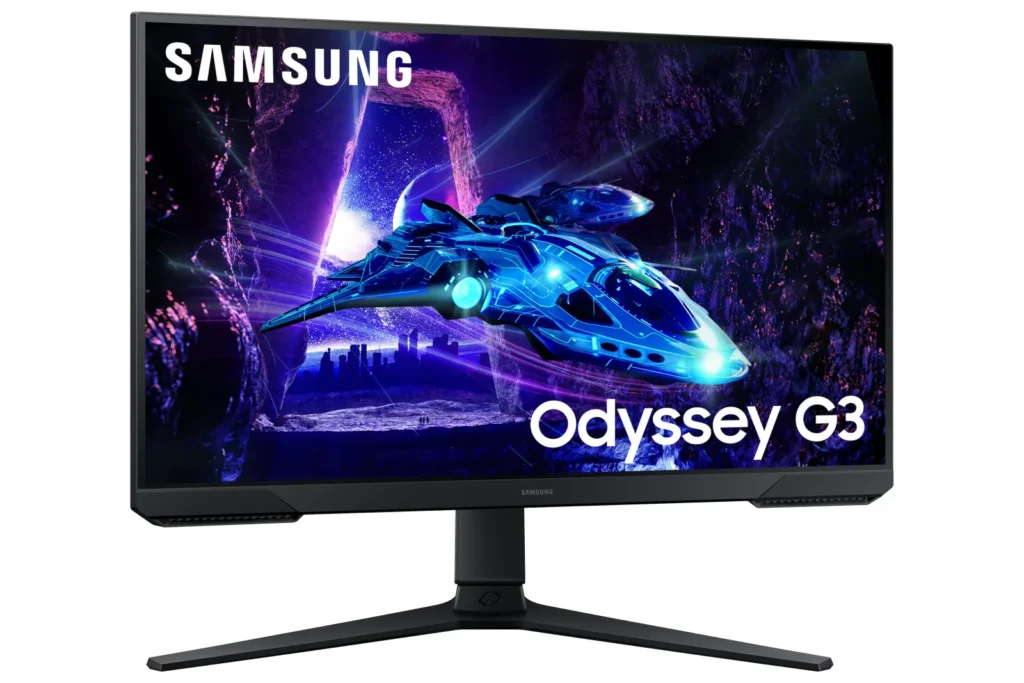
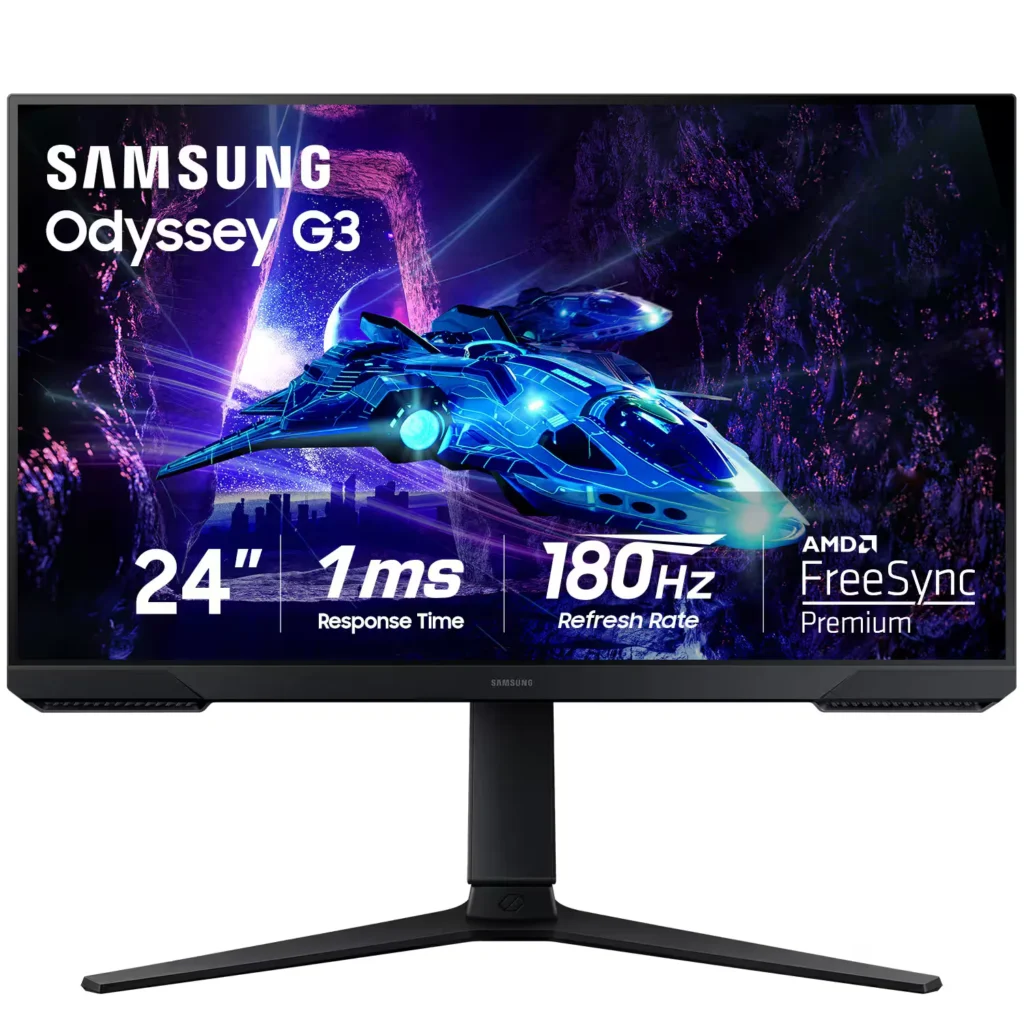
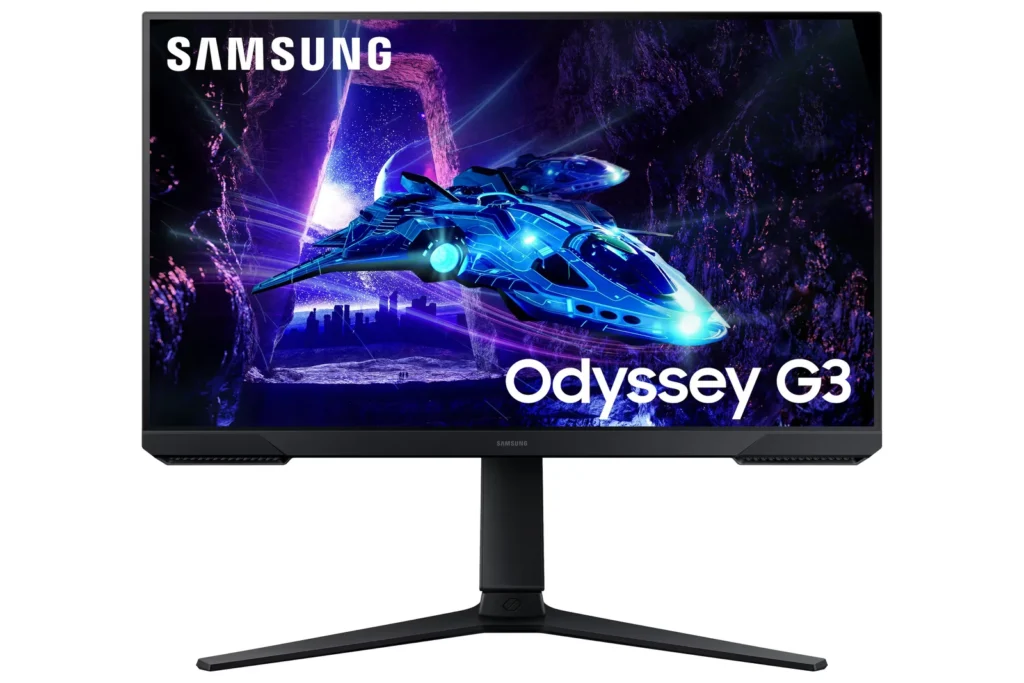
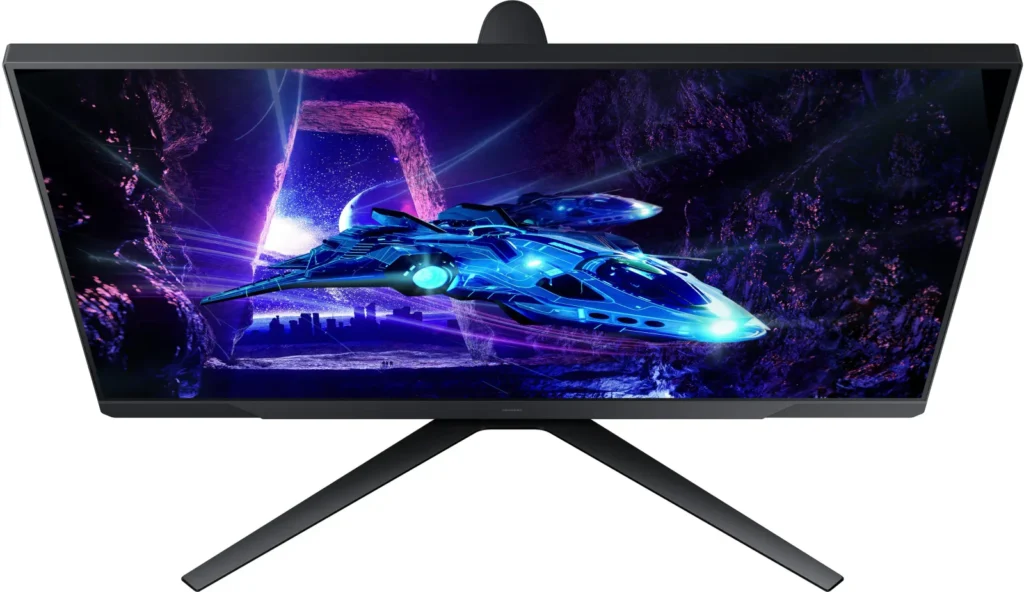
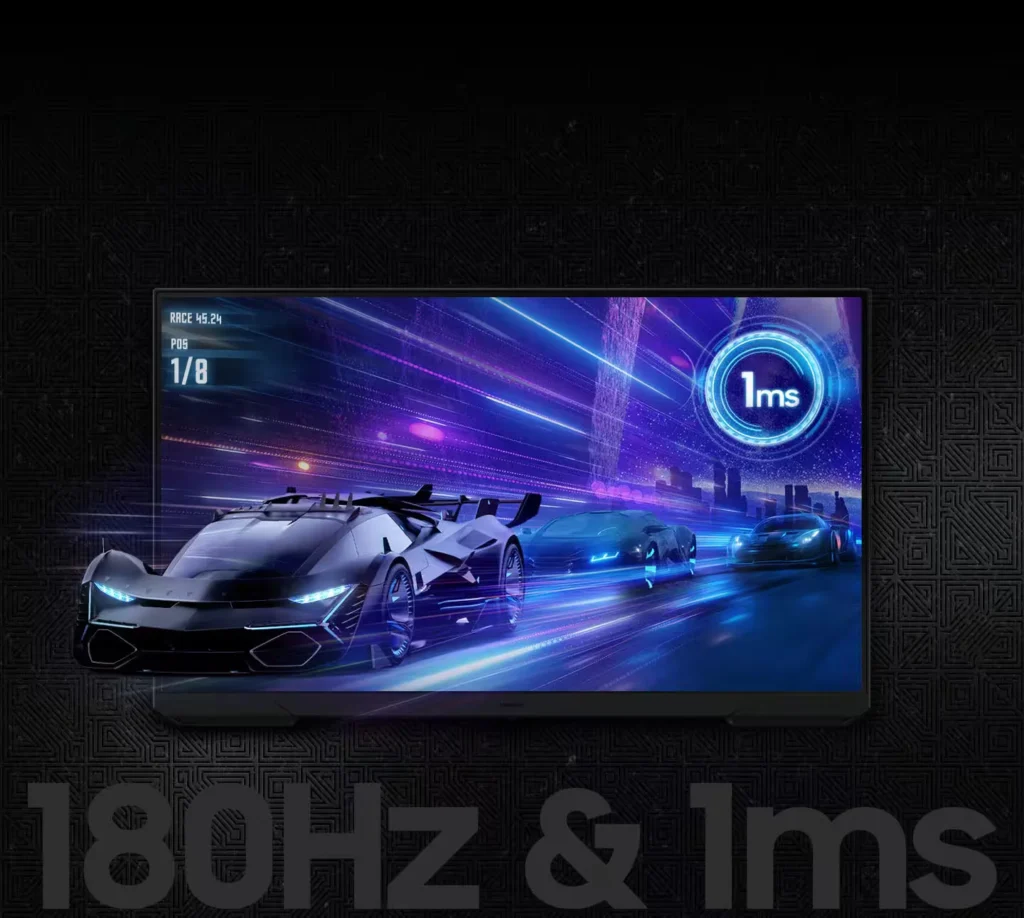
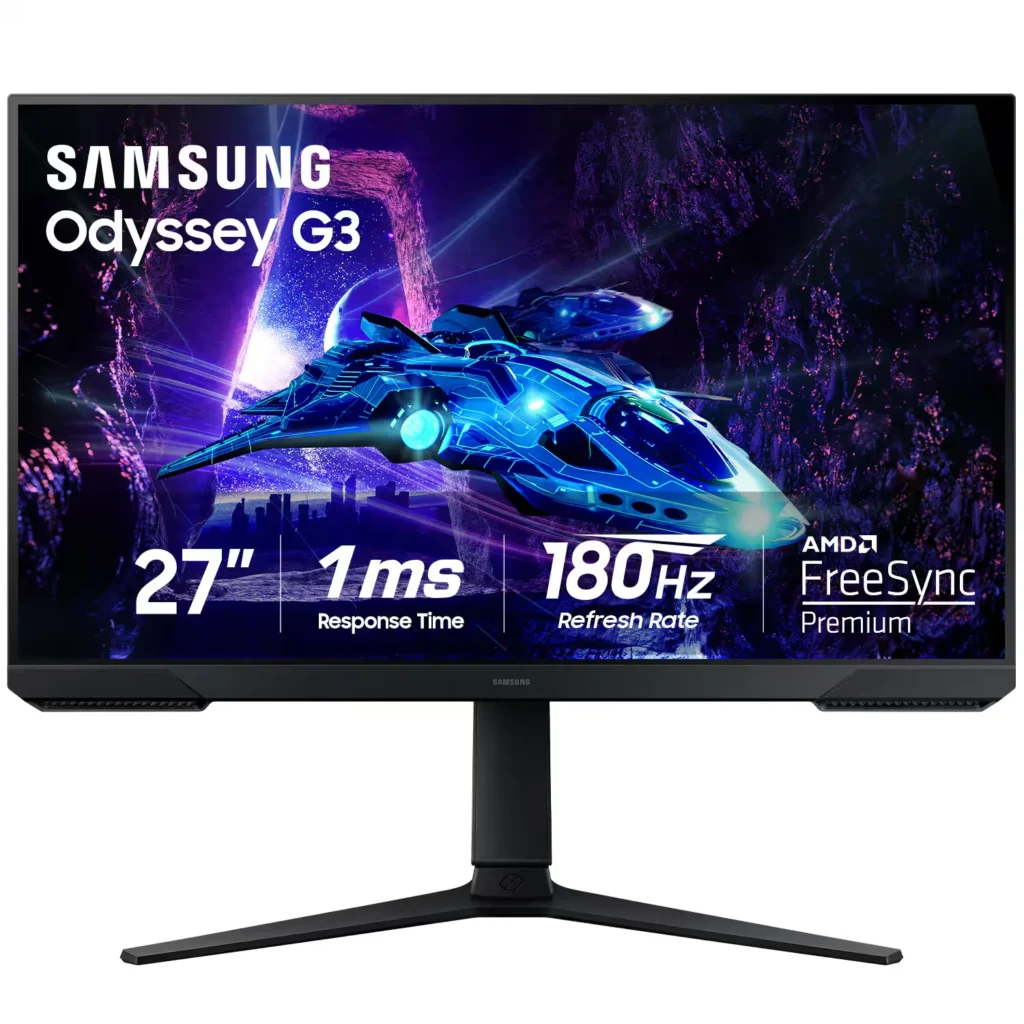
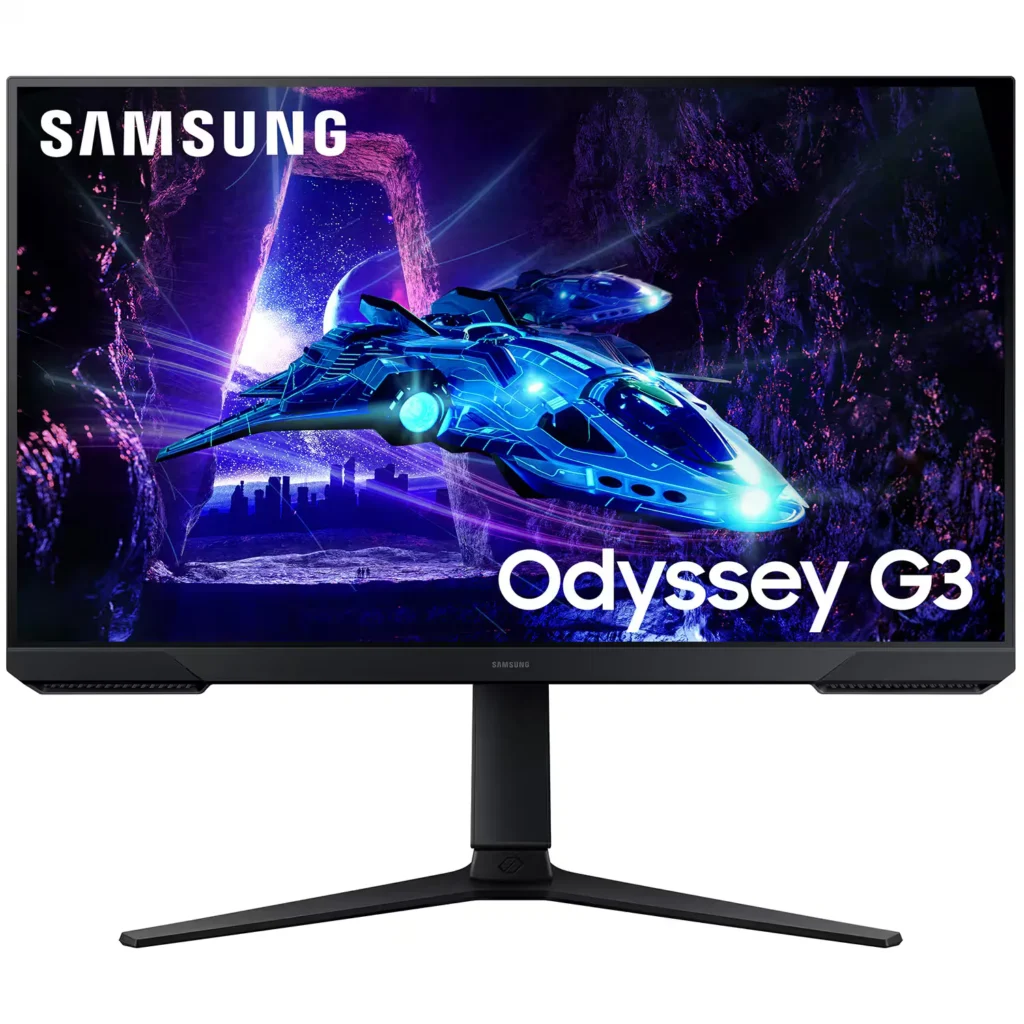
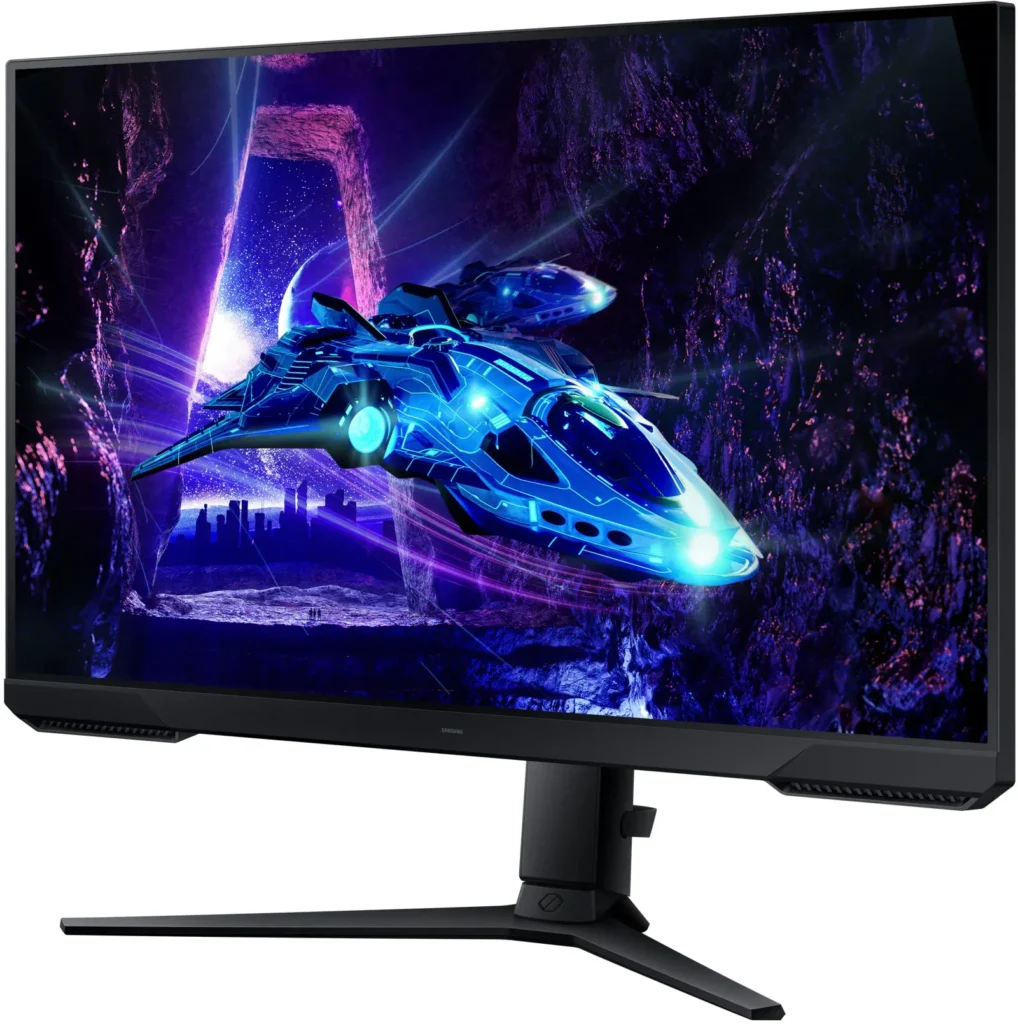
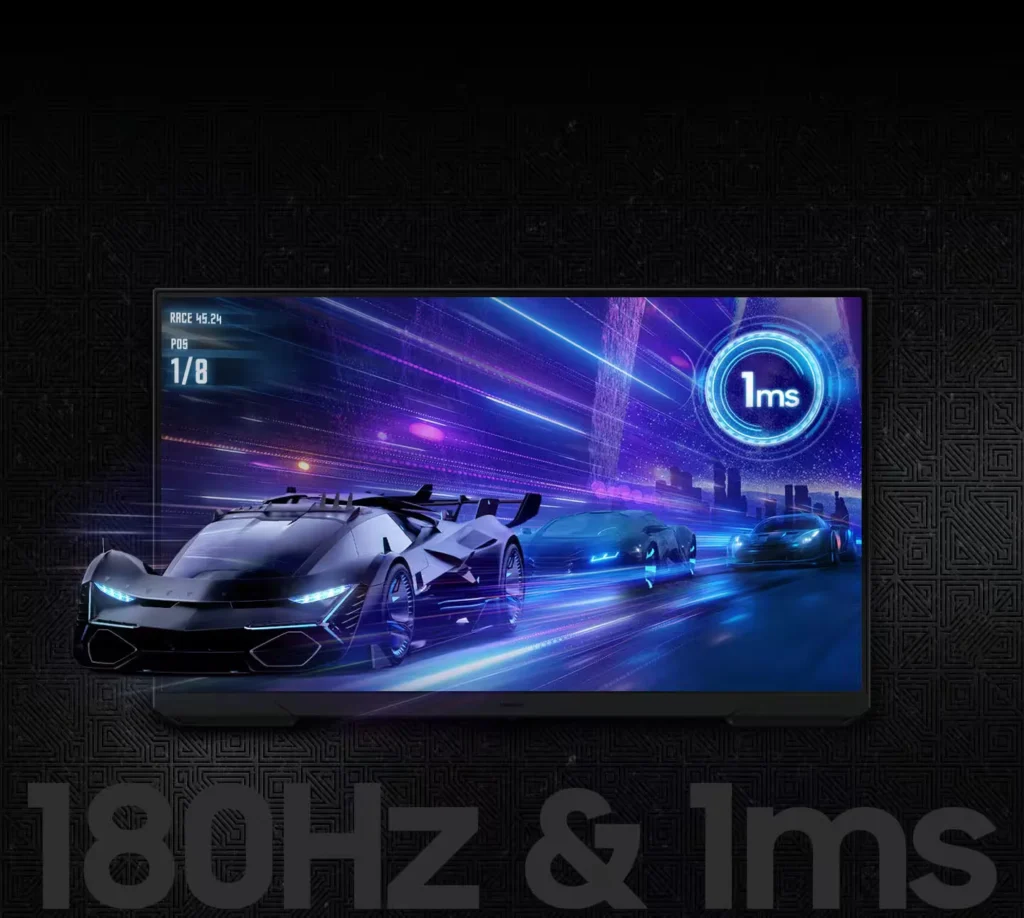
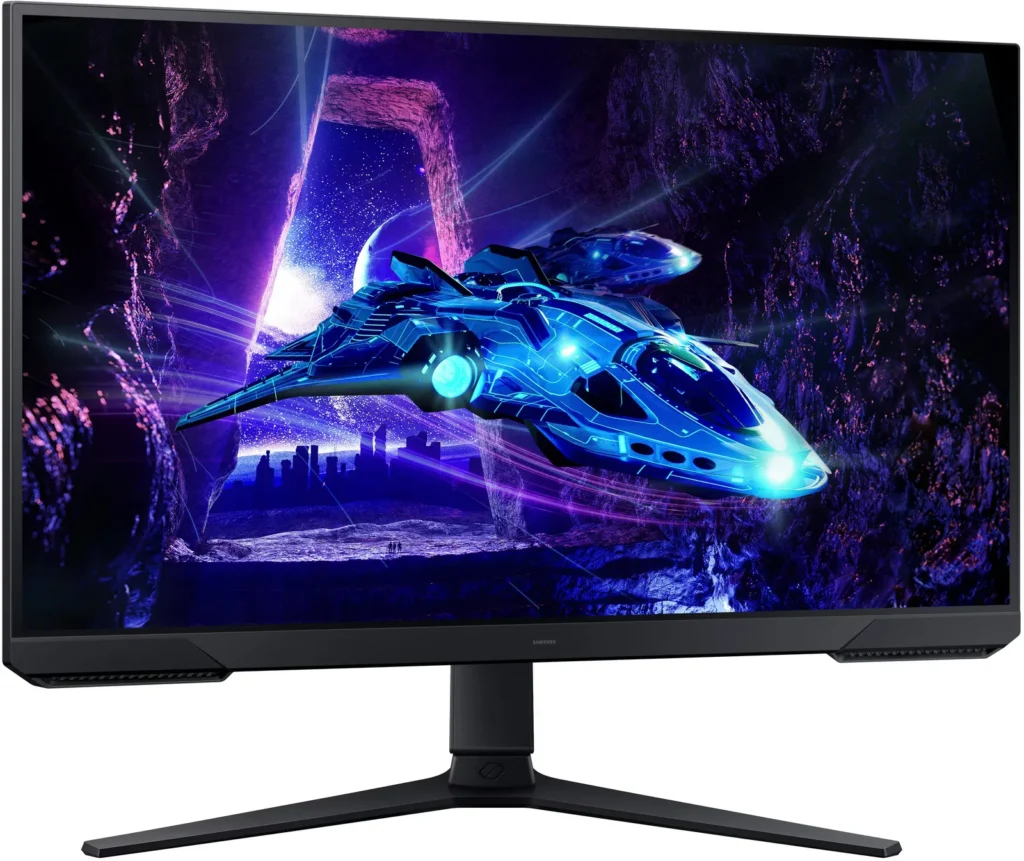
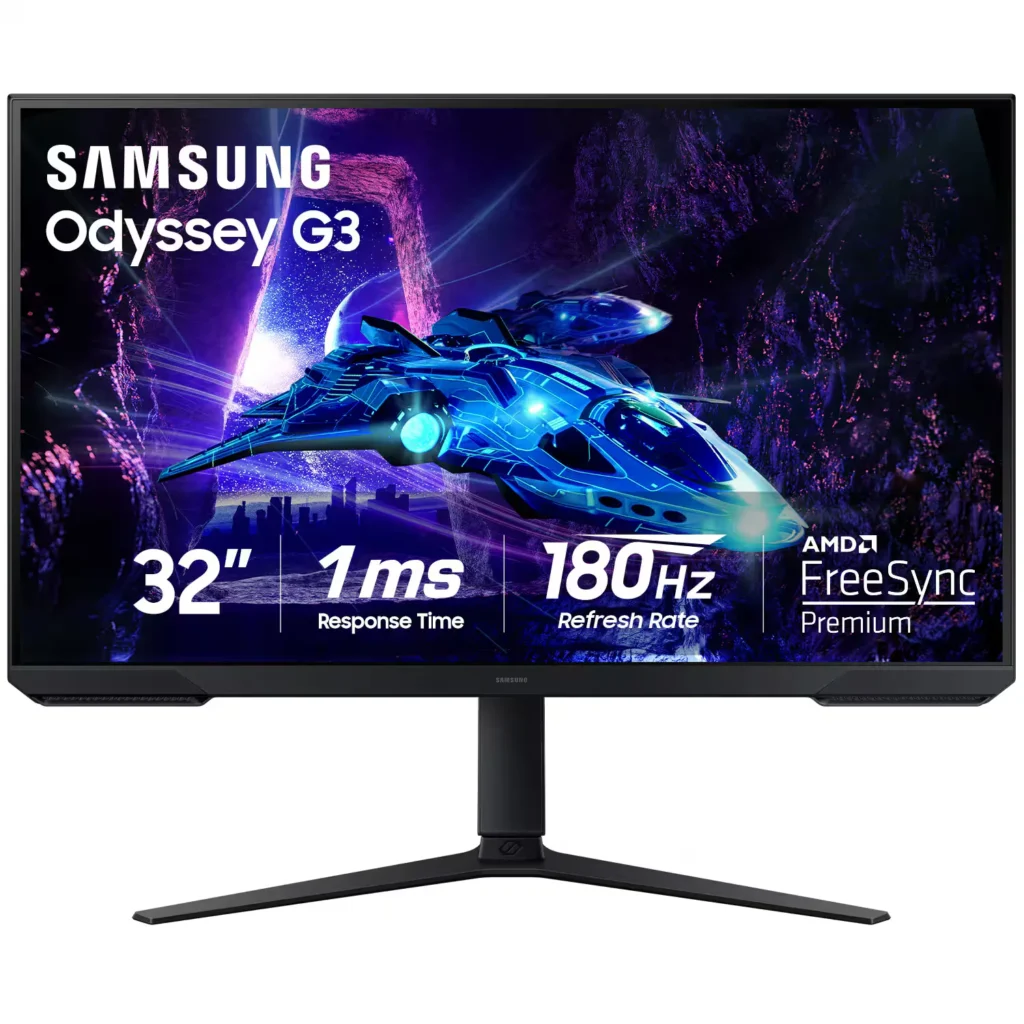
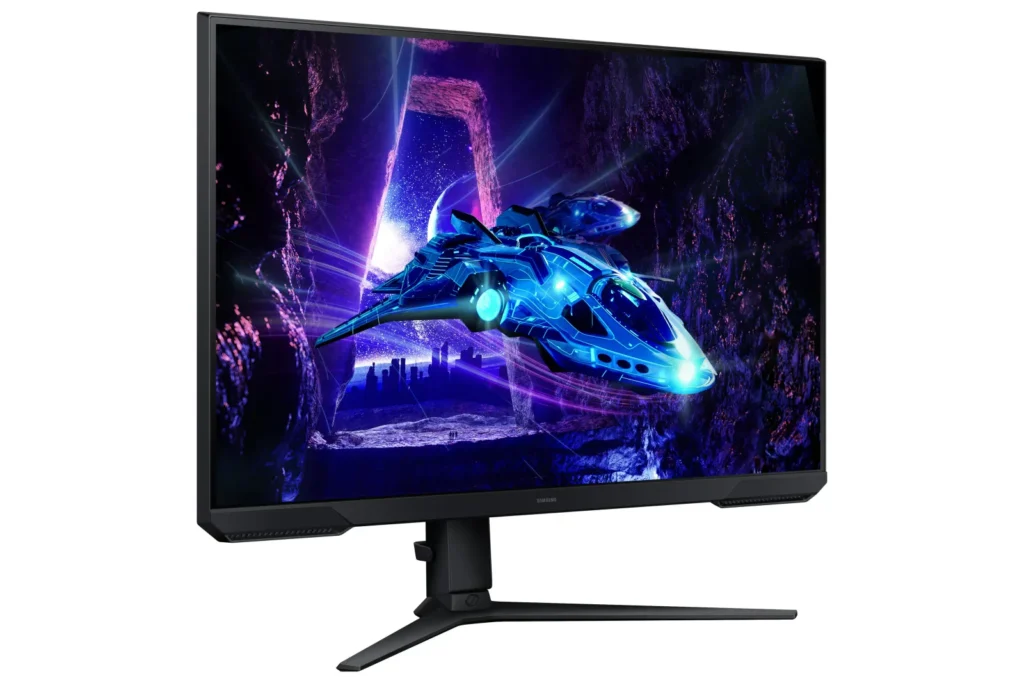
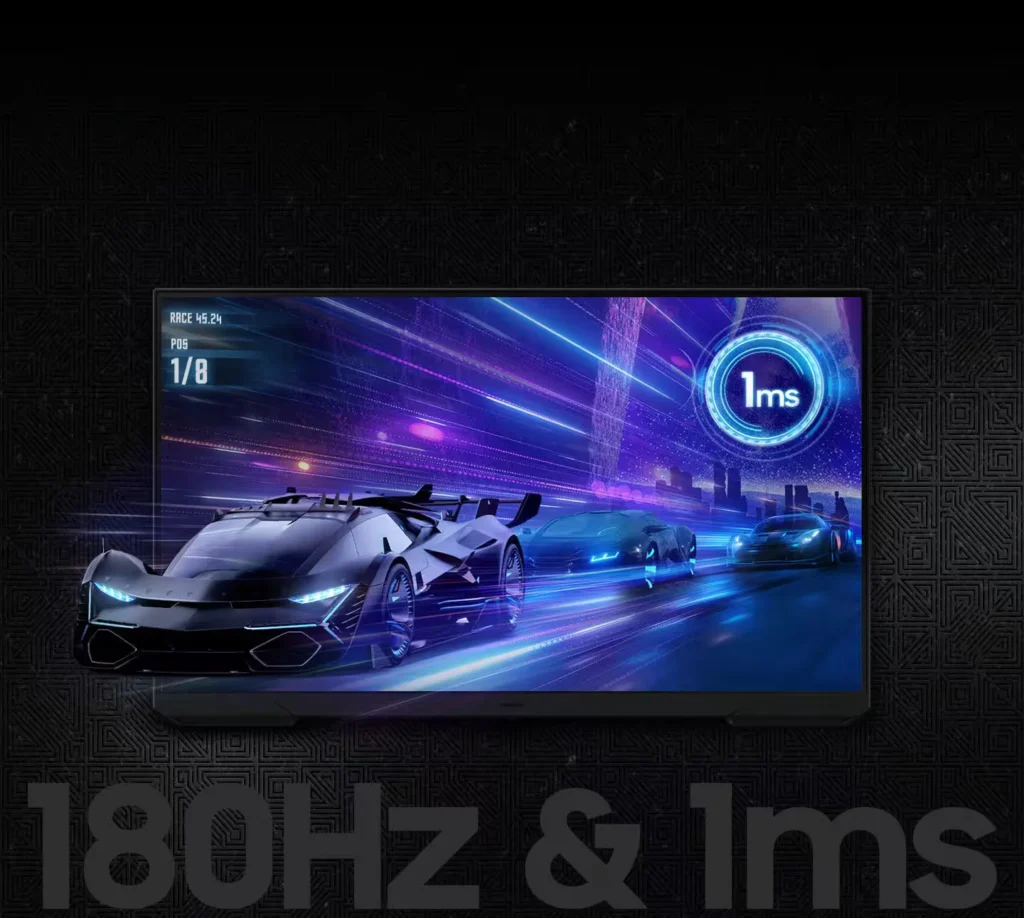
| 180Hz Refresh Rate & 1ms Response Time | Experience ultra-smooth gameplay with a 180Hz refresh rate that eliminates lag and a 1ms (MPRT) response time that minimizes motion blur for precise, real-time reactions. |
|---|---|
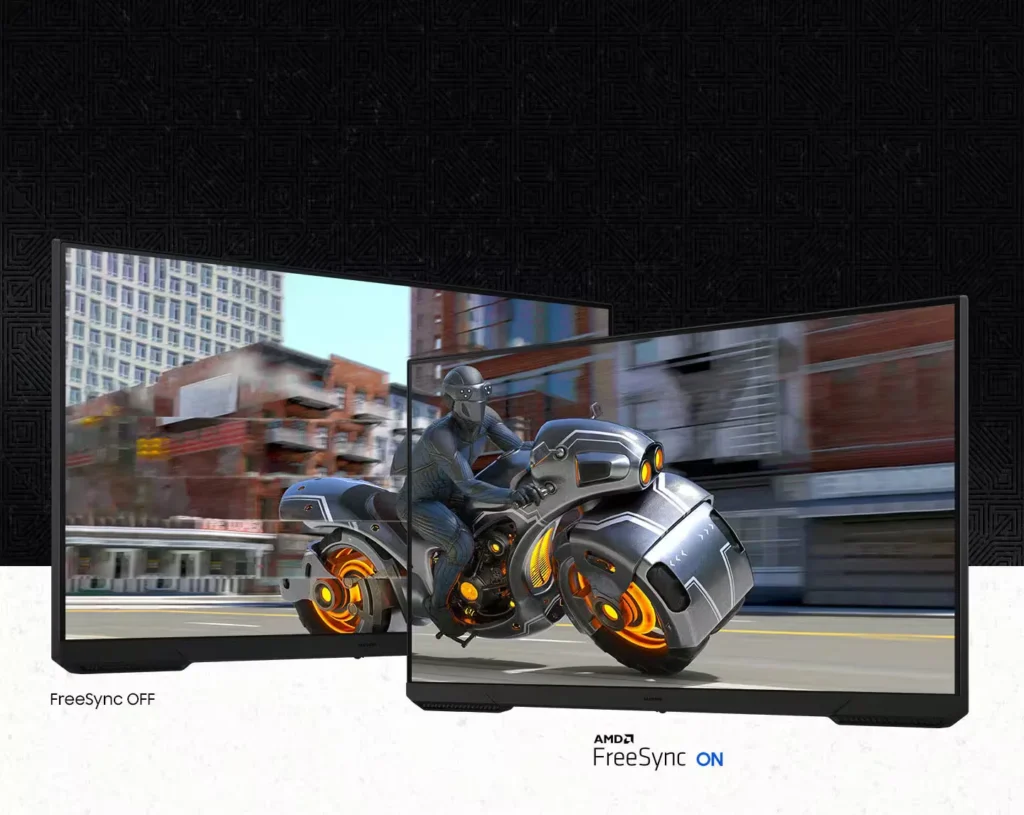
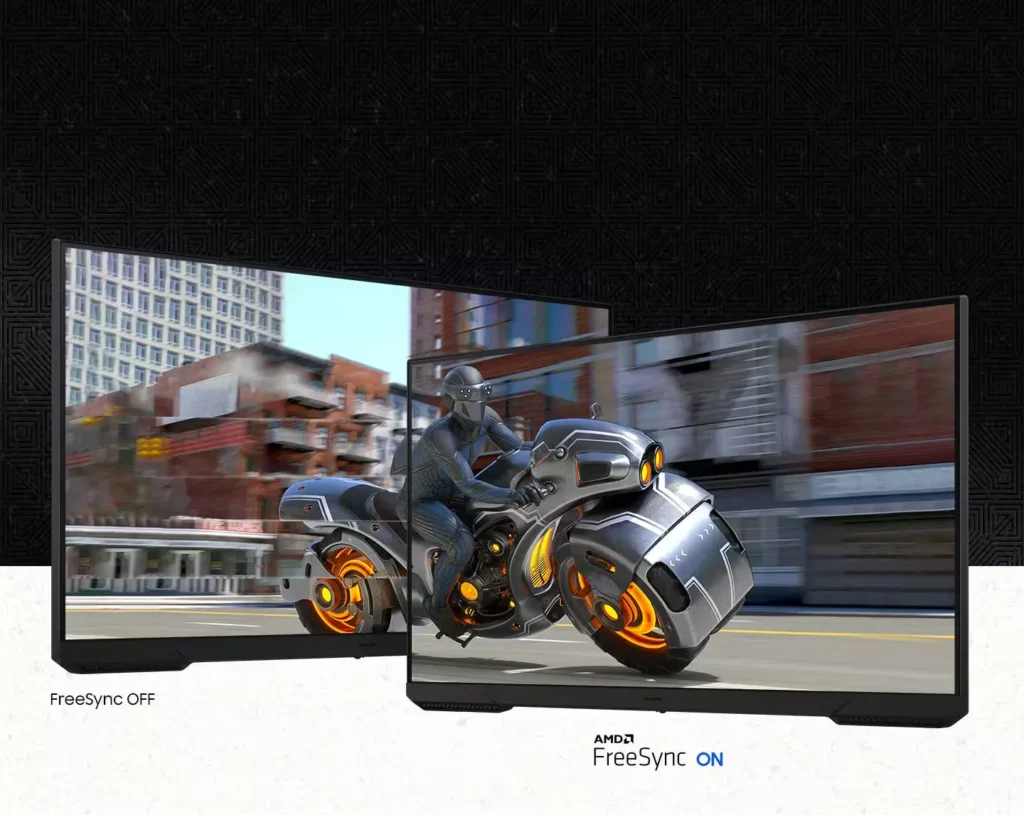
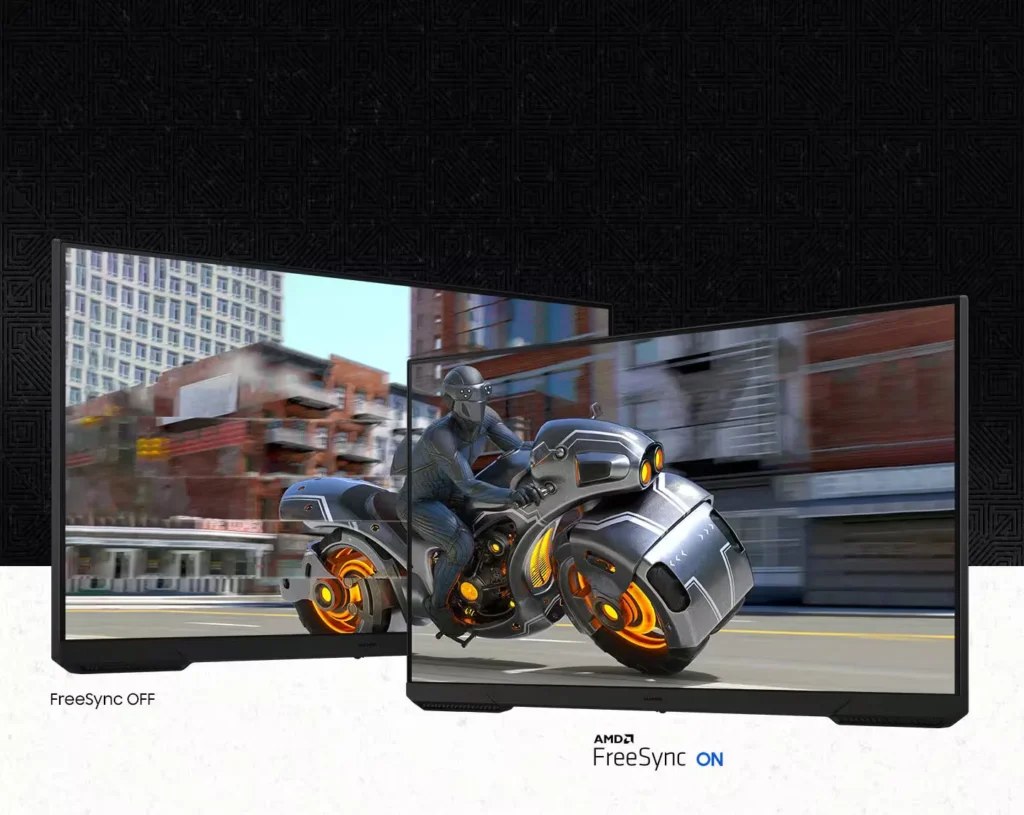
| AMD FreeSync Technology | Keep your monitor and graphics card in sync to reduce image tearing, stutter, and input latency, ensuring seamless and fluid action even during fast-paced scenes. |
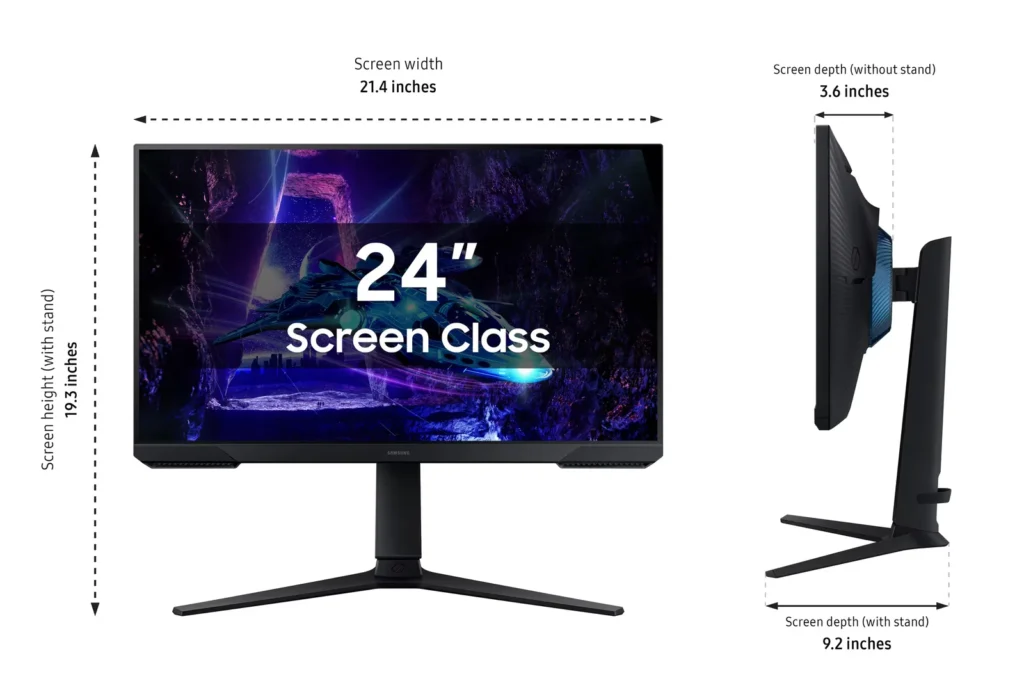
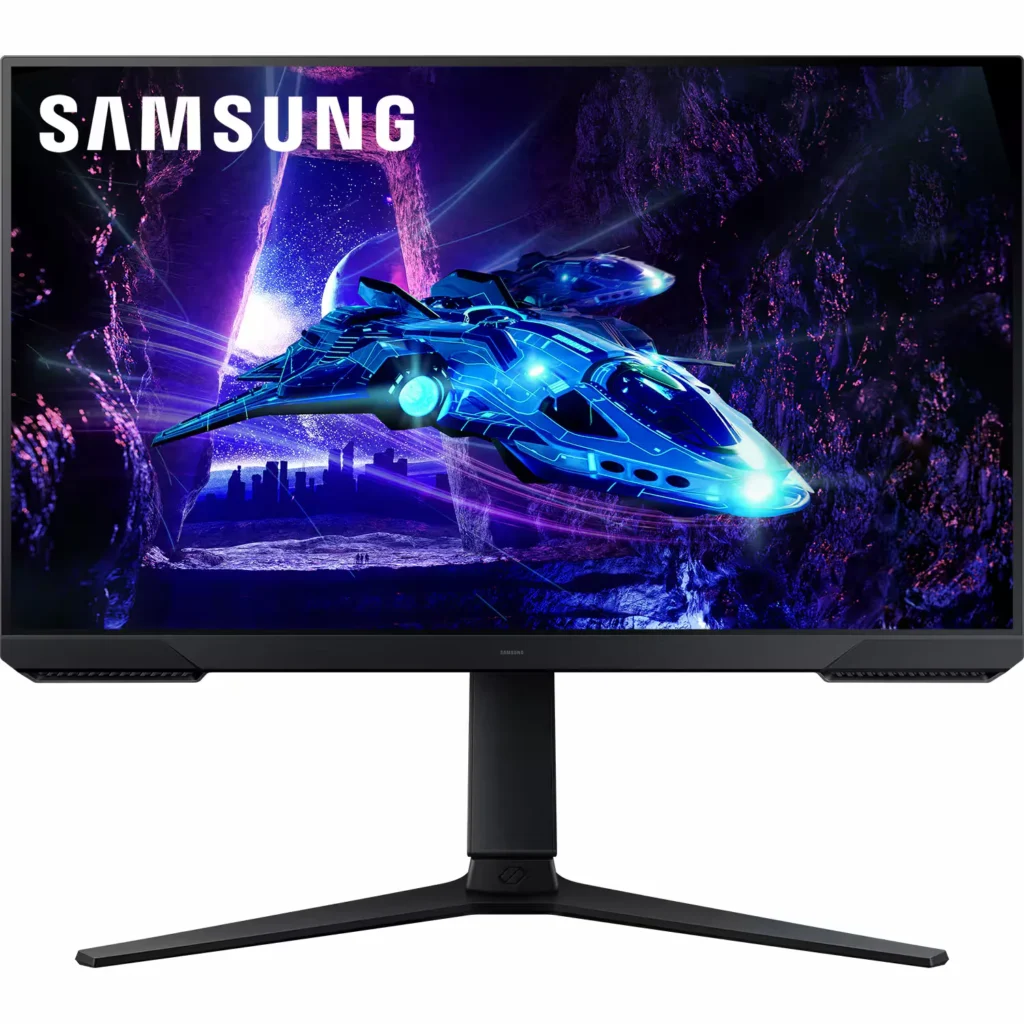
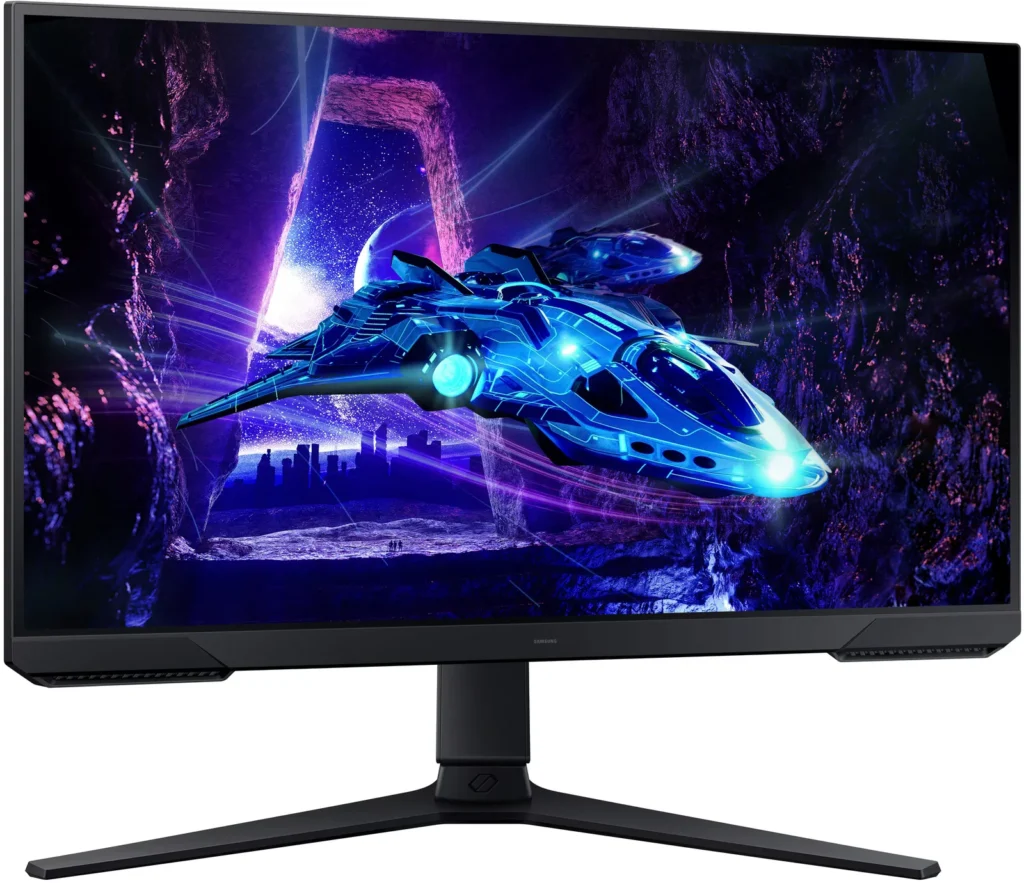
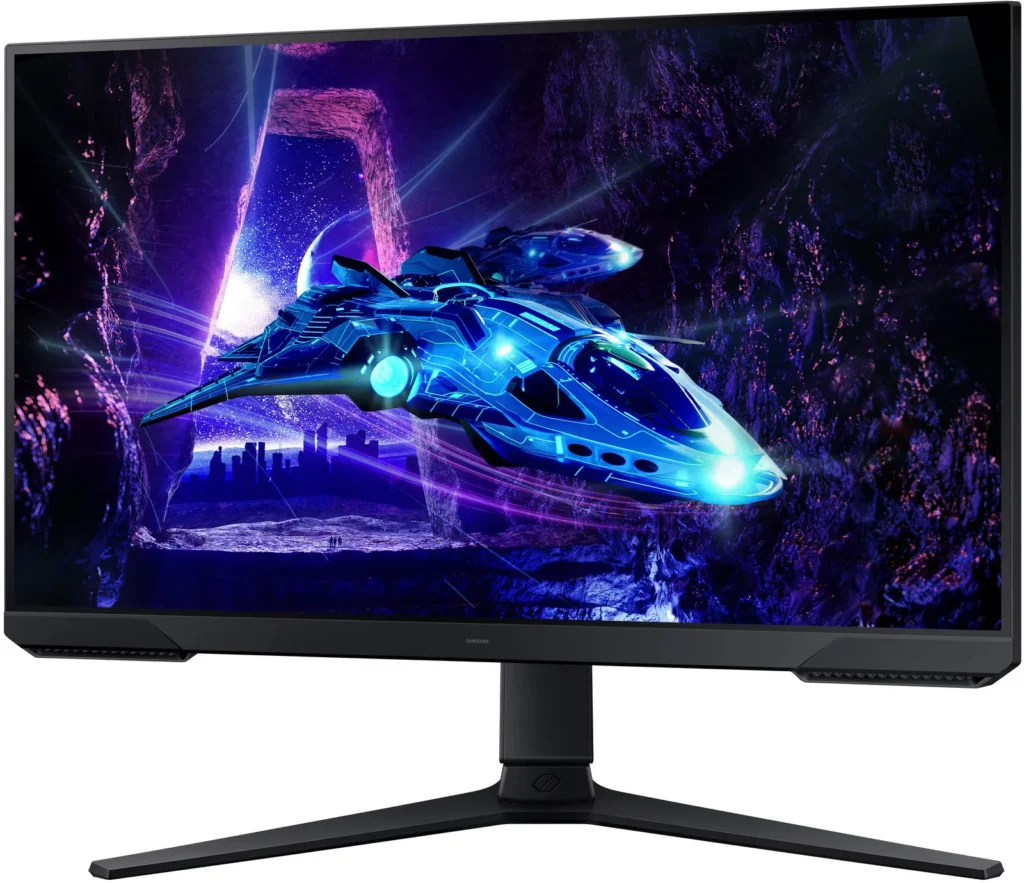
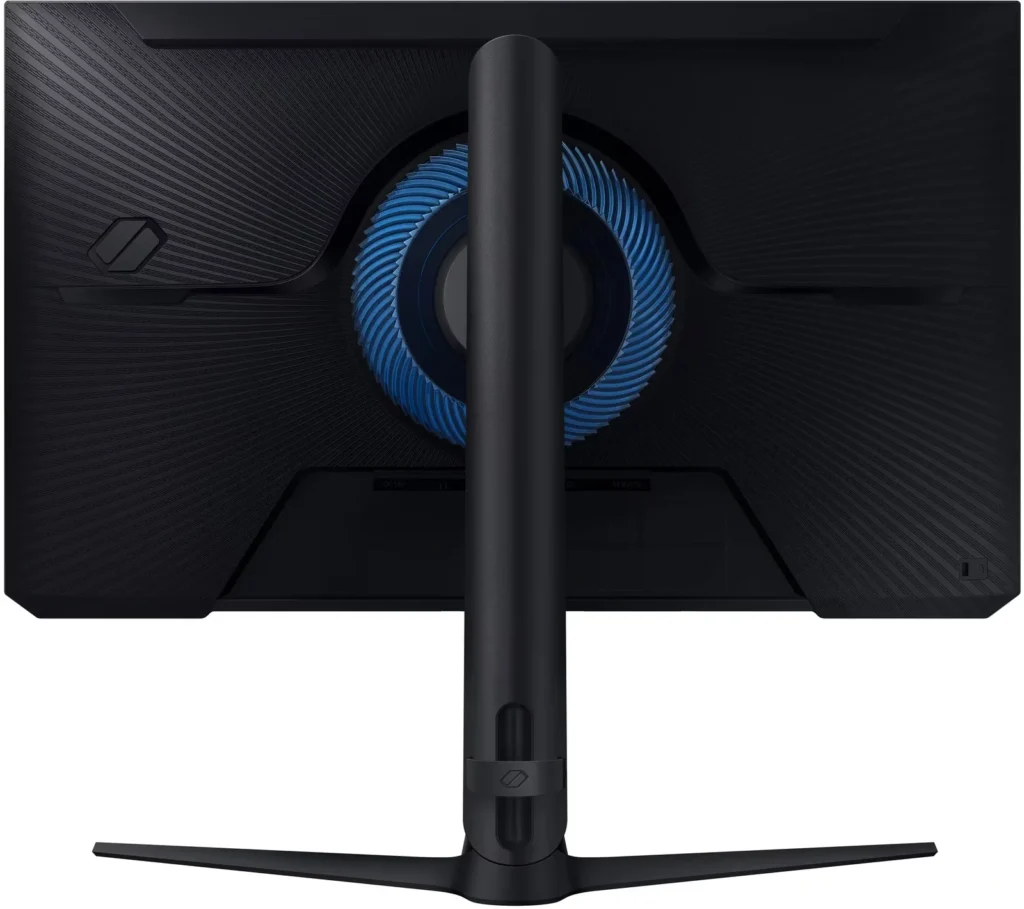
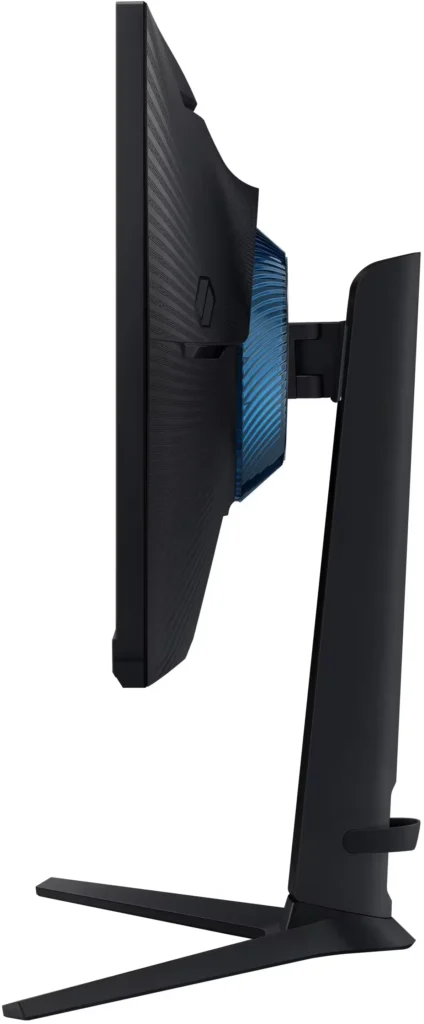
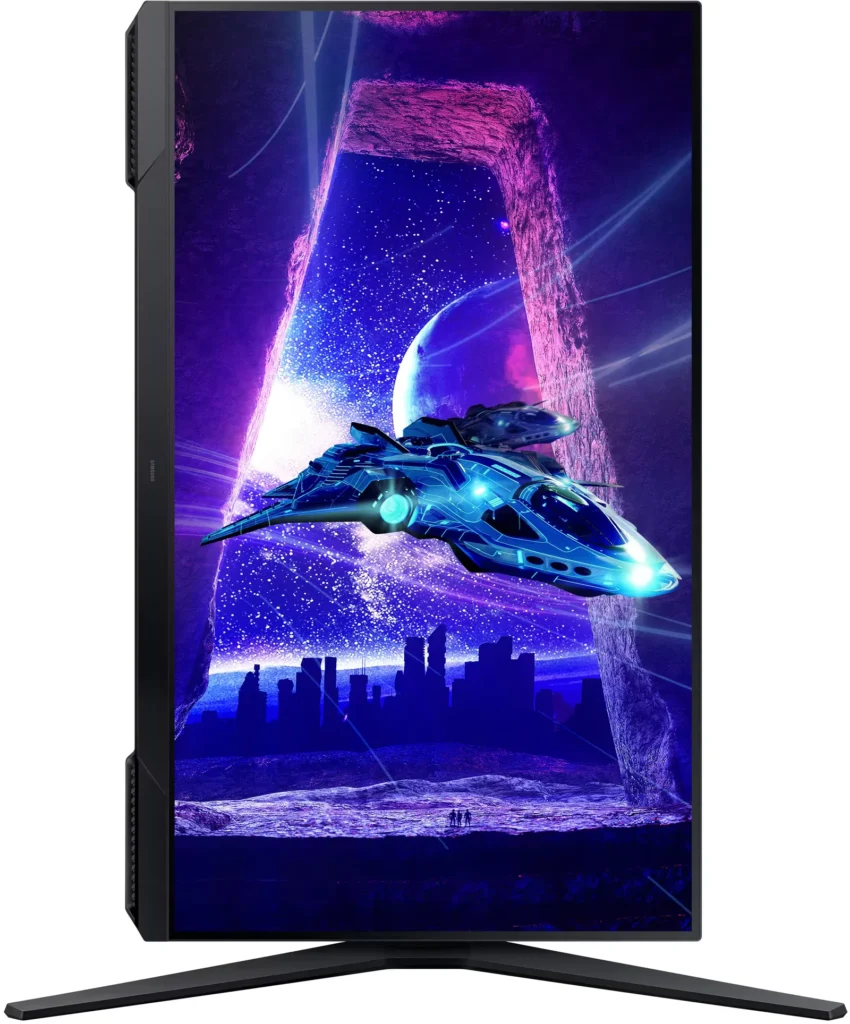
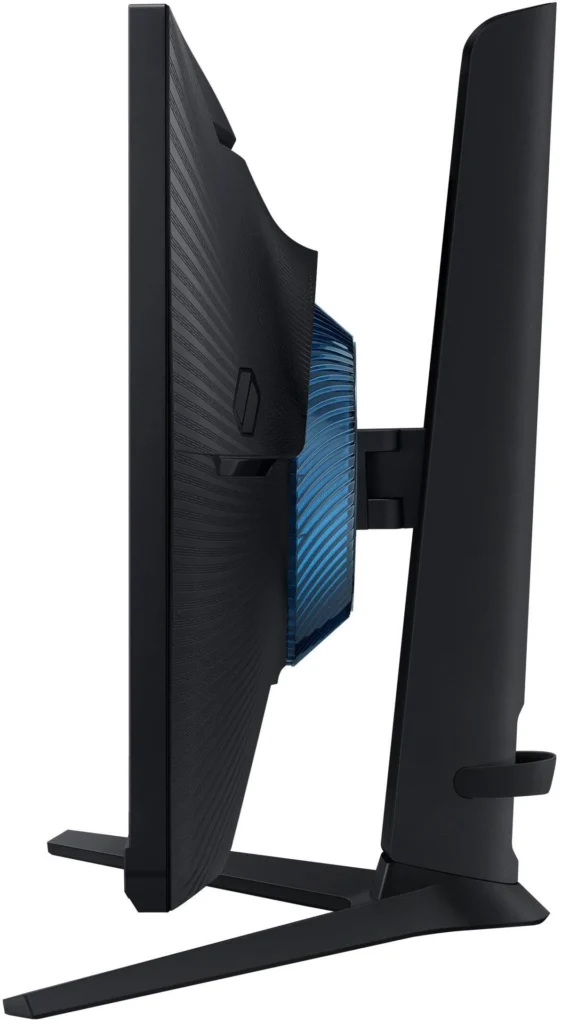
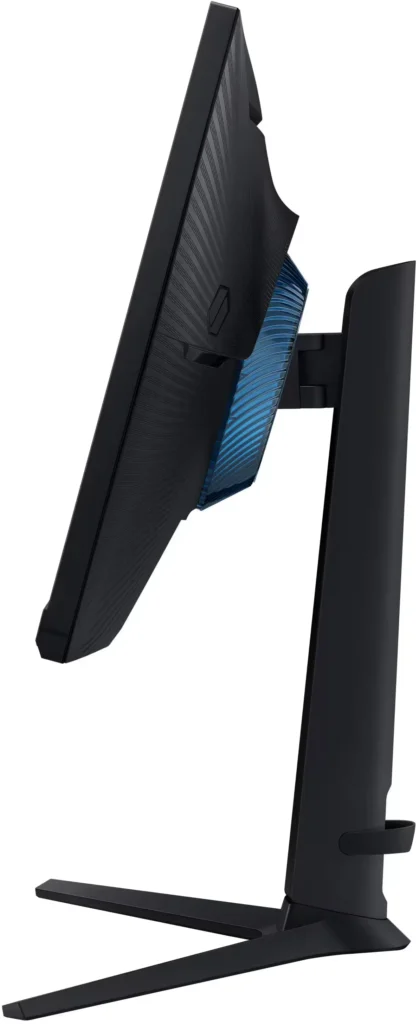
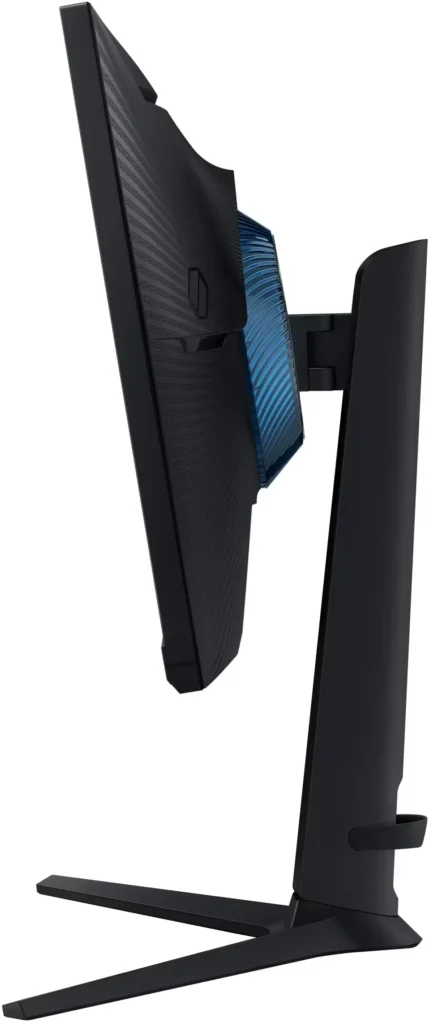
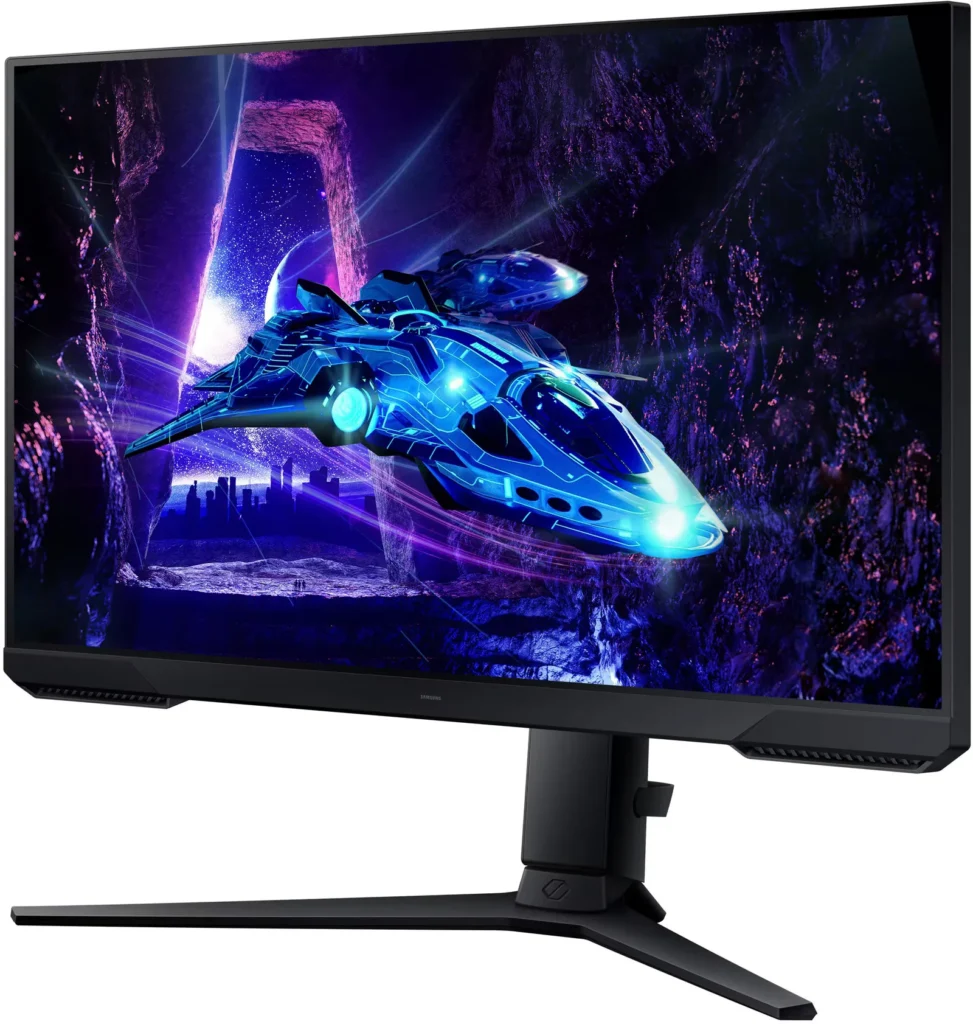
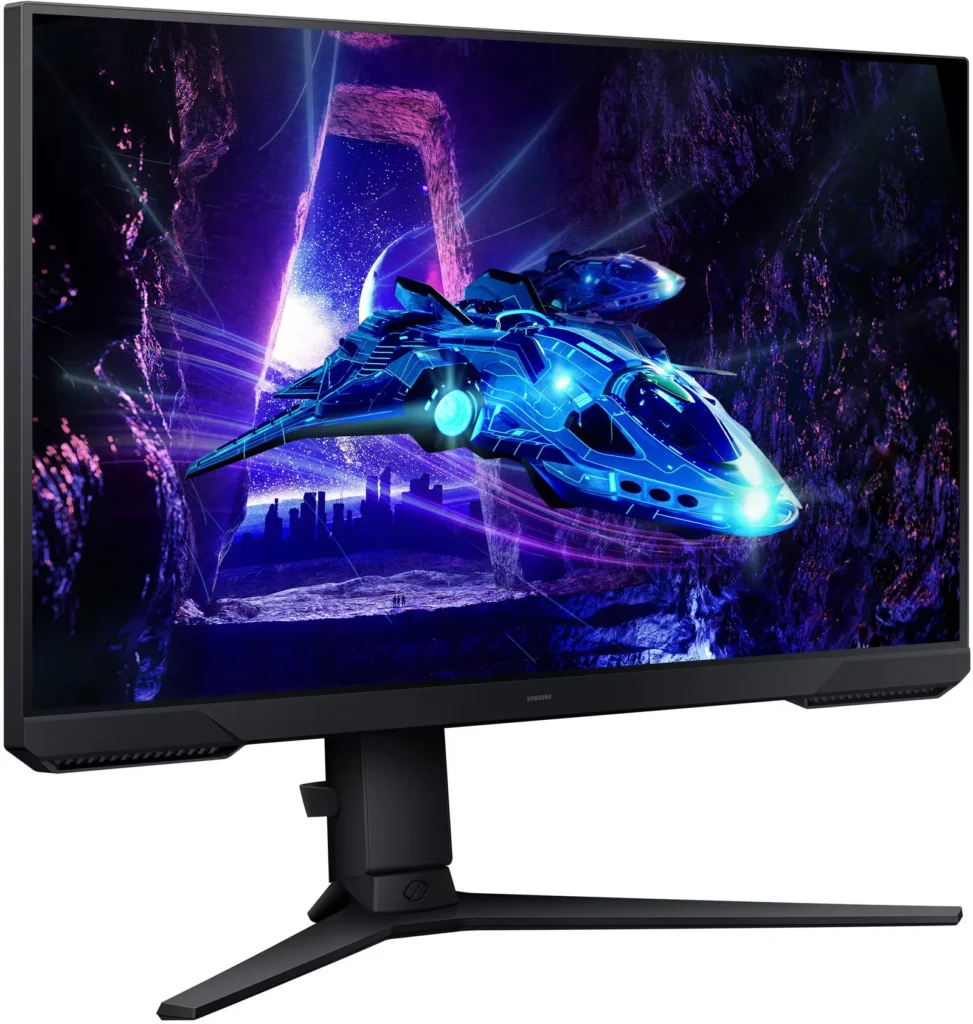
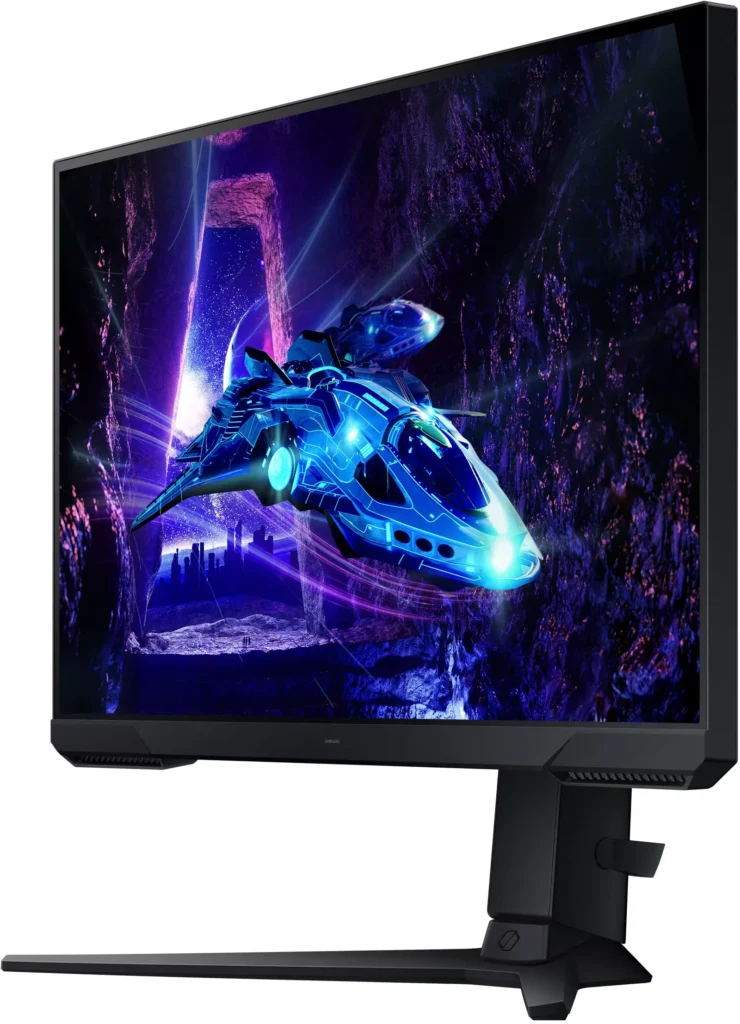
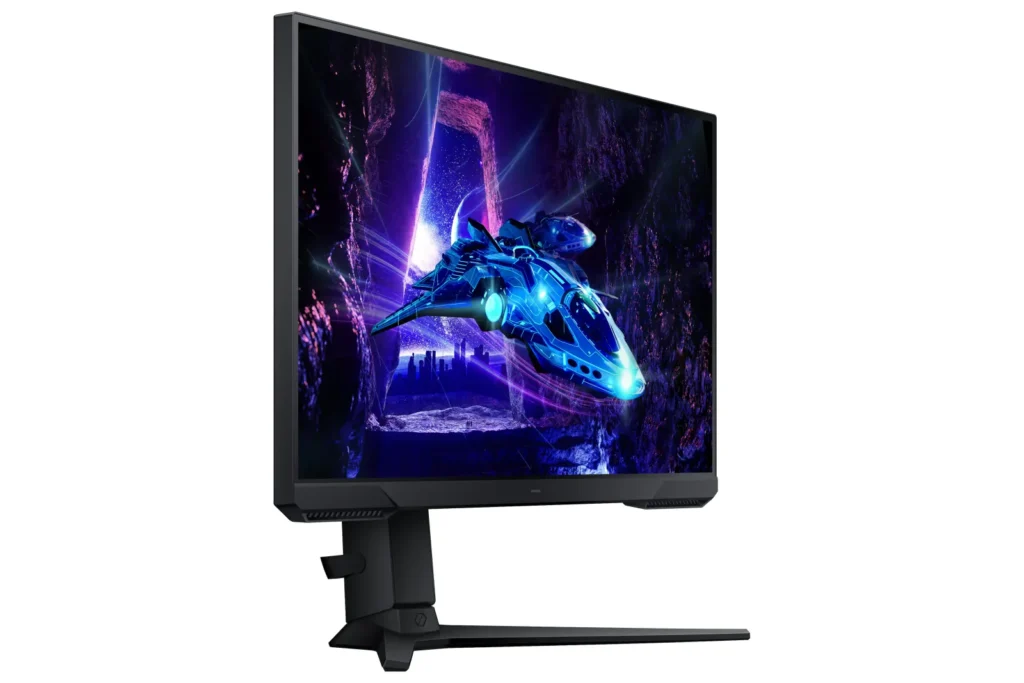
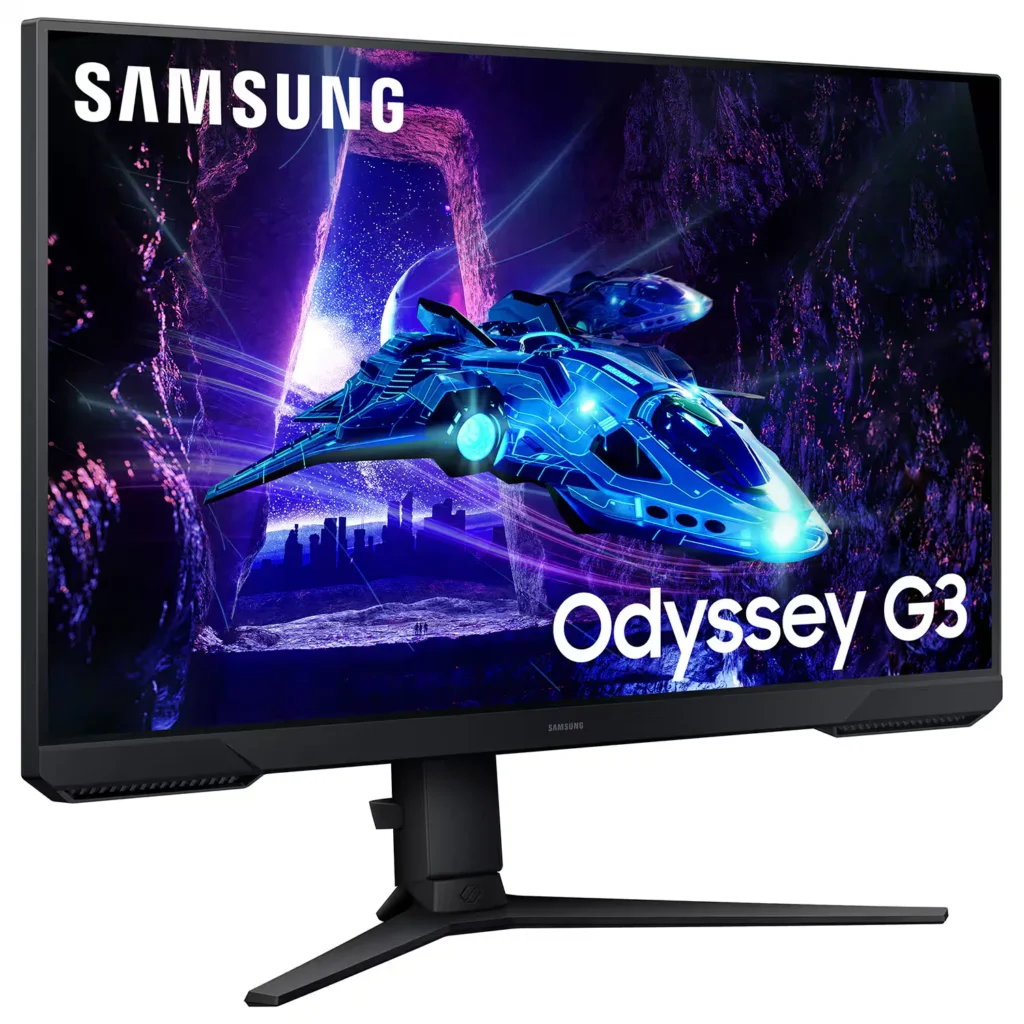
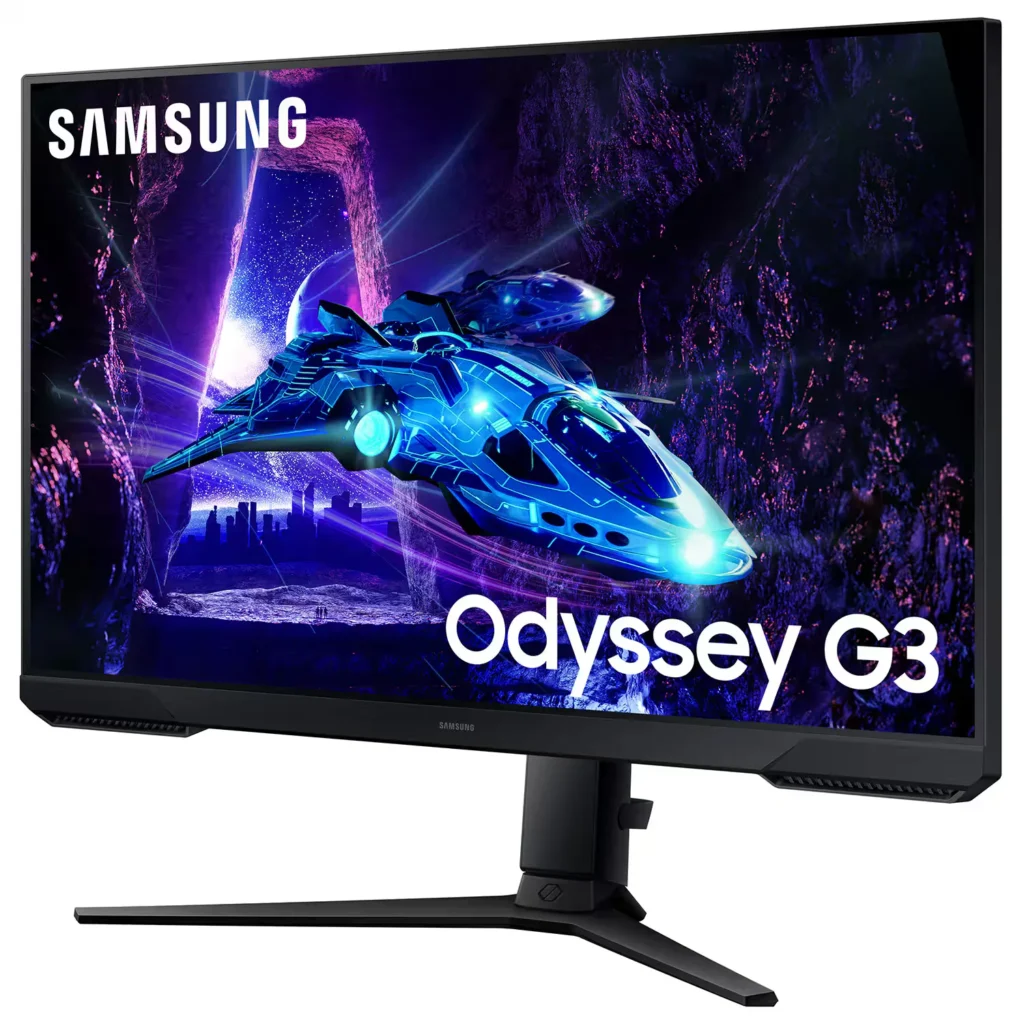
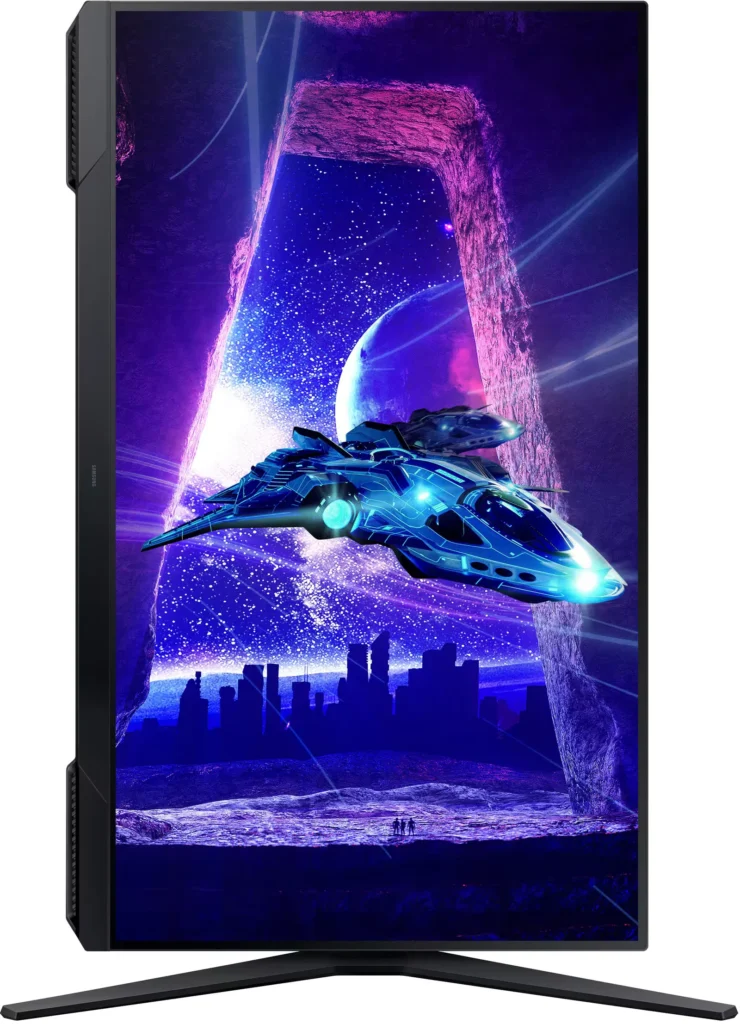
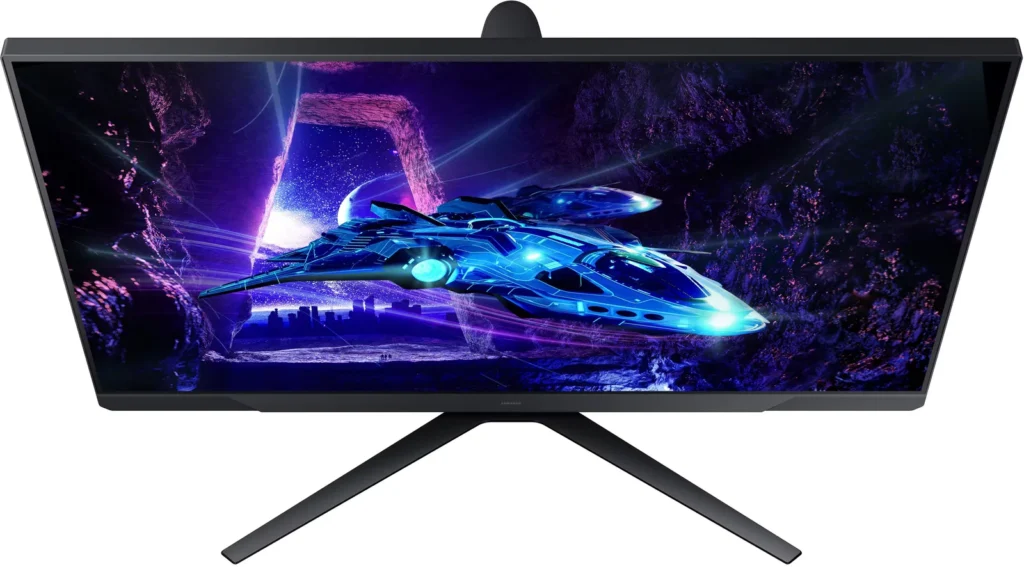
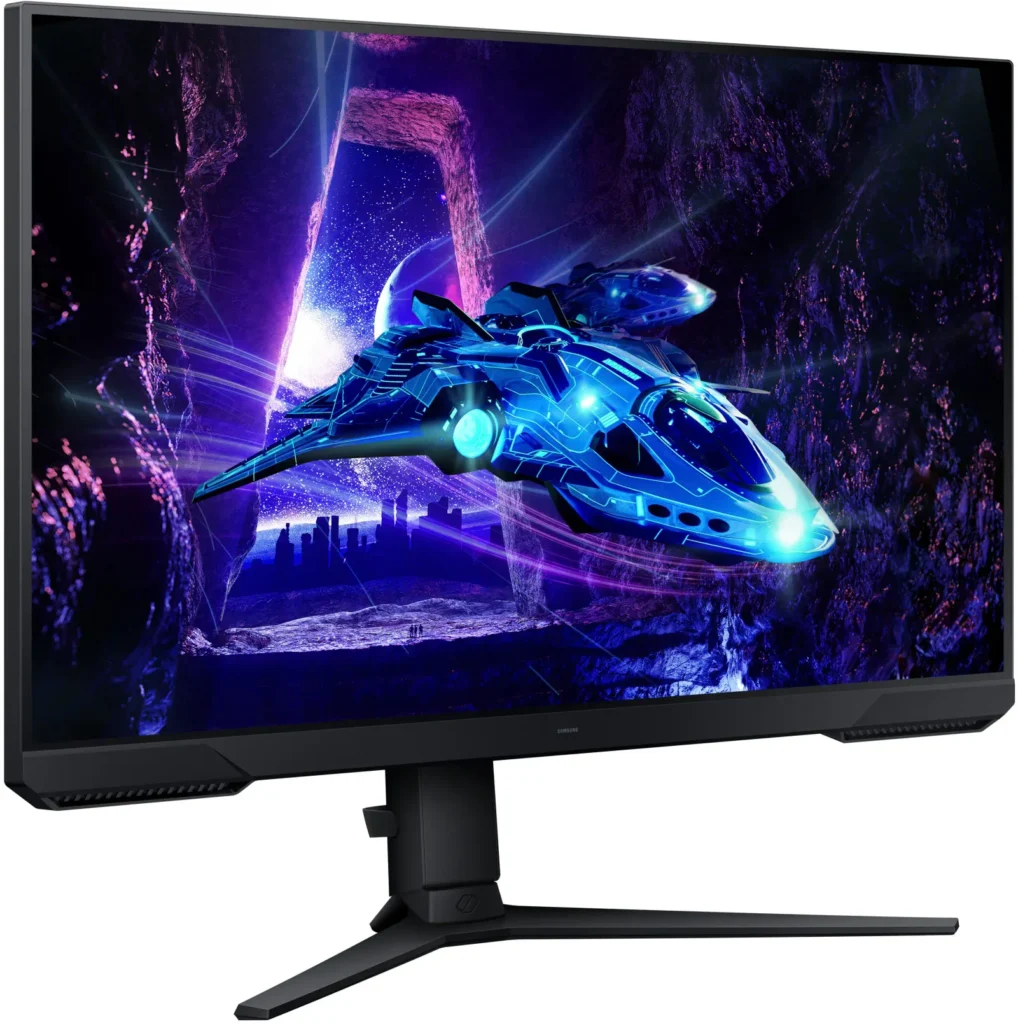
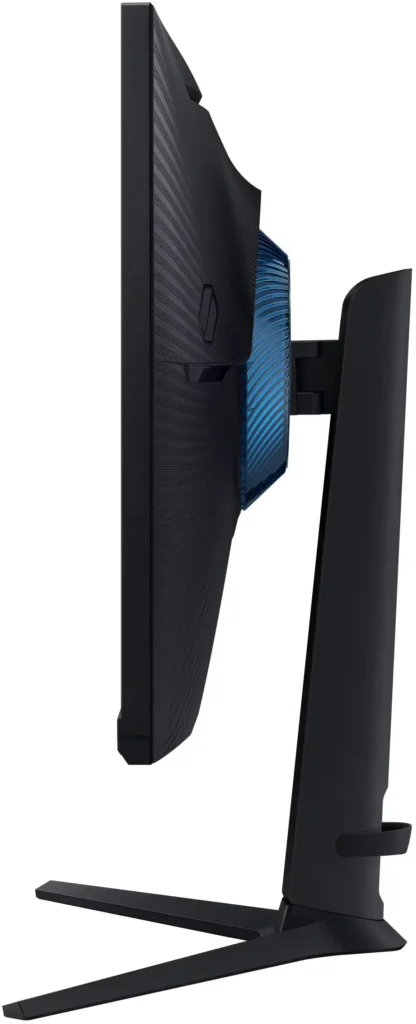
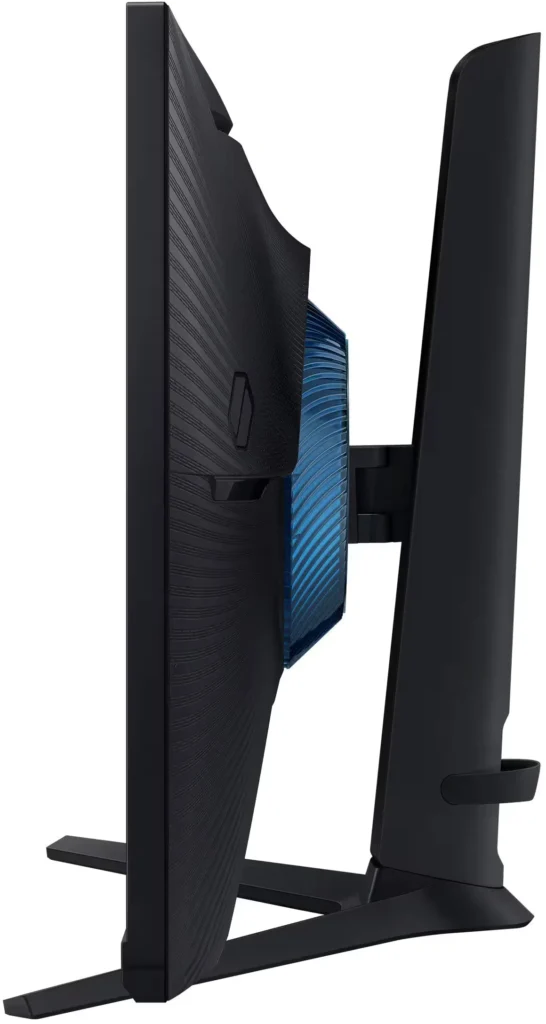
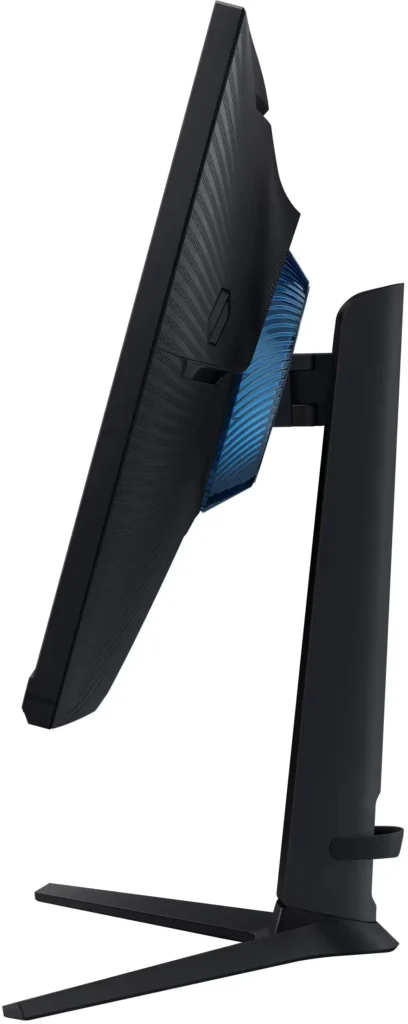
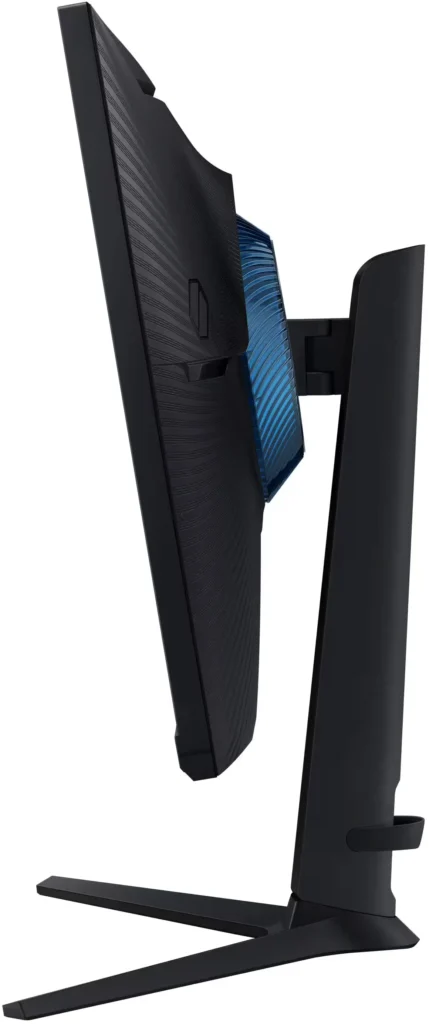
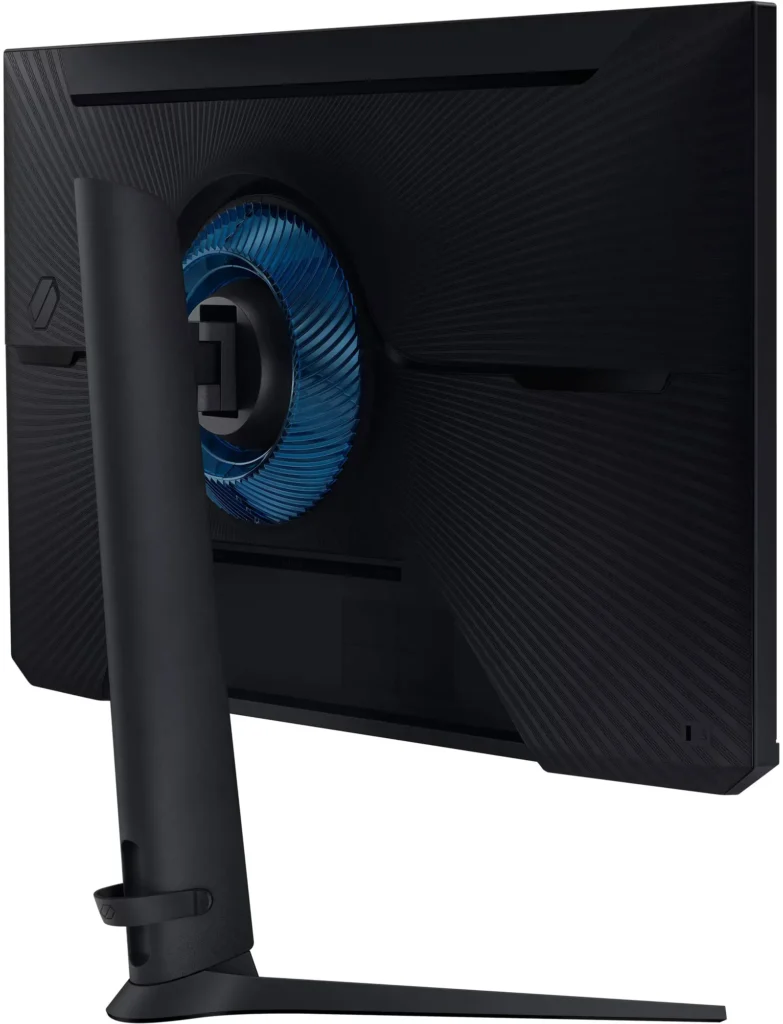
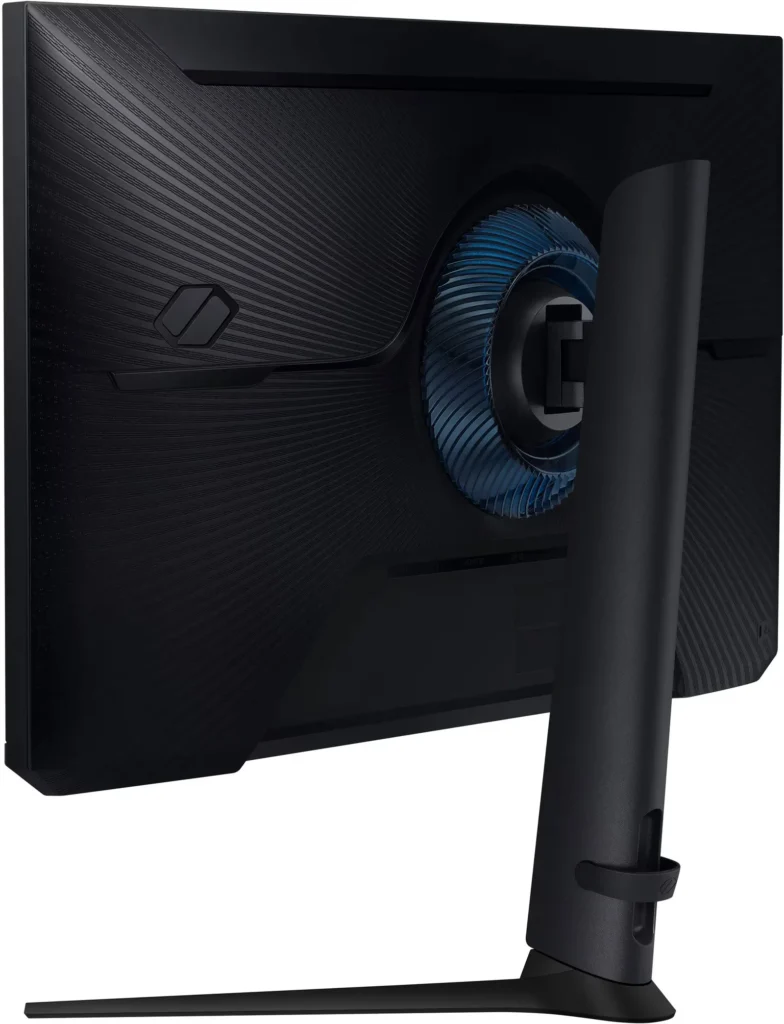
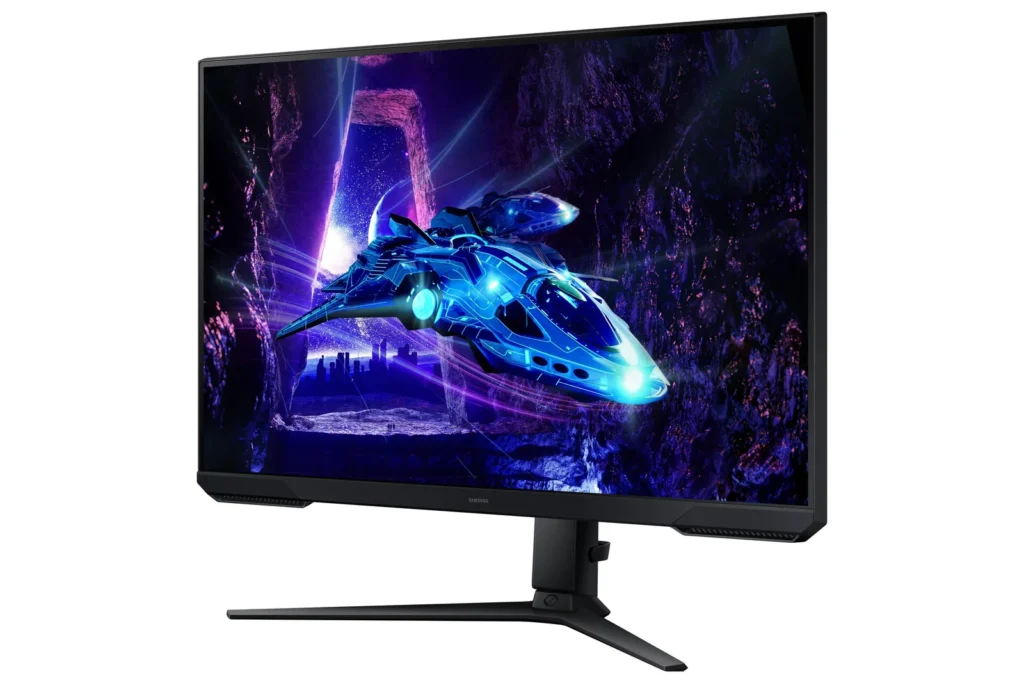
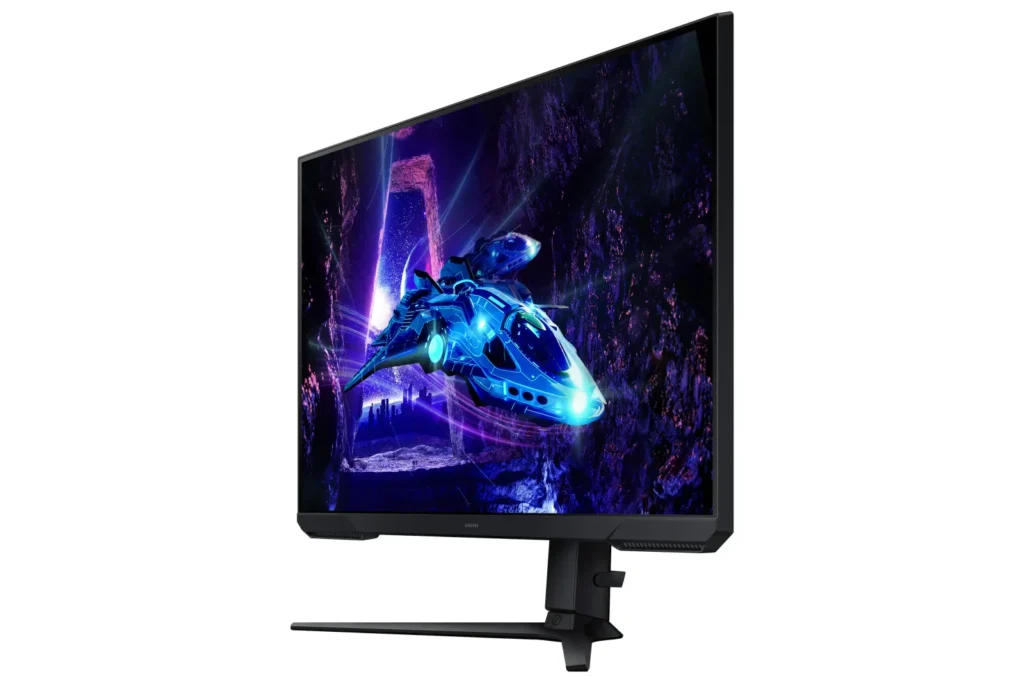
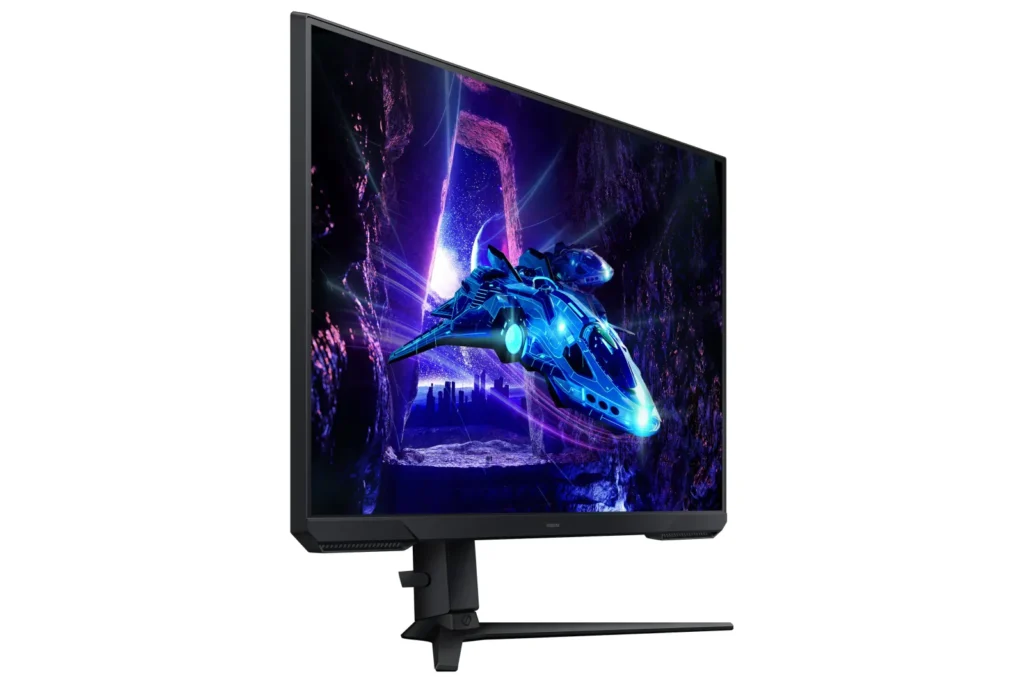
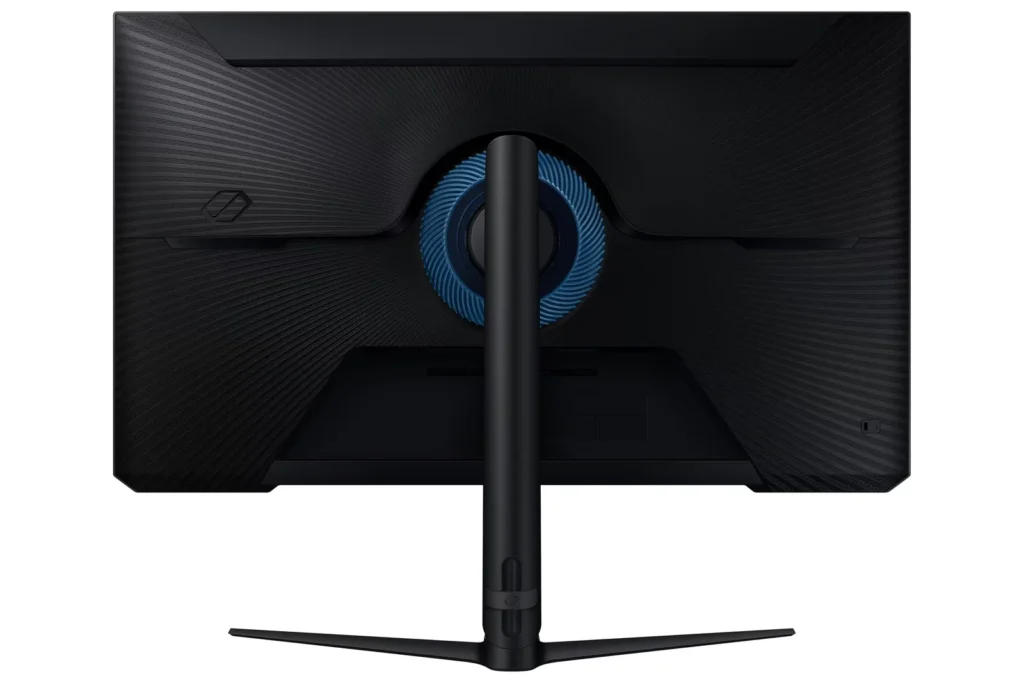
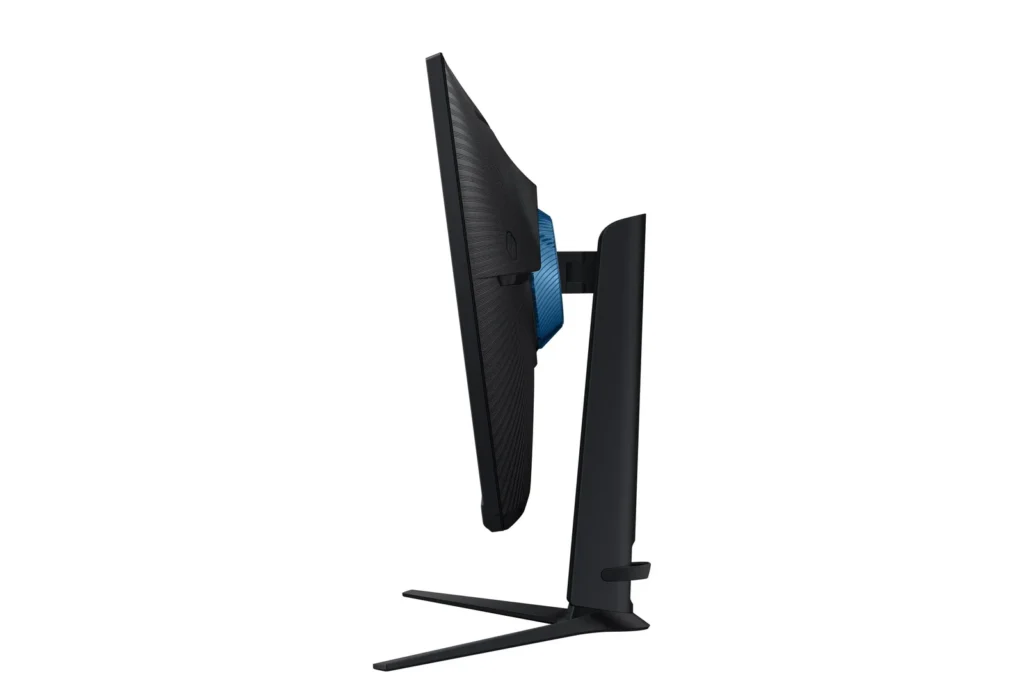
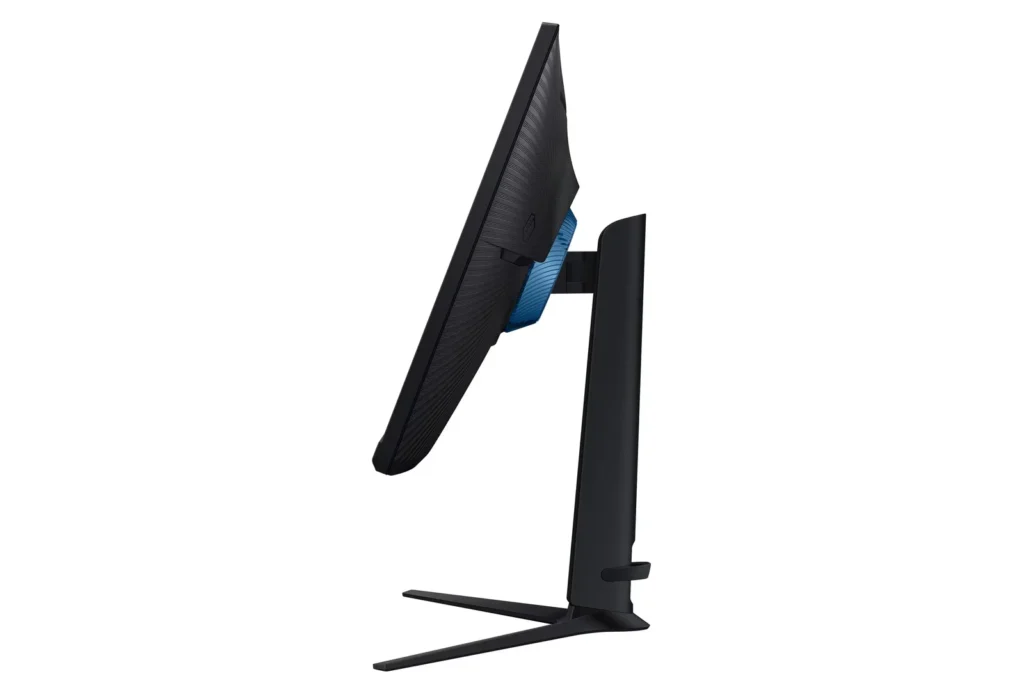
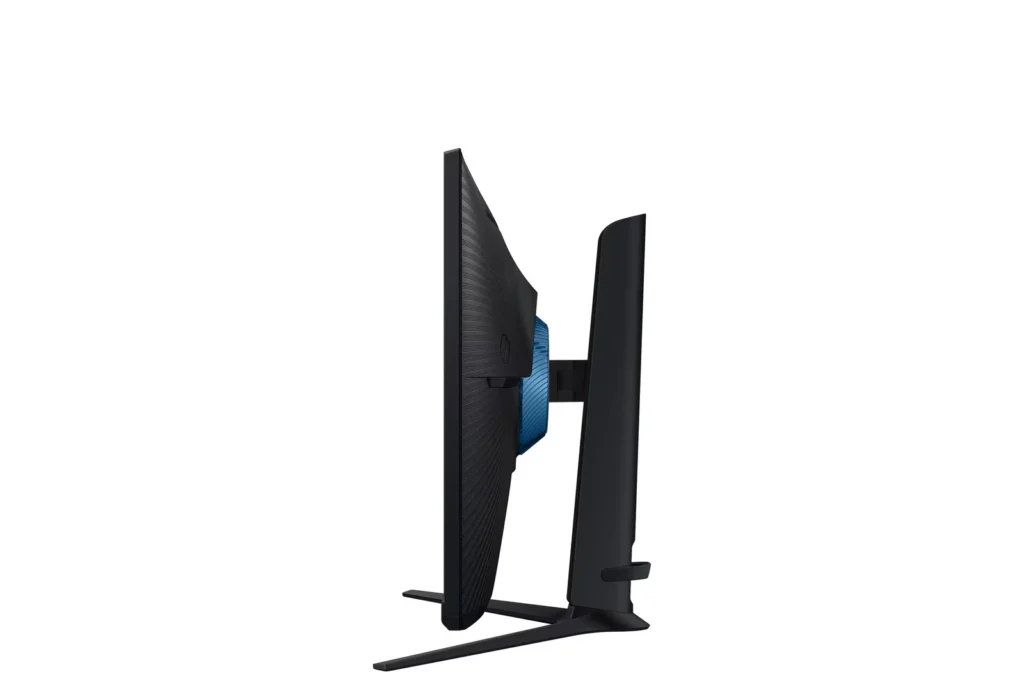
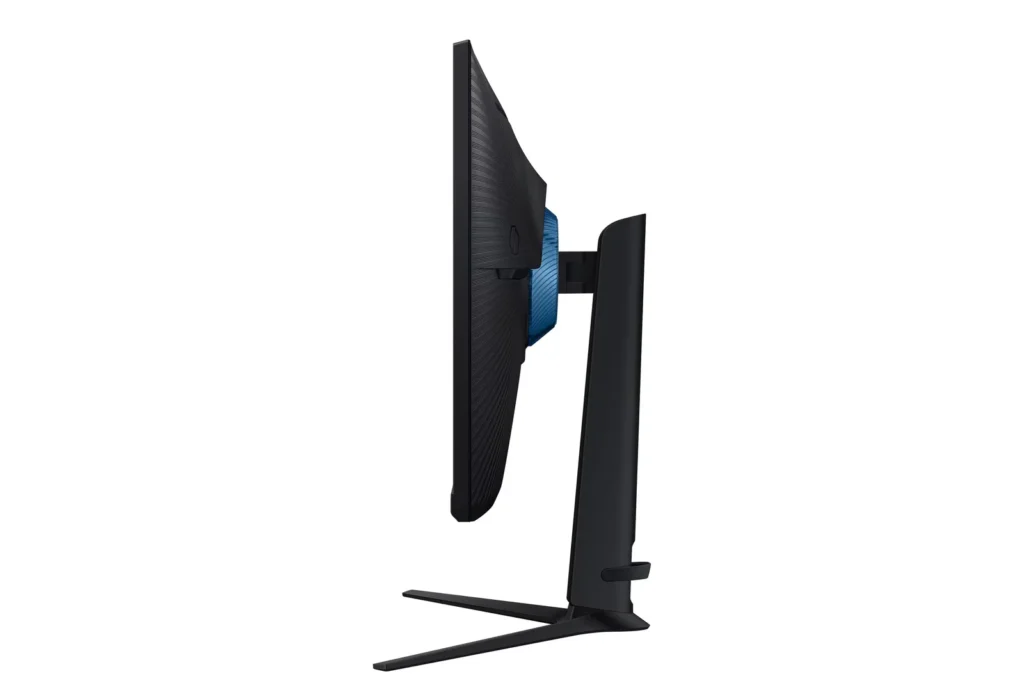
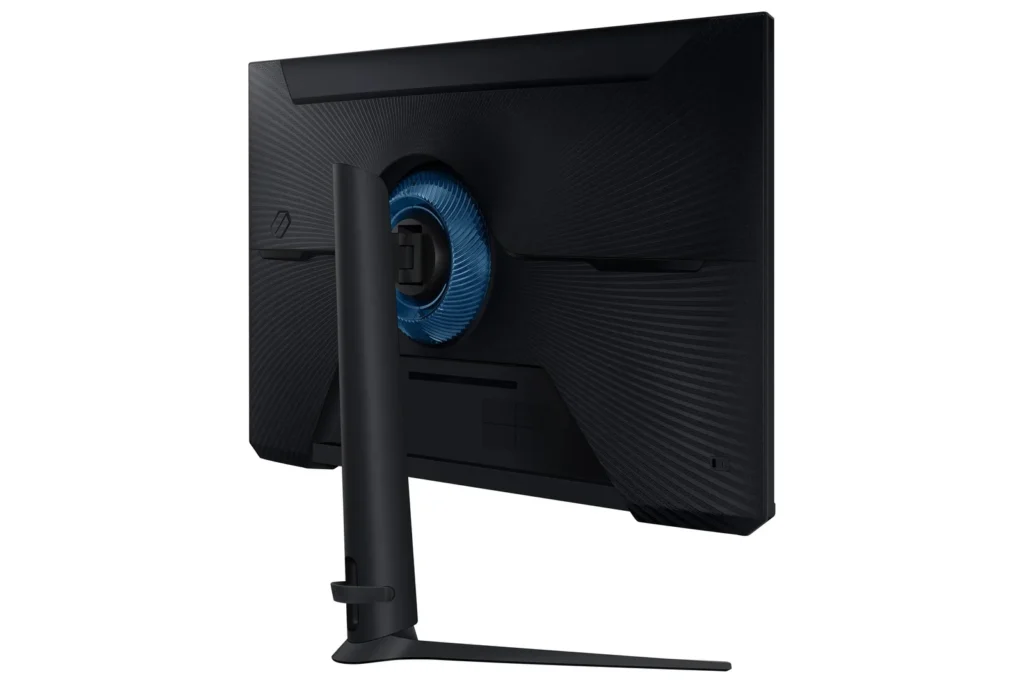
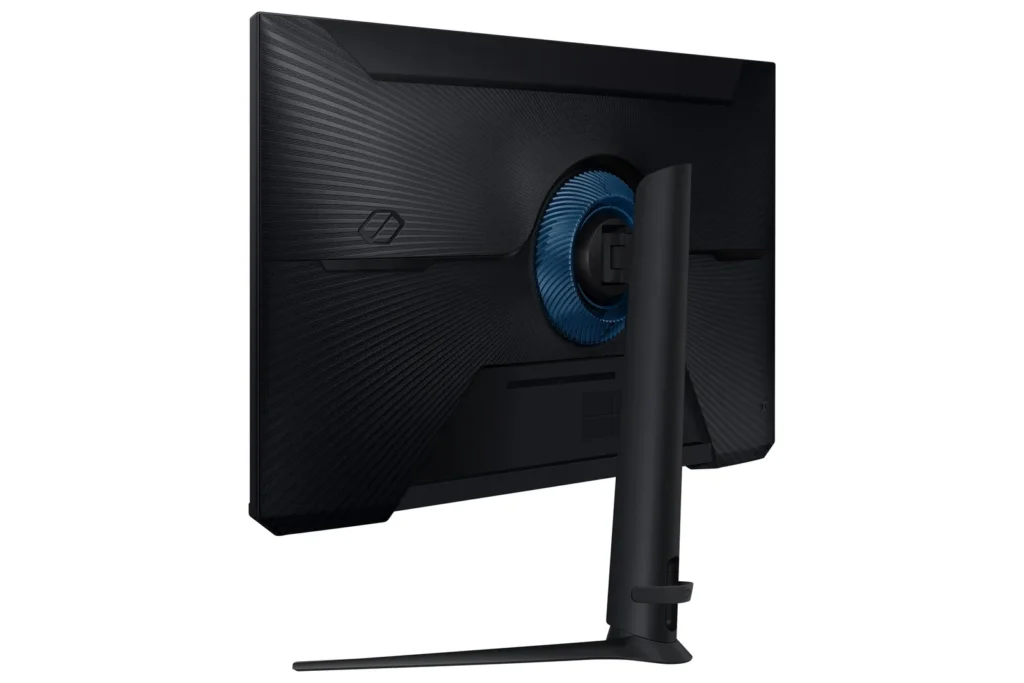
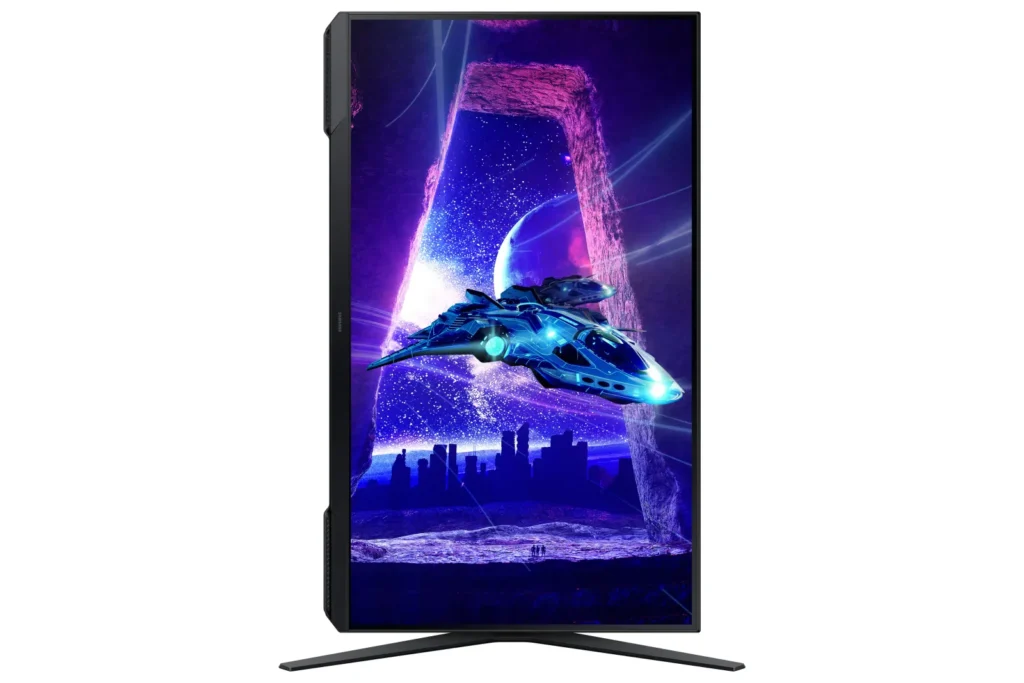
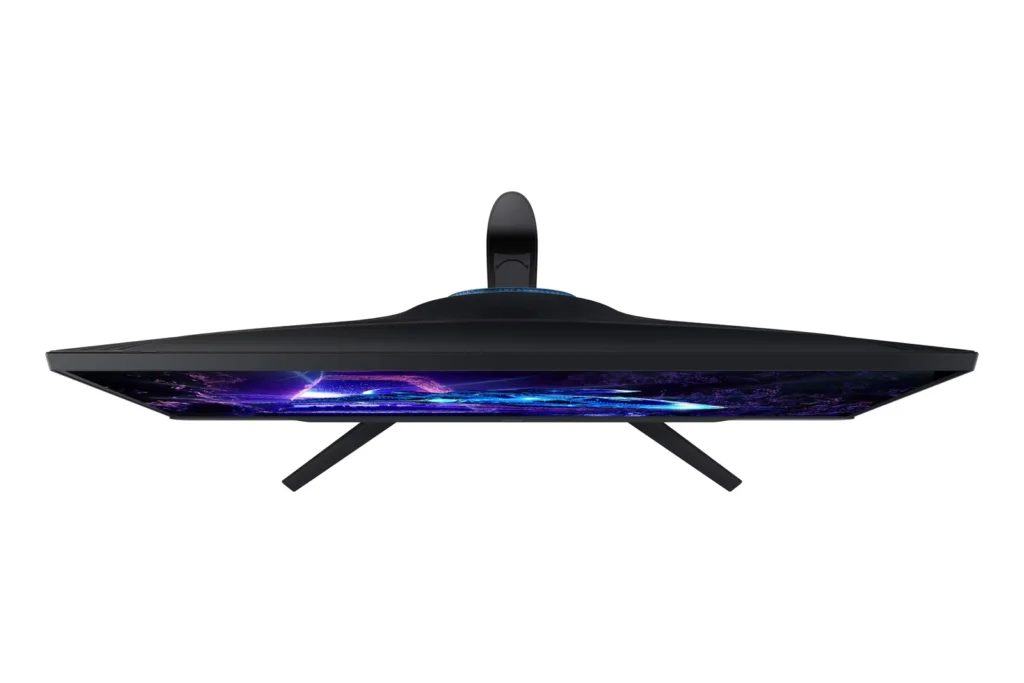
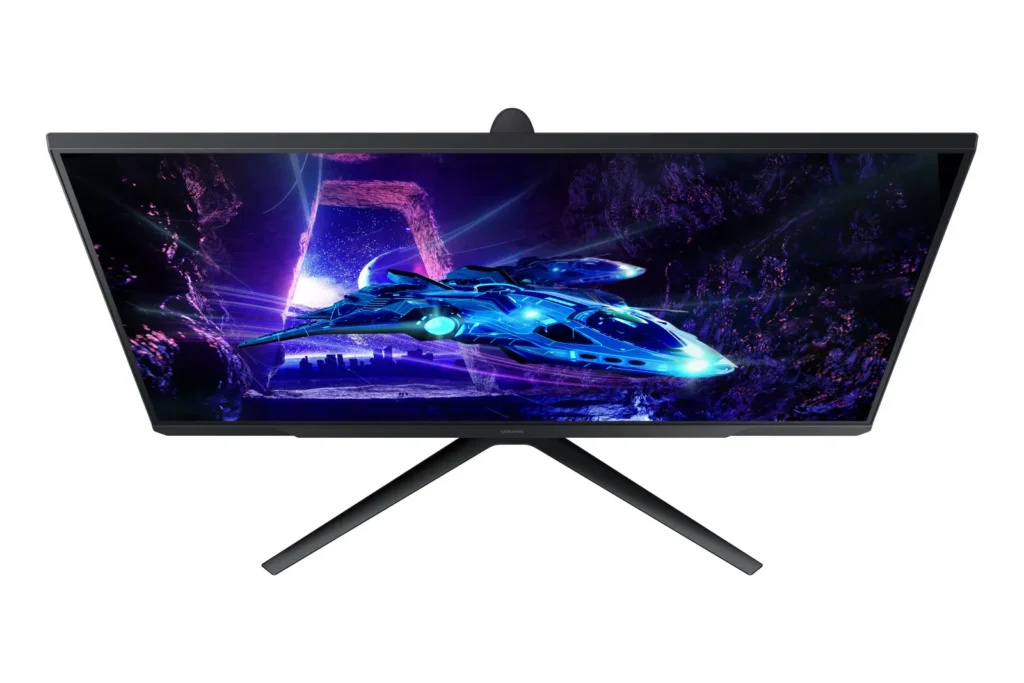
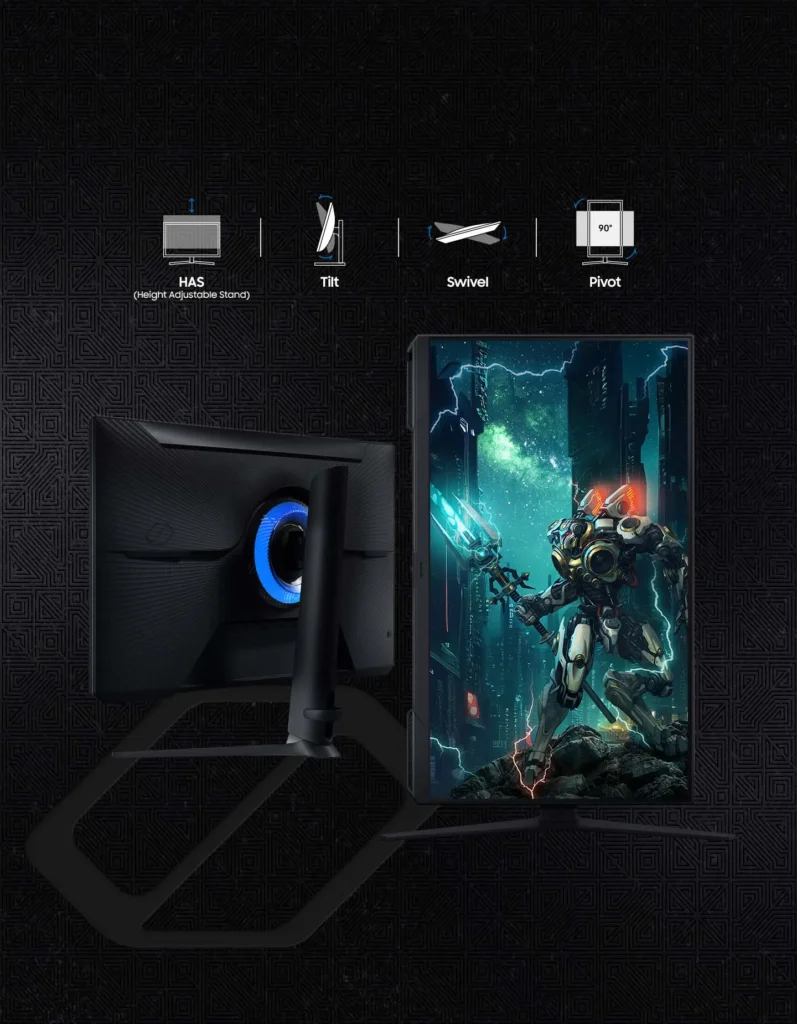
| Fully Ergonomic Stand | Find your perfect viewing angle with a versatile stand that allows you to swivel, tilt, pivot, and adjust the height, providing maximum comfort for extended gaming sessions. |
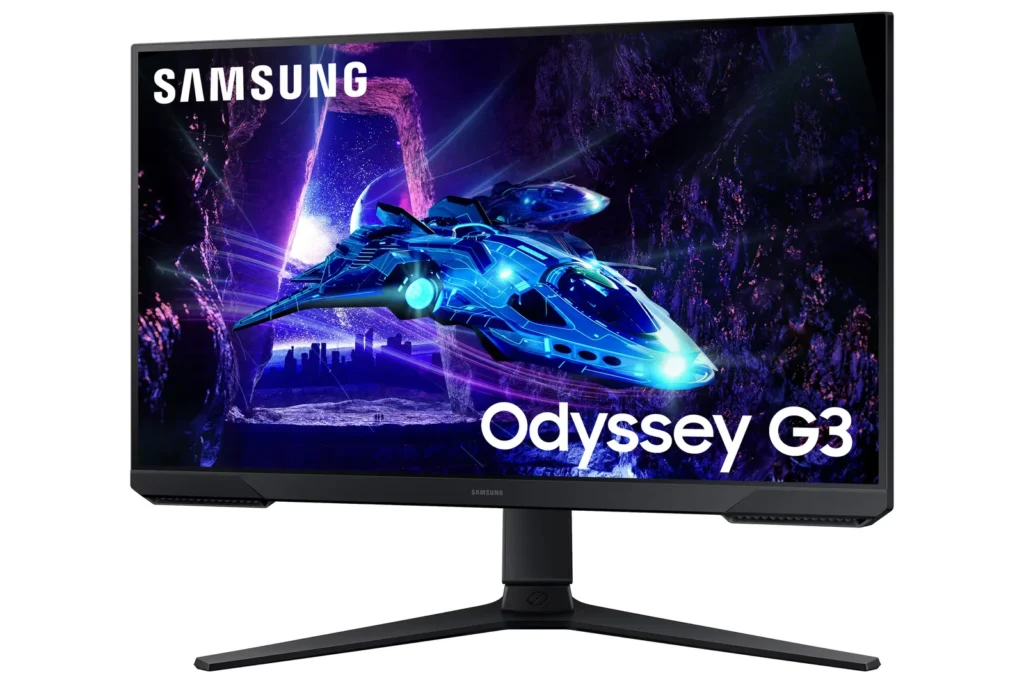
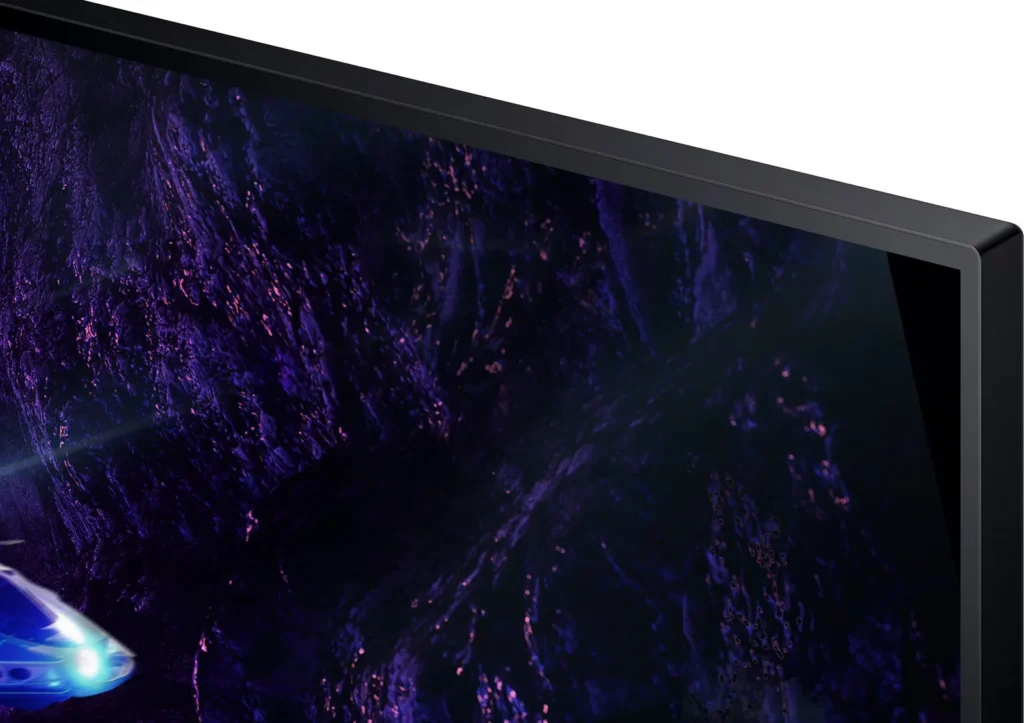
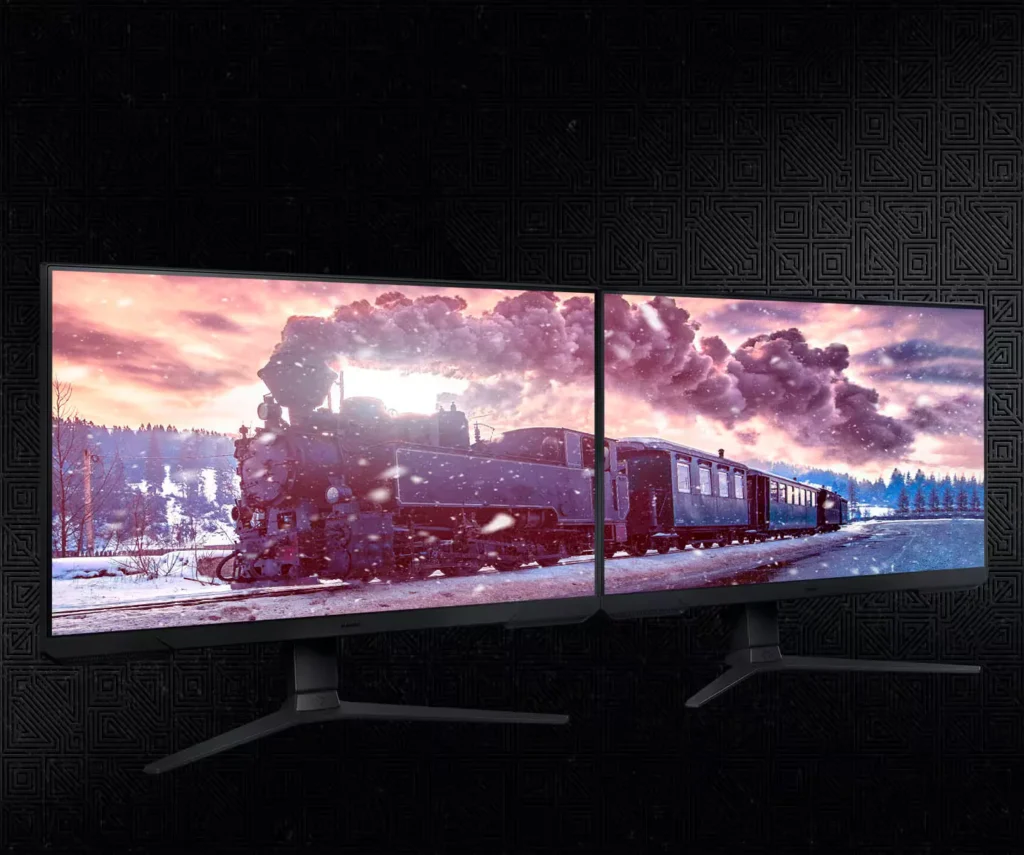
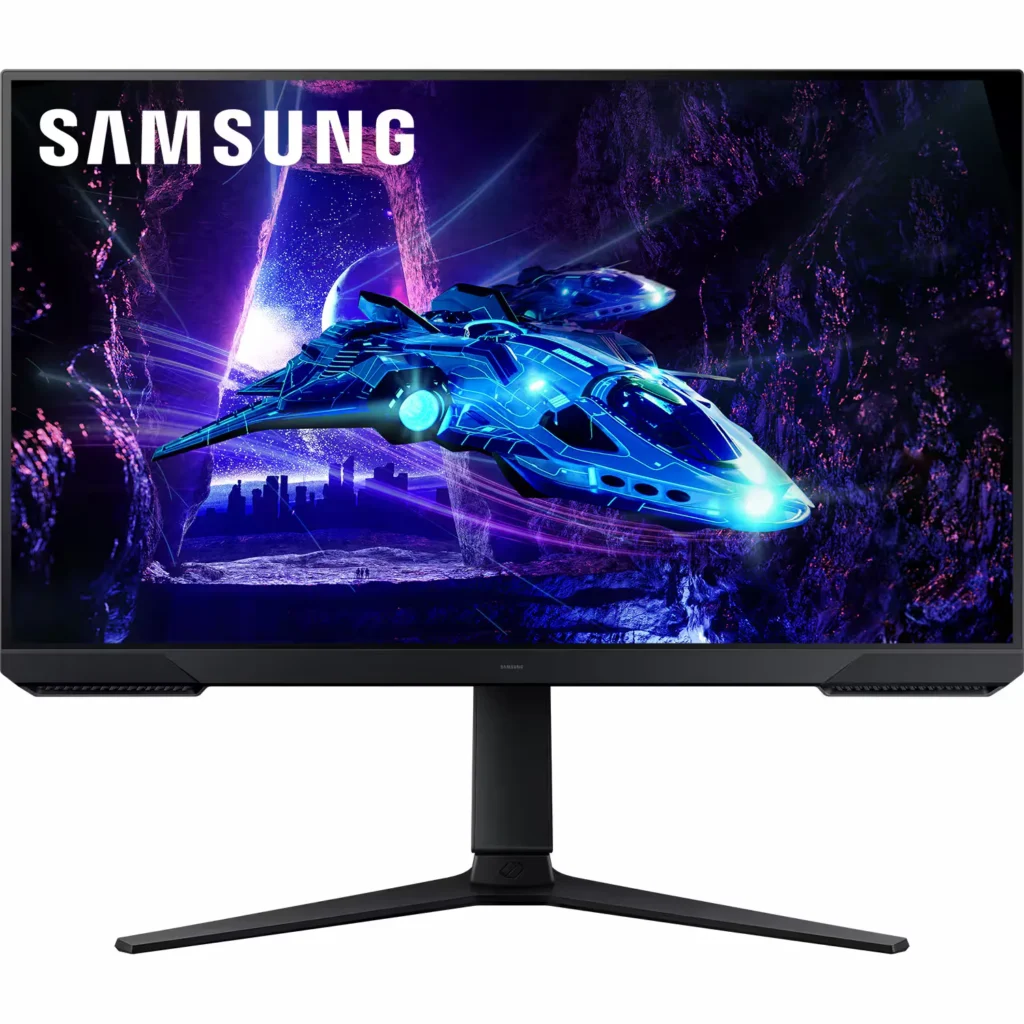
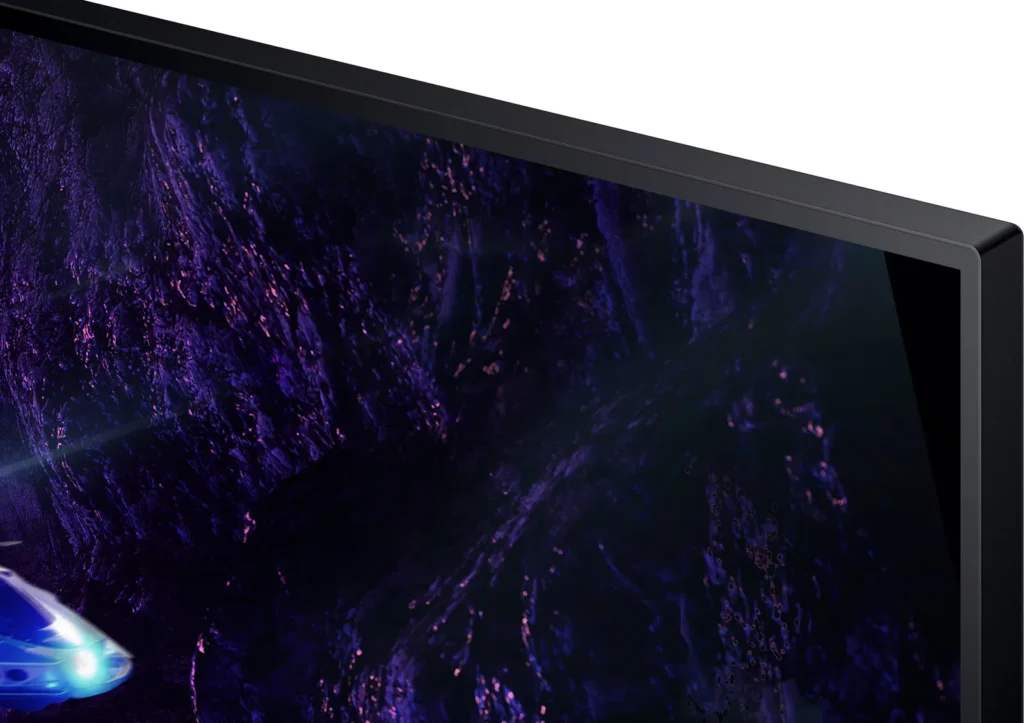
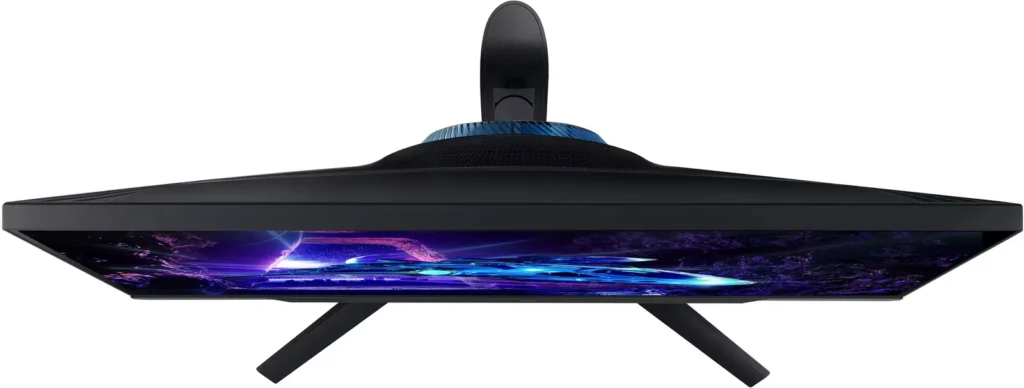
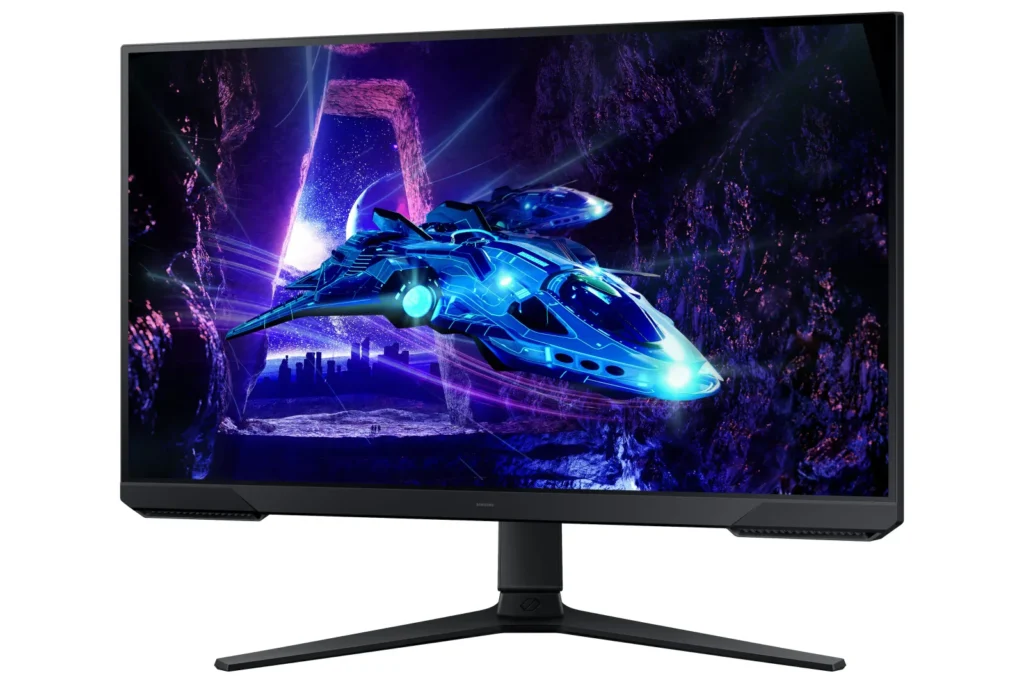
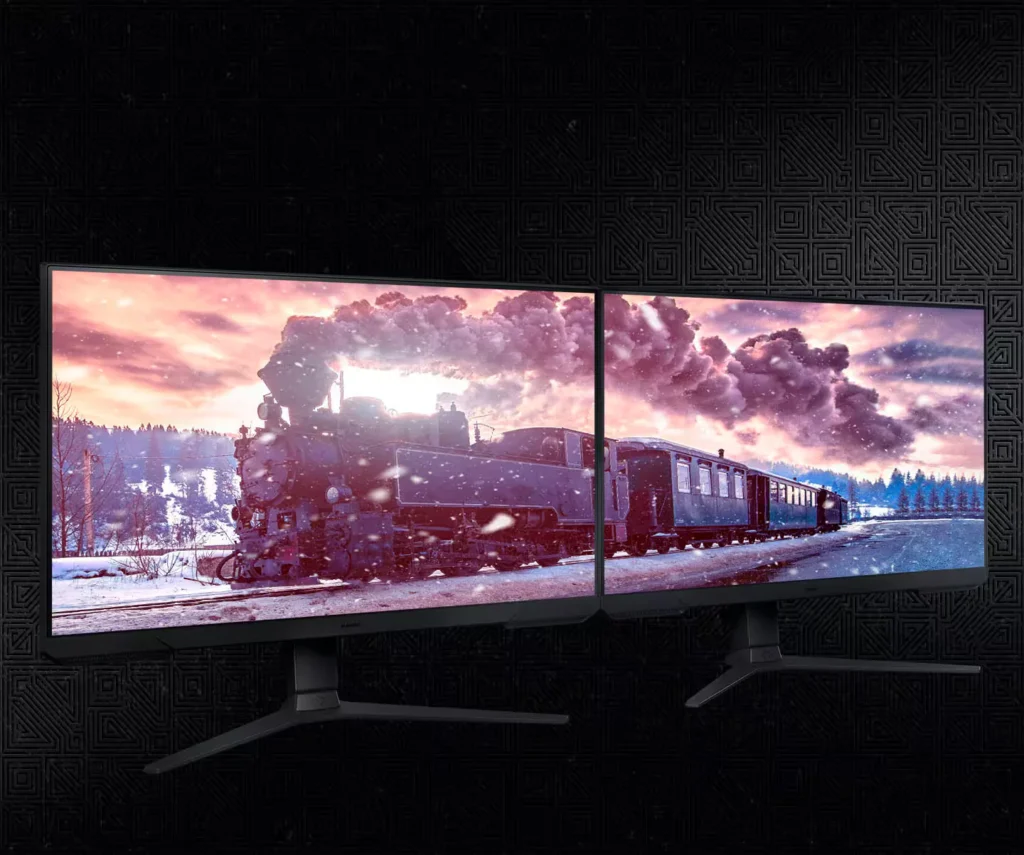
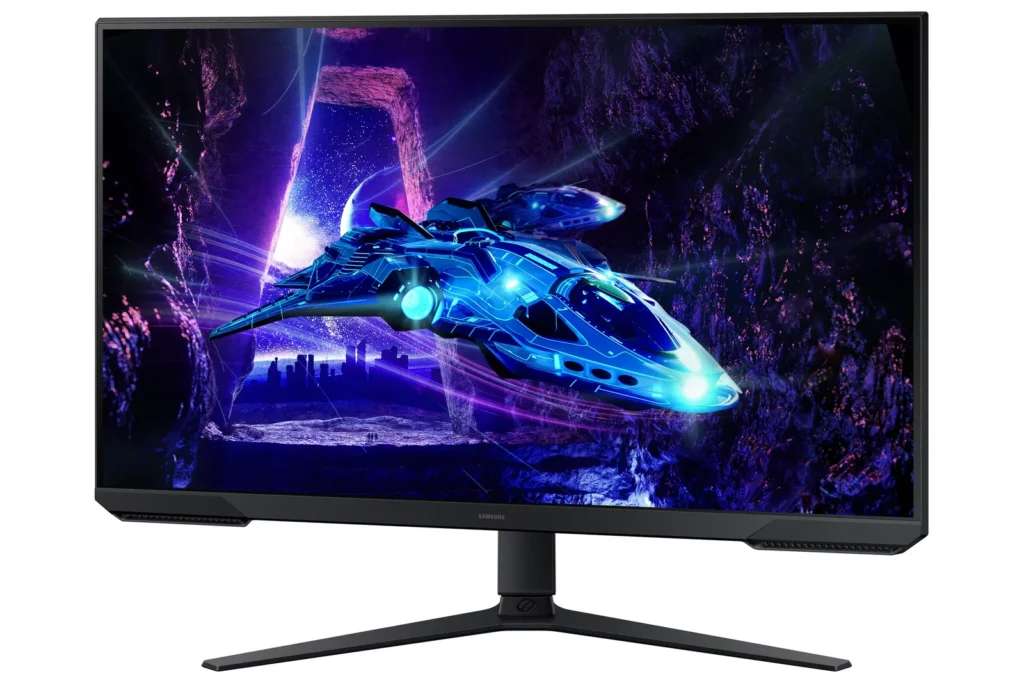
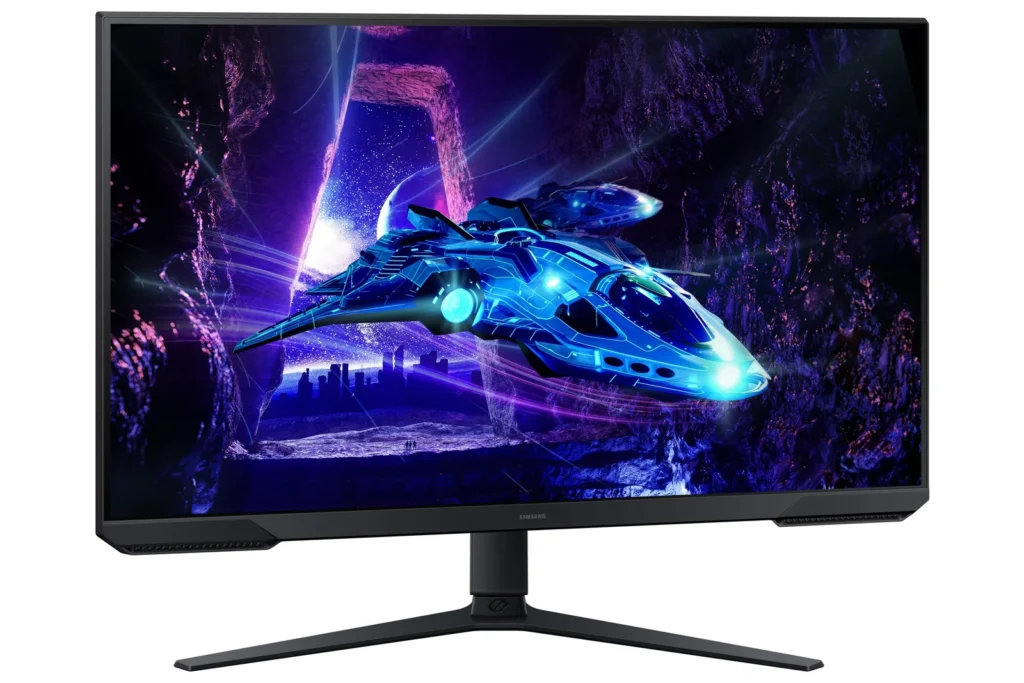
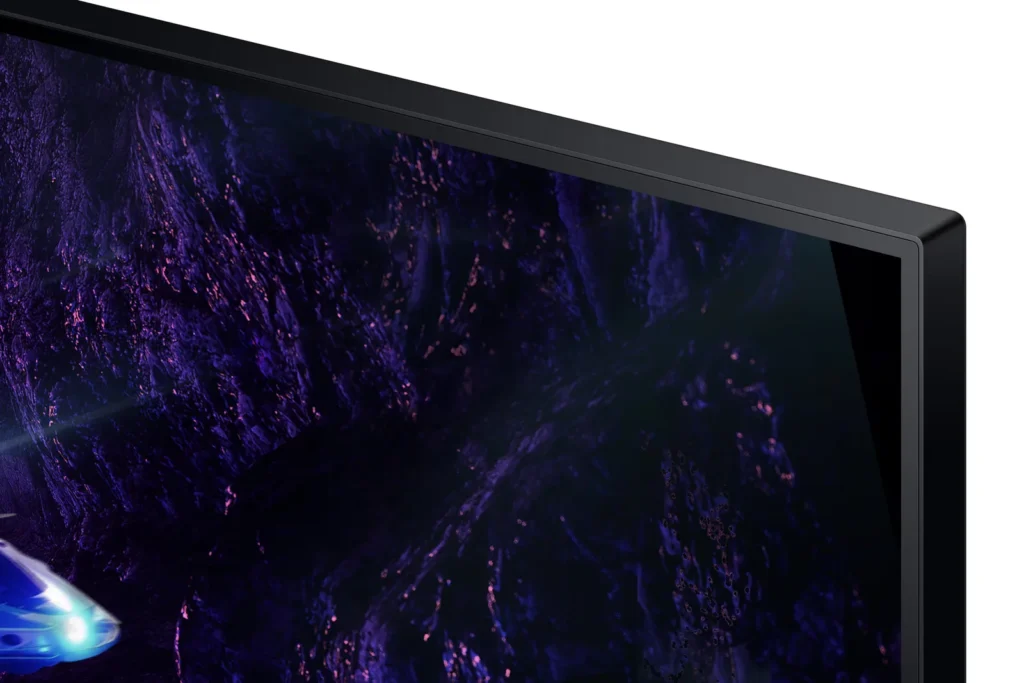
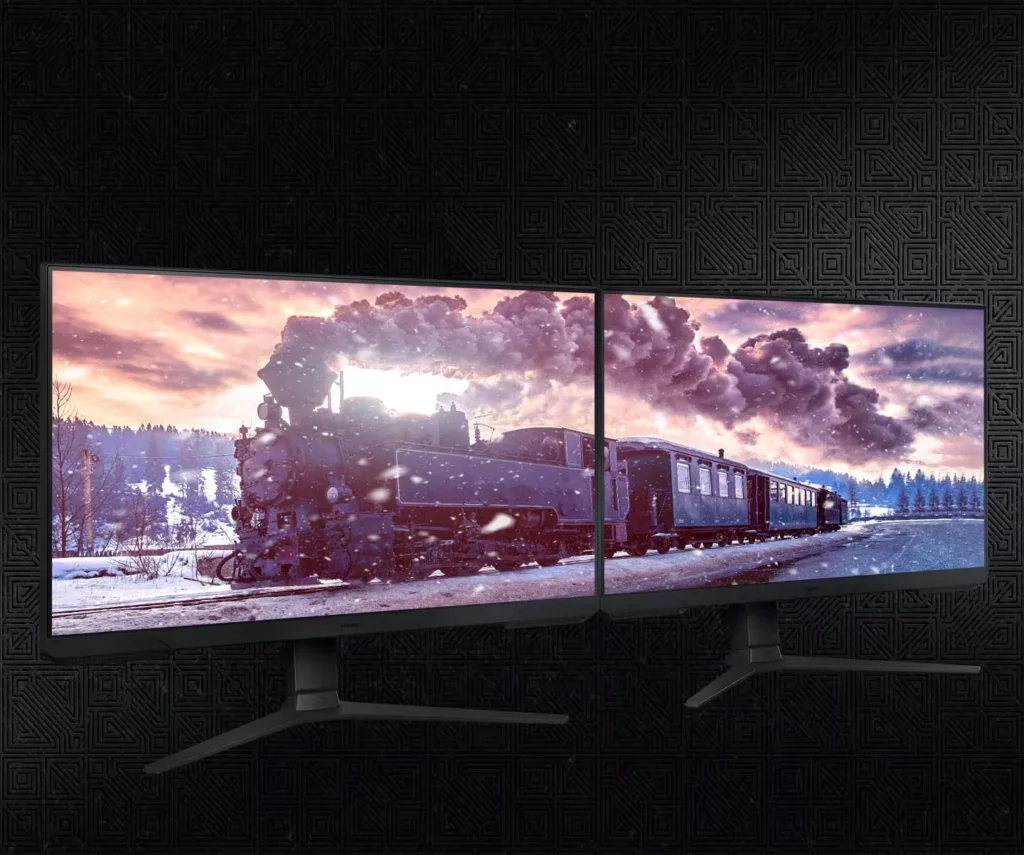
| 3-Sided Borderless Design | The minimalist, 3-sided borderless design maximizes screen real estate for an immersive experience and allows for a virtually seamless dual-monitor setup. |
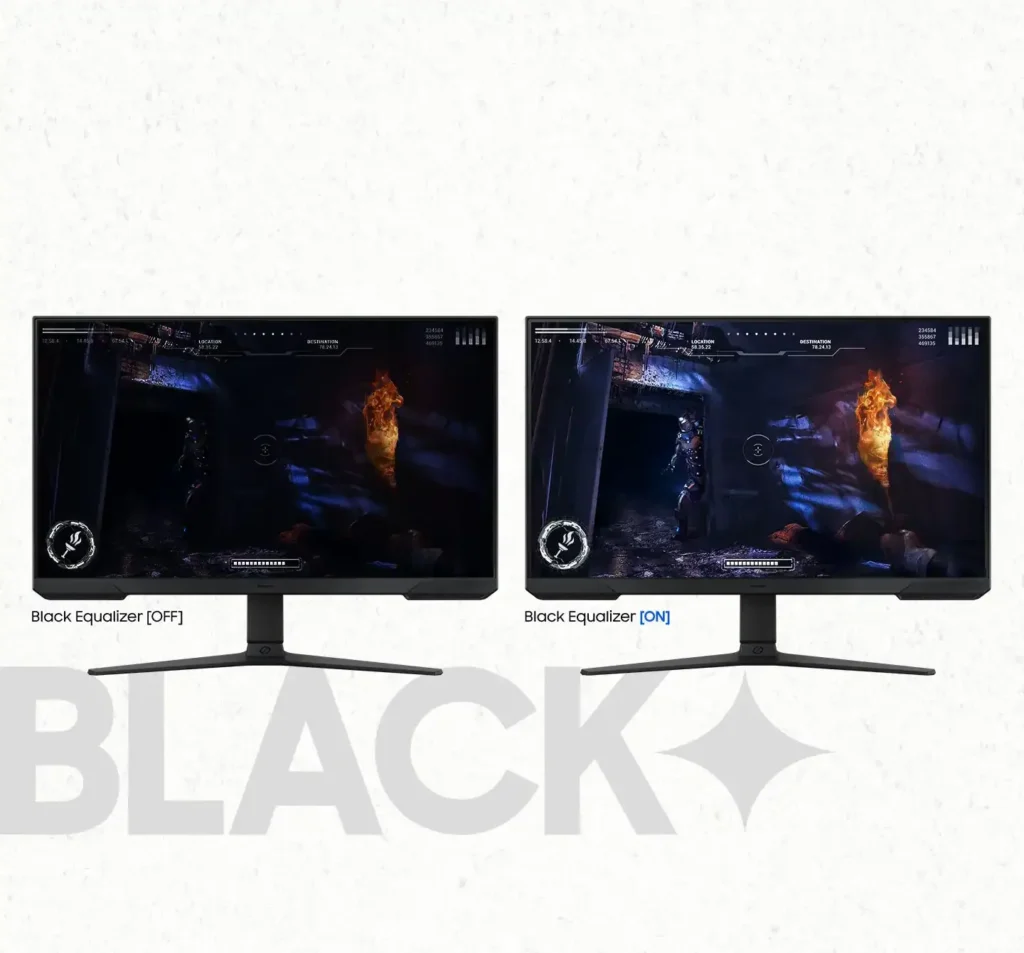
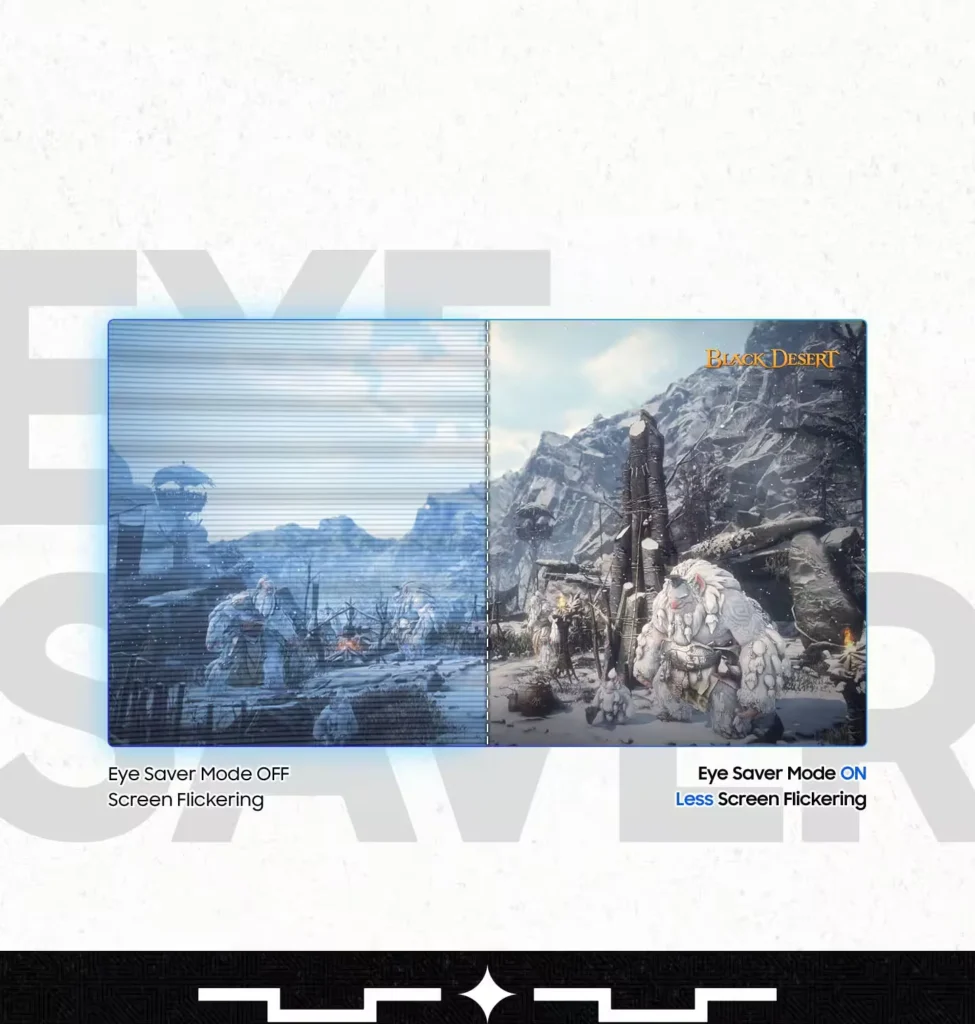
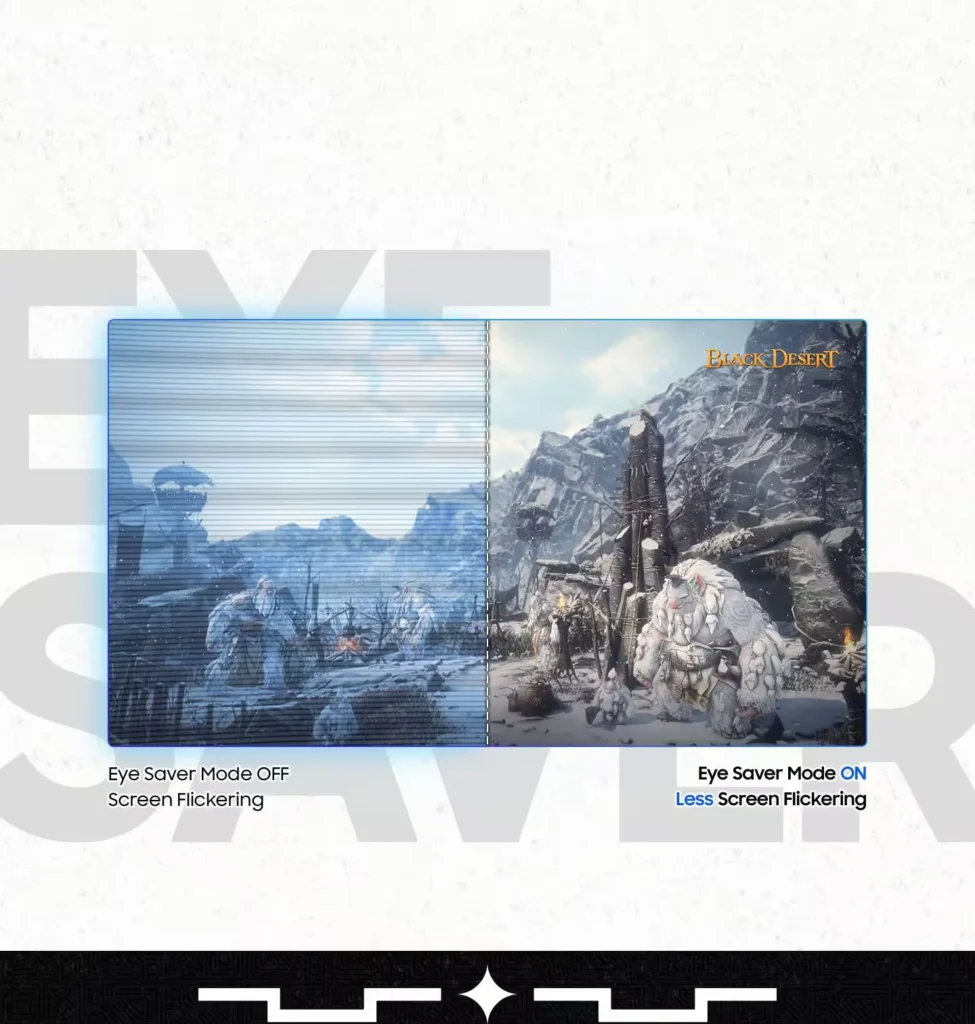
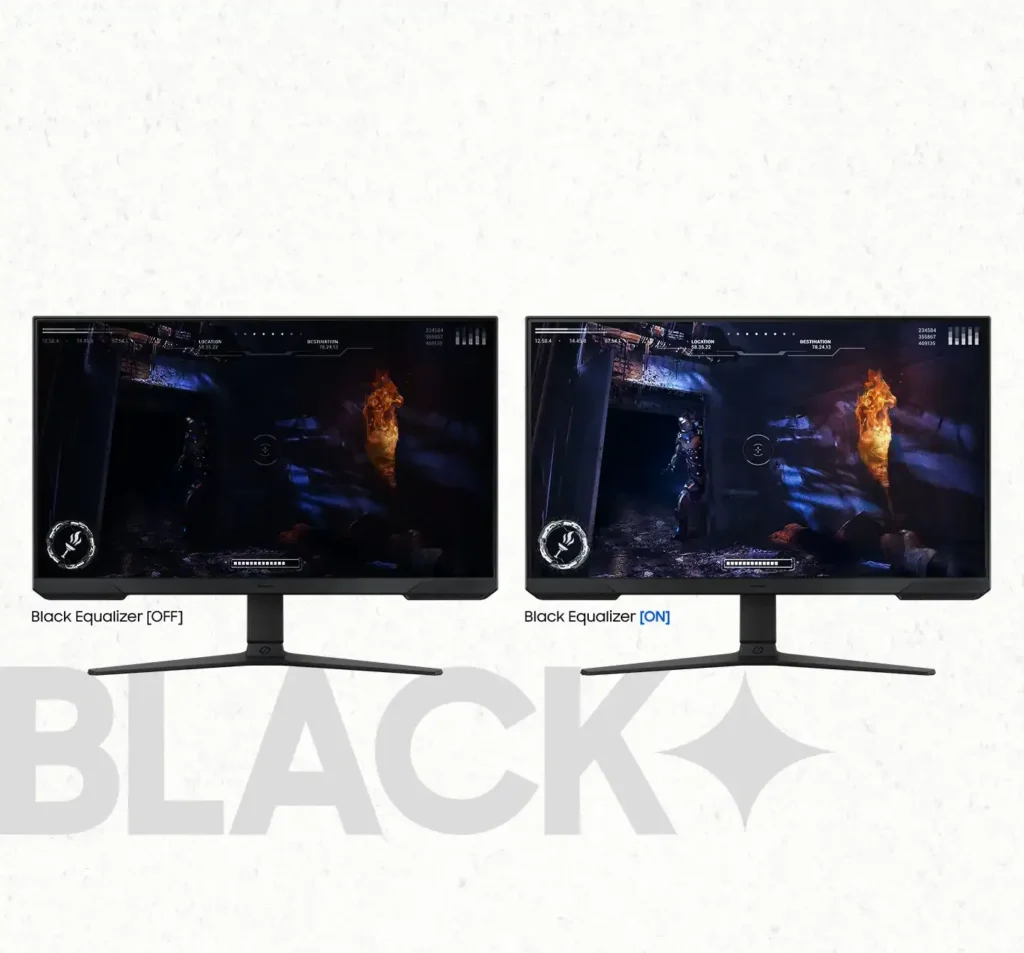
| Black Equalizer & Eye Saver Mode | Spot enemies hiding in the shadows with Black Equalizer, while Eye Saver Mode and Flicker Free technology reduce blue light and screen flicker to protect your eyes from strain. |
Pros & Cons
Pros
- High Refresh Rate and Smoothness: The 180Hz refresh rate and 1ms response time are frequently cited as major upgrades, providing a buttery smooth and responsive experience for competitive gaming and fast-paced titles.
- Highly Adjustable Ergonomic Stand: The stand is a standout feature, offering height, tilt, swivel, and pivot adjustments that allow users to easily rotate the screen into portrait mode without needing an external monitor arm.
- Exceptional Budget Value: Reviewers consistently describe the monitor as a 'steal' or 'bargain,' noting that it delivers high-end gaming features and solid build quality at a very accessible price point, especially when on sale.
Cons
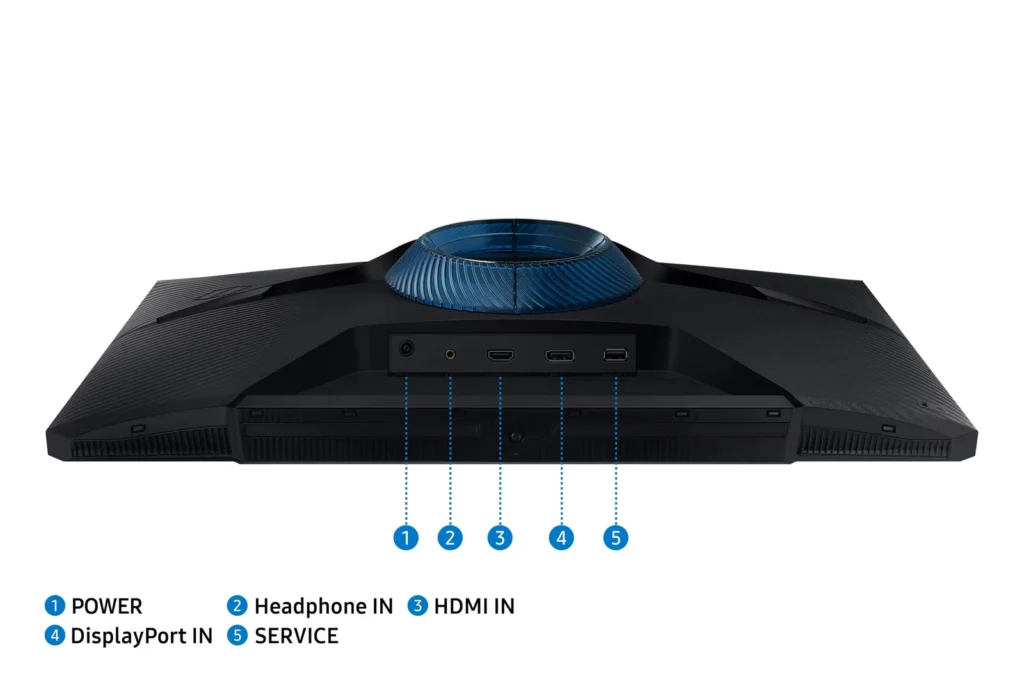
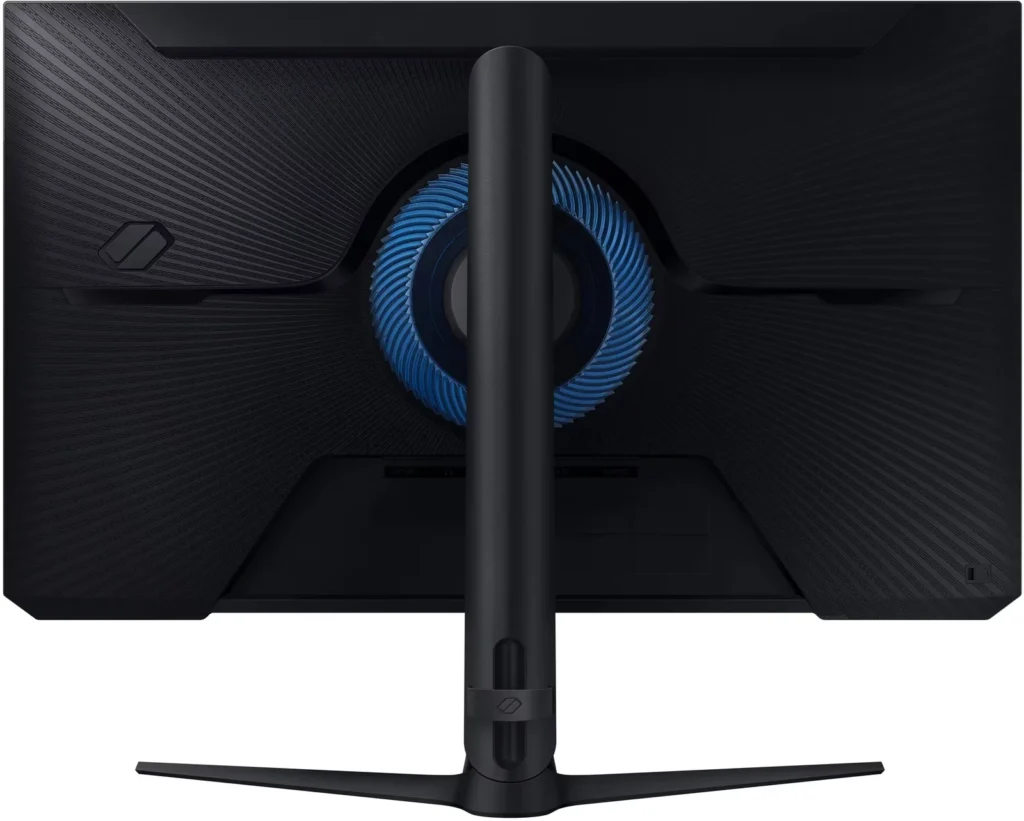
- Lack of Built-in Speakers: Many users were disappointed to find the monitor has no integrated audio, requiring the purchase of external speakers or the use of headphones for any sound output.
- Ghosting and Motion Smearing: Several reviews mention noticeable ghosting and motion blur, particularly in dark scenes or when scrolling text, which can detract from the visual clarity during fast movement.
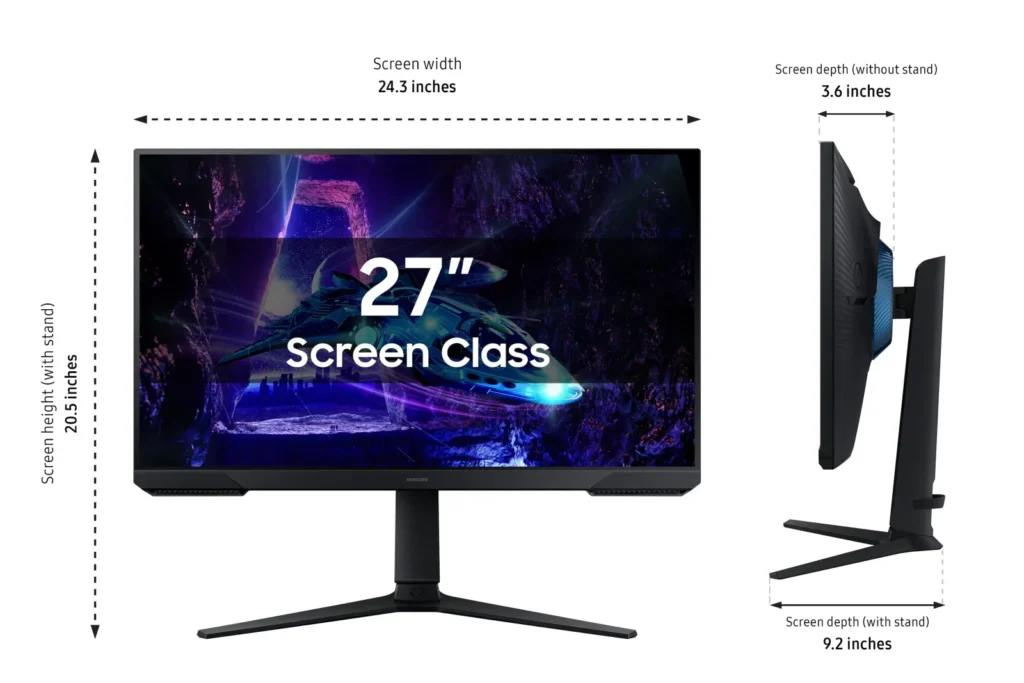
- Low Pixel Density at Larger Sizes: On the 27-inch and 32-inch models, users noted that the 1080p resolution can result in pixelated text and a lack of sharpness compared to higher-resolution displays.
You might also like










Customer Reviews
Showing reviews 81-90 of 923
-
Cheap flickering garbage
Verified purchase Verified purchase: This reviewer bought the product.JM December 22, 2025Review source: AmazonCheap Chinese garbage. Flickers at full light, flickers even worse when dimmed. Don’t waste your time.
-
Monitor
Verified purchase Verified purchase: This reviewer bought the product.fully December 21, 2025Review source: BestbuyGood price
Great product
Nice display for gaming! -
Galaxy Monitor Issue
Verified purchase Verified purchase: This reviewer bought the product.Ila Osach December 20, 2025Review source: AmazonWe had to return the first one because it came with a broken plug. My grandson tried everything to attach it and the plug was defective. I’m reordering again and hoping it works. It’s very frustrating! I’ll keep you posted.
-
Perfect
Verified purchase Verified purchase: This reviewer bought the product.Veronica sanchez December 20, 2025Review source: AmazonIt was perfect
-
Samsung monitor review
Verified purchase Verified purchase: This reviewer bought the product.JohnN December 20, 2025Review source: BestbuyQuality Monitor, cannot complain. Game a decent amount and it’s been great for the past year.
-
Cheap and Reliable
Verified purchase Verified purchase: This reviewer bought the product.KalanH December 19, 2025Review source: Bestbuyno issues with it at all. Got it for around $116 at the time very worth the price for the specs.
-
Monitor
Verified purchase Verified purchase: This reviewer bought the product.OliviaM December 19, 2025Review source: BestbuyThis is a great monitor and is very clear. It was super easy to set up and get it running with my new monitor.
-
Monitor
Verified purchase Verified purchase: This reviewer bought the product.JavierR December 17, 2025Review source: BestbuyReally great graphics love that it moves around and flips
-
Great!
Verified purchase Verified purchase: This reviewer bought the product.JessicaF December 17, 2025Review source: BestbuyGreat monitor for the price love it!!!!!!!!!!!!!!!
-
I look forward to buying another on
Verified purchase Verified purchase: This reviewer bought the product.Michael December 16, 2025Review source: BestbuyBest gaming Monitors I’ve used to this day and it’s a solid build too, bought this for my gaming laptop as a main monitor and it works great. I’ve since moved it to my main set up and it works even better!! Can’t lie, it is expensive but it is so worth it if you value both your quality and your fps!