Customer Media
Highlights
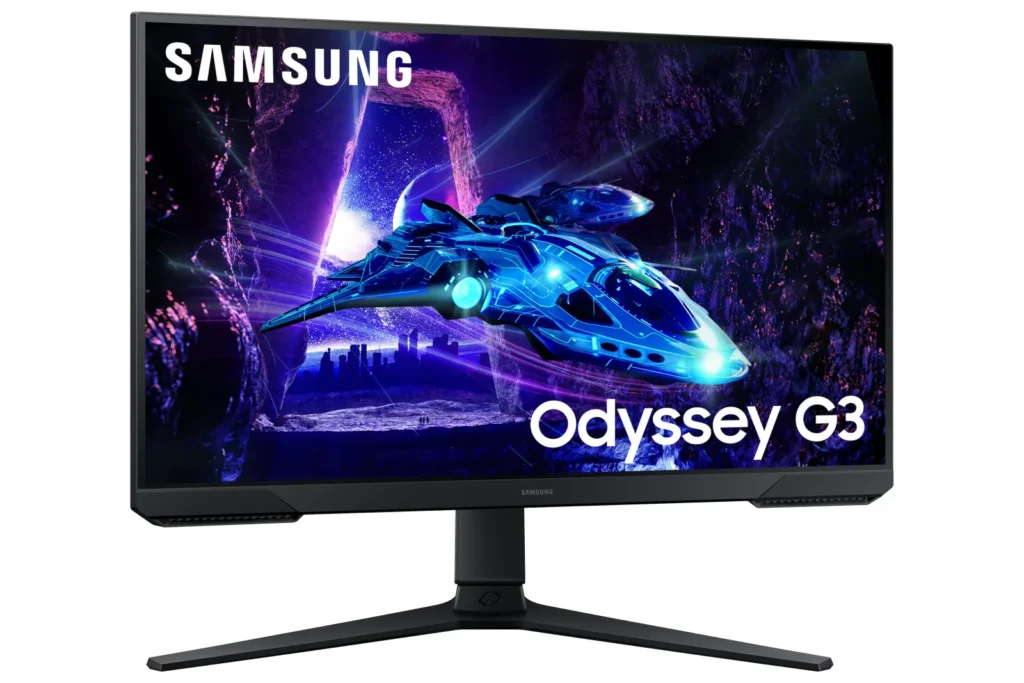
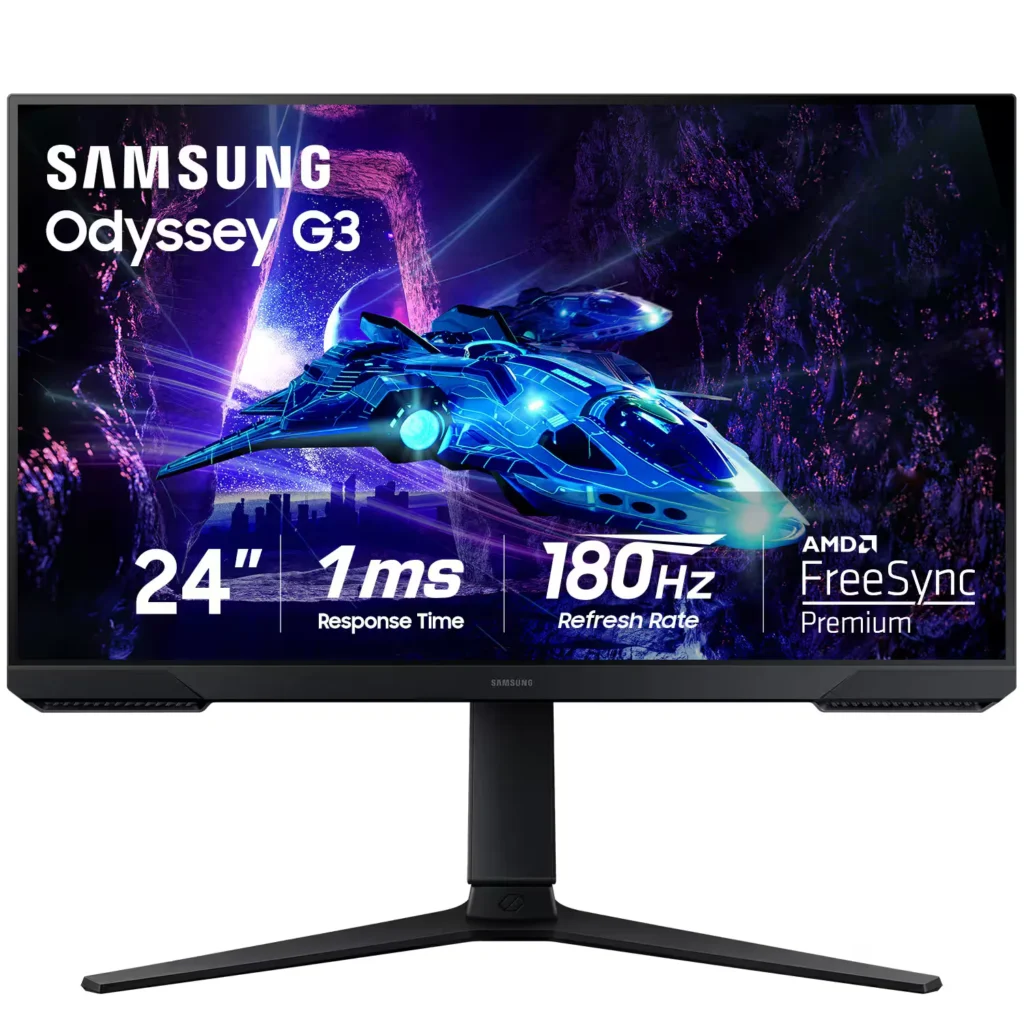
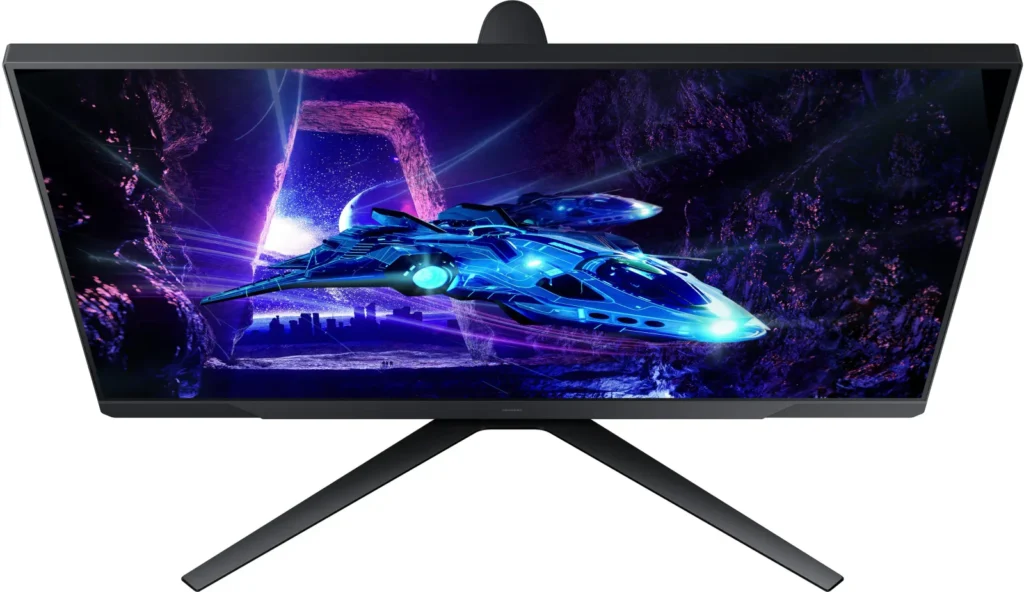
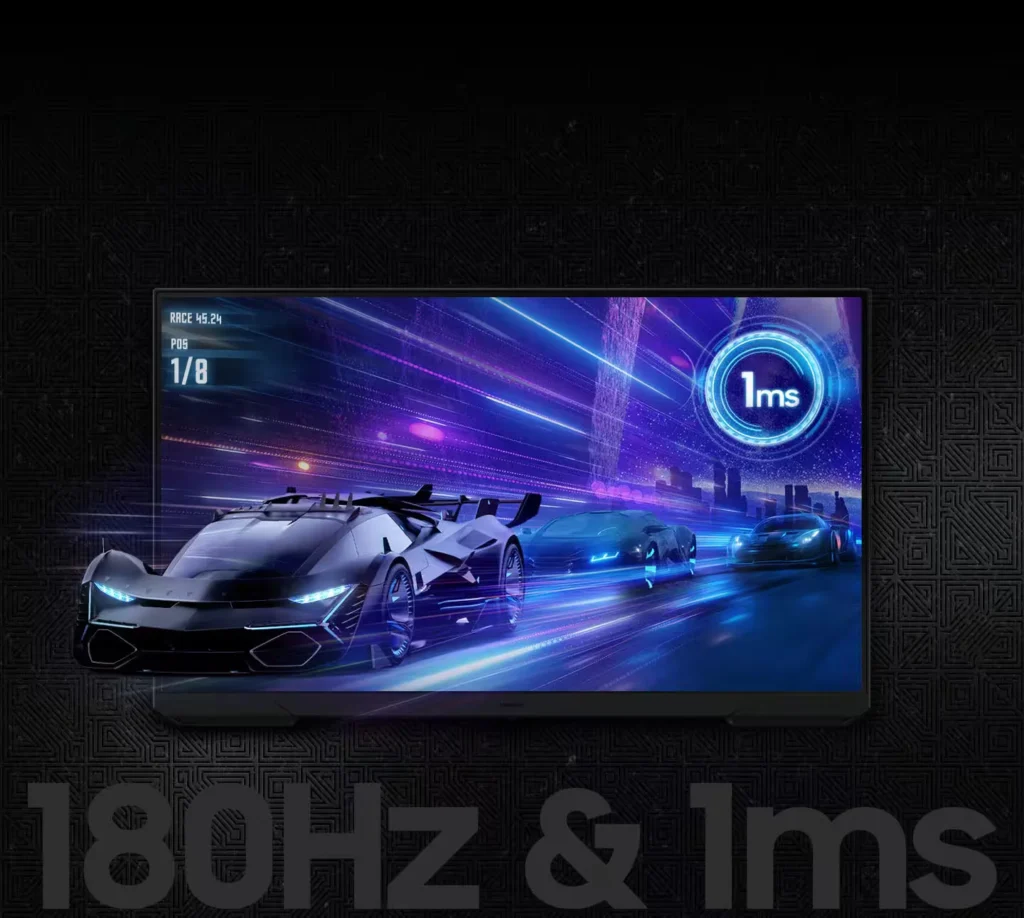
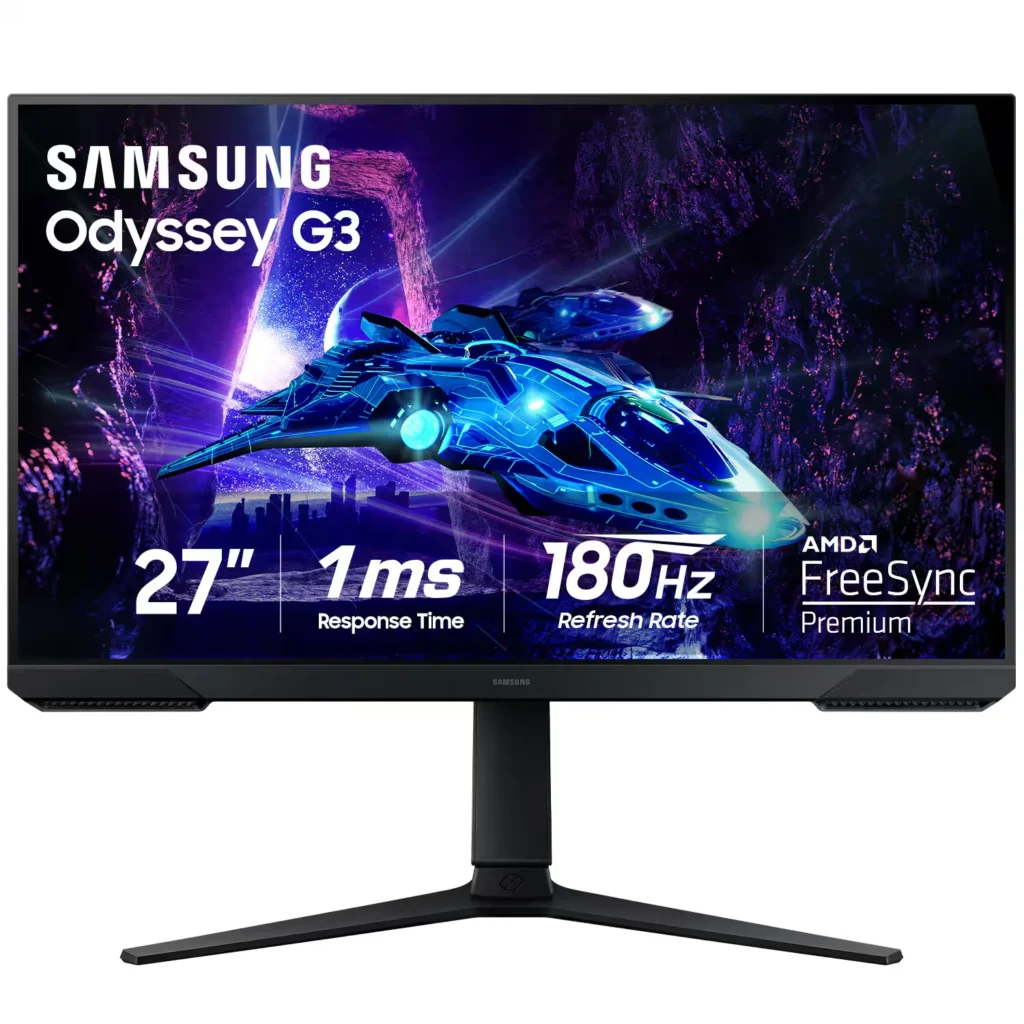
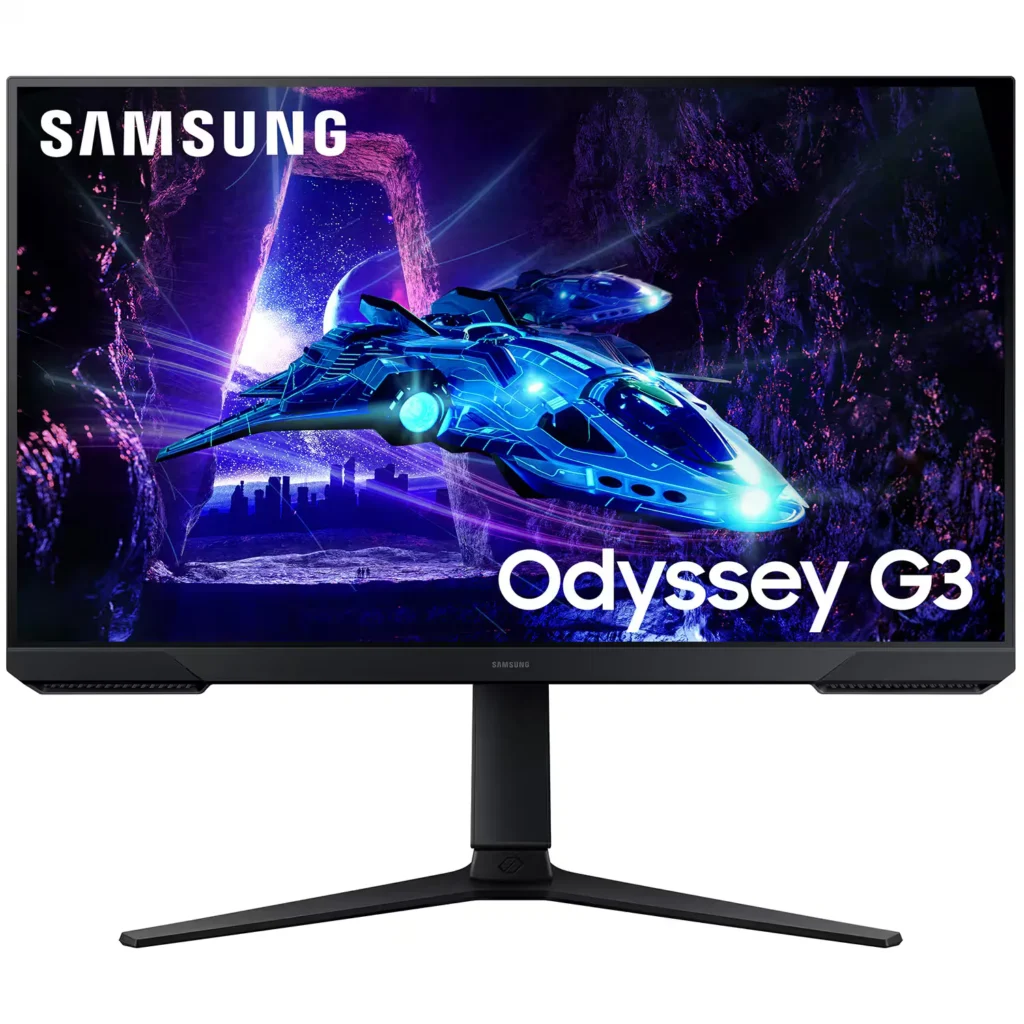
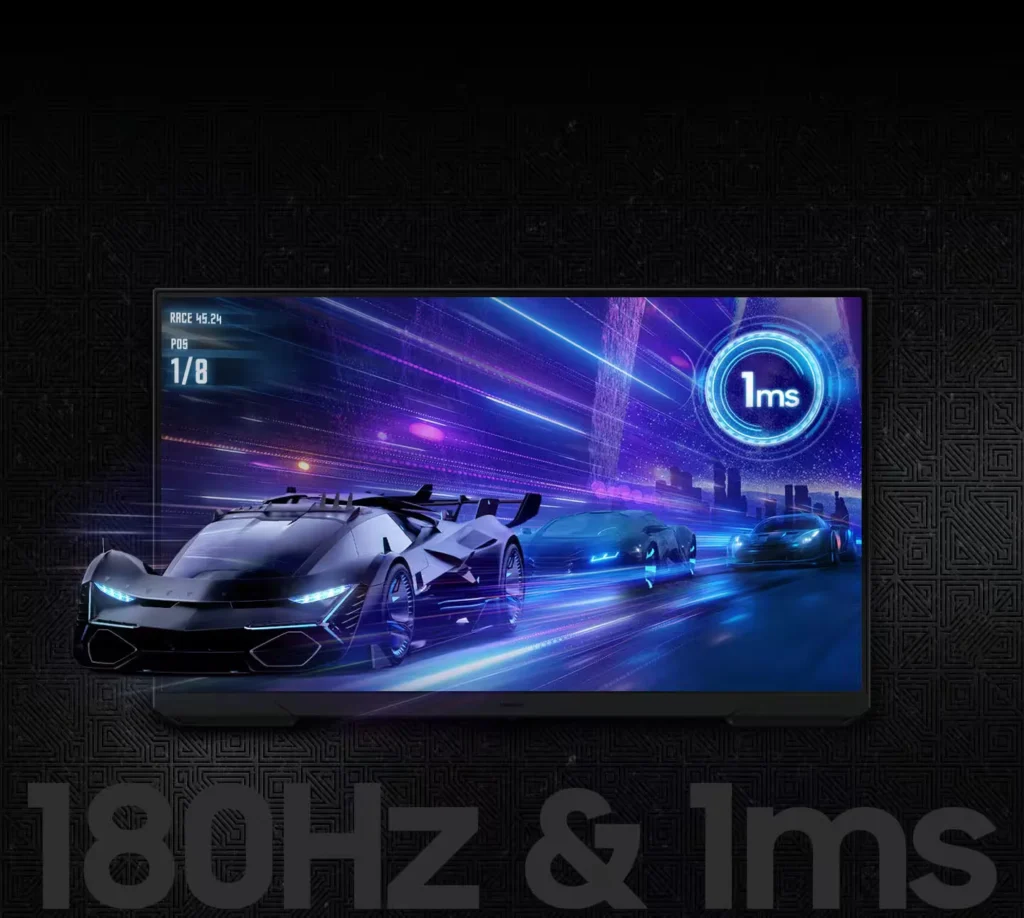
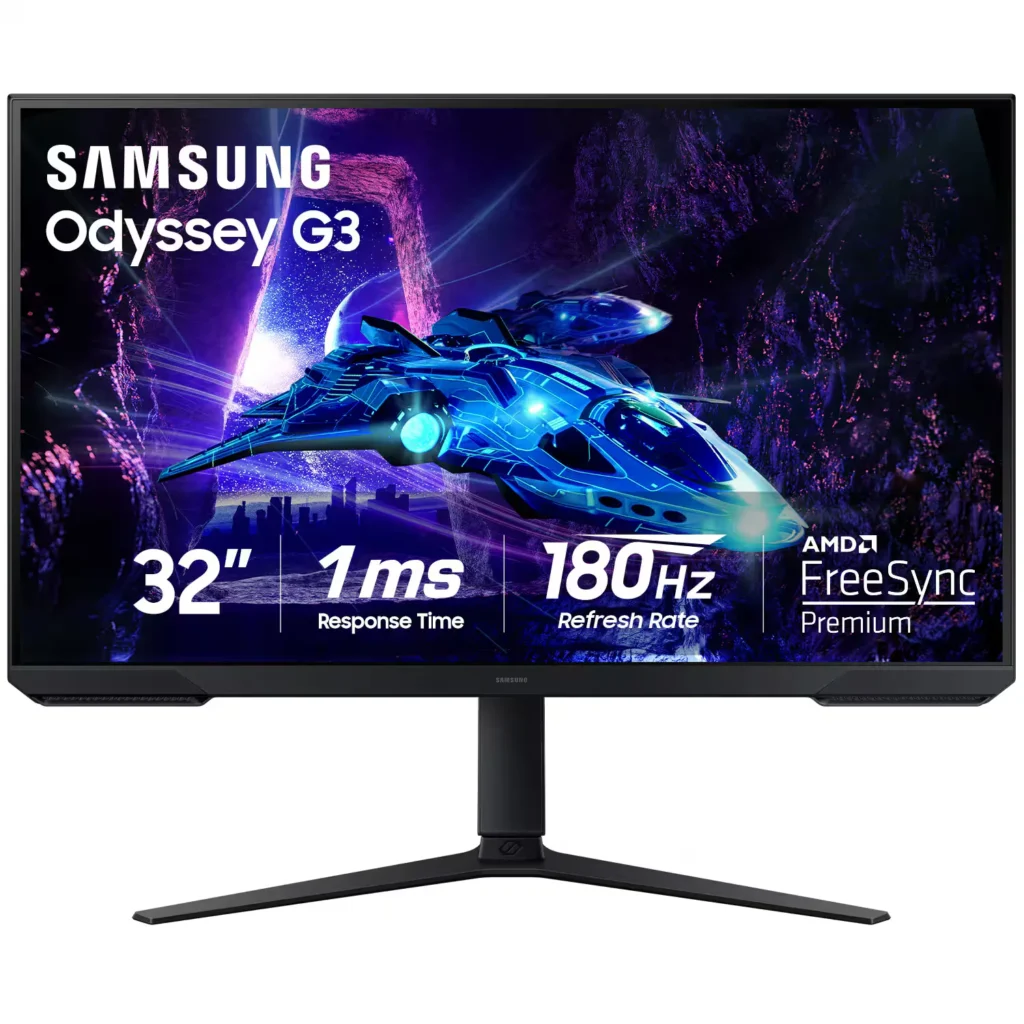
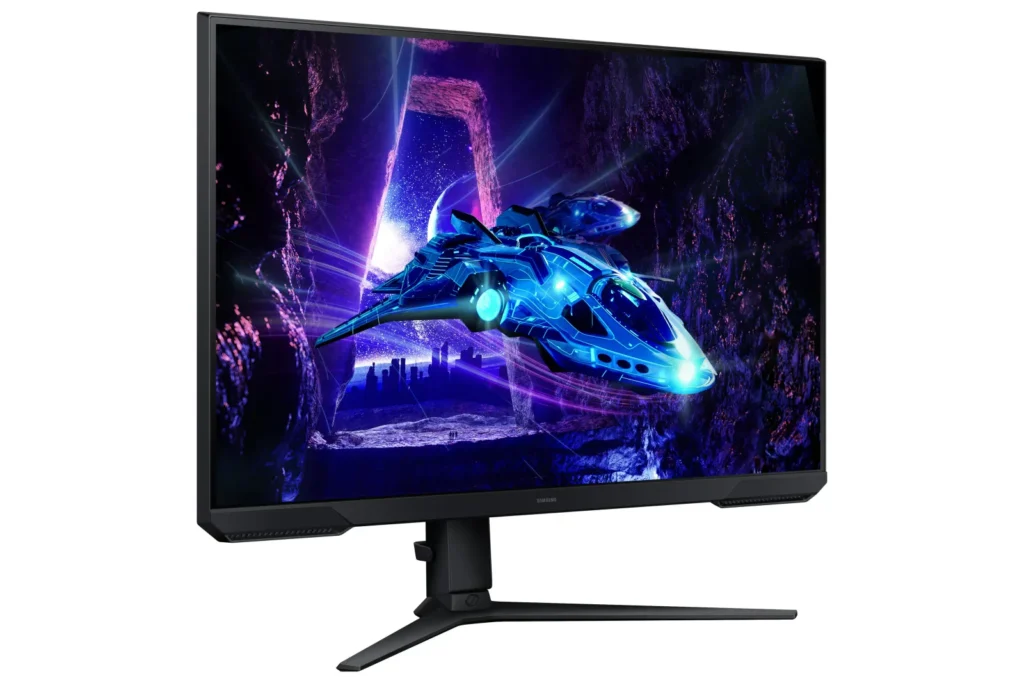
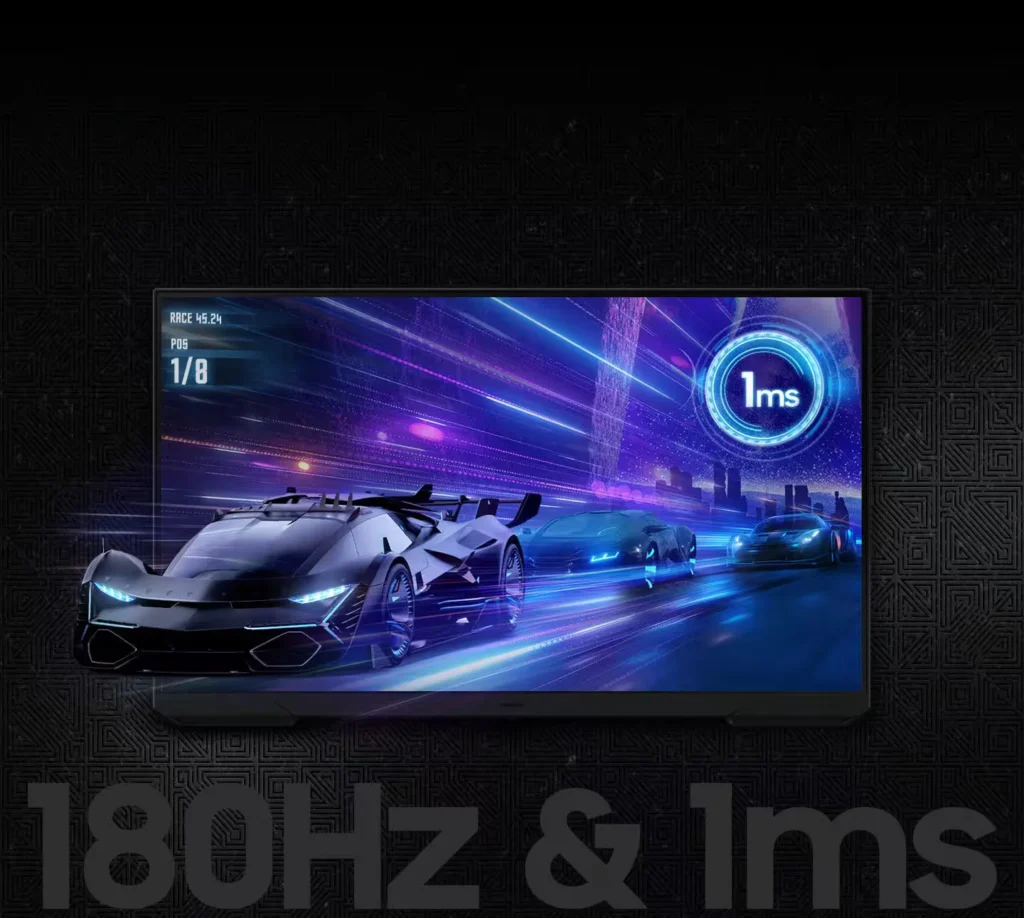
| 180Hz Refresh Rate & 1ms Response Time | Experience ultra-smooth gameplay with a 180Hz refresh rate that eliminates lag and a 1ms (MPRT) response time that minimizes motion blur for precise, real-time reactions. |
|---|---|
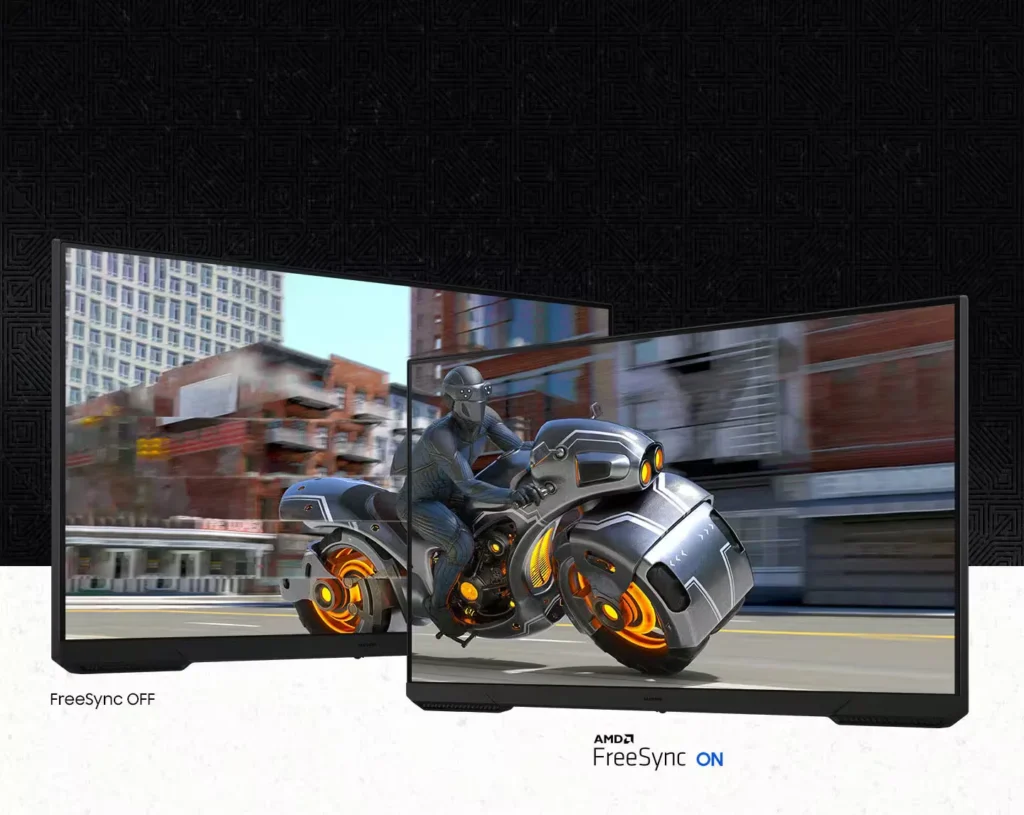
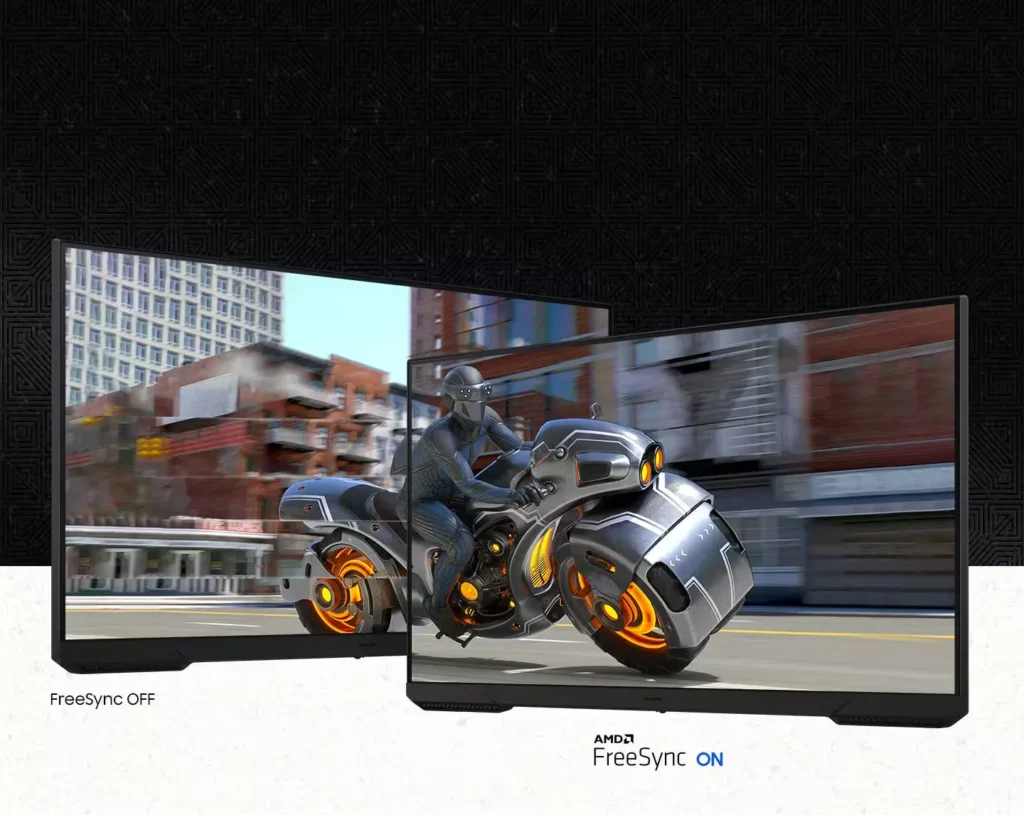
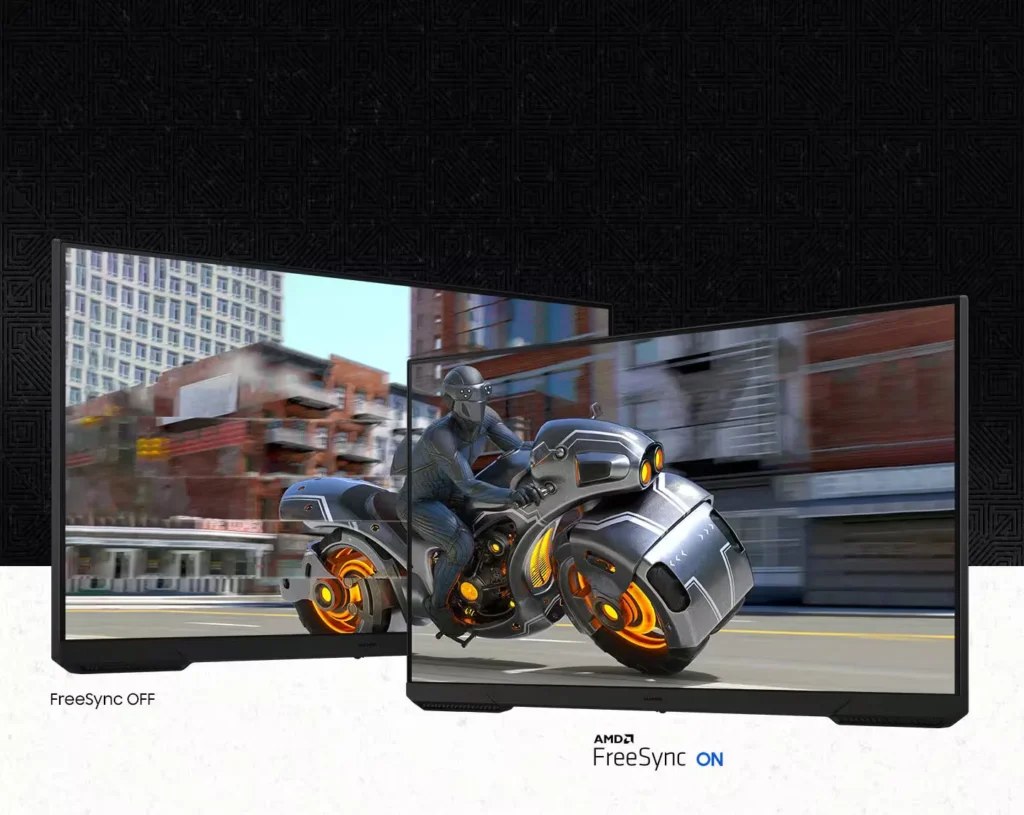
| AMD FreeSync Technology | Keep your monitor and graphics card in sync to reduce image tearing, stutter, and input latency, ensuring seamless and fluid action even during fast-paced scenes. |
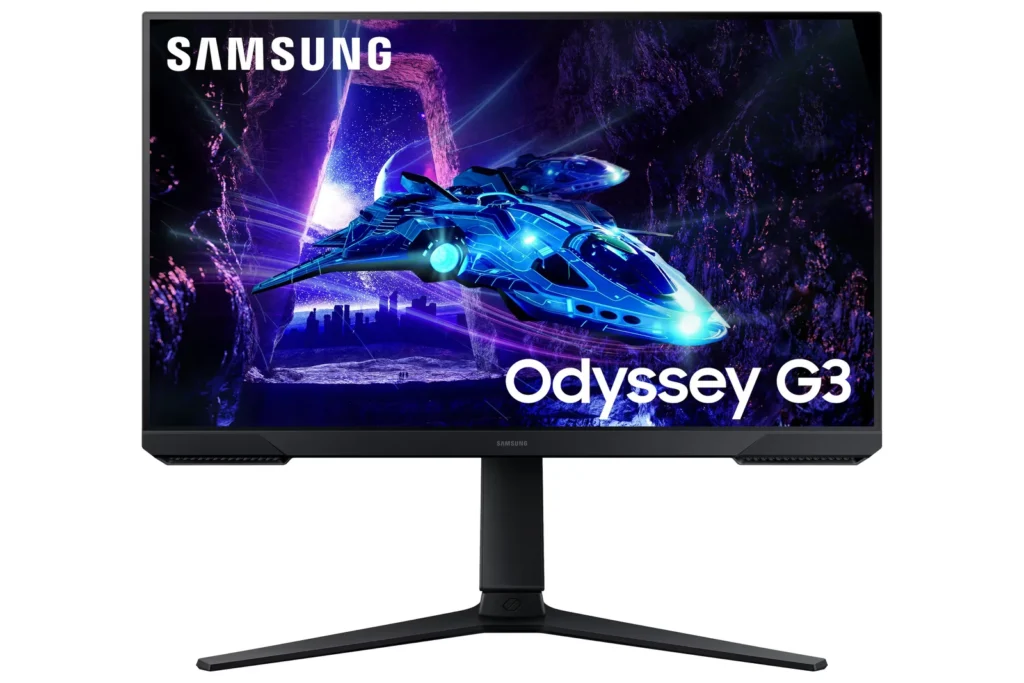
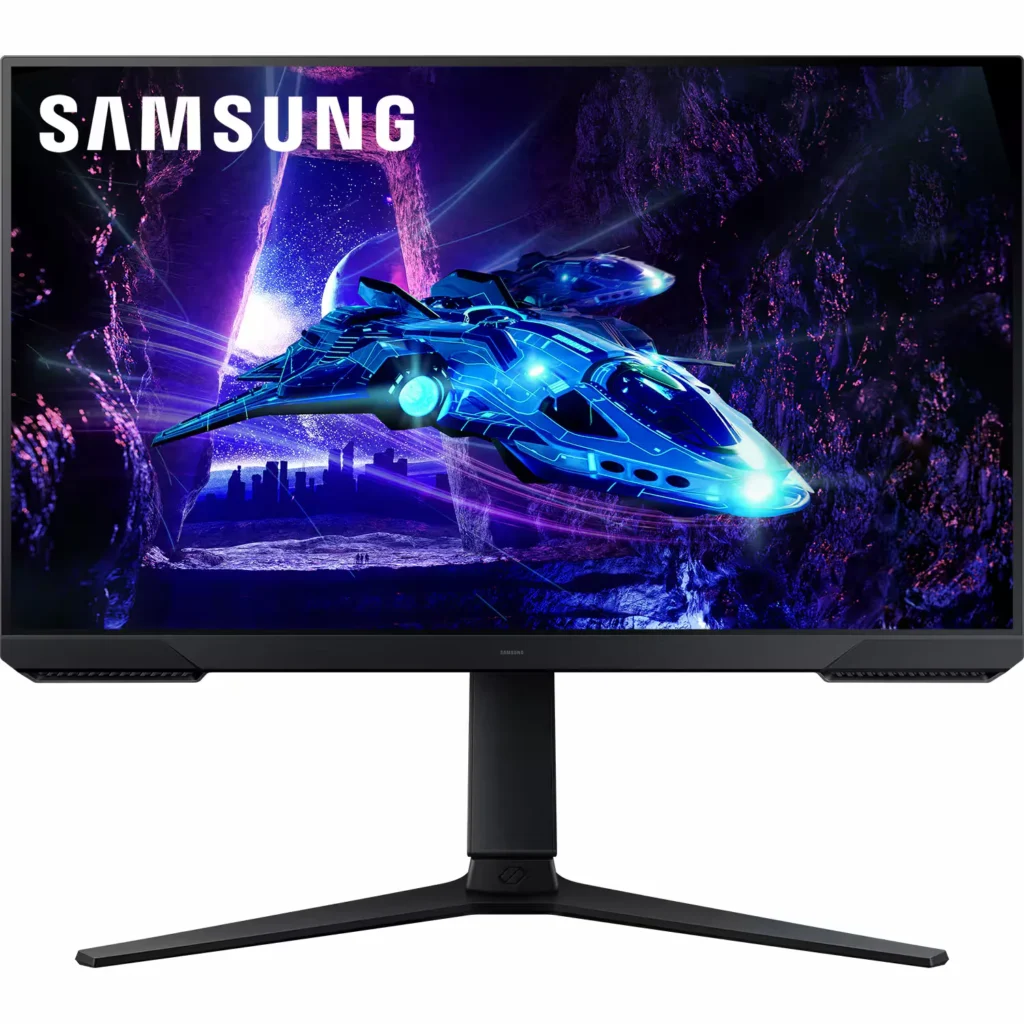
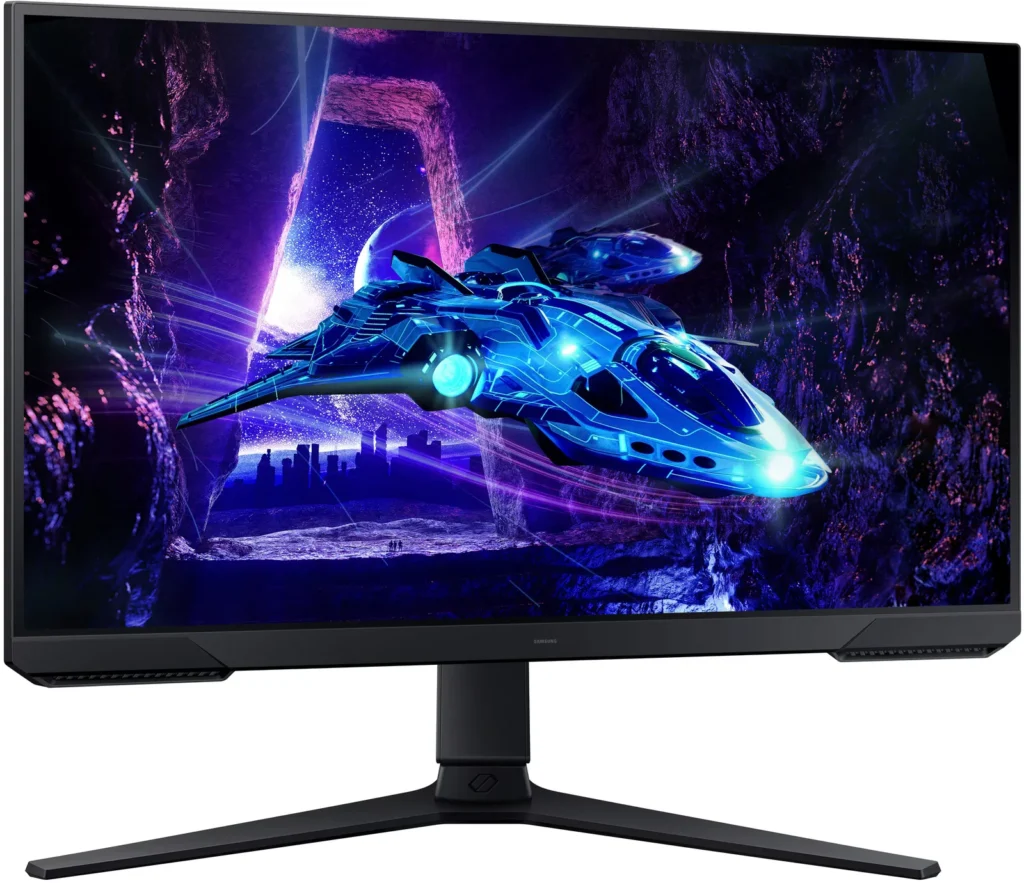
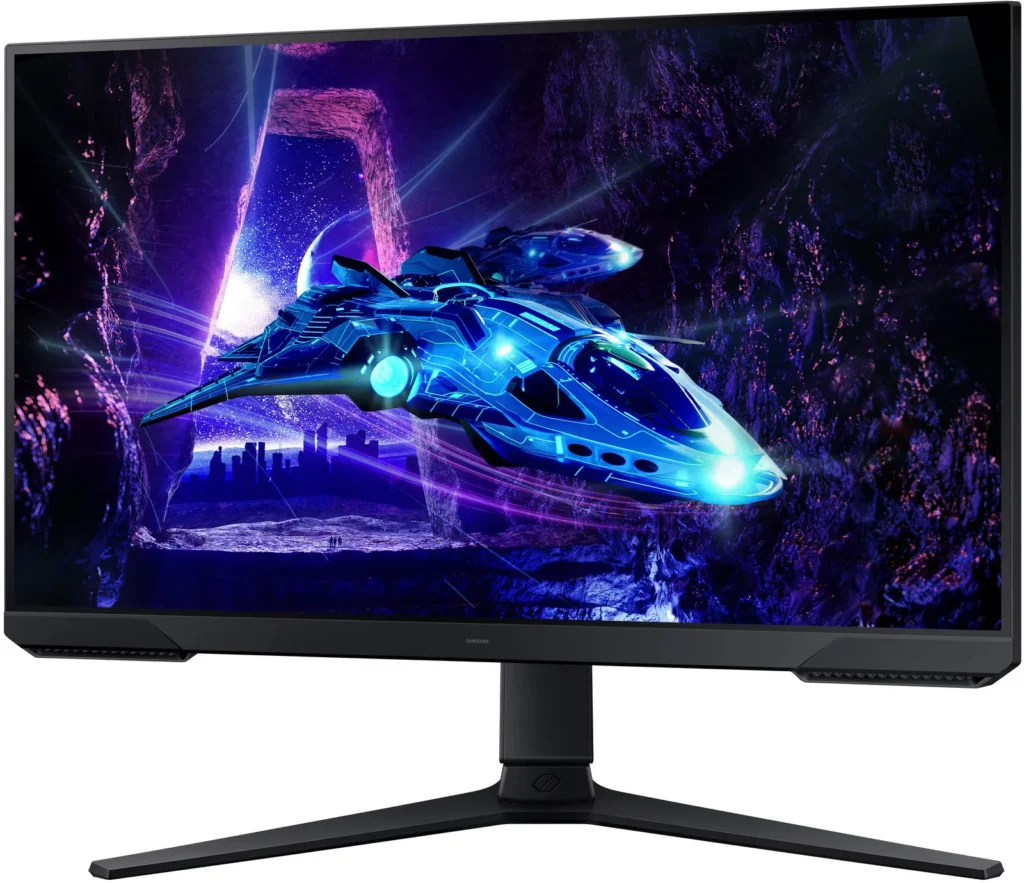
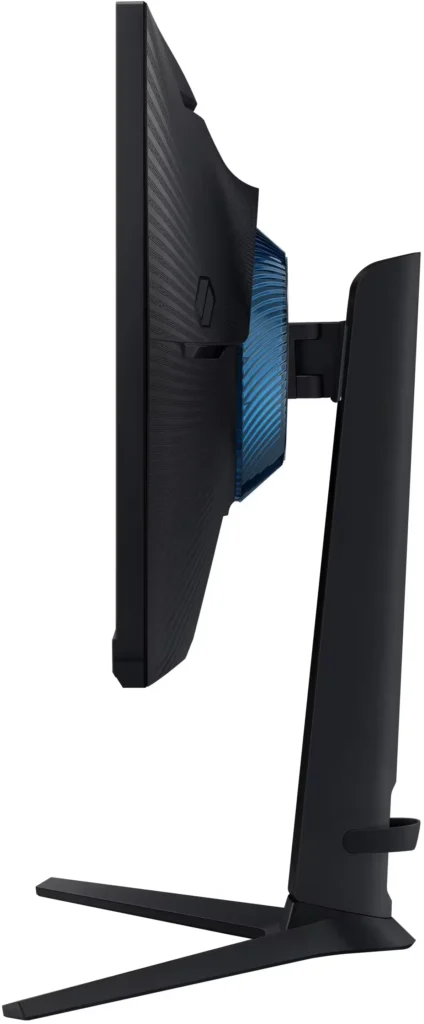
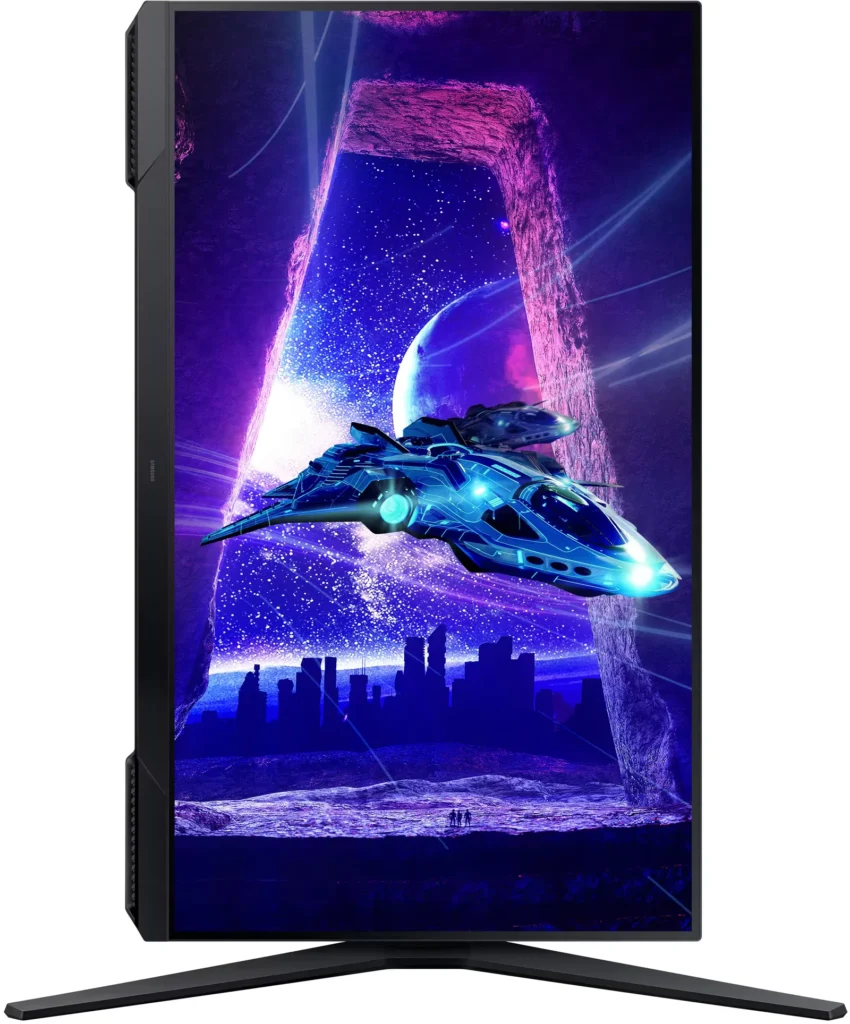
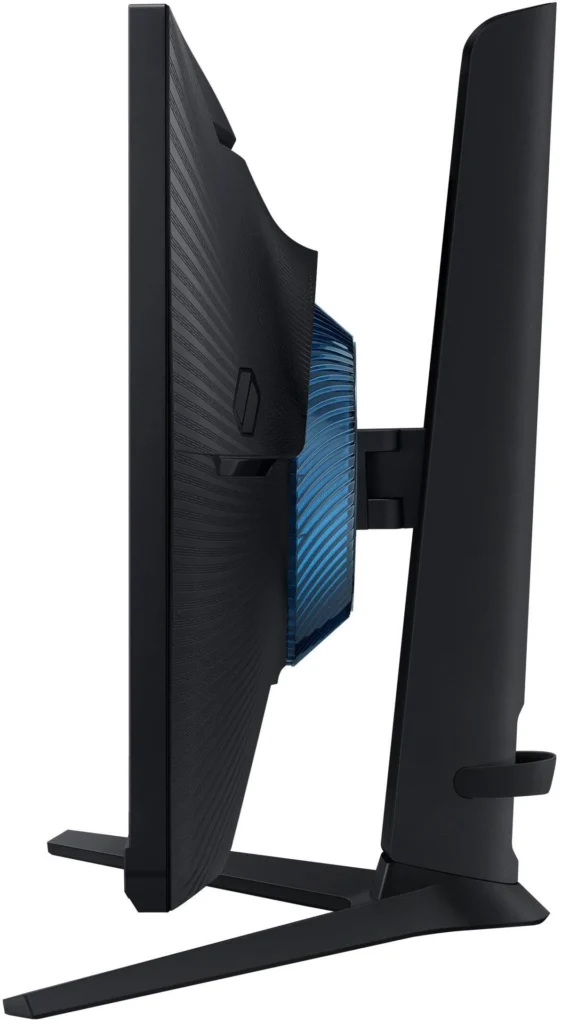
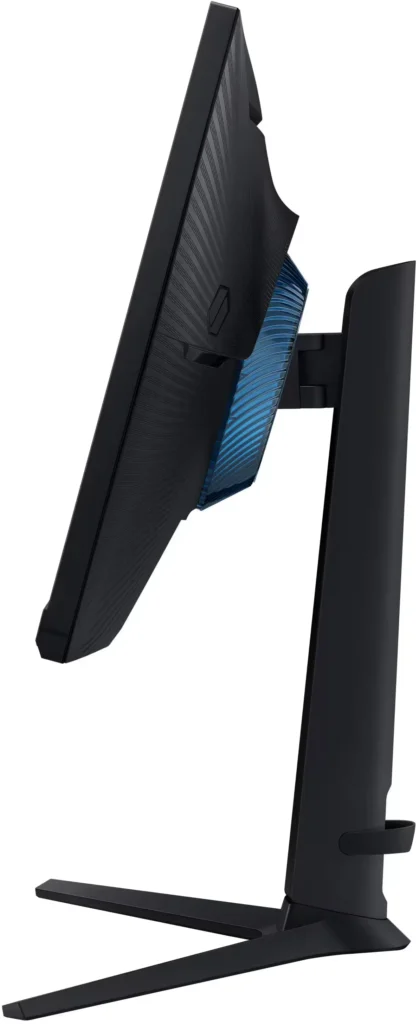
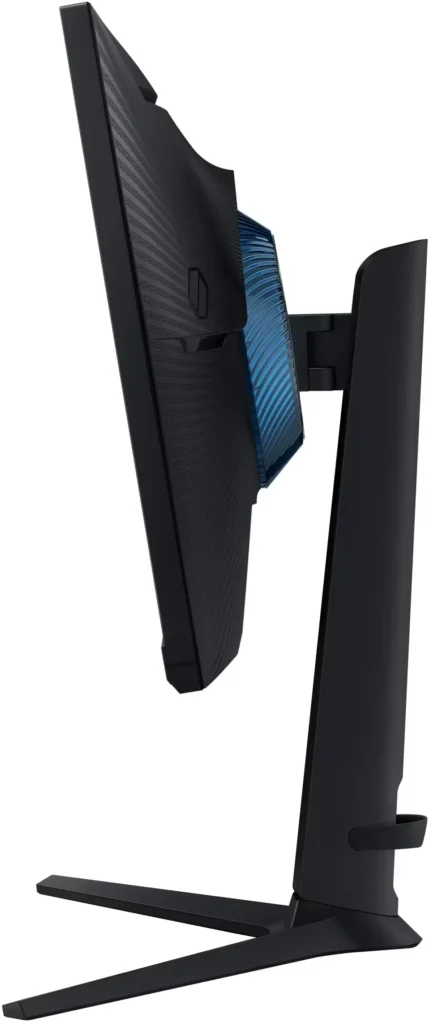
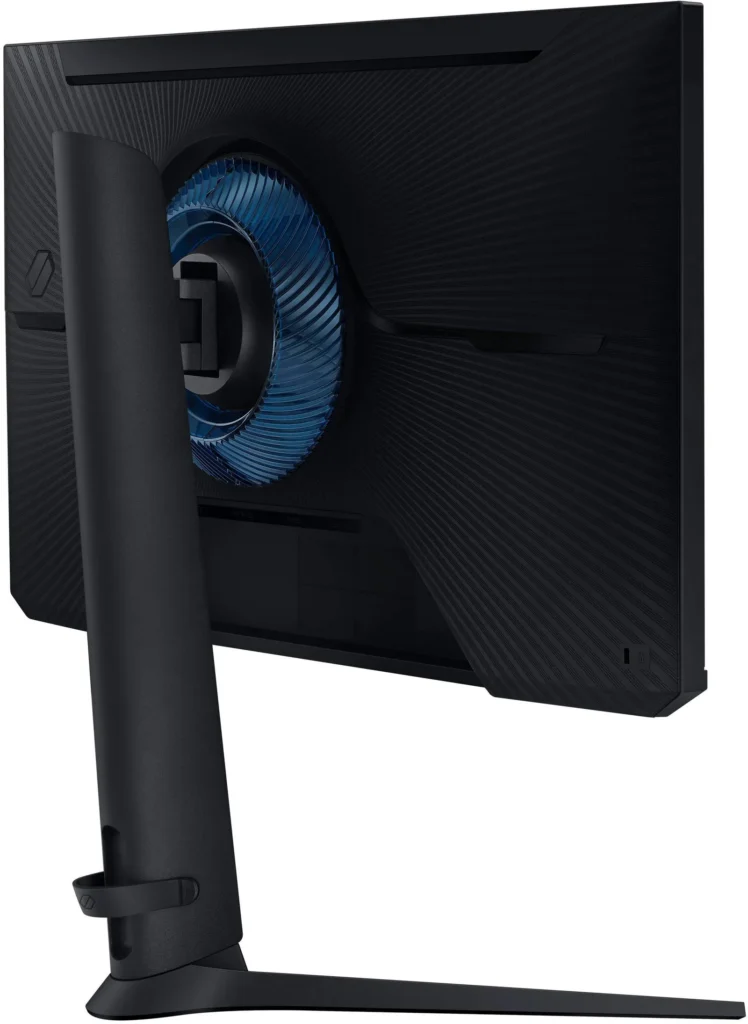
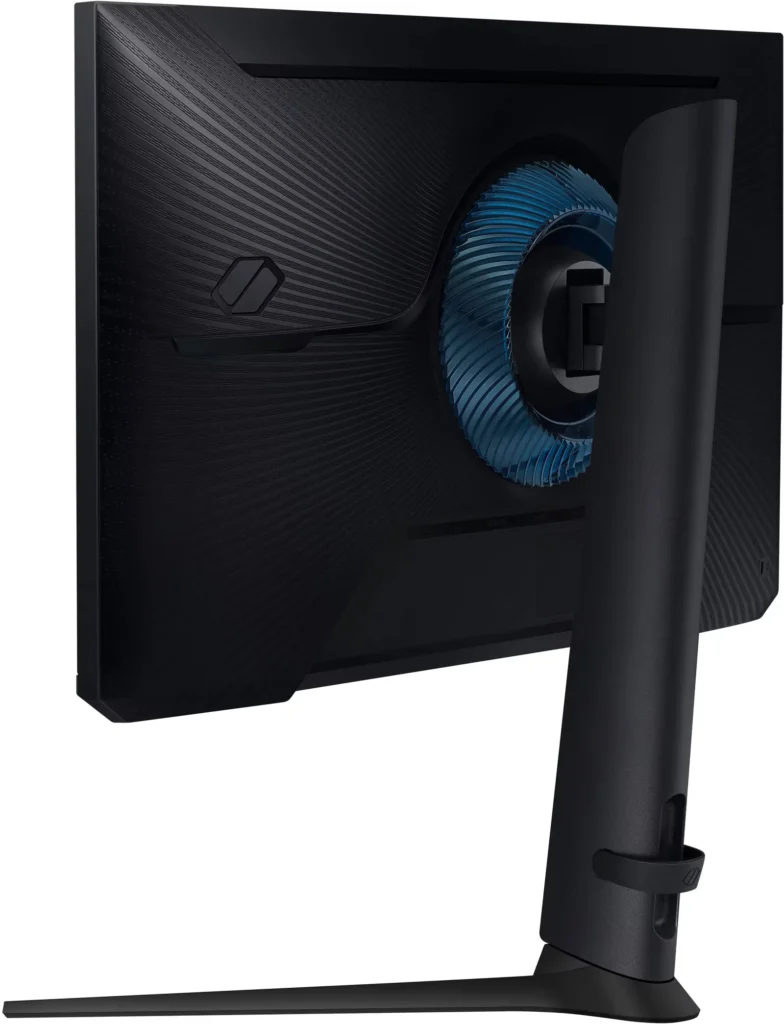
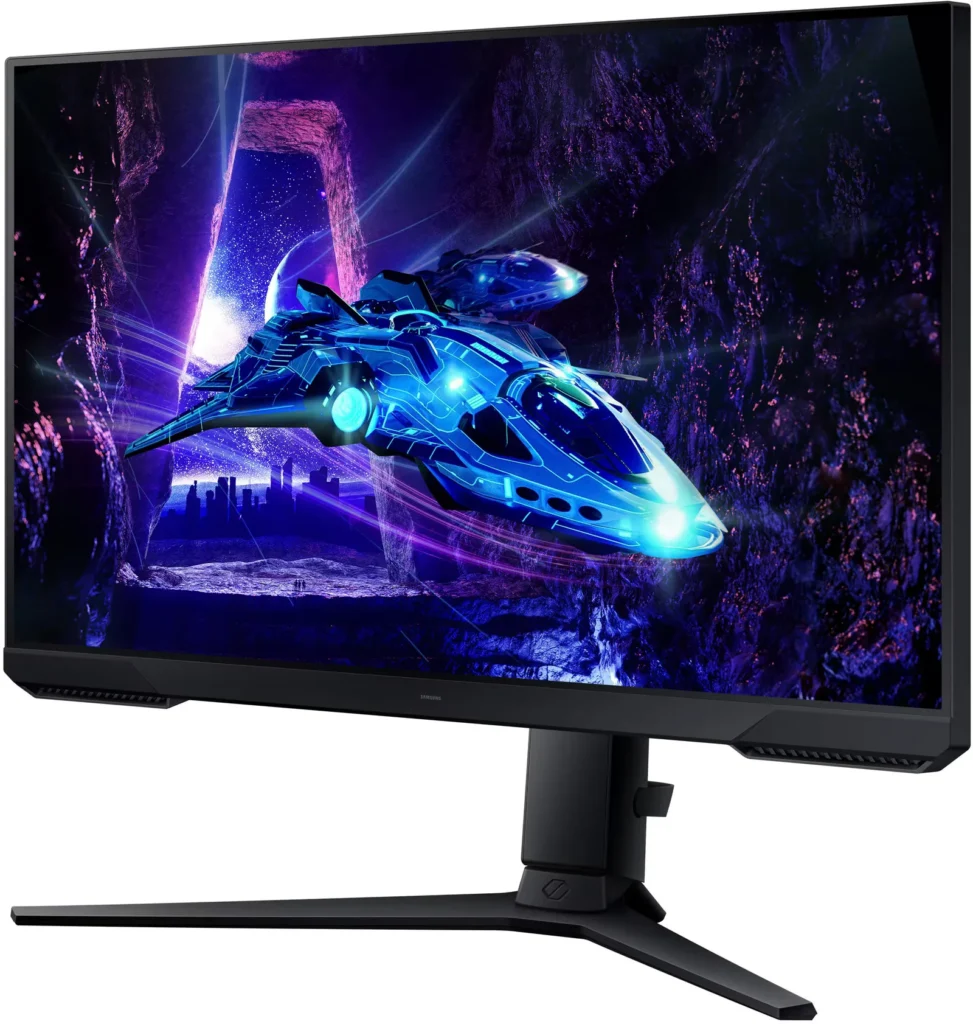
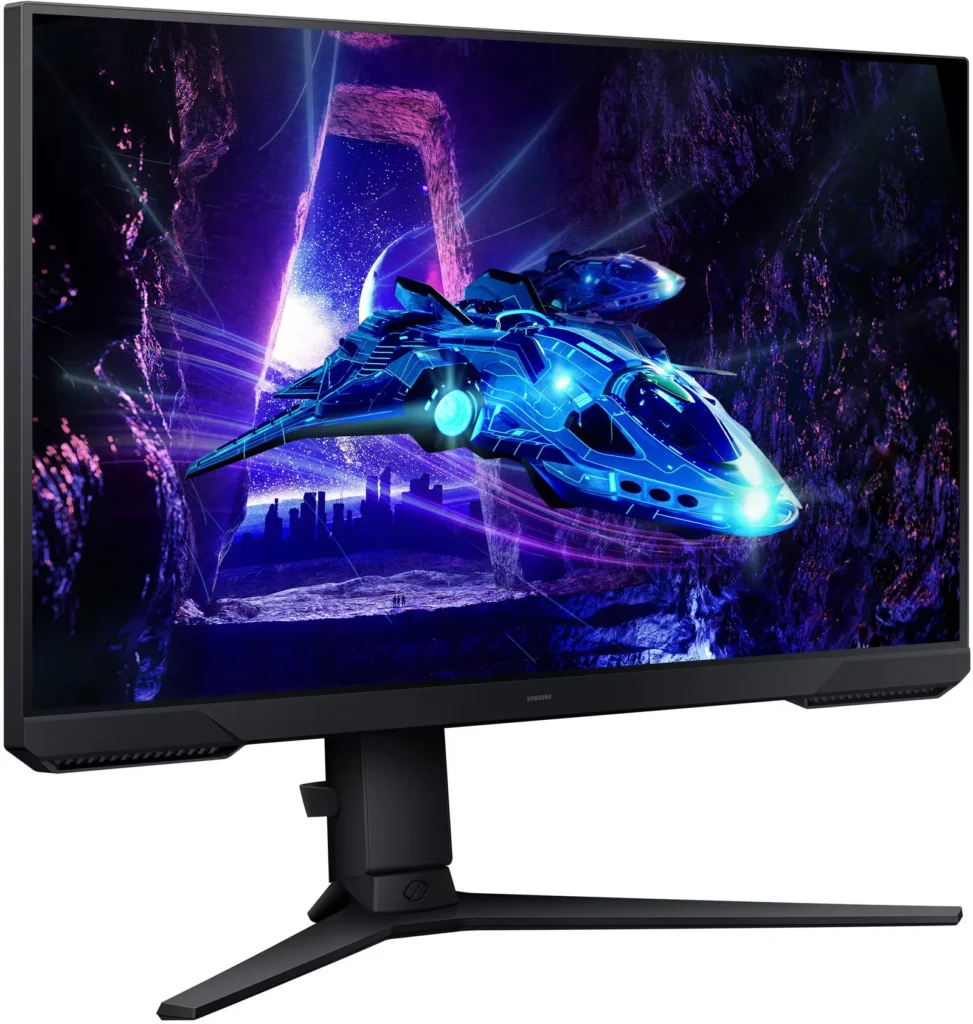
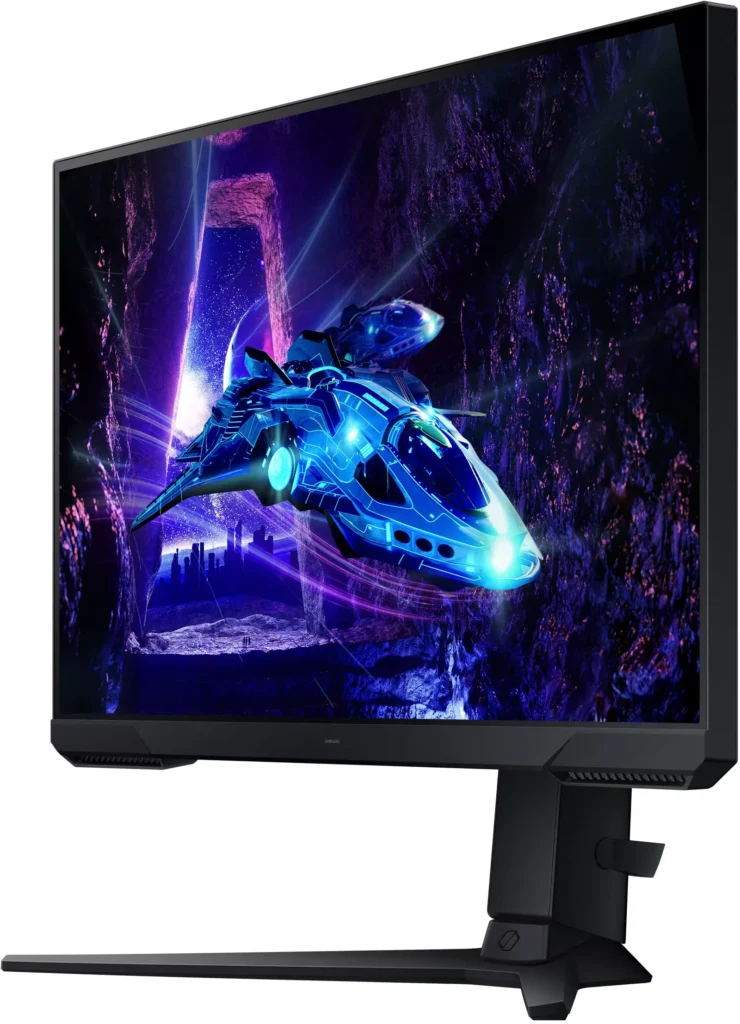
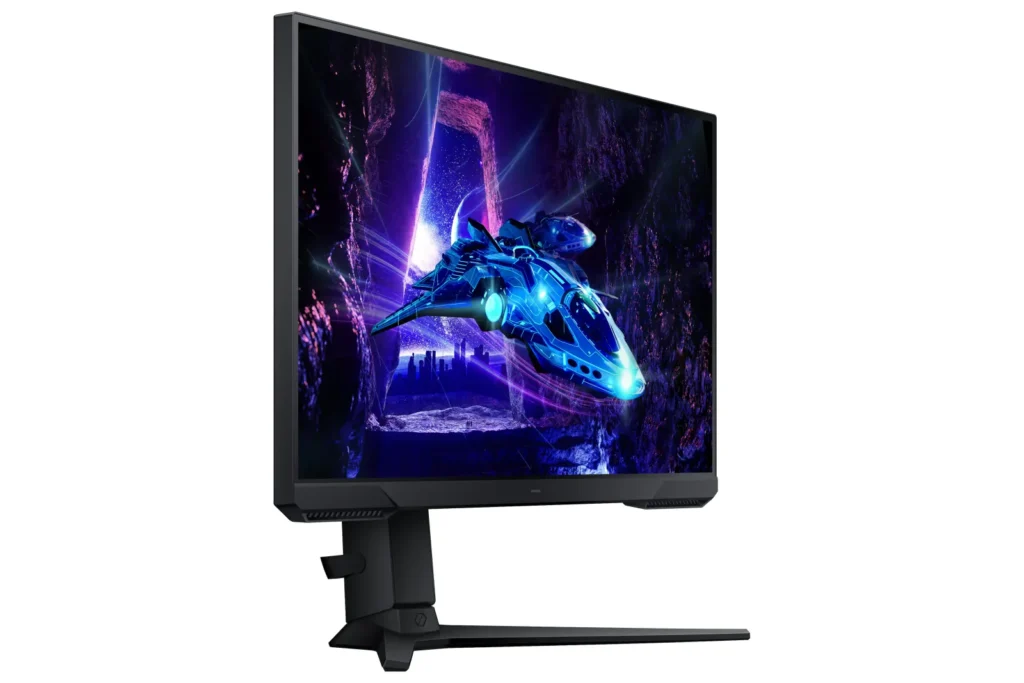
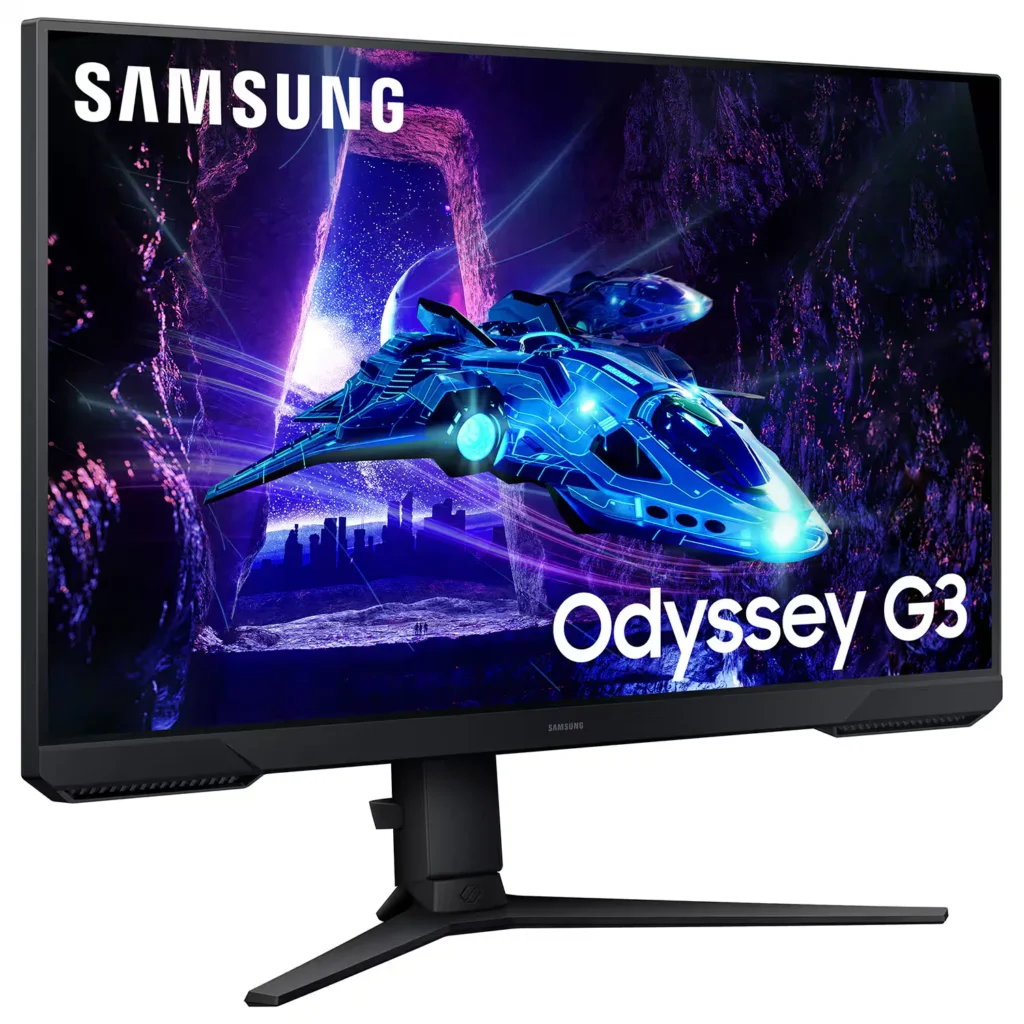
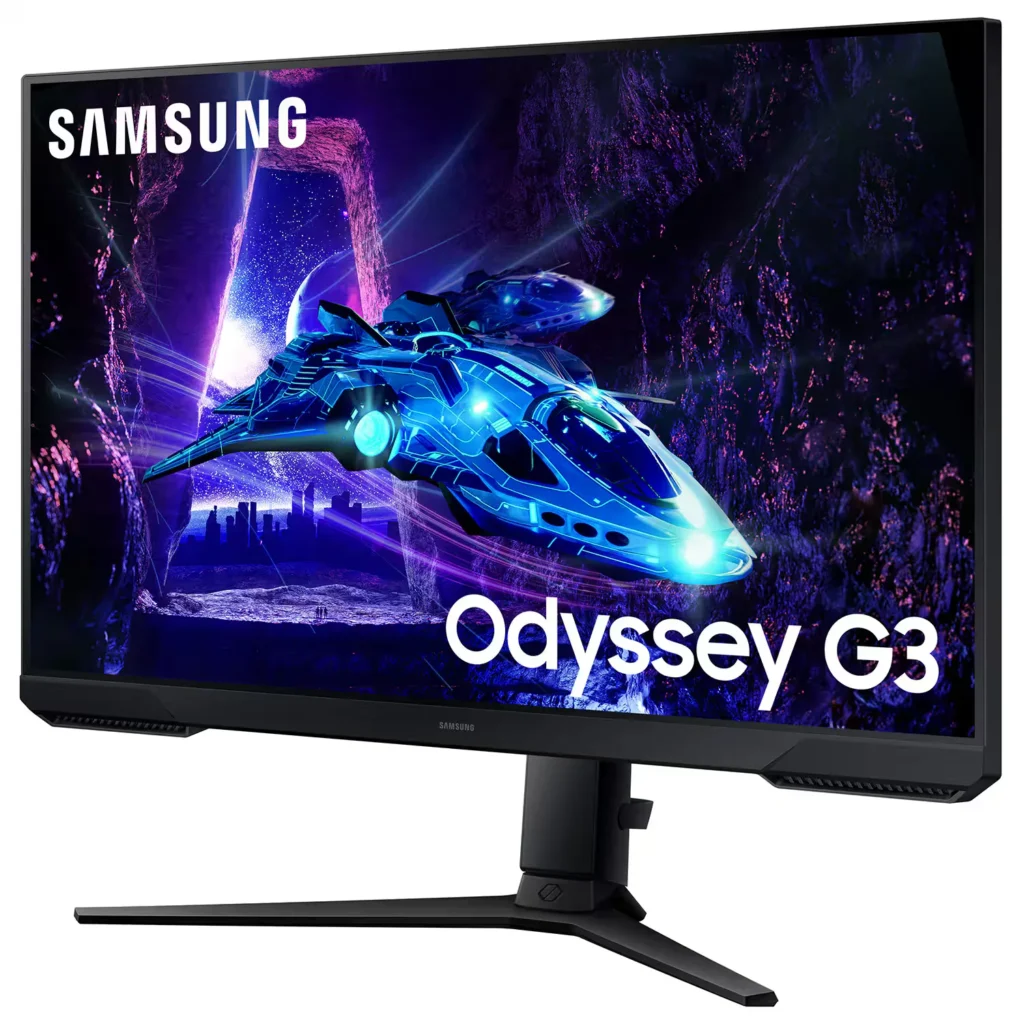
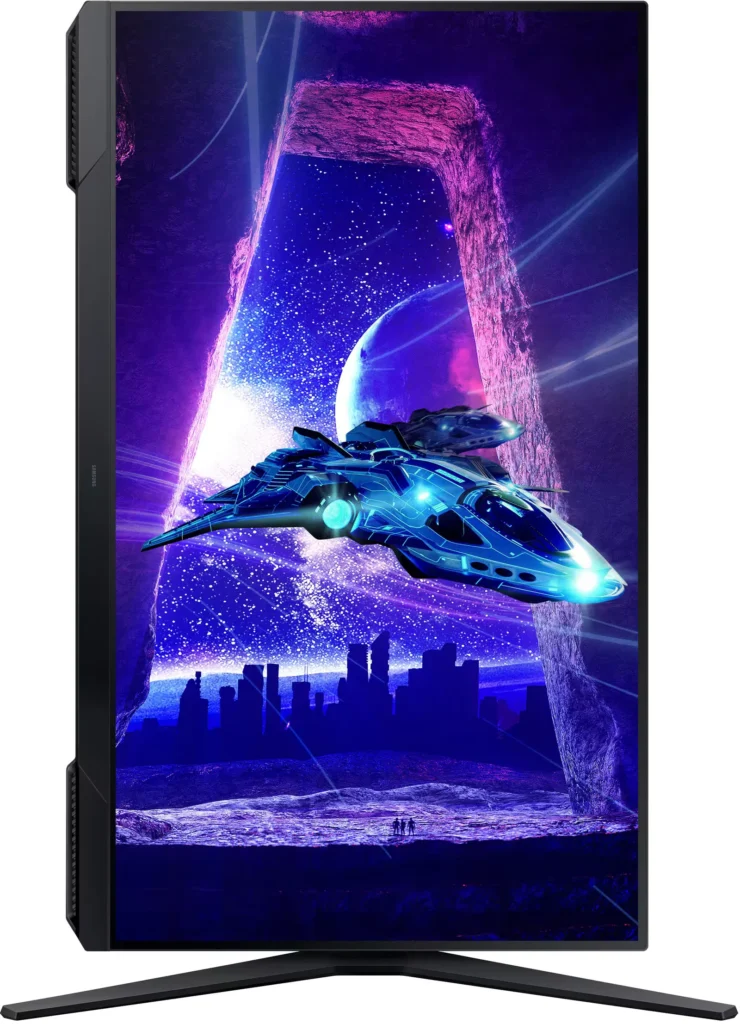
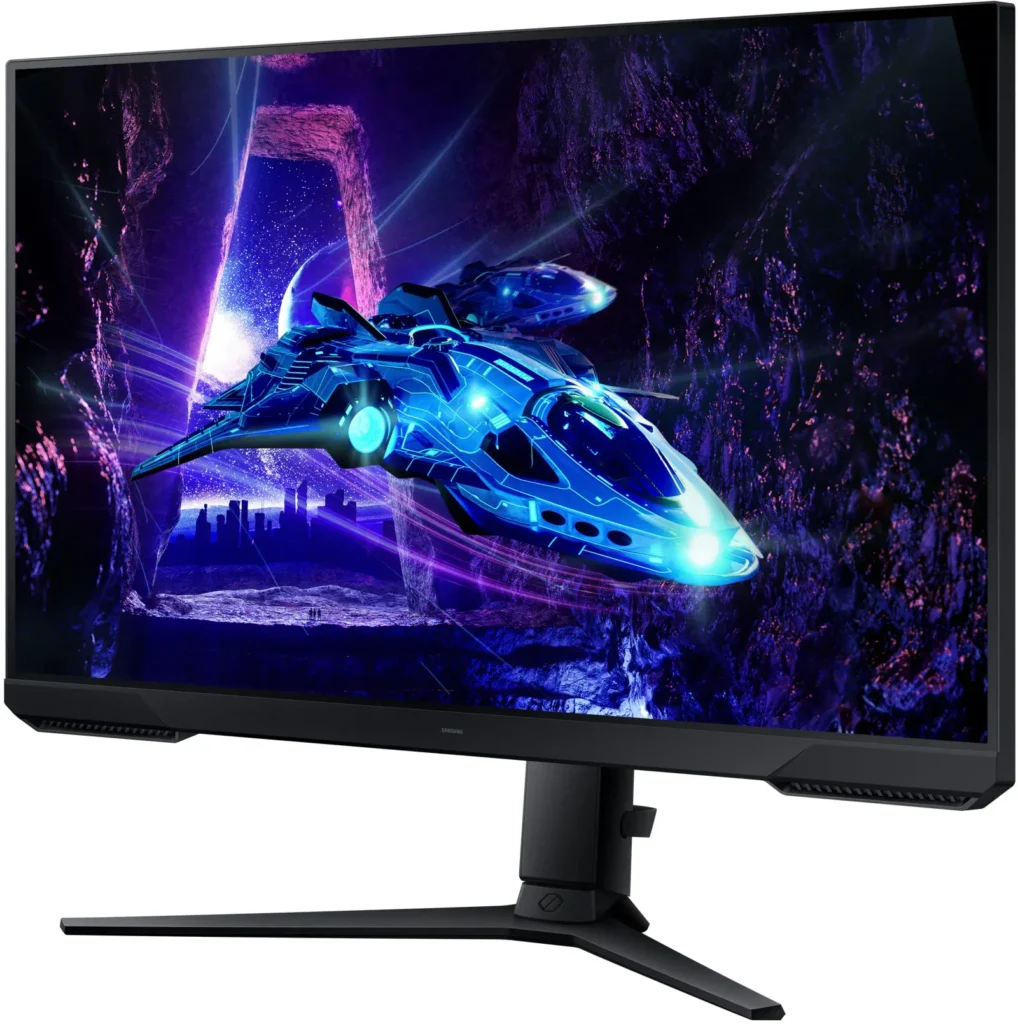
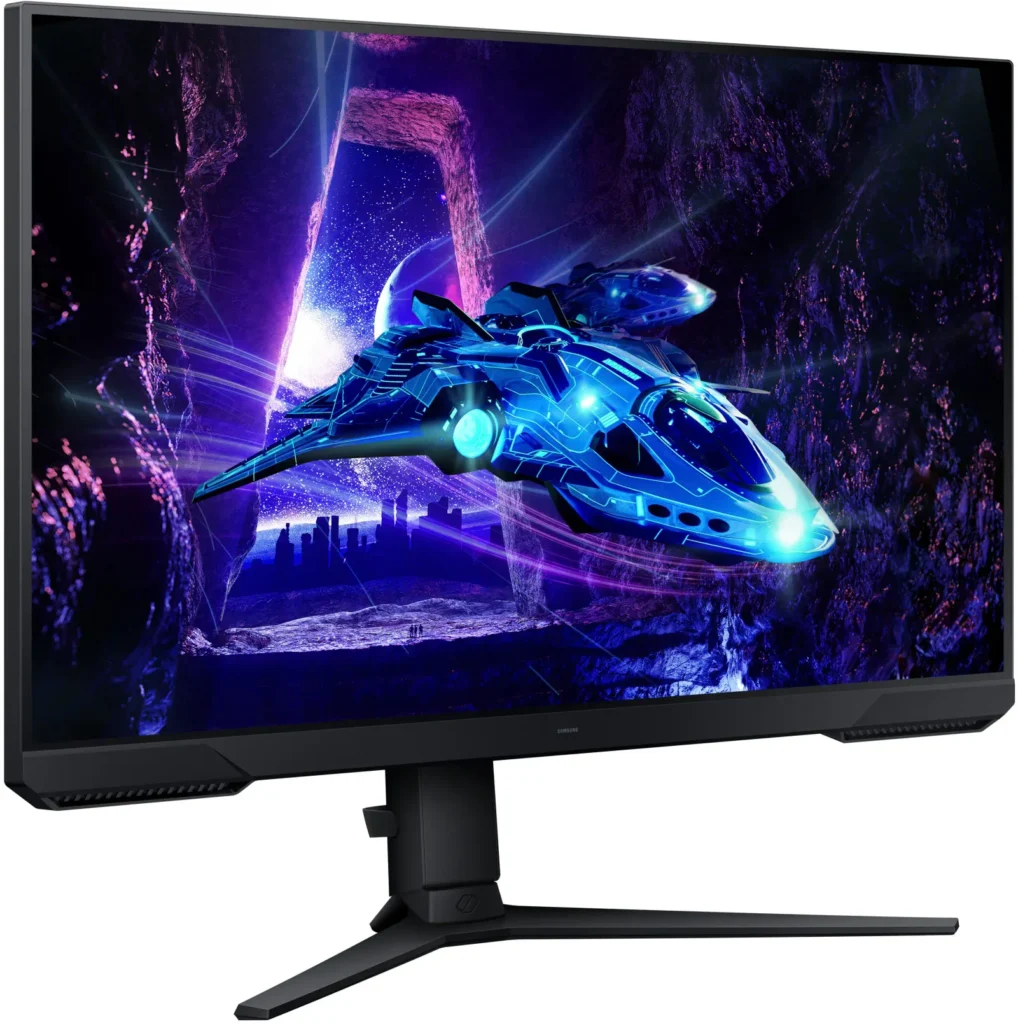
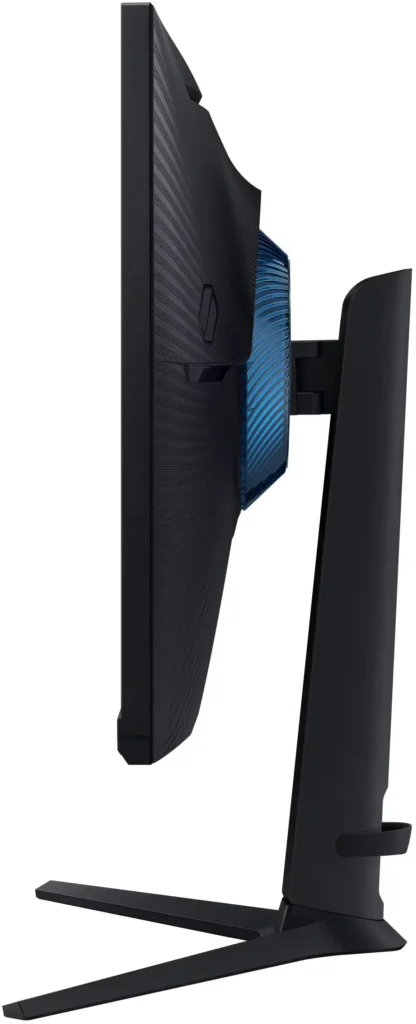
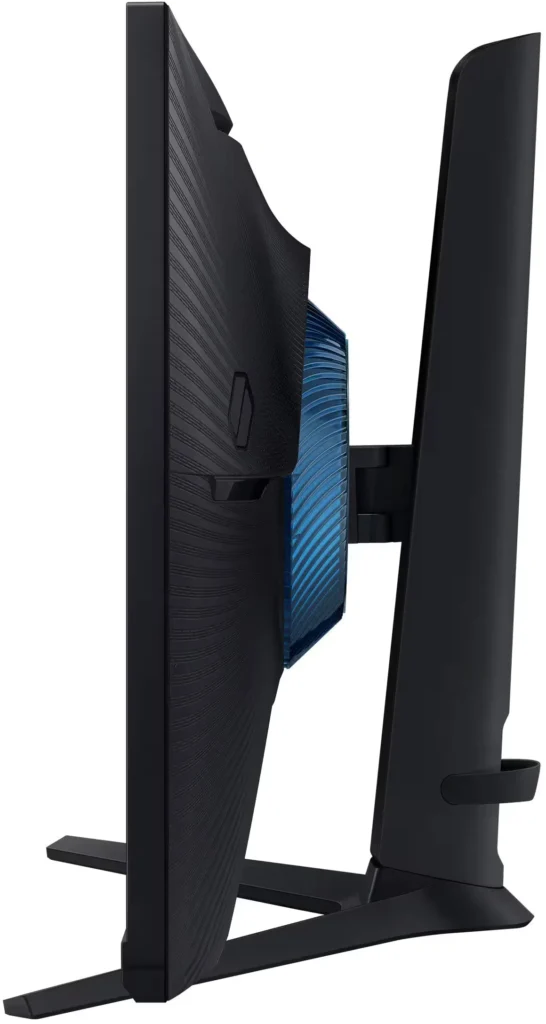
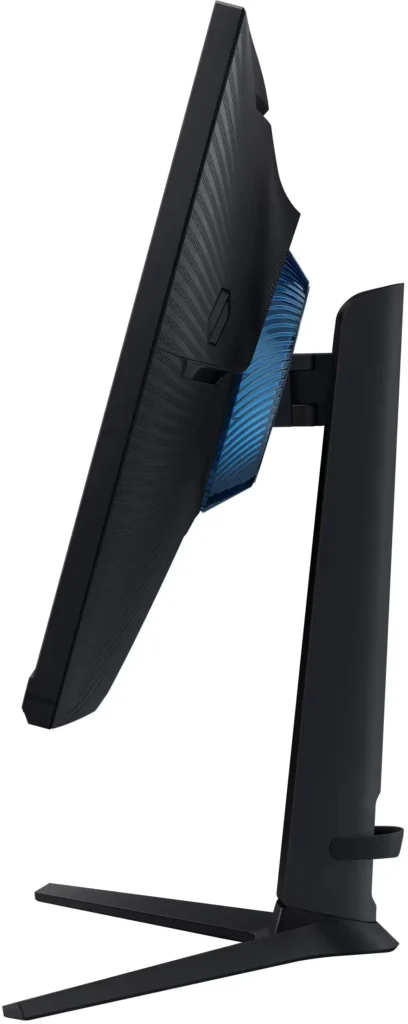
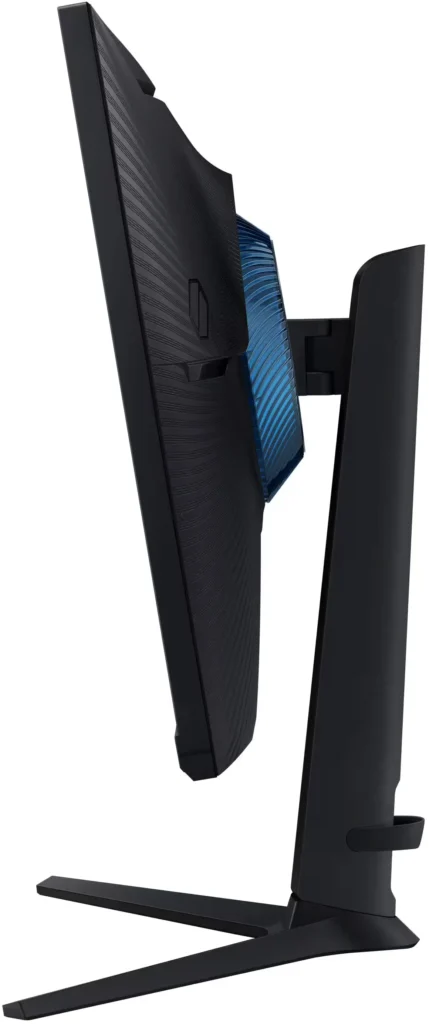
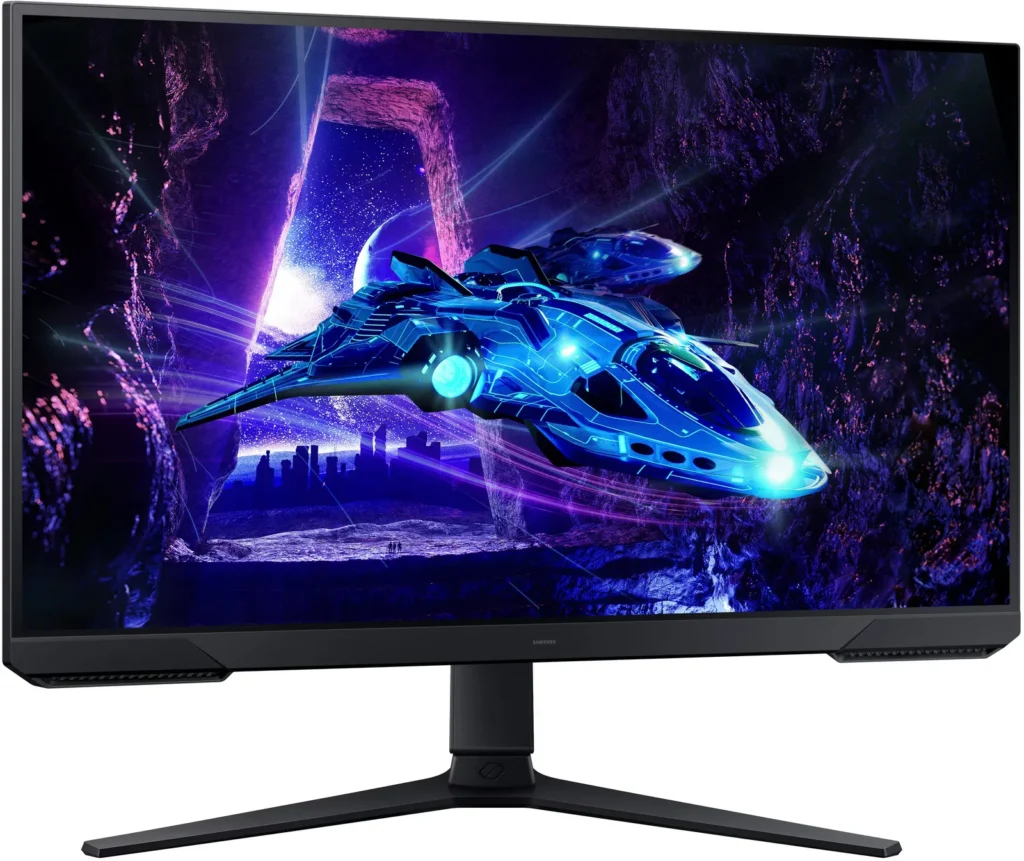
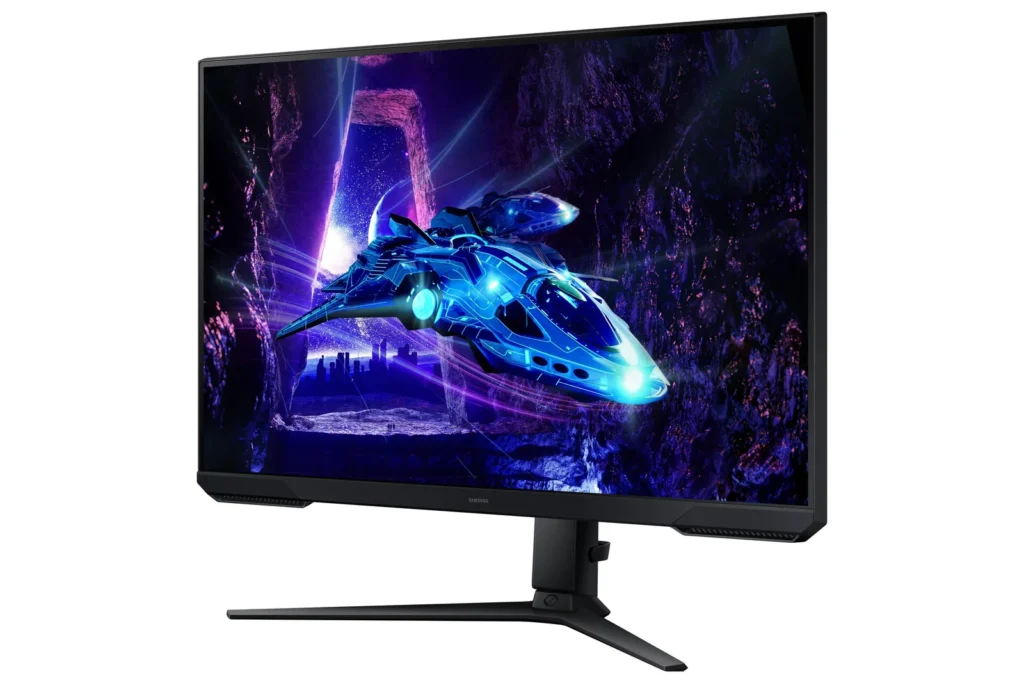
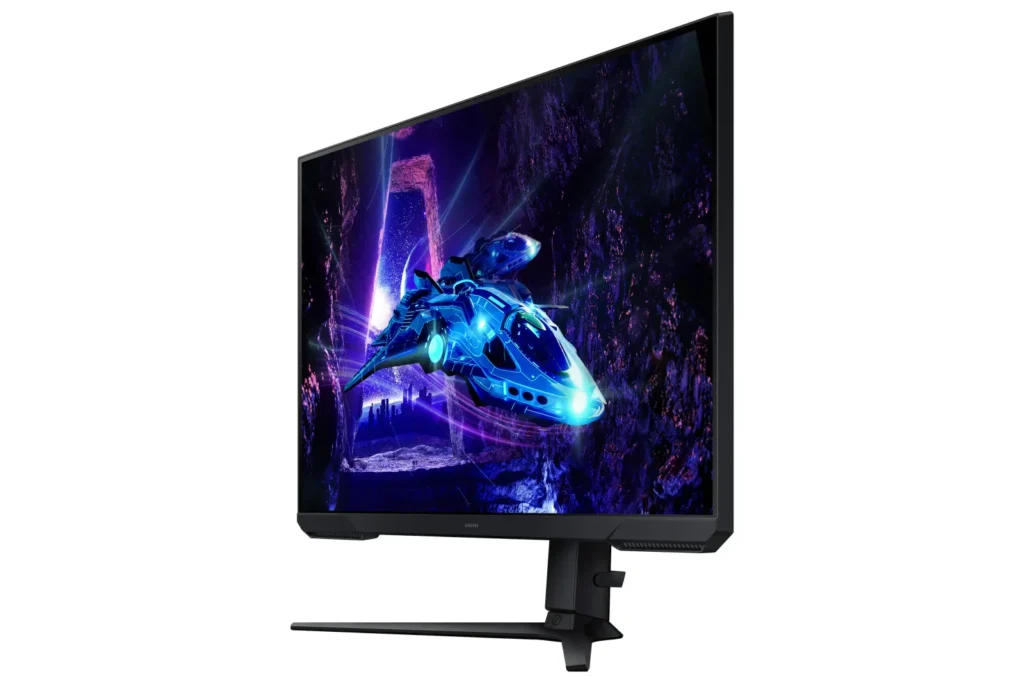
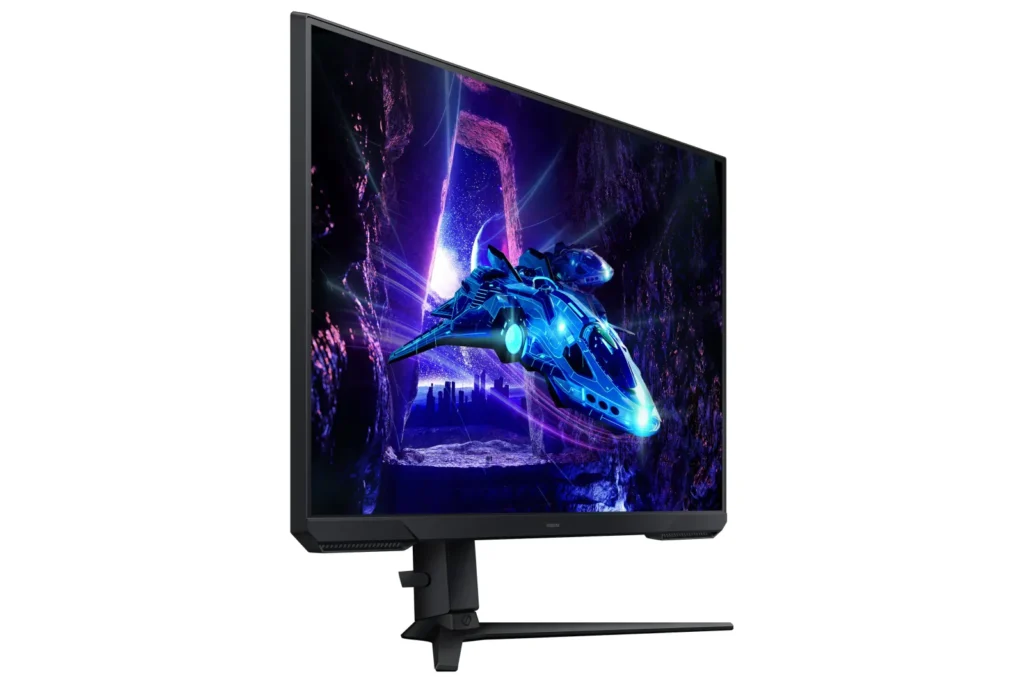
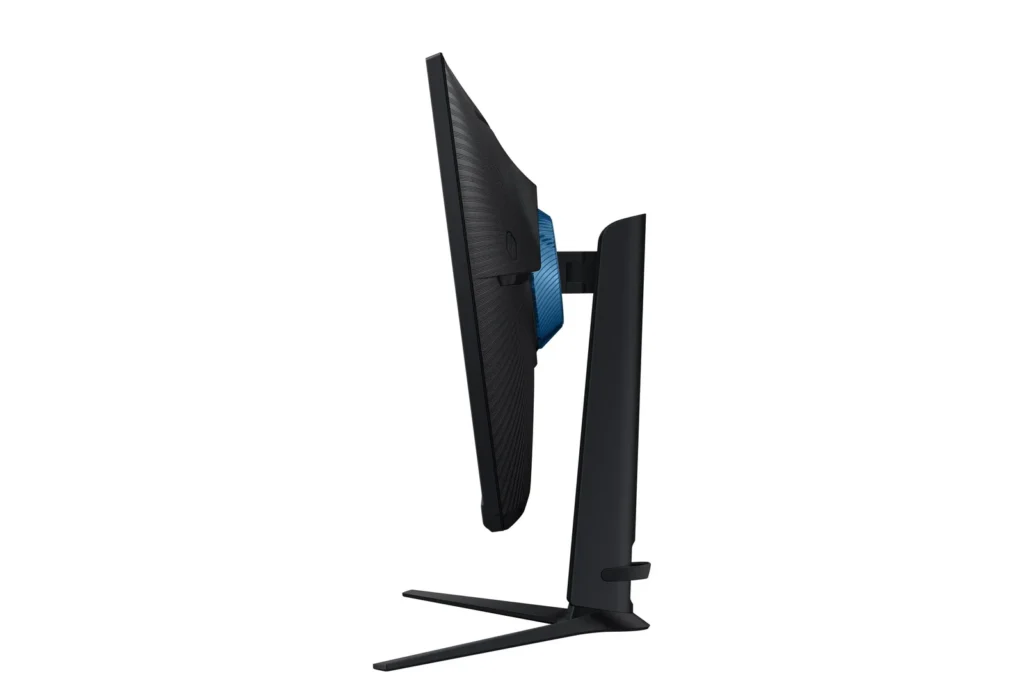
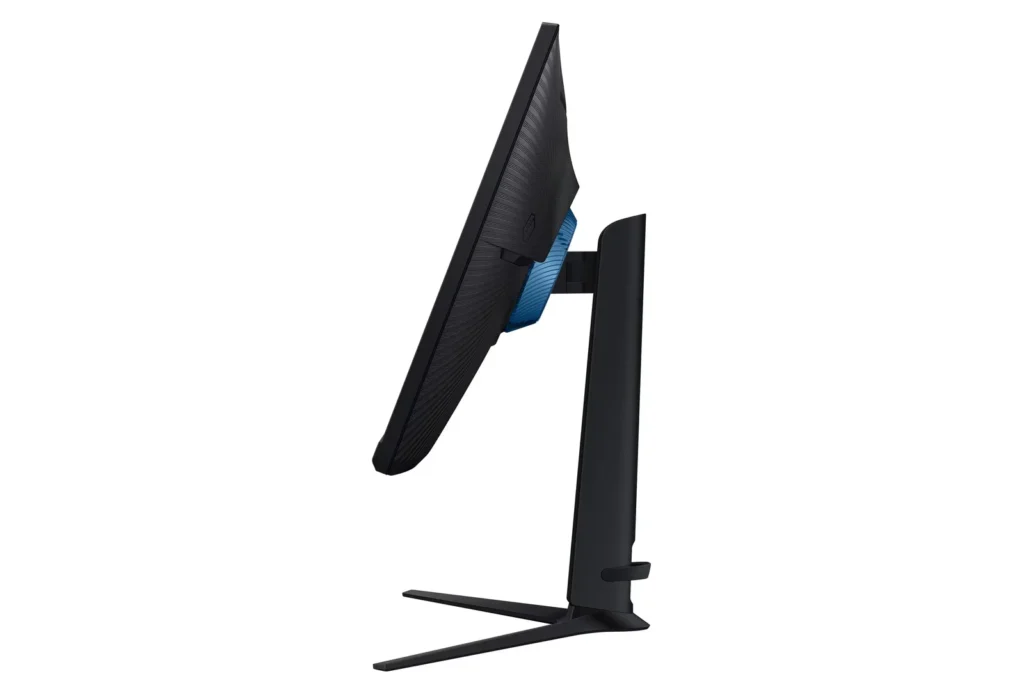
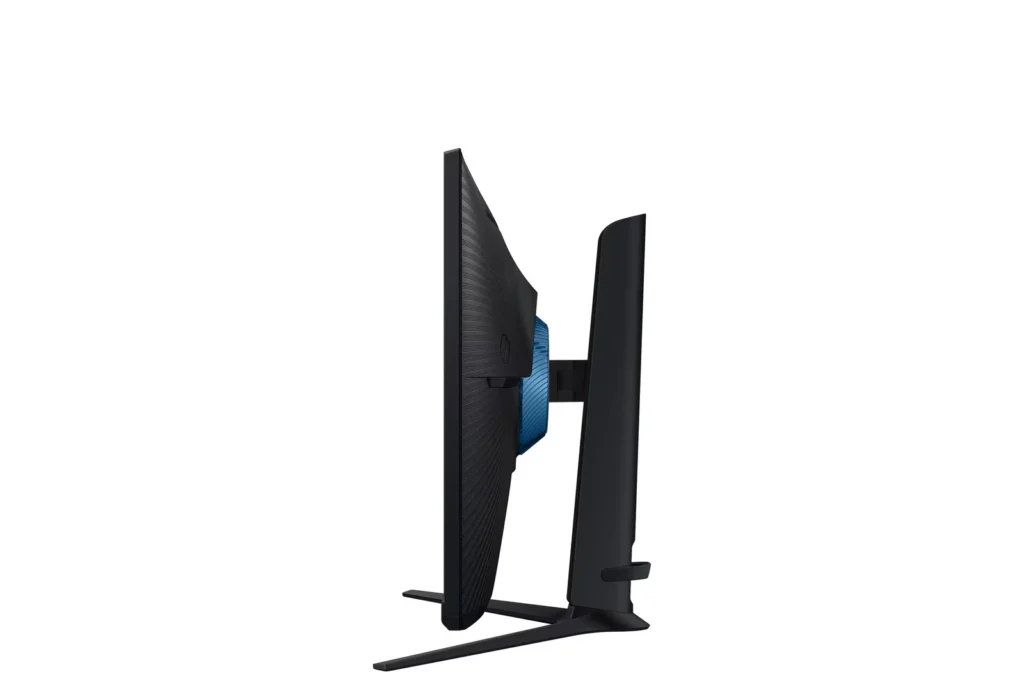
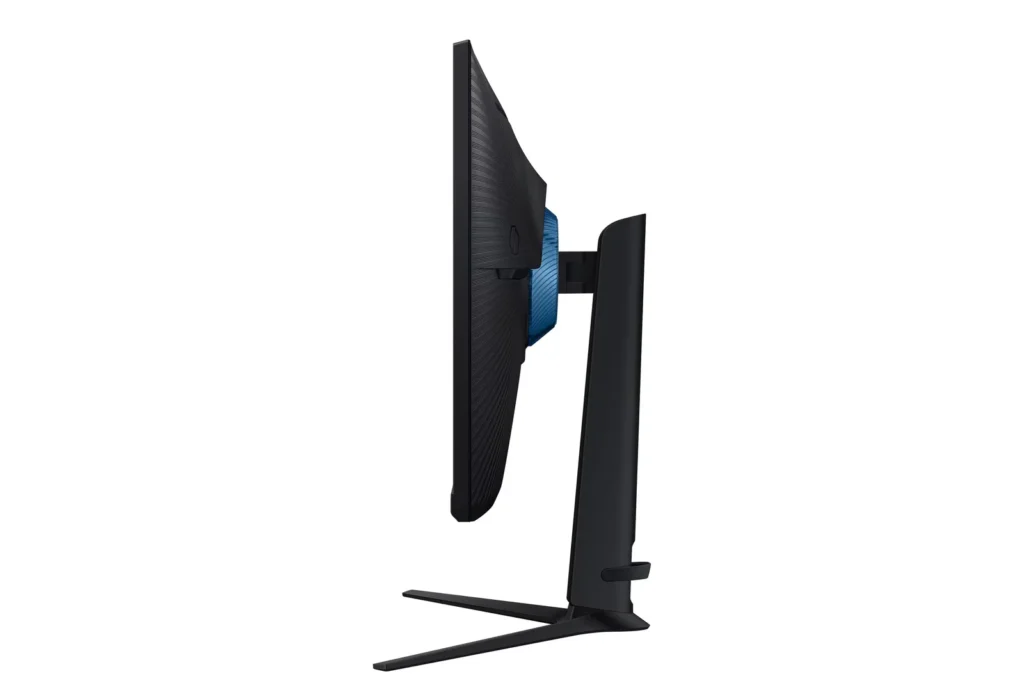
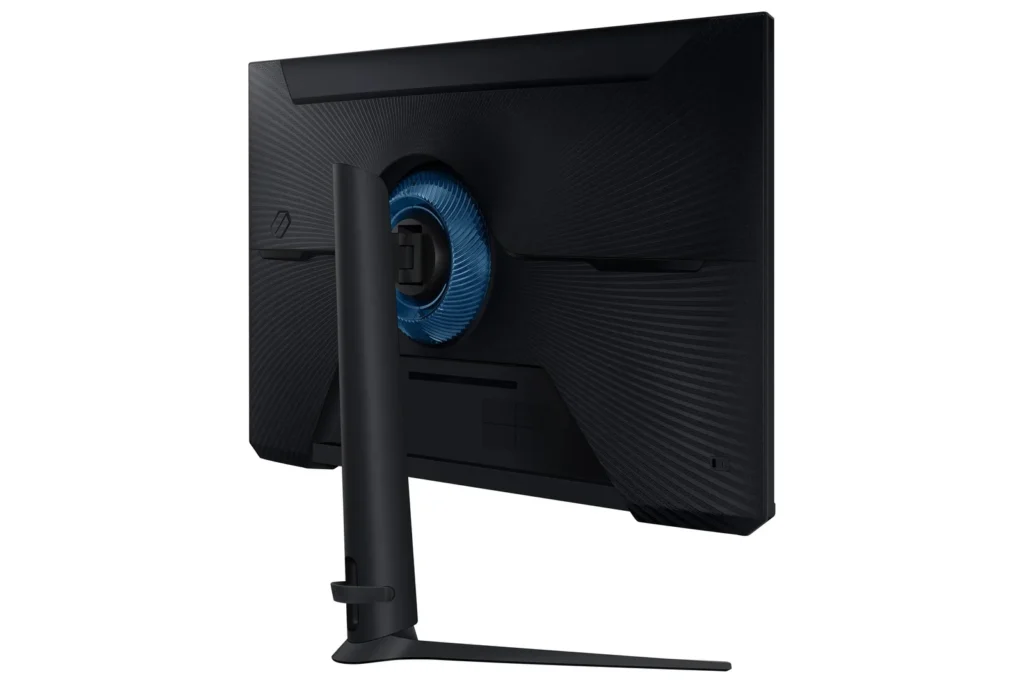
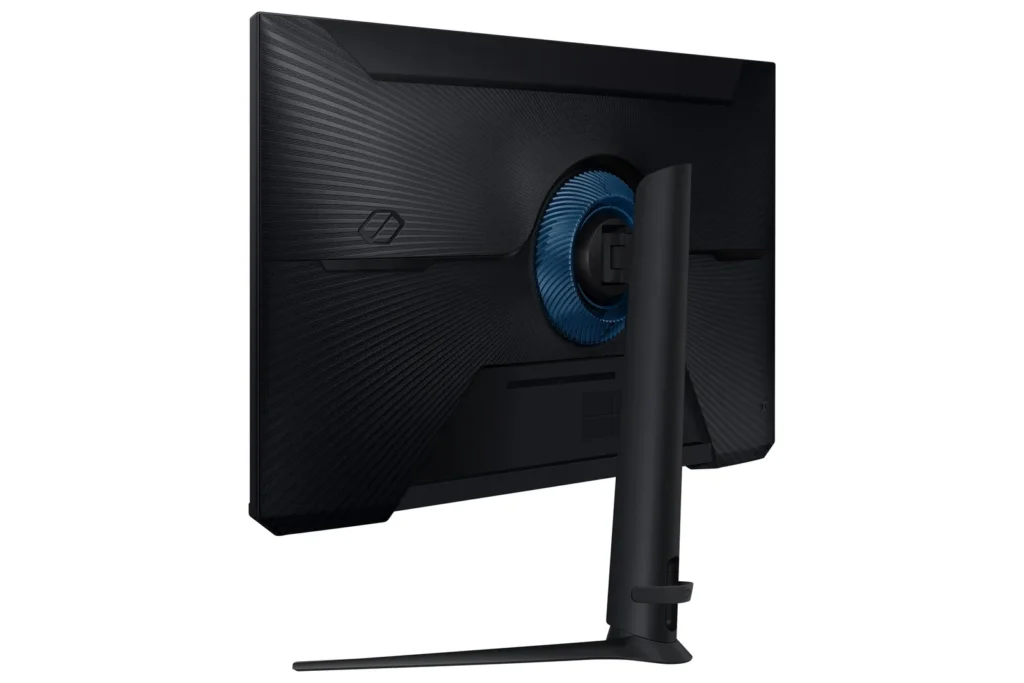
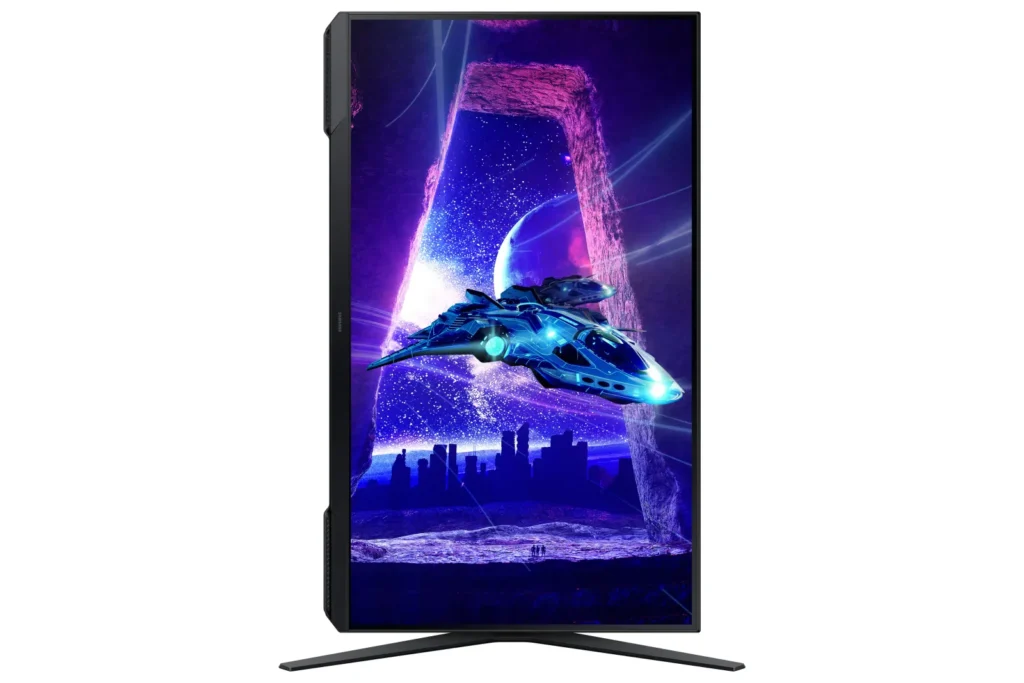
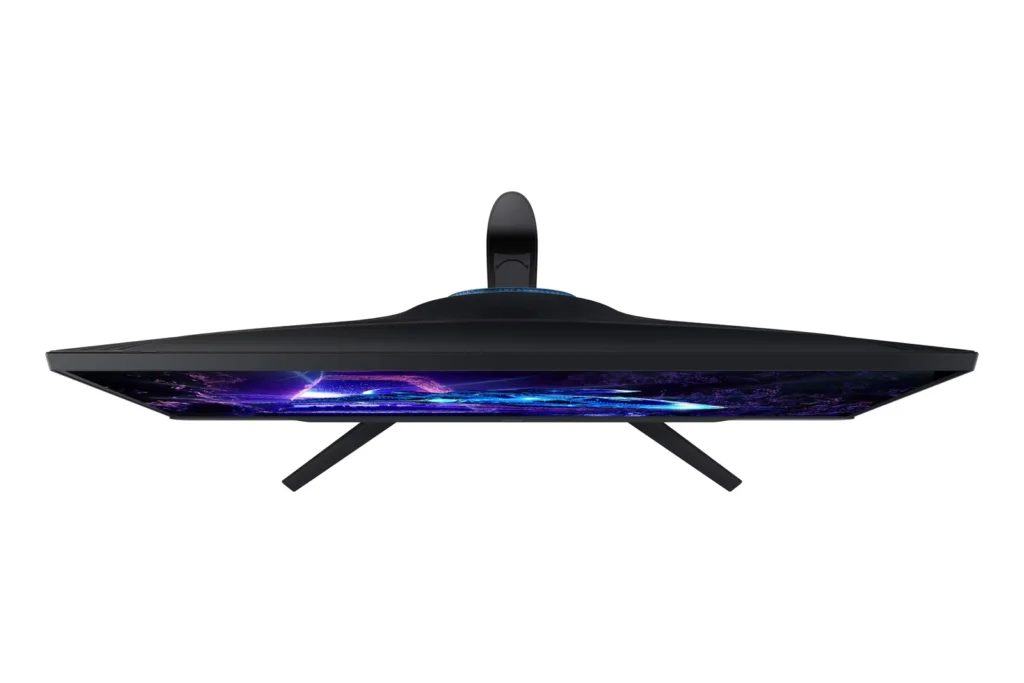
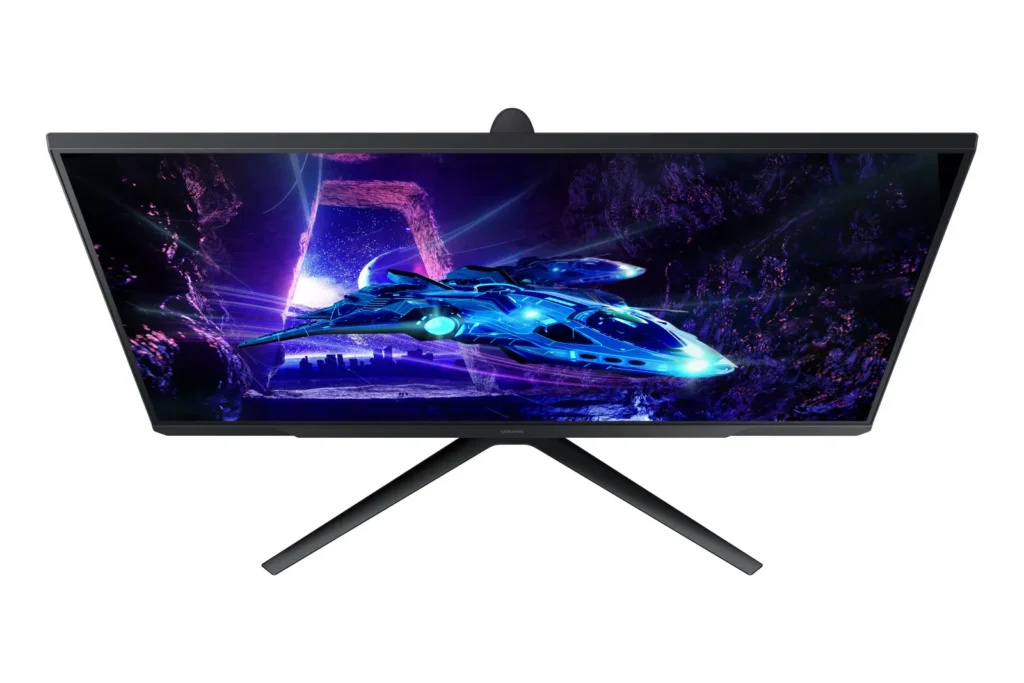
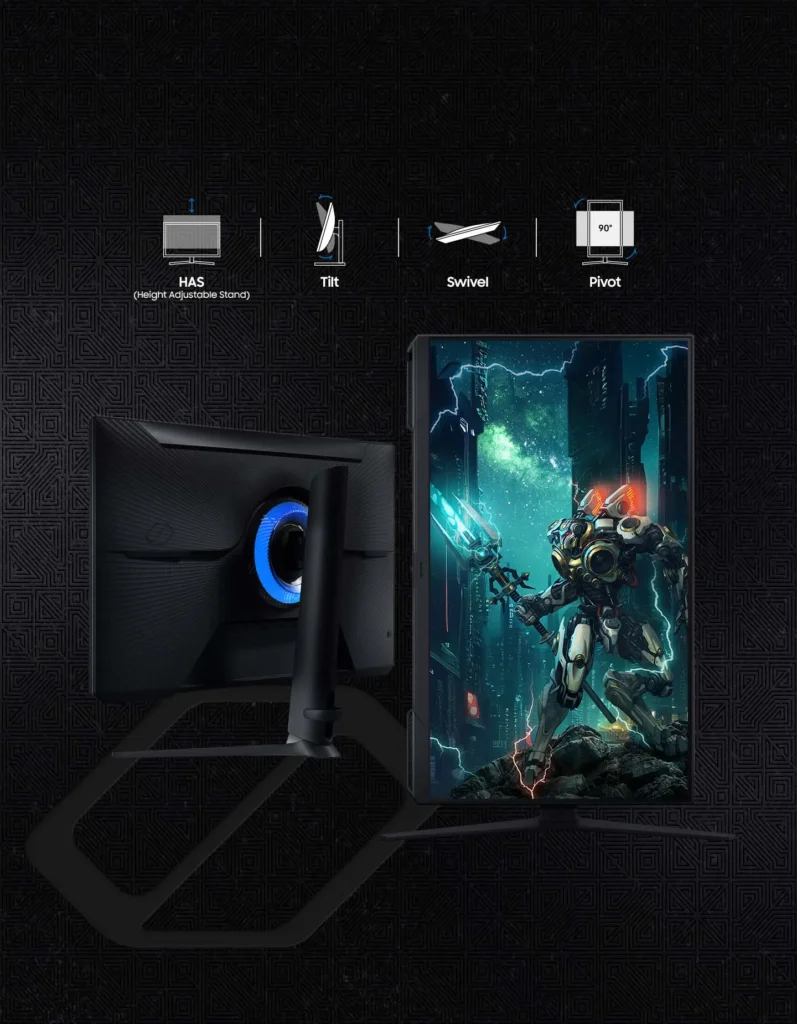
| Fully Ergonomic Stand | Find your perfect viewing angle with a versatile stand that allows you to swivel, tilt, pivot, and adjust the height, providing maximum comfort for extended gaming sessions. |
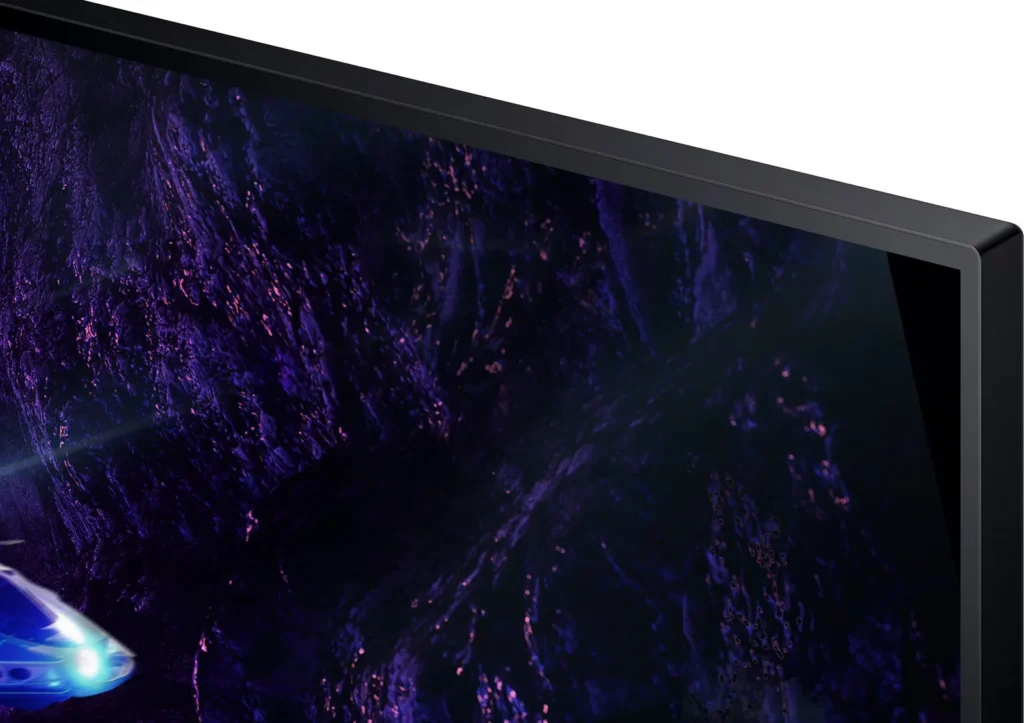
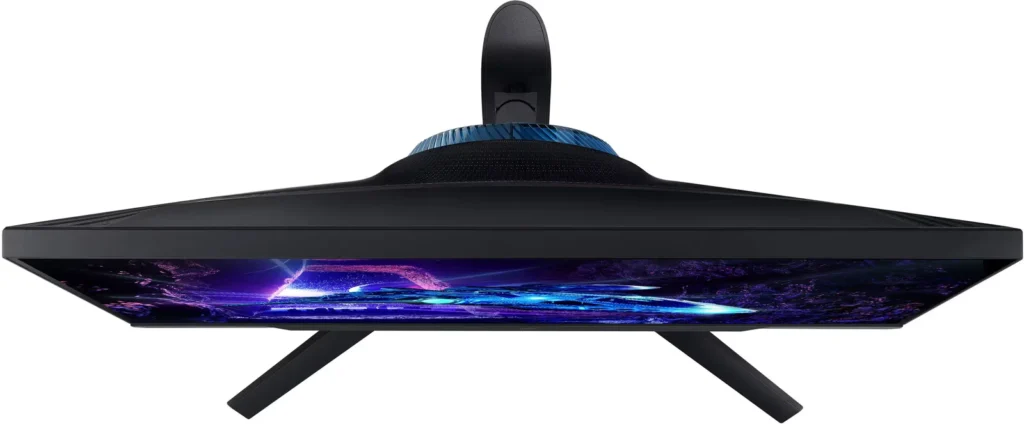
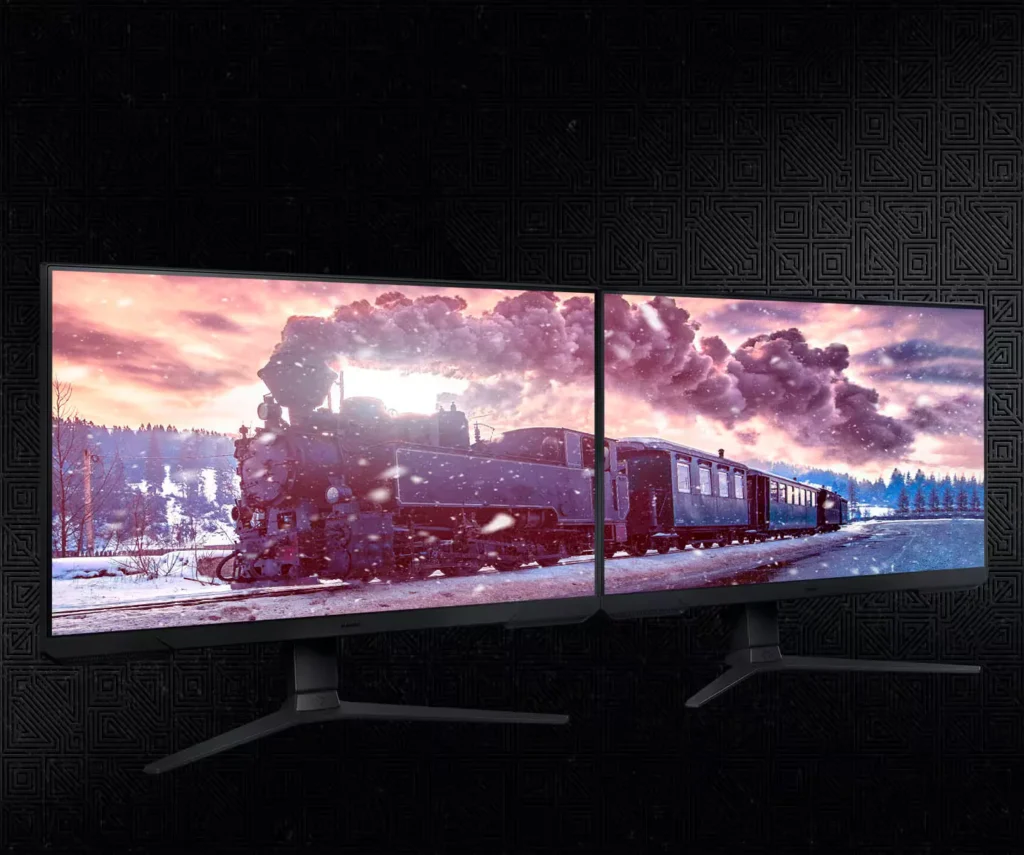
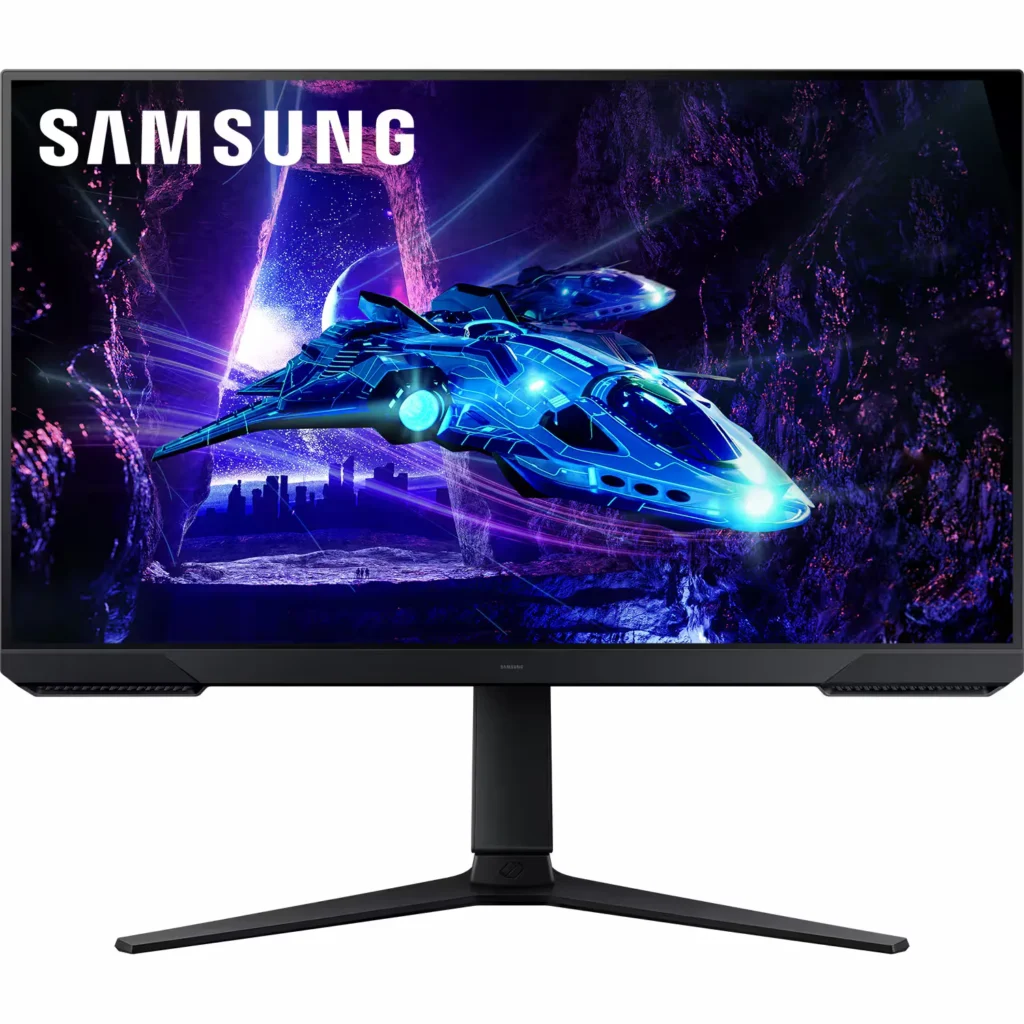
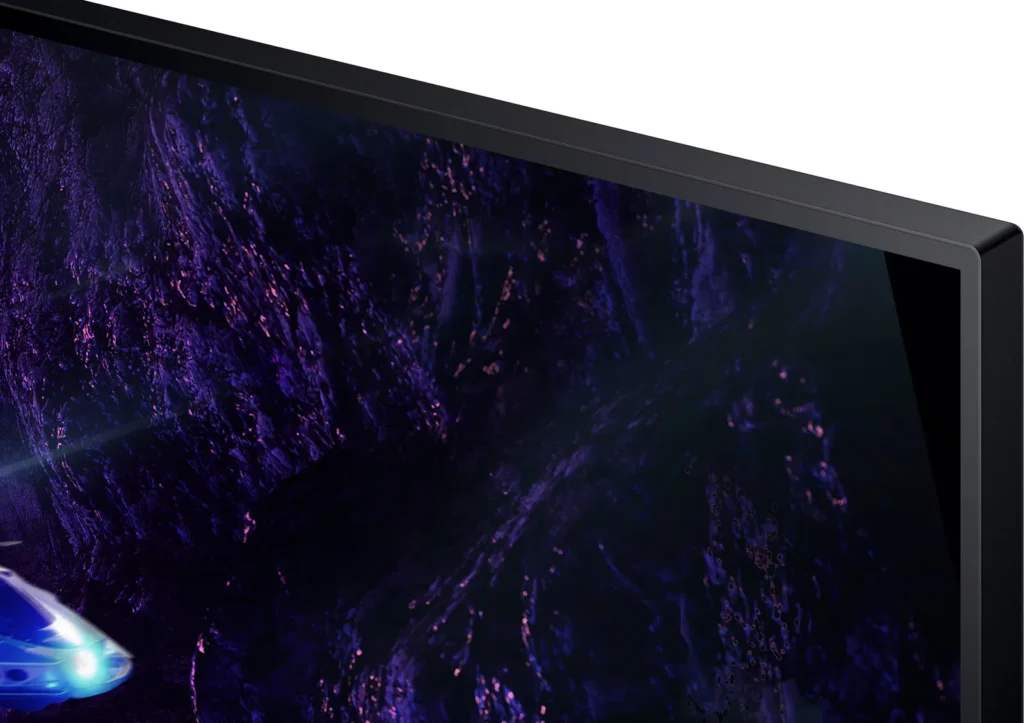
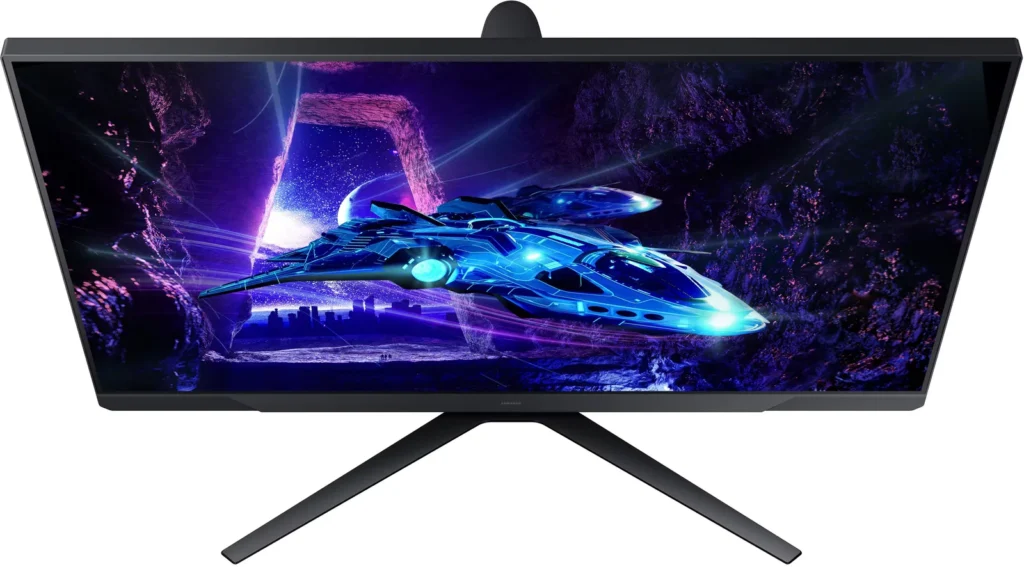
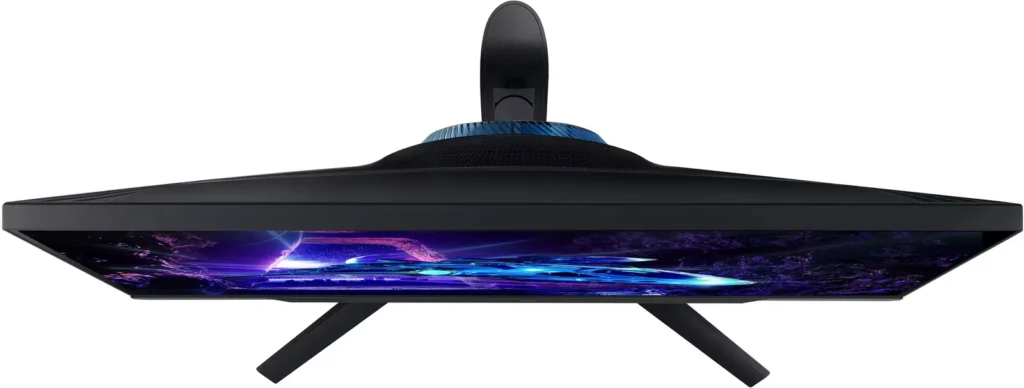
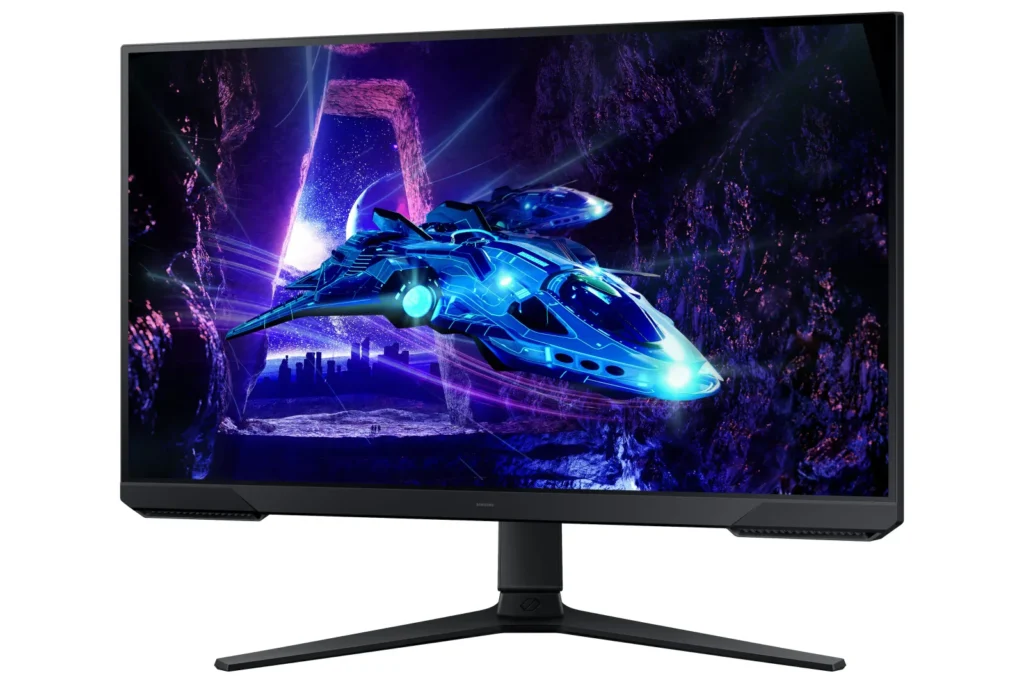
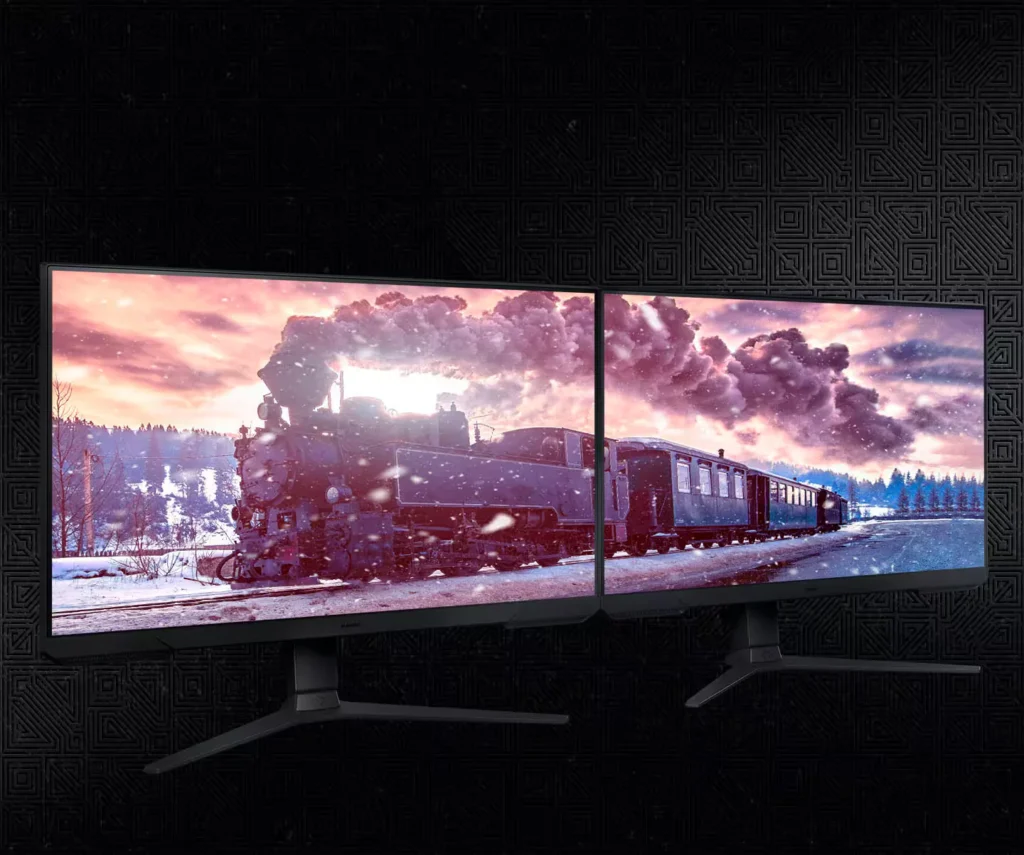
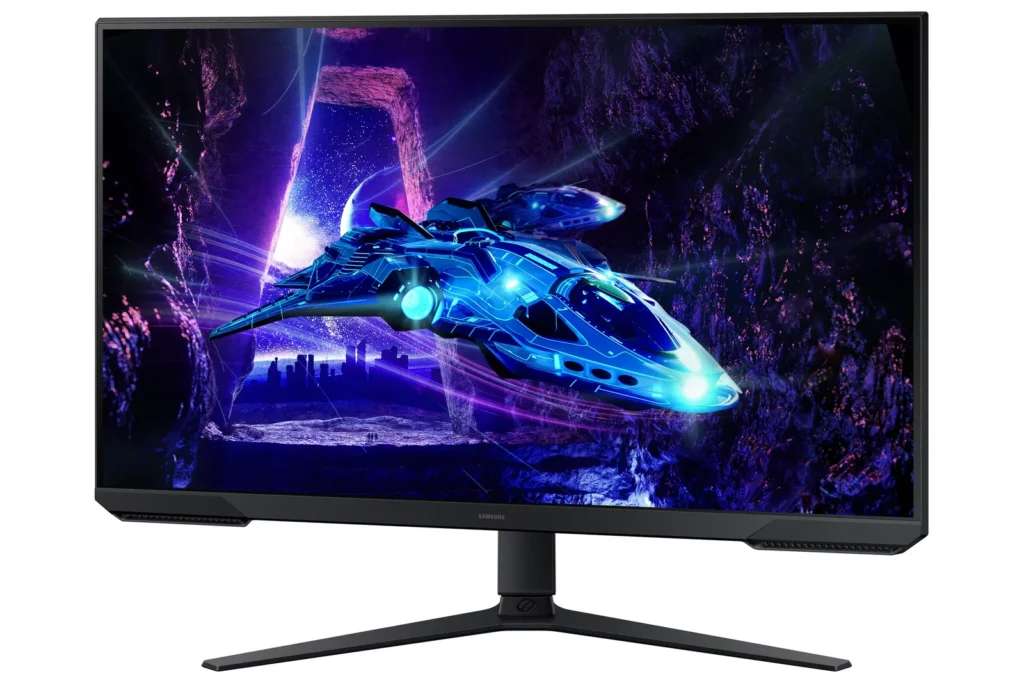
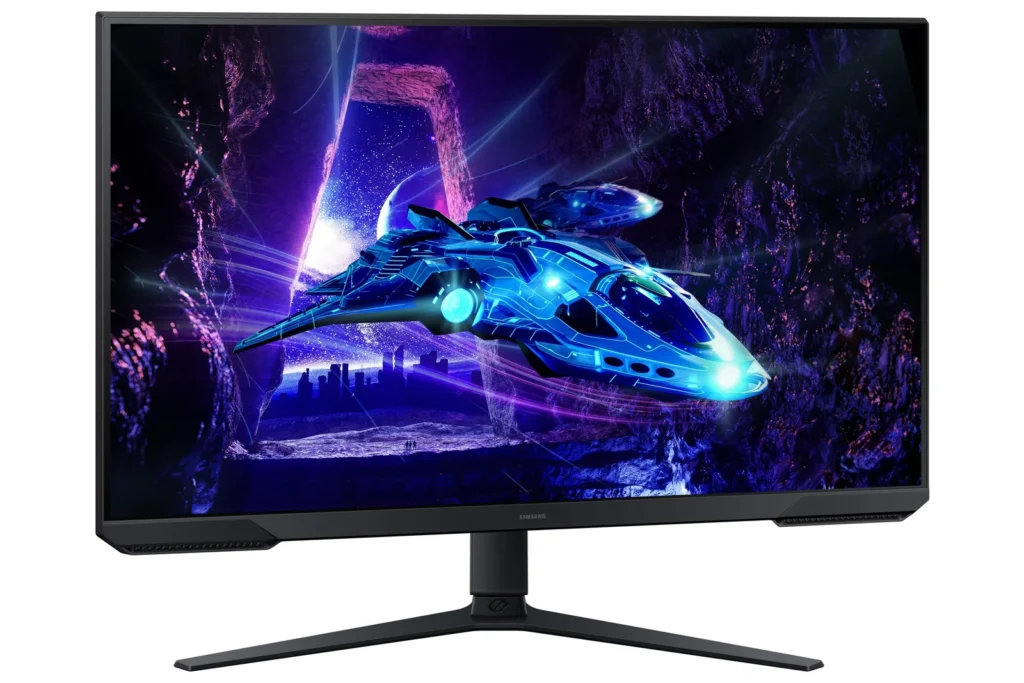
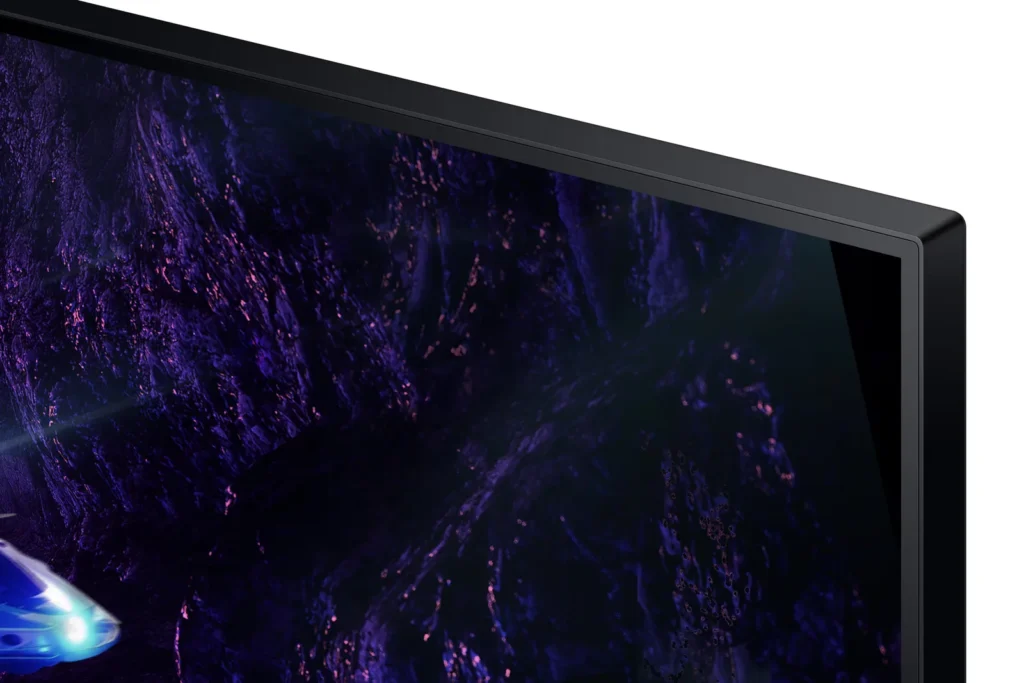
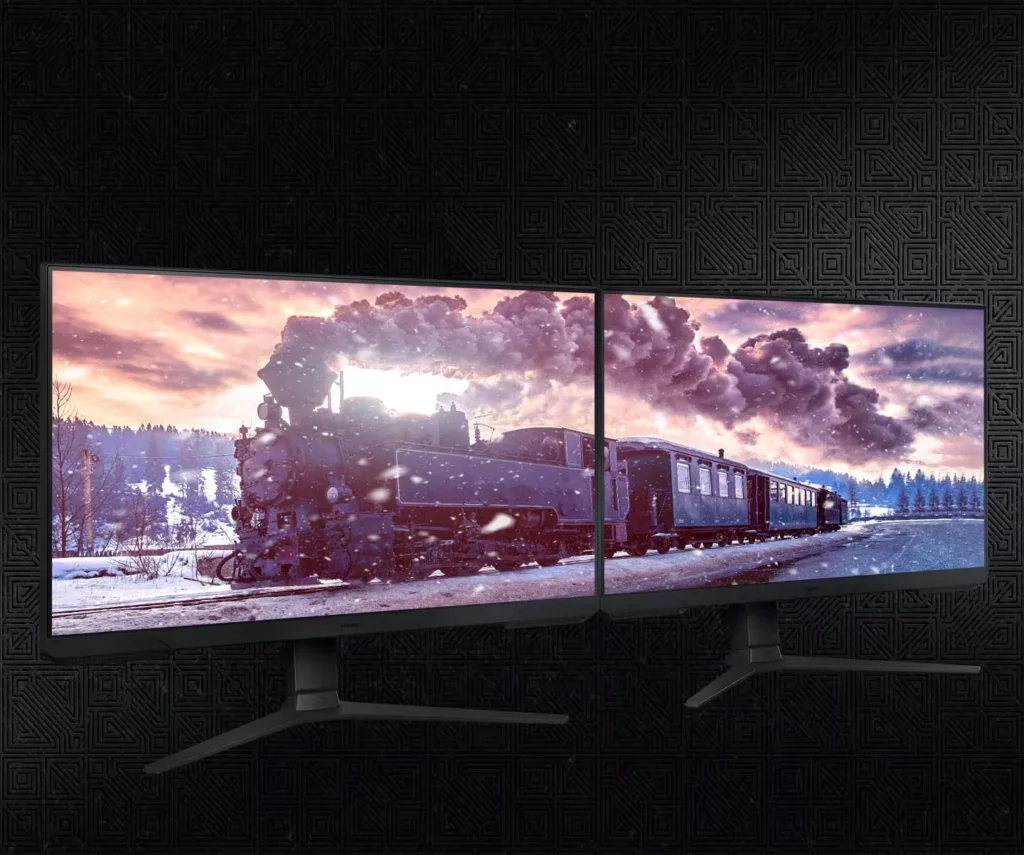
| 3-Sided Borderless Design | The minimalist, 3-sided borderless design maximizes screen real estate for an immersive experience and allows for a virtually seamless dual-monitor setup. |
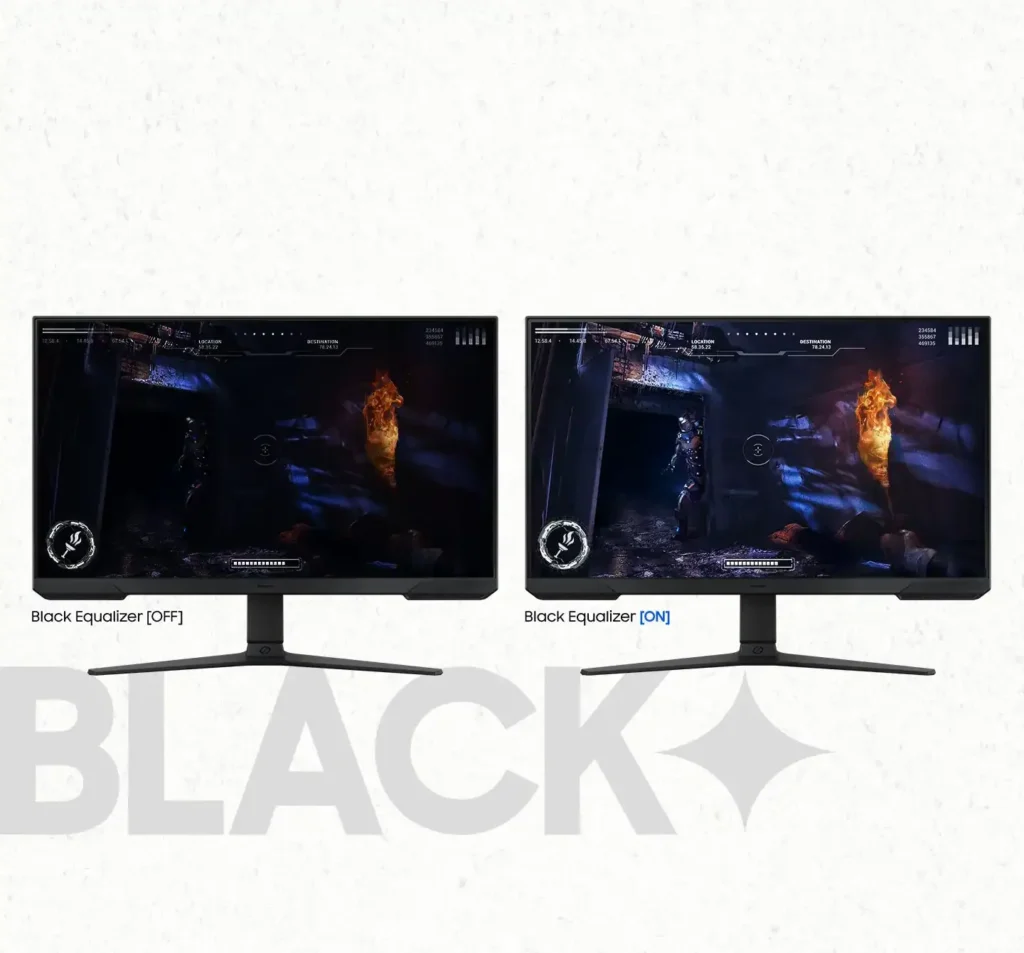
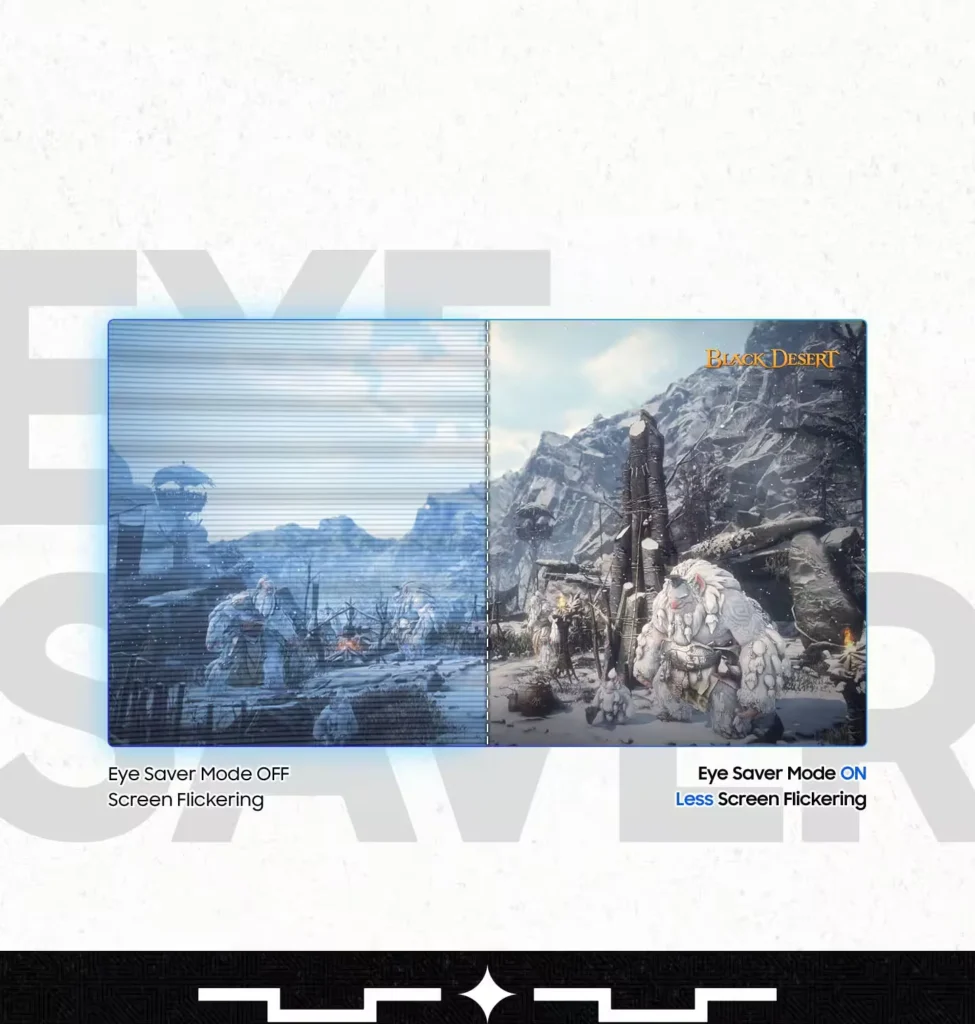
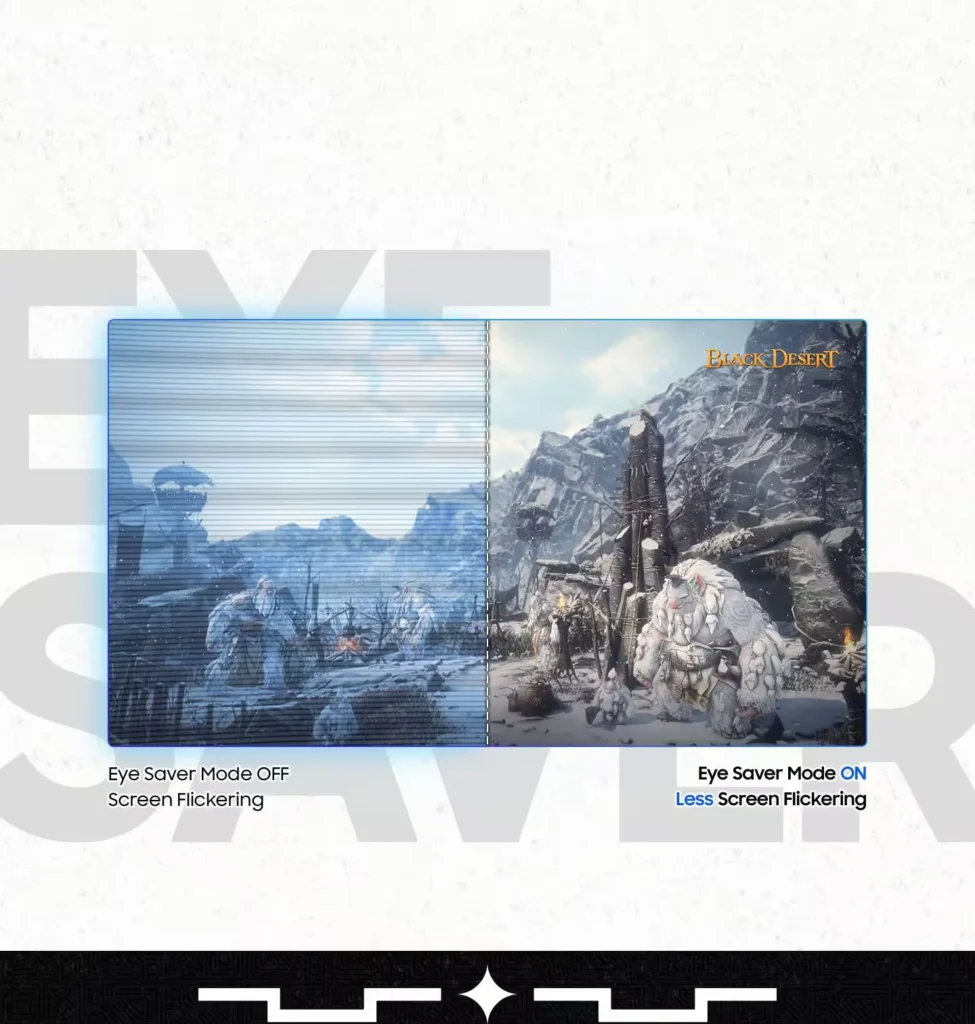
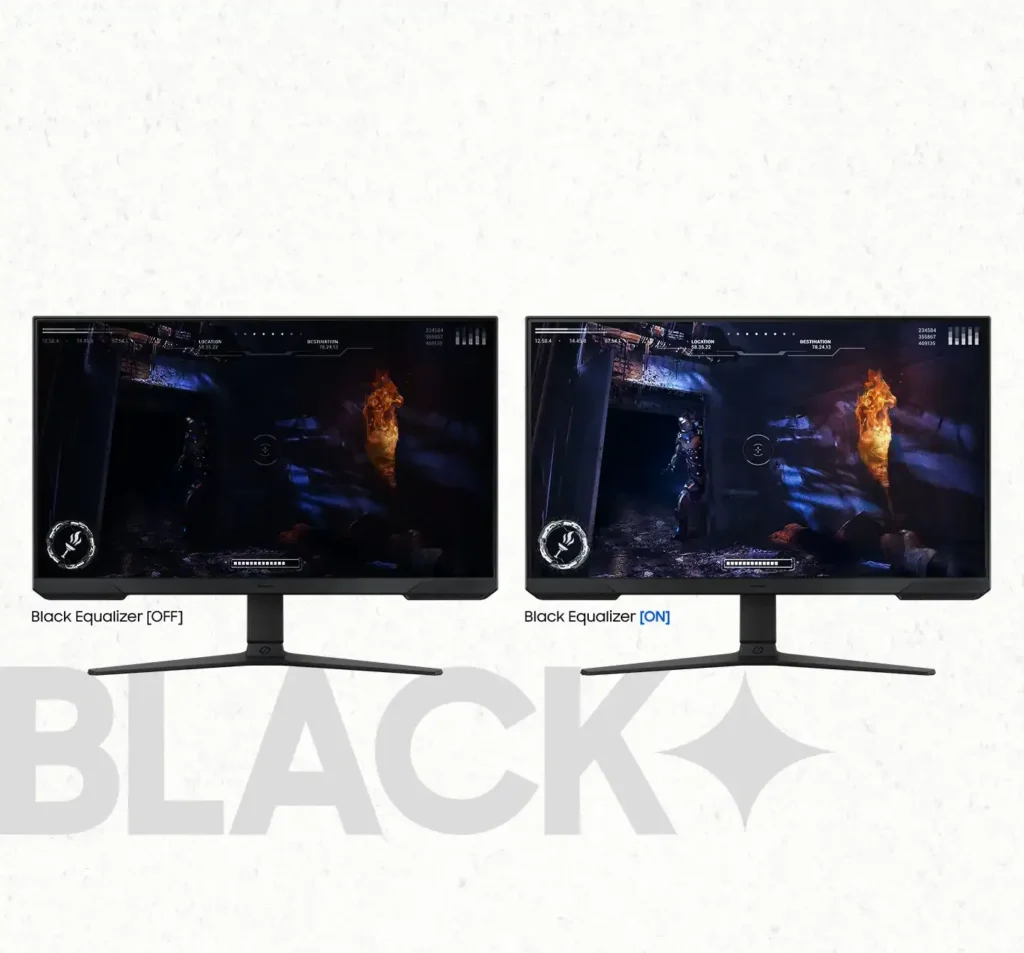
| Black Equalizer & Eye Saver Mode | Spot enemies hiding in the shadows with Black Equalizer, while Eye Saver Mode and Flicker Free technology reduce blue light and screen flicker to protect your eyes from strain. |
Pros & Cons
Pros
- High Refresh Rate and Smoothness: The 180Hz refresh rate and 1ms response time are frequently cited as major upgrades, providing a buttery smooth and responsive experience for competitive gaming and fast-paced titles.
- Highly Adjustable Ergonomic Stand: The stand is a standout feature, offering height, tilt, swivel, and pivot adjustments that allow users to easily rotate the screen into portrait mode without needing an external monitor arm.
- Exceptional Budget Value: Reviewers consistently describe the monitor as a 'steal' or 'bargain,' noting that it delivers high-end gaming features and solid build quality at a very accessible price point, especially when on sale.
Cons
- Lack of Built-in Speakers: Many users were disappointed to find the monitor has no integrated audio, requiring the purchase of external speakers or the use of headphones for any sound output.
- Ghosting and Motion Smearing: Several reviews mention noticeable ghosting and motion blur, particularly in dark scenes or when scrolling text, which can detract from the visual clarity during fast movement.
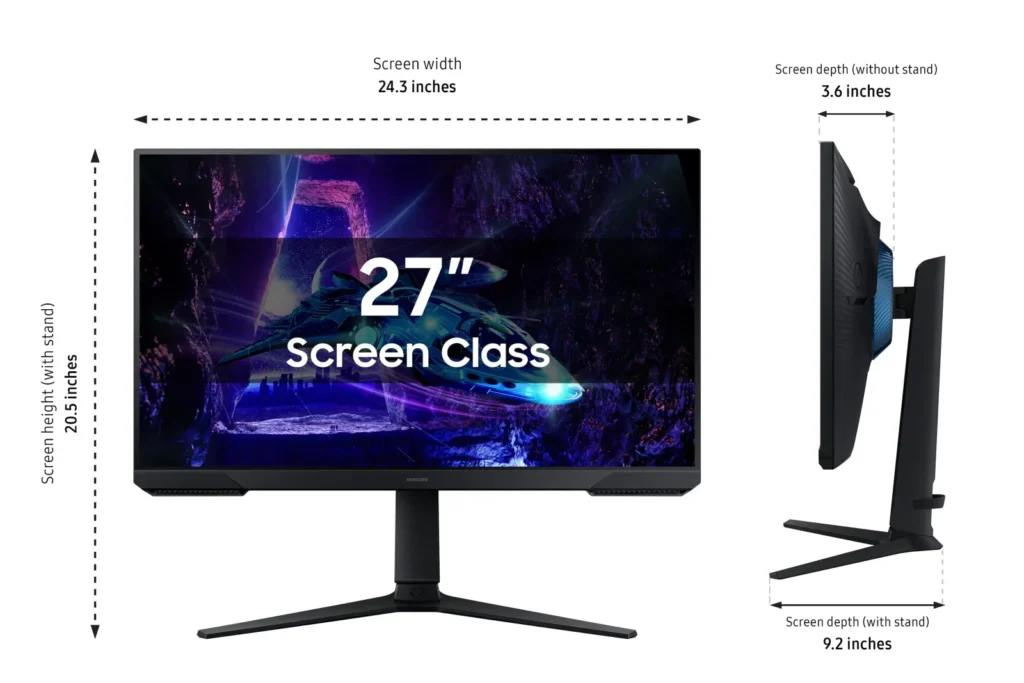
- Low Pixel Density at Larger Sizes: On the 27-inch and 32-inch models, users noted that the 1080p resolution can result in pixelated text and a lack of sharpness compared to higher-resolution displays.
You might also like










Customer Reviews
Showing reviews 901-910 of 923
-
Amazing
Incentivized Incentivized review: The reviewer received a benefit for sharing feedback.Ali B. August 15, 2024Review source: AmazonThis is a great monitor. I am using it with my Lenovo Legion Go, and a Dell laptop hub. The hub I use has a display port which allows me to use the variable refresh rate to smooth out the experience. The monitor is huge, super bright, and clear. With the Legio Go hooked up it feels like a desktop PC. So far I have played Spider Man remastered, Ghost of Tsushima, and Justice League at 1080P and its super smooth. The experience is probably comparable to a Xbox Series S, but because of the VRR in the monitor it it feels really good. The monitor also comes with all the cables that you need, looks and feel high quality, and has more features than I could possibly list.
-
Attractive monitor, sharp picture!
Incentivized Incentivized review: The reviewer received a benefit for sharing feedback.Wired Rabbit August 13, 2024Review source: AmazonThis is a very nice 27 inch monitor. With a superb 180Hz refresh rate, the clarity of gaming and graphics is superb. Easy to set up, attaching the very well done stand is fast and easy. The stand is a great one, positioning is simple and fast, with many angles available. The monitor is bright and clear on the eyes. The size makes it a perfect blend between a TV and smaller monitor. Sleek looking and lightweight. Gaming was as clear as it can get with the AMD chipset. The only reason I give this four stars is the constant blue light when off. This is completely unnecessary and another wasteful light no one needs. However, for a quality monitor that will complete your gaming experience, Samsung knocks it out of the ballpark!
-
Decent monitor for office use, great for gaming
Incentivized Incentivized review: The reviewer received a benefit for sharing feedback.Marc P. Angeles August 12, 2024Review source: AmazonThe Samsung Odyssey G3 monitor is marketed as a gaming monitor for its high refresh rate and AMD Freesync. While we are not gamers, this monitor works very well for our office work. It is the perfect size, however I wish it was higher resolution thank FHD so we can have more screen real estate. When we first hooked it up to our computer, the text was fuzzy, but this was because our computer was set to our previous monitors’ resolution which was higher than 1080p, and once we changed it the text looked better, but still not as crisp as our higher end monitors we use for photo editing work. I noticed in this monitor that the black points are set very low by default so the images appear darker than they are. This is probably great for gaming but not so much for general computer use. Perhaps if our daughter gets more serious into gaming she will appreciate what this monitor has to offer.
-
Decent monitor for the price
Incentivized Incentivized review: The reviewer received a benefit for sharing feedback.Paul August 12, 2024Review source: AmazonI actually picked this up to replace this no name secondary monitor once I can find a good vesa mount for it.
Compared to my main monitor, it’s no where close as good as the main is OLED 1440p ultra wide but it will make an excellent secondary monitor.
I only tested this with display port, so I don’t have the option to test the speaker quality.
Out of the box you can set it to 120hz with free sync. I found the in monitor color contrast and brightness to be set to where I would put them without adjustment. Im running this on a 4080 Fe and kept the Nvidia default colors in Nvidia control.
Windows picks up on the monitor instantly.
My unit came with the latest firmware already installed.
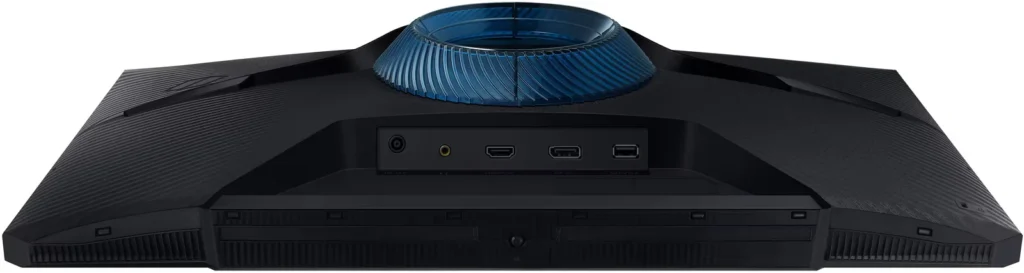
For the price, it’s hard to complain about, but the monitor stand it comes with isn’t great. It has some ok cable routing and the swivel and up/down adjustment are actually pretty good. The part that isn’t good is how light the stand is. You have to hold the stand to make any adjustments or it will slide all over your desk.
This is a va panel. There’s another g3 24inch that goes up to 160hz thats also va. The hdr10 isn’t really anything to write home about on this monitor. In order to hit 180hz, you need to disable free sync which is a bummer but also expected most of the time because the monitor needs to overclock basically.
Setup was super easy. The stand clips right into the monitor, the base is one capacitive screw and that’s it.
-
Simple Controls | Good Image Quality | Easy to Assemble
Incentivized Incentivized review: The reviewer received a benefit for sharing feedback.Traci August 9, 2024Review source: AmazonLove that this monitor allows tilt and height control. Not typical features in most monitors. The one unit control that displays categories on the screen for use is great. Instead of the usual small, hard to engage buttons this one button is of a nice size and easy to maneuver.
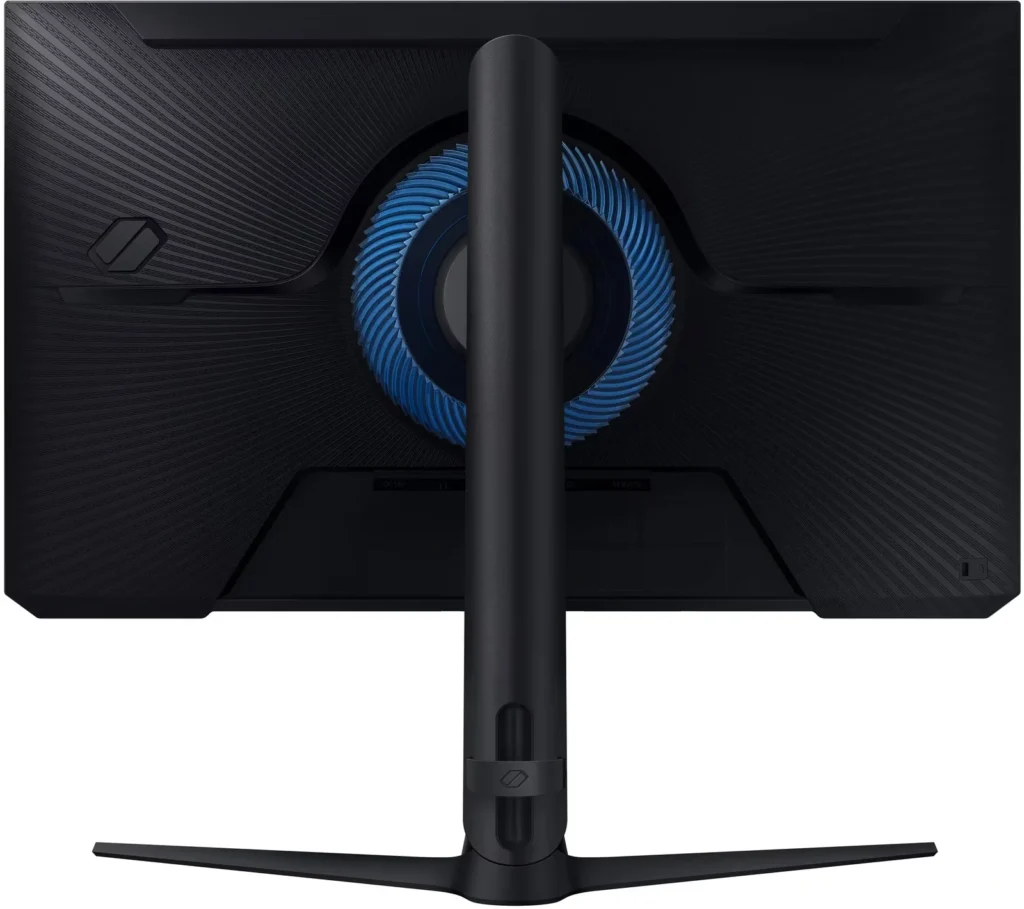
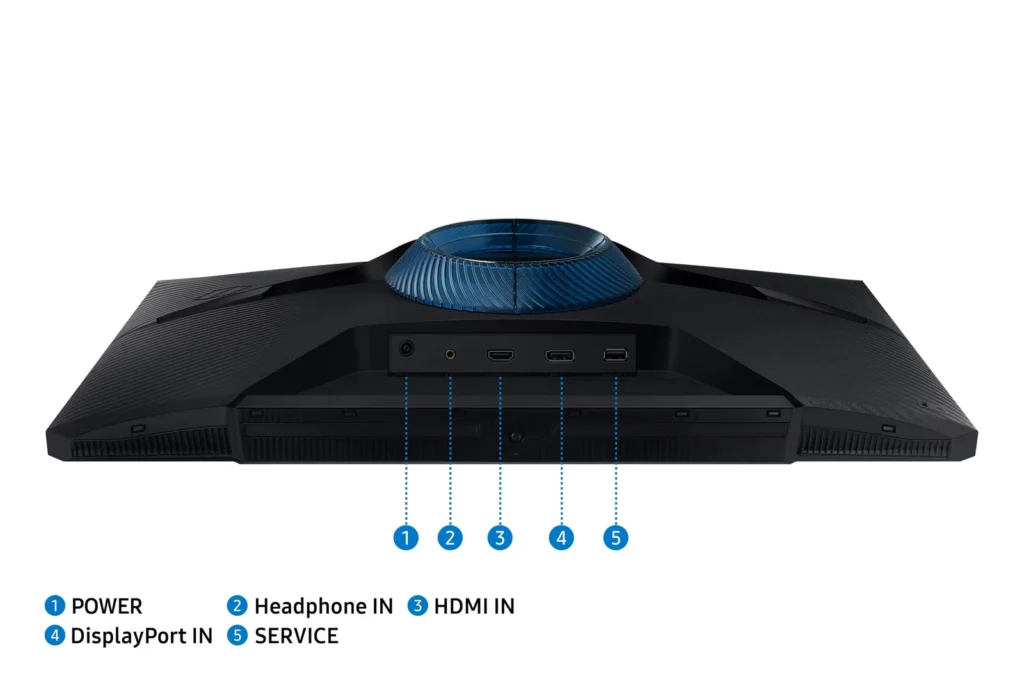
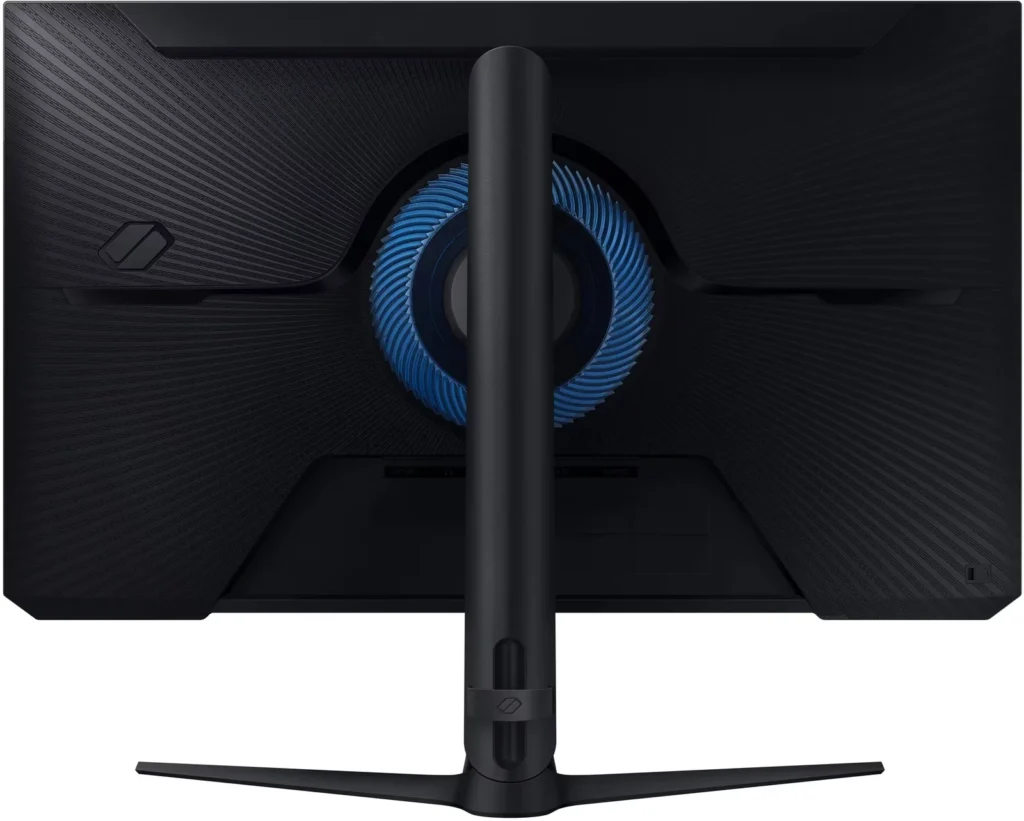
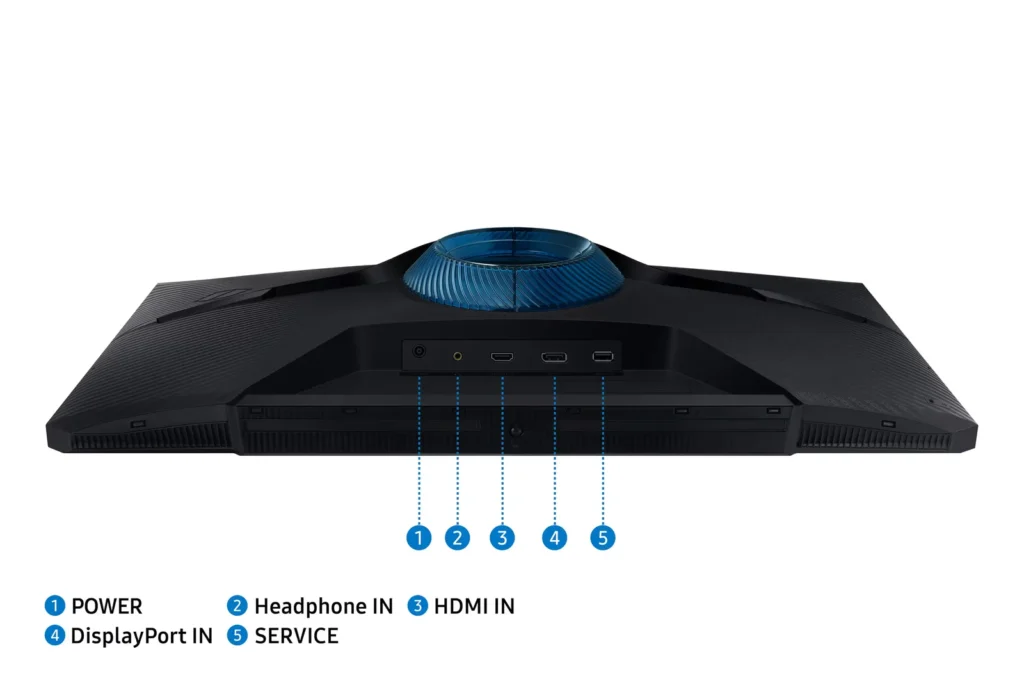
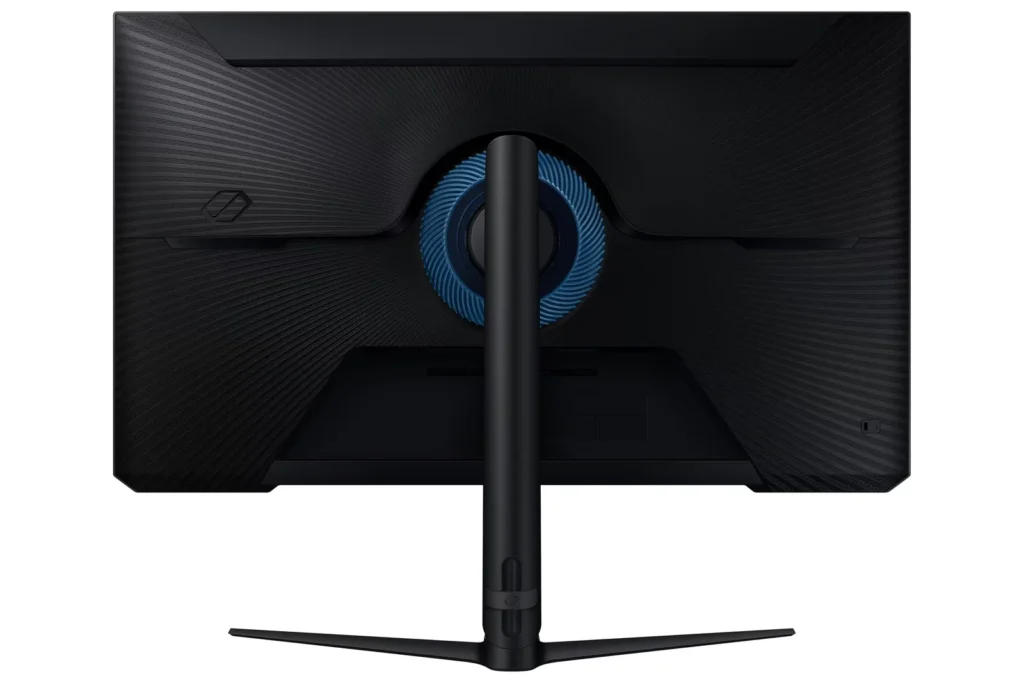
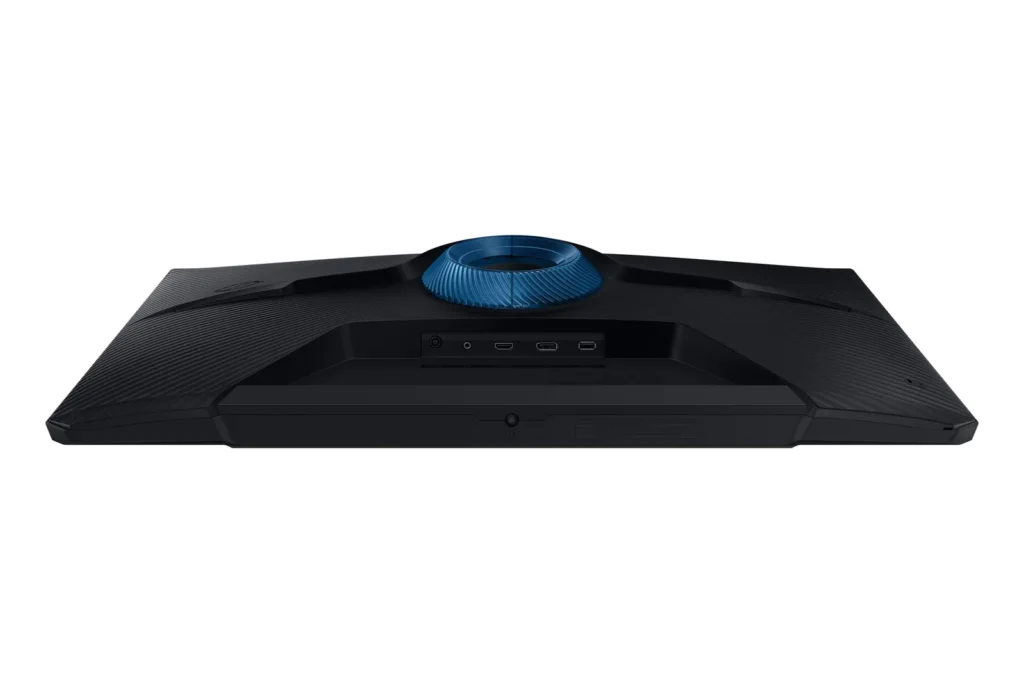
Since the back of the monitor has a pretty blue enclosure it would be nice if it lit up.
Picture quality is good and I absolutely LOVE the black control feature. It really helps to make dark images clearer.
Overall this is a great monitor and I am thoroughly enjoying it.
-
Nice for the money
Incentivized Incentivized review: The reviewer received a benefit for sharing feedback.Rachel August 9, 2024Review source: AmazonMy husband works from home and needed a monitor upgrade. This Samsung Monitor is actually really nice. The visuals are easily customizable. The images are crisp and clear. The stand is a pretty good quality and adjustable. It seems to prevent eye strain for my husband as well. He has been impressed with it. Overall, a really nice monitor for the money.
-
Looks fantastic.
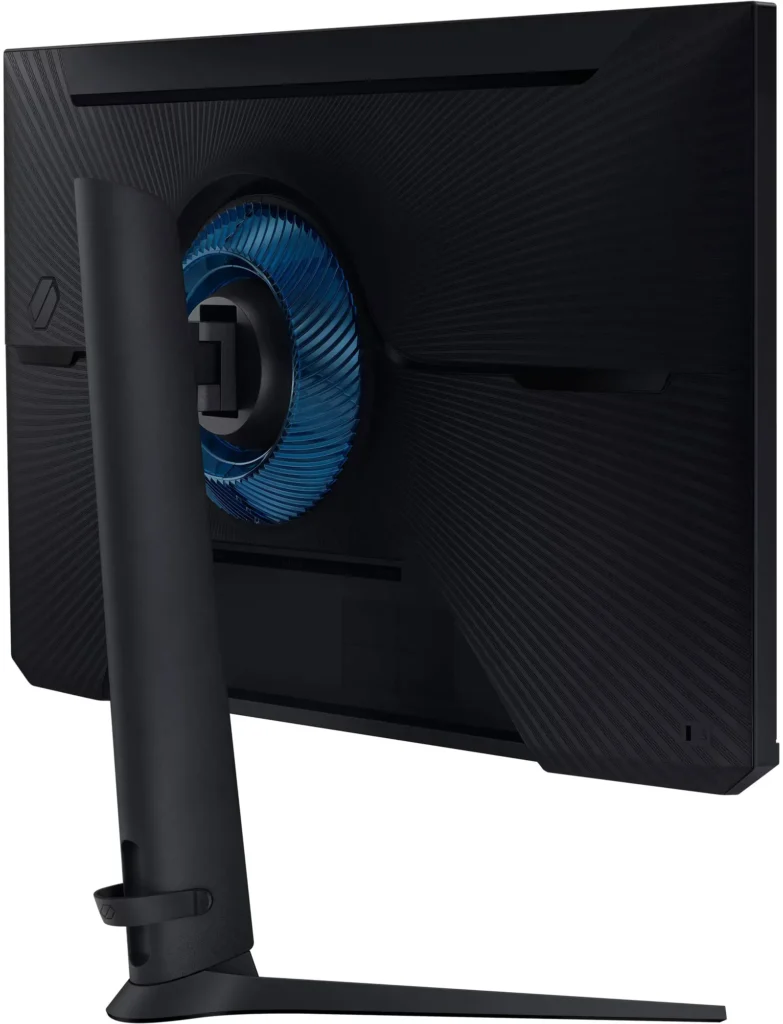
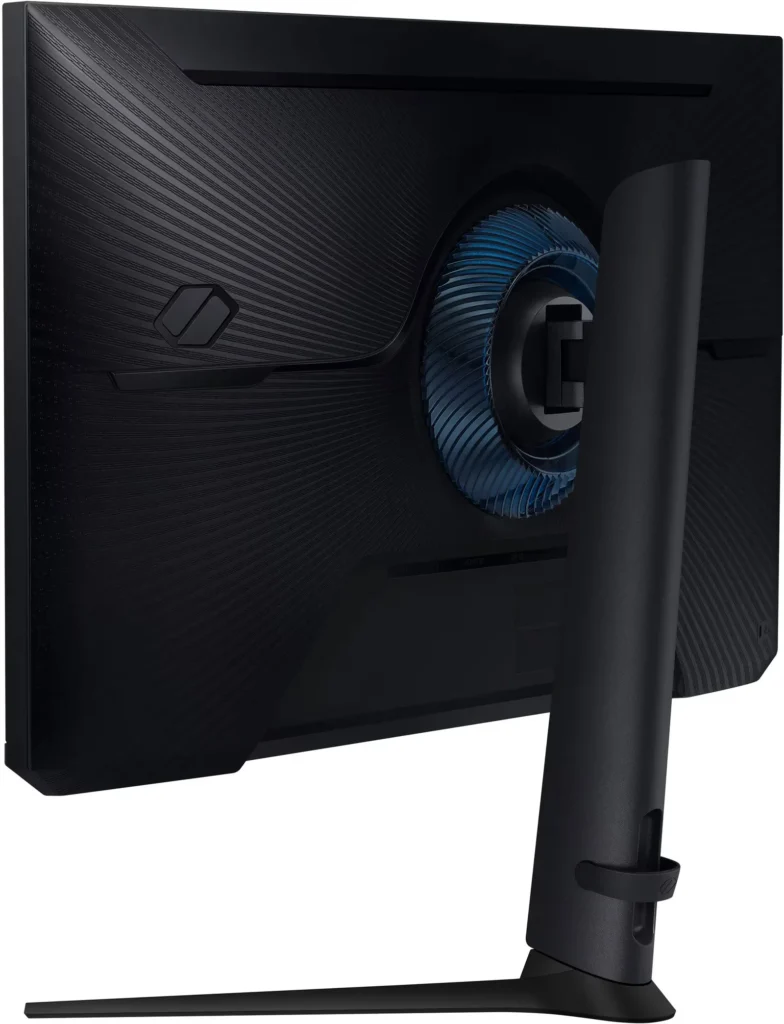
Incentivized Incentivized review: The reviewer received a benefit for sharing feedback.Customer Review August 8, 2024Review source: AmazonI set this up as an external monitor for my fiancee on my old gaming laptop and it looks great. She wants another now. Assembly was pretty standard: Attach the stand to the screen, with the twist of having two pieces of transparent blue plastic to lock around either side of where the stand meets the back of the screen. They appear to be purely cosmetic.
The screen itself it gorgeous. Baldur’s Gate III looks much better at 27″ than 15.6″. I set the refresh rate to 180Hz with no problem.
Overall, a great monitor. -
The stand alone is spectacular, but the refresh rate is incredible!
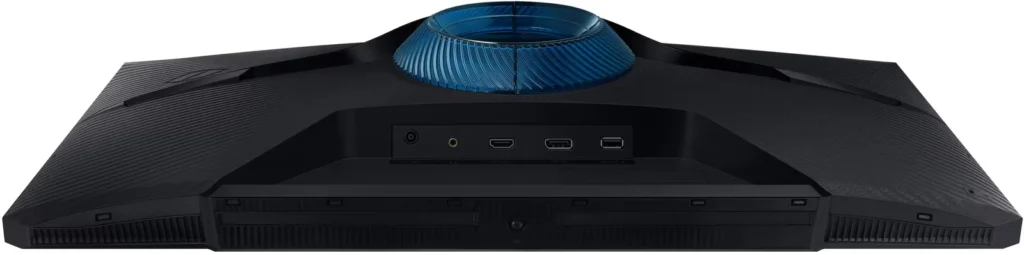
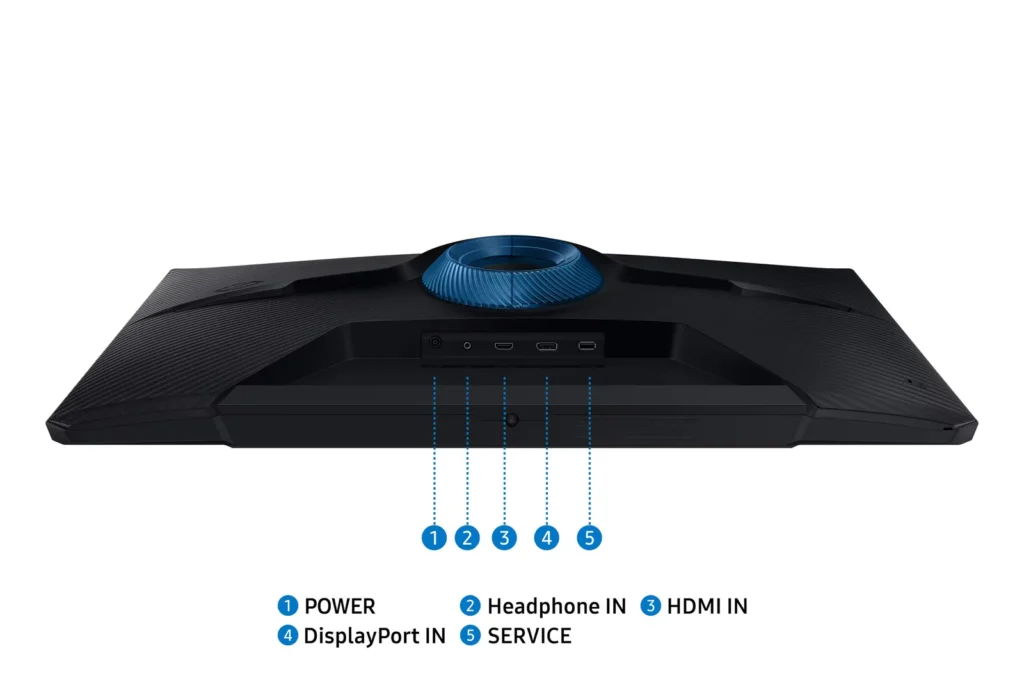
Incentivized Incentivized review: The reviewer received a benefit for sharing feedback.J.A. August 7, 2024Review source: AmazonI’ve been using this monitor for awhile now and it’s quickly become my main screen for the PC. Right out of the box, this thing is solid: it’s a breeze to set up and has the basic connections, HDMI and Display Port, with modern specs.
The stand itself is worth it: usually I’d have to get a separate monitor arm, but this thing tilts, turns, rotates AND it can be raised and lowered. It’s such a brilliant stand and I don’t have to fuss with VESA wall plates.
The resolution is 1080p (Full HD) which is exactly what I need for my needs and it’s a huge plus that it supports HDR and a strikingly high refresh rate. For non-gaming uses, this means that I get super smooth visuals on daily tasks, really something one has to experience if they’ve been stuck on 60Hz or lower.
The settings on-screen are some of the easiest to navigate that I’ve come across on monitors without remotes. It’s one button designed like a joystick, so there’s a quick access for almost everything you need. It also has some neat presets, like “Dynamic Contrast” which really creates a better picture for me with dark contrasts. Unfortunately it’s not something I can capture with my camera because…I get that screen blur!
Yes, it also has AMD FreeSync but, since I don’t have an AMD machine, I can’t speak for that. I do like that I have the option for it if I choose to change out my device. I can’t imagine folks being disappointed with this (unless they have specific needs above Full HD). This was such an excellent find. Hope this helps!
-
Works OK, settings can be confusing
Incentivized Incentivized review: The reviewer received a benefit for sharing feedback.Vine Reviewer August 7, 2024Review source: AmazonI’ve been without my high refresh monitor since it died not long ago and I had to resort to a backup monitor with the backlight going out. Luckily I found this monitor to test and I was ready to downgrade from my 4K/1440p setup down to 1080p.
So far it’s been working OK but I have a couple of complaints. When Windows turns off the monitor, the backlight stays on and the monitor is seen as disconnected by the PC (I know this because my browser windows get moved around when coming out of sleep). I don’t know what exactly causes this but on my older monitor I was able to disable eco mode to prevent the PC from switching to a single monitor, though this was ultimately taxing on the monitor in the long run.
My second complaint is that the menu options are not intuitive and the manual doesn’t do a good job with helping you dial the settings to your preferences, especially when trying to use HDR (which doesn’t seem to have enough brightness to really make good use of it).
Overall, I think it’s an OK buy when it’s on sale. Gaming performance is good enough for me, though I don’t play as many shooters or games that require quick reflexes these days. This model seems to have gotten rid of the ghosting that was a problem in the earlier revisions so many of the old reviews no longer apply to this refreshed model. Works with my PS5 as well, though I didn’t attempt to use VRR and just stuck to 1080p with HDR on when supported.
-
Even better than expected.
Incentivized Incentivized review: The reviewer received a benefit for sharing feedback.Pete Cursio August 4, 2024Review source: AmazonThis is a really nice monitor, especially for the price. Every spec is as advertised, except for a bonus it supports HDR, and I didn’t see that mentioned anywhere. The stand is sturdy, and the monitor looks great, build quality is good too, no creaking or cheap feeling plastic. The screen itself it very clear for a large 1080p, the pixels are designed well enough you don’t see them. I’ve had another brand’s 1080p 27″ and it was easy to see the individual pixels, but this one looks great. My only complaint would be it has a blue power led, but it’s luckily not very bright.