Customer Media
Highlights
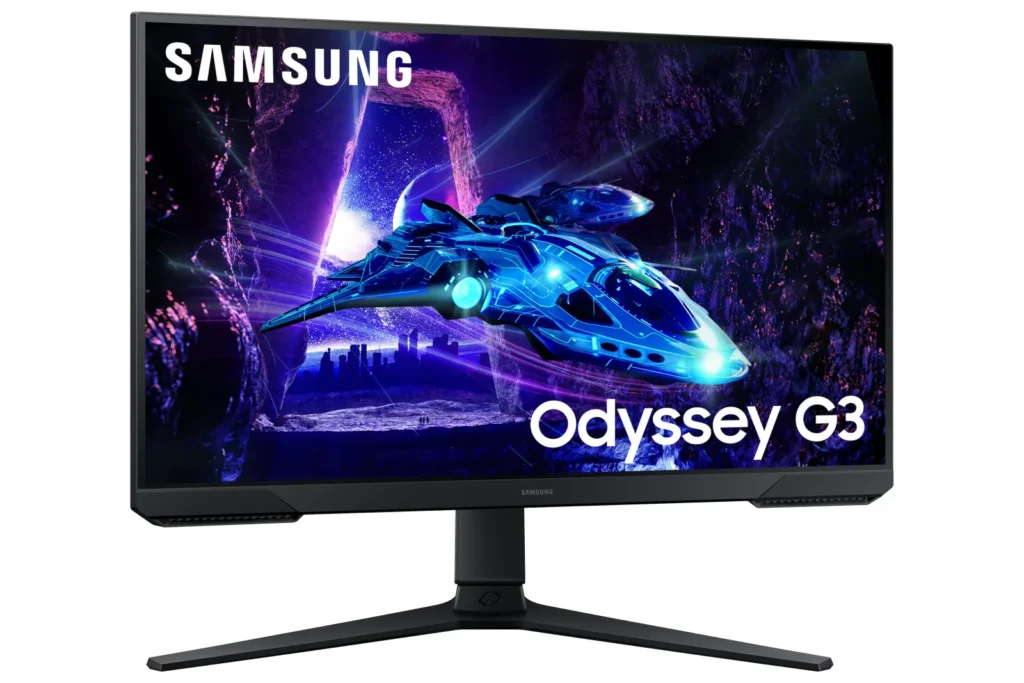
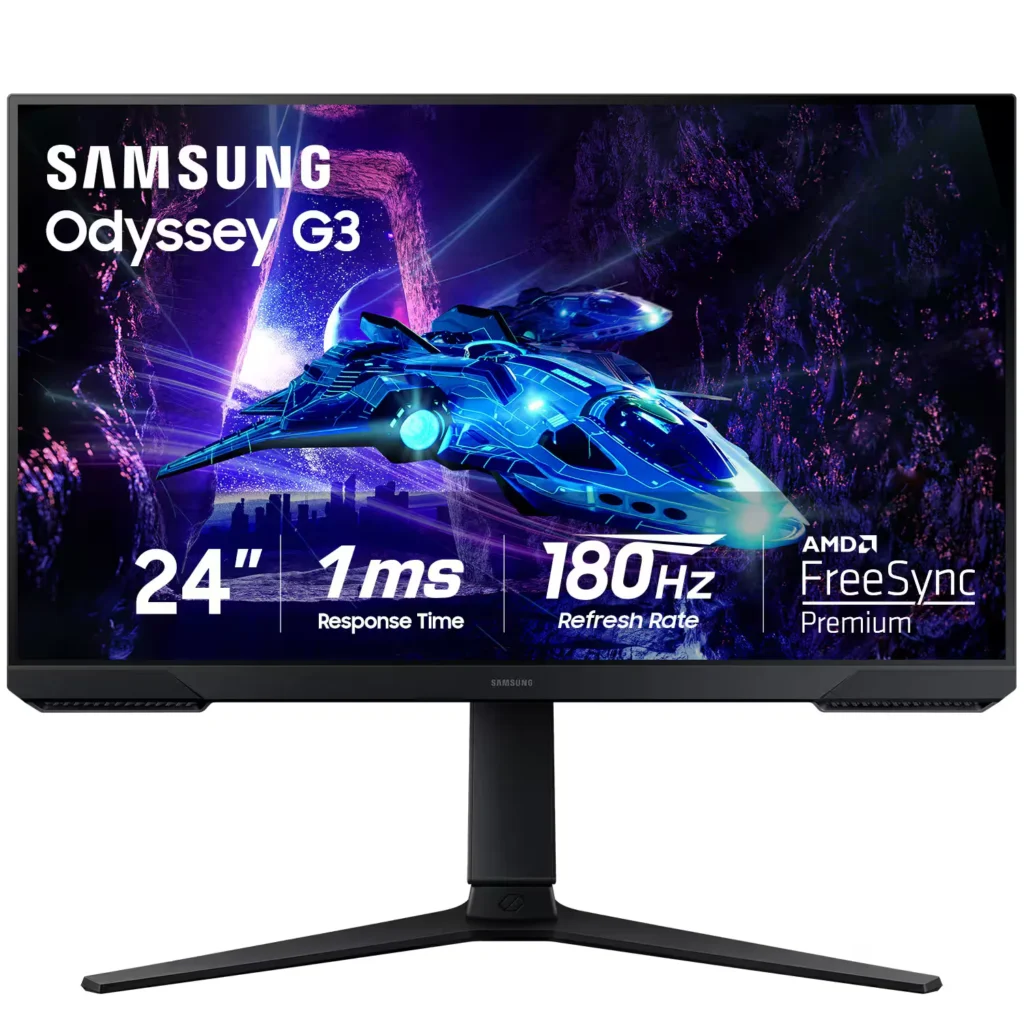
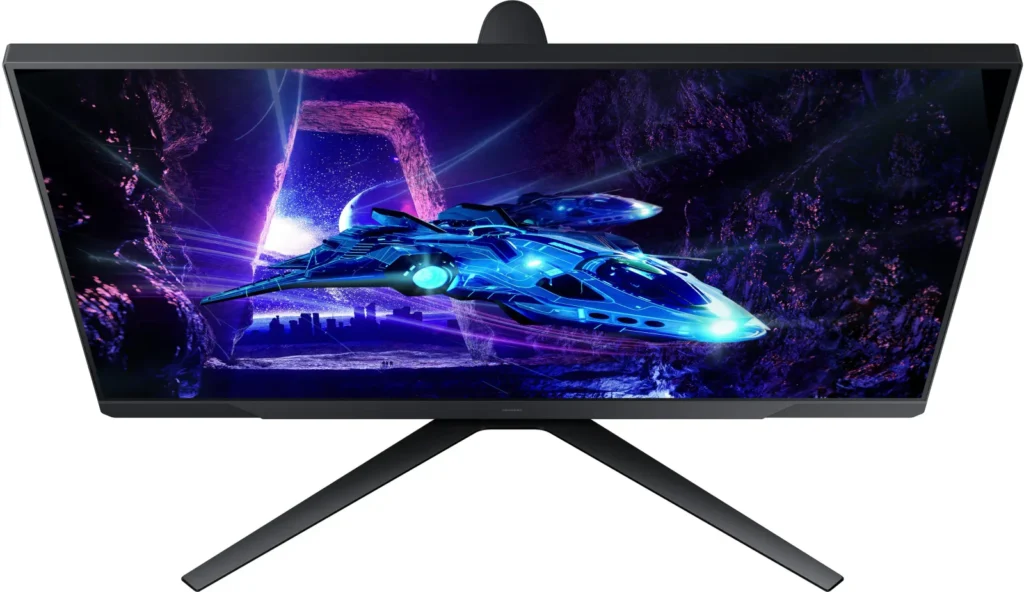
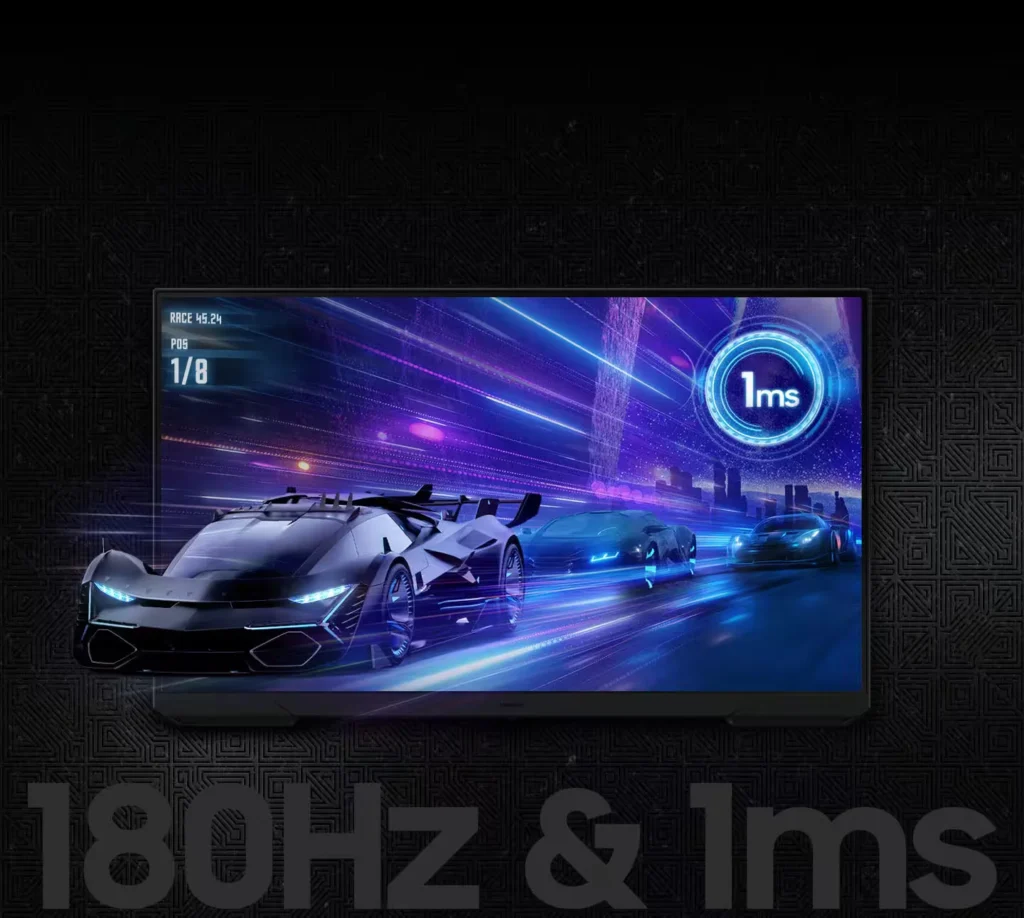
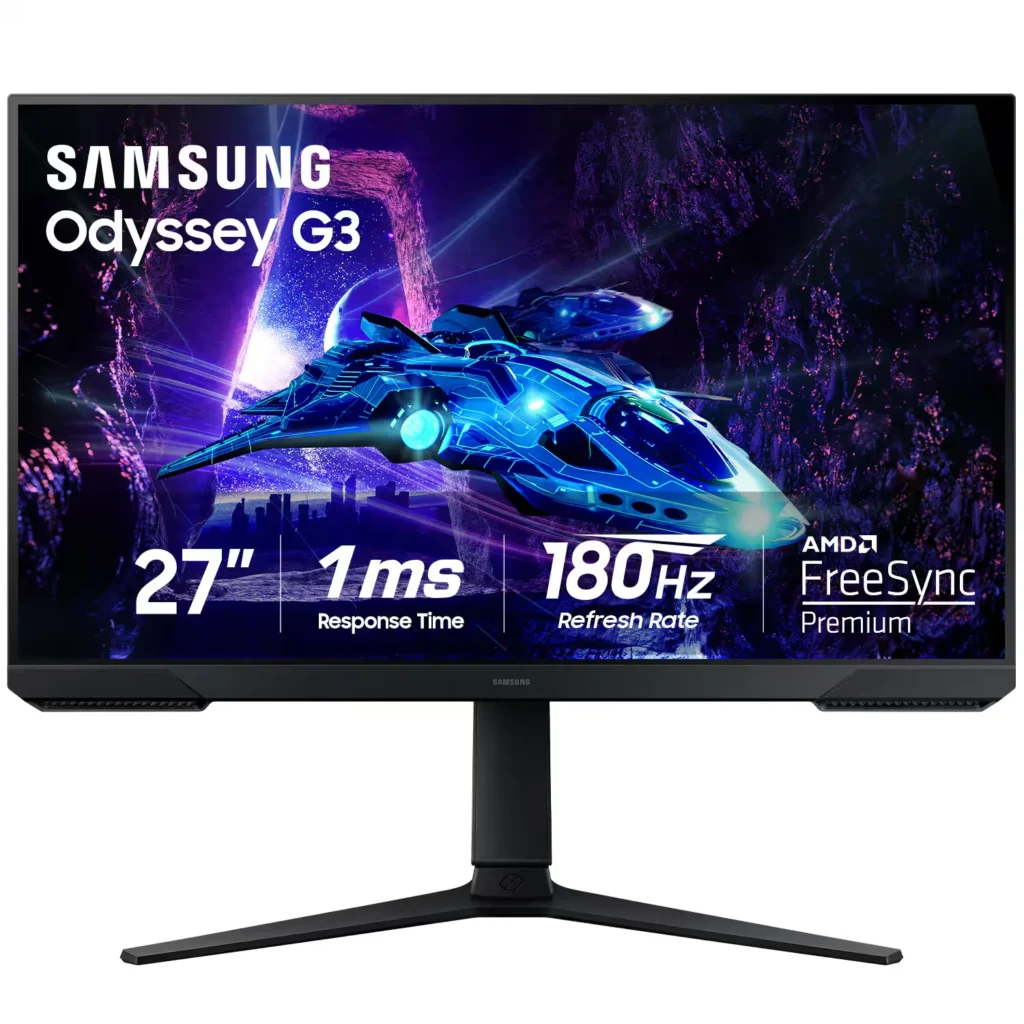
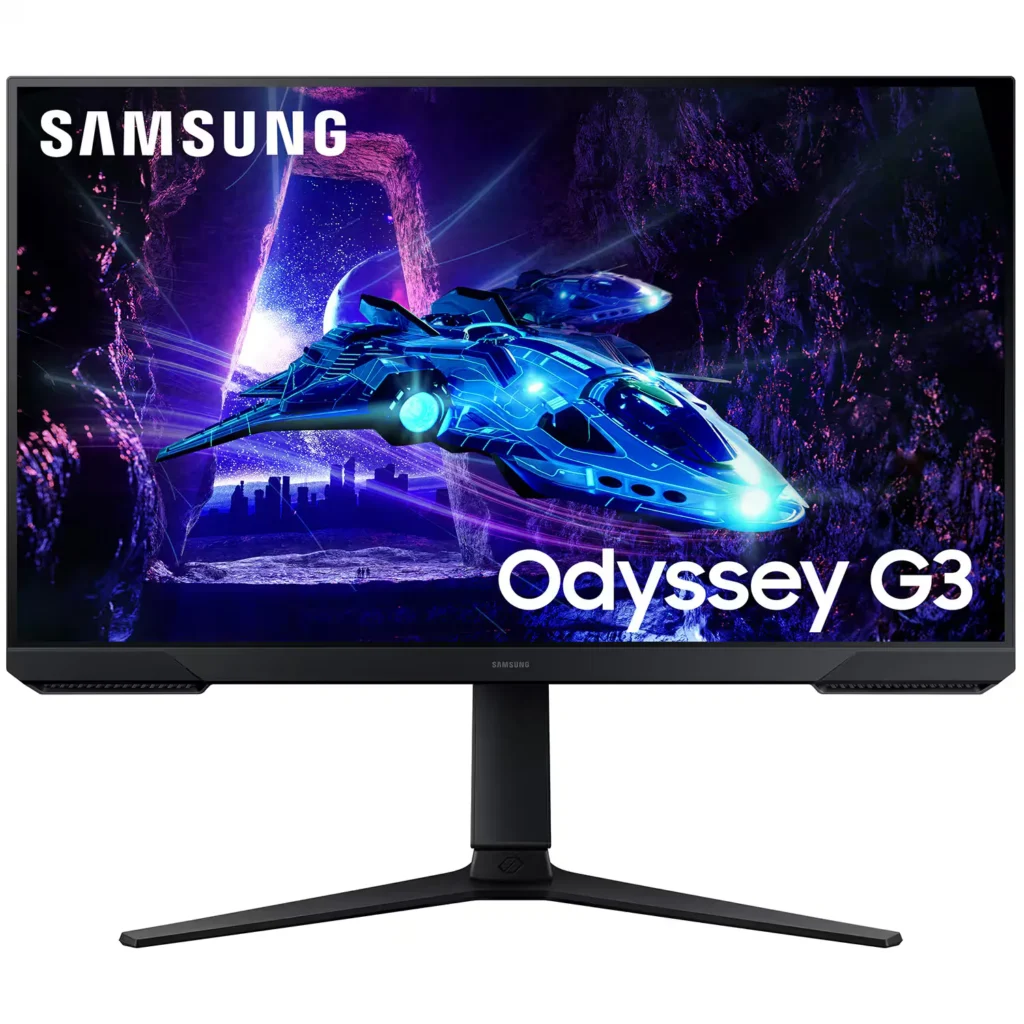
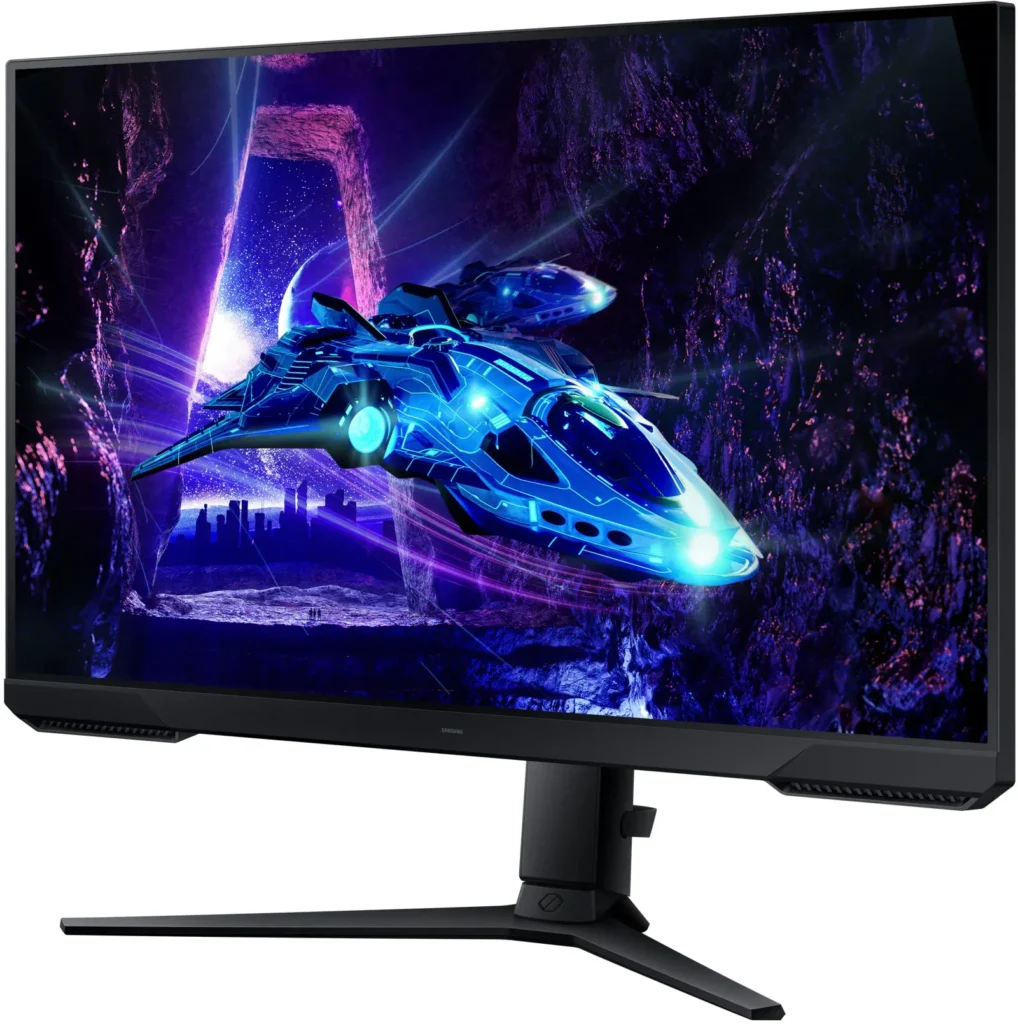
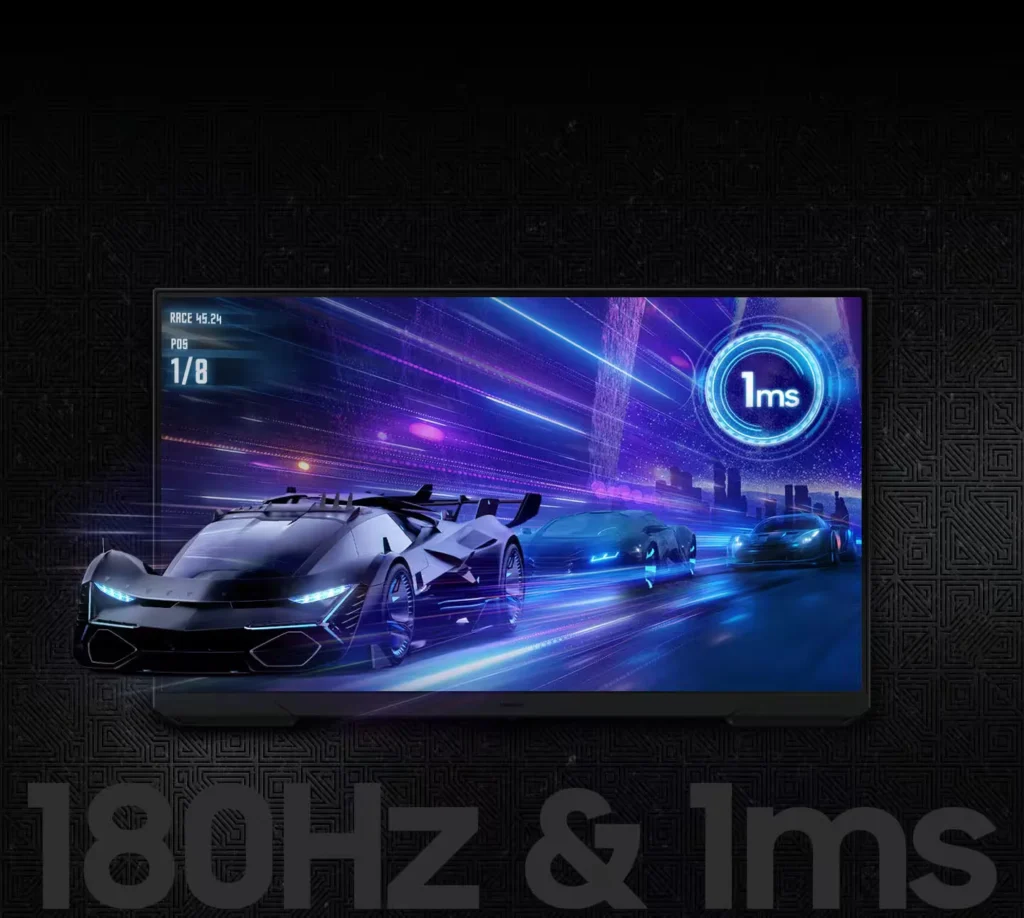
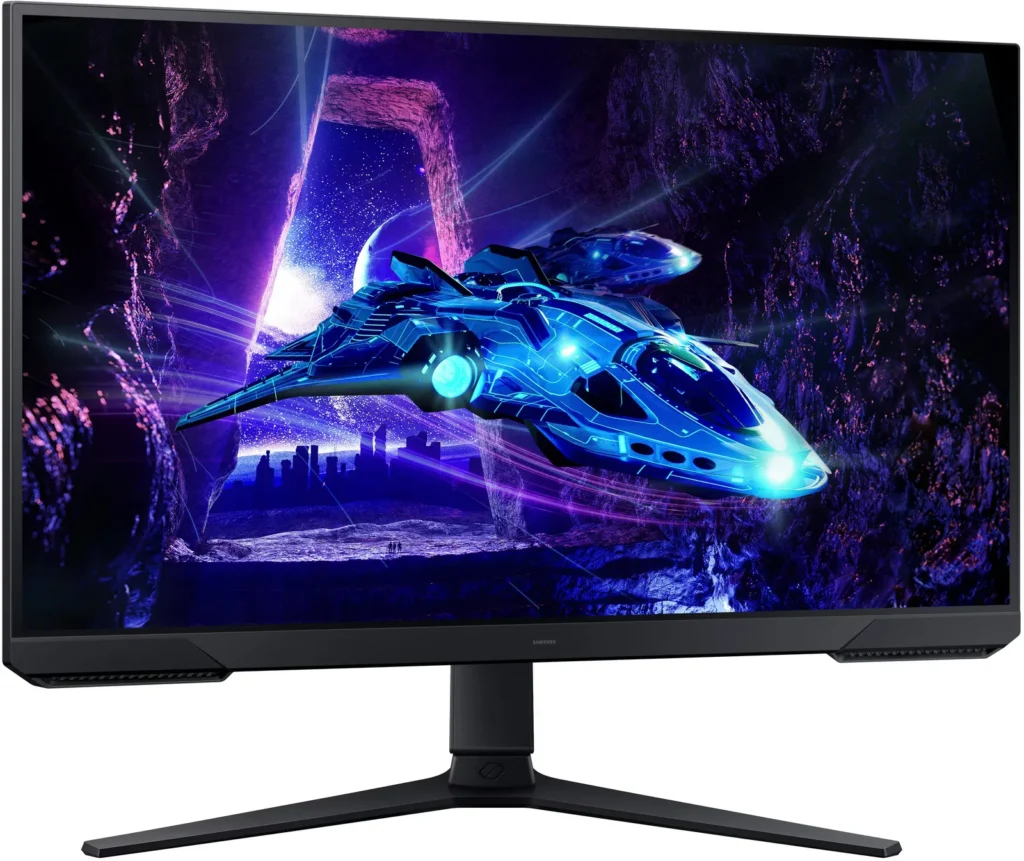
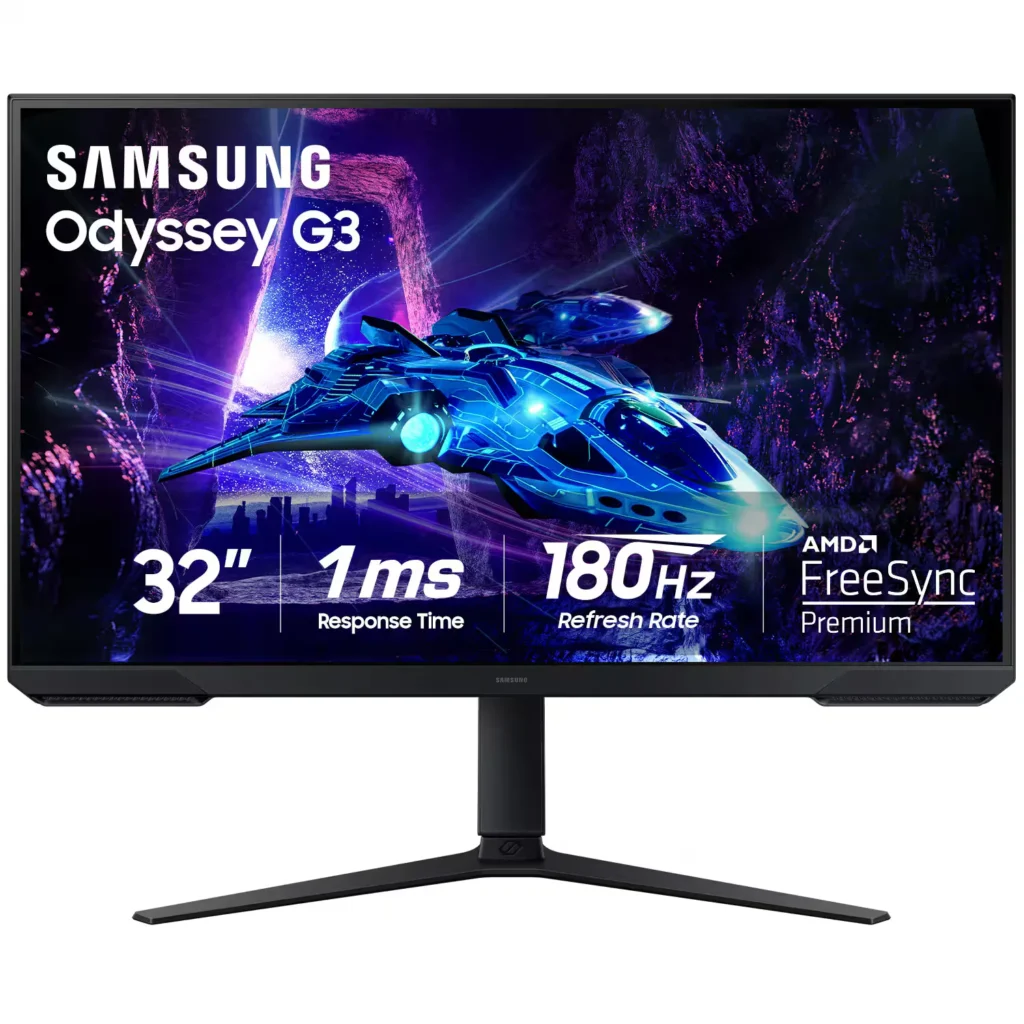
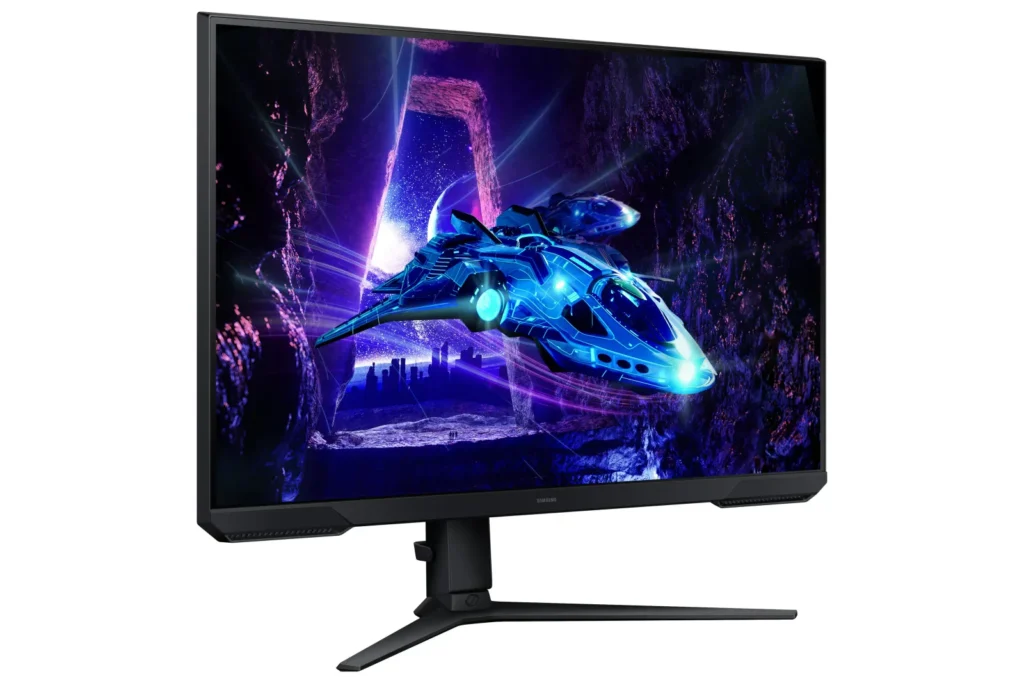
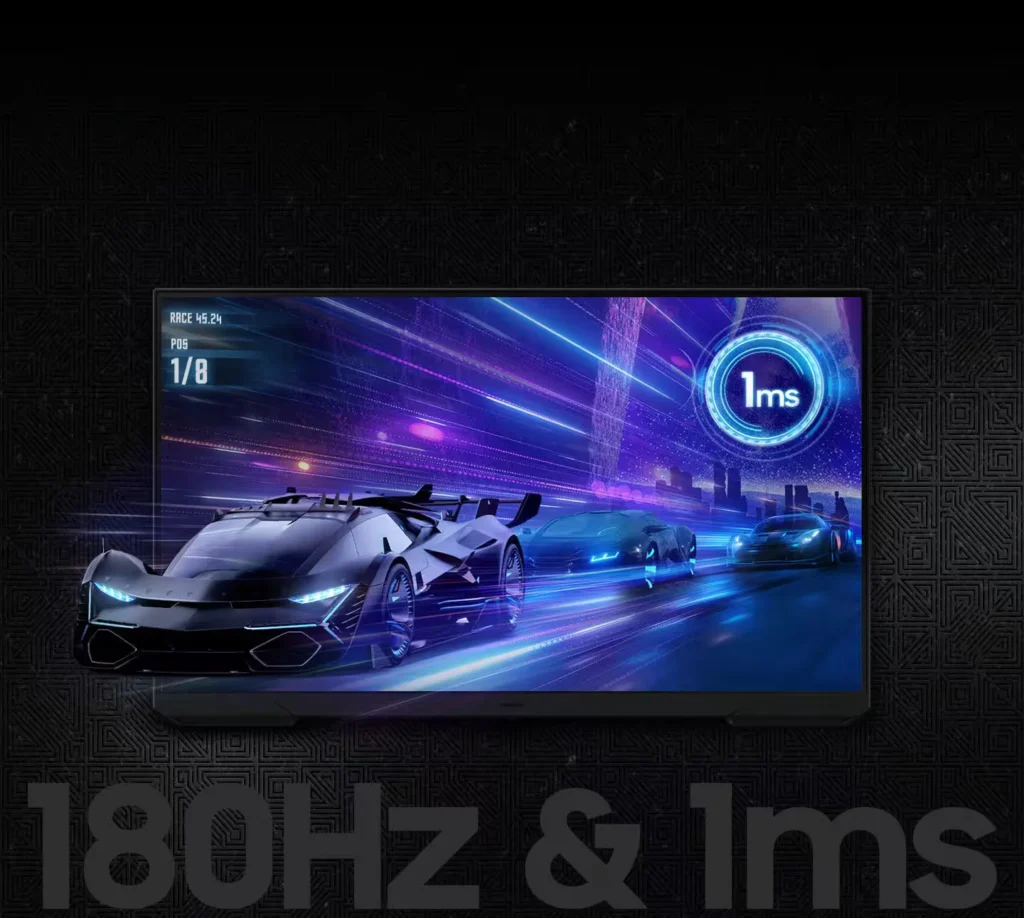
| 180Hz Refresh Rate & 1ms Response Time | Experience ultra-smooth gameplay with a 180Hz refresh rate that eliminates lag and a 1ms (MPRT) response time that minimizes motion blur for precise, real-time reactions. |
|---|---|
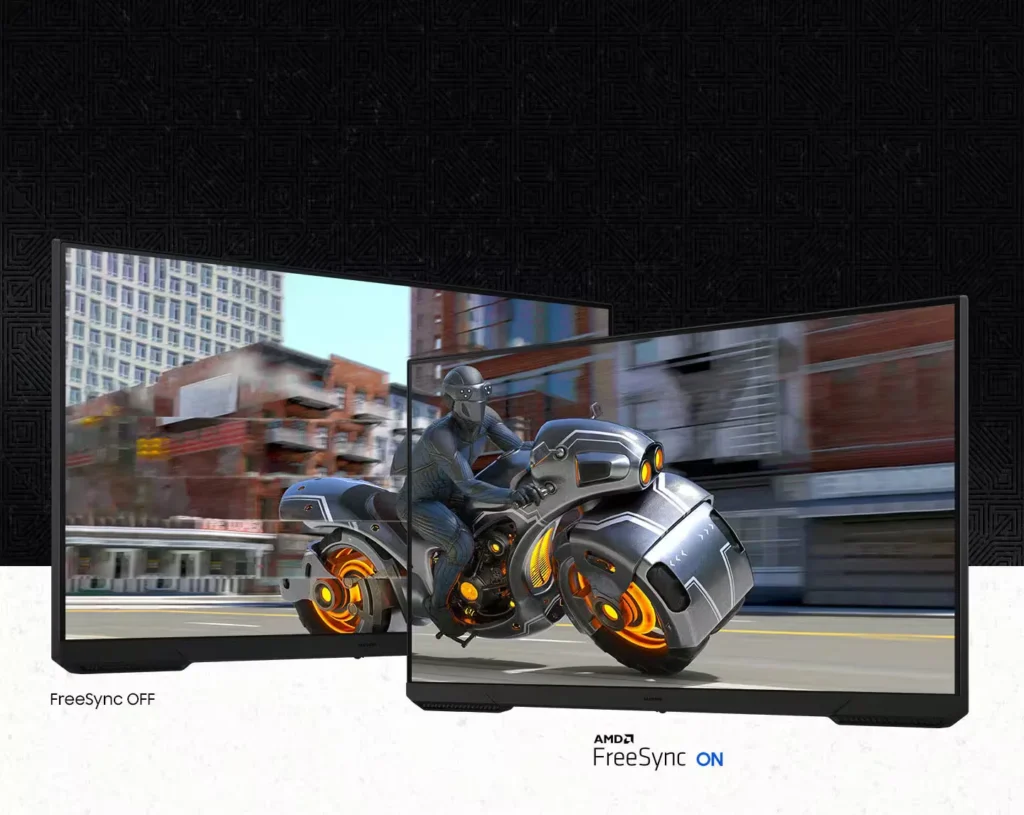
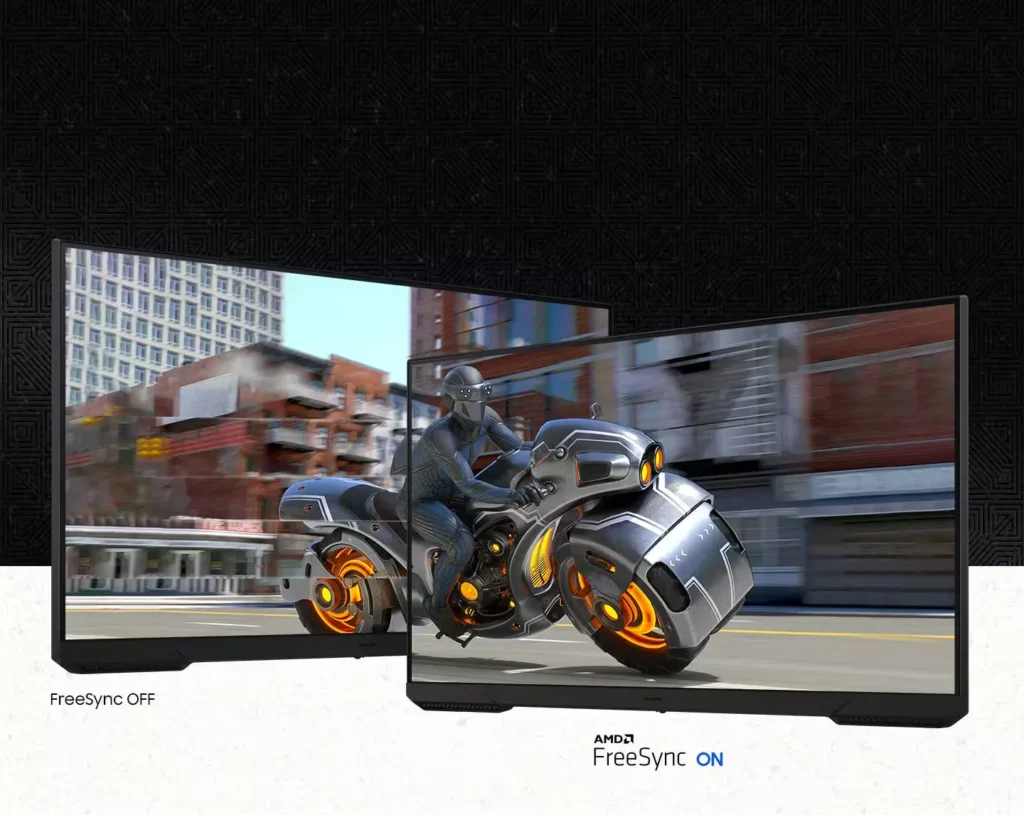
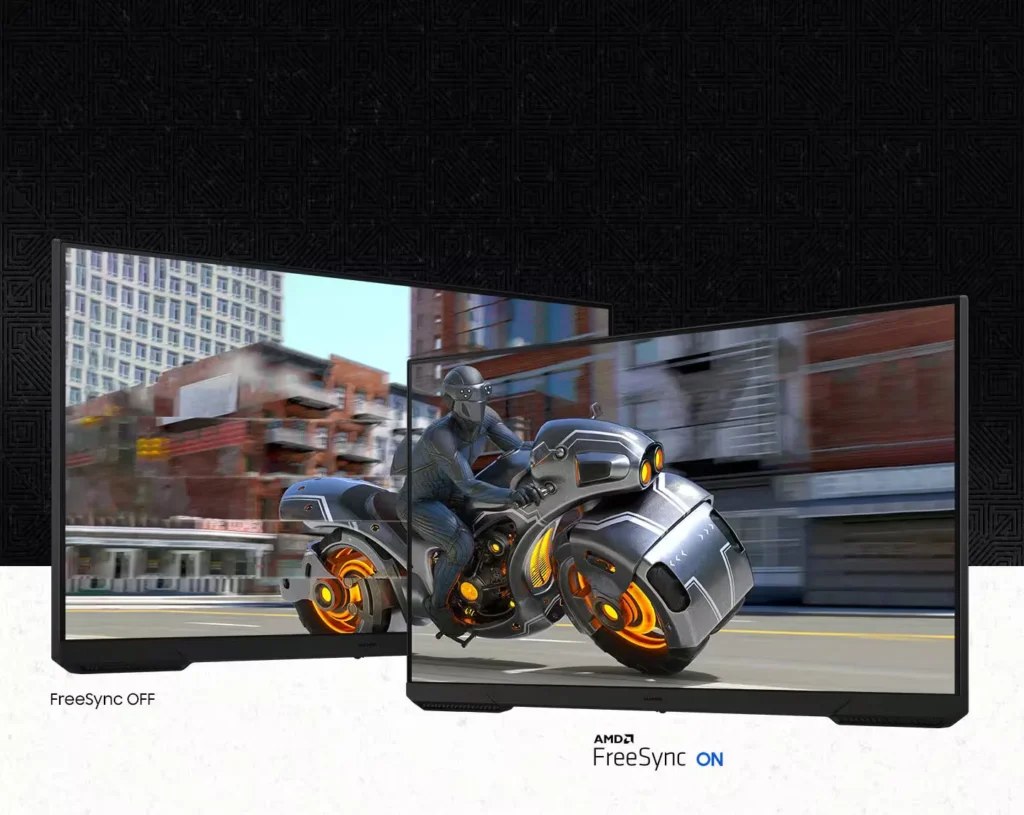
| AMD FreeSync Technology | Keep your monitor and graphics card in sync to reduce image tearing, stutter, and input latency, ensuring seamless and fluid action even during fast-paced scenes. |
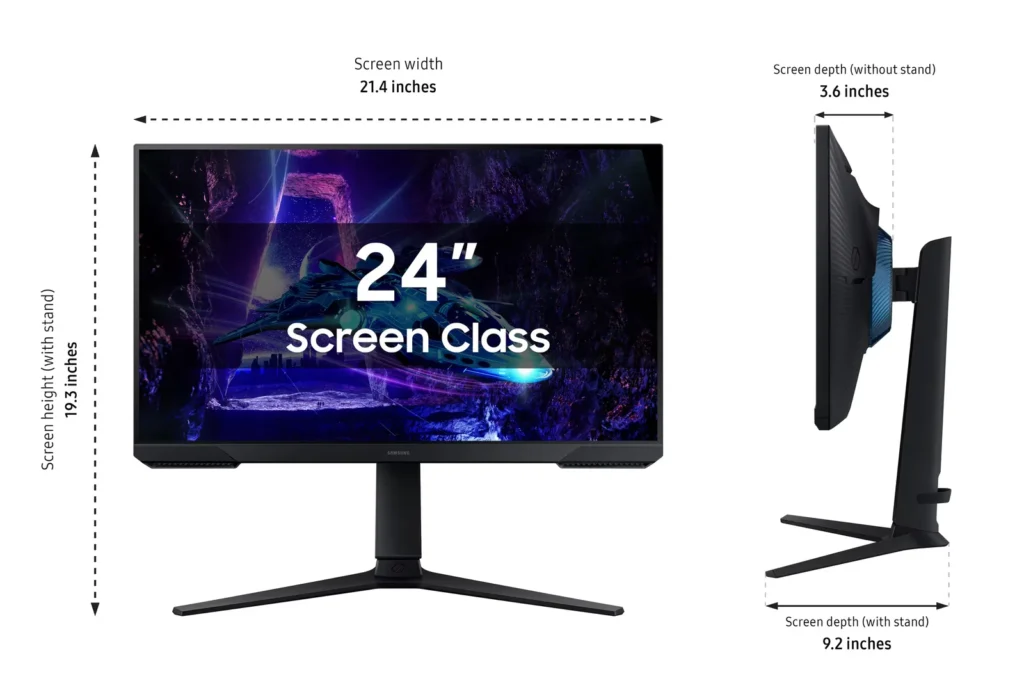
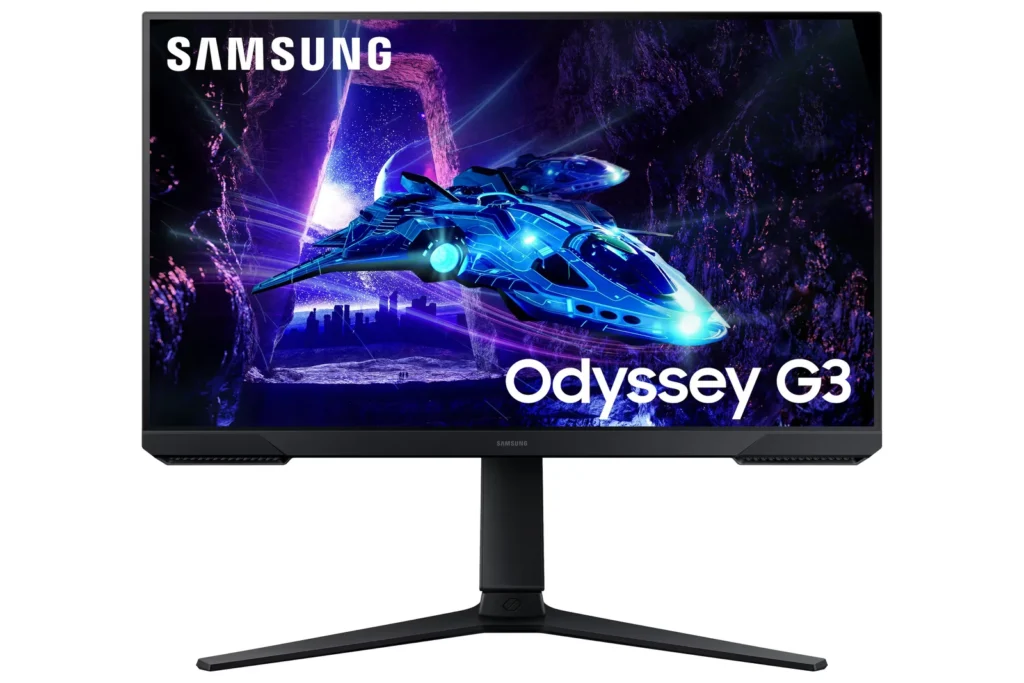
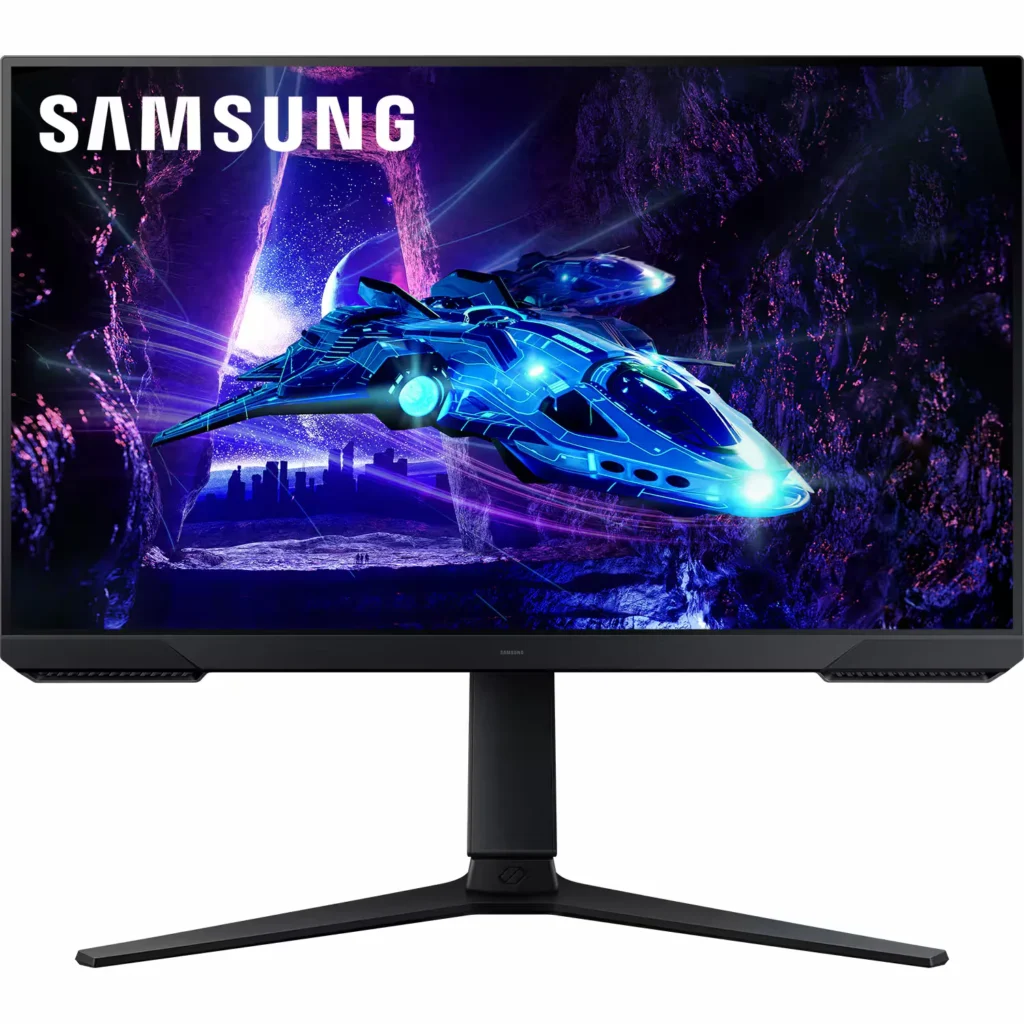
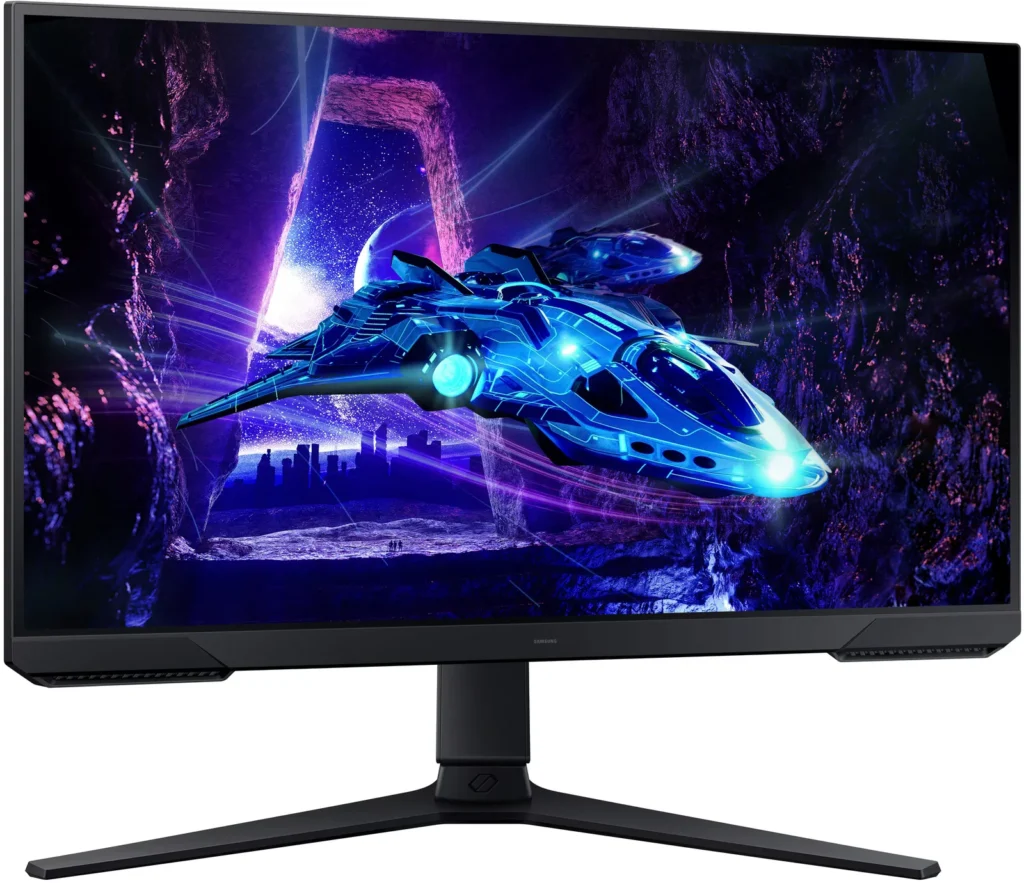
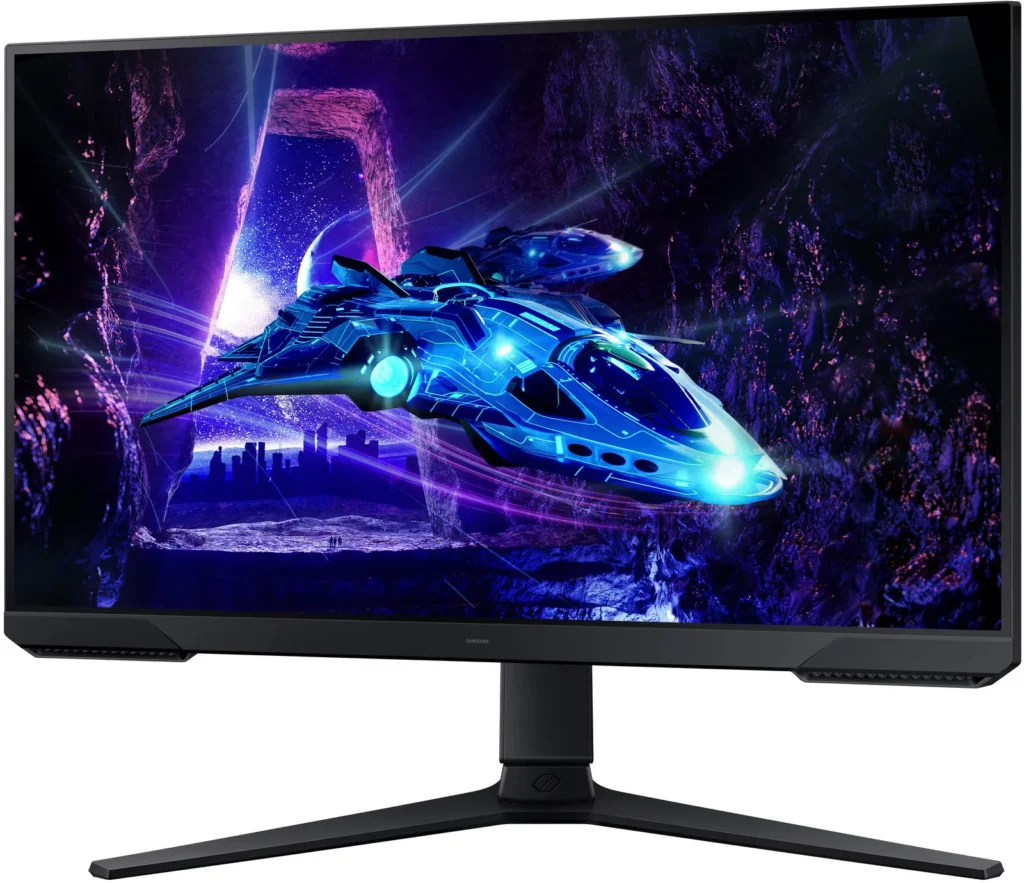
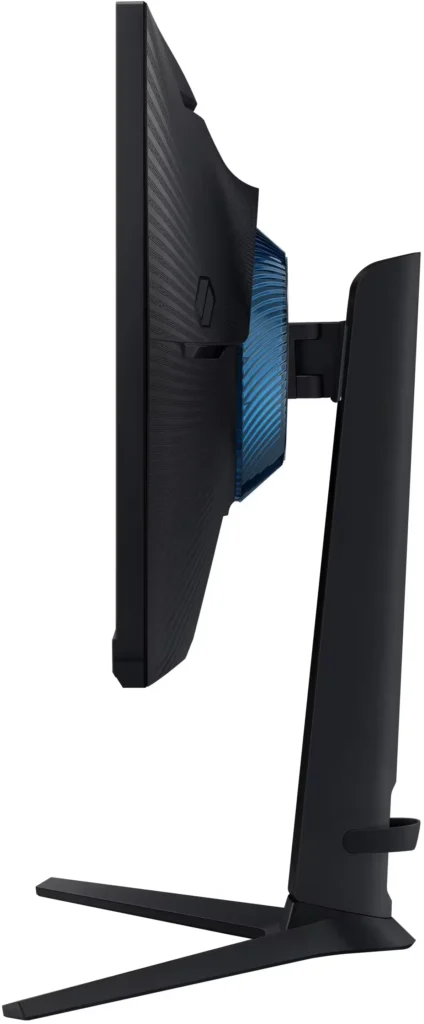
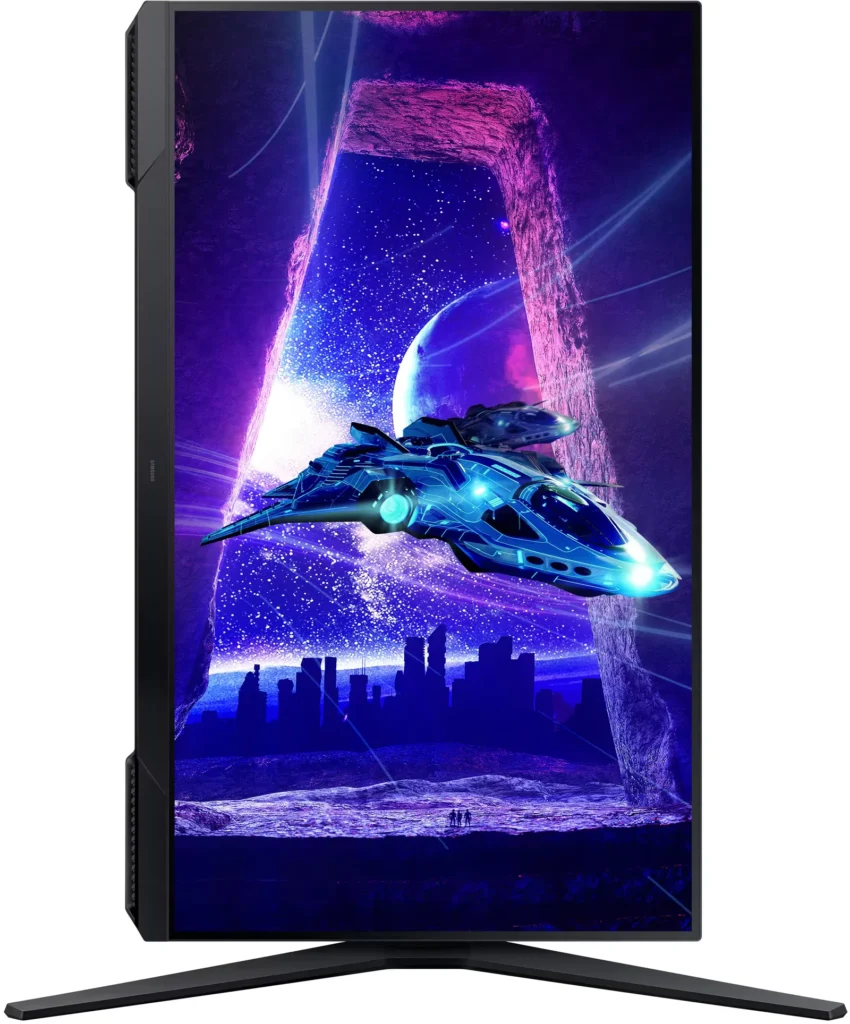
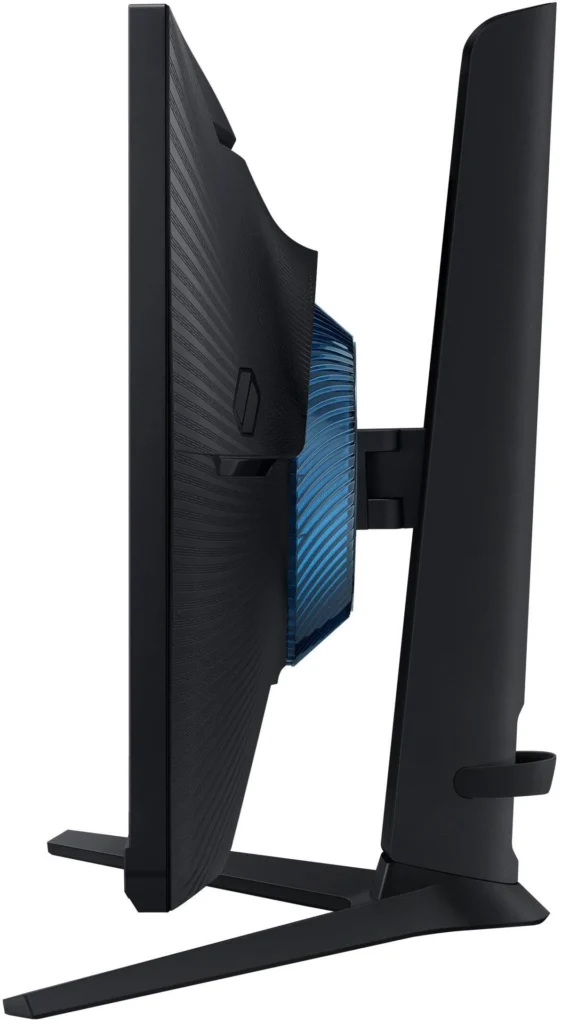
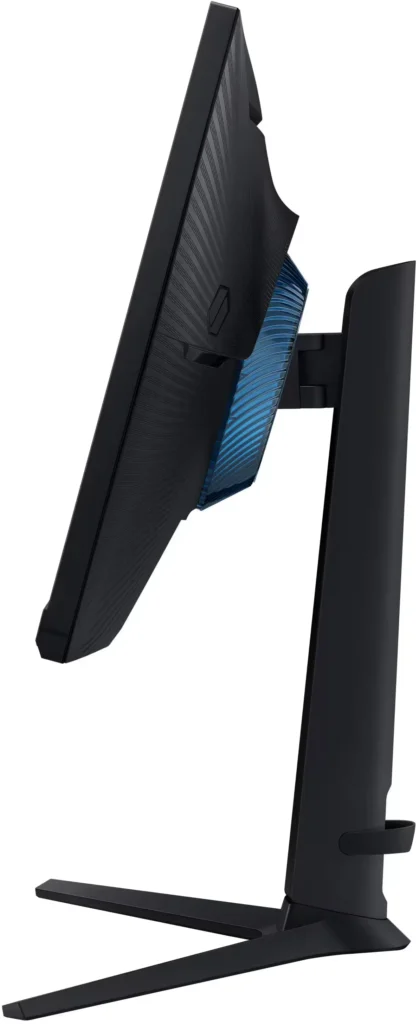
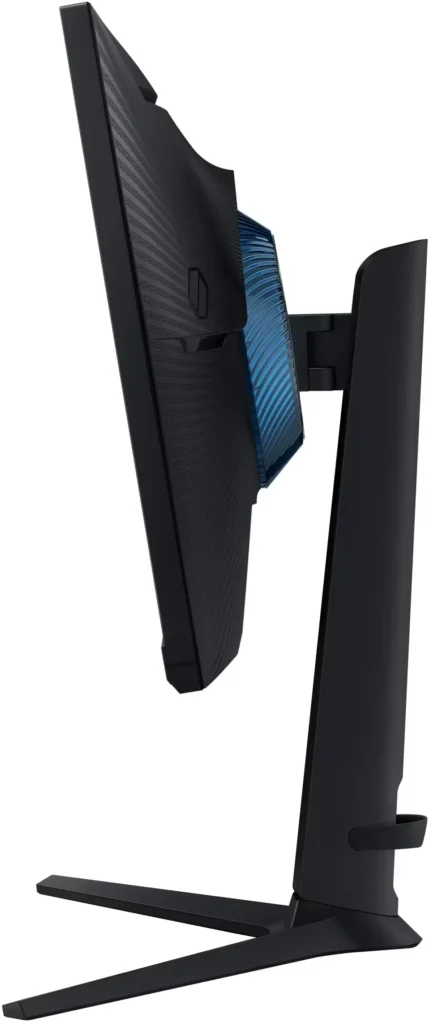
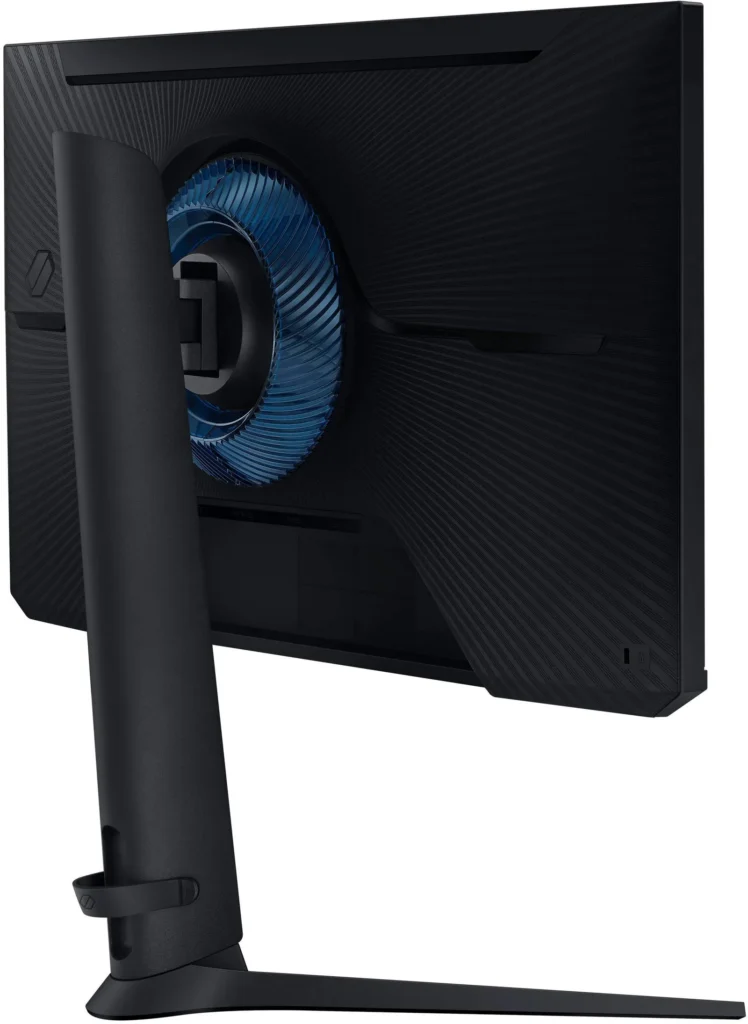
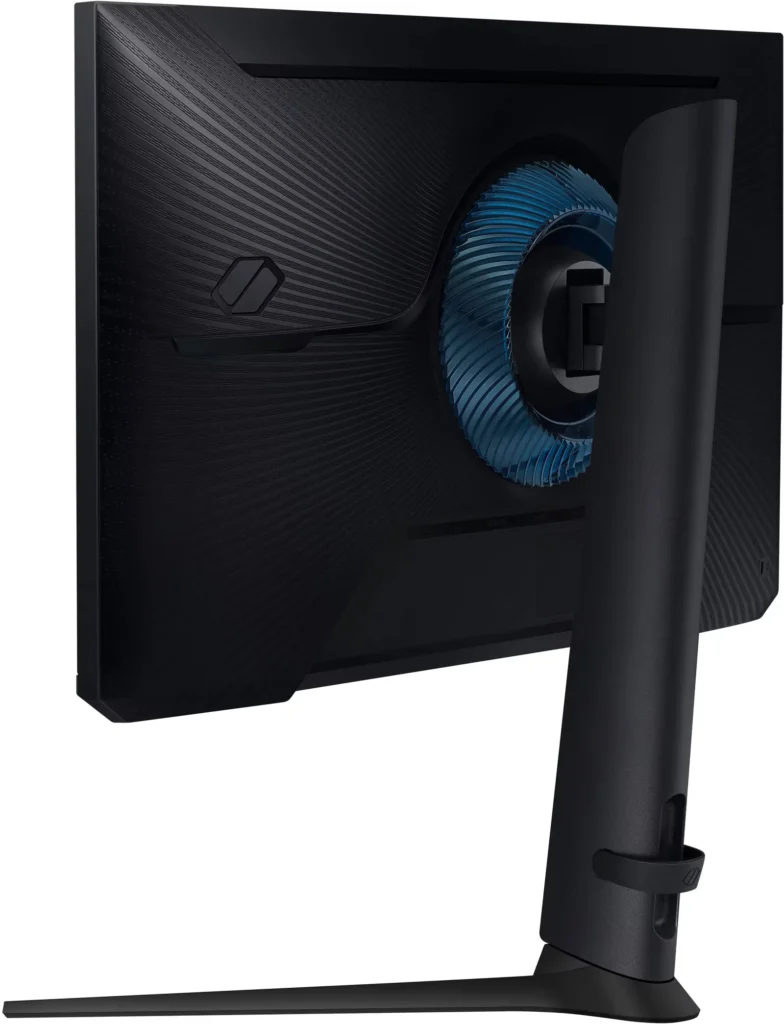
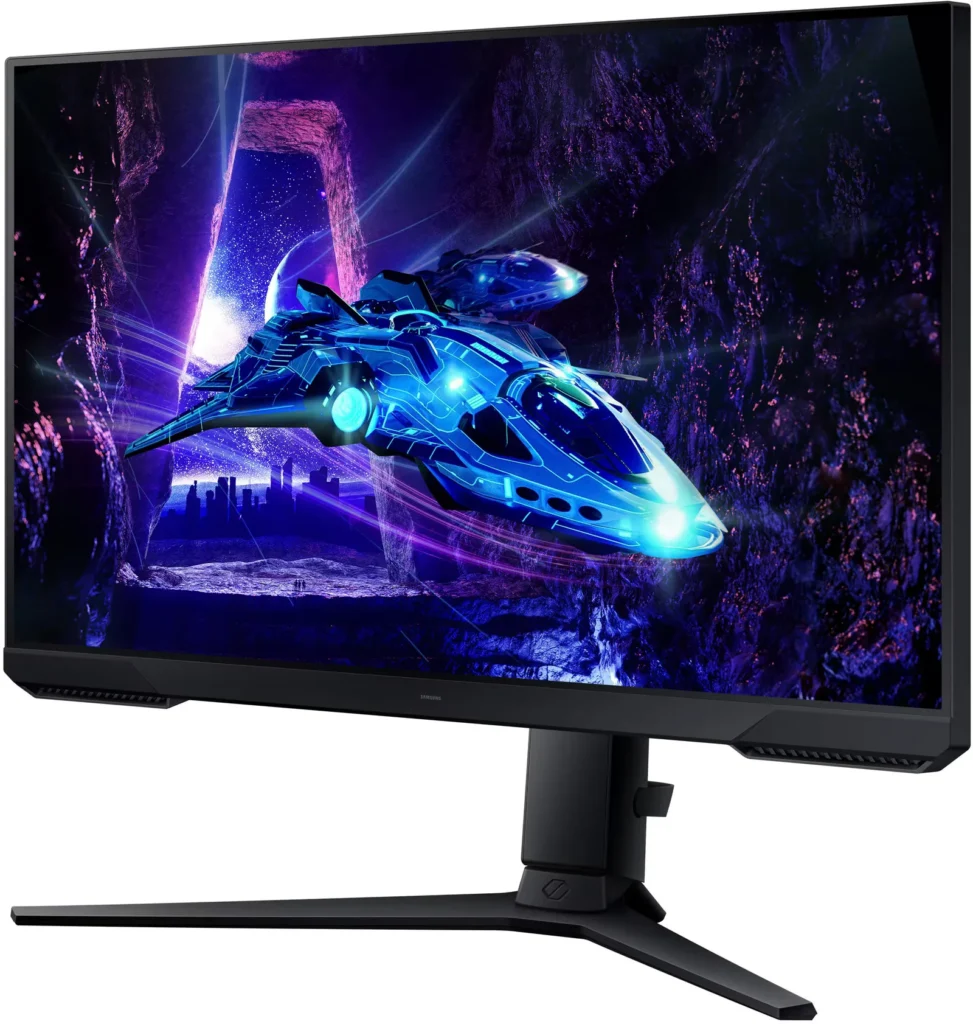
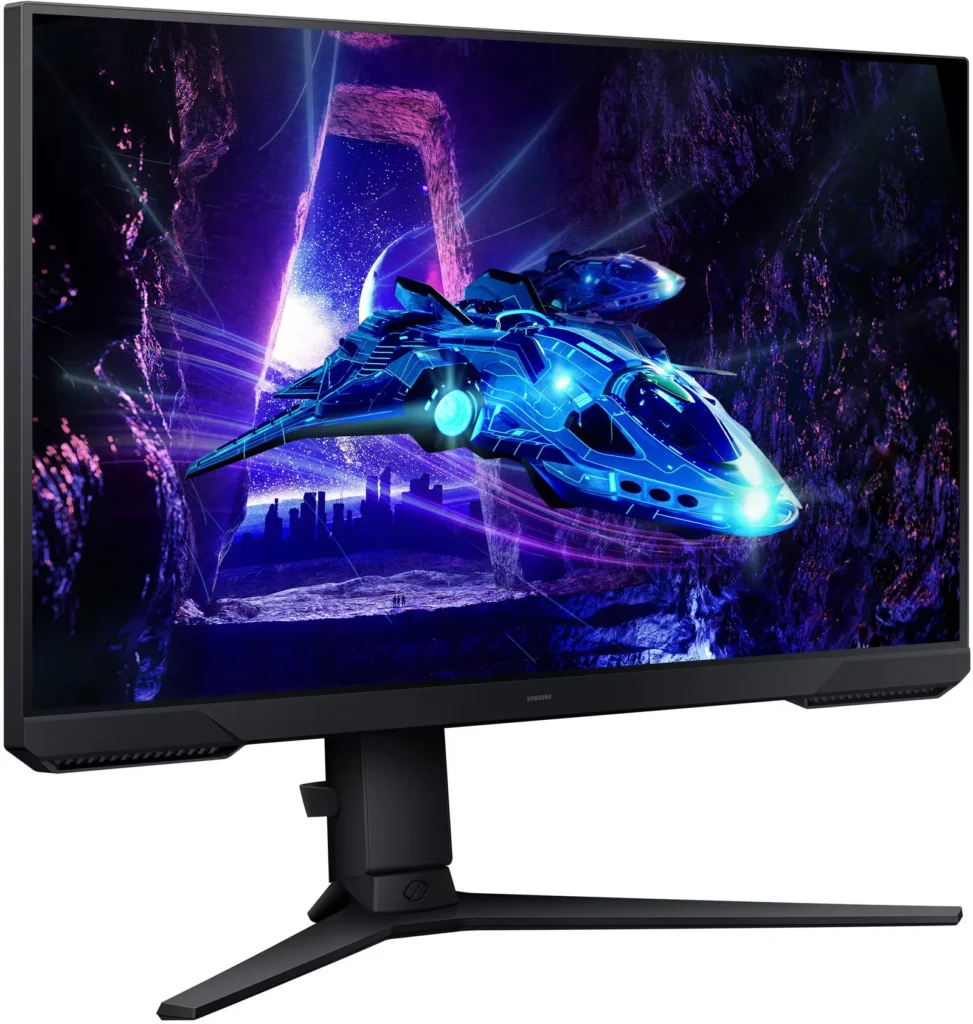
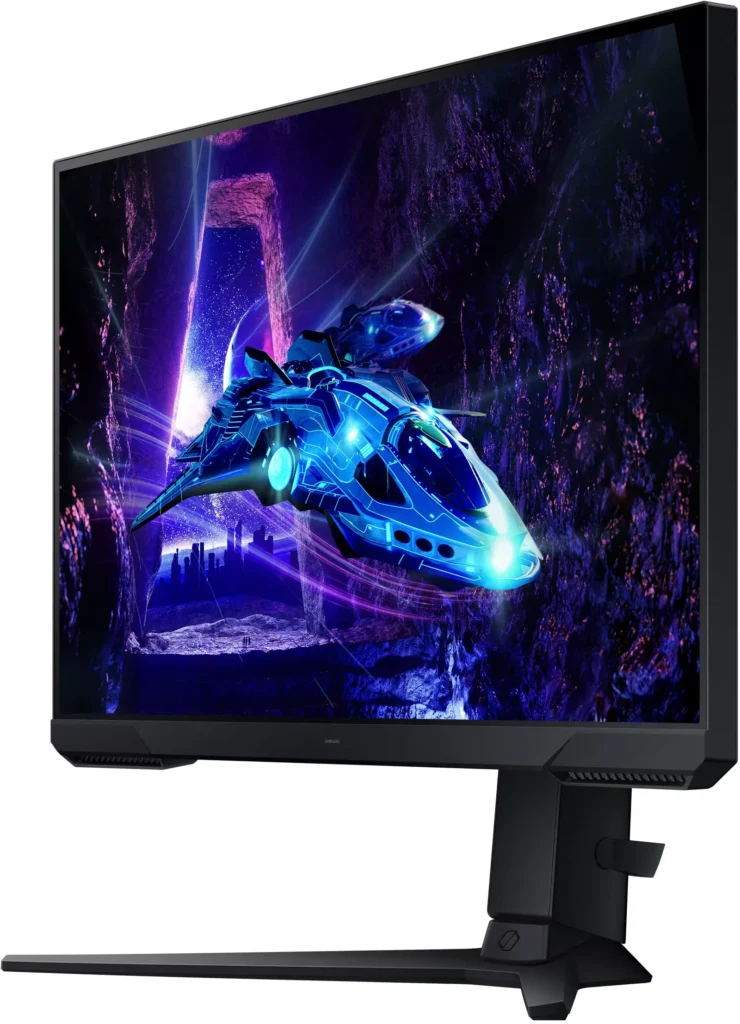
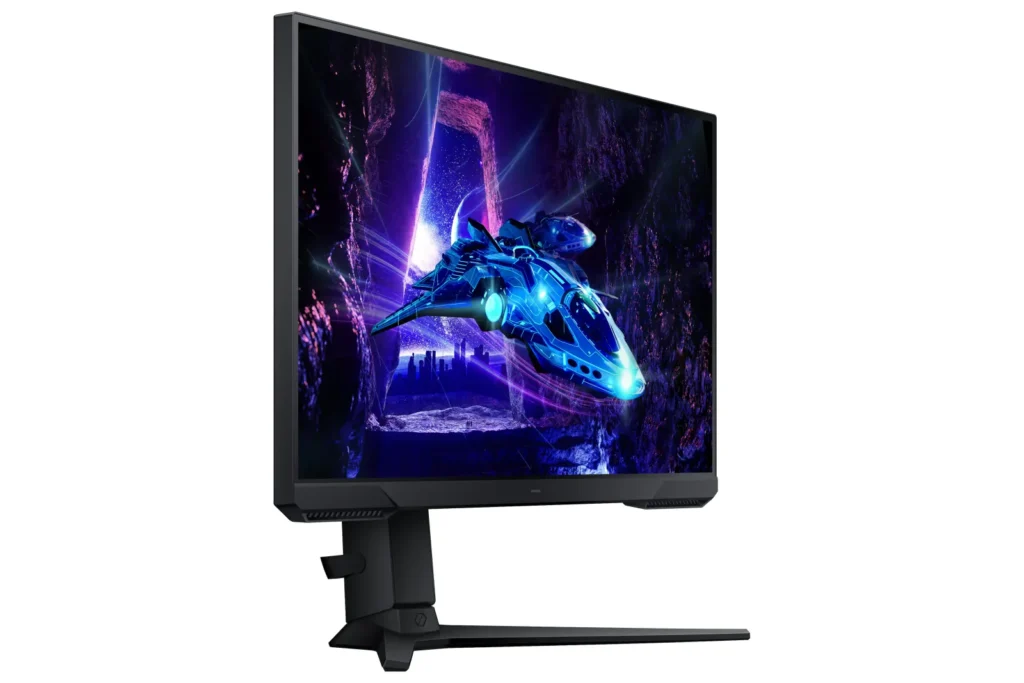
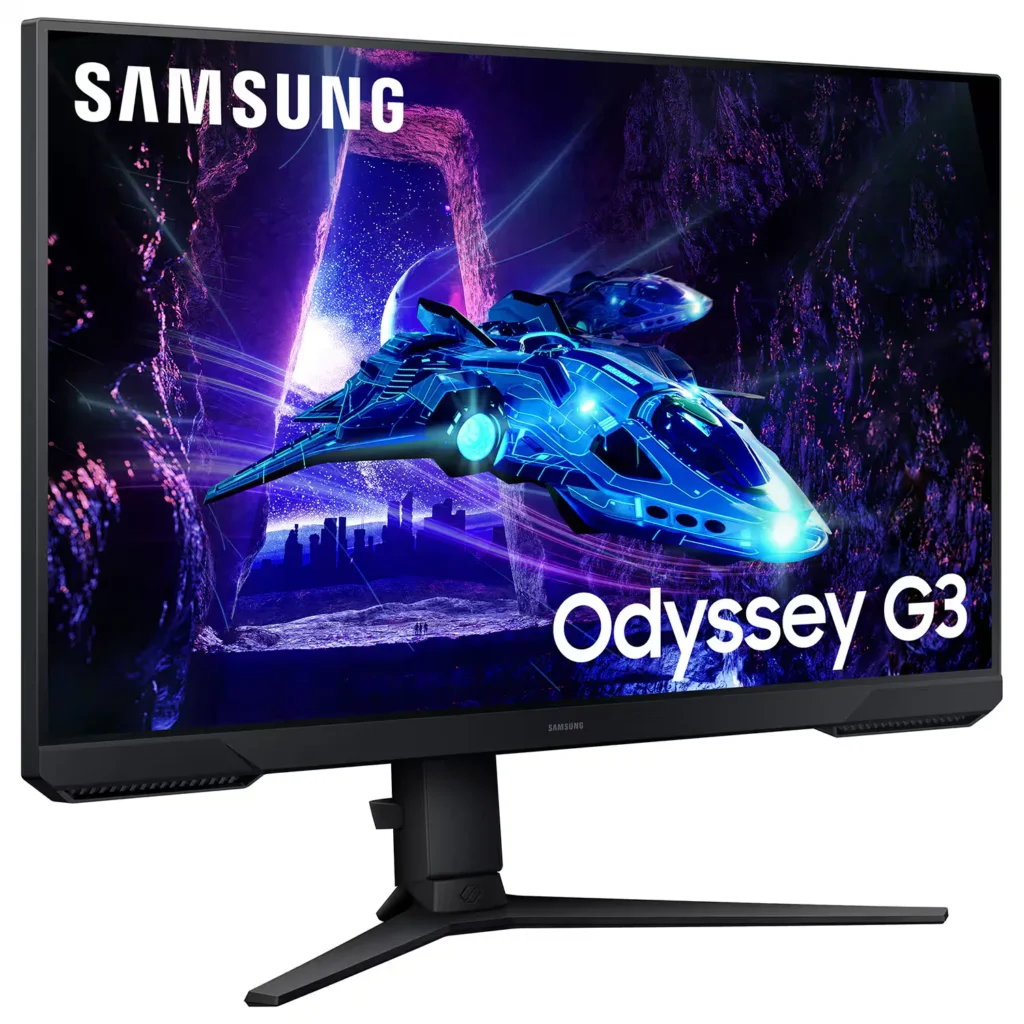
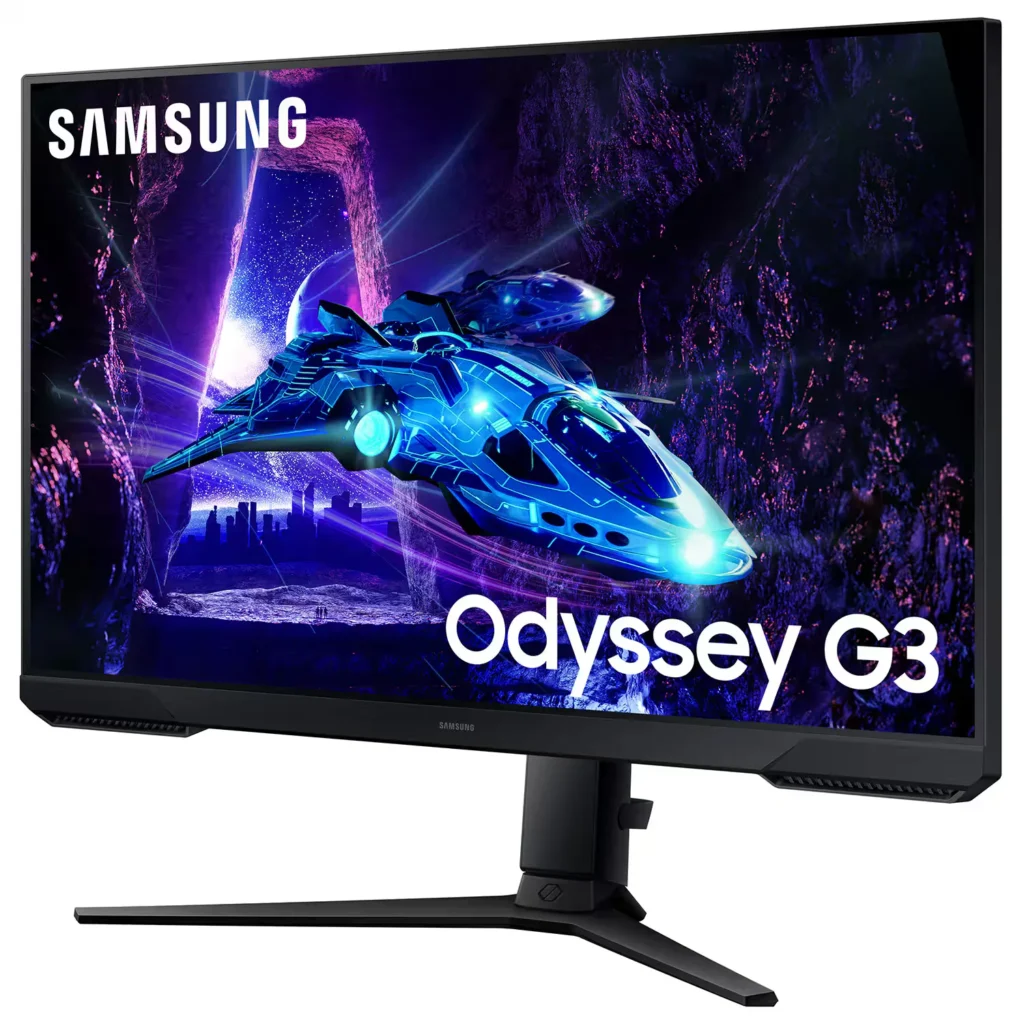
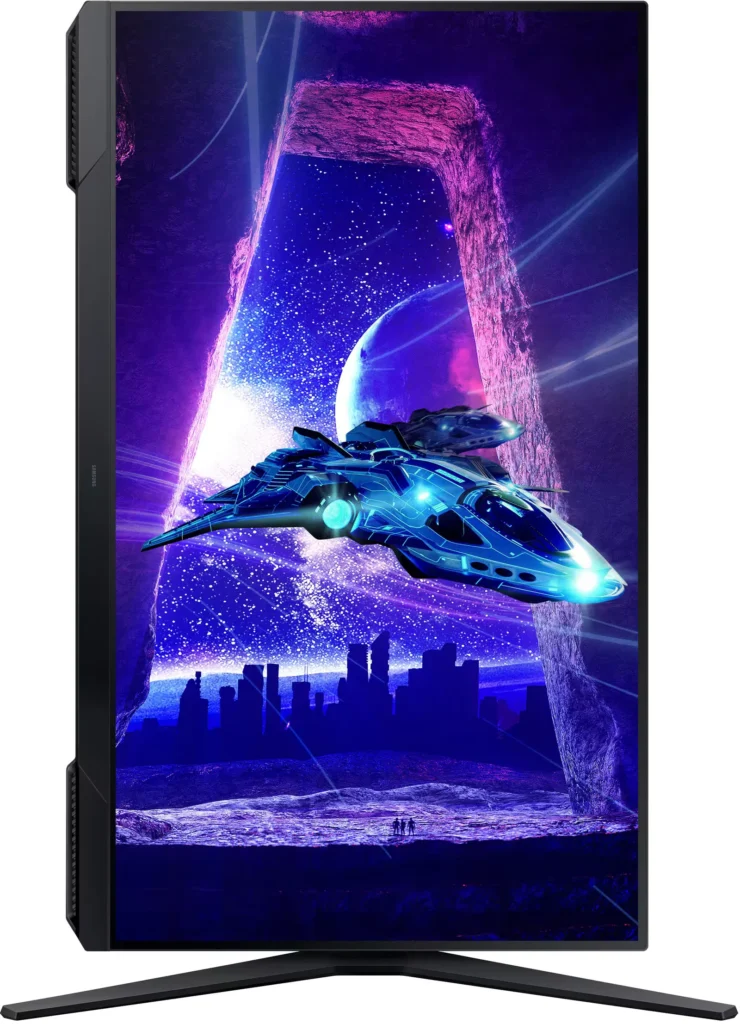
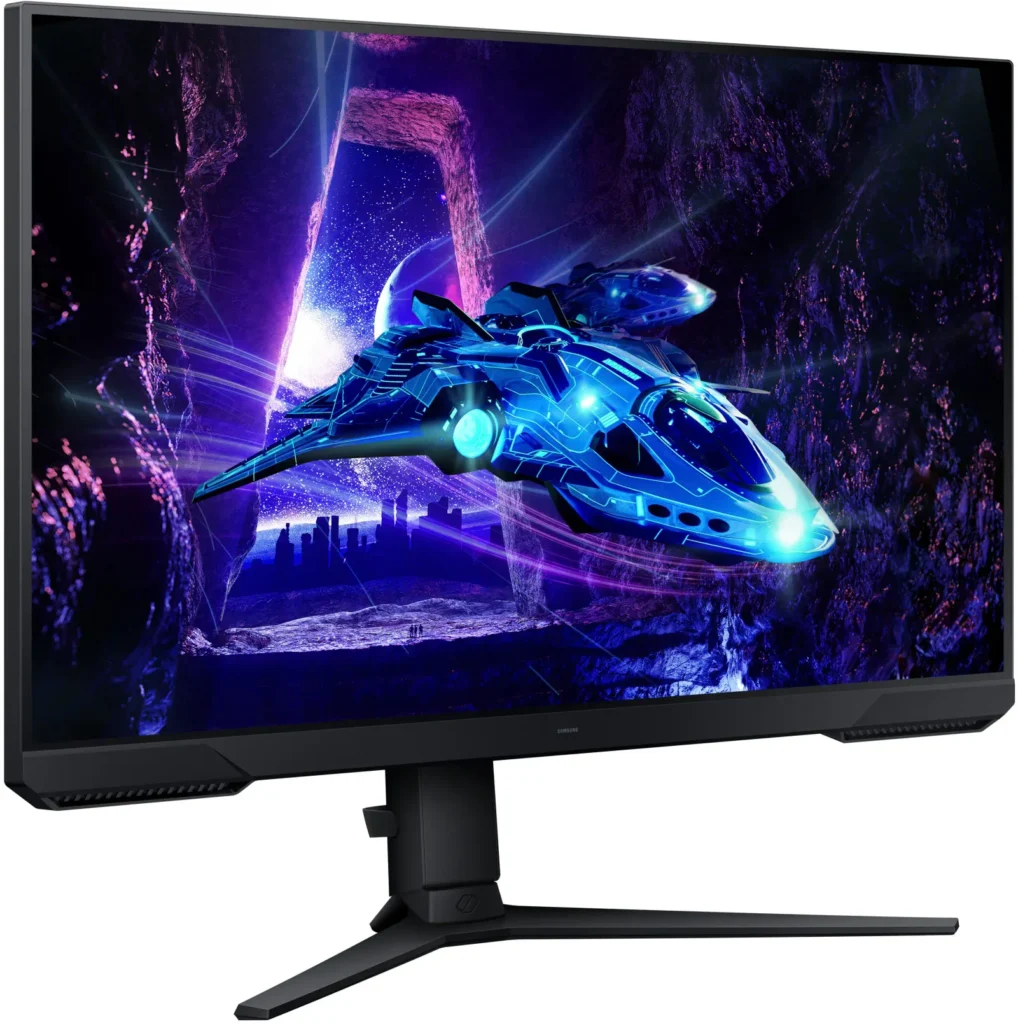
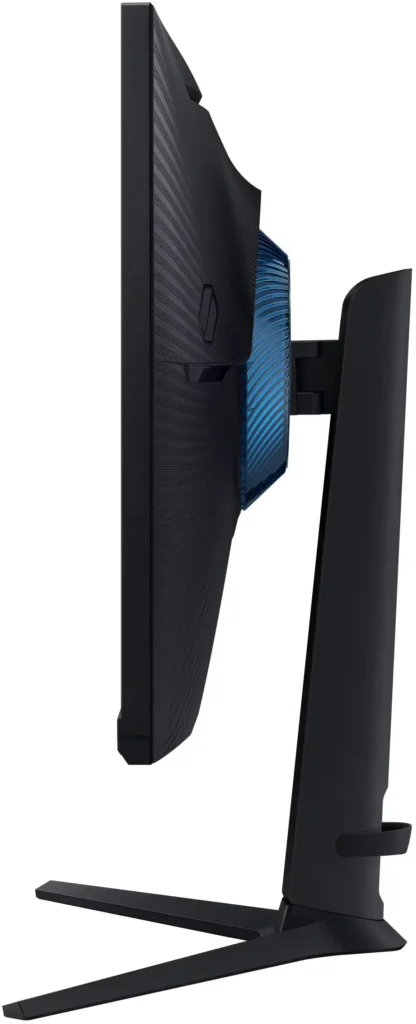
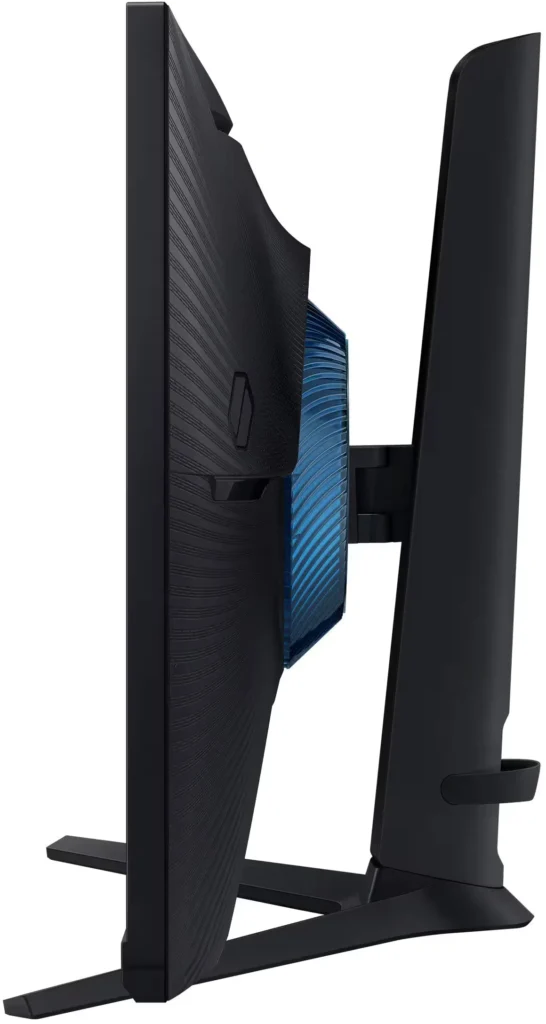
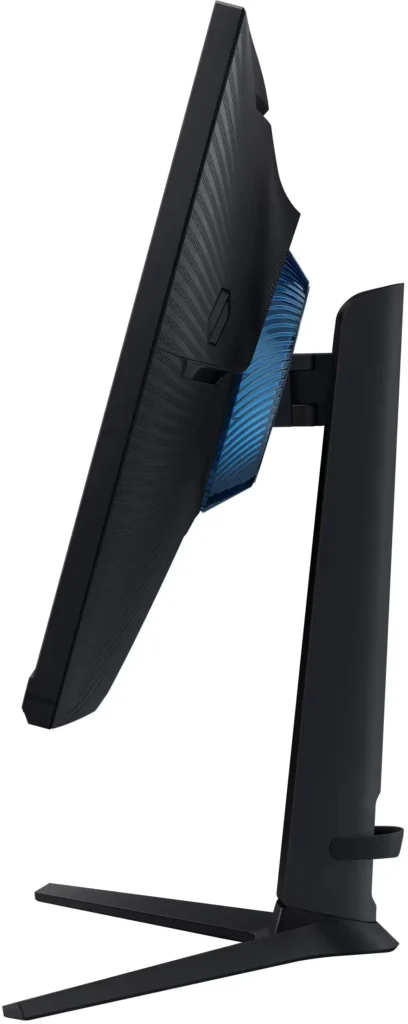
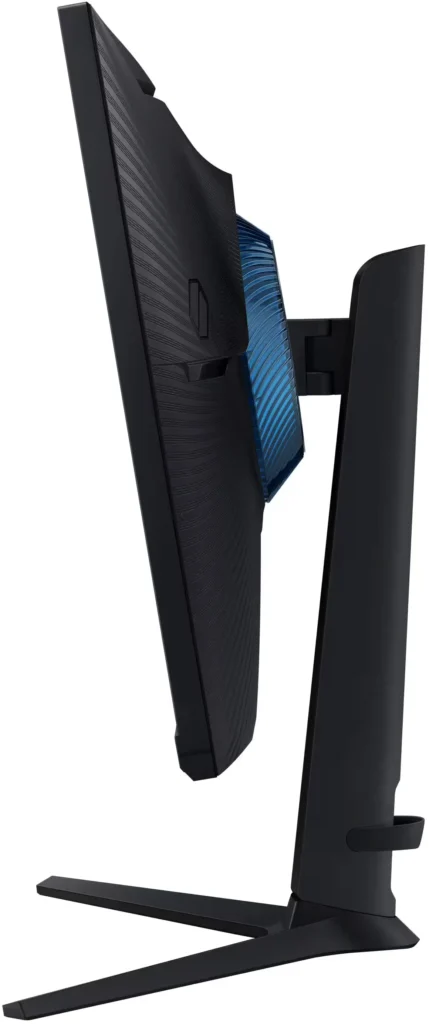
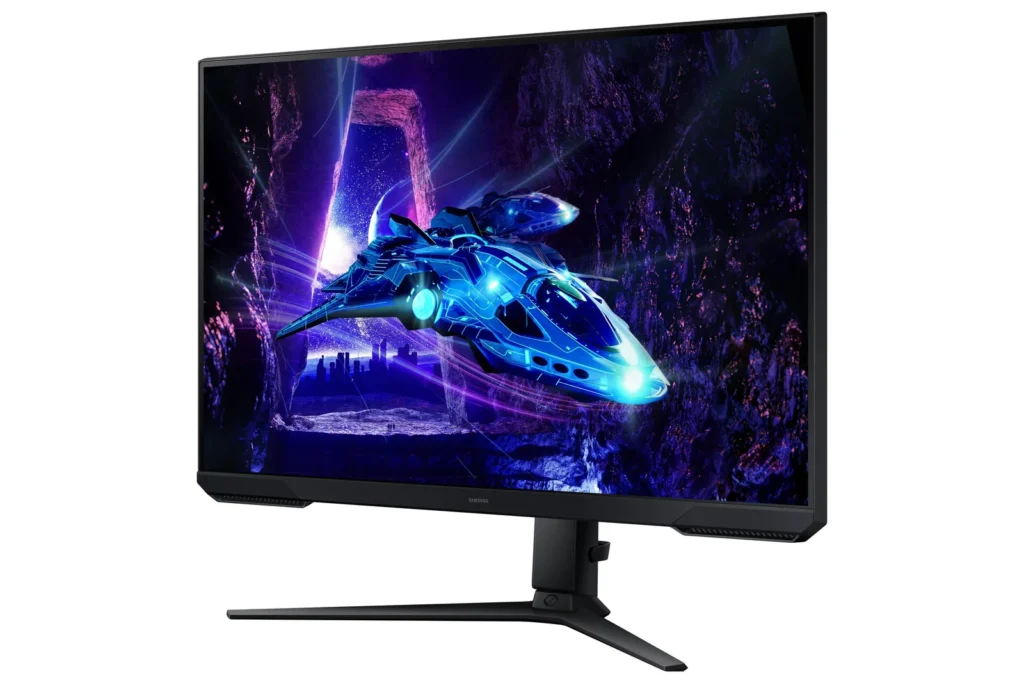
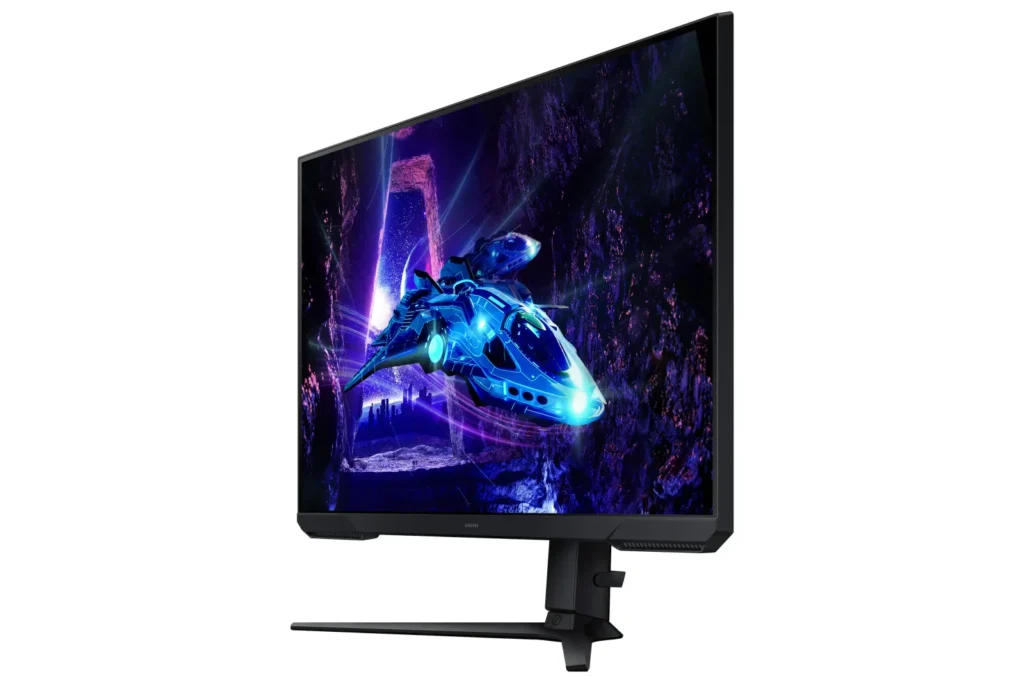
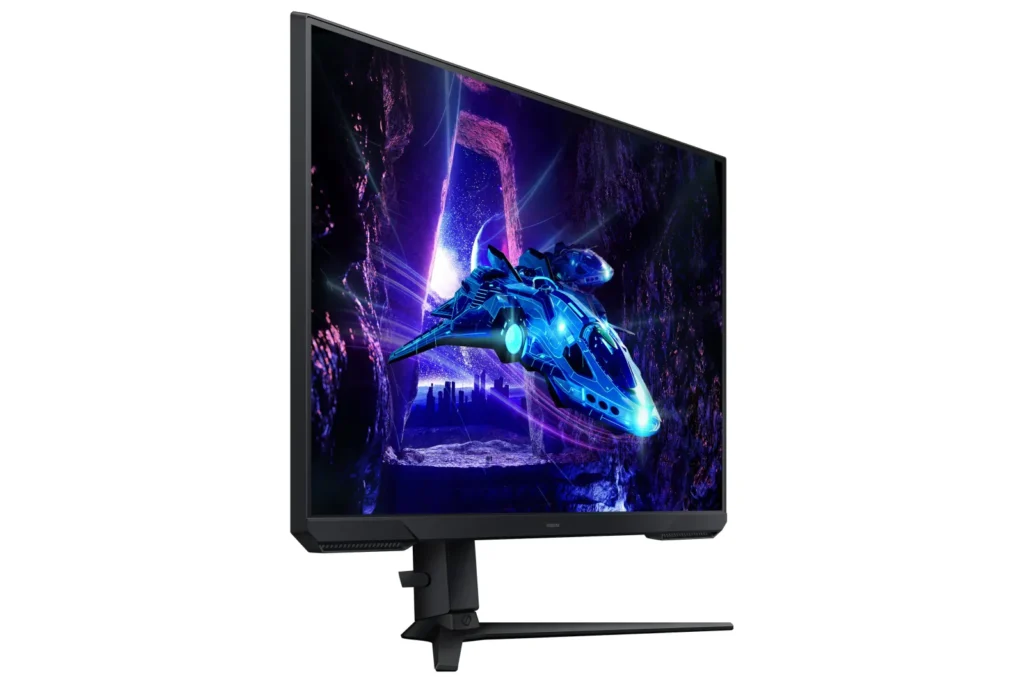
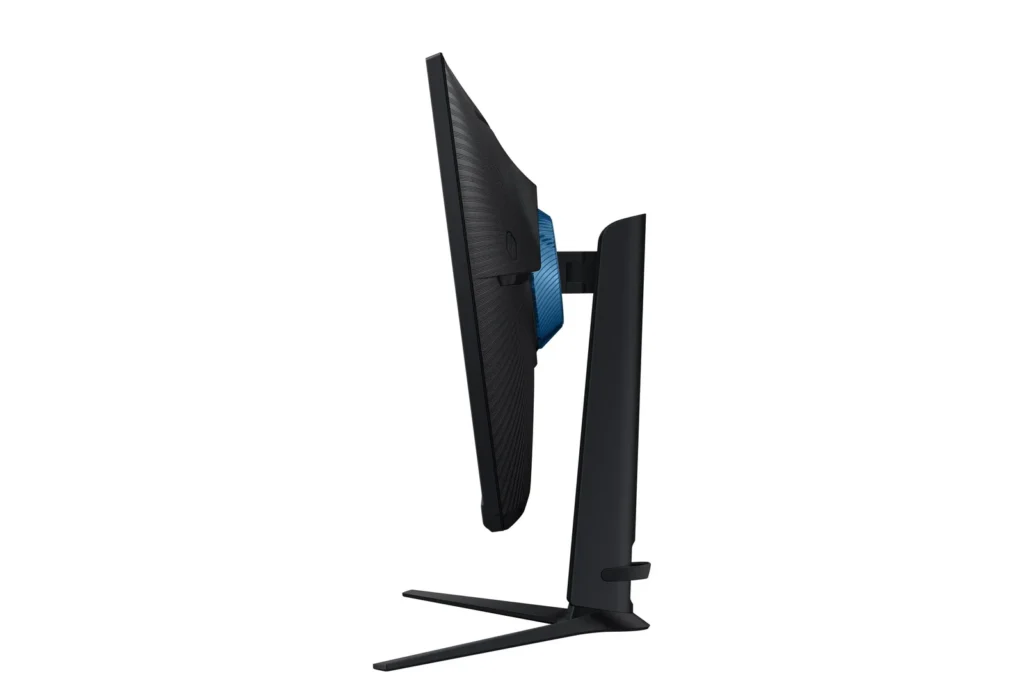
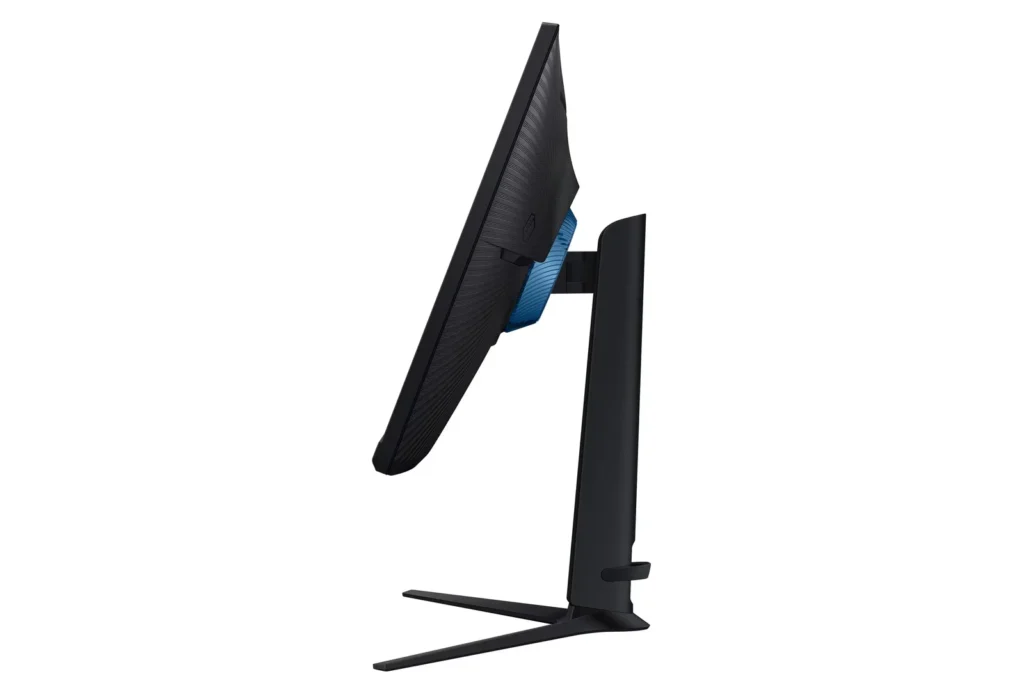
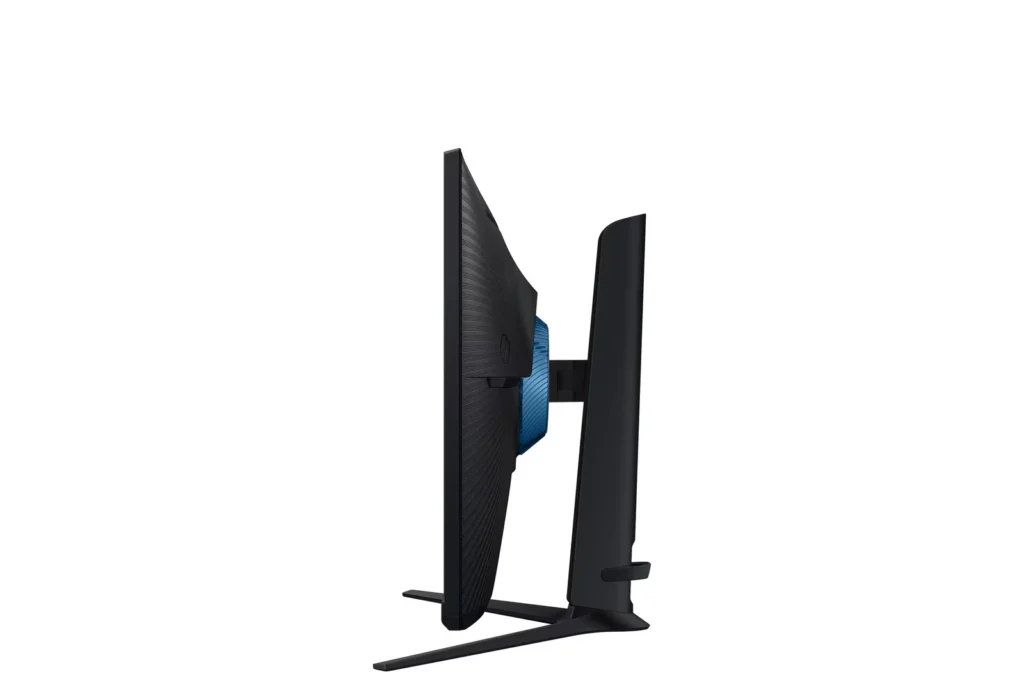
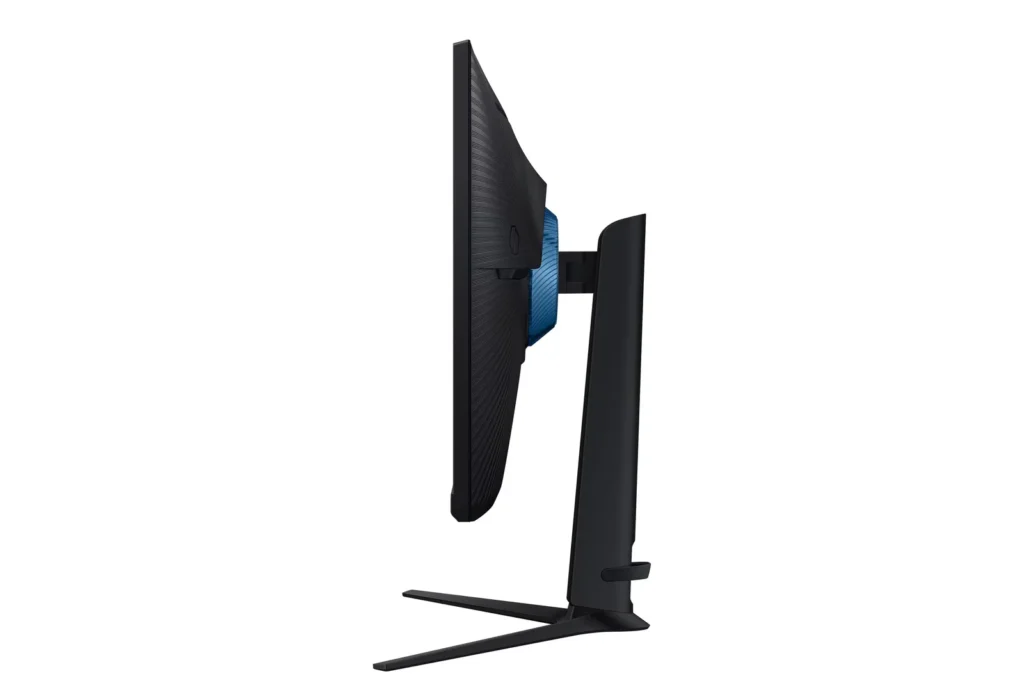
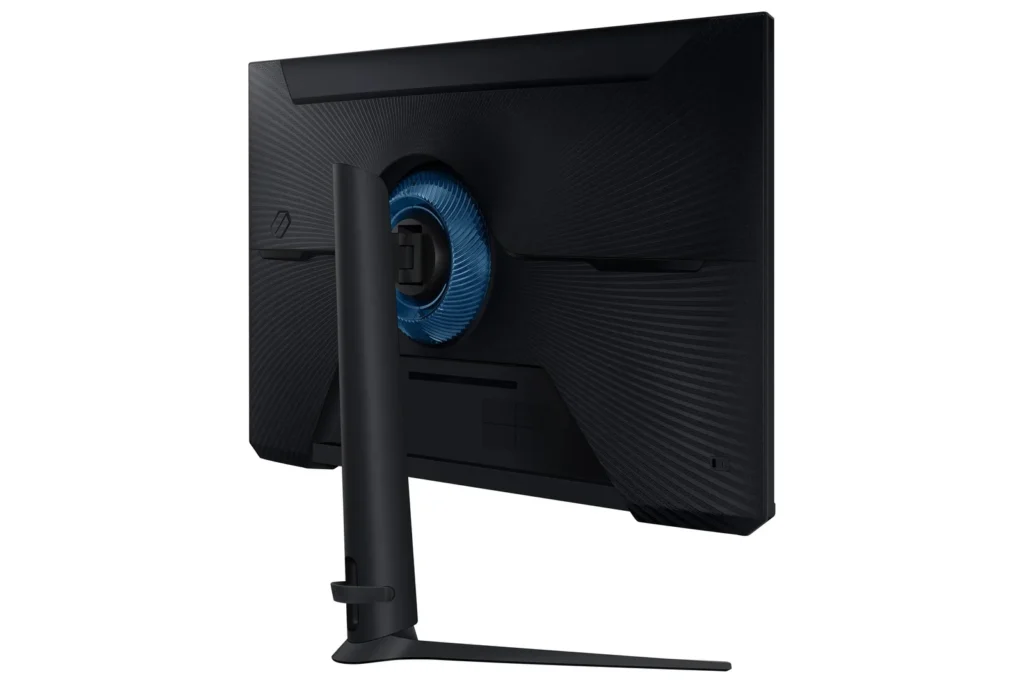
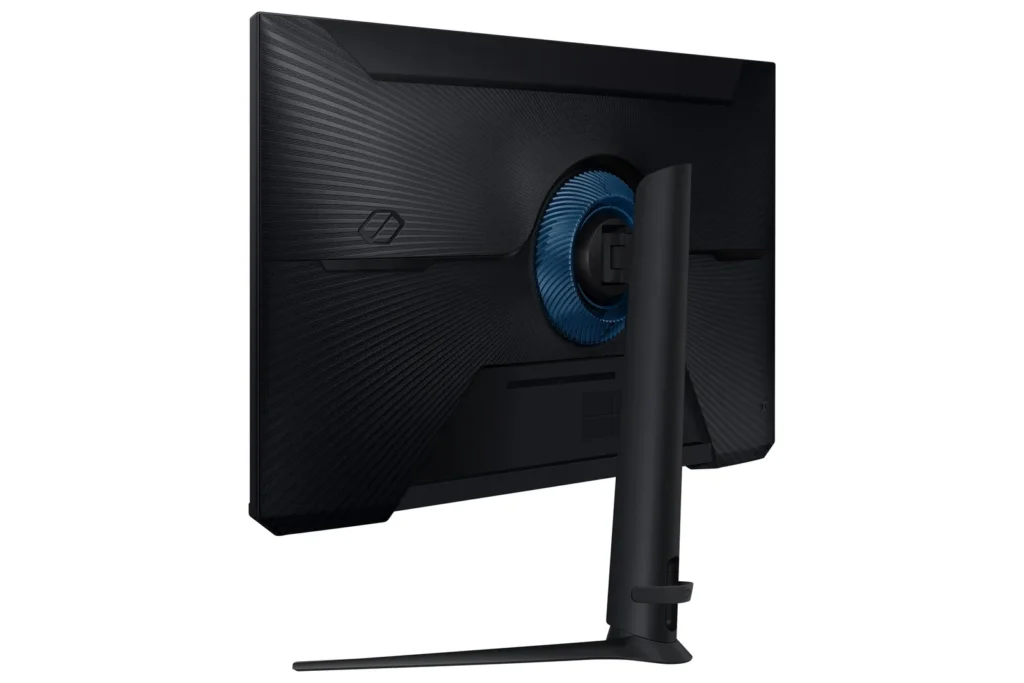
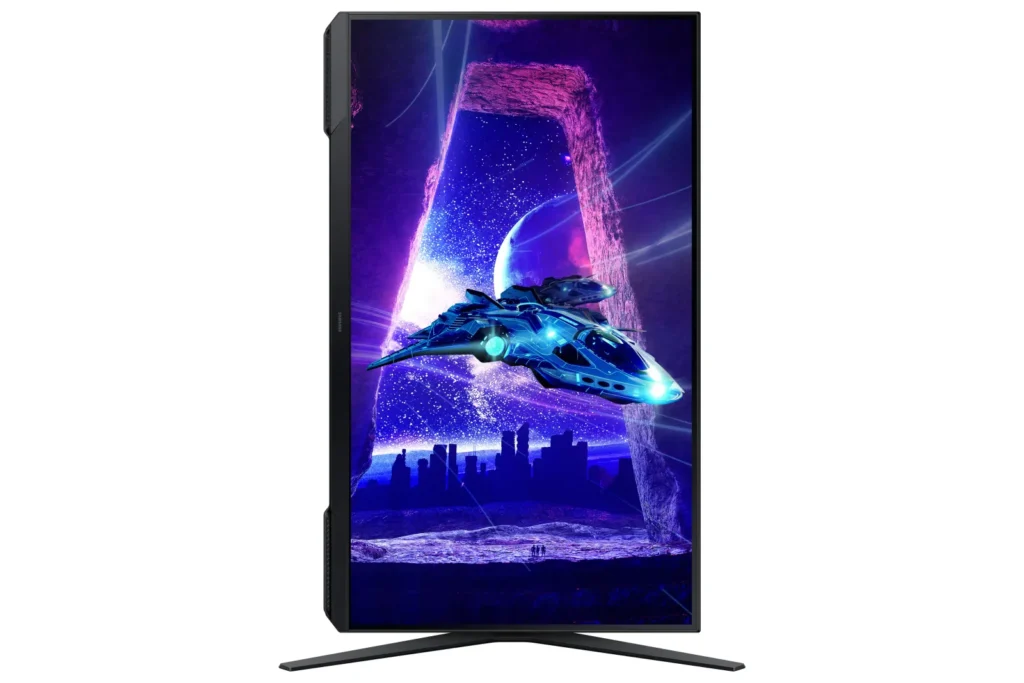
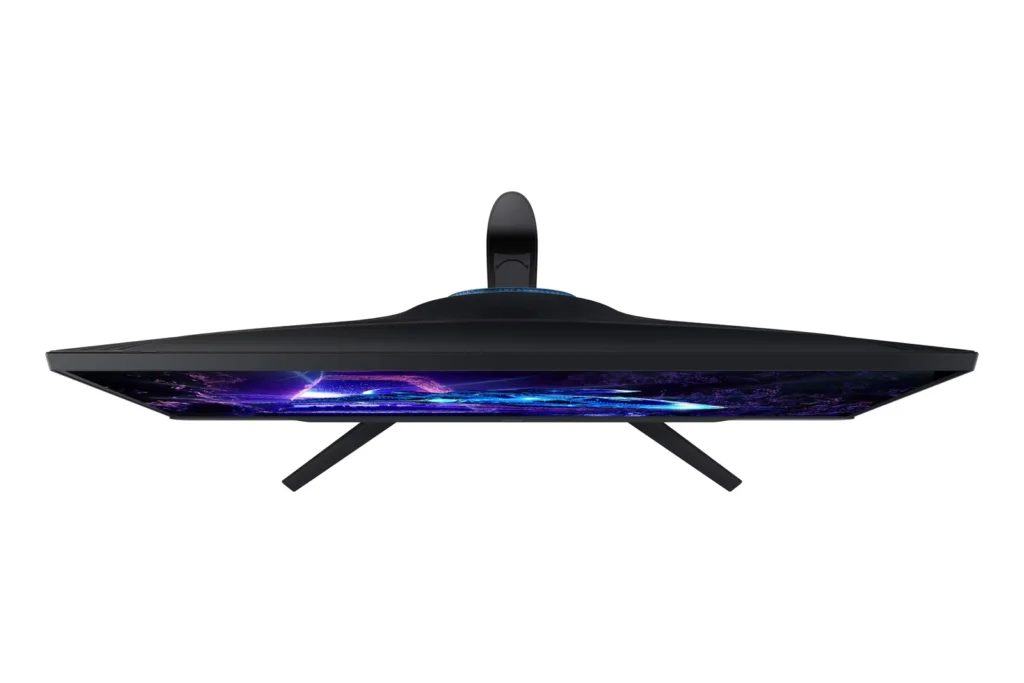
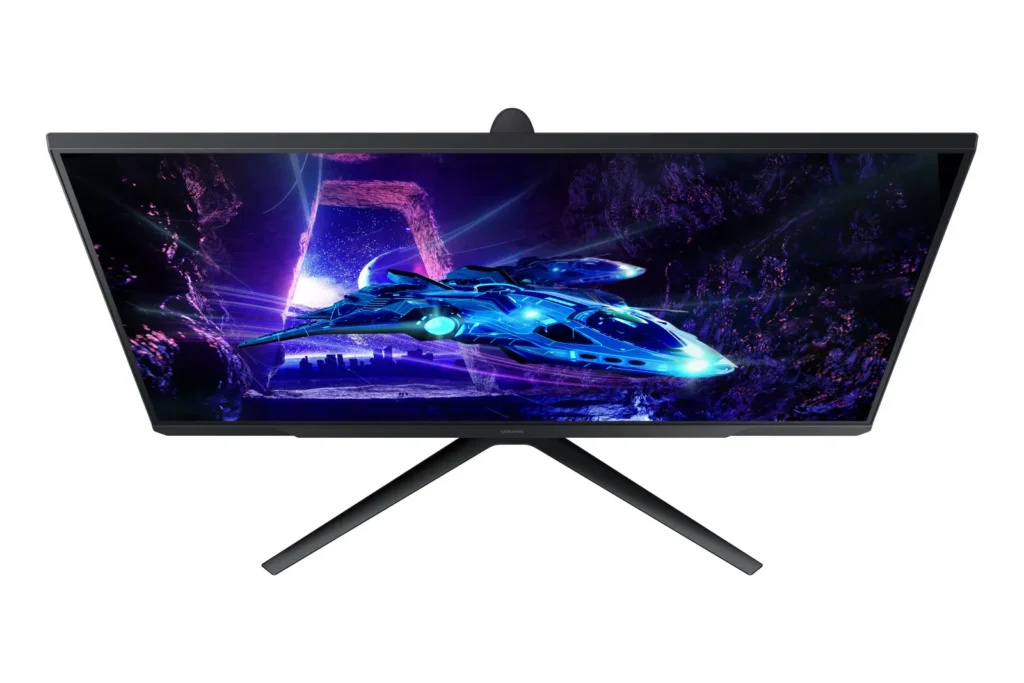
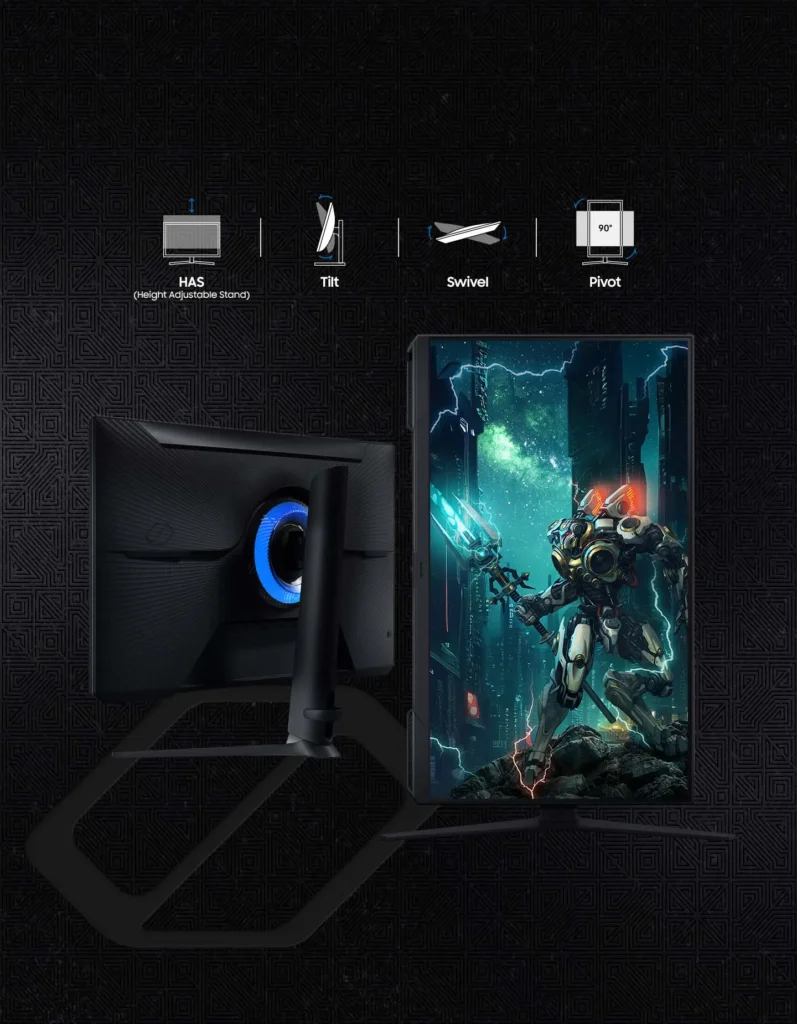
| Fully Ergonomic Stand | Find your perfect viewing angle with a versatile stand that allows you to swivel, tilt, pivot, and adjust the height, providing maximum comfort for extended gaming sessions. |
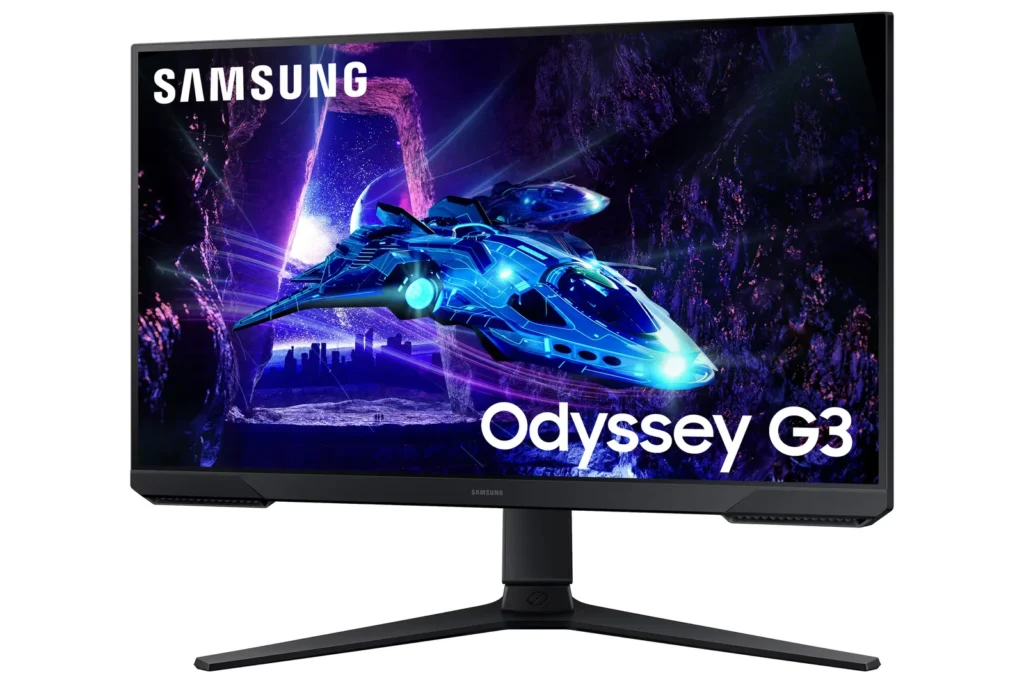
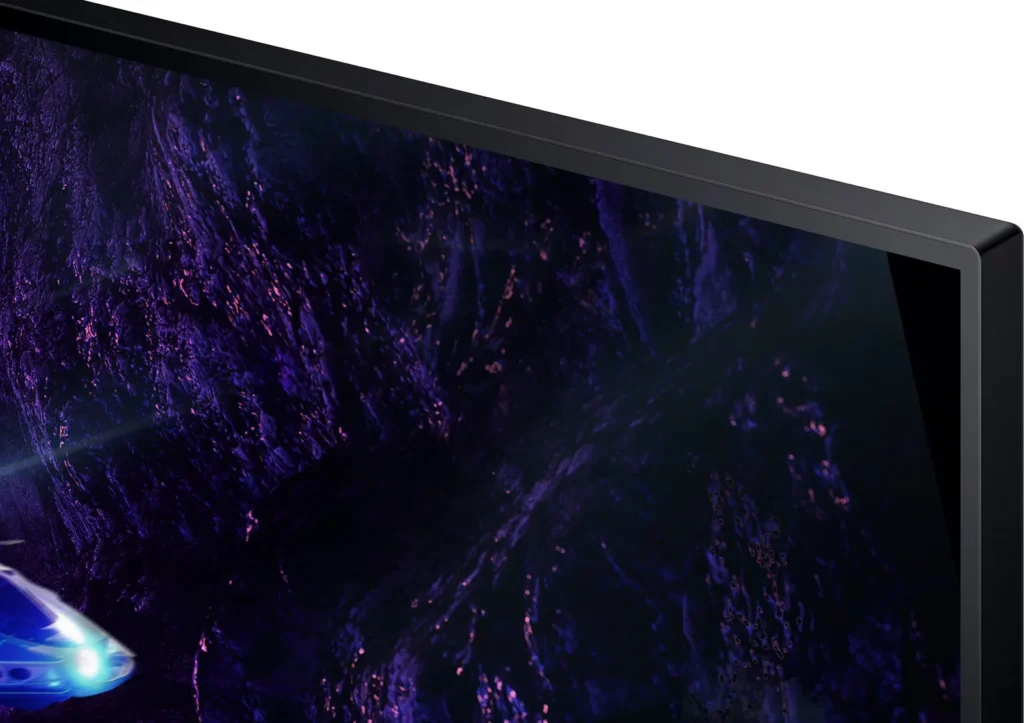
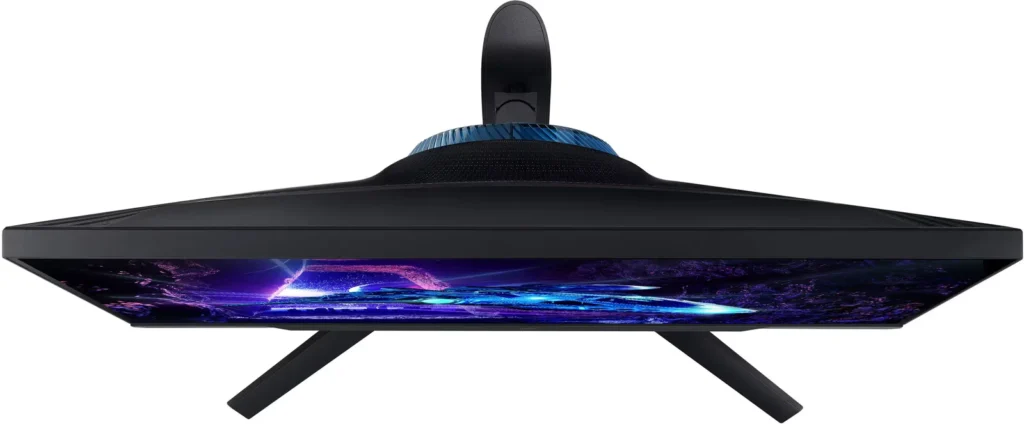
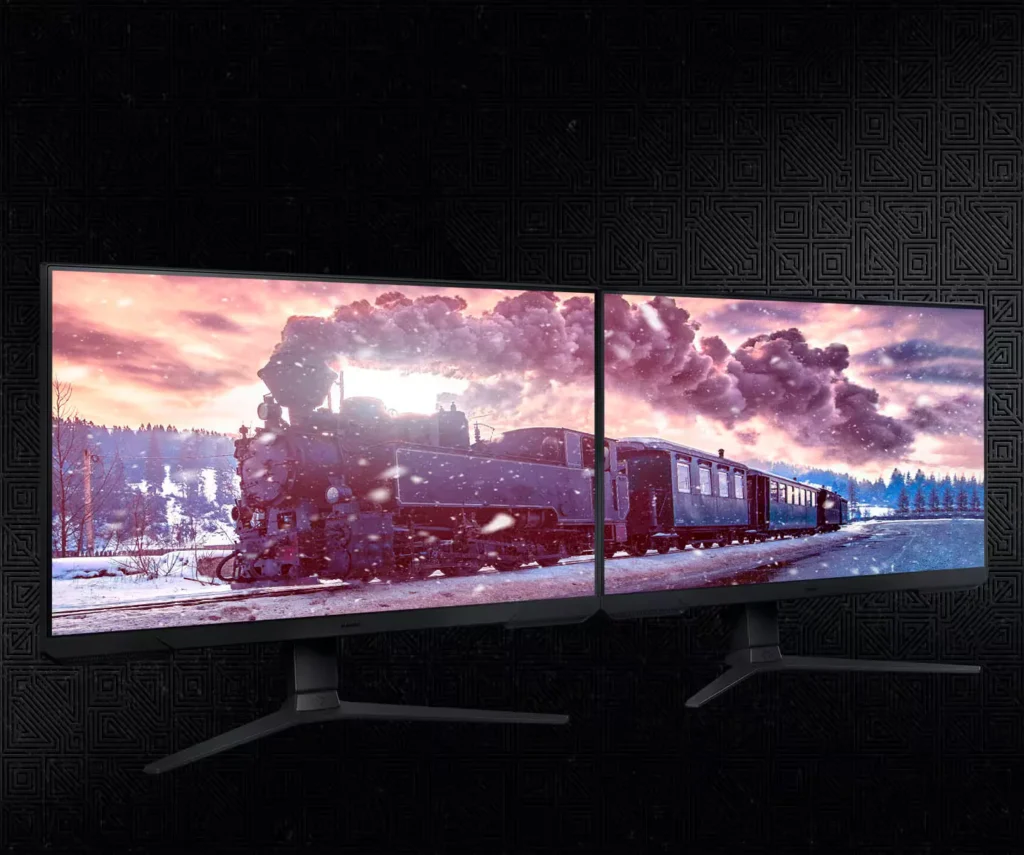
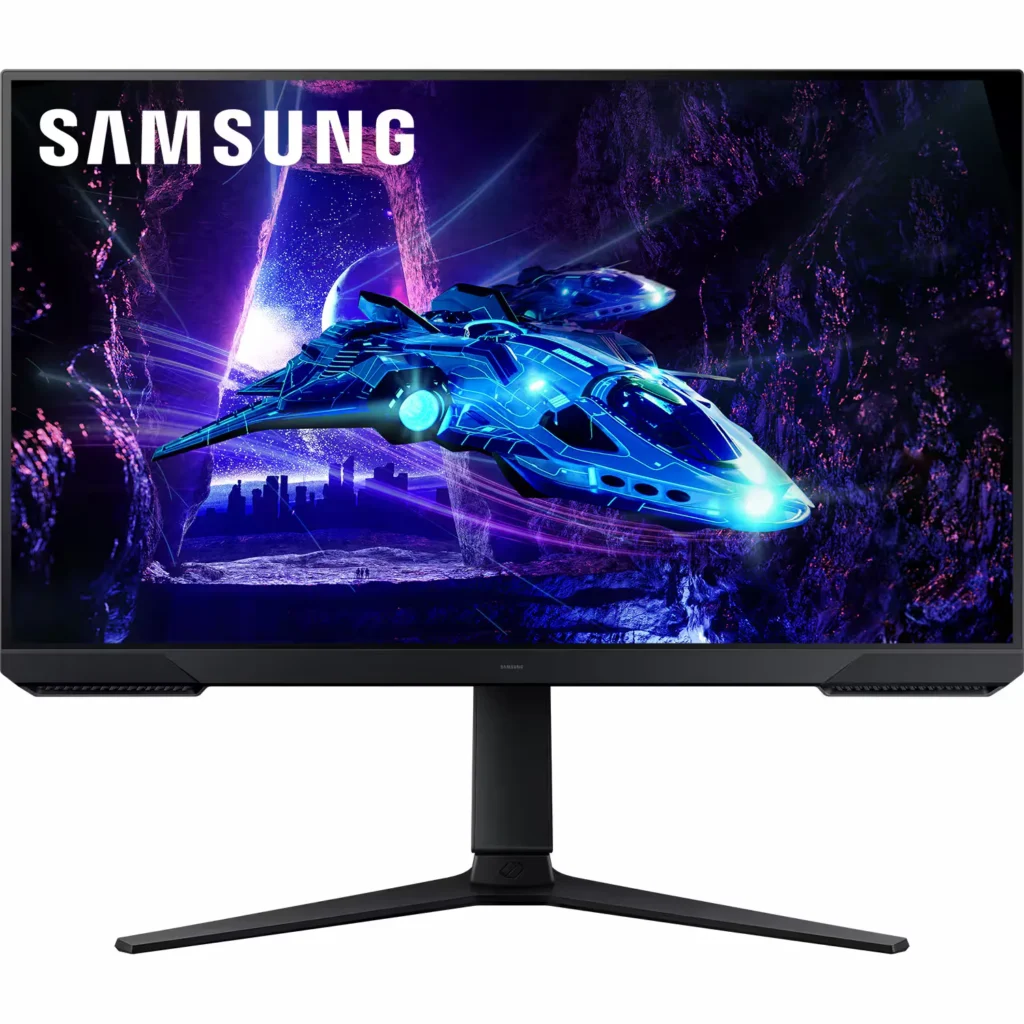
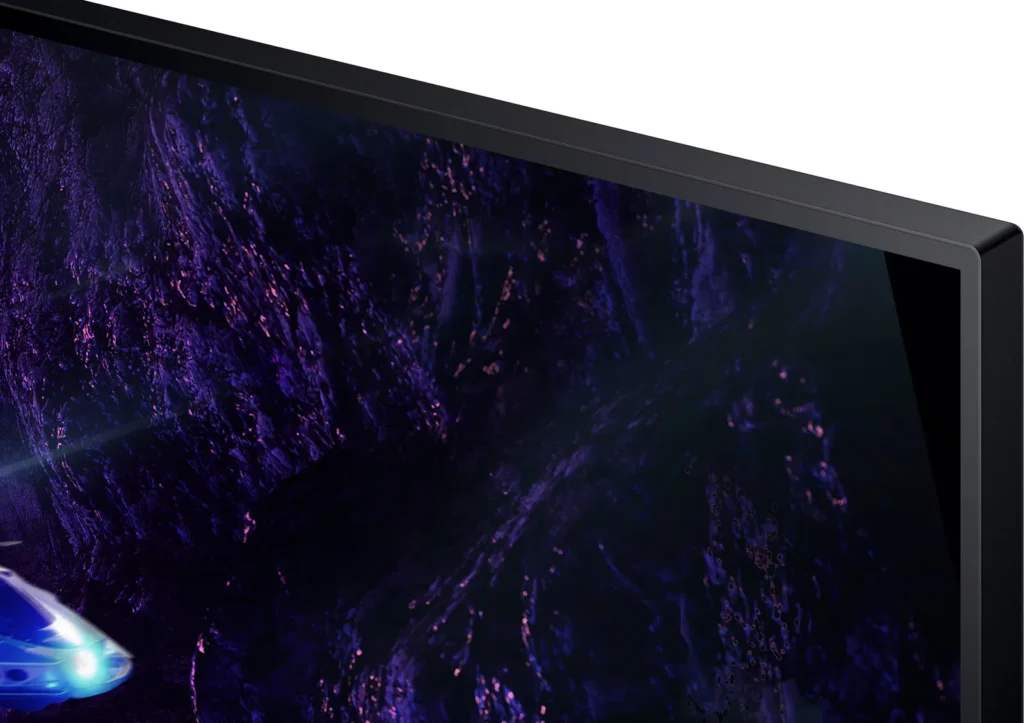
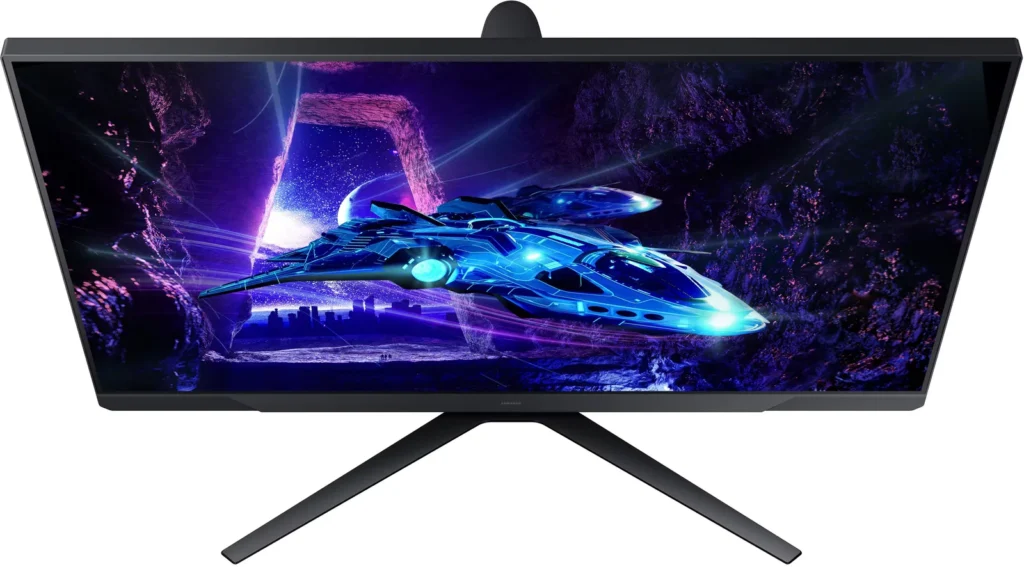
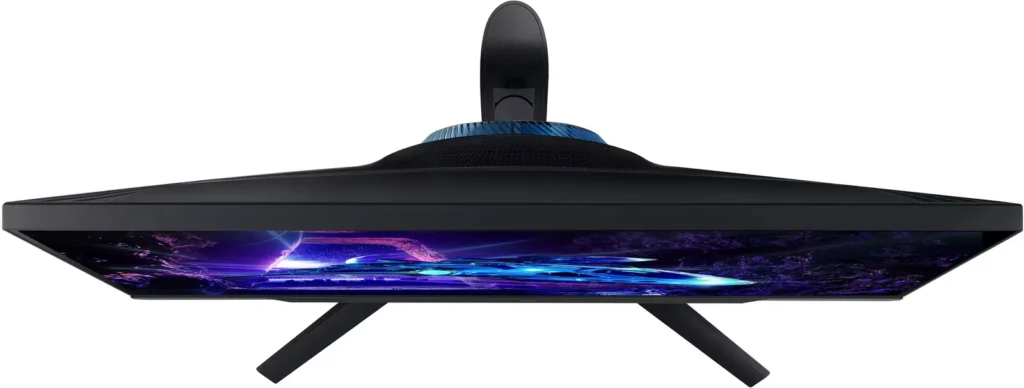
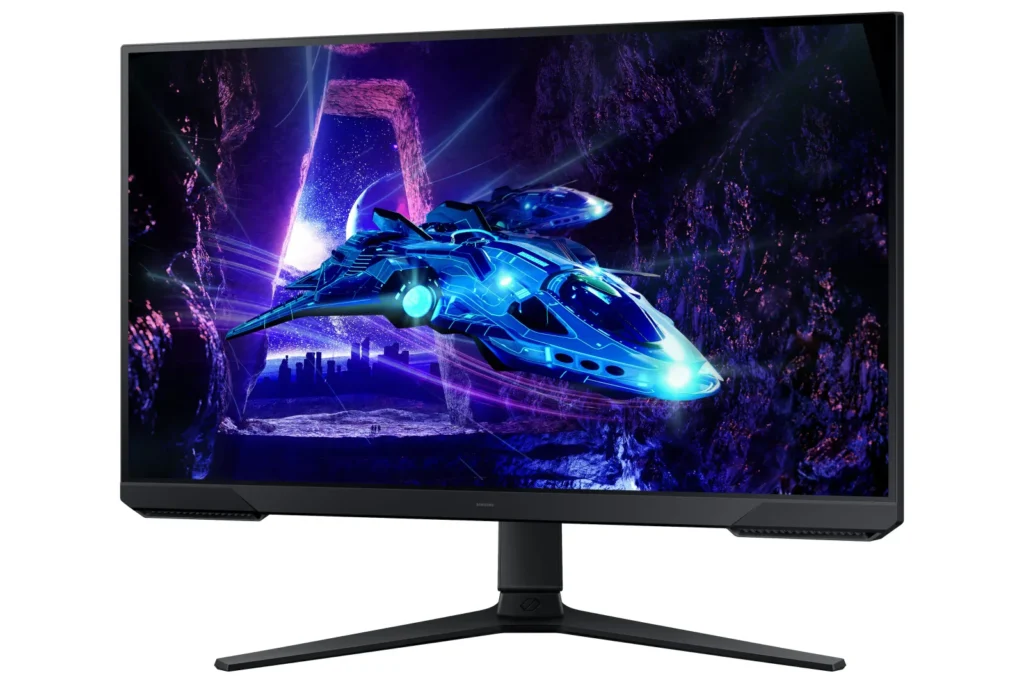
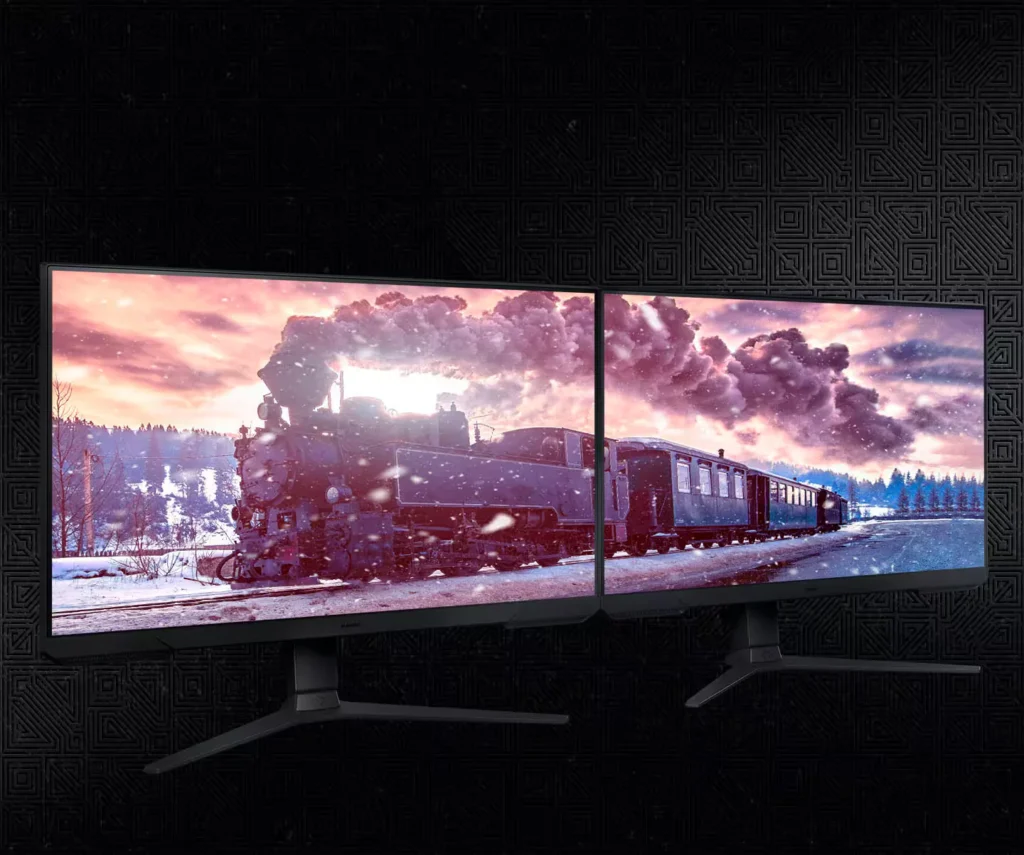
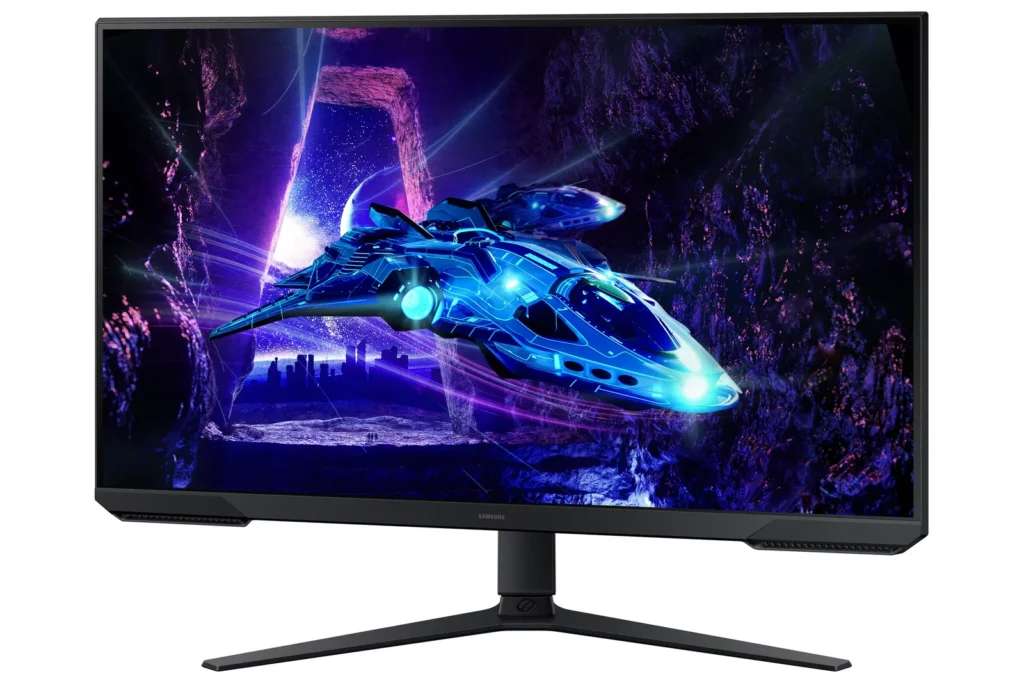
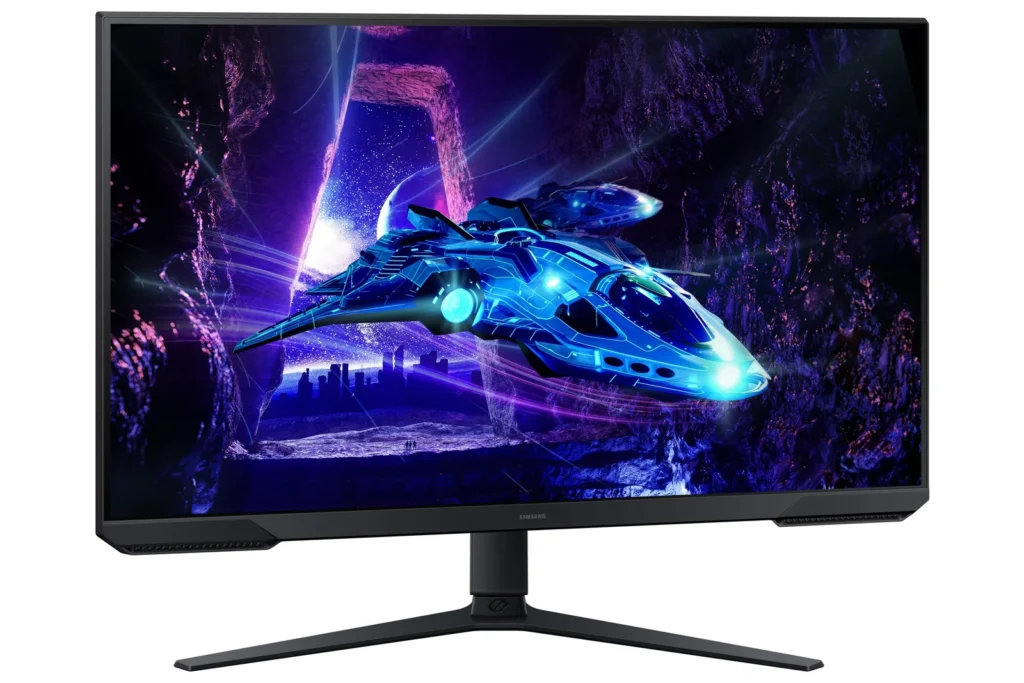
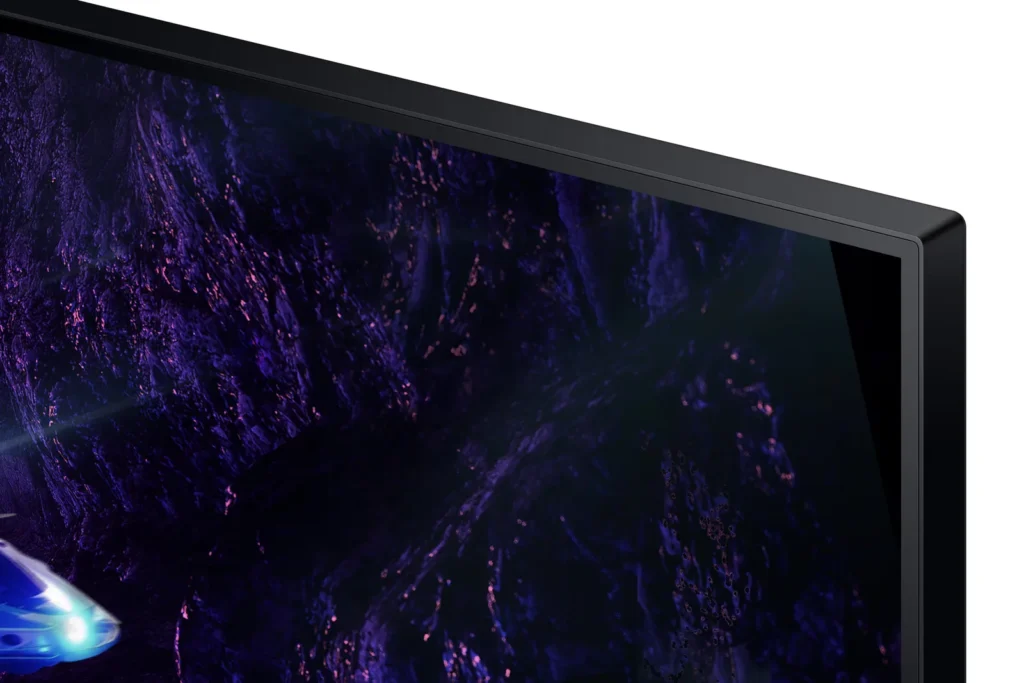
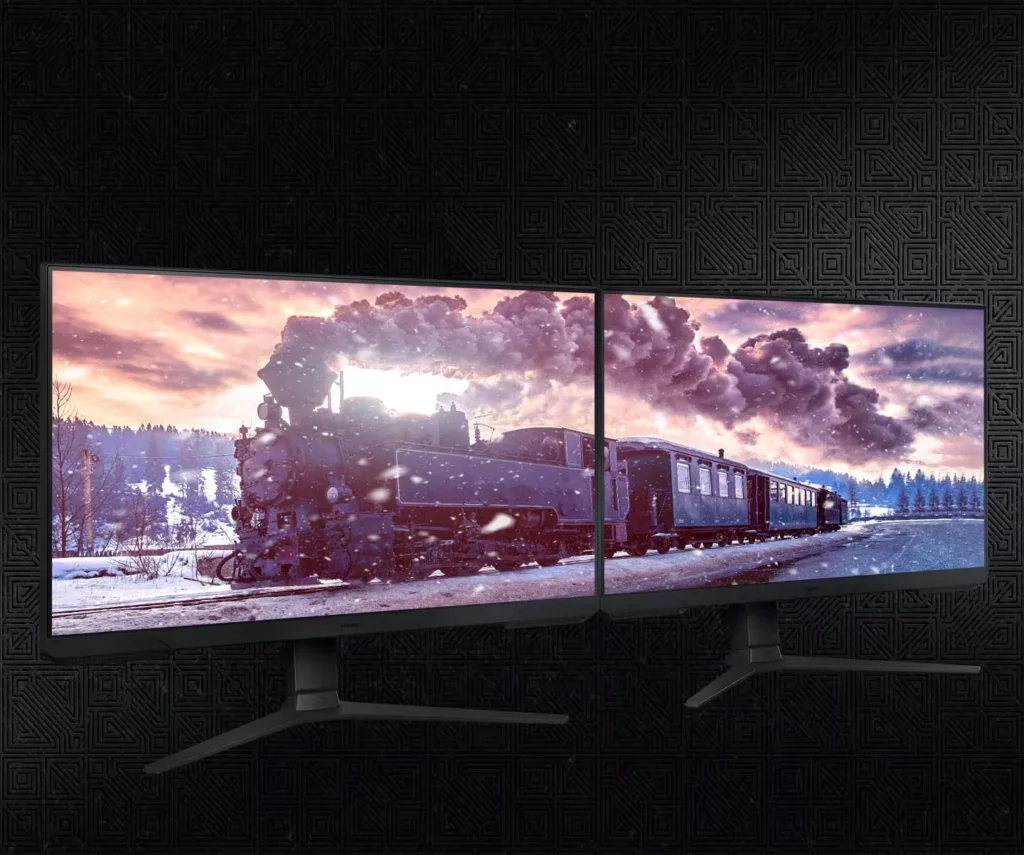
| 3-Sided Borderless Design | The minimalist, 3-sided borderless design maximizes screen real estate for an immersive experience and allows for a virtually seamless dual-monitor setup. |
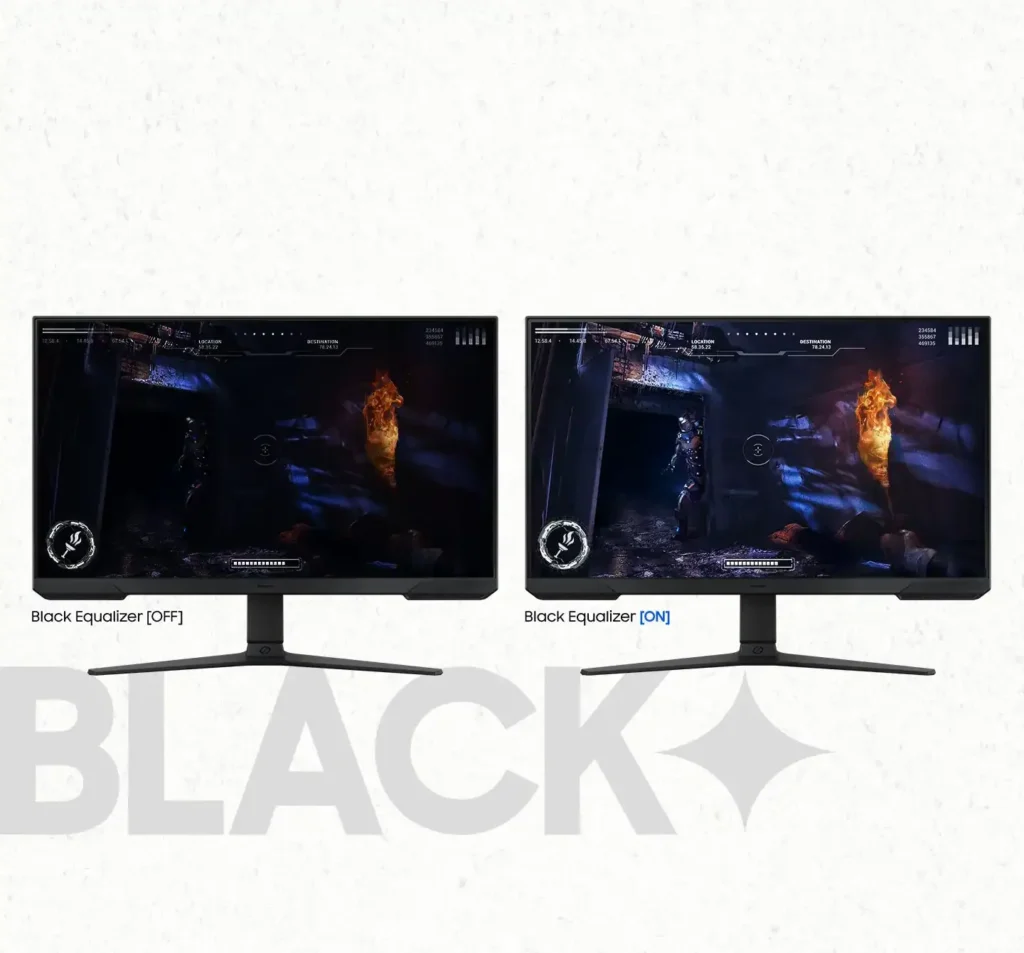
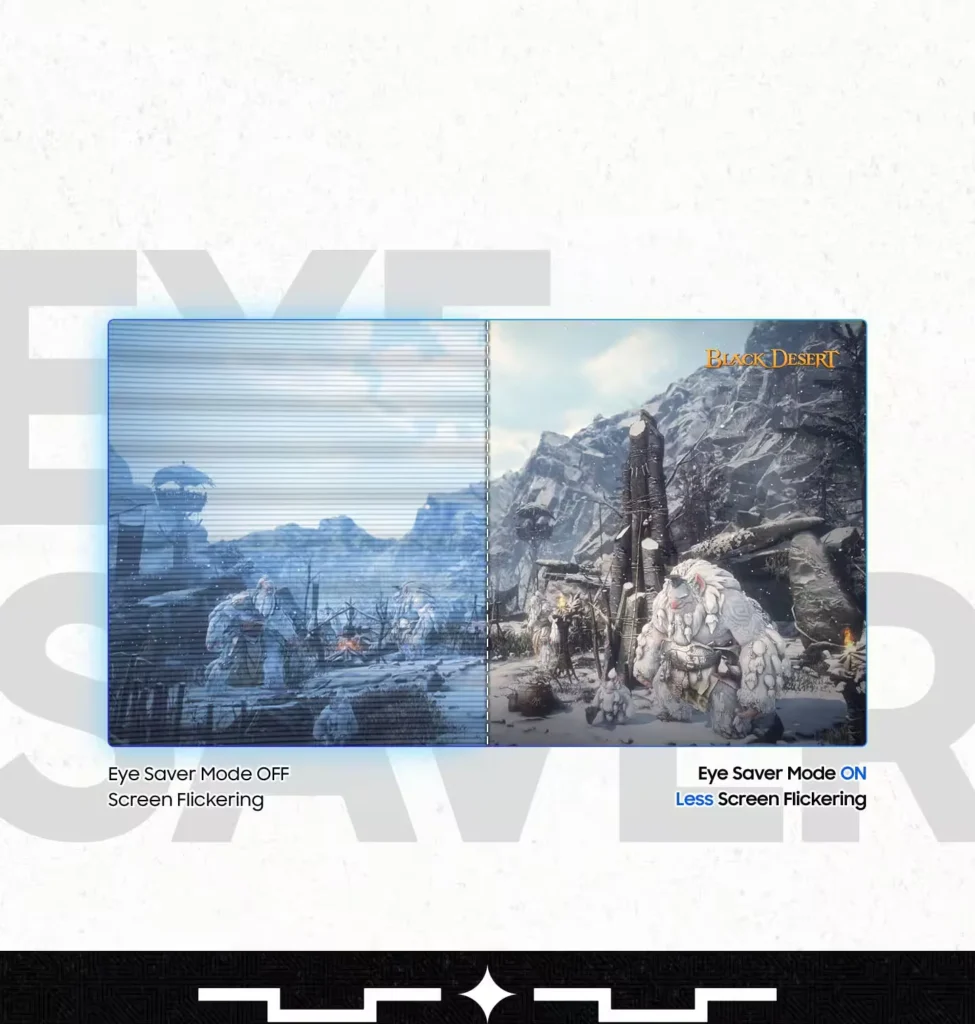
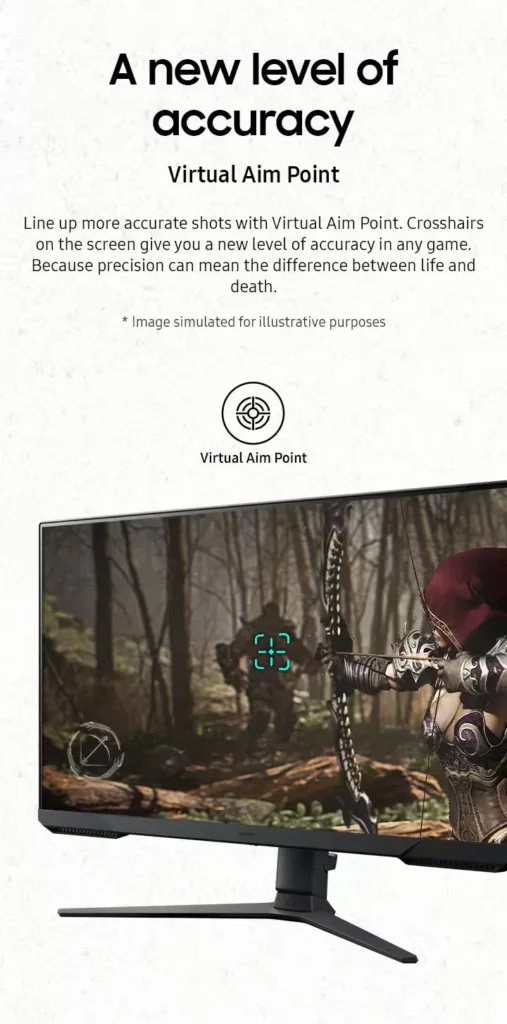
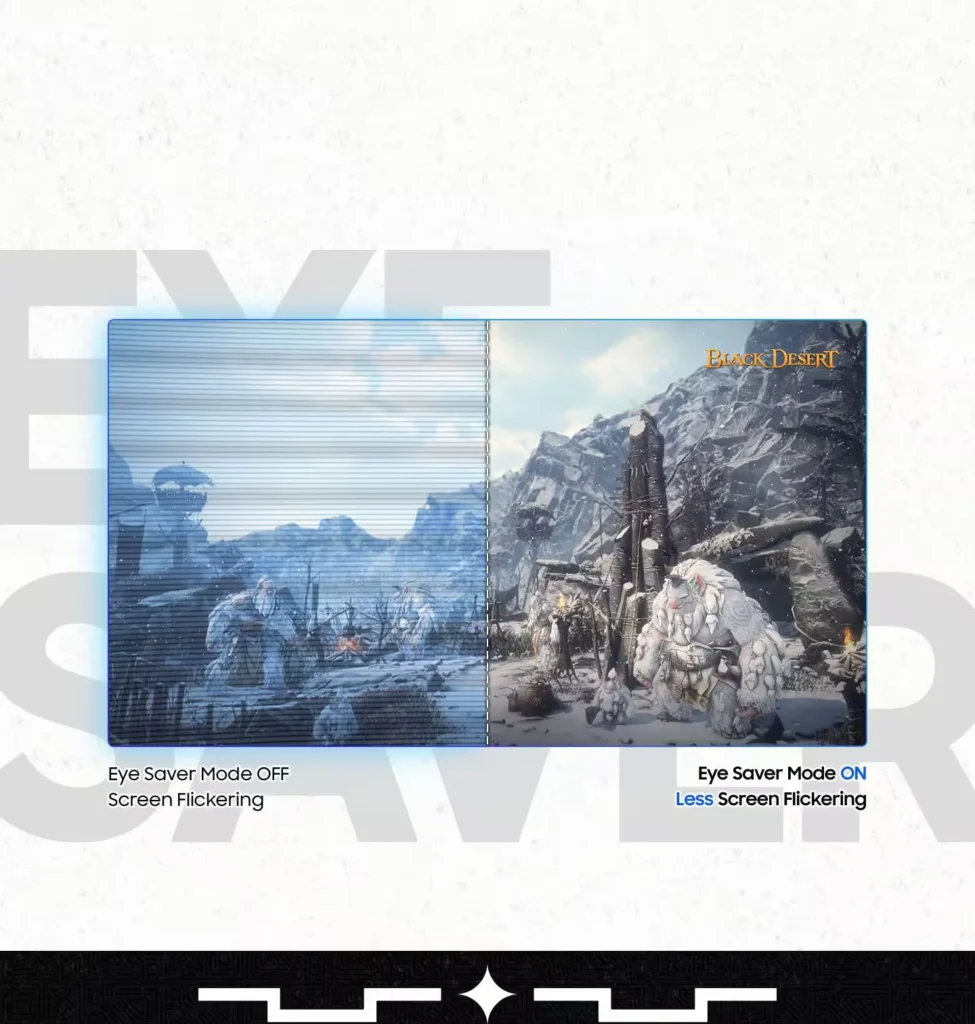
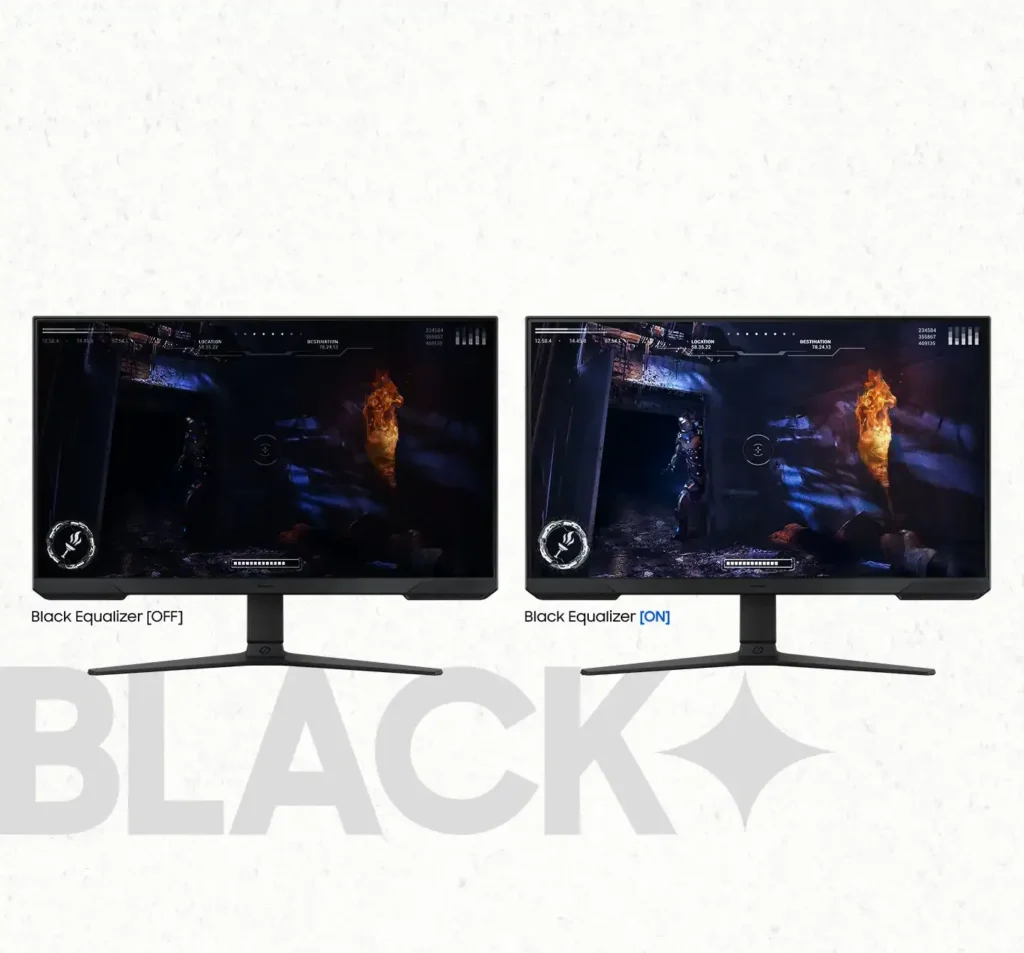
| Black Equalizer & Eye Saver Mode | Spot enemies hiding in the shadows with Black Equalizer, while Eye Saver Mode and Flicker Free technology reduce blue light and screen flicker to protect your eyes from strain. |
Pros & Cons
Pros
- High Refresh Rate and Smoothness: The 180Hz refresh rate and 1ms response time are frequently cited as major upgrades, providing a buttery smooth and responsive experience for competitive gaming and fast-paced titles.
- Highly Adjustable Ergonomic Stand: The stand is a standout feature, offering height, tilt, swivel, and pivot adjustments that allow users to easily rotate the screen into portrait mode without needing an external monitor arm.
- Exceptional Budget Value: Reviewers consistently describe the monitor as a 'steal' or 'bargain,' noting that it delivers high-end gaming features and solid build quality at a very accessible price point, especially when on sale.
Cons
- Lack of Built-in Speakers: Many users were disappointed to find the monitor has no integrated audio, requiring the purchase of external speakers or the use of headphones for any sound output.
- Ghosting and Motion Smearing: Several reviews mention noticeable ghosting and motion blur, particularly in dark scenes or when scrolling text, which can detract from the visual clarity during fast movement.
- Low Pixel Density at Larger Sizes: On the 27-inch and 32-inch models, users noted that the 1080p resolution can result in pixelated text and a lack of sharpness compared to higher-resolution displays.
You might also like










Customer Reviews
Showing reviews 911-920 of 923
-
Good for gaming, not so good for work
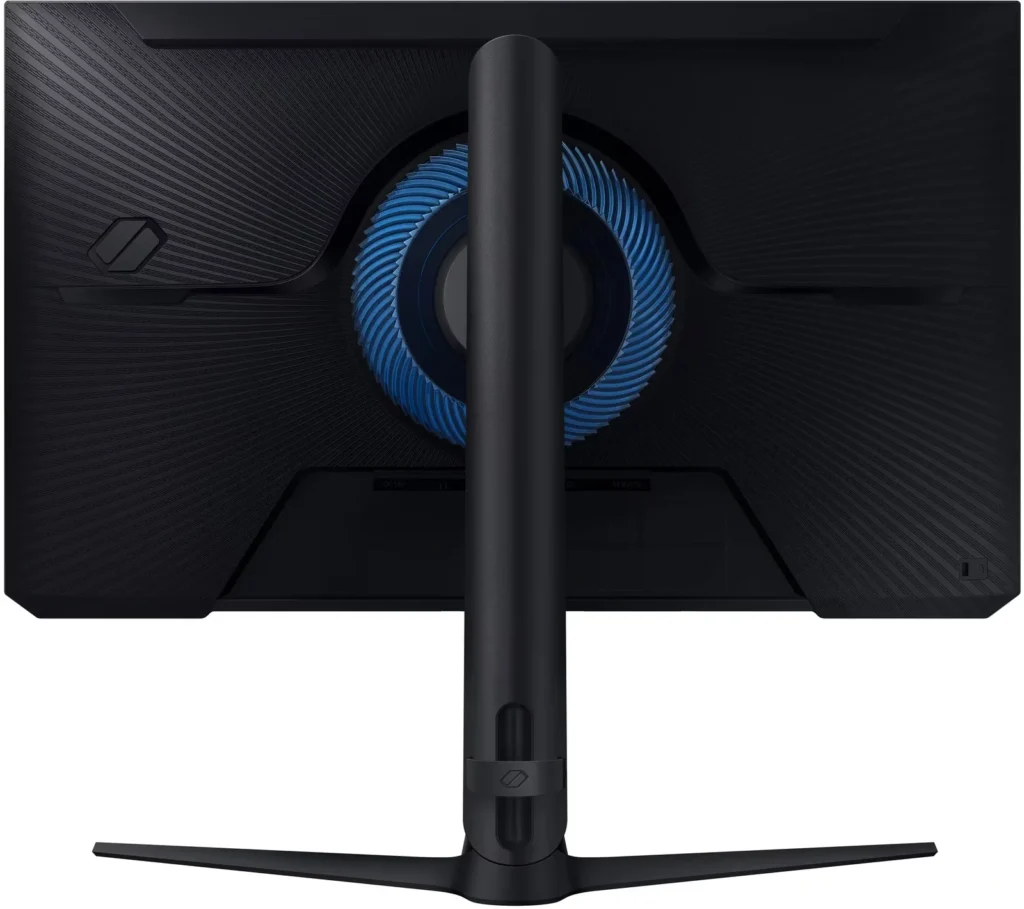
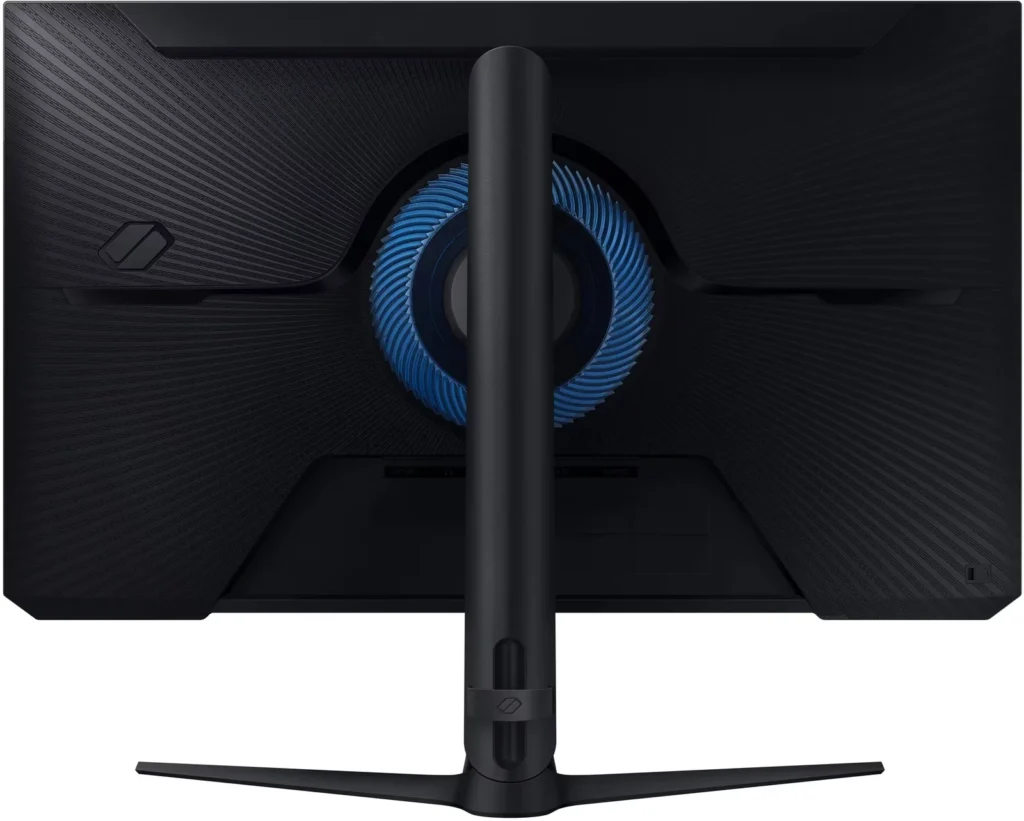
Incentivized Incentivized review: The reviewer received a benefit for sharing feedback.T. Elliott August 4, 2024Review source: AmazonAt a maximum resolution of 1980×1080, this monitor has limited usefulness for work. I was hoping to replace one of my 23″ work monitors with this monitor However, due to the low resolution (lower than my smaller monitors), I decided to add it as a third monitor instead. There are two settings on this monitor that are intended to reduce eye strain, but both are much too bright for me, so I had to make a custom setting. The biggest flaw with this monitor is the pulsing blue light. When the monitor is dormant, the blue light still pulses, and it is incredibly bright. Since my desk is in my bedroom, this is very annoying for sleep. So, I have to turn the monitor off every night. There is a setting in the monitor for the blue light, but adjusting the setting did not solve the problem. There is also I setting I could use to automatically turn the monitor off after a certain amount of time – 4 and 8 hours are some of the options.
I realize that this monitor is intended for gaming, and using it for work is like asking a fish to ride a bicycle. The high refresh rate, Samsung quality, and other features may be exactly what you are looking for. However, there are some drawbacks as described above. -
Nice design. Excellent performance.
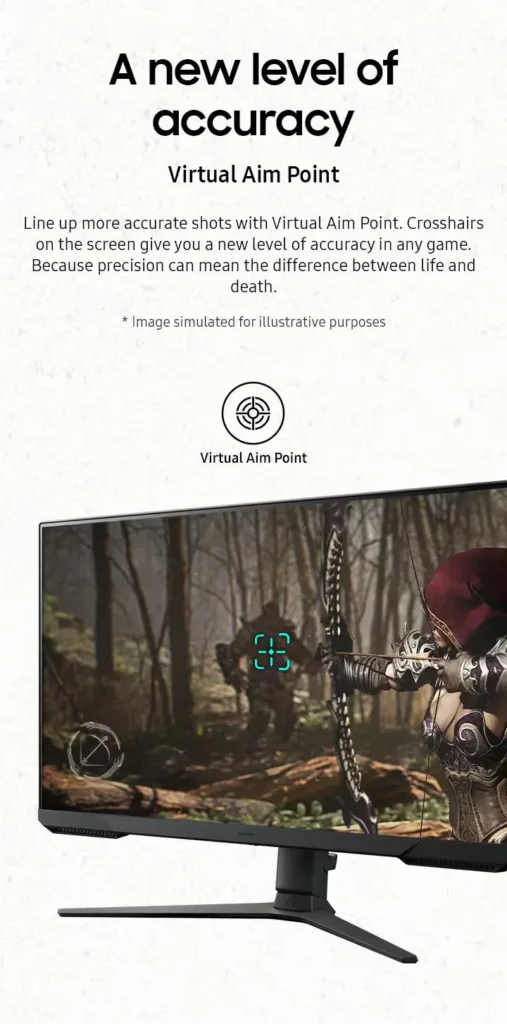
Incentivized Incentivized review: The reviewer received a benefit for sharing feedback.Cubbins August 3, 2024Review source: AmazonThis review is for: SAMSUNG 27-Inch Odyssey G3 (G30D) Series FHD Gaming Monitor, 1ms, 180Hz, AMD FreeSync, Adjustable Stand, Black Equalizer, Virtual Aim Point, Eye Saver Mode, Flicker-Free, LS27DG302ENXZA, 2024.
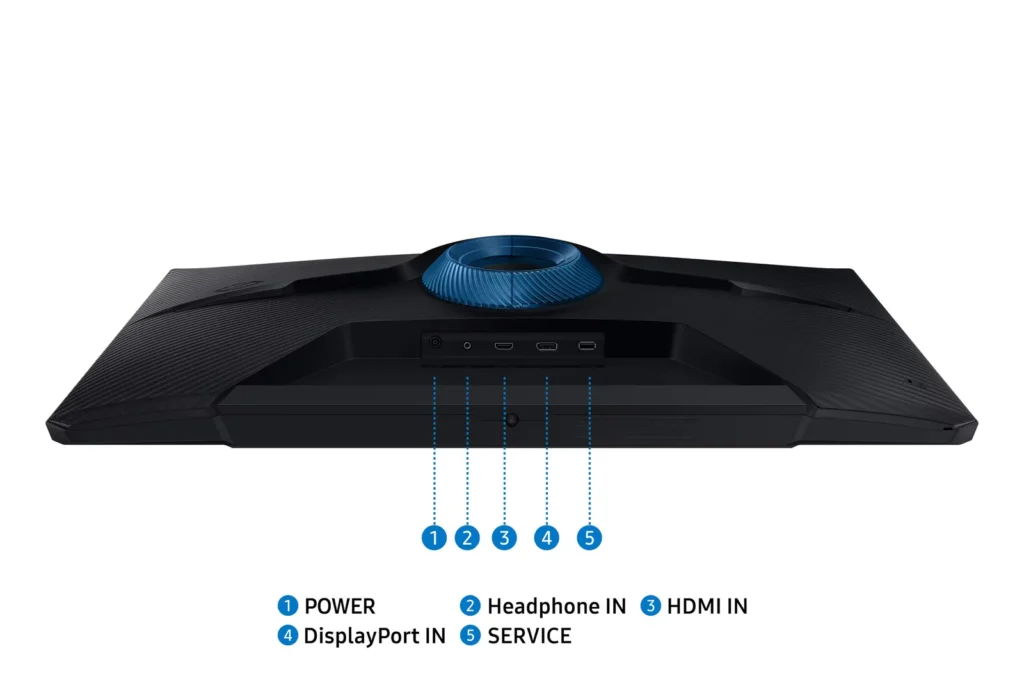
I have this monitor connected to a NVIDIA RTX3080Ti graphics card on a computer with an Intel 11700KF processor. The monitor is showing sharp images with vivid colors. No issues and great game playing using this monitor. The monitor is packaged with the power cable, a display port (DP) cable, and an HDMI cable. This monitor looks good and works wells. Very happy with this monitor. -
Pretty solid monitor
Incentivized Incentivized review: The reviewer received a benefit for sharing feedback.R. Andrade August 3, 2024Review source: AmazonI’ve been using the SAMSUNG 27-Inch Odyssey G3 (G30D) Series FHD Gaming Monitor, and it’s been a solid upgrade for my gaming setup. The 180Hz refresh rate and 1ms response time make a huge difference in fast-paced games, delivering smooth and responsive gameplay without any lag. The AMD FreeSync feature helps eliminate screen tearing, which is a big plus.
The adjustable stand is great for getting the perfect viewing angle, and the Eye Saver Mode is a nice touch for those long gaming sessions. The Black Equalizer feature enhances visibility in darker scenes, making it easier to spot enemies lurking in the shadows.
However, the monitor’s resolution is just Full HD, so it might not be ideal if you’re looking for super sharp visuals, especially at 27 inches. Overall, it’s a fantastic monitor for anyone focused on performance and smooth gameplay. It offers great features at a reasonable price, making it a solid choice for gamers who want to step up their experience.
-
Great gaming monitor
Incentivized Incentivized review: The reviewer received a benefit for sharing feedback.Heather & James August 2, 2024Review source: AmazonGreat gaming monitor! This replaced an older 1080p 144 Hz monitor, and the difference in 36 Hz is quite noticeable. Samsung delivers yet another fantastic product.
-
Amazing Monitor for My Valorant Tournaments
Incentivized Incentivized review: The reviewer received a benefit for sharing feedback.Amazon Customer August 1, 2024Review source: AmazonThough I would prefer a slightly smaller display with a 240 Hz refresh rate and 24″, this 27″ 180 Hz monitor has been great so far for playing my Valorant tournaments.
This monitor looks exactly like you would expect for a gaming monitor, and I really like the aesthetics of this display. With no prominent branding or any annoying details that would look cheap, it blends seamlessly into my existing gaming setup.
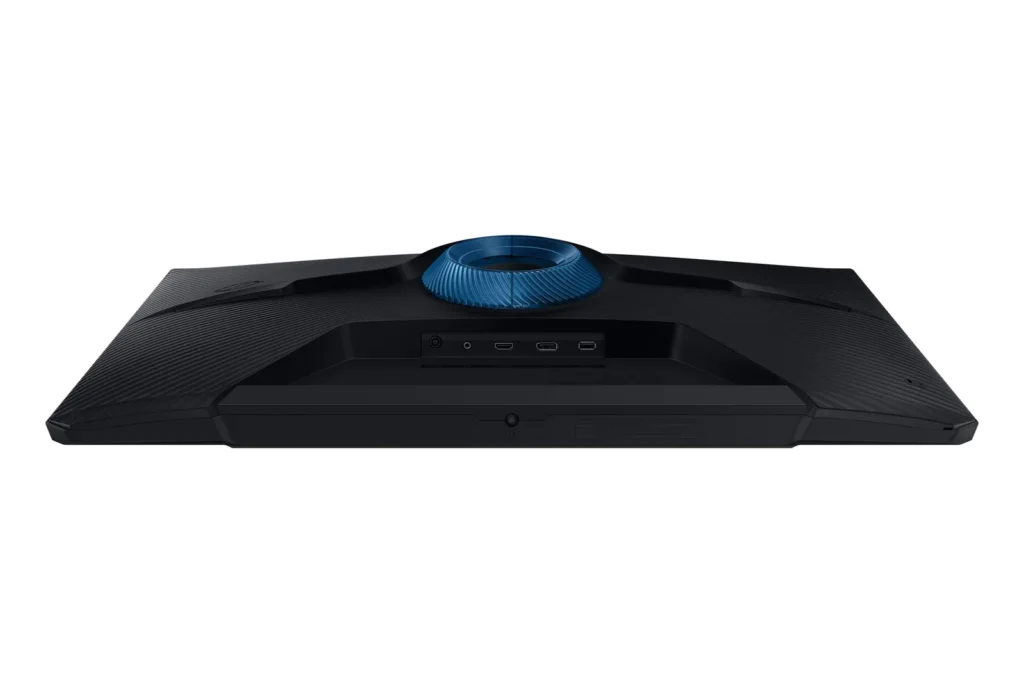
The stand is heavy, nice-looking, and height adjustable, which is sufficient for me. I appreciate that both HDMI and DisplayPort cables were included.
Overall, I think this Samsung monitor offers incredible value for the price and will be a good addition to any mid to pro-level gaming setup.
-
More than what I needed
Incentivized Incentivized review: The reviewer received a benefit for sharing feedback.K. Johnson August 1, 2024Review source: AmazonI opted to mount this in our RV as an alternative to a traditional PC monitor. Roku stick works perfectly when inserted into the HDMI port. It’s half the weight of a TV, so I’m good with that. We don’t watch too much TV, but the colors are bright and vibrant. We installed an exterior sound system and couldn’t be happier.
-
Gaming Monitor.
Incentivized Incentivized review: The reviewer received a benefit for sharing feedback.Robert Rodriguez July 29, 2024Review source: AmazonSamsung has always been one of my top brands in electronics. This 27-Inch Odyssey G3 (G30D Gaming Monitor is great. Easy to assemble. Come with HDMI and DP cords. The visual are great. It is pricey but it’s worth the buy.
-
Very Nice Monitor!
Incentivized Incentivized review: The reviewer received a benefit for sharing feedback.Amazon Customer July 28, 2024Review source: AmazonThis monitor is very nice. It’s very easy to set up, and it’s super light weight so you don’t have to struggle to put it together. Technology sure has changed from the old days of break your back CRT monitors.
This is a great, low latency monitor that has a built in tilt feature. Whether you’re a gamer, or want this as a secondary monitor for programming this thing is fantastic. The price is over the moon fair for what you get. You’re not going to be disappointed with this monitor.
-
Great looking monitor
Incentivized Incentivized review: The reviewer received a benefit for sharing feedback.Jeff Huisjen July 28, 2024Review source: AmazonI recently got my gaming PC setup and was running a 24 inch monitor and a 21 inch monitor. The 21 inch was fairly old and the picture quality on it wasn’t the best. Because of that I upgraded to this Samsung and I couldn’t be happier.
The monitor itself is the quality you’d assume that Samsung would put out. The picture quality is great and the blacks and colors are incredibly vibrant.
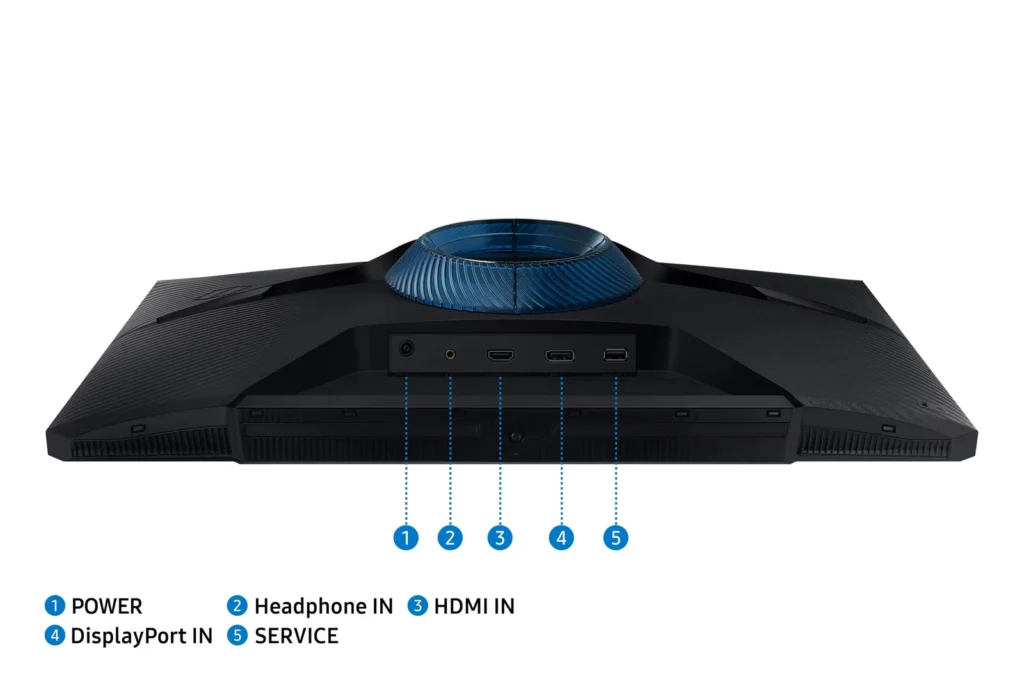
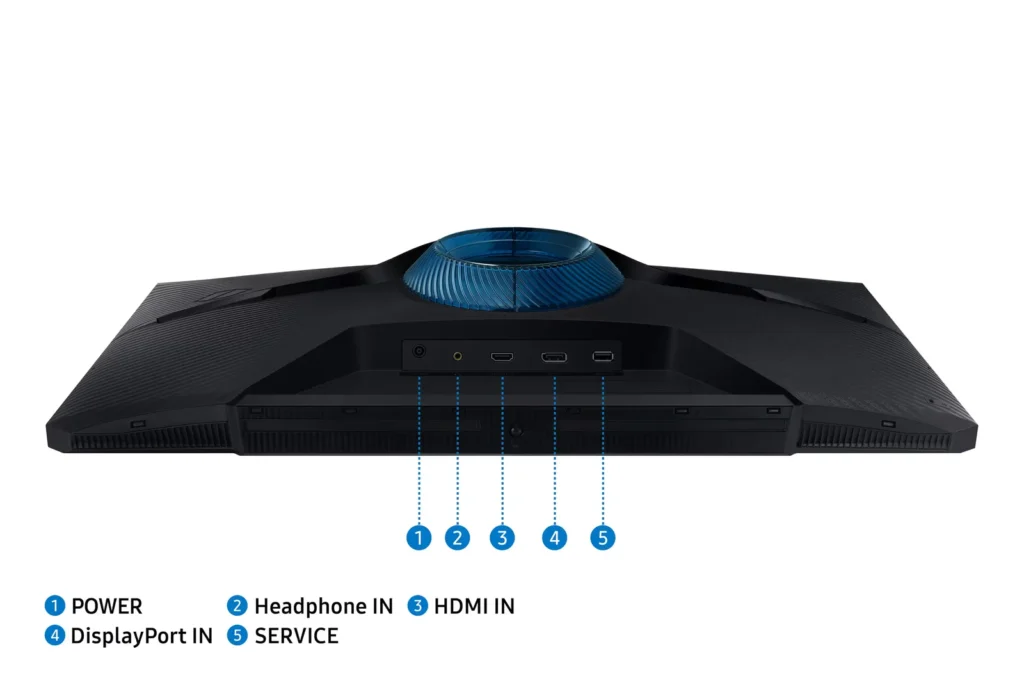
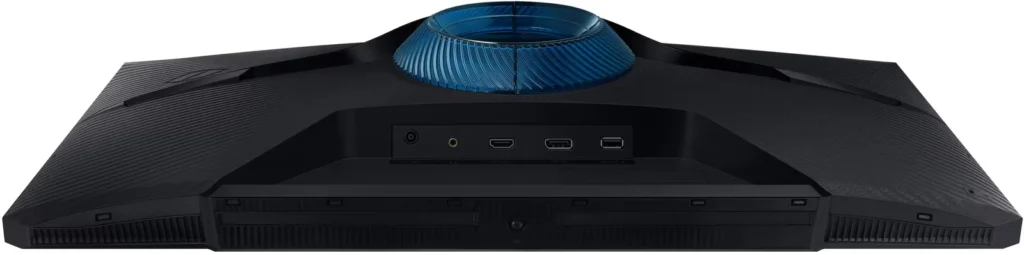
The monitor comes with a stand, the power cable, a display port cable, and an HDMI cable.
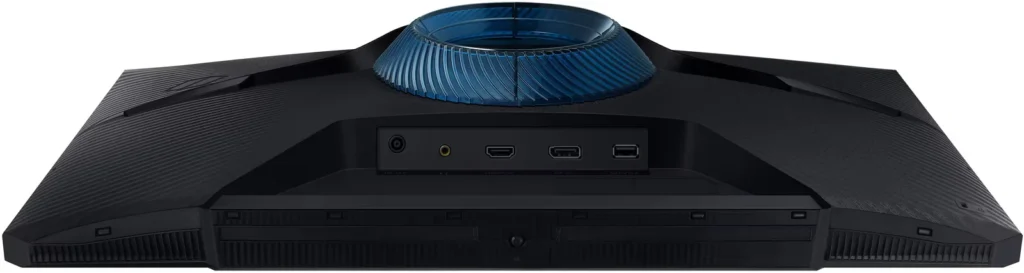
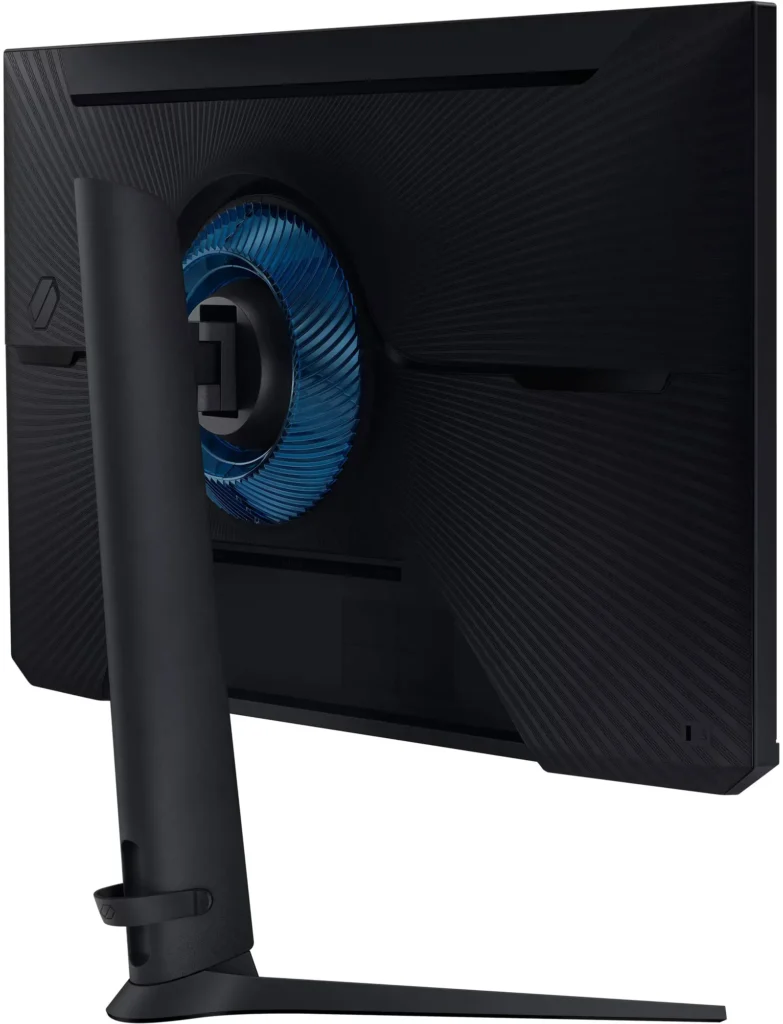
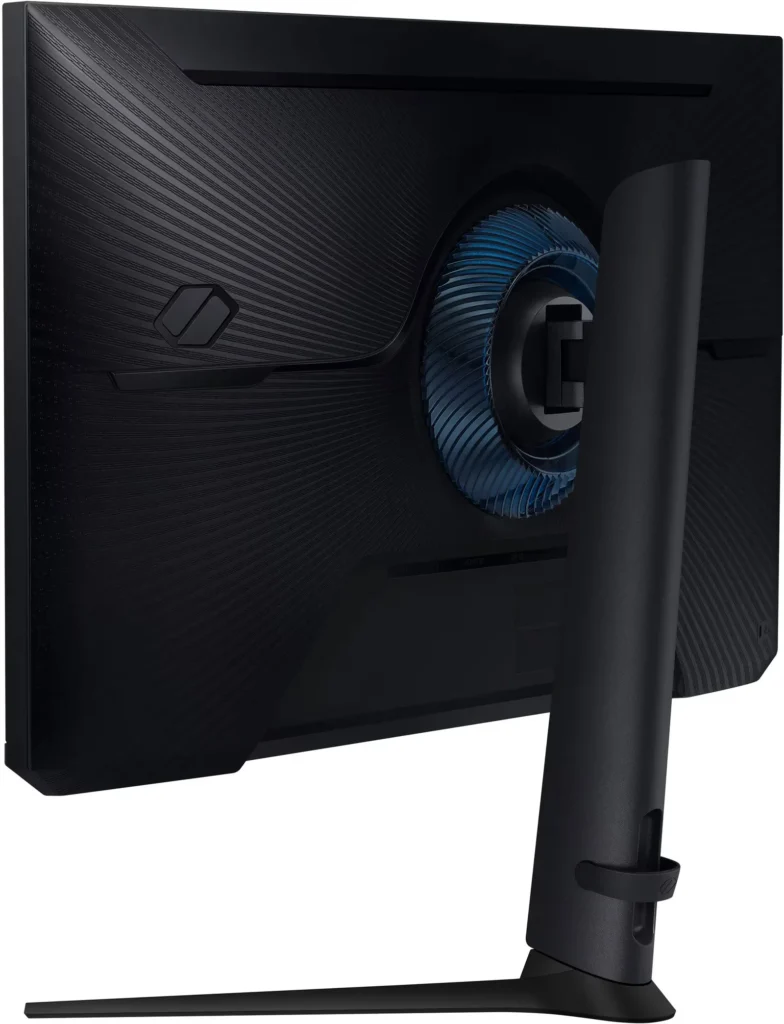
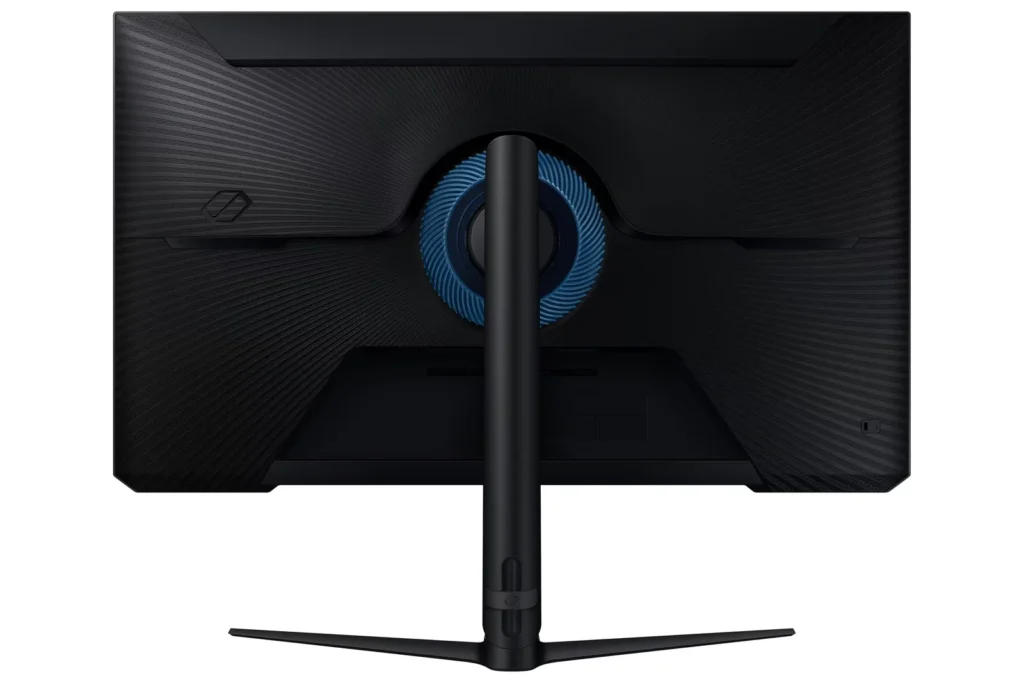
I opted to forgo the stand and mount it to a dual monitor stand I’m using and the monitor works great that way. It has a 100×100 vesa mount spot on the back so it should go on almost any monitor or tv mount.
Overall this is an awesome monitor that looks great and has amazing picture quality.
-
The higher the refresh rate, the better.
Incentivized Incentivized review: The reviewer received a benefit for sharing feedback.Crazy Cat July 28, 2024Review source: AmazonQuick Review:
-Colors good
-180Hz good
-Latency good
-Price good
-Came with cables, goodLonger Review:
So I have been using high refresh rate monitors for a long time. Started with 144Hz, then went to 165Hz. And now I have this 180Hz monitor from Samsung.
The single control knob for changing settings is great. Feature set is also robust enough for me.
With a Intel 14700kf and RTX 4070 Ti combined with this 1080P panel. I can hold 180Hz ultra settings in BFV quite well.Like my title says, having more Hz is better. And I have only seen improved clarity and no downsides so far.
At first I did see some weird HDR on/off flicker. But after changing some settings I have not noticed it again.
If your on the fence about is 180Hz worth it. I definitely whole heartedly think a higher panel refresh rate is better, if you can also get the FPS to match.
I don’t believe for one second that our brains can’t see high refresh rates. I noticed the jumps in clarity.
There is also more to the argument than just more Hz too, Samsung has done a great job with there panel tech in this lower priced monitor.