Customer Media
Highlights
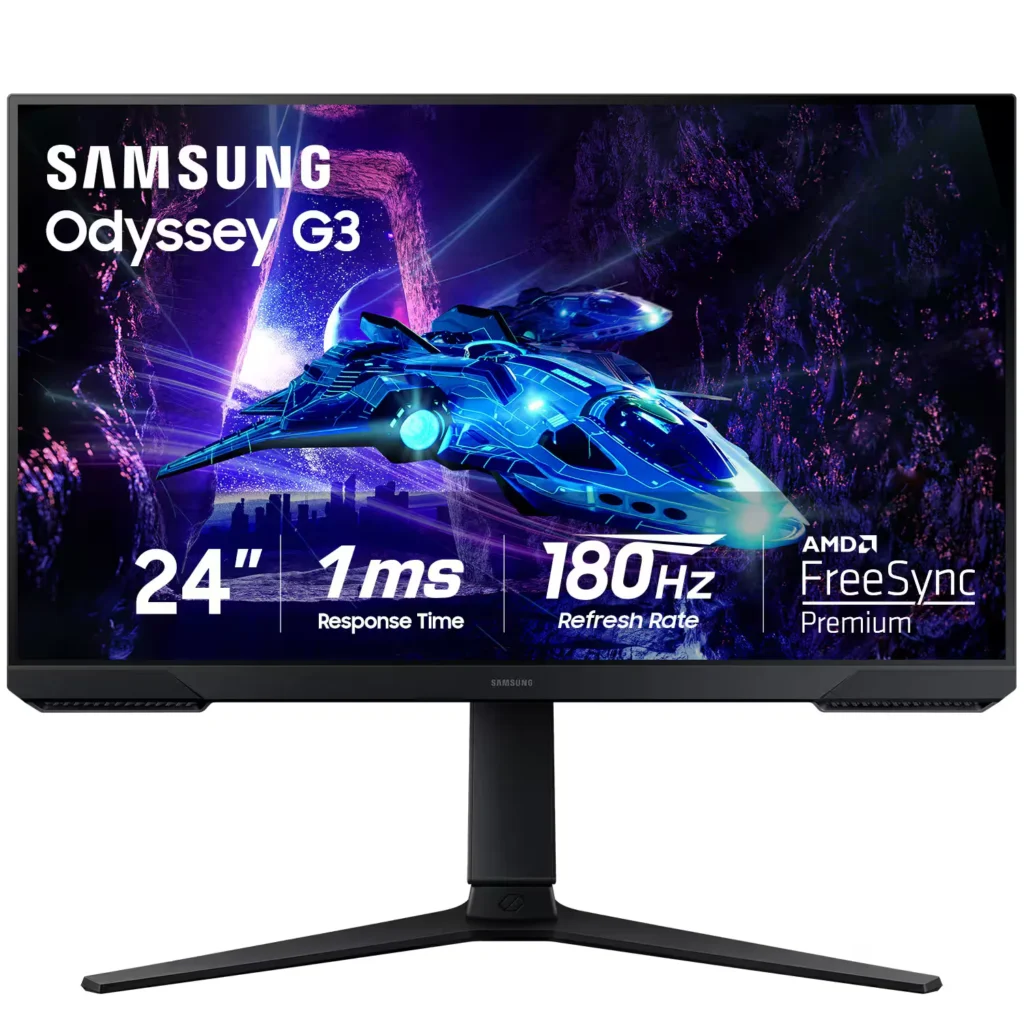
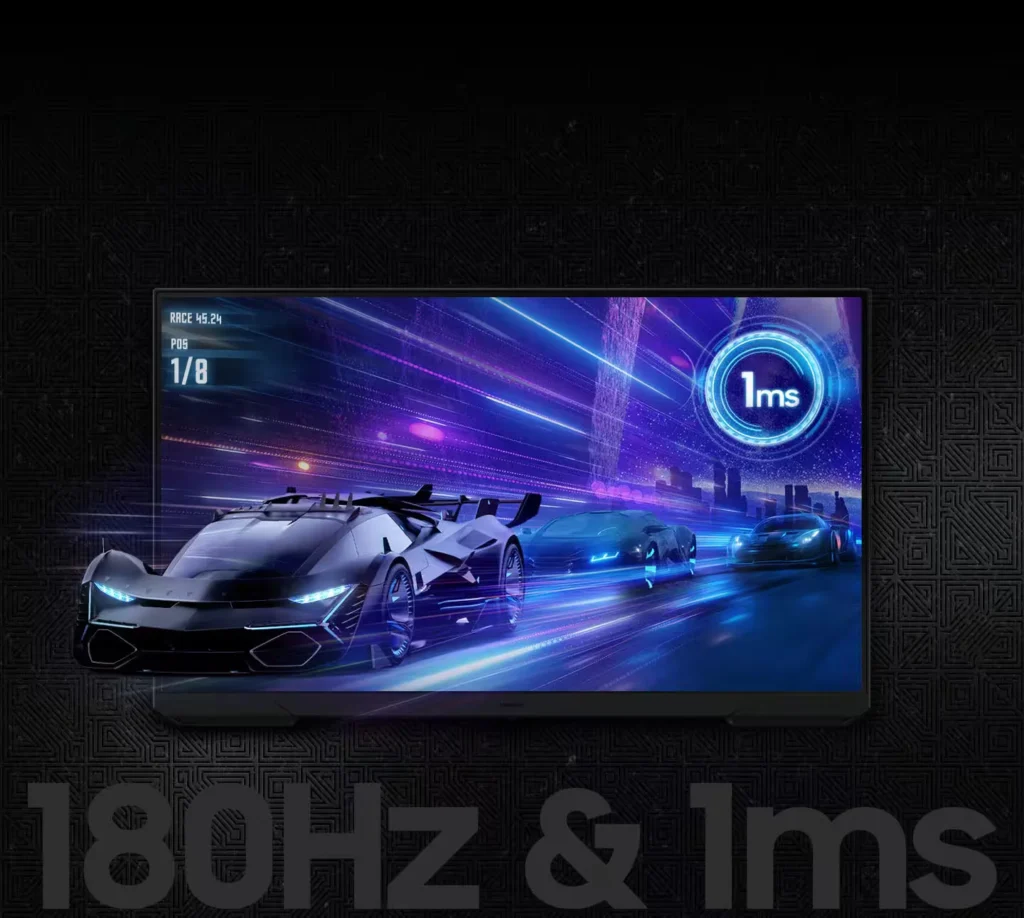
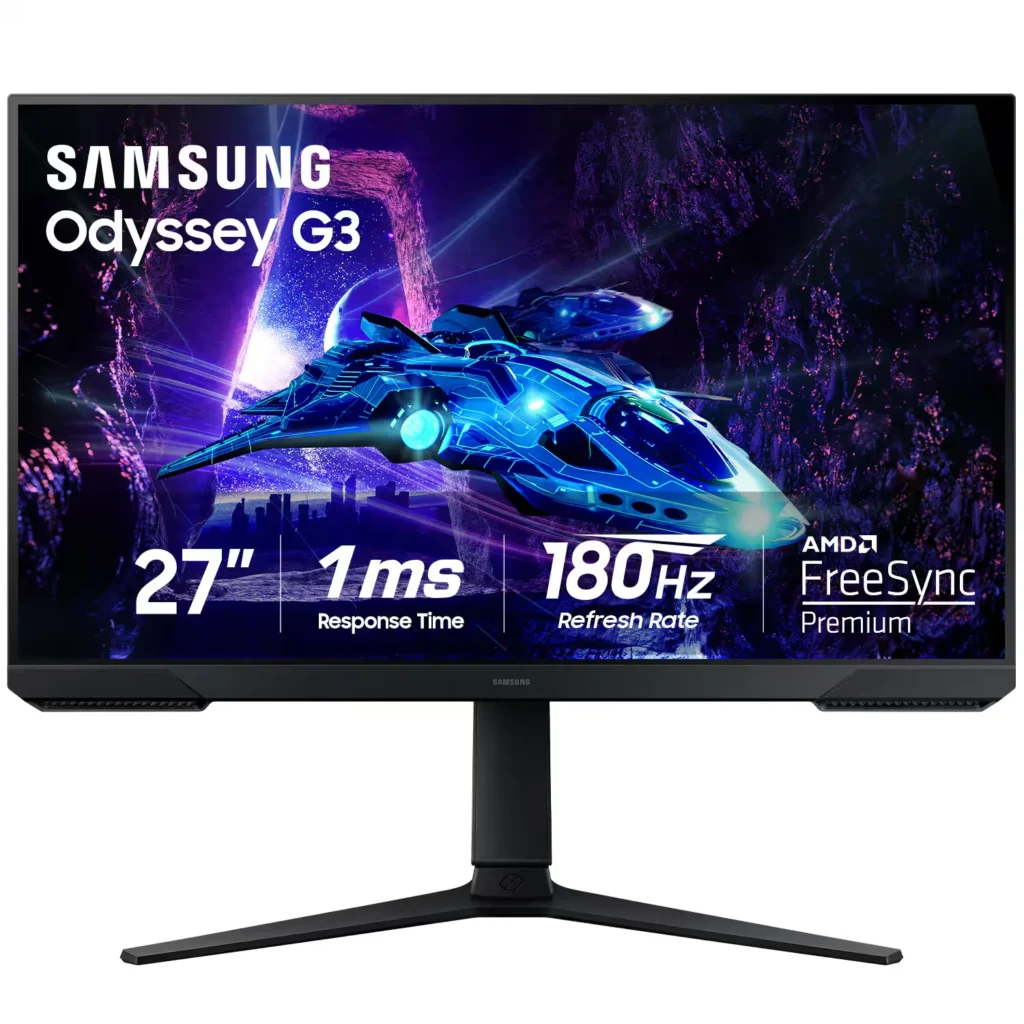
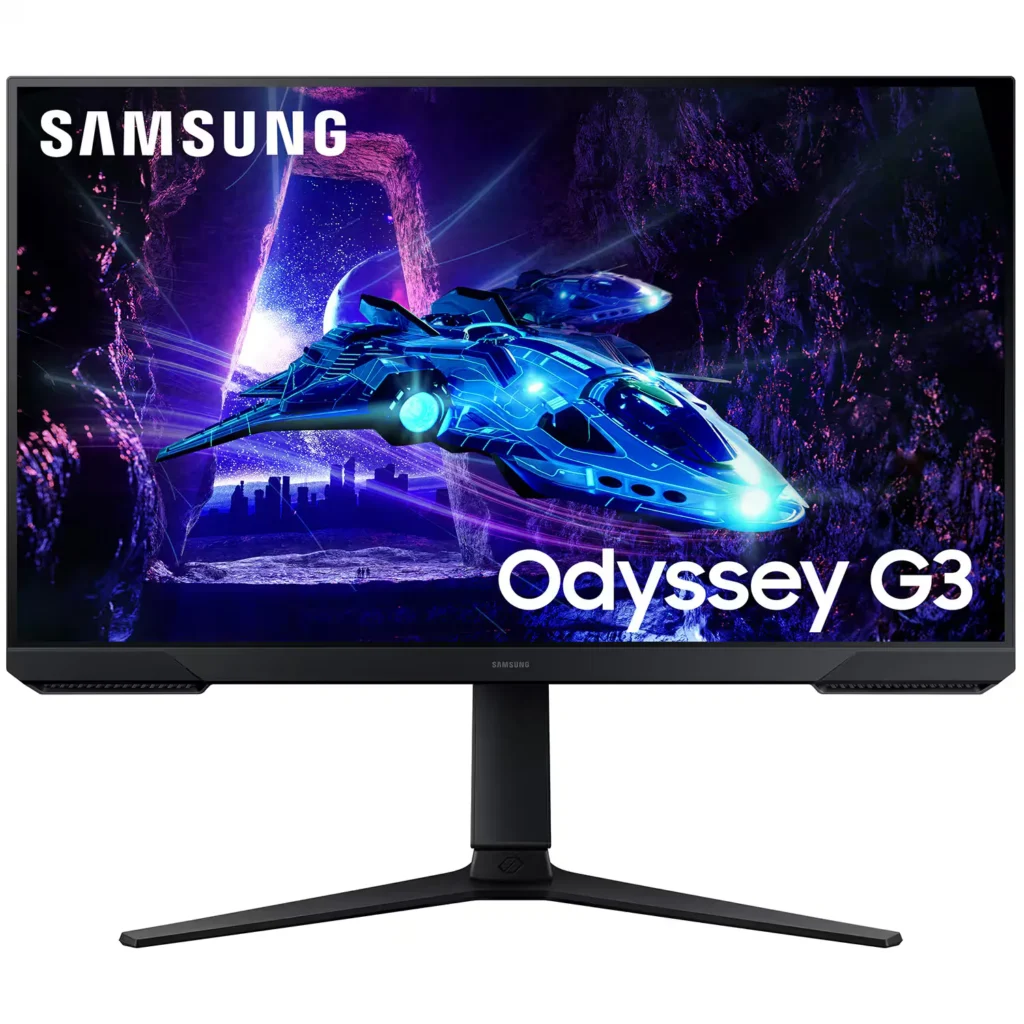
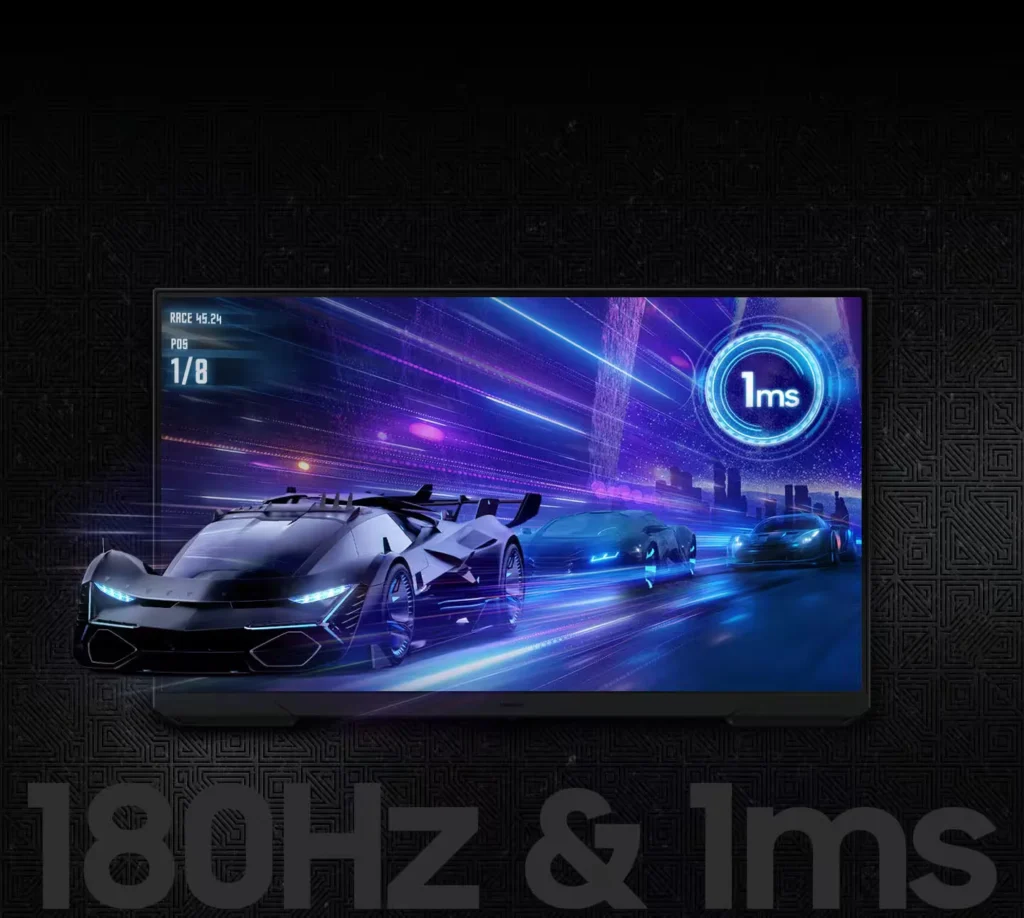
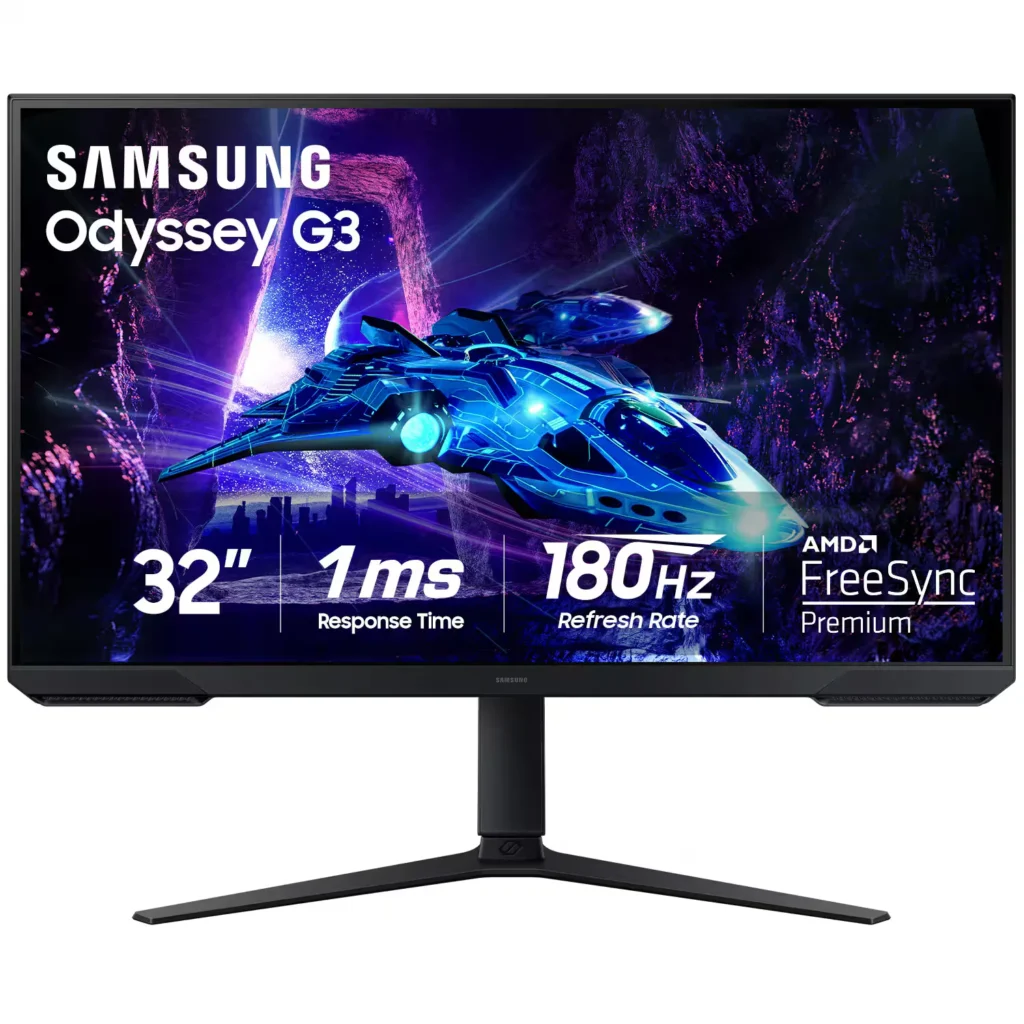
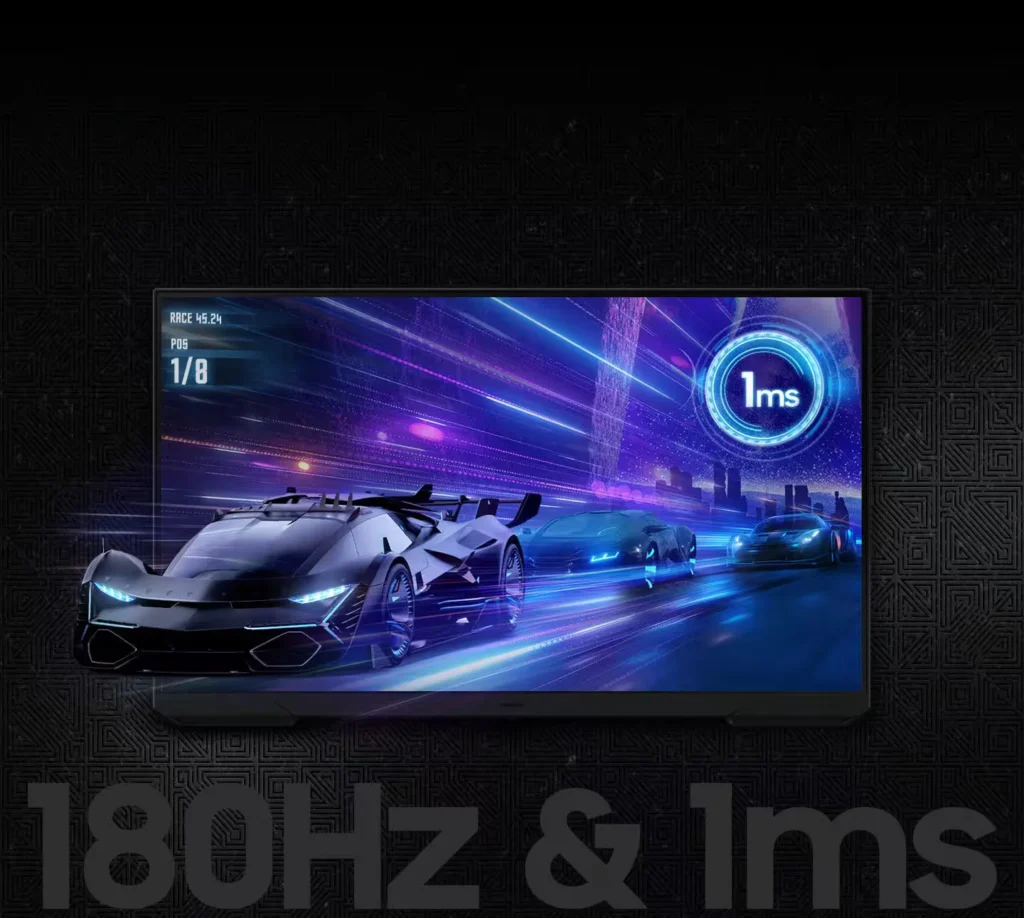
| 180Hz Refresh Rate & 1ms Response Time | Experience ultra-smooth gameplay with a 180Hz refresh rate that eliminates lag and a 1ms (MPRT) response time that minimizes motion blur for precise, real-time reactions. |
|---|---|
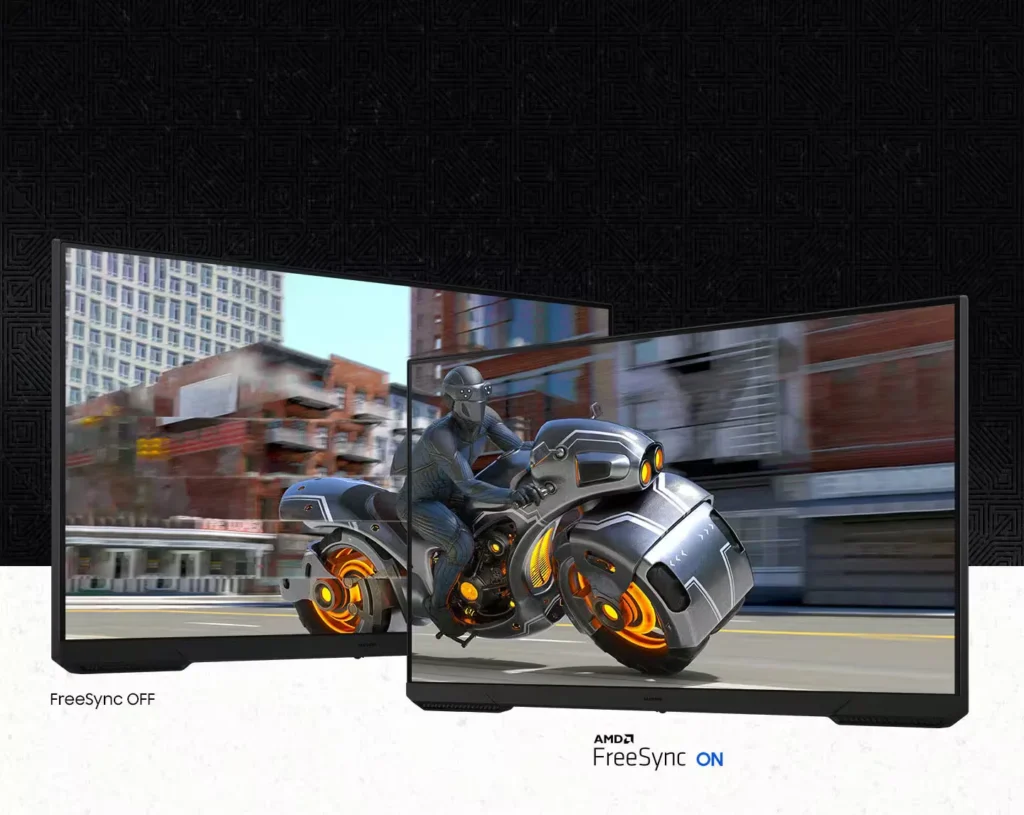
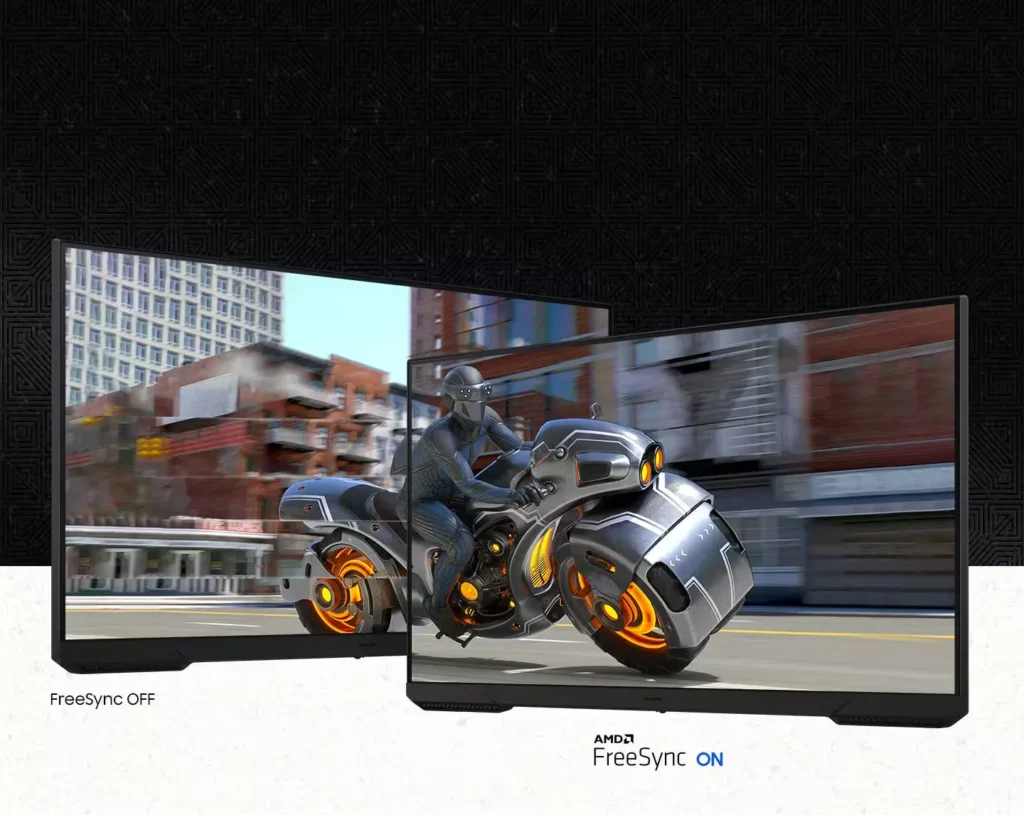
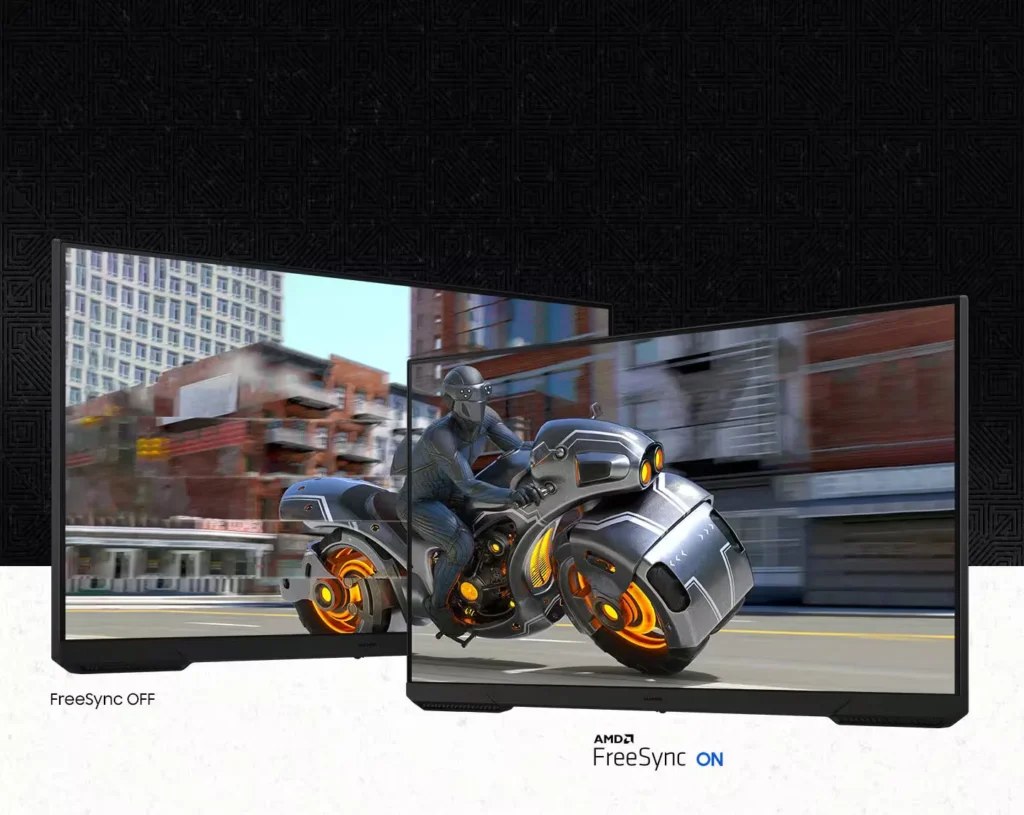
| AMD FreeSync Technology | Keep your monitor and graphics card in sync to reduce image tearing, stutter, and input latency, ensuring seamless and fluid action even during fast-paced scenes. |
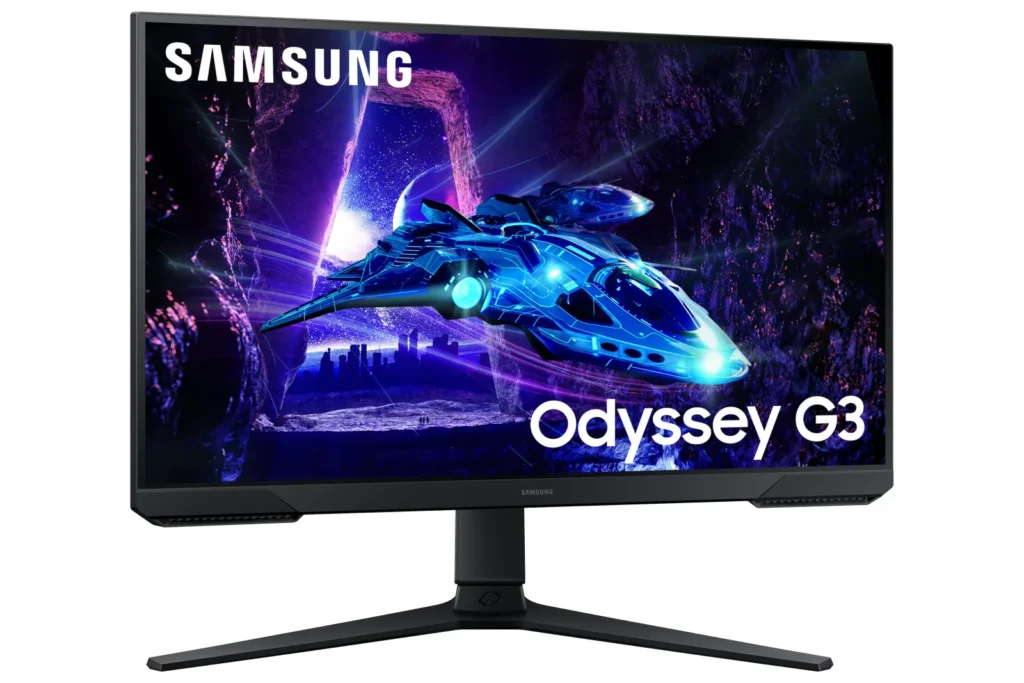
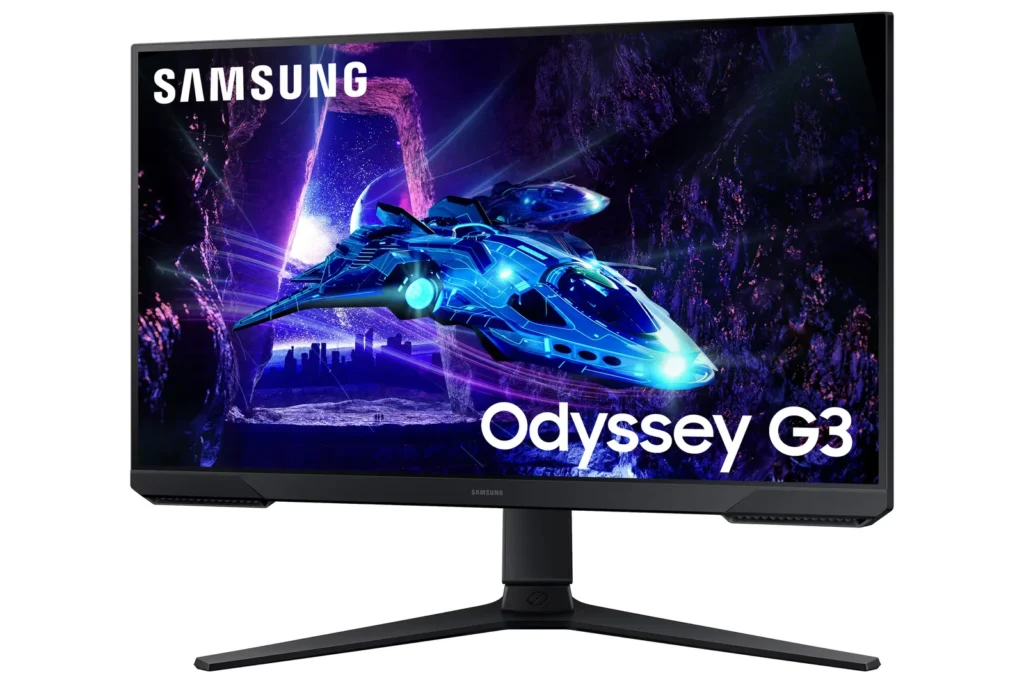
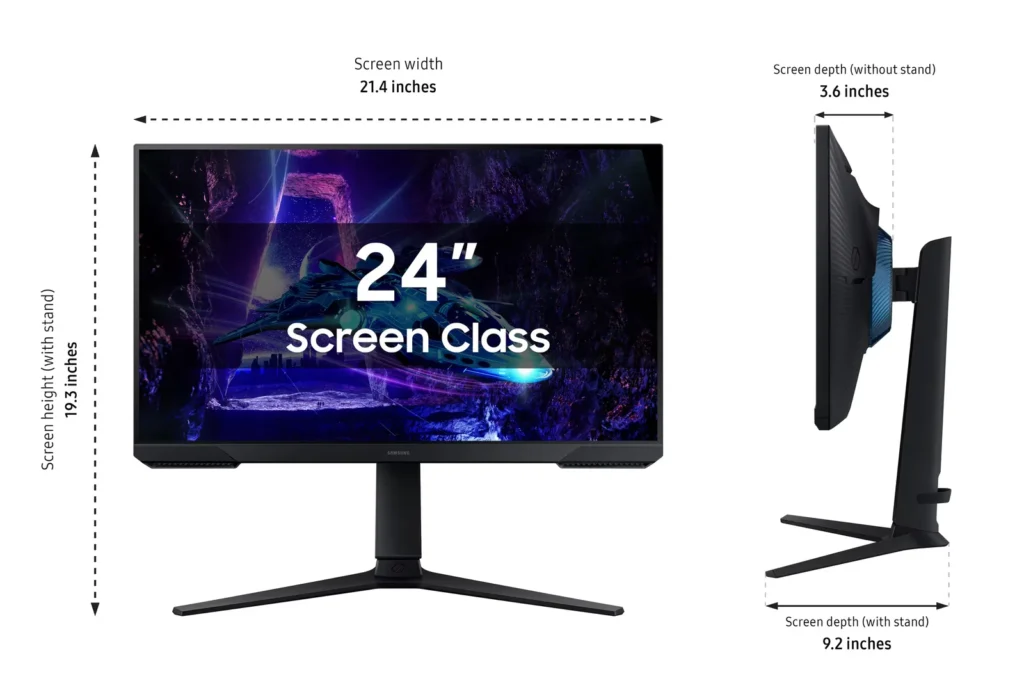
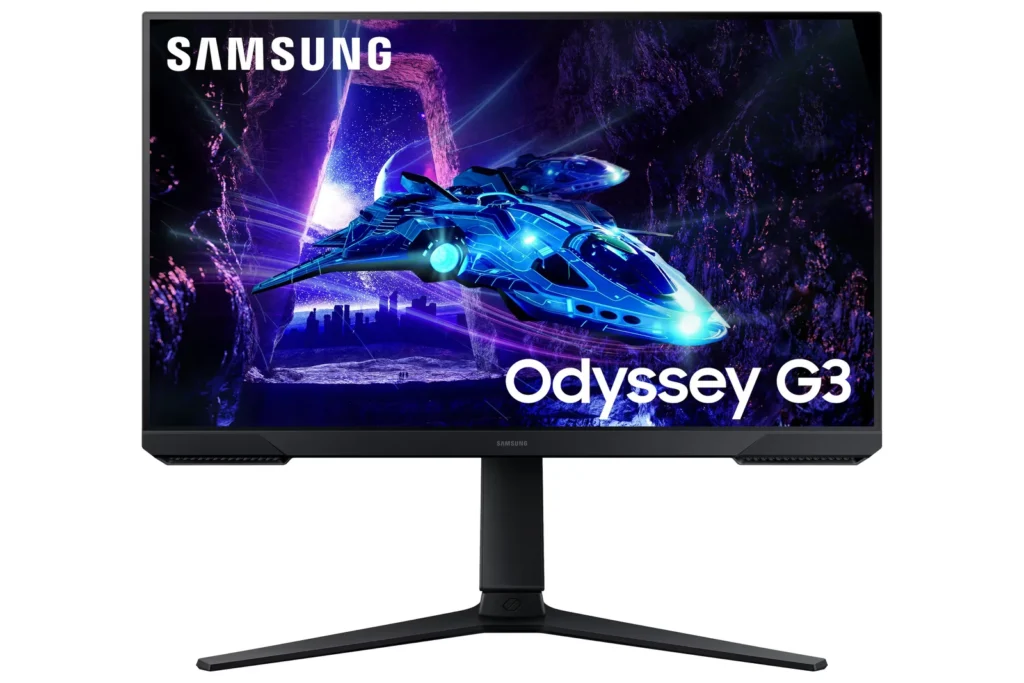
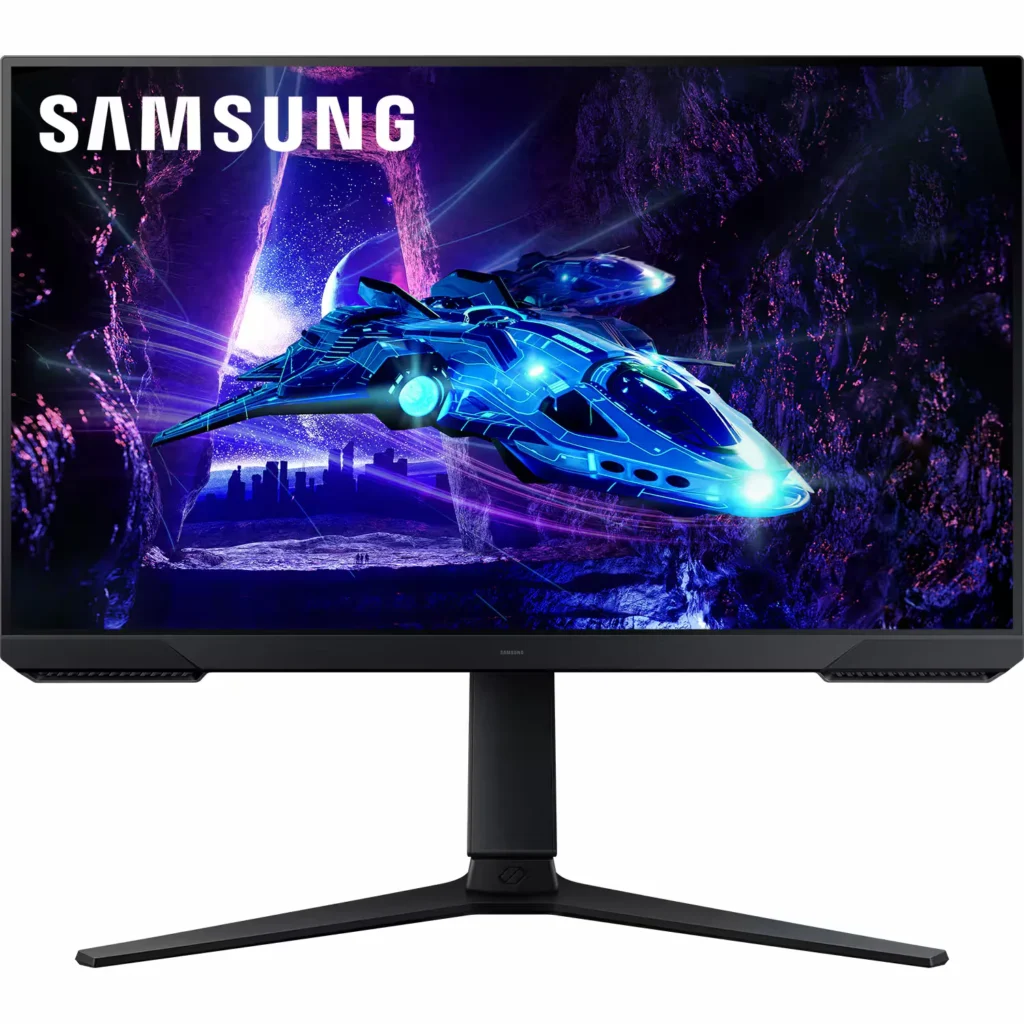
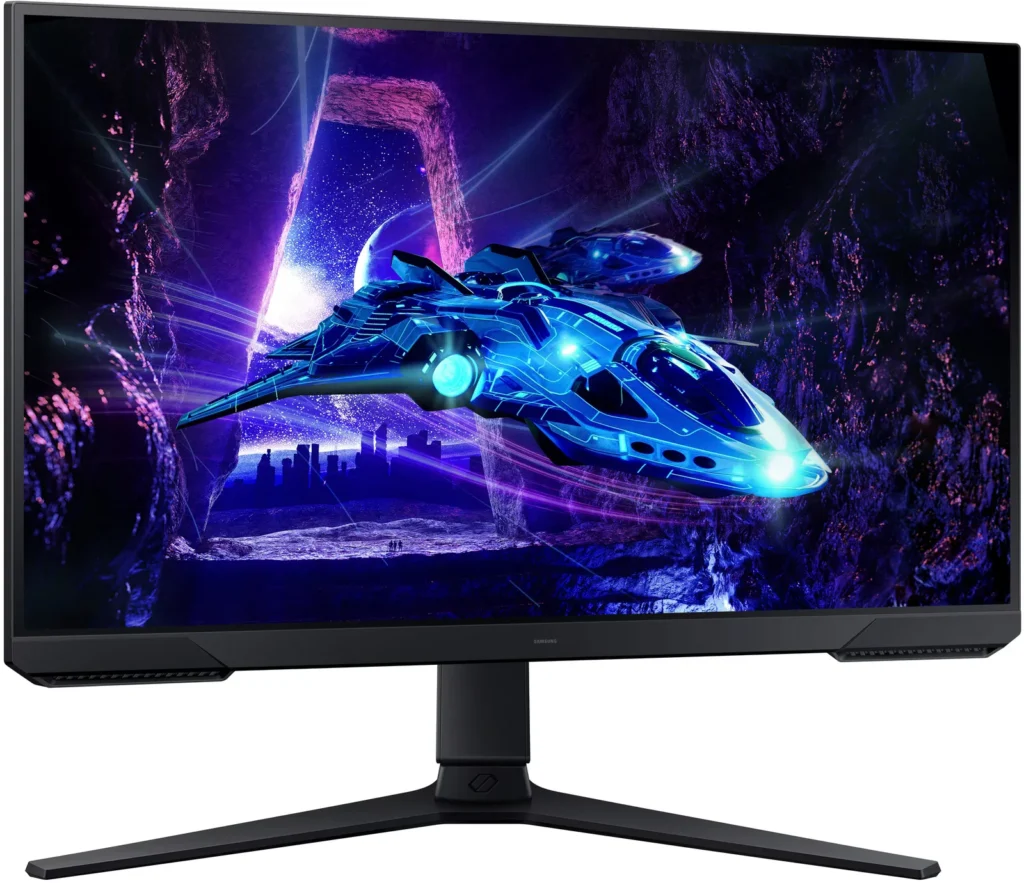
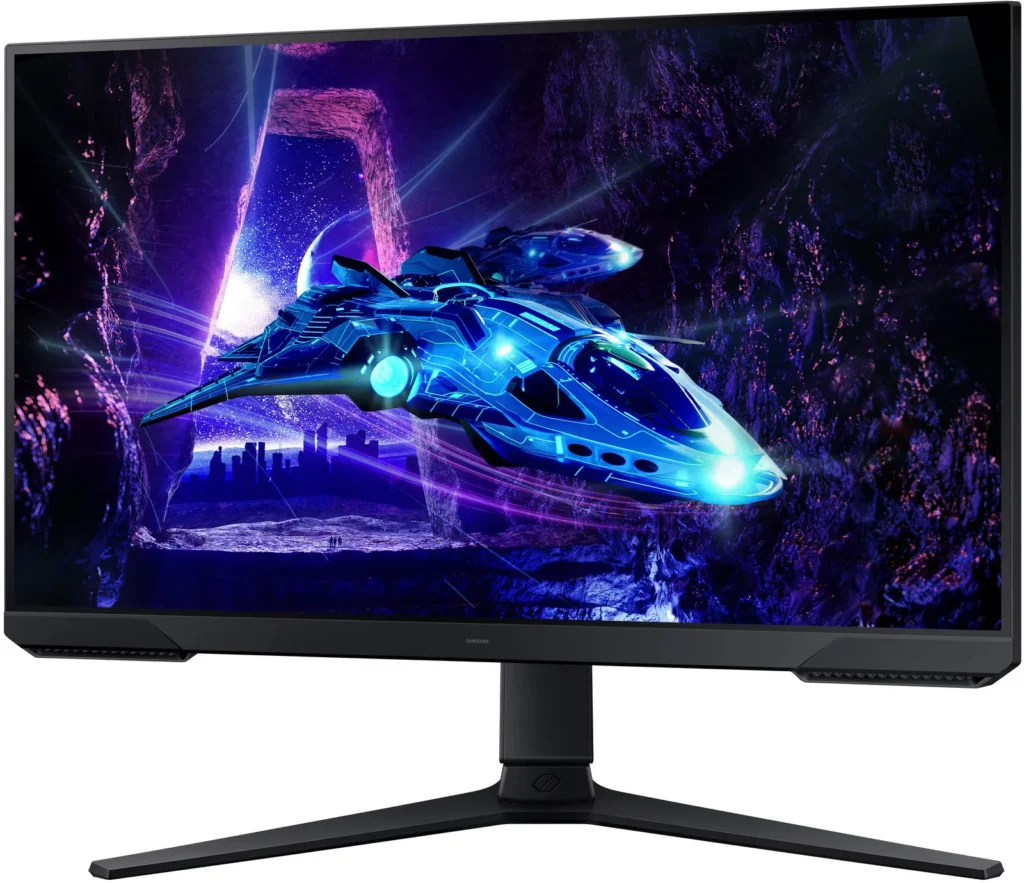
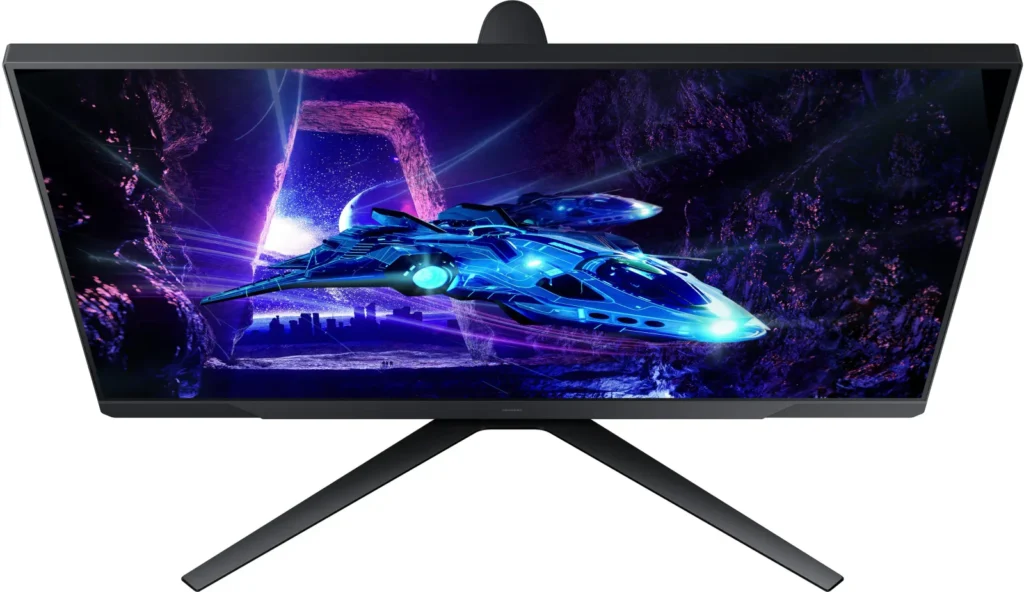
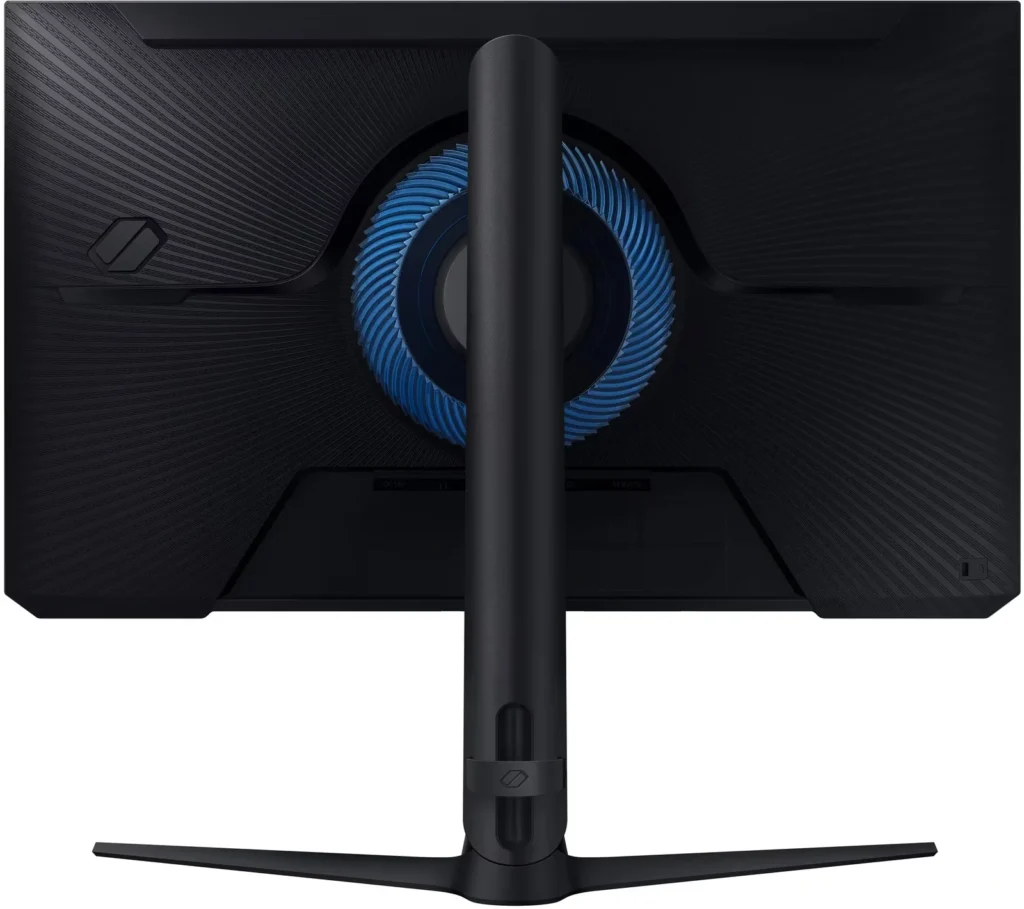
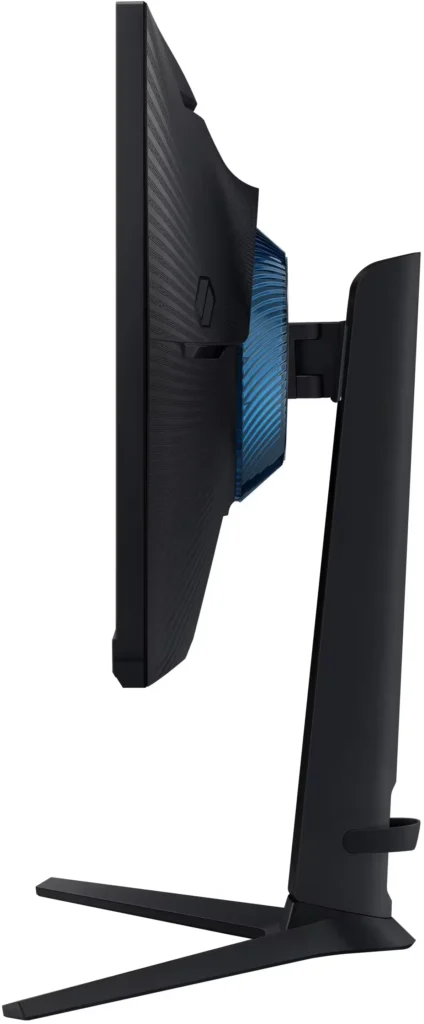
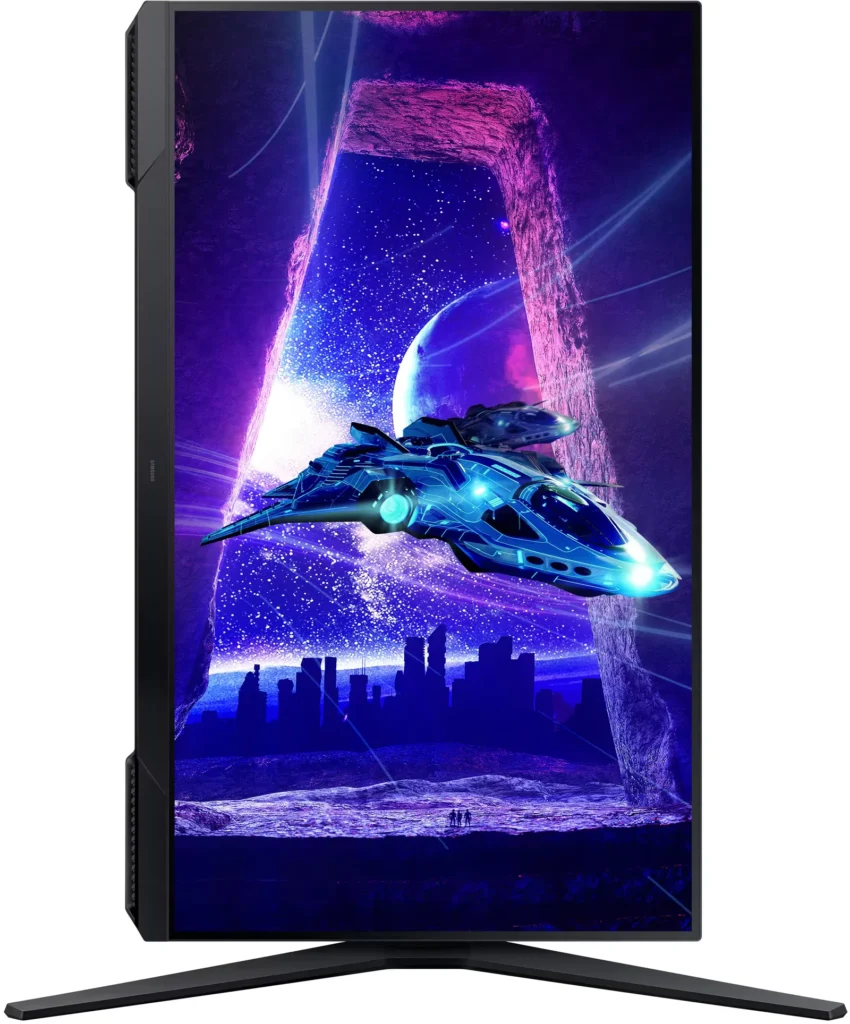
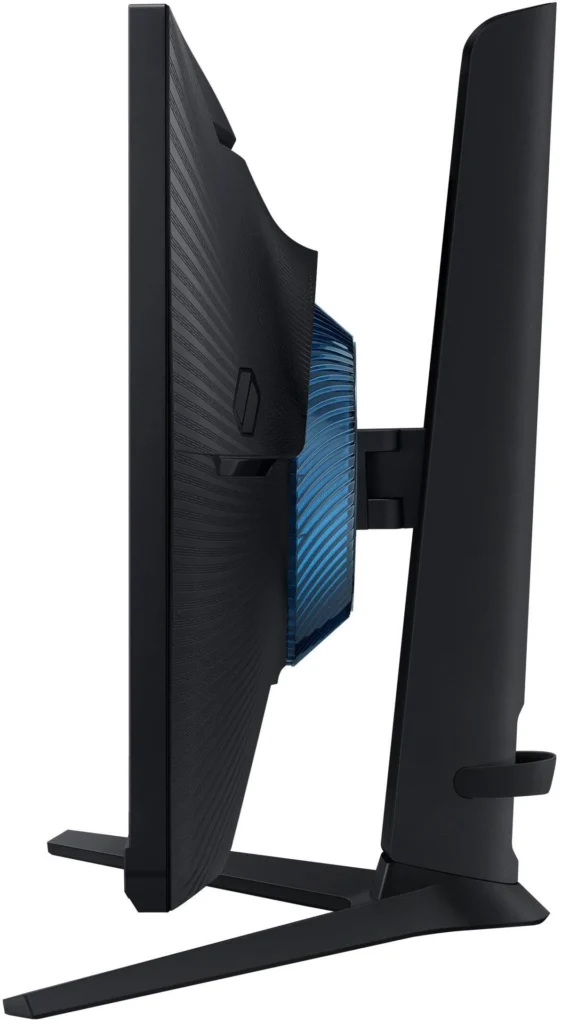
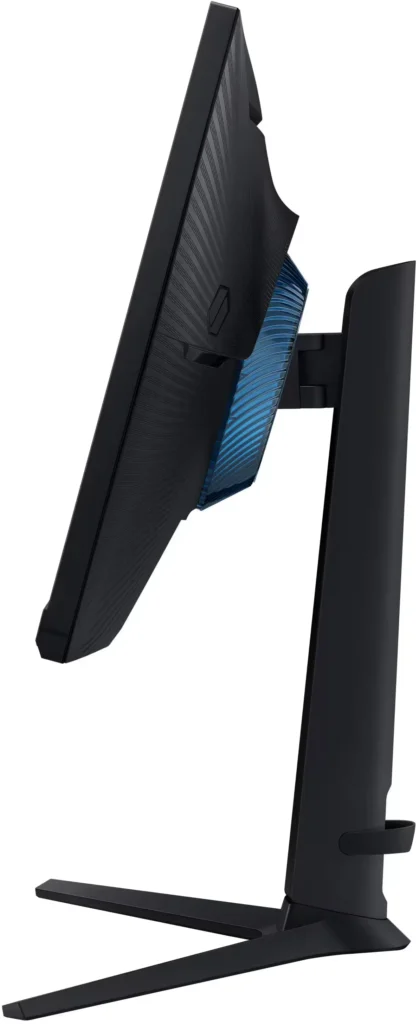
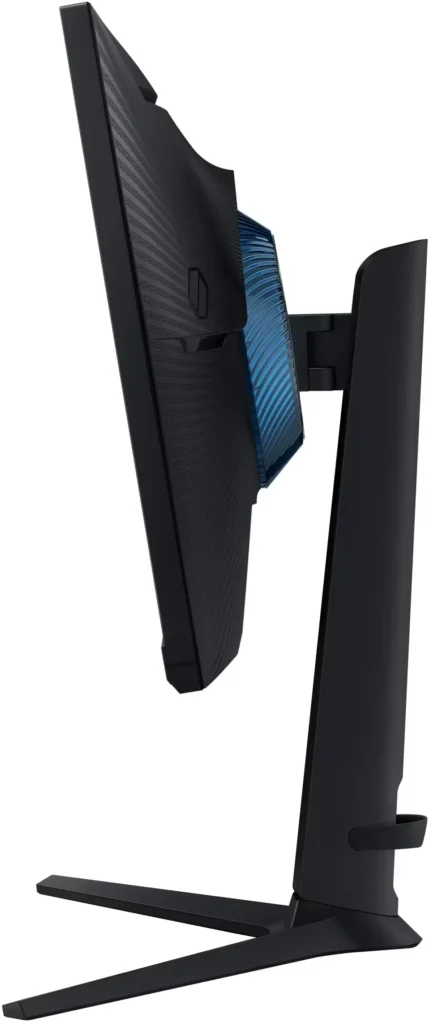
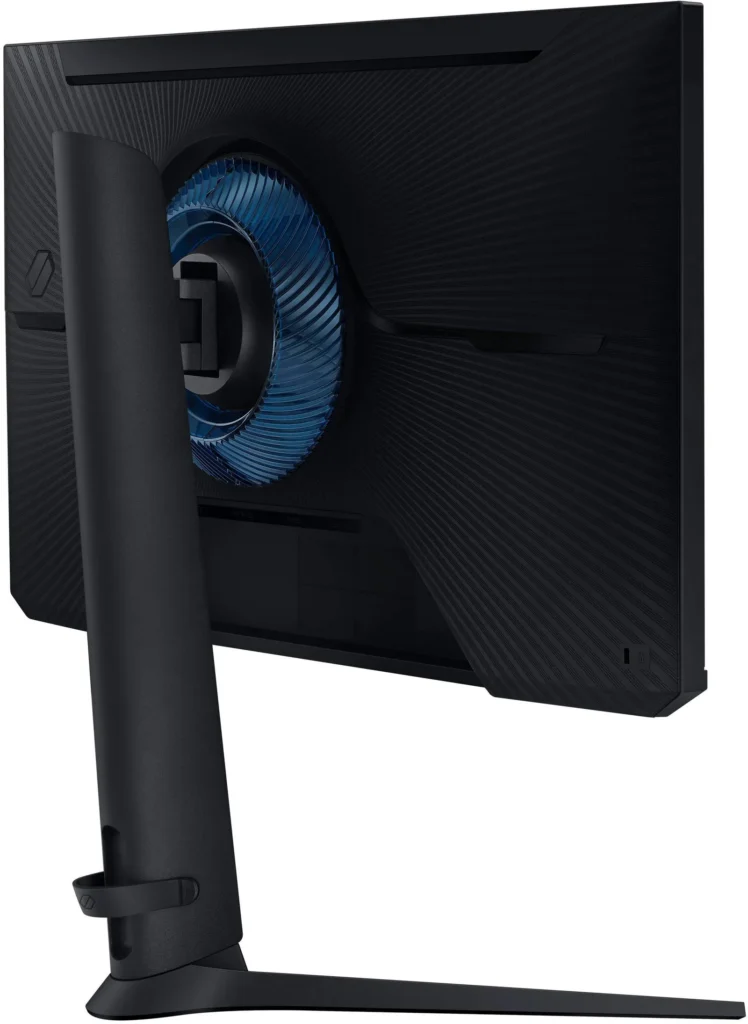
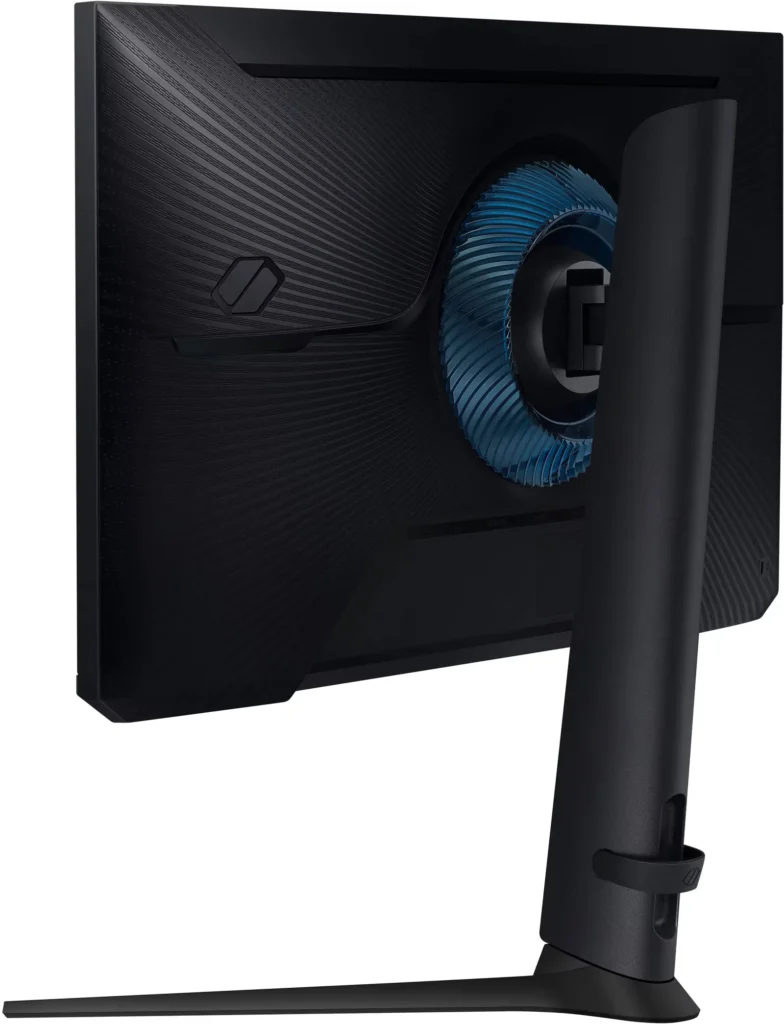
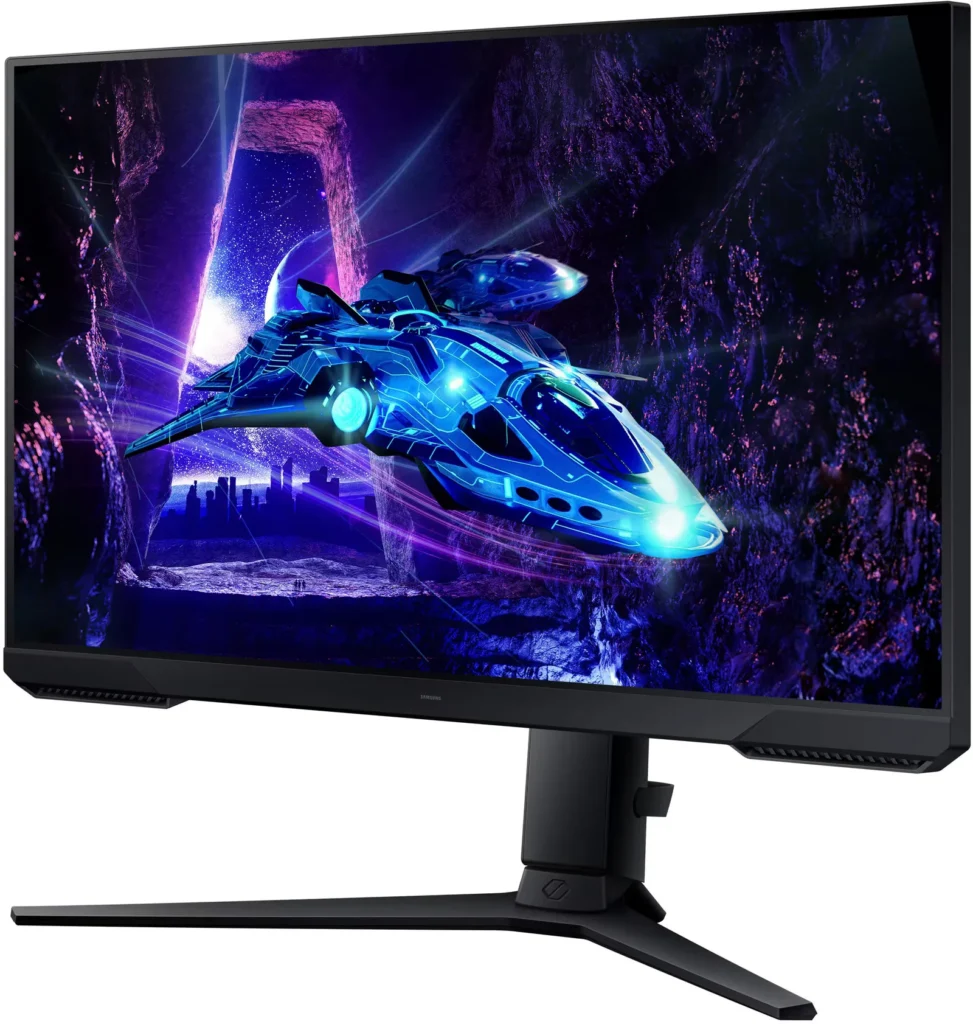
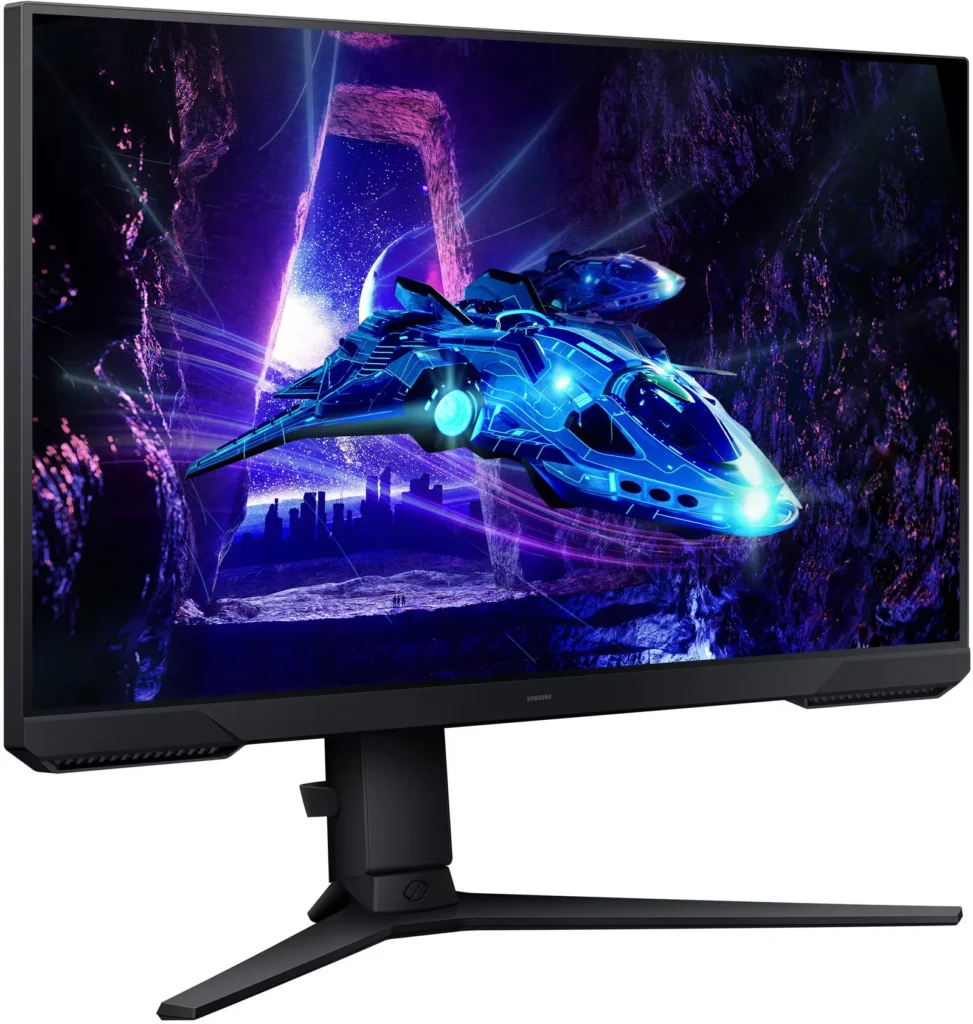
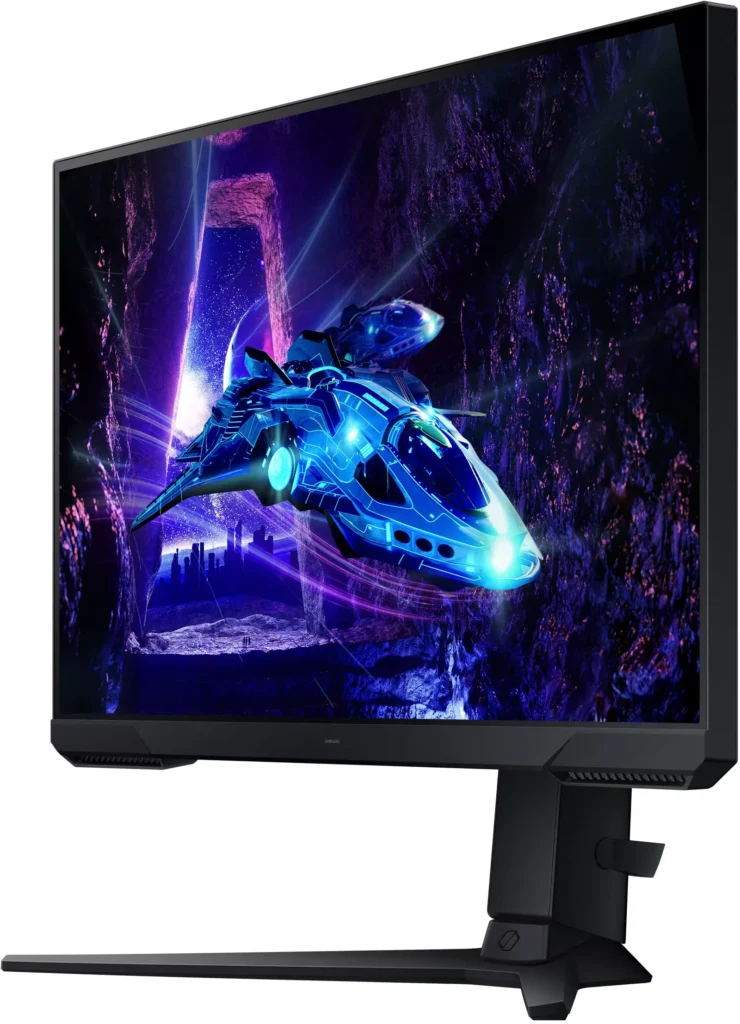
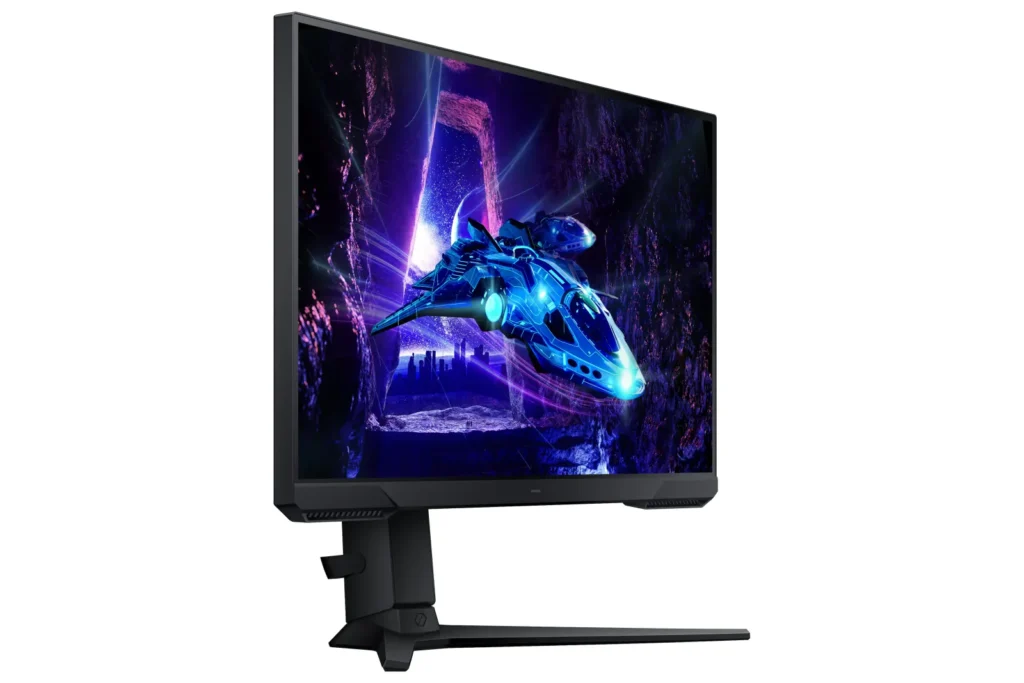
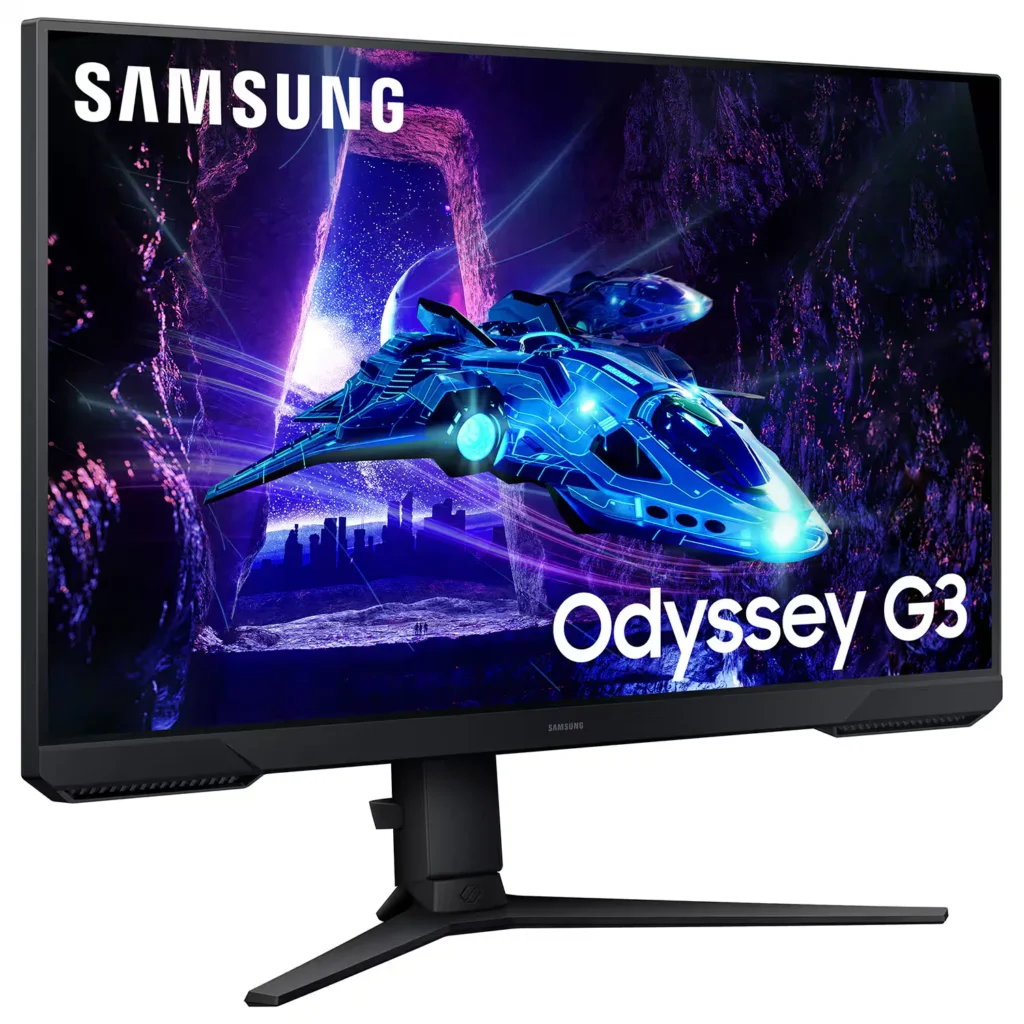
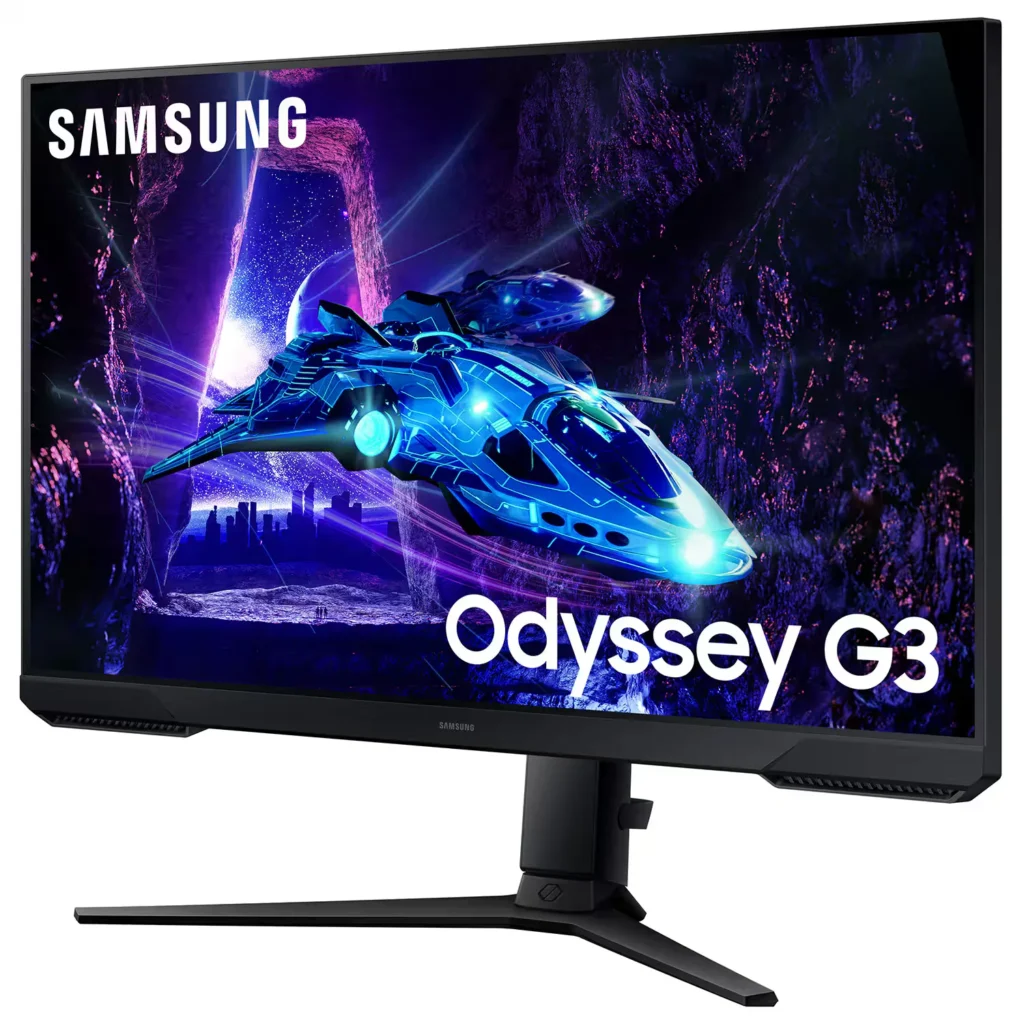
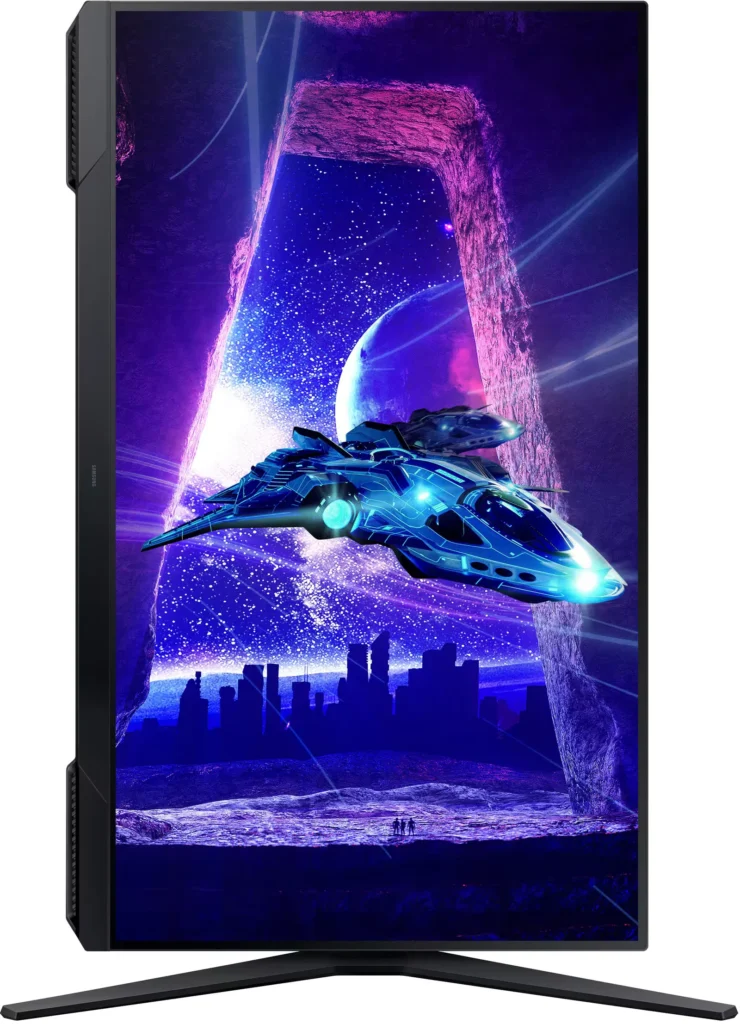
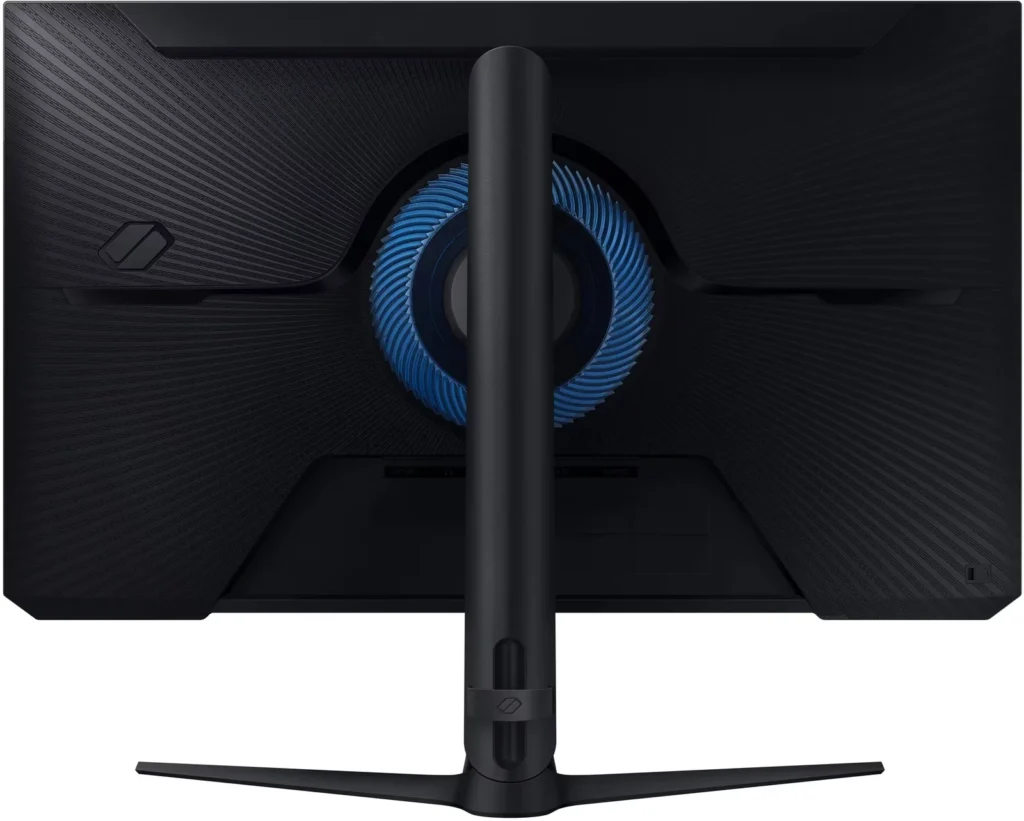
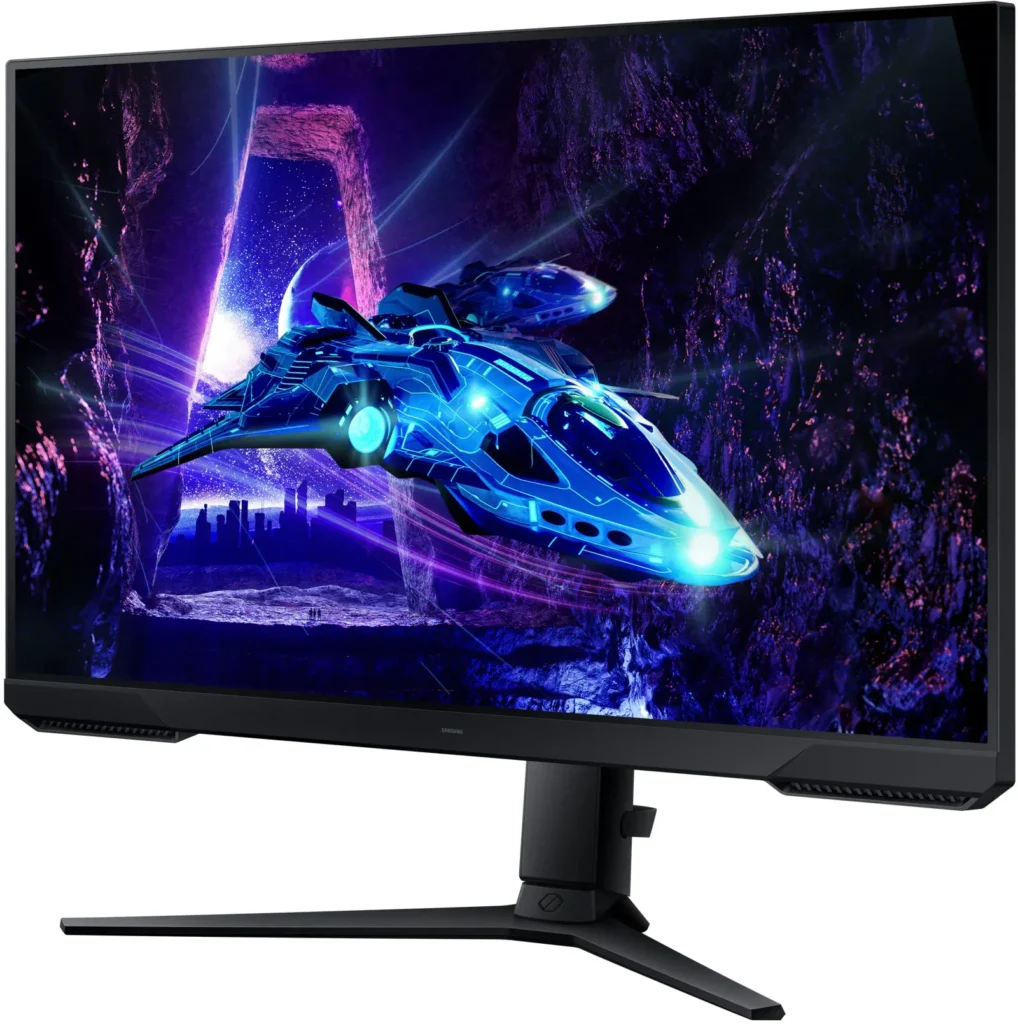
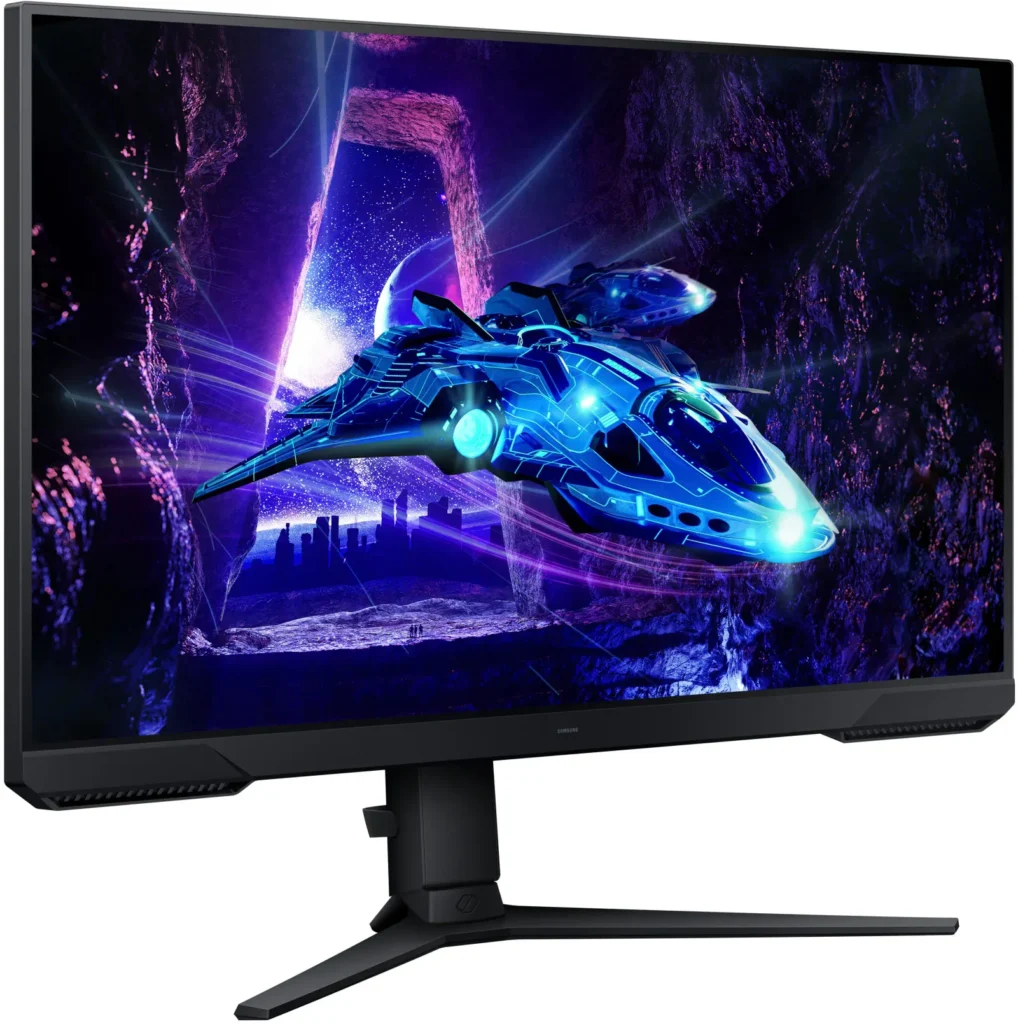
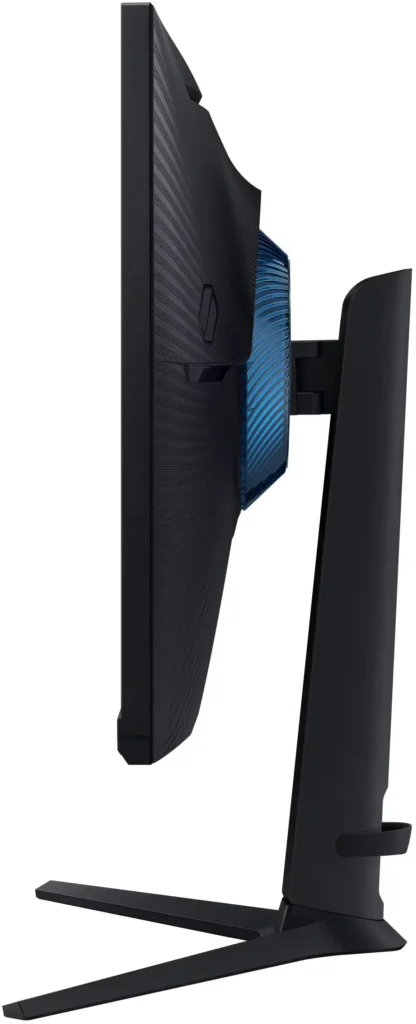
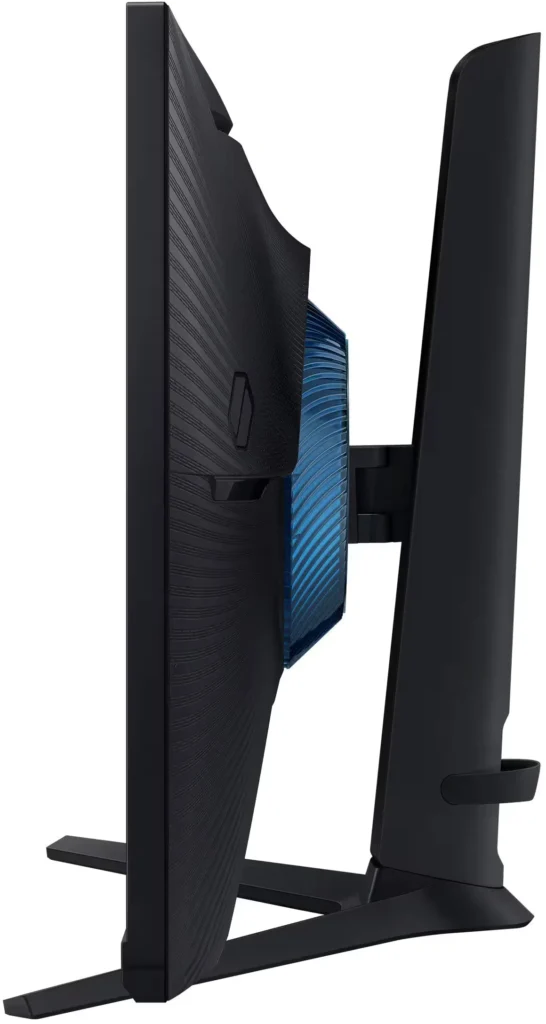
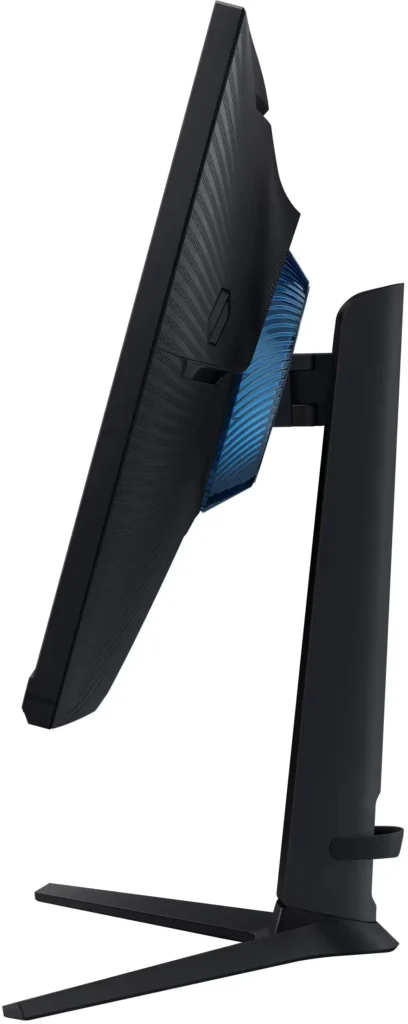
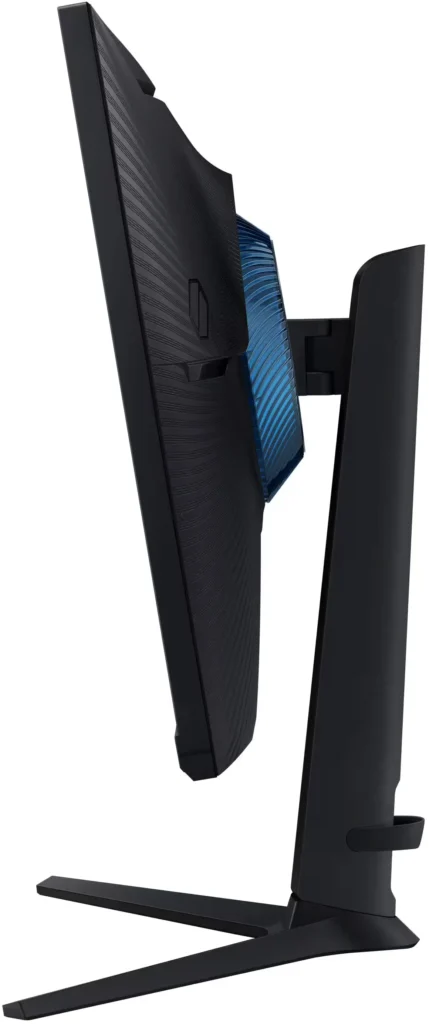
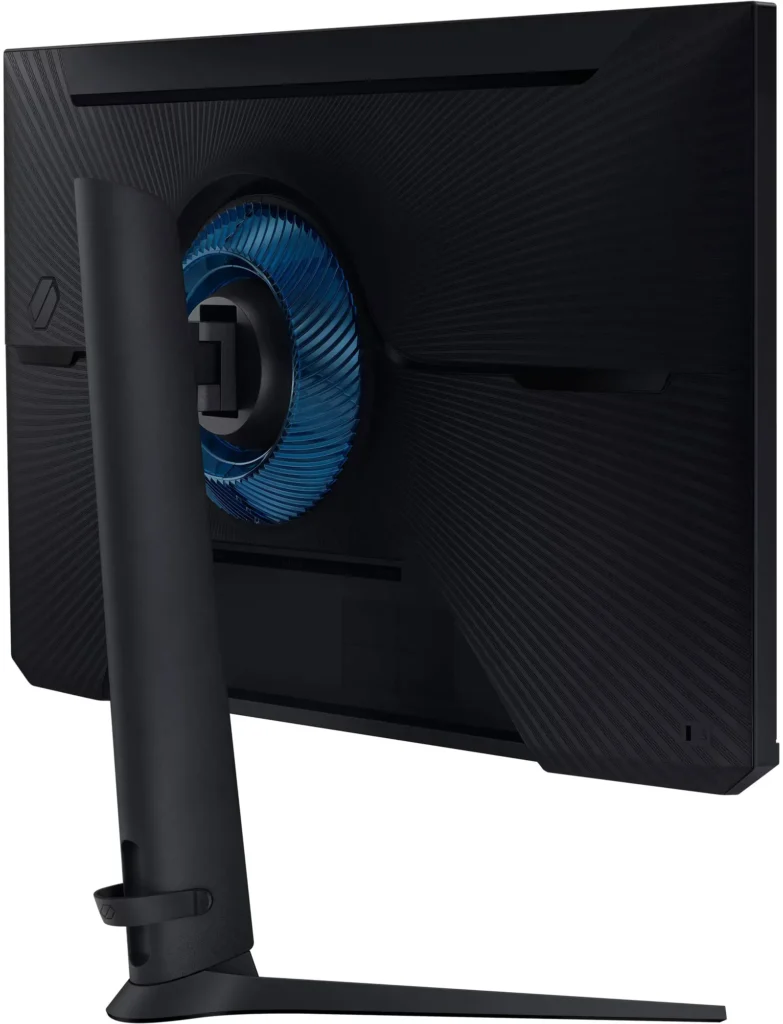
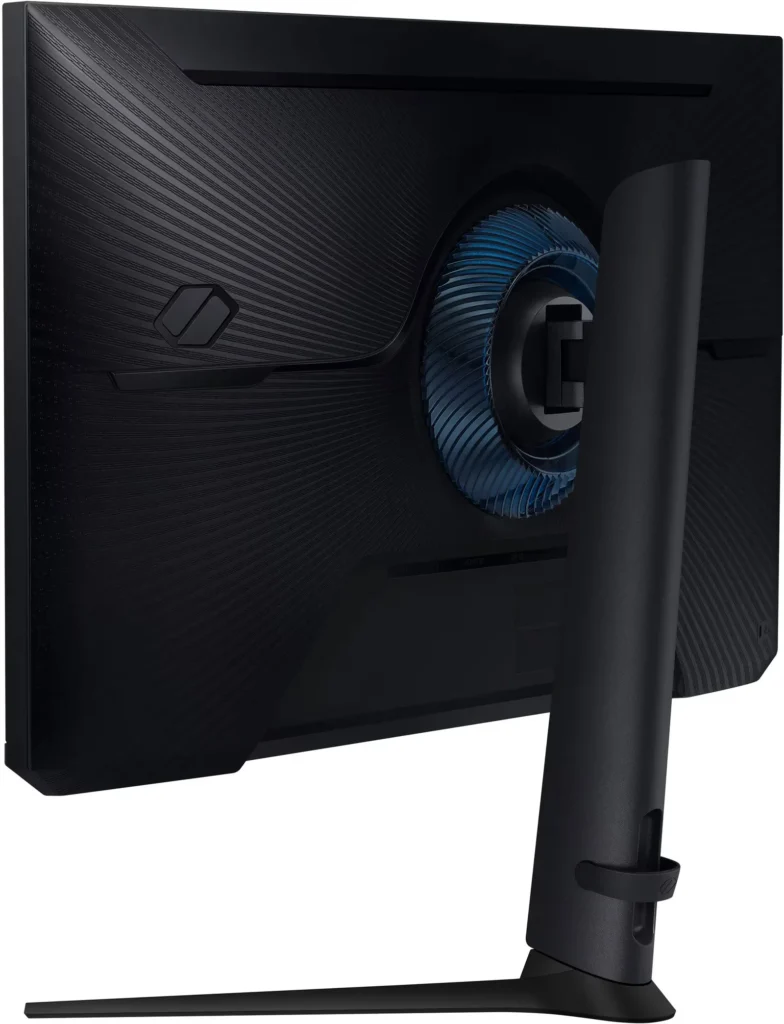
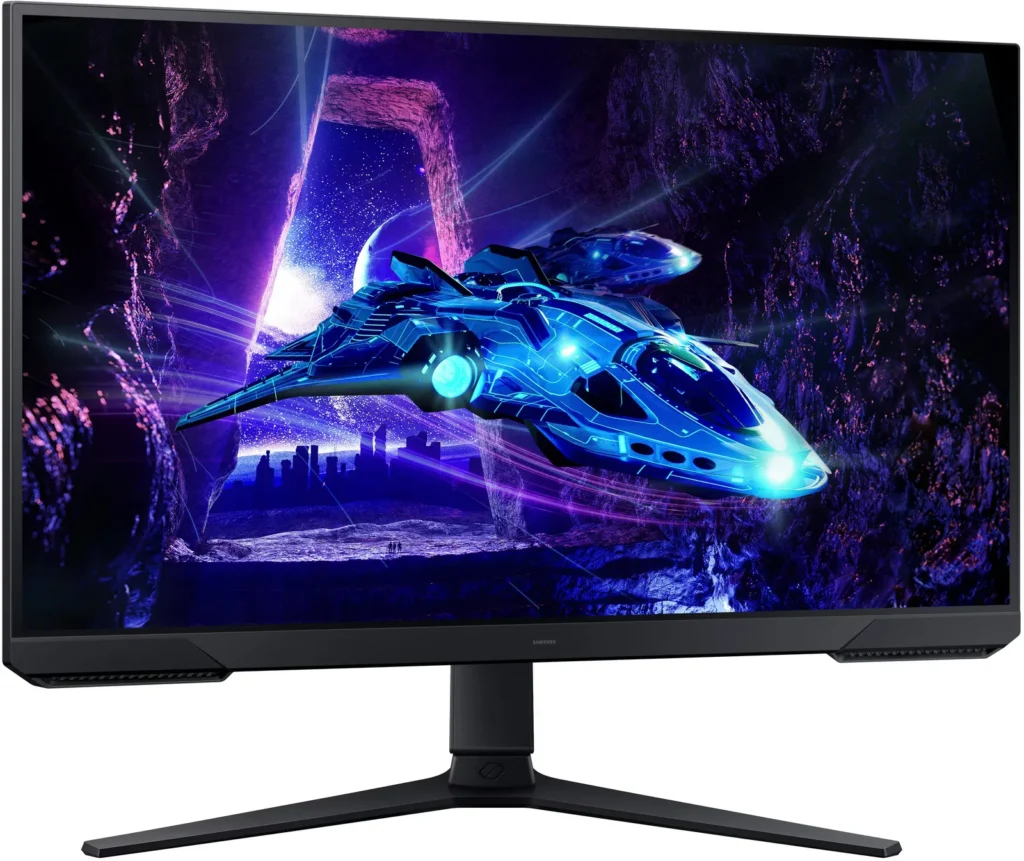
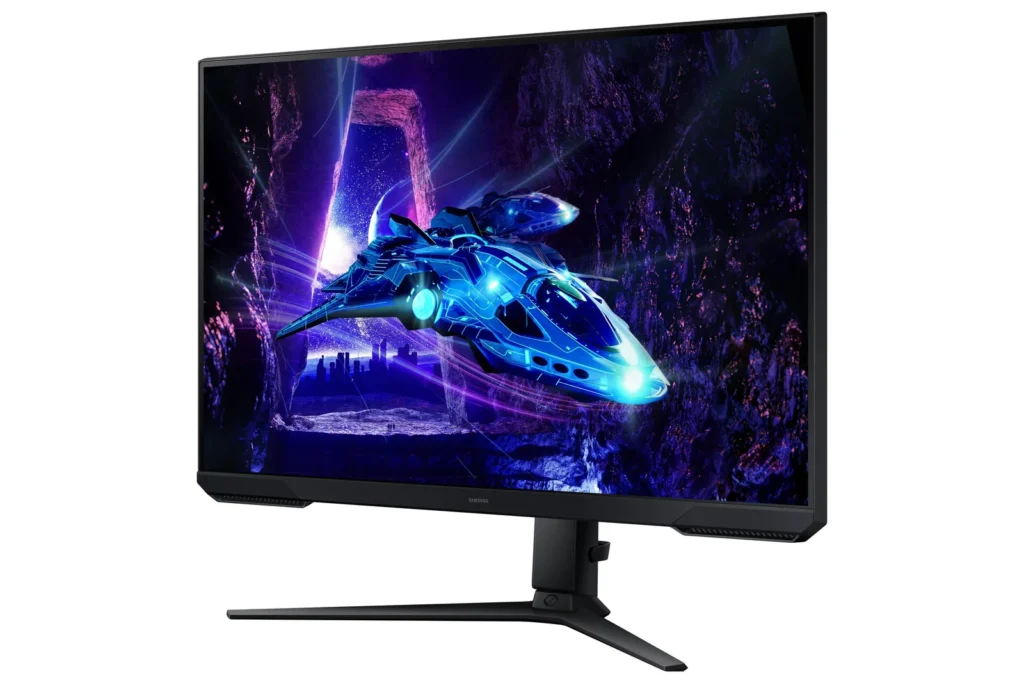
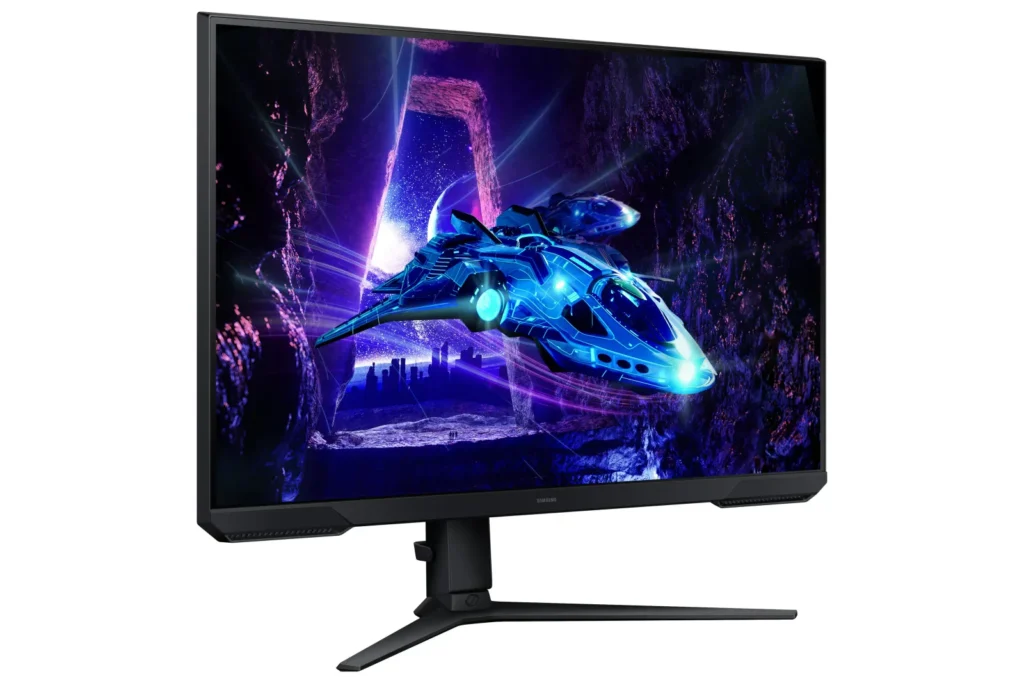
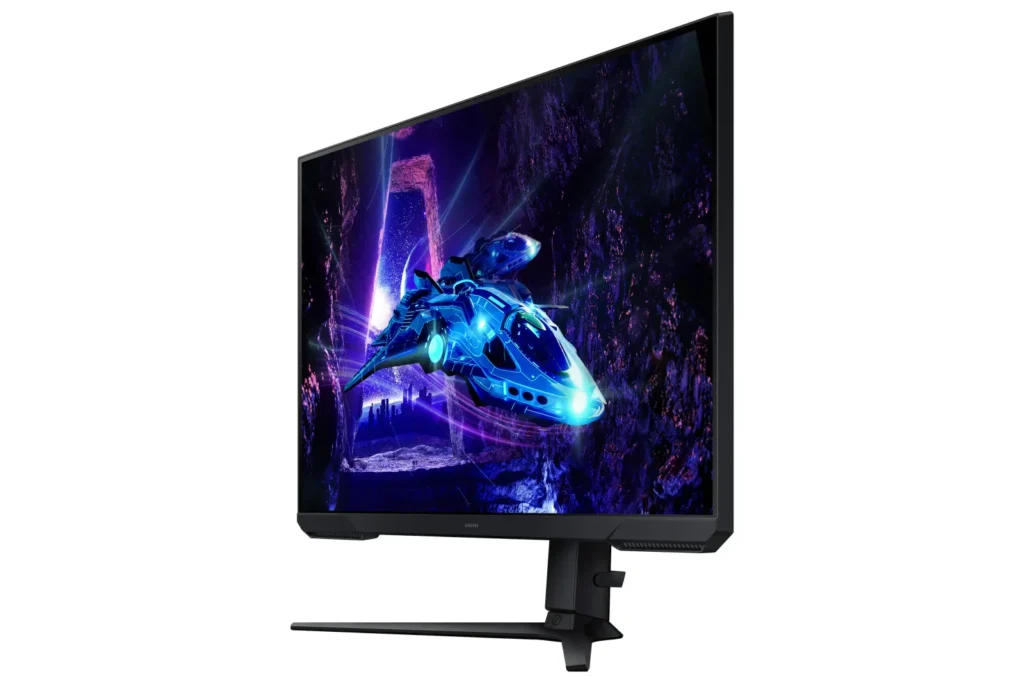
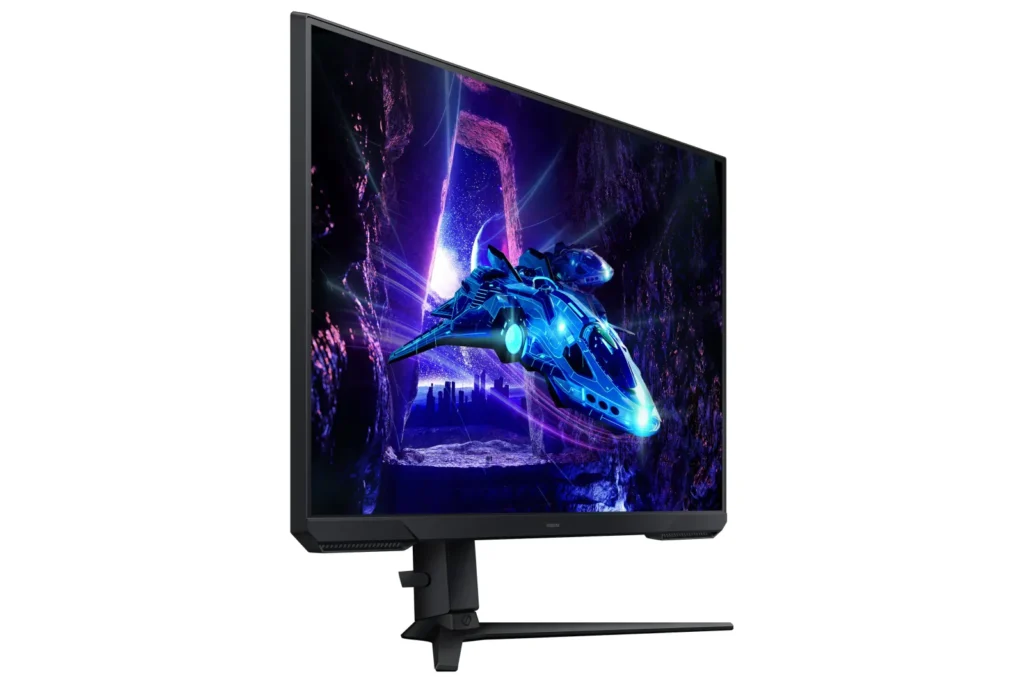
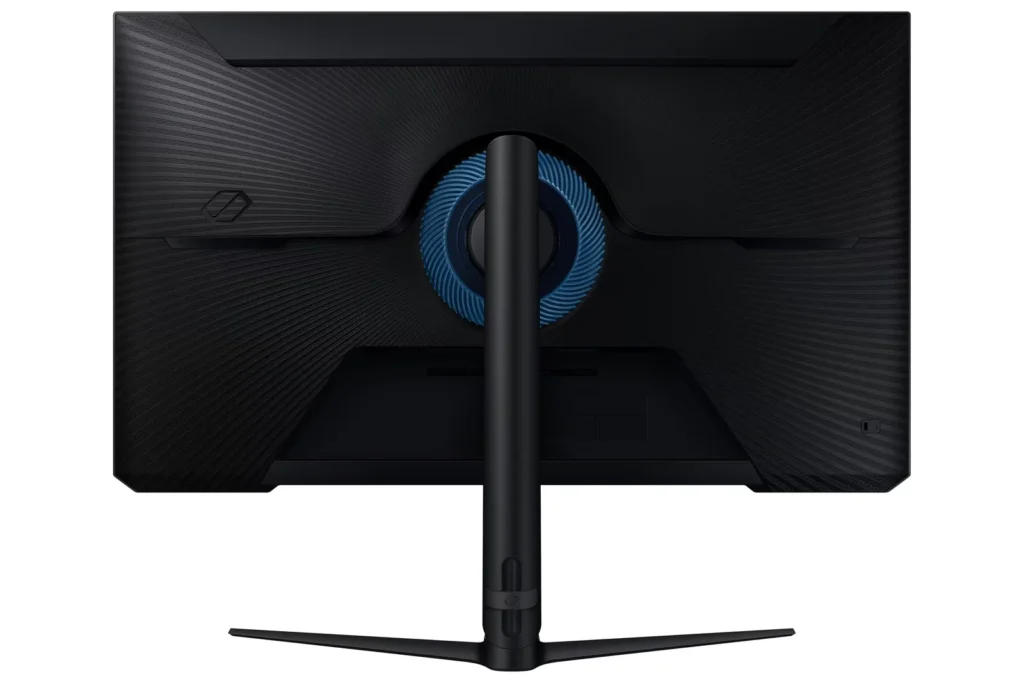
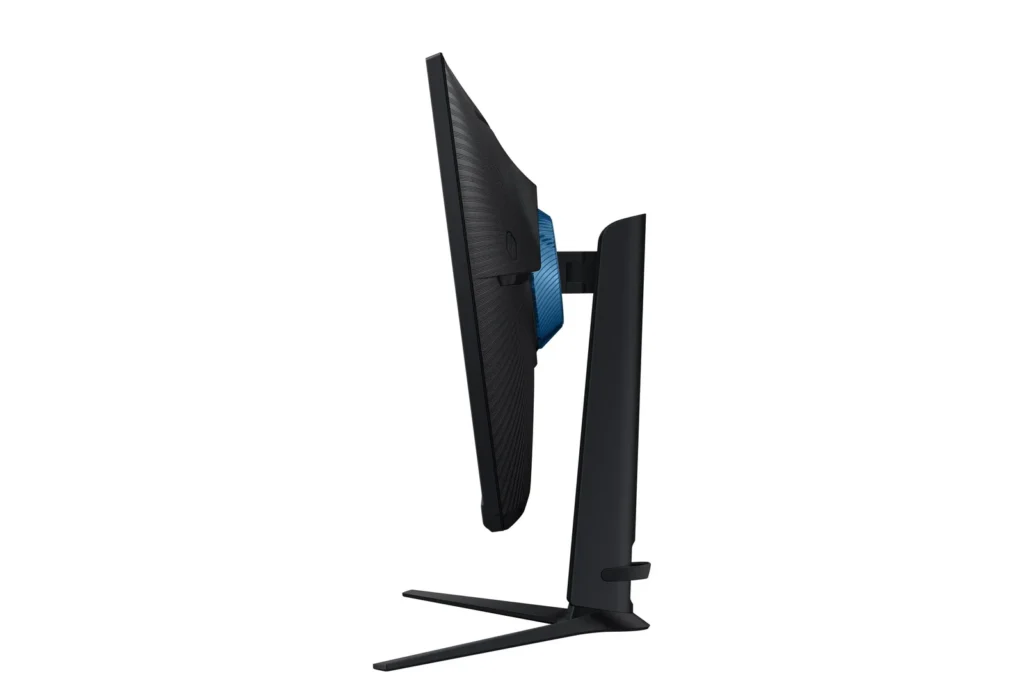
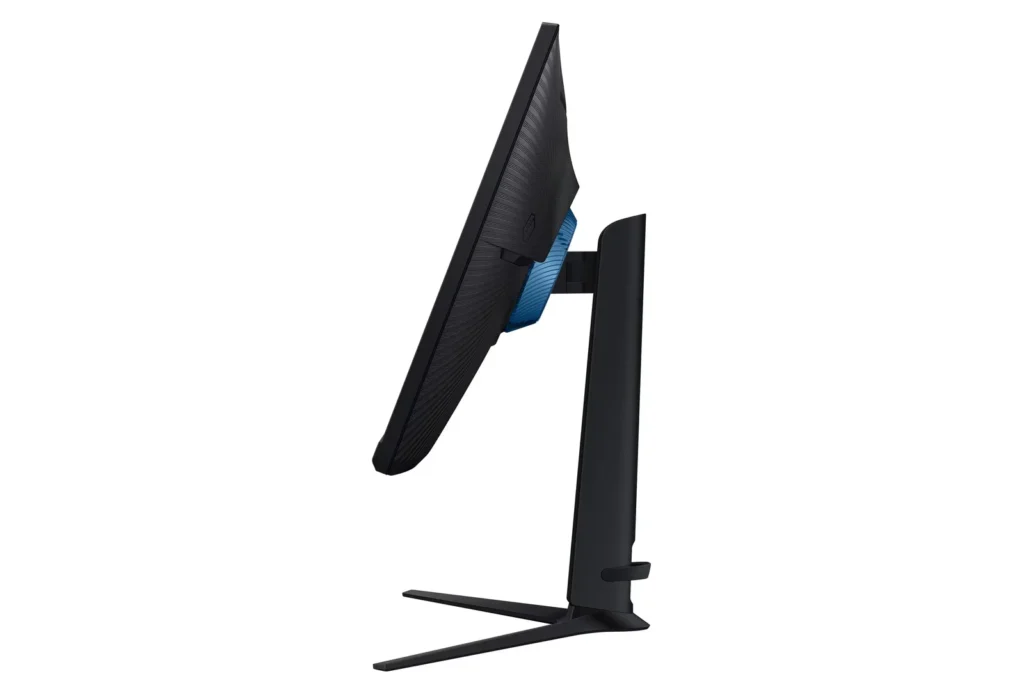
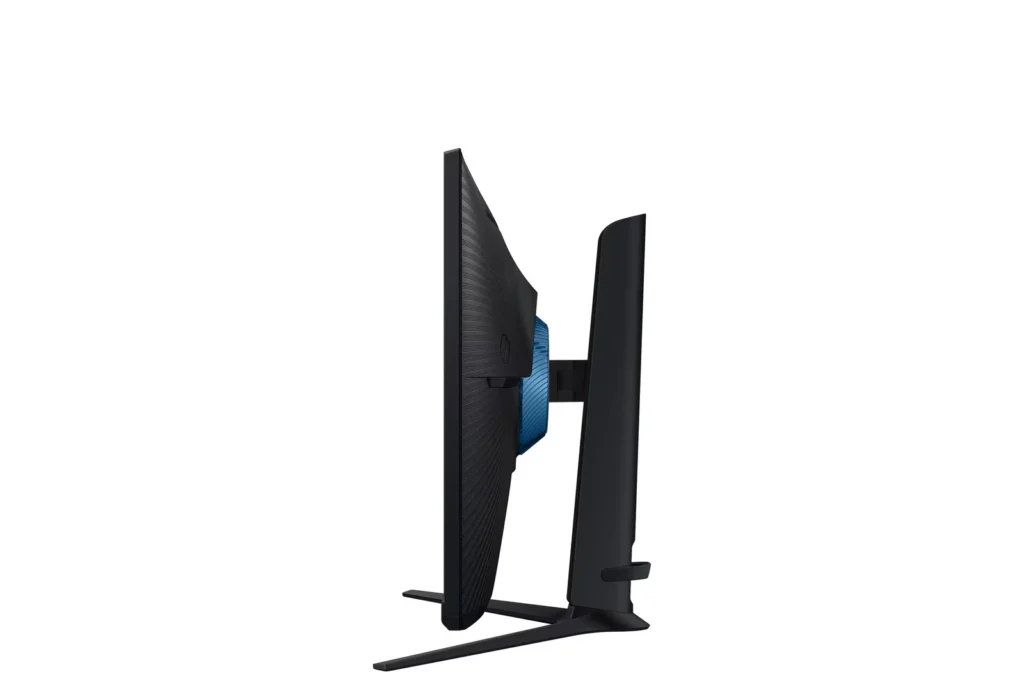
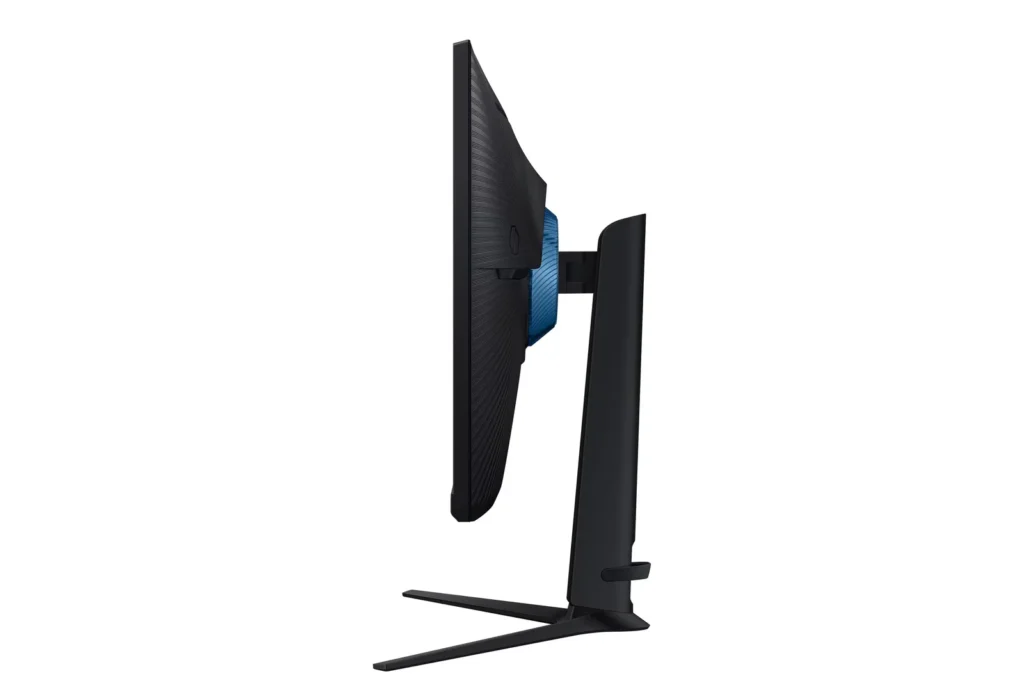
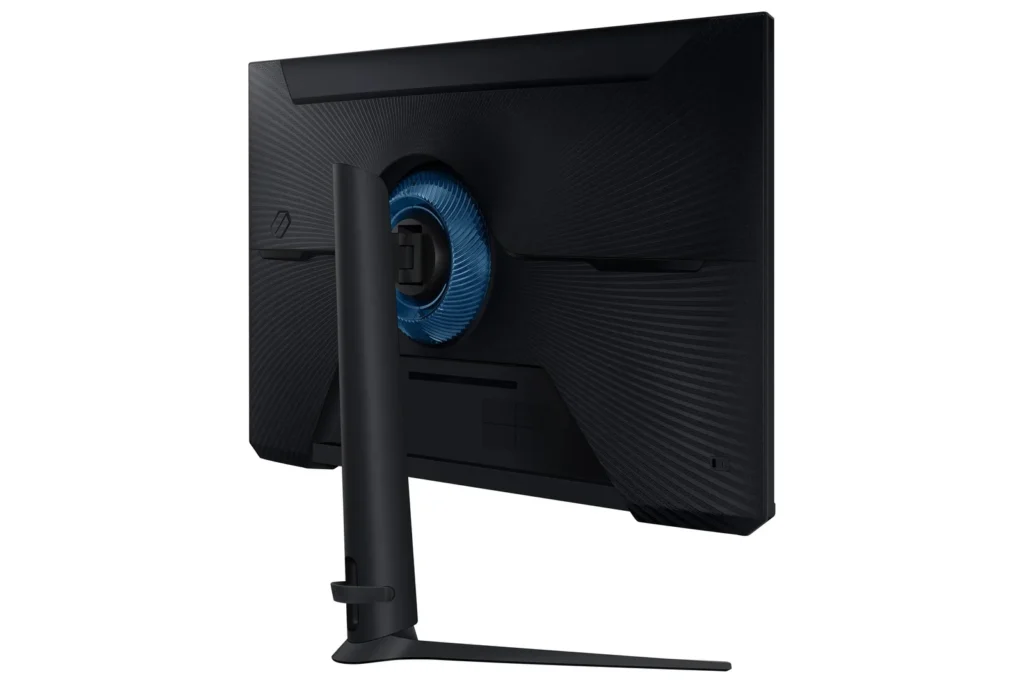
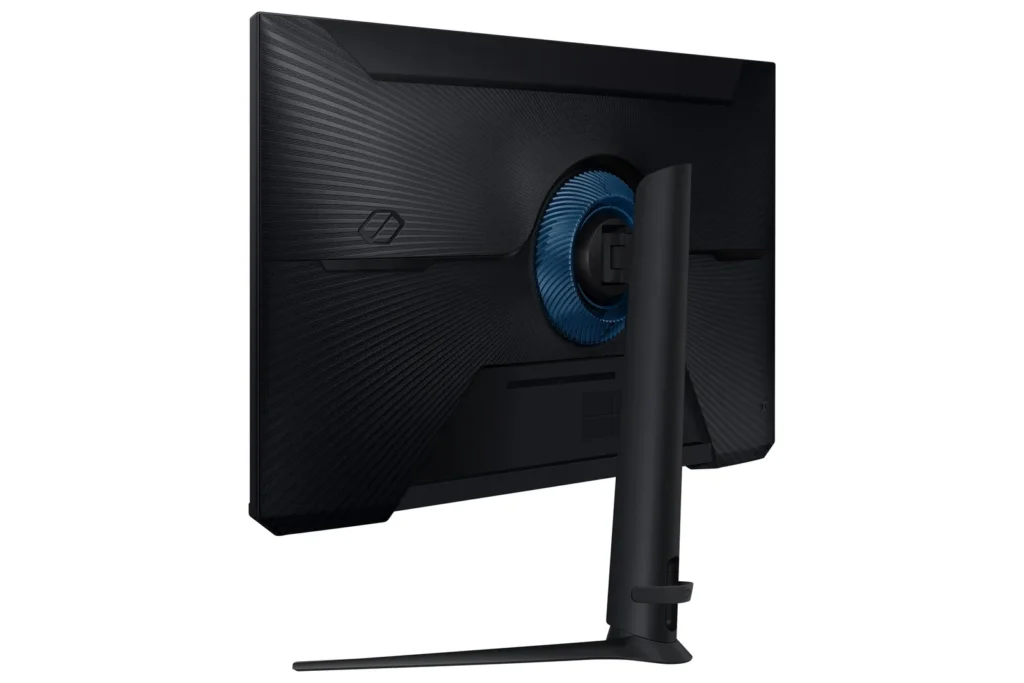
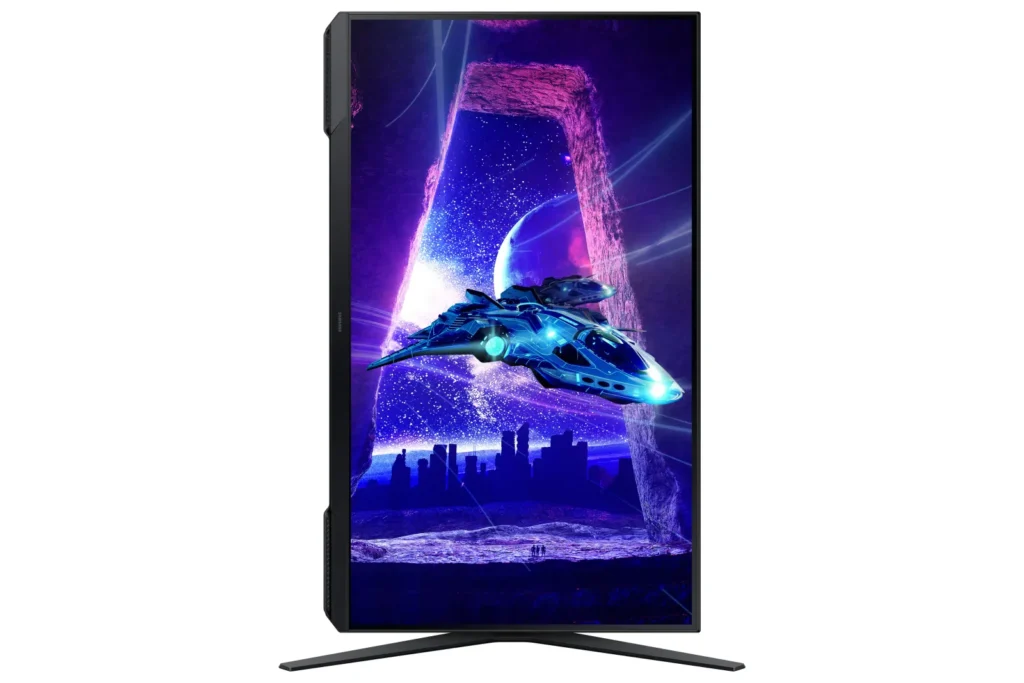
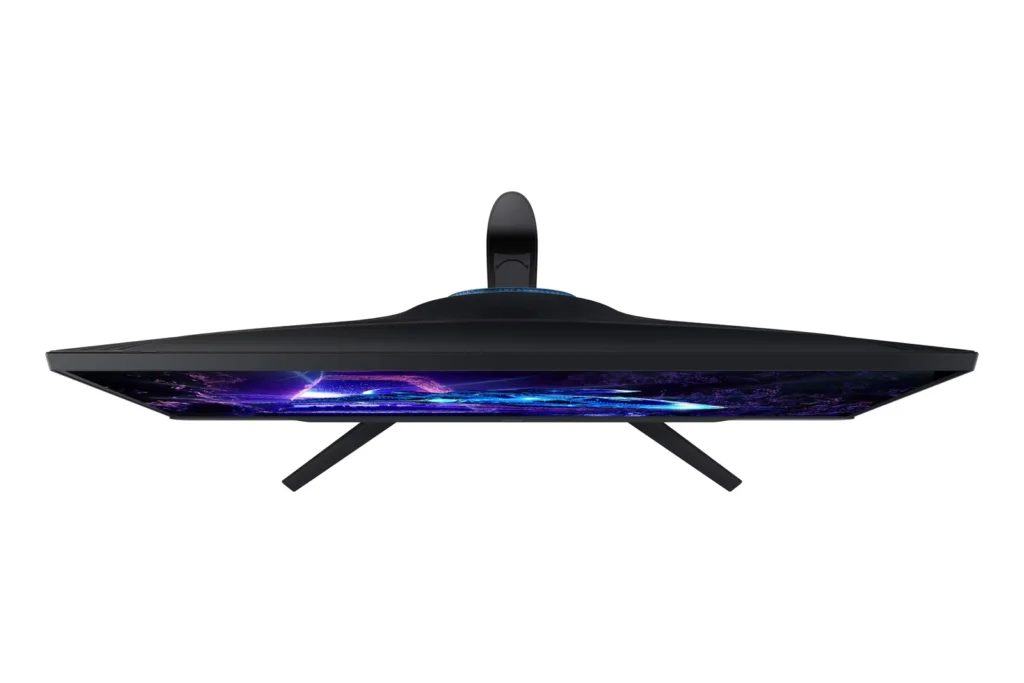
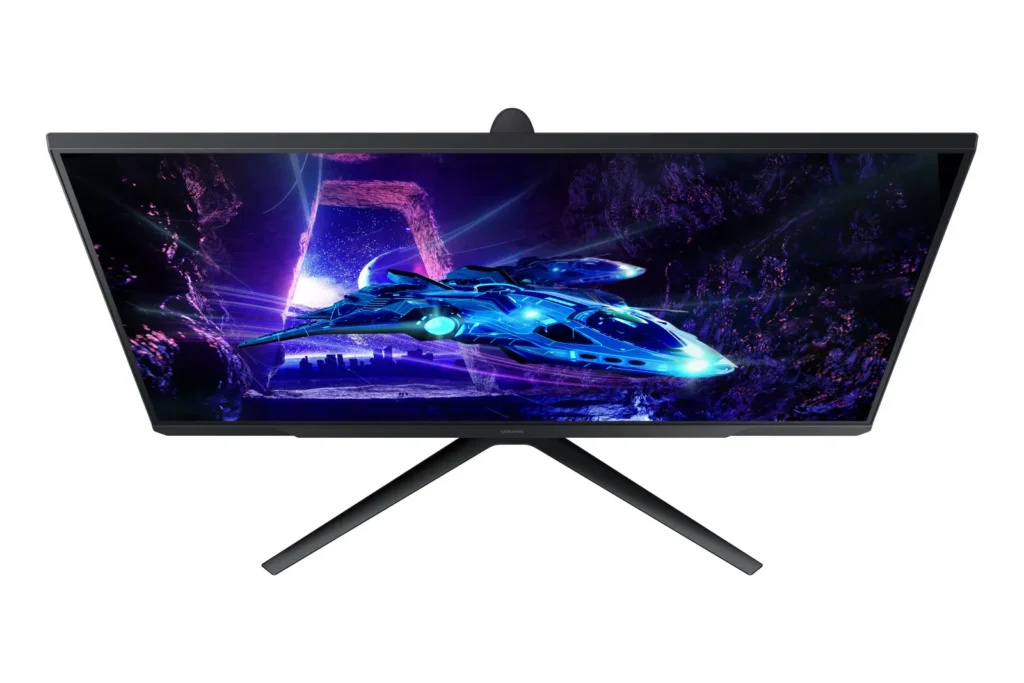
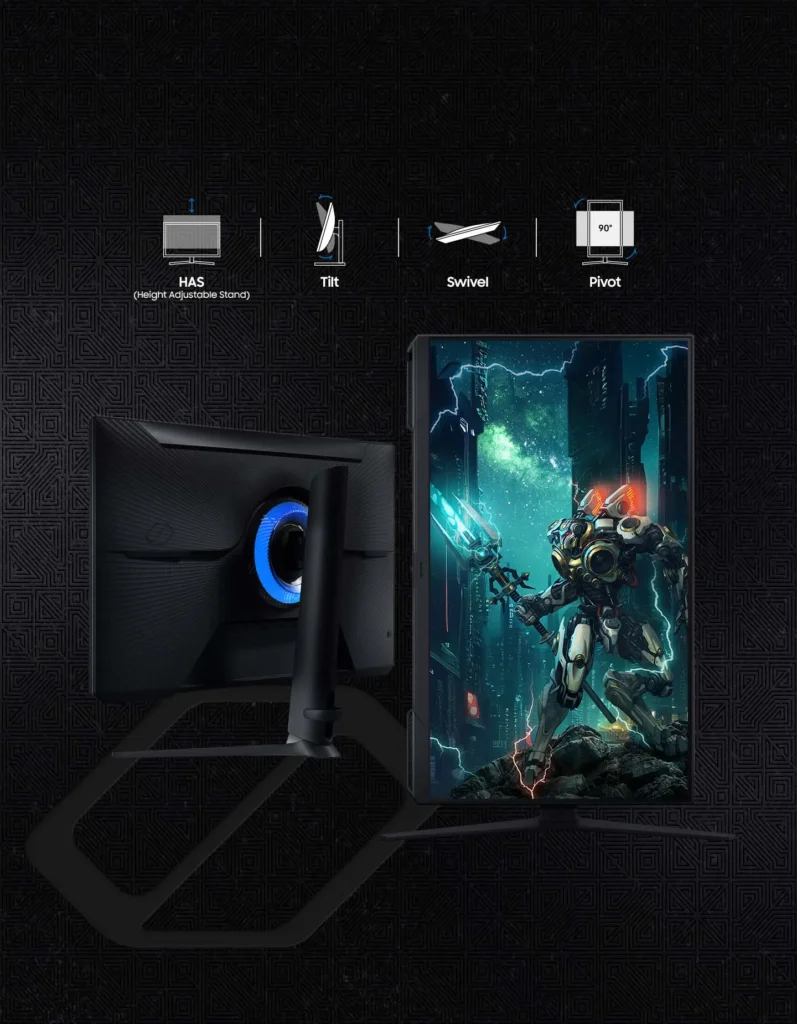
| Fully Ergonomic Stand | Find your perfect viewing angle with a versatile stand that allows you to swivel, tilt, pivot, and adjust the height, providing maximum comfort for extended gaming sessions. |
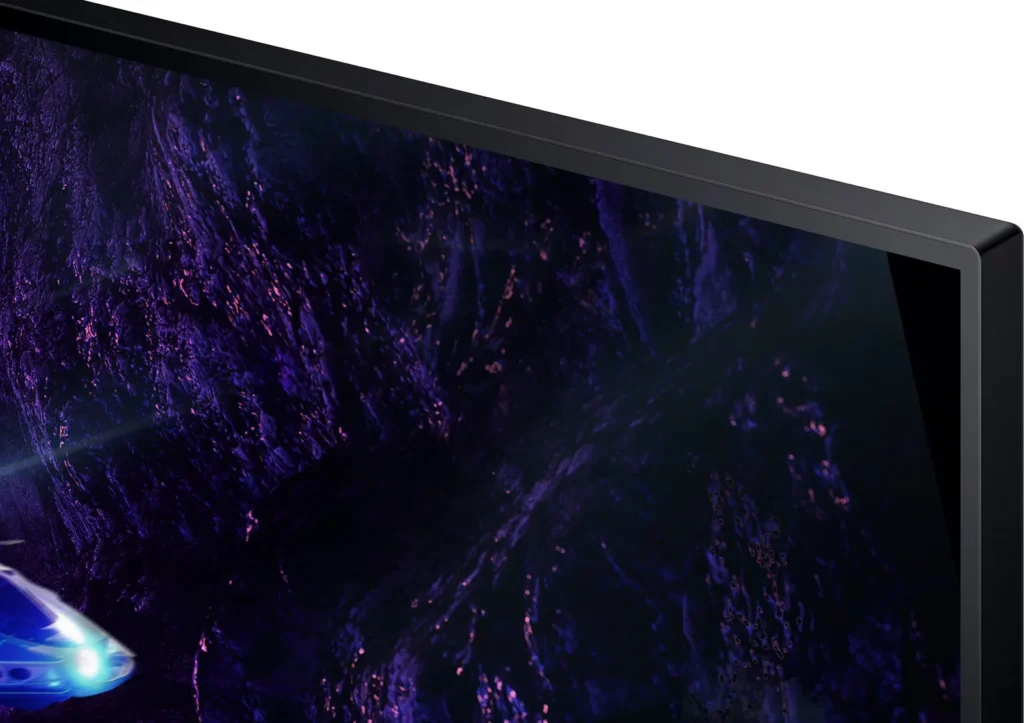
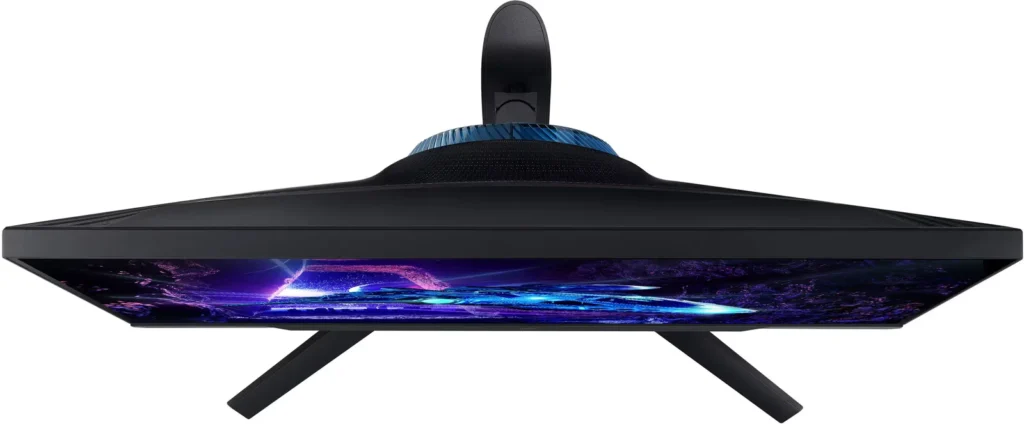
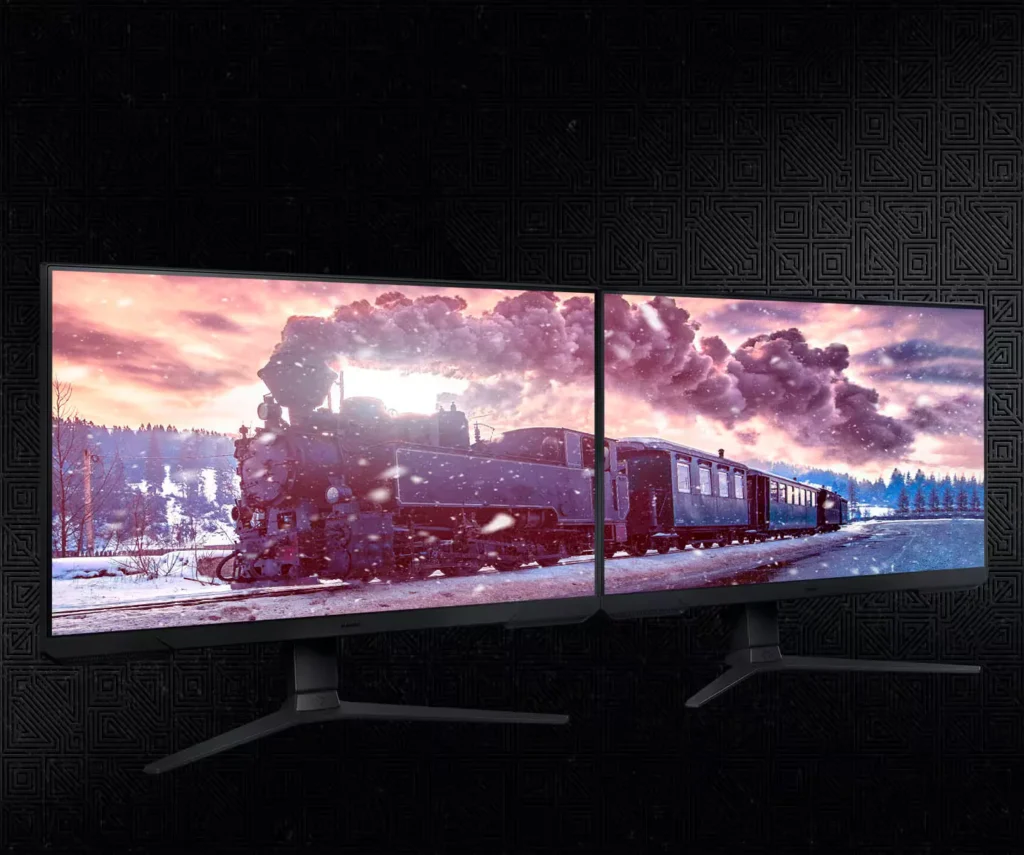
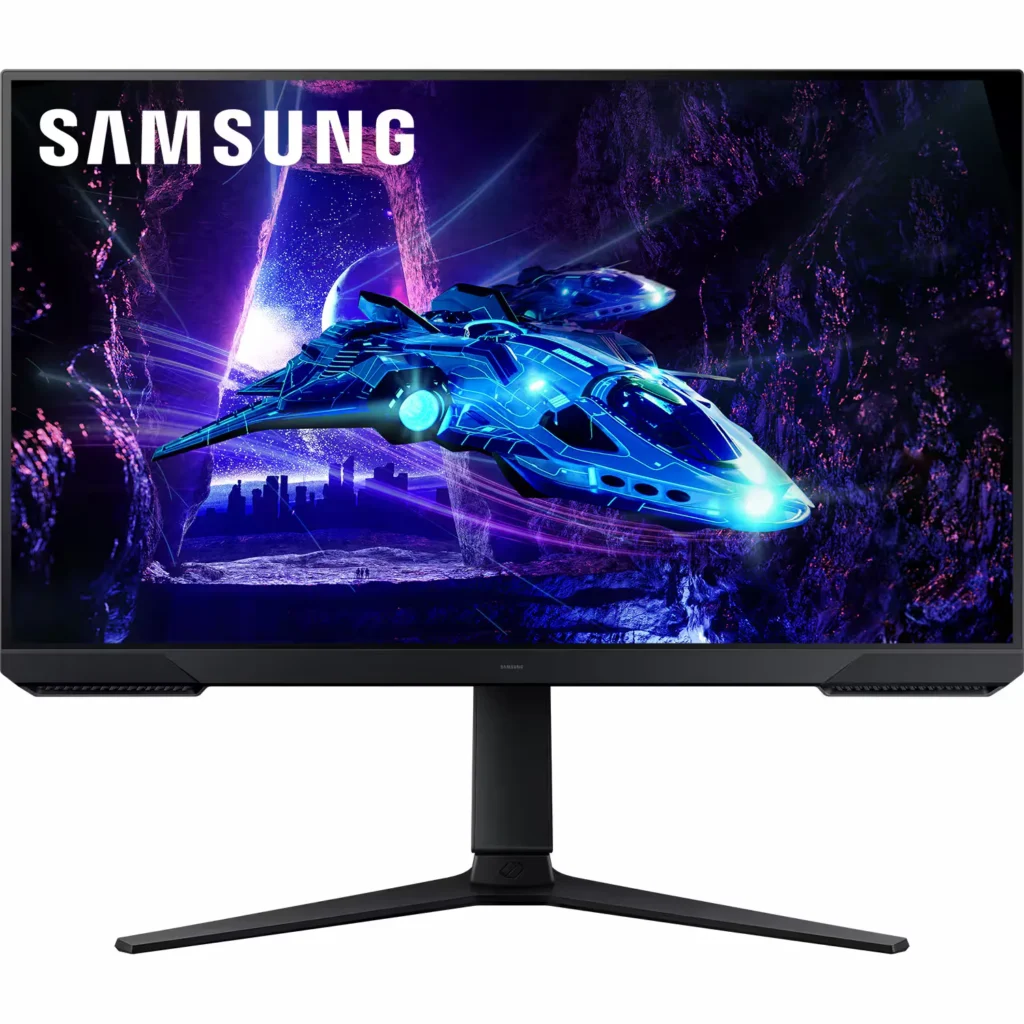
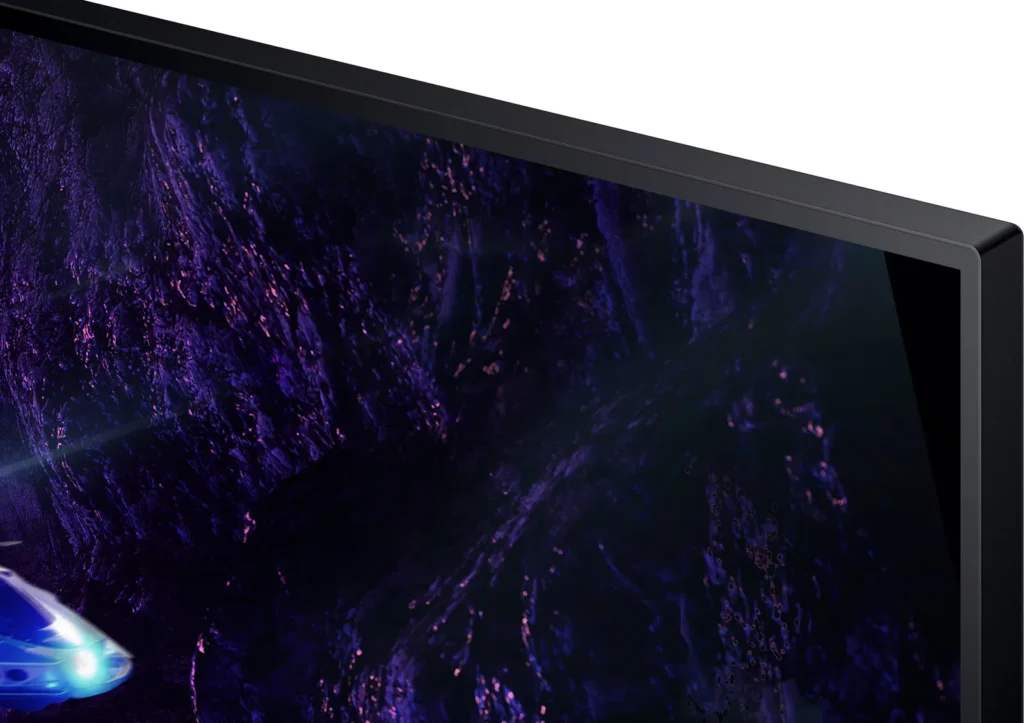
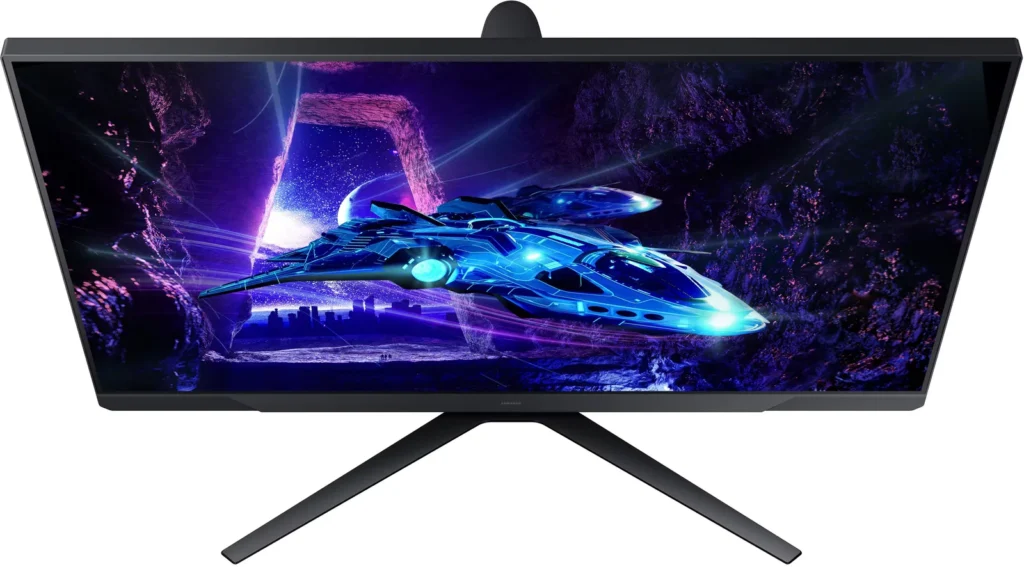
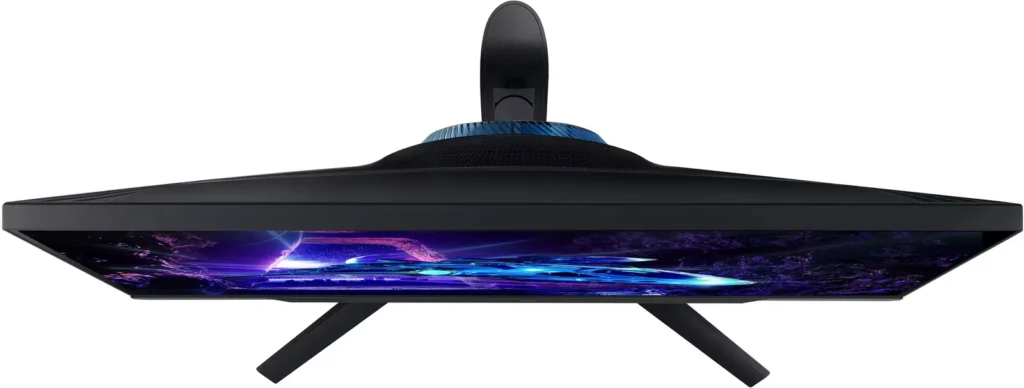
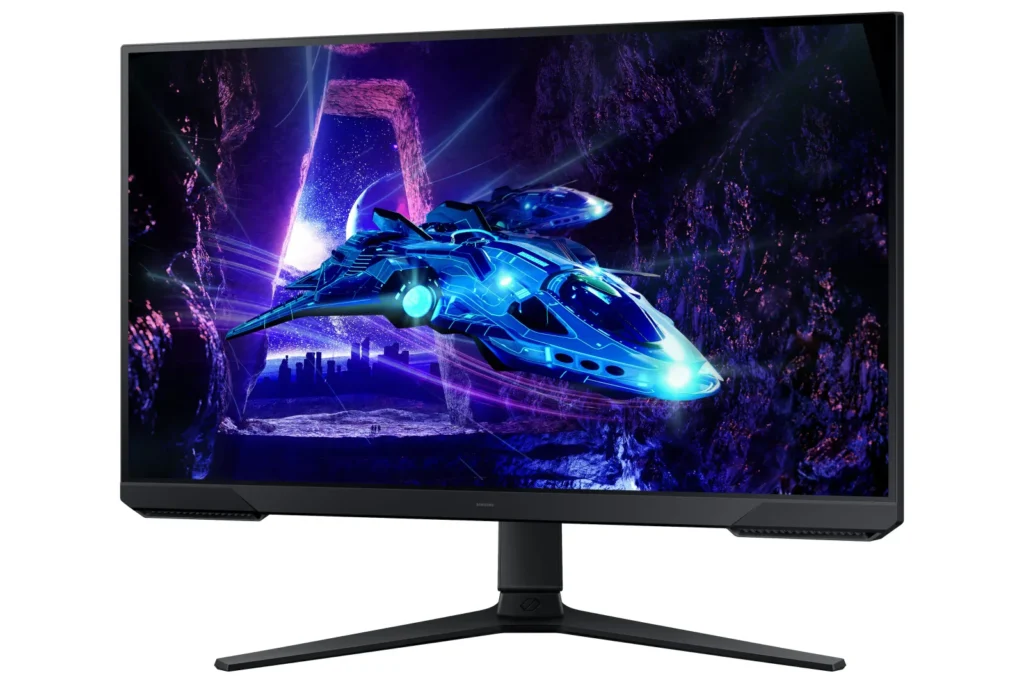
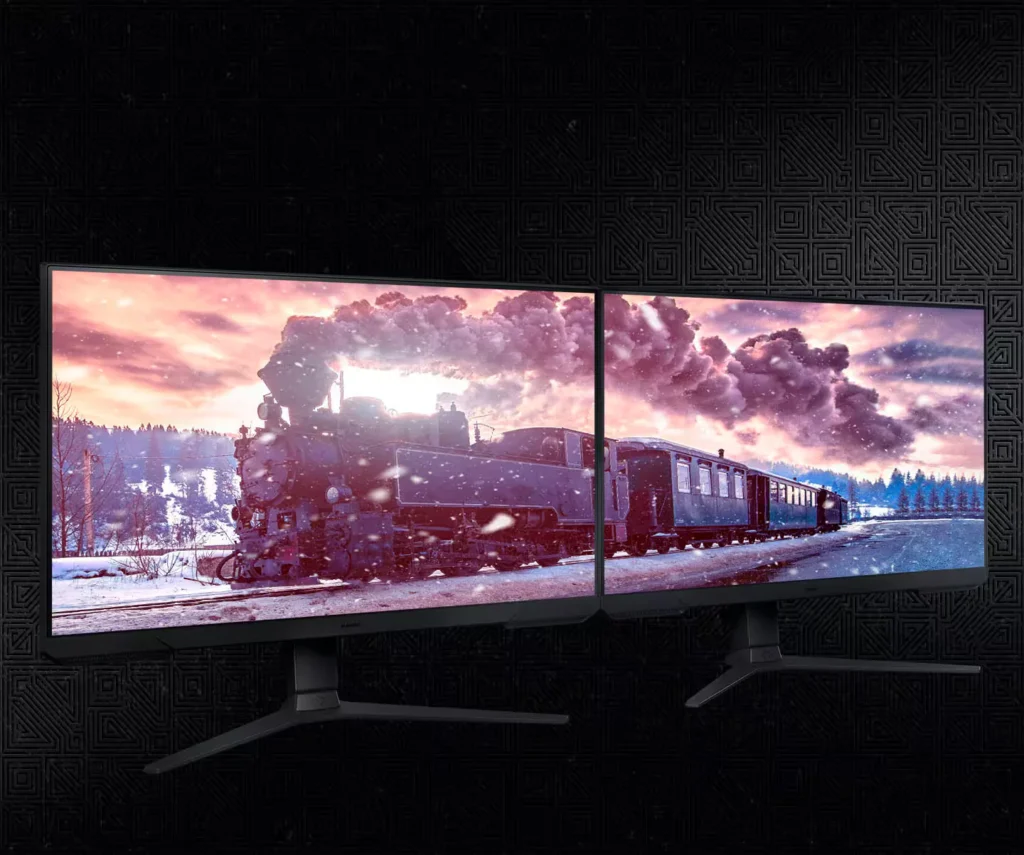
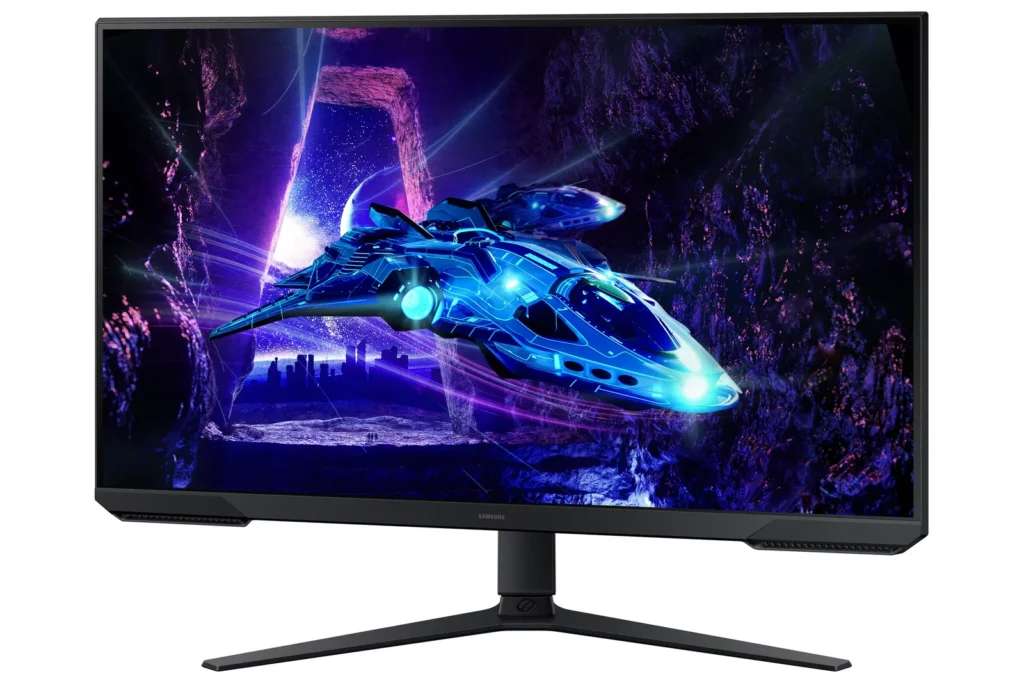
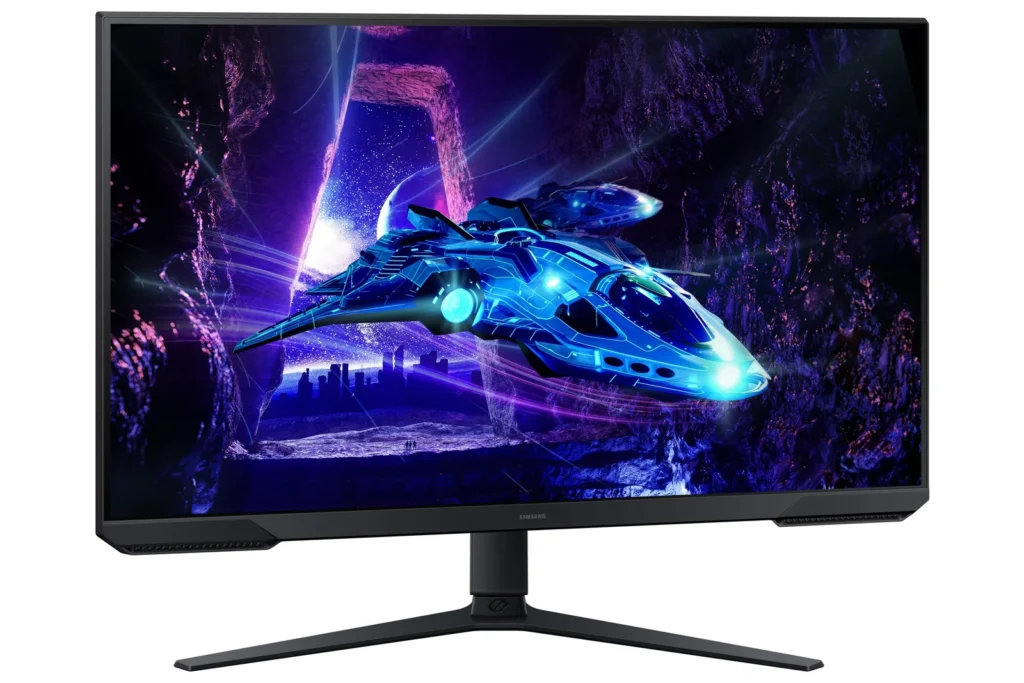
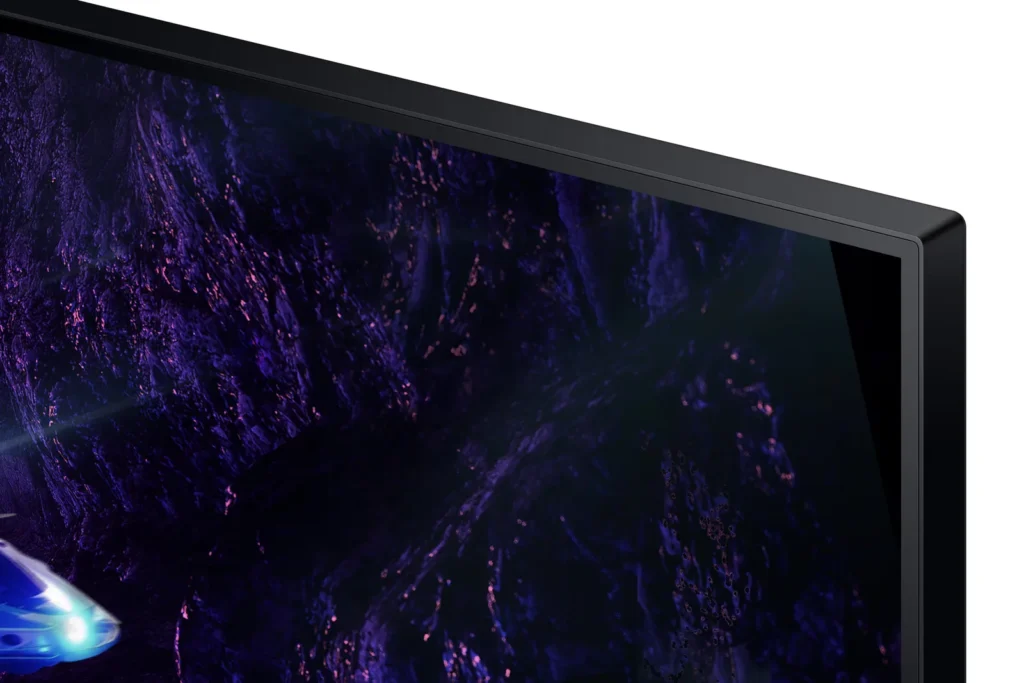
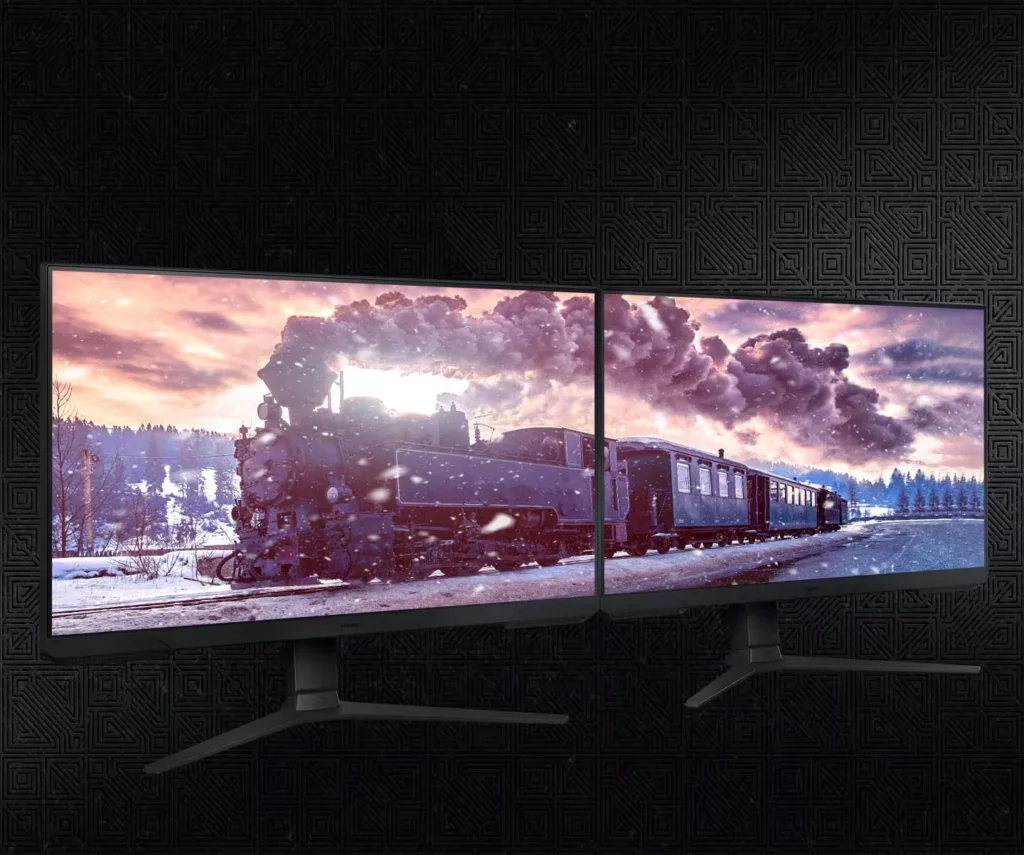
| 3-Sided Borderless Design | The minimalist, 3-sided borderless design maximizes screen real estate for an immersive experience and allows for a virtually seamless dual-monitor setup. |
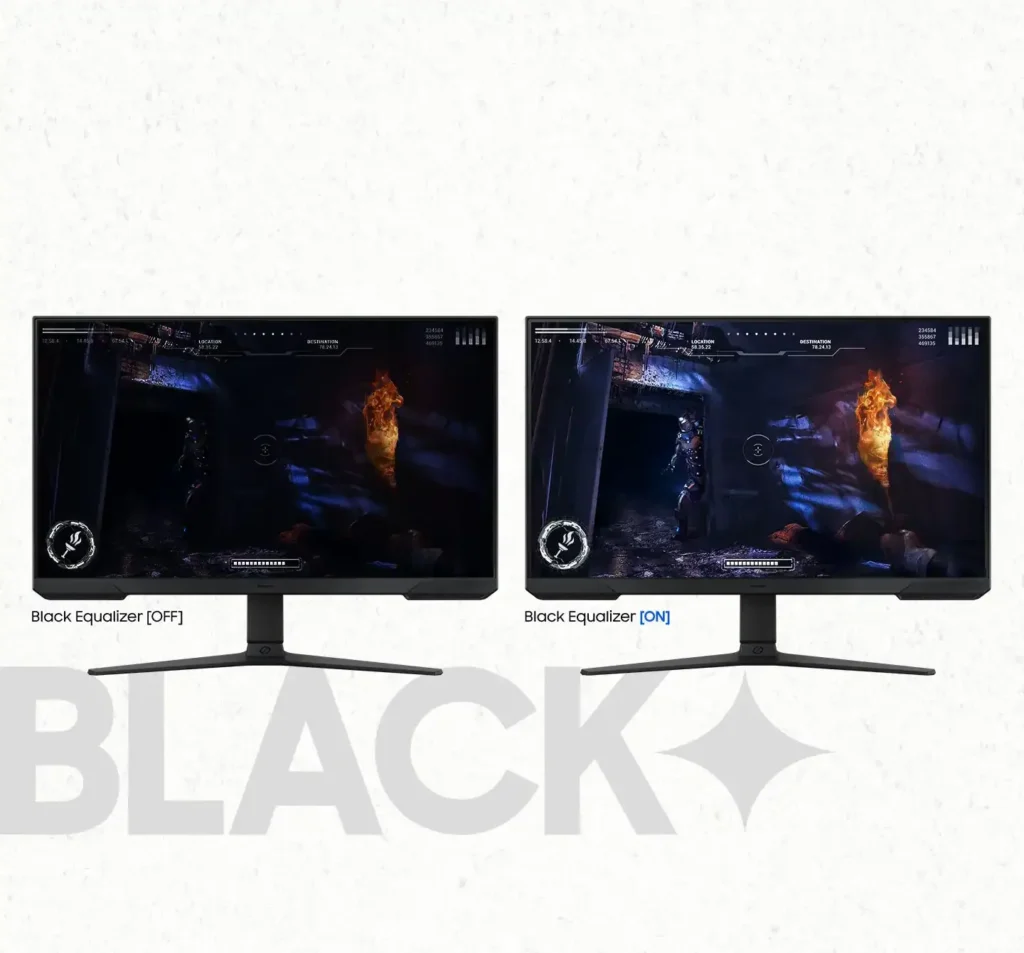
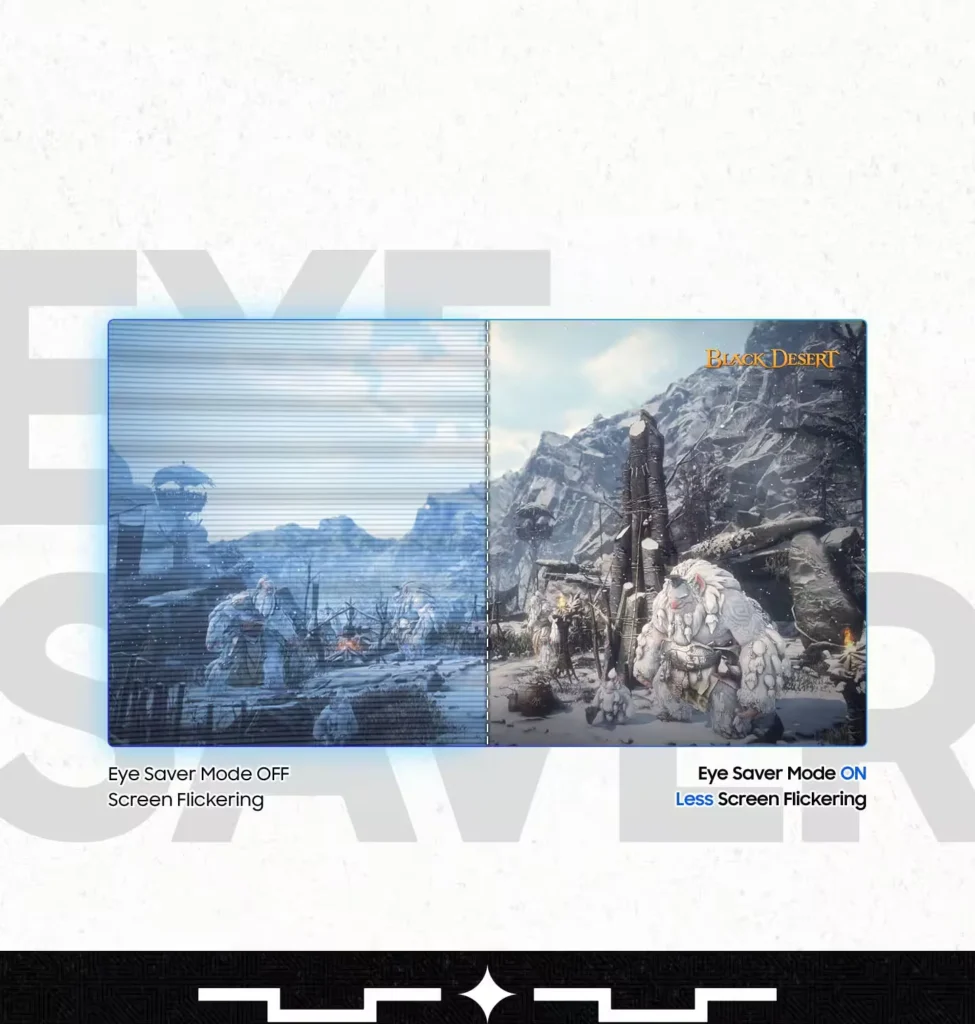
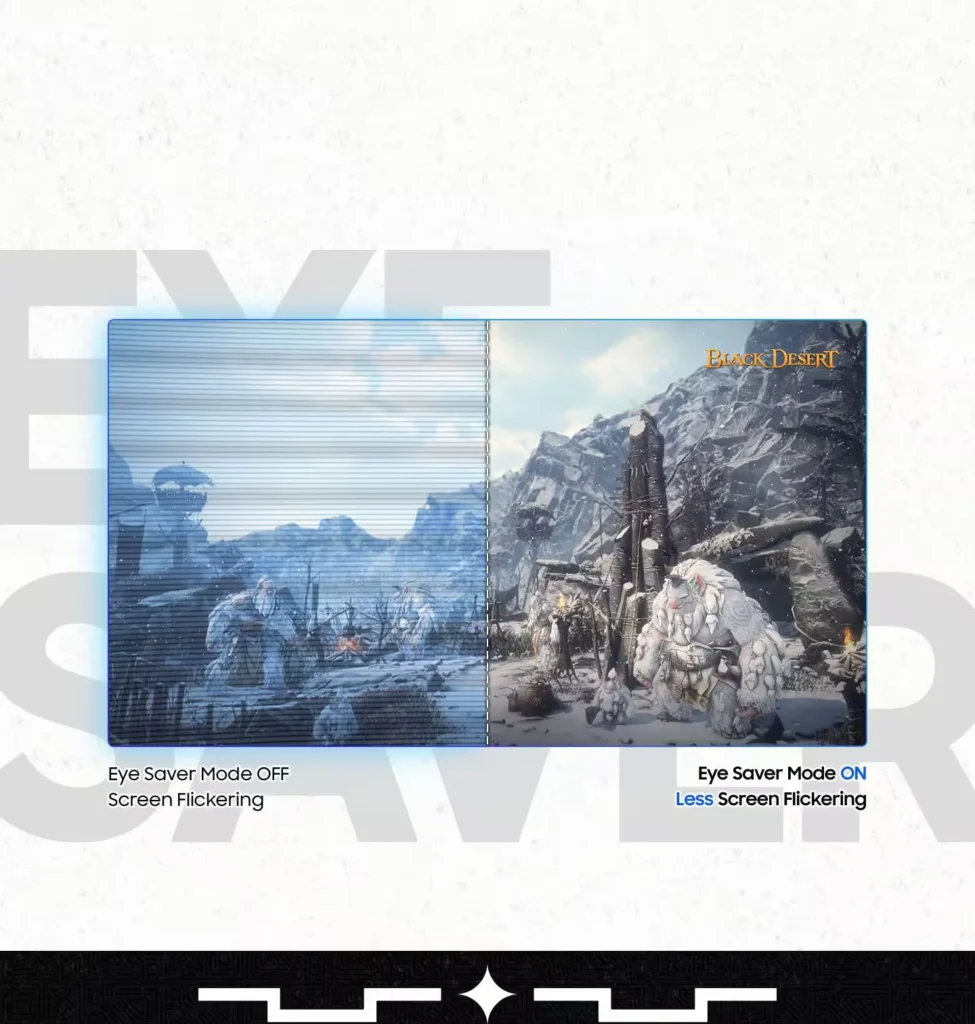
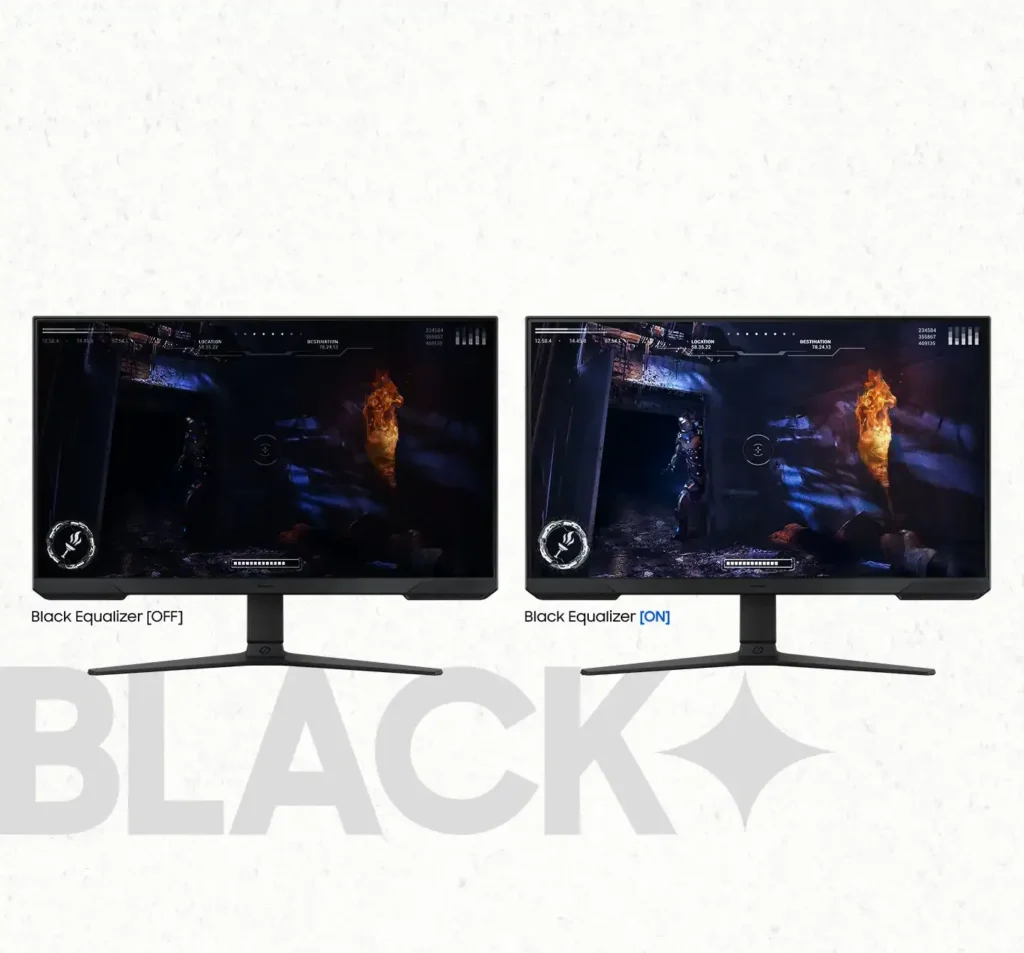
| Black Equalizer & Eye Saver Mode | Spot enemies hiding in the shadows with Black Equalizer, while Eye Saver Mode and Flicker Free technology reduce blue light and screen flicker to protect your eyes from strain. |
Pros & Cons
Pros
- High Refresh Rate and Smoothness: The 180Hz refresh rate and 1ms response time are frequently cited as major upgrades, providing a buttery smooth and responsive experience for competitive gaming and fast-paced titles.
- Highly Adjustable Ergonomic Stand: The stand is a standout feature, offering height, tilt, swivel, and pivot adjustments that allow users to easily rotate the screen into portrait mode without needing an external monitor arm.
- Exceptional Budget Value: Reviewers consistently describe the monitor as a 'steal' or 'bargain,' noting that it delivers high-end gaming features and solid build quality at a very accessible price point, especially when on sale.
Cons
- Lack of Built-in Speakers: Many users were disappointed to find the monitor has no integrated audio, requiring the purchase of external speakers or the use of headphones for any sound output.
- Ghosting and Motion Smearing: Several reviews mention noticeable ghosting and motion blur, particularly in dark scenes or when scrolling text, which can detract from the visual clarity during fast movement.
- Low Pixel Density at Larger Sizes: On the 27-inch and 32-inch models, users noted that the 1080p resolution can result in pixelated text and a lack of sharpness compared to higher-resolution displays.
You might also like










Customer Reviews
Showing reviews 921-923 of 923
-
Great monitor with good specs
Incentivized Incentivized review: The reviewer received a benefit for sharing feedback.ReyVn Cheshirefox July 27, 2024Review source: AmazonRunning handily at 180Hz this handles all your games with ease. The color and contrast are good and the dynamic range is excellent. Being able to also specify dynamic refresh rate also is great for games that don’t need higher frequencies to perform well. The stand has great range for height adjustment and the ability to use the monitor in portrait mode is great for getting down to business when needed.
-
Tech Inept!!
Incentivized Incentivized review: The reviewer received a benefit for sharing feedback.HappyPizza1 July 26, 2024Review source: AmazonWhen it comes to all things technical I am still learning, to say the least!!
I was in the market for a replacement for my Acer 27 inch monitor so I snatched this Samsung up!
I am just using this as a picture monitor! I am by no means interested in gaming! In a side by side comparison Samsung clearly dominates over my old Acer!
The image is crisp and clear! Screen is very bright!
Best of all for me connecting it to my PC it was a breeze! -
Amazingly sharp image
Incentivized Incentivized review: The reviewer received a benefit for sharing feedback.Chriz July 22, 2024Review source: AmazonTL/DR: Overall, the price to performance is quite good, to the point that i am going to replace my other two 23″ monitors on my desk with 2 more of the SAMSUNG 27-Inch Odyssey G3’s – this would mark the first time reviewing a product (of substantial value/expense) would cause me to buy additional quantities of that product! So, i can confidently recommend this product
I have never owned a SAMSUNG Monitor but i do like/love most of their products, smartphone, household appliance etc., so i jumped at the chance to take the SAMSUNG 27-Inch Odyssey G3 for a test drive. My PC, a little dated, is powered by Intel 9900k (OC 5GHz all core), Nvidia RTX 3060Ti (overclocked a tad), all M.2 storage. So why do i like 1080p when 2k, 4k and even 8k is out there.. Price- higher resolution is more expensive, GPU requirements – more pixels require more GPU power to push and requires more expensive GPUs to produce high framerates. I don’t want to buy a RTX4090 just to play games at a reasonable refresh rate b/c i have a 4K monitor.
So what did i find? Well, compared to my current 23″ 1080p monitor, the 27 inch felt huge, yet still very crisp and sharp images given the same pixel density.
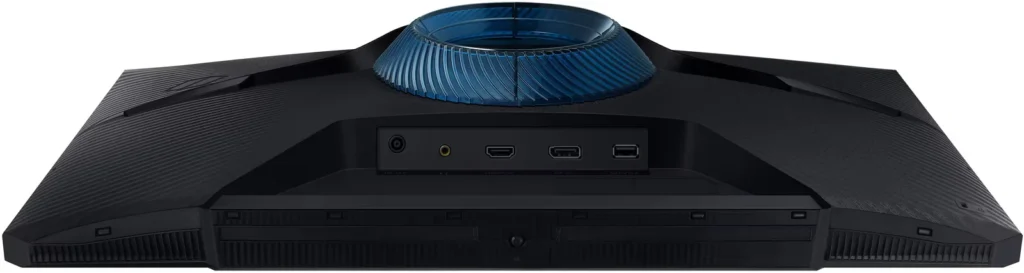
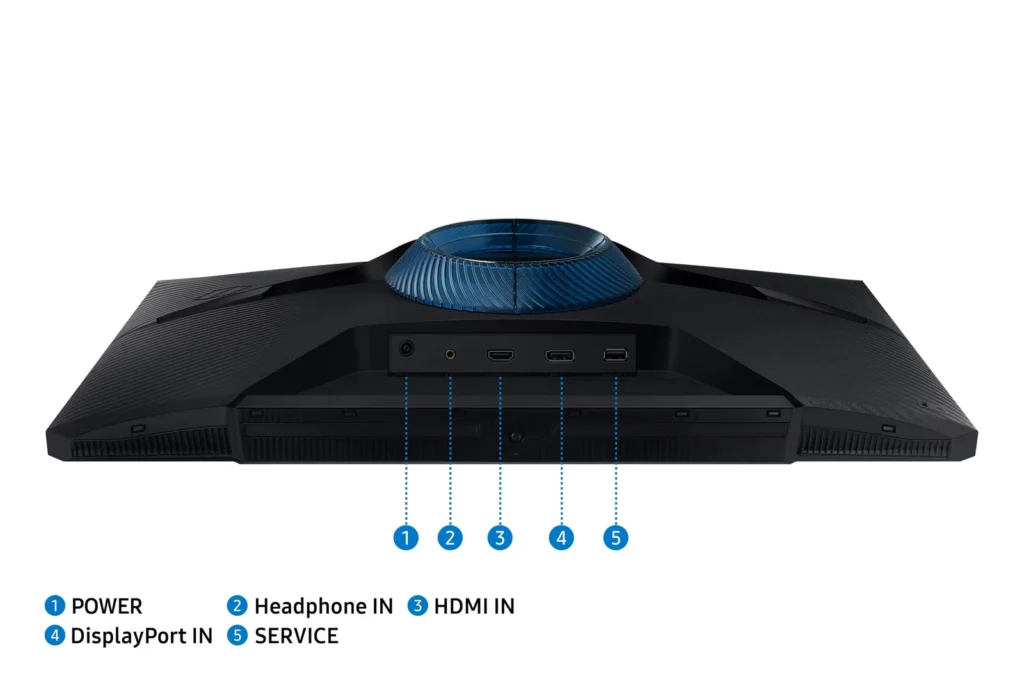
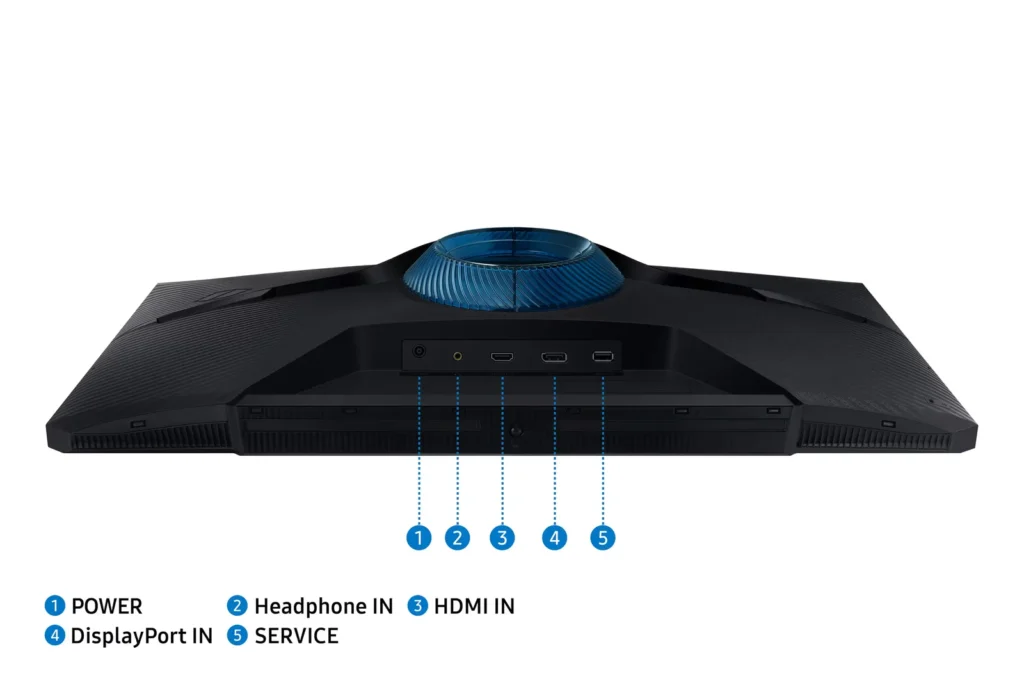
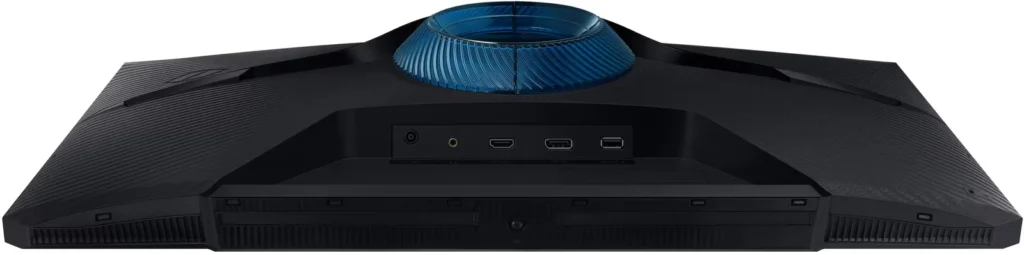
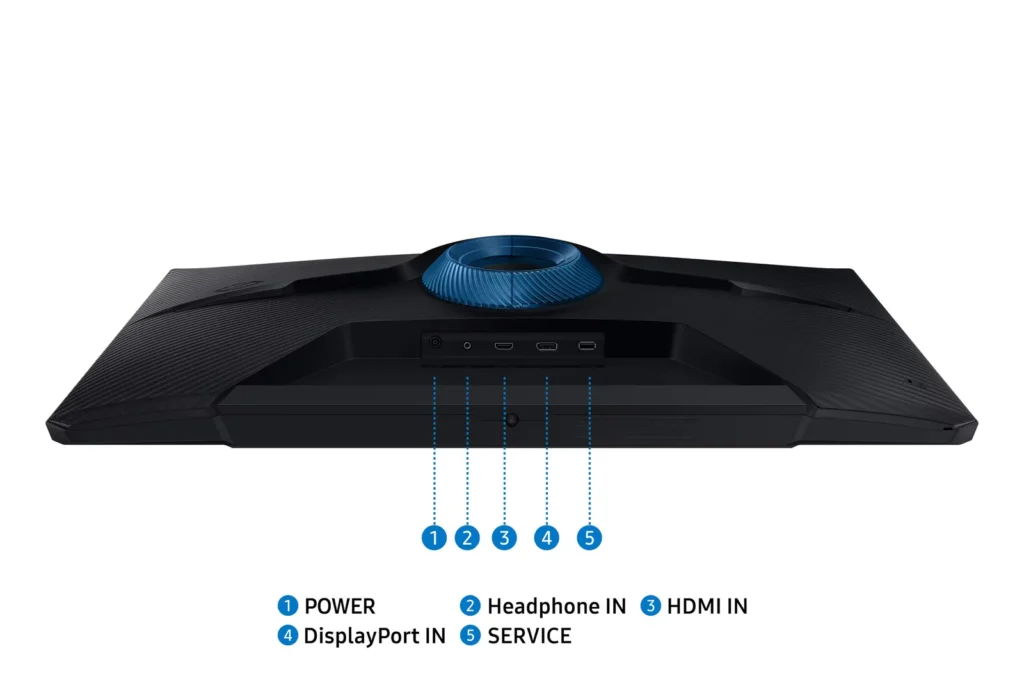
Supports HDMI 2.0 and Display Port 1.4 – Tilts, Swivels and Pivots, along with height adjust. Supports power save mode and has intuitive On Screen Display (OSD) with lots of adjustment options.
Movies fans rejoice, HDR video looks beautiful with deep blacks, bright whites and smooth gray’s along with good color reproduction, at least for the best quality streams i can find.Tested on several games from my extensive Steam library, mostly on FPS games like Rainbow 6 Siege, Warhammer Darktide and Green Hell to name a few. I tested with FPS locked at 60 HTz first as that was what i am used to and then set the gpu to unlimited. What i had experienced was flawless performance, no tearing, no ghosting and amazing video quality. I was able to push the GPU to 98-99% utilization and was able to enjoy every frame that passed my eyes probably faster than my eyes / brain can perceive. And, that was not using FREESync – i will probably play with that soon to see if there are any noticable differences.
In an effort to exceed the refresh rate of the monitors 180 HTz (180 FPS) I loaded up and tested CS:GO where i was averaging around 250-280 FPS, and while i did not play any better (sadly) it was smooth as silk despite the monitor not being capable of rendering every frame the GPU produced.Let me be honest here, anything past 60FPS i feel would generally not be, or minimally be, perceivable to the avg person/gamer and arguably competitive gamers may have a different perception but, i can honestly say that this monitor is bright, Sharp, Fast and Priced well. It is not the best model/version but it is absolutely performance w/o the fluff. For the sake of GPU Power consumption, i will still lock FPS to 60 but it’s great to be capable of higher should i be in the mood or for other testing purposes.