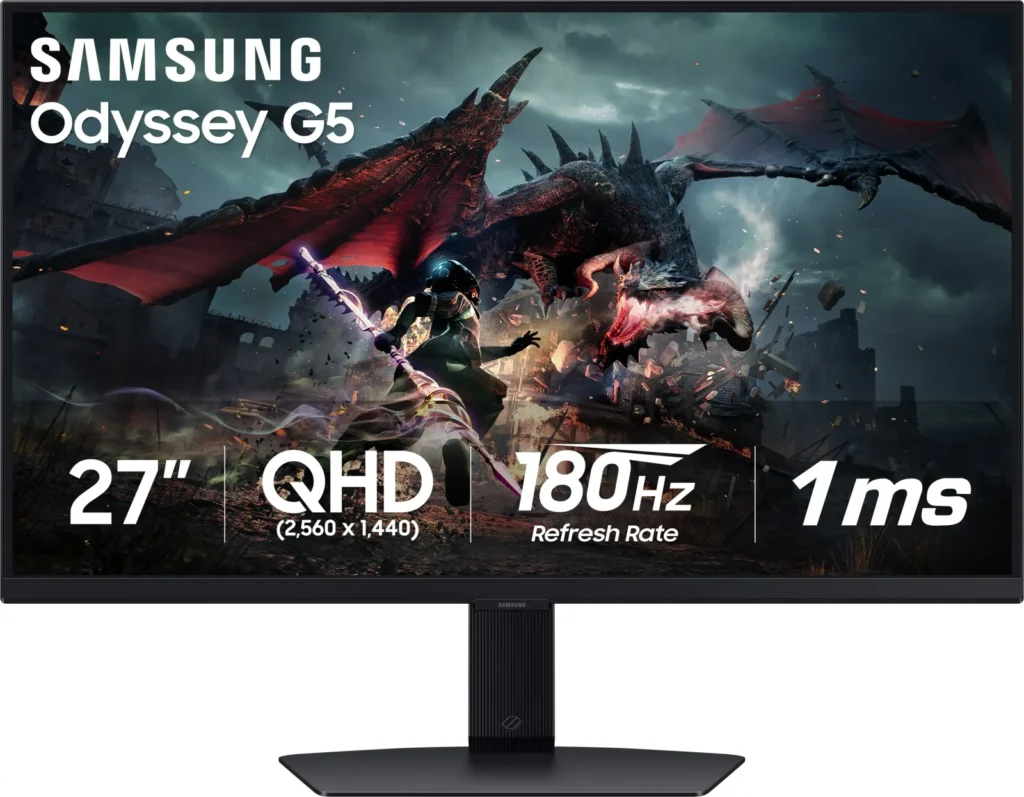
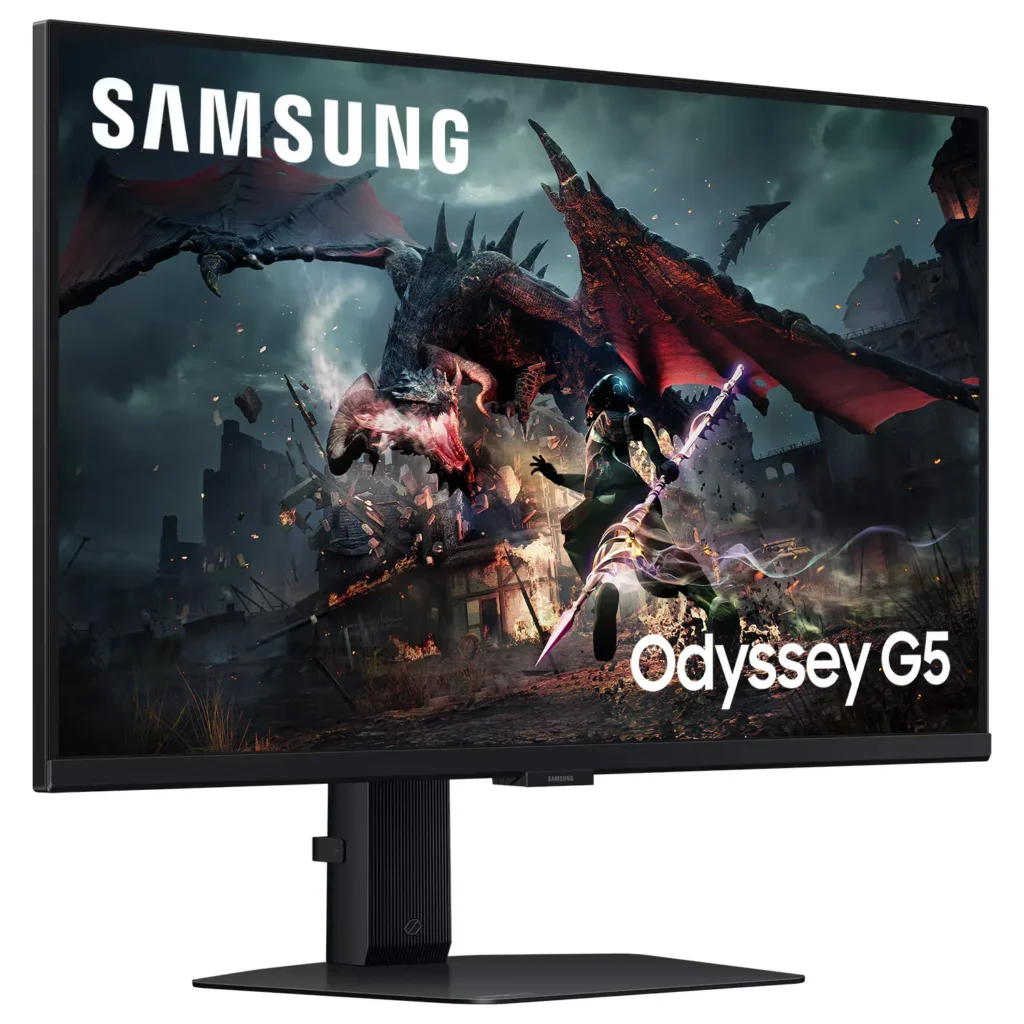
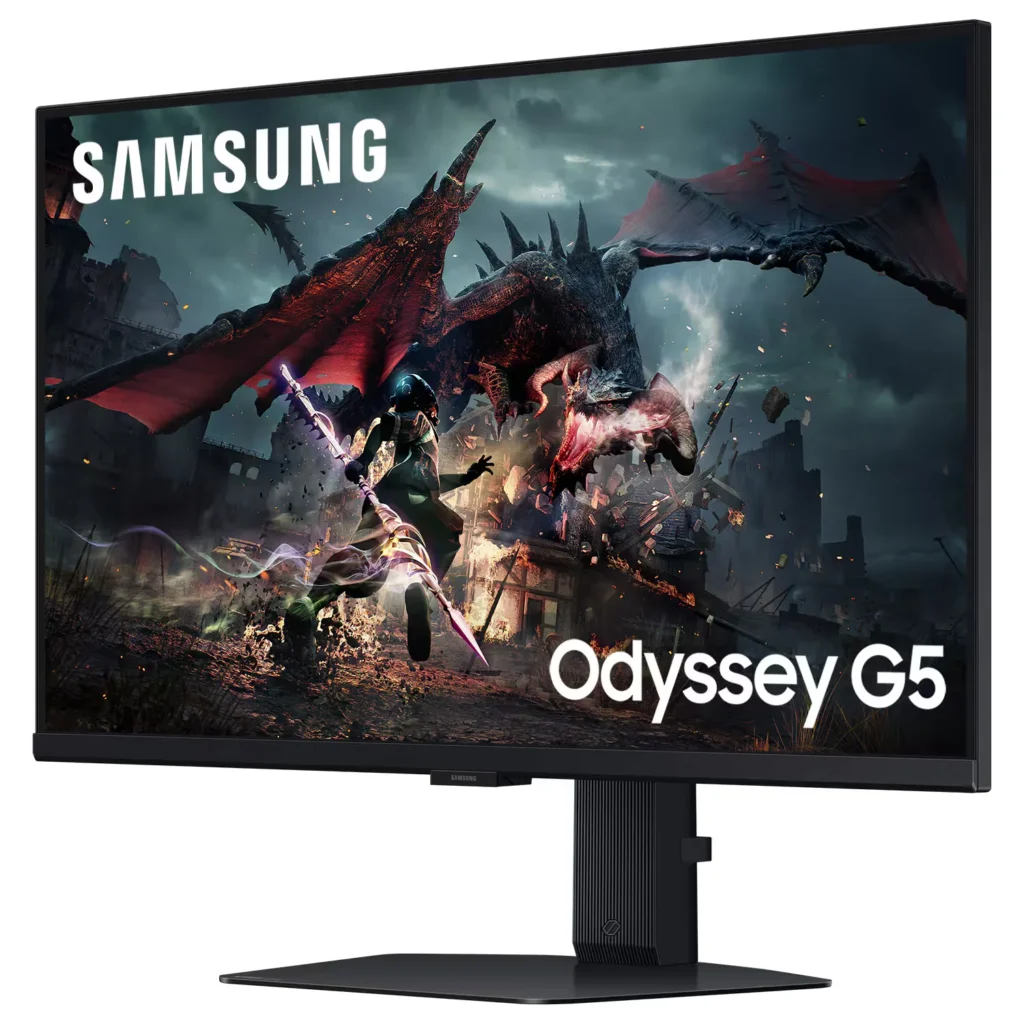
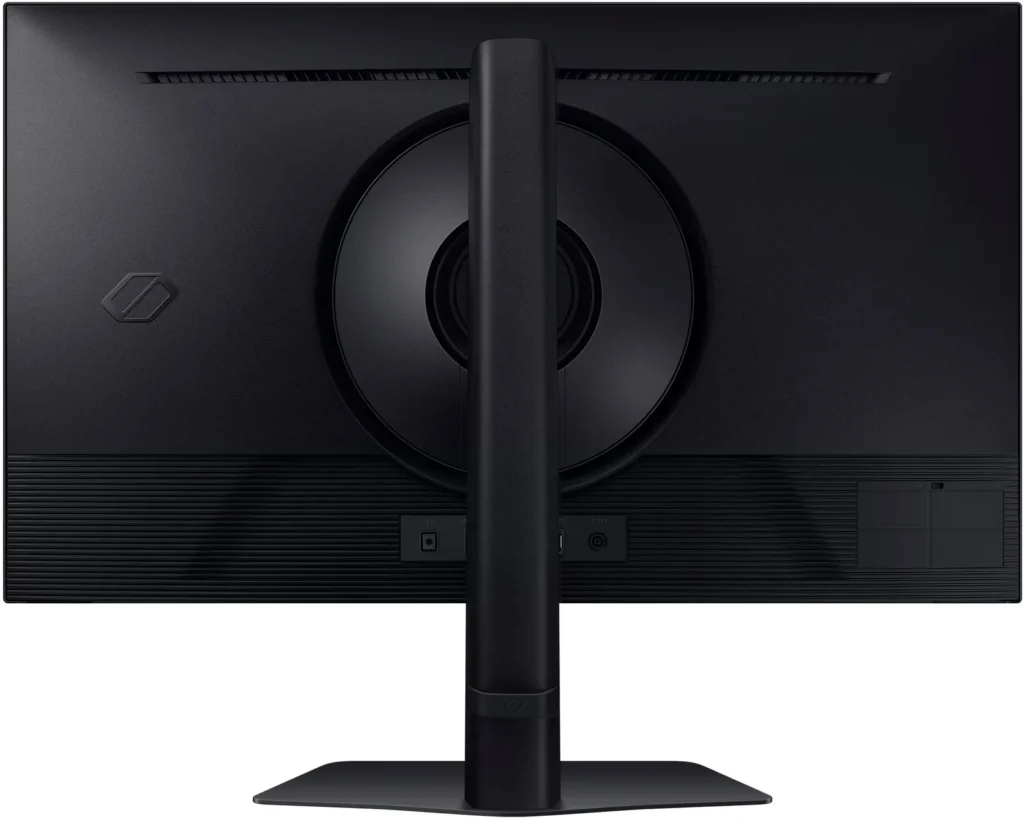
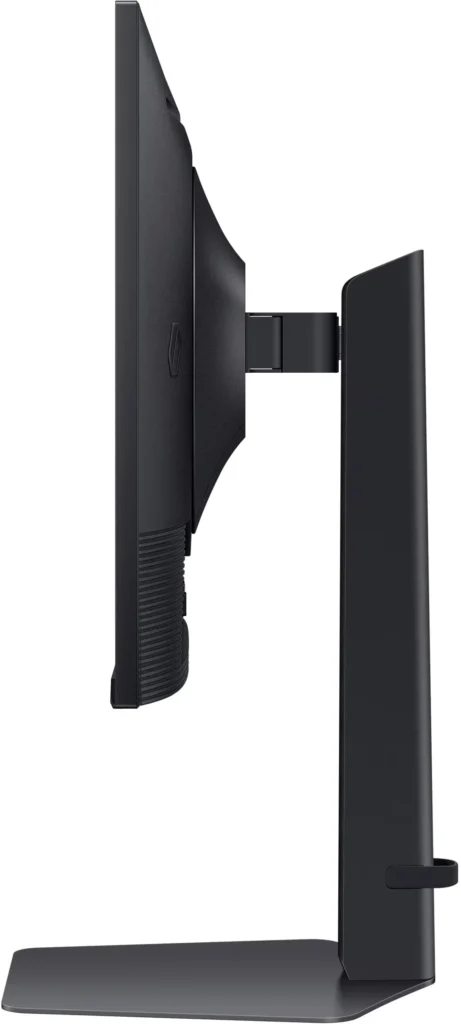
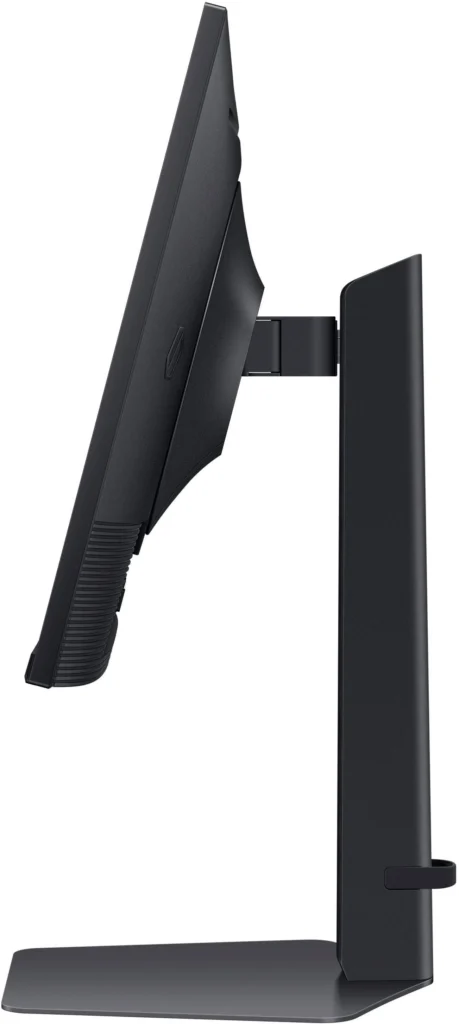
No images available for this model.
Imagery for this model matches or very closely resembles the visuals shown for similar versions. Please review the nearby models for a reliable reference.
Customer Media
Highlights
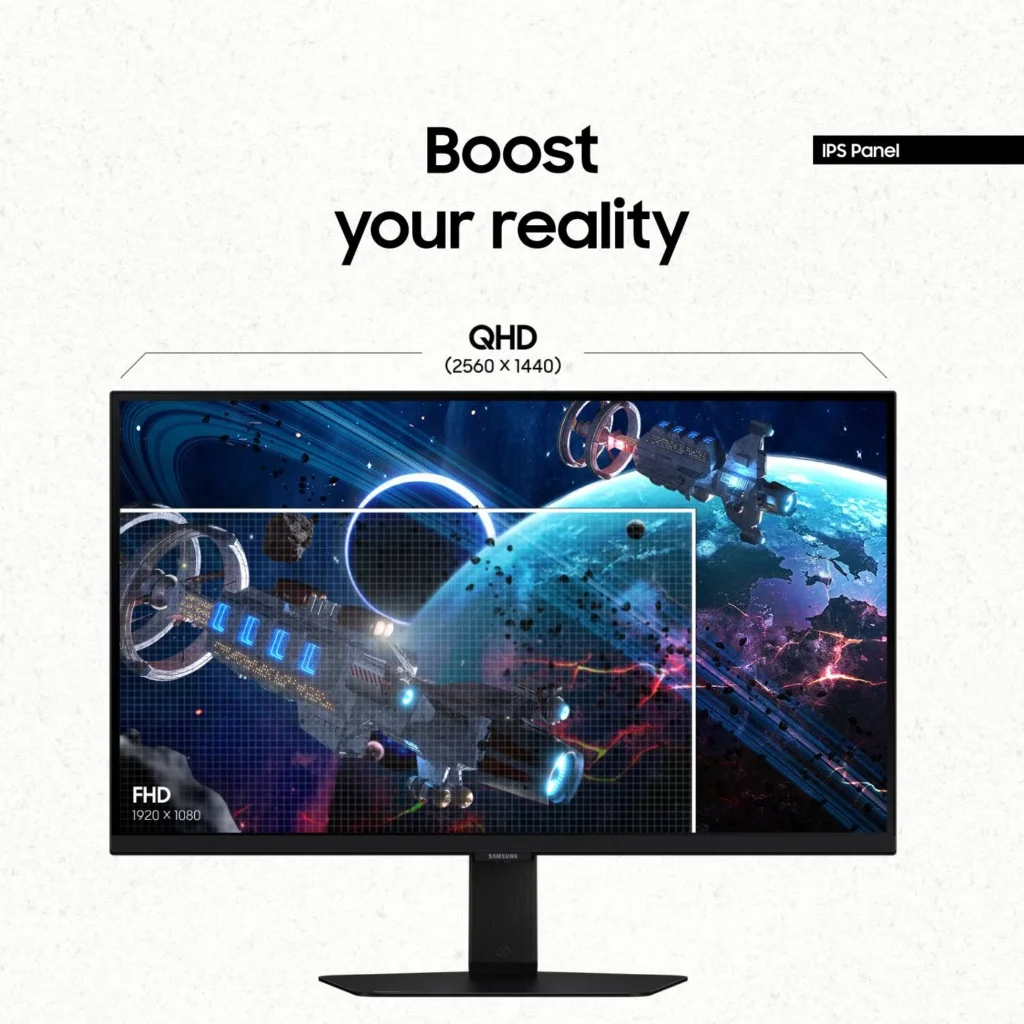
| QHD Resolution & Fast IPS Panel | Experience 1.7x the pixel density of Full HD with QHD (2560 x 1440) resolution for pin-sharp images. The Fast IPS panel ensures vibrant colors and a wide 178° viewing angle, providing clarity and consistent visuals from any perspective. |
|---|---|
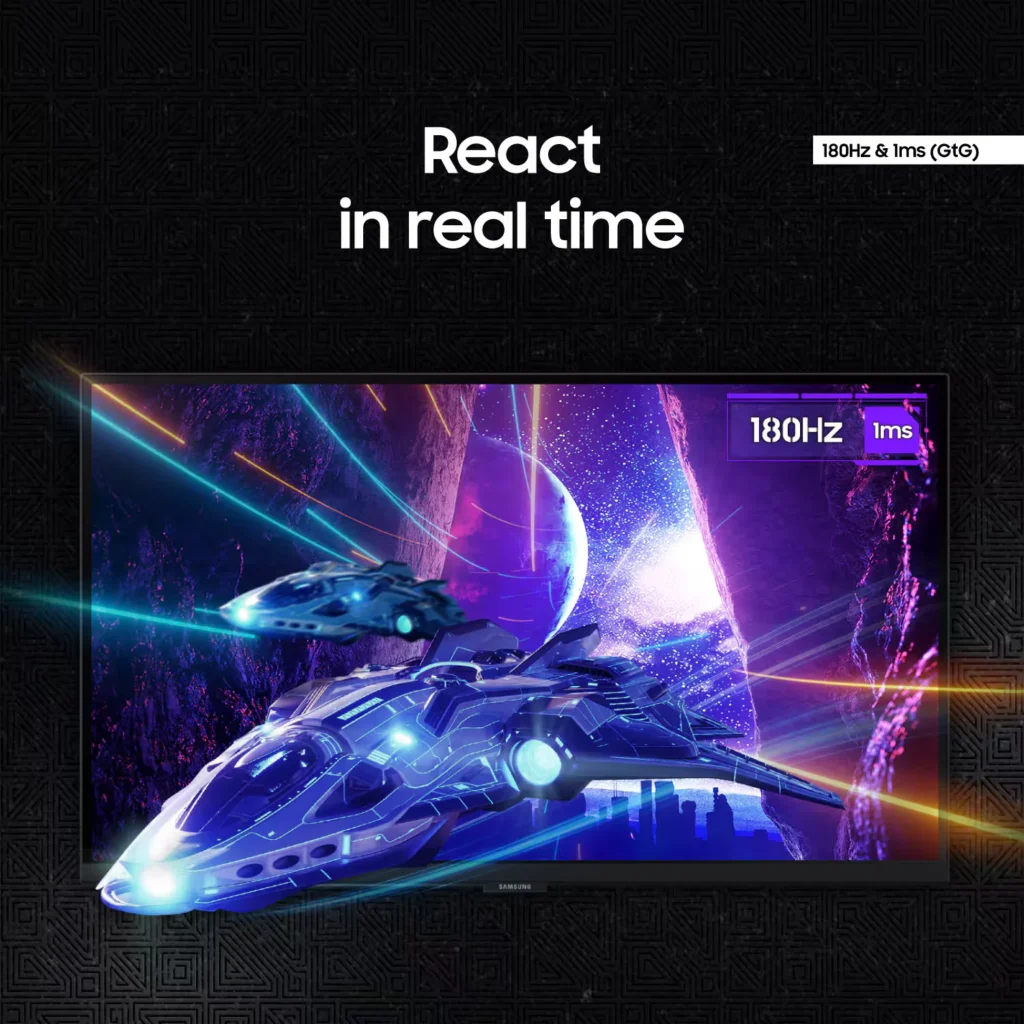
| 180Hz Refresh Rate & 1ms Response Time | Eliminate lag and motion blur with a rapid 180Hz refresh rate and a 1ms (GtG) response time. This combination delivers ultra-smooth action and near-instantaneous transitions, giving you a competitive edge in fast-paced gaming. |
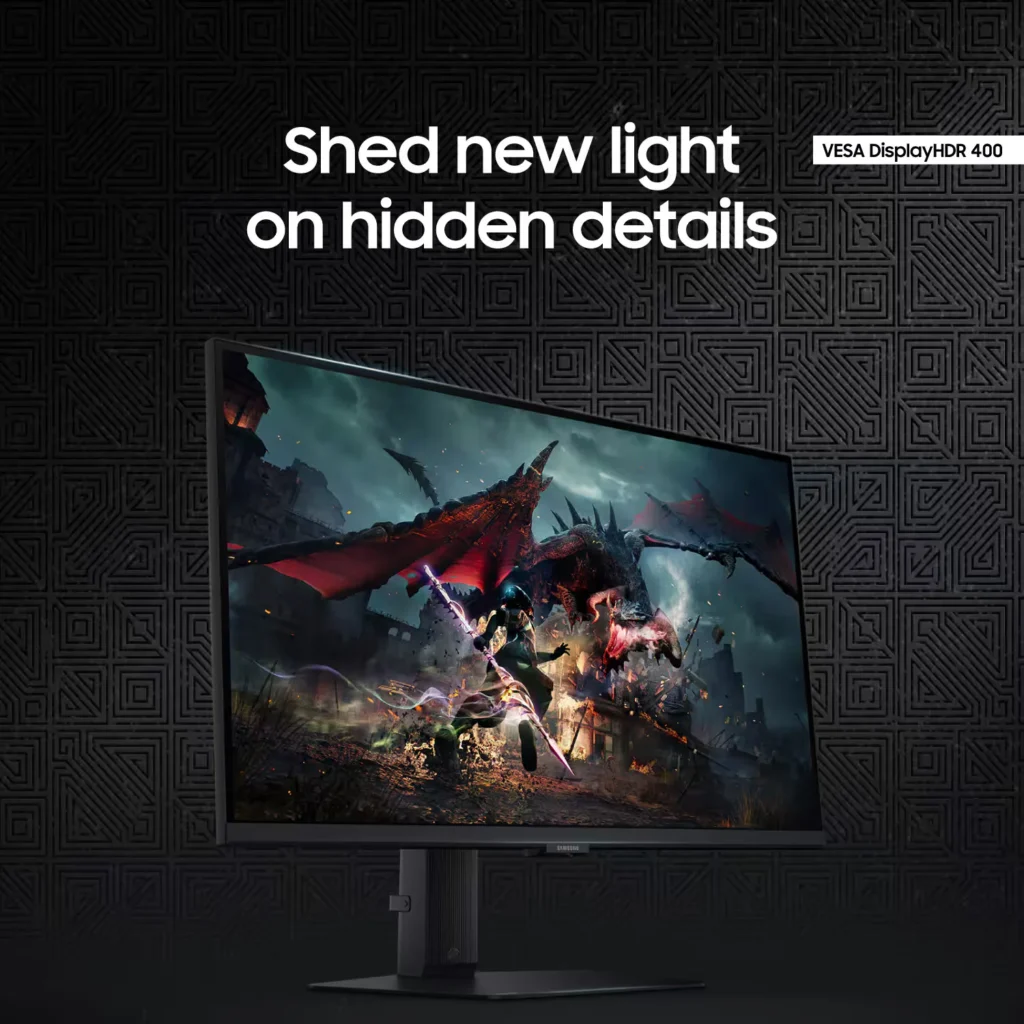
| VESA DisplayHDR 400 | Uncover hidden details in dark shadows and bright highlights with VESA DisplayHDR 400. This technology provides dynamic contrast with deeper blacks and brighter whites, enhancing the realism and depth of your favorite game worlds. |
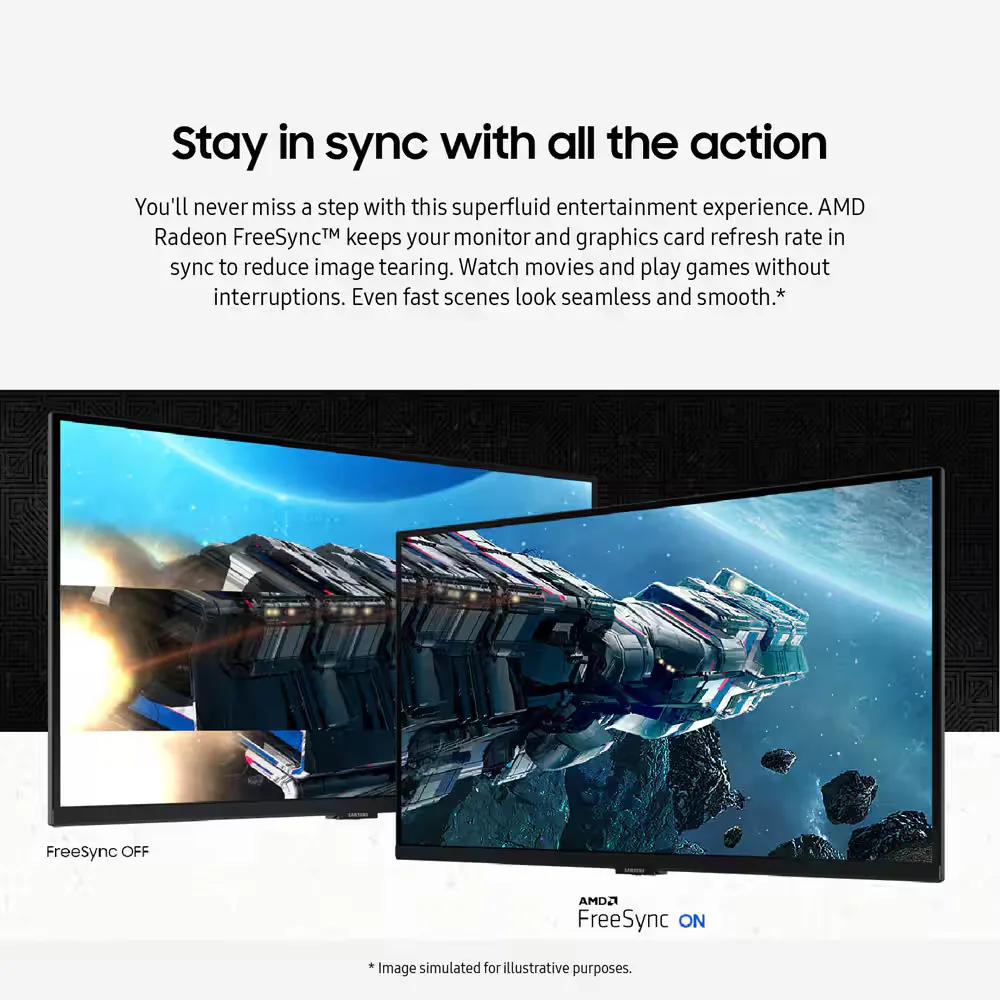
| AMD FreeSync & G-Sync Compatible | Enjoy seamless, tear-free gameplay regardless of your hardware. This monitor is both AMD FreeSync and G-Sync compatible, keeping your GPU and panel in sync to eliminate screen tearing, stuttering, and input lag. |
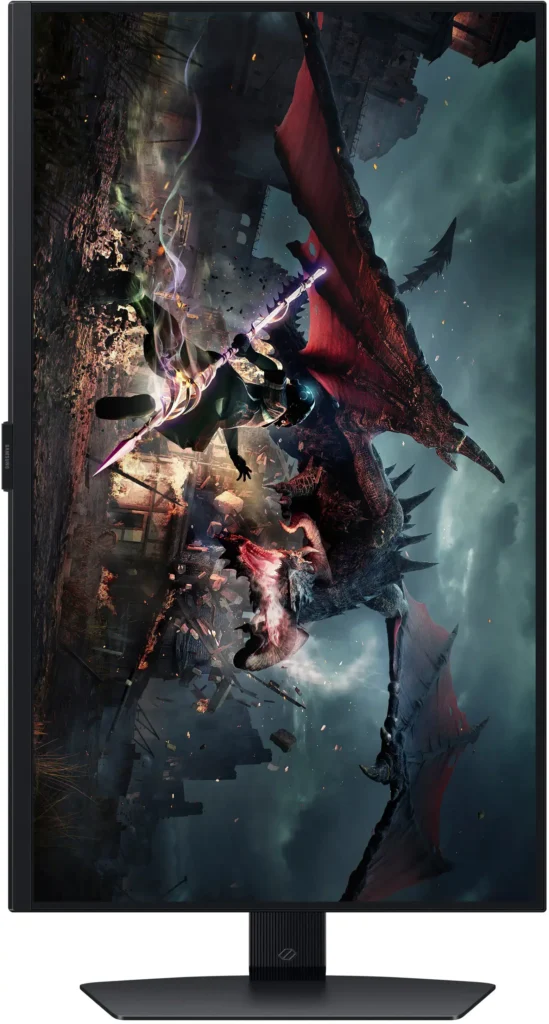
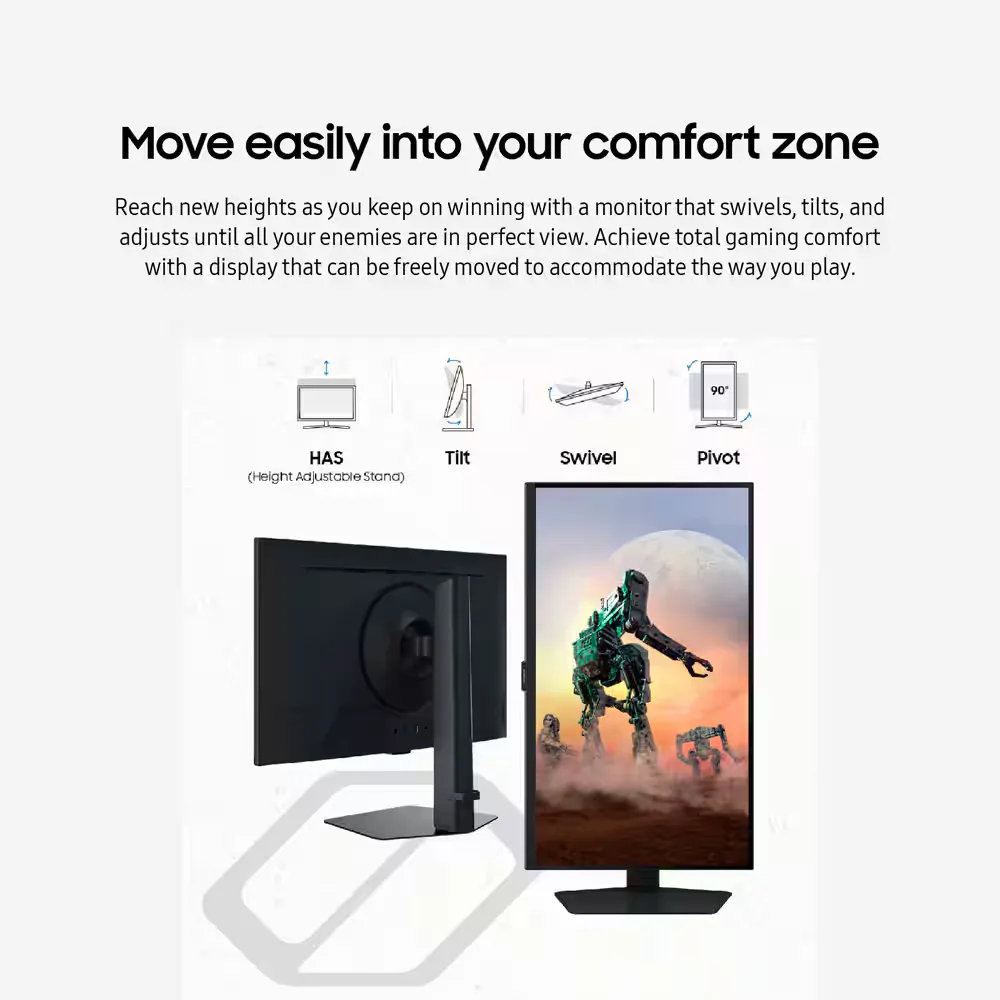
| Ergonomic Stand & Eye Comfort | The fully adjustable stand allows you to tilt, swivel, pivot, and adjust the height for personalized comfort. Integrated Eye Saver Mode and Flicker Free technology reduce blue light and screen flickering to minimize eye strain during long gaming sessions. |
Pros & Cons
Pros
- High Refresh Rate and Smooth Performance: Reviewers consistently highlight the 180Hz refresh rate and 1ms response time, which provide a buttery-smooth experience for fast-paced gaming without noticeable lag or ghosting.
- Vibrant QHD Image Quality: The 1440p resolution and IPS panel deliver crisp text and vivid, accurate colors that significantly improve visual clarity compared to standard 1080p displays.
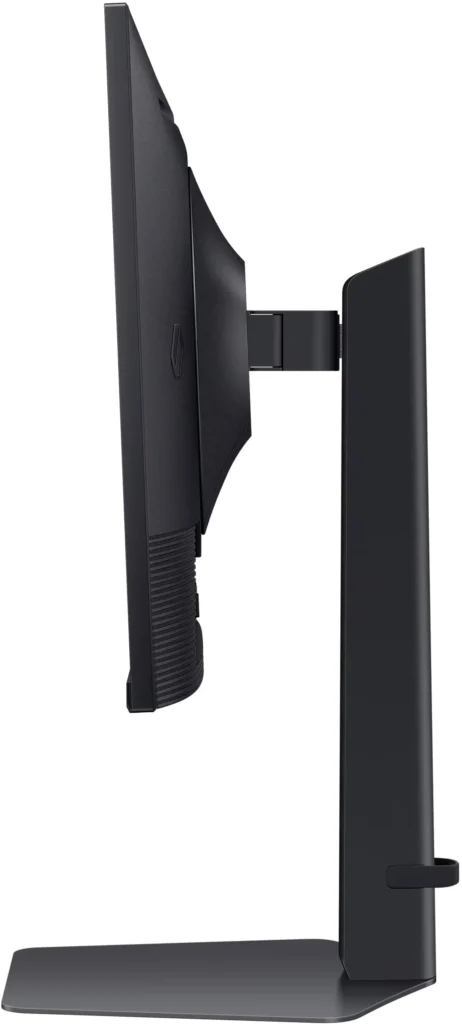
- Versatile and Sturdy Stand: The monitor features a robust, heavy-duty stand that offers extensive ergonomic adjustments, including height, tilt, swivel, and a 90-degree pivot for portrait mode.
Cons
- Frequent Quality Control Defects: A notable number of reviews report hardware failures, specifically dead or stuck pixels and the development of horizontal or vertical lines on the screen within a short period of use.
- Sleep Mode and Signal Issues: Users frequently encounter a frustrating firmware glitch where the monitor fails to reconnect or wake up after entering sleep mode, often requiring a manual power cycle or computer restart.
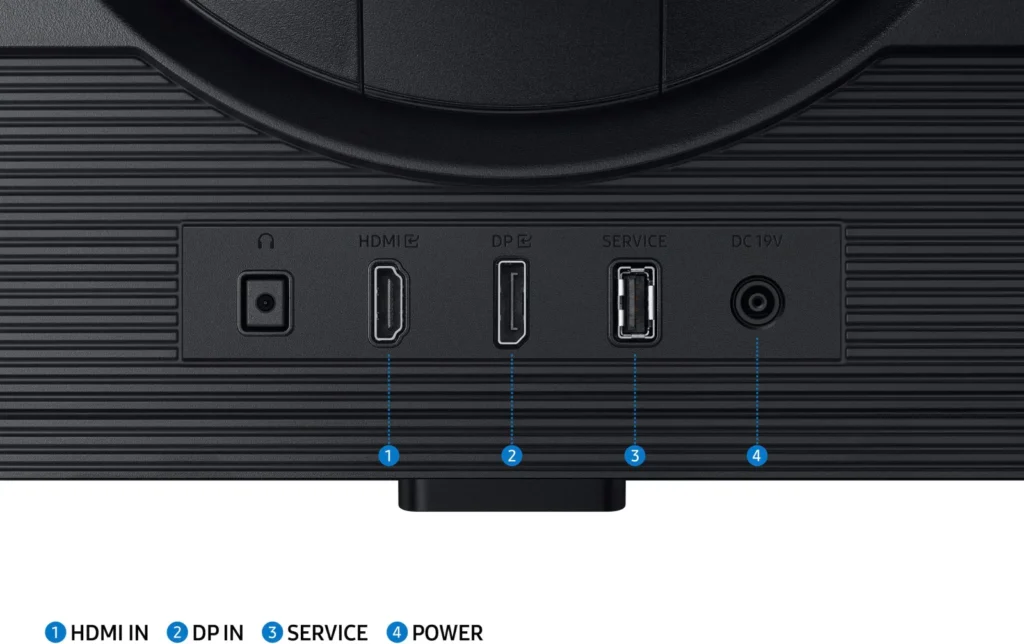
- Limited Ports and No Speakers: The monitor lacks built-in speakers and provides a limited selection of inputs, typically featuring only one HDMI and one DisplayPort, which some users find insufficient for modern setups.
You might also like










Customer Reviews
Showing reviews 991-997 of 997
-
A gaming monitor of superior quality
Techie May 23, 2024Review source: AmazonI feel comfortable playing games, editing videos and working with this SAMSUNG 27-Inch Odyssey G50D.
I say comfortable because it has the perfect size for sitting in front of it during long hours. And it can be adjusted in many ways, it swivels, tilts, and goes up and down.
And the panel delivers a superior picture quality, which is simply fantastic. It has only one HDMI port and one DisplayPort connection. The DisplayPort delivers the optimal resolution and refresh rate.
It also has a USB port for updates. It has no built-in speakers, it does have a 3.5mm auxiliary audio connection for speakers, or headphones. I connected it to a sound bar and the sound was great.
-
Beautiful display…
calpr May 23, 2024Review source: AmazonThis Samsung 27 inch monitor is beautiful. I just had to play a couple of music videos and a movie. The display is crystal clear. I haven’t used a game on it yet, but I am sure it’s going to be just as beautiful display. Love this monitor.
-
Wow
Incentivized Incentivized review: The reviewer received a benefit for sharing feedback.christa e mostoller May 20, 2024Review source: AmazonThis is the state of art in gaming monitors, super fast refresh rate and super pixel rating also. The stand allows height adjustment, tilt, swivel and 90 degree rotation of the screen. This thing is crystal clear and sounds great to.
-
My new go to monitor for my games
Incentivized Incentivized review: The reviewer received a benefit for sharing feedback.Calm May 20, 2024Review source: AmazonThis monitor is a huge step up for my system, providing High definition and much faster response times. If I had a wish I would wish that the little popup that says what the resolution is would be shorter.
-
Awesome monitor and great pricing
Larry May 20, 2024Review source: AmazonI’ve been getting by on a 21″ LCD that has to be 10 years old. I decided it was time to upgrade and this monitor is amazing and didn’t break my bank. Hookup to my existing PC was simple since it uses HDMI, but also has a DisplayPort hookup as well. Screen color is bright and even, with no clouding or banding. Good visibility from wide angles and the built in stand adjusts for height, angle, and rotation (like to portrait) easily and securely.
Item arrived packed well (box in a box) and was super light, so light I didn’t think that it could be my monitor until I opened it.
-
Spectacular gaming monitor! Perfect for the price point.
jymcat1 May 20, 2024Review source: Amazon– PROS, CONS, SETUP, CONCLUSION –
PROS: First, the assembly was easy. Literally 3 pieces that snap into place. The stand is incredibly sturdy: the metal base plate is HEAVY. The arm is solid. The monitor easily moves up and down the arm, pivots forward/back, side to side – with the perfect amount of force. It is also simple to rotate into vertical mode – just twist it, there is no button etc etc. All adjustments require a firm, but not excessive, amount of force; once set, it DOES NOT shake, feel unstable, etc… it is rock solid.
There is an HDMI and DVI input (not clear from the listing) The HDMI seems to only support 144hz, so DVI is required for 180hz. There is a headphone jack on the back of the monitor which is VERY convenient. I didn’t think it was possible to transmit audit via DVI cable… but I was wrong. It sounds great.
180hz is buttery smooth. I play primarily on a 120hz OLED panel, and the difference between 120hz to 180hz is significant. The variable refresh rate is a large part of this – even a 4090 cannot keep demanding games at 180fps steady – so the monitor’s ability to perform smoothly from 150-180 is more important than the max refresh rate itself. I tested 180hz in Darktide and Destiny 2: Darktide had more variation, Destiny kept things at a flat 180 more consistently. BOTH situations were noticeably smoother than a 120fps limit.
Nvidia Frame Generation – it still doesn’t work properly with VSync in some games (Darktide) without going into the Nvidia control panel and making tweaks. However, even letting Darktide rip at 500fps (see pics) was smooth: no screen tearing. On my normal panel I get screen tearing in this situation.
GTG/Response Time. The GTG time is advertised at 1ms, but using ideal quality settings in the monitor setup reduces this to 5ms in some circumstances (See pics). I also compared this monitor to a 1440p, 165hz, curved monitor purchased for almost 2x the price about 3 years ago. The difference between these two screens is significant. While the ‘expensive’ screen can do 165hz, it is not apples to apples with the Samsung. Something (I presume response/GTG time) makes the ‘expensive’ monitor feel more blurry – even more than the 120hz OLED in some situations. **Not all advertised refresh rates are the same! 165hz does not always mean the same thing!**
Having primarily played at 120fps for multiple years, I was blown away at how much smoother this monitor felt in FPS games. Is it the same change as 60fps to 120 fps… no. However, if you are shopping between a 144hz and 180hz screen – you will notice the difference.
Reflections… the difference between reflections on this panel and my 3 year OLED is perhaps the most profound difference of all! With the OLED I had to turn off all lights, and use black-out curtains just to play. This Samsung screen makes reflections a non issue (check pictures comparing the two screens!)
Brightness – it is 400 nits! On an affordable, high refresh rate monitor. This is good… but it might not really give the “HDR experience” (more on this below).
CONS:
The panel does not produce excellent, inky-blacks. See the “FBI picture” – the bottom of the screen should be totally black – but you can see the backlight bloom; it doesn’t look this bad in real life (camera adjusts exposure) – but it is indicative of the blooming you see in the black levels.In many of the pictures you will see a screen in the background – this is the OLED panel, and demonstrates both the difference in black levels, as well as reflections!
No one should be expecting it to at this price, but it needs to be said. This isn’t a big deal when you’re playing a fast-twitch, FPS, e-Sports title; but in an atmosphere game like Alan Wake 2, it comes up a little short. See pictures.
HDR. If you’ve never used an “HDR” screen before, this is going to look great for you. However some YT channels don’t consider ‘real HDR’ possible below 600 nits… I don’t necessarily agree with this: this panel looks great compared to a monitor with no HDR functionality. However, “High Dynamic Range” requires just that – a high range (contrast). 400 nits could, in my opinion, be sufficient, but it depends on what the black levels can achieve. With the deficiencies in black levels that are inherent to these type of panels, you just don’t get, in my opinion, “true HDR.” Is it better, yes. Does it look good – yes. Buy even Windows does not recognize this device as “HDR Certified” (See picture).
27″ is a bit small for my taste (and aging eyes). I think the 32″ version would be perfect – but this is just my opinion, I believe most competitive players use 27″.
That is it for cons…
SETUP: Physical setup was a breeze. As noted construction was top-notch. A good quality DVI cable (locking) is included. BUT – setup on the software side was an unnecessary pain!
The monitor shipped (to me) in 60hz mode. A disclaimer pops up saying this is not the idea setting, but it’s not clear that you need to change this in the monitor… Most people’s initial reaction is that the settings need to be changed in the Operating System. So, even with my experience, I spent an embarrassing amount of time in Control Panel, Nvidia Control Panel, resetting the system… downloading the newest drivers. It wasn’t until I exhausted all other OS options that I explored the on-panel settings and switched it from 60 to 180hz: why does it come setup like this.
Additionally, the monitor comes setup in ECO Mode. Why?
The device is not registered as Gsync compatible (See pictures). However, in 2024, this doesn’t seem to mean anything. VRR works with NVIDIA cards… either by using FreeSync or using Gsync (but without paying for certification?) Regardless it works, so don’t worry about it.
CONCLUSION: This is a great monitor. It is impressive what features and capability is packaged into a solid panel at this price point – just a few years ago this could have cost you double. If you are looking for a high-refresh rate in this price range I recommend this Samsung panel. Just consider if you would be happier with a 32″ size.
-
Monitor
Verified purchase Verified purchase: This reviewer bought the product. Incentivized Incentivized review: The reviewer received a benefit for sharing feedback.EugeneR May 17, 2024Review source: BestbuyThe manager at the grove city store took care me. Had issue at the other store she step in and solve the issue