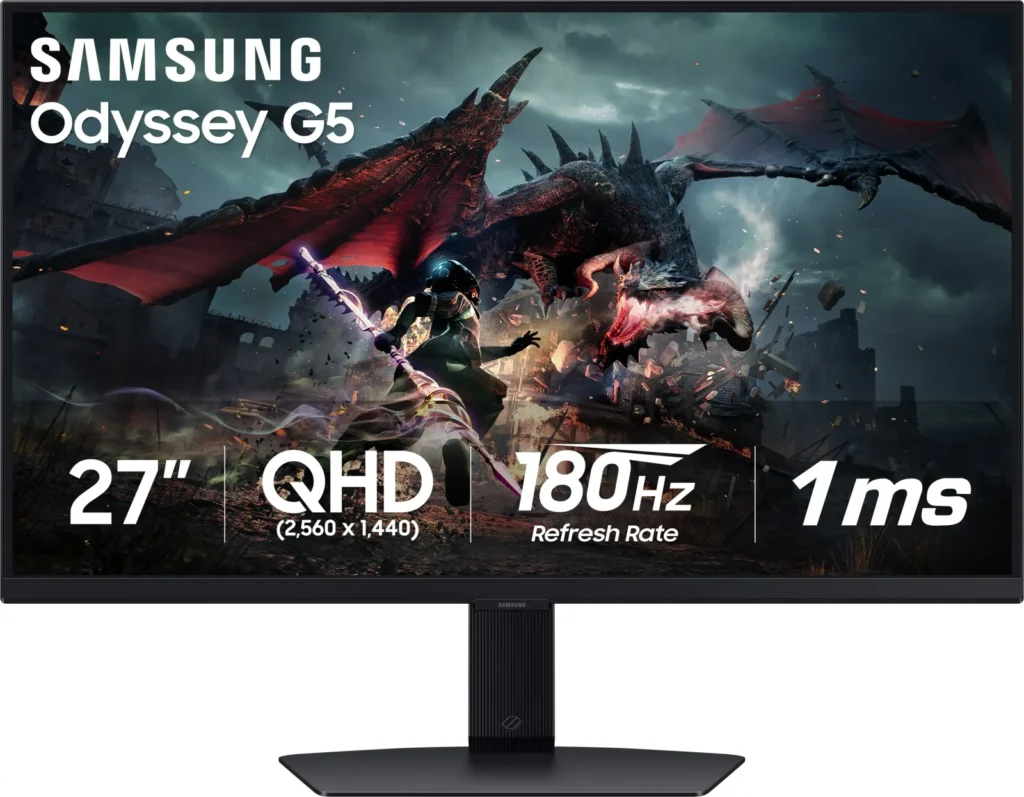
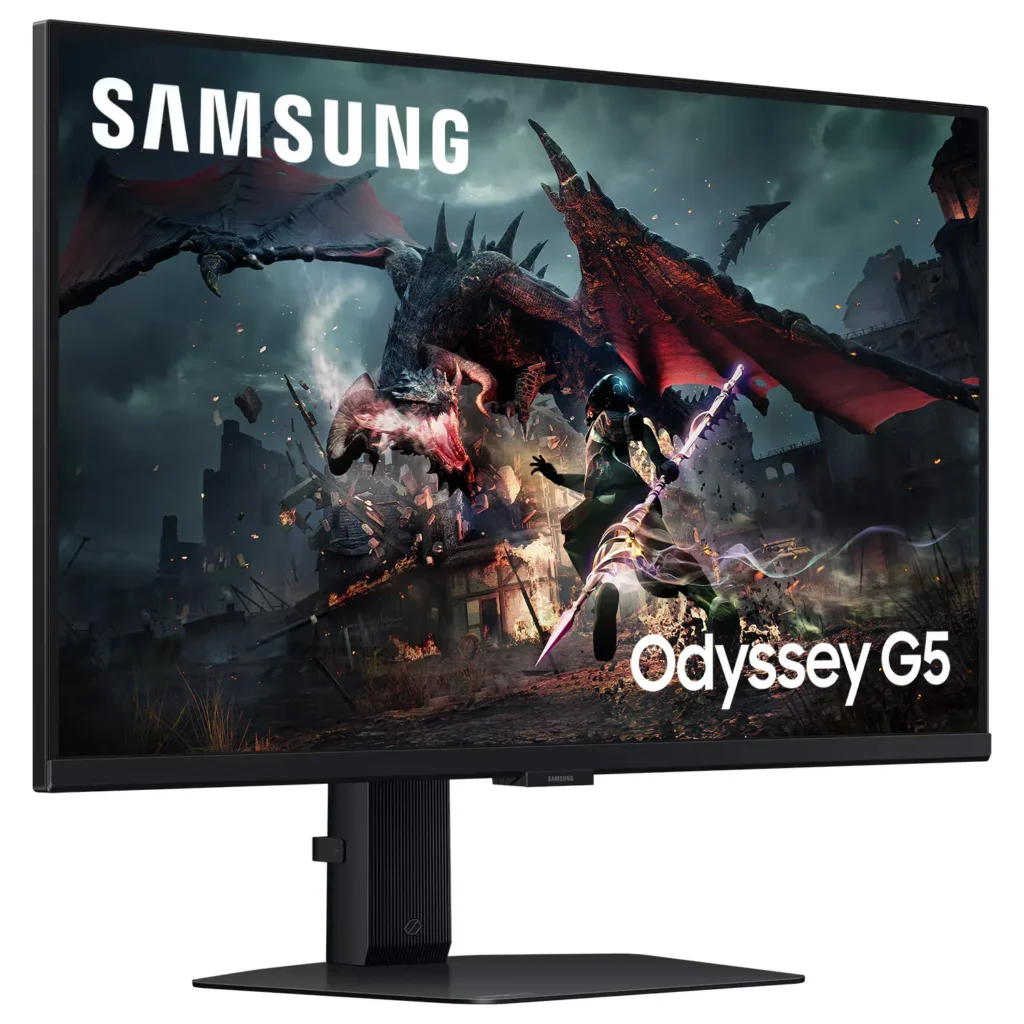
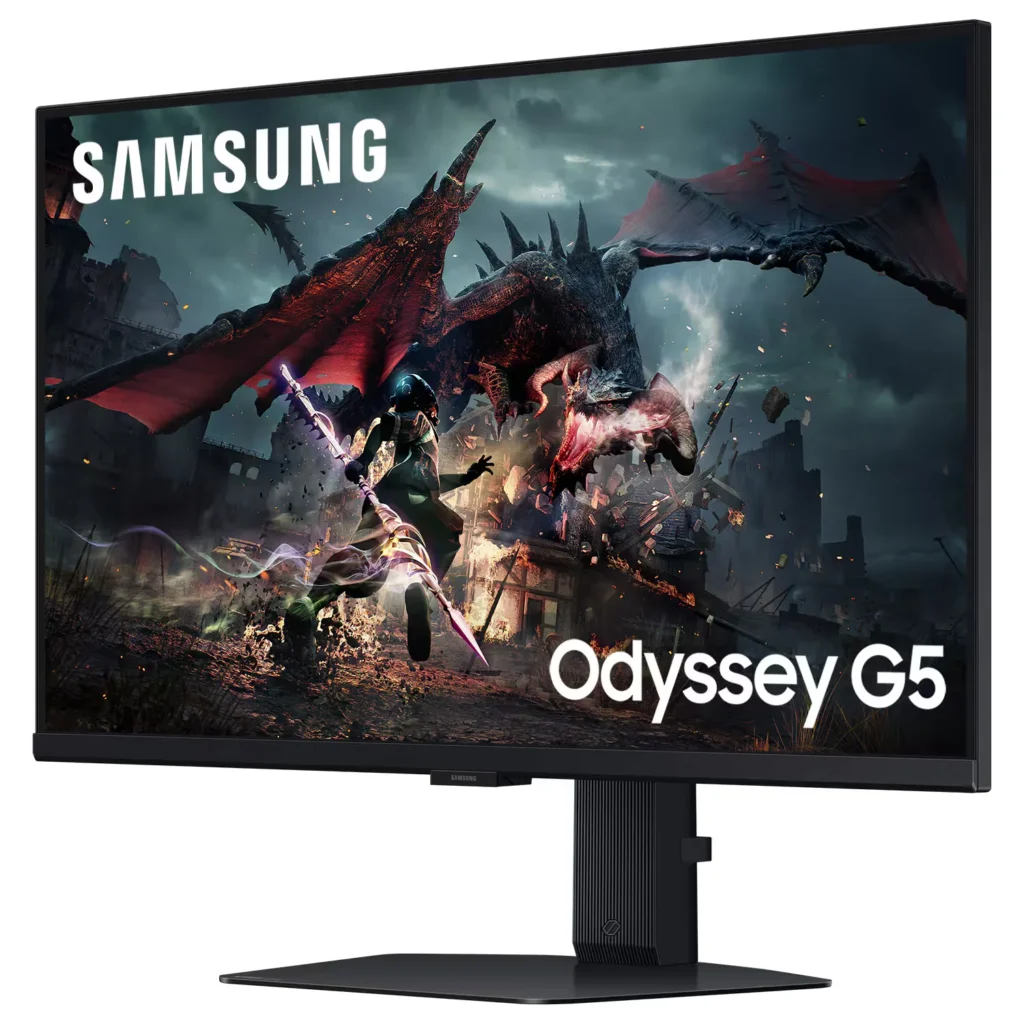
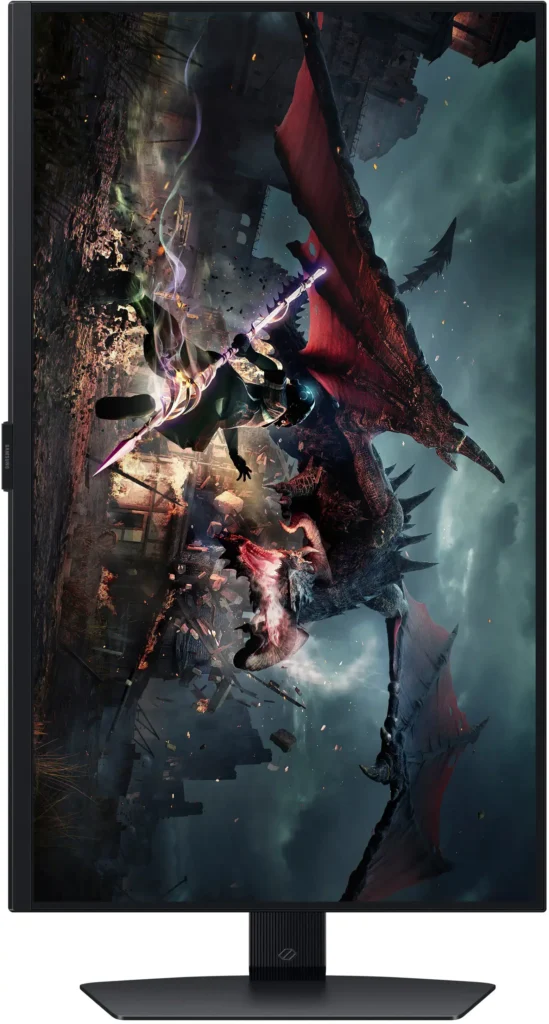
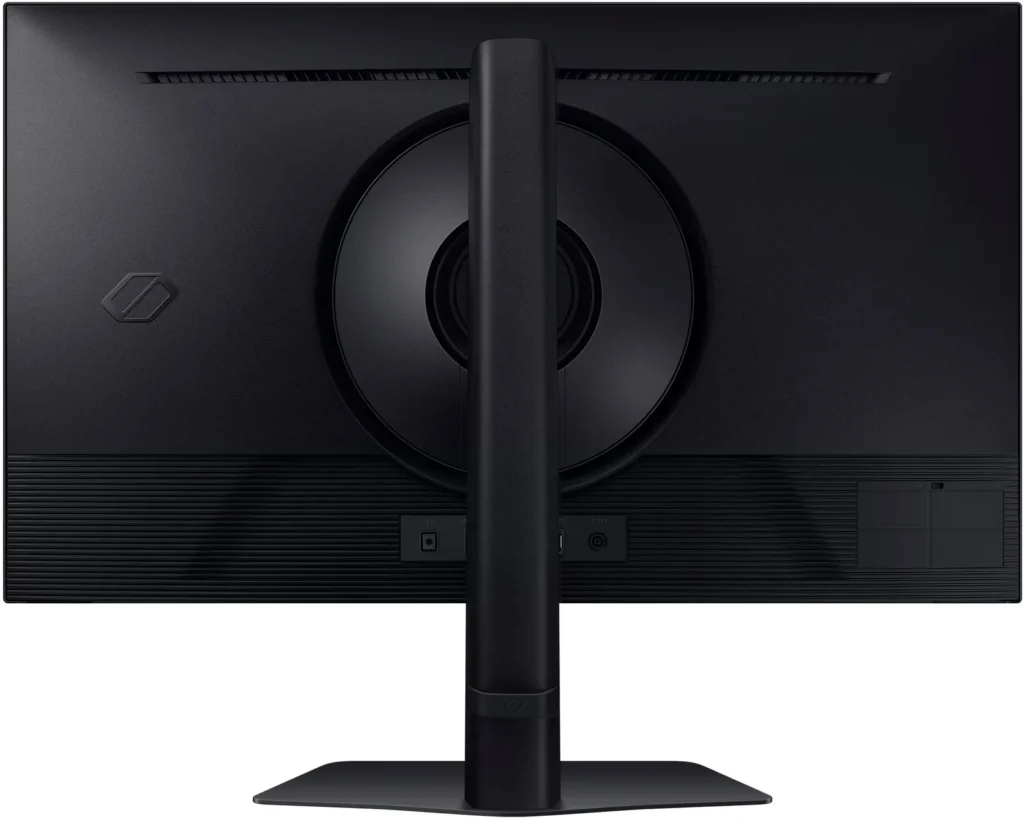
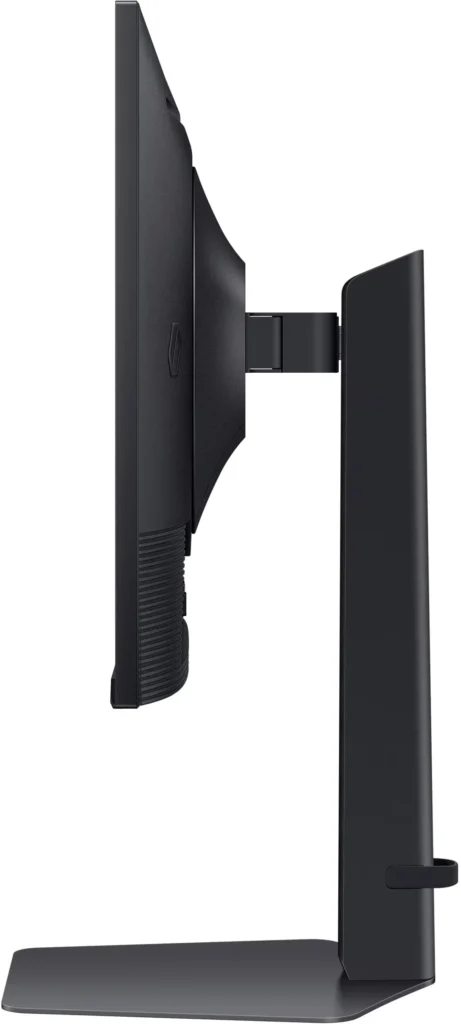
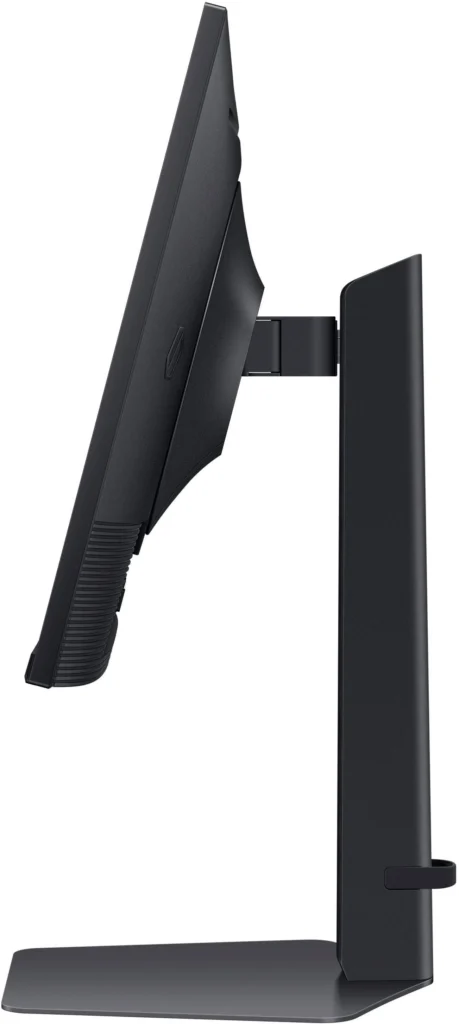
No images available for this model.
Imagery for this model matches or very closely resembles the visuals shown for similar versions. Please review the nearby models for a reliable reference.
Customer Media
Highlights
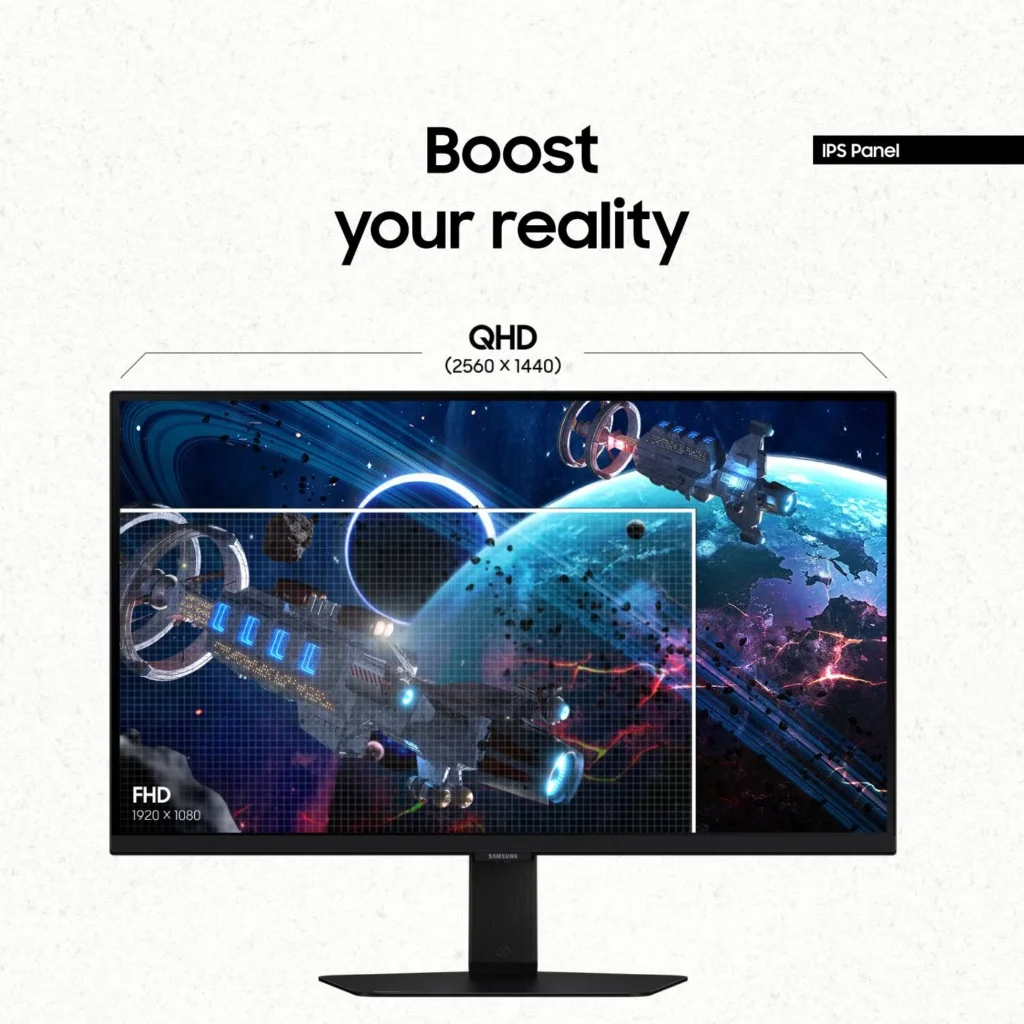
| QHD Resolution & Fast IPS Panel | Experience 1.7x the pixel density of Full HD with QHD (2560 x 1440) resolution for pin-sharp images. The Fast IPS panel ensures vibrant colors and a wide 178° viewing angle, providing clarity and consistent visuals from any perspective. |
|---|---|
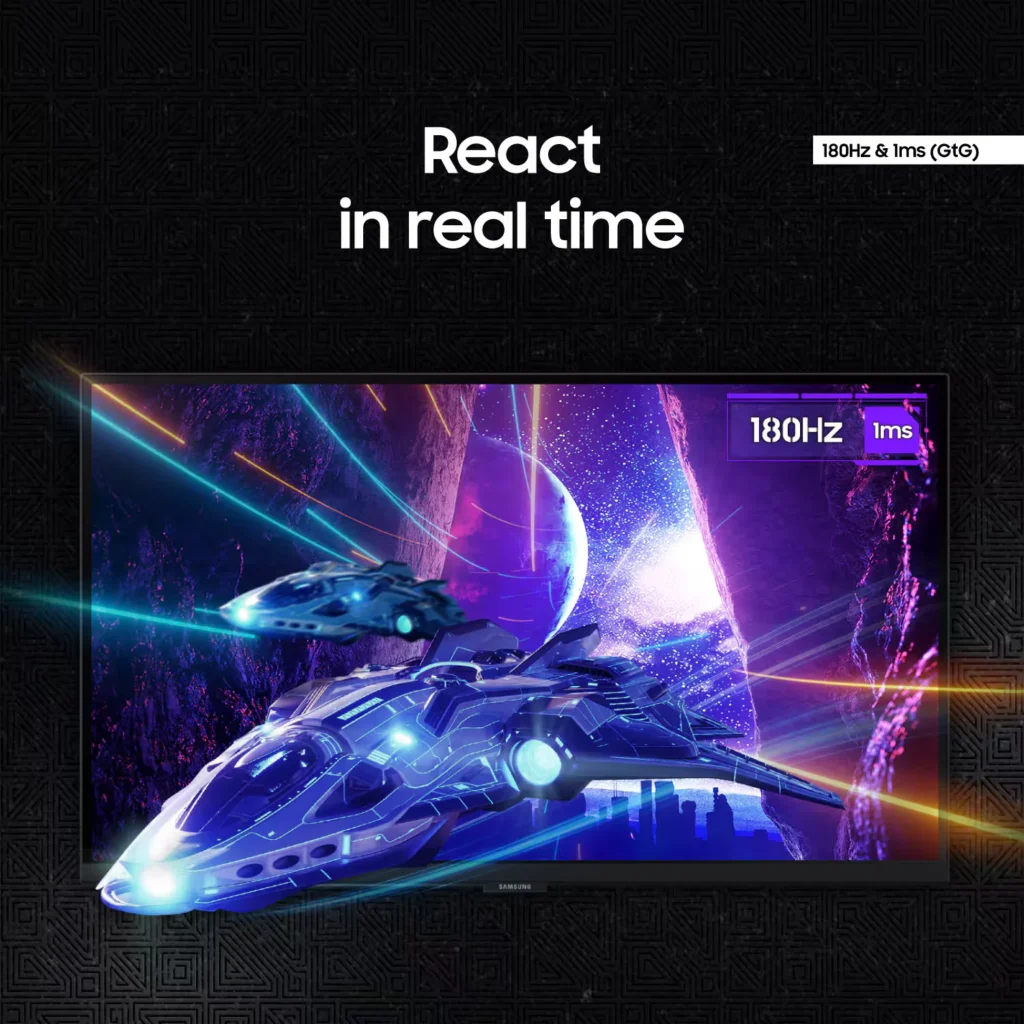
| 180Hz Refresh Rate & 1ms Response Time | Eliminate lag and motion blur with a rapid 180Hz refresh rate and a 1ms (GtG) response time. This combination delivers ultra-smooth action and near-instantaneous transitions, giving you a competitive edge in fast-paced gaming. |
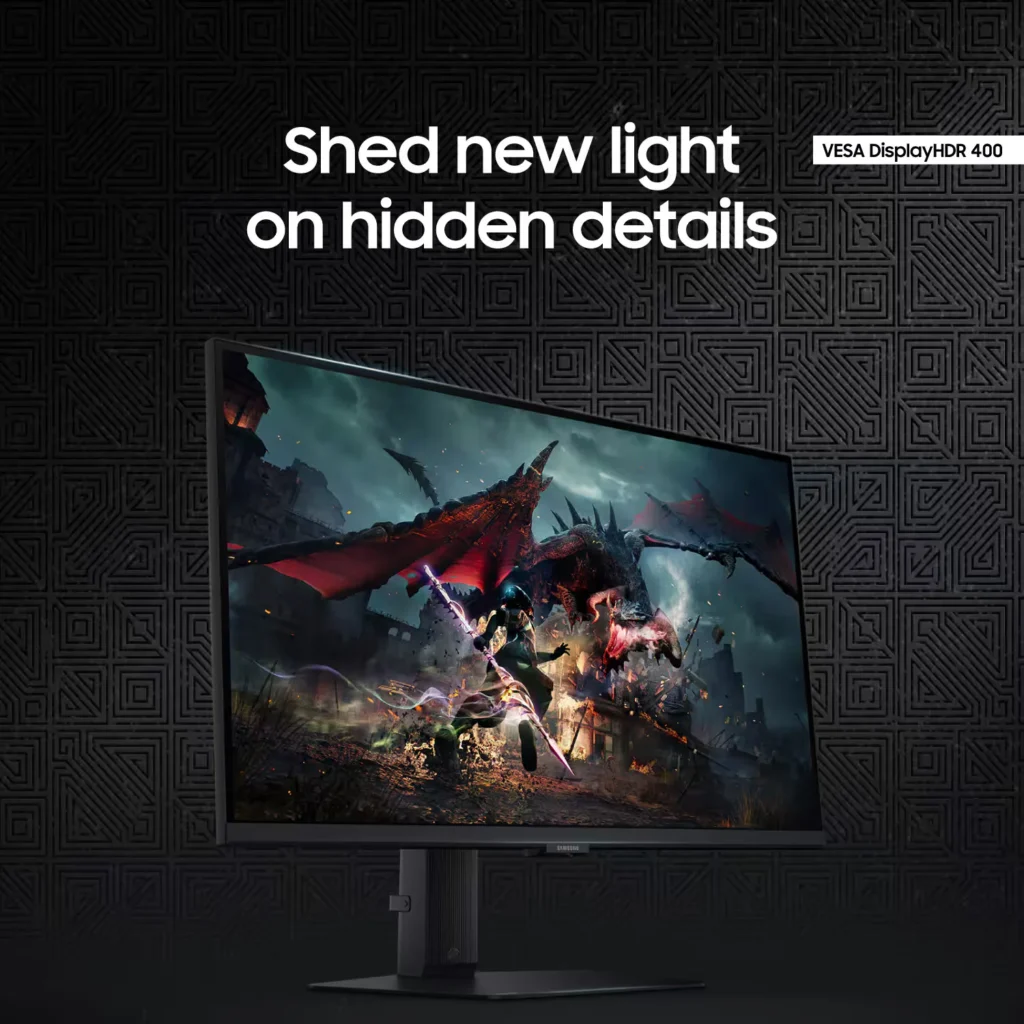
| VESA DisplayHDR 400 | Uncover hidden details in dark shadows and bright highlights with VESA DisplayHDR 400. This technology provides dynamic contrast with deeper blacks and brighter whites, enhancing the realism and depth of your favorite game worlds. |
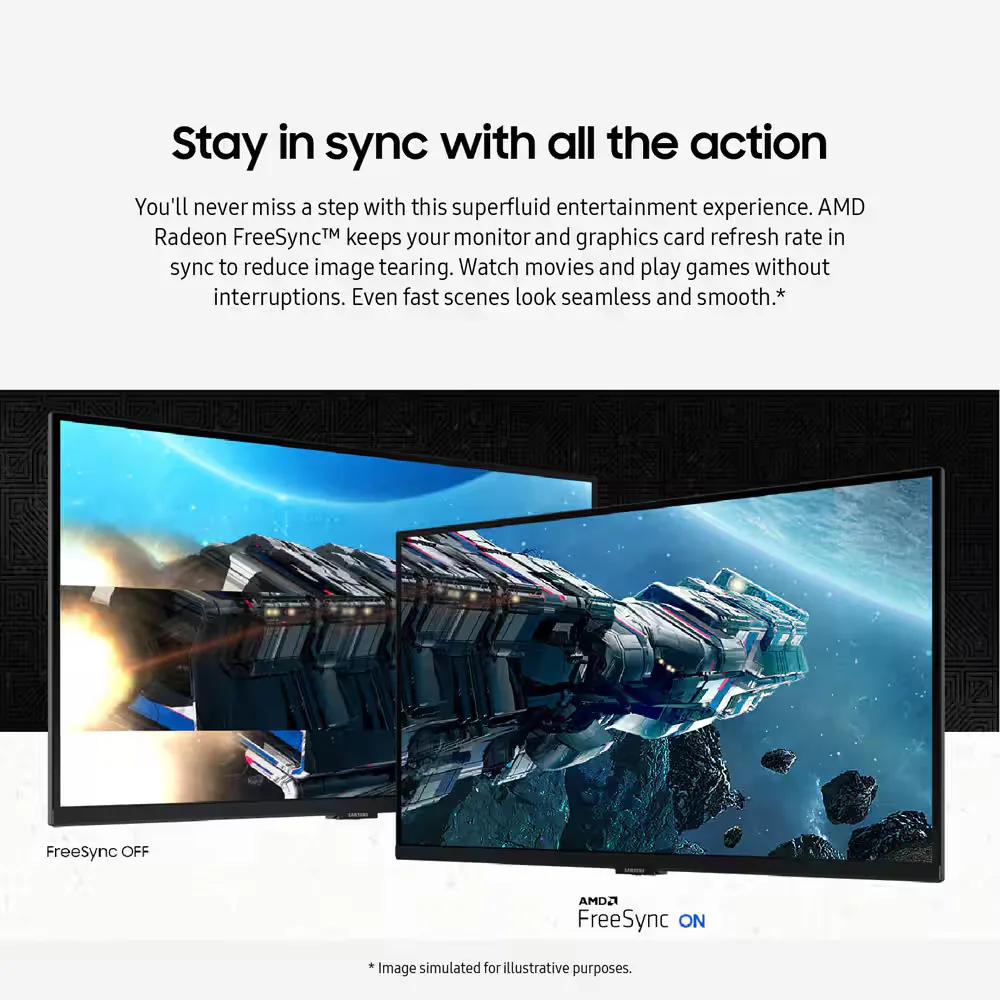
| AMD FreeSync & G-Sync Compatible | Enjoy seamless, tear-free gameplay regardless of your hardware. This monitor is both AMD FreeSync and G-Sync compatible, keeping your GPU and panel in sync to eliminate screen tearing, stuttering, and input lag. |
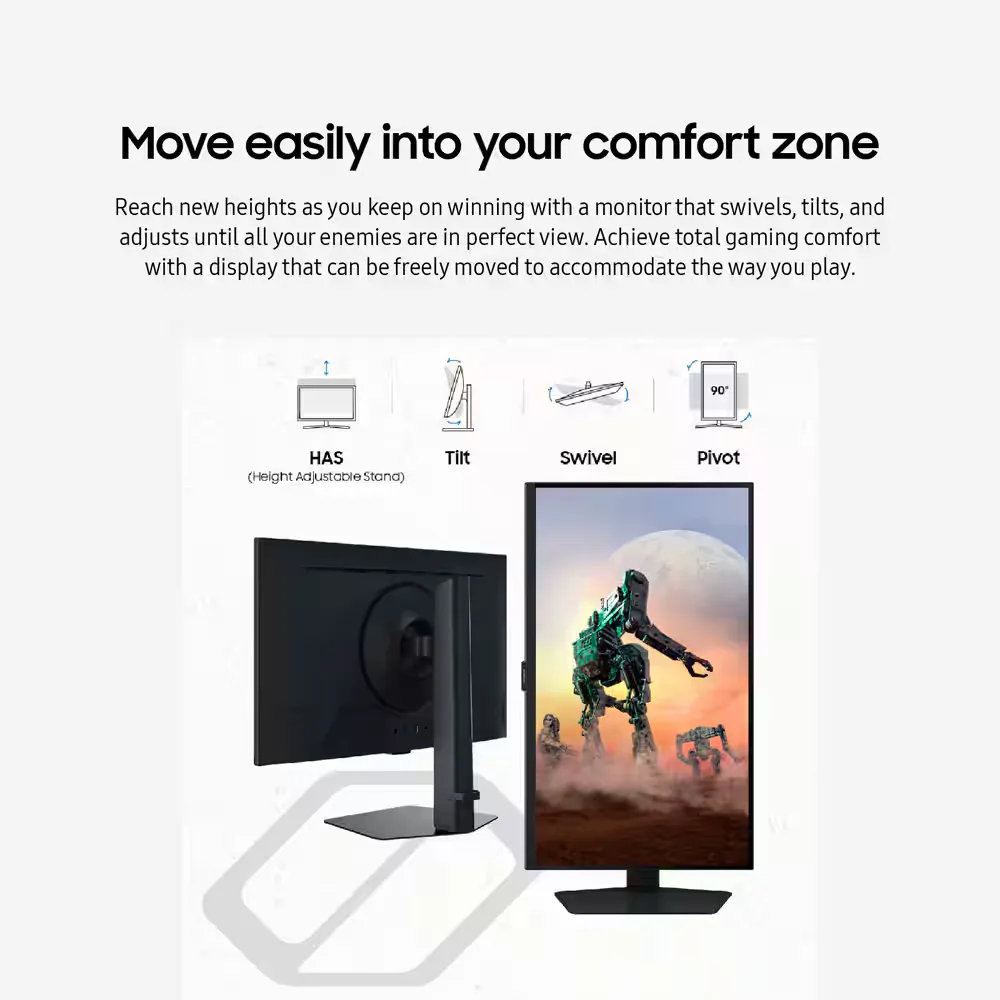
| Ergonomic Stand & Eye Comfort | The fully adjustable stand allows you to tilt, swivel, pivot, and adjust the height for personalized comfort. Integrated Eye Saver Mode and Flicker Free technology reduce blue light and screen flickering to minimize eye strain during long gaming sessions. |
Pros & Cons
Pros
- High Refresh Rate and Smooth Performance: Reviewers consistently highlight the 180Hz refresh rate and 1ms response time, which provide a buttery-smooth experience for fast-paced gaming without noticeable lag or ghosting.
- Vibrant QHD Image Quality: The 1440p resolution and IPS panel deliver crisp text and vivid, accurate colors that significantly improve visual clarity compared to standard 1080p displays.
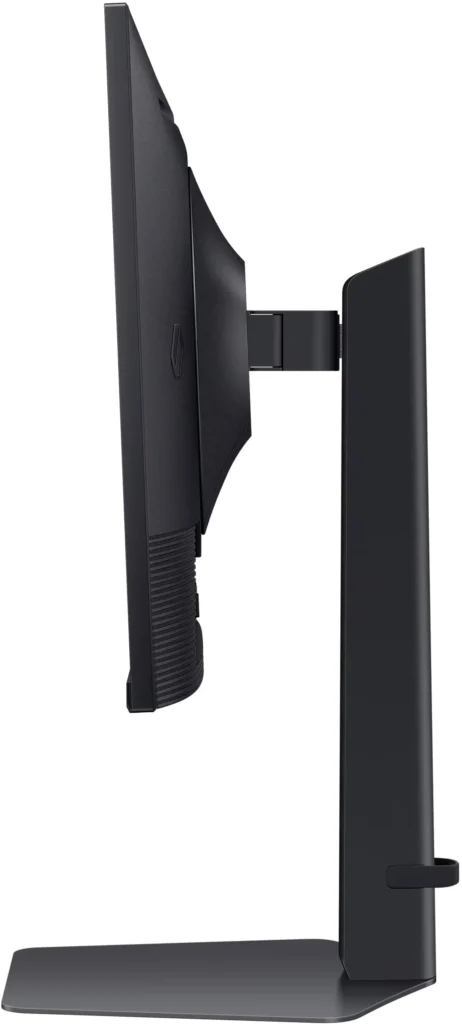
- Versatile and Sturdy Stand: The monitor features a robust, heavy-duty stand that offers extensive ergonomic adjustments, including height, tilt, swivel, and a 90-degree pivot for portrait mode.
Cons
- Frequent Quality Control Defects: A notable number of reviews report hardware failures, specifically dead or stuck pixels and the development of horizontal or vertical lines on the screen within a short period of use.
- Sleep Mode and Signal Issues: Users frequently encounter a frustrating firmware glitch where the monitor fails to reconnect or wake up after entering sleep mode, often requiring a manual power cycle or computer restart.
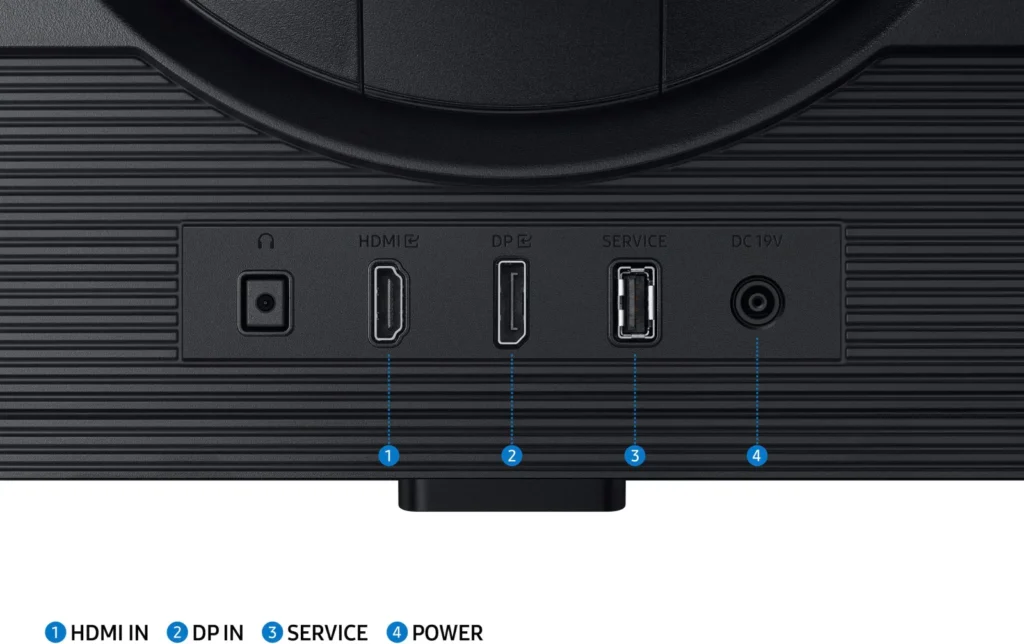
- Limited Ports and No Speakers: The monitor lacks built-in speakers and provides a limited selection of inputs, typically featuring only one HDMI and one DisplayPort, which some users find insufficient for modern setups.
You might also like










Customer Reviews
Showing reviews 531-540 of 997
-
Husband loves it.
Verified purchase Verified purchase: This reviewer bought the product. Incentivized Incentivized review: The reviewer received a benefit for sharing feedback.AnaM May 30, 2025Review source: BestbuyBought this for my husband as an eraly fathers day gift for his gaming station, he games on ps5 and PC. I personally dont know much about monitors but the man loves it so much he called his twin to brag.
5 stars -happy husband happy life.
-
Solid monitor
Verified purchase Verified purchase: This reviewer bought the product. Incentivized Incentivized review: The reviewer received a benefit for sharing feedback.JuanC May 30, 2025Review source: BestbuyI was looking for a monitor with a high refresh rate but that wouldn’t sacrifice on the colors. This monitor looks amazing especially when tweaking the color features. The built in controls being at the bottom is also something I really like about it as it is much easier to navigate all the controls and adjust brightness, display settings, volume for headphones, etc.
-
Check your settings and specs.
Verified purchase Verified purchase: This reviewer bought the product. Incentivized Incentivized review: The reviewer received a benefit for sharing feedback.Neo83 May 30, 2025Review source: BestbuyGreat picture but not able to 4k on the modes need.
-
Nice gaming monitor
Verified purchase Verified purchase: This reviewer bought the product.Meridian47 May 28, 2025Review source: AmazonEasy setup, great image quality!
-
Just ok
Verified purchase Verified purchase: This reviewer bought the product. Incentivized Incentivized review: The reviewer received a benefit for sharing feedback.Nawthx May 28, 2025Review source: BestbuyDead pixel and auto input connectivity doesn’t work. Also, too few buttons. I want a single button for changing input without having to drill into the menu and scroll around. Idk why monitors are moving away from this.
Picture is fine, but dead pixel and can’t auto switch inputs (even when feature is enabled), not sure if I’ll try another Samsung.
-
Amazing monitor, amazing price!
Verified purchase Verified purchase: This reviewer bought the product. Incentivized Incentivized review: The reviewer received a benefit for sharing feedback.Matth01 May 27, 2025Review source: BestbuyGreat monitor! I love how bright it is and the 144hz is plenty for my gaming needs. Samsung definitely makes a quality product.
-
Good quality for price
Verified purchase Verified purchase: This reviewer bought the product. Incentivized Incentivized review: The reviewer received a benefit for sharing feedback.Bean May 27, 2025Review source: BestbuyDefinitely a improvement from my old monitor. Looks good for the price
-
Good monitor – once actually connects to the computer.
Verified purchase Verified purchase: This reviewer bought the product.Gunther May 25, 2025Review source: AmazonGood monitor with a serious con. I have several of these monitors. The picture is great, color accuracy is excellent, the size of the display (I have the 27″ version) is perfect for the 2K resolution. The refresh rate is great. But there is a very annoying downside to this monitor. Once it goes to “sleep” it might not reconnect to your computer, leaving you with a blank display. The computers think the monitor is there, but the monitor says “no input” and goes back to sleep. This very lazy display only waits a few seconds (about 2) before tucking itself back to bed. I said I have several of these so I have tried them several computers. The problem happens on Windows 10, Windows 11, and on Linux, on desktops and on laptops, HDMI and DP inputs. If Samsung were to fix this issue, the monitor would be amazing. But when it gives you significant problems coming back from sleep mode or when being turned on – sometimes forcing a computer restart to fix it – the aggravation factor alone is enough to make me say no to these.
-
Monitor review
Verified purchase Verified purchase: This reviewer bought the product. Incentivized Incentivized review: The reviewer received a benefit for sharing feedback.WendyM May 25, 2025Review source: BestbuyThe graphics are amazing when gaming .. also the quality for just streaming videos is great too..
-
Nice Upgrade!
Verified purchase Verified purchase: This reviewer bought the product. Incentivized Incentivized review: The reviewer received a benefit for sharing feedback.MarkH May 25, 2025Review source: BestbuyPrevious monitors were 10 year old 27″ Acers with DVI, so this is a significant upgrade in 32″ size, speed, refresh rate, and DP/HDMI ports to match my updated GPUs. The IPS panel technology is very good at color accuracy, wide viewing angles, and speed (180Hz with DP). I can see why people might complain that it is dim out of the box, but this is easily remedied by changing out of the underpowered default picture mode setting which is “Eco”. I like the “Graphic” picture mode plus Contrast Enhancer set to High. Then in NVIDIA Control panel, I made sure 2560 x 1440 (native) and 180Hz were selected and changed the default color settings to “Use NVIDIA color settings”, Output dynamic range set to Full. This makes the external power block go from tepid to warm, but not hot. The 3.5 audio cable from my powered speakers went from plugging into the back of my computer to the headphone port on the back of the monitor. No built-in speakers, but external speakers with subwoofer are superior to any integrated monitor speakers. It’s “only” DP 1.2 and HDMI 2.0, but DP 1.4 and HDMI 2.1 are only important for 4K gaming, and you get a huge discount for buying step-down technology. Came with a DP cable (with retention clips) and an HDMI cable. One annoyance is the registration reminder pops up everytime the computer reboots or wakes from sleep, but I heard this eventually goes away. Another annoyance is that monitor drivers wouldn’t download from the Samsung webpage (their chat tech said this was temporary, but who knows?). Another annoyance is the firmware is a bit out of date (1004 instead of 1005), the webpage download doesn’t work, and requires thumb drive installation, so not worth updating?