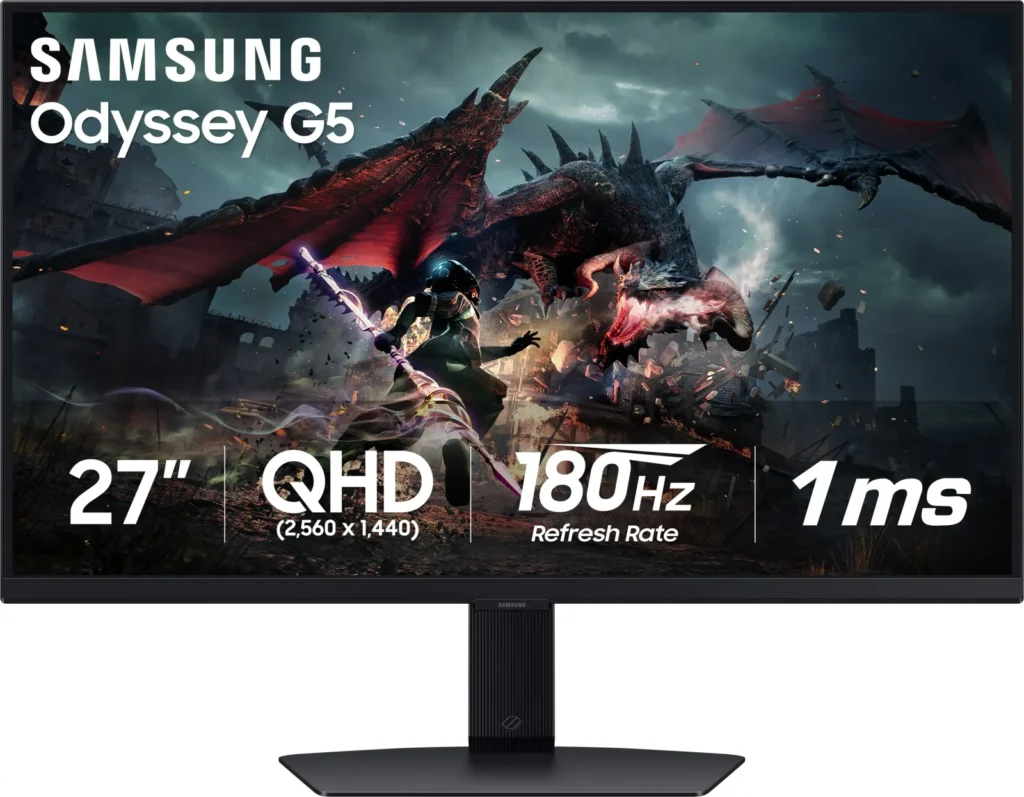
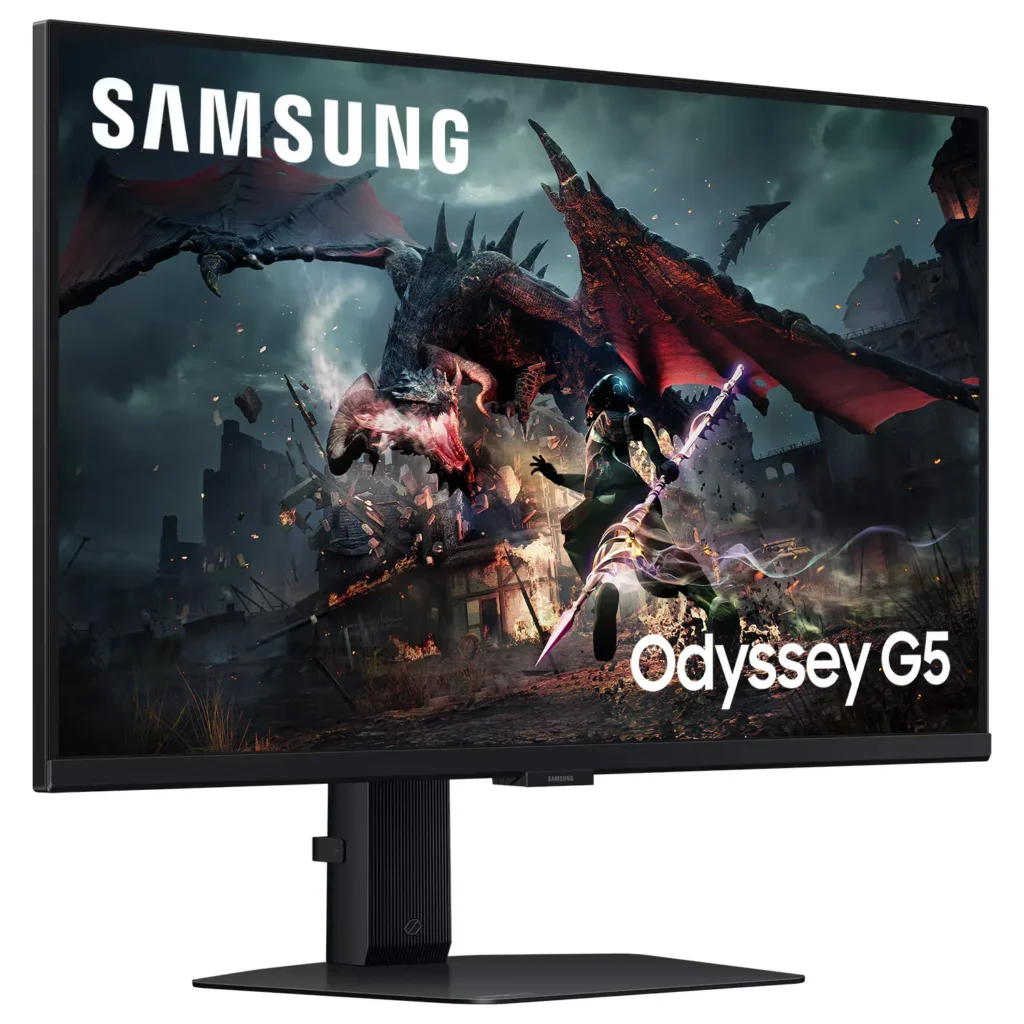
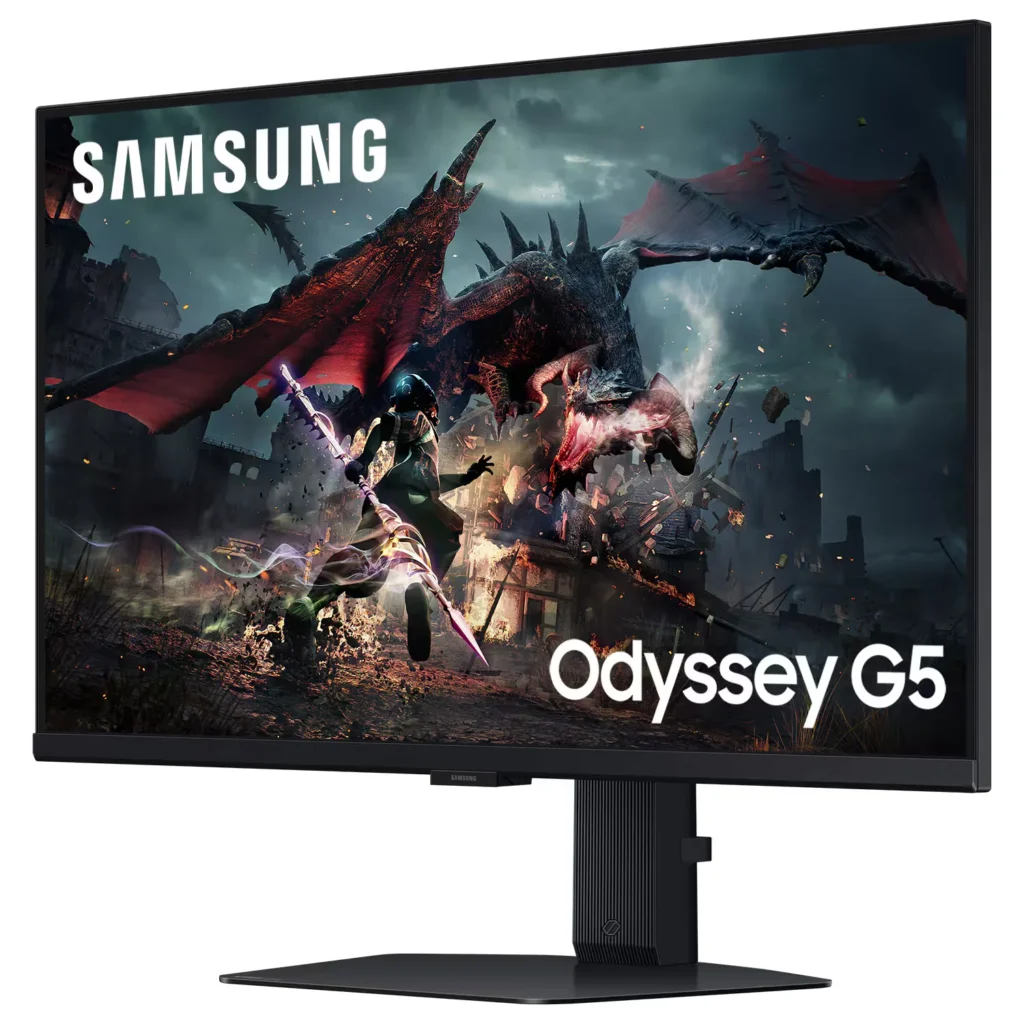
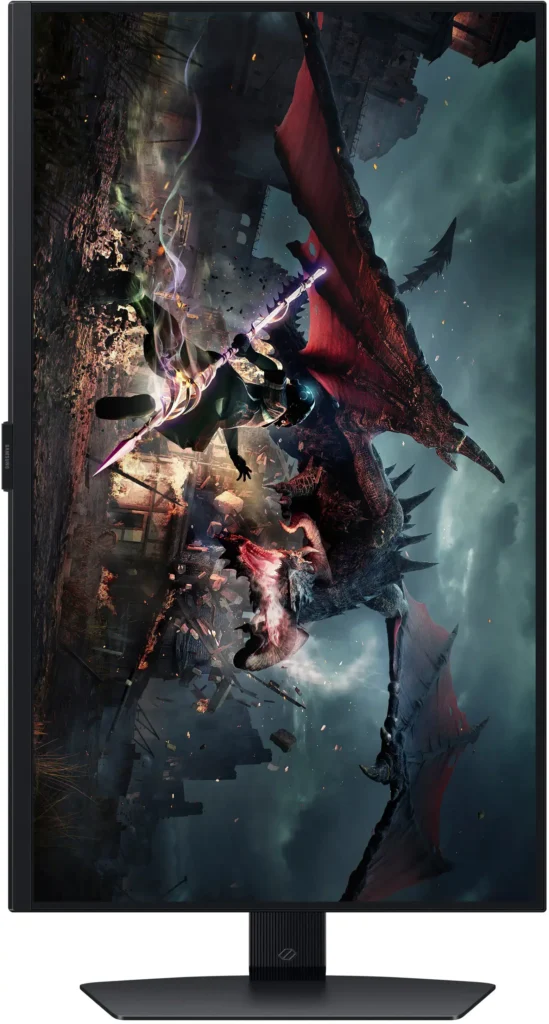
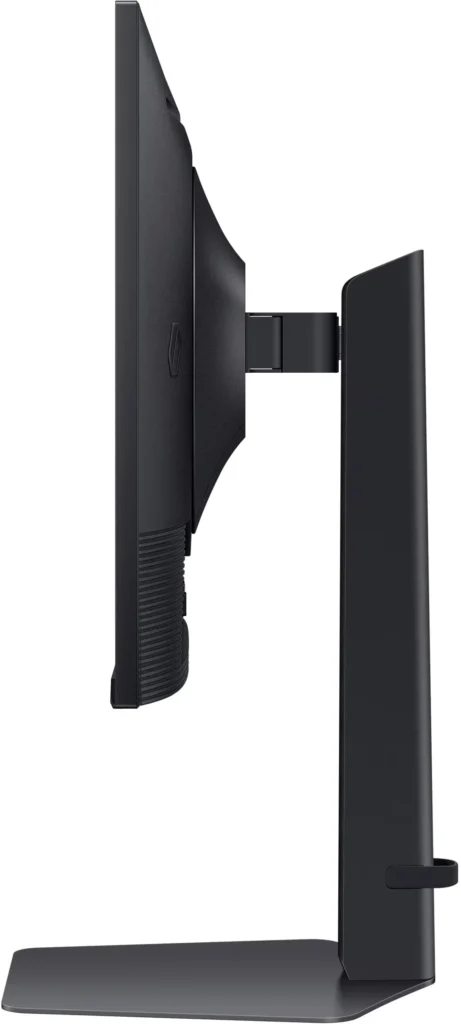
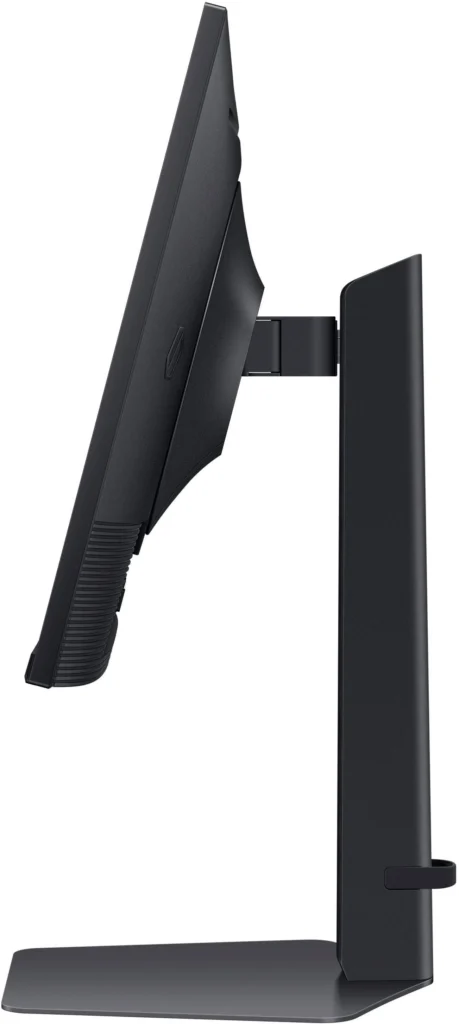
No images available for this model.
Imagery for this model matches or very closely resembles the visuals shown for similar versions. Please review the nearby models for a reliable reference.
Customer Media
Highlights
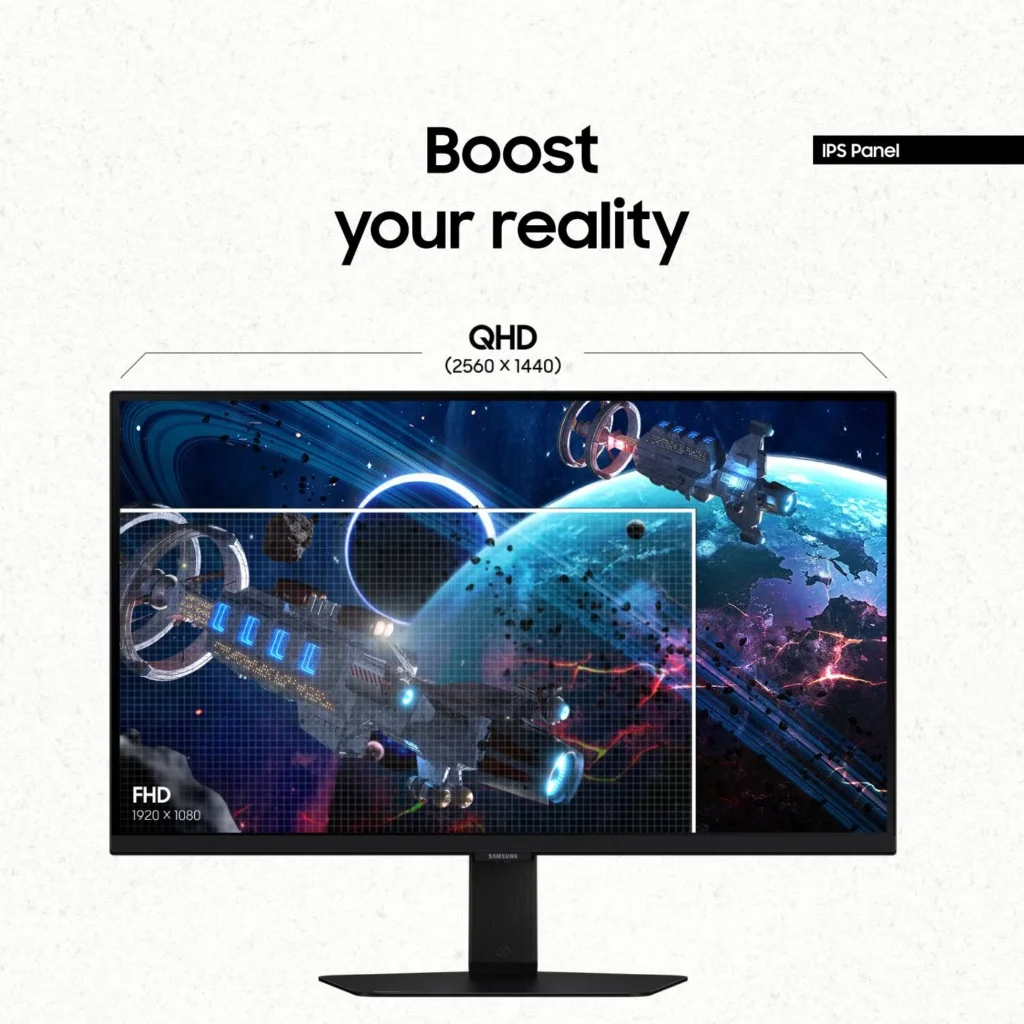
| QHD Resolution & Fast IPS Panel | Experience 1.7x the pixel density of Full HD with QHD (2560 x 1440) resolution for pin-sharp images. The Fast IPS panel ensures vibrant colors and a wide 178° viewing angle, providing clarity and consistent visuals from any perspective. |
|---|---|
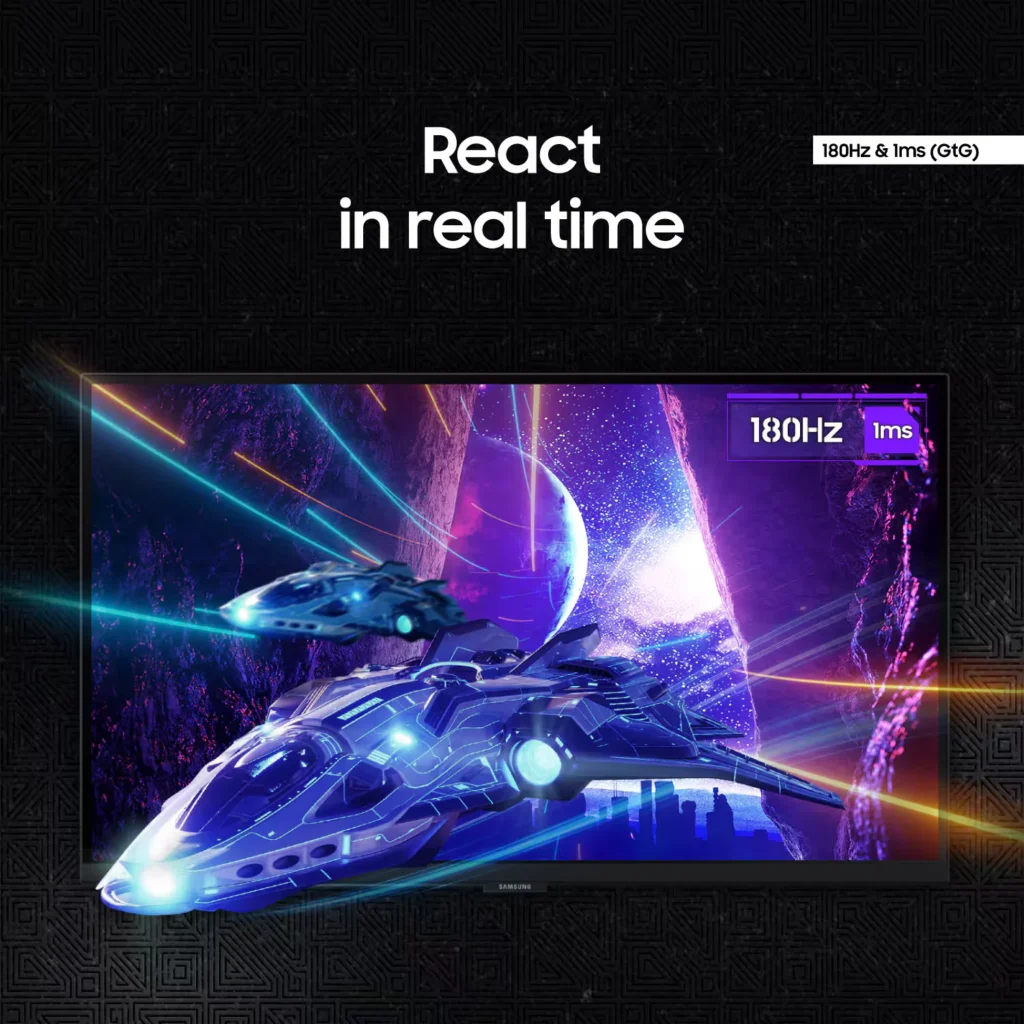
| 180Hz Refresh Rate & 1ms Response Time | Eliminate lag and motion blur with a rapid 180Hz refresh rate and a 1ms (GtG) response time. This combination delivers ultra-smooth action and near-instantaneous transitions, giving you a competitive edge in fast-paced gaming. |
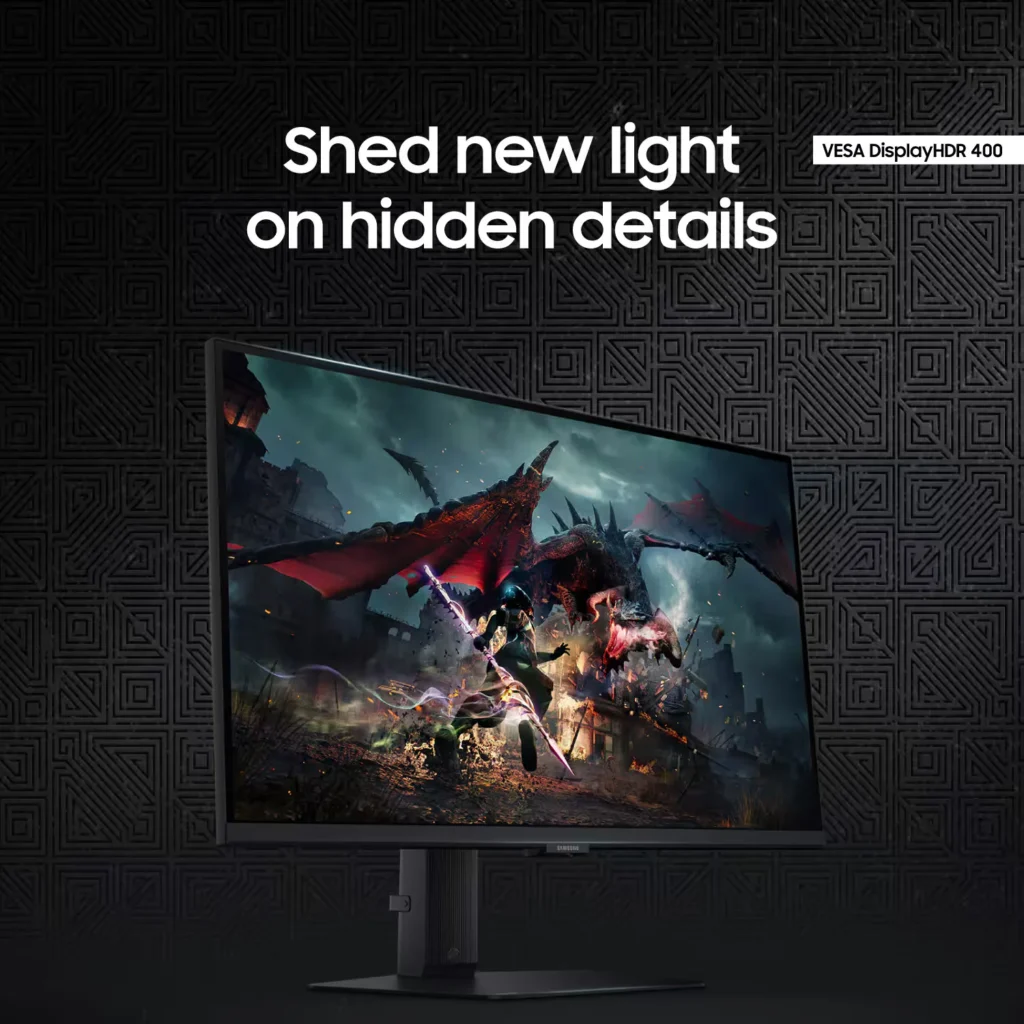
| VESA DisplayHDR 400 | Uncover hidden details in dark shadows and bright highlights with VESA DisplayHDR 400. This technology provides dynamic contrast with deeper blacks and brighter whites, enhancing the realism and depth of your favorite game worlds. |
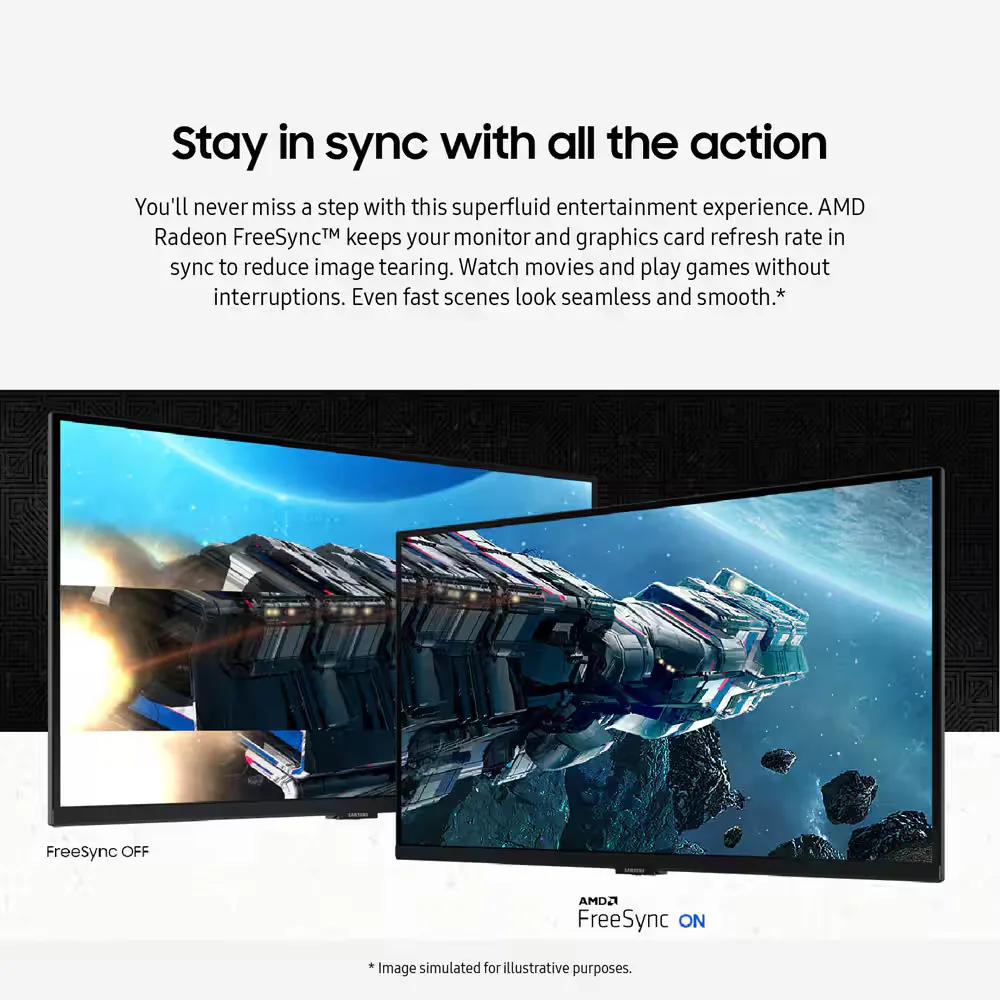
| AMD FreeSync & G-Sync Compatible | Enjoy seamless, tear-free gameplay regardless of your hardware. This monitor is both AMD FreeSync and G-Sync compatible, keeping your GPU and panel in sync to eliminate screen tearing, stuttering, and input lag. |
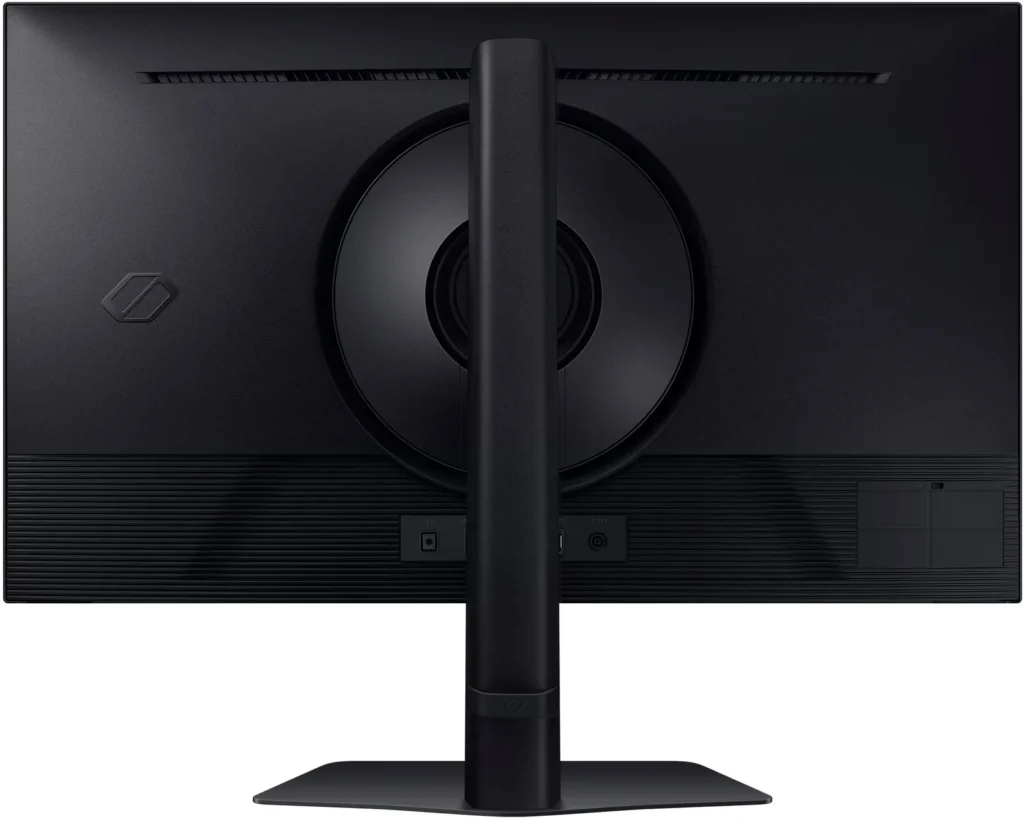
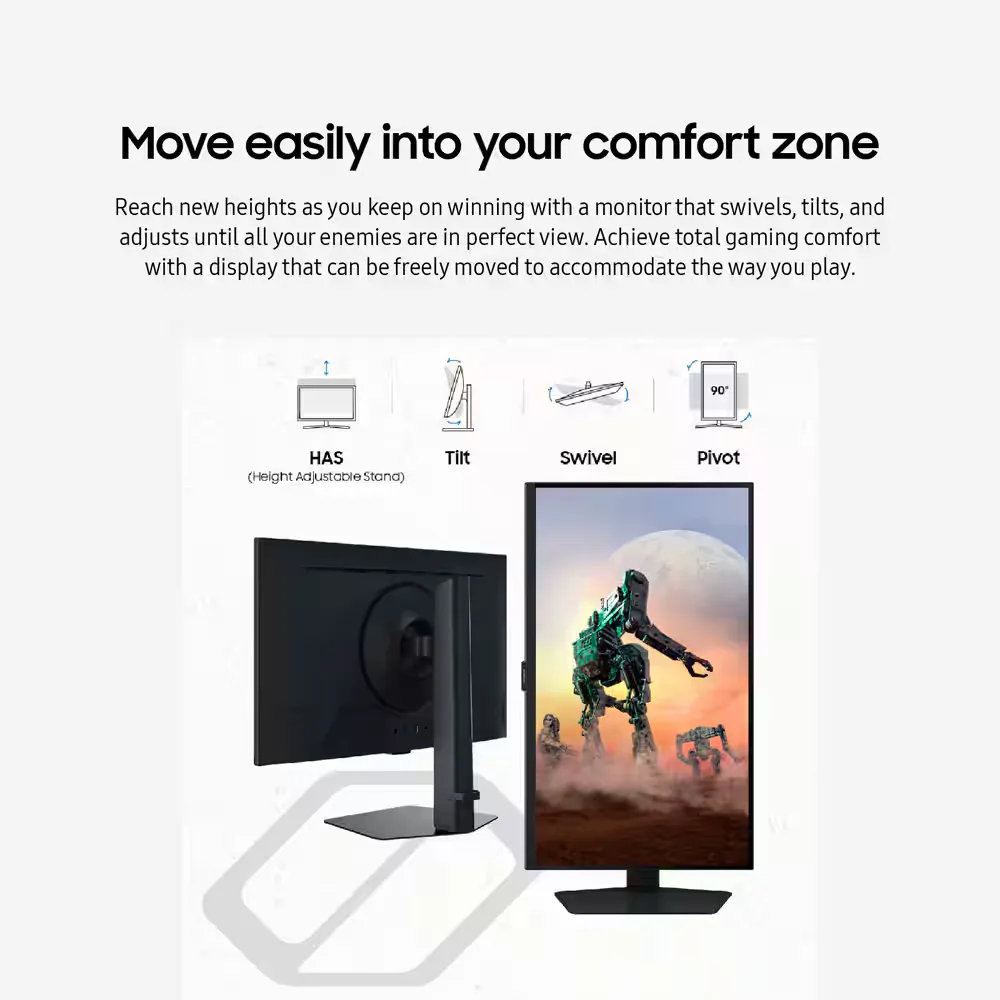
| Ergonomic Stand & Eye Comfort | The fully adjustable stand allows you to tilt, swivel, pivot, and adjust the height for personalized comfort. Integrated Eye Saver Mode and Flicker Free technology reduce blue light and screen flickering to minimize eye strain during long gaming sessions. |
Pros & Cons
Pros
- High Refresh Rate and Smooth Performance: Reviewers consistently highlight the 180Hz refresh rate and 1ms response time, which provide a buttery-smooth experience for fast-paced gaming without noticeable lag or ghosting.
- Vibrant QHD Image Quality: The 1440p resolution and IPS panel deliver crisp text and vivid, accurate colors that significantly improve visual clarity compared to standard 1080p displays.
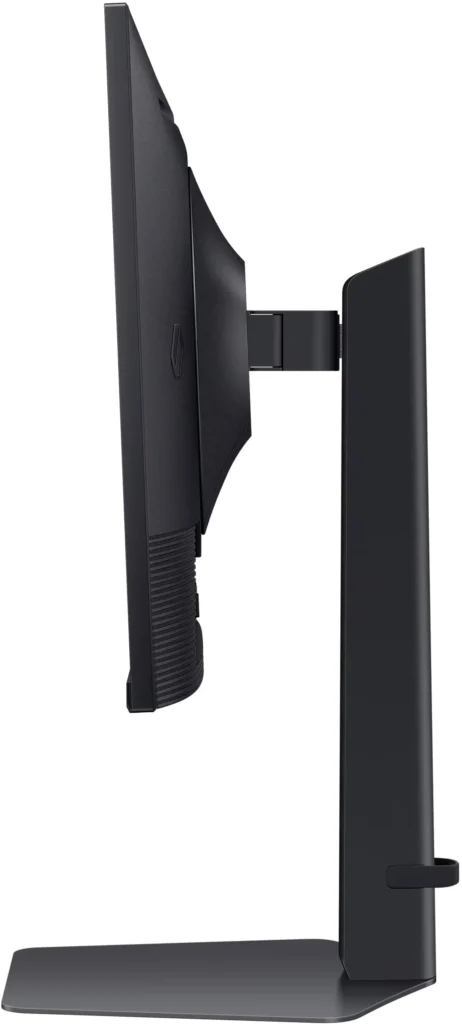
- Versatile and Sturdy Stand: The monitor features a robust, heavy-duty stand that offers extensive ergonomic adjustments, including height, tilt, swivel, and a 90-degree pivot for portrait mode.
Cons
- Frequent Quality Control Defects: A notable number of reviews report hardware failures, specifically dead or stuck pixels and the development of horizontal or vertical lines on the screen within a short period of use.
- Sleep Mode and Signal Issues: Users frequently encounter a frustrating firmware glitch where the monitor fails to reconnect or wake up after entering sleep mode, often requiring a manual power cycle or computer restart.
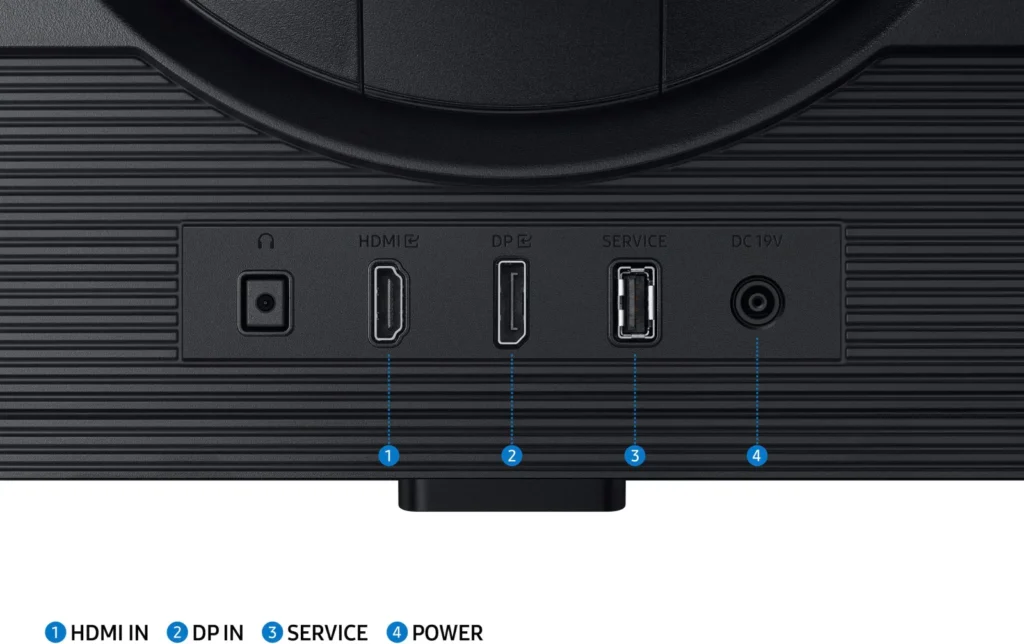
- Limited Ports and No Speakers: The monitor lacks built-in speakers and provides a limited selection of inputs, typically featuring only one HDMI and one DisplayPort, which some users find insufficient for modern setups.
You might also like










Customer Reviews
Showing reviews 901-910 of 997
-
Needed secondary monitor
Verified purchase Verified purchase: This reviewer bought the product. Incentivized Incentivized review: The reviewer received a benefit for sharing feedback.wkndatburneys September 2, 2024Review source: BestbuyNeeded a secondary monitor for productivity especially one for portrait mode. This was a a great choice. High quality display.
-
Monitor
Verified purchase Verified purchase: This reviewer bought the product. Incentivized Incentivized review: The reviewer received a benefit for sharing feedback.AhmadM September 2, 2024Review source: BestbuyGood color quality, large real estate space for productivity
-
Great monitor, bad calibration
Verified purchase Verified purchase: This reviewer bought the product.Rafael Ramirez September 2, 2024Review source: AmazonI bought this monitor after looking trough a lot of research and comparations, in the end i decided for this one due to its price and spec, almost a blind buy since i couldn’t find any other reviews outside the amazon website, but i have to say im very happy with it.
Overall, the monitor has a very steady structure, i love that you can adjust inclination and angle of the screen, It feels steady and strong, so im pretty sure it’s not going to break no matter how much you move it. Perfect for watching movies when you’re laying in your reclined seat.
As for the screen, the colors are vibrant, bright and very beautiful. I don’t know a lot about HDR, but having it on in this monitor feels like a dream. I had never played a videogame with HDR on so i was impressed very much when i tried one. It’s just so much better than not having it on (on some games only, it really depends on how much effort the devs put on the feature of the game).
I love this monitor, and i really would love to put a 5 star rate on it if it wasn’t for two major flats it has.
For some reason, having the adaptative sync off appears to completely destroy the color balance and makes the colors look very saturated. Whites look burnt out and blacks look grayish, more than what is usual on an ips panel. It’s a very big issue since not all the games play well while having it on, and sometimes it causes some imput lag that isnt normal when having native Vsync activated.
On top of that, it has some VERY bad default calibration settings. i spent nearly 2 hours adjusting them and i had to go trough a lot of tools and articles online to finally find the perfect settings. I know this can happen when you have outdated gpu drivers, and i think that was part of the reasons why i had this problem (i had to completely reinstall all the graphics drivers ion my pc and after doing it fixing the problem was a lot easier) so don’t put a lot of importance on this one since it could’ve been my pc and not really the monitor, but do consider you might have to adjust the settings at the very least a little when you first install it. However, if you don’t mind touching it a bit to get the colors right or you dont game at all, this monitor is Perfect for you and it’s a 100% worth it, especially on discount. -
Best bang for your buck
Verified purchase Verified purchase: This reviewer bought the product. Incentivized Incentivized review: The reviewer received a benefit for sharing feedback.Eddy September 2, 2024Review source: BestbuyGreat upgrade from my 144hz 1080p monitor. HDR400 is great. Thinking of getting a second one because of how good the picture quality is.
-
If you were thinking about making the switch.
Verified purchase Verified purchase: This reviewer bought the product. Incentivized Incentivized review: The reviewer received a benefit for sharing feedback.BriceW September 1, 2024Review source: BestbuyI went from a 1080p set up running at 240 Hz to the G5 and I have zero complaints!
-
Great value
Verified purchase Verified purchase: This reviewer bought the product. Incentivized Incentivized review: The reviewer received a benefit for sharing feedback.SadPanda August 31, 2024Review source: BestbuyGreat specs for a great price. 1440p 180hz perfect price for performance. I got it on sale
-
Great purchase
Verified purchase Verified purchase: This reviewer bought the product. Incentivized Incentivized review: The reviewer received a benefit for sharing feedback.Rudy August 31, 2024Review source: BestbuyGreat monitor super bright and crystal clear display. Would buy again
-
Amazing monitor
Verified purchase Verified purchase: This reviewer bought the product. Incentivized Incentivized review: The reviewer received a benefit for sharing feedback.Rene August 30, 2024Review source: BestbuyGood resolution to fps ratio. Good and bright colors.
-
A Game-Changer for My Workspace and Gaming Setup
Verified purchase Verified purchase: This reviewer bought the product. Incentivized Incentivized review: The reviewer received a benefit for sharing feedback.BabarM August 30, 2024Review source: BestbuyI recently upgraded to the Samsung Odyssey G50D 32″ QHD IPS monitor, and it has completely transformed my experience. The QHD resolution brings everything to life with stunning clarity, and the colors are so vibrant—it’s like seeing my favorite games and videos in a whole new light. The 32″ screen size is just perfect, offering an immersive experience without overwhelming my desk. Plus, the IPS panel ensures that no matter where I’m sitting, the picture quality stays consistently beautiful. Whether I’m gaming, working, or just browsing, this monitor has exceeded my expectations. I’m absolutely thrilled with this purchase!
-
Large monitor with great image
Verified purchase Verified purchase: This reviewer bought the product. Incentivized Incentivized review: The reviewer received a benefit for sharing feedback.Hktl August 30, 2024Review source: BestbuyLarge monitor with great image. Performed well with games like Baulders gate and heroes of storm and diablo4. Great for watching movies as well.