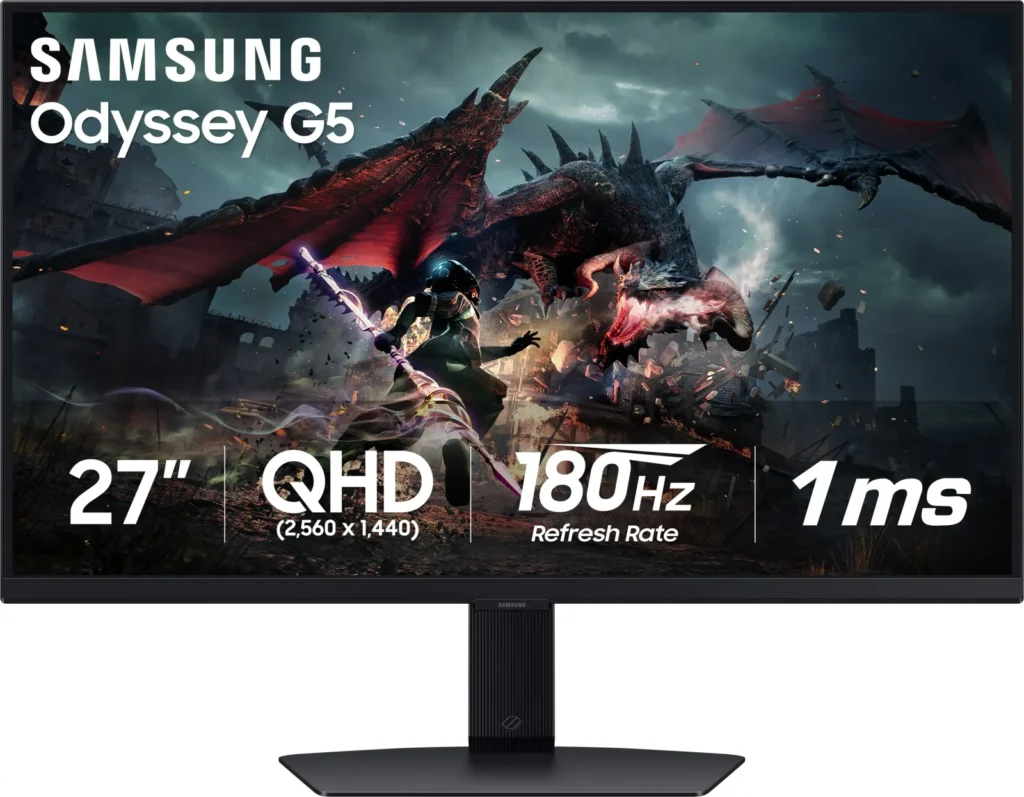
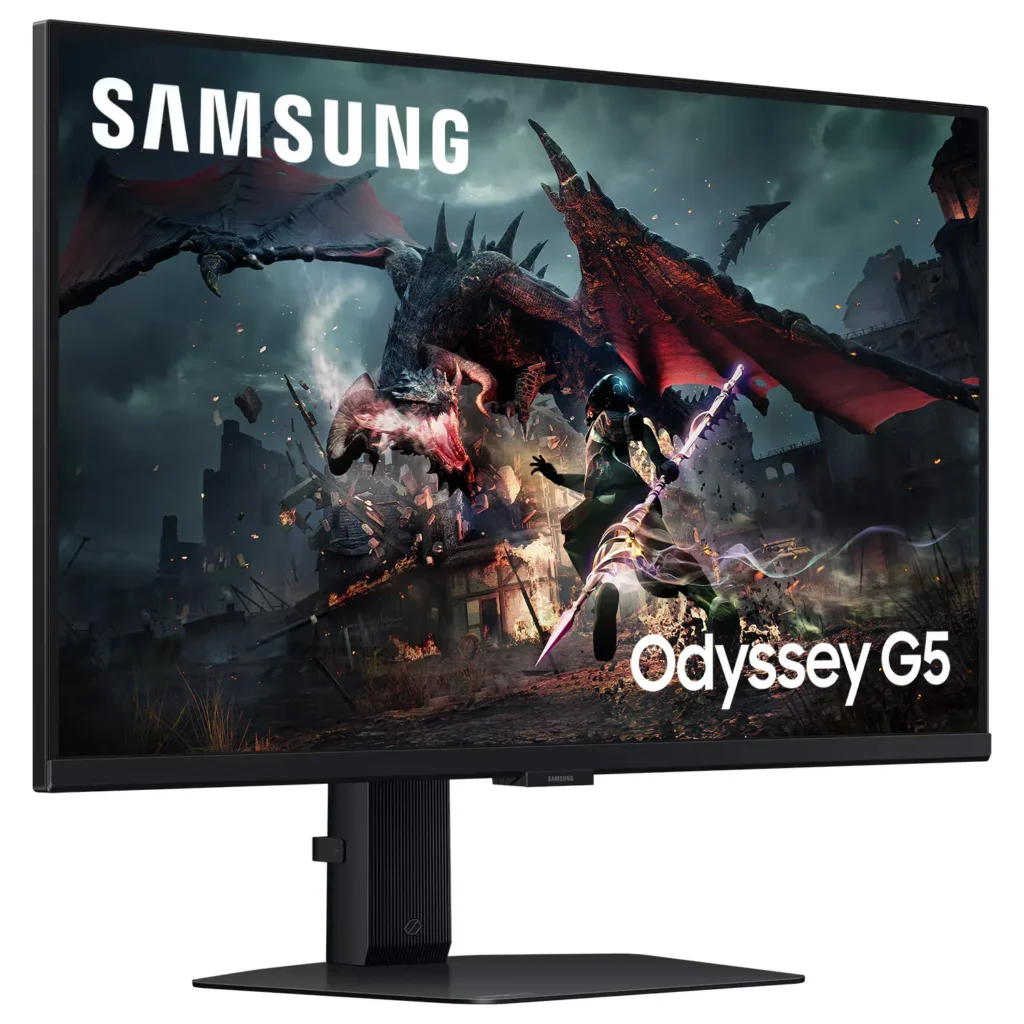
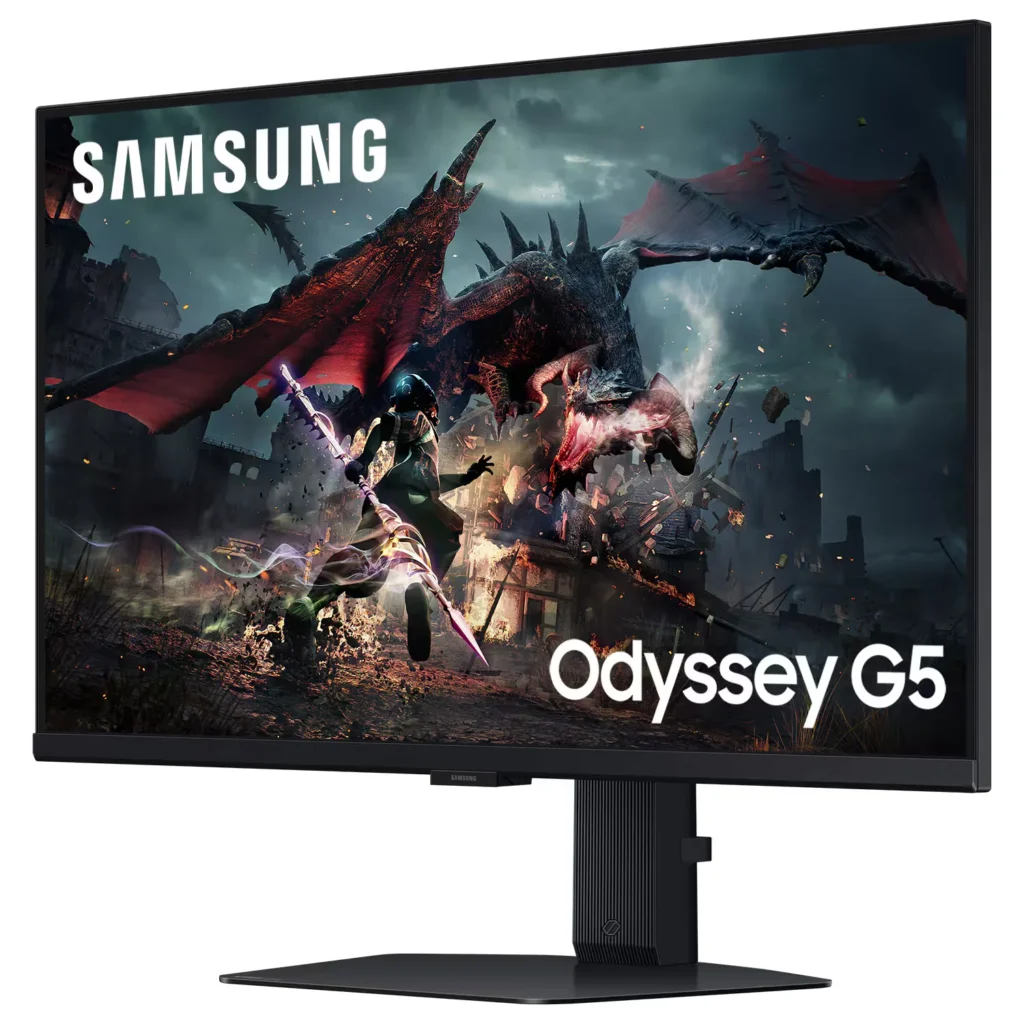
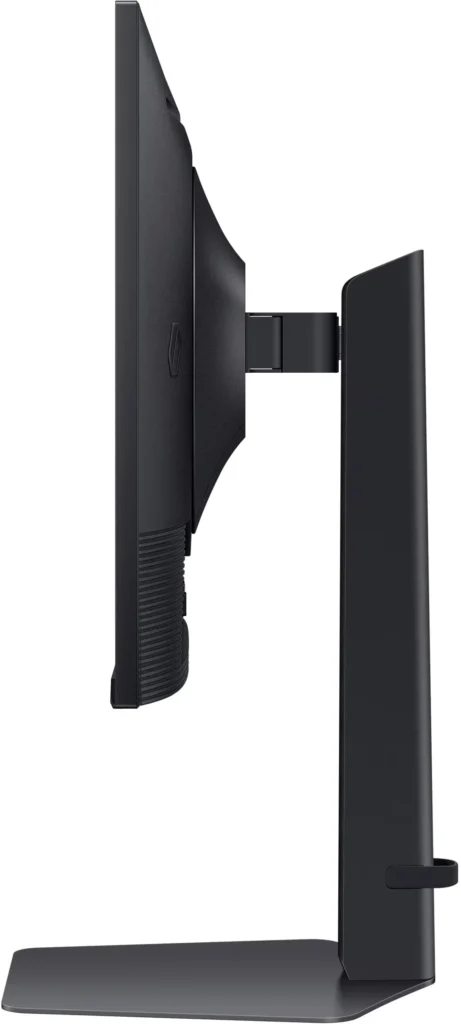
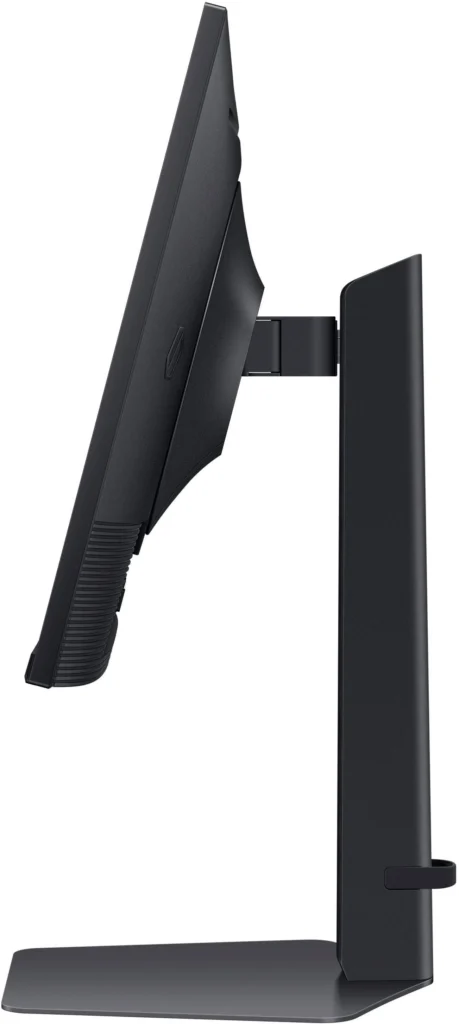
No images available for this model.
Imagery for this model matches or very closely resembles the visuals shown for similar versions. Please review the nearby models for a reliable reference.
Customer Media
Highlights
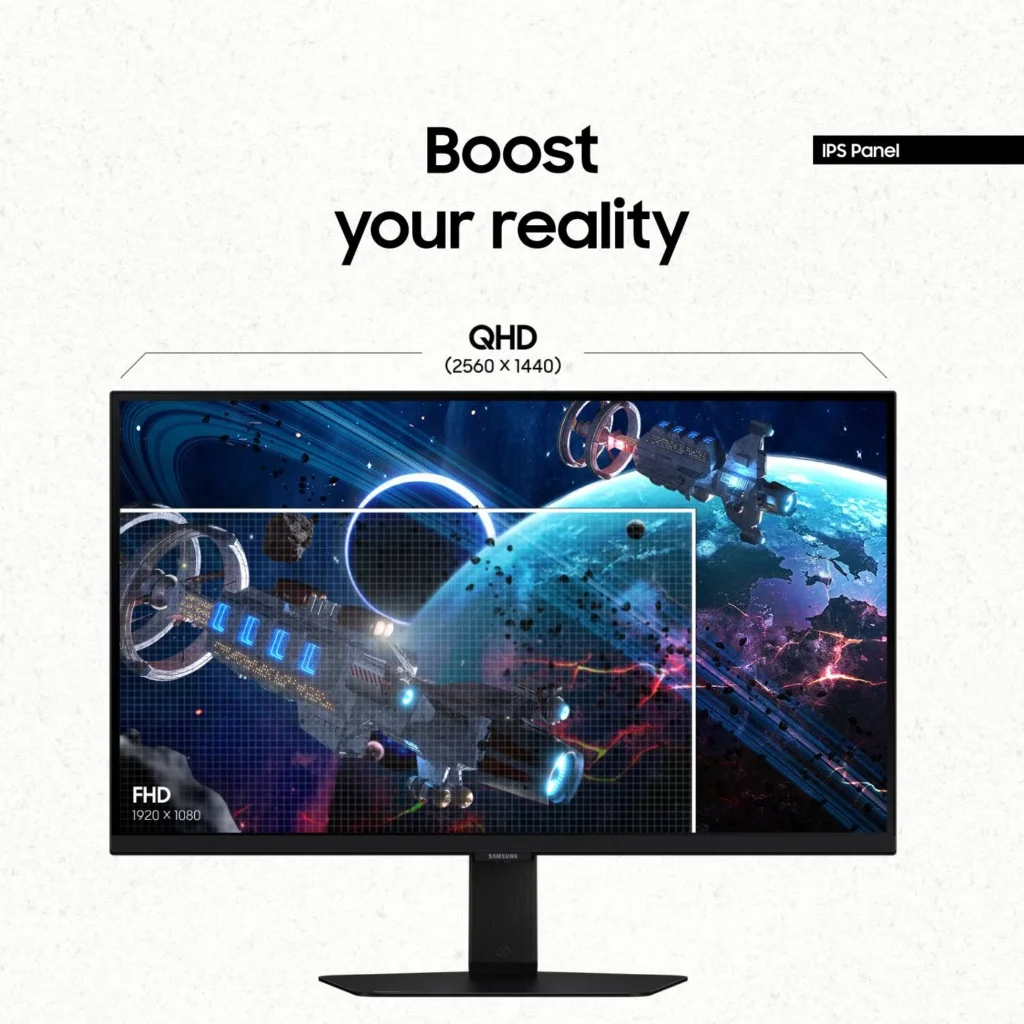
| QHD Resolution & Fast IPS Panel | Experience 1.7x the pixel density of Full HD with QHD (2560 x 1440) resolution for pin-sharp images. The Fast IPS panel ensures vibrant colors and a wide 178° viewing angle, providing clarity and consistent visuals from any perspective. |
|---|---|
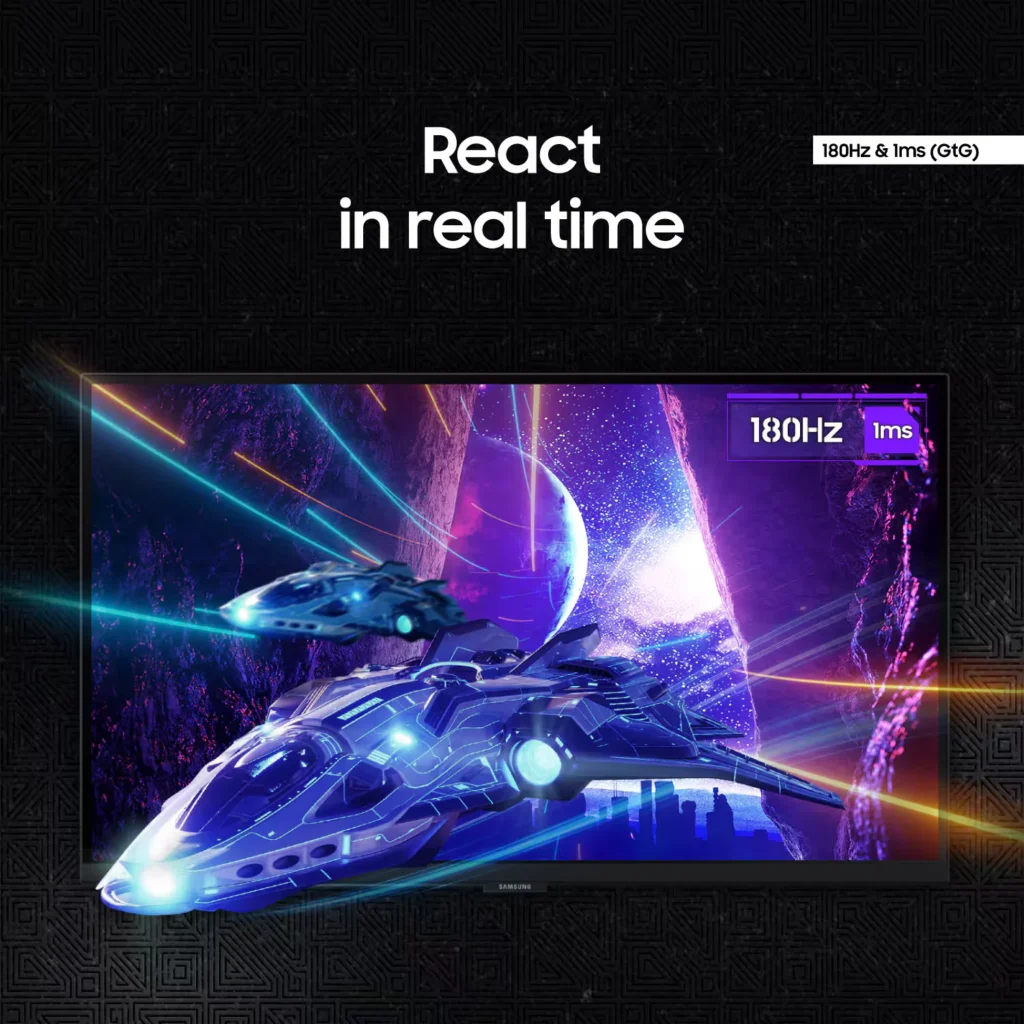
| 180Hz Refresh Rate & 1ms Response Time | Eliminate lag and motion blur with a rapid 180Hz refresh rate and a 1ms (GtG) response time. This combination delivers ultra-smooth action and near-instantaneous transitions, giving you a competitive edge in fast-paced gaming. |
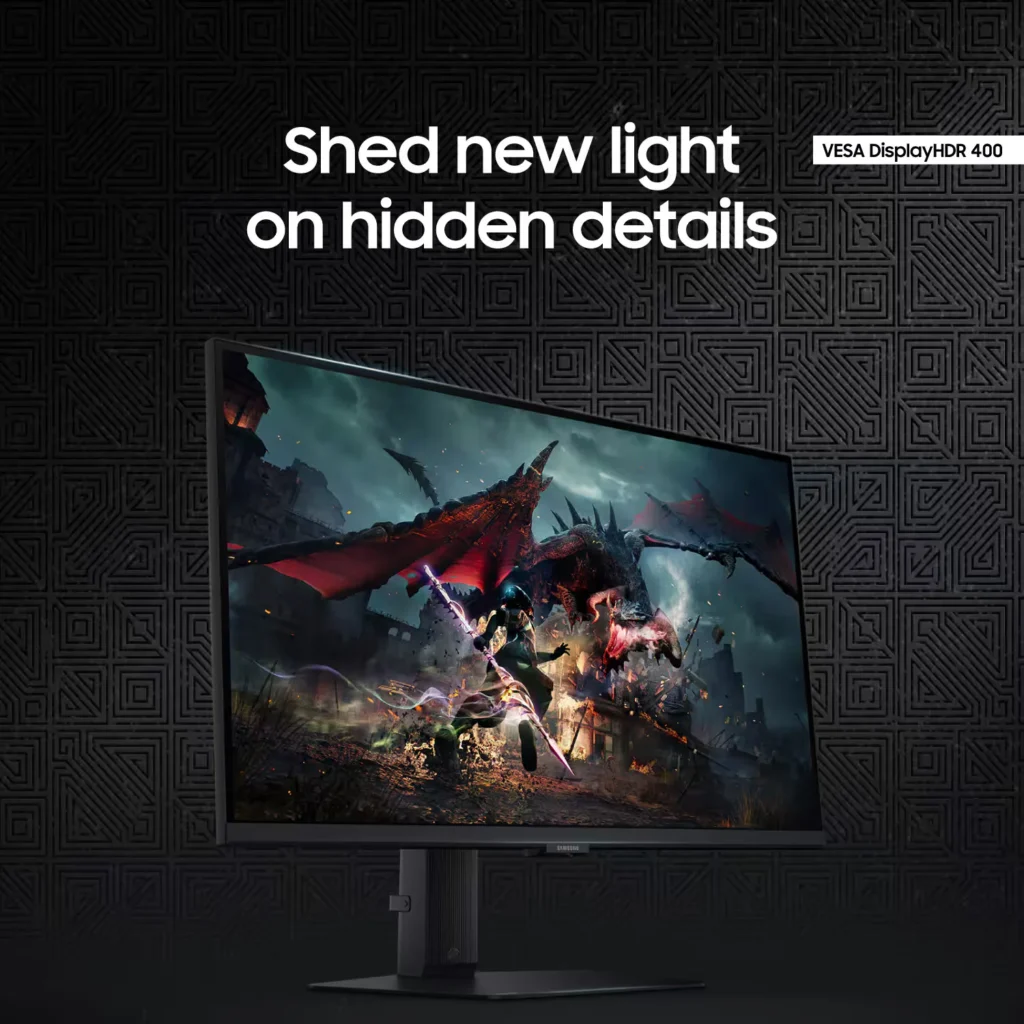
| VESA DisplayHDR 400 | Uncover hidden details in dark shadows and bright highlights with VESA DisplayHDR 400. This technology provides dynamic contrast with deeper blacks and brighter whites, enhancing the realism and depth of your favorite game worlds. |
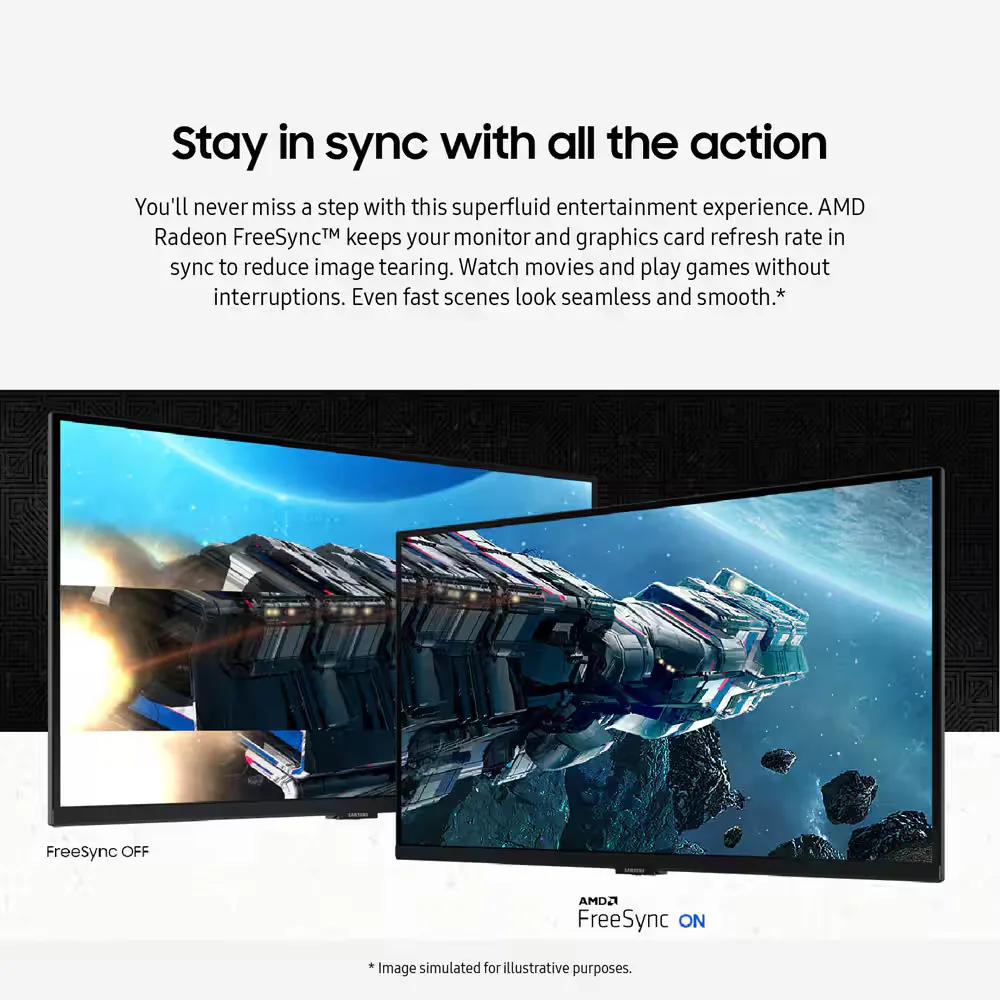
| AMD FreeSync & G-Sync Compatible | Enjoy seamless, tear-free gameplay regardless of your hardware. This monitor is both AMD FreeSync and G-Sync compatible, keeping your GPU and panel in sync to eliminate screen tearing, stuttering, and input lag. |
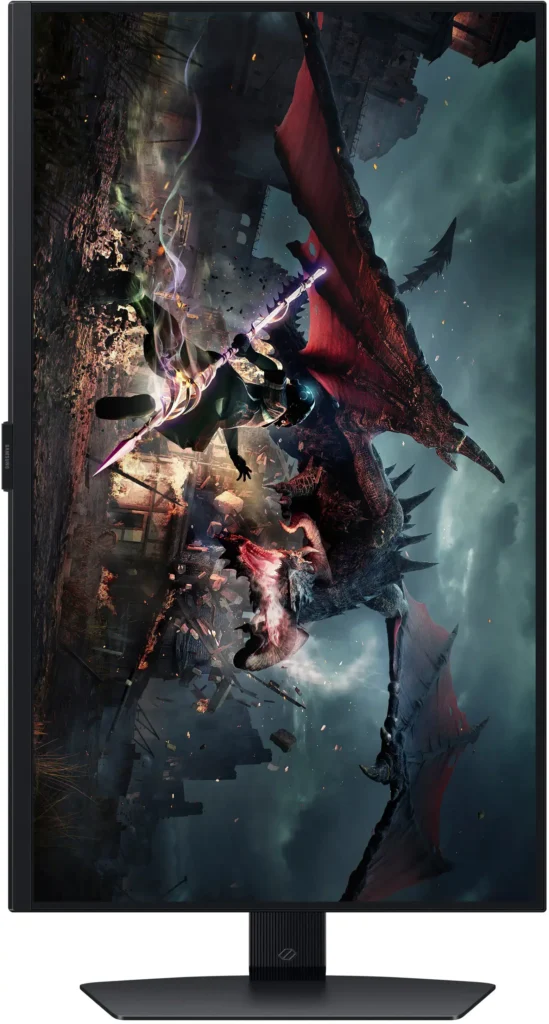
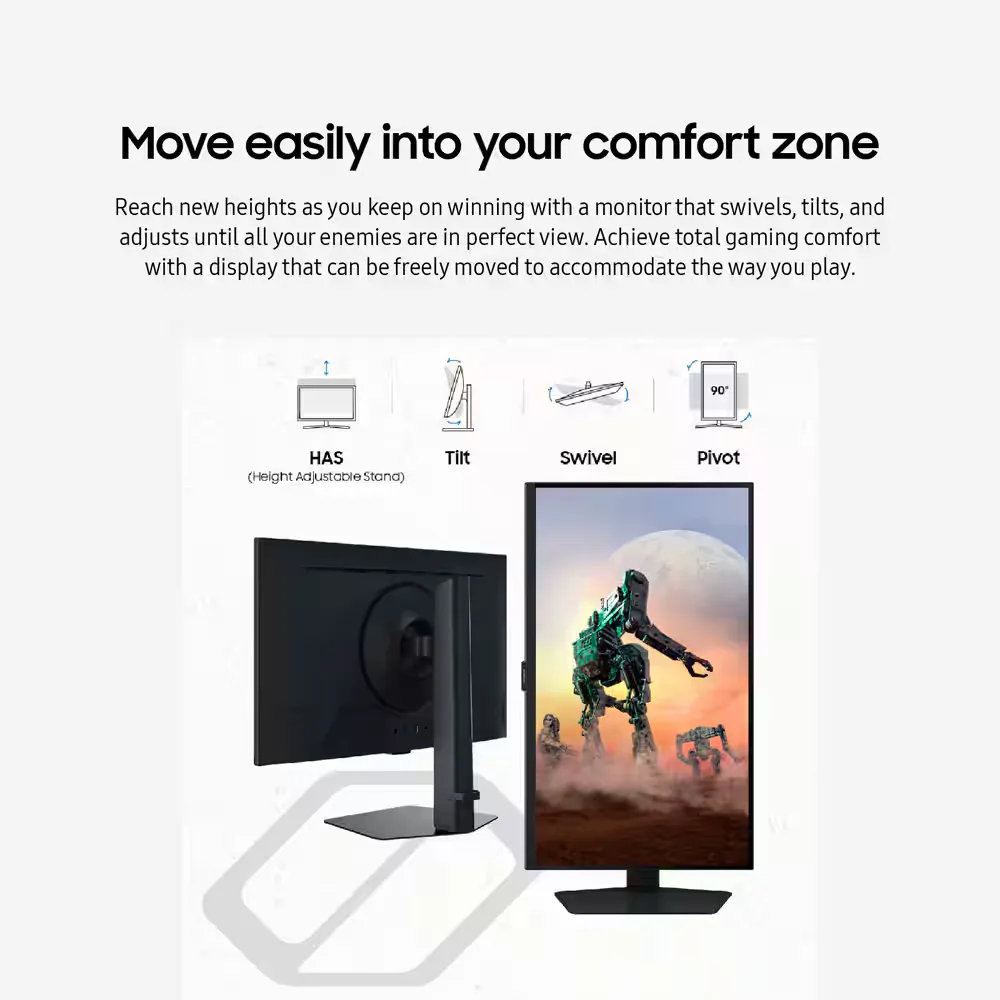
| Ergonomic Stand & Eye Comfort | The fully adjustable stand allows you to tilt, swivel, pivot, and adjust the height for personalized comfort. Integrated Eye Saver Mode and Flicker Free technology reduce blue light and screen flickering to minimize eye strain during long gaming sessions. |
Pros & Cons
Pros
- High Refresh Rate and Smooth Performance: Reviewers consistently highlight the 180Hz refresh rate and 1ms response time, which provide a buttery-smooth experience for fast-paced gaming without noticeable lag or ghosting.
- Vibrant QHD Image Quality: The 1440p resolution and IPS panel deliver crisp text and vivid, accurate colors that significantly improve visual clarity compared to standard 1080p displays.
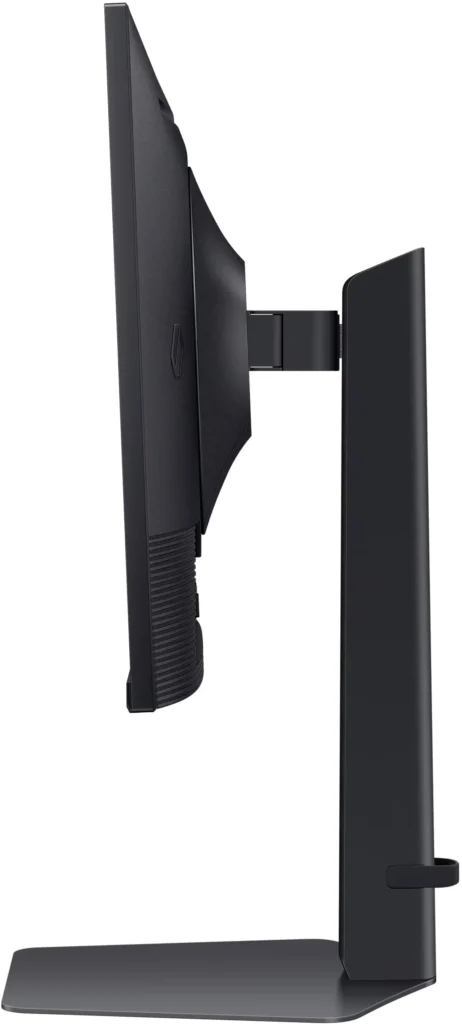
- Versatile and Sturdy Stand: The monitor features a robust, heavy-duty stand that offers extensive ergonomic adjustments, including height, tilt, swivel, and a 90-degree pivot for portrait mode.
Cons
- Frequent Quality Control Defects: A notable number of reviews report hardware failures, specifically dead or stuck pixels and the development of horizontal or vertical lines on the screen within a short period of use.
- Sleep Mode and Signal Issues: Users frequently encounter a frustrating firmware glitch where the monitor fails to reconnect or wake up after entering sleep mode, often requiring a manual power cycle or computer restart.
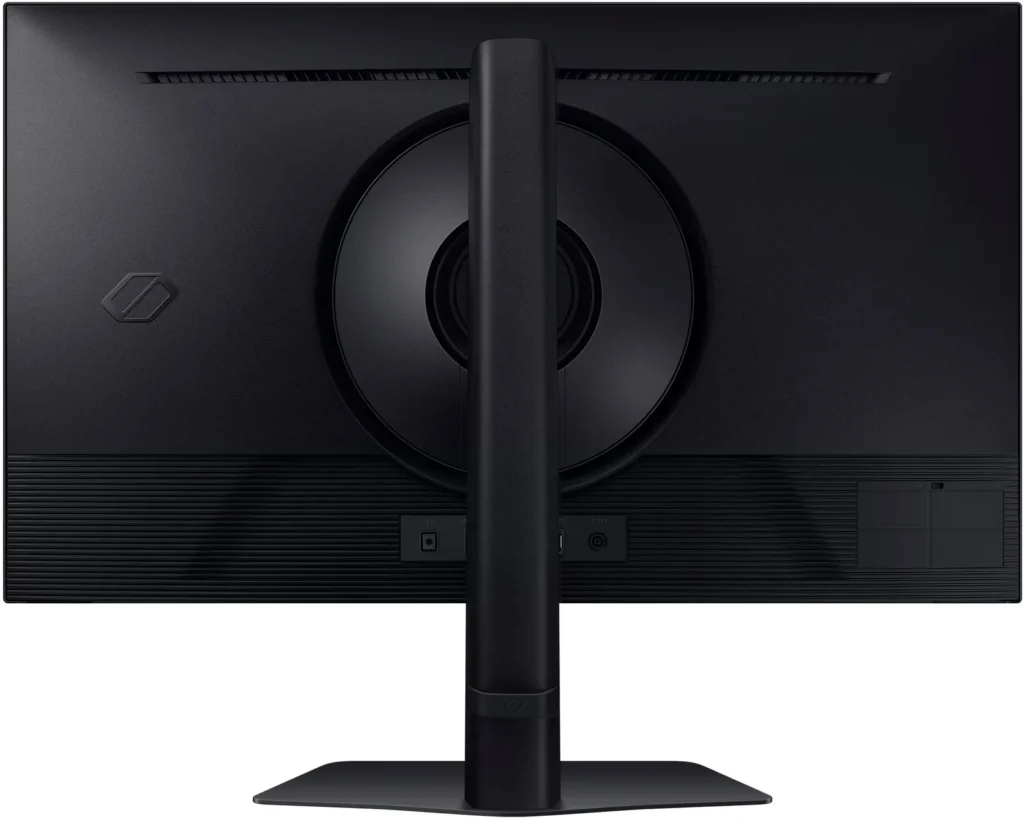
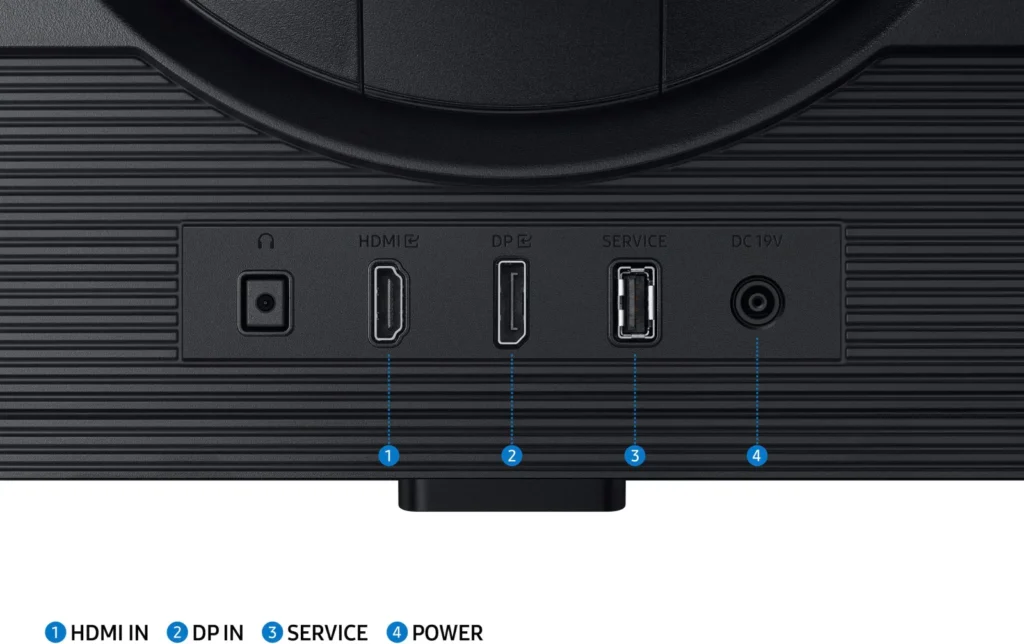
- Limited Ports and No Speakers: The monitor lacks built-in speakers and provides a limited selection of inputs, typically featuring only one HDMI and one DisplayPort, which some users find insufficient for modern setups.
You might also like










Customer Reviews
Showing reviews 921-930 of 997
-
Amazing
Verified purchase Verified purchase: This reviewer bought the product.Dylan Croupe August 21, 2024Review source: AmazonGreat price for product
-
Odyssey G5 27in
Verified purchase Verified purchase: This reviewer bought the product. Incentivized Incentivized review: The reviewer received a benefit for sharing feedback.NathanL August 19, 2024Review source: BestbuyI enjoy this Monitor, perfect for gaming, I haven’t had an issue since I bought it
-
Awesome monitor
Verified purchase Verified purchase: This reviewer bought the product. Incentivized Incentivized review: The reviewer received a benefit for sharing feedback.JSreview August 19, 2024Review source: BestbuyGreat monitor. Great quality and really impressed for the price.
-
Better than I expected
Anne August 17, 2024Review source: AmazonI had an older Samsung monitor, but I decided to upgrade and use a second screen. I’m really happy with this model. I have been using it as my main monitor for a few weeks now, so far so good!
-
Looks great after going into settings
Verified purchase Verified purchase: This reviewer bought the product. Incentivized Incentivized review: The reviewer received a benefit for sharing feedback.Mike August 16, 2024Review source: BestbuyEverything looks great. Colors pop. 180Hz refresh is more than enough. Nice size and viewing angle. I went from a 27″ 1080 curved and it took a minute to go back to the flat panel but I prefer the flat after a week of getting used to it. It comes factory set to Econ mode. Turn that off and go. You may have to set the refresh in the settings on the monitor the first time. HDR needs some tweaks.
-
Like the settings layout
Verified purchase Verified purchase: This reviewer bought the product.Ryan August 14, 2024Review source: AmazonAwesome, good graphics, the setting layout is cool as well, all in all good monitor.
-
Basura
Verified purchase Verified purchase: This reviewer bought the product.Basuraaaa August 13, 2024Review source: AmazonEl segundo dia se daño un pixel. Valla basura
-
Amazing
Verified purchase Verified purchase: This reviewer bought the product. Incentivized Incentivized review: The reviewer received a benefit for sharing feedback.BriannaW August 13, 2024Review source: BestbuyHonestly makes you feel like your in the game. Everything super smooth
-
Great monitor with one personal flaw…
Verified purchase Verified purchase: This reviewer bought the product.Valeria M. August 12, 2024Review source: AmazonFirst of all, I love this monitor! The 32 inch screen is a great size for gaming & movies, as well as using it for your PC. The colors are vivid and the 1440p/2K resolution rate is still top notch. The refresh rate is very smooth as well. I also like the “eye comfort” feature it has to block the blue colors so you don’t strain your vision. And lastly the customization for different screen filters is great! But my one qualm, which doesn’t affect my rating for it, is that I wish there was a handheld remote for the monitor itself rather than pushing the buttons from the center bottom. It can be a bit difficult to change the settings so a lil remote would be a cool addition for future monitors. But that’s it, everything else about this monitor is great!
-
Almost a Golden Egg IPS 2K Monitor
Verified purchase Verified purchase: This reviewer bought the product. Incentivized Incentivized review: The reviewer received a benefit for sharing feedback.Tamago August 11, 2024Review source: BestbuySadly, it was a blind purchase since it lacks a decent full-on review from the likes of RTINGS. Took the chance I still prefer IPS over VA panels to replace as my primary from dual 27″ IPS setup. OLED too expensive. Would’ve bought the Alienware AW3423DWF if money/budget were there. This IPS monitor was almost a golden egg for its tech level. Only gripe/CONS are with the power, video port and mount designs. Super awful.
PROS: IPS 180Hz Freesync Panel. 2K so semi-midrange GPUs handle fine in 2K gaming like the RX6650XT.
CONS: DP/HDMI I/O has tight clearance with the OEM mount. Vulnerable to crimping. No pass-through in the OEM mount. My DP cable was thick since it supports high-refresh and 10ft. VESA mount only compatible with a square plate else, 3rd party spacers and longer screws will be required. Power cable isn’t the standard PC power cable. Has an AC breakout power supply box. The AC Plug has a 90 degree bend so be mindful of your power outlet arrangement. Cable management was awful to do. Will be difficult for horizontal AC outlets vs vertical AC outlets. Requires manual OSD management to enable Freesync/Refresh Rates.