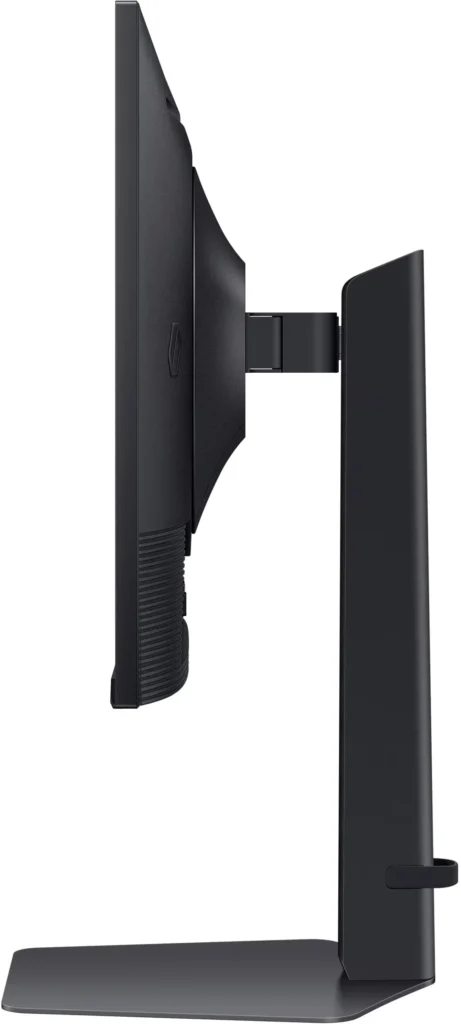
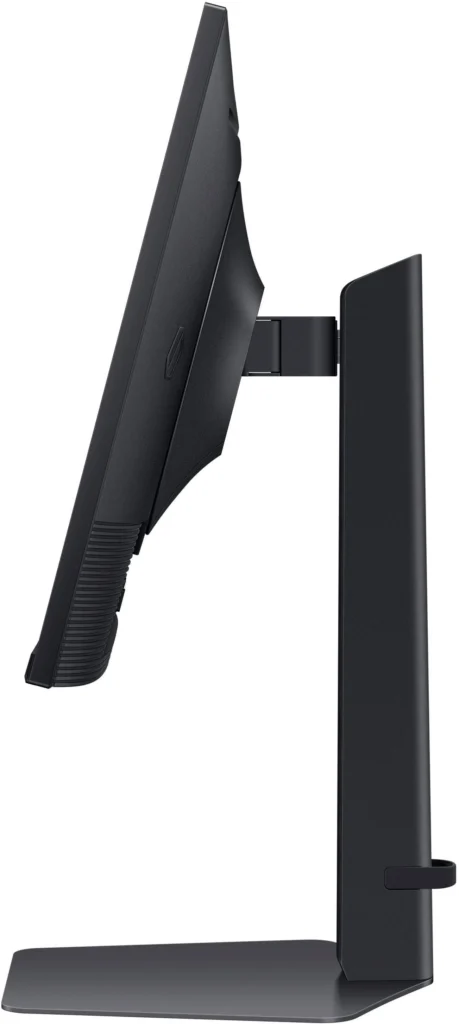
No images available for this model.
Imagery for this model matches or very closely resembles the visuals shown for similar versions. Please review the nearby models for a reliable reference.
Customer Media
Highlights
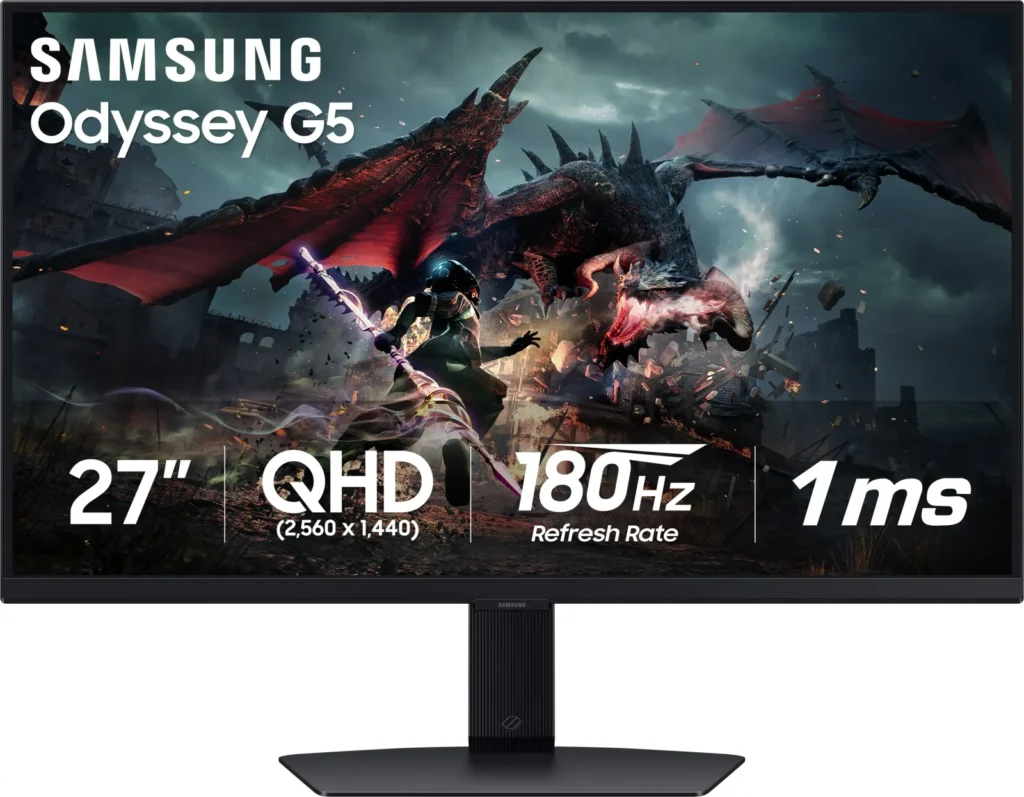
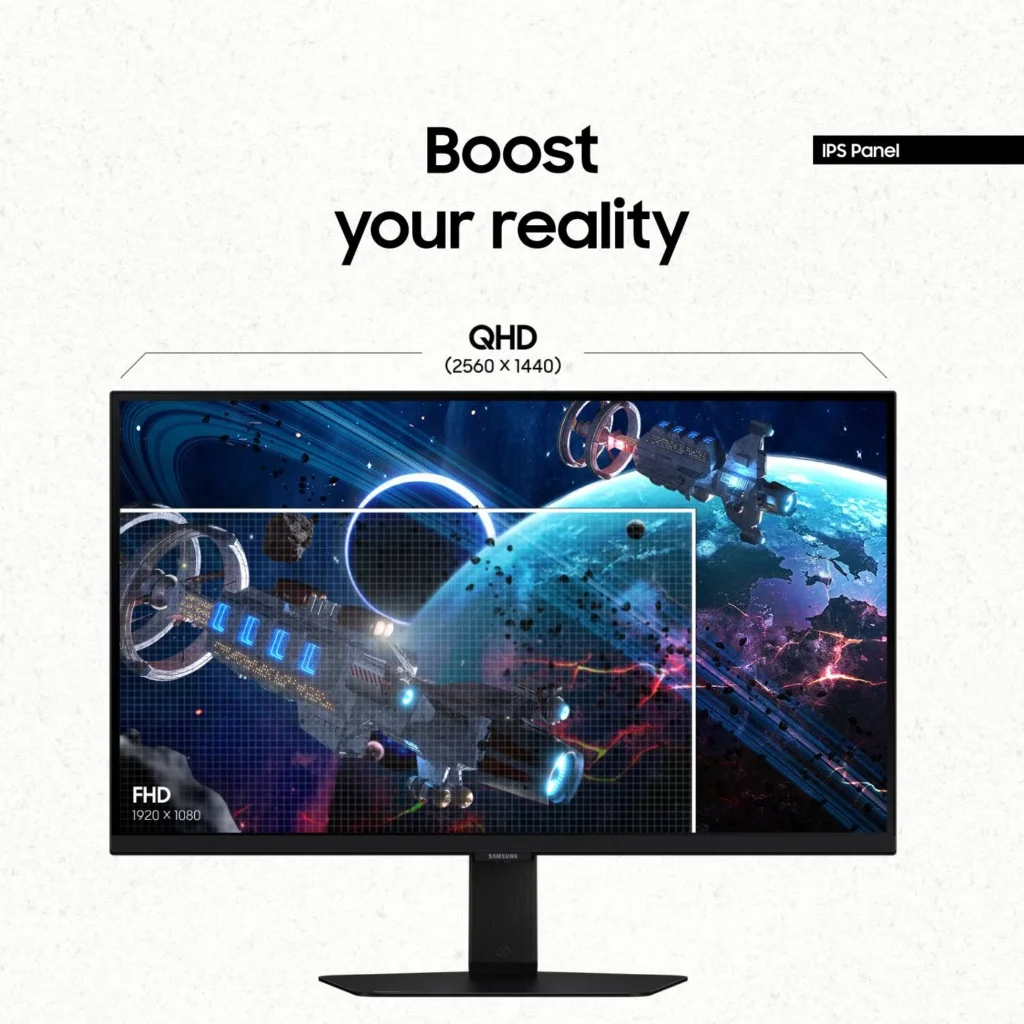
| QHD Resolution & Fast IPS Panel | Experience 1.7x the pixel density of Full HD with QHD (2560 x 1440) resolution for pin-sharp images. The Fast IPS panel ensures vibrant colors and a wide 178° viewing angle, providing clarity and consistent visuals from any perspective. |
|---|---|
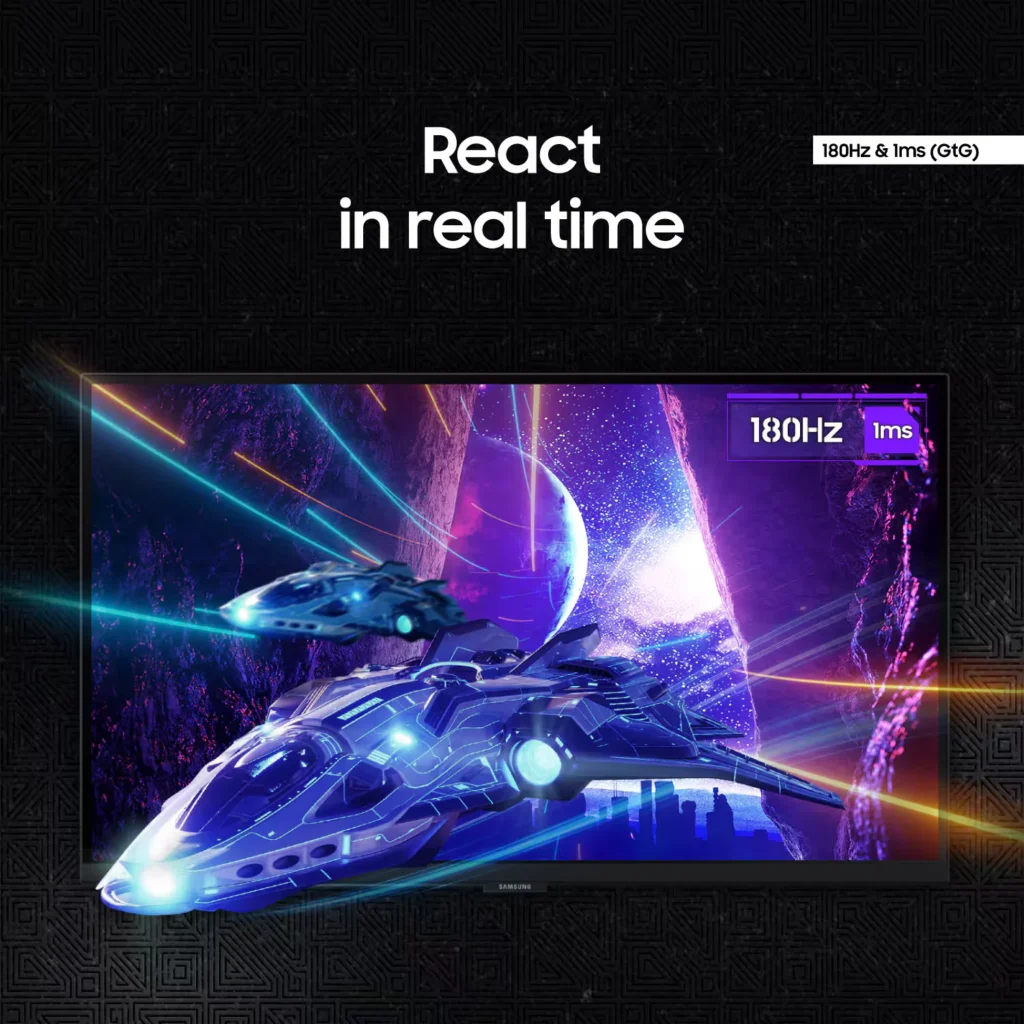
| 180Hz Refresh Rate & 1ms Response Time | Eliminate lag and motion blur with a rapid 180Hz refresh rate and a 1ms (GtG) response time. This combination delivers ultra-smooth action and near-instantaneous transitions, giving you a competitive edge in fast-paced gaming. |
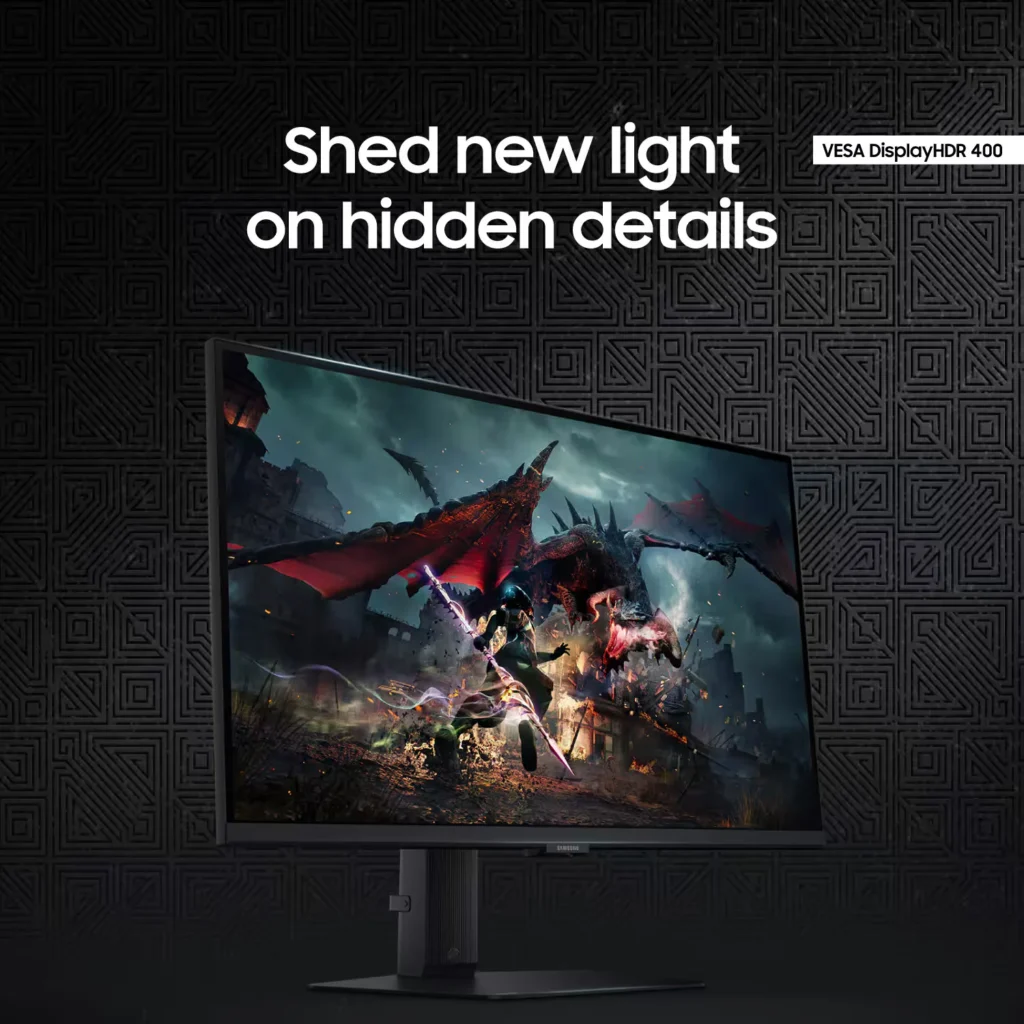
| VESA DisplayHDR 400 | Uncover hidden details in dark shadows and bright highlights with VESA DisplayHDR 400. This technology provides dynamic contrast with deeper blacks and brighter whites, enhancing the realism and depth of your favorite game worlds. |
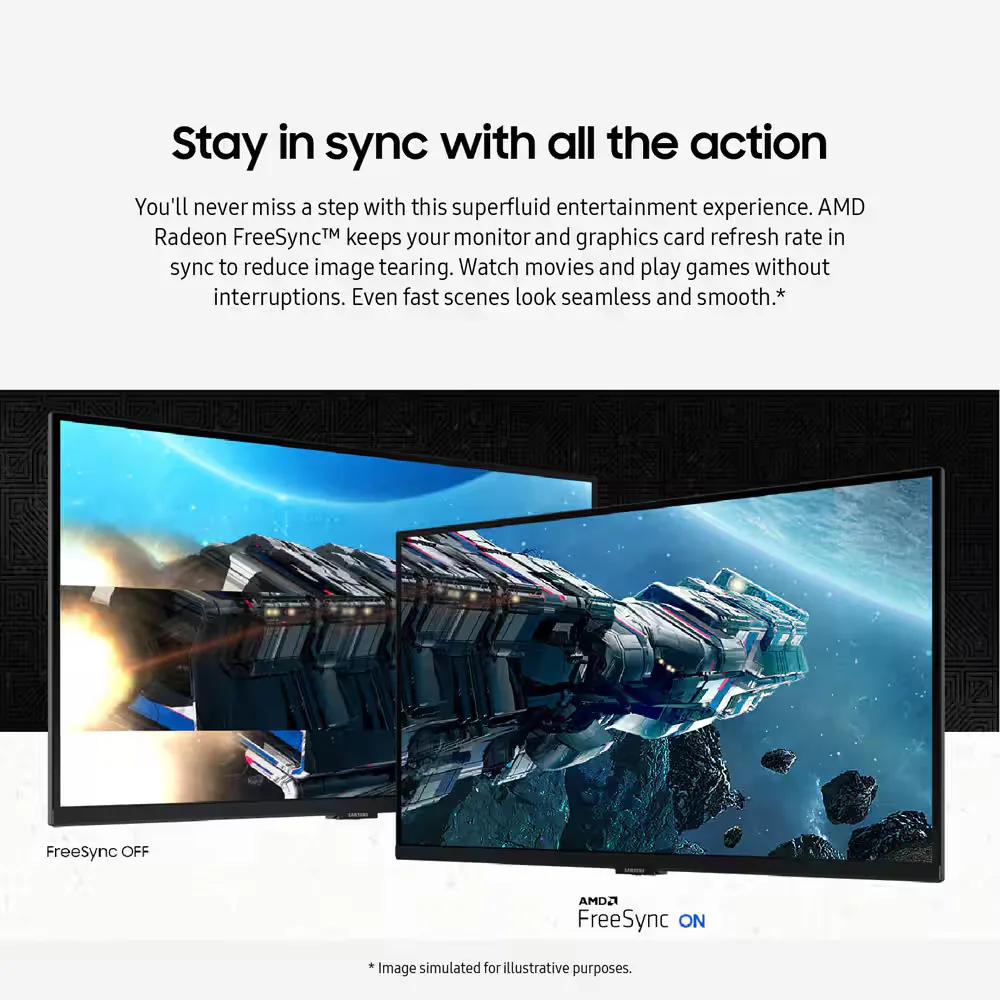
| AMD FreeSync & G-Sync Compatible | Enjoy seamless, tear-free gameplay regardless of your hardware. This monitor is both AMD FreeSync and G-Sync compatible, keeping your GPU and panel in sync to eliminate screen tearing, stuttering, and input lag. |
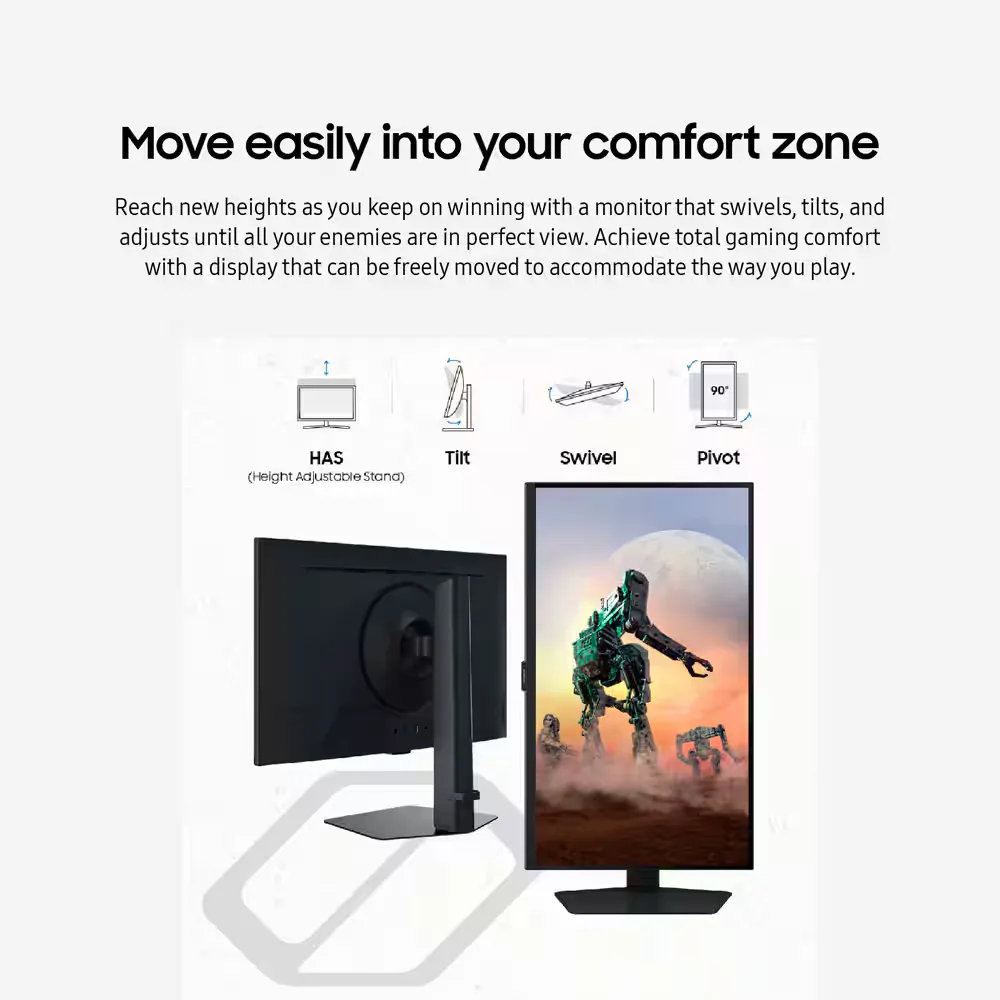
| Ergonomic Stand & Eye Comfort | The fully adjustable stand allows you to tilt, swivel, pivot, and adjust the height for personalized comfort. Integrated Eye Saver Mode and Flicker Free technology reduce blue light and screen flickering to minimize eye strain during long gaming sessions. |
Pros & Cons
Pros
- High Refresh Rate and Smooth Performance: Reviewers consistently highlight the 180Hz refresh rate and 1ms response time, which provide a buttery-smooth experience for fast-paced gaming without noticeable lag or ghosting.
- Vibrant QHD Image Quality: The 1440p resolution and IPS panel deliver crisp text and vivid, accurate colors that significantly improve visual clarity compared to standard 1080p displays.
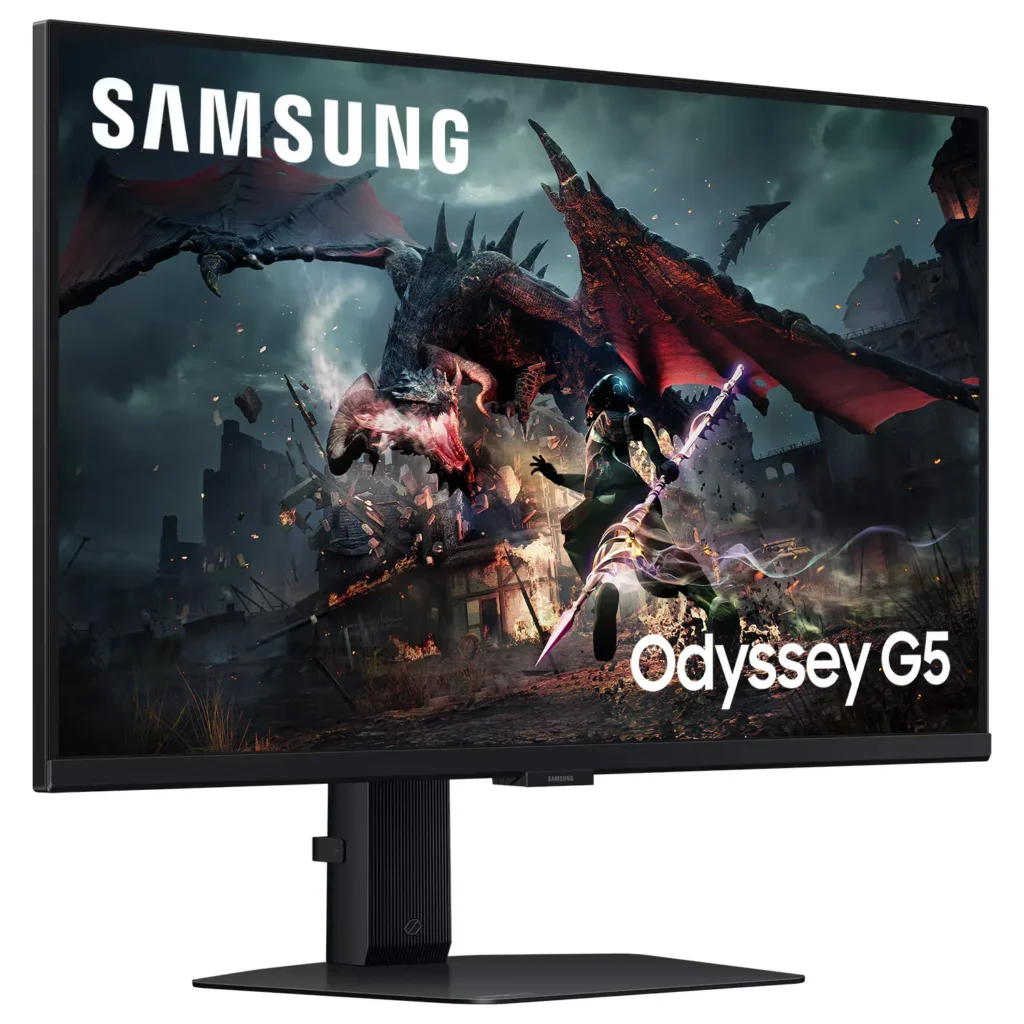
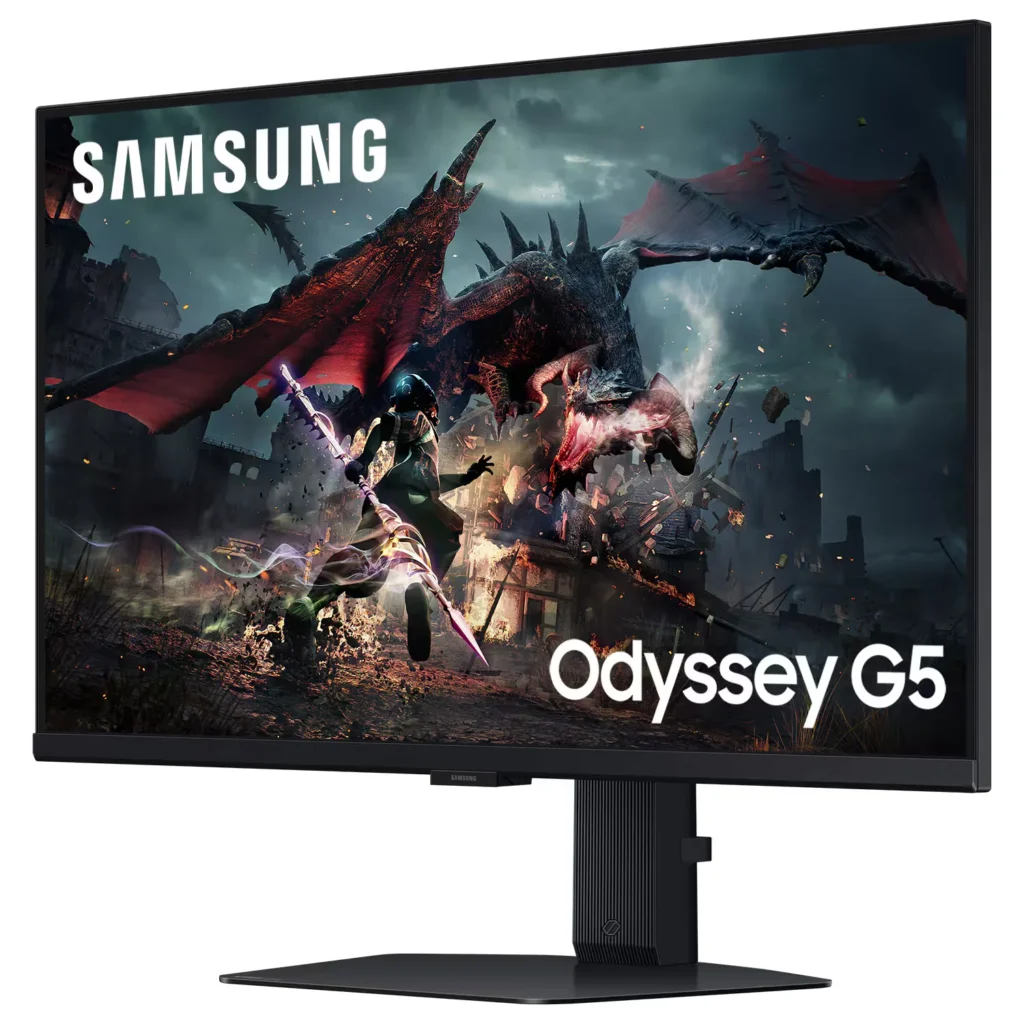
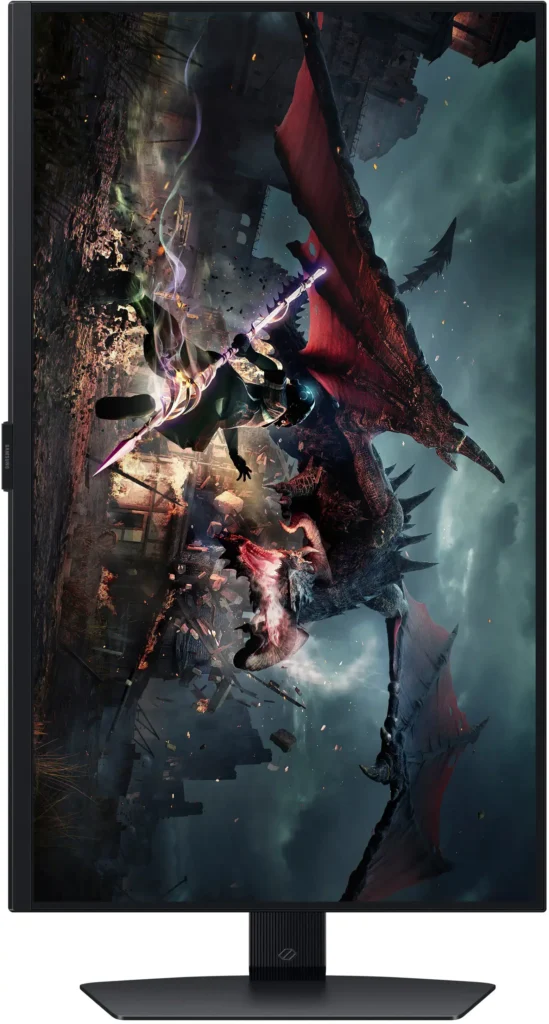
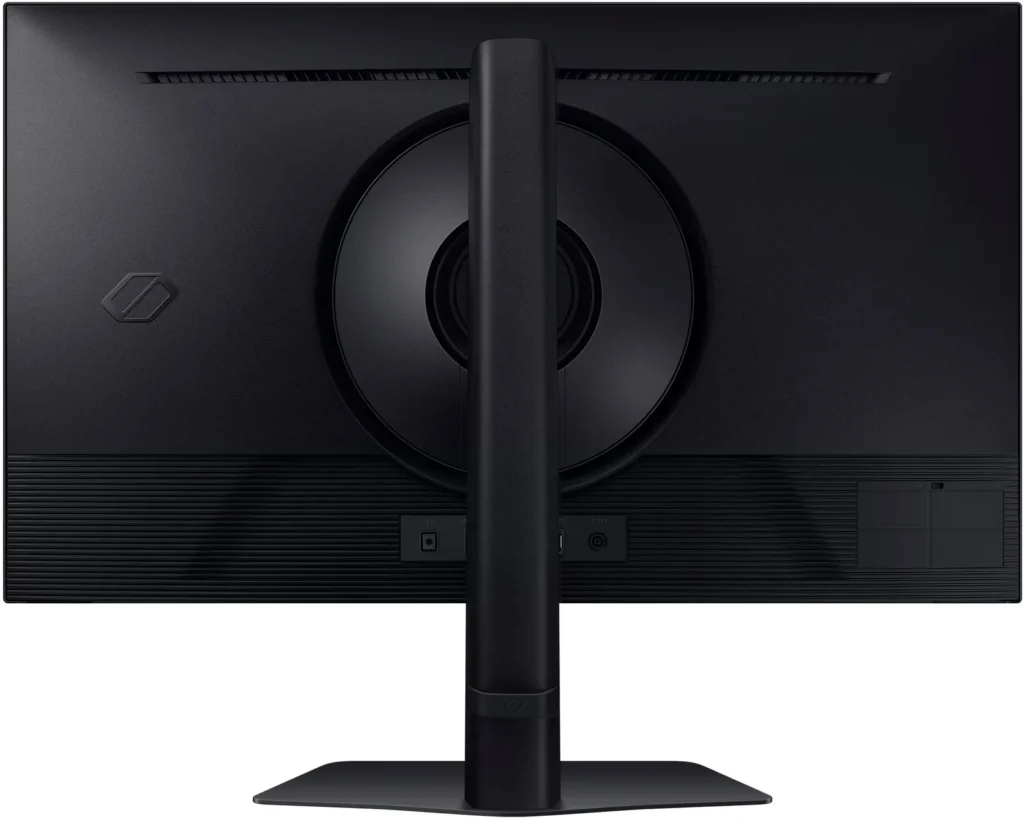
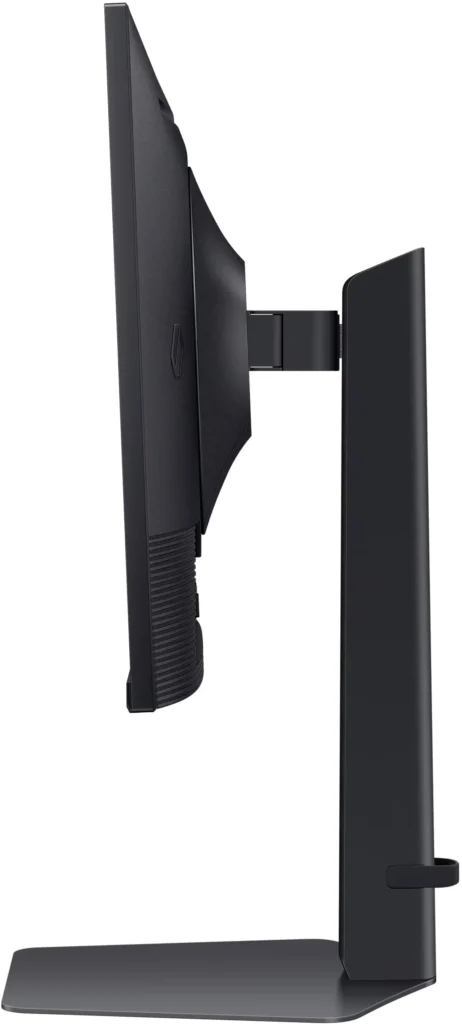
- Versatile and Sturdy Stand: The monitor features a robust, heavy-duty stand that offers extensive ergonomic adjustments, including height, tilt, swivel, and a 90-degree pivot for portrait mode.
Cons
- Frequent Quality Control Defects: A notable number of reviews report hardware failures, specifically dead or stuck pixels and the development of horizontal or vertical lines on the screen within a short period of use.
- Sleep Mode and Signal Issues: Users frequently encounter a frustrating firmware glitch where the monitor fails to reconnect or wake up after entering sleep mode, often requiring a manual power cycle or computer restart.
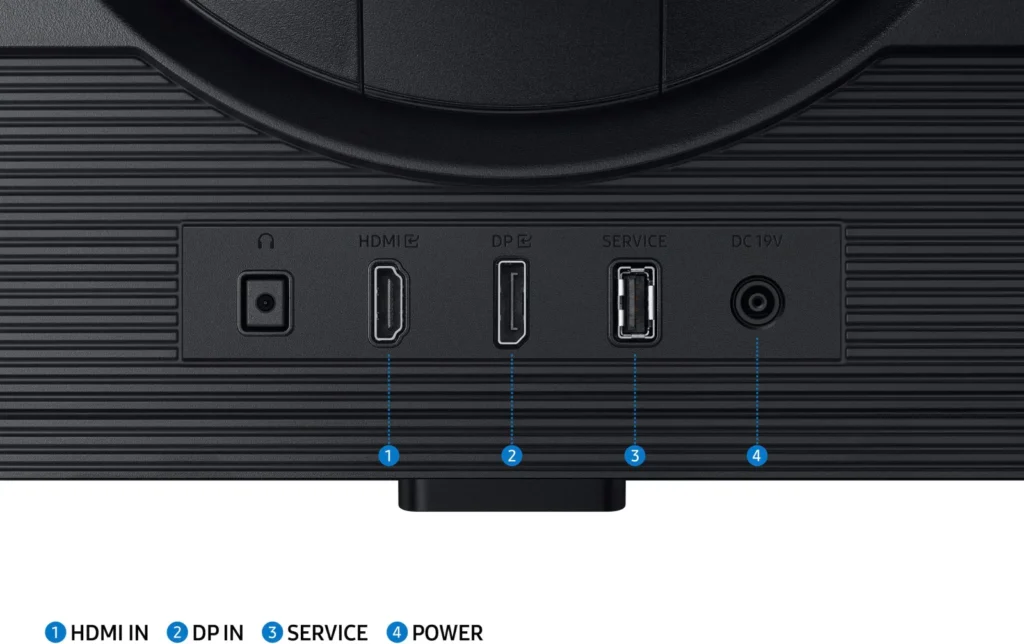
- Limited Ports and No Speakers: The monitor lacks built-in speakers and provides a limited selection of inputs, typically featuring only one HDMI and one DisplayPort, which some users find insufficient for modern setups.
You might also like










Customer Reviews
Showing reviews 981-990 of 997
-
Great picture
Jamie W May 30, 2024Review source: AmazonThis computer screen is great quality. It’s thin and lightweight. The stand is sturdy and very stable. The screen is big and goes edge to edge. The picture is crisp and clear. A great size for gaming, working from home, or leisure use. Hook up was simple and easy to sync. You are also able to attach the cord that will transfer to tv. Frame rate for this is amazing. A great screen of great quality for a good value. Would recommend.
-
excellent monitor
Incentivized Incentivized review: The reviewer received a benefit for sharing feedback.Appa-latch-un May 29, 2024Review source: AmazonThis is for the 32″ version. First off, I am not a gamer, but I am sensitive to screens due to migraines and dyslexia. I have read that higher refresh rates on gamer equipment is helpful. I got this to take to my office to pair with my mediocre employer issued laptop, and indeed it helps so much! Fewer headaches and less eyestrain and faster screen reading. The image is super sharp. I also love that the base is completely flat, so I do not loose any desk space. I am very pleased with this monitor.
-
Great work monitor
Thumper May 27, 2024Review source: AmazonLet me start by saying that I have not used this for gaming. It is next to my gaming system, so I can compare the colors, but haven’t used it for games.
On my “C” shaped desk, my gaming rig is using a Samsung Odyssey G9 49″ curved monitor, so that is my secondary reference.
The 27″ has a similar appearance when off. It is not a shiny surface, and due to the position of the monitor in relation to my window, it does a good job of keeping glare down. The colors in comparison to the G9 seem a bit more muted. Now, some of that could be due to the work setup not having anywhere near the graphics ability of the game setup.
Out of the box, you won’t get full performance out of this monitor. I think they set it so it will work on all machines, then you can tweak it to work on your setup. For instance, at first I was questioning why I was limited to 60Hz. After some playing in the menu, there it was, the full gambit up to 180Hz. Now, your abilities to use the upper resolutions and speed will be dependent on the abilities of your video card. I would encourage you to play in the monitor’s menus as one of your first steps.
Speaking of menus, the monitor uses the familiar Samsung multi-function circular controller. It’s a little awkward at first, but you get used to it pretty quick.
I did not use the stand — I use a multi-monitor support. There, it connected easily. And you can even use the ring that comes with the monitor with your own stand to help wire management and “finish” the look of the installation. The stand that comes with it feels substantial, but I can’t speak to its sturdiness.
I had no “dead pixel” issues and the setup (once I played in the menus) was straightforward. The one thing I wish it had — in the box there is no protector on the screen. Ok, it is protected, but in the old days there was plastic over the screen. Why would I want this? When you’re hanging the monitor in initial setup, it’s hard to not have a finger brush the screen. Plastic everywhere else, just not on the screen.
Overall, great monitor. Spend some time getting to know your monitor. Use the cables that came with it (they made a difference in my setup).
-
Worked great the first 2 days
Noritaka Sakai May 27, 2024Review source: AmazonAfter 2 days there was a line that developed. Definitely would stay away from this monitor. The QC is not there and the hassle for dealing with it is more of a pain than it needs to be.
-
Excellent monitor
Terrier Tude May 26, 2024Review source: AmazonI decided to get the monitor so that each of my two were the same size. The ability to flip the monitor has helped when performing data entry, while the normal helps with editing videos and creating images in Photoshop.
The settings at the bottom is easy to navigate. The monitor standard settings are vibrant and I haven’t noticed any lag or ghosting. So far I am very impressed with monitor and would recommend it.
-
A Budget-friendly and High-Quality Monitor
RGT May 25, 2024Review source: AmazonI meant to upgrade my Samsung 24-inch monitor, which I have used since Windows 7, but I just got around to it now. This 27-inch Odyssey monitor is an excellent pair to a BenQ 27-inch that I use for photo editing. I am not an avid gamer but enjoy watching sports on my computer. With its fast refresh rates, this new monitor is great for that, although I can only set it at 120Hz due to my graphics card limitation. My speakers also sounded much better when connected to the G5’s audio port.
The G50D display is impressive with its sharp images and vibrant colors out of the box. However, it needs to be calibrated since the white is too bright and the black is too dark. After some slight adjustments, I enjoyed watching videos with it. I want to make more adjustments so I can also use it to edit photos, though I am not a fan of its adjustment buttons. They are not easy to use. Photo: BenQ (L) – G5 (R)
Assembling this monitor was relatively easy, and it was also easy to adjust it to a comfortable viewing level. Overall, this monitor is an excellent addition to my computer system.
-
Excellent gaming monitor
BillRVC May 24, 2024Review source: AmazonI’m not a gamer and I intended to use this monitor to replace my 24 inch Samsung monitor that I use for my desktop PC. Unfortunately it was a little too big for my space but it did look great. I gave it to my son, who is a serious gamer and he loves it.
As far as using it for a computer monitor I was disappointed that it only has one HDMI port because I like to switch the monitor to use with another computer on a different HDMI port. However, this monitor wasn’t designed for that purpose. It was designed for gaming and in that arena it excels. I’m not even sure what a DVI port is but my son was thrilled that it had one in addition to the HDMI port.
-
Nice screen, thin edges, fits lots more with the higher pixel count.
C. M. May 24, 2024Review source: Amazon2560×1440 is a bigger deal than I thought and was able to see how this monitor looked at 1920×1080 vs and old monitor that had a max of 1920×1080. What I noticed with the higher pixel count is you can get more files and text to fit on the screen and still have it readable, This same big monitor using my old laptop could only do the lower resolution (suppose due to old graphic card). Could get some extra on the screen, but it was limited. The high resolution and big screen was nice looking at maps, seeing more detail all at once.
Either resolution was not able to run at a faster refresh than 60Hz. Don’t know if the new laptop going through a USB-C to DisplayPort cable was the issue. The cheapy cable claims to do higher refresh rates, so maybe it is the laptop. In any case, I’m happy with the 60Hz (even 50Hz was fine) and the slower refresh is supposed to save power. Right now in the summer, don’t need heat radiating on my face. But, at 60Hz, I am not noticing much heat at all, just a small area along the bottom of the monitor has the slightest warmth.
I can push a couple buttons on the monitor and flip back and forth between an old on HDMI and new laptop on DisplayPort, fairly convenient. At the high resolution, I can load many files on the screen to work on and reference all at the same time. Perfect for what I need now. Maybe I should have gone even bigger.
Have to be cautious about unpacking the monitor. There are specific instructions on putting the base together and it is very slick and prevents damage to the screen. You never remove the monitor from the box until you assemble the base and attach it to the back of the screen. Then you pick it up and put it immediately on the desk.
The stand seem quality and well built. I like the flat metal base since you can use it to store things. My old base mounded up in the center so nothing could sit on it. The pivoting feature and raising/lowering works nicely. The bottom edge of the monitor can go down to 2.5 inches from the desk. I like a low monitor so I don’t have to tilt my head back. The stand will allow me to rotate to portrait mode, trying to figure out if that is something to consider using.
The screen is a nice satin/flat matte look which does not reflect light. I have a window behind me and my old glossy laptop screen is terrible when the sun is bright with seeing reflections.
Can’t speak for the gaming aspect since I don’t have the special graphic cards, but it is a nice monitor and easy on the eyes.
Update: I did get the cable to go to 180Hz. The monitor was set by default to 60Hz limit. Changed the monitor setting and suddenly the monitor blinked a couple times as the video mode changed. For what I was doing I could not tell a difference in the picture. So, I put the monitor setting back to 60Hz. :end of update.
-
Image quality that literally redefines my PC experience- but a few design quirks I didn't like
Freija L. May 24, 2024Review source: AmazonThe adjustable stand this comes with is indeed very flexible, and I like that the base is quite thin, but solid metal, so it holds the monitor securely without being bulky. The straight back allows pushing it right up against the wall, so it doesn’t take up any more space than it needs to. That said, it does stick forward several inches in front, and I ended up ditching it for the raised monitor arm I already had because the long stand base took up too much room to use my gaming mouse pad in front of it. The VESA universal mount support is a nice thing to have for situations like that.
The power supply for this is a power brick with a cord that goes to the monitor and a cord that goes to the socket, like a game console or laptop would use. The upside is that it’s replaceable should the need arise, the downside is that the brick itself occupies a weird place in the middle of the cord’s total length. You will probably end up doing some odd cable management trying to hide that brick somewhere. I found it just a little annoying.
The resolution and pixel density of this are everything you expect, and more. I had vivid, accurate colors across the spectrum, and not a single dead pixel. With the resolution at maximum and the refresh rate set to the full 180Hz, I was blown away by how crisp and responsive even just scrolling the start menu list was. Normally with my old monitor there would be some “blur” on moving icons, which never bothered me, I just accepted it as motion blur, but on this even the most super-fast scrolling stayed pixel-sharp- it was kind of weirdly beautiful just to watch the rows of icons go zipping by!
By default Windows will make all of your menus and icons VERY TINY on a resolution this dense, which might work on a big TV, but on a monitor, even a gaming monitor this size, I still found myself squinting at. I’d recommend setting Windows icon/menu display scaling to 125%, to get nicely sized icons at this glorious resolution, but that’s my preference.
The monitor itself also has settings in a menu, accessed by buttons on the underside of it. Managing typical circle buttons (up/down/left/right/center) like you’d find on a remote from underneath without seeing them felt weird at first, but I got the hang of it quickly and went through a lot of options for color tone, contrast, and so on, before deciding *most* of them looked best at their default already. Still, there’s a lot in that menu, so I’d suggest having a look. Between Windows settings, your graphics card’s settings AND the device’s own menu there’s a lot to consider when getting the most out of a monitor this capable.
One thing I found frustrating though, was the different options limited by cable design I experienced. This comes with only a DP cable, oddly, no HDMI, and with the DP cable I could select the full 180Hz refresh rate, but not activate HDR color space. When I used an HDMI cable I own, HDR color space became available, but the refresh rate was limited to 144Hz. I tried a few different cables across a few ports, but could not get both 180Hz & HDR at the same time. My graphics card is not even remotely new- a GTX 970, so I can’t reasonably expect the world, but I did find it frustrating. It was odd the default included cable didn’t allow HDR to work, because let me tell you, using the HDR on HDMI looks downright AMAZING- absolutely worth a lower refresh rate if it comes to it in my opinion.
The headphones jack on the middle bottom of this in back is both awesome and annoying. If you’re using a soundbar or speakers it’s position is perfect, but if you’re using actual headphones like I am the cord draping across your keyboard and into the center of the monitor is awkward to say the least. On a monitor of this premium I’m kind of surprised there is no soundbar built in, really. The monitor audio jack appears as its own sound device, thankfully, so you can choose to use it, not use it, or set it as secondary under sound settings as desired.
This has an honestly beautiful picture, in HDR mode it will literally amaze you. The improved responsiveness, even at just 120Hz, was like a whole new world compared to my old 60Hz monitor. The stand is hit or miss, on the one hand it is great, on the other the base really does extend far forward and make the limited space of a tiny desk that much worse. The included DP cable but no HDMI cable and issues I had with one versus the other making certain features available or unavailable was genuinely frustrating, and the placement of the headphone jack in the center rather than off to one side is weird for using with gaming headphones. And then there’s that awkward power brick you have to hide under the desk or behind the monitor somewhere. I love the display, and that is the main thing this offers, but the design in many ways isn’t perfect. On sheer merit of image quality, this gets 4 stars, but everything else I didn’t like knocks off one star, even though it hurts, because taken together some of those flaws do add up.
-
SAMSUNG G50D 32" – My Top Performer
Incentivized Incentivized review: The reviewer received a benefit for sharing feedback.Gear Geek May 23, 2024Review source: AmazonI occasionally game with my kids, but I got this Samsung 32-inch G50D IPS monitor mainly for graphics-intensive engineering and design work, and I’m really happy with it. The display is big, bright, and beautiful with great viewing angles. It’s one of three 32-inch panels on my desk, and this Samsung definitely stands out. The panel offers excellent contrast, deep blacks, and bright whites.
There’s a lot to love about this monitor. One of the first things I noticed during setup was all the adjustment options to get the right ergonomics, including the ability to raise and lower the monitor. I find the option to rotate the monitor from landscape to portrait mode really handy when writing or working on graphics. I use this monitor for over 8 hours a day, so being able to adjust it to my needs and using the eye saver mode to reduce blue light strain is crucial. This monitor has been a great addition to my setup.
I don’t use AMD graphics, so I can’t comment on the monitor’s Radeon FreeSync capabilities or much about its gaming performance, but it handles rendering large engineering models flawlessly. Models, textures, and imagery are bright and crisp, which is what matters most to me.
I do prefer Samsung over other brands and have a lot of Samsung devices and displays. Still, this panel holds its own between two competitor monitors with similar specs. If I had to point out one area for improvement, it would be that it only has one HDMI and one DisplayPort – my other monitors have two DisplayPorts and support multi-stream transport. I can live without it, but it’s becoming standard, and you’ll find it on other monitors in this price range.
All in all, this is a fantastic IPS monitor and I highly recommend it.