No images available for this model.
Imagery for this model matches or very closely resembles the visuals shown for similar versions. Please review the nearby models for a reliable reference.
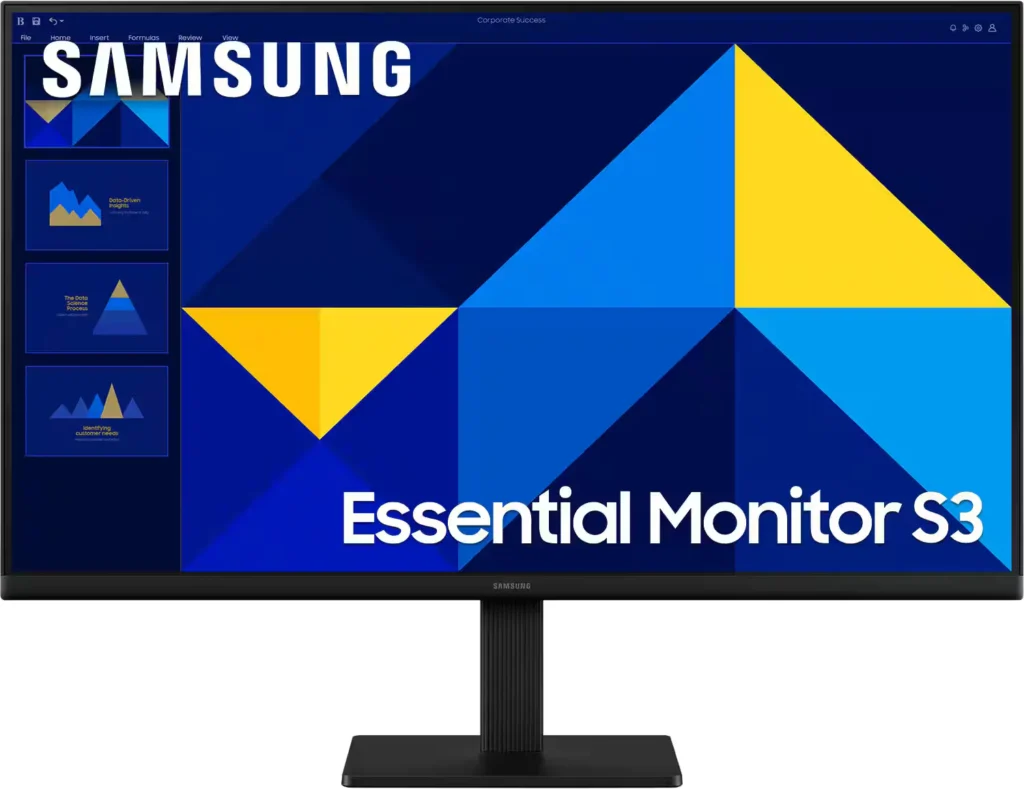
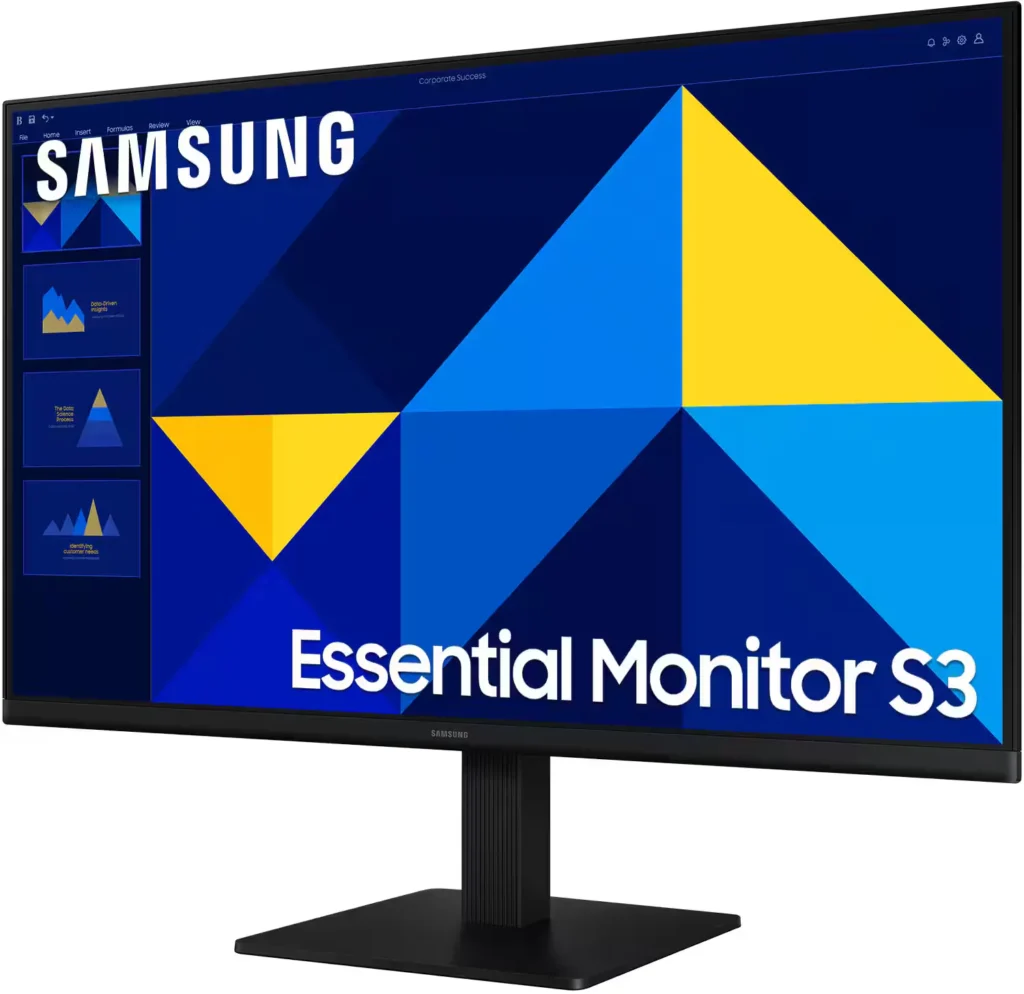
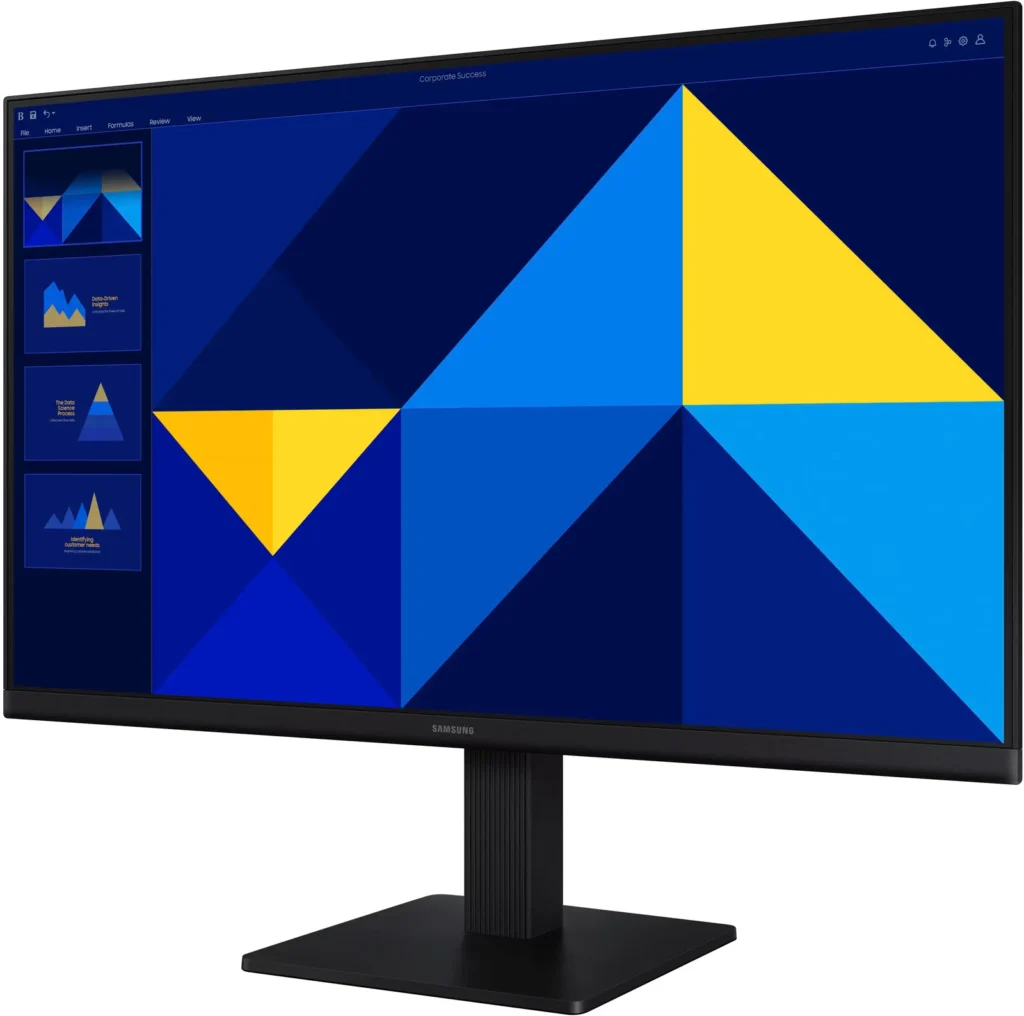
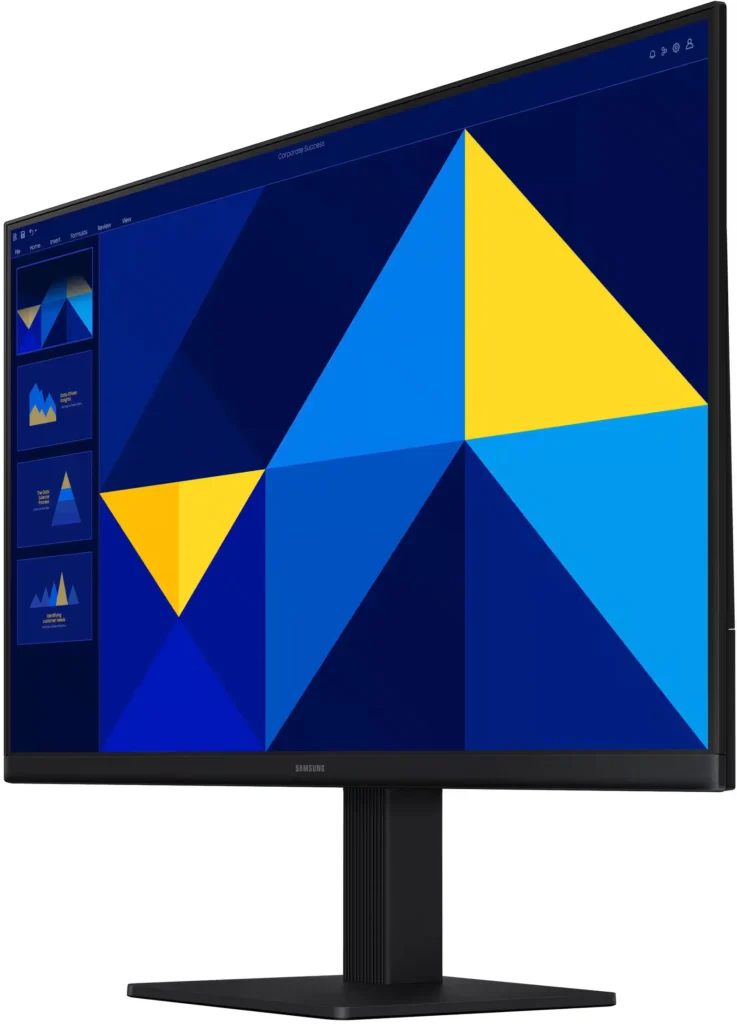
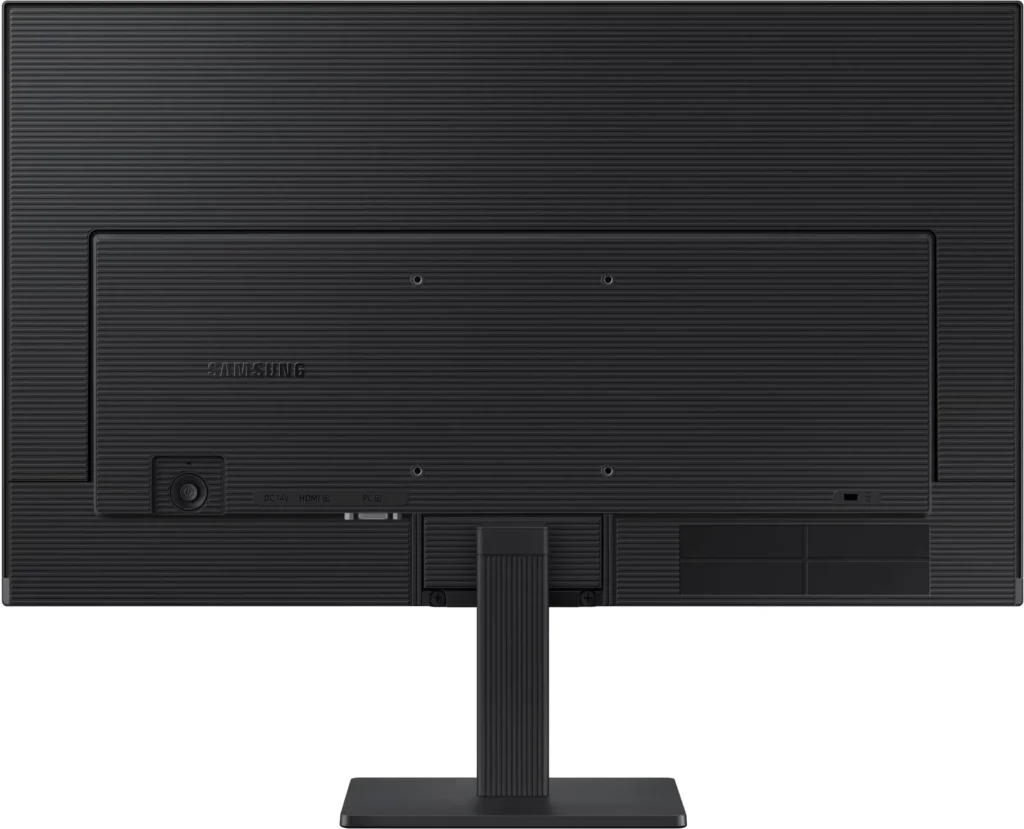
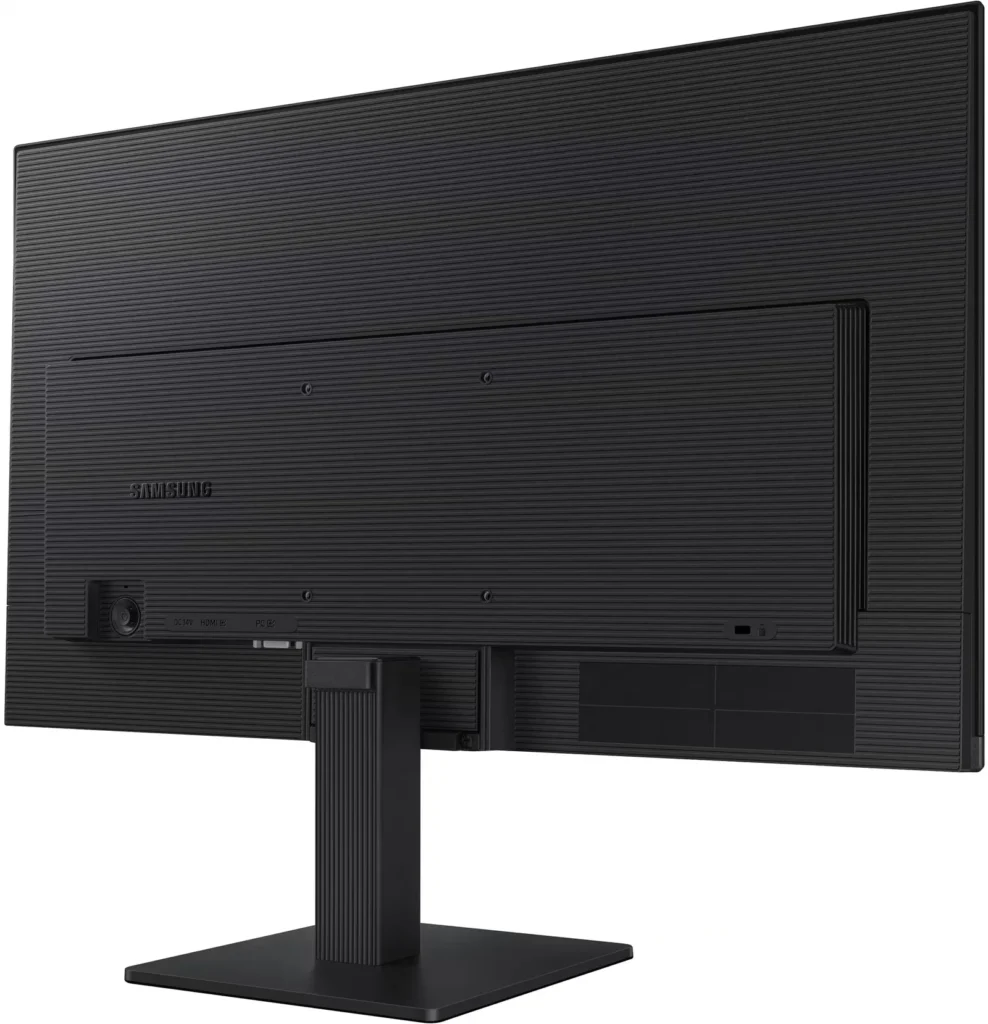
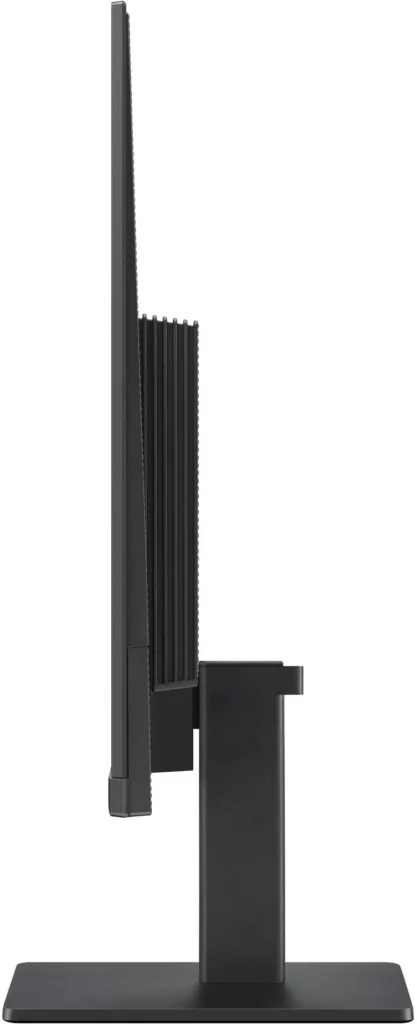
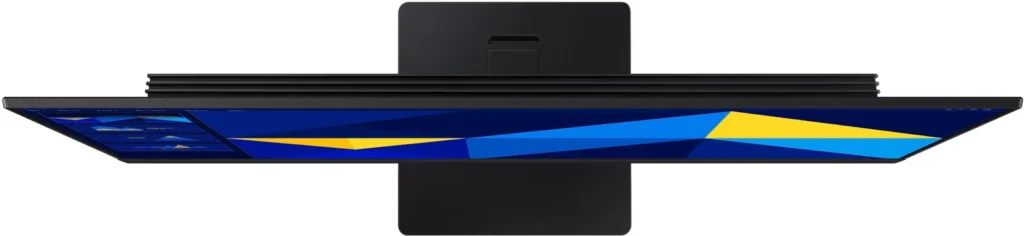
No images available for this model.
Imagery for this model matches or very closely resembles the visuals shown for similar versions. Please review the nearby models for a reliable reference.
Customer Media
Highlights
| Vivid IPS Panel Technology | The IPS panel delivers a stunning color experience across the entire display, maintaining consistent brightness and clarity from any viewpoint with a wide 178° viewing angle. |
|---|---|
| Smooth 100Hz Refresh Rate | A 100Hz refresh rate reduces lag and motion blur compared to standard 60Hz displays, providing smoother performance for creative projects, video playback, and everyday business tasks. |
| Advanced Eye Comfort Features | Equipped with Eye Saver Mode and Flicker Free technology, this monitor reduces blue light emissions and screen flickering to minimize eye strain during long work sessions. |
| Optimized Game Mode | Instantly adjust color and image contrast to see scenes more clearly and spot details in dark areas, providing a competitive edge for entertainment and creative work. |
| Modern Super-Slim Design | Featuring a sleek, lightweight aesthetic with ultra-thin border bezels, this monitor maximizes screen space and integrates seamlessly into any professional workspace. |
Pros & Cons
Pros
- Excellent Value for Price: Reviewers consistently highlight the monitor as a cost-effective solution, offering high-quality IPS visuals and a sleek design at a very competitive price point for both home and office use.
- Vibrant Picture Quality: The IPS panel provides sharp, crisp images with accurate colors and wide viewing angles, making it highly suitable for productivity tasks, photo editing, and streaming content.
- Smooth 100Hz Refresh Rate: The 100Hz refresh rate is noted as a significant upgrade over standard 60Hz displays, providing a noticeably smoother experience for scrolling through documents and casual gaming.
Cons
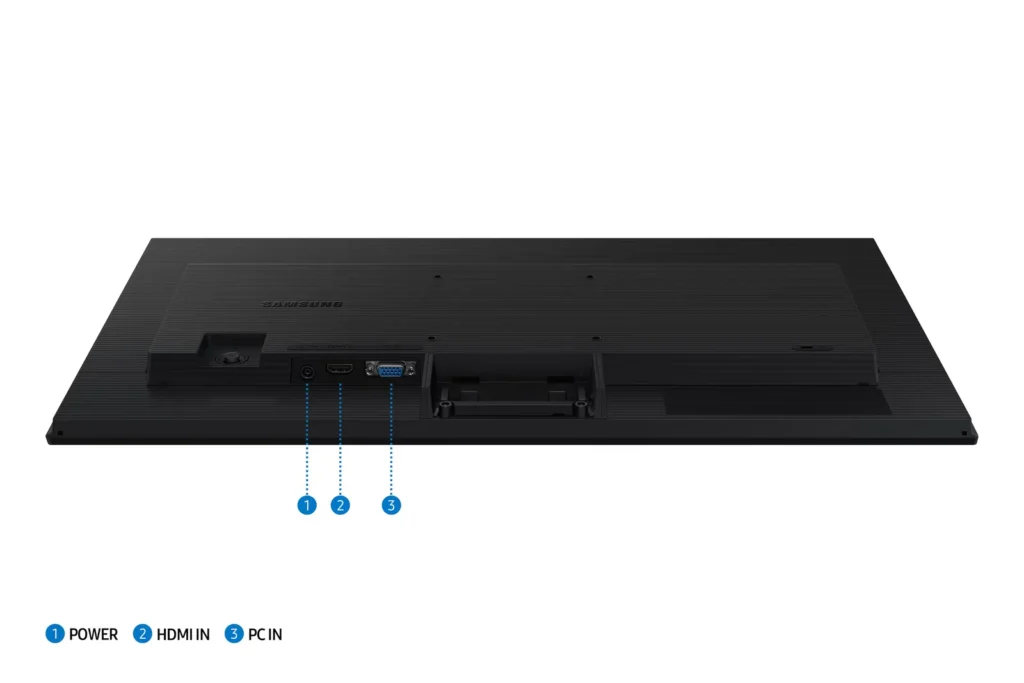
- Awkward Control Placement: The single joystick-style button for power and settings is located on the back of the monitor, making it difficult to reach and unintuitive to navigate for many users.
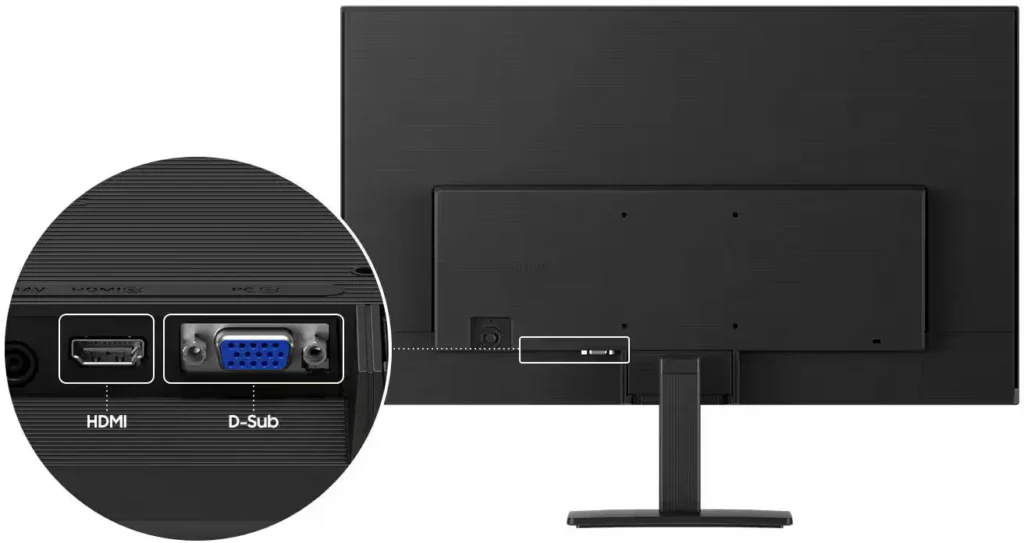
- Limited Connectivity and Features: The monitor lacks modern essentials like DisplayPort, USB-C, and built-in speakers, and several users were disappointed by the absence of a headphone jack on certain models.
- Basic and Flimsy Stand: The included stand is not height-adjustable and has been described as flimsy, with several users reporting significant difficulty during assembly due to misaligned screw holes.
You might also like










Customer Reviews
Showing reviews 321-330 of 996
-
Good deal!
Verified purchase Verified purchase: This reviewer bought the product.DarcieT December 26, 2025Review source: BestbuyEase of set up and great resolution. Good value for the price.
-
Easy to use computer monitor
Verified purchase Verified purchase: This reviewer bought the product.Rene December 26, 2025Review source: BestbuyEasy to use, clear resolution and the price is is right
-
Mayra B
Verified purchase Verified purchase: This reviewer bought the product.MayraB December 26, 2025Review source: BestbuyWas super easy to set up! Bright screen great resolution
-
Security monitor
Verified purchase Verified purchase: This reviewer bought the product.KATIE345HOME December 26, 2025Review source: BestbuyGreat product. Nice clear picture. Exactly what I was looking for.
-
Not meant for vertical use keep that in mind unless you have a monitor arm bar.
Verified purchase Verified purchase: This reviewer bought the product.JustthesameOG December 26, 2025Review source: AmazonSince my office desk only had one monitor I needed a second one because I like to get the most out of my days in the office working. This monitor is excellent and is compatible with most docking stations and HDMI cables. Does increase my productivity as i mentioned before not having to close tabs and use my second screen to do other things is a game changer for me. The monitor has a decent brightness and is easy to setup once you unbox it, the only way you can turn the monitor vertical is if you have an monitor arm. Still worth you money if you are searching for a decent monitor.
-
Samsung 24" HDMI Monitor
Verified purchase Verified purchase: This reviewer bought the product.Tangarooo December 26, 2025Review source: BestbuyIt was exactly what I was looking for at exactly the price I hoped to pay. I’m really impressed with how easy it was to get exactly what I was looking for in a monitor.
-
samsung monitor
Verified purchase Verified purchase: This reviewer bought the product.LindaS December 26, 2025Review source: Bestbuygreat product, with my poor eyesight i need a large monitor and this one works perfect!!
-
Great Value
Verified purchase Verified purchase: This reviewer bought the product.WilmarieM December 25, 2025Review source: BestbuyGood display quality at a reasonable price. Performance is decent and the value for money is excellent.
-
Loved it
Verified purchase Verified purchase: This reviewer bought the product.ShayB December 24, 2025Review source: BestbuyVery good quality for the price would recommend if you want something to start with
-
Great monitors!
Verified purchase Verified purchase: This reviewer bought the product.Motolite December 24, 2025Review source: AmazonInstalled the monitors and really like them. Upgraded from older 22” and like the larger 27”. I installed them on a dual monitor stand and they work great. Great for a dual monitor setup.