No images available for this model.
Imagery for this model matches or very closely resembles the visuals shown for similar versions. Please review the nearby models for a reliable reference.
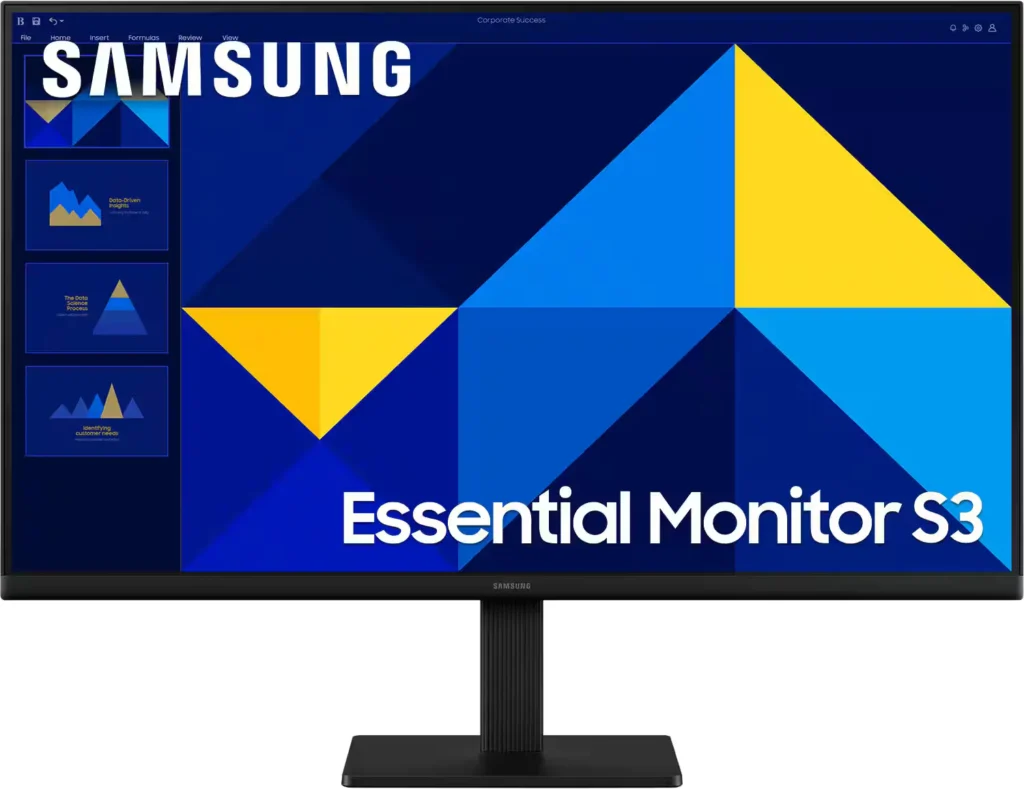
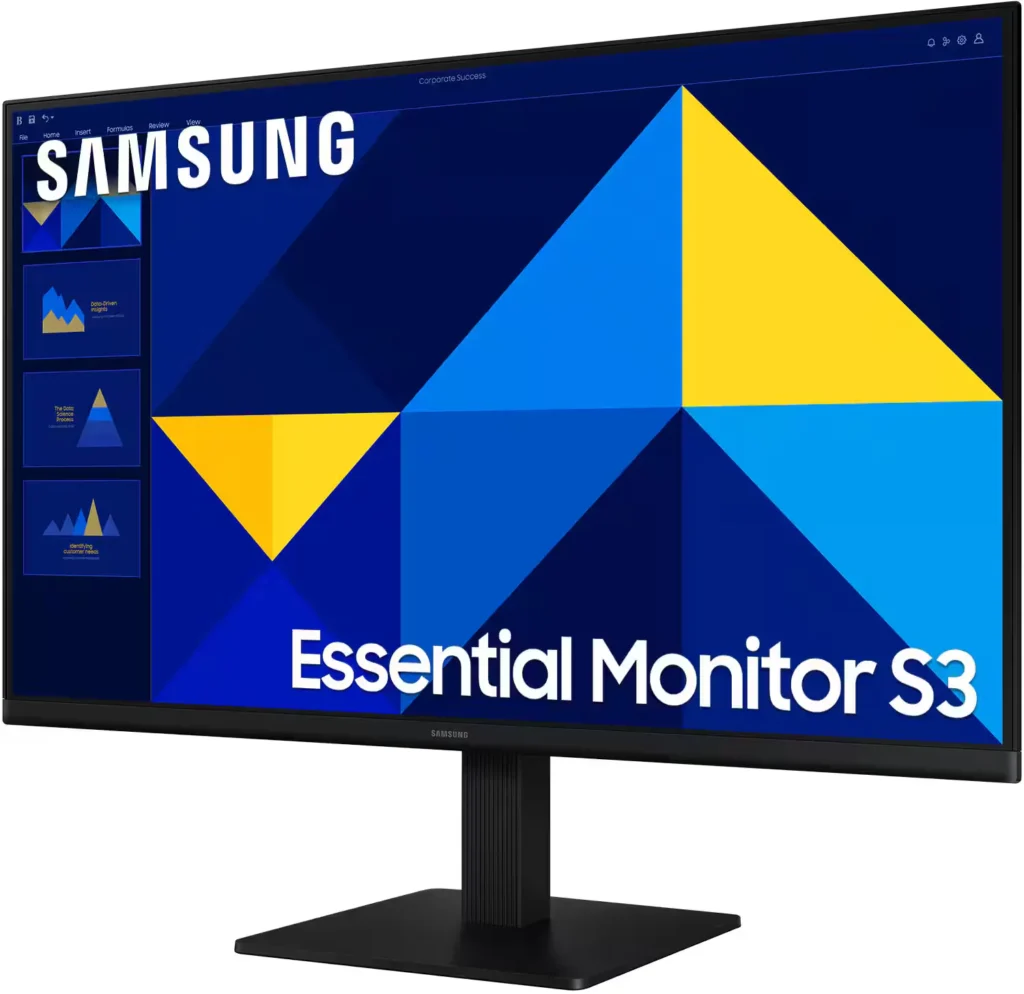
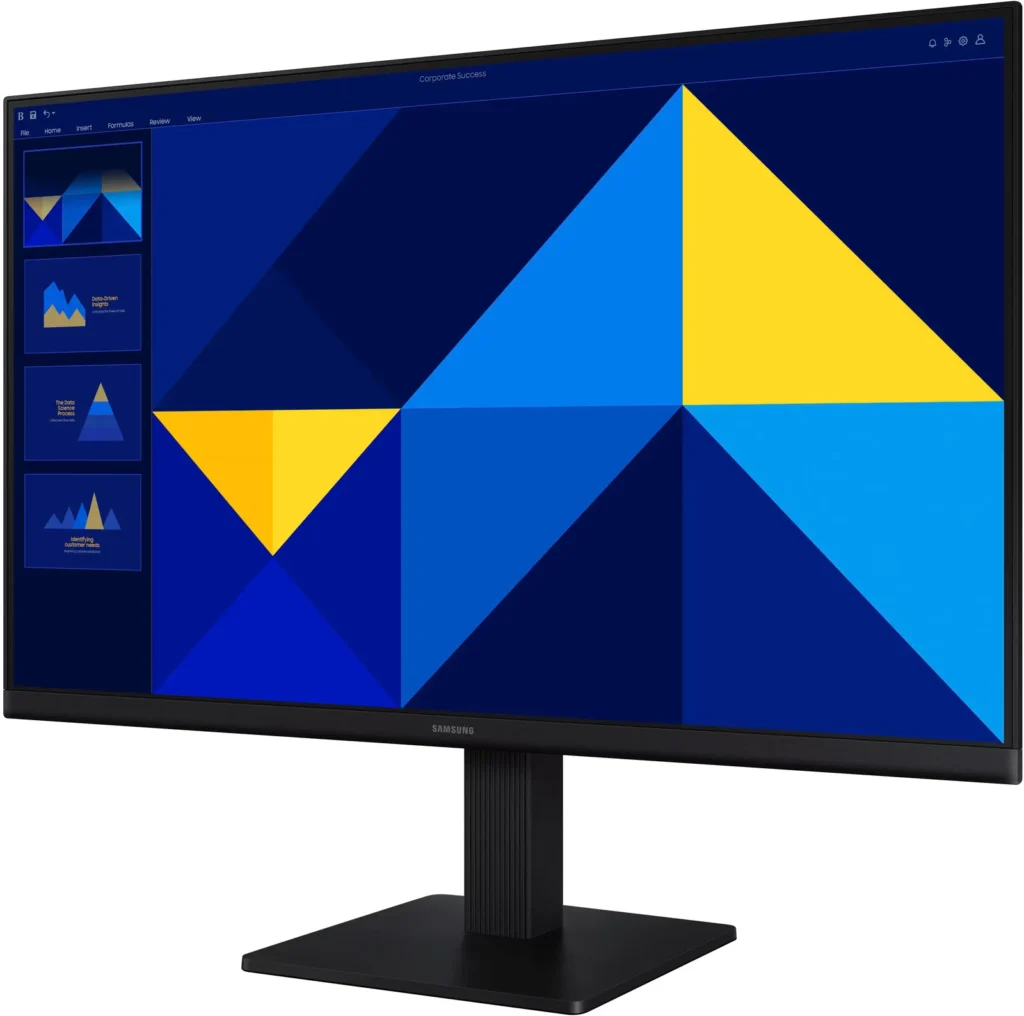
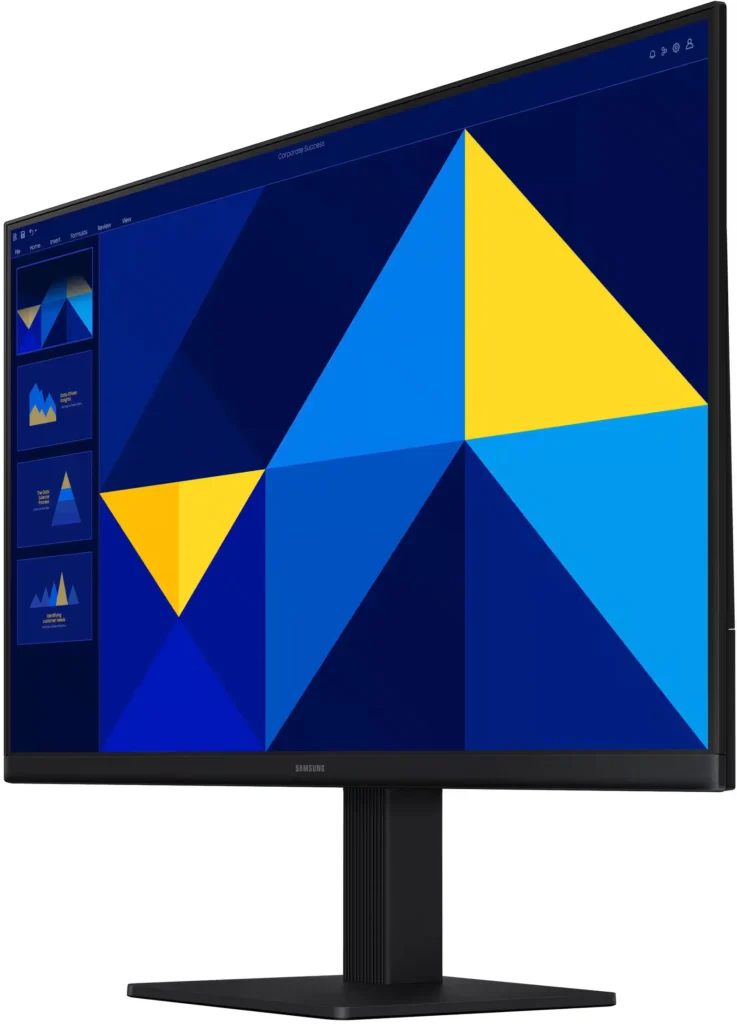
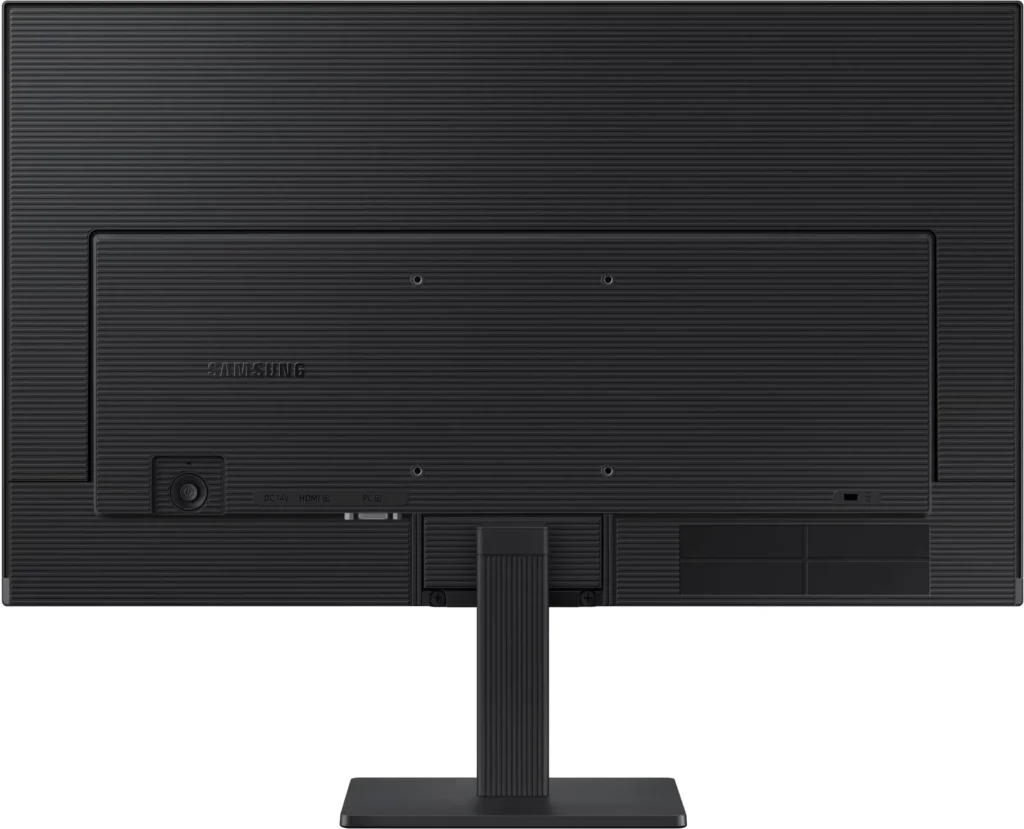
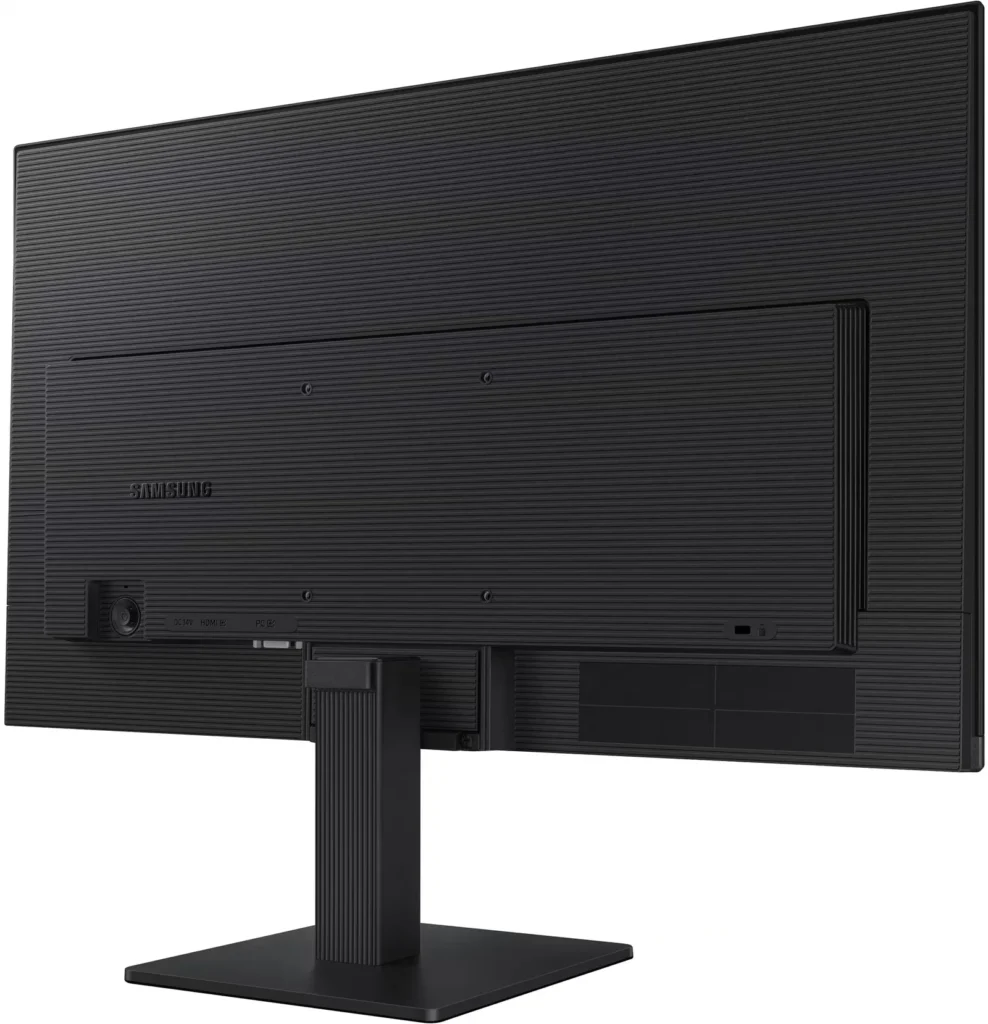
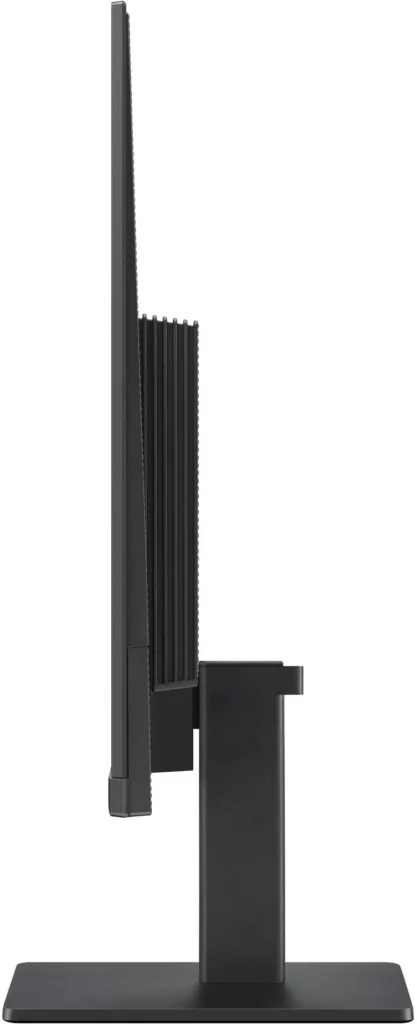
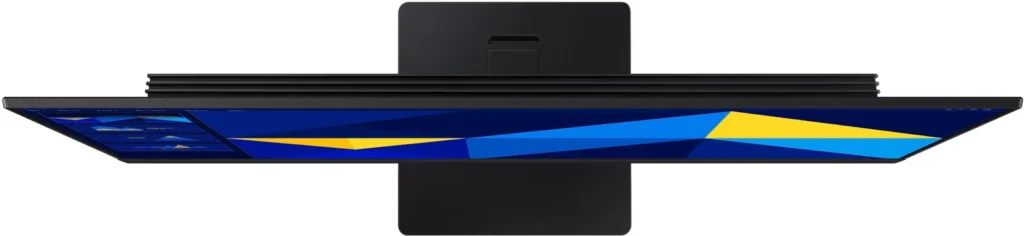
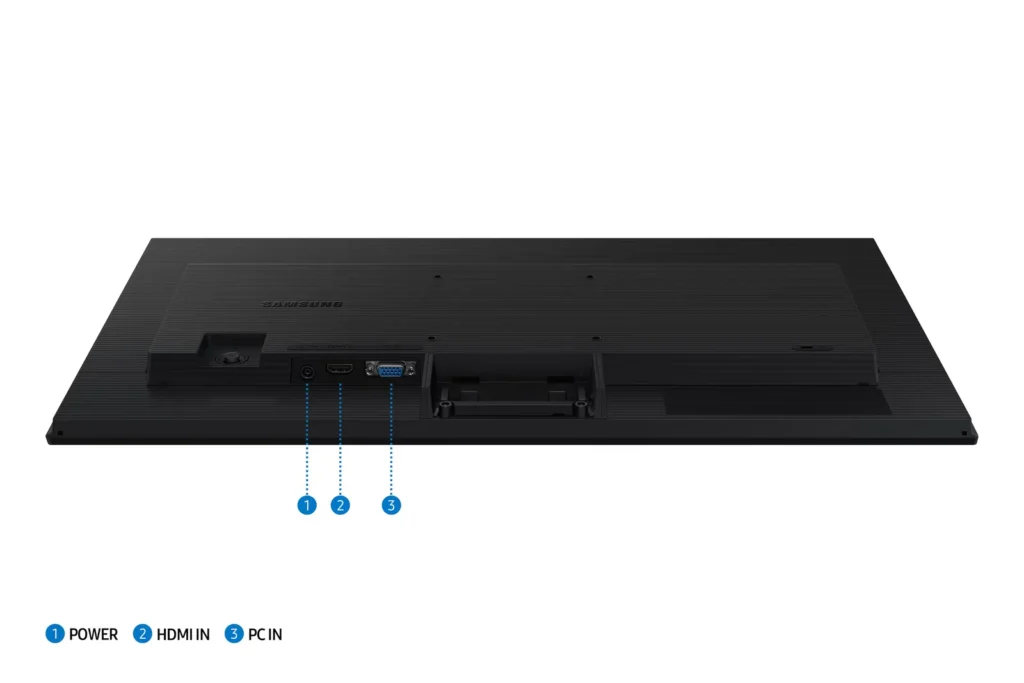
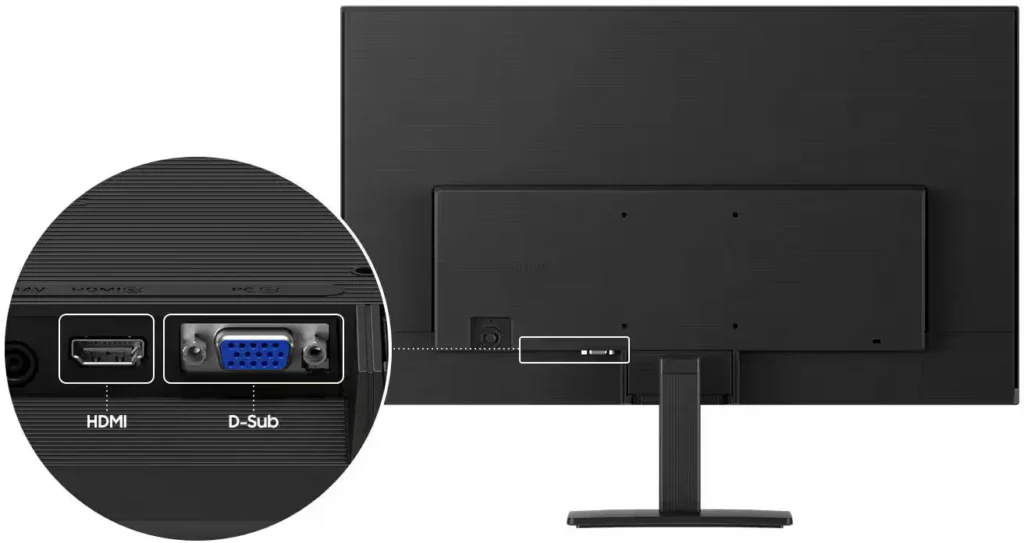
No images available for this model.
Imagery for this model matches or very closely resembles the visuals shown for similar versions. Please review the nearby models for a reliable reference.
Customer Media
Highlights
| Vivid IPS Panel Technology | The IPS panel delivers a stunning color experience across the entire display, maintaining consistent brightness and clarity from any viewpoint with a wide 178° viewing angle. |
|---|---|
| Smooth 100Hz Refresh Rate | A 100Hz refresh rate reduces lag and motion blur compared to standard 60Hz displays, providing smoother performance for creative projects, video playback, and everyday business tasks. |
| Advanced Eye Comfort Features | Equipped with Eye Saver Mode and Flicker Free technology, this monitor reduces blue light emissions and screen flickering to minimize eye strain during long work sessions. |
| Optimized Game Mode | Instantly adjust color and image contrast to see scenes more clearly and spot details in dark areas, providing a competitive edge for entertainment and creative work. |
| Modern Super-Slim Design | Featuring a sleek, lightweight aesthetic with ultra-thin border bezels, this monitor maximizes screen space and integrates seamlessly into any professional workspace. |
Pros & Cons
Pros
- Excellent Value for Price: Reviewers consistently highlight the monitor as a cost-effective solution, offering high-quality IPS visuals and a sleek design at a very competitive price point for both home and office use.
- Vibrant Picture Quality: The IPS panel provides sharp, crisp images with accurate colors and wide viewing angles, making it highly suitable for productivity tasks, photo editing, and streaming content.
- Smooth 100Hz Refresh Rate: The 100Hz refresh rate is noted as a significant upgrade over standard 60Hz displays, providing a noticeably smoother experience for scrolling through documents and casual gaming.
Cons
- Awkward Control Placement: The single joystick-style button for power and settings is located on the back of the monitor, making it difficult to reach and unintuitive to navigate for many users.
- Limited Connectivity and Features: The monitor lacks modern essentials like DisplayPort, USB-C, and built-in speakers, and several users were disappointed by the absence of a headphone jack on certain models.
- Basic and Flimsy Stand: The included stand is not height-adjustable and has been described as flimsy, with several users reporting significant difficulty during assembly due to misaligned screw holes.
You might also like










Customer Reviews
Showing reviews 331-340 of 996
-
Simplify office work.
Verified purchase Verified purchase: This reviewer bought the product.DavidH December 23, 2025Review source: BestbuyI mainly use the monitor for working on spreadsheets and the picture quality is excellent. For the price I recommend this product for similar uses.
-
Great size for office desk.
Verified purchase Verified purchase: This reviewer bought the product.Daniel Lee Diaz December 23, 2025Review source: AmazonEasy set up, and with a beautiful picture.
-
No mounting screws
Verified purchase Verified purchase: This reviewer bought the product.Nicholas T December 22, 2025Review source: AmazonDoes not come with mounting screws for wall mount application.
-
Good monitor with aggravating setup.
Verified purchase Verified purchase: This reviewer bought the product.Guenivere December 21, 2025Review source: BestbuyEasy stand set up. Using it with a MacBook Pro M 4. Getting it started has been slow, confusing, and difficult. Written and on-screen instructions could use some work. Does not like HDMI to adapter to USB C connection. On-line instructions were useless. Once it is working, a very nice picture, which is, after all, the point.
-
Gamer mom
Verified purchase Verified purchase: This reviewer bought the product.AngelaS December 21, 2025Review source: BestbuyWorks very well for my son’s gaming system. Picture quality is great, easy setup, and great price.
-
Love my new monitor!
Verified purchase Verified purchase: This reviewer bought the product.MarionJ December 20, 2025Review source: BestbuyLove my new external monitor! Just the right size for working at home.
-
very satisfied
Verified purchase Verified purchase: This reviewer bought the product.JasonB December 20, 2025Review source: BestbuyWorks great with my laptop, going dual screen allows me to get more work done faster
-
Value for Money
Verified purchase Verified purchase: This reviewer bought the product.DebashisD December 20, 2025Review source: BestbuyAfter 20 days of use I am giving this review. This product truly worthy.
-
good deal
Verified purchase Verified purchase: This reviewer bought the product.Michael December 20, 2025Review source: BestbuyGreat monitor in its price range. Happy with the performance.
-
Monitor
Verified purchase Verified purchase: This reviewer bought the product.CSR5775 December 19, 2025Review source: BestbuyExcellent quality. Can’t go wrong with Samsung. Best Buy employees are always there to help