No images available for this model.
Imagery for this model matches or very closely resembles the visuals shown for similar versions. Please review the nearby models for a reliable reference.
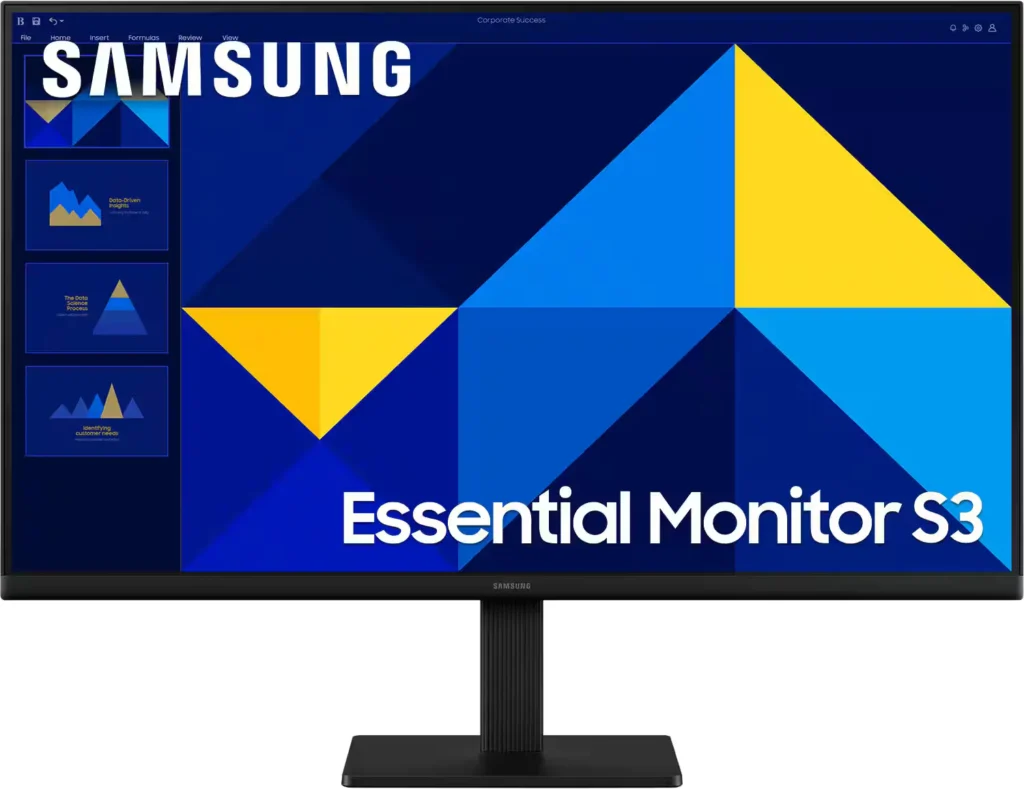
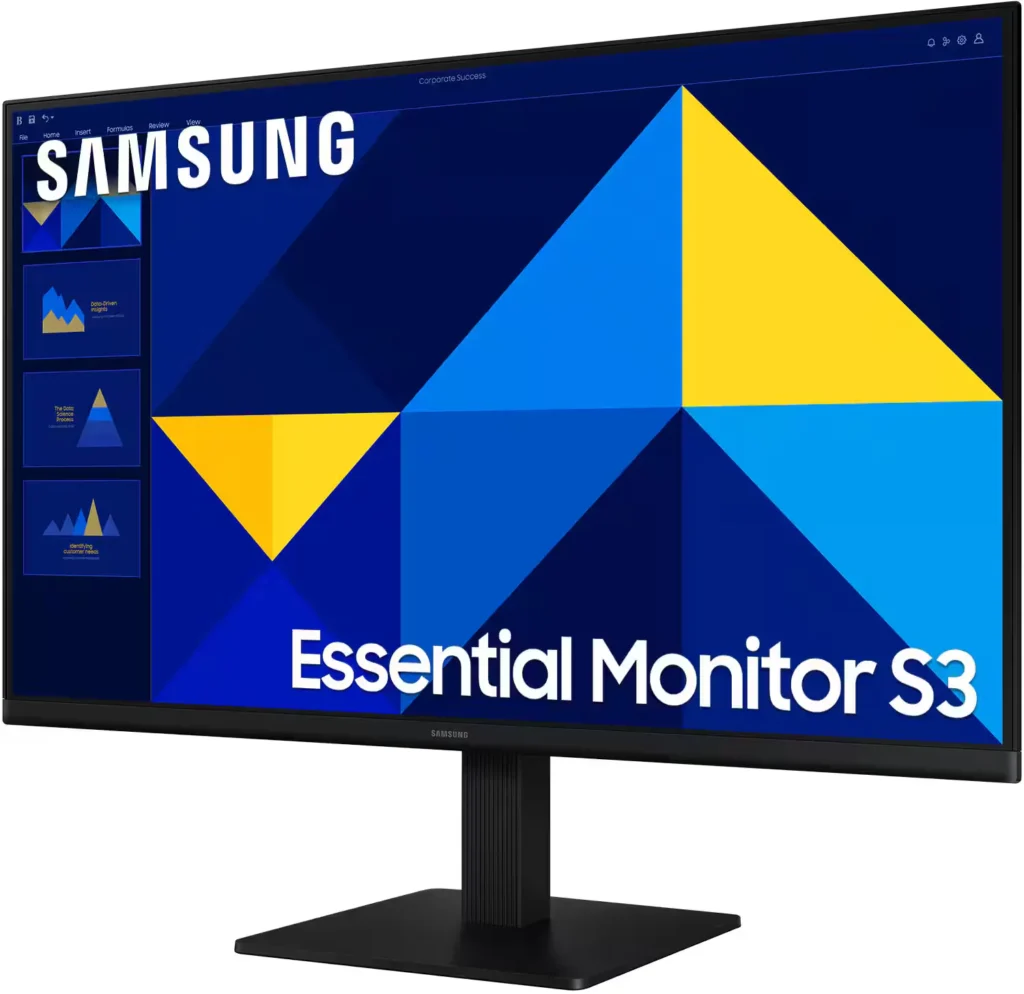
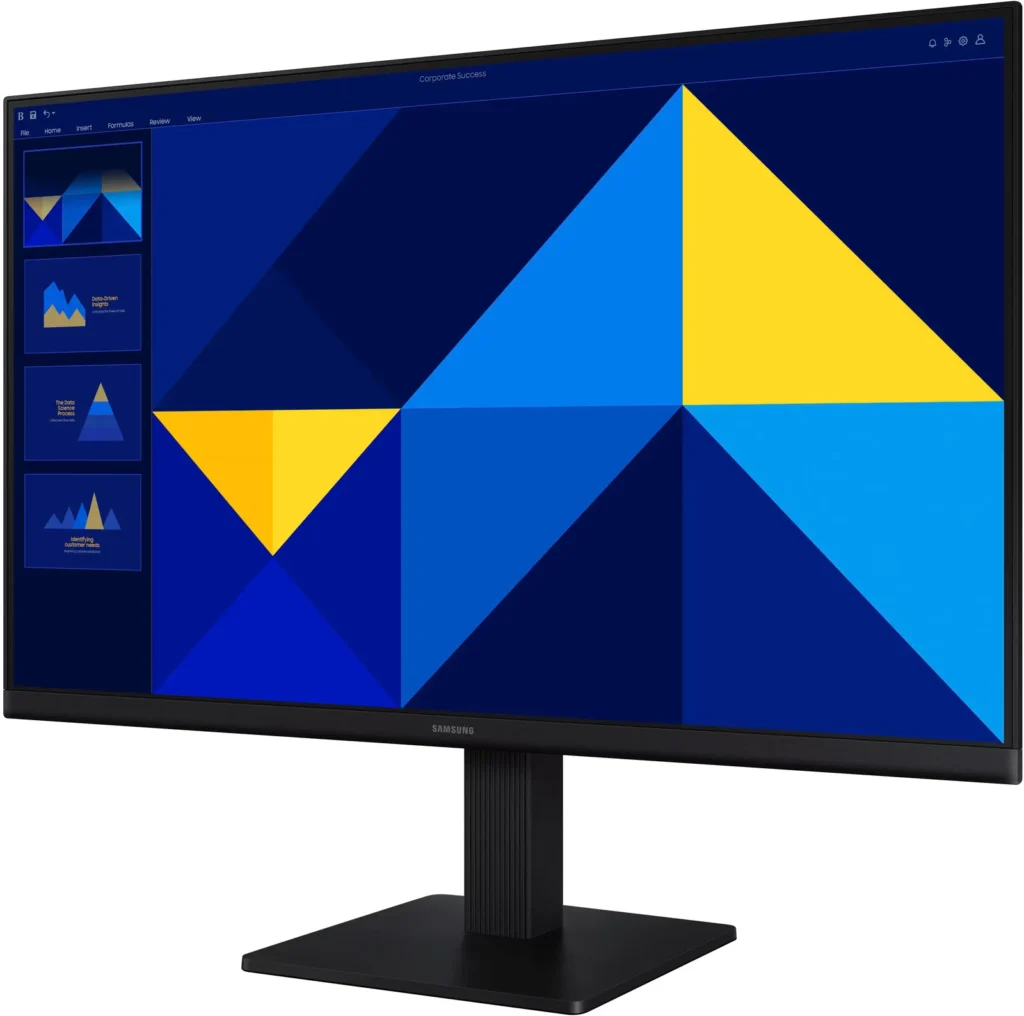
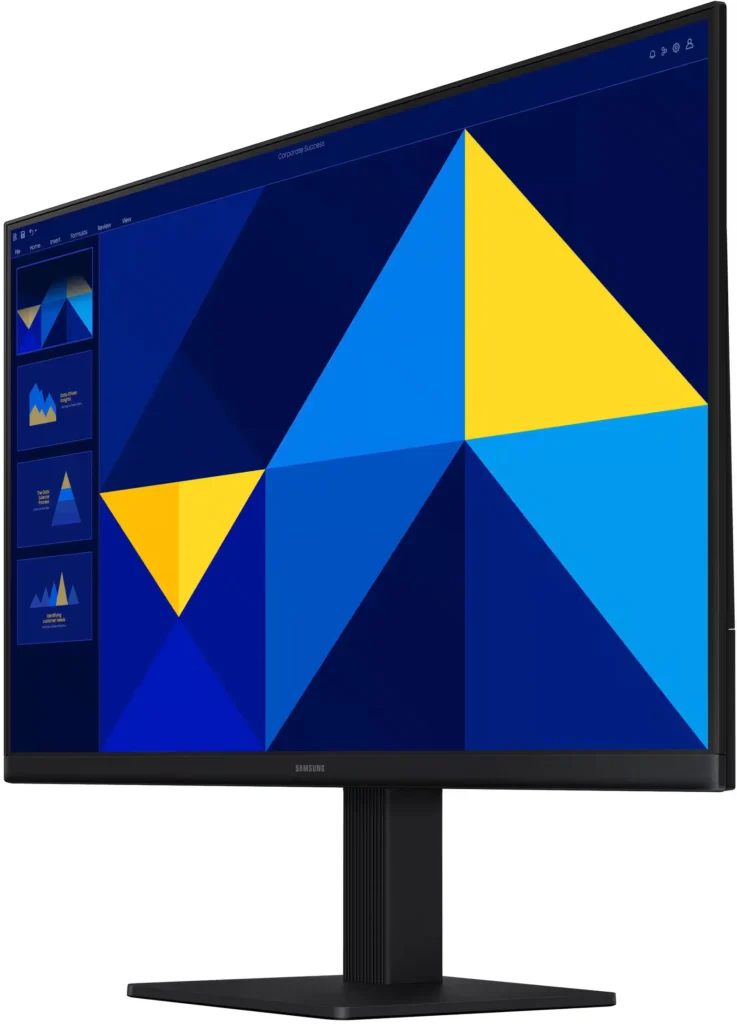
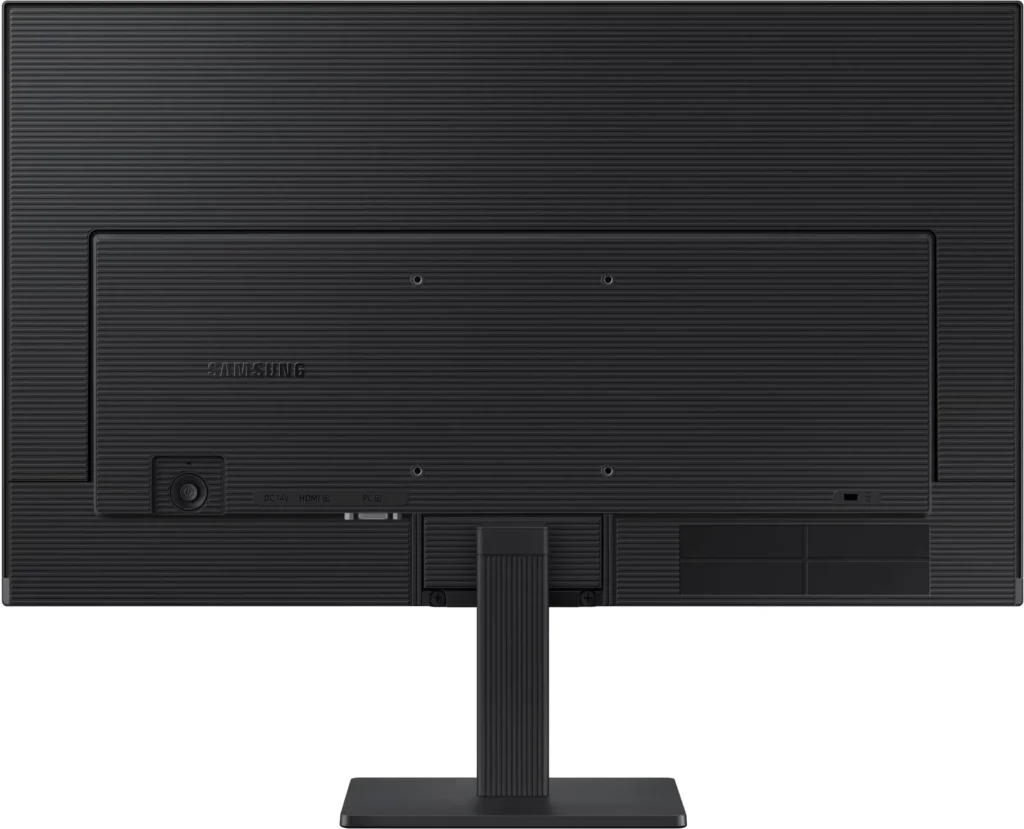
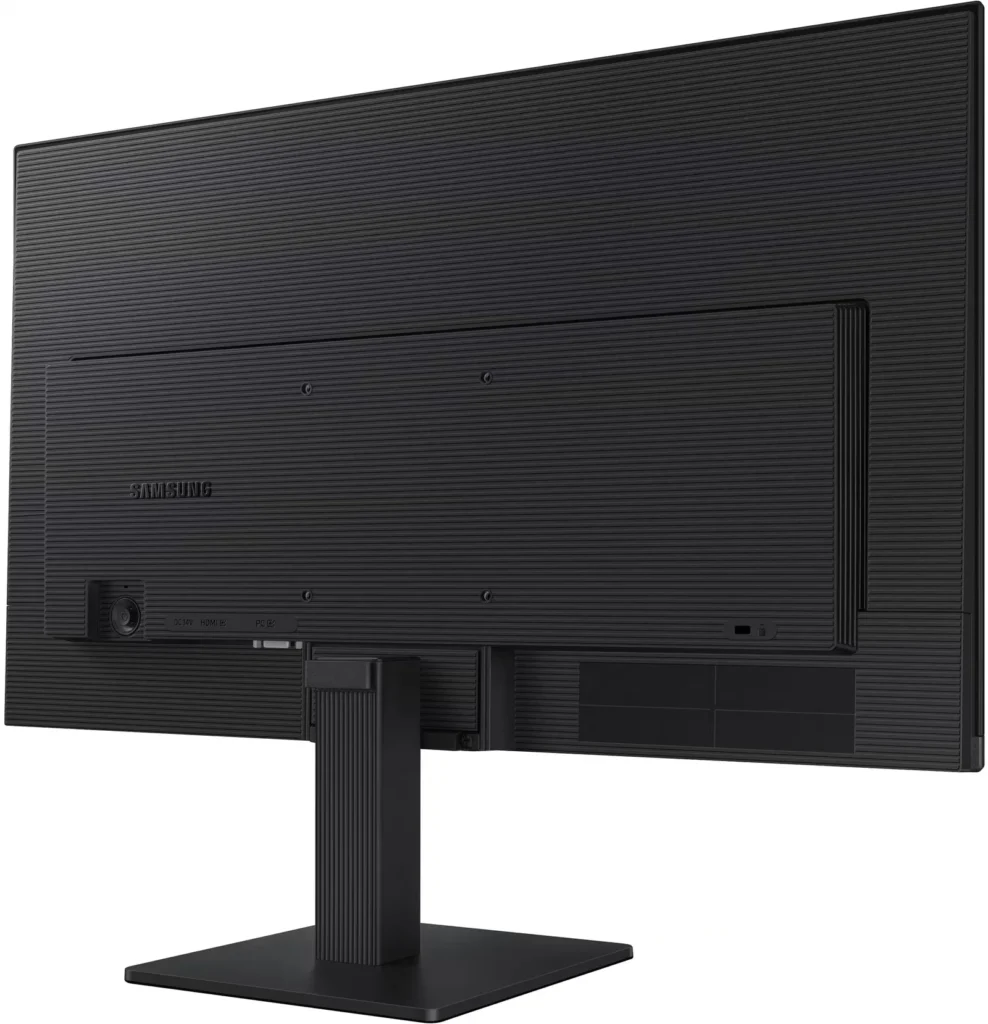
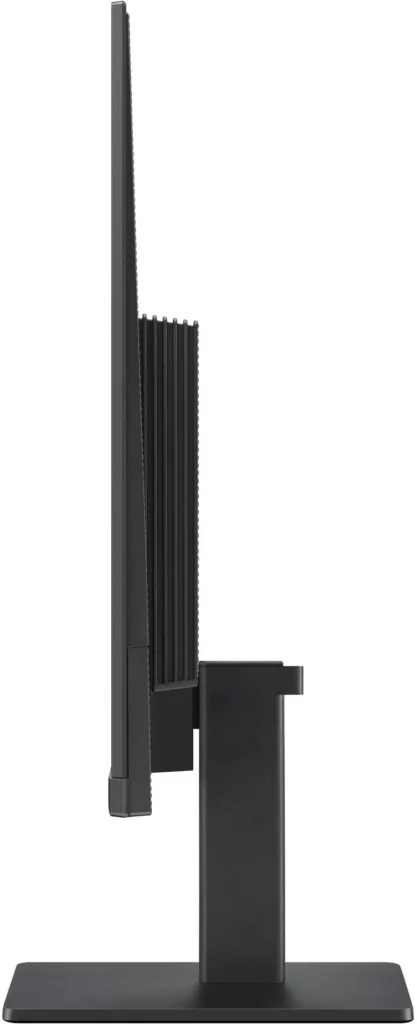
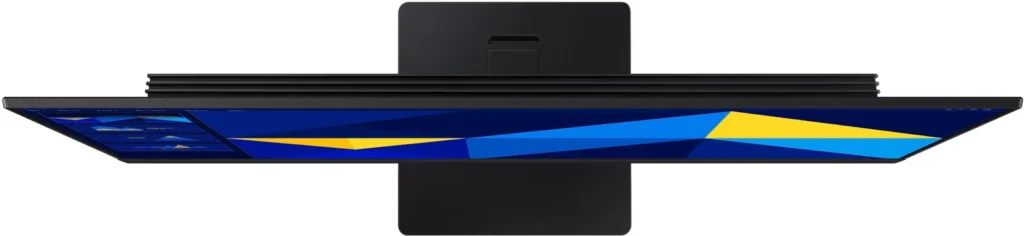
No images available for this model.
Imagery for this model matches or very closely resembles the visuals shown for similar versions. Please review the nearby models for a reliable reference.
Customer Media
Highlights
| Vivid IPS Panel Technology | The IPS panel delivers a stunning color experience across the entire display, maintaining consistent brightness and clarity from any viewpoint with a wide 178° viewing angle. |
|---|---|
| Smooth 100Hz Refresh Rate | A 100Hz refresh rate reduces lag and motion blur compared to standard 60Hz displays, providing smoother performance for creative projects, video playback, and everyday business tasks. |
| Advanced Eye Comfort Features | Equipped with Eye Saver Mode and Flicker Free technology, this monitor reduces blue light emissions and screen flickering to minimize eye strain during long work sessions. |
| Optimized Game Mode | Instantly adjust color and image contrast to see scenes more clearly and spot details in dark areas, providing a competitive edge for entertainment and creative work. |
| Modern Super-Slim Design | Featuring a sleek, lightweight aesthetic with ultra-thin border bezels, this monitor maximizes screen space and integrates seamlessly into any professional workspace. |
Pros & Cons
Pros
- Excellent Value for Price: Reviewers consistently highlight the monitor as a cost-effective solution, offering high-quality IPS visuals and a sleek design at a very competitive price point for both home and office use.
- Vibrant Picture Quality: The IPS panel provides sharp, crisp images with accurate colors and wide viewing angles, making it highly suitable for productivity tasks, photo editing, and streaming content.
- Smooth 100Hz Refresh Rate: The 100Hz refresh rate is noted as a significant upgrade over standard 60Hz displays, providing a noticeably smoother experience for scrolling through documents and casual gaming.
Cons
- Awkward Control Placement: The single joystick-style button for power and settings is located on the back of the monitor, making it difficult to reach and unintuitive to navigate for many users.
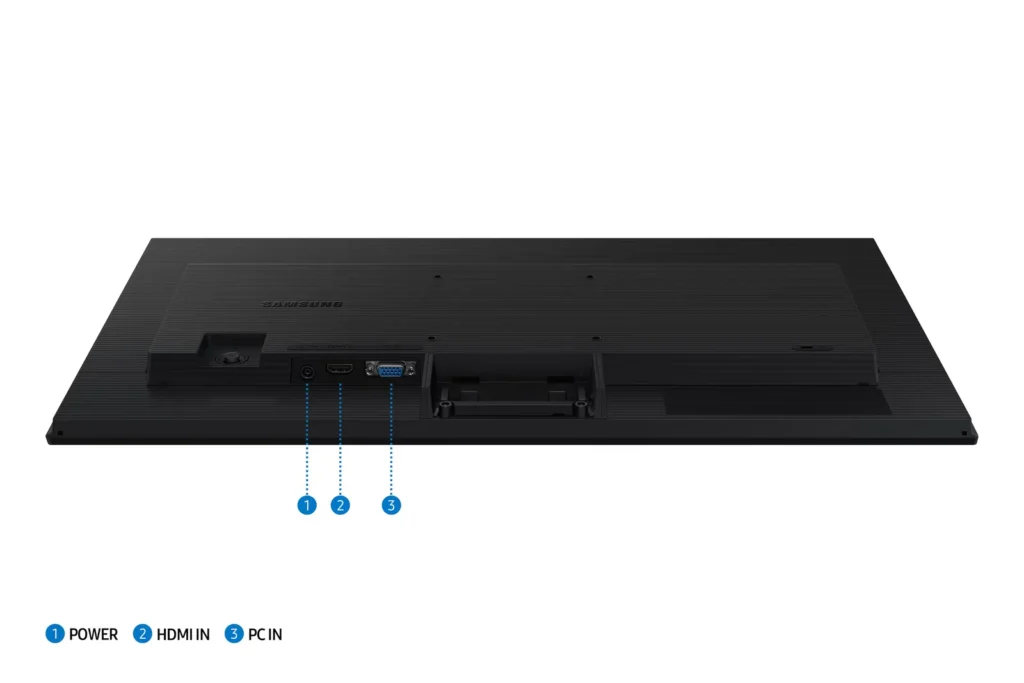
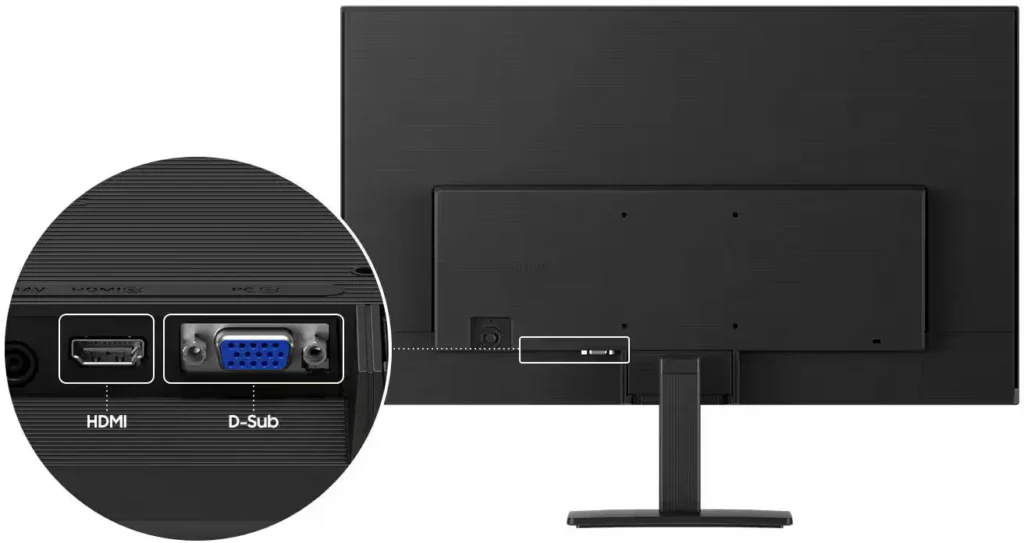
- Limited Connectivity and Features: The monitor lacks modern essentials like DisplayPort, USB-C, and built-in speakers, and several users were disappointed by the absence of a headphone jack on certain models.
- Basic and Flimsy Stand: The included stand is not height-adjustable and has been described as flimsy, with several users reporting significant difficulty during assembly due to misaligned screw holes.
You might also like










Customer Reviews
Showing reviews 461-470 of 996
-
Samsung monitor
Verified purchase Verified purchase: This reviewer bought the product.HugoL November 11, 2025Review source: BestbuyPicture is good, color is nice and bright it’s working well great product for the price
-
Works well and arrived on time
Verified purchase Verified purchase: This reviewer bought the product.susiedoug November 10, 2025Review source: AmazonBrought this to use with lap top and it works well
-
Productivity
Bestbuyer November 9, 2025Review source: BestbuyThe monitor is very clear and is awesome for productivity
-
Samsung screen
Verified purchase Verified purchase: This reviewer bought the product.IraP November 9, 2025Review source: BestbuyEasy set up, works well. The display is large and clear, meeting our needs.
-
Not Compliant with HDCP requirements!
Verified purchase Verified purchase: This reviewer bought the product.Josh Cornelius November 9, 2025Review source: AmazonThis monitor is non-HDCP compliant and will cause issues when trying to view Amazon Video in HD or 4K. See images for proof.
-
Great Monitor!
Paritosh Gandre November 9, 2025Review source: AmazonIt’s awesome. I believe it’s perfect for my usecase of coding, light gaming. I don’t do any editing stuff, but still the panel is very premium for what I paid for. Can’t go wrong if your usage is similar to mine. Cannot expect too many ports, but I think an additional USB, or a type-c port would have been better since it only has VGA, hdmi and power port.
-
Good basic monitor – I use it as a second monitor for work
Verified purchase Verified purchase: This reviewer bought the product.A. Anderson November 8, 2025Review source: AmazonWorks fine as a second monitor on my Acer 27″ All in One computer. I use the second screen for work purposes. It is nothing fancy, but for my basic needs it works fine.
-
Last minute buy
Verified purchase Verified purchase: This reviewer bought the product.RandyM November 8, 2025Review source: BestbuyI bought this monitor on a whim. I was in a urgent need and made a quick impulse decision. Turned out to be an awesome purchase for the price.
-
Monitors
Verified purchase Verified purchase: This reviewer bought the product.RobertS November 8, 2025Review source: BestbuyWe use a two-monitor setup. Sharpness and clarity are very good.
-
Samsung 24" monitor
Verified purchase Verified purchase: This reviewer bought the product.DarleneR November 8, 2025Review source: BestbuyI am really happy with my purchase and the screen is so much bigger.