No images available for this model.
Imagery for this model matches or very closely resembles the visuals shown for similar versions. Please review the nearby models for a reliable reference.
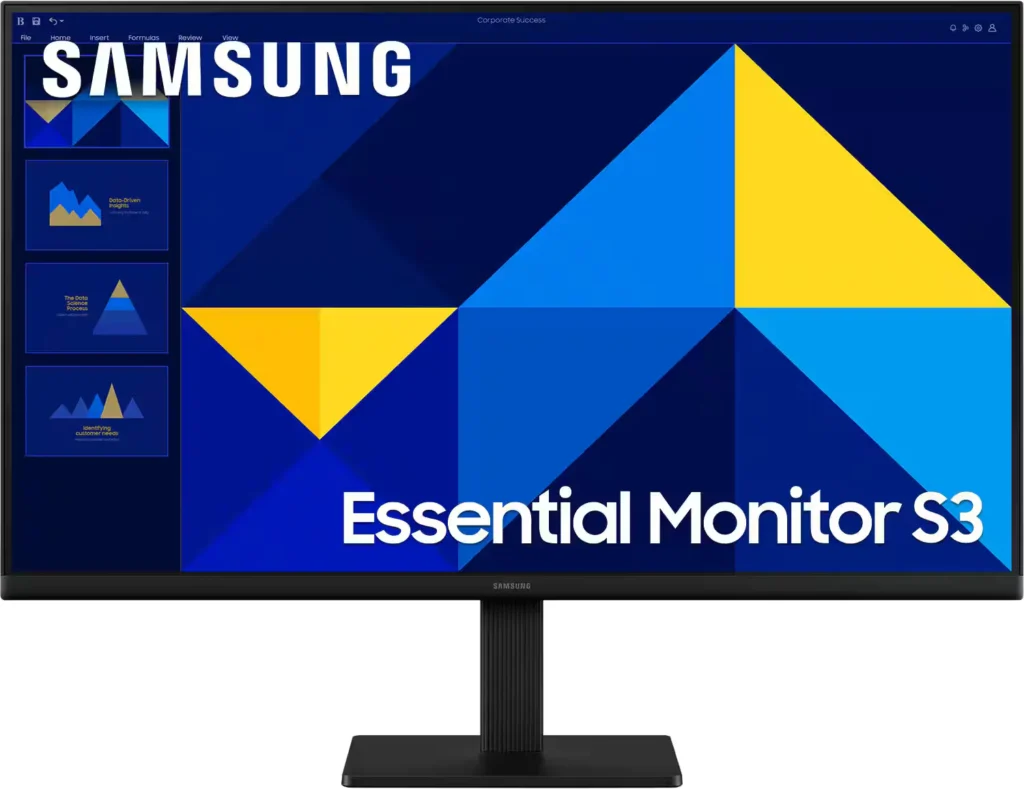
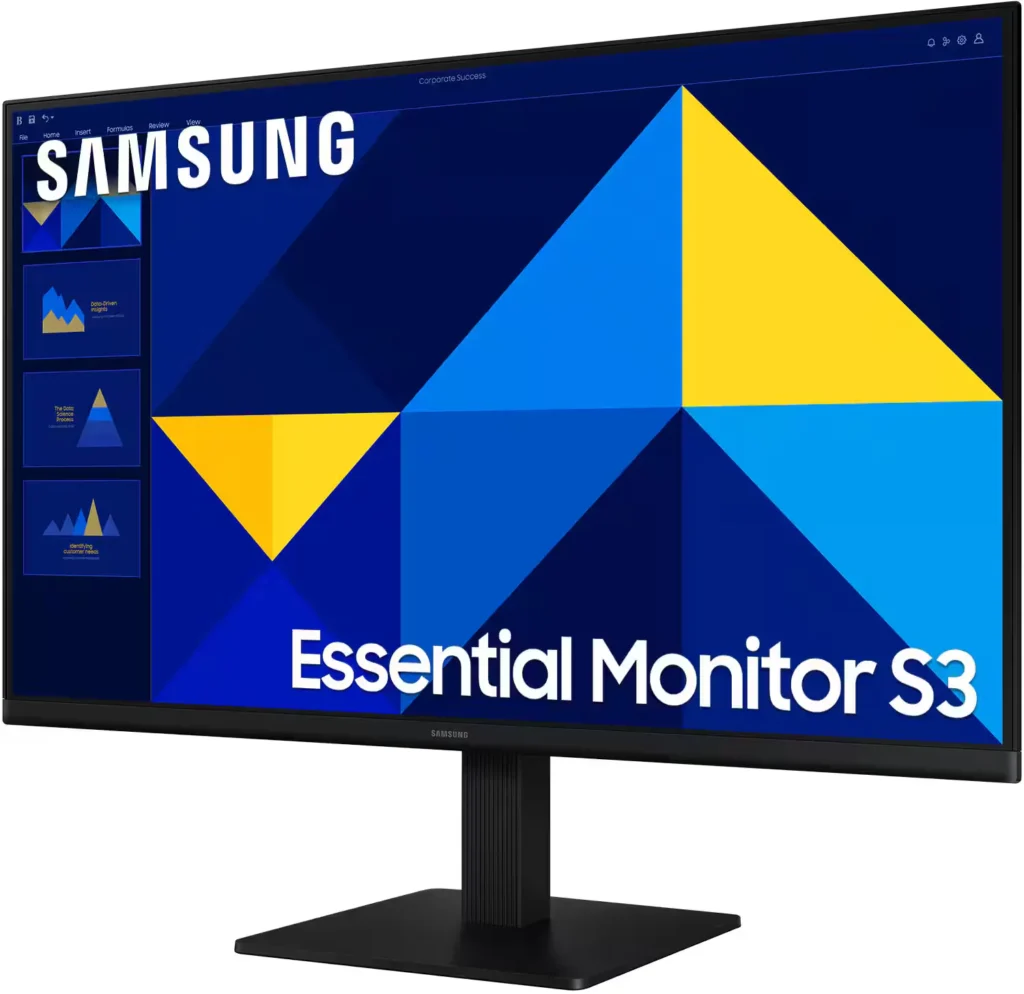
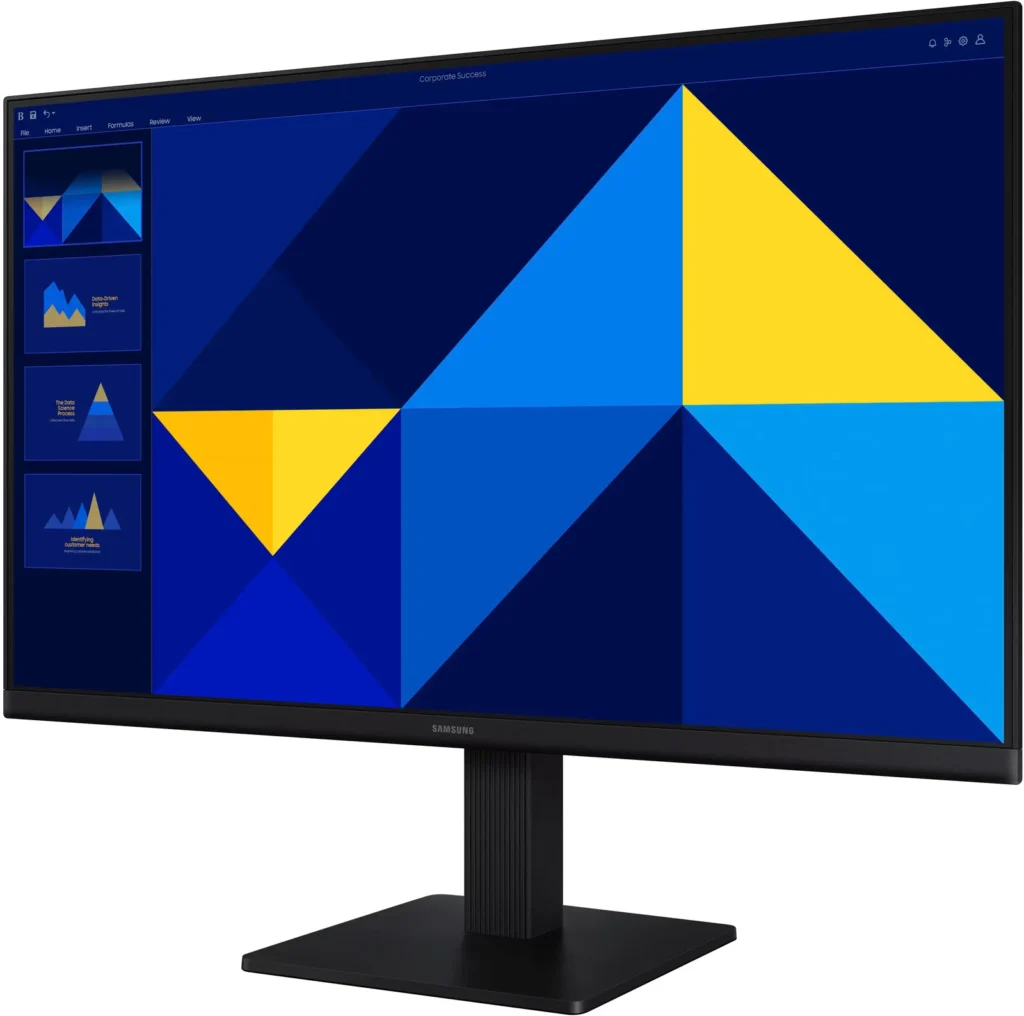
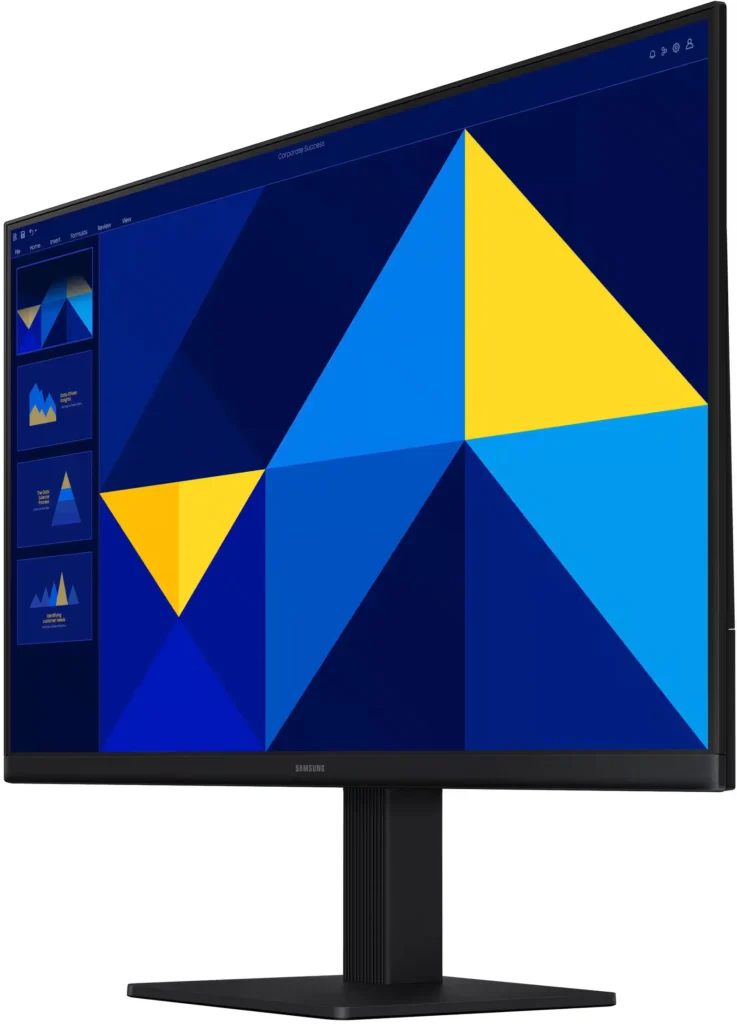
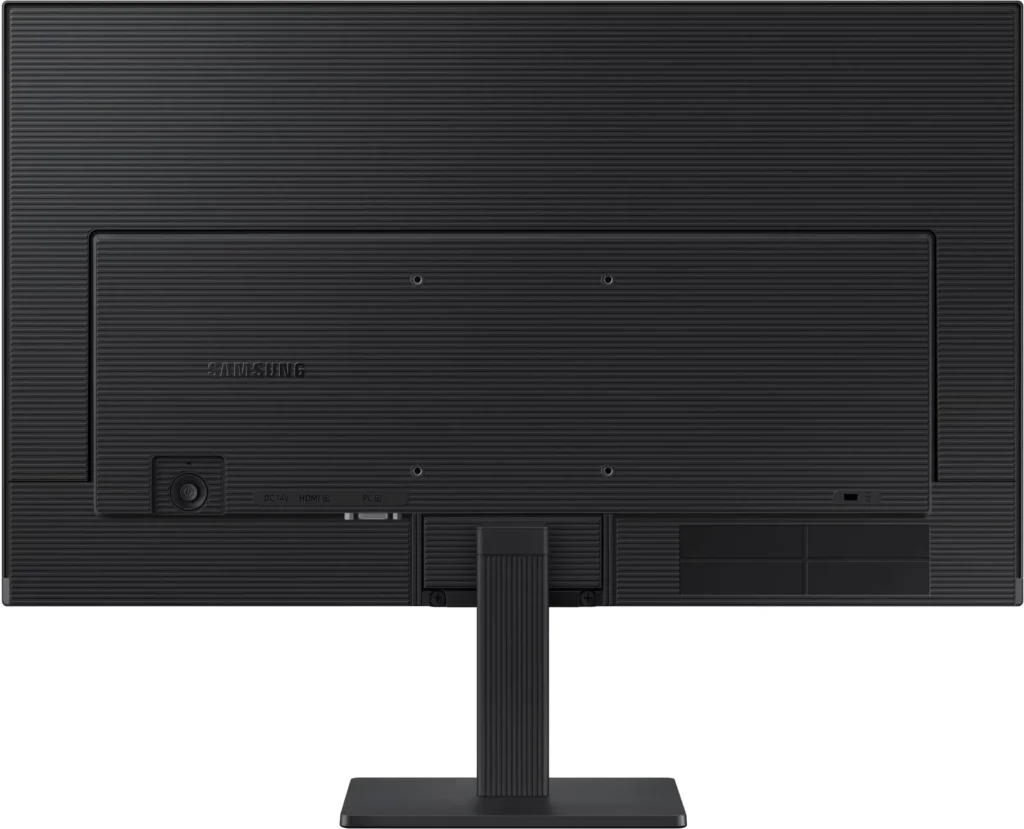
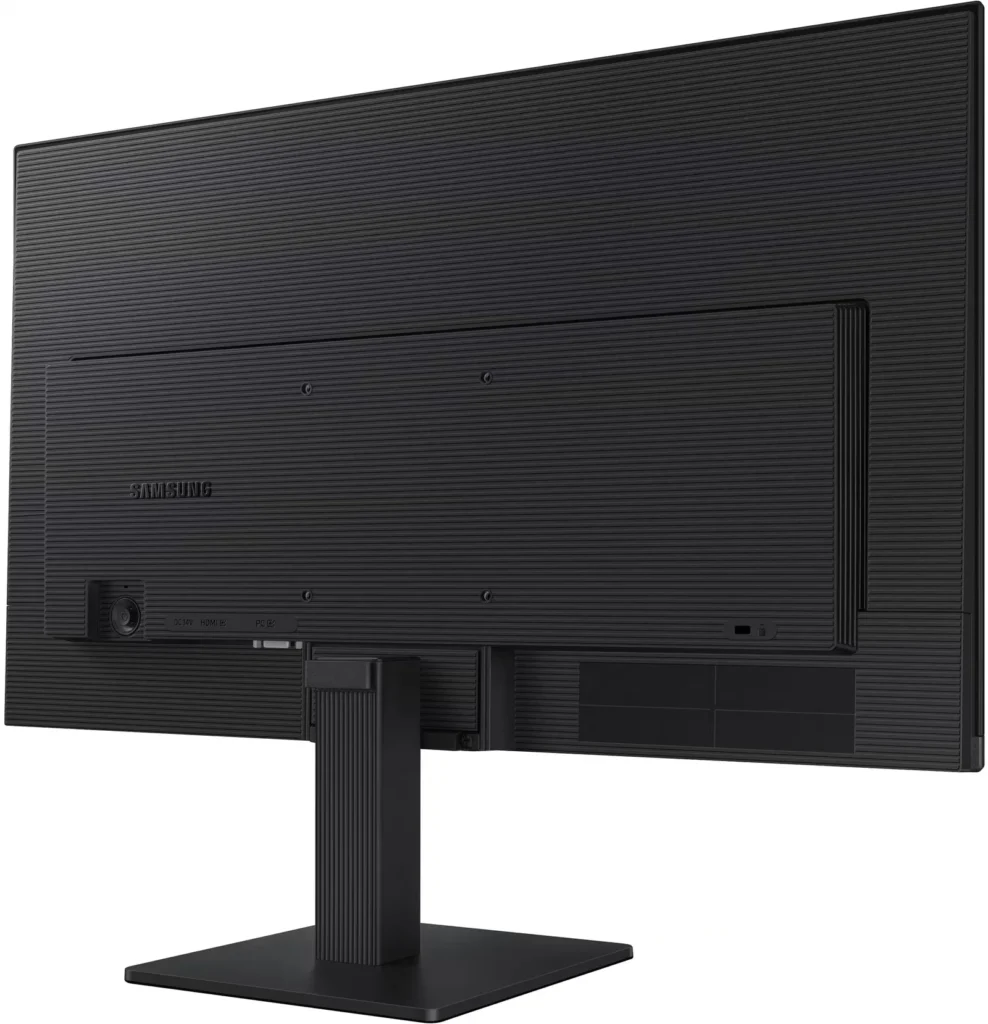
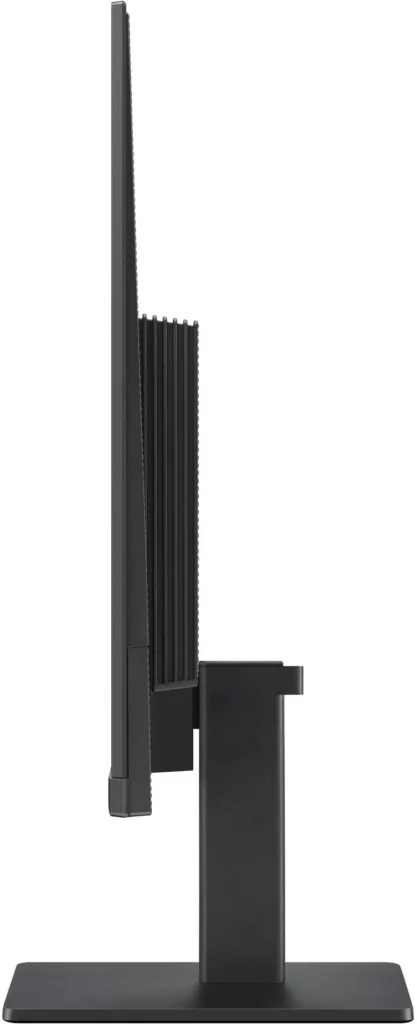
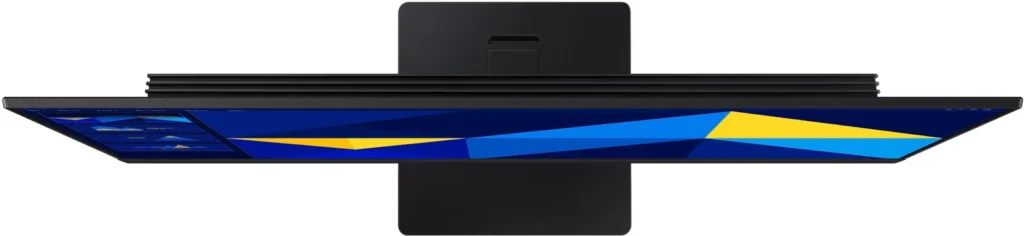
No images available for this model.
Imagery for this model matches or very closely resembles the visuals shown for similar versions. Please review the nearby models for a reliable reference.
Customer Media
Highlights
| Vivid IPS Panel Technology | The IPS panel delivers a stunning color experience across the entire display, maintaining consistent brightness and clarity from any viewpoint with a wide 178° viewing angle. |
|---|---|
| Smooth 100Hz Refresh Rate | A 100Hz refresh rate reduces lag and motion blur compared to standard 60Hz displays, providing smoother performance for creative projects, video playback, and everyday business tasks. |
| Advanced Eye Comfort Features | Equipped with Eye Saver Mode and Flicker Free technology, this monitor reduces blue light emissions and screen flickering to minimize eye strain during long work sessions. |
| Optimized Game Mode | Instantly adjust color and image contrast to see scenes more clearly and spot details in dark areas, providing a competitive edge for entertainment and creative work. |
| Modern Super-Slim Design | Featuring a sleek, lightweight aesthetic with ultra-thin border bezels, this monitor maximizes screen space and integrates seamlessly into any professional workspace. |
Pros & Cons
Pros
- Excellent Value for Price: Reviewers consistently highlight the monitor as a cost-effective solution, offering high-quality IPS visuals and a sleek design at a very competitive price point for both home and office use.
- Vibrant Picture Quality: The IPS panel provides sharp, crisp images with accurate colors and wide viewing angles, making it highly suitable for productivity tasks, photo editing, and streaming content.
- Smooth 100Hz Refresh Rate: The 100Hz refresh rate is noted as a significant upgrade over standard 60Hz displays, providing a noticeably smoother experience for scrolling through documents and casual gaming.
Cons
- Awkward Control Placement: The single joystick-style button for power and settings is located on the back of the monitor, making it difficult to reach and unintuitive to navigate for many users.
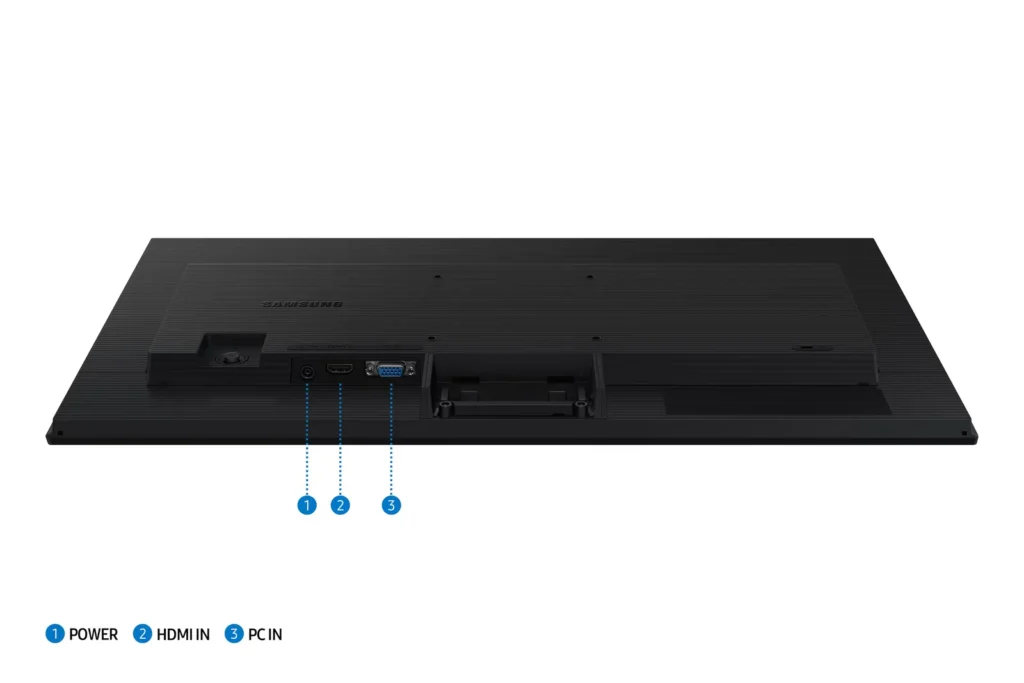
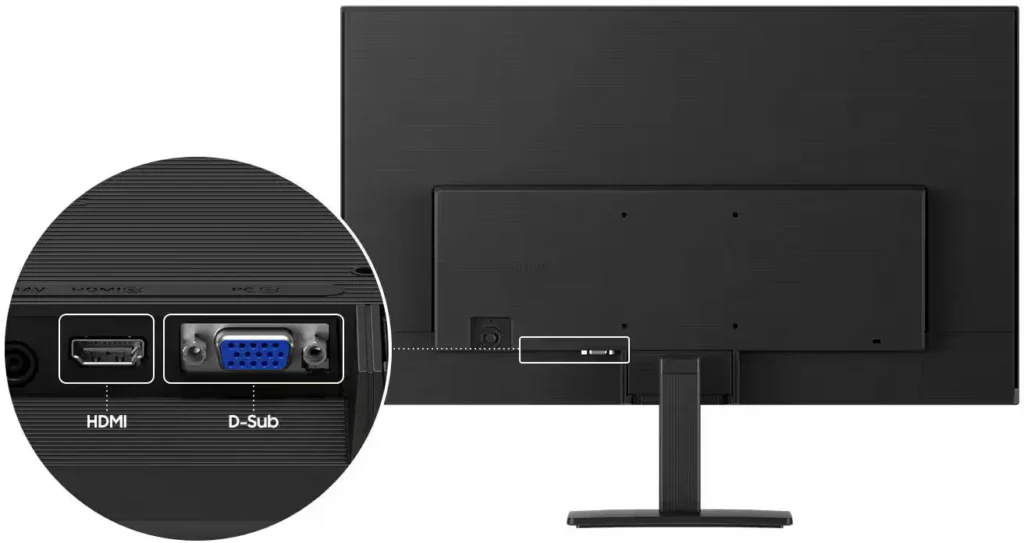
- Limited Connectivity and Features: The monitor lacks modern essentials like DisplayPort, USB-C, and built-in speakers, and several users were disappointed by the absence of a headphone jack on certain models.
- Basic and Flimsy Stand: The included stand is not height-adjustable and has been described as flimsy, with several users reporting significant difficulty during assembly due to misaligned screw holes.
You might also like










Customer Reviews
Showing reviews 41-50 of 996
-
Open box
Verified purchase Verified purchase: This reviewer bought the product.JaydeNel February 19, 2026Review source: BestbuyExcellent quality and in good condition!!!!!!!!!!!
-
Monitor
Verified purchase Verified purchase: This reviewer bought the product.KristinP February 18, 2026Review source: BestbuyExxellent monitor especially for the price I absolutely love it
-
"El campeón de la productividad y la calidad de imagen en el escritorio"
Verified purchase Verified purchase: This reviewer bought the product.Excelente producto muy content… February 16, 2026Review source: Amazon“¡Este monitor Samsung de 27 pulgadas es una maravilla! Le doy un 10 de 10 porque ofrece una calidad de imagen fantástica y un tamaño ideal para trabajar, estudiar o disfrutar de contenido multimedia, todo a un precio muy competitivo. Es la actualización perfecta para tu espacio de trabajo.
Lo que más me encanta es el panel IPS. Esto es clave porque te garantiza colores precisos y vibrantes, y lo que es más importante, ángulos de visión amplios. Puedes moverte por tu escritorio o verlo desde un lado sin que la imagen se distorsione o los colores cambien, algo que no pasa con paneles VA o TN más baratos. -
Good Deal
Verified purchase Verified purchase: This reviewer bought the product.sgar February 15, 2026Review source: BestbuyVery good monitor for all around tasks on desktop at a very good price.
-
New Monitor for great price
Verified purchase Verified purchase: This reviewer bought the product.CarolynL February 15, 2026Review source: BestbuyI am very happy with this monitor. Great size and clear picture.
-
Great Monitor
Verified purchase Verified purchase: This reviewer bought the product.Tony February 15, 2026Review source: BestbuyGreat Monitor for the price!! You cannot go wrong getting 1.
-
Samsung – 27" Monitor
Verified purchase Verified purchase: This reviewer bought the product.GalinaM February 14, 2026Review source: BestbuyVery convenient. Nice colors. Easy to work with.Comfortable to work with. If you have a large office, this will be very convenient.
-
GREAT MONITOR
Verified purchase Verified purchase: This reviewer bought the product.LouisR February 14, 2026Review source: BestbuyThe monitor was the right size! Picture quality is great! The monitor was easy to put together and installatin hook up was simple.
-
good monitor
Verified purchase Verified purchase: This reviewer bought the product.CarolH February 14, 2026Review source: Bestbuymonitor size is good for a desktop setting
crisp imaging and easy to focus on -
Great Monitor
Verified purchase Verified purchase: This reviewer bought the product.OmarP February 14, 2026Review source: Bestbuyupgraded my old hp monitor to this one and it was the best decision i made.