No images available for this model.
Imagery for this model matches or very closely resembles the visuals shown for similar versions. Please review the nearby models for a reliable reference.
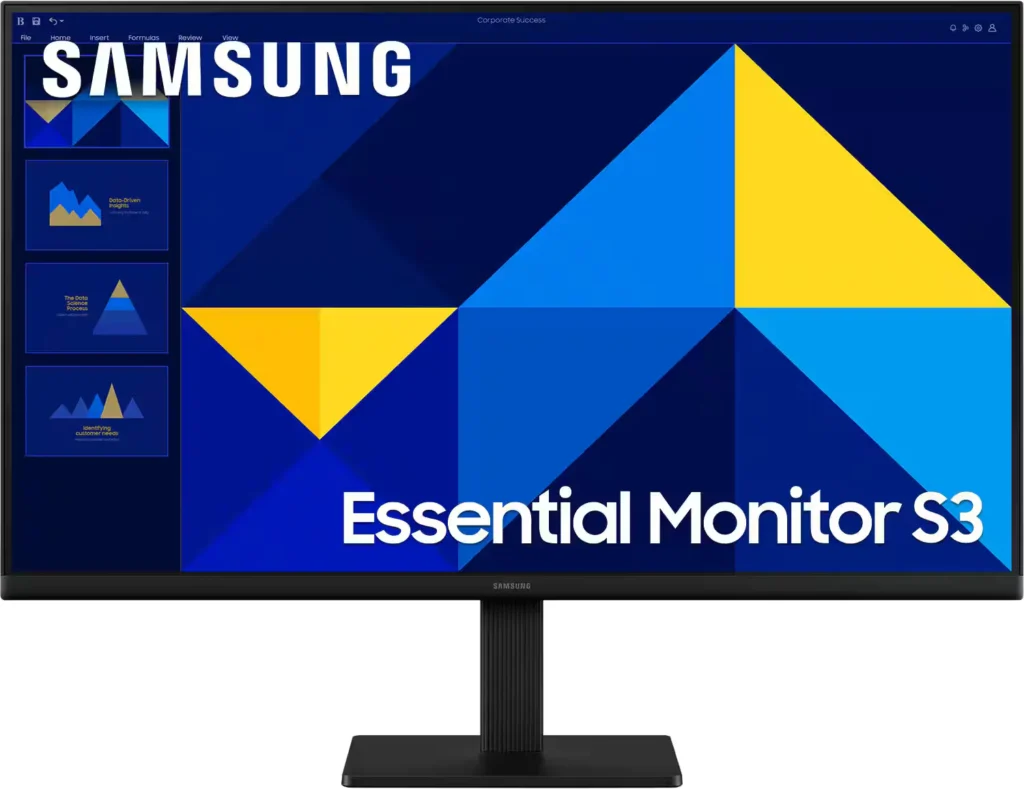
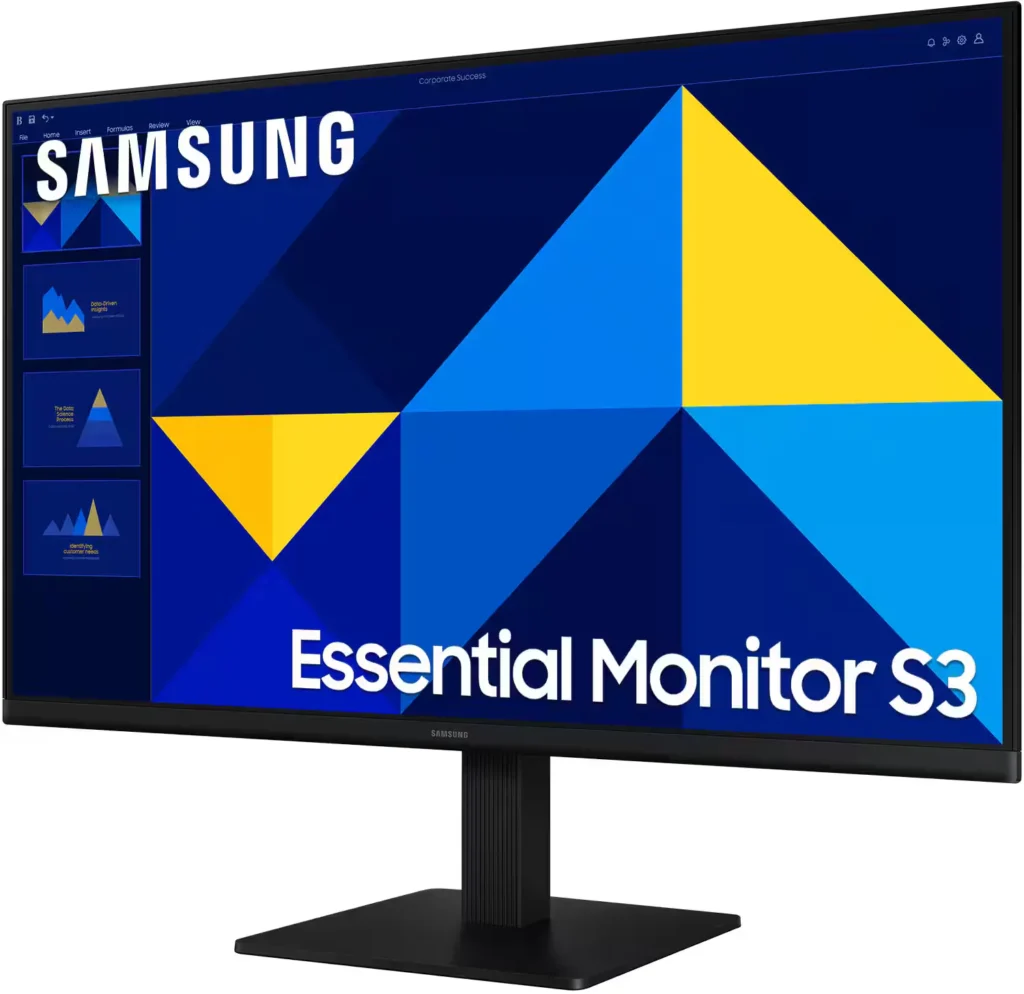
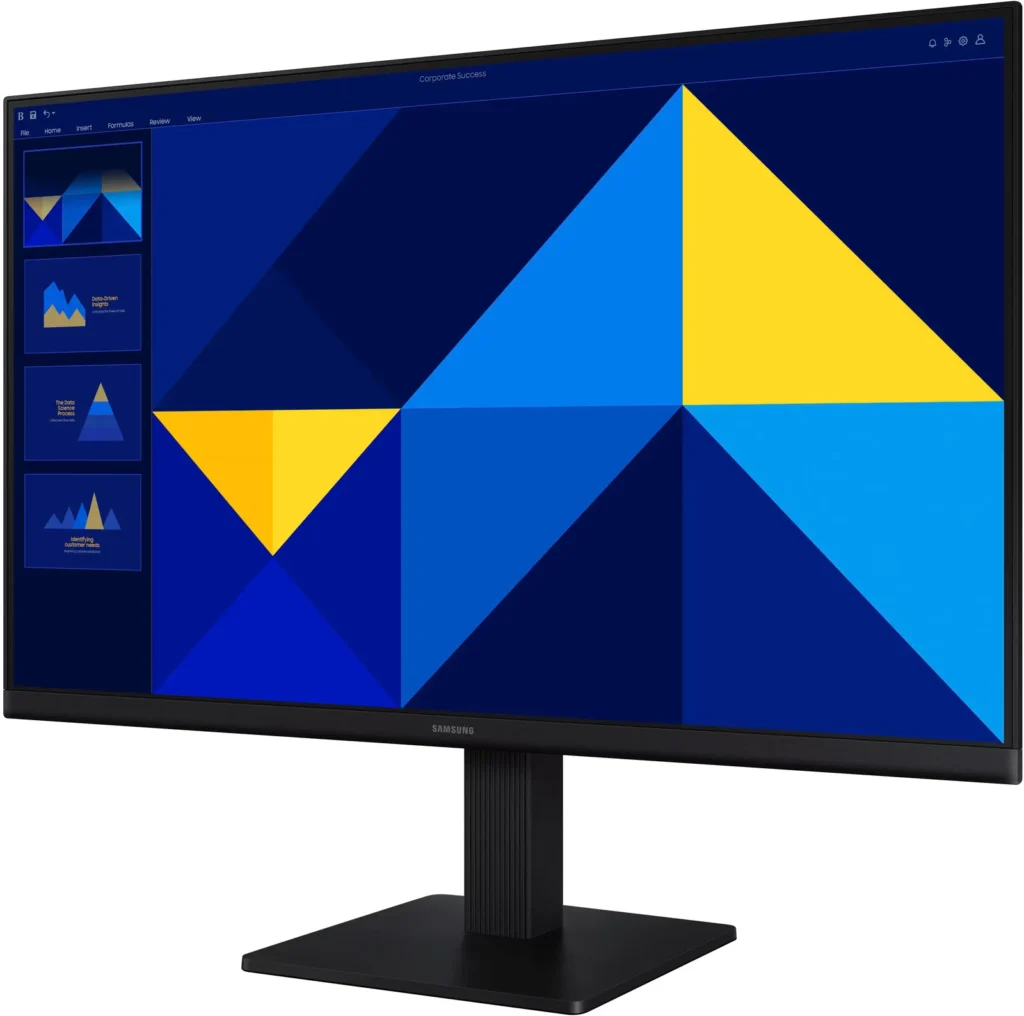
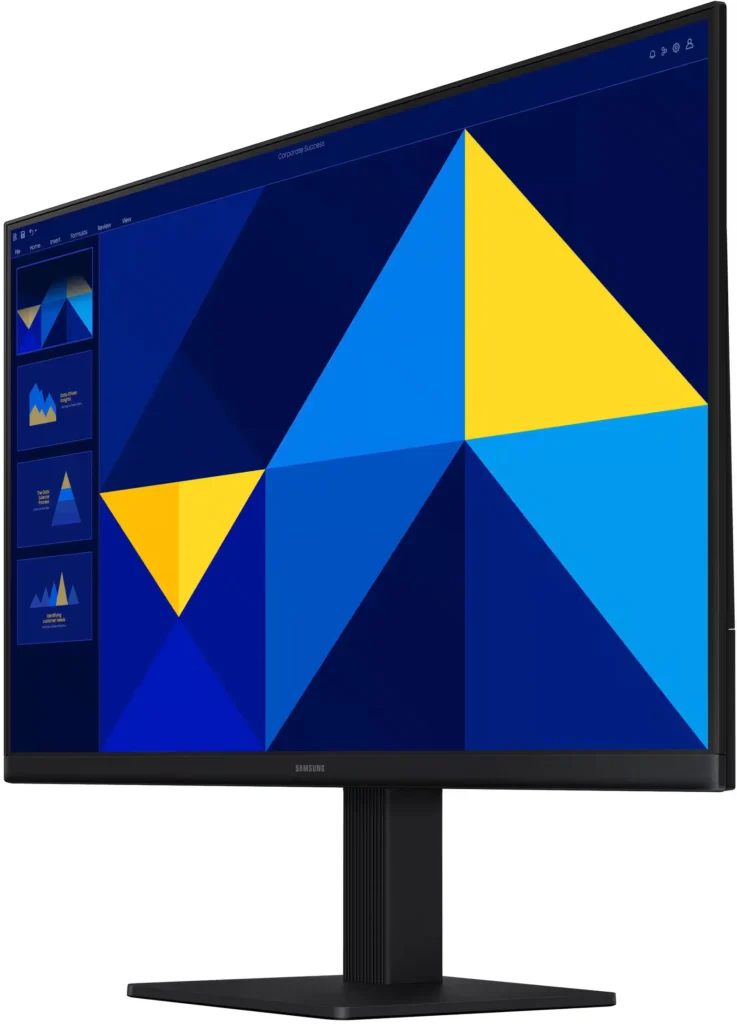
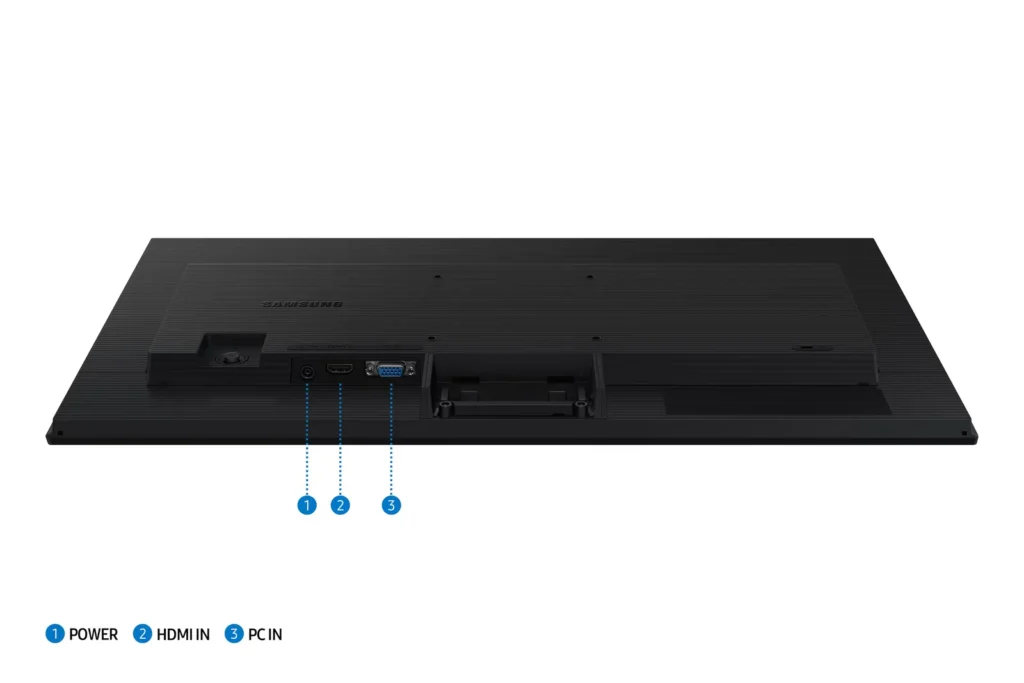
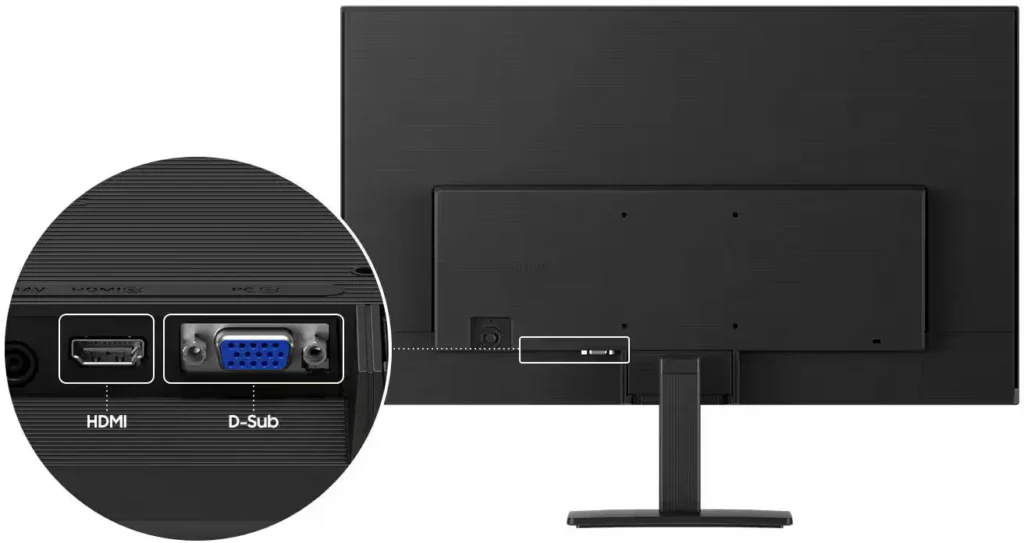
No images available for this model.
Imagery for this model matches or very closely resembles the visuals shown for similar versions. Please review the nearby models for a reliable reference.
Customer Media
Highlights
| Vivid IPS Panel Technology | The IPS panel delivers a stunning color experience across the entire display, maintaining consistent brightness and clarity from any viewpoint with a wide 178° viewing angle. |
|---|---|
| Smooth 100Hz Refresh Rate | A 100Hz refresh rate reduces lag and motion blur compared to standard 60Hz displays, providing smoother performance for creative projects, video playback, and everyday business tasks. |
| Advanced Eye Comfort Features | Equipped with Eye Saver Mode and Flicker Free technology, this monitor reduces blue light emissions and screen flickering to minimize eye strain during long work sessions. |
| Optimized Game Mode | Instantly adjust color and image contrast to see scenes more clearly and spot details in dark areas, providing a competitive edge for entertainment and creative work. |
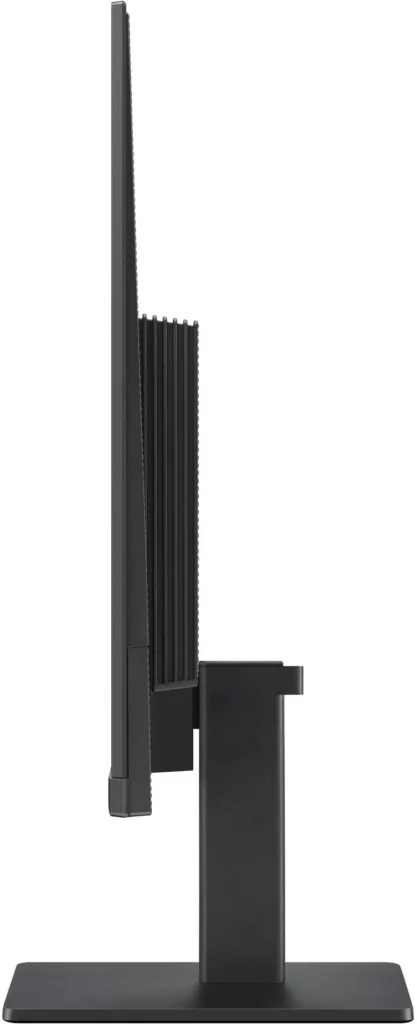
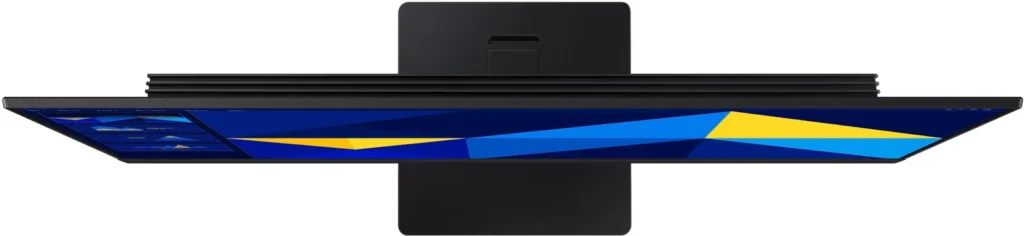
| Modern Super-Slim Design | Featuring a sleek, lightweight aesthetic with ultra-thin border bezels, this monitor maximizes screen space and integrates seamlessly into any professional workspace. |
Pros & Cons
Pros
- Excellent Value for Price: Reviewers consistently highlight the monitor as a cost-effective solution, offering high-quality IPS visuals and a sleek design at a very competitive price point for both home and office use.
- Vibrant Picture Quality: The IPS panel provides sharp, crisp images with accurate colors and wide viewing angles, making it highly suitable for productivity tasks, photo editing, and streaming content.
- Smooth 100Hz Refresh Rate: The 100Hz refresh rate is noted as a significant upgrade over standard 60Hz displays, providing a noticeably smoother experience for scrolling through documents and casual gaming.
Cons
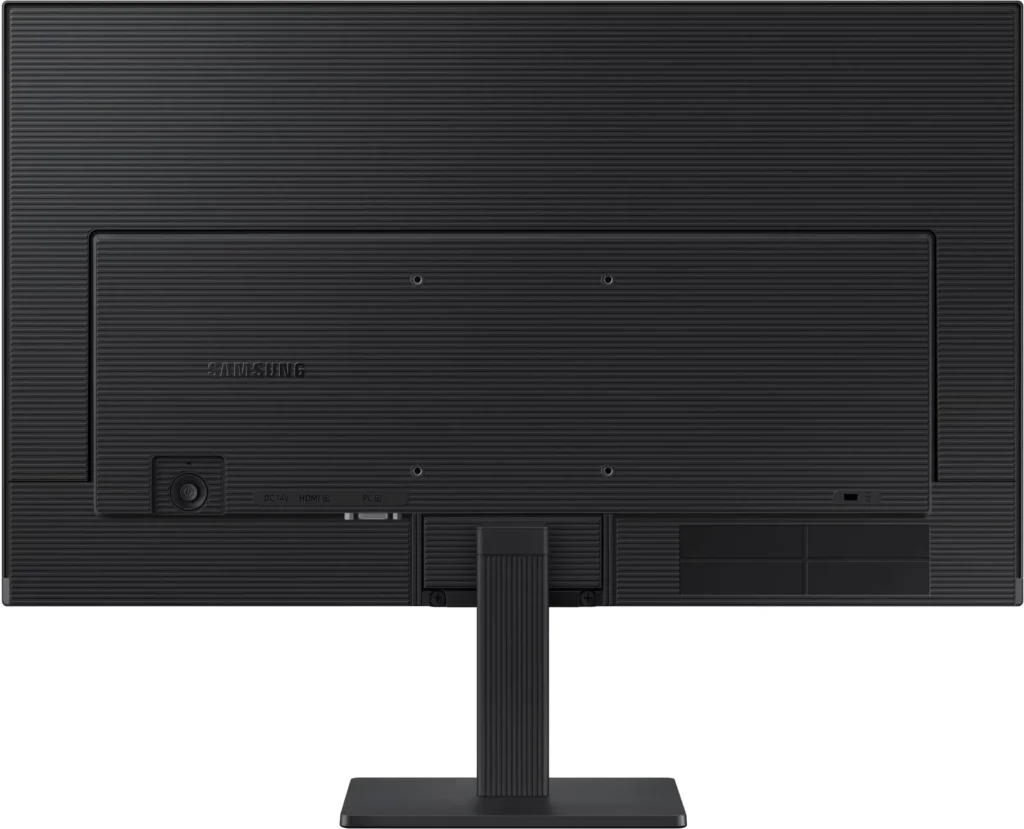
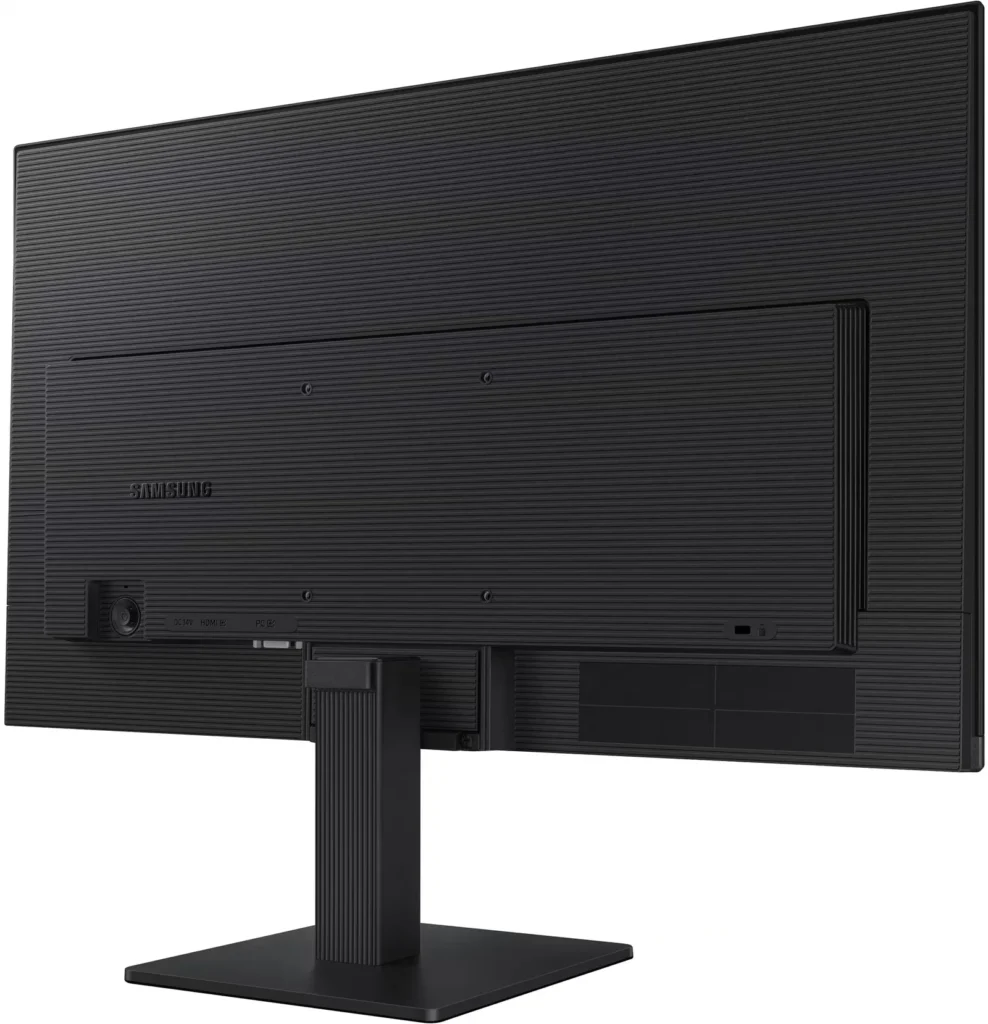
- Awkward Control Placement: The single joystick-style button for power and settings is located on the back of the monitor, making it difficult to reach and unintuitive to navigate for many users.
- Limited Connectivity and Features: The monitor lacks modern essentials like DisplayPort, USB-C, and built-in speakers, and several users were disappointed by the absence of a headphone jack on certain models.
- Basic and Flimsy Stand: The included stand is not height-adjustable and has been described as flimsy, with several users reporting significant difficulty during assembly due to misaligned screw holes.
You might also like










Customer Reviews
Showing reviews 491-500 of 996
-
monitor
Verified purchase Verified purchase: This reviewer bought the product.CarolynM November 1, 2025Review source: BestbuyIt had been years since I had upgraded my monitor. Really good size for personal use
-
Monitor
Verified purchase Verified purchase: This reviewer bought the product.AlfredS October 31, 2025Review source: BestbuyThis monitor works great. Colors are vibrant and installation was a snap. This was a great value purchase!
-
Samsung – 24" S3 (S30GD) IPS LED FHD 100Hz Monitor
Verified purchase Verified purchase: This reviewer bought the product.KimD October 31, 2025Review source: BestbuyThis monitor took some time to get used to. I’m used to a monitor that just goes to sleep. But this one shuts off after the amount of time you set it too. It was the cheapest monitor available. But it has a nice clear picture.
-
Give me another year to review the product.
Verified purchase Verified purchase: This reviewer bought the product.VirginiaS October 31, 2025Review source: BestbuyToo early for review. Ask me to review after one year.
-
Works well but…..
Verified purchase Verified purchase: This reviewer bought the product.Rosebud October 31, 2025Review source: Bestbuy4 stars for a good display monitor. Bright, sharp, good color & got it on sale. Took 1 star away because of the power/settings button is in a really bad place. On the REAR of the monitor. You actually have to reach under from the front to get at this switch! I also don’t like one switch/button for multiple adjustments. There should be TWO switches & mounted on the front edge of the monitor like it was on my previous Samsung monitor.
-
Monitor
Verified purchase Verified purchase: This reviewer bought the product.Satisfied October 31, 2025Review source: BestbuyVery clear, vibrant colors! Love the size and lightness of the monitor.
-
happy user
Verified purchase Verified purchase: This reviewer bought the product.happycustomer October 31, 2025Review source: BestbuyThis is my second Samsung monitor, and I like this one even more than the previous one because it is slightly larger, even though I didn’t think I needed a larger one.
It was easy to attach the base/stand and plug the thing in, even for a little ole lady like me!
-
Great Screen
Verified purchase Verified purchase: This reviewer bought the product.MaryR October 31, 2025Review source: BestbuyI love the large screen, bright and clear. It was easy to install. Very affordable. I did have a little challenge getting the volume set. May not have been the new screen?
-
Good quality
Verified purchase Verified purchase: This reviewer bought the product.AngelD October 31, 2025Review source: BestbuyGood monitor for the money high quality screen for normal use for school / work and to stream some movies
-
perfect second monitor
Verified purchase Verified purchase: This reviewer bought the product.iwantaps5 October 31, 2025Review source: Bestbuyworks well and displays clearly, used as a second monitor for spotify/discord while gaming.