No images available for this model.
Imagery for this model matches or very closely resembles the visuals shown for similar versions. Please review the nearby models for a reliable reference.
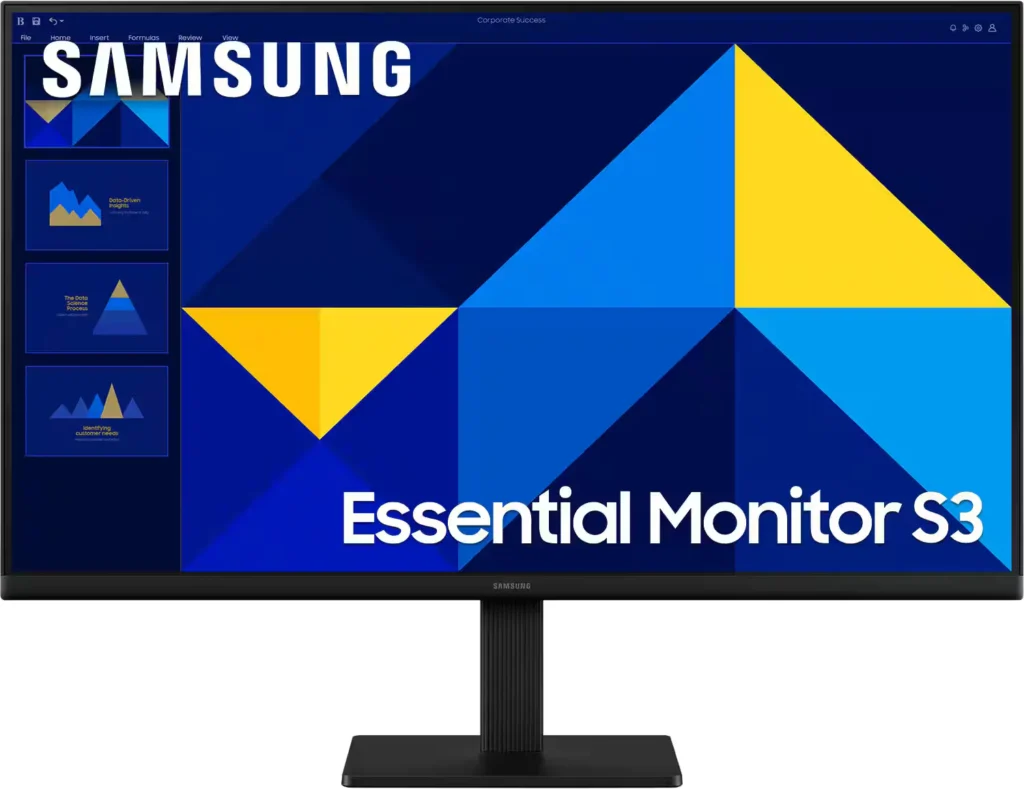
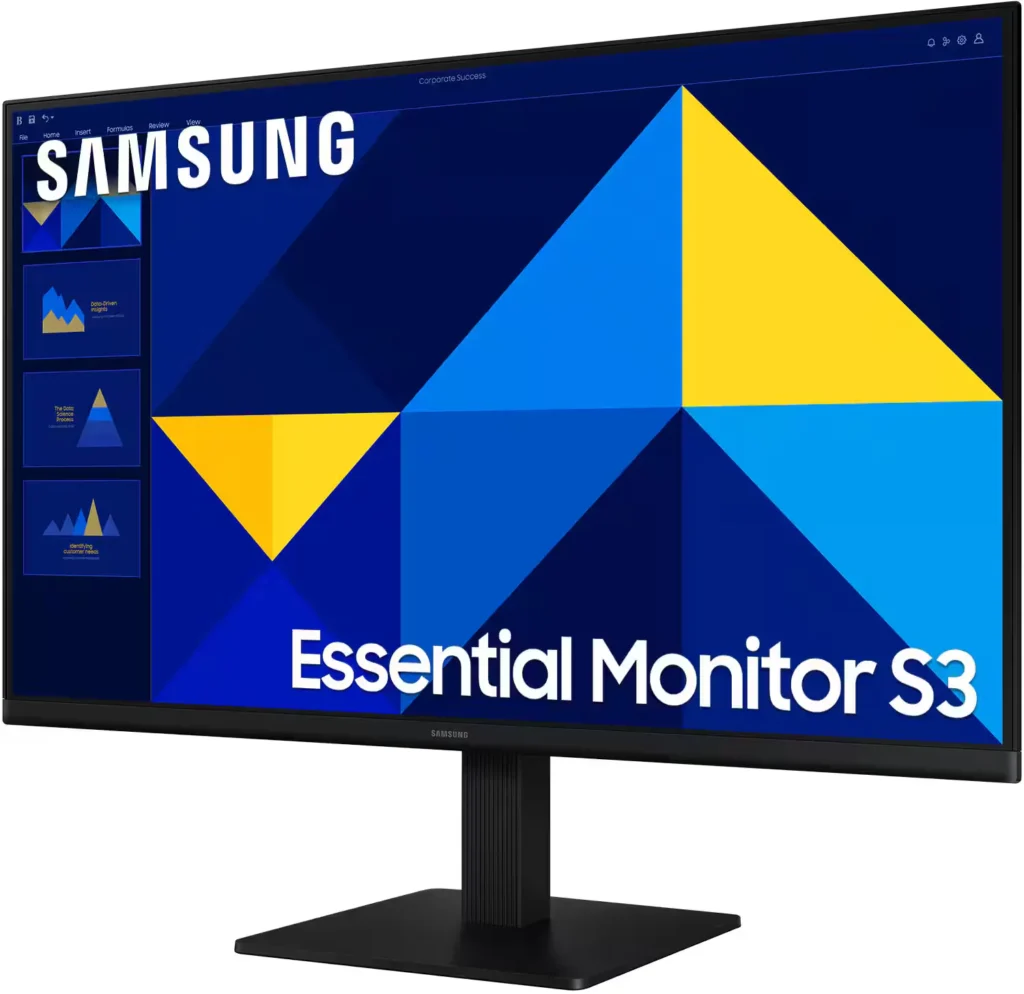
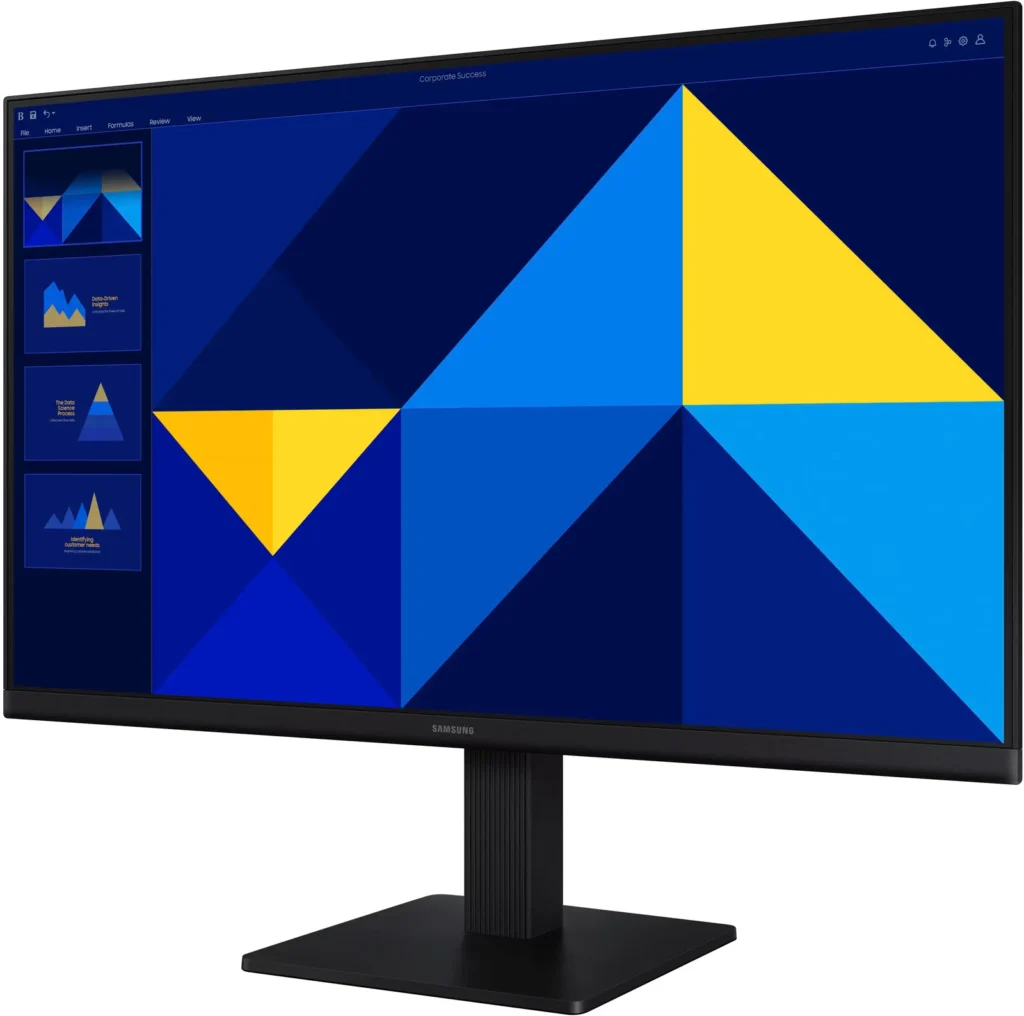
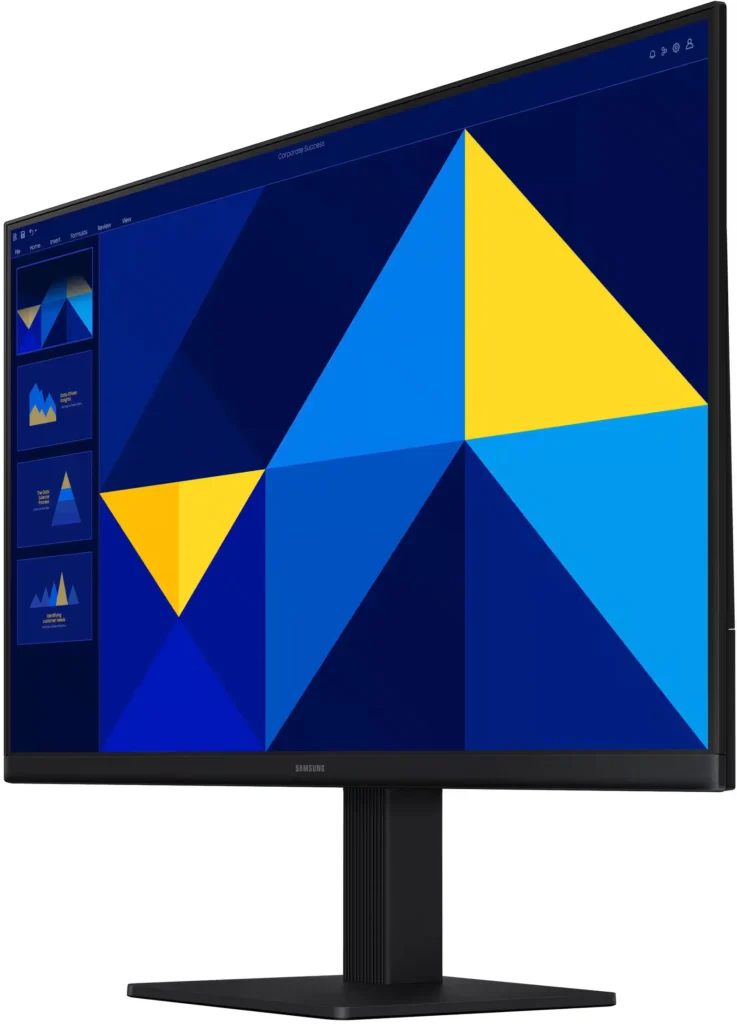
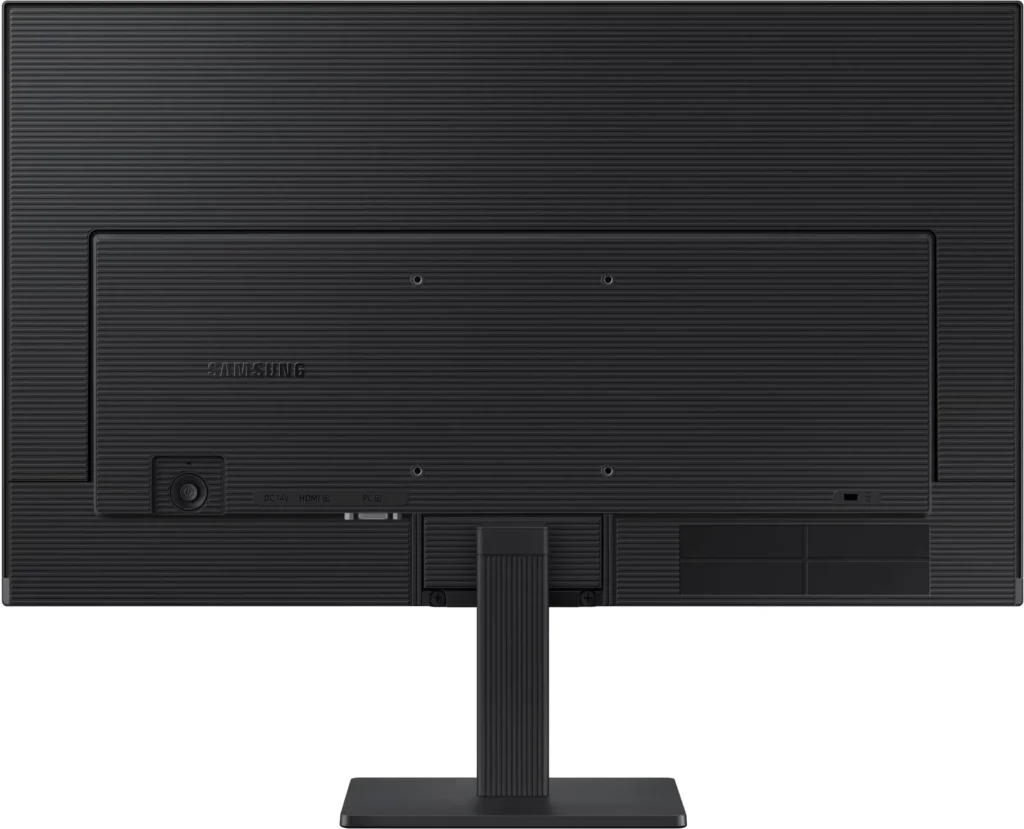
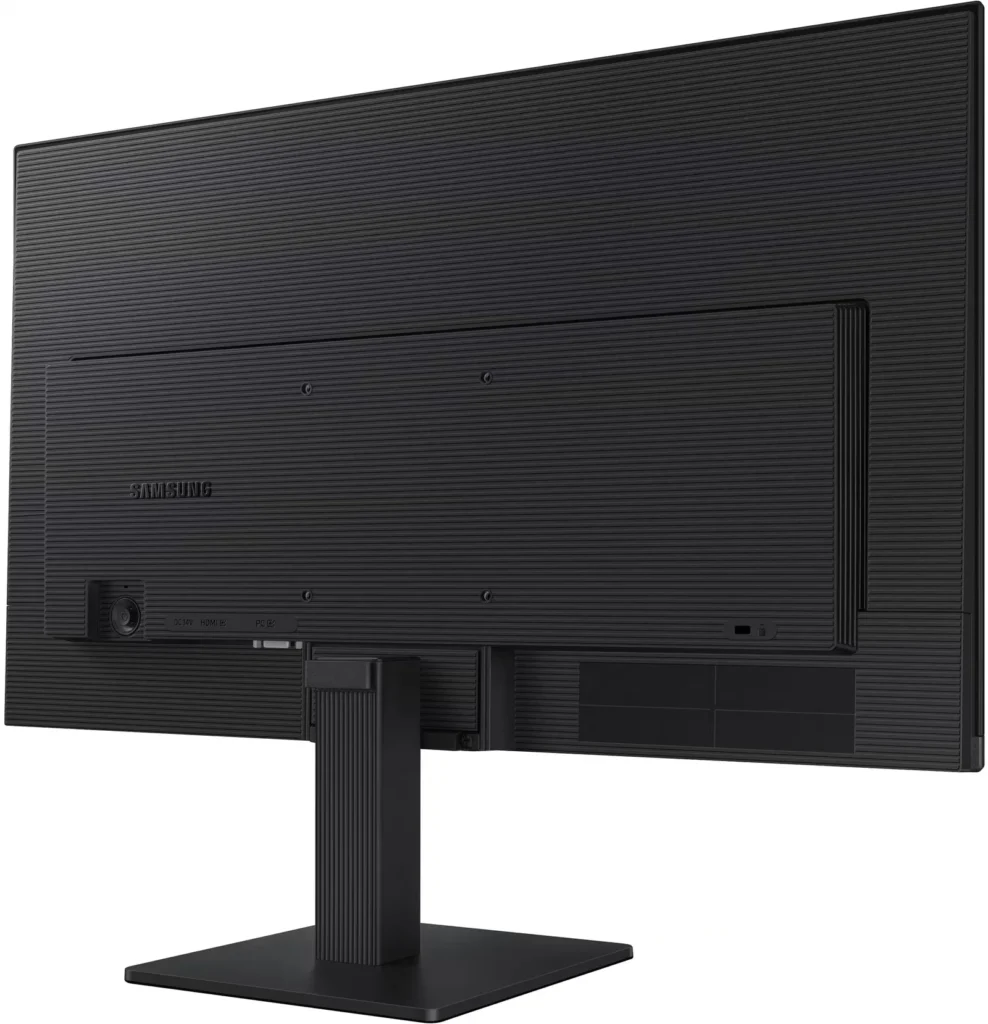
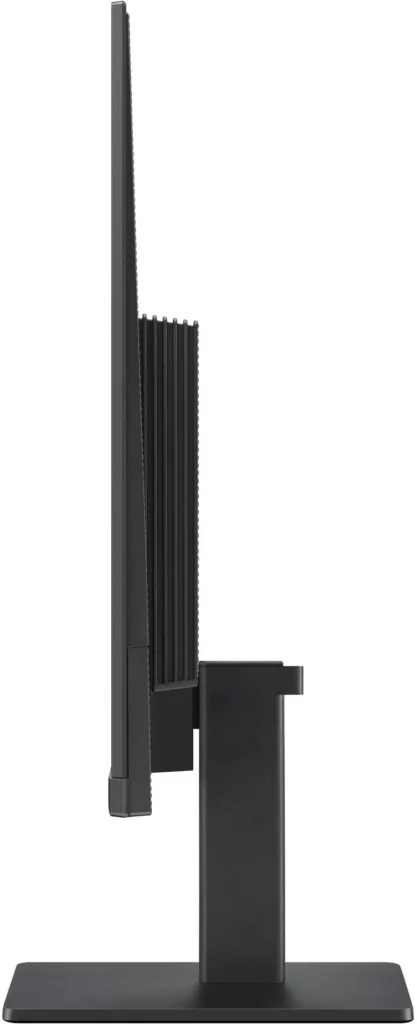
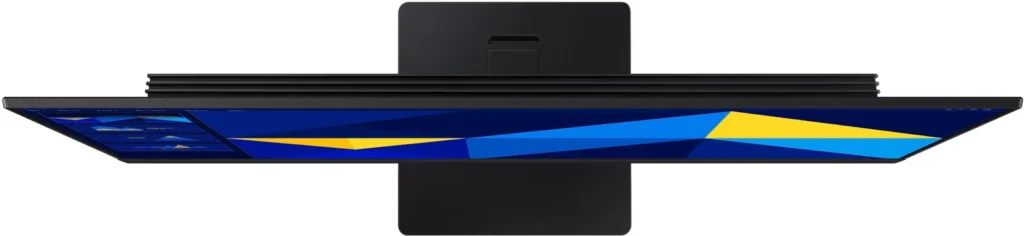
No images available for this model.
Imagery for this model matches or very closely resembles the visuals shown for similar versions. Please review the nearby models for a reliable reference.
Customer Media
Highlights
| Vivid IPS Panel Technology | The IPS panel delivers a stunning color experience across the entire display, maintaining consistent brightness and clarity from any viewpoint with a wide 178° viewing angle. |
|---|---|
| Smooth 100Hz Refresh Rate | A 100Hz refresh rate reduces lag and motion blur compared to standard 60Hz displays, providing smoother performance for creative projects, video playback, and everyday business tasks. |
| Advanced Eye Comfort Features | Equipped with Eye Saver Mode and Flicker Free technology, this monitor reduces blue light emissions and screen flickering to minimize eye strain during long work sessions. |
| Optimized Game Mode | Instantly adjust color and image contrast to see scenes more clearly and spot details in dark areas, providing a competitive edge for entertainment and creative work. |
| Modern Super-Slim Design | Featuring a sleek, lightweight aesthetic with ultra-thin border bezels, this monitor maximizes screen space and integrates seamlessly into any professional workspace. |
Pros & Cons
Pros
- Excellent Value for Price: Reviewers consistently highlight the monitor as a cost-effective solution, offering high-quality IPS visuals and a sleek design at a very competitive price point for both home and office use.
- Vibrant Picture Quality: The IPS panel provides sharp, crisp images with accurate colors and wide viewing angles, making it highly suitable for productivity tasks, photo editing, and streaming content.
- Smooth 100Hz Refresh Rate: The 100Hz refresh rate is noted as a significant upgrade over standard 60Hz displays, providing a noticeably smoother experience for scrolling through documents and casual gaming.
Cons
- Awkward Control Placement: The single joystick-style button for power and settings is located on the back of the monitor, making it difficult to reach and unintuitive to navigate for many users.
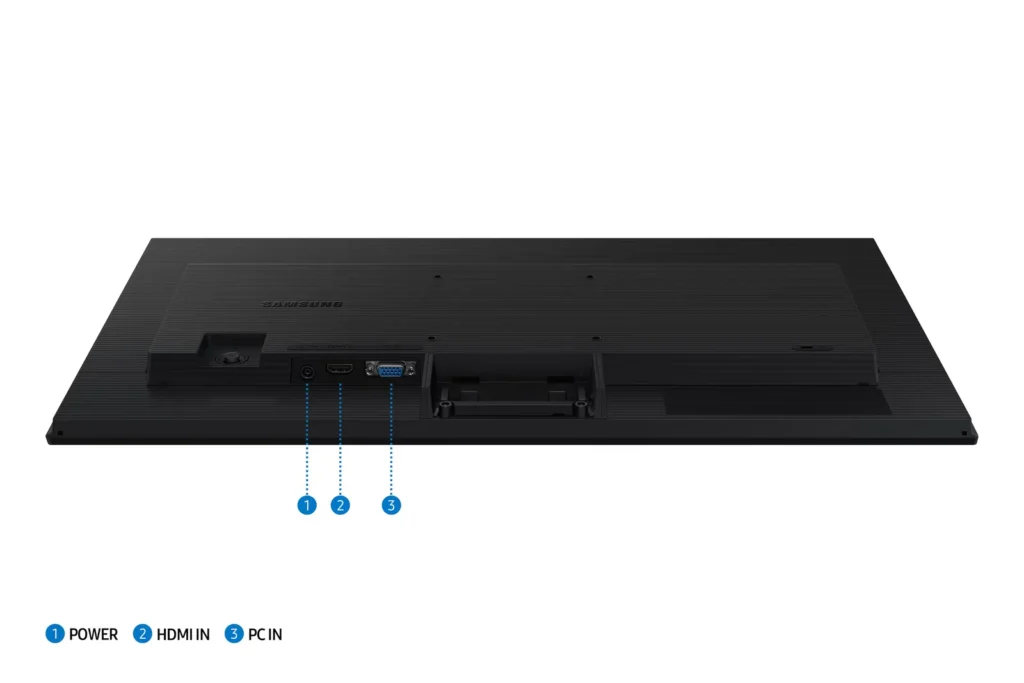
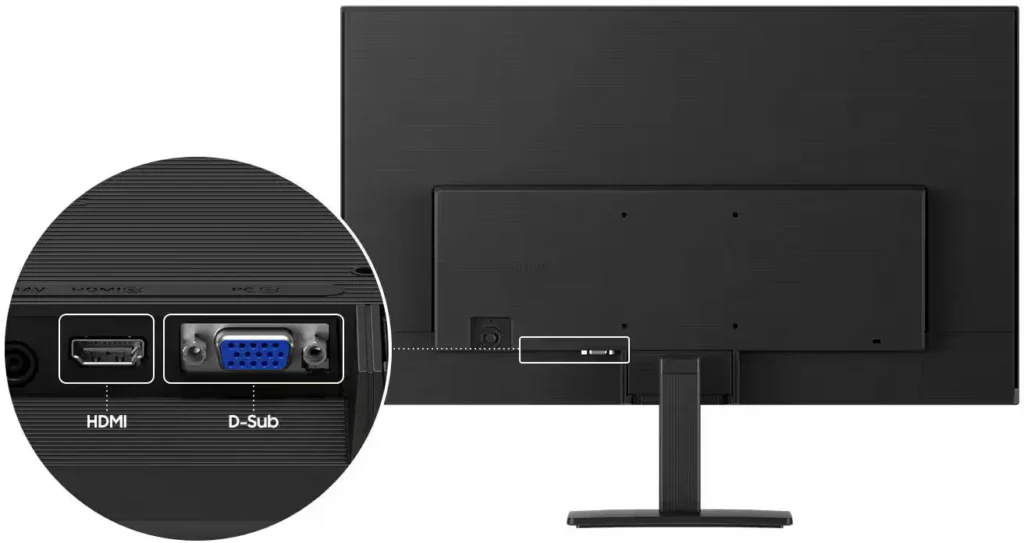
- Limited Connectivity and Features: The monitor lacks modern essentials like DisplayPort, USB-C, and built-in speakers, and several users were disappointed by the absence of a headphone jack on certain models.
- Basic and Flimsy Stand: The included stand is not height-adjustable and has been described as flimsy, with several users reporting significant difficulty during assembly due to misaligned screw holes.
You might also like










Customer Reviews
Showing reviews 561-570 of 996
-
Great!
Verified purchase Verified purchase: This reviewer bought the product.MeredithY September 29, 2025Review source: BestbuyJust what I needed for my home office! Jimmy D is the best!!!
-
Crisp Display, Smooth Refresh Rate – Great Value!
Verified purchase Verified purchase: This reviewer bought the product.RichardMJR September 28, 2025Review source: BestbuyOne of the standout features is the 100Hz refresh rate, which makes everything feel smoother than a standard 60Hz monitor. Scrolling through web pages and multitasking feels more fluid, and games run noticeably better with less screen tearing.
Setup was quick and easy. The monitor includes both HDMI and D-sub ports, which made it simple to connect to my PC. The overall design is sleek and modern—it looks great on my desk without taking up too
-
good clarity
Verified purchase Verified purchase: This reviewer bought the product.DR2023 September 28, 2025Review source: BestbuyEasy to set up and good clarity! Exactly what I needed!
-
Great monitor
Verified purchase Verified purchase: This reviewer bought the product.debi September 27, 2025Review source: BestbuyThis is a big monitor and I love it. It makes my work on the computer easier
-
Excellent
Verified purchase Verified purchase: This reviewer bought the product.VickensleyM September 27, 2025Review source: BestbuyI really like this monitor ,the display quality is excellent.
-
Crystal-Clear Display with VJAX – A Game Changer!
Verified purchase Verified purchase: This reviewer bought the product.hanand September 27, 2025Review source: BestbuyI recently upgraded to a computer screen featuring VJAX technology, and I couldn’t be happier. The clarity and color accuracy are absolutely stunning — whether I’m editing photos, watching movies, or gaming, everything looks vibrant and lifelike. VJAX really enhances motion handling, so fast-paced scenes stay smooth without any annoying blur or ghosting.
Setup was a breeze, and the build quality feels premium. The screen is sleek, modern, and fits perfectly into my workspace. I also appreciate the adjustable stand and multiple input options — it’s clear this monitor was designed with users in mind.
If you’re looking for a high-performance display that delivers on both visuals and functionality, this is it. VJAX makes a noticeable difference, and I highly recommend it to anyone who values top-tier screen quality. -
new school monitors
Verified purchase Verified purchase: This reviewer bought the product.RonK September 27, 2025Review source: Bestbuydue to windows 10 being ousted. old monitor didn’t work with the new usb hook ups.
-
big and bright
Verified purchase Verified purchase: This reviewer bought the product.Cookme September 27, 2025Review source: BestbuyThe monitor is bright and veryclear. Its wide enough to view everything.
-
I Pad review
Verified purchase Verified purchase: This reviewer bought the product.NancyF September 27, 2025Review source: BestbuyGreat iPad! Husband needed an upgrade and is quite happy with the new iPad .
-
Review
Verified purchase Verified purchase: This reviewer bought the product.SaraM September 27, 2025Review source: BestbuyVery nice got it for my son for his birthday he uses it for gaming.