No images available for this model.
Imagery for this model matches or very closely resembles the visuals shown for similar versions. Please review the nearby models for a reliable reference.
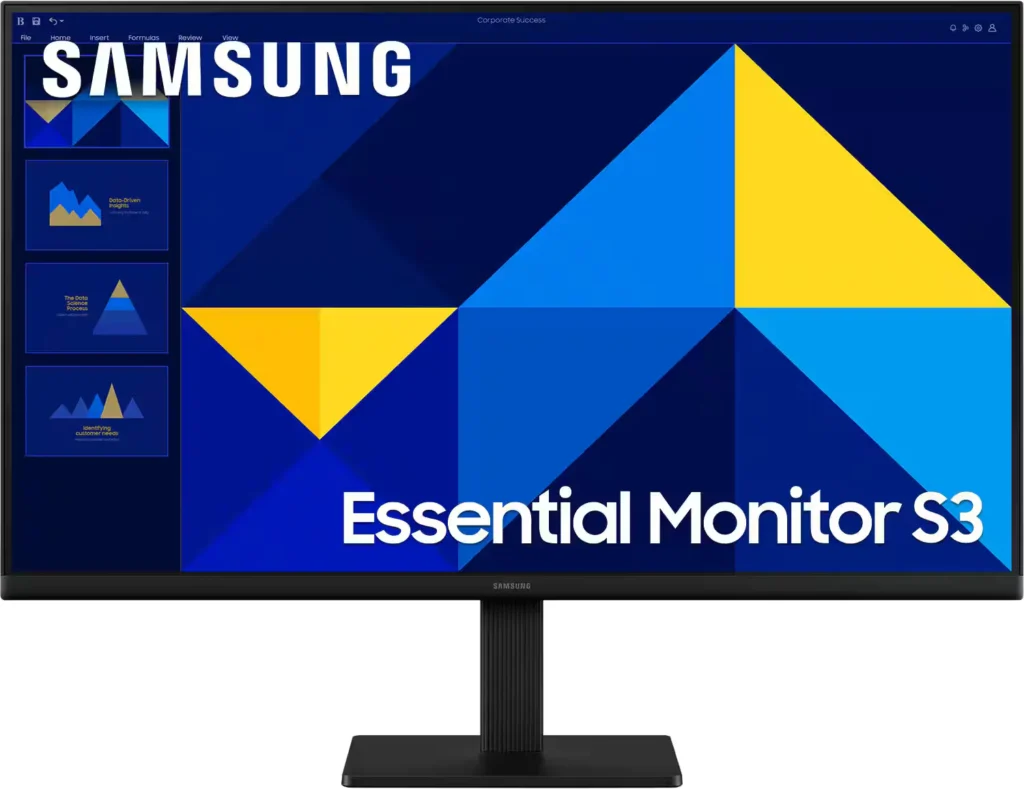
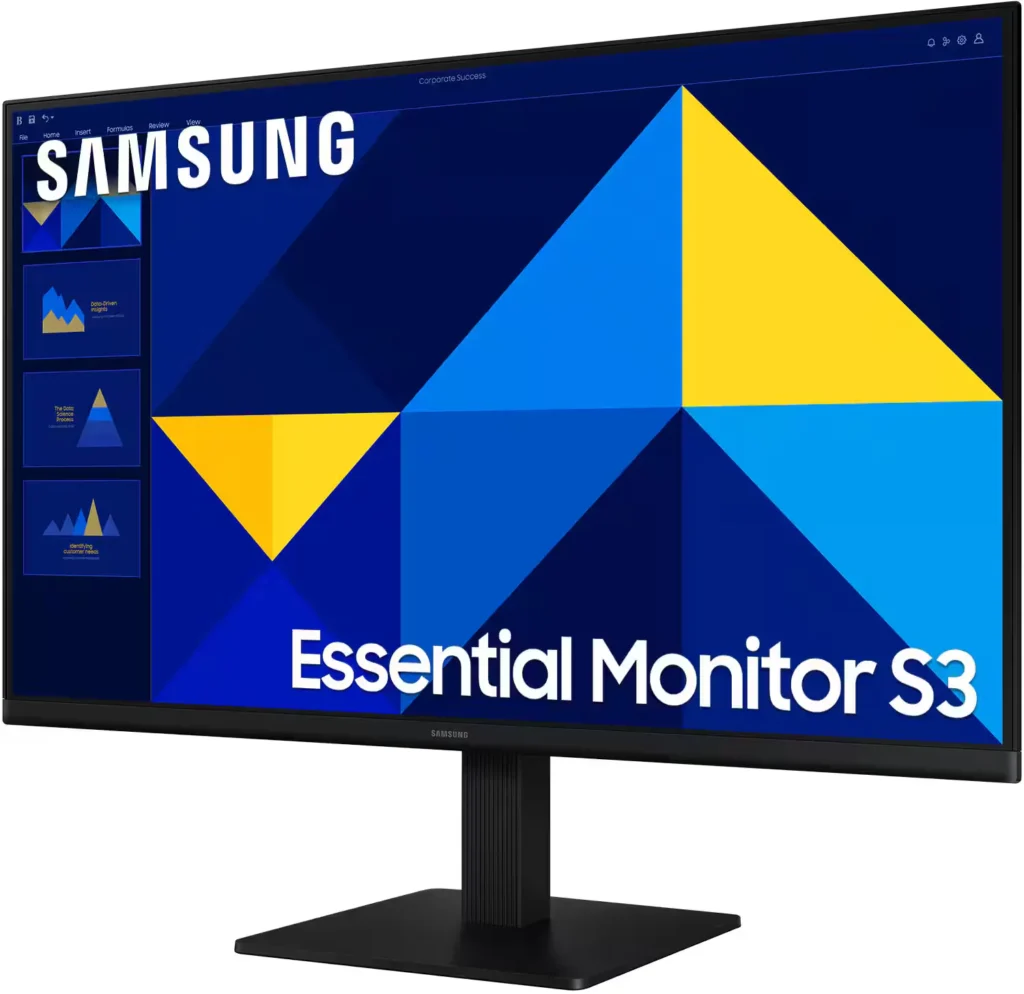
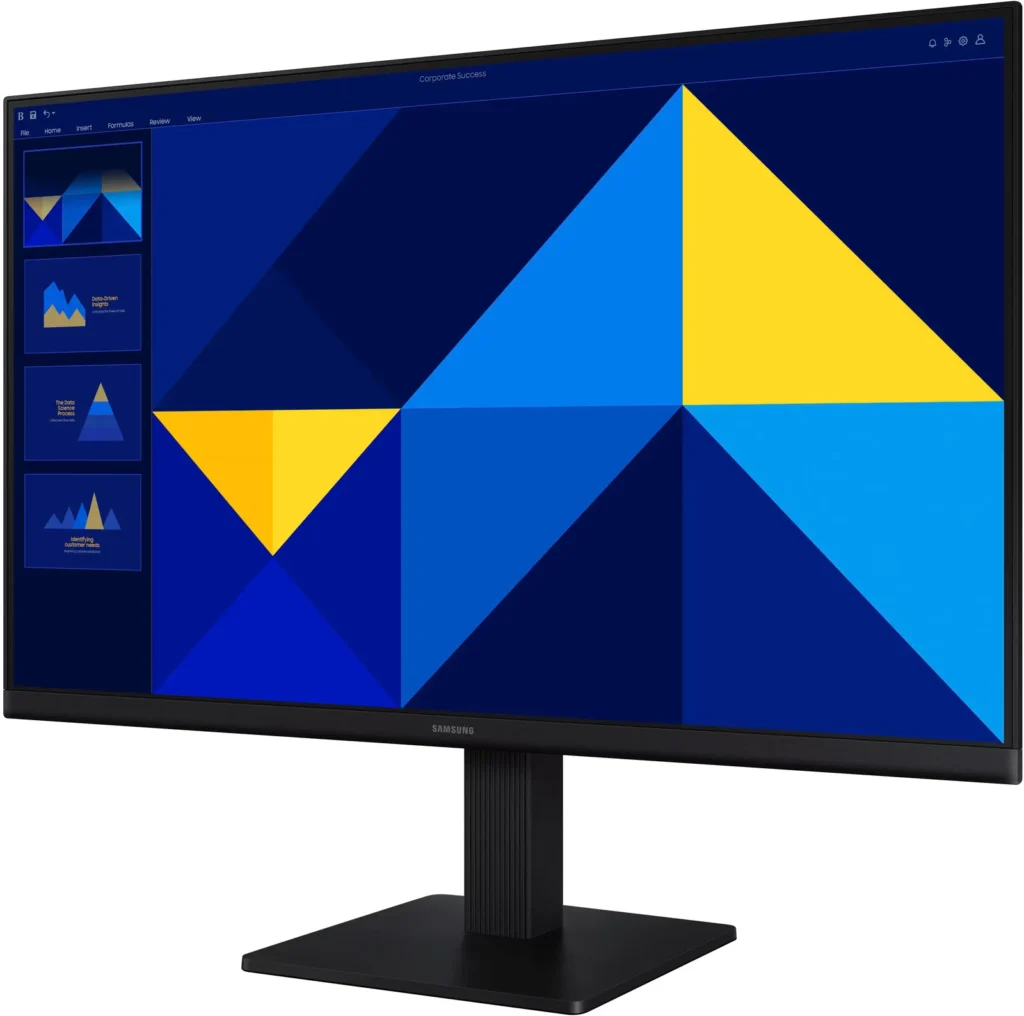
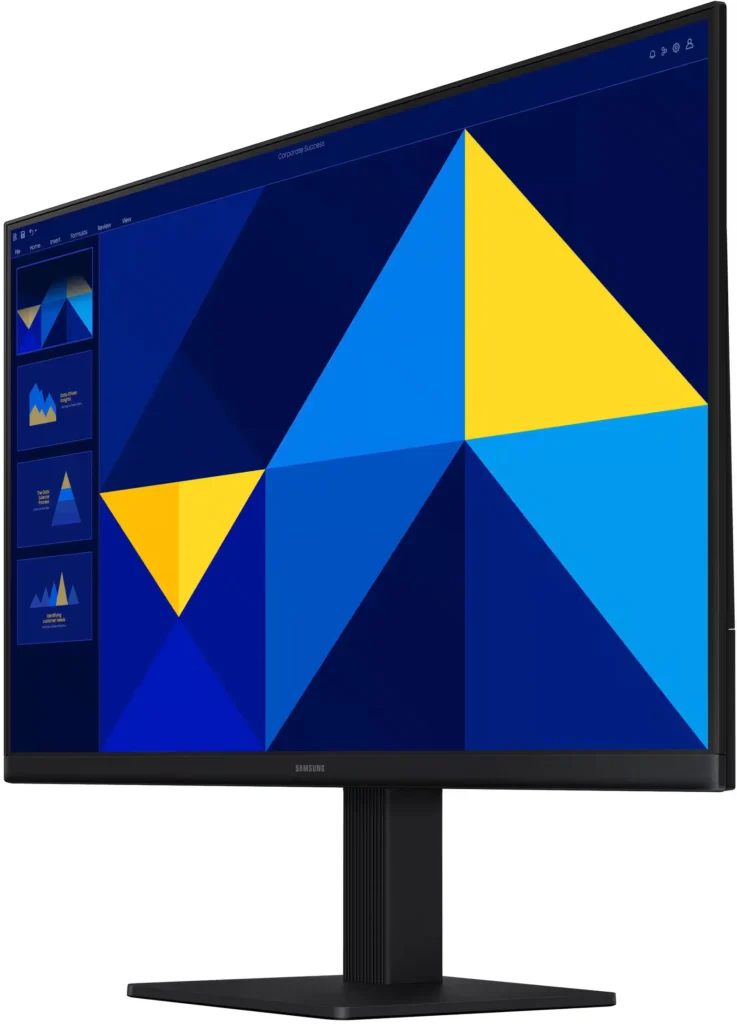
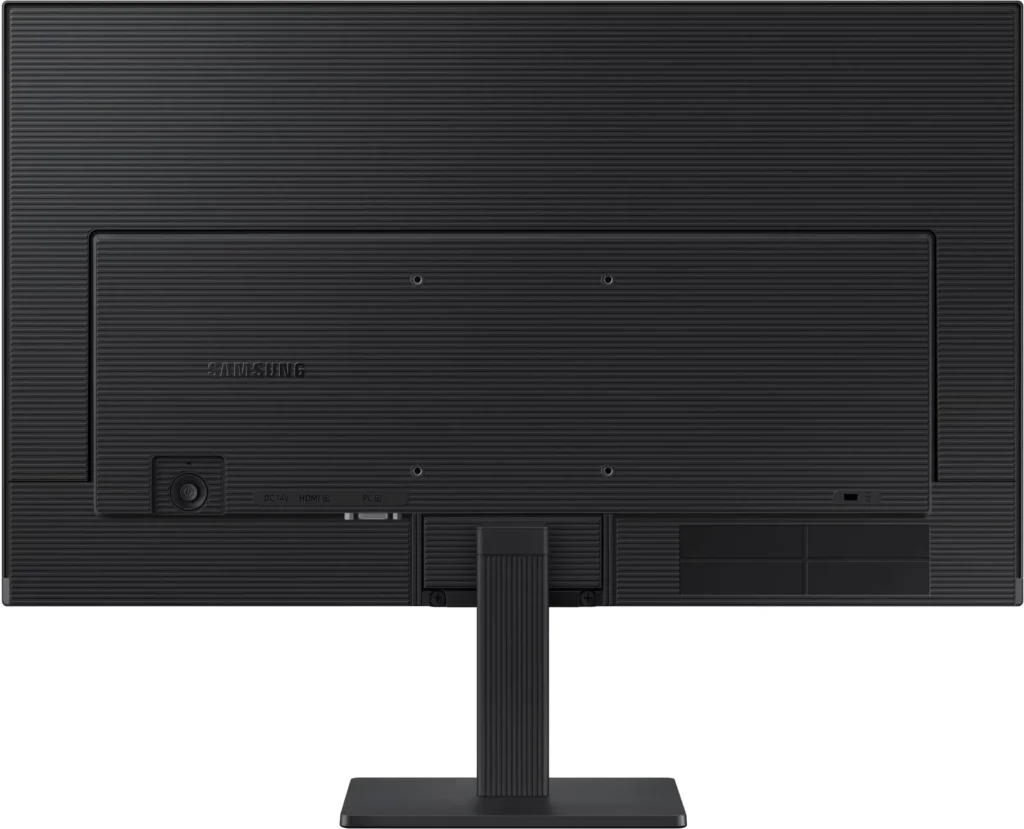
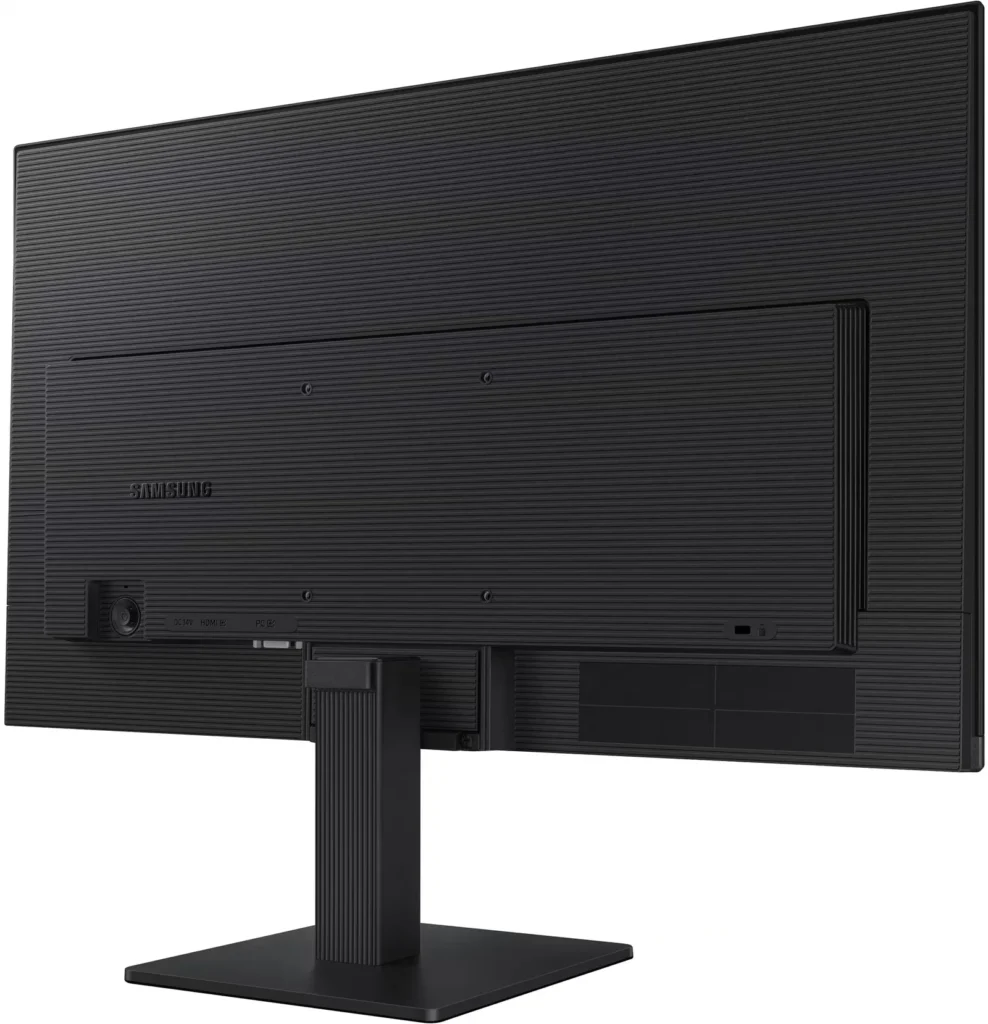
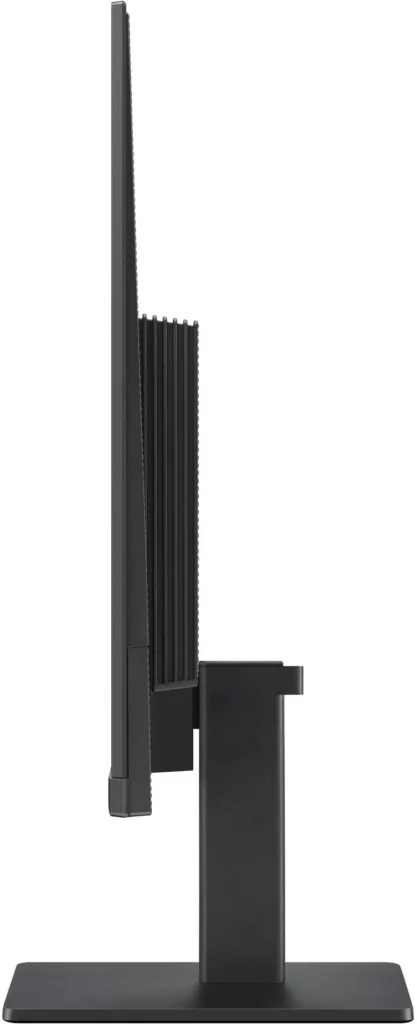
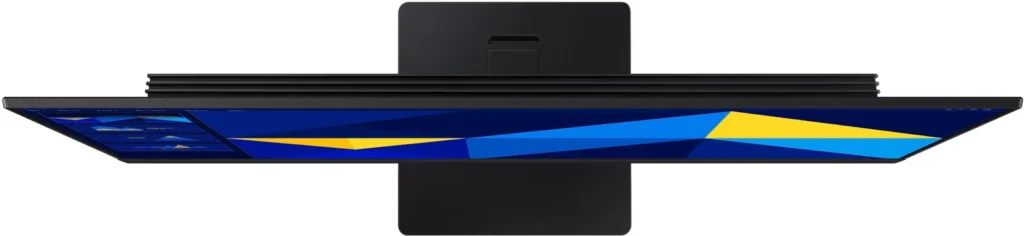
No images available for this model.
Imagery for this model matches or very closely resembles the visuals shown for similar versions. Please review the nearby models for a reliable reference.
Customer Media
Highlights
| Vivid IPS Panel Technology | The IPS panel delivers a stunning color experience across the entire display, maintaining consistent brightness and clarity from any viewpoint with a wide 178° viewing angle. |
|---|---|
| Smooth 100Hz Refresh Rate | A 100Hz refresh rate reduces lag and motion blur compared to standard 60Hz displays, providing smoother performance for creative projects, video playback, and everyday business tasks. |
| Advanced Eye Comfort Features | Equipped with Eye Saver Mode and Flicker Free technology, this monitor reduces blue light emissions and screen flickering to minimize eye strain during long work sessions. |
| Optimized Game Mode | Instantly adjust color and image contrast to see scenes more clearly and spot details in dark areas, providing a competitive edge for entertainment and creative work. |
| Modern Super-Slim Design | Featuring a sleek, lightweight aesthetic with ultra-thin border bezels, this monitor maximizes screen space and integrates seamlessly into any professional workspace. |
Pros & Cons
Pros
- Excellent Value for Price: Reviewers consistently highlight the monitor as a cost-effective solution, offering high-quality IPS visuals and a sleek design at a very competitive price point for both home and office use.
- Vibrant Picture Quality: The IPS panel provides sharp, crisp images with accurate colors and wide viewing angles, making it highly suitable for productivity tasks, photo editing, and streaming content.
- Smooth 100Hz Refresh Rate: The 100Hz refresh rate is noted as a significant upgrade over standard 60Hz displays, providing a noticeably smoother experience for scrolling through documents and casual gaming.
Cons
- Awkward Control Placement: The single joystick-style button for power and settings is located on the back of the monitor, making it difficult to reach and unintuitive to navigate for many users.
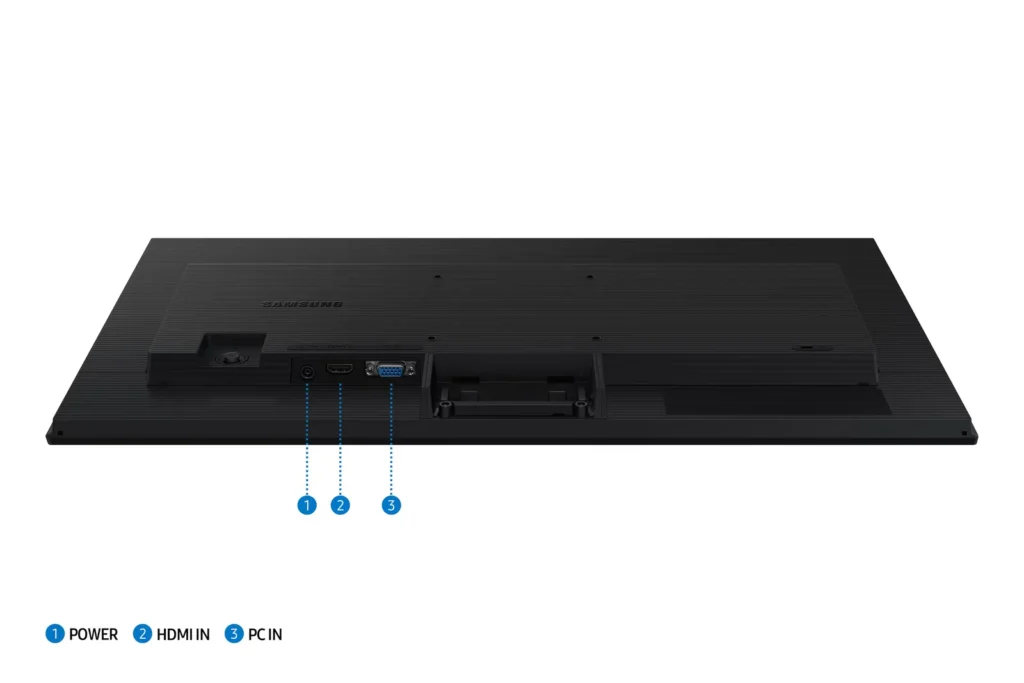
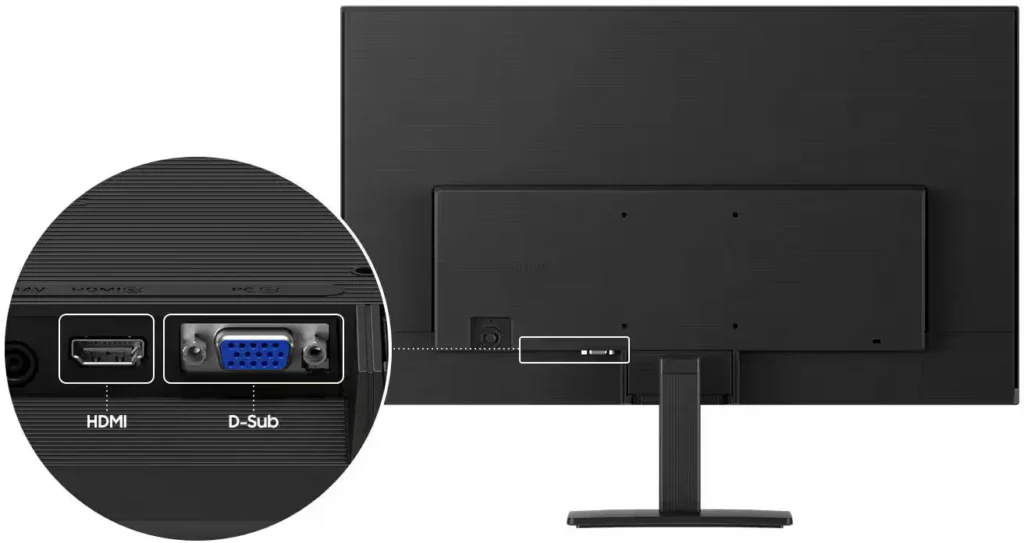
- Limited Connectivity and Features: The monitor lacks modern essentials like DisplayPort, USB-C, and built-in speakers, and several users were disappointed by the absence of a headphone jack on certain models.
- Basic and Flimsy Stand: The included stand is not height-adjustable and has been described as flimsy, with several users reporting significant difficulty during assembly due to misaligned screw holes.
You might also like










Customer Reviews
Showing reviews 621-630 of 996
-
PC monitor replacement
Verified purchase Verified purchase: This reviewer bought the product.ChristopherS September 6, 2025Review source: BestbuyThe customer agent on the floor was beneficial and knew what he was talking about. Easy in and out.
-
Great value for some basic monitors
Verified purchase Verified purchase: This reviewer bought the product.JacobW September 6, 2025Review source: BestbuyReally good value for some basic monitors to work from home. I bought two so I could have dual monitors for WFH. I don’t do any gaming so I don’t care about the best specs or anything like that. Never had an issue with these and I’ve been using them for several weeks. It’s a little bit inconvenient that the power button is on the back of the monitor an inch or so up instead of on the bottom but it’s not a big deal.
-
Computer Monitor from Best Buy
Verified purchase Verified purchase: This reviewer bought the product.DeniseG September 6, 2025Review source: BestbuyThis monitor is exactly what I needed and I needed it right away. Best Buy had it in stock so I didn’t have to wait for shipping which was great. The in-store salesperson was very helpful.
-
2 additional screens.
Verified purchase Verified purchase: This reviewer bought the product.DonnaM September 6, 2025Review source: BestbuyLove them. My employer has gone to remote workers but only provided 1 screen and a laptop. I purchased 2 Samsung monitors to make it easier to do my job.
-
Quite the View
Verified purchase Verified purchase: This reviewer bought the product.Nathan September 6, 2025Review source: BestbuyGreat monitor for a great price. I’m using this as a supplemental monitor and it suits my needs perfectly!
-
Samsung Moniter
Verified purchase Verified purchase: This reviewer bought the product.SP01 September 6, 2025Review source: BestbuyVery nice screen for the price. I still wear blue light glasses, but the resolution is better than my HP.
-
Monitor for Carwash
Verified purchase Verified purchase: This reviewer bought the product.JimC September 6, 2025Review source: BestbuyIts been working good. The only issue is that the monitor keeps moving to the right. Leaning right. The mount is not tight enough. Customer service was acceptional at checkout.
-
Nice monitor
Verified purchase Verified purchase: This reviewer bought the product.Calan September 6, 2025Review source: BestbuyVery sharp image and very bright, turned it down jus a bit from default setting
-
Great value purchase, good for business
Verified purchase Verified purchase: This reviewer bought the product.Sacred Amos September 6, 2025Review source: AmazonI was nervous about this screen because I was purchasing it for my business. I need a good quality image and resolution. It did not disappoint. Light weight, good image quality. Worth the investment.
-
Great quality, great price
Verified purchase Verified purchase: This reviewer bought the product.MichelleB September 6, 2025Review source: BestbuyExactly what we were looking for at a great price!