No images available for this model.
Imagery for this model matches or very closely resembles the visuals shown for similar versions. Please review the nearby models for a reliable reference.
No images available for this model.
Imagery for this model matches or very closely resembles the visuals shown for similar versions. Please review the nearby models for a reliable reference.
Customer Media
Highlights
| Vivid IPS Panel Technology | The IPS panel delivers a stunning color experience across the entire display, maintaining consistent brightness and clarity from any viewpoint with a wide 178° viewing angle. |
|---|---|
| Smooth 100Hz Refresh Rate | A 100Hz refresh rate reduces lag and motion blur compared to standard 60Hz displays, providing smoother performance for creative projects, video playback, and everyday business tasks. |
| Advanced Eye Comfort Features | Equipped with Eye Saver Mode and Flicker Free technology, this monitor reduces blue light emissions and screen flickering to minimize eye strain during long work sessions. |
| Optimized Game Mode | Instantly adjust color and image contrast to see scenes more clearly and spot details in dark areas, providing a competitive edge for entertainment and creative work. |
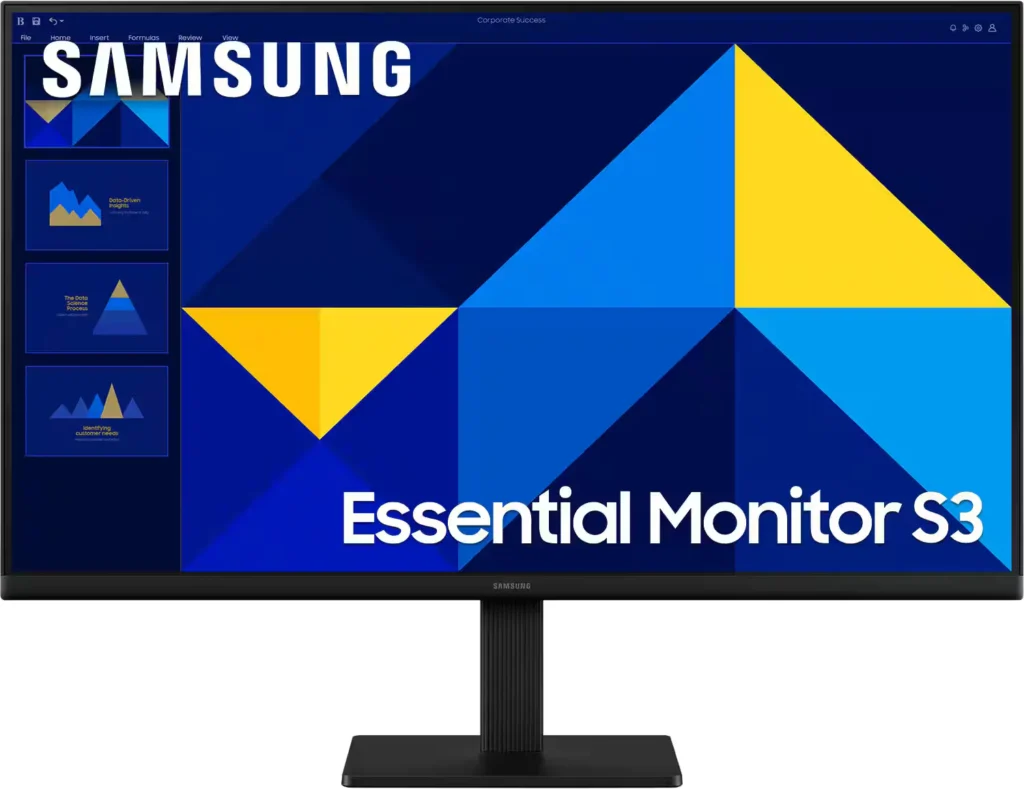
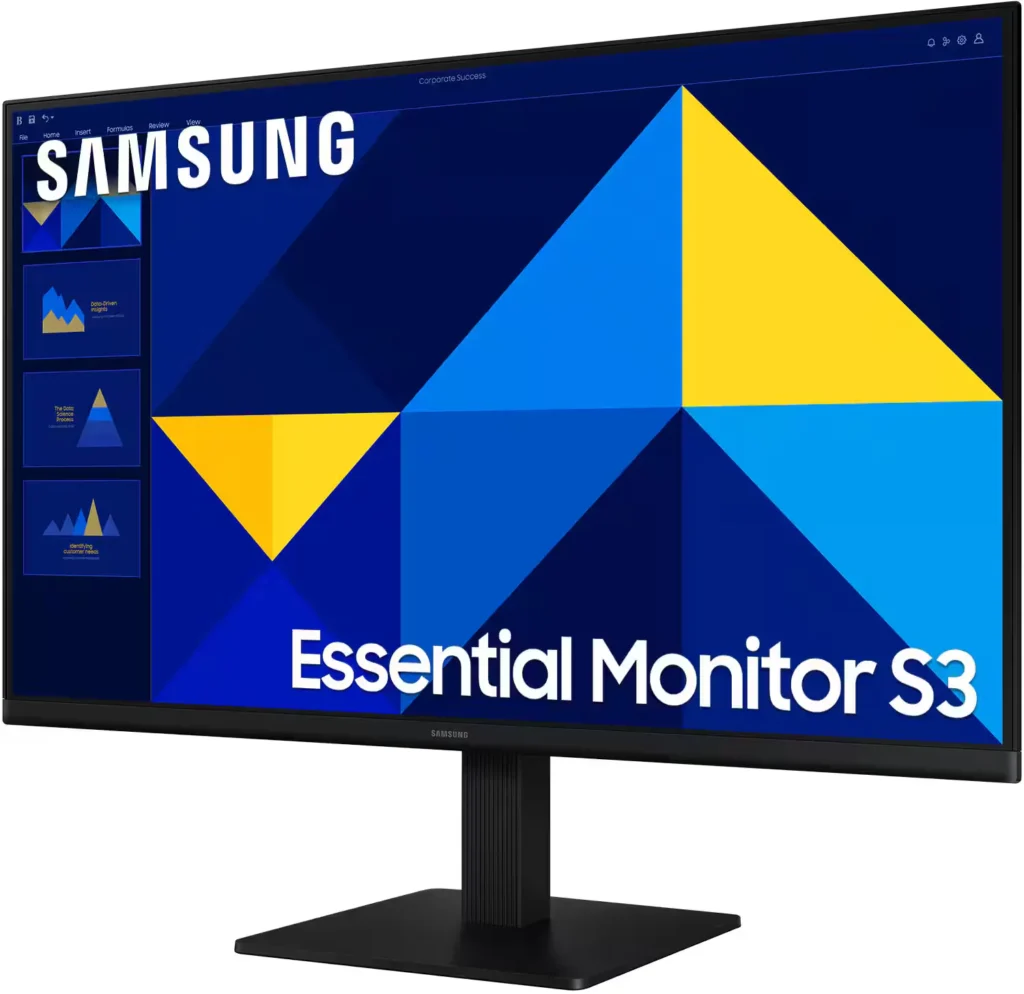
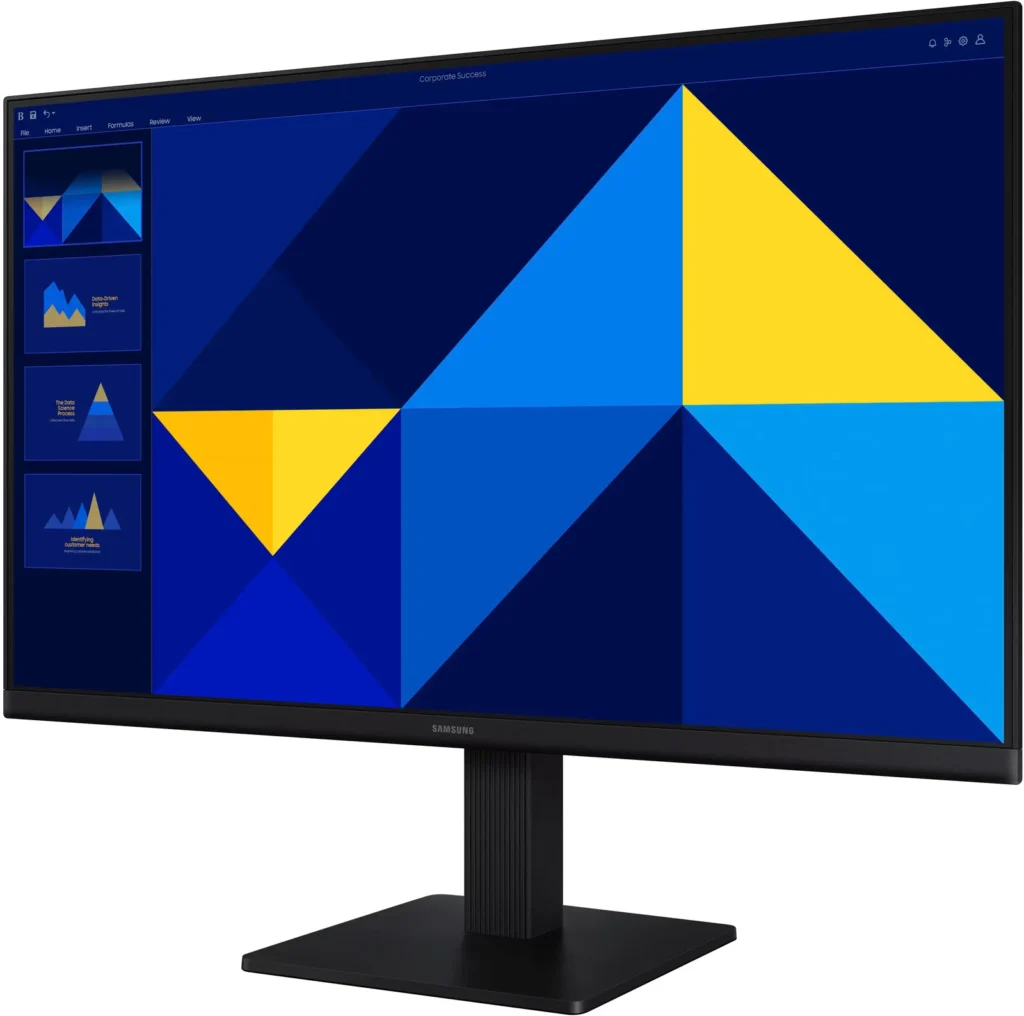
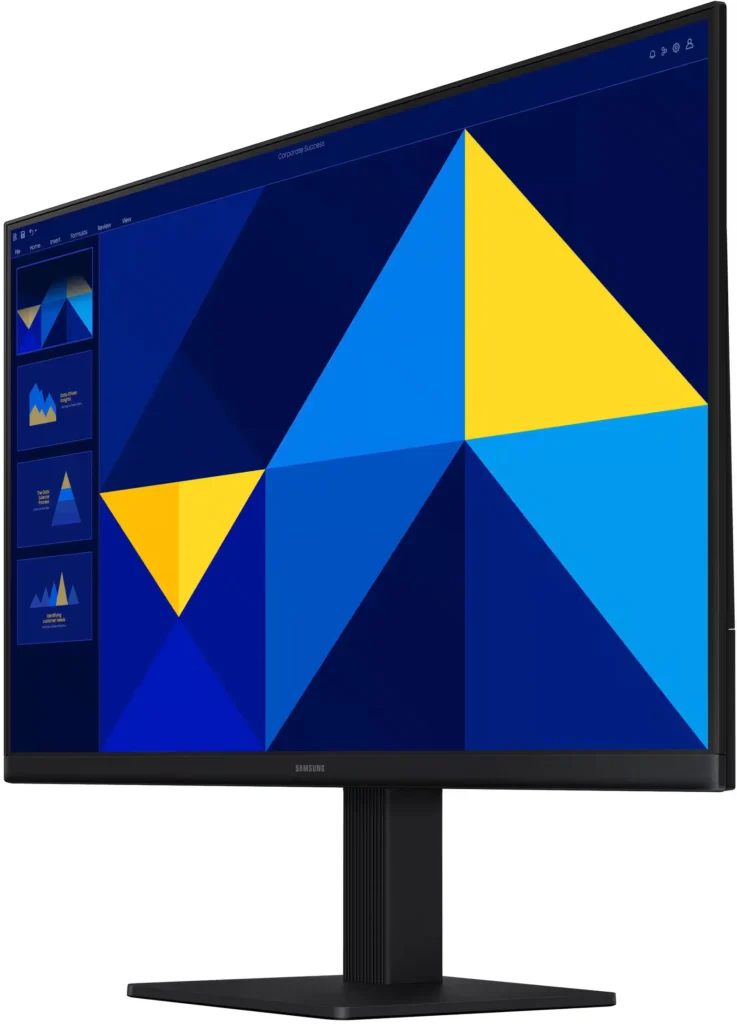
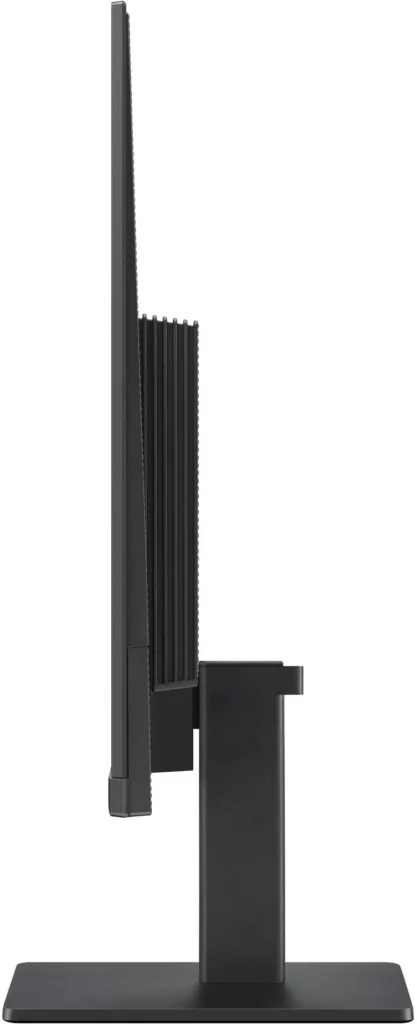
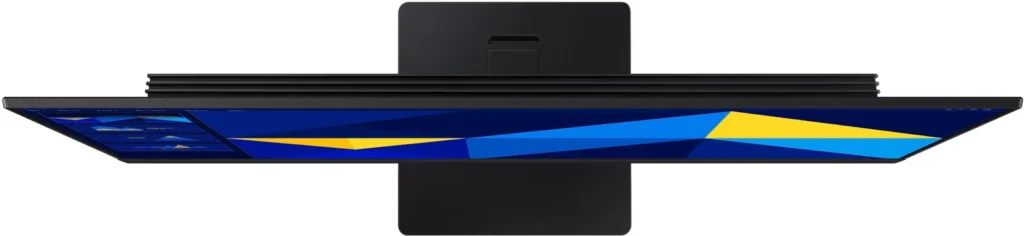
| Modern Super-Slim Design | Featuring a sleek, lightweight aesthetic with ultra-thin border bezels, this monitor maximizes screen space and integrates seamlessly into any professional workspace. |
Pros & Cons
Pros
- Excellent Value for Price: Reviewers consistently highlight the monitor as a cost-effective solution, offering high-quality IPS visuals and a sleek design at a very competitive price point for both home and office use.
- Vibrant Picture Quality: The IPS panel provides sharp, crisp images with accurate colors and wide viewing angles, making it highly suitable for productivity tasks, photo editing, and streaming content.
- Smooth 100Hz Refresh Rate: The 100Hz refresh rate is noted as a significant upgrade over standard 60Hz displays, providing a noticeably smoother experience for scrolling through documents and casual gaming.
Cons
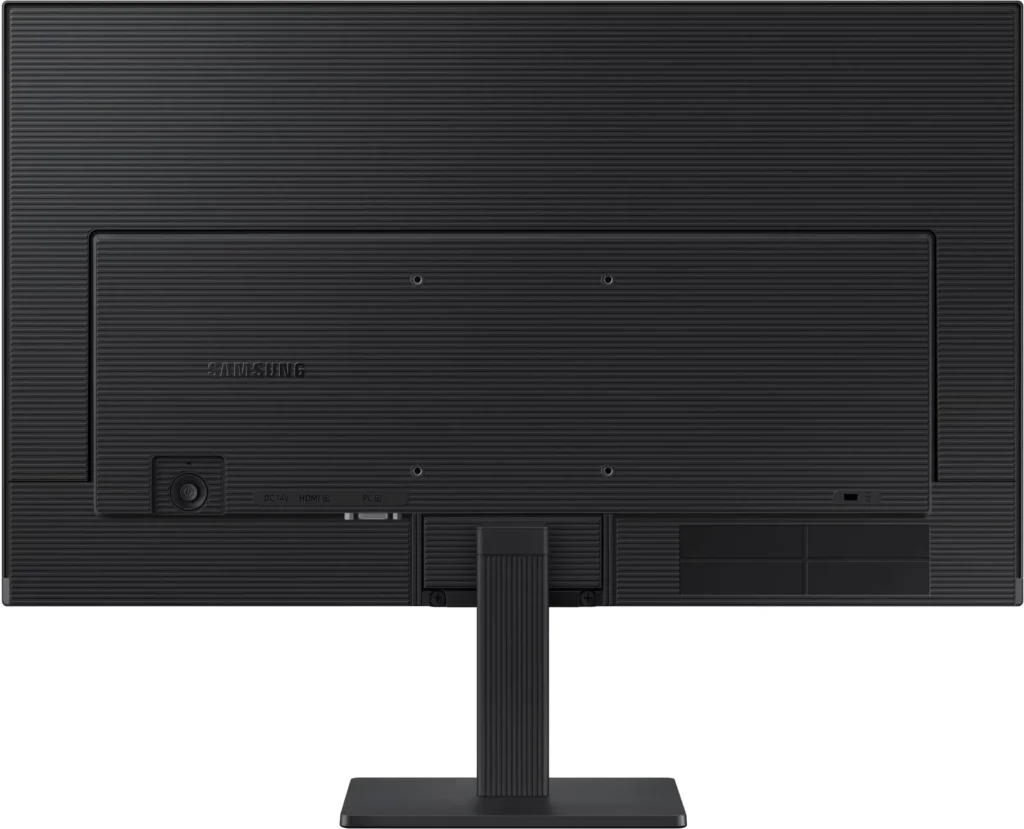
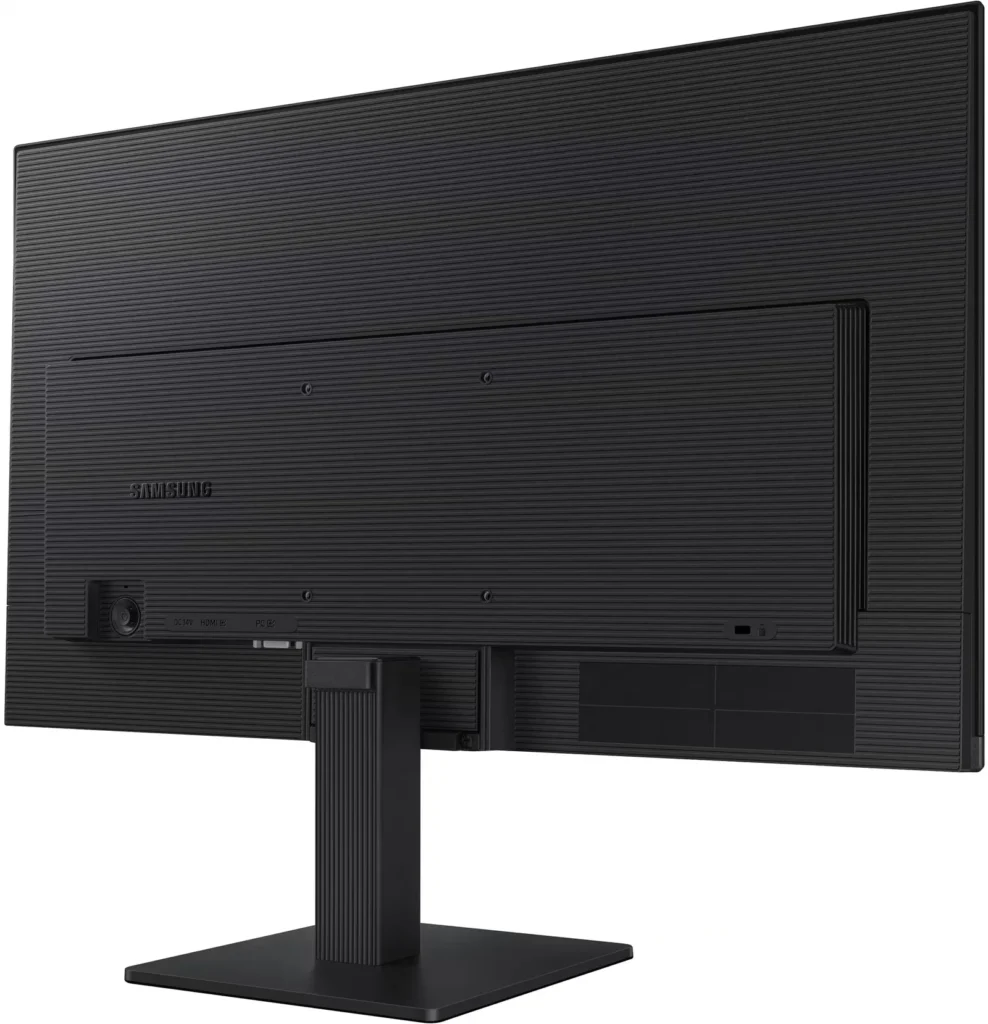
- Awkward Control Placement: The single joystick-style button for power and settings is located on the back of the monitor, making it difficult to reach and unintuitive to navigate for many users.
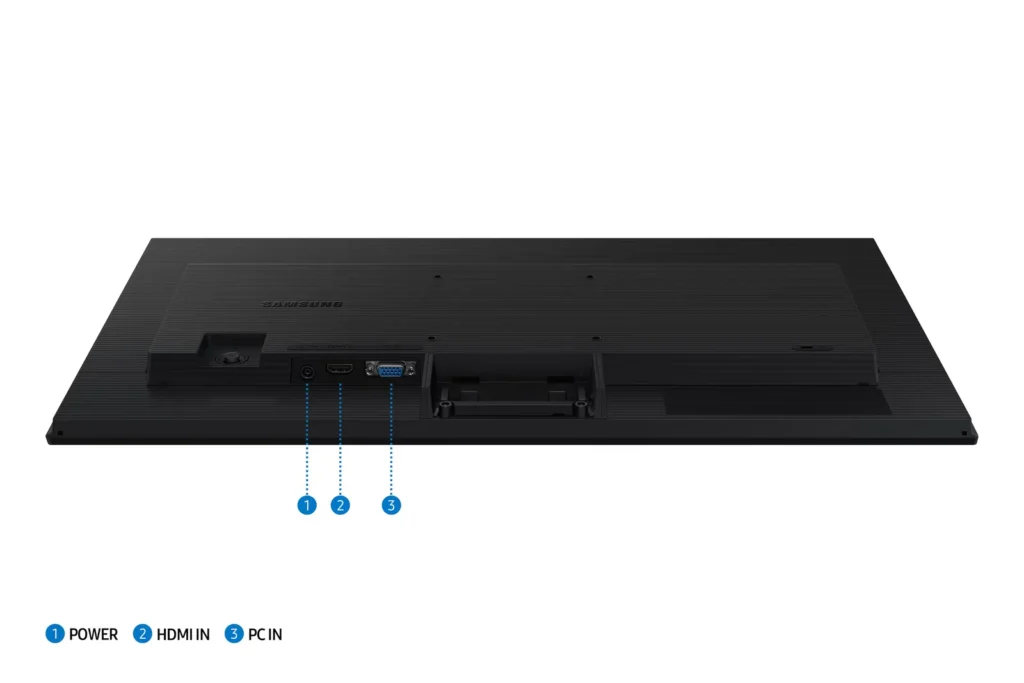
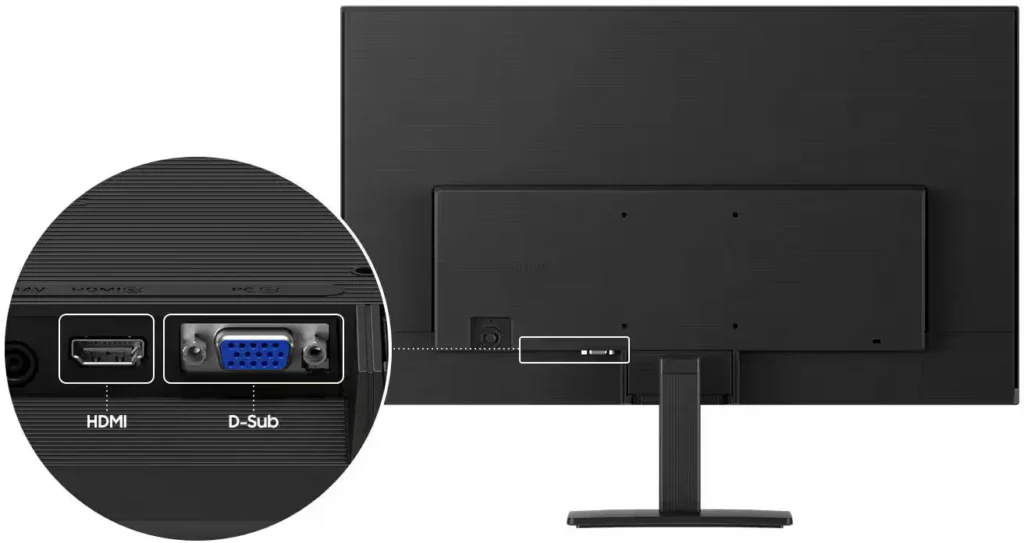
- Limited Connectivity and Features: The monitor lacks modern essentials like DisplayPort, USB-C, and built-in speakers, and several users were disappointed by the absence of a headphone jack on certain models.
- Basic and Flimsy Stand: The included stand is not height-adjustable and has been described as flimsy, with several users reporting significant difficulty during assembly due to misaligned screw holes.
You might also like










Customer Reviews
Showing reviews 641-650 of 996
-
Great monitor
Verified purchase Verified purchase: This reviewer bought the product.GlynnW September 1, 2025Review source: BestbuyExcellent monitor for the price. I needed a second monitor. It is clear and colorful.
-
Samsung Monitor
Verified purchase Verified purchase: This reviewer bought the product.JoyceK September 1, 2025Review source: BestbuyGreat resolution — was a second monitor of the same brand/type that I’ve used with success for several years.
-
Great product
Verified purchase Verified purchase: This reviewer bought the product.JaSa August 30, 2025Review source: BestbuyGreat size, works well in a home office. Easy to hook up and works like a champ.
-
Disappointed
Verified purchase Verified purchase: This reviewer bought the product.KarilynW August 30, 2025Review source: BestbuyThis item was returned because I was unable to assemble it and neither could the techies at the return counter so they left me exchange it for a DELL.
-
Monitor
Verified purchase Verified purchase: This reviewer bought the product.Laptop August 30, 2025Review source: BestbuyAll is fine and now my new computer is functioning very well.
-
Solid Monitor
Verified purchase Verified purchase: This reviewer bought the product.Muhammad August 30, 2025Review source: BestbuyExcellent graphics and settings, also includes eye saver mode.
-
Needs Better Placement of On/Off Switch
Verified purchase Verified purchase: This reviewer bought the product.CalmStrongGrateful August 30, 2025Review source: BestbuyI have had this monitor for only 2 weeks, so that is the time span of use I can address. I bought this Samsung monitor because of Samsung’s great reputation with visuals. That definitely stands true. However, the placement of the on/off switch for this screen would be awkward for everyone. It’s located on the far back of the monitor, which makes it hard to reach and impossible to see. Know that the screen does not rotate on the pedestal, and this further complicates this problem. In my case, the monitor sits on a raised ledge at the back of my desk. This does not allow me to shut it off. Poor console design. The switch should be in the front, or if possible, on one side.
-
Great buy!
Verified purchase Verified purchase: This reviewer bought the product.CarlosV August 30, 2025Review source: BestbuyThis monitor is impressive. The display is sharp, colors are vibrant, and the refresh rate makes everything feel smooth and responsive. Setup was straightforward, and the sleek design fits neatly into my workspace. With versatile connectivity and dependable performance, it strikes an excellent balance between quality and practicality.
-
Samsung, what more to say.
Verified purchase Verified purchase: This reviewer bought the product.SamuelV August 30, 2025Review source: BestbuyGreat deal, great price. The excellent view, combined with thin bezels, makes this look classy and sleek. Great value
-
Fantastic Work Monitor
Verified purchase Verified purchase: This reviewer bought the product.Mark August 29, 2025Review source: BestbuyIncredibly happy with this one. The display is clearer than most other options at this price point, but you do sacrifice speakers. Admittedly, sound isn’t a huge deal when you spend your days on spreadsheets and writing emails. I’m considering a second one.