No images available for this model.
Imagery for this model matches or very closely resembles the visuals shown for similar versions. Please review the nearby models for a reliable reference.
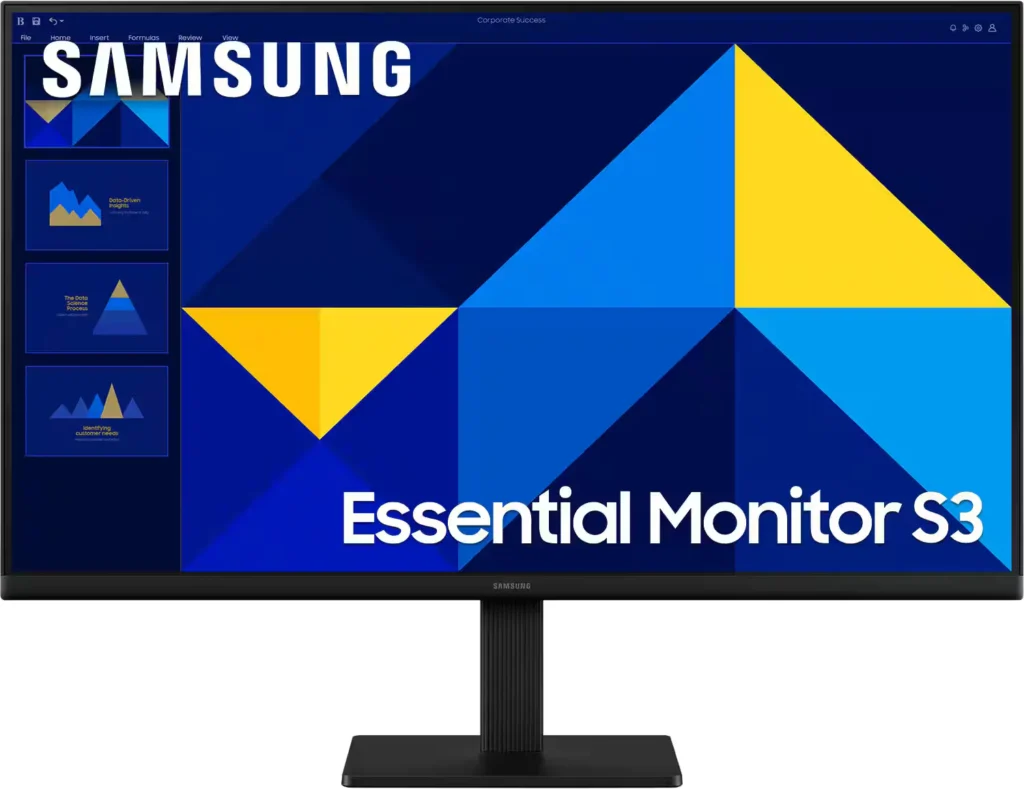
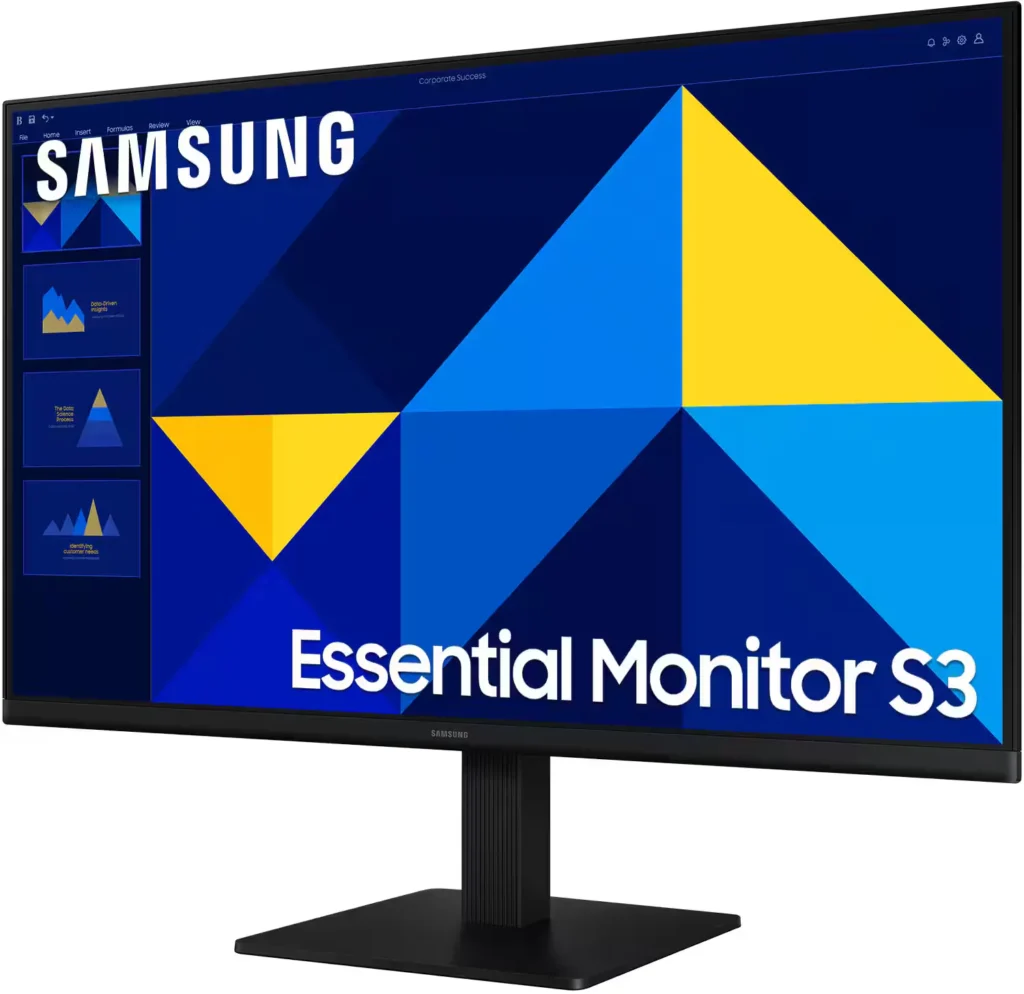
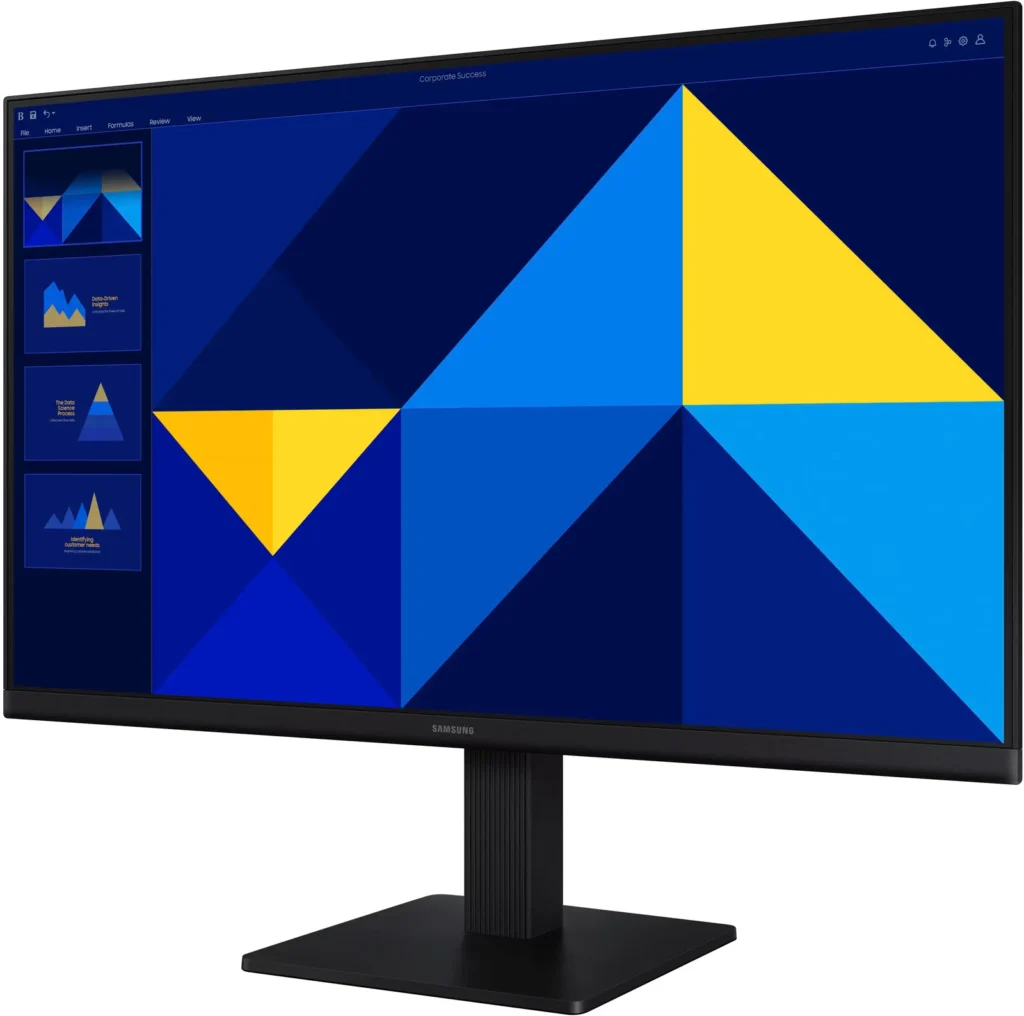
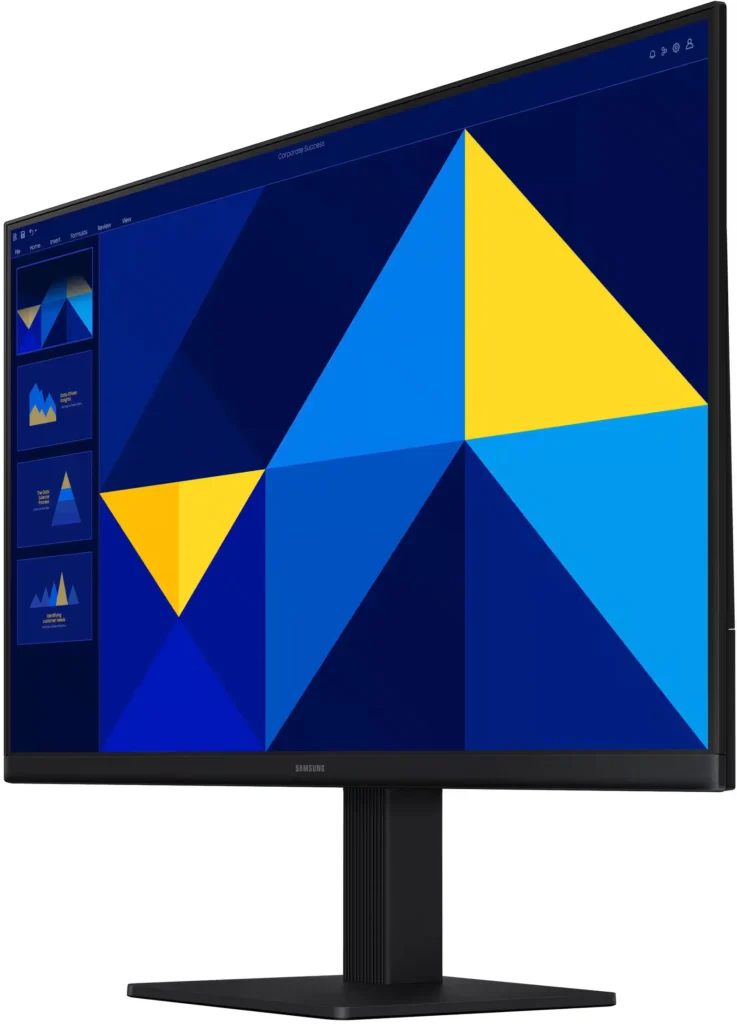
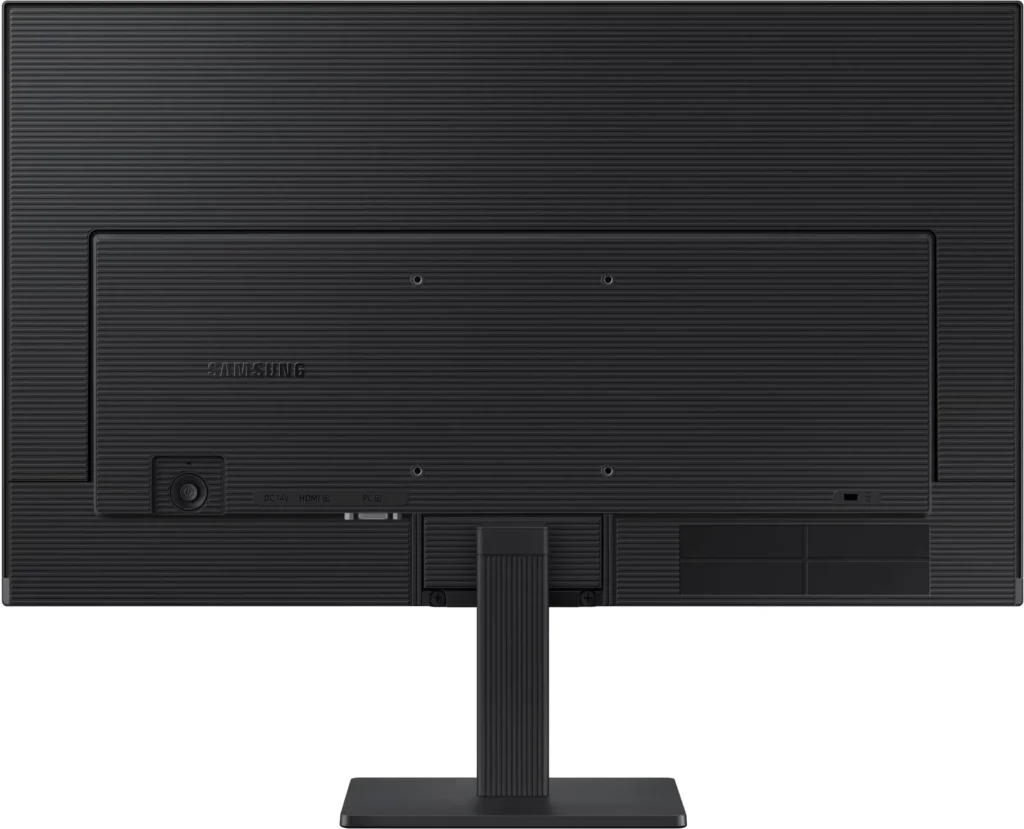
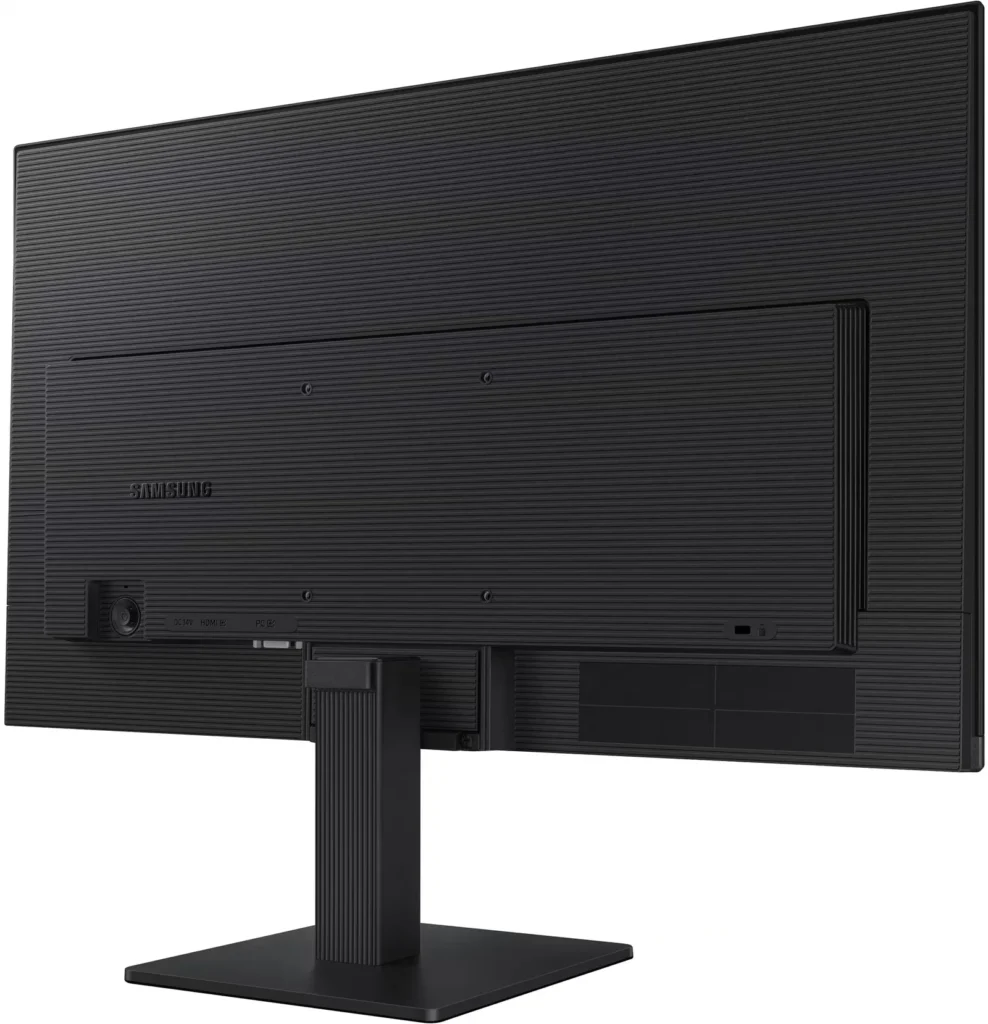
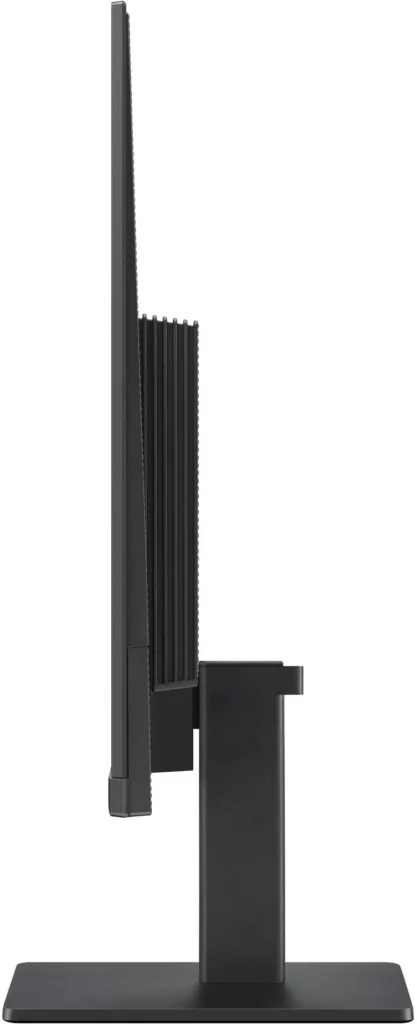
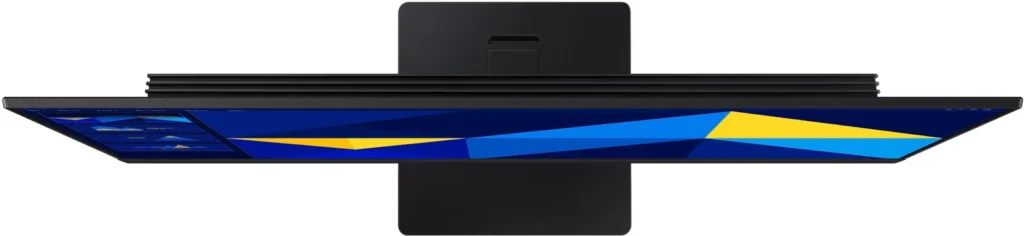
No images available for this model.
Imagery for this model matches or very closely resembles the visuals shown for similar versions. Please review the nearby models for a reliable reference.
Customer Media
Highlights
| Vivid IPS Panel Technology | The IPS panel delivers a stunning color experience across the entire display, maintaining consistent brightness and clarity from any viewpoint with a wide 178° viewing angle. |
|---|---|
| Smooth 100Hz Refresh Rate | A 100Hz refresh rate reduces lag and motion blur compared to standard 60Hz displays, providing smoother performance for creative projects, video playback, and everyday business tasks. |
| Advanced Eye Comfort Features | Equipped with Eye Saver Mode and Flicker Free technology, this monitor reduces blue light emissions and screen flickering to minimize eye strain during long work sessions. |
| Optimized Game Mode | Instantly adjust color and image contrast to see scenes more clearly and spot details in dark areas, providing a competitive edge for entertainment and creative work. |
| Modern Super-Slim Design | Featuring a sleek, lightweight aesthetic with ultra-thin border bezels, this monitor maximizes screen space and integrates seamlessly into any professional workspace. |
Pros & Cons
Pros
- Excellent Value for Price: Reviewers consistently highlight the monitor as a cost-effective solution, offering high-quality IPS visuals and a sleek design at a very competitive price point for both home and office use.
- Vibrant Picture Quality: The IPS panel provides sharp, crisp images with accurate colors and wide viewing angles, making it highly suitable for productivity tasks, photo editing, and streaming content.
- Smooth 100Hz Refresh Rate: The 100Hz refresh rate is noted as a significant upgrade over standard 60Hz displays, providing a noticeably smoother experience for scrolling through documents and casual gaming.
Cons
- Awkward Control Placement: The single joystick-style button for power and settings is located on the back of the monitor, making it difficult to reach and unintuitive to navigate for many users.
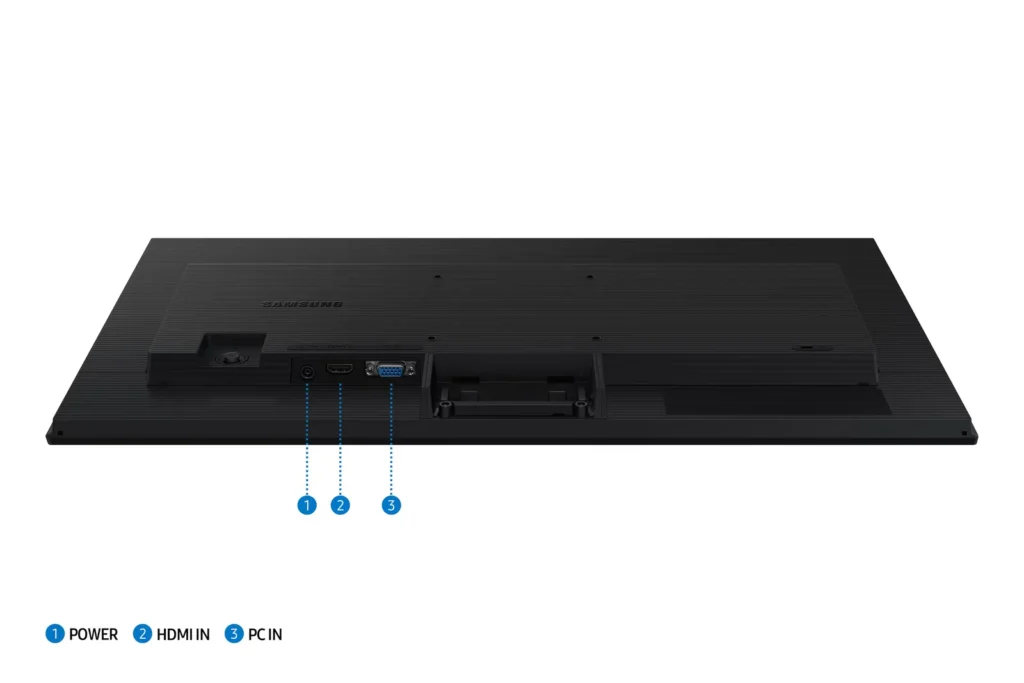
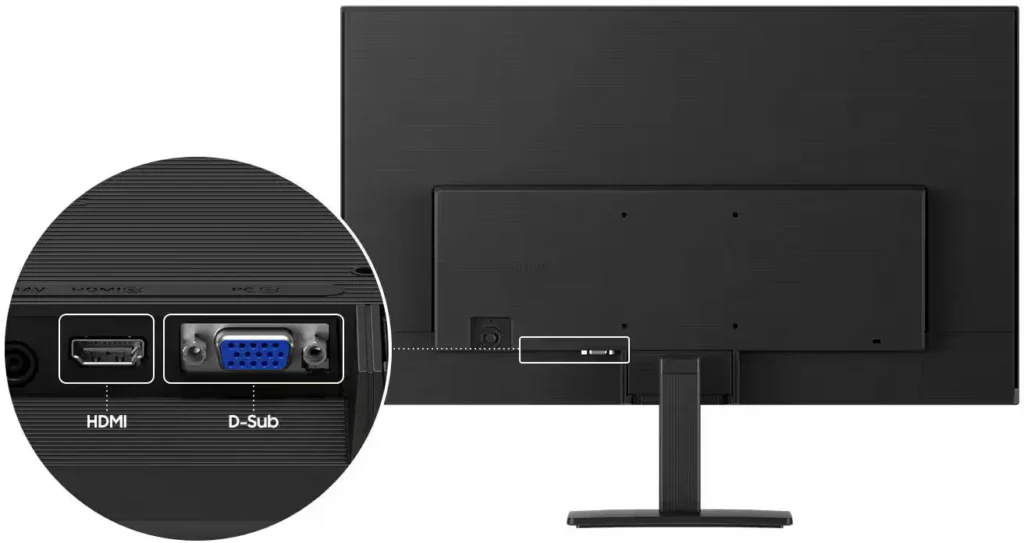
- Limited Connectivity and Features: The monitor lacks modern essentials like DisplayPort, USB-C, and built-in speakers, and several users were disappointed by the absence of a headphone jack on certain models.
- Basic and Flimsy Stand: The included stand is not height-adjustable and has been described as flimsy, with several users reporting significant difficulty during assembly due to misaligned screw holes.
You might also like










Customer Reviews
Showing reviews 731-740 of 996
-
Samsung Monitor
Verified purchase Verified purchase: This reviewer bought the product.DonaldP July 25, 2025Review source: BestbuyAssemble/use instructions are ONLY pictures with NO narrative. No info on how to turn on/off monitor.
-
Very good monitor for the price
Verified purchase Verified purchase: This reviewer bought the product.JOHNG July 25, 2025Review source: BestbuyI got this monitor for my son, as his old monitor had finally gone out. So far he has been enjoying the crisp color when playing his games.
-
Superb monitor
Verified purchase Verified purchase: This reviewer bought the product.OtonielU July 25, 2025Review source: BestbuyAwesome monitor clear and bright screen as well as fast refresh rate good for all types of users for a gamer as well as office use. On top of been an oled its priced right will recomend any day.
-
Samsung Monitor
Verified purchase Verified purchase: This reviewer bought the product.becky July 25, 2025Review source: BestbuyVery nice monitor with a great price. The instructions could be more specific on how to use the power button that has different modes. I googled it to find out how the power button
-
Big Surprise
Verified purchase Verified purchase: This reviewer bought the product.Thankful July 25, 2025Review source: BestbuyThis was the first time purchase of this item and it was perfect. The colors on the srceen are great.Good purchase,I like it.
-
Great Monitor
Verified purchase Verified purchase: This reviewer bought the product.JuliaH July 25, 2025Review source: BestbuyVery pleased with the clarity of the images and the size of the monitor
-
Good quality and resolution
Verified purchase Verified purchase: This reviewer bought the product.ODALYS July 25, 2025Review source: BestbuyScreen is big and the resolution is good for the price! 100% recommend
-
Great Monitors
Verified purchase Verified purchase: This reviewer bought the product.JakeH July 23, 2025Review source: BestbuyNice and slim monitors. At the low price point these are a great value.
-
Great screen for the money
Verified purchase Verified purchase: This reviewer bought the product.TimM July 22, 2025Review source: BestbuyAmazing screen, looks great, very lightweight. Perfect for multiple uses.
-
Best monitor I've ever had
Verified purchase Verified purchase: This reviewer bought the product.Missy R. July 21, 2025Review source: AmazonI’m a photographer and decided to upgrade my monitor on prime day and SO glad I did!! I had a smaller acer and this Samsung is so crisp and vibrant, looks almost 3d. Love his easy to assemble but solid the base is and the tilt is the icing. LOVE my purchase 😍