No images available for this model.
Imagery for this model matches or very closely resembles the visuals shown for similar versions. Please review the nearby models for a reliable reference.
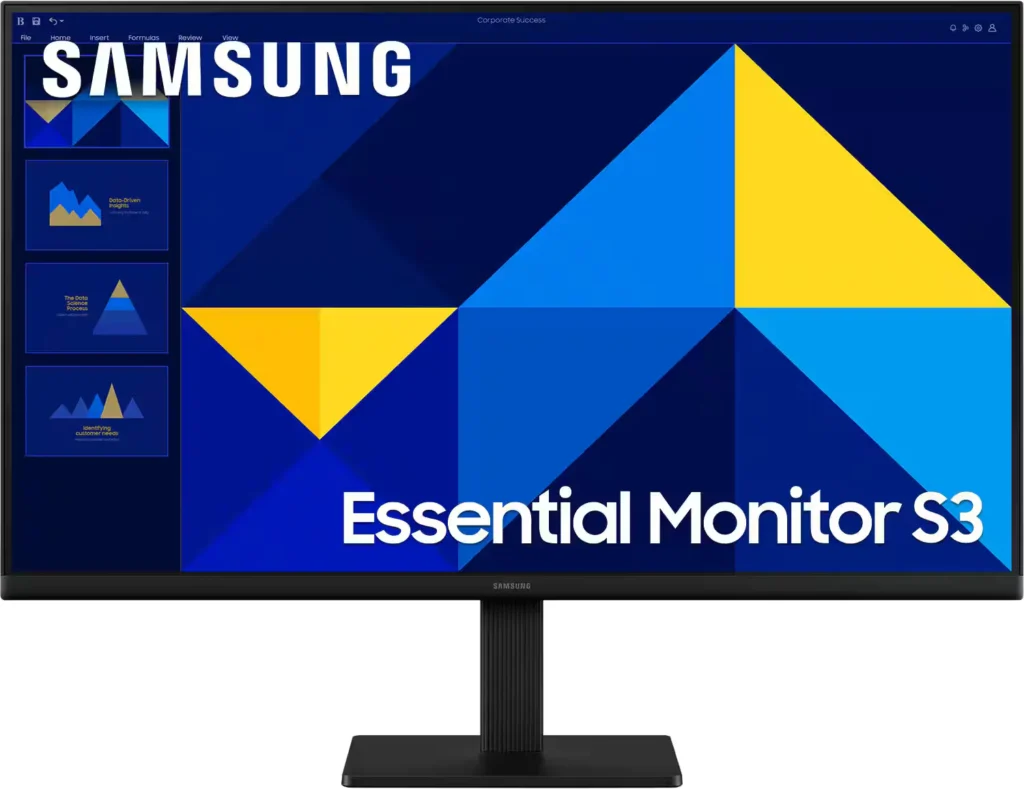
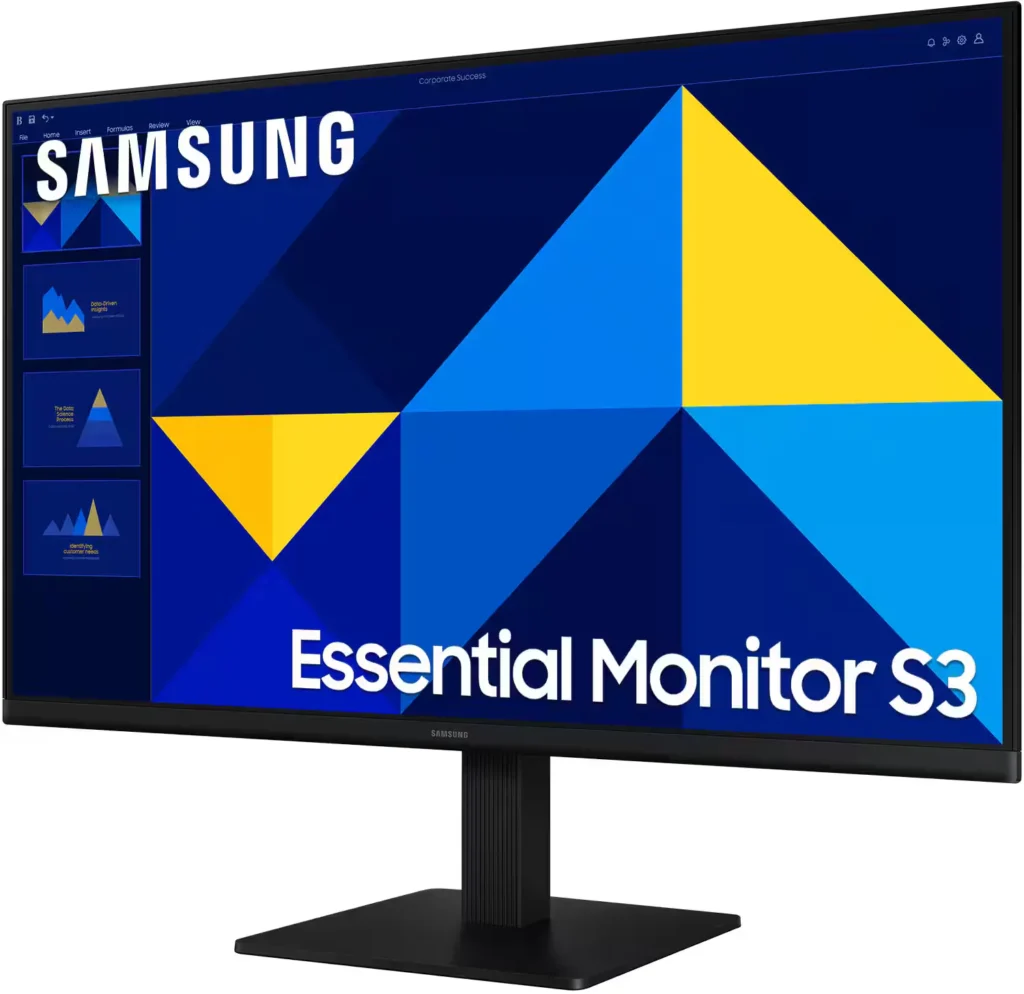
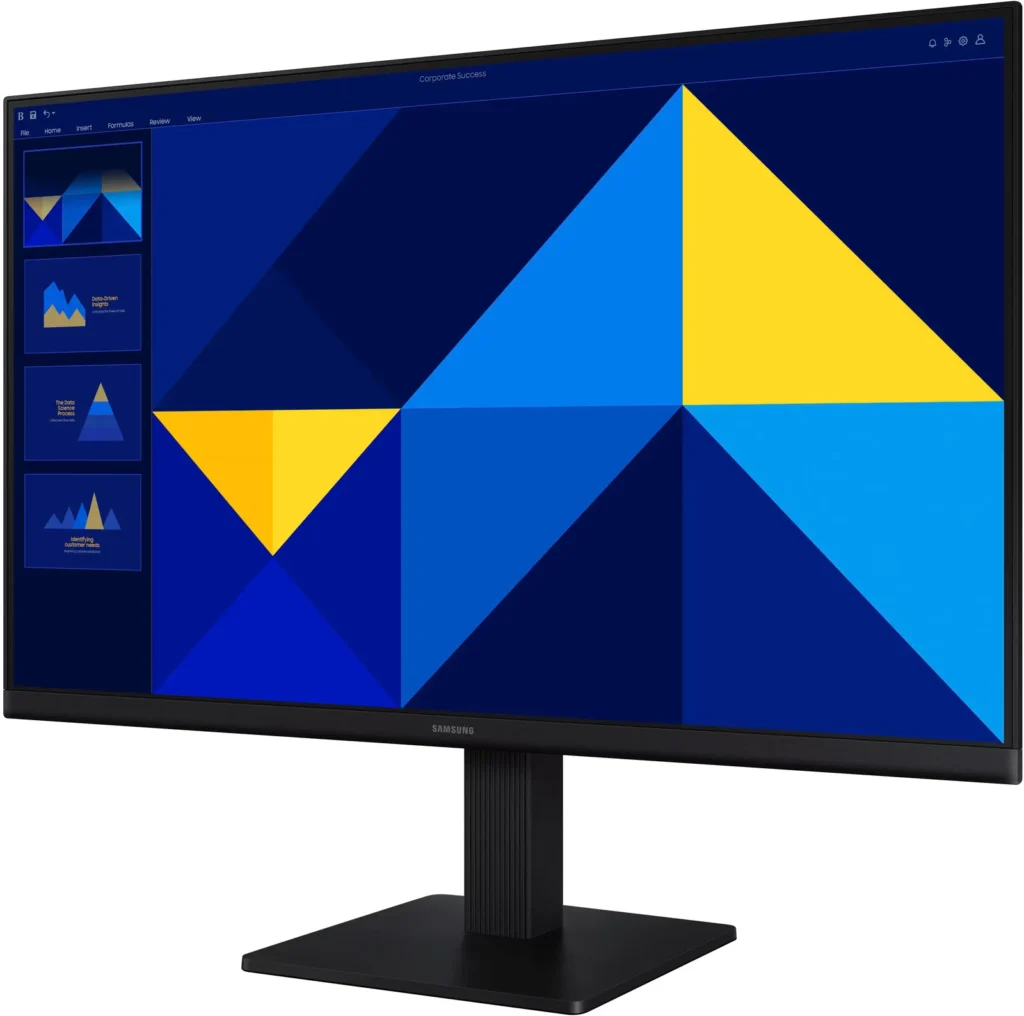
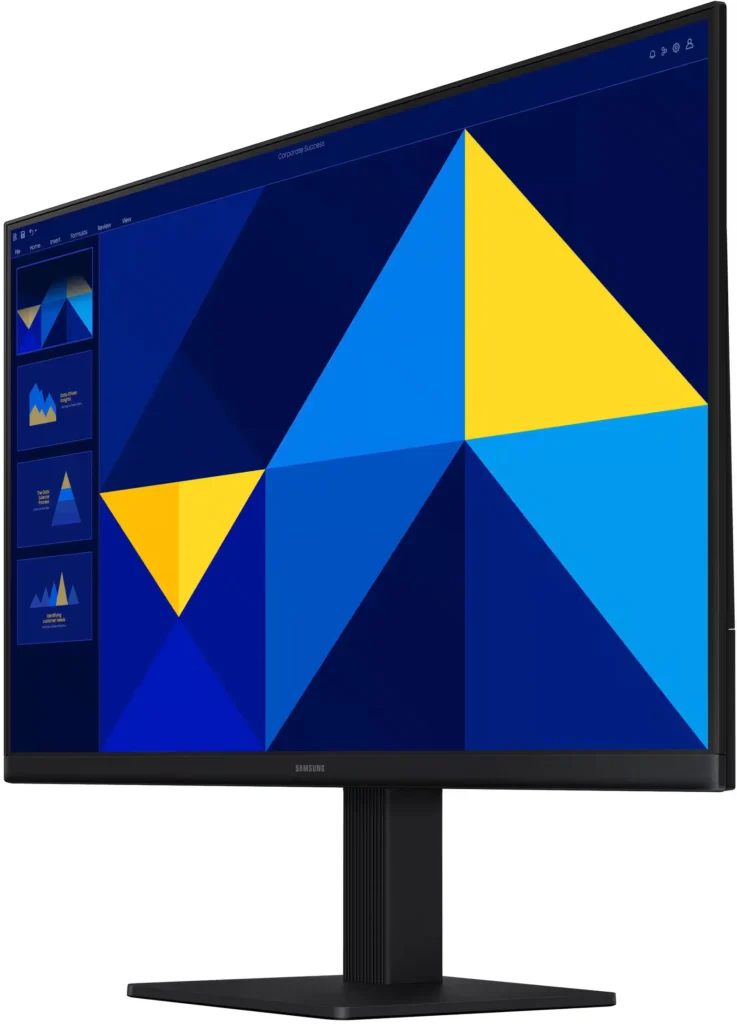
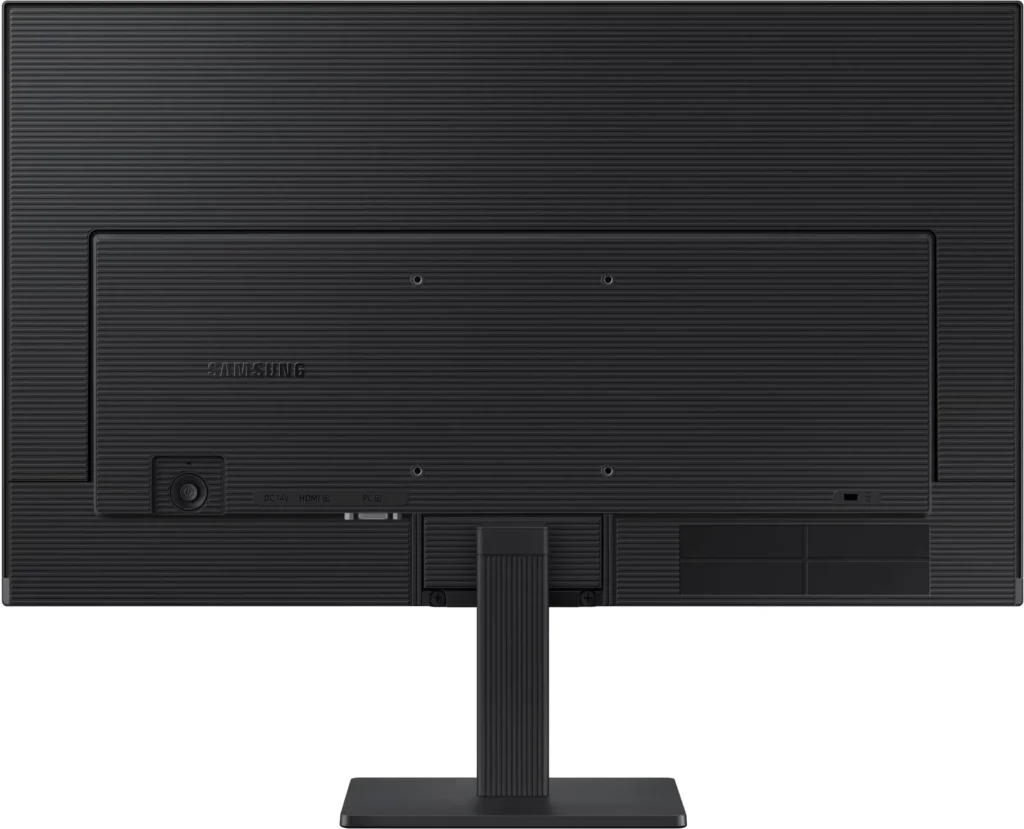
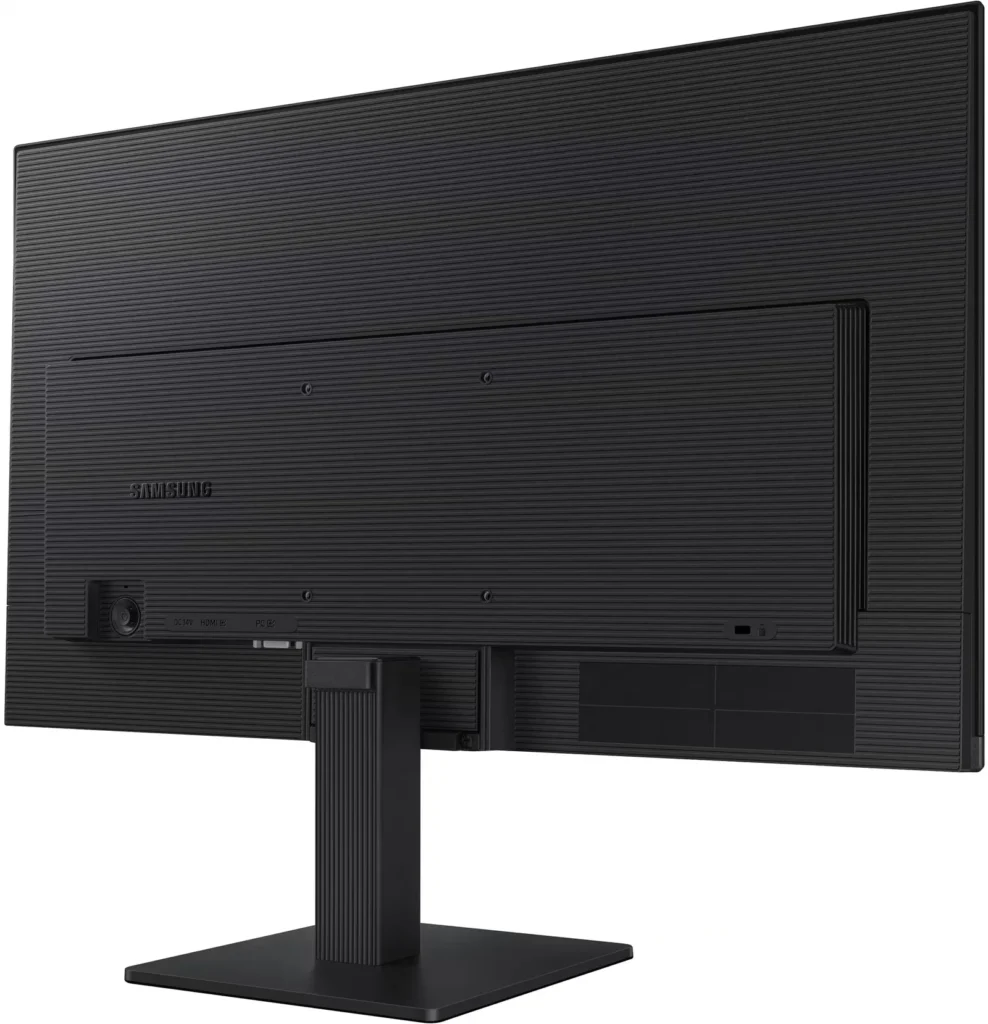
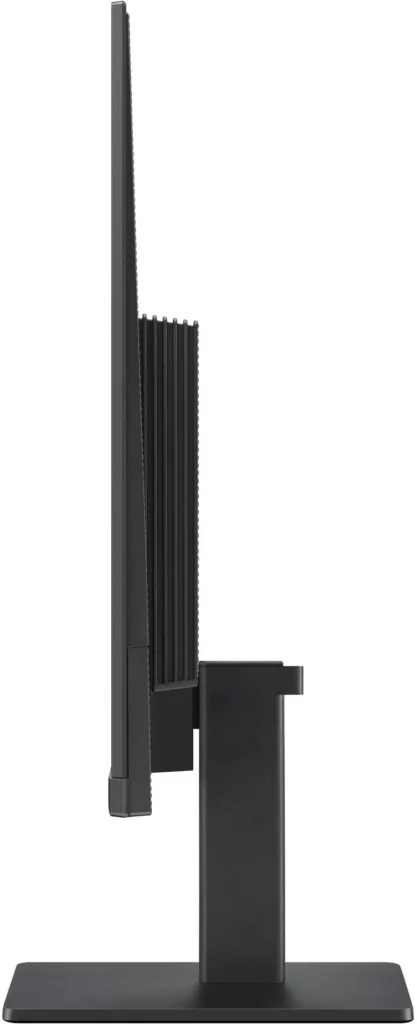
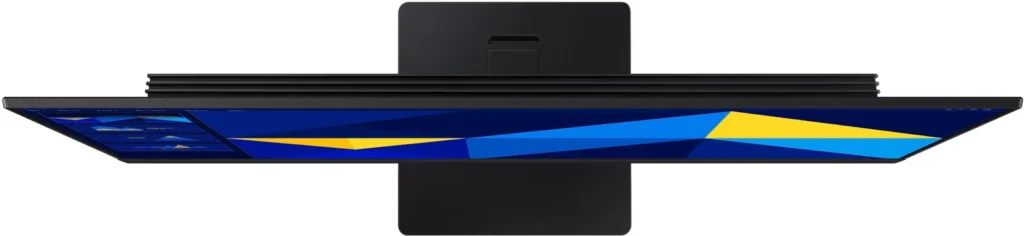
No images available for this model.
Imagery for this model matches or very closely resembles the visuals shown for similar versions. Please review the nearby models for a reliable reference.
Customer Media
Highlights
| Vivid IPS Panel Technology | The IPS panel delivers a stunning color experience across the entire display, maintaining consistent brightness and clarity from any viewpoint with a wide 178° viewing angle. |
|---|---|
| Smooth 100Hz Refresh Rate | A 100Hz refresh rate reduces lag and motion blur compared to standard 60Hz displays, providing smoother performance for creative projects, video playback, and everyday business tasks. |
| Advanced Eye Comfort Features | Equipped with Eye Saver Mode and Flicker Free technology, this monitor reduces blue light emissions and screen flickering to minimize eye strain during long work sessions. |
| Optimized Game Mode | Instantly adjust color and image contrast to see scenes more clearly and spot details in dark areas, providing a competitive edge for entertainment and creative work. |
| Modern Super-Slim Design | Featuring a sleek, lightweight aesthetic with ultra-thin border bezels, this monitor maximizes screen space and integrates seamlessly into any professional workspace. |
Pros & Cons
Pros
- Excellent Value for Price: Reviewers consistently highlight the monitor as a cost-effective solution, offering high-quality IPS visuals and a sleek design at a very competitive price point for both home and office use.
- Vibrant Picture Quality: The IPS panel provides sharp, crisp images with accurate colors and wide viewing angles, making it highly suitable for productivity tasks, photo editing, and streaming content.
- Smooth 100Hz Refresh Rate: The 100Hz refresh rate is noted as a significant upgrade over standard 60Hz displays, providing a noticeably smoother experience for scrolling through documents and casual gaming.
Cons
- Awkward Control Placement: The single joystick-style button for power and settings is located on the back of the monitor, making it difficult to reach and unintuitive to navigate for many users.
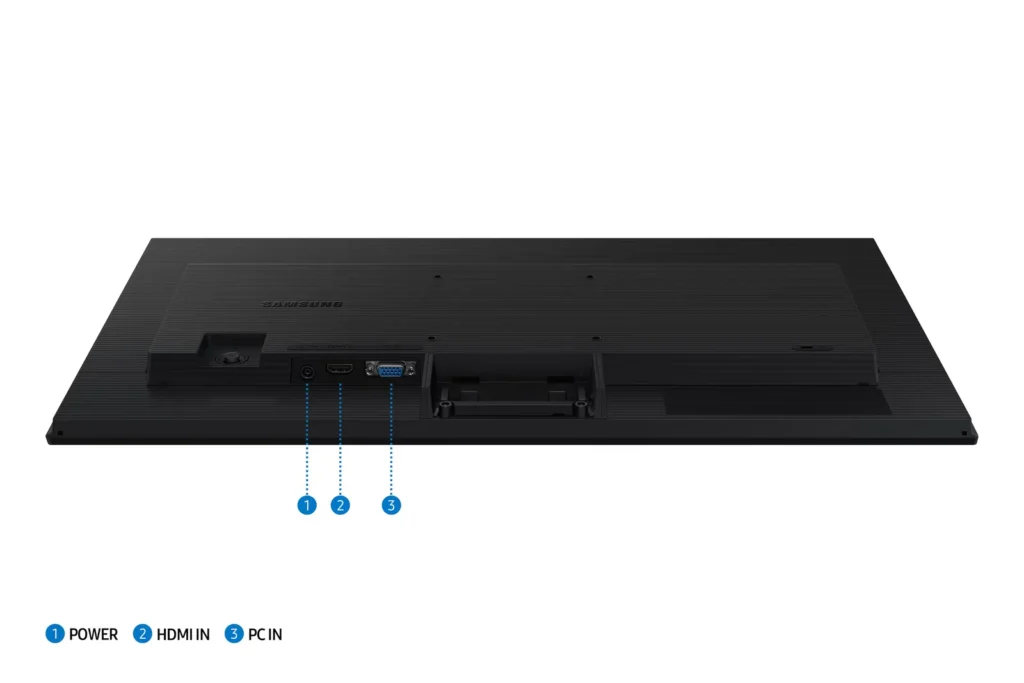
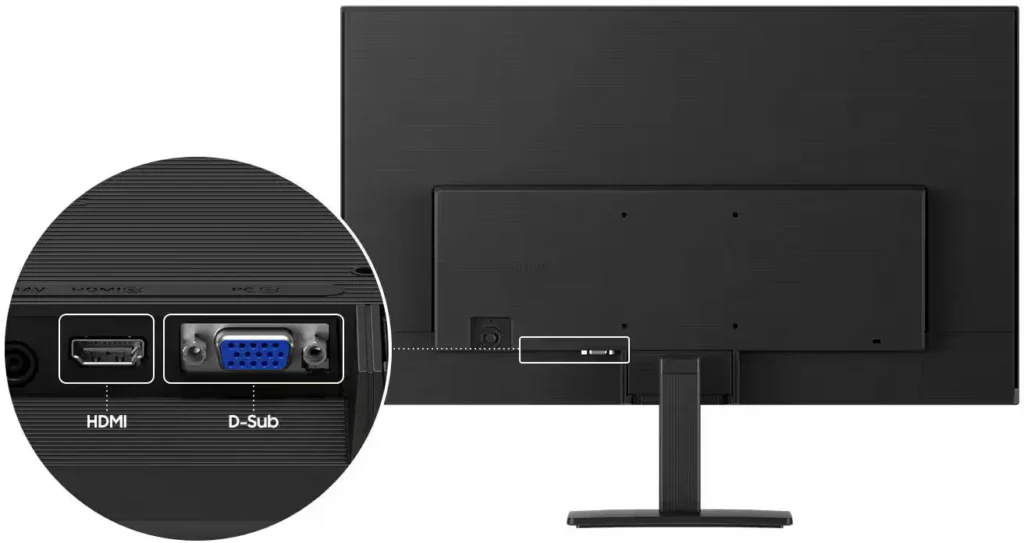
- Limited Connectivity and Features: The monitor lacks modern essentials like DisplayPort, USB-C, and built-in speakers, and several users were disappointed by the absence of a headphone jack on certain models.
- Basic and Flimsy Stand: The included stand is not height-adjustable and has been described as flimsy, with several users reporting significant difficulty during assembly due to misaligned screw holes.
You might also like










Customer Reviews
Showing reviews 921-930 of 996
-
monitor
Verified purchase Verified purchase: This reviewer bought the product.EugeneF May 3, 2025Review source: BestbuyIt works well. I dropped my laptop and am using this as primary display
-
Christmas present came early
Verified purchase Verified purchase: This reviewer bought the product.Drummer117 May 2, 2025Review source: BestbuyI have all Samsung TVs so when i needed a monitor i chose Samsung. Its clear,crisp,great optics. I dont use it for gaming so i cant comment on that but as a simple great. Especially getting a surprise discount when it went on sale after i bought it.
-
Monitor
Verified purchase Verified purchase: This reviewer bought the product.LeeB May 2, 2025Review source: BestbuyA 27-inch monitor is large enough for most what I need it for. Bigger than my old one. I’ve forgotten how big the old one was. Perhaps 20-inch. This one is nice and clear
-
Great color and video.
Verified purchase Verified purchase: This reviewer bought the product.LawrenceS May 2, 2025Review source: BestbuyMy old monitor was still kicking, but I’ve been wanting one with a higher refresh rate than it’s 60hz. This one so far is more than fine- it has nice color depth and contrast meaning video isn’t washed out. All around happy with it.
-
Ideal office monitor
Verified purchase Verified purchase: This reviewer bought the product.PaulP April 30, 2025Review source: BestbuyThis Samsung monitor matches the top quality we’re used to with their tvs. The setup couldn’t be easier with hdmi connection, stand, cables small bezel and lightweight design.
-
Mr. Al Beltran
Verified purchase Verified purchase: This reviewer bought the product.AlonzoB April 30, 2025Review source: BestbuyPleased with the service and the attention staff from the Geek Squad provided during my visit to have my computer monitor repaired. Even ended up purchasing a new monitor for myself.
-
Basic, but quality monitor
SCAntonio April 29, 2025Review source: BestbuyContext, I have a work from home (WFH) office set up with dual monitors and use it primarily for standard work stuff (which includes plenty of video calls), internet browsing and only occasional watching of videos as part of online training or simple “how do I fix that?” YouTube videos.
Pros:
– The Samsung – 24″ S3 (S30GD) IPS LED FHD 100Hz Monitor is super lightweight and thin; it fits nicely into my dual monitor set up
– The monitor was very easy to set up- one simple screw on the bottom (no tool needed) and two simple Philips head screws to hold the screen
– The level of customization and navigation through the menus was pretty standard- though because of the very thin design the power button and menu control is combined and on the back of the screen- different, but perfectly functional
– For my needs, the brightness and contrast customization meant that I was able to get the view to be equivalent to either of the more expensive monitors to which I was comparingCons (not even real “cons”, just things to know)
– The power cord that connects to the back of the monitor is not the standard “3 prong female”- again, I think that choice is made as part of the ultra-thin design. Simply meant that I couldn’t unplug one of my other monitors and swap to the new one
– No height adjustability. This does mean that, in order to use with my other 24″ monitors, I’d have to do some book stacking to make the 2 monitors even as I like mine elevated a bitAll in all, if you’re looking for an inexpensive, basic monitor, it’s hard to go wrong with this
Samsung – 24″ S3 (S30GD) IPS LED FHD 100Hz MonitorRead More -
Great monitor for work at a great price!
Verified purchase Verified purchase: This reviewer bought the product.Paula April 25, 2025Review source: AmazonThis monitor is fantastic, much larger than my old 17″ monitor, nice and light too. Easy to set up, has the eye comfort setting and the price was just right. I absolutely love this monitor.
-
Samsung Monitors
Verified purchase Verified purchase: This reviewer bought the product.Lauren April 25, 2025Review source: BestbuyReally great for a great price! Using for work from home.
-
Pretty solid but pretty basic
FrozynHeart April 18, 2025Review source: BestbuyOverall, this is a pretty decent monitor. It’s got all the basics covered – decent though not spectacular refresh rate, good viewing angle, and good construction. It doesn’t draw attention to itself, and it wouldn’t be out of place in an office. It doesn’t have a bright blue indicator light, so I can keep it in my bedroom without it lighting up the room like a spotlight when I’m trying to sleep. I also appreciate that it’s got the VESA mount screw holes in the back – I’m currently using it with the included stand, but at some point I’d love to put it on an adjustable arm and I’m glad I will be able to do that easily.
As far as the actual screen goes, it’s pretty decent. It’s nothing to write home about, but it’s also not bad. It works fine with YouTube, or office work, or if you really want to you can game on it. It would be a great monitor for a productivity PC, or a good side monitor for a gaming PC. Honestly, it wouldn’t even be a *bad* monitor for a gaming PC – I tested it with games, and none of them looked bad on this screen at all. I’ve just been spoiled by OLED and 4K.
I can’t say I’m thrilled with the included stand. It was surprisingly difficult to attach – I had to try a few times, because it never really felt like I managed to get it on right. It also doesn’t adjust downwards as much as I’d like, which can be a pain if you’ve set the screen on top of something (like a small form factor desktop on its’ side, for instance). I’m also questioning the inclusion of a VGA port instead of a DisplayPort – I think there’s only one piece of hardware in my house that even has that port. I feel like even a DVI port would have made more sense. Don’t get me wrong, I like it when monitors have multiple inputs, but I’m just not really sure why *that*.
Overall, despite my disdain for the stand, this is a pretty solid monitor and I’d absolutely recommend it for a productivity PC, or as a secondary monitor. I’d also recommend it for a gaming PC if you don’t really care about OLED or resolutions higher than FHD. Just be sure to bring your own VGA cable if you’re planning on using that connection – this only includes the HDMI cable.Read More