No images available for this model.
Imagery for this model matches or very closely resembles the visuals shown for similar versions. Please review the nearby models for a reliable reference.
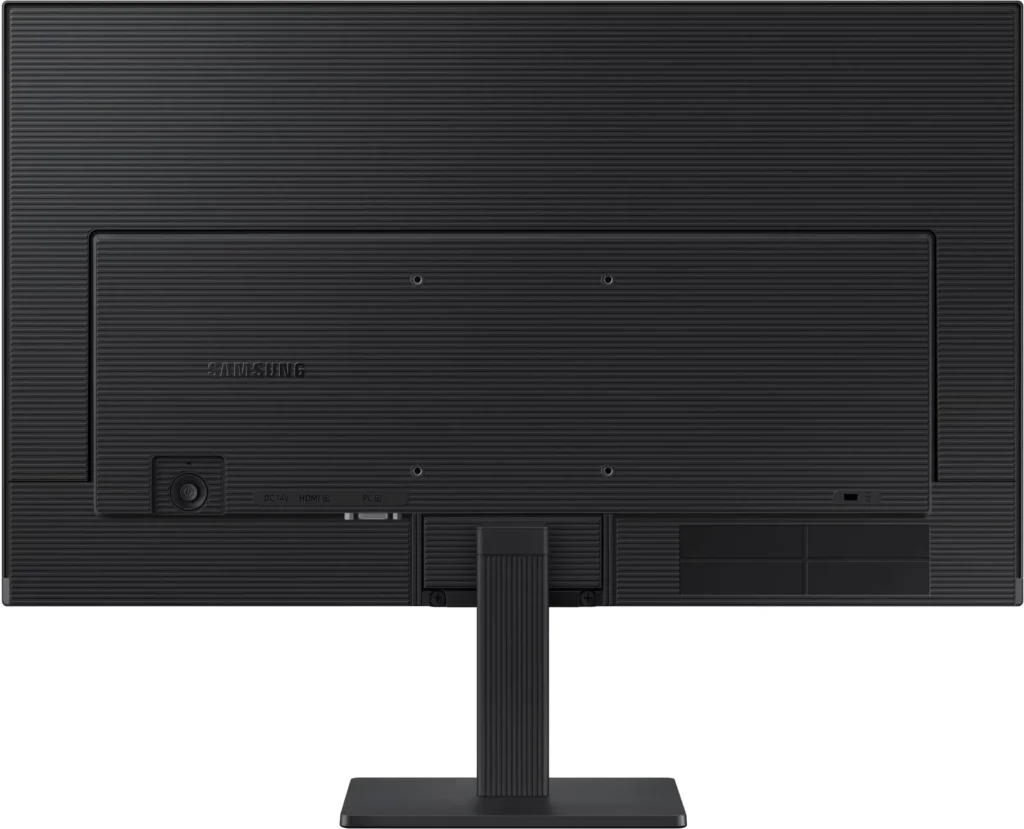
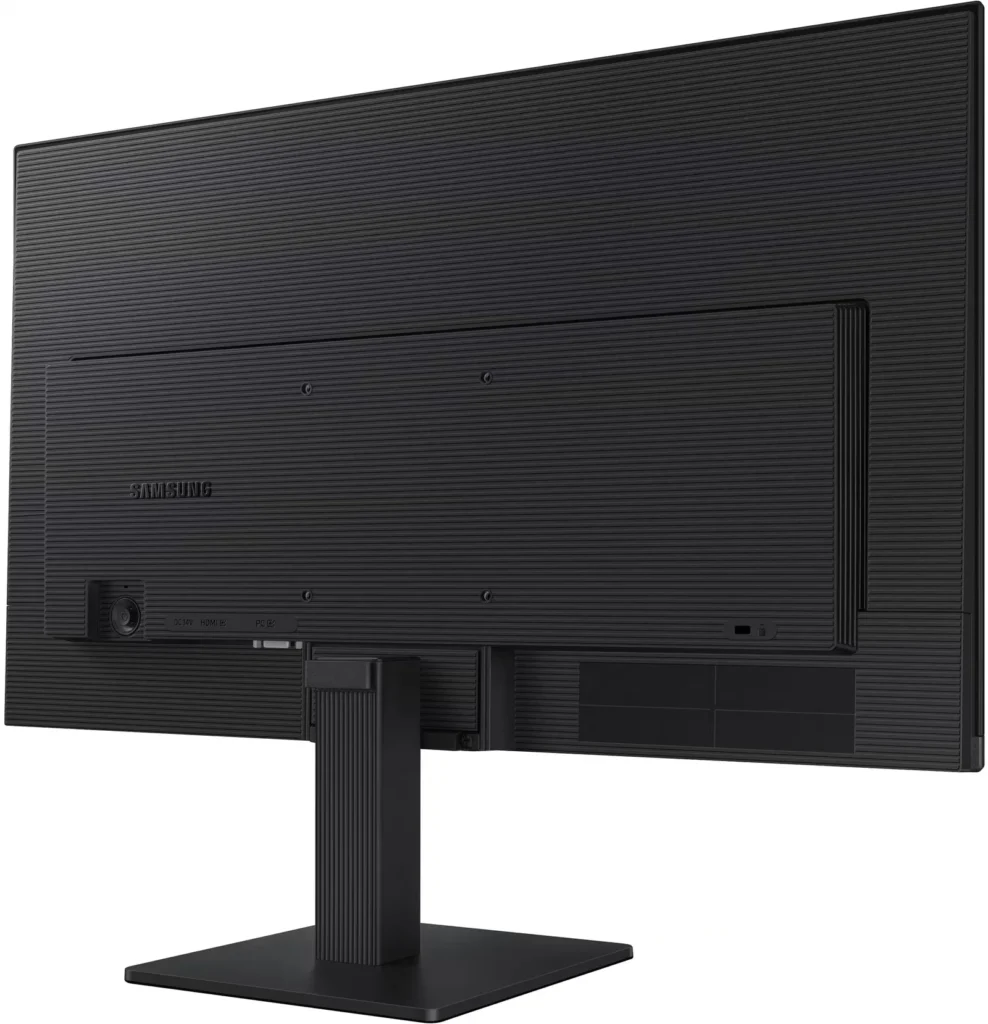
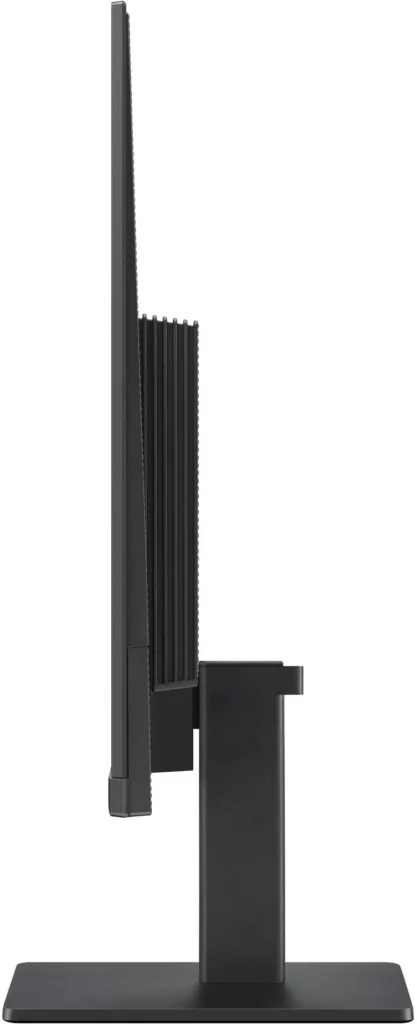
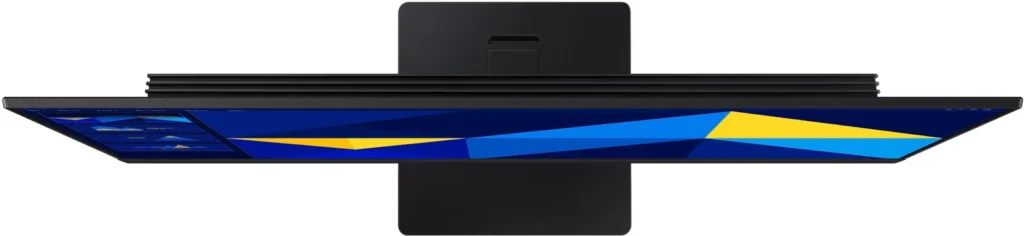
No images available for this model.
Imagery for this model matches or very closely resembles the visuals shown for similar versions. Please review the nearby models for a reliable reference.
Customer Media
Highlights
| Vivid IPS Panel Technology | The IPS panel delivers a stunning color experience across the entire display, maintaining consistent brightness and clarity from any viewpoint with a wide 178° viewing angle. |
|---|---|
| Smooth 100Hz Refresh Rate | A 100Hz refresh rate reduces lag and motion blur compared to standard 60Hz displays, providing smoother performance for creative projects, video playback, and everyday business tasks. |
| Advanced Eye Comfort Features | Equipped with Eye Saver Mode and Flicker Free technology, this monitor reduces blue light emissions and screen flickering to minimize eye strain during long work sessions. |
| Optimized Game Mode | Instantly adjust color and image contrast to see scenes more clearly and spot details in dark areas, providing a competitive edge for entertainment and creative work. |
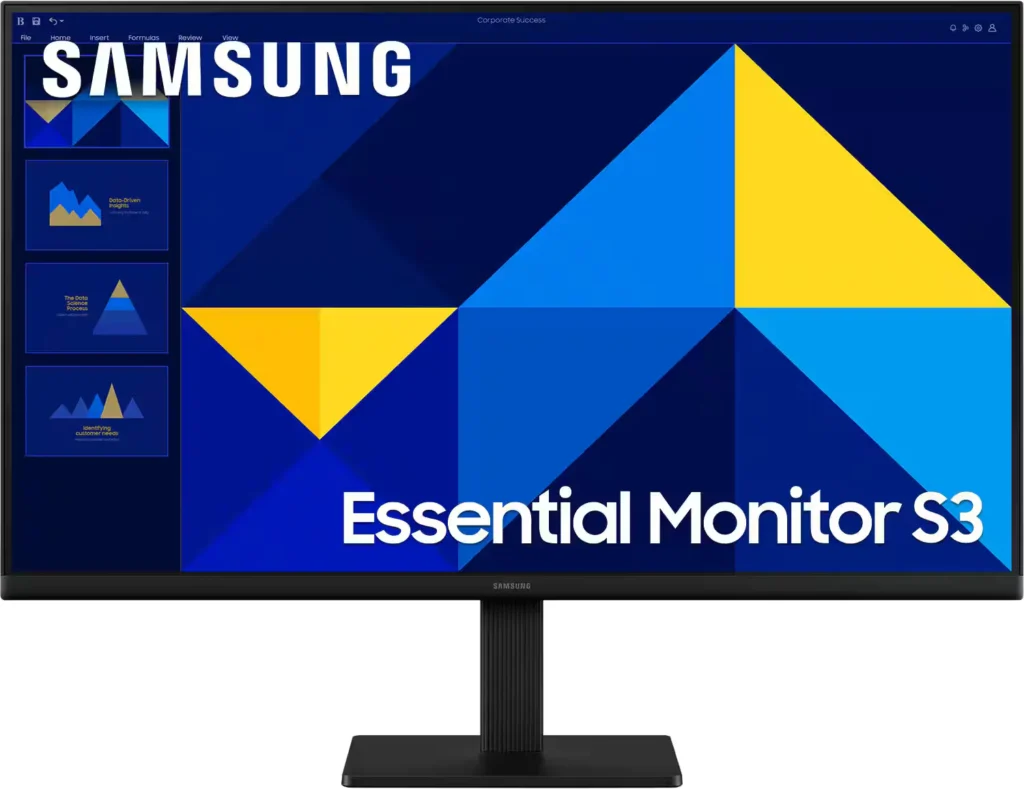
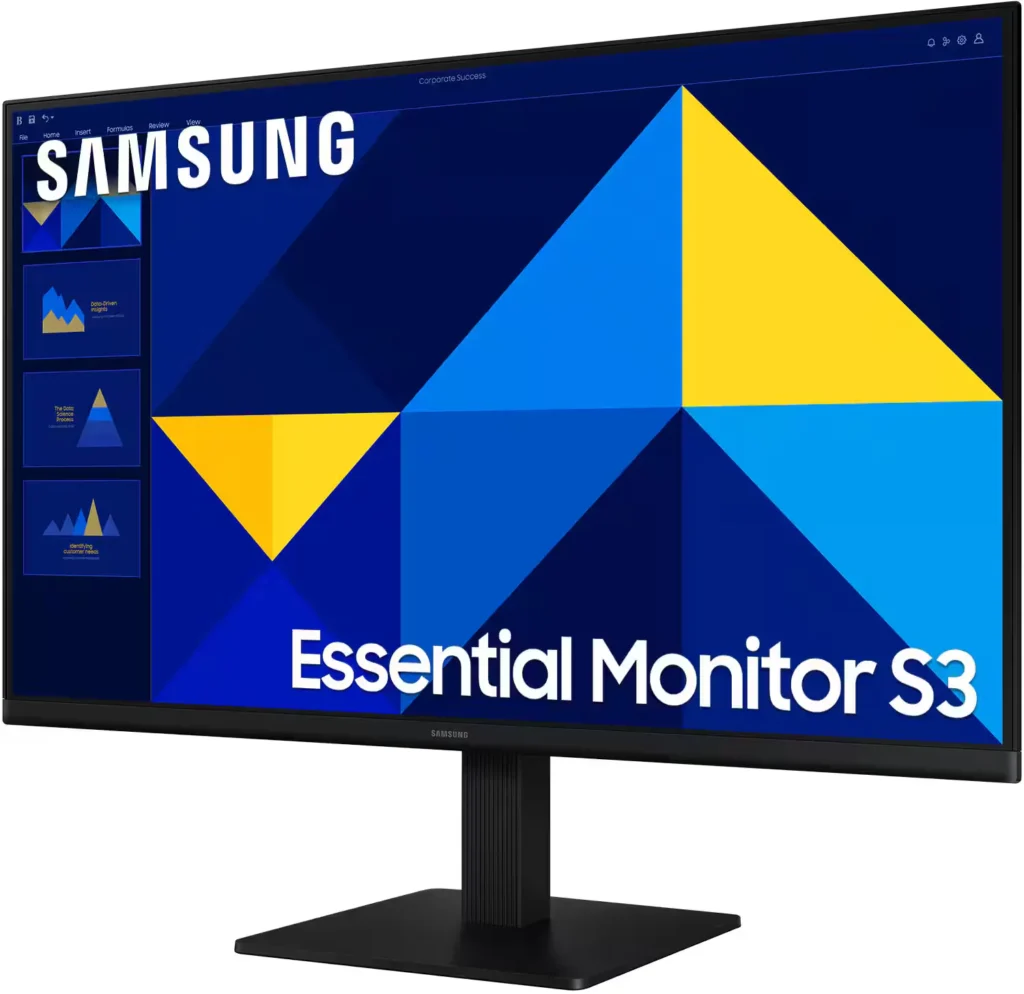
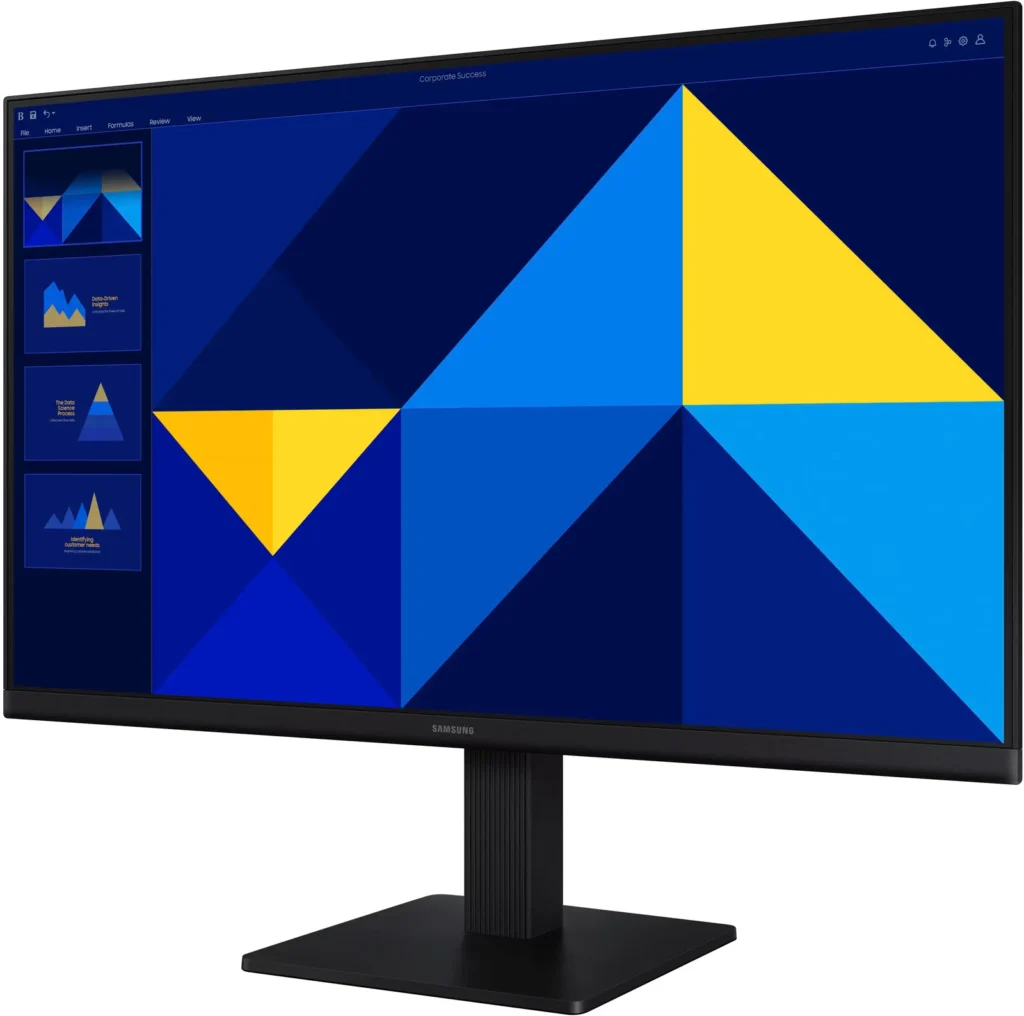
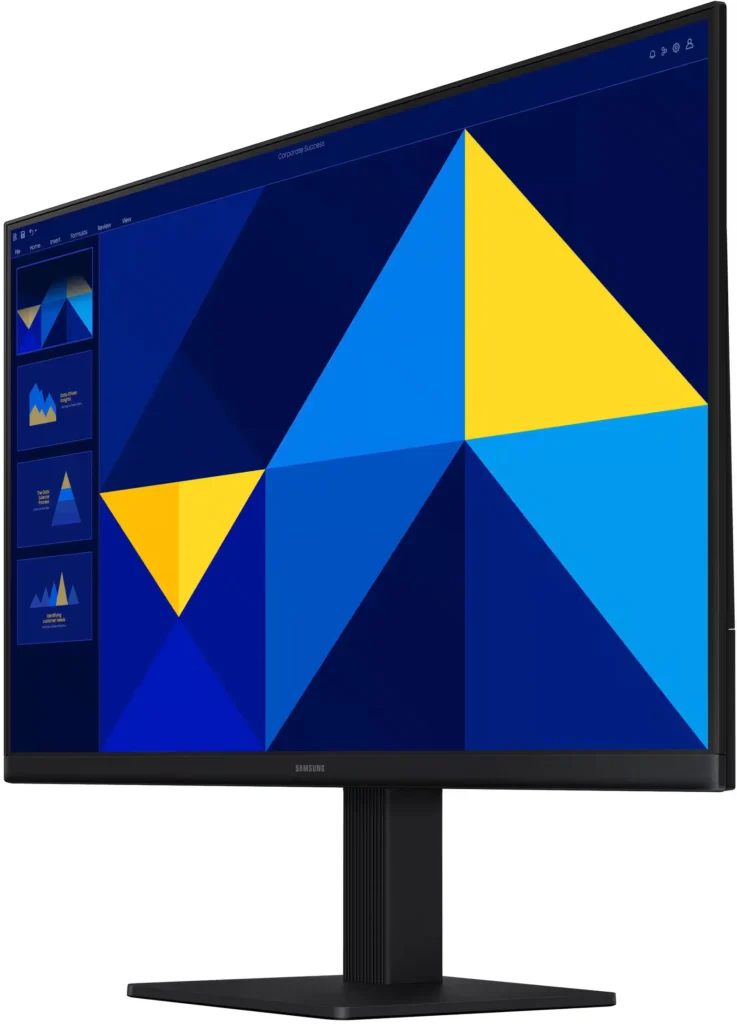
| Modern Super-Slim Design | Featuring a sleek, lightweight aesthetic with ultra-thin border bezels, this monitor maximizes screen space and integrates seamlessly into any professional workspace. |
Pros & Cons
Pros
- Excellent Value for Price: Reviewers consistently highlight the monitor as a cost-effective solution, offering high-quality IPS visuals and a sleek design at a very competitive price point for both home and office use.
- Vibrant Picture Quality: The IPS panel provides sharp, crisp images with accurate colors and wide viewing angles, making it highly suitable for productivity tasks, photo editing, and streaming content.
- Smooth 100Hz Refresh Rate: The 100Hz refresh rate is noted as a significant upgrade over standard 60Hz displays, providing a noticeably smoother experience for scrolling through documents and casual gaming.
Cons
- Awkward Control Placement: The single joystick-style button for power and settings is located on the back of the monitor, making it difficult to reach and unintuitive to navigate for many users.
- Limited Connectivity and Features: The monitor lacks modern essentials like DisplayPort, USB-C, and built-in speakers, and several users were disappointed by the absence of a headphone jack on certain models.
- Basic and Flimsy Stand: The included stand is not height-adjustable and has been described as flimsy, with several users reporting significant difficulty during assembly due to misaligned screw holes.
You might also like










Customer Reviews
Showing reviews 941-950 of 996
-
Sleek Beginner Monitor
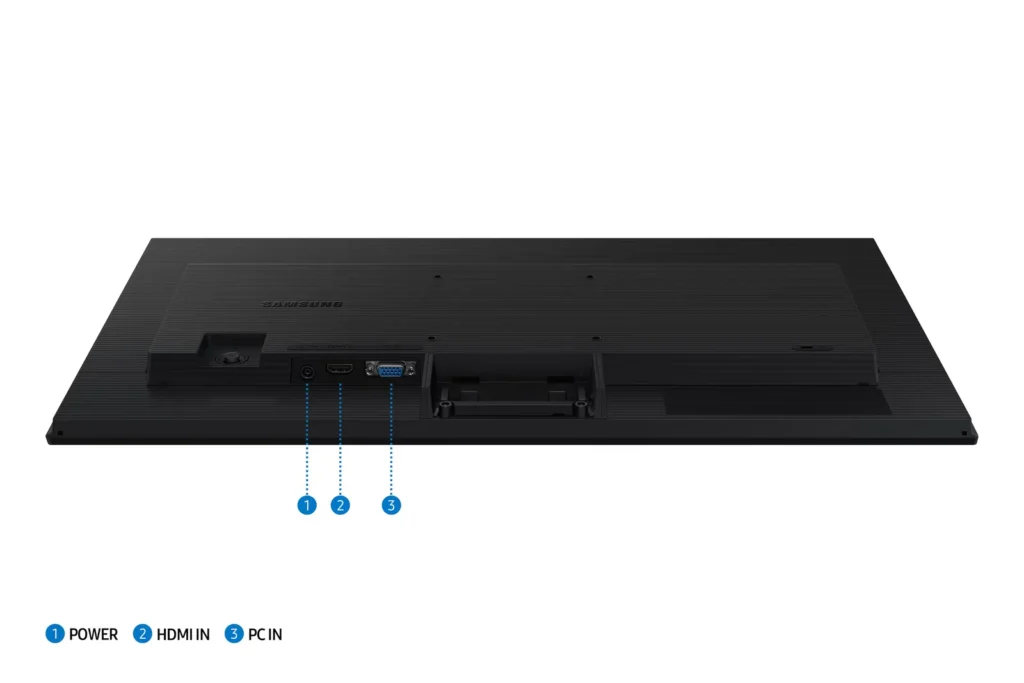
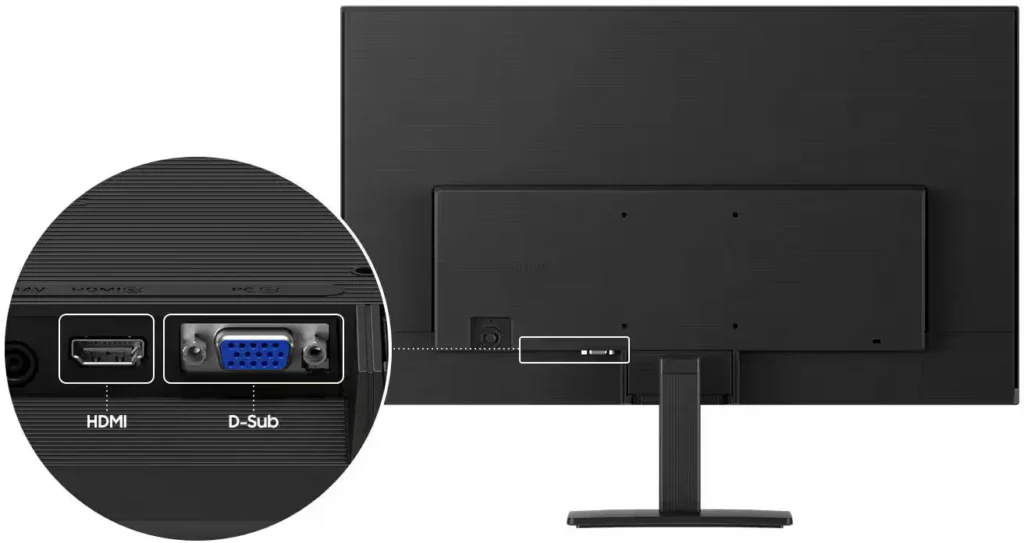
hitsuyoo April 10, 2025Review source: BestbuySamsung has a gift for making topnotch products and I have been blessed to partake in many of those offerings. So naturally, I should go into this review rather biased. Well, that’s not how it works here. Anybody can get it. As you can already tell from the star rating that there are things that may not be up to snuff. Let’s start with the positives This is a beautiful , wide-angle , full HD monitor that’s easy to set up on it’s provided stand or even a floating monitor stand. It sleek and a solidly built and it fits very nicely with my multi-screen esthetic. It comes with the monitor, with a 1 HDMI port and a 1 PC port, and a power port and cable, optional stand and an HDMI cable(I like that). One little knob in the back for menu. This is eveything from contrast to brightness. Unfortunately, there’s no volume control. There aren’t any speakers. I also have a problem with meager 100Hz. I feel like this screen should be able to put out more power. But this is what you’lll get. Even with that major shortcoming, I still would say it’s really good monitor. The price is really great for the namesake, as well.
So, you’ve made it this far and haven’t swayed to one of the other brands. This isn’t a bad purchase and an affordable option to get your system going. And it’s an universal truth that 24″ monitors are the best gaming screen. -
A good, inexpensive monitor
Rob R April 9, 2025Review source: BestbuyThe Samsung S3 (S30GD) monitor has an IPS LED panel that provides good color and response time (100 hz) that should allow for decent game play in a relatively inexpensive monitor. The resolution is 1920 x 1080. There are two inputs in the back. One (1) HDMI and one (1) old school VGA. This monitor does not have any extras like speakers or USB hubs.
This monitor is very thin and light weight. There is an external power brick. Older monitors used to have the power supply integrated into the monitor and that made them heavier. I actually prefer not having to find a place to put a power brick but the brick is common with inexpensive monitors and they work fine. The bezel is very thin, about 3/16” making it a choice if you want to put 2 of these side by side.
The monitor was easy to assemble. Just a few screws tightened with a screwdriver and one you can twist on. The monitor can be mounted to a monitor arm with a 100mm x 100mm VISA plate. There is no adjustability to the stand other than rotating very slightly. However, I don’t believe this is a feature, just a cheap stand.
This monitor takes a while to turn on on my system, especially during restarts or waking from sleep mode. It can take a good 20 seconds for the screen to turn on after a reboot. I don’t see any of the boot process. It usually turns on when I get to the login screen. Sometimes it doesn’t turn on at all and I have to hit the power button. It might just be the system I’ve attached it to but I’m not sure.
The picture is good. Colors are vibrant and seem accurate out of the box. Brightness is good but not outstanding. Contrast is also very good even with the brightness set at 90%. Some cheap monitors with wash out the screen with the brightness set at higher levels. This is not an issue with this monitor. Colors and brightness are not as good when viewed at angles. Especially when viewing from above and to the side (think looking over the shoulder of someone you are working with). I’ve had not issues with responsiveness.
The multi-function power-menu adjustment button/joystick is located on the lower right on the rear of the monitor. It’s not a great location as it can be difficult to reach depending on your setup. The menus are easy to read and use to make adjustments.
I can’t say I’m in love with this monitor. I’ve gotten much less expensive monitors with speakers that I would recommend over this one for everyday, typical home use. However, they didn’t have higher refresh rates or an IPS screen. This monitor might be worth the extra cost if you are playing games or need the more accurate colors provided by an IPS monitor.
-
Excellent Budget Monitor
jsisko76 April 9, 2025Review source: BestbuyIf you are looking for a monitor that won’t break the bank but still gets the job done, I found this to be a terrific option.
Pros:
– While this monitor is low cost, the display is still excellent with vibrant colors and a very clean look with a small bezel.
– It comes with an HDMI cable, which you will likely be using as this model does not have a Display Port. The lack of a Display Port option helps keep this model more affordable, so if you normally like to use HDMI to connect your devices, this is a good model to consider.
– The power cords are plenty long enough for pretty much any set up that you may have.
– I like the single button on the back that is used for power and toggling settings. It helps the monitor have a nice and clean look on the front.Cons:
– While you can use this monitor for gaming as it has a decent refresh rate (100Hz), I would recommend a model with a higher refresh rate if gaming is your primary use for it.This is a bargain of a monitor that provides decent performance/specs. It’s a terrific option as a secondary display in a work-at-home situation or for someone that just does basic computing (and some gaming) in the home.Read More
-
Excelente relación precio calidad
Verified purchase Verified purchase: This reviewer bought the product.Mario Larizzate April 9, 2025Review source: AmazonUn monitor de buen tamaño y calidad de imagen ideal para mi proyecto
-
Slim Bezels, Great for Small Desks, Laptop Users
teasten April 8, 2025Review source: BestbuyI have mostly been of the view that bigger monitors are better, but the Samsung S24 S3 has made me rethink that assumption. Thanks to the very slim bezels, the S24 feels bigger and it makes for a great extended display for my laptop when I get to work from home each Friday, sitting nicely on my dining table and small enough to pack aside.
In the box
– Samsung S3 (S30GD) Monitor
– Stand (Tilt not height adjustable)
– Power Cable (very long)
– HDMI CableSetup is easy, connect the stand, plug in the cable, connect HDMI and you’re done! The stand isn’t height adjustable, but there is a title adjust. It’s a small angle tilt, which should be fine for most people. It’s hard to fault the stand at this price point. The S3 supports HDMI and VGA – the VGA surprised me, who uses VGA anymore? The power cable is very long, there’s a brick mid way but the length is impressive – great again, for that adhoc home office setup.
As for visuals, this is a FHD monitor at 100Hz. This makes it perfect for office work, I wouldn’t use it for hardcore gaming – but it would be OK as a monitor for a Nintendo Switch (although no speakers are a miss). The blacks are very deep, colors are vibrant – impressed at what Samsung has delivered for the price. For Zoom or Teams calls though, the Samsung S3 really shines and I think it’s a better choice than a portable monitor because the stand (though short) gives you better height and far better stability. In fact, I’d recommend this over a portable monitor, as at 24″ it’s portable enough and bigger than most portable monitors that tap out at 15″.
Overall, the Samsung Samsung S3 24″ is a great monitor. The small bezels really help it feel spacious, it’s better than a portable monitor because with the stand you get better height and stability, and if you need a monitor for your laptop the the days you work from home but want to put it aside to keep your desk clean or need the space, you can’t go wrong.Read More
-
Samsung Momitor
Marvlus April 8, 2025Review source: BestbuyThe monitor came well packaged with no dents or dings.
Setup was quick and straightforward in that all I needed to do is attach the pedestal stand using a few Phillips screws and removing the film off the screen.
Getting it turned on was another matter, you have to reach around to the back of the display, using the little ‘baby’ joystick to turn on the monitor and moving it up/down or side to side to make any adjustments. Not sure why it wasn’t put in a better location; so the way I have my sysyem setup I have to move the monitor to turn on or off. While bothersome its not entirely a deal breaker.
This is used for my six camera security system and its the perfect size to see all of them clearly at the same time, on one screen or one in a larger format. The colors are bright and true to life. If it’s a car driving down the street or people walking, I have not seen any lag as I view in real time or from the connected DVR. It comes of course with the monitor, an HDMI cable, and the stand. -
Thin and light with just the right feature-set
joecaffe April 7, 2025Review source: BestbuyI needed a new monitor for my aging and rather small 19″ display, but I didn’t want to spend a lot on something I don’t need. Doing some research, I found this IPS panel from Samsung. It’s a good size at 24″ and is thin and lightweight. The picture modes are highly selectable and does a great job for watching YouTube or Netflix. The gaming mode is super-bright, which is helpful when playing dark themed game sequences. The resolution of 1080p and 100hz refresh rate is pretty basic, but just what I need in my home office. I like that it has 9 light filtering modes to adjust the screen in ways that are tailored to your eyes. The joystick is located in a strange place on the inside right, that’s hard to get to if you want to adjust any screen settings. I like that it has blue light filtering for night viewing which is great for reducing stress on the eyes. The screen has limited movement with the included base, tilts back and forth about 30 degrees or less and twists on the vertical axis about an inch on either side to offset desk imperfections to help people with OCD get their screen perfectly straight. The important thing is that it’s a bargain and offers exactly what I need t get things done more efficiently and with less eyestrain and saves me from potential headaches.
-
Nice Monitor
BogleheadsGuide April 7, 2025Review source: BestbuySamsung – 24″ S3 (S30GD) IPS LED FHD 100Hz Monitor (HDMI, D-sub) – Black
This new Samsung S3 twenty-four inch monitor was used to replace a seventeen inch monitor that I had been using for a long time. While this increase of seven inches in my screen size may not sound like a very big increase, the larger screen was certainly easier on the eyes. And, it was also much more pleasant to work on, since I was able to make good use of that extra seven inches of real estate by enlarging the text size of my work on the screen.
Setup was very straightforward using the HDMI port and the HDMI cable that comes with the monitor. The included monitor stand is a nice size and it’s solid enough that you shouldn’t have to worry about tipping the monitor over. Resolution is 1920 x 1080. And it has a refresh rate of 100Hz.
And, for the gamers, Game Mode adjusts any game to fill your screen.
IMO, the larger the screen size, the better. And, at just $109.99, it’s certainly priced right. Highly recommended.Read More
-
Looks great!
Michael April 7, 2025Review source: BestbuyThe Samsung S30GD 24″ monitor fits easily on my desk and looks great! The bezel is extremely thin and the entire screen is only 1.4″ thick. Even with the base it only takes up about 7″ of my desk.
It was super-easy to set up, but just in case, instructions are provided. Simply attach the base to the upright and tighten the screw, attach that to the back of the monitor, and tighten two more screws.
It offers both HDMI and PC port connections making it adaptable for both desktop PC’s and laptops. There is a power/menu button on the back of the screen which was awkward at first but easy enough to use once I located it.
The screen settings are customizable and include a gaming mode to really show details . It has a tilt feature for easy viewing and great color reproduction across the entire screen – even at different angles. There is an “eye-saver” mode which reduces blue light and protects your vision even during those long online games. Although it’s probably not best for my eyes, the Dynamic setting looks great!
It offers up to 100hz refresh rate but the default is 60hz so you need to manually adjust this if necessary. When pared to my Asus Tuf gaming laptop, the recommended resolution was 1920×1200 but I had to adjust it to 1920 x 1080 in order to get a full screen. Not sure if this is a display or laptop issue but it was easily taken care of.
My only complaint? Why does the cord from the power block to the wall have an offset/side-mounted plug? It sure made it difficult to plug it into a power strip. Why not just a straight plug?
Overall, this is a great monitor and because it’s from Samsung, I wouldn’t expect any less!Read More
-
Good enough
Verified purchase Verified purchase: This reviewer bought the product.erubi April 6, 2025Review source: AmazonReally simple monitor. Picture quality is fine, nothing special but serves it’s purpose for home office work. No internal speakers unfortunately, I wish that was stated in the description. There is an aux input for headphones though. Overall a good product at a good value.