No images available for this model.
Imagery for this model matches or very closely resembles the visuals shown for similar versions. Please review the nearby models for a reliable reference.
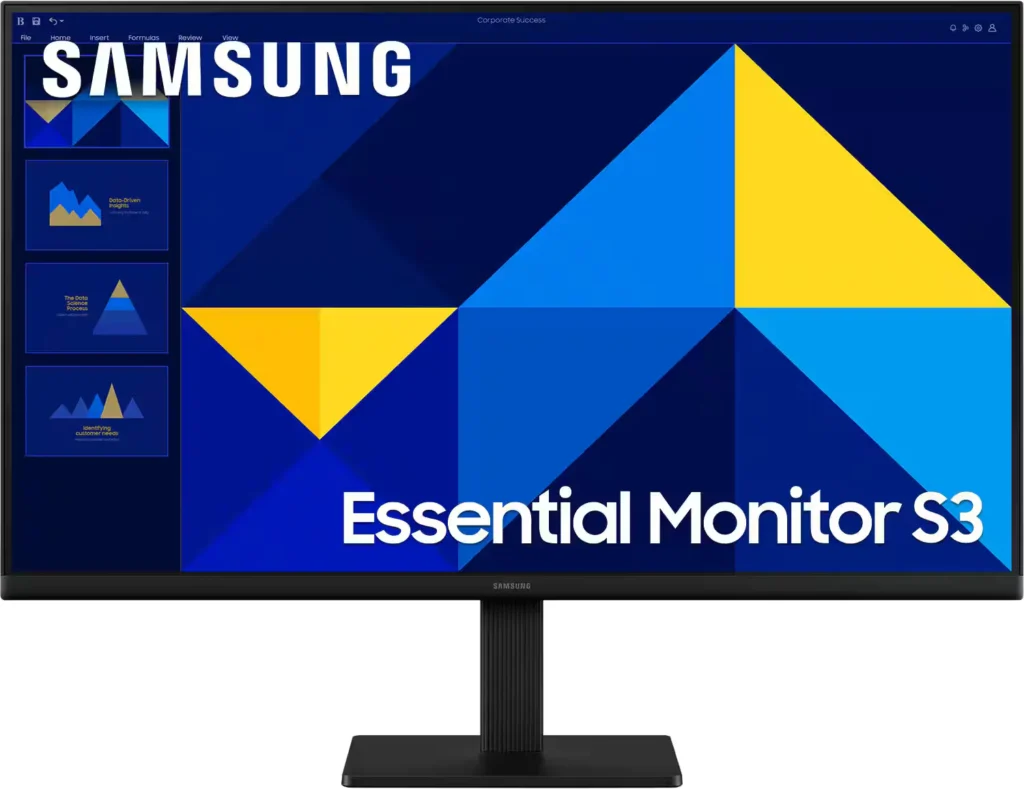
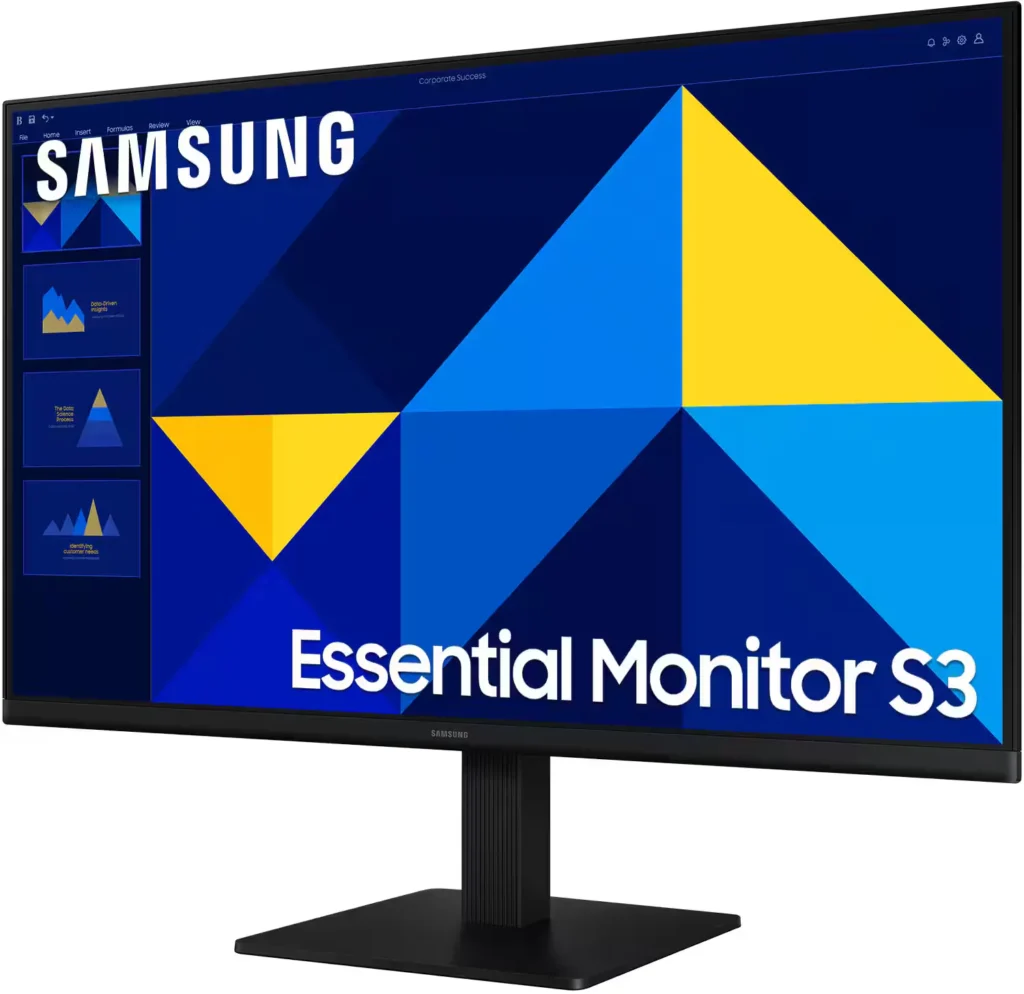
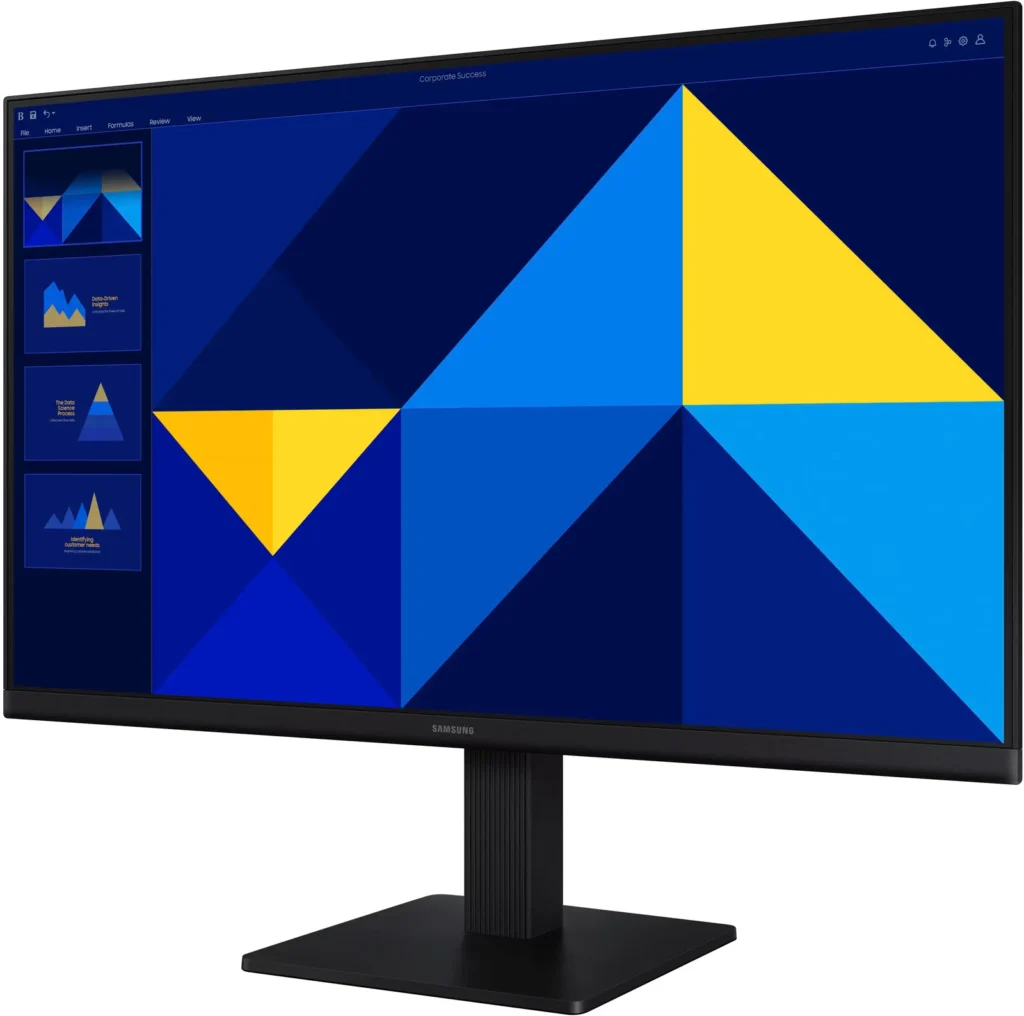
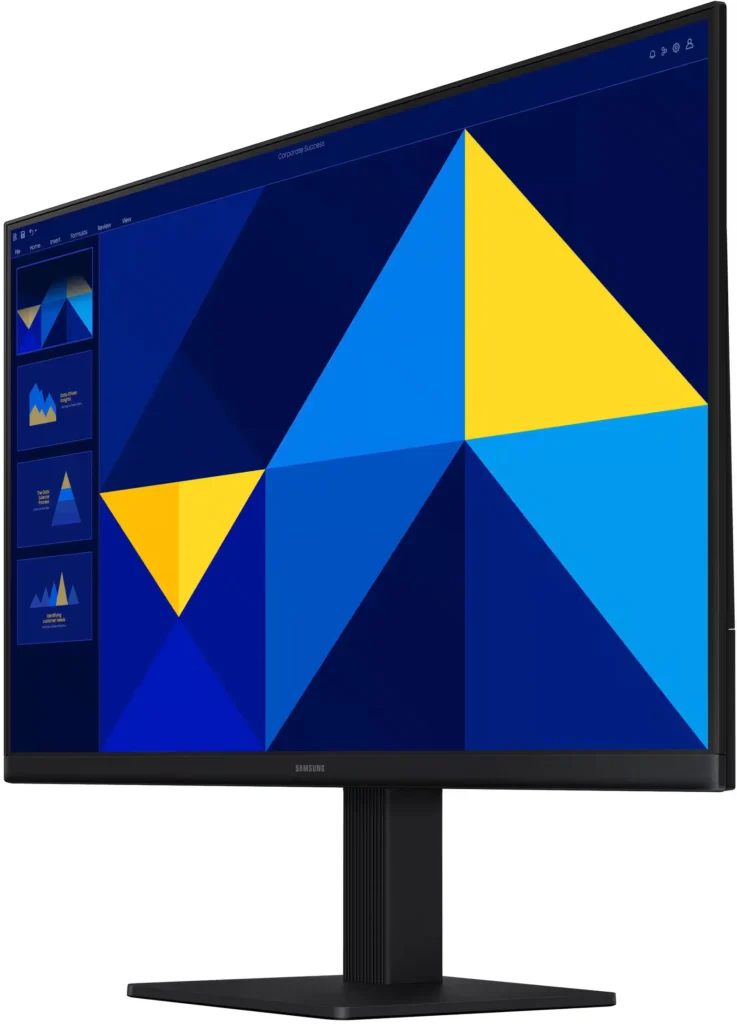
No images available for this model.
Imagery for this model matches or very closely resembles the visuals shown for similar versions. Please review the nearby models for a reliable reference.
Customer Media
Highlights
| Vivid IPS Panel Technology | The IPS panel delivers a stunning color experience across the entire display, maintaining consistent brightness and clarity from any viewpoint with a wide 178° viewing angle. |
|---|---|
| Smooth 100Hz Refresh Rate | A 100Hz refresh rate reduces lag and motion blur compared to standard 60Hz displays, providing smoother performance for creative projects, video playback, and everyday business tasks. |
| Advanced Eye Comfort Features | Equipped with Eye Saver Mode and Flicker Free technology, this monitor reduces blue light emissions and screen flickering to minimize eye strain during long work sessions. |
| Optimized Game Mode | Instantly adjust color and image contrast to see scenes more clearly and spot details in dark areas, providing a competitive edge for entertainment and creative work. |
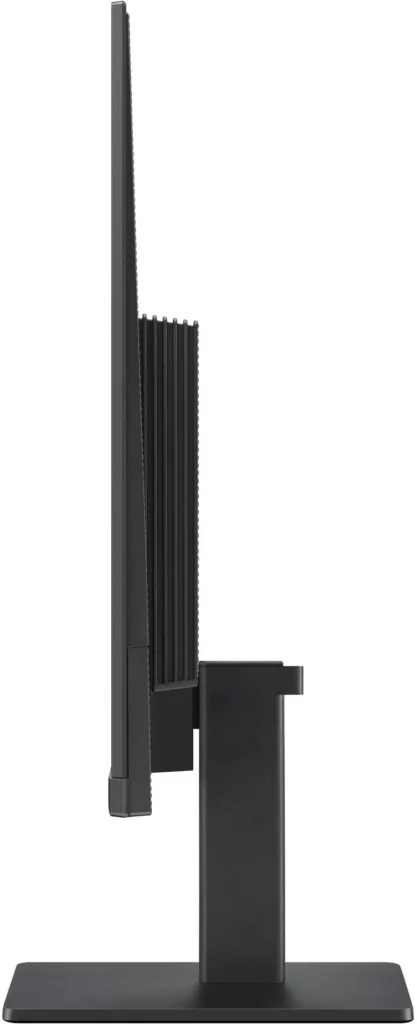
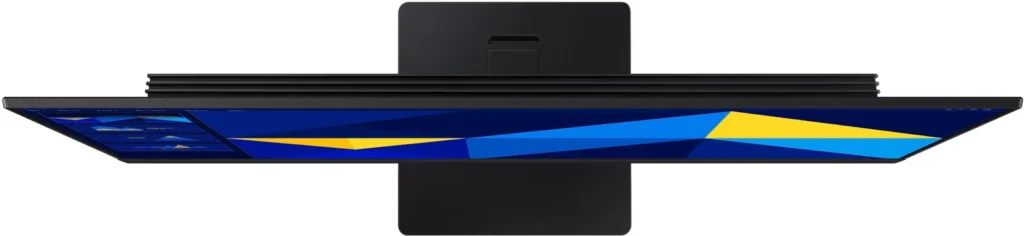
| Modern Super-Slim Design | Featuring a sleek, lightweight aesthetic with ultra-thin border bezels, this monitor maximizes screen space and integrates seamlessly into any professional workspace. |
Pros & Cons
Pros
- Excellent Value for Price: Reviewers consistently highlight the monitor as a cost-effective solution, offering high-quality IPS visuals and a sleek design at a very competitive price point for both home and office use.
- Vibrant Picture Quality: The IPS panel provides sharp, crisp images with accurate colors and wide viewing angles, making it highly suitable for productivity tasks, photo editing, and streaming content.
- Smooth 100Hz Refresh Rate: The 100Hz refresh rate is noted as a significant upgrade over standard 60Hz displays, providing a noticeably smoother experience for scrolling through documents and casual gaming.
Cons
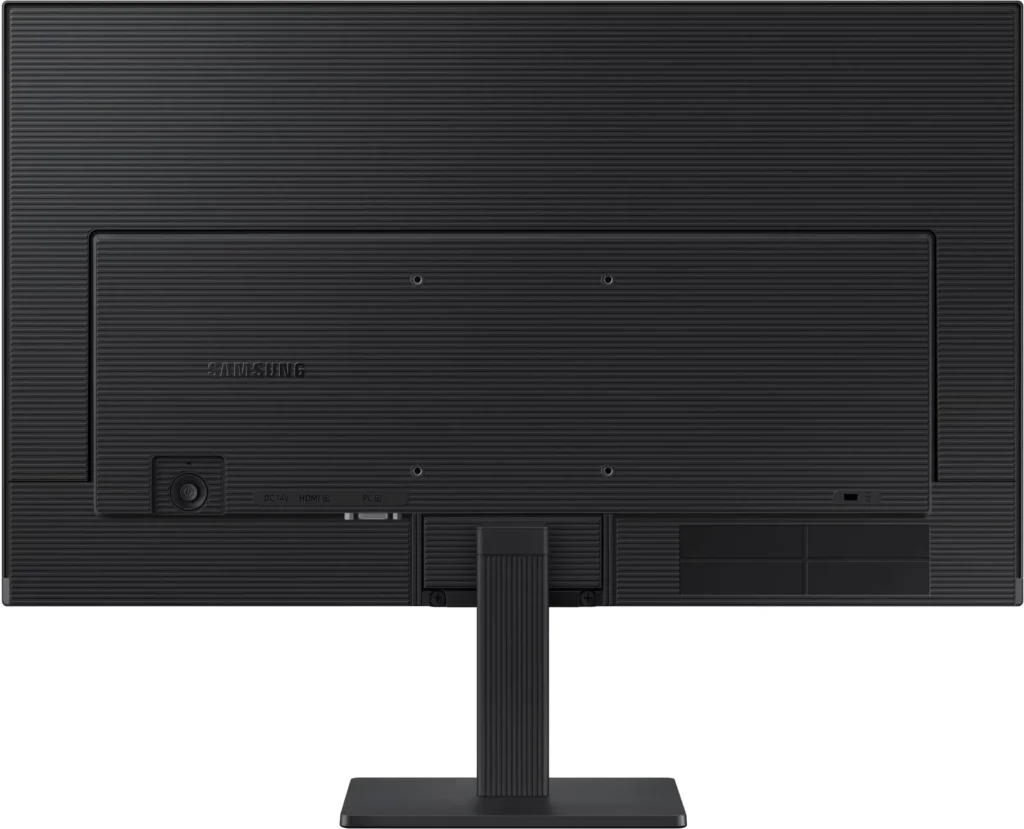
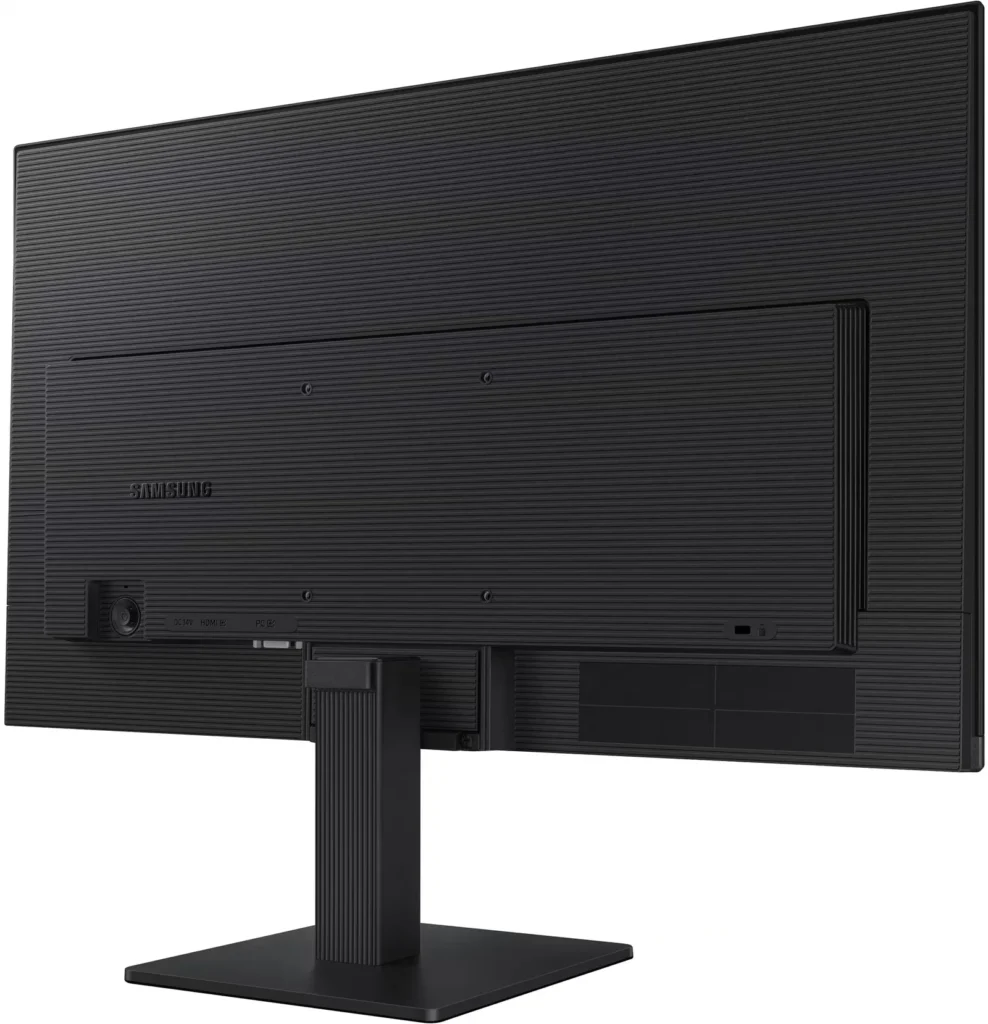
- Awkward Control Placement: The single joystick-style button for power and settings is located on the back of the monitor, making it difficult to reach and unintuitive to navigate for many users.
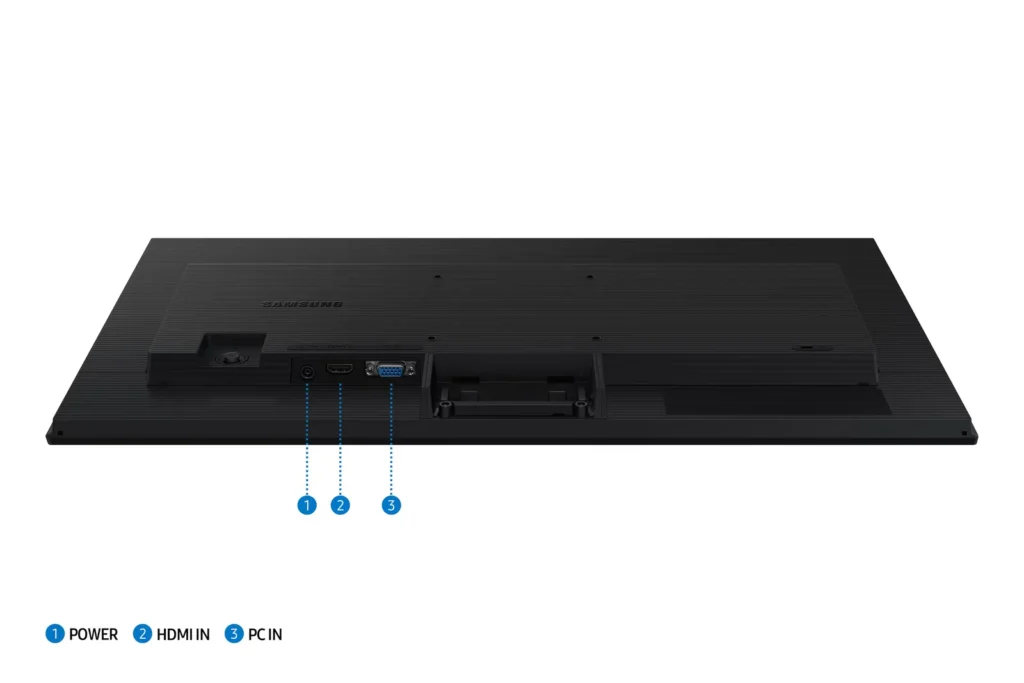
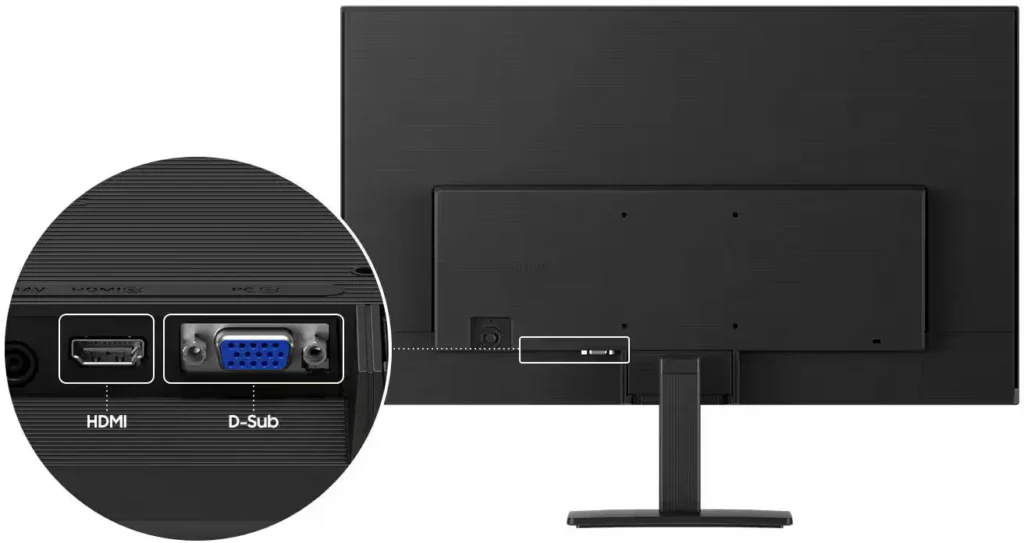
- Limited Connectivity and Features: The monitor lacks modern essentials like DisplayPort, USB-C, and built-in speakers, and several users were disappointed by the absence of a headphone jack on certain models.
- Basic and Flimsy Stand: The included stand is not height-adjustable and has been described as flimsy, with several users reporting significant difficulty during assembly due to misaligned screw holes.
You might also like










Customer Reviews
Showing reviews 951-960 of 996
-
Perfect as a second display
MikeyLikesIt April 6, 2025Review source: BestbuyThe Samsung 24″ S3 (S30GD) IPS LED FHD 100Hz Monitor is perfect as an affordable second monitor. As an Adobe Photoshop user, I find it really advantageous to have a second display to free up the main screen for detailed photo editing. That’s the primary reason I chose the smaller 24” monitor from Samsung and it perfectly up to the task. It’s no doubt a bare-bones monitor, but it does have tilt, but unfortunately there is no vertical movement as the base is fixed.
Assembly out-of-thebox was simple and quick. It uses a small power brick and the connections are limited to VGA and HDMI, so no displayport. The bezel is nice and thin around the top and sides, and the screen is non-glare. IPS is a definite plus to improve angle-of-view and 100Hz can improve picture quality, especially when used for gaming.
Since my main monitor is a Samsung 32” 4K display, this little 24” Samsung is the perfect complement at just over $100. It’s definitely a budget monitor, but it still earns 5 stars in its weight class.
-
Simply lovely, colorful, sharp images
TECHBEENGOOD April 5, 2025Review source: BestbuySamsung’s 24”, S3 (S30GD) IPS LED FHD 100Hz Monitor (HDMI, D-sub) elevates my computing workstation with no effort, a wonderfully colorful picture on a natural looking well engineered IPS panel and a surprisingly low price. Choosing a cost-effective solution to greatly improve all those hours of time sitting in front of my computer actually costs less than a night out. The quick and easy connection to my Mac computer eliminates any concern for my choice of a smaller laptop screen. Now I can easily extend my desktop and create a greatly increased workspace to process images, manage worksheets or view full pages of text. Nice.
Setup: Plug it in to power, and connect the included HDMI cable between my computer’s HDMI and the Samsung’s HDMI (1.4 ver). The inclusion of HDMI on portables, including Macs, Chromebooks, and PCs is increasingly more common. The Samsung also includes a more traditional D-Sub input for older systems. There is joystick around back that allows changes to the refresh rate. Default is 60Hz or 100Hz for compatible programs or to elect the Game mode.
PERFORMANCE: This is an easy to live with monitor. I don’t need additional inputs but I could see that other users will want to be sure the HDMI or D-Sub is adequate. The included stand is convenient and should suit most people’s needs, but the back panel includes a VESA100 layout for mounting on accessory multi-mount units. The Samsung has sufficient flexibility for most users.
Picture quality is fine for the typical user, and even entry level gamers will be pleased. I didn’t feel limited while prepping photos for inkjet printing, and certainly Web pages looked wonderful. Watching movies, sports, and TV programming was enjoyable because contrast was quite nice and color was fairly rich looking. And, no, it doesn’t match the modern TV quality. I always miss audio speakers on external monitors and they’re absent also on the Samsung. I’m going to add an outboard desktop system anyway. I like the Samsung for its great picture, its simple operation and the great price. Samsung’s hold value and this is a sensible purchase for the long run. Their screens never disappoint. -
Solid performing monitor held back by connectivity
BillFromKC April 4, 2025Review source: BestbuyTL;DR – the Samsung S30GD 24-inch 100Hz IPS monitor is a terrific option for an everyday display. Bright, clear picture, EyeSaver mode, and that 100Hz refresh rate make it a good option for productivity work and entry-level gaming. A VESA 100×100 mounting point make it a great option for a multi-monitor setup, with a minor caveat. VGA connectivity makes it a solid option for those with older computer systems, but only one HDMI port limits connectivity for those with multple modern computers at one workstation. All in all, a solid option when it comes to displays.
Unboxing and setup – inside the box, you’ll find the monitor with stand, AC adapter and power cord, HDMI cable, and instruction manual. Assembling the monitor is easy enough – lay the screen on a soft surface, attach the stand with a Phillips screwdriver, then attach the base. I’d recommend attaching the HDMI cable, an optional VGA cable (sold separately), and the AC adapter and running those cables through the integrated cable management clip.
Once attached to your computer, go head and configure the display settings using Samsungs joystick OSD control. I’d recommend using game mode over other modes as it had the best picture and least blur out of all the picture settings, but make sure to turn the display brightness down to a comfortable level (somewhere between 40-65%), as the default 100% brightness is definitely brighter than the advertised 250 nits.
Usage – I tested motion using several streaming videos that included display testing and manufacturer demo loops, a gaming session playing Halo MCC, Minecraft, and Control Ultimate Edition, a photo editing session with my Mac, by attaching it as a secondary display for my phone, and by attaching it as a secondary display for my Chromebook.
Calibration was pretty solid overall out of the box, only needing a slight adjustment using ColorSync on the Mac to match my other monitors in terms of white point and gamma. Colors performed very well, with lifelike skin tones and a full spectrum that was smooth and not “peaky” like typical inexpensive monitors can be.
Gaming was incredibly smooth. Being that my testing system can drive both Halo MCC and Control at over 100 fps at 1080p, I was treated to an extremely smooth experience. I ran screen mirroring while running Minecraft between this screen and another LCD of mine capable of 360Hz, and there was no real noticeable difference in visuals between the two while forcing fast motion; the other monitor indicated it was running somewhere between 190 and 260Hz while doing this testing, so for you parents out there with children getting into PC gaming, they don’t need to spend twice to four times as much on a screen for a good experience.
Video playback was solid. Considering this isn’t a FALD panel, black levels were good – not inky black like an OLED or good FALD MicroLED LCD, but good enough where shadows weren’t being ruined by too high of a black level. This monitor does have a black level adjustment that fixes the out of the box problems. Blur wasn’t too much of an issue; even the Blur Busters UFO test was clear with its scrolling.
As a secondary display for Chromebooks, iPads, Android phones, and iPhones, it’s a good performer. Remote desktop apps, presentation apps, and video playback apps that can use the second screen will feel like you’re watching a TV or doing your presentation with a laptop. Just know that the greater majority of these devices won’t be able to use the 100Hz feature, as their video output doesn’t support it. I tested using Keynote on my iPhone and Apple TV and Microsoft Windows app on Chromebook.
Drawbacks – the biggest thing I see wrong with this display is the lack of more than one digital connection. While VGA is handy for those who need it, fewer and fewer modern computers have VGA, Macintosh systems haven’t been compatible with VGA with adapters since at least 10.9 (and possibly 10.7), it’s difficult to find adapter for VGA output easily, and VGA lacks support for encryption protocols which makes it a no-go for streaming video apps and some video games. Also, this could have come with an audio output for those with laptops and desktop speakers who would want a single cable connection between their laptop and the rest of their setup.
Conclusion – the Samsung S30GD really is a solid monitor, even when considering the one drawback it has. The 100Hz refresh rate only makes the outstanding video quality that much better.Read More
-
Affordable, satisfied for office tasks
Verified purchase Verified purchase: This reviewer bought the product.Jade April 3, 2025Review source: AmazonGreat deal, it’s cheaper than buying from Samsung website. Nice color, i wish they have height adjustable stand. It’s a big help for tasks working a lot workpapers and data. It’s worth investing.
-
Nice monitor
Verified purchase Verified purchase: This reviewer bought the product.Floyd T. March 23, 2025Review source: AmazonAs expected
-
well done!!
Verified purchase Verified purchase: This reviewer bought the product.Amazon Customer March 20, 2025Review source: Amazonvery pleased with ease of set up and picture quality. good transaction as arrival was perfect.
-
Recomendado
Verified purchase Verified purchase: This reviewer bought the product.Rafael S (PORTAWARE) March 18, 2025Review source: AmazonSúper buena calidad de imagen 100% recomendado, buena calidad de imagen y alta tasa de fps
-
The Monitor will not disappoint
Verified purchase Verified purchase: This reviewer bought the product.Amazon Customer March 14, 2025Review source: AmazonBuild quality is nice no issues, connection to 100V-220V outlets which was my #1 concern no one had any answers so there you go, value for the money 99 dollars is a great price plus free shipping to SE Asia which is great! Easy set up, my toddler could put it together, it’s a bit grainy but good considering the price point. Its fairly bright with good refresh rate, also it does have speakers and are ok don’t expect Sony sound with an inexpensive monitor. Overall completely satisfied with the monitor. Size is just right for just about everything.
-
Buena opción costo -beneficio
Verified purchase Verified purchase: This reviewer bought the product.Bryan Andrade March 14, 2025Review source: AmazonMuy buena opción costo – beneficio. Ofrece lo necesario para ser un monitor básico.
-
Solid general performance
Incentivized Incentivized review: The reviewer received a benefit for sharing feedback.Brian Ashe March 13, 2025Review source: AmazonI got this to connect to my household laptop so I didn’t always need to put on glasses to see the screen. It has very good color depth and adequate brightness. The picture is sharp and clear. It has minimal connectivity with a single HDMI and an older d-sub port. The monitor is well made and is very solid. The stand works well, even if it is very basic. That’s really what this is, a very basic monitor with decent, but not exceptional specs and decent quality. The various screen modes are nice and for basic use 100 hz is be great for eliminating eye strain, but not impressive for gaming. And that’s the reason I knocked off a star. This is a very nice monitor for everyday use, but if you’re going to claim to be for gaming, you need to meet the expected specs a gamer would be looking for.