No images available for this model.
Imagery for this model matches or very closely resembles the visuals shown for similar versions. Please review the nearby models for a reliable reference.
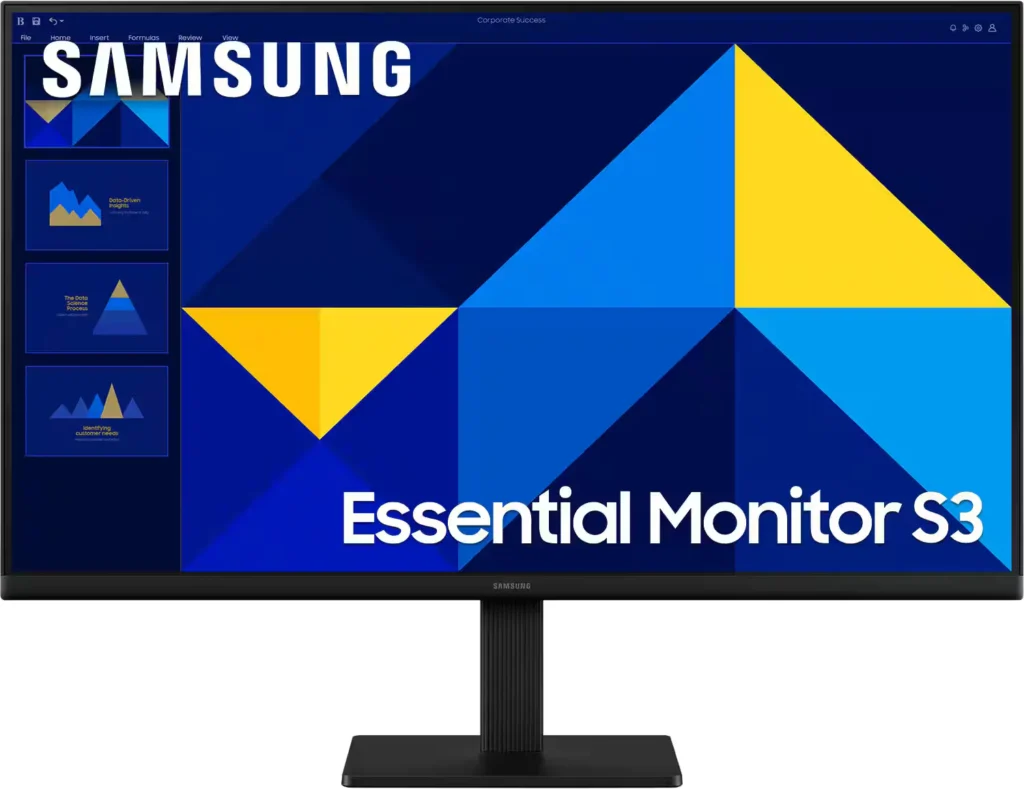
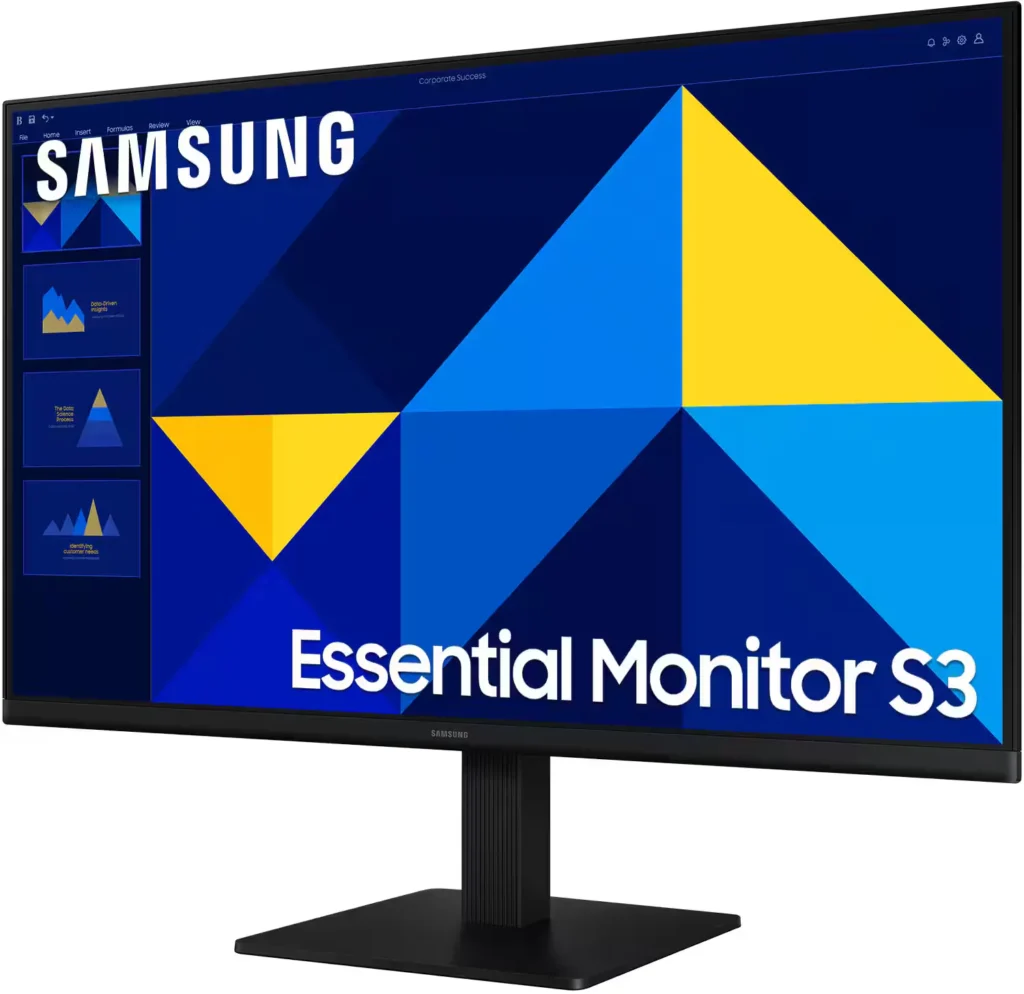
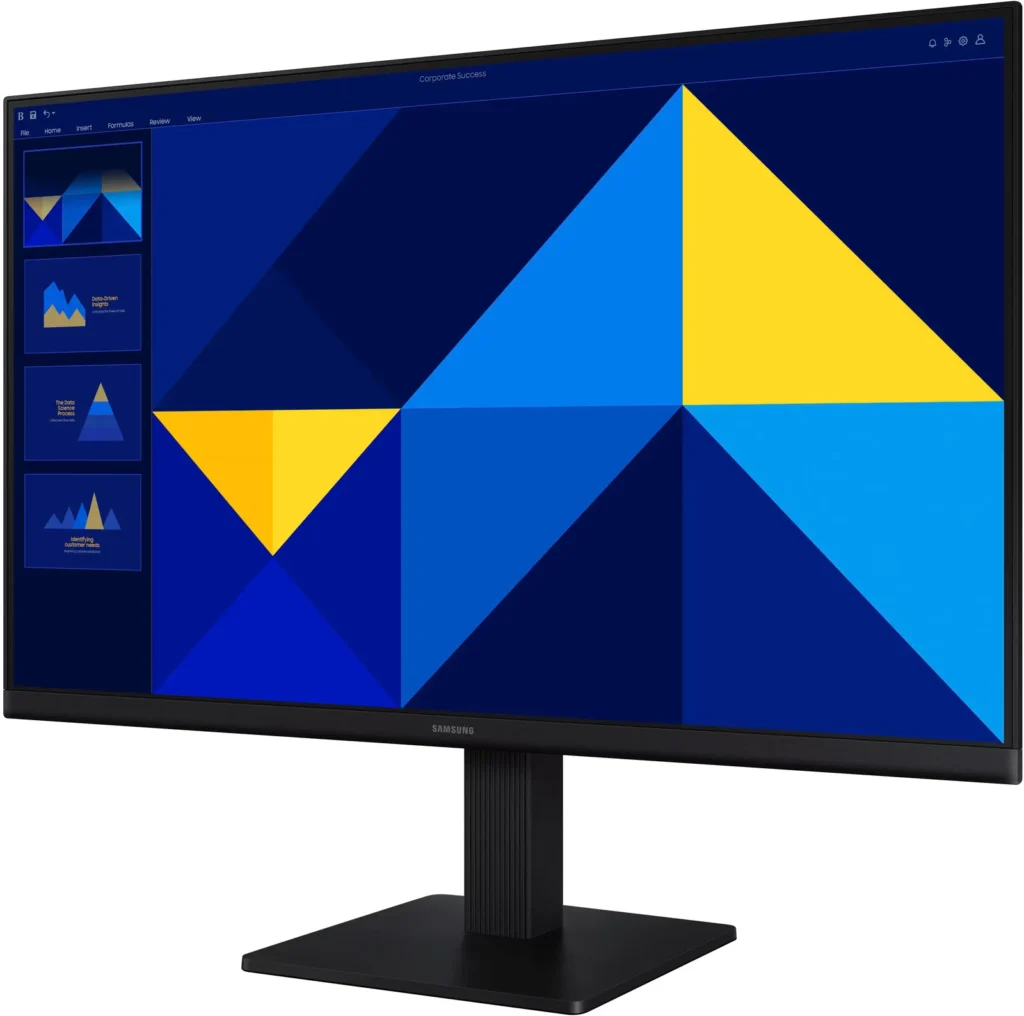
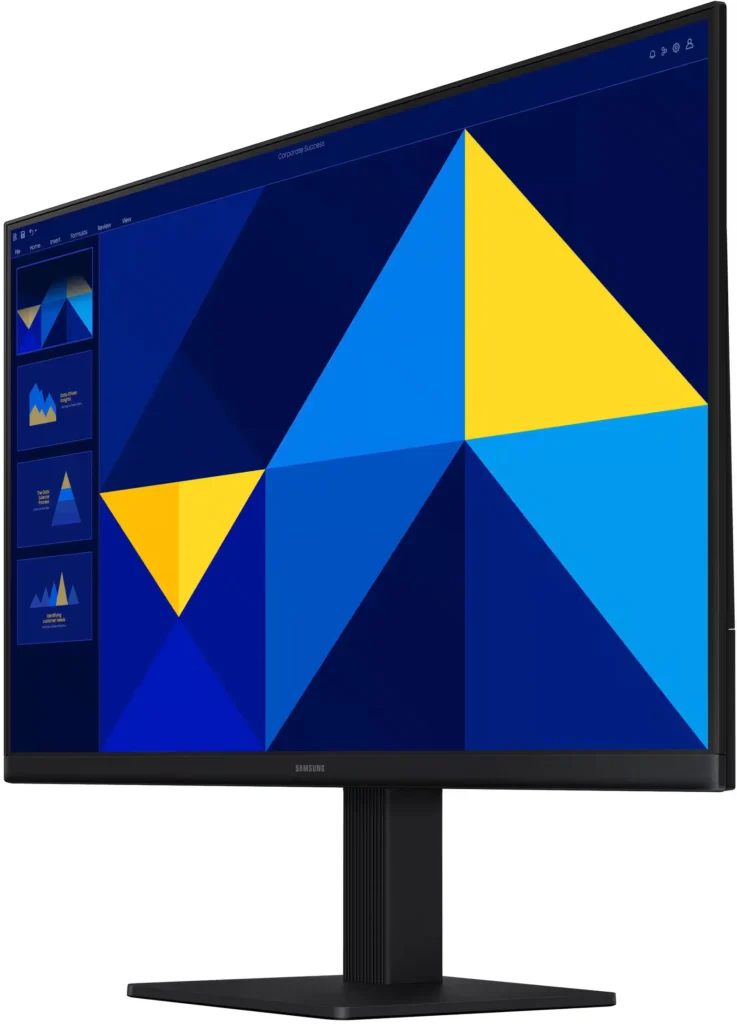
No images available for this model.
Imagery for this model matches or very closely resembles the visuals shown for similar versions. Please review the nearby models for a reliable reference.
Customer Media
Highlights
| Vivid IPS Panel Technology | The IPS panel delivers a stunning color experience across the entire display, maintaining consistent brightness and clarity from any viewpoint with a wide 178° viewing angle. |
|---|---|
| Smooth 100Hz Refresh Rate | A 100Hz refresh rate reduces lag and motion blur compared to standard 60Hz displays, providing smoother performance for creative projects, video playback, and everyday business tasks. |
| Advanced Eye Comfort Features | Equipped with Eye Saver Mode and Flicker Free technology, this monitor reduces blue light emissions and screen flickering to minimize eye strain during long work sessions. |
| Optimized Game Mode | Instantly adjust color and image contrast to see scenes more clearly and spot details in dark areas, providing a competitive edge for entertainment and creative work. |
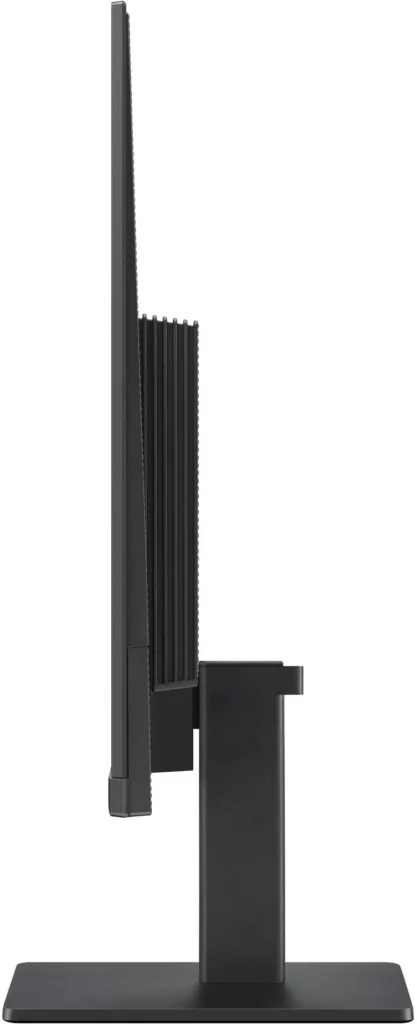
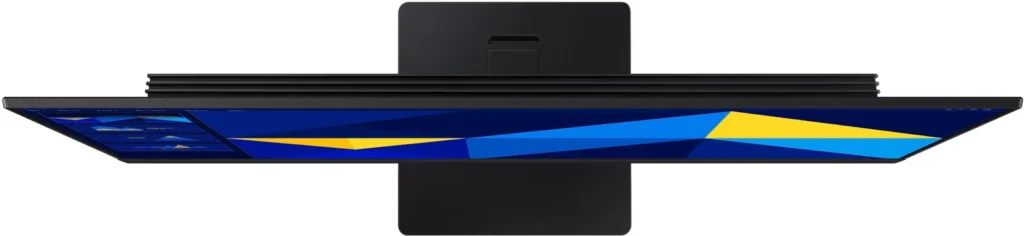
| Modern Super-Slim Design | Featuring a sleek, lightweight aesthetic with ultra-thin border bezels, this monitor maximizes screen space and integrates seamlessly into any professional workspace. |
Pros & Cons
Pros
- Excellent Value for Price: Reviewers consistently highlight the monitor as a cost-effective solution, offering high-quality IPS visuals and a sleek design at a very competitive price point for both home and office use.
- Vibrant Picture Quality: The IPS panel provides sharp, crisp images with accurate colors and wide viewing angles, making it highly suitable for productivity tasks, photo editing, and streaming content.
- Smooth 100Hz Refresh Rate: The 100Hz refresh rate is noted as a significant upgrade over standard 60Hz displays, providing a noticeably smoother experience for scrolling through documents and casual gaming.
Cons
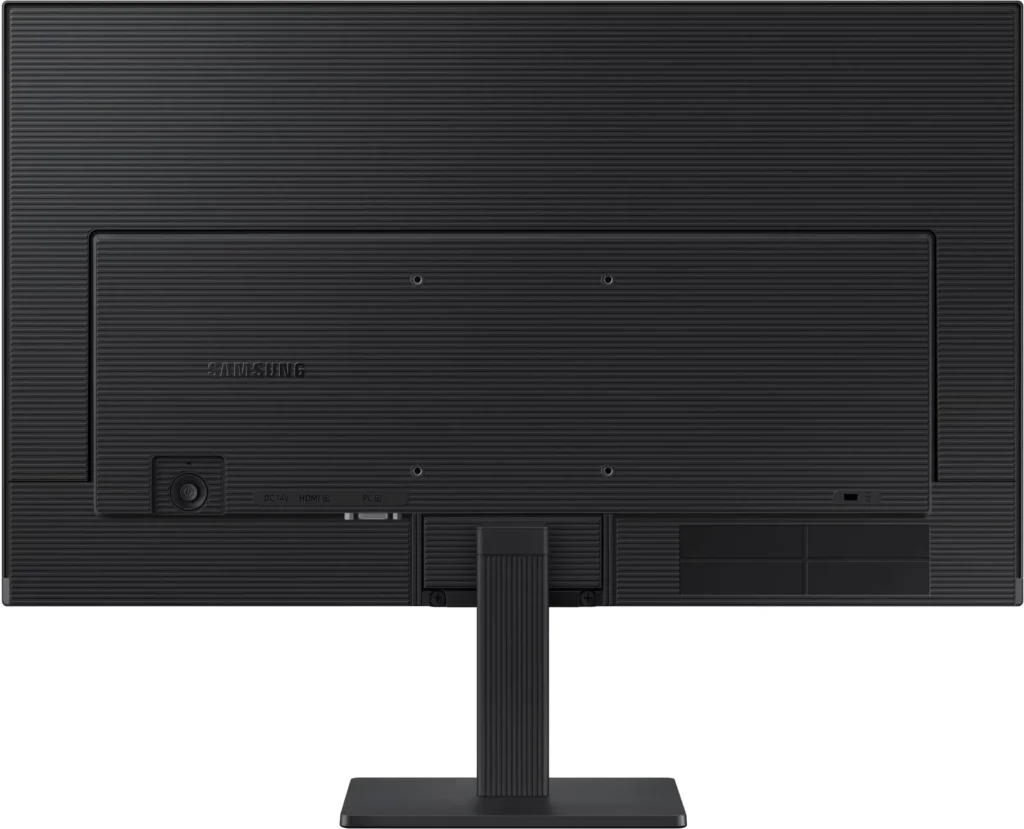
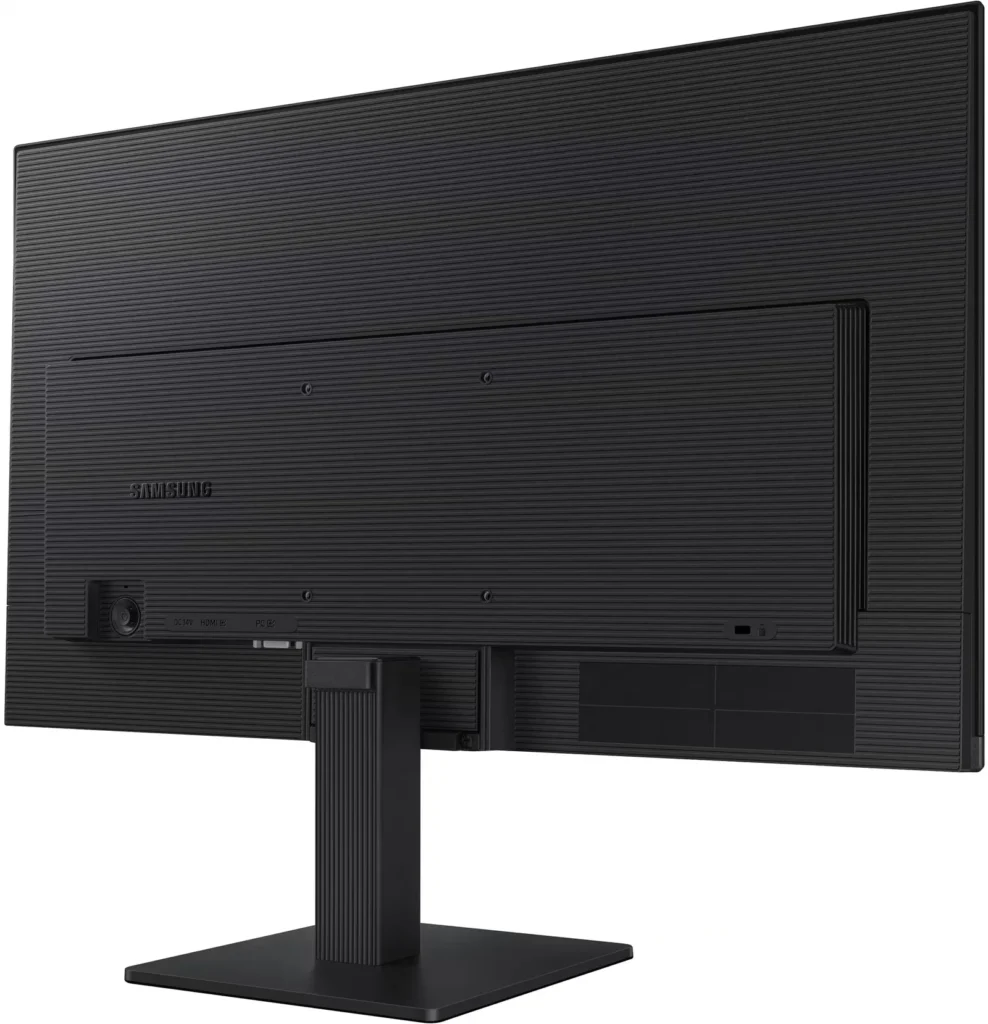
- Awkward Control Placement: The single joystick-style button for power and settings is located on the back of the monitor, making it difficult to reach and unintuitive to navigate for many users.
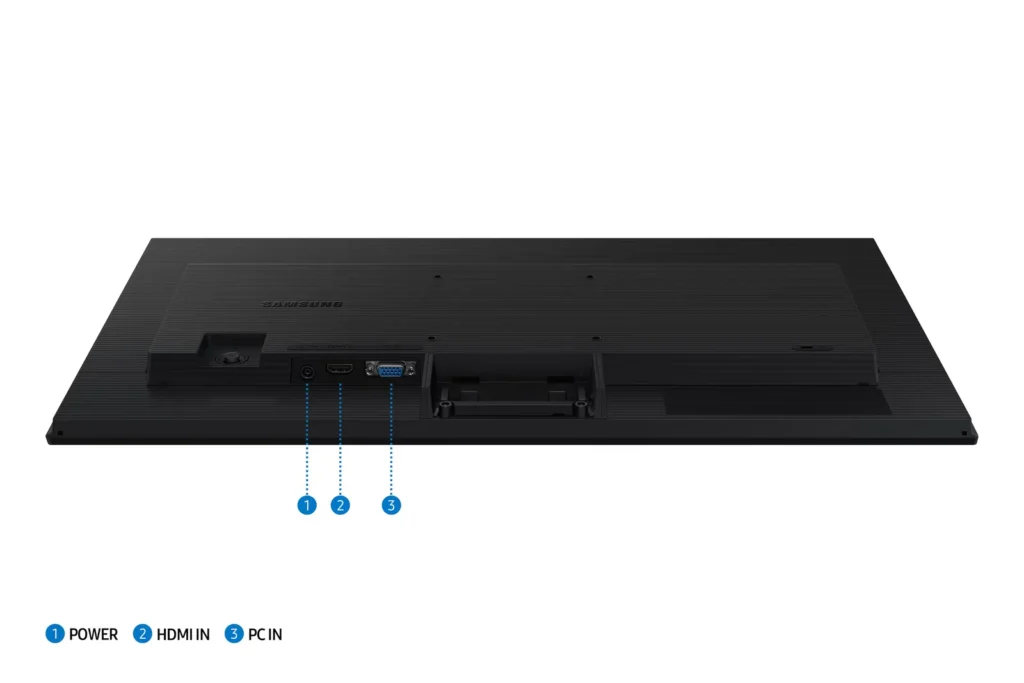
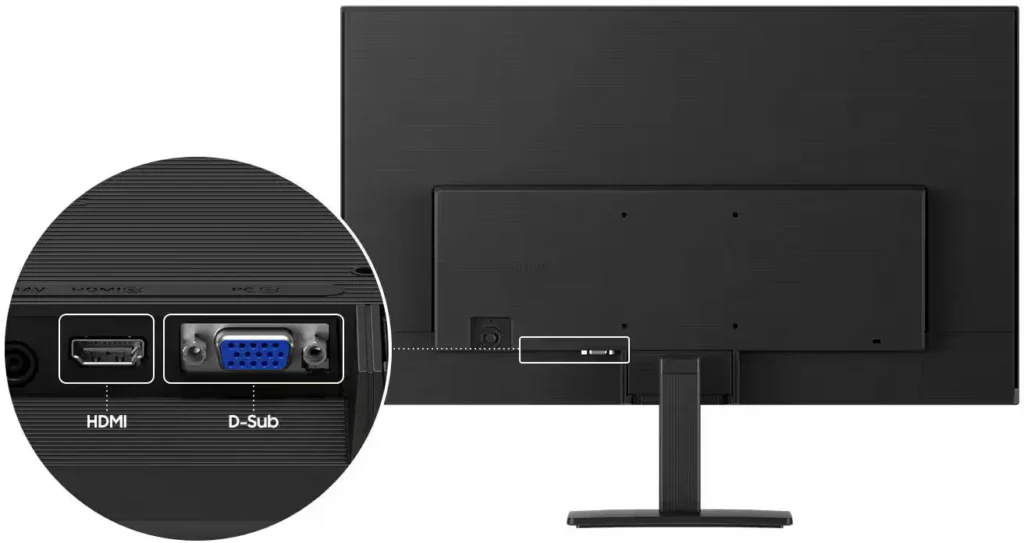
- Limited Connectivity and Features: The monitor lacks modern essentials like DisplayPort, USB-C, and built-in speakers, and several users were disappointed by the absence of a headphone jack on certain models.
- Basic and Flimsy Stand: The included stand is not height-adjustable and has been described as flimsy, with several users reporting significant difficulty during assembly due to misaligned screw holes.
You might also like










Customer Reviews
Showing reviews 971-980 of 996
-
Calidad precio
Verified purchase Verified purchase: This reviewer bought the product.Daniel Wong February 12, 2025Review source: AmazonEs un buen producto para el precio que tiene me llegó sin inconvenientes
-
Good little monitor
Incentivized Incentivized review: The reviewer received a benefit for sharing feedback.Zon Shopper February 3, 2025Review source: AmazonThe Samsung 24″ (S30GD) Essential Monitor with IPS Panel is a nice little monitor. It’s cheap and performs well. I use it as a second monitor alongside a much nicer Samsung oled 4k. The 24″ is good for basic stuff – I wouldn’t game on it since I have the OLED, but it gets the job done. The mount is okay. I tried it and installed a second monitor arm instead. Overall, this is a really good value.
-
Decent performance for the price.
Incentivized Incentivized review: The reviewer received a benefit for sharing feedback.Ted January 26, 2025Review source: AmazonI was able to hook it up with a HDMI cable to my Windows 10 computer. The resolution was 1920 by 1080p and 60 hz by default. I was able to change the resolution to 100 hz and it ran that just fine. Setting up with simple all I had to do was plug it all in and it was automatically detected. I was able to see the picture Even when I wasn’t viewing the panel directly and the colors were acceptable for me. The panel is bright enough for me to see everything in the background and it has a lot of adjustment you can do via the menu. Overall I think that it’s reasonably priced for a entry level gaming panel and I would recommend it.
-
Clearly Huge, Clearly Bright, Not Always Right
Incentivized Incentivized review: The reviewer received a benefit for sharing feedback.Emmanuel Rodriguez January 13, 2025Review source: AmazonQuality of the Product: It’s sturdy, sleek, and has got a solid stand.
Functionality:
This thing’s a beast for gaming, movies, or just cranking through spreadsheets. Crystal clear and responsive, though a rare few mentioned issues with blurriness or pixelation which seems like a letdown for the unlucky but I haven’t had any of those issue! Compatibility with different setups sounds solid, which is awesome for not-so-tech-savvy folks like me!Design:
It’s big with a capital B. Fits well on a desk and doesn’t make you feel like you’re in a tennis match watching from side to side. The color quality and saturation are top-notch; the deep blacks are great to have too!Overall Recommendation:
Despite the rare hiccup, this monitor’s mostly a winner. If you’re after something large and in charge for your desk, it’s a pretty good bet. I’d go 4 out of 5 stars, considering most folks are thrilled but there’s a small chance you might hit a snag. -
Good business monitor, but gaming???
Incentivized Incentivized review: The reviewer received a benefit for sharing feedback.F. Ong January 13, 2025Review source: AmazonThis is a good business monitor which provides good color gamete, steady picture, and nice detail. However, to call it a gaming monitor is a bit of a misnomer. The refresh rate is rated as 100Hz but the lack of detail in moving objects in a game at that refresh rate makes it unconvincing as a “gaming monitor”.
This is a good business monitor or secondary monitor because it lacks a number of features that I’ve come to expect on good monitors. These are features such as speakers, additional USB ports, the ability to move the screen up and down vertically, or the ability to rotate it from landscape to portrait.
It is has only 1 each of the basic HDMI and D-sub/VGA connections. There are no USB-C, secondary HDMI or DisplayPort connections.
Overall, you know what you are getting when you buy it so this really should not be a surprise if you do purchase it, but I took a star off because of the nomenclature used to advertise this monitor and the limitations that are glossed over in its webpage description. -
2nd screen for tablet
Incentivized Incentivized review: The reviewer received a benefit for sharing feedback.William Penn January 12, 2025Review source: AmazonGreat monitor here, using as a larger screen with my 2 in 1 for photo editing. Color accuracy is good
-
Great product! It's an everyday use in my household!
Incentivized Incentivized review: The reviewer received a benefit for sharing feedback.Anna January 7, 2025Review source: AmazonThe picture is high quality. The monitor lets off very little heat regardless of how long it is running. Set up and installation was very easy and took only a few minutes before I was up and running. Highly recommend!
-
Very clear picture, plug and play with ease
Incentivized Incentivized review: The reviewer received a benefit for sharing feedback.LM700 January 7, 2025Review source: AmazonThis monitor was super easy to set up and the picture quality is top notch. I have a 2 monitor + laptop set up and this monitor is much clearer and nicer than my previous monitor.
If I’m being nitpicky, the issues I have with this monitor is the location of the manual controls. Sometimes, I like to have the monitor a little dimmer or power it off. The physical button is on the back of the monitor but it is about 3 inches behind and 3 inches in on the left side of the monitor. I have it set back towards the back of my desk and have to reach over to turn it off or adjust it. Not a big deal but not sure why they placed it so far back. Would have much preferred placement a little closer.
If you’re not fiddling with it too much, this is a really nice and clear monitor.
-
Very Nice Monitor, but I wouldn't call it a Gaming Monitor
Incentivized Incentivized review: The reviewer received a benefit for sharing feedback.3D Maker January 4, 2025Review source: AmazonLike I said in the title, it is a very nice monitor, but I wouldn’t really call it a gaming monitor. While it does have a gaming mode, it doesn’t support a refresh of 120Hz or higher, and it doesn’t have a built-in crosshair. 100Hz is a weird number too. If it had a built-in crosshair, I might have let it slide, but it doesn’t. The colors are very crisp and bright, so no complaints there. I connected it to my PS5 and it worked very well. If you are expecting this monitor to have built-in speakers, it does not.
While connected to my PS5, I did notice that either the power adapter, or the monitor itself, was producing a low frequency buzz at certain times. I’m pretty sure that it was the power adapter. It wasn’t very loud, but I did notice it, especially when I was switching modes, or when the game was switching between menus and the game itself. The power connecters are all right angle, which works, but I do have a pet peeve with.
I’m going to use it on my electronics work-bench, when working with things like a Raspberry Pi, or when monitoring devices like my oscilloscope. It should be noted that the HDMI input allows for vertical refresh rates up to 100Hz, but the VGA connector only supports refresh rates of up to 75Hz. I can’t remember the last time I’ve used a VGA cable, but it’s something that you should be aware of if you plan on using it.
I’m giving it a full 5 stars, as I don’t believe that any of the shortcomings deserve a lower star rating. The monitor is extremely light, but make sure that you ONLY carry it by placing your hands under the monitor itself. Grabbing the top, the stand, or some other place may cause you to regret it. I picked up a monitor by it’s stand once, and the monitor broke off of the stand. Never again. BTW, it was a Samsung monitor too. BEST
-
Perfect for my needs
Incentivized Incentivized review: The reviewer received a benefit for sharing feedback.Darth Reviewer January 1, 2025Review source: AmazonI was looking for a monitor to use with my music and home theater server. I needed somethigb that was easy to set up and this was perfect. I was debating between a monitor and a TV for my purposes, but this is a better size and has a good clear screen. I just hooked up the display via HDMI out of the back of my server and I can see and organize my movie and music list with ease. If you’re looking for a monitor for a server or camera system too, this would be a good pick. It can fit inside a small server closet with ease.