No images available for this model.
Imagery for this model matches or very closely resembles the visuals shown for similar versions. Please review the nearby models for a reliable reference.
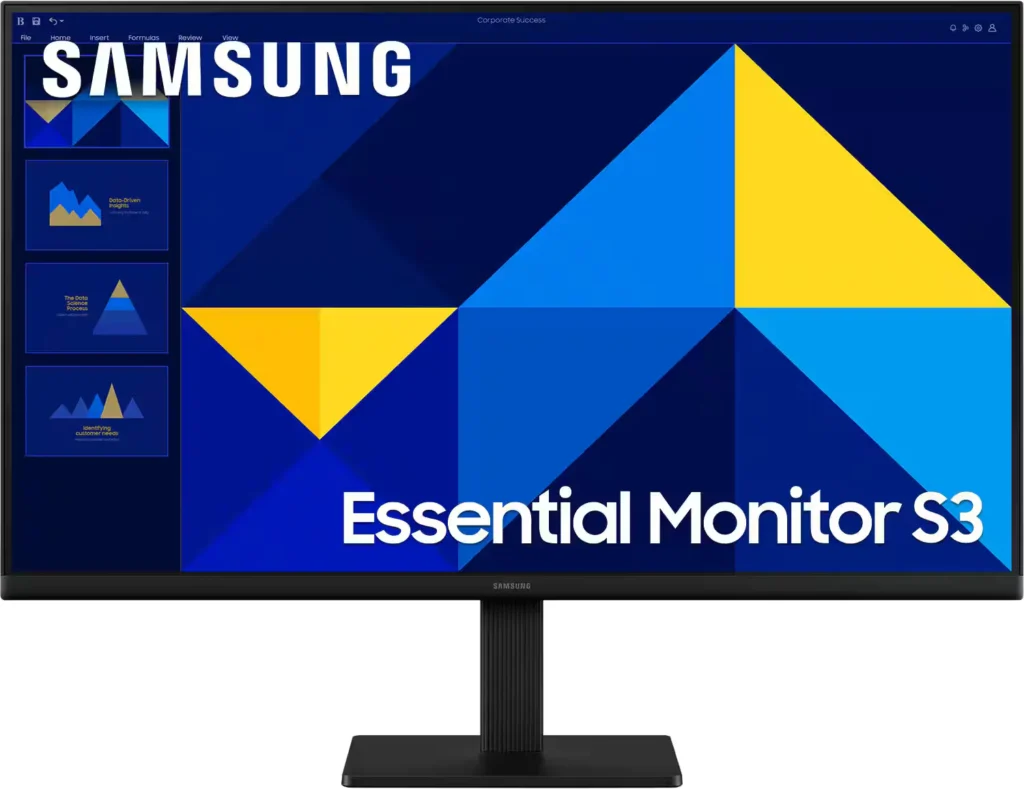
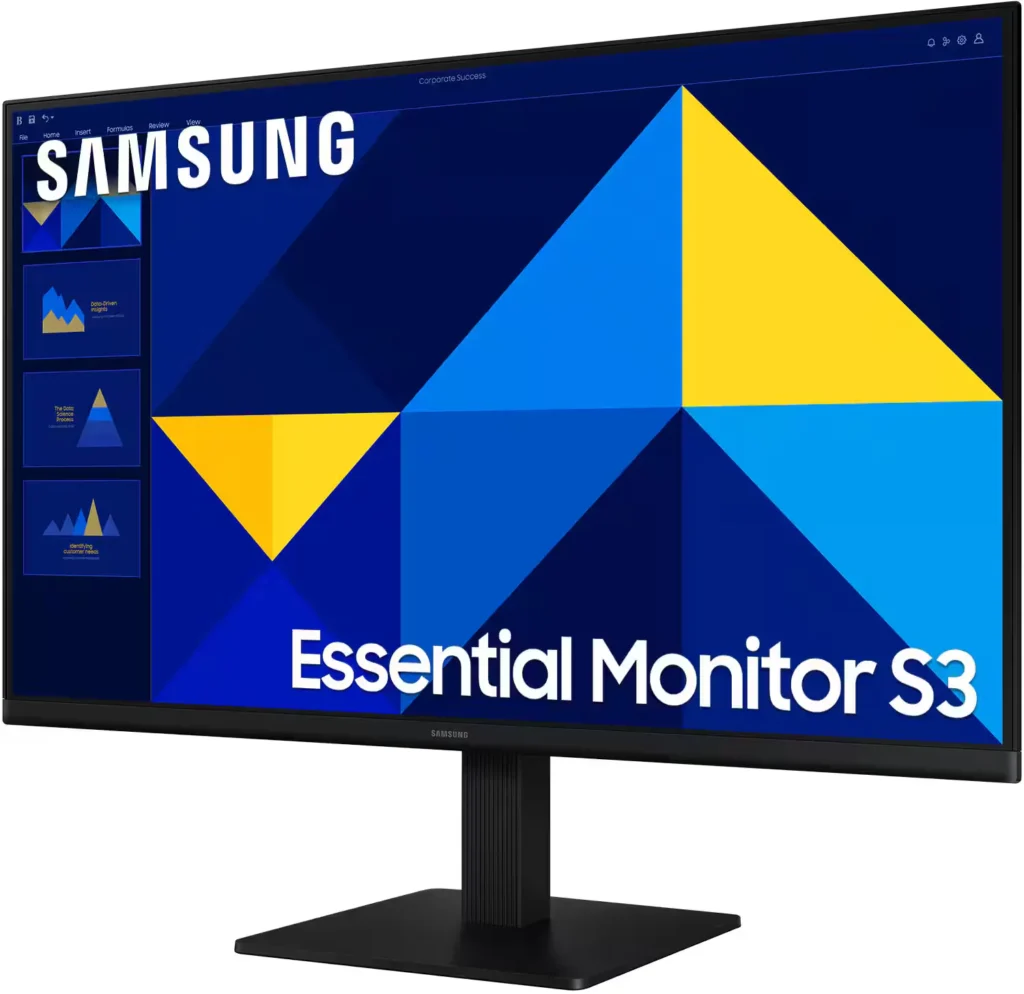
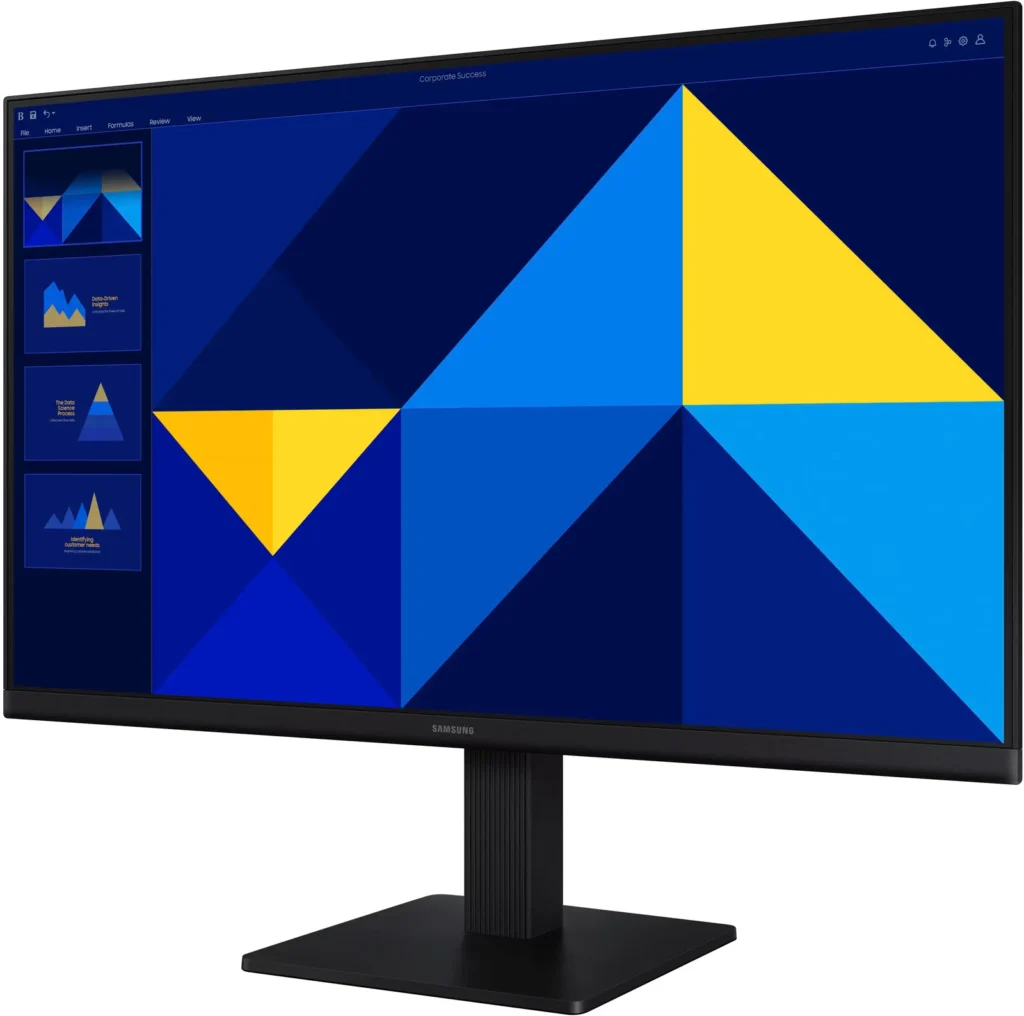
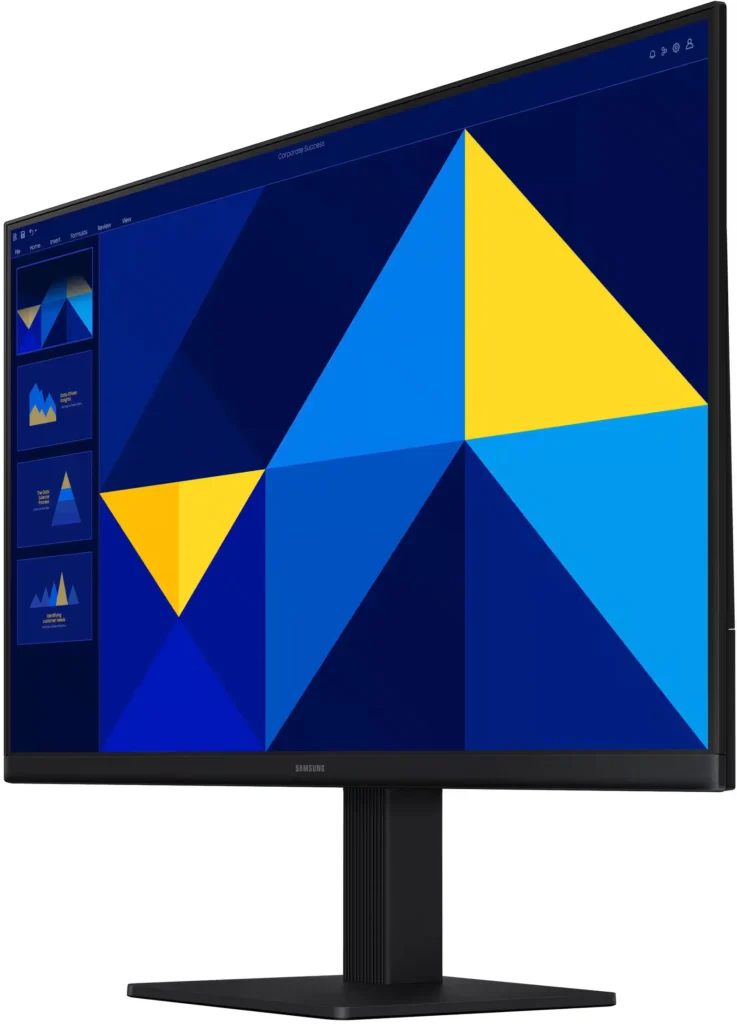
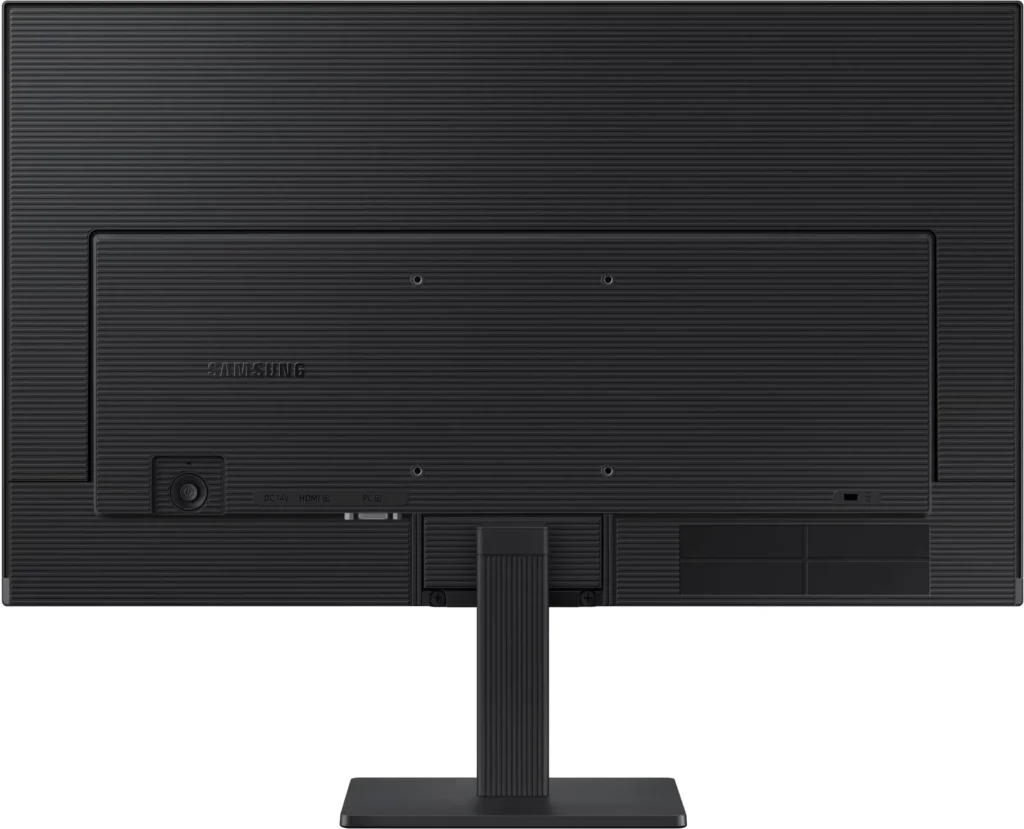
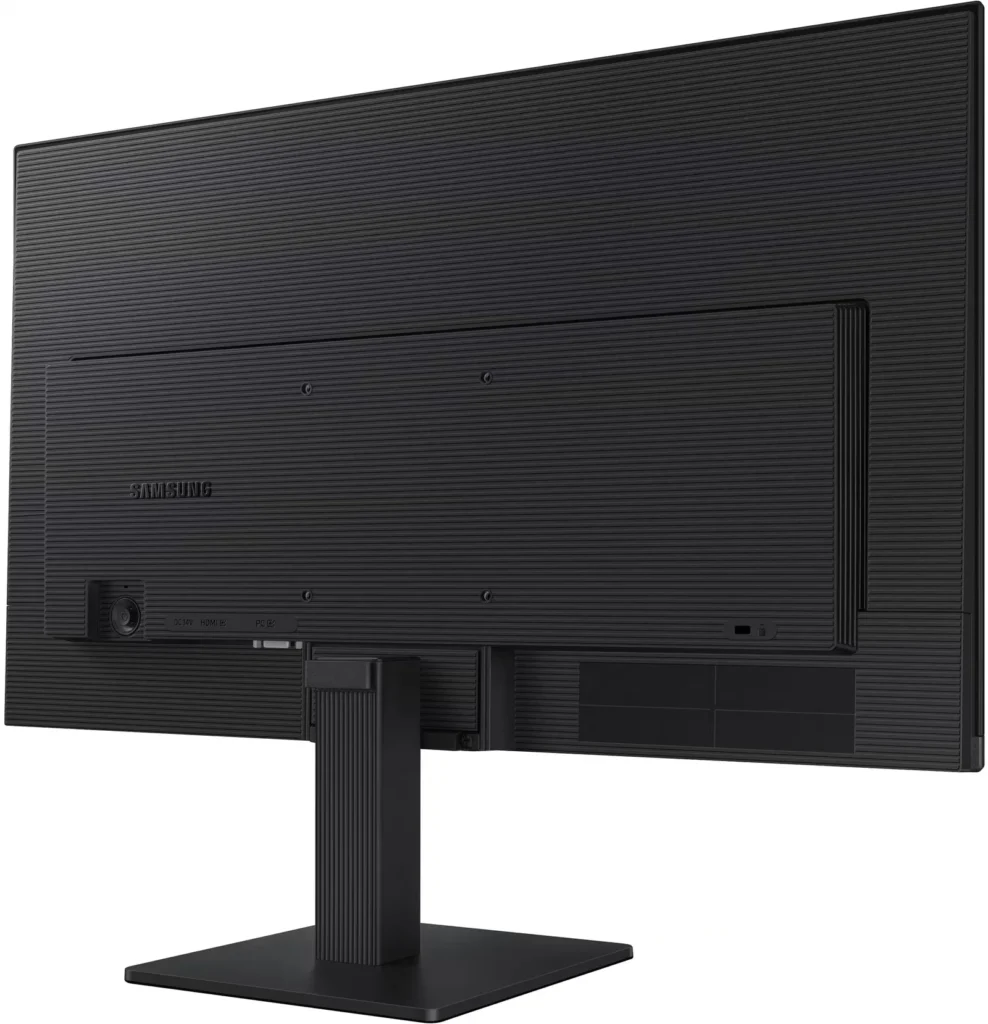
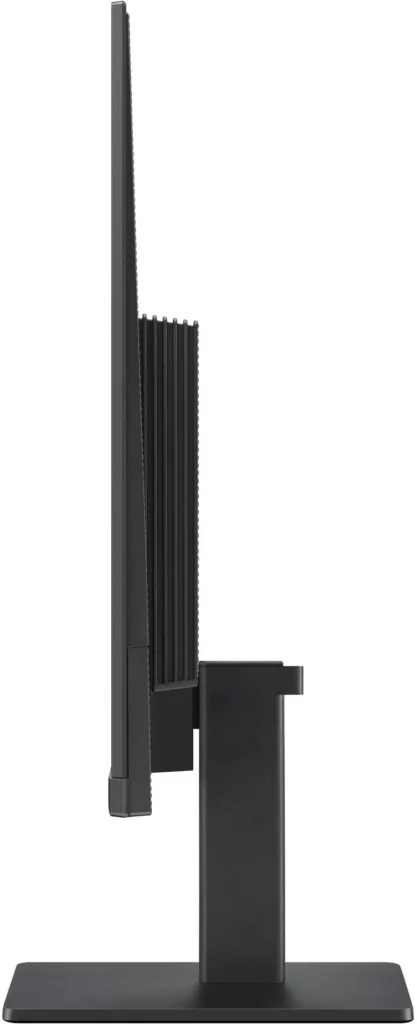
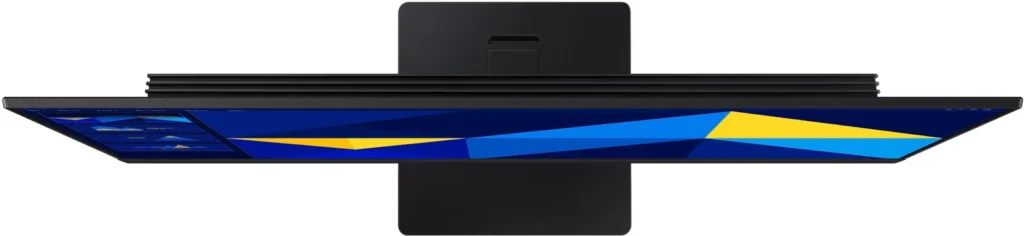
No images available for this model.
Imagery for this model matches or very closely resembles the visuals shown for similar versions. Please review the nearby models for a reliable reference.
Customer Media
Highlights
| Vivid IPS Panel Technology | The IPS panel delivers a stunning color experience across the entire display, maintaining consistent brightness and clarity from any viewpoint with a wide 178° viewing angle. |
|---|---|
| Smooth 100Hz Refresh Rate | A 100Hz refresh rate reduces lag and motion blur compared to standard 60Hz displays, providing smoother performance for creative projects, video playback, and everyday business tasks. |
| Advanced Eye Comfort Features | Equipped with Eye Saver Mode and Flicker Free technology, this monitor reduces blue light emissions and screen flickering to minimize eye strain during long work sessions. |
| Optimized Game Mode | Instantly adjust color and image contrast to see scenes more clearly and spot details in dark areas, providing a competitive edge for entertainment and creative work. |
| Modern Super-Slim Design | Featuring a sleek, lightweight aesthetic with ultra-thin border bezels, this monitor maximizes screen space and integrates seamlessly into any professional workspace. |
Pros & Cons
Pros
- Excellent Value for Price: Reviewers consistently highlight the monitor as a cost-effective solution, offering high-quality IPS visuals and a sleek design at a very competitive price point for both home and office use.
- Vibrant Picture Quality: The IPS panel provides sharp, crisp images with accurate colors and wide viewing angles, making it highly suitable for productivity tasks, photo editing, and streaming content.
- Smooth 100Hz Refresh Rate: The 100Hz refresh rate is noted as a significant upgrade over standard 60Hz displays, providing a noticeably smoother experience for scrolling through documents and casual gaming.
Cons
- Awkward Control Placement: The single joystick-style button for power and settings is located on the back of the monitor, making it difficult to reach and unintuitive to navigate for many users.
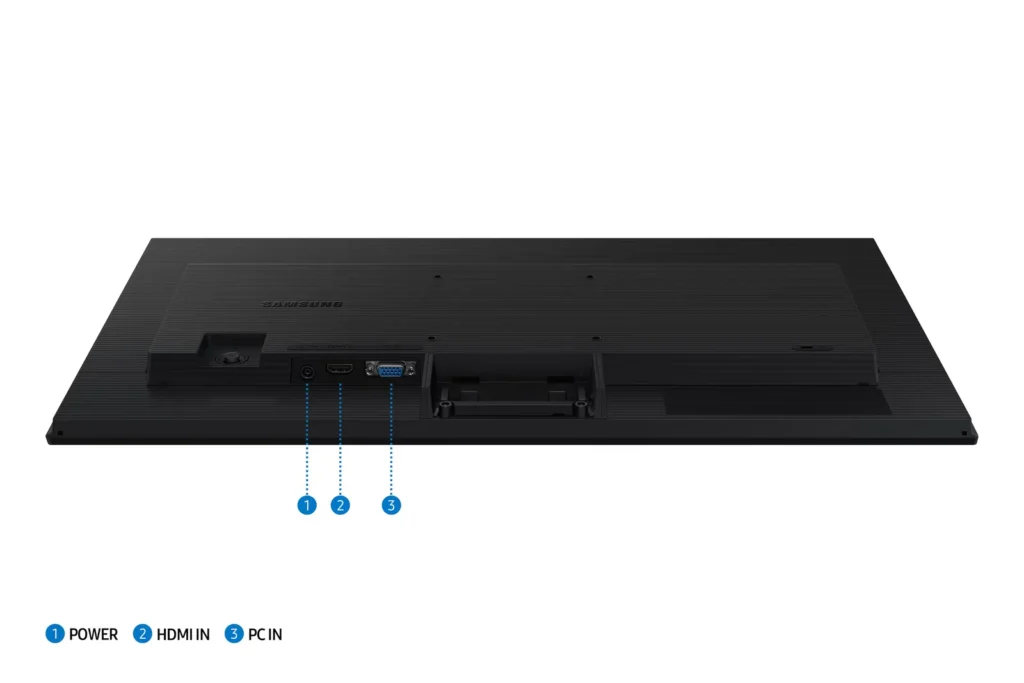
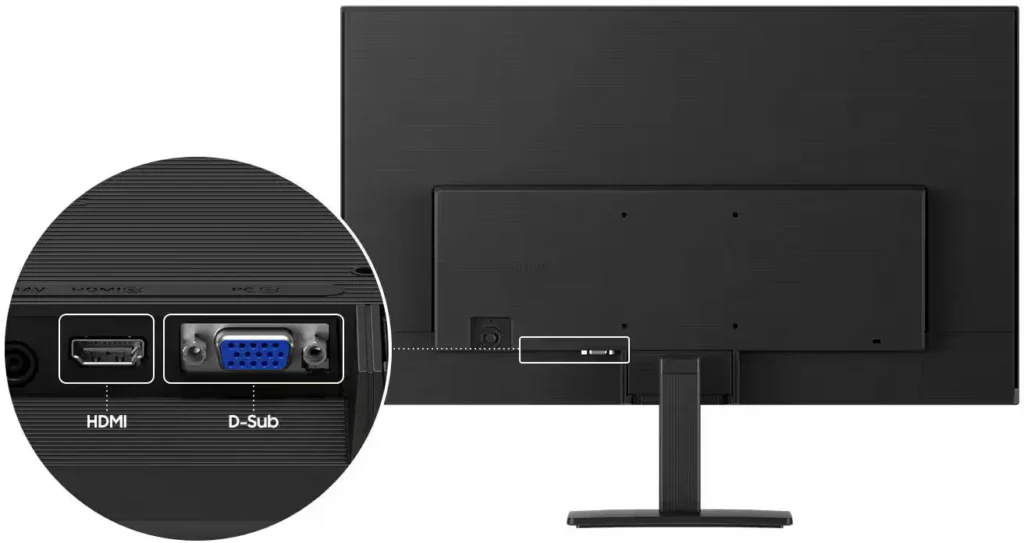
- Limited Connectivity and Features: The monitor lacks modern essentials like DisplayPort, USB-C, and built-in speakers, and several users were disappointed by the absence of a headphone jack on certain models.
- Basic and Flimsy Stand: The included stand is not height-adjustable and has been described as flimsy, with several users reporting significant difficulty during assembly due to misaligned screw holes.
You might also like










Customer Reviews
Showing reviews 981-990 of 996
-
Great monitor with clear picture
Incentivized Incentivized review: The reviewer received a benefit for sharing feedback.Joseph Hendrickson December 26, 2024Review source: AmazonI got this monitor to have a 2nd screen and it works great. The picture quality is fantastic and it was easy to set up right out of the box.
-
Good for some, Obsolete for others
Incentivized Incentivized review: The reviewer received a benefit for sharing feedback.Teigan Evans December 22, 2024Review source: AmazonIf you’re looking for a monitor with some older connectivity, this is a good option because it has an old school VGA connection. Who still uses that? I don’t know. The only other connection port is for an HDMI which will connect to anything with an HDMI connection. The 100Hz is nice for some gaming but there are much better performance options available on the market. It’s maybe mismarketed a bit.
For basic web browsing and streaming entertainment it’s really good. Maybe the best part about the whole thing is the physical design. The bezel is really thin and sleek looking. So it offers more space for your working area.
-
Typical Superb Samsung Quality and Beautiful Picture
Incentivized Incentivized review: The reviewer received a benefit for sharing feedback.Tom T. December 20, 2024Review source: AmazonI am a fan of Samsung video products, televisions and monitors. So, when I had the opportunity to upgrade my PC workstation with this beauty, I didn’t hesitate.
Since folks are likely most interested in picture quality, I’ll begin there. It is crisp and crystal clear, beautifully rendering text, graphics, images, and videos.
Adjusting the monitor’s display characteristics proved to be twitchy. You access the settings via the power button on the back of the monitor. Press it once, and they use it like a joystick to navigate the various settings. The options are extensive, but the button/joystick combo isn’t suited to large fingers like mine. And, since it is out of sight, it is more complicated than it would be on the side.
The monitor is very thin, and the bezel is narrow, giving the impression of an all-screen display with no frame. I love the overall appearance of the product and the display quality.
Plug-and-play has come a long way. My PC recognized and used the monitor immediately, and there were no drivers to load, either. All in all, it was a seamless startup.
The instructions provided with the monitor are fine for assembly but terrible for accessing the settings menu. Finding them online was also a challenge because Samsung’s support website does not recognize the model number on the monitor when seeking the manual. I discovered I needed to use the Model Code with an “L” added to the beginning to locate the manual. Baffling since the website asks for model numbers, not codes.
Assembly was simple, requiring only a Philips head screwdriver to secure the stand to the monitor. To assemble the stand, you could use a Philips screwdriver, or you can use the innovative thumbscrew feature of the screw. Check it out in the photo. I could quickly tighten the base to the stand column with hand pressure only. Another nice feature is that the three screws required for assembly are fixed in the parts, so they don’t go flying off at the worst moment—two very thoughtful features.
This is a great monitor that I love using. If you’re looking for a top-quality monitor for your PC, you should buy this Samsung.
-
Great Monitor
Incentivized Incentivized review: The reviewer received a benefit for sharing feedback.B4D2 December 18, 2024Review source: AmazonSamsung. What can be said about a quality product? We own several smart TVs from them and have always been pleased with the images they project. This monitor is a clear example of the continued commitment to quality. The assembly of the critical components is straight forward and simple. The inputs allow for PC or HDMI input. This is a common feature these days, but a welcome one for those of us who still have vintage monitors in operation. We have had to purchase adapters previously to allow our old flat screen to accept the cable box connection. This monitor will be used to display our security camera array. As such, we will not be able to exploit the game mode as described on the Amazon page. Nonetheless, the images portrayed once we ran a test of the system provided a clear and crisp picture that allows for considerable detail. The tilt head provides a range of motion to accommodate varying user’s preferences. At 27″, this wide screen allows for a broad display that is easy to take in without too much eye strain. If anything, the wide format may require a head scan from left to right to take in everything on the screen. We are thoroughly pleased with this monitor. For the affordable cost of $149, it’s time for you to upgrade.
-
Seven features I love and seven I miss from higher-end monitors
Incentivized Incentivized review: The reviewer received a benefit for sharing feedback.Tyler Danforth December 17, 2024Review source: AmazonThis feels very much like a bare bones monitor. Having used much better monitors, here are the features I’m missing with this one ranked by how much I miss them:
1. 4K. Your whole desktop and all your windows will appear larger here, which is good if you like large print, but if you’re used to a high-definition laptop screen, you’ll wish you had the additional space a 4K resolution can provide.
2. USB-C. Apple’s MacBook Pro laptops and MacMini desktops come with HDMI ports, but for many other machines, you’ll need a dongle. I consider USB-C display support a very important feature to have on a modern monitor.
3. Speakers. There are none here, but I don’t really miss them because speakers in monitors this thin tend to be terrible anyway.
4. Additional USB ports. Always welcome for plugging in accessories, but you’ll find none here.
5. More screen movement. You can’t raise it or lower it, and you can’t rotate it to make it vertical.
6. An integrated power supply. Sure, this display is somewhat thin, but it also includes a power brick that has to sit on your desk or on the floor or somewhere. On the plus side, at least that means you get a decently long power cable.
7. There’s no AirPlay support.
Here’s what I love about this monitor:
1. It’s a big screen at a low price. It looks great for watching YouTube videos on.
2. It’s thin and easy to carry around for an extra large display when needed.
3. It was super easy to assemble.
4. It can tilt.
5. The bezels are pretty small.
6. It includes an HDMI cable.
7. It’s decently bright.
While this doesn’t have all the features I want, how can it at this price point? I still rate this five stars because it works as expected and does what it promised.
-
Looks and works great
Incentivized Incentivized review: The reviewer received a benefit for sharing feedback.DeviceWorks December 17, 2024Review source: AmazonI got this to replace a dell that got damaged. This works great!
-
Larger with better color rendition and grey scale
Incentivized Incentivized review: The reviewer received a benefit for sharing feedback.Erik Ewald December 17, 2024Review source: AmazonNice upgrade to my laptop’s touch screen. I didn’t realize going in that buying an entry level touch screen was such a compromise. I do too much with photo correction and critical evaluation of graphics and such, to put up with my old screen. This model is a Big improvement.
-
Terrific monitor with vivid colors, gaming mode, and very lightweight.
Incentivized Incentivized review: The reviewer received a benefit for sharing feedback.Adventurer December 17, 2024Review source: AmazonThis is an excellent choice for a new monitor or a second screen. For me it’s the perfect size at 24 inches and it’s super lightweight. I can easily lift this with just one hand. It connected easily through HDMI and the colors and tones were realistic and vibrant. It made my spreadsheets look great! If you’re a gamer, there is a game setting so that your color and image contrast can be adjusted. The stand only takes a couple screws to put together and it’s easy to connect. The Samsung name is a brand that you can trust for electronics.
-
Decent
Incentivized Incentivized review: The reviewer received a benefit for sharing feedback.Thompson Garner December 16, 2024Review source: AmazonThis monitor has a decent picture quality. For $150 though, a better stand could be included. The construction of the monitor is a little subpar. If you need a monitor for viewing the web of coding, this is a good monitor for that. I would not recommend this for gaming or movies.
-
Super sleek monitor
Incentivized Incentivized review: The reviewer received a benefit for sharing feedback.Dan Stan December 15, 2024Review source: AmazonI love how thin and light this monitor is, it was super easy to mount and my monitor mount had no problem holding it up. The screen looks good for the price range and the refresh rate is awesome for call of duty! Everything was easy to setup and it was ready to go in minutes.