Customer Media
Highlights
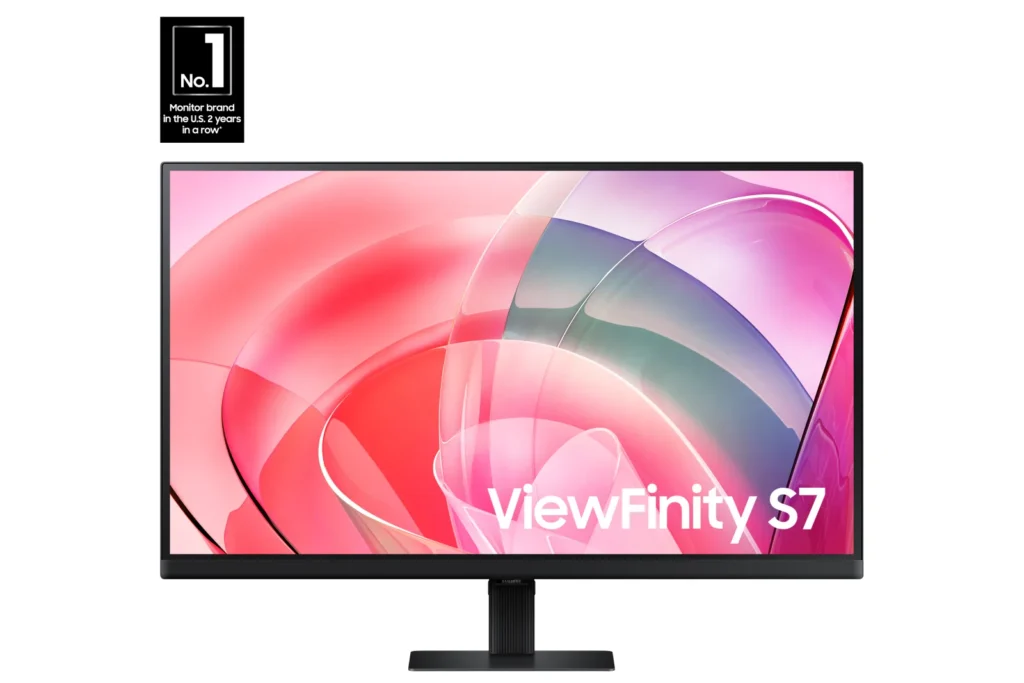
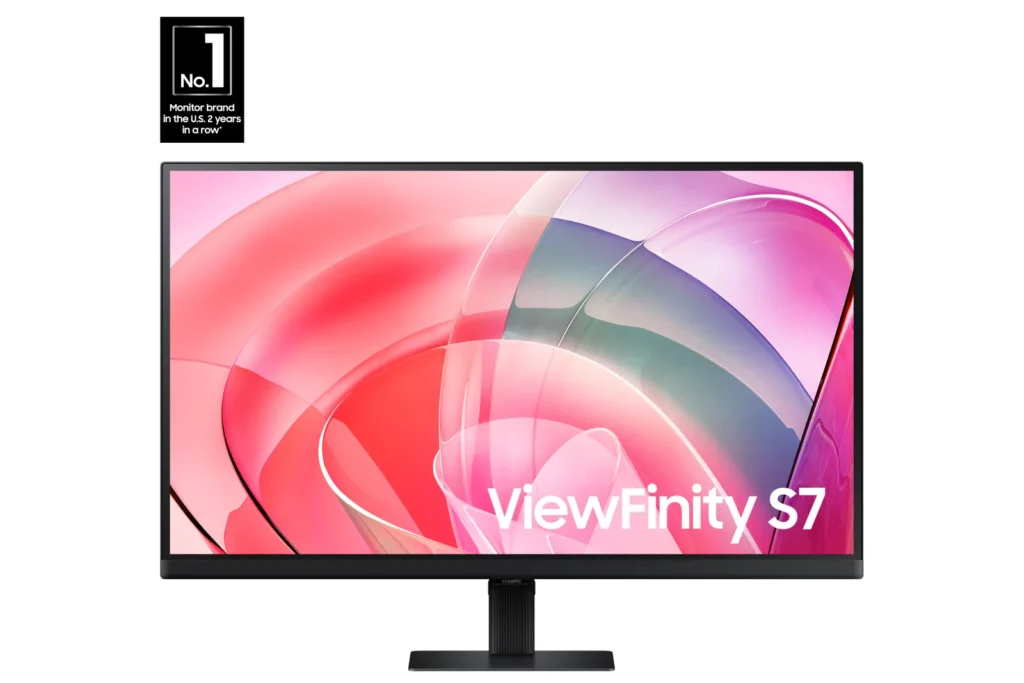
| Stunning 4K UHD Resolution | Experience crystal-clear visual excellence with 4K UHD (3840 x 2160) resolution, delivering increased levels of detail and higher pixel density for intricate designs, complex diagrams, and dynamic video content. |
|---|---|
| Vibrant HDR10 with 1.07 Billion Colors | Enjoy enhanced realism through HDR10 support, providing near-limitless hues and true-to-life color representation with deeper contrast for darker darks and brighter brights. The monitor displays 1.07 billion colors for stunning accuracy and detail. |
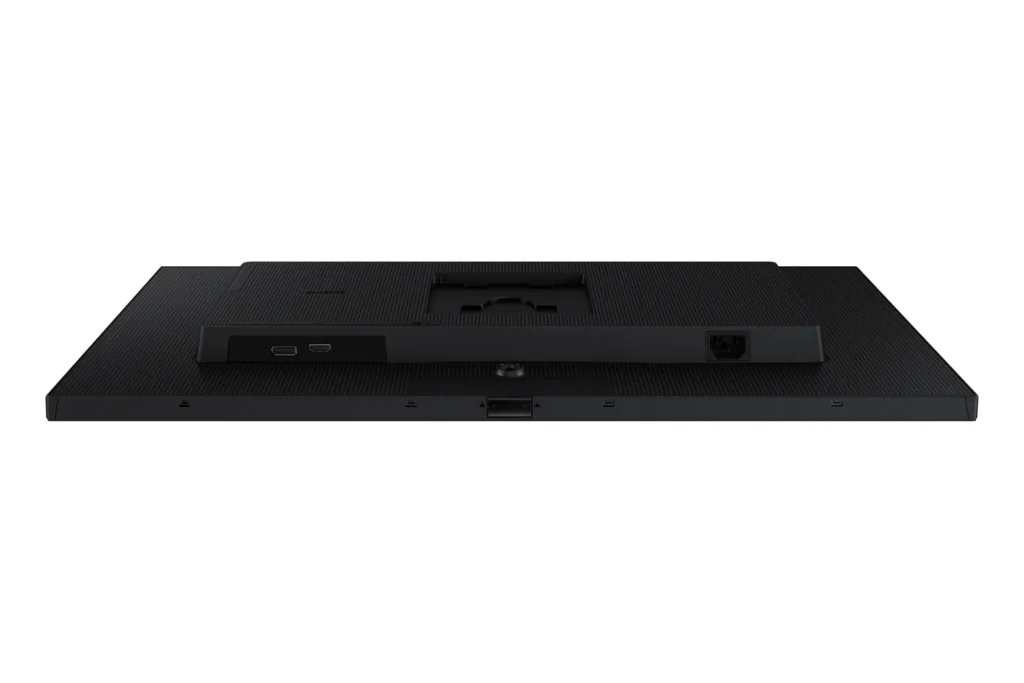
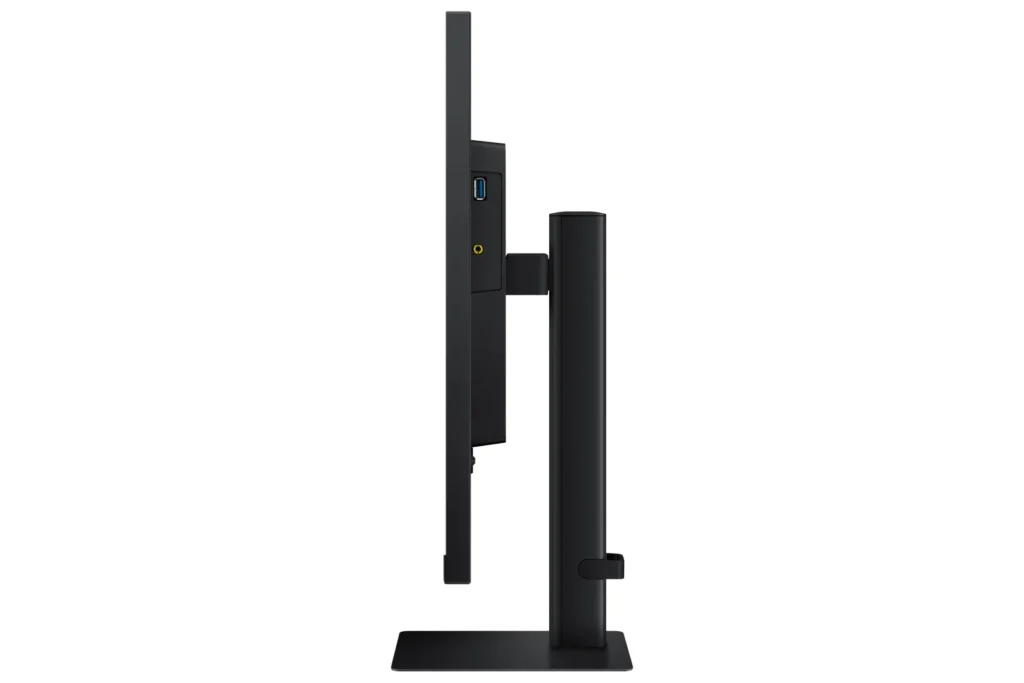
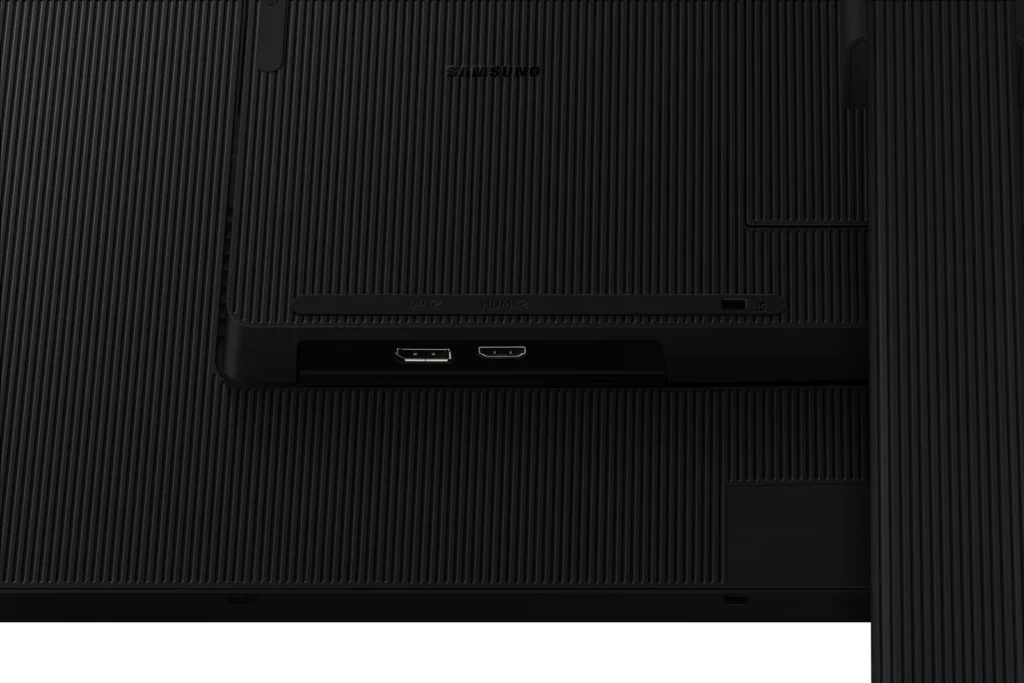
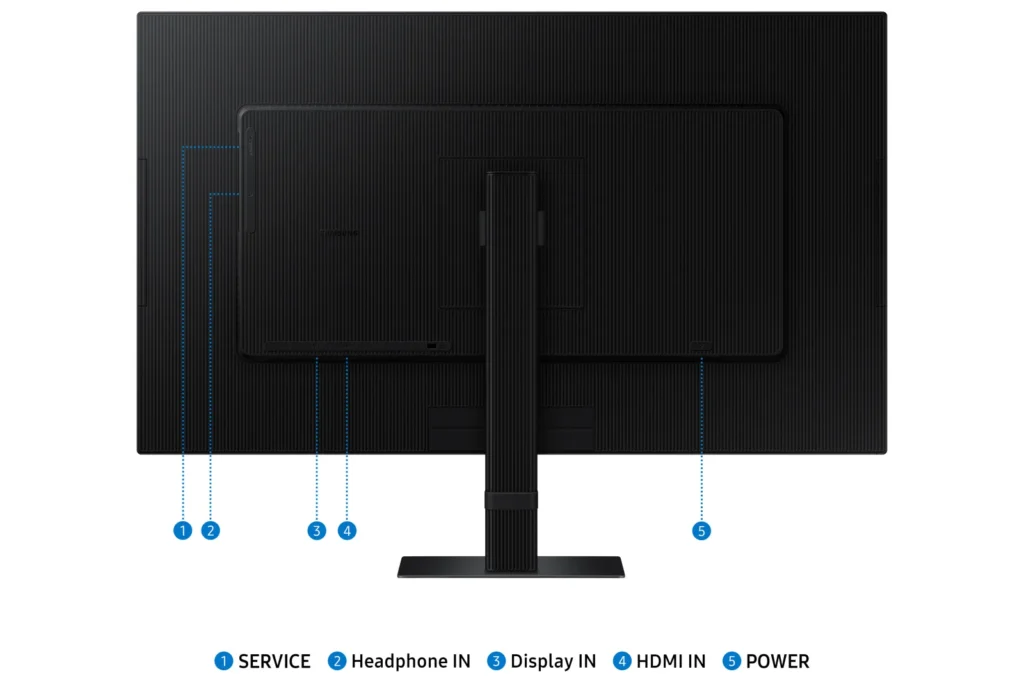
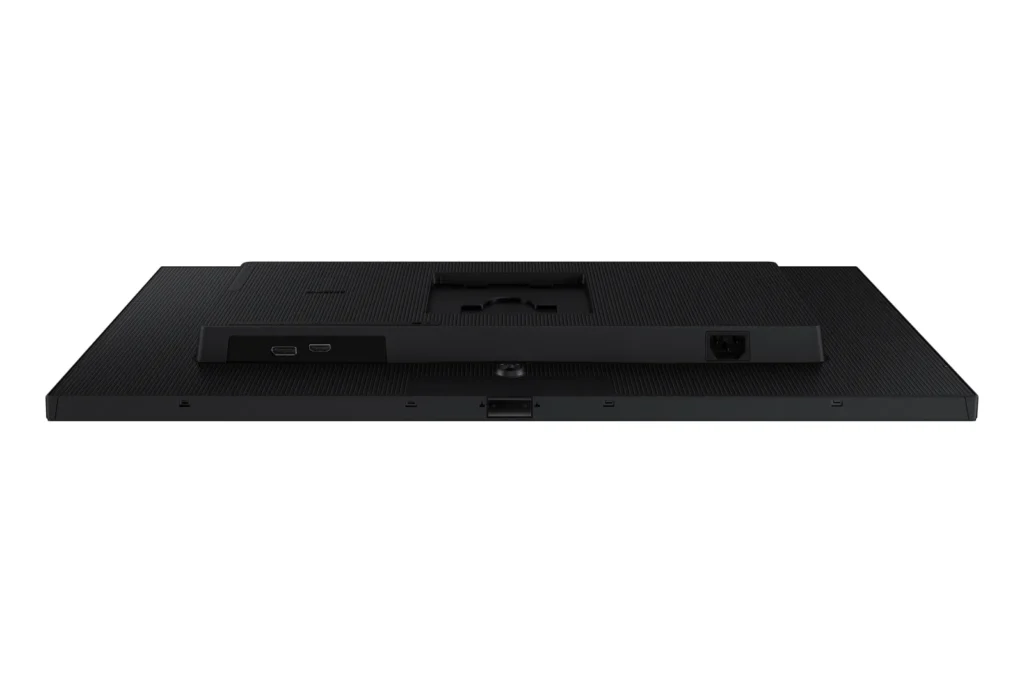
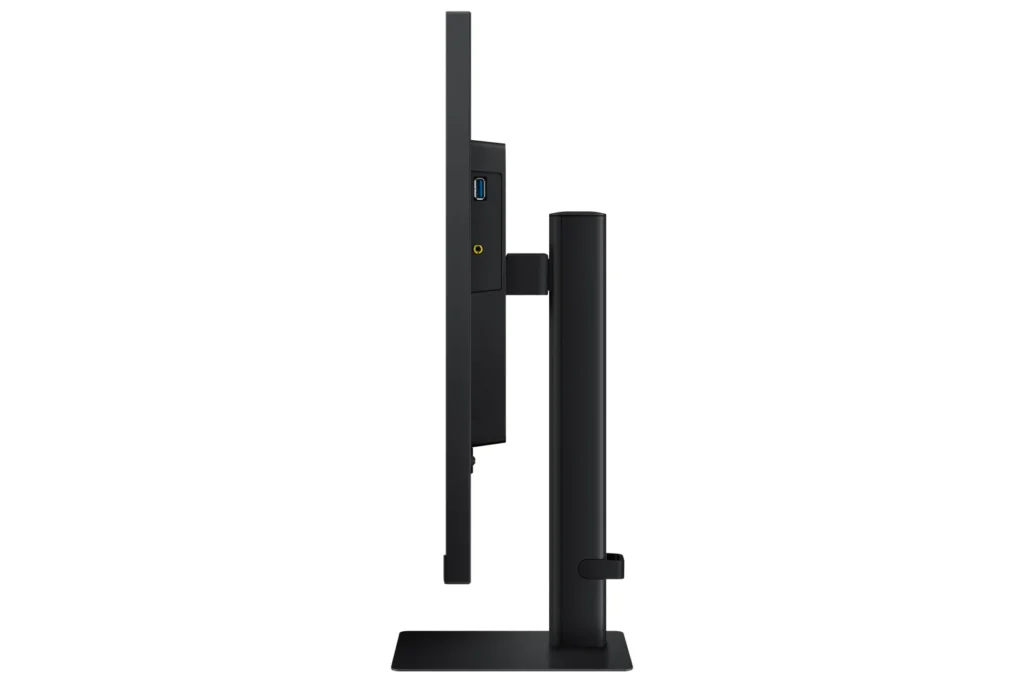
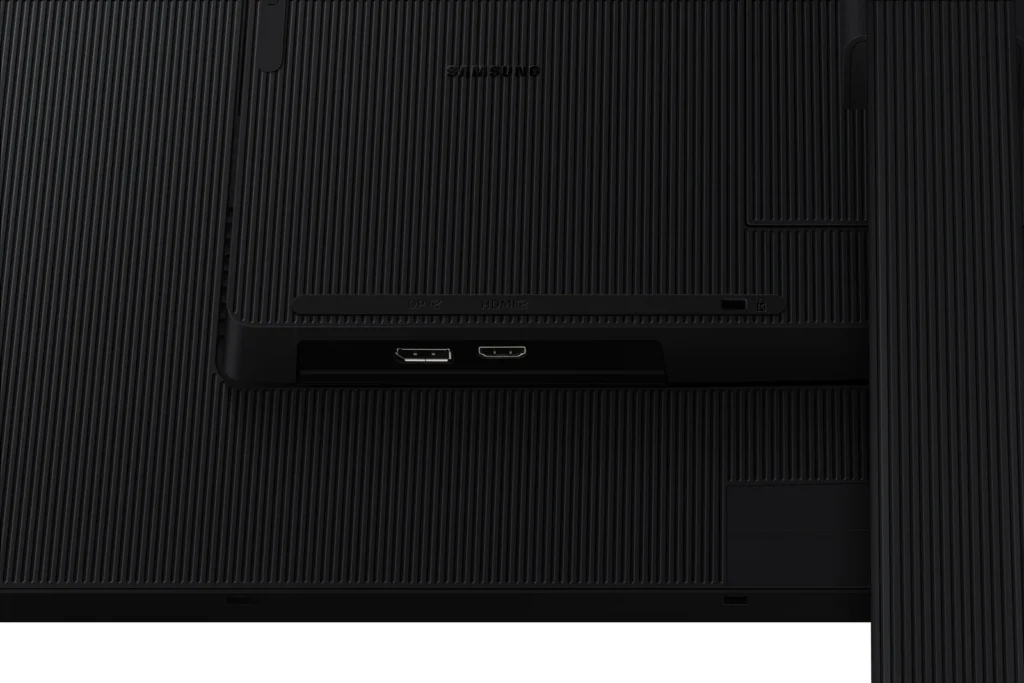
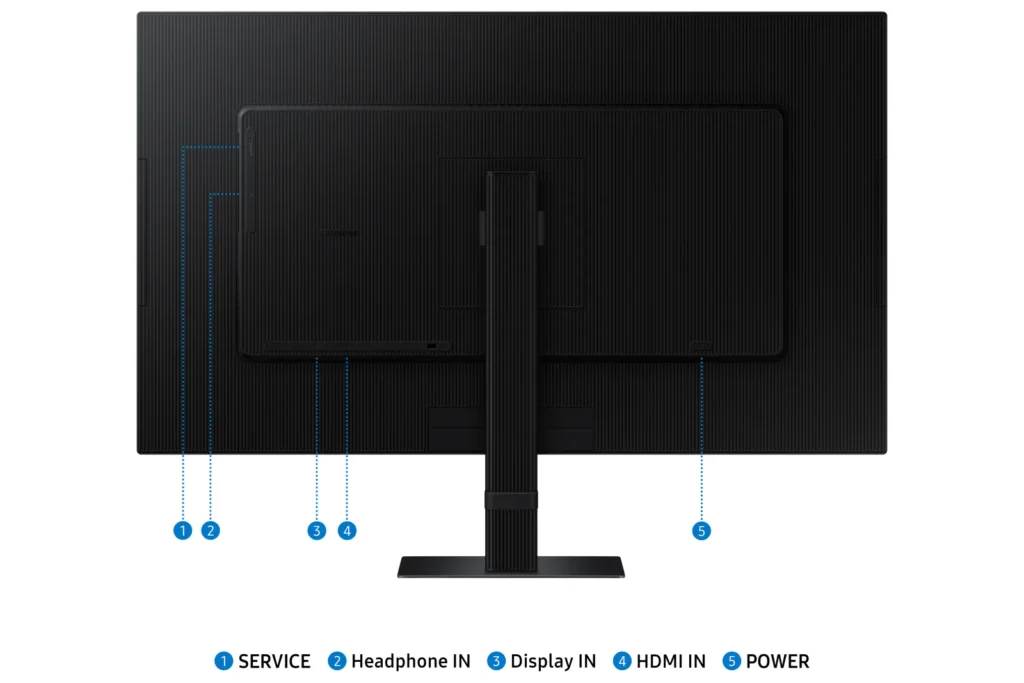
| Versatile Multiple Connectivity Ports | Simplify your setup and enhance productivity with convenient connectivity options, including HDMI, DisplayPort (DP), USB-A, and USB-B ports, making it straightforward to connect various peripherals. |
| TÜV-Certified Intelligent Eye Care | Keep your eyes fresh and reduce strain during extended viewing with TÜV-certified intelligent eye care features. This includes Eye Saver Mode to protect against excessive blue light and Flicker Free technology to minimize screen flickering. |
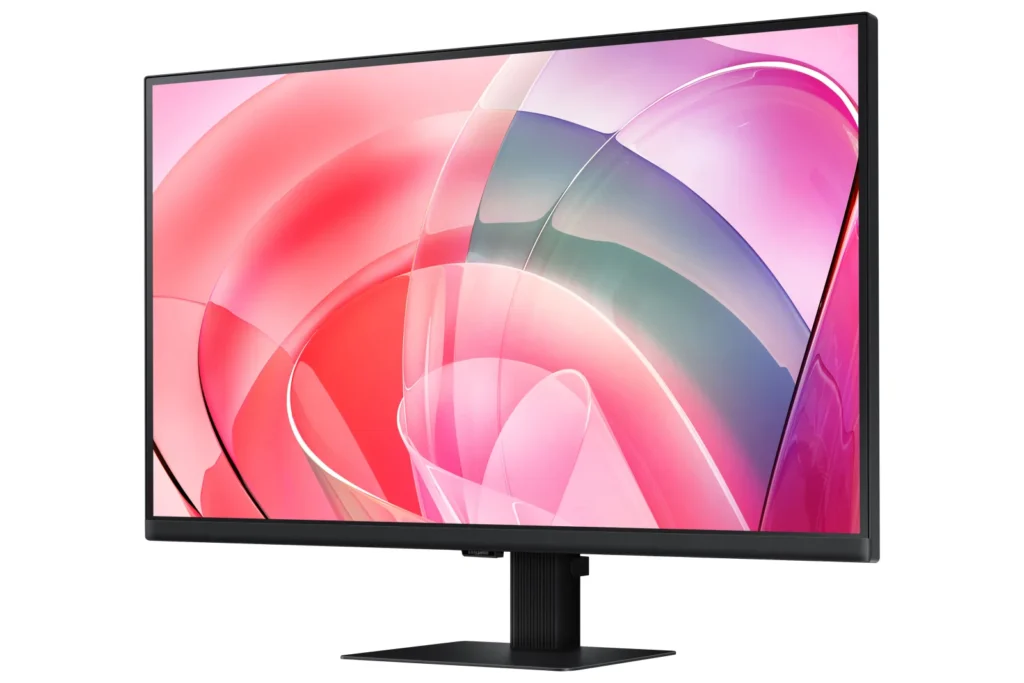
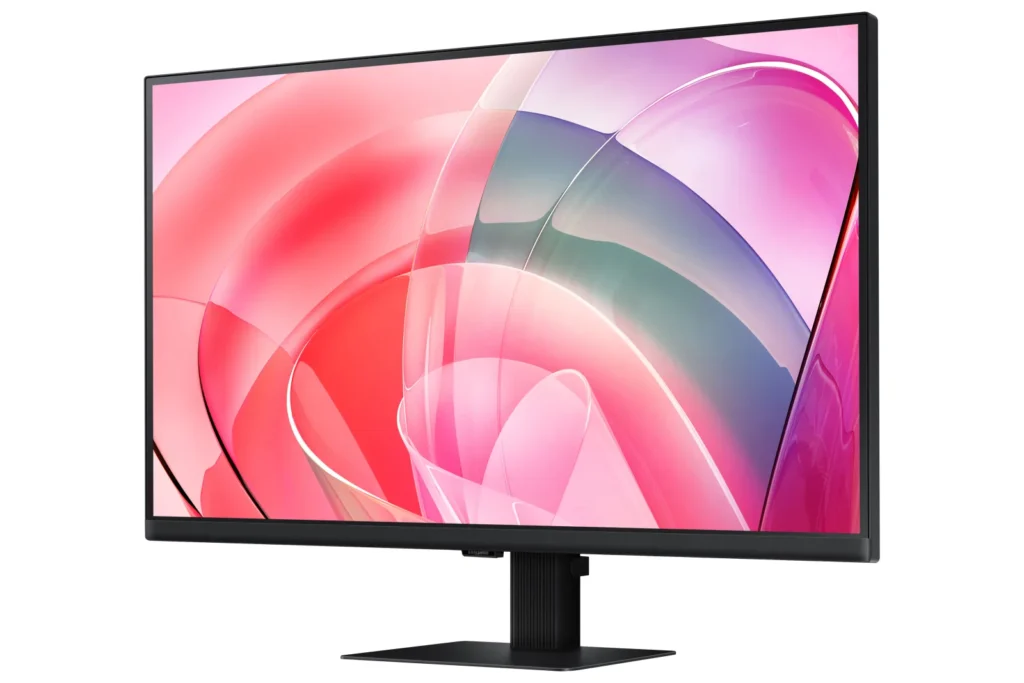
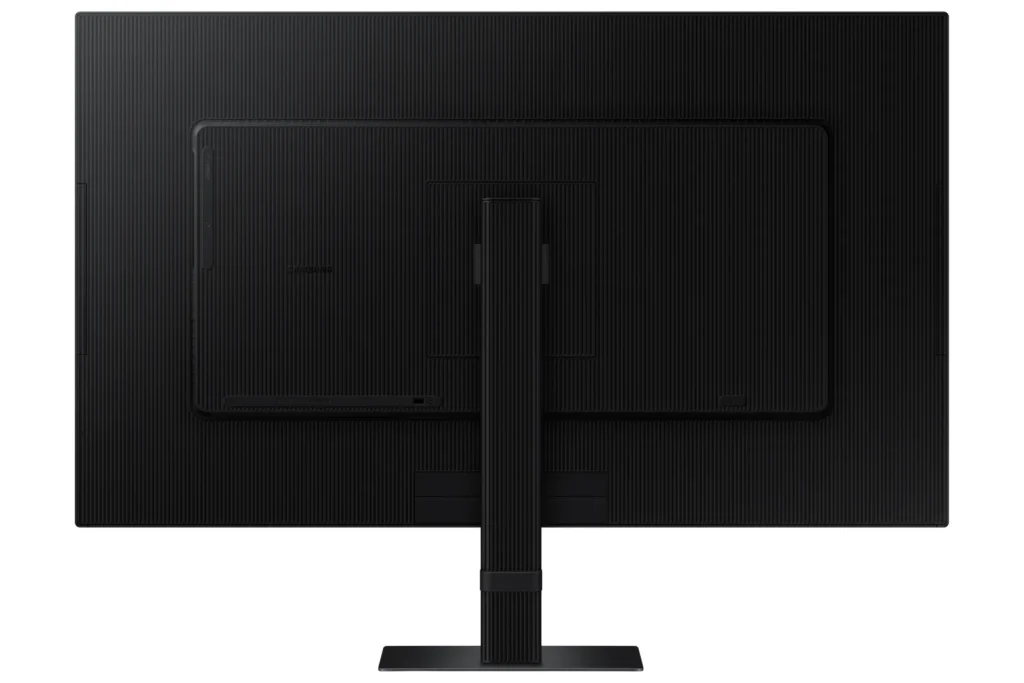
| Effortless Easy Setup Stand | Create your ideal workspace effortlessly with the Easy Setup Stand, which requires no tools or screws for assembly. This design offers flexibility and convenience with a simple push of a button. |
Pros & Cons
Pros
- Excellent 4K Picture Quality: Reviewers consistently praise the monitor's stunning 4K UHD resolution, crisp and clear visuals, vibrant and accurate colors, and good brightness, making it ideal for work, photo/video editing, and immersive viewing experiences.
- Large Screen Size for Productivity: The 27-inch and 32-inch screen sizes are highly valued for providing ample workspace, allowing users to multitask with multiple windows, view spreadsheets, code, and enjoy content without eye strain, especially beneficial for those needing a larger display.
- Good Value for Price: Many customers consider the monitor to be a great value for its price, particularly when purchased on sale, offering high-quality 4K resolution at a competitive cost.
Cons
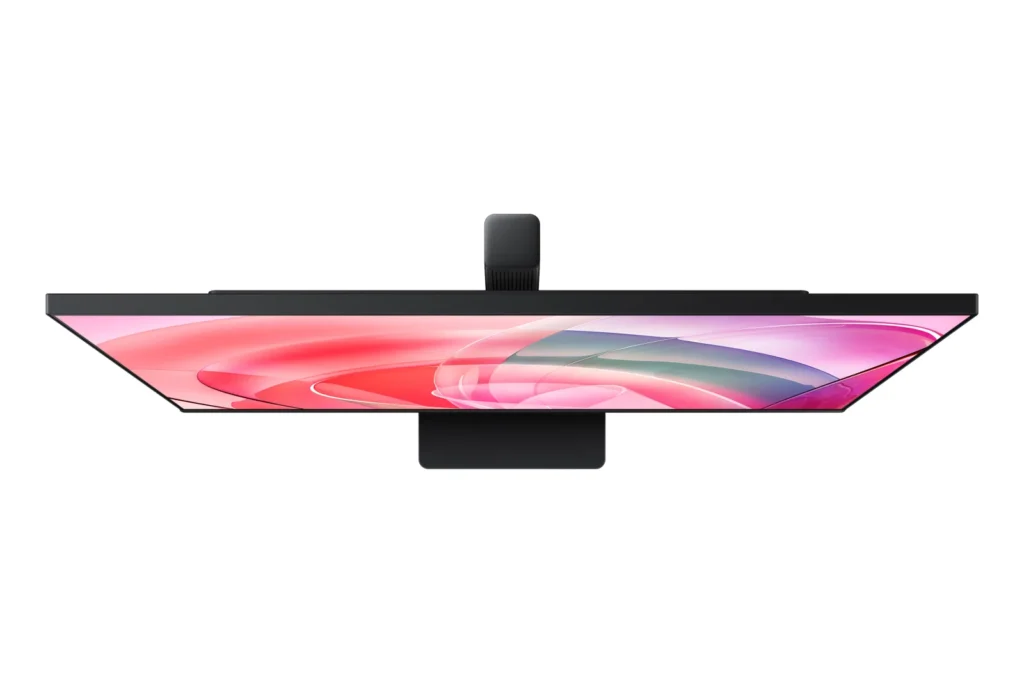
- Non-Adjustable Stand: A frequent complaint is the monitor's stand, which lacks height adjustment and sometimes swivel capabilities. Users find this inconvenient for ergonomics and multi-monitor setups, with some even noting inconsistent heights between identical models.
- Missing Cables and Limited Connectivity: Several reviews report that advertised cables, such as DisplayPort and USB-C, were missing from the box. Furthermore, the general lack of USB-C ports and limited input options (often only one HDMI and one DisplayPort) are significant drawbacks for many users, especially those with modern laptops or multiple devices.
- Annoying Software & Connectivity Issues: Users are frustrated by persistent software annoyances, including a large, non-dismissible 'register' pop-up menu that appears upon waking or turning on the monitor. Connectivity issues like losing signal with the computer, slow wake-up from sleep mode, and performance lag (especially with Macs) are also commonly reported.
Customer Fit
- Primary audience: Productivity / creative users: People doing photo/video editing, spreadsheets, design, or multitasking across many windows say the 4K clarity and large desktop space make work easier and more comfortable for long sessions.
- Secondary audience: Home / general use owners: Users who mainly browse, stream, or want a single big screen instead of two monitors praise the image quality and say it “replaces having two displays” for everyday use.
- Ideal scenarios: Work-from-home setups needing a bigger second screen for laptops or Mac Mini. Casual console / PC gaming at 4K 60Hz, but not high frame rate shooters. Households that watch YouTube / streaming on the monitor instead of using a TV.
You might also like










Customer Reviews
Showing reviews 261-270 of 295
-
manufacturing QC problem
Verified purchase Verified purchase: This reviewer bought the product.brian lun August 18, 2024Review source: Amazona very noticeable 2mm x 4mm medium bright white dot is showing at the bottom of the screen..probably a backlight, a manufacturing QC problem, Unfortunately, no choice I have to return it
-
Easy assembly + outstanding performance!
Aly August 16, 2024Review source: AmazonI’m so impressed with this Samsung 27-Inch ViewFinity S7 monitor. Assembly was a breeze! The stand’s locking mechanism made setup quick and hassle-free. The monitor itself performs exceptionally well, with stunning 4K UHD resolution and vibrant HDR10 colors. I am so happy with the quality that I’m now considering replacing my second monitor with another one of these. If you’re looking for a high-quality monitor that’s easy to set up and delivers excellent performance, this is a fantastic choice.
-
You get what you pay
Verified purchase Verified purchase: This reviewer bought the product.Tomas Botero V August 12, 2024Review source: AmazonIt has good sharpness but lacks color and contrast compared to a MacBook Pro display.
-
Excellent quality monitor!
Justin August 12, 2024Review source: AmazonTo start this review off, if you don’t think this monitor is HUGE, well it is! Out of the box, the packaging is top notch, everything arrived intact and was very easy to setup. As for the monitor and its own internal menu and settings, I find that the button placement is very nice. It allows for easy navigation of the menu, as well as adjustments of the various settings. Even the sound isn’t bad on this thing, however I do use a soundbar, so I won’t comment much here other than it sounds nice. The monitor is equipped with a HDMI, display port, an audio out, and usb port. All of which have functioned properly. The auto switching HDR function is super nice especially when using my Xbox, and you can really tell when it kicks in for HDR10 games.
The first device I tested this monitor with was my desktop. Setting this as my primary display allowed some much for for various programs to be viewed at the same time. You could easily have 4 programs occupying the screen and it looks great. I did have to go manually set the refresh rate to 60, which is the maximum for this monitor. This made everything look very smooth and fluid. The 4k quality is just stunning when compared to lesser quality monitors. All video streaming looked phenomenal, and even a few games looked great when I tested them (L4D2, and 7D2D on max settings). While I’m sure higher refresh rates will matter to some, this is perfect for casual gaming.
For the second test, I used my Xbox Series X. I ran through the setup and calibration of the monitor, as well as enabling the HDR feature. Here I tested many different games to get a good feel of the difference in this 4k monitor versus the 1080p tv I was using. As you can figure already this was a dramatic change. For the sake of length I’ll only list two games, Destiny 2 and Amnesia: The Bunker. These are both titles I have played to completion for many many hours. What I can say after evaluating is, Destiny 2 had way more color depth than I was ever aware of. Many color palettes in the game simply didn’t even look the same because the color wasn’t even fully displaying (I guess). The gameplay look as smooth as butter, and felt like it is how the game was meant to be viewed. In addition to this, there were many texture details that became apparent to me after the switch, distant blurry objects were now obviously constructs with specific designs, flora has fine details that I never noticed, even lights in the game now had detail to them that I had never seen before. To me, honestly, it’s been like playing a whole new game. The second game, Amnesia, I can’t even describe the feeling I had when I noticed enemies that I literally could not see before. Literally, I got spooked as I was replaying the game and running through a foggy area, a figure walked past me. Never, have I seen that on my old tv, I knew in that moment that this was way more than a small upgrade, this put me on a whole new level.
Overall, this one knocked it out of the park for me. It hit every note I wanted in a monitor. A big display for multiple uses, it’s more than capable of show casing the most graphical games in my library (even older games look good too), and it has a solid, intuitive design that is more than capable of serving ones needs in a multitude of scenarios. I give it a perfect 5.
-
Good–But Not Without its Warts
Verified purchase Verified purchase: This reviewer bought the product.WILLIAM PREPODNIK August 12, 2024Review source: AmazonI received this monitor via Amazon about three weeks ago. I’ve been planning on a 4K UHD monitor for some time now due to vision issues, with 32″ seeming to be about the right size. I was right on both accounts. The clarity of this monitor, especially compared to my former one, is nothing short of amazing, and the size means that I can get a lot of work done (text, photos, word processing) without eyestrain. For these reasons I am pleased so far with it.
Physical setup consisted of putting the stand together and mounting the monitor on it. They supplied instructions but there were very few parts and how it went together was self-evident. The monitor itself is pretty much plug-and-play: set it on the stand, use the supplied USB cable to hook it up to your computer, and turn it on. Voila! Picture! Only you turn it on the first time with a button mounted on the BACK of the monitor! Odd.
However the monitor is not without its issues. The one rather large fly in the ointment is that there is no software included (or even available, as a chat with a Samsung tech confirmed) to control the monitor from my computer. Instead, all monitor changes (brightness, clarity, modes, etc. etc.) are controlled from a button on the back of the unit. You put your finger up under the bottom middle of the unit, reach up in the back, and your finger contacts a mechanical button on the back of the unit maybe two inches above the bottom of the monitor. Round, with a smaller activation button in the middle. You press up, down, left or right on the outside rim of the button with your finger to access and toggle between the various modes. It works–after numerous attempts to literally feel my way around. But to me it seems to be a solution in search of a problem. It would be MUCH simpler, probably cheaper, and FAR more convenient, to merely have computer software available so that any needed changes to settings can be made from the keyboard rather than by groping around for a button you can’t even see.
Second fly is that the monitor had an annoying habit, just after I turned it on, of staying on for maybe 30 seconds or so, then blacking out for maybe 10 seconds before coming back on. Though not a deal-killer it WAS annoying. I text-chatted with Samsung: the tech had never heard of this issue before but had me unplug the USB cable from both ends (monitor and computer), wait 30 seconds, then plug everything back in again. It seemed to work–so far. No recurrence for the past week.
Third is that whenever the monitor comes on, I get a rather large dialog box (maybe 4″ x 4″) urging me to register the unit. I did, the first day. But the monitor apparently doesn’t know that and there is no way I can find to turn the dialogue box off–and it stays on for maybe 30 seconds, which is time I could use for actually accomplishing something, before shutting off. Again–very annoying.
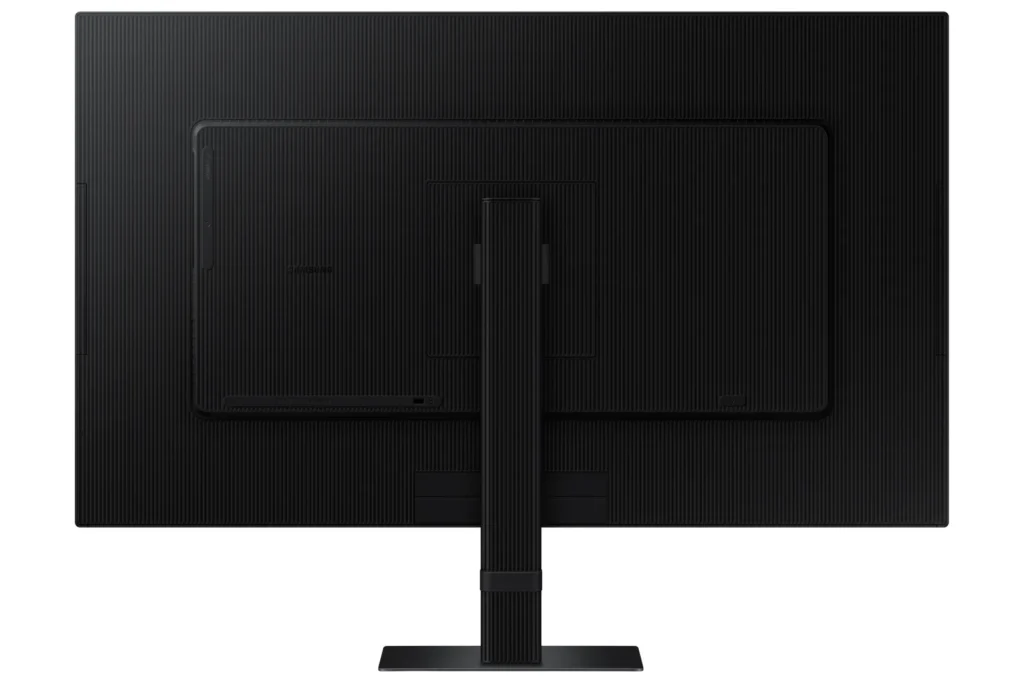
Finally, there is no height adjustment on the stand. The height seems to be in a good location and I don’t know if I’d use a height adjustment even if it were available, but other users might.
BOTTOM LINE: I was sort of nervous when seeing a 32″ 4K UHD monitor for what seemed a VERY low price ($300), but as Samsung is a good name and I’ve always enjoyed good product support from them, I took the chance. If the only issue were visual performance and clarity, it is a great deal, and as indicated earlier I am perfectly happy with that. But the other things–well, in a nutshell, they seem very Un-Samsung-Like to say the least–almost like this particular line of monitors reflects putting a bunch of leftover parts together that they had no real use for otherwise. The picture is great, and if you can put up with the numerous inconveniences, then this monitor is a good deal. Otherwise…well, you’ll have to decide for yourself if the headaches are worth it.
-
Good Monitor
Verified purchase Verified purchase: This reviewer bought the product. Incentivized Incentivized review: The reviewer received a benefit for sharing feedback.JohnW August 9, 2024Review source: BestbuyGood size and easy to install. Not enough hook ups on it.
-
Really nice monitor!
Robert Wallace August 9, 2024Review source: AmazonThe monitor worked great as a replacement for an older 25″ monitor (also Samsung).
It hooked up easily and did what I wanted.But, there is more.
This monitor had a PiP feature (picture in picture) which I have not seen on TVs or Monitors in a long time.
It lets you view 1 video source on the whole screen and another video source in a window.
I think some streamers would like this if they have a lot of things to keep an eye on – or maybe using it for security cameras? Not sure on what the target market is.Anyhow, tried it out, but noticed the main monitor had some distortion when the PiP was activated. Basically it got a little “fuzzy” – not sure why. Mismatched refresh rates between sources? Did not try to figure it out. I would not really use this feature but just wanted to see if it worked.
Overall, though, really sharp monitor viewing experience and gives me a lot more visual workspace.
-
Great picture for the price
Verified purchase Verified purchase: This reviewer bought the product.Jacques Amar August 5, 2024Review source: AmazonThis was to be my “second” large monitor next to my (much more expensive) LG 32″ that faces me straight.
The image is great. The 2 monitors don’t seem to agree on colors 😀
The Samsung is much too red in HDR mode and I had to play with it until I found the proper color.
I would take a star off for the control button which is not easy to reach in the back and I have trouble with the up direction. Not enough to send back or ask for a replacement, but annoying while trying to find the proper color balance. Hope I don’t need to change things often -
No built-in speaker
Verified purchase Verified purchase: This reviewer bought the product.Amazon Customer August 3, 2024Review source: AmazonIt doesn’t have built-in speaker although ai says it does. Everything else is good.
-
Gorgeous monitor
I drink and I review things July 29, 2024Review source: AmazonThis monitor is crisp, clear, and colorful. The HDR function is a definite improvement over my last 4K, and it makes my games feel more alive. 32 inches is just the right size for a desktop monitor for me, something I didn’t know until this monitor. I was using a 24″ and that 8 more inches really makes a huge difference. The blacks are pretty good for a UHD. It’s no OLED but it’s pretty good!
Highly recommend!