Customer Media
Highlights
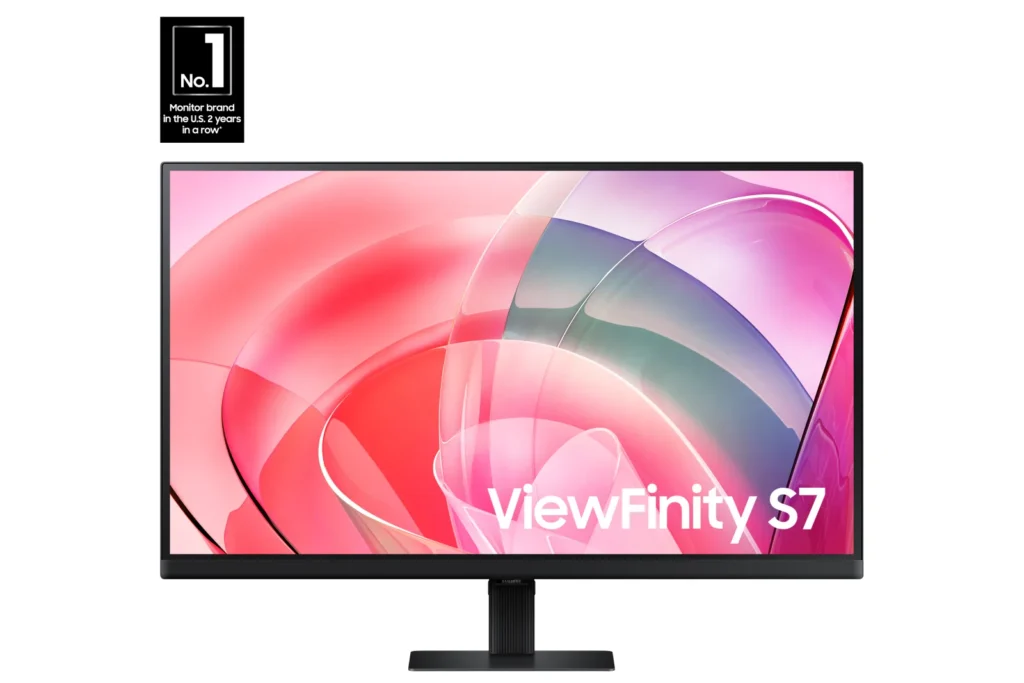
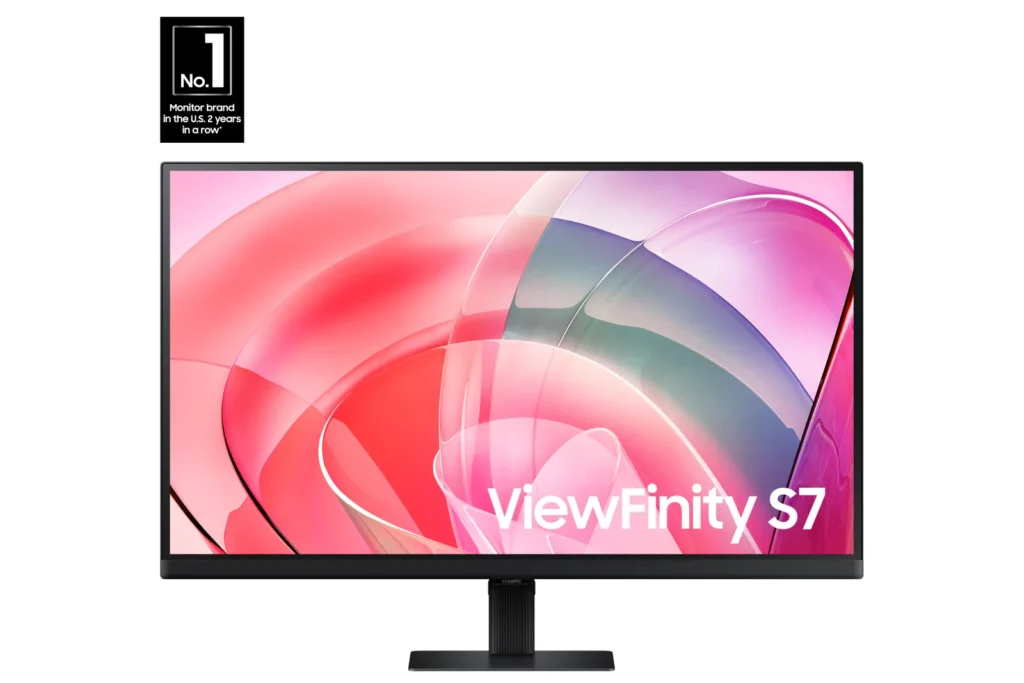
| Stunning 4K UHD Resolution | Experience crystal-clear visual excellence with 4K UHD (3840 x 2160) resolution, delivering increased levels of detail and higher pixel density for intricate designs, complex diagrams, and dynamic video content. |
|---|---|
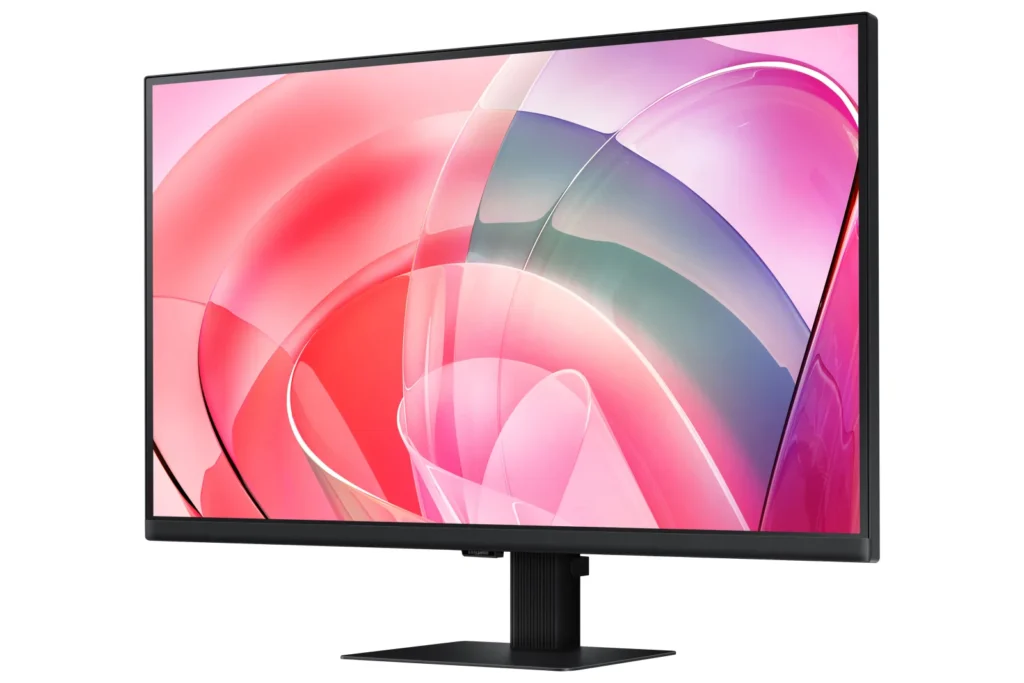
| Vibrant HDR10 with 1.07 Billion Colors | Enjoy enhanced realism through HDR10 support, providing near-limitless hues and true-to-life color representation with deeper contrast for darker darks and brighter brights. The monitor displays 1.07 billion colors for stunning accuracy and detail. |
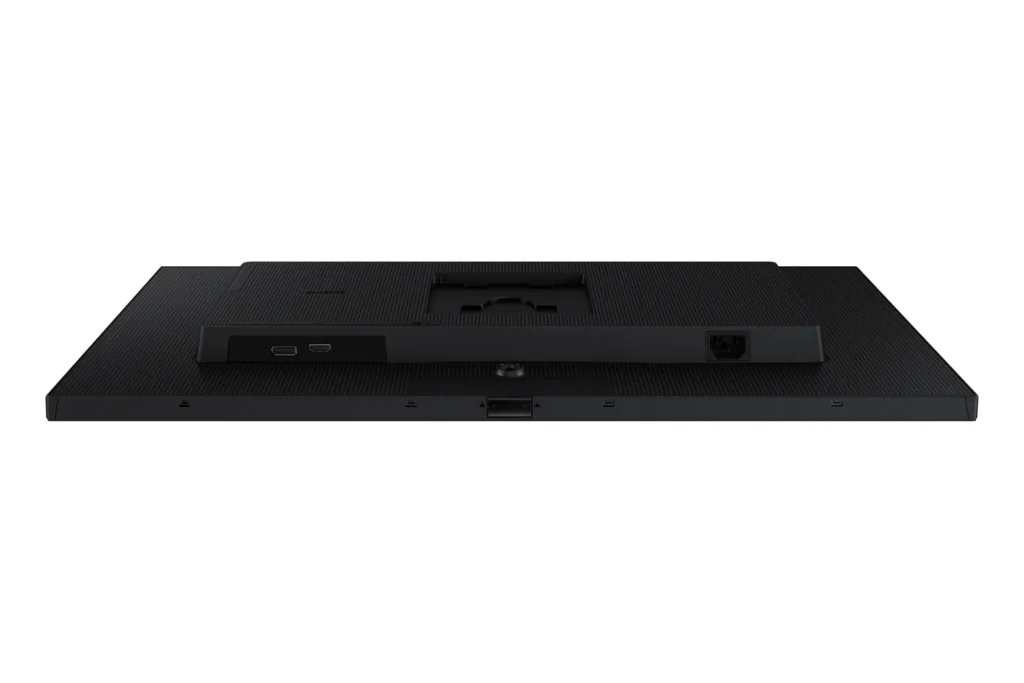
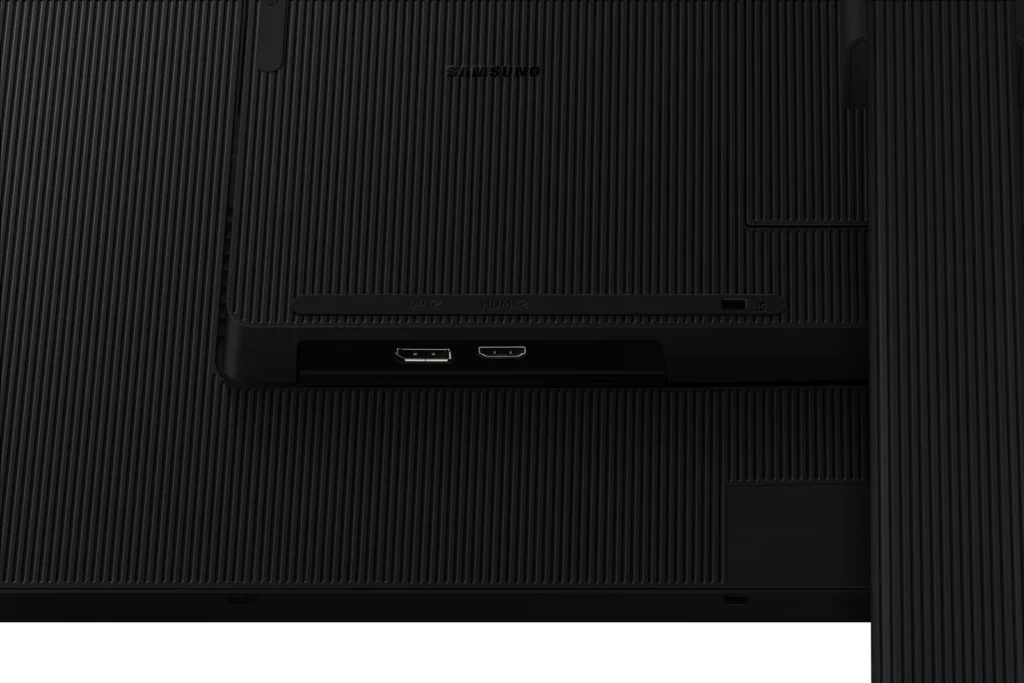
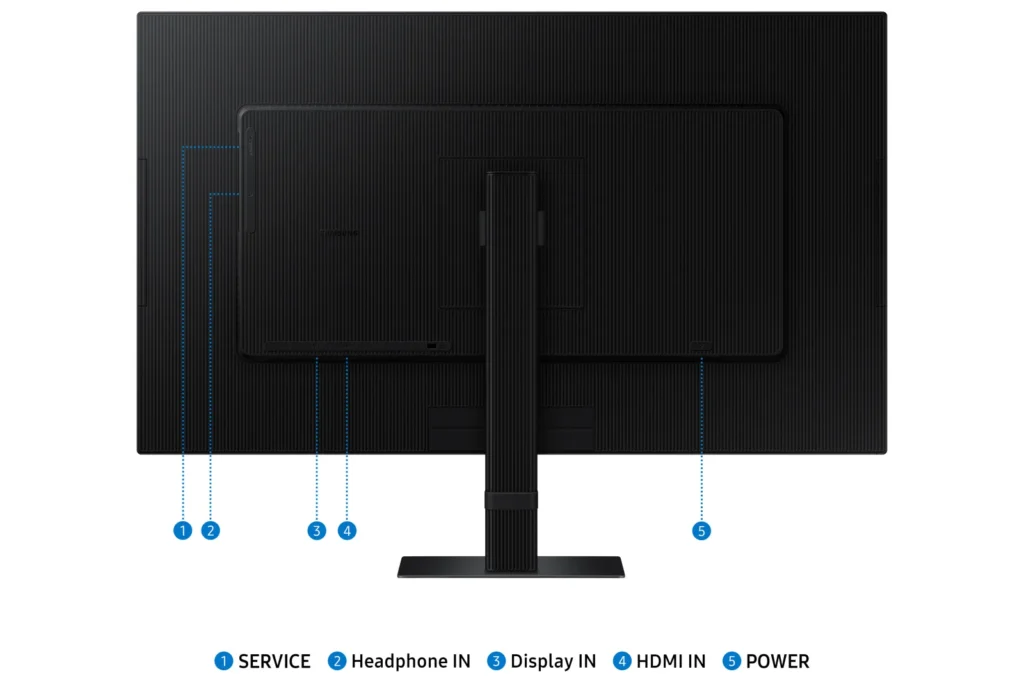
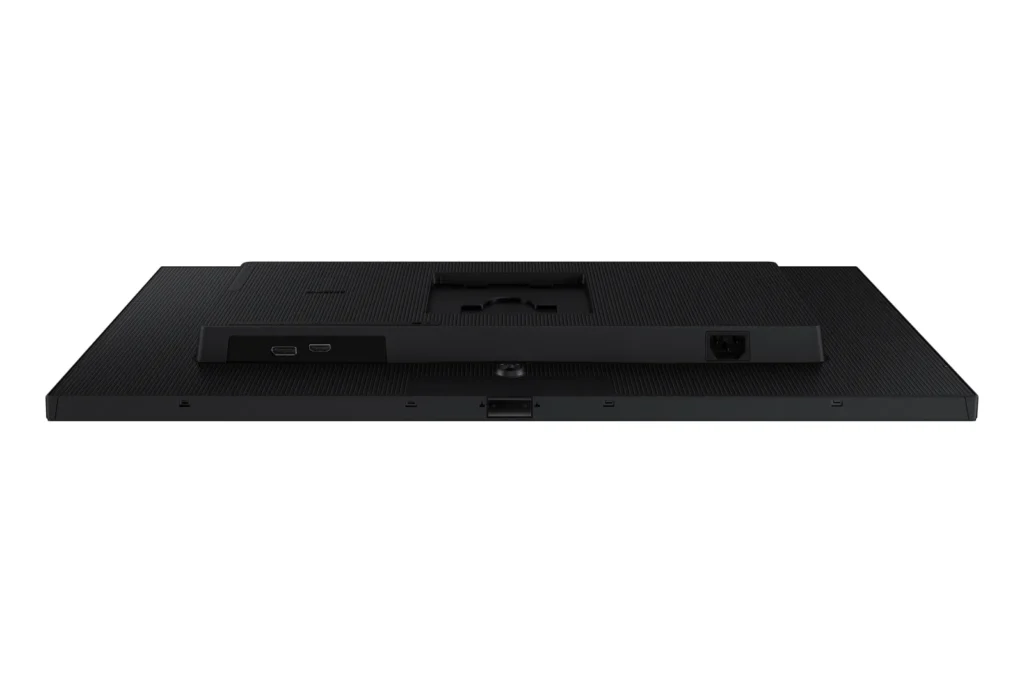
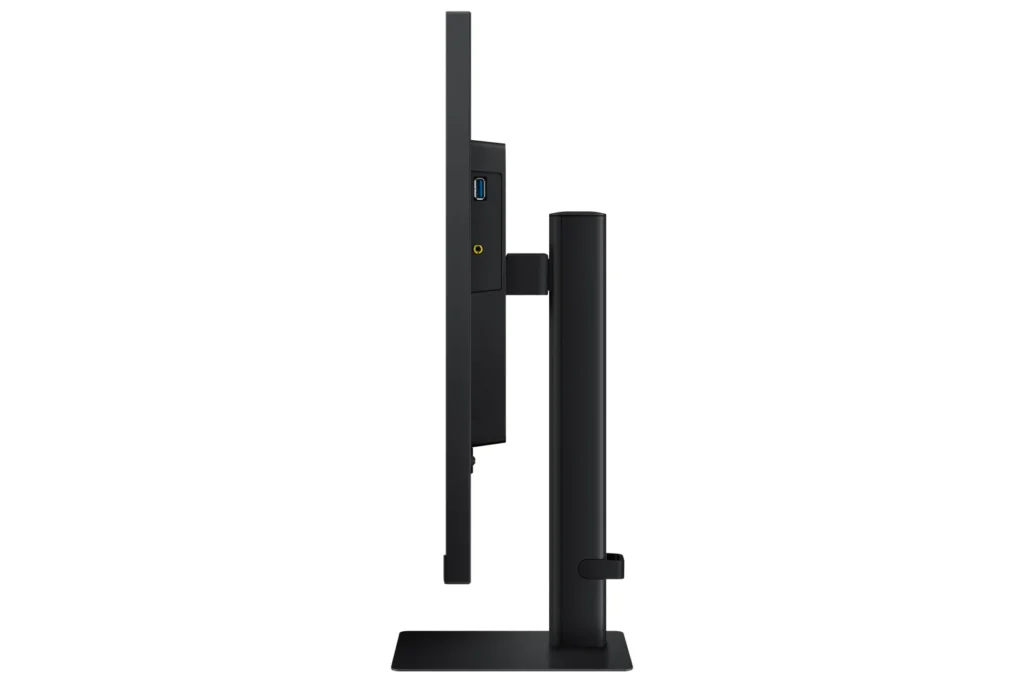
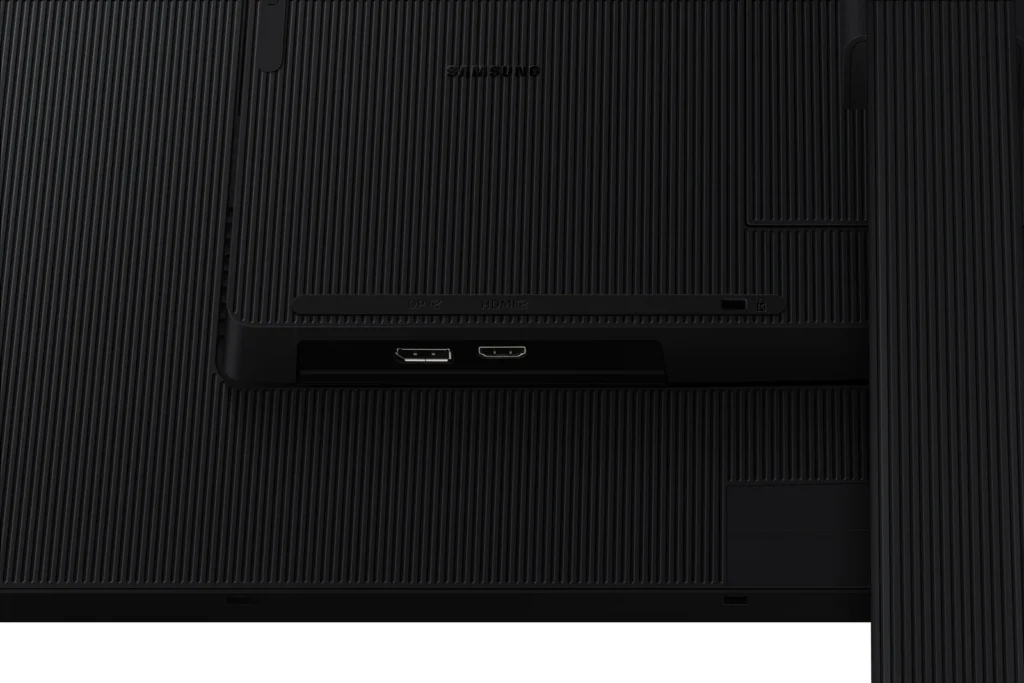
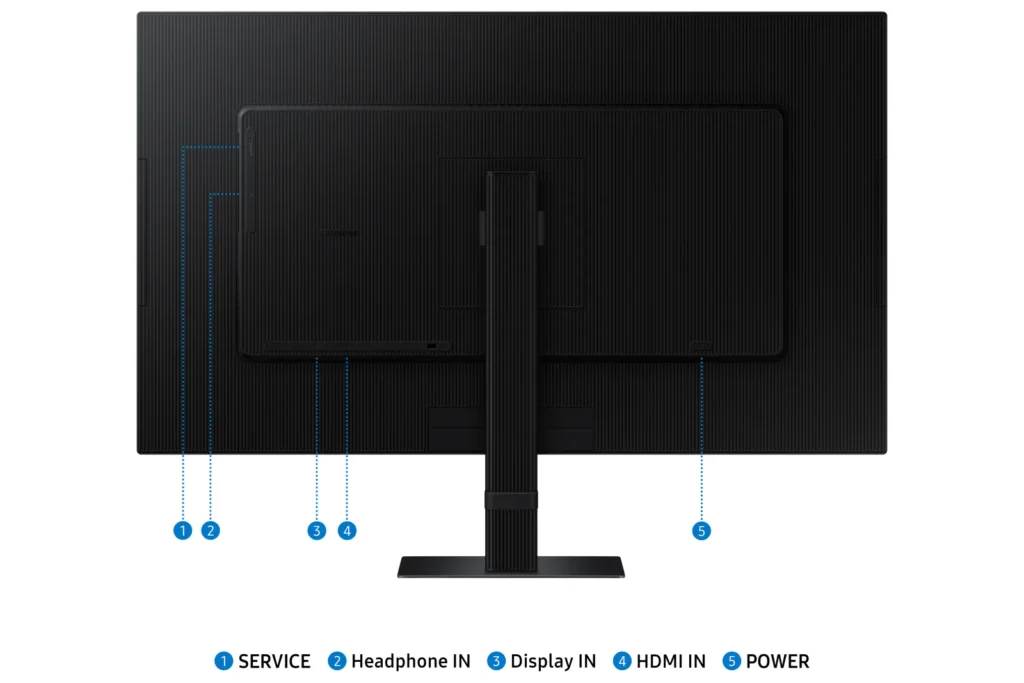
| Versatile Multiple Connectivity Ports | Simplify your setup and enhance productivity with convenient connectivity options, including HDMI, DisplayPort (DP), USB-A, and USB-B ports, making it straightforward to connect various peripherals. |
| TÜV-Certified Intelligent Eye Care | Keep your eyes fresh and reduce strain during extended viewing with TÜV-certified intelligent eye care features. This includes Eye Saver Mode to protect against excessive blue light and Flicker Free technology to minimize screen flickering. |
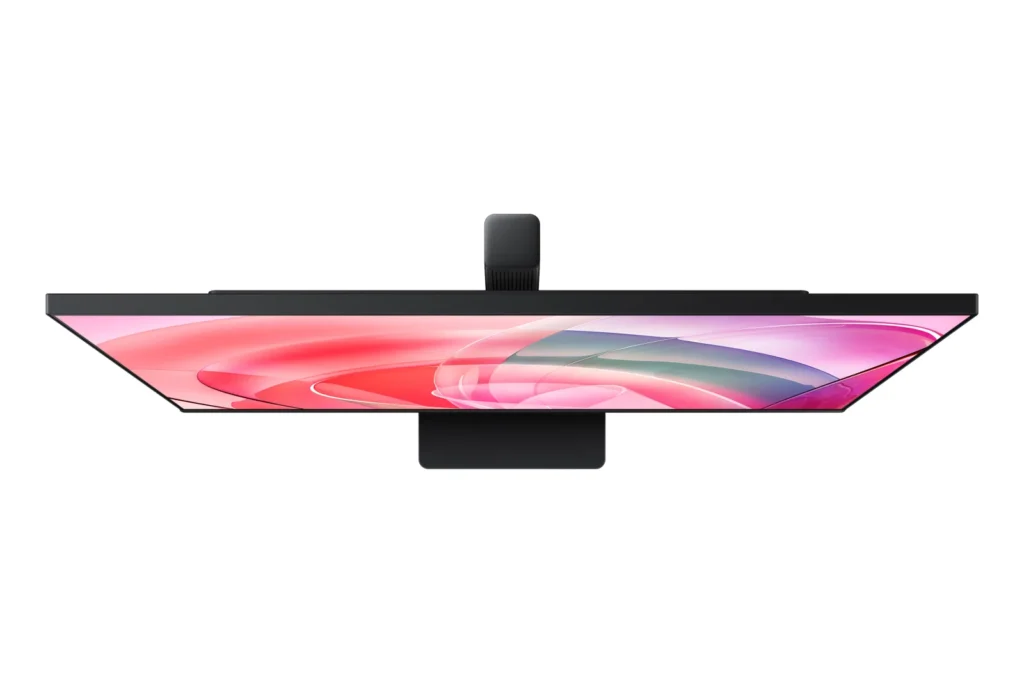
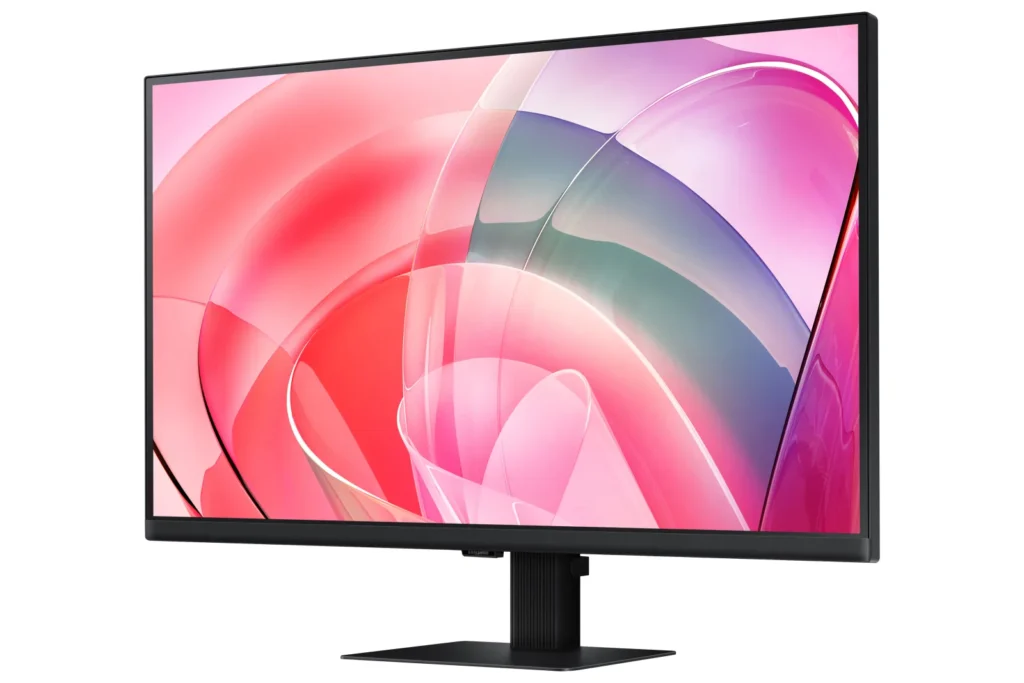
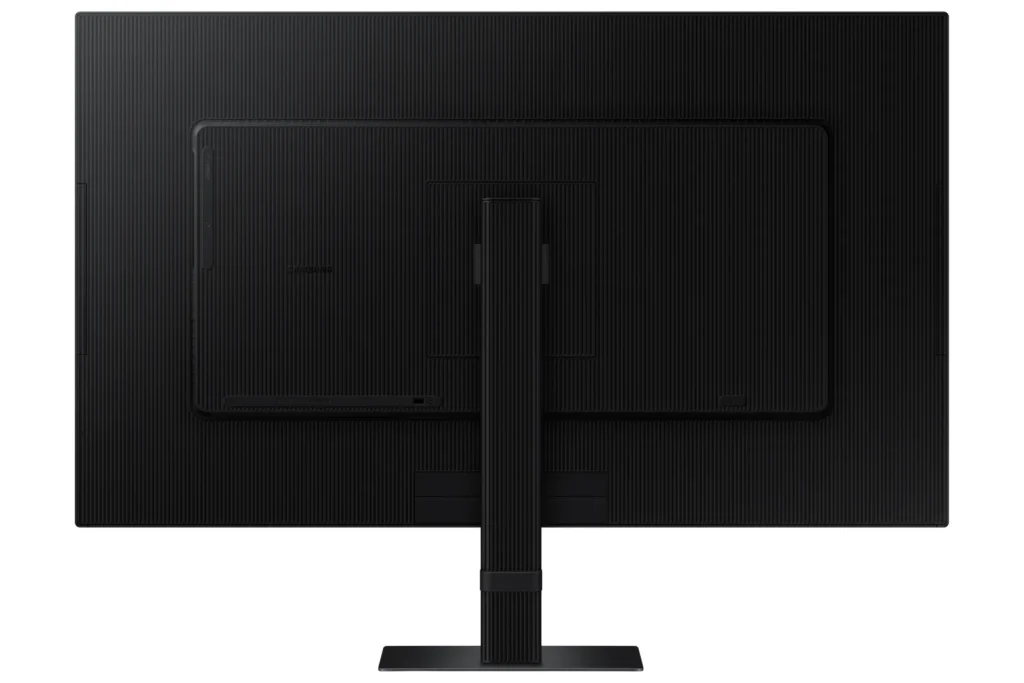
| Effortless Easy Setup Stand | Create your ideal workspace effortlessly with the Easy Setup Stand, which requires no tools or screws for assembly. This design offers flexibility and convenience with a simple push of a button. |
Pros & Cons
Pros
- Excellent 4K Picture Quality: Reviewers consistently praise the monitor's stunning 4K UHD resolution, crisp and clear visuals, vibrant and accurate colors, and good brightness, making it ideal for work, photo/video editing, and immersive viewing experiences.
- Large Screen Size for Productivity: The 27-inch and 32-inch screen sizes are highly valued for providing ample workspace, allowing users to multitask with multiple windows, view spreadsheets, code, and enjoy content without eye strain, especially beneficial for those needing a larger display.
- Good Value for Price: Many customers consider the monitor to be a great value for its price, particularly when purchased on sale, offering high-quality 4K resolution at a competitive cost.
Cons
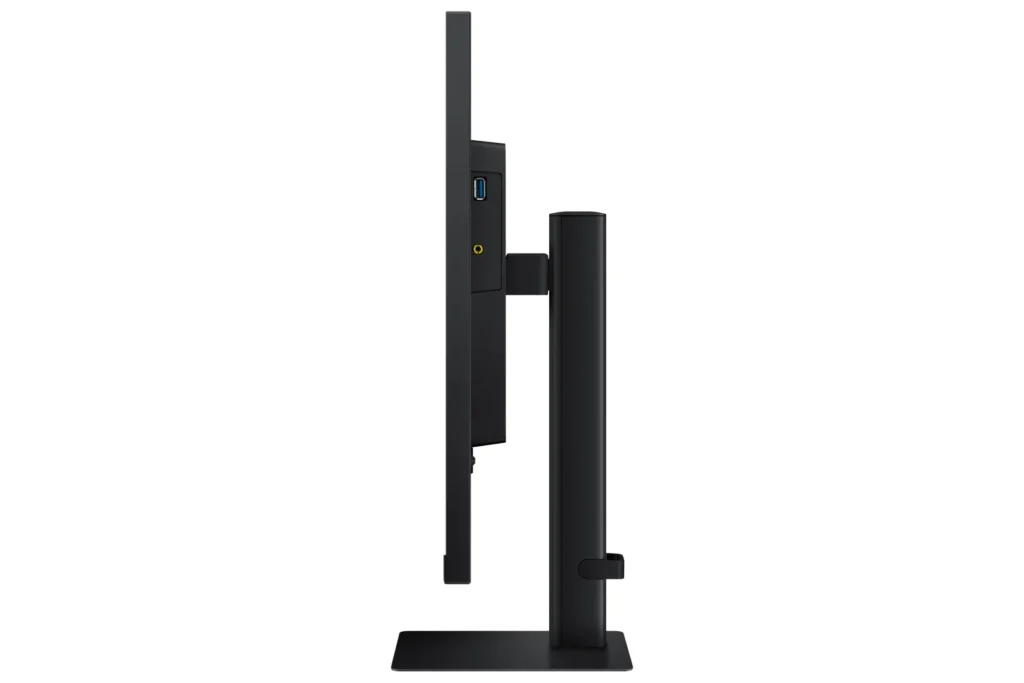
- Non-Adjustable Stand: A frequent complaint is the monitor's stand, which lacks height adjustment and sometimes swivel capabilities. Users find this inconvenient for ergonomics and multi-monitor setups, with some even noting inconsistent heights between identical models.
- Missing Cables and Limited Connectivity: Several reviews report that advertised cables, such as DisplayPort and USB-C, were missing from the box. Furthermore, the general lack of USB-C ports and limited input options (often only one HDMI and one DisplayPort) are significant drawbacks for many users, especially those with modern laptops or multiple devices.
- Annoying Software & Connectivity Issues: Users are frustrated by persistent software annoyances, including a large, non-dismissible 'register' pop-up menu that appears upon waking or turning on the monitor. Connectivity issues like losing signal with the computer, slow wake-up from sleep mode, and performance lag (especially with Macs) are also commonly reported.
Customer Fit
- Primary audience: Productivity / creative users: People doing photo/video editing, spreadsheets, design, or multitasking across many windows say the 4K clarity and large desktop space make work easier and more comfortable for long sessions.
- Secondary audience: Home / general use owners: Users who mainly browse, stream, or want a single big screen instead of two monitors praise the image quality and say it “replaces having two displays” for everyday use.
- Ideal scenarios: Work-from-home setups needing a bigger second screen for laptops or Mac Mini. Casual console / PC gaming at 4K 60Hz, but not high frame rate shooters. Households that watch YouTube / streaming on the monitor instead of using a TV.
You might also like










Customer Reviews
Showing reviews 271-280 of 295
-
No sound?
Verified purchase Verified purchase: This reviewer bought the product.over the hill July 24, 2024Review source: AmazonI got my new monitor, Samsung 32″ ViewFinity S7Series UHD High Resolution yesterday July 24th. It has an awesome screen that’s vivid to the point of thinking is this real? I think it will work great for what I need, and I hope it will be one of those die hards that never quits. The only beef I have with it, is it doesn’t have internal speakers. The description says nothing about them. I asked AI, and it said it does have speakers. Who thought AI is better than us?????
-
Awesome picture
Verified purchase Verified purchase: This reviewer bought the product.Sm July 24, 2024Review source: AmazonAs always, a great Samsung Monitor. However, it does not ship (as described) with a DP cable; Amazons description is incorrect. It does come with an HDMI cable. Some day, Samsung should strongly consider standardizing their power cabling, we have two double monitor setups, and there are three different power plug setups. The system where the transformer is at the plug is the biggest problem taking up a large amount of very limited space in a power strip or in this case, on the back of a UPS.
-
Good general purpose monitor with a great picture
CK July 23, 2024Review source: AmazonThe Samsung 32-Inch ViewFinity S7 (S70D) 4K UHD monitor is a great lower cost and general-purpose home use monitor from an industry leading brand.
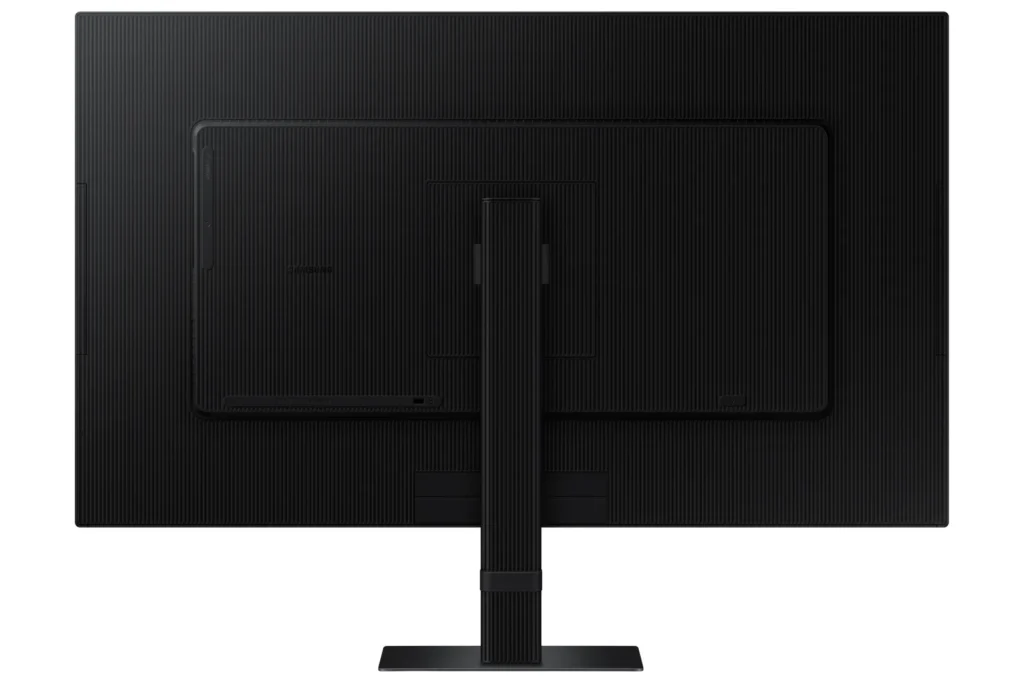
The first thing that I noted was that ViewFinity S70D is a great screen size for use in my home office and that the picture quality was great, much better than other previous monitors I have used. The monitor came with a stand, power cable, and an HDMI cable. The stand was easily attached using a snap in back plate and includes a handy cable management strap for keeping things tidy. Full setup for this monitor only took a few minutes and the monitor looks stylish and of good build quality.
I connected the monitor to my desktop using its only HDMI input port (HDMI 2) and its included HDMI cable, the only other input is a single Display Port (1.2). This monitor does not include VGA or DVI input ports for older video cards. The power and input cables are inserted into the bottom facing up, which makes it suitable for wall mounting and good for cable management, but also makes it a bit difficult to connect the cables when using the stand.
The ViewFinity S70D powered on by pressing in a little hidden nubby button at the bottom of the screen which also acts as its menu selector by moving it forward, back, left and right. The button is a bit hard to locate and use at first but works well enough after a bit of practice. The monitor automatically detected the input port and displayed my desktop without any issues. The image was bright and clear, and after a bit of fiddling with the settings, produced a fantastic 4K (3,840 x 2,160) image. HDR had to be enabled in Windows which added (almost too much) to the brightness and pop of the desktop wallpaper. The image quality is the best of any previous monitors that I have owned and there were no dead pixels found. I am very happy with the overall image and colors that this monitor produces.
Although I am very happy with this monitor for my use, I do think there are few cons to mention. Possibly the biggest con is that the max refresh rate for this monitor is only 60Hz. 60Hz is plenty suitable for most home use applications but may not be suitable for anyone looking to have the best gaming experiences. Another con is the lack of input options, while most home users will probably only ever need a single HDMI or Display Port input, it would be nice to include older VGA/DVI connections or even multiple HDMI/Display Port options. The ViewFinity S70D also does not include speakers, there is a speaker passthrough that allows the volume to be controlled by the monitor, but no built-in speakers for sound. Perhaps the most bothersome con that I have found is the pop-up menu display that is presented every time the monitor is powered on, resolution is changed, input is changed, or comes out of sleep. The pop-up menu can be moved around, and the time it is displayed can be adjusted, but it cannot be disabled entirely. Even at its smallest and quickest, I find the pop-up menu to be annoying and I wish I could disable it entirely and just manually present the menu when needed.
I am very happy with the ViewFinity S70D monitor for my needs and recommend it to others looking for a reasonably priced 4K HD monitor for general home desktop use.
-
Good quality for the price
Verified purchase Verified purchase: This reviewer bought the product.HandyMan July 21, 2024Review source: AmazonI bought this monitor programming purposes.
It Does the job! -
Absolutely perfect
Bev July 21, 2024Review source: AmazonI needed a second monitor that was easy to read, and I couldn’t imagine anything better. The resolution is crystal clear, and all settings are very easy to use. This is a large screen and takes up a lot of desk space, but it’s exactly what I needed.
-
Received a defective one and returning it
Verified purchase Verified purchase: This reviewer bought the product.Ronny July 20, 2024Review source: AmazonI noticed my monitor was not lighting up properly towards the bottom of the screen and there was no sound coming out from built-in speakers. Gonna go with a non-samsung monitor now.
-
Great for gaming!
Dave's Travels July 19, 2024Review source: AmazonThe LS32D702EANXGO is a versatile 32-inch QHD monitor with a sleek design, making it suitable for both professional and entertainment purposes. Its high resolution ensures crisp and clear visuals, while the wide color gamut provides vibrant and accurate colors. The monitor’s ergonomic stand allows for easy adjustments, promoting comfortable long-term use. Connectivity options are ample, supporting various devices. However, some users might find the built-in speakers are kinda weak. Its best to get an external sound system. Overall, it’s a solid choice for those seeking a reliable and visually impressive display.
-
Fantastic money at this price
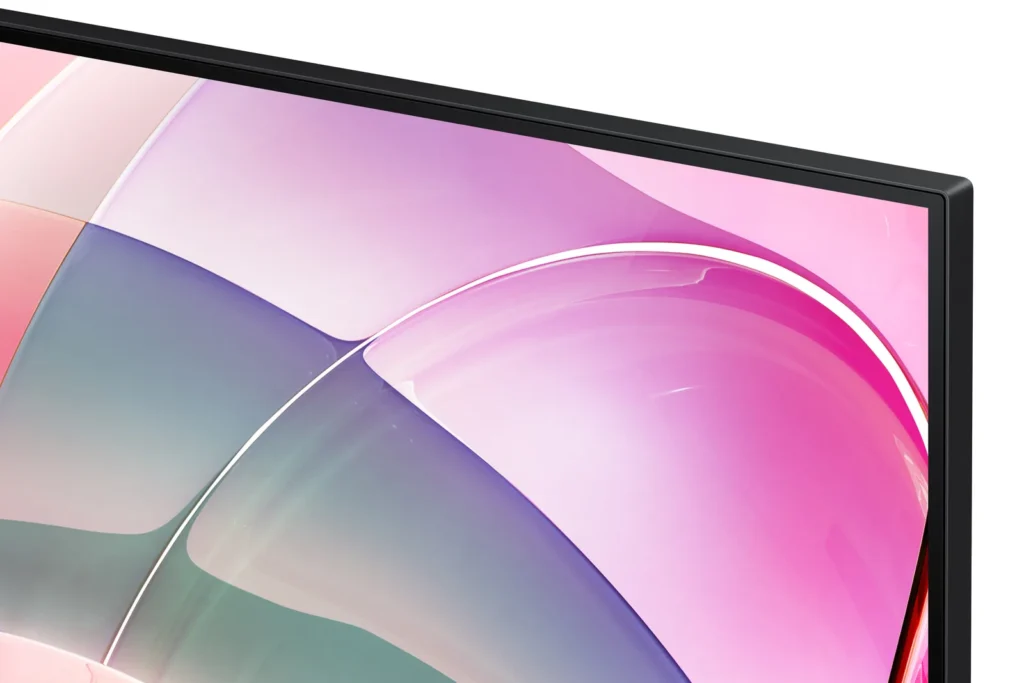
Customer Review July 12, 2024Review source: AmazonI have owned this monitor’s predecessor (Samsung UJ59) for 6 years and have been really happy with it. I was given the chance to try out the S70D and am equally happy with it. Both models feature the same high resolution and same great colors. The S70D has a slimmer bezel than the UJ59, which I prefer. It is also lighter, making it easier to move or mount on a monitor arm when needed. I don’t like the stand for either of these monitors because neither stand can raise or lower the monitor or allow it to be placed in portrait. I like having my monitor low on my desk and neither of the stands allows the monitor to be lowered as much as I want. I solved this by buying a monitor arm. It’s kind of annoying to have to buy a monitor arm when a slightly better stand would have solved this issue. That being said, the stand of the SD70D is superior because the bottom is flush to the desk. The UJ59’s stand ends up taking up too much desk space even though it looks prettier.
I use HDMI to connect my computers, so I can’t comment on the other display ports. So far, I have been using the S70D for productivity programs and videos. I can’t really tell the difference in picture quality between the two monitors. The brightness of the S70D is listed as being higher than the UJ59, but the response time is listed as 1 ms slower. As an average user, I don’t notice that difference. I haven’t used either monitor for much gaming though. My main requirement of any monitor is that the resolution is at least 4k for maximum productivity.
Overall, I recommend this monitor. I feel comfortable recommending it given the longevity of the previous version too. The cost of both monitors is similar with the S70D being slightly more. Given the choice between the 2 though, I would pay a little more for the S70D due to it weighing less and having a smaller bezel than the UJ59.
-
High quality and great performance
Shica July 8, 2024Review source: AmazonThis monitor is definitely worth the price it has great picture and color quality. The brightness is good as well with a hdmi that works well.
-
Stunning 4K Clarity, But 60Hz Holds It Back
Kyle July 2, 2024Review source: AmazonThe SAMSUNG 32-Inch ViewFinity S7 (S70D) is a beautiful monitor that delivers stunning 4K UHD resolution and vibrant colors. The HDR10 support adds a nice touch of visual depth, and the multiple ports provide ample connectivity options. The easy setup stand makes it simple to adjust the monitor’s position, and the advanced eye care features help reduce strain during long work sessions.
My only hesitation is the 60Hz refresh rate, which feels a bit limiting considering the premium price point. For tasks like gaming or video editing where higher refresh rates are beneficial, there might be more suitable options available. However, for everyday productivity, browsing, and media consumption, the ViewFinity S7’s stunning image quality and comfortable viewing experience make it a strong contender.