Customer Media
Highlights
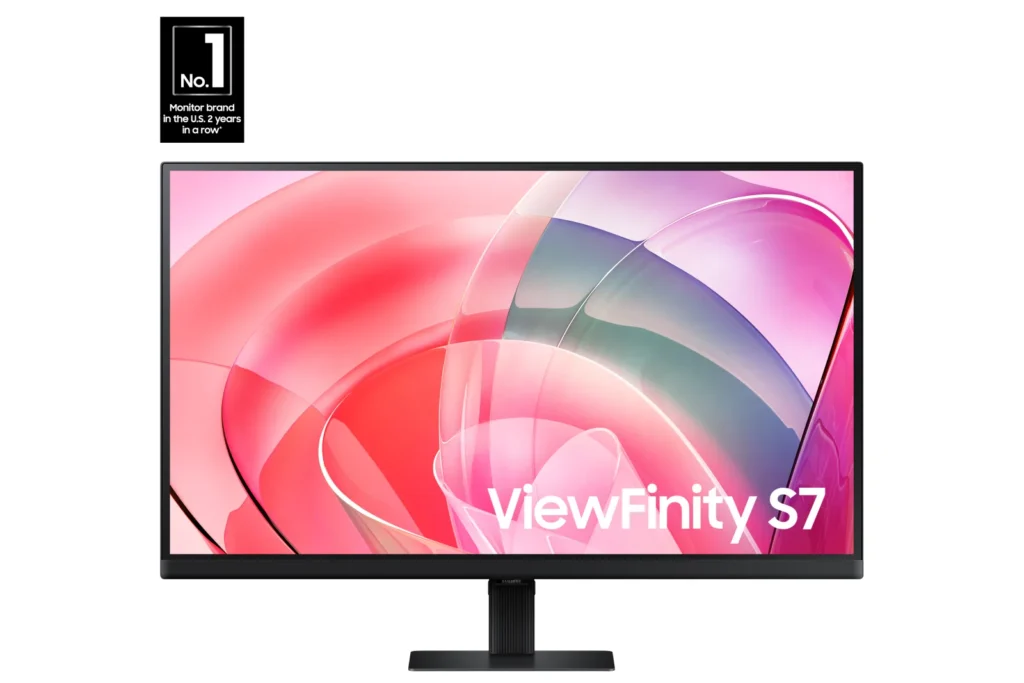
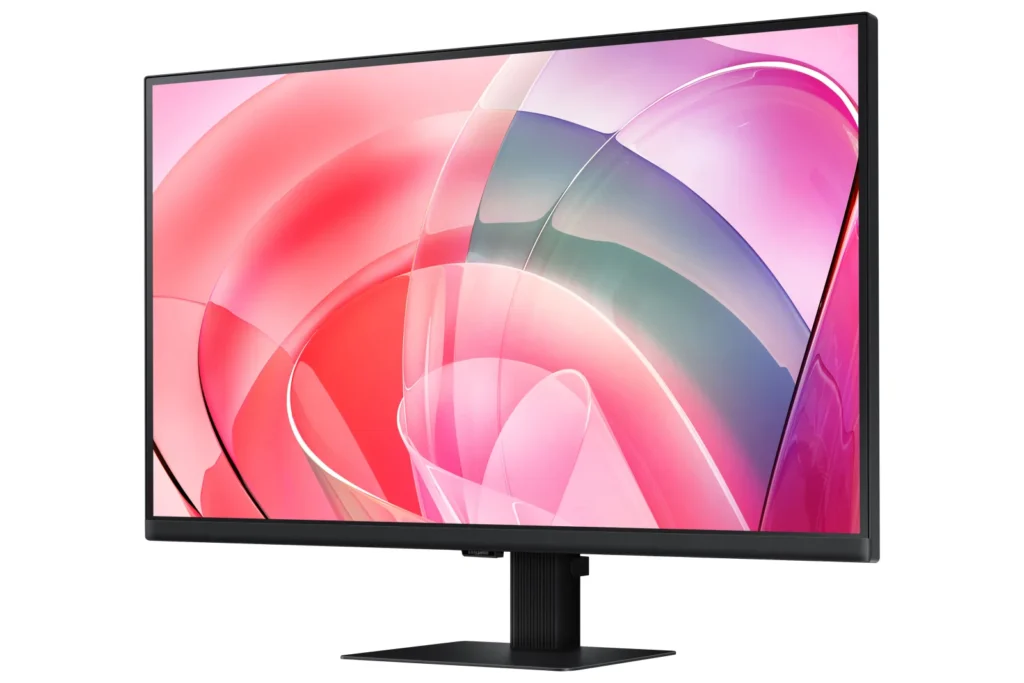
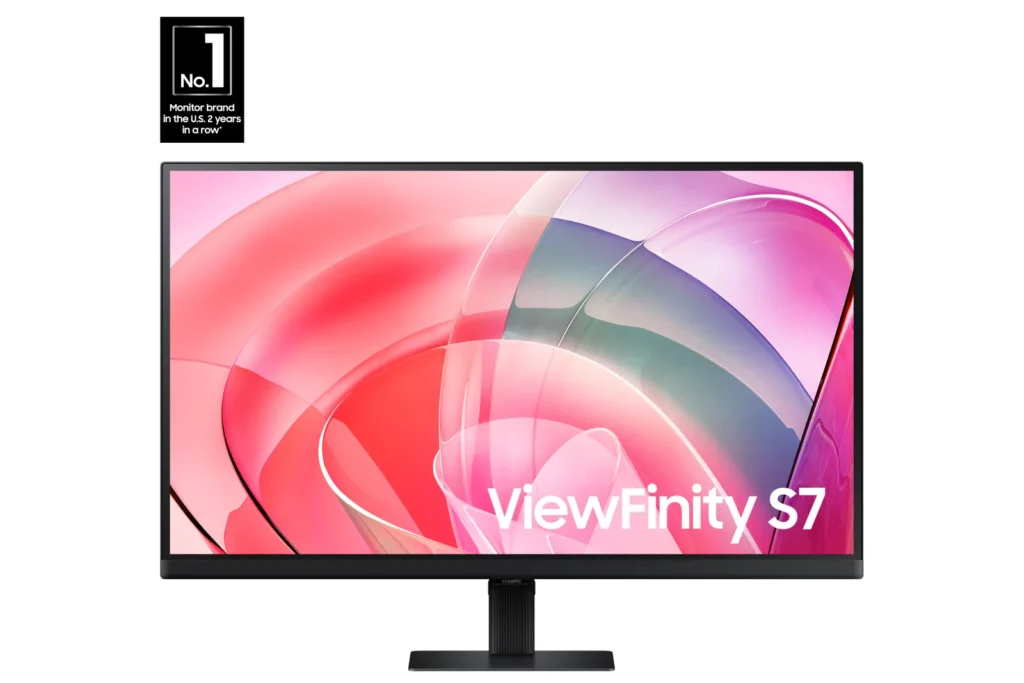
| Stunning 4K UHD Resolution | Experience crystal-clear visual excellence with 4K UHD (3840 x 2160) resolution, delivering increased levels of detail and higher pixel density for intricate designs, complex diagrams, and dynamic video content. |
|---|---|
| Vibrant HDR10 with 1.07 Billion Colors | Enjoy enhanced realism through HDR10 support, providing near-limitless hues and true-to-life color representation with deeper contrast for darker darks and brighter brights. The monitor displays 1.07 billion colors for stunning accuracy and detail. |
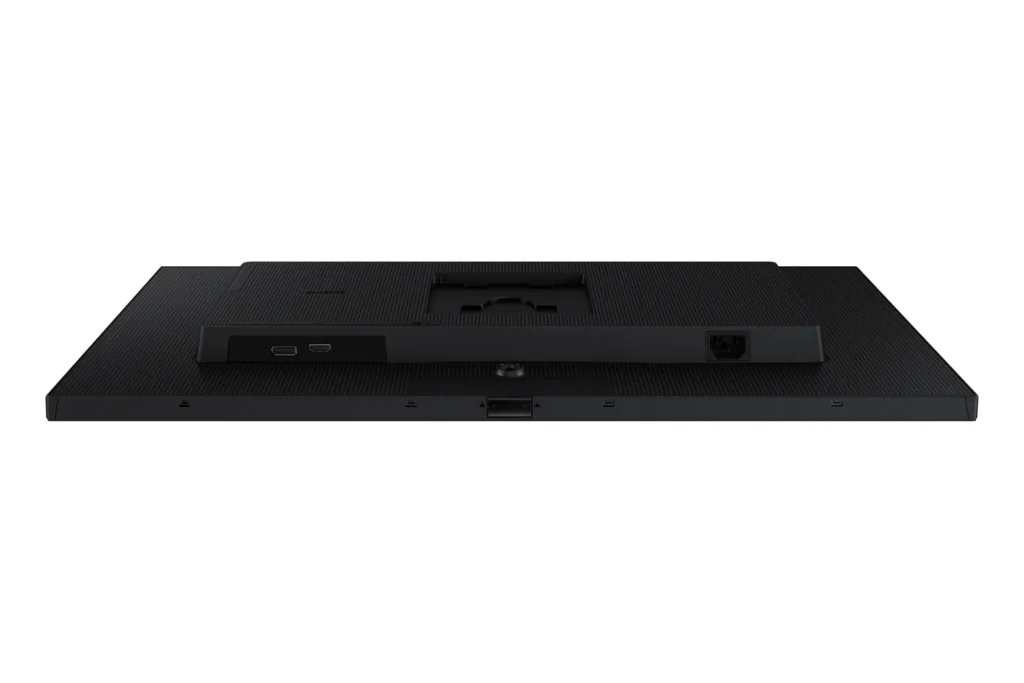
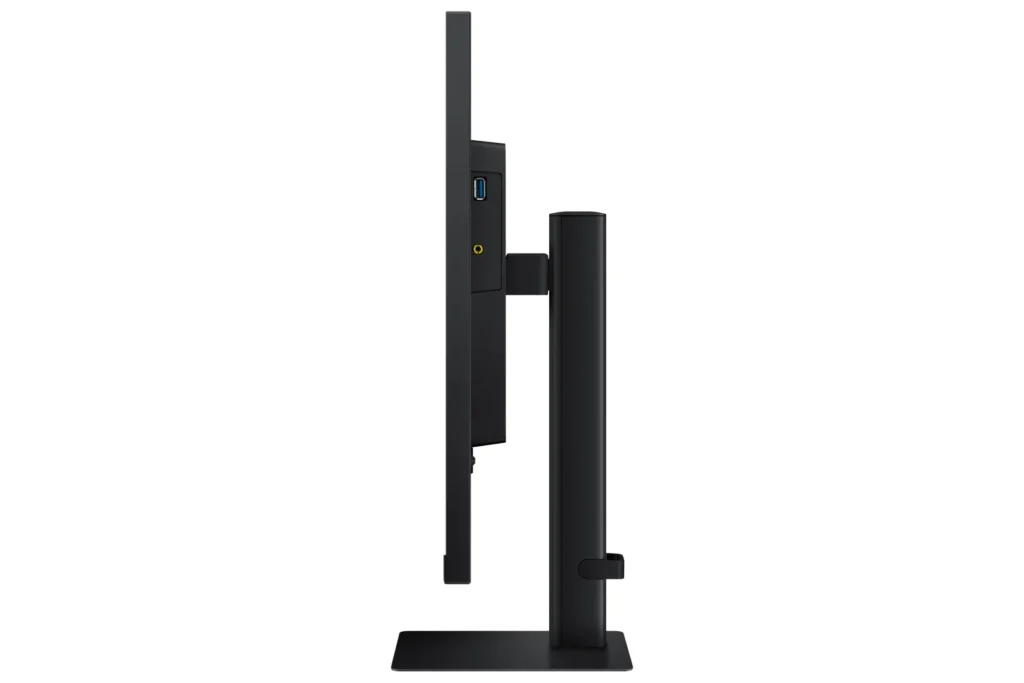
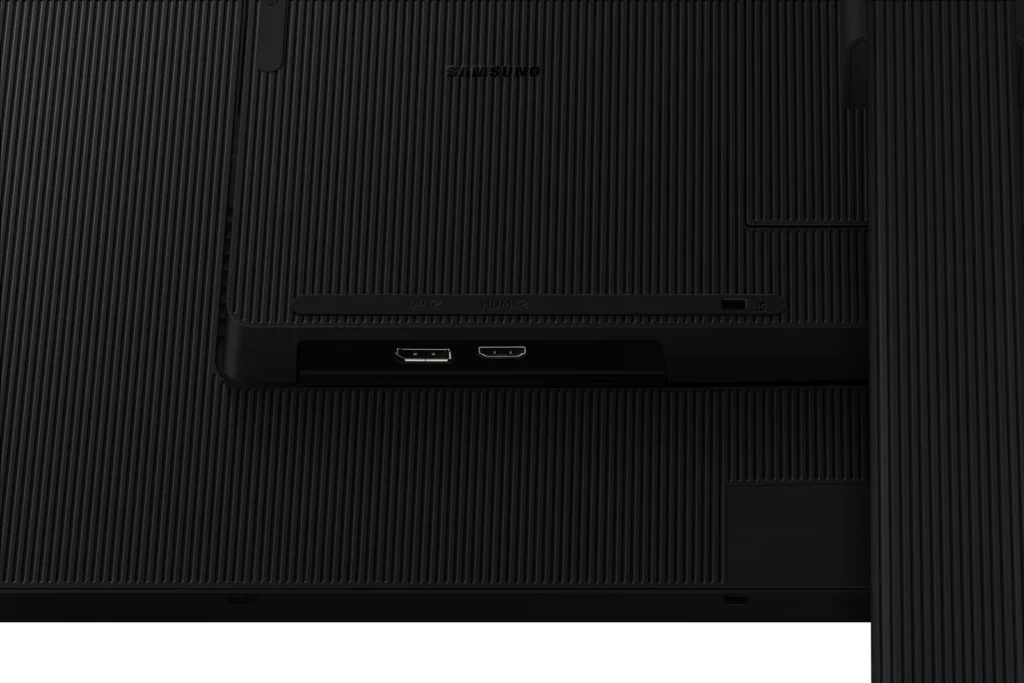
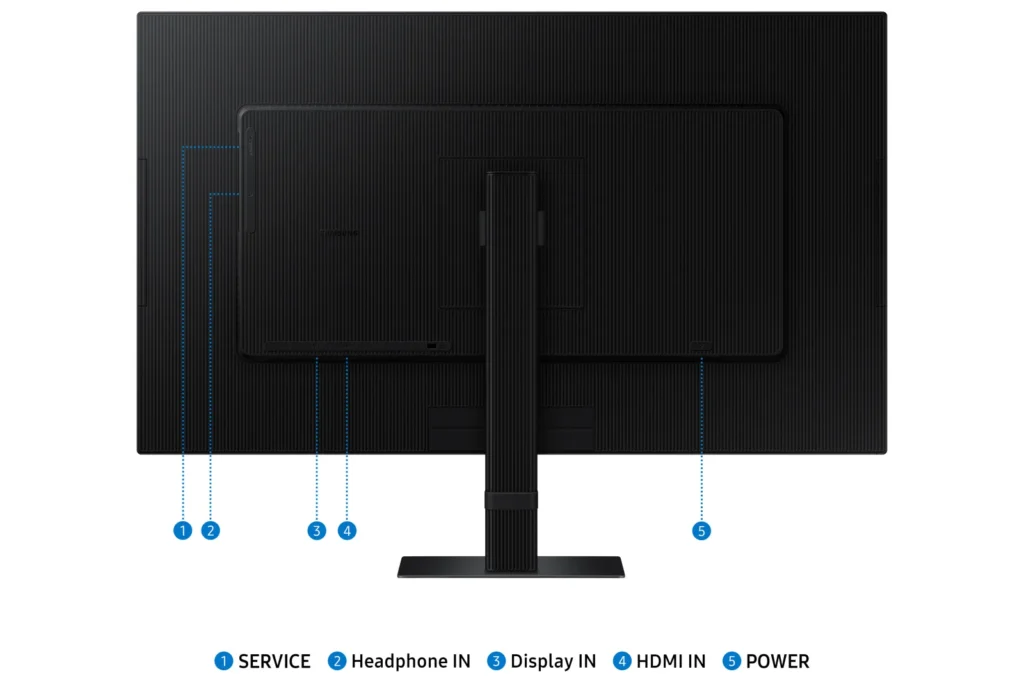
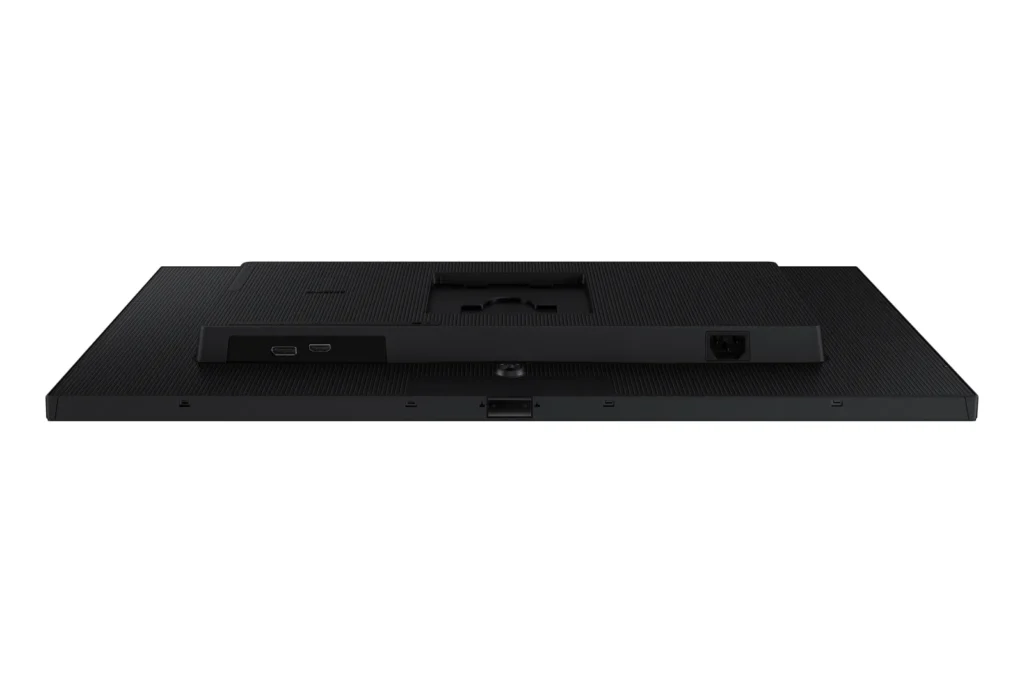
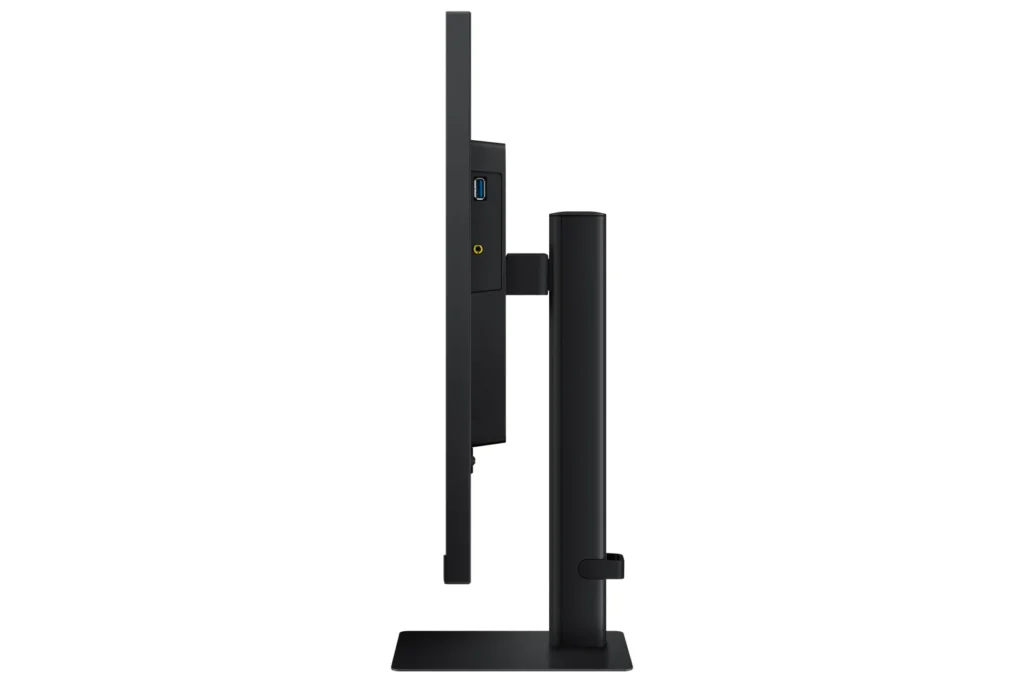
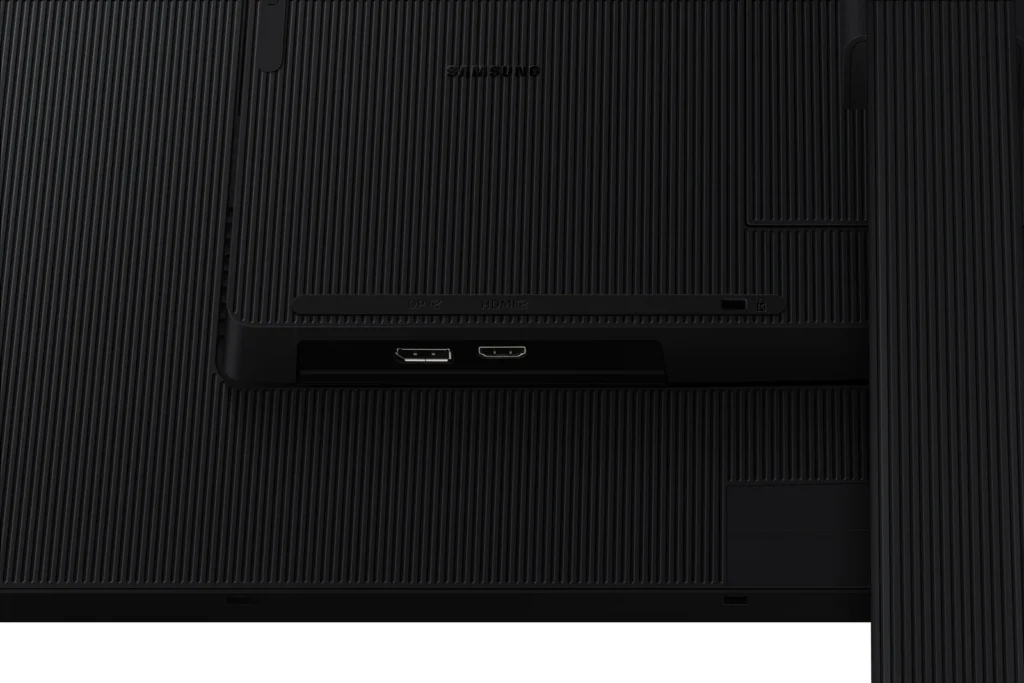
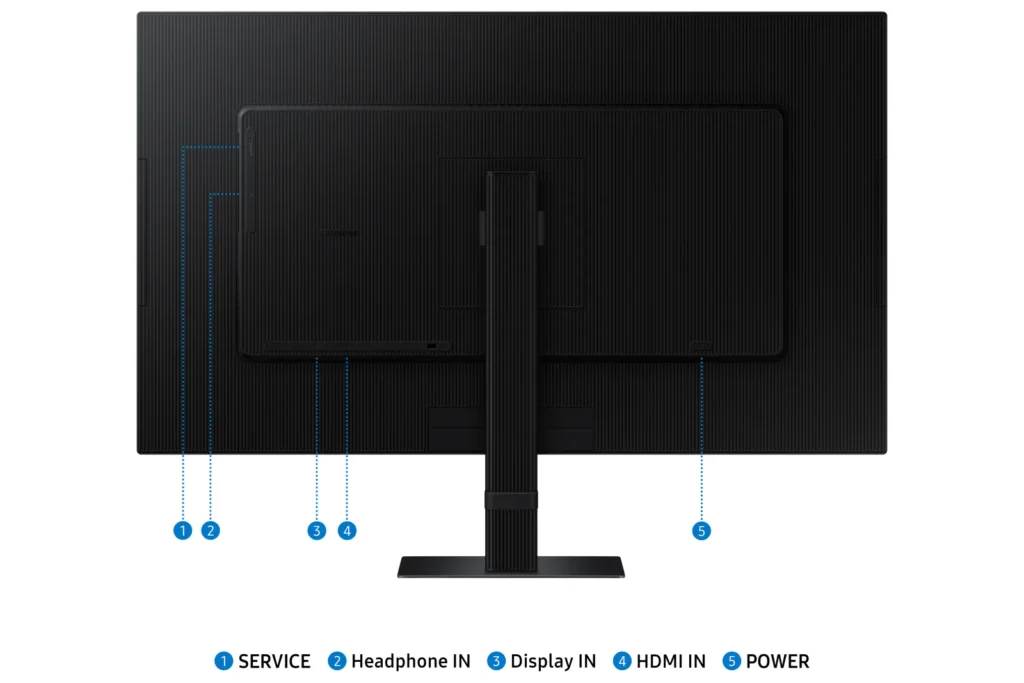
| Versatile Multiple Connectivity Ports | Simplify your setup and enhance productivity with convenient connectivity options, including HDMI, DisplayPort (DP), USB-A, and USB-B ports, making it straightforward to connect various peripherals. |
| TÜV-Certified Intelligent Eye Care | Keep your eyes fresh and reduce strain during extended viewing with TÜV-certified intelligent eye care features. This includes Eye Saver Mode to protect against excessive blue light and Flicker Free technology to minimize screen flickering. |
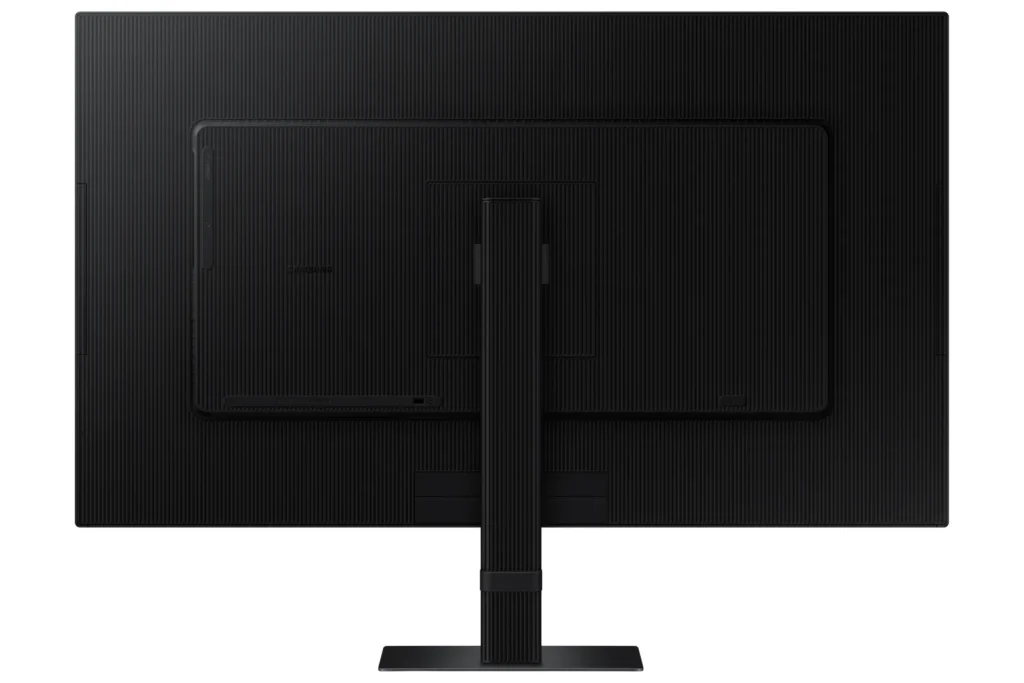
| Effortless Easy Setup Stand | Create your ideal workspace effortlessly with the Easy Setup Stand, which requires no tools or screws for assembly. This design offers flexibility and convenience with a simple push of a button. |
Pros & Cons
Pros
- Excellent 4K Picture Quality: Reviewers consistently praise the monitor's stunning 4K UHD resolution, crisp and clear visuals, vibrant and accurate colors, and good brightness, making it ideal for work, photo/video editing, and immersive viewing experiences.
- Large Screen Size for Productivity: The 27-inch and 32-inch screen sizes are highly valued for providing ample workspace, allowing users to multitask with multiple windows, view spreadsheets, code, and enjoy content without eye strain, especially beneficial for those needing a larger display.
- Good Value for Price: Many customers consider the monitor to be a great value for its price, particularly when purchased on sale, offering high-quality 4K resolution at a competitive cost.
Cons
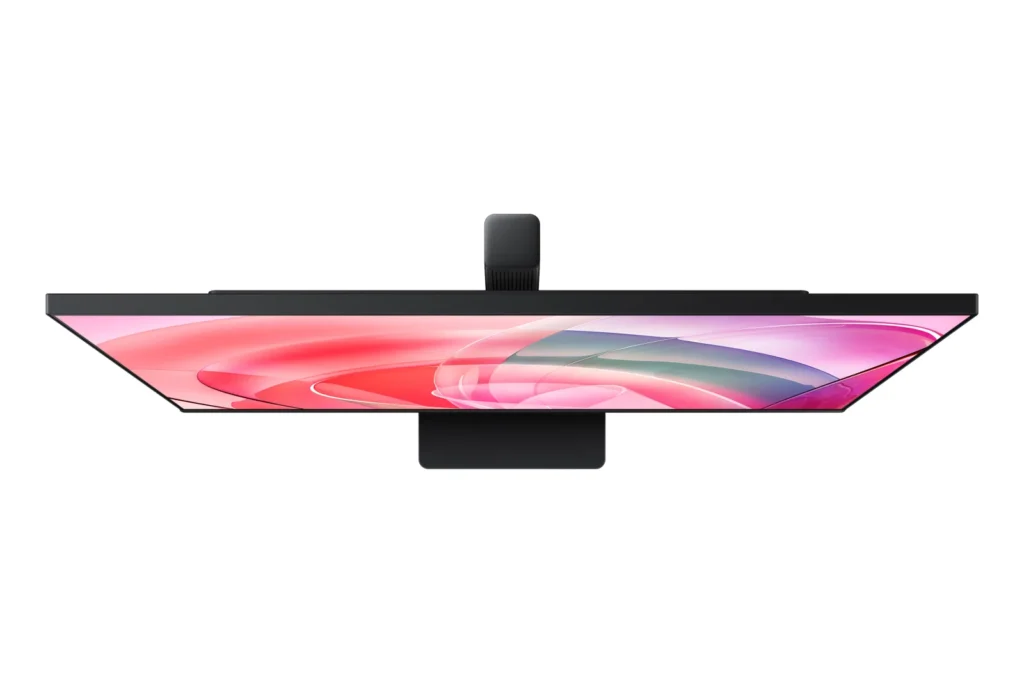
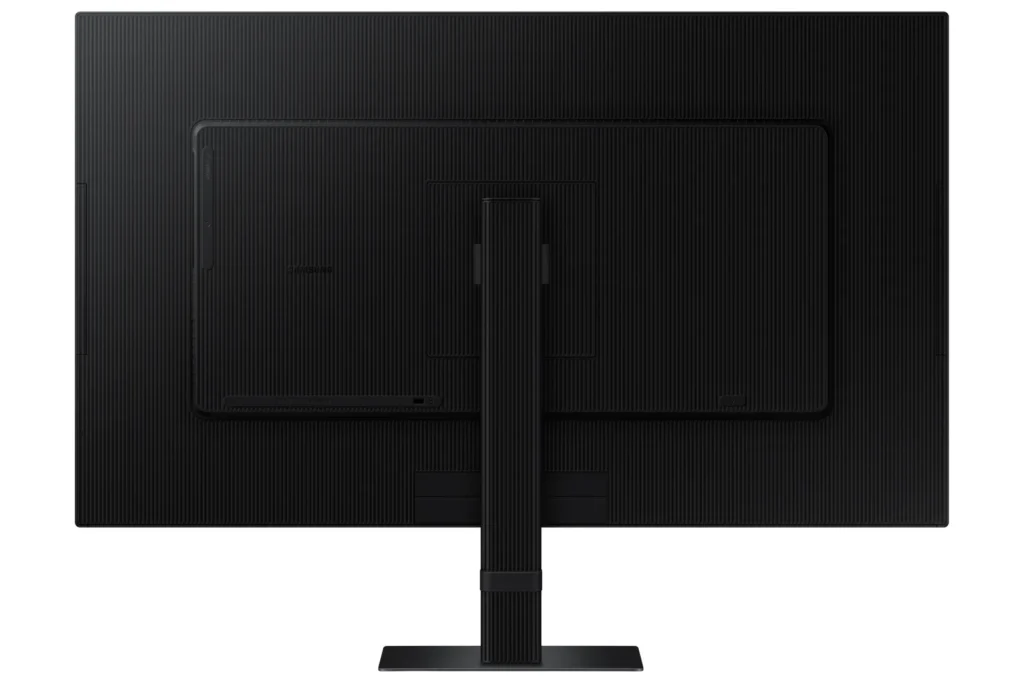
- Non-Adjustable Stand: A frequent complaint is the monitor's stand, which lacks height adjustment and sometimes swivel capabilities. Users find this inconvenient for ergonomics and multi-monitor setups, with some even noting inconsistent heights between identical models.
- Missing Cables and Limited Connectivity: Several reviews report that advertised cables, such as DisplayPort and USB-C, were missing from the box. Furthermore, the general lack of USB-C ports and limited input options (often only one HDMI and one DisplayPort) are significant drawbacks for many users, especially those with modern laptops or multiple devices.
- Annoying Software & Connectivity Issues: Users are frustrated by persistent software annoyances, including a large, non-dismissible 'register' pop-up menu that appears upon waking or turning on the monitor. Connectivity issues like losing signal with the computer, slow wake-up from sleep mode, and performance lag (especially with Macs) are also commonly reported.
Customer Fit
- Primary audience: Productivity / creative users: People doing photo/video editing, spreadsheets, design, or multitasking across many windows say the 4K clarity and large desktop space make work easier and more comfortable for long sessions.
- Secondary audience: Home / general use owners: Users who mainly browse, stream, or want a single big screen instead of two monitors praise the image quality and say it “replaces having two displays” for everyday use.
- Ideal scenarios: Work-from-home setups needing a bigger second screen for laptops or Mac Mini. Casual console / PC gaming at 4K 60Hz, but not high frame rate shooters. Households that watch YouTube / streaming on the monitor instead of using a TV.
You might also like










Customer Reviews
Showing reviews 281-290 of 295
-
A Great basic 4K Monitor
Captain Slow June 27, 2024Review source: AmazonI have the 32 inch monitor. With NS attached, it is better than my wife’s TV with same size.
When I say basic monitor, it is really basic.
It has only 1 HDMI and 1 DP, with no internal speakers but a 3.5 connection and 1 USB.
And the brightness can’t be adjust.
So very basic.I am using it to setup my mobile gaming station. In order to connect additional devices like PS5 and steam dock. I will need to get a KVM switch in addition, and put a mobile speaker for it.
Installation is very easy, no tool needed and no screws at all.
Hight is not adjustable, only a few degree in pitch angel.the screen it self is big, no fency edgeless. more like a commercial style ABS plasic. with thick design. Luckily the power adapter is internal.
-
Great picture cool features
Computer Doc June 24, 2024Review source: AmazonThis is a great monitor, with the aspect ratio it seems bigger than my 34″ curve display, this has a great picture and I really like the picture in picture feature so I can have both my laptop and my tablet connected to this monitor, I haven’t seen that in a computer monitor before. This was super easy to setup, I do wish it had a USB c port. This is a great monitor to use
-
Good monitor for creative and general use, not for gaming
Nick June 24, 2024Review source: AmazonThe BAD:
1. Don’t even reference this monitor with “gaming”. It’s not. 60Hz is not suitable for gaming when even lower end monitors can do 75Hz or more.2. Not Samsung’s doing, but…. The monitor’s packaging was placed in a larger box, loosely, with a long twist of packing paper tossed in. The monitor shifted around inside the Amazon box hard, and was not handled very gently en route (judging by the corners). Happily, no damage to the monitor.
The GOOD:
1. Picture is bright and clear. No dead pixels, no physical flaws visible on the screen surface or when running. For general purpose use, watching videos, etc. it’s spot on. For creative use, it’s sharp, color accurate (wife checked that, not me), and has great viewing angles for collaboration.
2. Even the power cable was well thought out. The angled connector is a nice touch.
3. The buttons and menus are easy to operate and menus are easy to understand.
4. The stand is sturdy. That being said.. You will want an adjustable stand or better still a monitor arm. Depending on your height, it can be hard to get it just right. If you have several people using it, total adjustment in all directions is key and the included stand doesn’t fit that bill. But the included stand is not a flaw, as it’s noted in the product description.
5. Inputs are suitable, and the USB ports are handy. Though USB-C is pretty common now Samsung… Even more puzzling is that this monitor is not USB-C video capable. Again, this is common tech now.
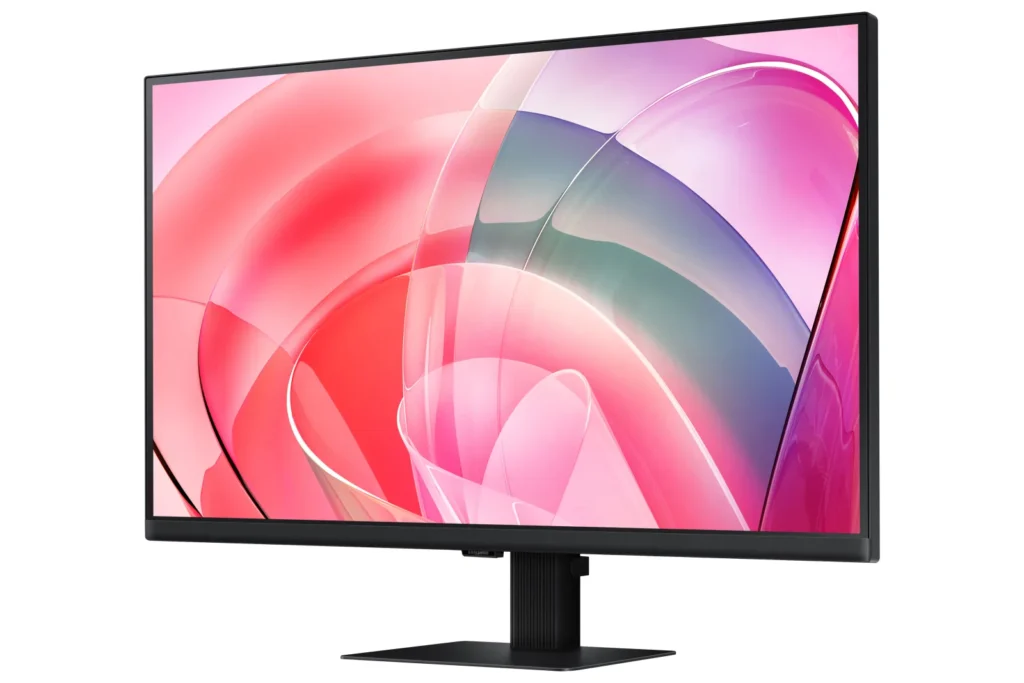
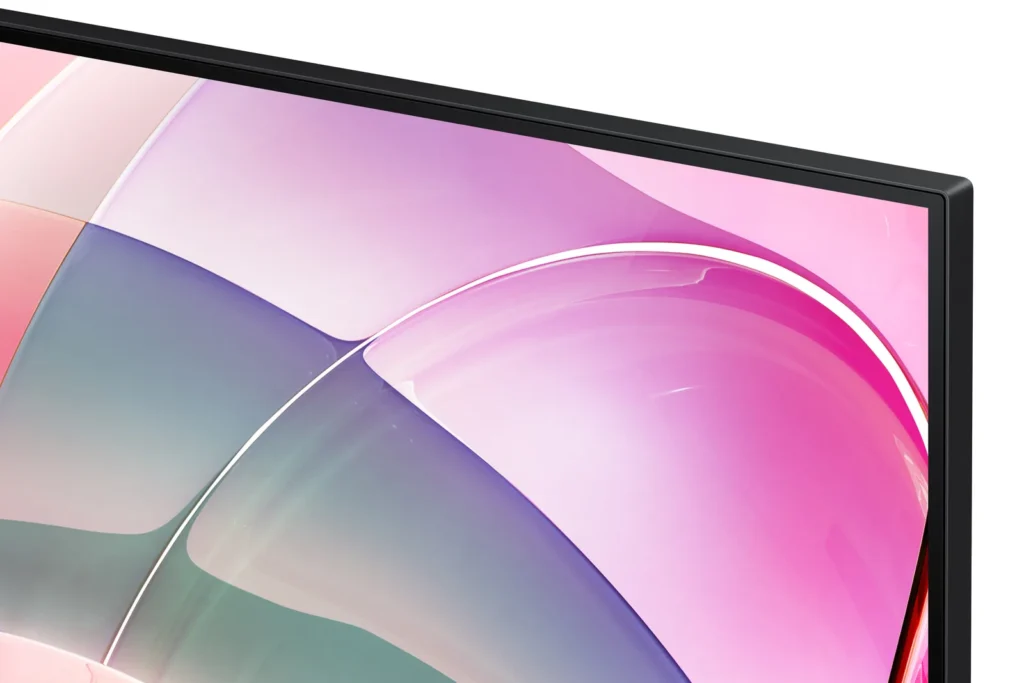
6. The bezel size is decently narrow as well, so the screen feels larger.
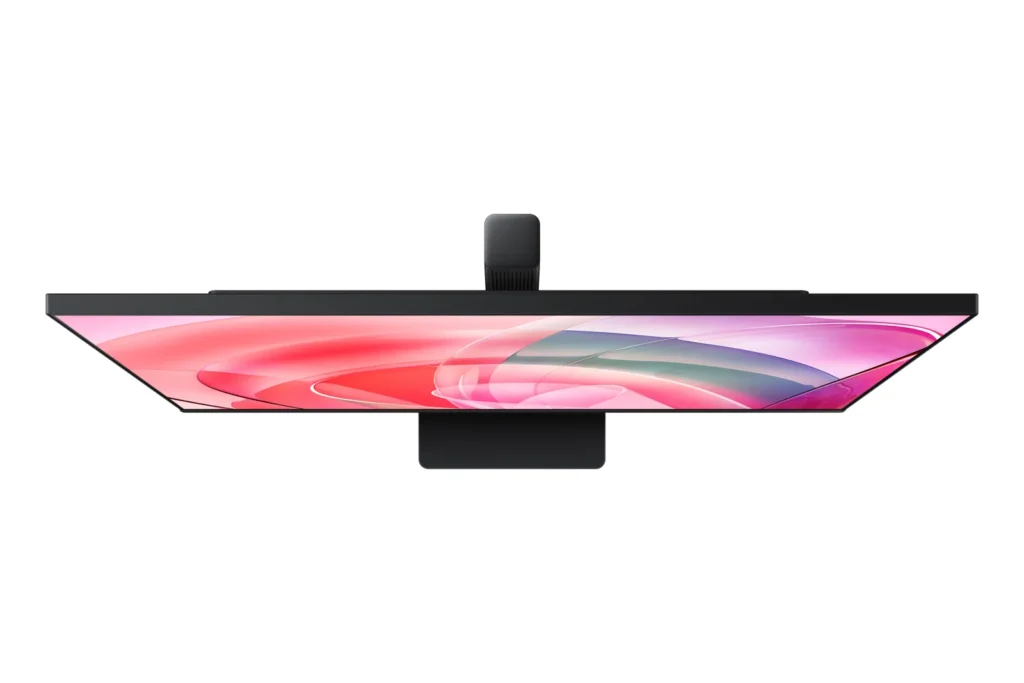
7. The screen is really lightweight for it’s size and decently thin. Perfect for wall mounting with almost any mount.
-
Looking for a large and clear coding monitor?
coda June 24, 2024Review source: AmazonLooking for a large and clear coding monitor?
I use this SAMSUNG 32-Inch ViewFinity S7 (S70D) Series 4K UHD High Resolution Monitor for coding. The large 32 inch screen in 4K is extremely clear and friendly to the eyes. Fonts look fantastically sharp and the HDR support makes colors pop. Setting up the monitor takes less than a minute. The base and VESA mount connect with a simple turn, so you attach the monitor and be done.Recommended
Pros:
– 4K: The monitor is extremely clear and easy on the eyes
– HDR: Supports HDR10 for great contrast
– Build: The monitor feels solid and well built
– Headphones: I didn’t test it, but it has a wired jack for sound. (No internal speakers).
– No issues with multiple OS options. No issues with Windows, Mac, Steam Deck, and Chromebook.Cons:
– USB-C Support: Most of my computers do not have an HDMI DisplayPort output and that is what this monitor requires. Luckily, I have a few old USB-C to DisplayPort adapters, so it hooked right up.
– 60Hz Refresh Rate: 60Hz is slow for most gaming monitors.
– Stand: The stand is simple to build, but doesn’t have an adjustable height. The monitor supports Portrait mode, not with the included stand. -
This monitor has great picture quality, but lacking features
C. Vargas June 23, 2024Review source: AmazonIf your main purpose in looking at monitors is picture quality then this, so far, seems like a great panel. Colors are accurate, the picture is sharp and installing the included stand was a breeze and practically took seconds. It is a great looking panel with relatively thin bezels on all but the bottom side. For the price though I would have liked to see a few more features, like a Thunderbolt port, and a height-adjustable stand.
On the other hand, I have a monitor arm that I was hoping to continue using in lieu of the included stand. Although it uses the standard 100mmx100mm VESA pattern, I would have to modify my the metal bracket to fit within the recessed area on the back of the monitor. This is really unfortunate because as it is, the included stand sits pretty low and is not height adjustable.
I wish this would have included a USB-C/Thunderbolt port instead of a DisplayPort that I never end up using. On another ultra-wide LG monitor I have, I keep both a USB webcam and a microphone always connected and the single thunderbolt cable to my MacBook Pro not only charges my laptop but also provides the picture and data to the peripherals.
I will add that registering the product (completely optional of course) was a easy as well. There was a product registration prompt that appeared on the monitor displaying the Model Code and Serial Number, as well as an option to show a QR Code linking to Samsung with the information already embedded within the code. I simply logged in and clicked a few buttons.
-
3 stars? Yes. Only 3.
Miso Furycake June 19, 2024Review source: AmazonLook, I am not about to give you the five-paragraph tech specifications that are in all these other reviews. First of all, I don’t understand them and second of all, I presume that if you understand them you don’t need me to explain what is already specified from the company.
I play Genshin Impact, Fall Out 4, Ark Survival Evolved, Battlefield, Minecraft, No Mans Sky, and a bunch of other games. I also work remotely and crunch large amounts of data and occasionally do minor graphics work with Photoshop CS5.
I always use two screens. I’m not super particular on what kind of screens and usually there’s some hybrid combination of monitors and tv screens.
I took a risk on this item because as a reviewer for this particular item it isn’t exactly free and to be frank I wouldn’t spend this much money on a monitor on my own.
I was hoping I would really be treating myself with this monitor.
First of all, you cant connect it to a power strip because something about the distance from the power source makes the screen randomly flicker off and on and lose all settings.
There’s no remote, which may be intended as a benefit, but it really just complicates using the screen.
It did instantly connect to my computer without any installing anything or difficulty selecting things. Mine is attached via HDMI to the computer.
When I switched the power source to a main wall outlet instead of the power strip it mostly fixed the flickering issue. I say mostly because it has occurred randomly since then. I think based on my reading that its due to power fluctuations in my house.
I can’t imagine that my house is that much worse off electrically than everyone else’s as I also just went through an inspection for an appraisal and had no electrical issues.
Overall, I am very disappointed with this product. It is only a mild improvement from the TV screen I was previously using and my other monitor(much cheaper) already has the eye protection functions this boasts.
If I could return this product I would.
-
Excellent monitor
enoutside June 19, 2024Review source: AmazonI replaced an old 27″ with this and am blown away by how great it looks. I have a 3080 graphics card that allows me to really utilize the full 32″ of space and I don’t know how I lived without it! Colors pop, brightness is easily adjustable and I don’t notice any lag when I’m playing games. I’m very happy with this monitor.
-
Bright, sharp and clear
Scott June 19, 2024Review source: AmazonThis 32″ 4K monitor looks great! The colors are bright and the image is sharp and clear. Putting the monitor together was very easy and just took a minute. Once together the stand is very solid, The power and video connectors are easy to get to and once everything is together is is easy to navigate the controls,. Overall, I am very happy with this monitor and it is working very well.
-
Great Upgrade
Brian June 18, 2024Review source: AmazonI had a 1080p 24″ monitor that was starting to fail and this was a great upgrade to that. The images are clear and display is very crisp. I do with that there was USB-C connection, though I can still leverage my HDMI -> USB-C and not have an issue with that. I can’t speak to the stand that it comes with since I am using it with a VESA mount.
-
Why 60Hz refresh rate?
InfDiversity InfCombinations June 15, 2024Review source: AmazonI got this Samsung ViewFinity S7 for my new Lenovo Gaming Computer. I was hoping that this would be a good match as I play some games and do content creation. This is a very large screen coming at 32″ diagonally. Setting up was fairly simple with a solid base so that it won’t tip over. It adjusts at good viewing angles. This has both an HDMI 2.0 and a Display Port 1.2 in the back. I don’t like how the power cord rests upward from the wall, so you have to be conscious on your power connections. At the base of the stand is a cable management belt so that they are not laying everywhere. There is a 3.5mm headphone jack at the side which is a nice addition.
I noticed too that there is only a power button that rests at the center bottom of the screen. There are no other buttons at all for screen adjustments, just a center button for power right at the back. The bezels are really small all around the perimeter which gives it a very full borderless look.
Screen quality is not that bad at 3840 x 2160 and so images come off really crisp and clean even though max brightness is about 300 nits. That is plenty bright for me since I am not a heavy gamer, but the games I do play (Halo, World of Warships, TF2) the colors are nice and pop out. Even the dark colors come out really nice here. The x-factor on this monitor is the strainTUV feature that allows less eye strain. I love that the brightness and color temps automatically adjust to protect my eyes from the blue lights.
My daughter plays Roblox and Minecraft on here so that it is pretty smooth with no dropped frames. Speaking of frames, I was disappointed that this is 60Hz refresh rate, really low for a gaming monitor. This should easily be at least twice but you don’t notice it when playing. Watching videos on here is good and the 60Hz doesn’t hamper this at all.
Overall, a good entry level gaming monitor that has fantastic colors, and is decent for gaming (just don’t expect this to be a heavy gaming monitor). Eye-strain protection is a great addition for this especially if you use the computer for long periods of time.