Customer Media
Highlights
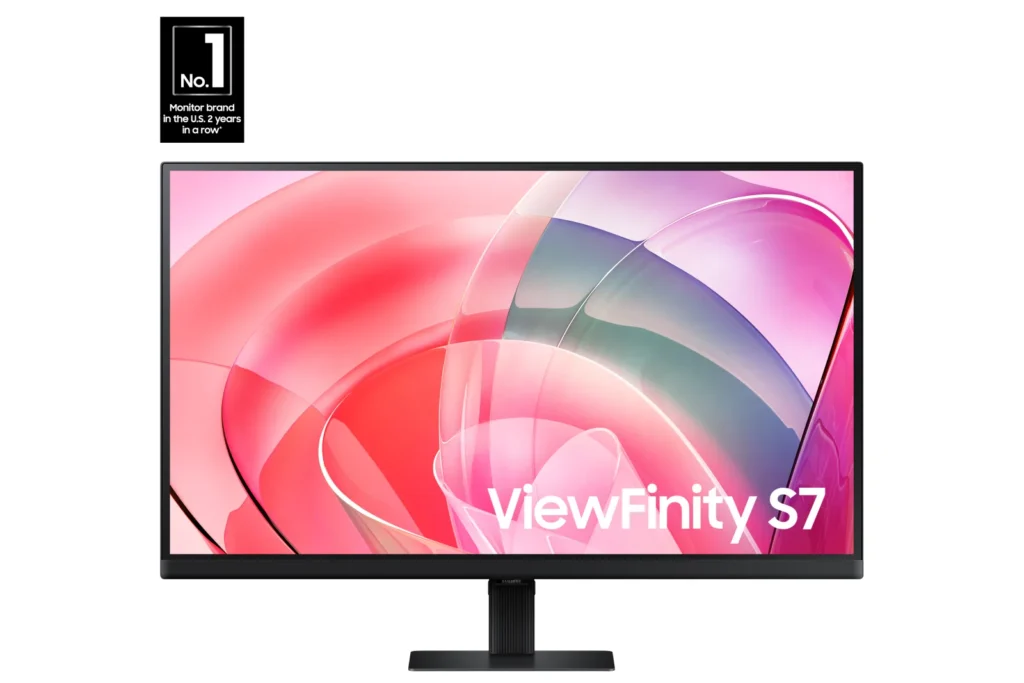
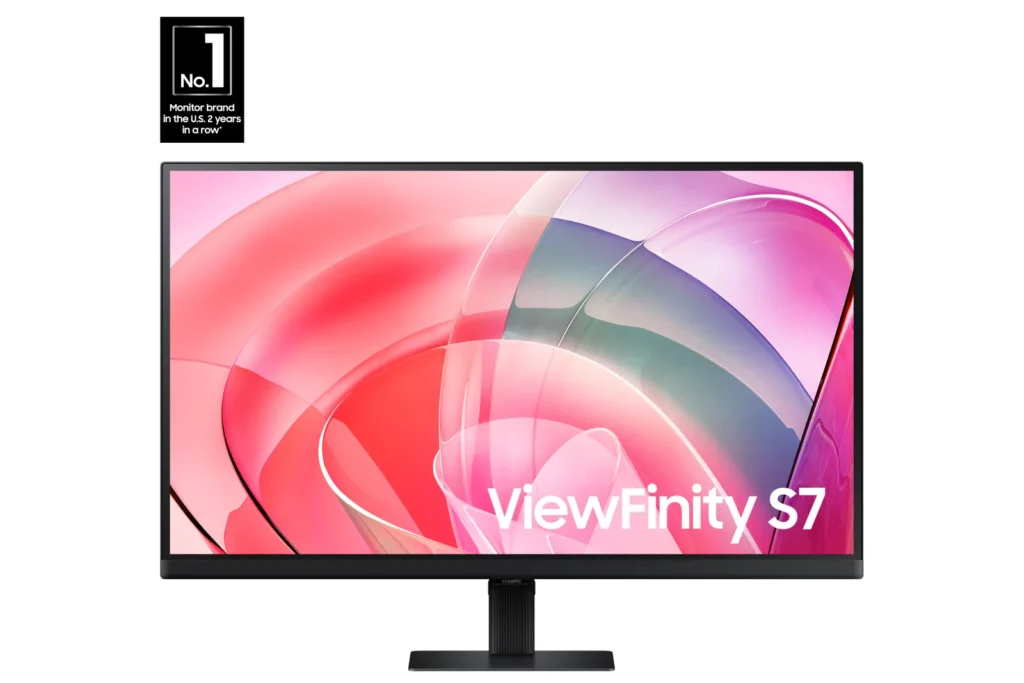
| Stunning 4K UHD Resolution | Experience crystal-clear visual excellence with 4K UHD (3840 x 2160) resolution, delivering increased levels of detail and higher pixel density for intricate designs, complex diagrams, and dynamic video content. |
|---|---|
| Vibrant HDR10 with 1.07 Billion Colors | Enjoy enhanced realism through HDR10 support, providing near-limitless hues and true-to-life color representation with deeper contrast for darker darks and brighter brights. The monitor displays 1.07 billion colors for stunning accuracy and detail. |
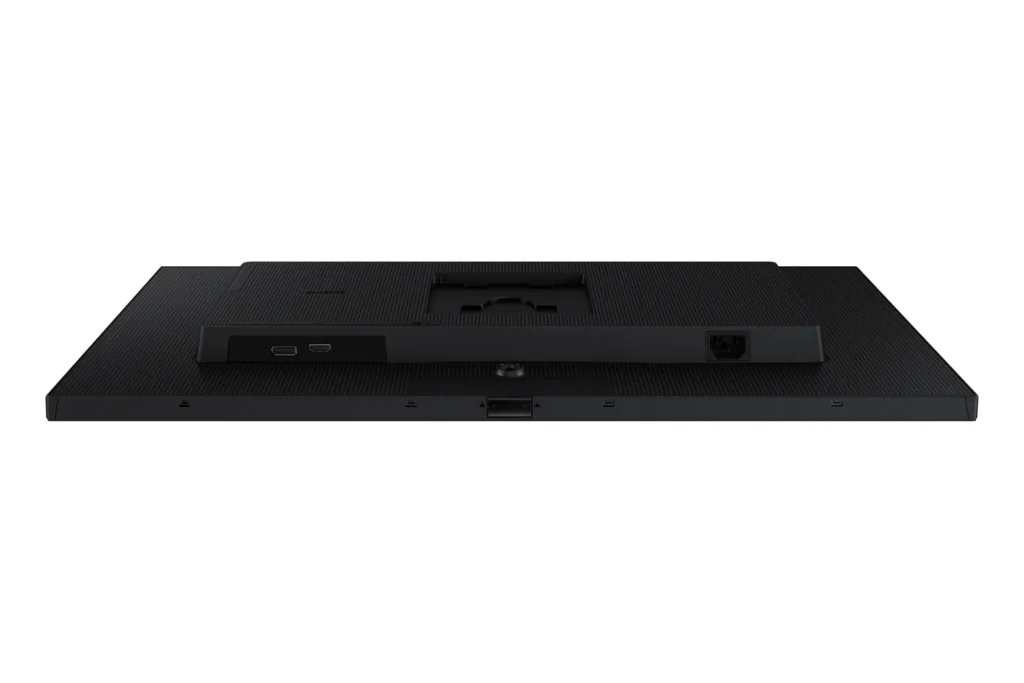
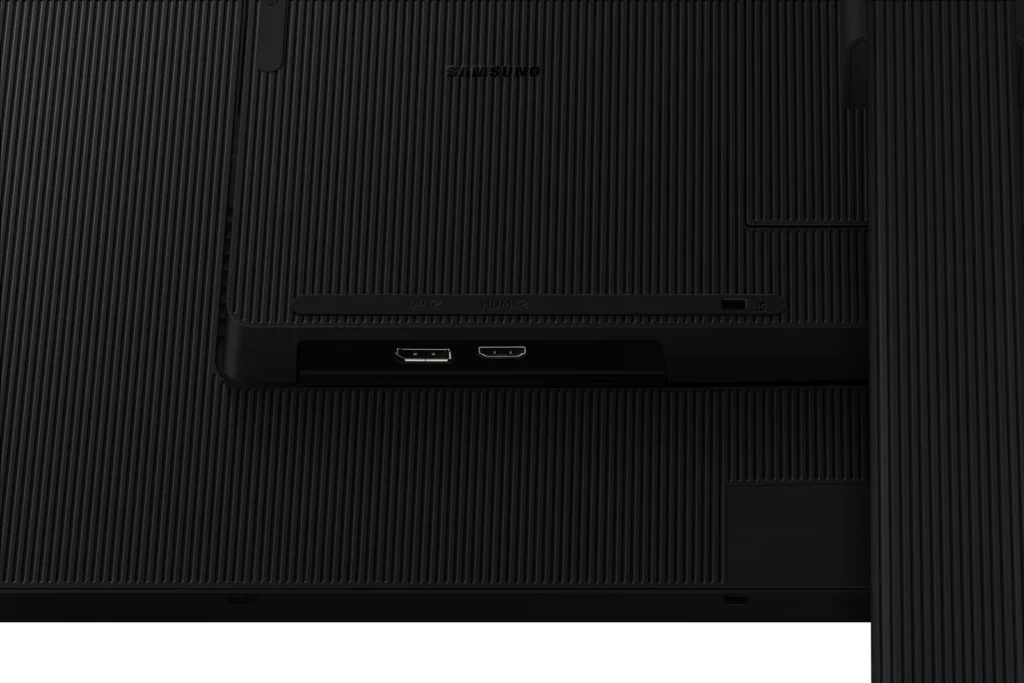
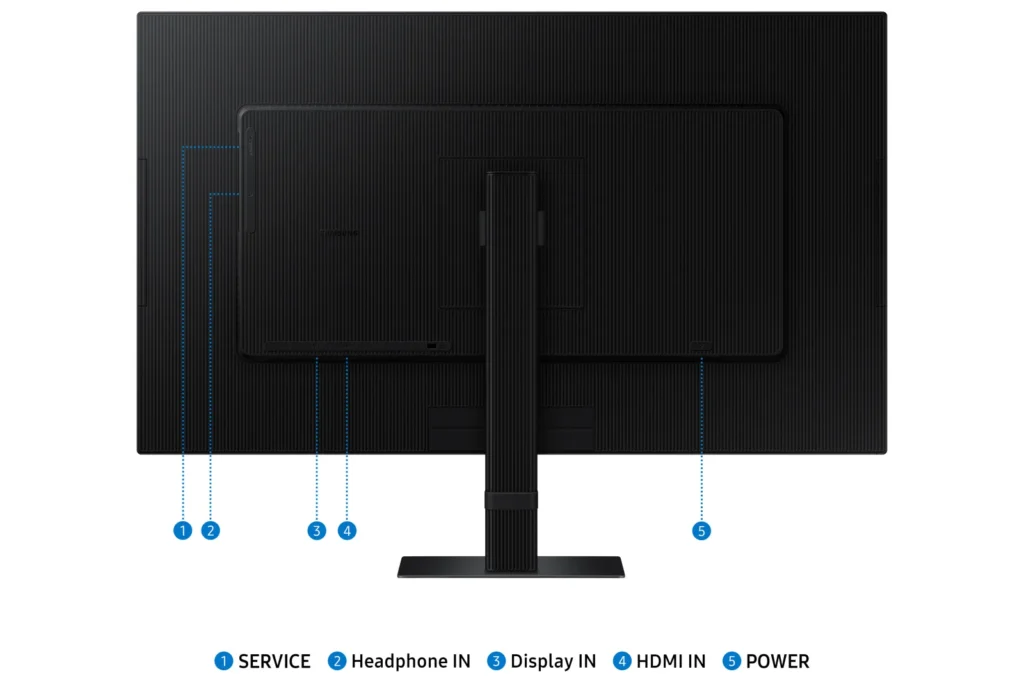
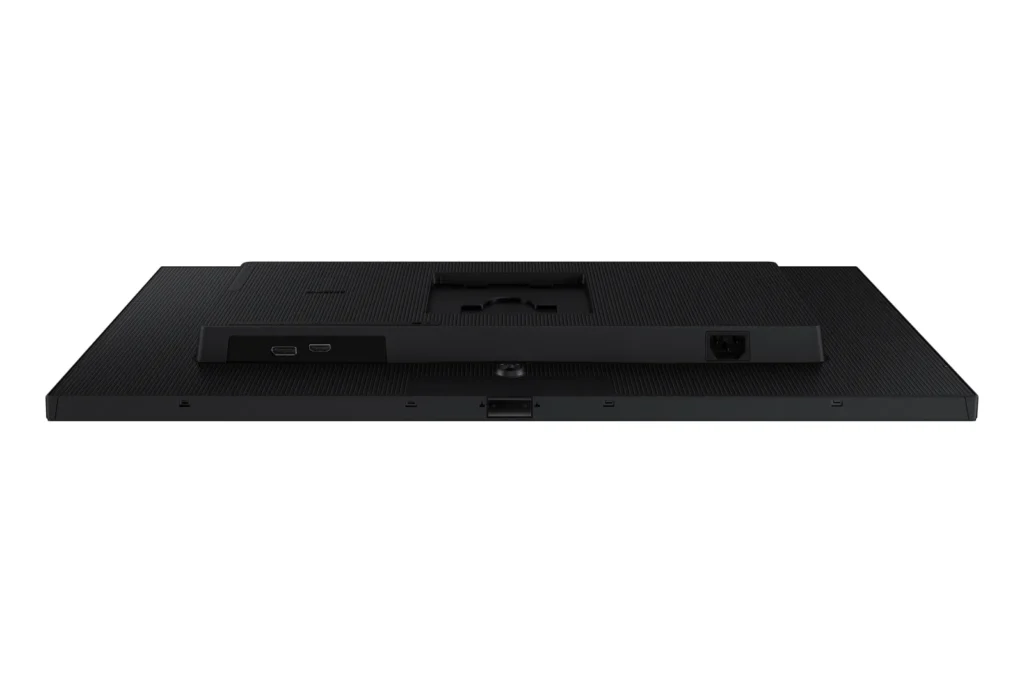
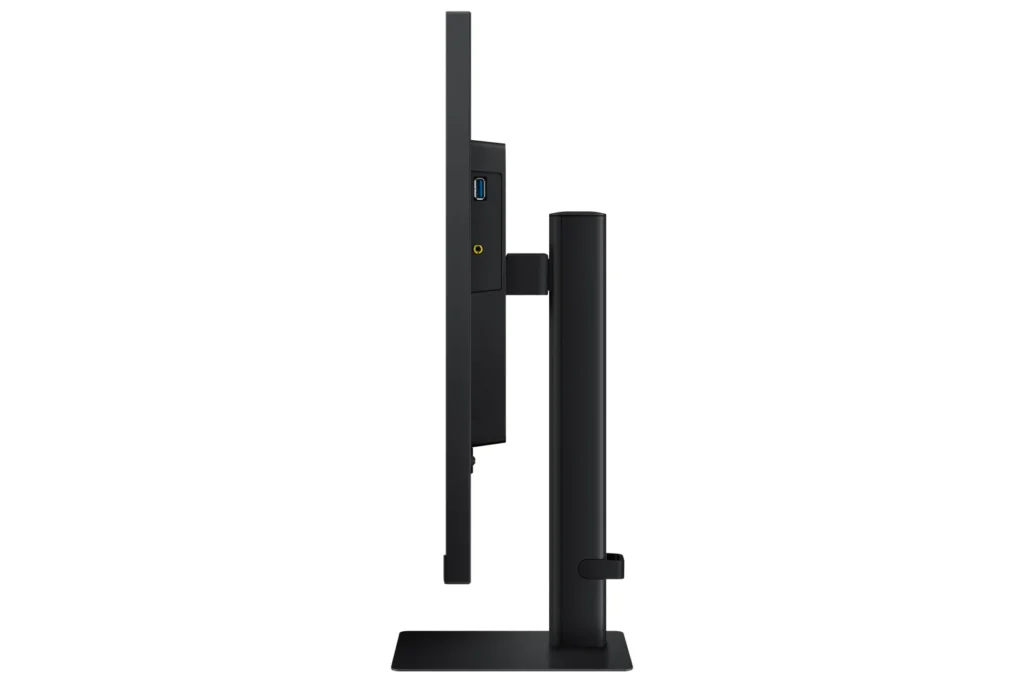
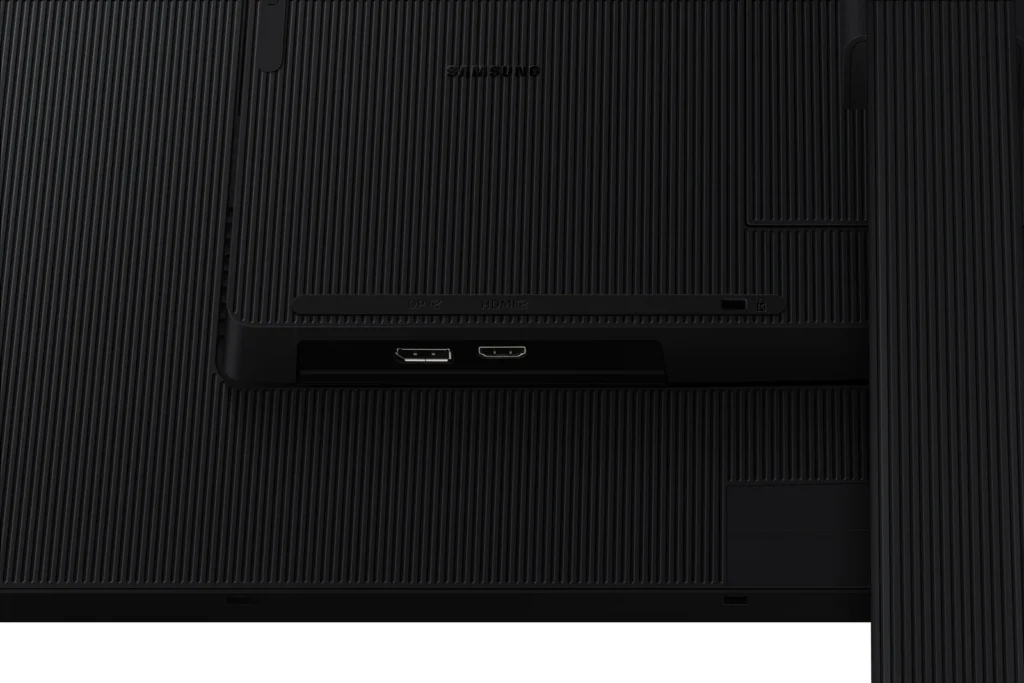
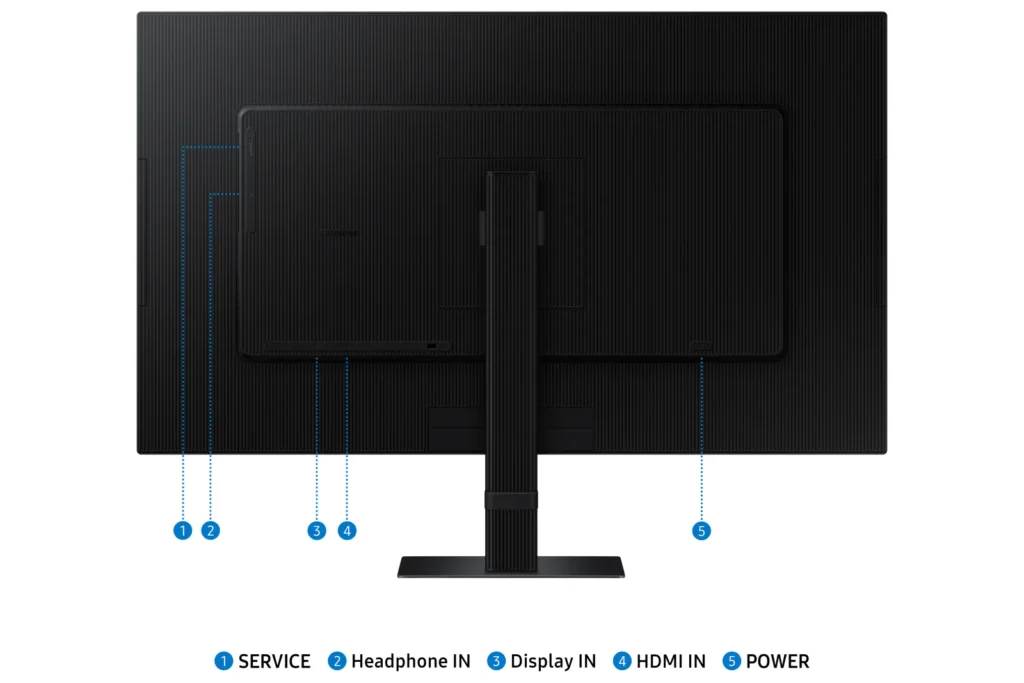
| Versatile Multiple Connectivity Ports | Simplify your setup and enhance productivity with convenient connectivity options, including HDMI, DisplayPort (DP), USB-A, and USB-B ports, making it straightforward to connect various peripherals. |
| TÜV-Certified Intelligent Eye Care | Keep your eyes fresh and reduce strain during extended viewing with TÜV-certified intelligent eye care features. This includes Eye Saver Mode to protect against excessive blue light and Flicker Free technology to minimize screen flickering. |
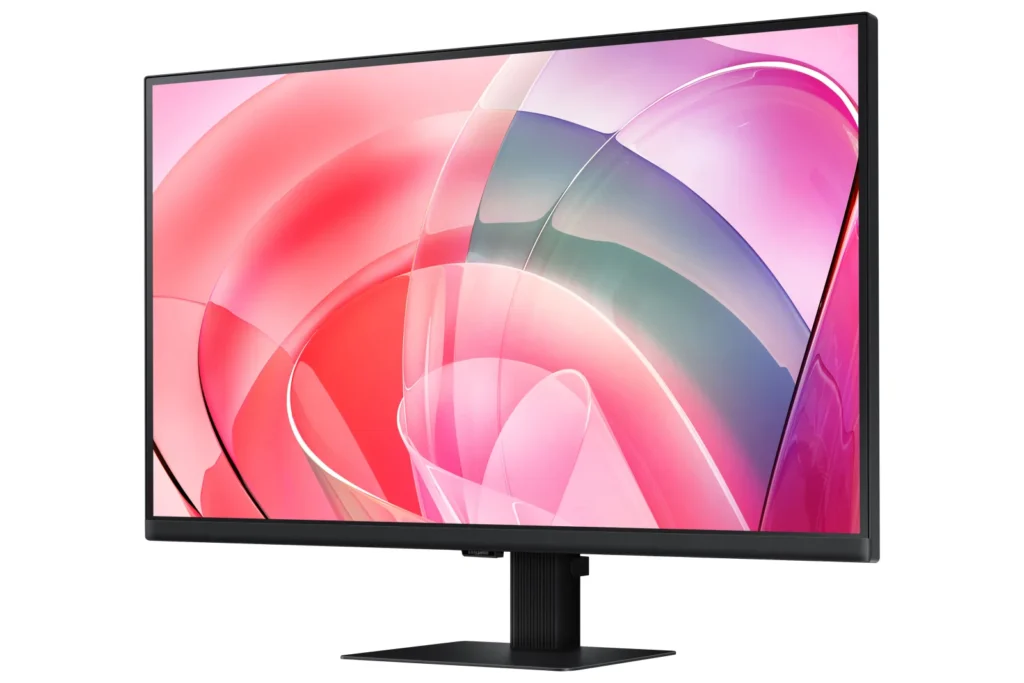
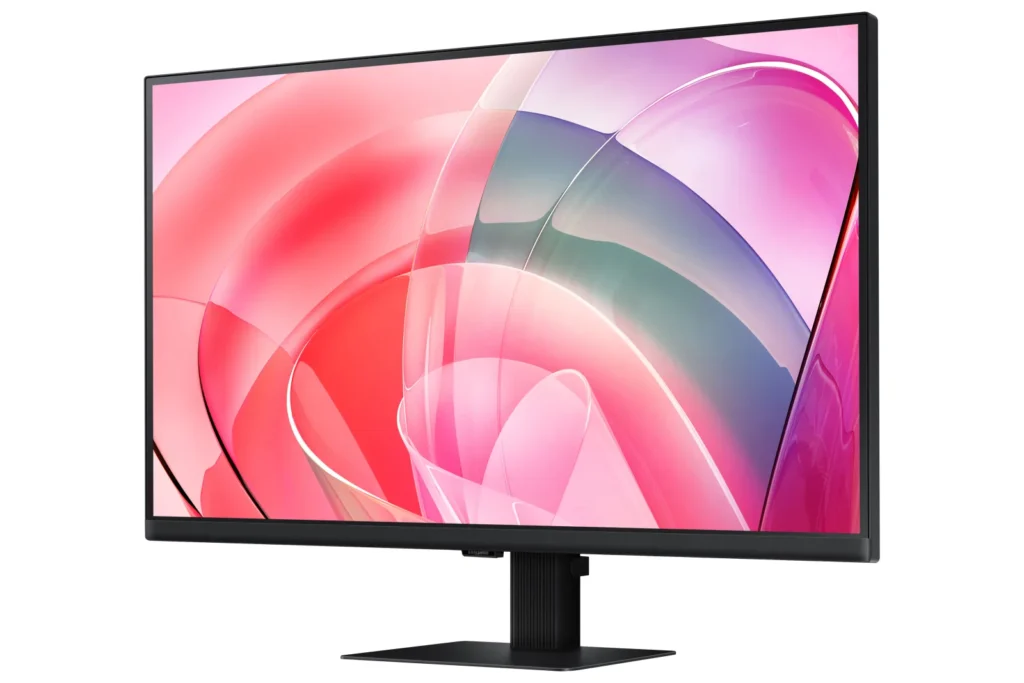
| Effortless Easy Setup Stand | Create your ideal workspace effortlessly with the Easy Setup Stand, which requires no tools or screws for assembly. This design offers flexibility and convenience with a simple push of a button. |
Pros & Cons
Pros
- Excellent 4K Picture Quality: Reviewers consistently praise the monitor's stunning 4K UHD resolution, crisp and clear visuals, vibrant and accurate colors, and good brightness, making it ideal for work, photo/video editing, and immersive viewing experiences.
- Large Screen Size for Productivity: The 27-inch and 32-inch screen sizes are highly valued for providing ample workspace, allowing users to multitask with multiple windows, view spreadsheets, code, and enjoy content without eye strain, especially beneficial for those needing a larger display.
- Good Value for Price: Many customers consider the monitor to be a great value for its price, particularly when purchased on sale, offering high-quality 4K resolution at a competitive cost.
Cons
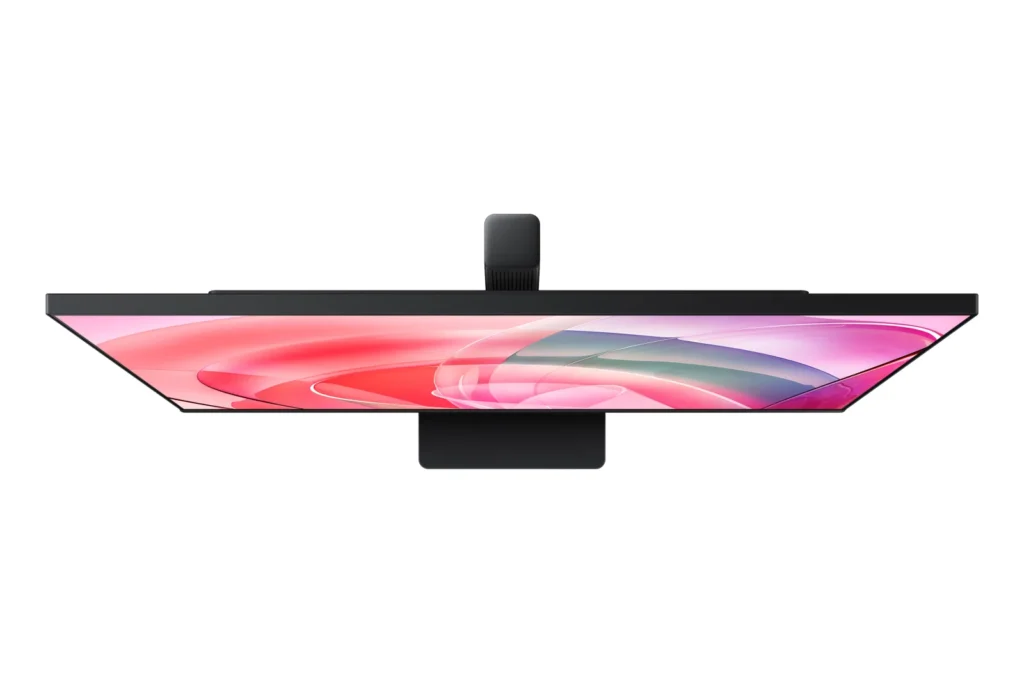
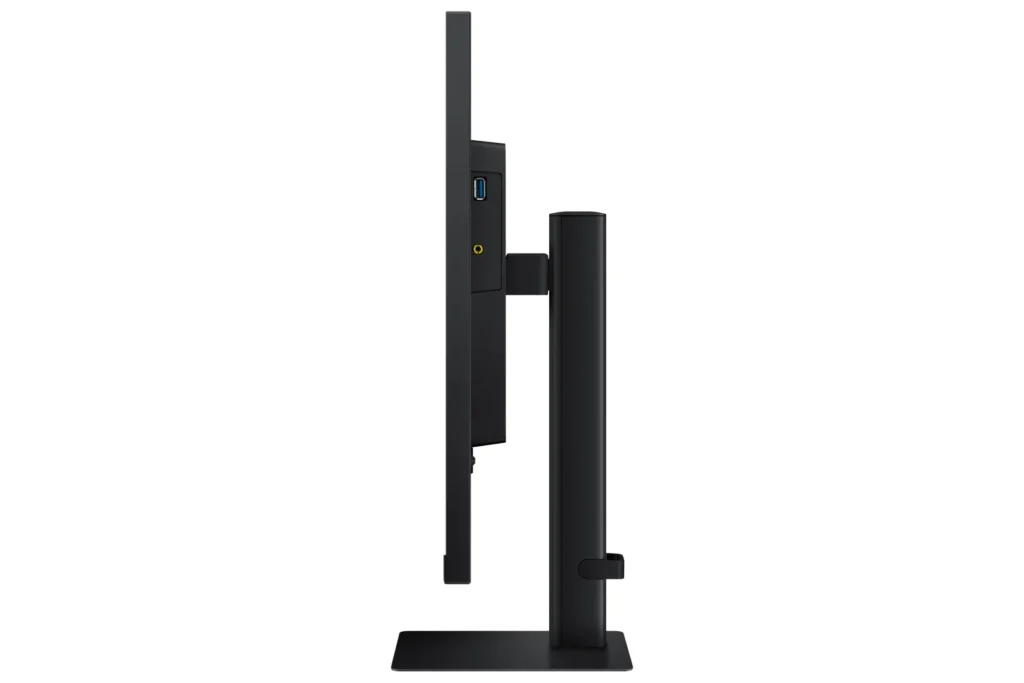
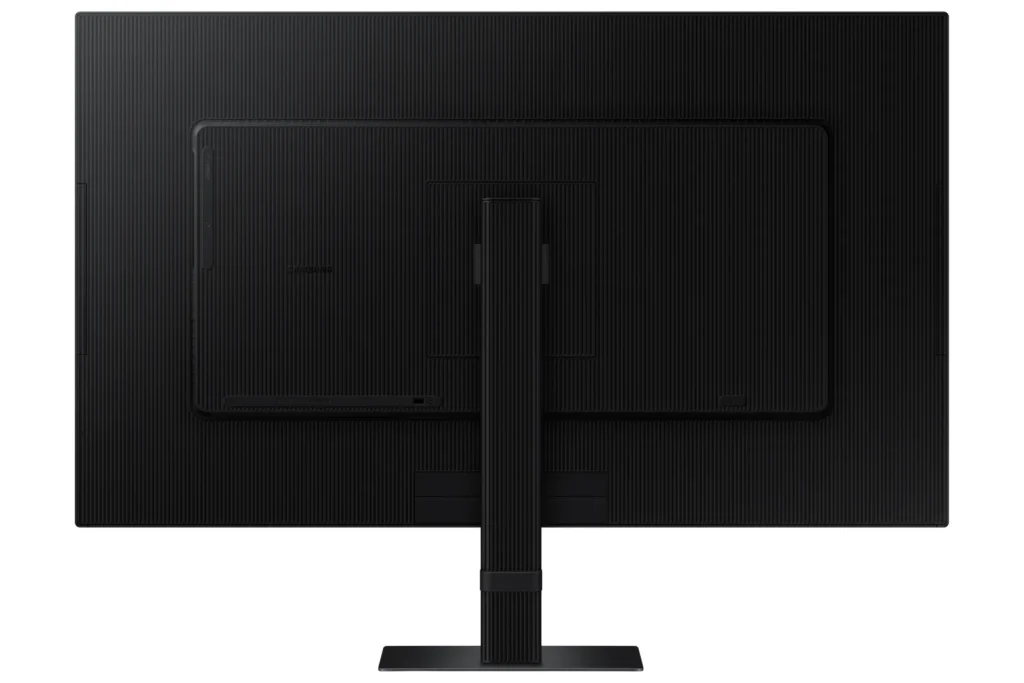
- Non-Adjustable Stand: A frequent complaint is the monitor's stand, which lacks height adjustment and sometimes swivel capabilities. Users find this inconvenient for ergonomics and multi-monitor setups, with some even noting inconsistent heights between identical models.
- Missing Cables and Limited Connectivity: Several reviews report that advertised cables, such as DisplayPort and USB-C, were missing from the box. Furthermore, the general lack of USB-C ports and limited input options (often only one HDMI and one DisplayPort) are significant drawbacks for many users, especially those with modern laptops or multiple devices.
- Annoying Software & Connectivity Issues: Users are frustrated by persistent software annoyances, including a large, non-dismissible 'register' pop-up menu that appears upon waking or turning on the monitor. Connectivity issues like losing signal with the computer, slow wake-up from sleep mode, and performance lag (especially with Macs) are also commonly reported.
Customer Fit
- Primary audience: Productivity / creative users: People doing photo/video editing, spreadsheets, design, or multitasking across many windows say the 4K clarity and large desktop space make work easier and more comfortable for long sessions.
- Secondary audience: Home / general use owners: Users who mainly browse, stream, or want a single big screen instead of two monitors praise the image quality and say it “replaces having two displays” for everyday use.
- Ideal scenarios: Work-from-home setups needing a bigger second screen for laptops or Mac Mini. Casual console / PC gaming at 4K 60Hz, but not high frame rate shooters. Households that watch YouTube / streaming on the monitor instead of using a TV.
You might also like










Customer Reviews
Showing reviews 291-295 of 295
-
Great monitor for console gaming, web media, and productivity tasks
Sneed June 13, 2024Review source: AmazonGreat productivity monitor and also pretty suitable for video editing or graphics work for web use. While it’s no Dolby Vision ProArt, it’s color accurate enough at 99% RGB for most essential color work. No backlight bleed around the edges, good contrast and brightness. It’s a solid IPS panel.
At 60Hz, I probably wouldn’t use it for PC gaming (that is if your rig can push 60 fps at 4k, mine certainly can’t in many games), but for something like a PS5 this is a good choice. Especially, I would imagine, at 32″.
I am personally using it for media work and other productivity tasks related to my job, and in that application it’s great. Since I have the 27″ version, 4k makes things just a little too small so I scale to 2K, and it still looks great after scaling. It is VESA 100mm compatible so you’re able to easily attach it to a monitor arm or other mounting solution without some adapter.
The power cord that it comes with is angled at 90 degrees as to prevent cables from protruding past the bottom of the monitor frame, which is thoughtful. Initially, I was going to use my existing power that was routed up through a monitor arm but ended up using the included cable.
For the price, I would perhaps consider some other options first – you could get a decent 2K ultrawide in this range – and so I do question the value a little bit. However, I haven’t once felt like this monitor was lacking in any department for my use cases and overall I’m happy with it thus far.
-
Excellent color, but several shortcomings in the S70D (ie no USB-C)
Amazon Customer June 13, 2024Review source: AmazonI got the 27” Samsung S70D for a second monitor on my primary workstation. It is sitting along side a 27” Dell U2720QM, which costs over twice as much and is similarly targeted at professionals (as opposed to gaming or casual users), so I’ve got a pretty good baseline to compare with. The S70D has vivid color compared to the Dell (or other monitors I’ve got sitting around), the difference is quite stark. Image sharpness seems great as well, comparable to the IPS panel on the Dell. Black levels are good also, better than the Dell though since I typically like turning up my brightness it is possibly just the way I’ve tuned my monitors. The color adjustment controls are also easier to work with than the Dell. Feature wise, the 60Hz refresh means this isn’t even claiming to be a gaming monitor (neither is the Dell), but it has no trouble handling 4K at 60Hz with the provided HDMI cable, though I wound up using a displayport cable. I’d be nice to at least support 75Hz at lower resolutions (like Samsung’s 2023 Viewfinity mdel, the S60UA), but no luck. The lack of USB-C is also disappointing, as that was the surprise best feature in the Dell, allowing me to hook up my laptop with a single cable for power, video, and USB devices. Without it, I don’t think I can use the S70D as a primary monitor, I’m spoiled. The other significant annoyance is that the S70D’s stand cannot adjust height, so it is tough to match position with my other monitors. This is a somewhat inexplicable omission, as the manual shows similar models (ie the S60D) being adjustable. A final relatively minor ding is that the input buttons for the on-screen controls are on the back of the monitor, not particularly convenient for me as I frequently switch between HDMI and DP inputs for different PCs at my workstation. There is a picture in picture mode on this monitor which is unique, though I doubt I’ll use it—again because of the inconvenient button placement. It’d be nice if the PC could control PiP mode, then it would actually be quite handy in my multi-PC setup. Price wise the S70D is obviously more expensive than a consumer-targeted bargain bin monitor, but nowhere near the high end like my Dell. Feature wise though it is good bang for the buck, and I’m satisfied overall, but the lack of USB-C, adjustable height, and higher refresh rates in this model keeps me from giving it top marks at any price point—I kind of wish I’d gotten the Samsung S60D for about the same price.
-
brightness and smoothness
Marie 9 June 13, 2024Review source: AmazonThe stand for the screen is very easy to attach. My son loves it. He says its clean and smooth. Its very responsive when he is playing his video games. The screen colors are very bright and vivid.
-
Improved on an already great monitor
Just Another Reviewer June 13, 2024Review source: AmazonI have been using a pair of S70A monitors for over a year and have been very pleased with them and will be using them as my comparison/reference in this review.
The two models are quite similar, both being 32″, 4K60 10-bit HDR monitors. Colors are vibrant and the thin bezels make for more aesthetically pleasing multi-monitor setups. I use my computer primarily for office-related tasks and typically have a movie, netflix, youtube, or some other video content playing in one monitor as I work. I have found that the S70D does just as well as the A model, maybe a little better due to the improved contrast and brightness.
While my GPU is not capable of rendering >60FPS @ 4K resolution in games, it should be noted that this is a 60Hz refresh rate monitor and as such, gamers with powerful-enough GPUs capable of rendering >60FPS at 4K resolution will not experience the smoother visuals of higher refresh rate monitors like 144Hz+ models when using this monitor for gaming.
This D model improves connectivity options over the previous A model. This wasn’t very important for me as I mostly work with HDMI and DisplayPort and those are pretty much standard on every modern monitor.
If my experience with the S70A is any indicator, this S70D will be an excellent, general-purpose monitor.
-
This is such a step up from what I was using before!
Non Playable Character (Villag… June 13, 2024Review source: AmazonI don’t own a regular TV, and only have my computer and PS5 for my entertainment which is just perfect for me. The only thing I really need for my setup is a just a simple monitor. None of the smart monitor stuff that has firestick or any of the other streaming devices built in; just the monitor screen. I was using a Dell 25” or 27” with 1280*1080p, I believe….anyway when I saw this monitor pop-up I jumped on it! This monitor is a huge step up for me! In fact it is showing me how bad the resolution is on the stuff I have been watching. It arrived just fine with no cracks or dents and no issues at all with setup. For me it is as nice as any TV, and so much bigger than what I had before. I’m not really too techy but for me it’s a really good monitor and I enjoy it. The only thing I had to adjust too is that it sits lower than my other monitor. But I love this one; and I sorely needed an upgrade!