Customer Media
Highlights
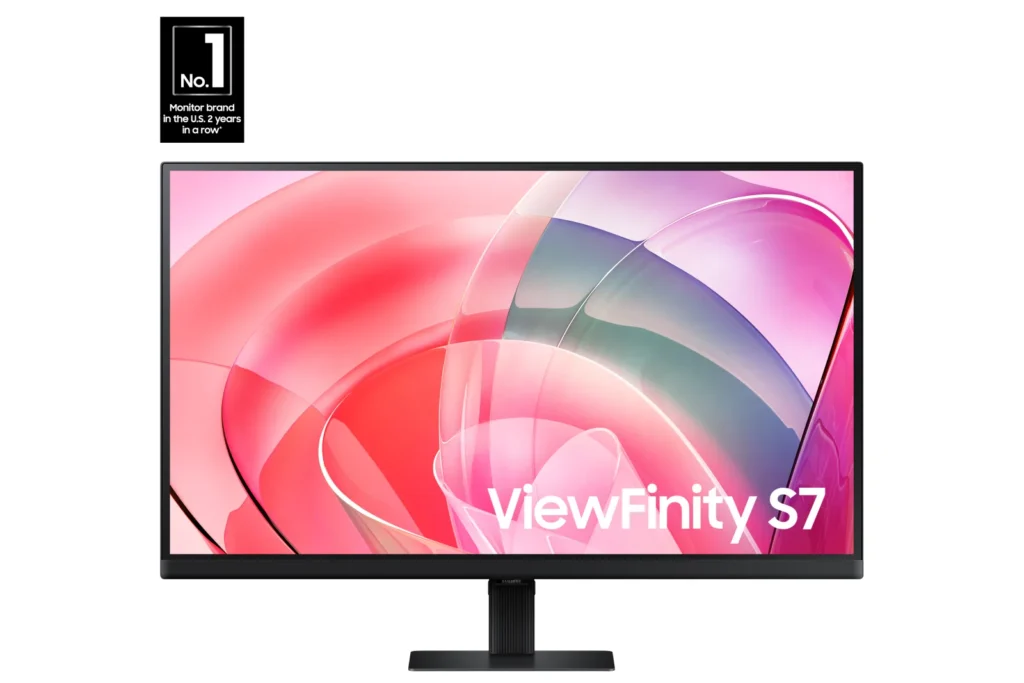
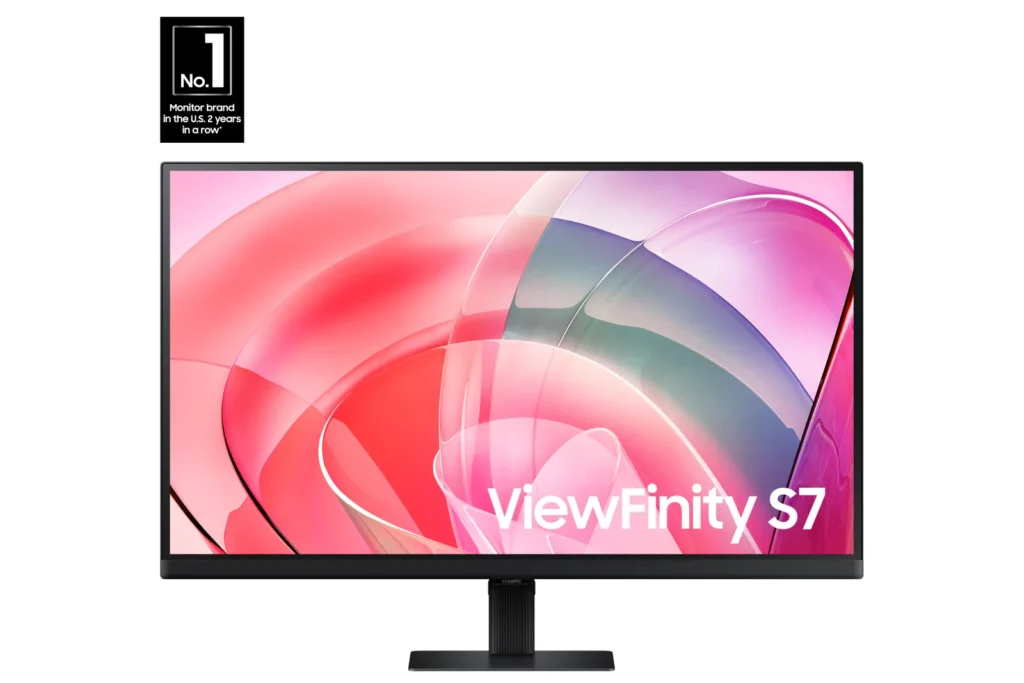
| Stunning 4K UHD Resolution | Experience crystal-clear visual excellence with 4K UHD (3840 x 2160) resolution, delivering increased levels of detail and higher pixel density for intricate designs, complex diagrams, and dynamic video content. |
|---|---|
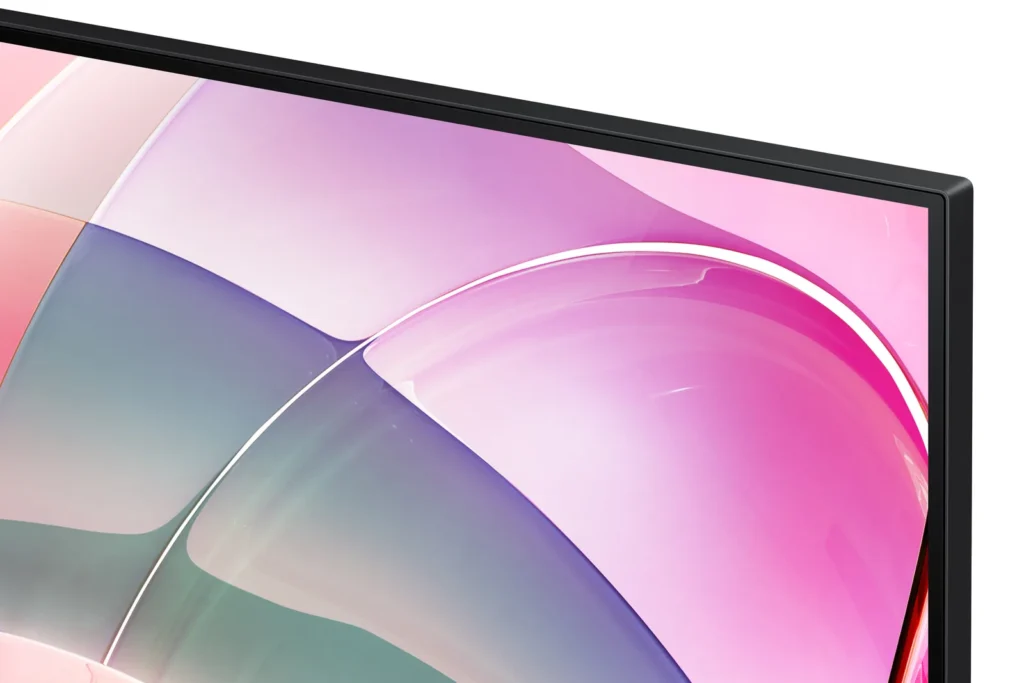
| Vibrant HDR10 with 1.07 Billion Colors | Enjoy enhanced realism through HDR10 support, providing near-limitless hues and true-to-life color representation with deeper contrast for darker darks and brighter brights. The monitor displays 1.07 billion colors for stunning accuracy and detail. |
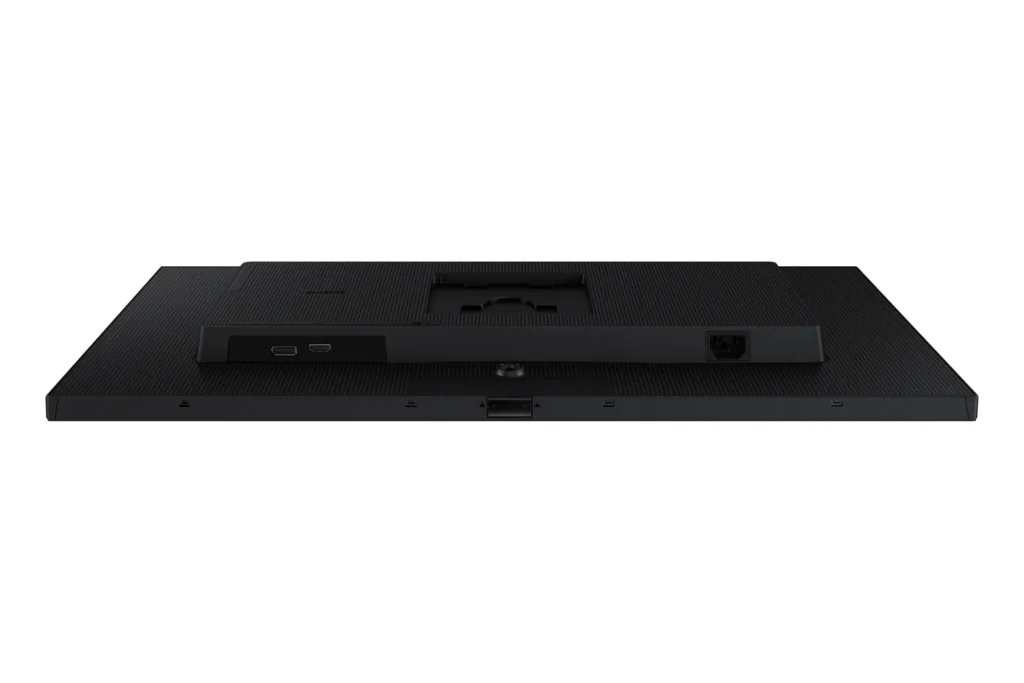
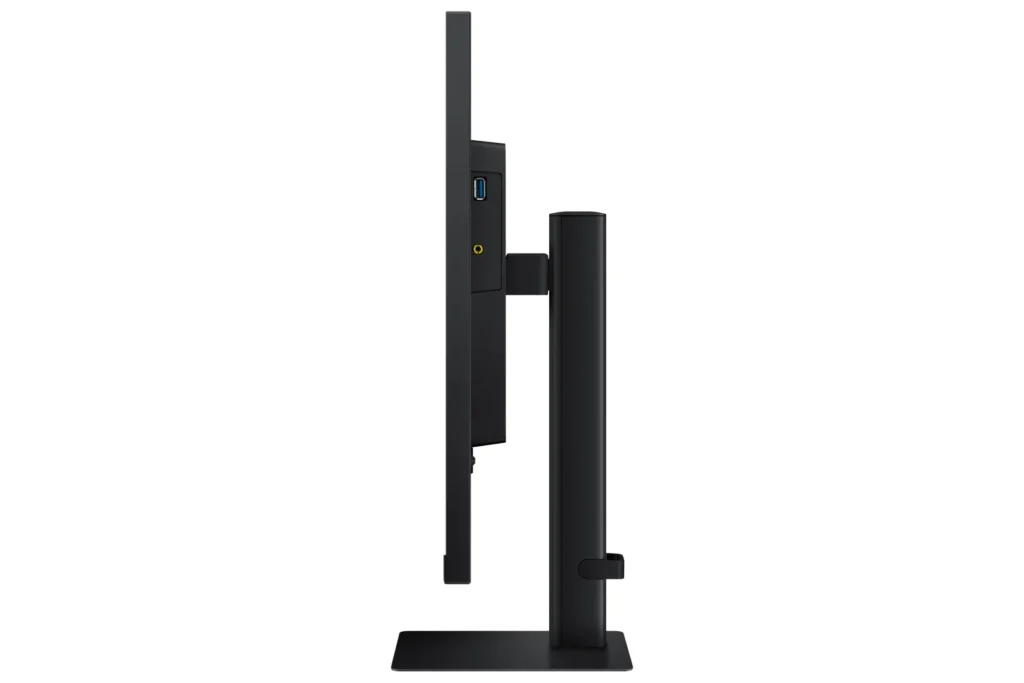
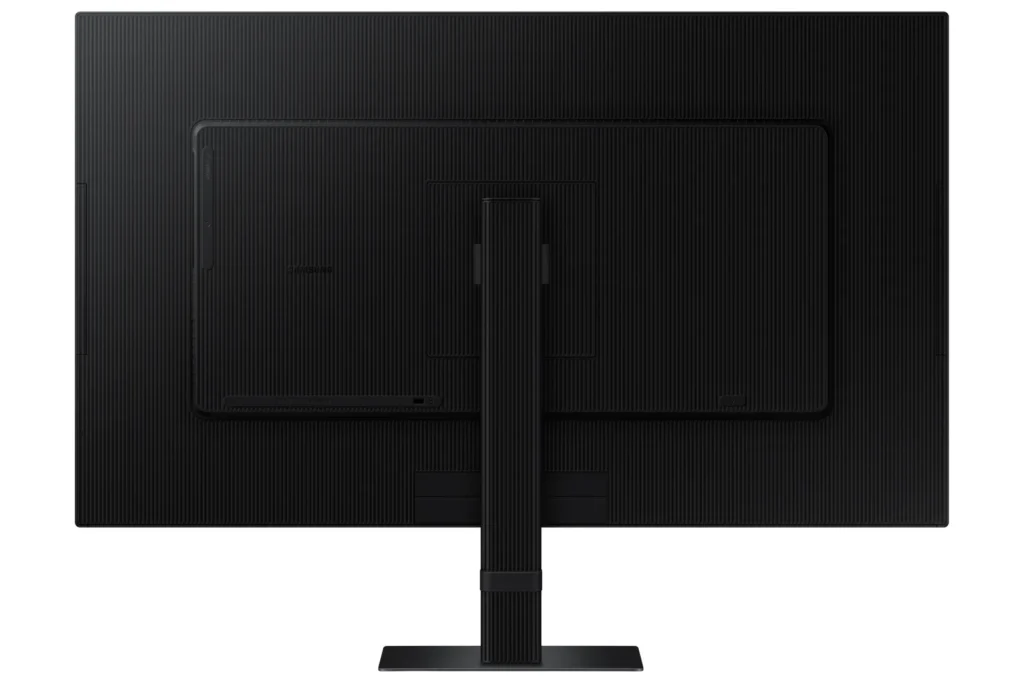
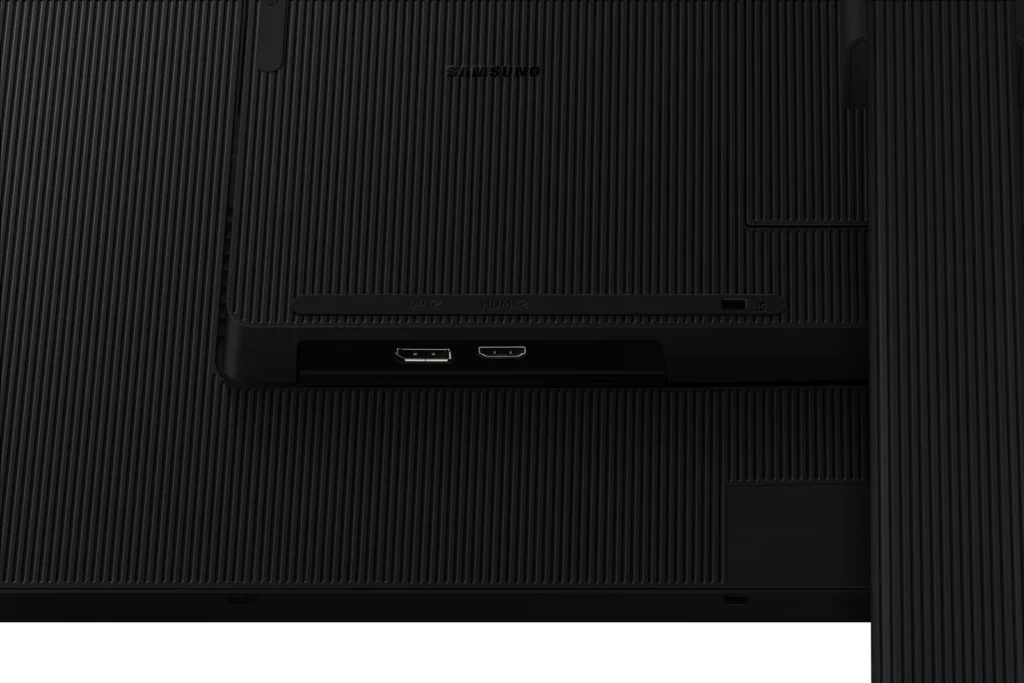
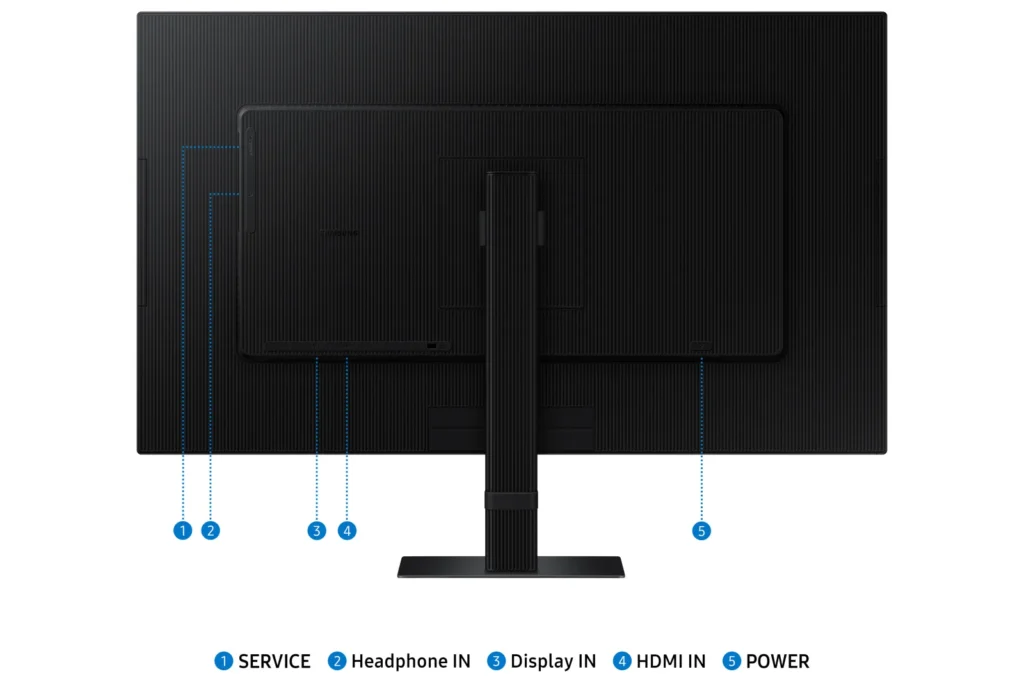
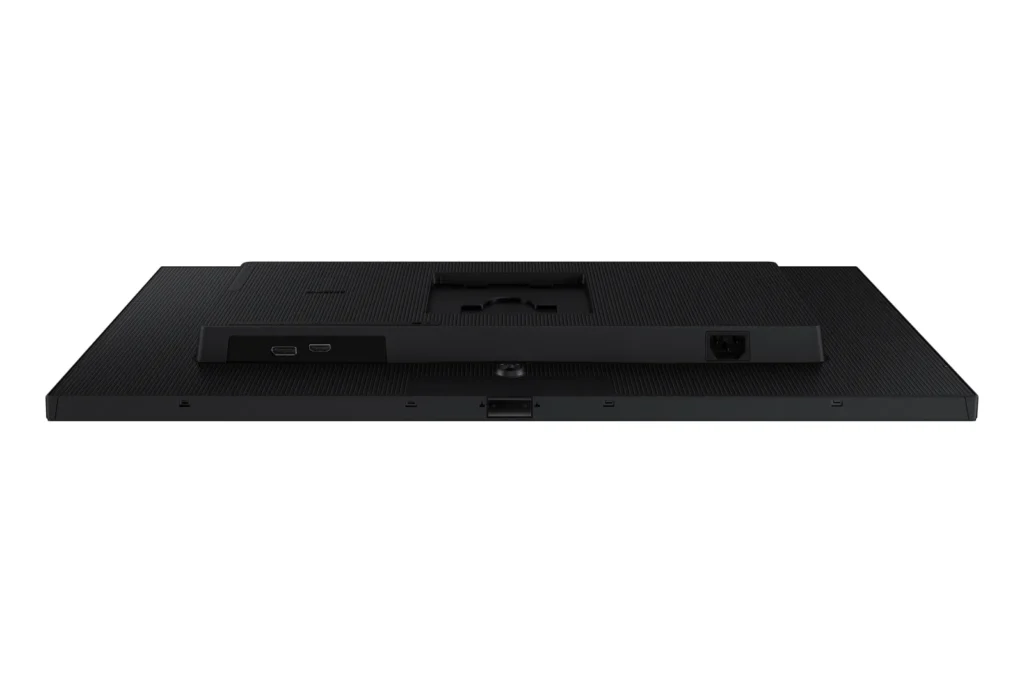
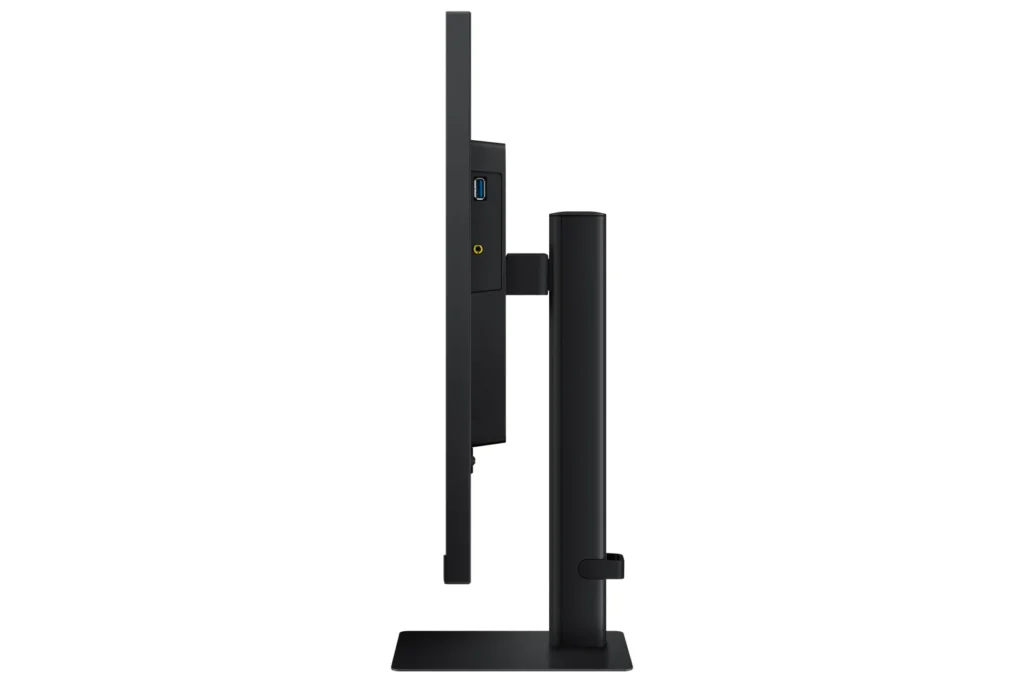
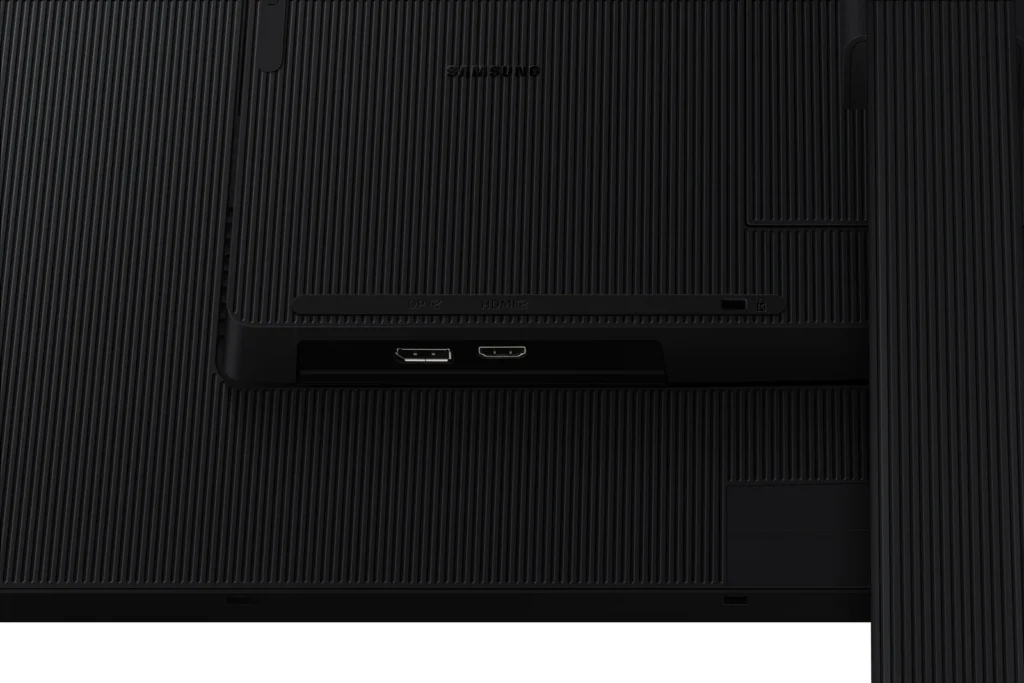
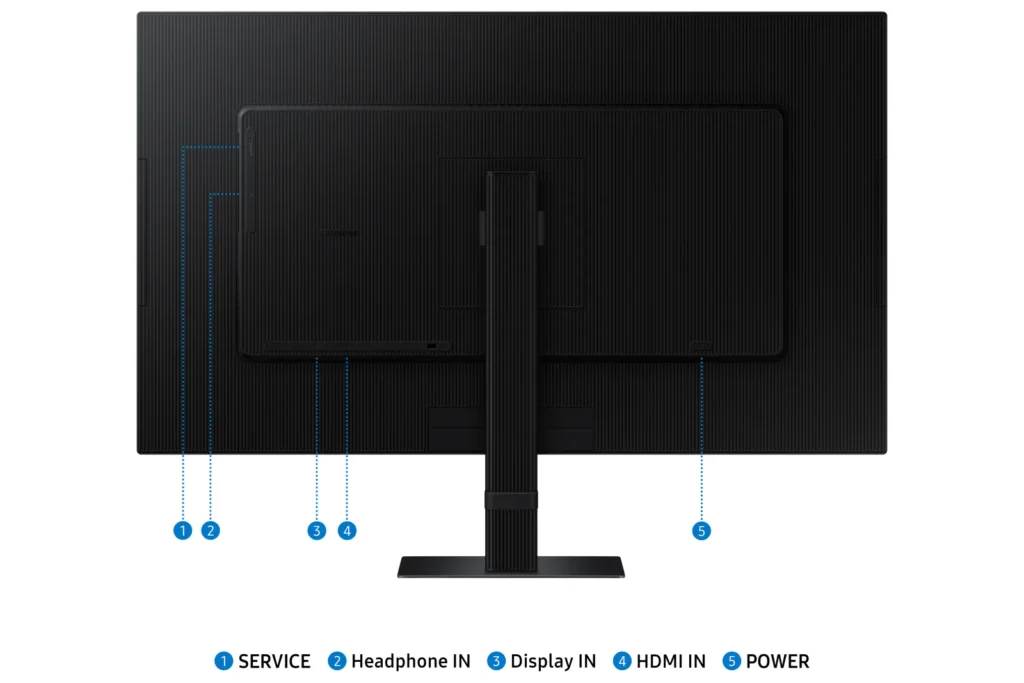
| Versatile Multiple Connectivity Ports | Simplify your setup and enhance productivity with convenient connectivity options, including HDMI, DisplayPort (DP), USB-A, and USB-B ports, making it straightforward to connect various peripherals. |
| TÜV-Certified Intelligent Eye Care | Keep your eyes fresh and reduce strain during extended viewing with TÜV-certified intelligent eye care features. This includes Eye Saver Mode to protect against excessive blue light and Flicker Free technology to minimize screen flickering. |
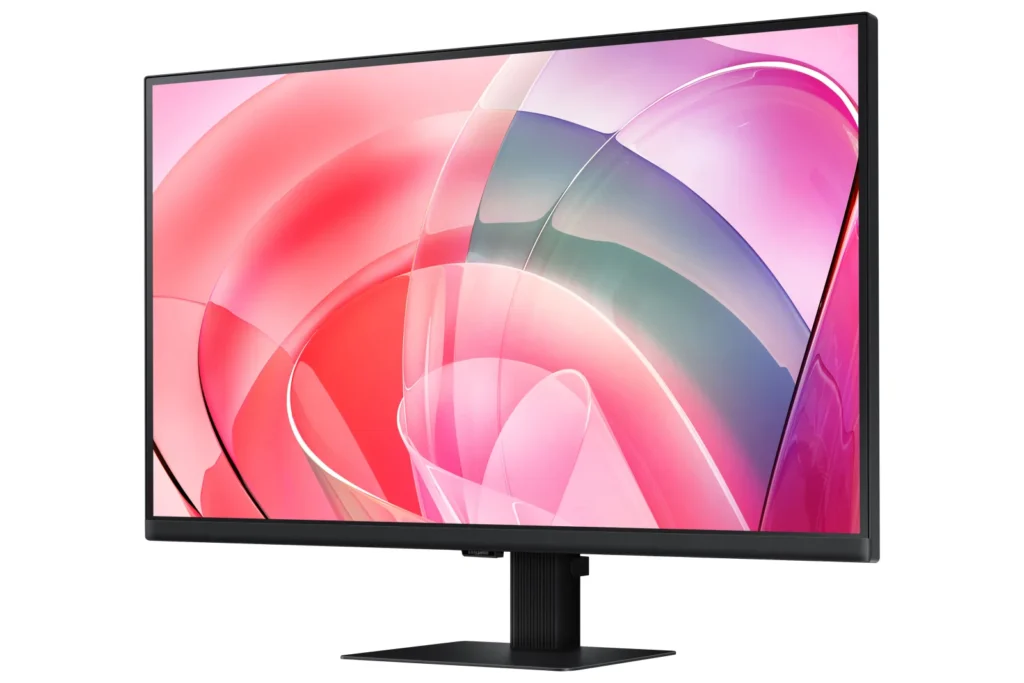
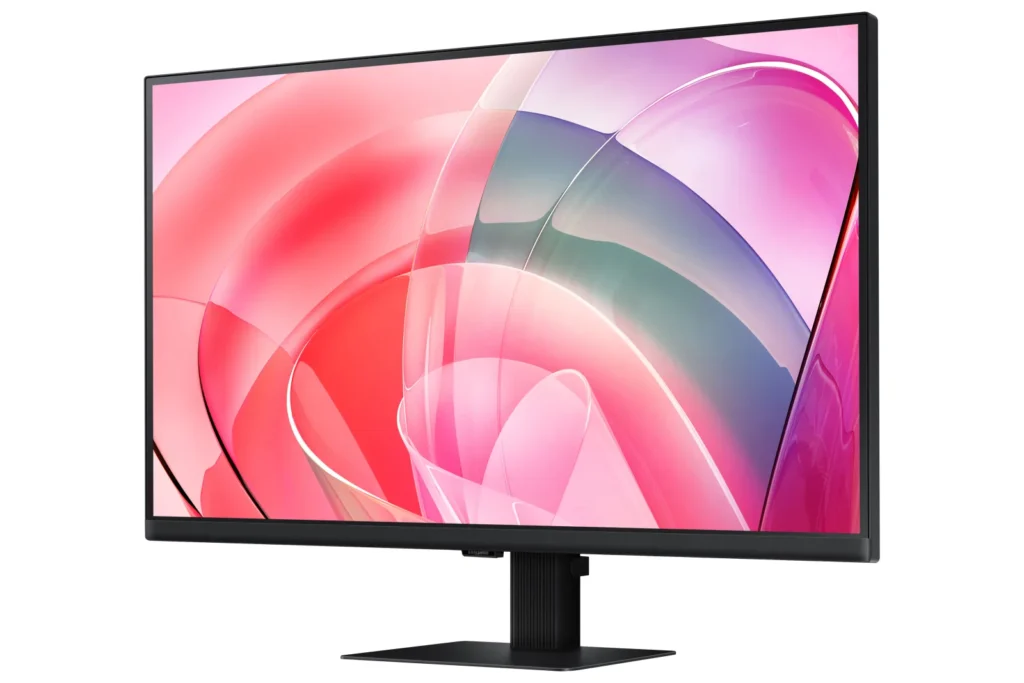
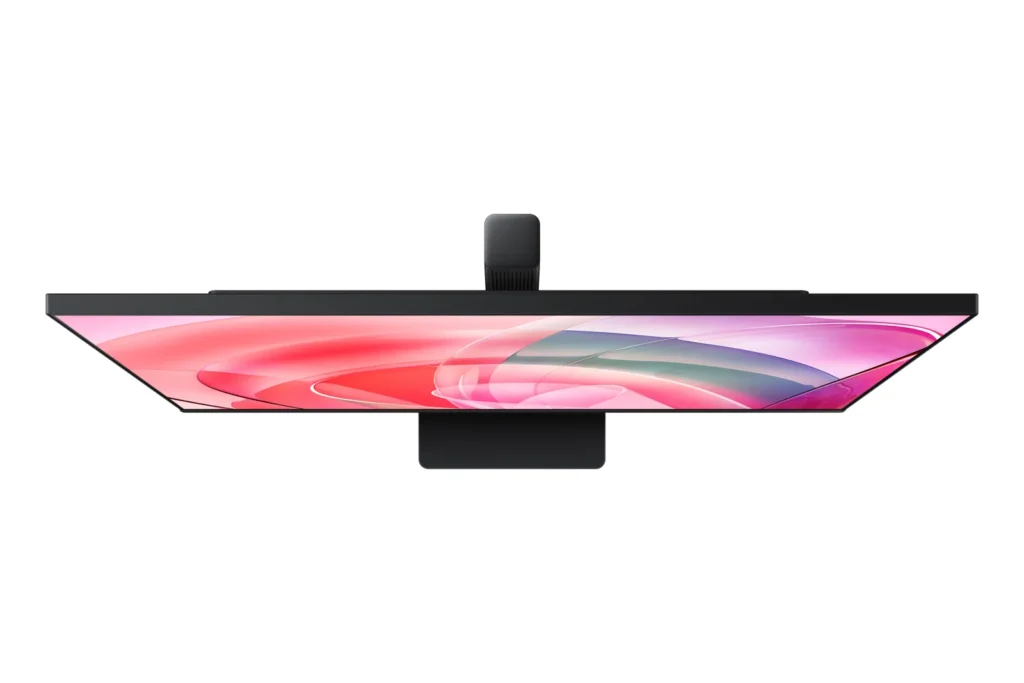
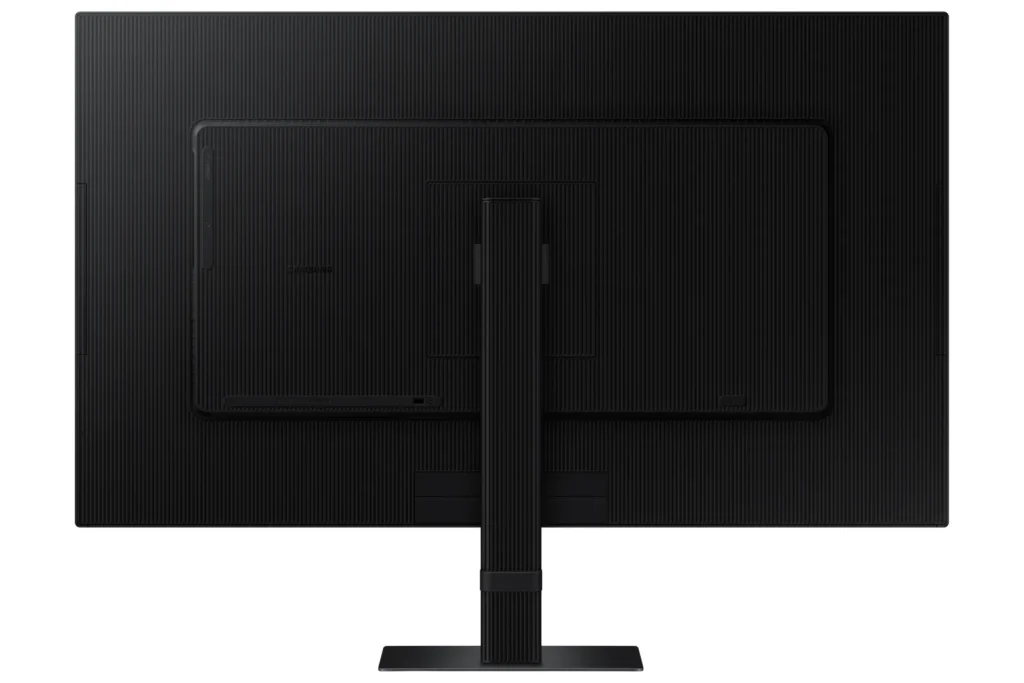
| Effortless Easy Setup Stand | Create your ideal workspace effortlessly with the Easy Setup Stand, which requires no tools or screws for assembly. This design offers flexibility and convenience with a simple push of a button. |
Pros & Cons
Pros
- Excellent 4K Picture Quality: Reviewers consistently praise the monitor's stunning 4K UHD resolution, crisp and clear visuals, vibrant and accurate colors, and good brightness, making it ideal for work, photo/video editing, and immersive viewing experiences.
- Large Screen Size for Productivity: The 27-inch and 32-inch screen sizes are highly valued for providing ample workspace, allowing users to multitask with multiple windows, view spreadsheets, code, and enjoy content without eye strain, especially beneficial for those needing a larger display.
- Good Value for Price: Many customers consider the monitor to be a great value for its price, particularly when purchased on sale, offering high-quality 4K resolution at a competitive cost.
Cons
- Non-Adjustable Stand: A frequent complaint is the monitor's stand, which lacks height adjustment and sometimes swivel capabilities. Users find this inconvenient for ergonomics and multi-monitor setups, with some even noting inconsistent heights between identical models.
- Missing Cables and Limited Connectivity: Several reviews report that advertised cables, such as DisplayPort and USB-C, were missing from the box. Furthermore, the general lack of USB-C ports and limited input options (often only one HDMI and one DisplayPort) are significant drawbacks for many users, especially those with modern laptops or multiple devices.
- Annoying Software & Connectivity Issues: Users are frustrated by persistent software annoyances, including a large, non-dismissible 'register' pop-up menu that appears upon waking or turning on the monitor. Connectivity issues like losing signal with the computer, slow wake-up from sleep mode, and performance lag (especially with Macs) are also commonly reported.
Customer Fit
- Primary audience: Productivity / creative users: People doing photo/video editing, spreadsheets, design, or multitasking across many windows say the 4K clarity and large desktop space make work easier and more comfortable for long sessions.
- Secondary audience: Home / general use owners: Users who mainly browse, stream, or want a single big screen instead of two monitors praise the image quality and say it “replaces having two displays” for everyday use.
- Ideal scenarios: Work-from-home setups needing a bigger second screen for laptops or Mac Mini. Casual console / PC gaming at 4K 60Hz, but not high frame rate shooters. Households that watch YouTube / streaming on the monitor instead of using a TV.
You might also like










Customer Reviews
Showing reviews 31-40 of 295
-
Highly recommend, great monitor with HDR.
Verified purchase Verified purchase: This reviewer bought the product. Incentivized Incentivized review: The reviewer received a benefit for sharing feedback.ValidBuyerAtBestBuy July 4, 2025Review source: BestbuyHighly recommend, great monitor with HDR, the only thing it’s flat, not curved.
-
I do not recommend this monitor
Verified purchase Verified purchase: This reviewer bought the product.Amazon Customer July 4, 2025Review source: AmazonEvery time monitor comes out of sleep an annoying menu pops up at the bottom of the display. If I want the menu, I’ll push the button for it. The length of time the menu is displayed can be set but it’s not possible to set it to 0 or turn the feature off. There are also occasions when the display temporarily degrades a bit (e.g, either top or bottom of a line of text is missing) When it is working, it’s fine but I’d recommend buying something else.
-
Great monitors
Verified purchase Verified purchase: This reviewer bought the product.N L L July 3, 2025Review source: AmazonGreat resolution and vivid colors. Returned another set of monitors with poor resolution. The Samsung monitors were a great decision.
-
Excellent
Verified purchase Verified purchase: This reviewer bought the product. Incentivized Incentivized review: The reviewer received a benefit for sharing feedback.pvidal July 2, 2025Review source: BestbuyClear sharp and light, mounted to a monitor vesa mount for an overhead 4k monitor
-
Very bad display
Verified purchase Verified purchase: This reviewer bought the product.René Konze June 30, 2025Review source: AmazonThis display is awful. It is one big blotch of light-bleed and colors wash out when the viewing angle is slighted off from 90°.
The photo shows it displaying a black image in a dark environment.
This will go back right away. -
Do not buy
Verified purchase Verified purchase: This reviewer bought the product.Diana Tucker June 30, 2025Review source: AmazonAfter 2 weeks started locking up. Raster only. Unplug and replug to correct. Junk
-
Love this monitor!
Verified purchase Verified purchase: This reviewer bought the product. Incentivized Incentivized review: The reviewer received a benefit for sharing feedback.AliciaO June 28, 2025Review source: BestbuyThis monitor is beautiful. Lightweight and easy to setup. Very pleased with the purchase.
-
Defective pixel
Verified purchase Verified purchase: This reviewer bought the product. Incentivized Incentivized review: The reviewer received a benefit for sharing feedback.Bruce June 27, 2025Review source: BestbuyDo not buy open box even in excellent condition. There was a defective pixel!
-
Nice monitors
Verified purchase Verified purchase: This reviewer bought the product. Incentivized Incentivized review: The reviewer received a benefit for sharing feedback.WFHO June 21, 2025Review source: BestbuyBought two for home office. Larger than I realized but glad I didn’t buy 3!
-
GREAT 27" 4K MONITOR AT A GREAT PRICE $199
Verified purchase Verified purchase: This reviewer bought the product.RHN June 20, 2025Review source: Amazon27″ 4k quality for $199!! What’s not to like. I a not a gamer so I don’t need fast frame rates. Colors are bright, with adjustments available thru monitor software. Surfing the internet, paying bills, perusing YOUTUBE videos, this monitor fits my needs. Inputs are HDMI and Display Port only. Although I do see a USB 2.0 input, from reading the manual this port is to update the monitors software. I haven’t used this USB port as I use the HDMI via a THUNDERBOLT 4 male on one end (from MB Air TB4 port), and a HDMI male (into HDMI VIEWFINITY monitor port) on the other end. Works great!! Fits my need perfectly. I can take my MB Air on the road, and when I get home, I use the VIEWFINITY.