Customer Media
Highlights
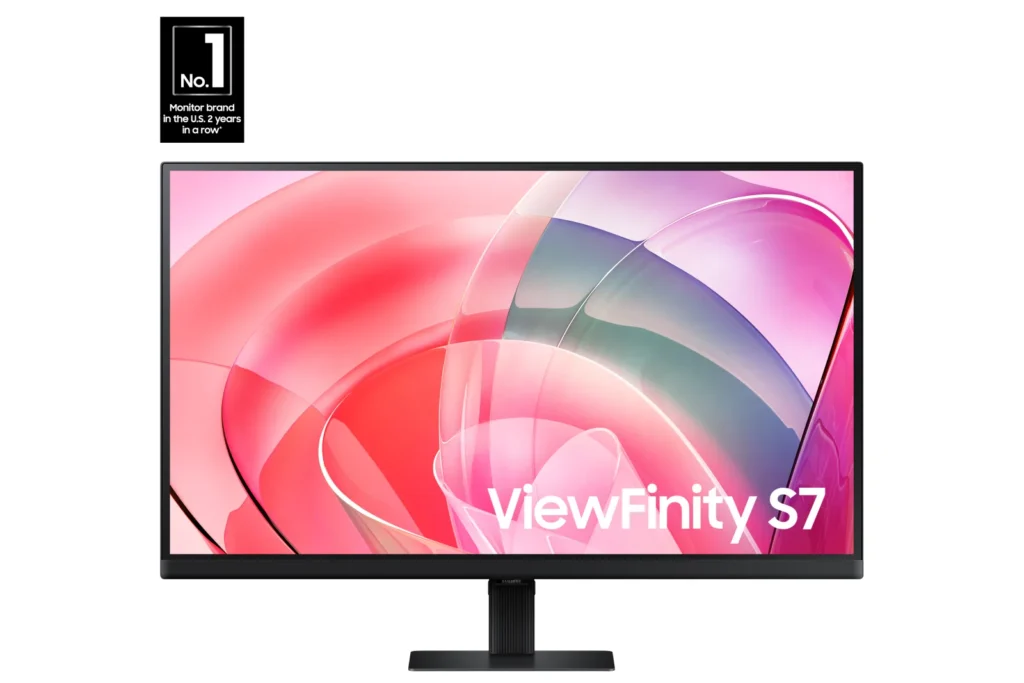
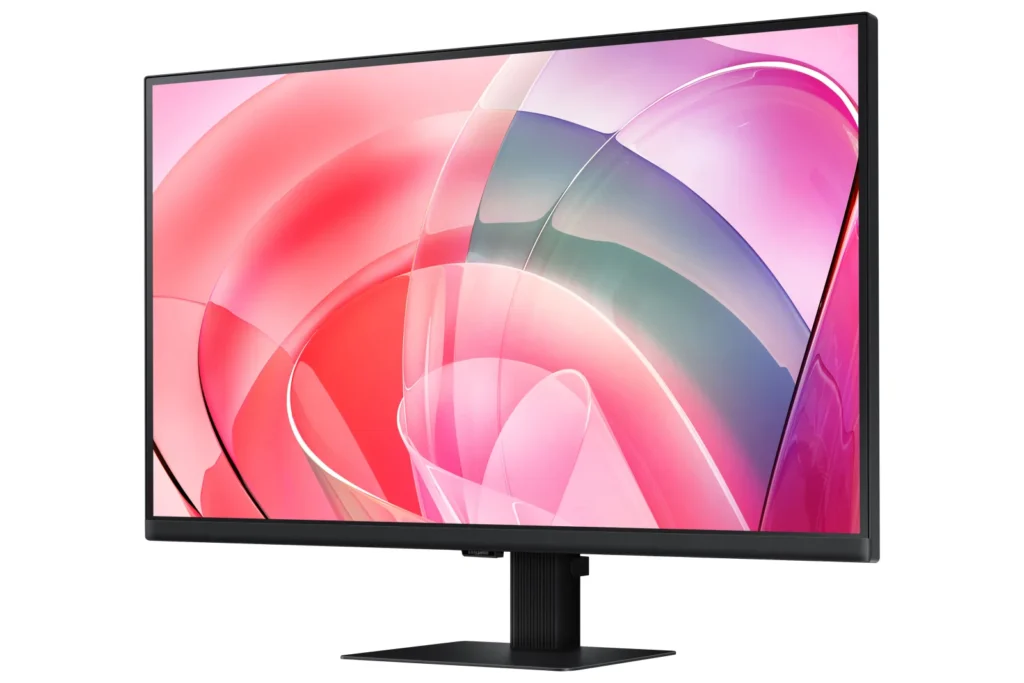
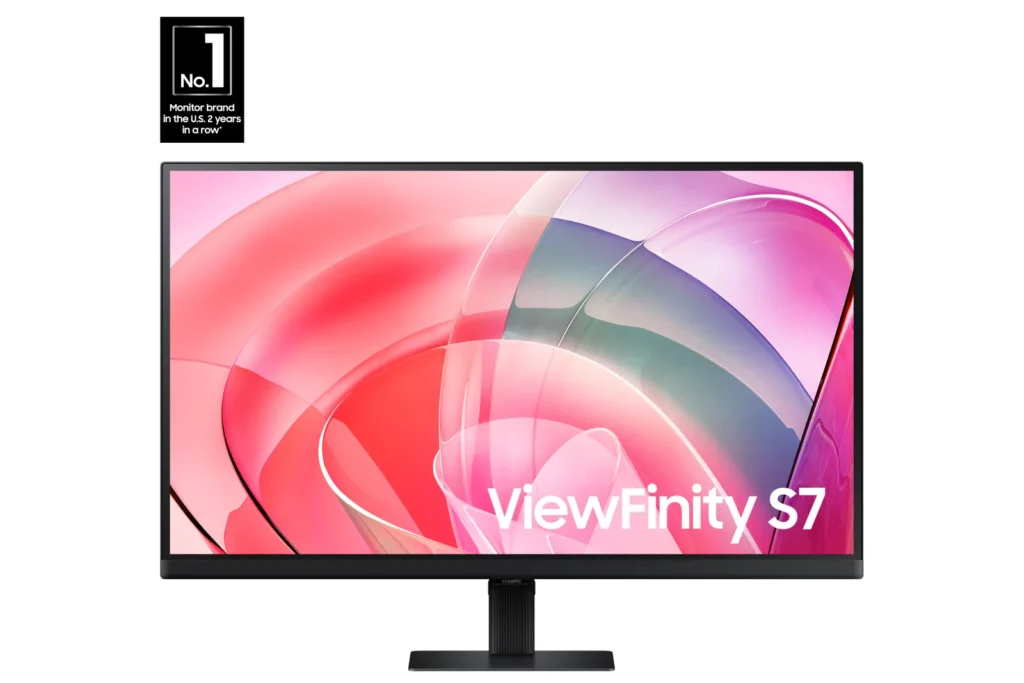
| Stunning 4K UHD Resolution | Experience crystal-clear visual excellence with 4K UHD (3840 x 2160) resolution, delivering increased levels of detail and higher pixel density for intricate designs, complex diagrams, and dynamic video content. |
|---|---|
| Vibrant HDR10 with 1.07 Billion Colors | Enjoy enhanced realism through HDR10 support, providing near-limitless hues and true-to-life color representation with deeper contrast for darker darks and brighter brights. The monitor displays 1.07 billion colors for stunning accuracy and detail. |
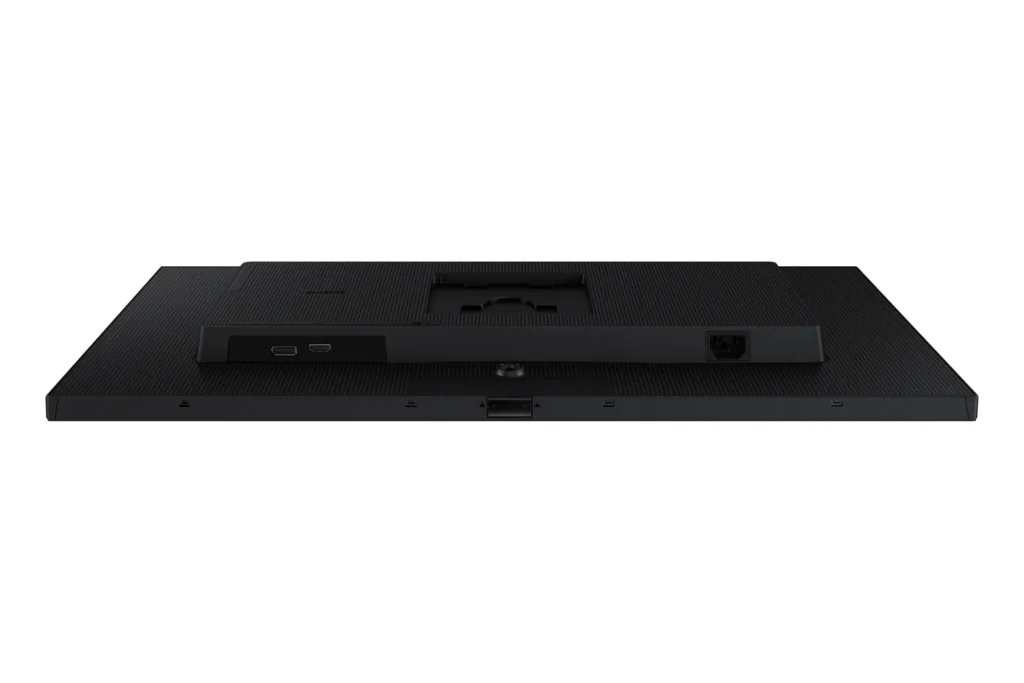
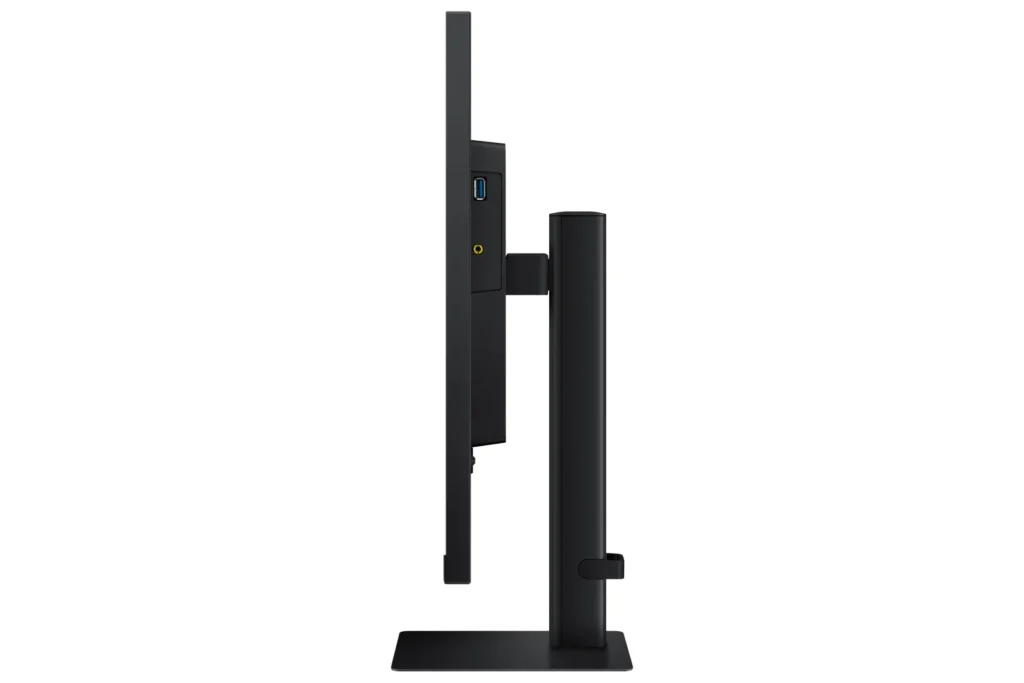
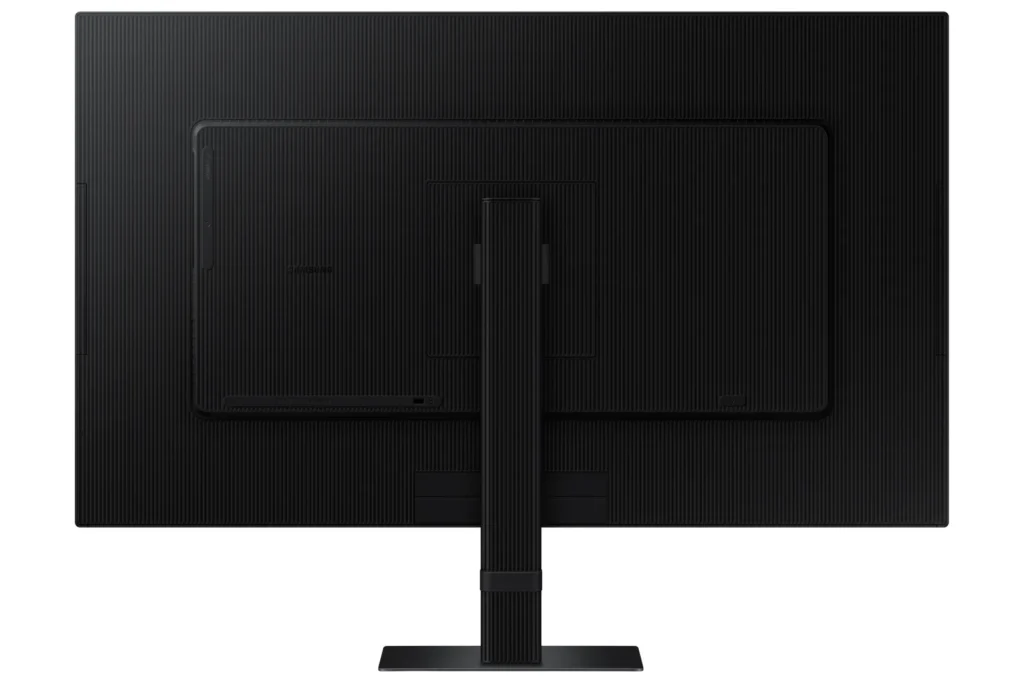
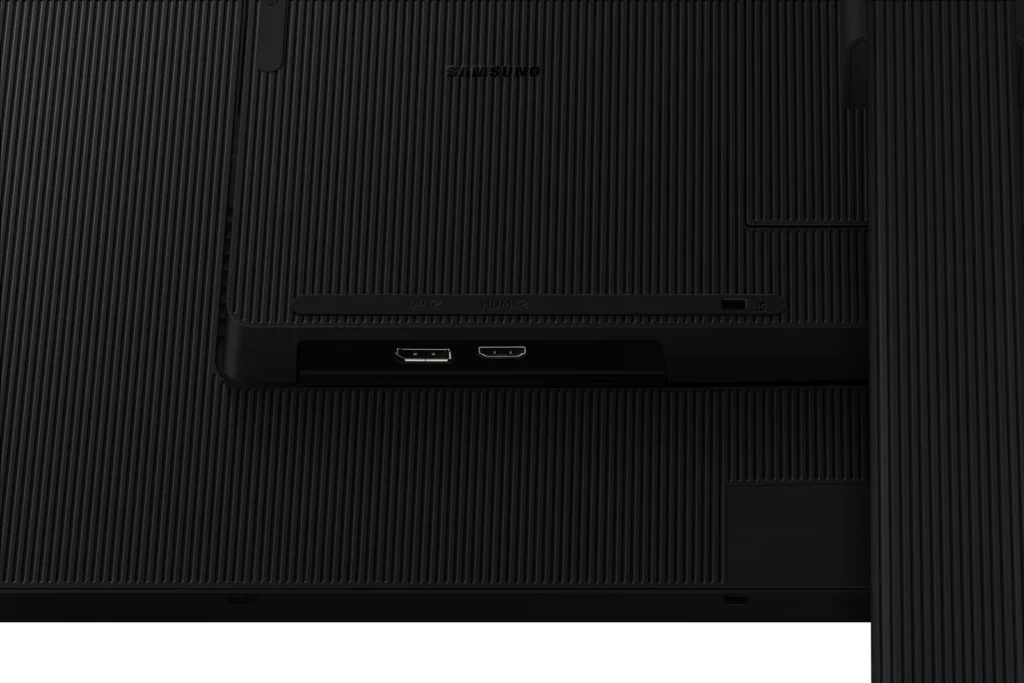
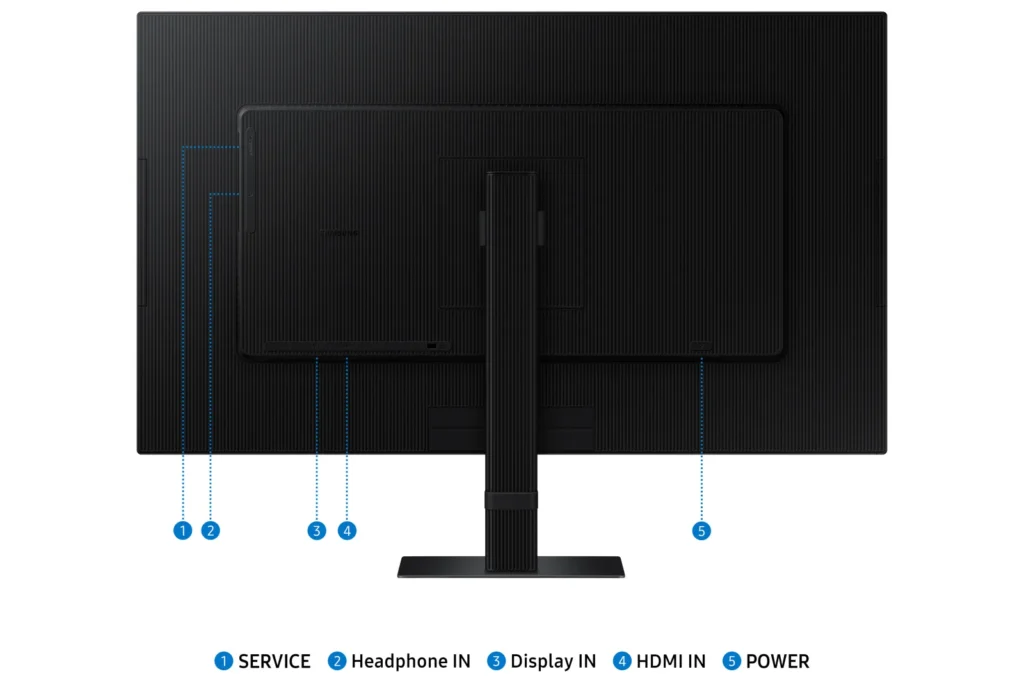
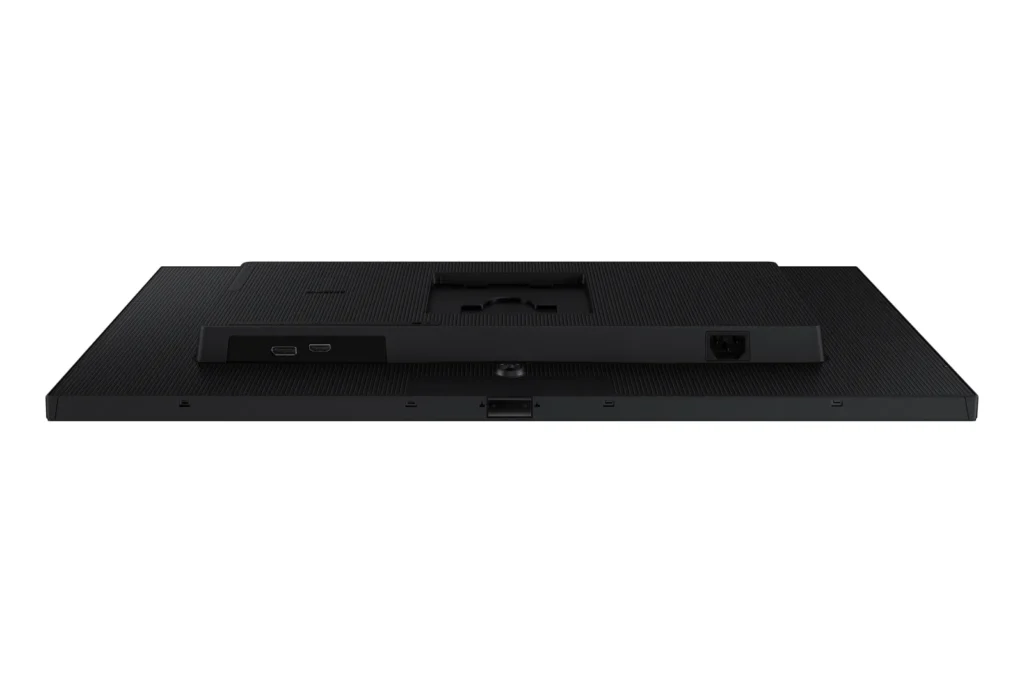
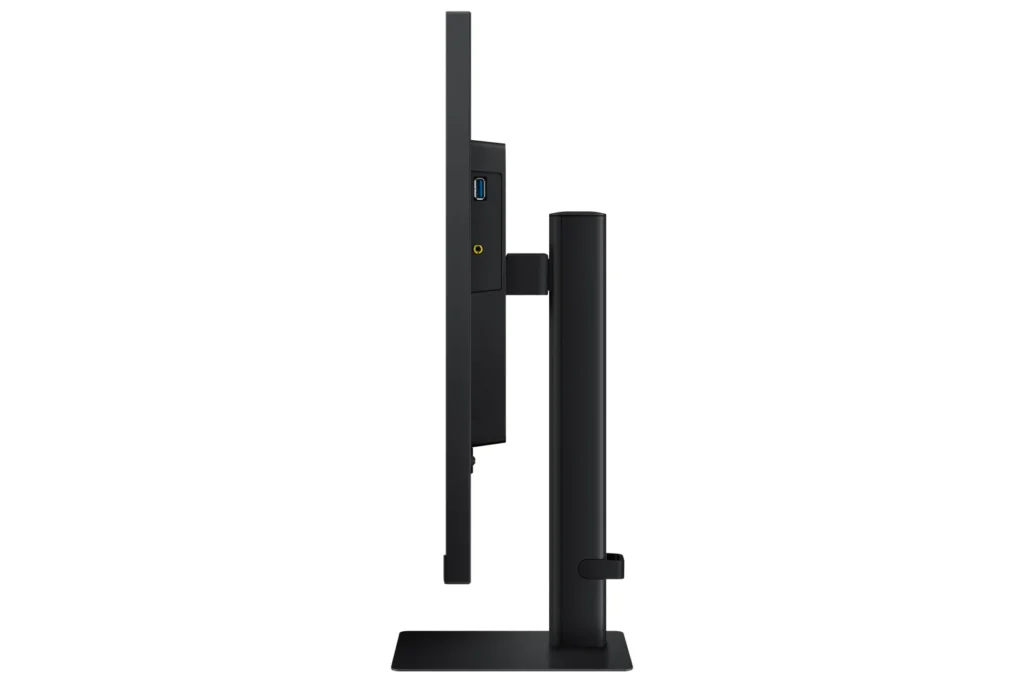
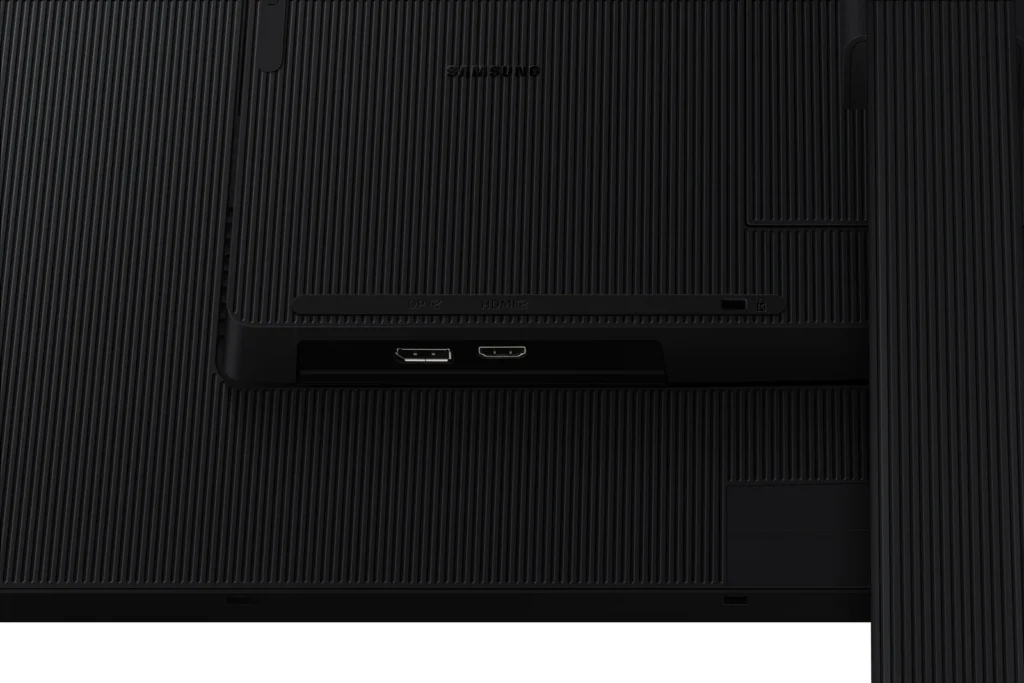
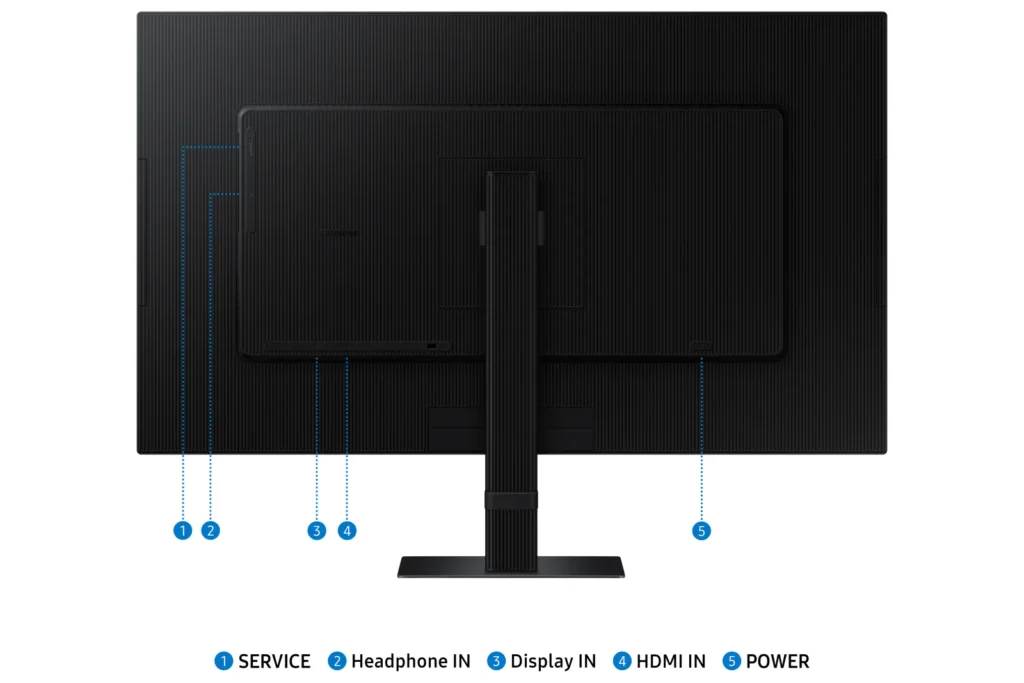
| Versatile Multiple Connectivity Ports | Simplify your setup and enhance productivity with convenient connectivity options, including HDMI, DisplayPort (DP), USB-A, and USB-B ports, making it straightforward to connect various peripherals. |
| TÜV-Certified Intelligent Eye Care | Keep your eyes fresh and reduce strain during extended viewing with TÜV-certified intelligent eye care features. This includes Eye Saver Mode to protect against excessive blue light and Flicker Free technology to minimize screen flickering. |
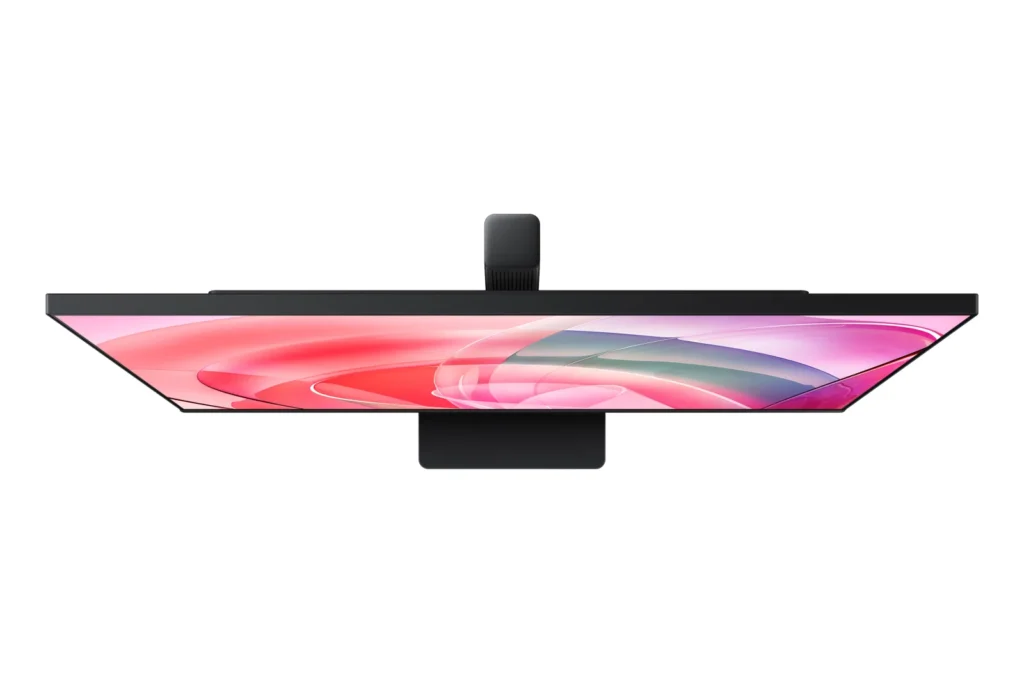
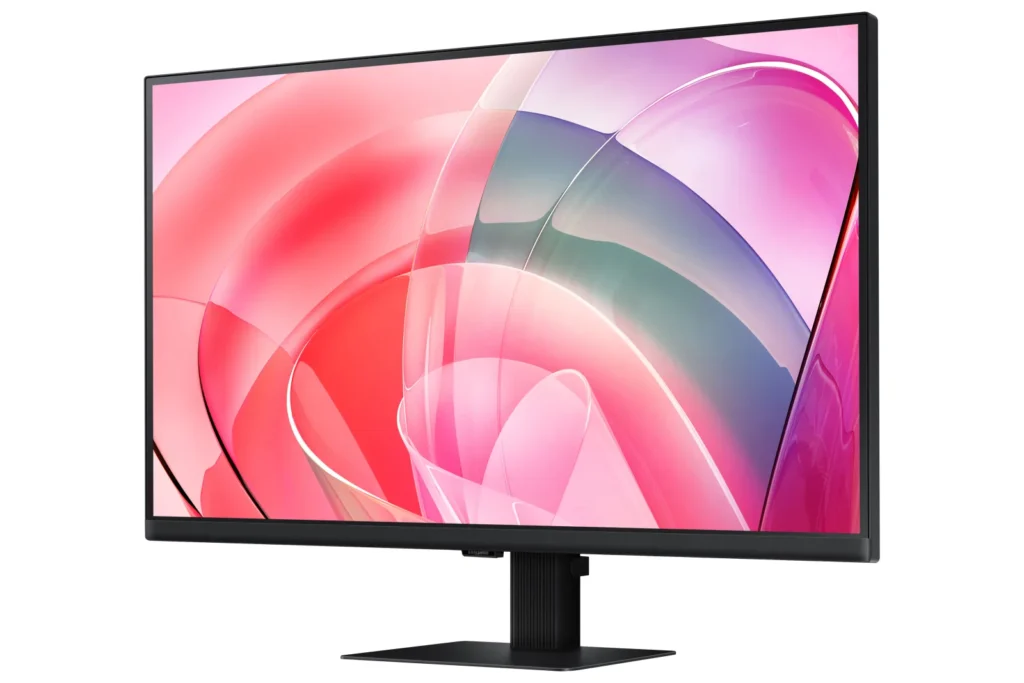
| Effortless Easy Setup Stand | Create your ideal workspace effortlessly with the Easy Setup Stand, which requires no tools or screws for assembly. This design offers flexibility and convenience with a simple push of a button. |
Pros & Cons
Pros
- Excellent 4K Picture Quality: Reviewers consistently praise the monitor's stunning 4K UHD resolution, crisp and clear visuals, vibrant and accurate colors, and good brightness, making it ideal for work, photo/video editing, and immersive viewing experiences.
- Large Screen Size for Productivity: The 27-inch and 32-inch screen sizes are highly valued for providing ample workspace, allowing users to multitask with multiple windows, view spreadsheets, code, and enjoy content without eye strain, especially beneficial for those needing a larger display.
- Good Value for Price: Many customers consider the monitor to be a great value for its price, particularly when purchased on sale, offering high-quality 4K resolution at a competitive cost.
Cons
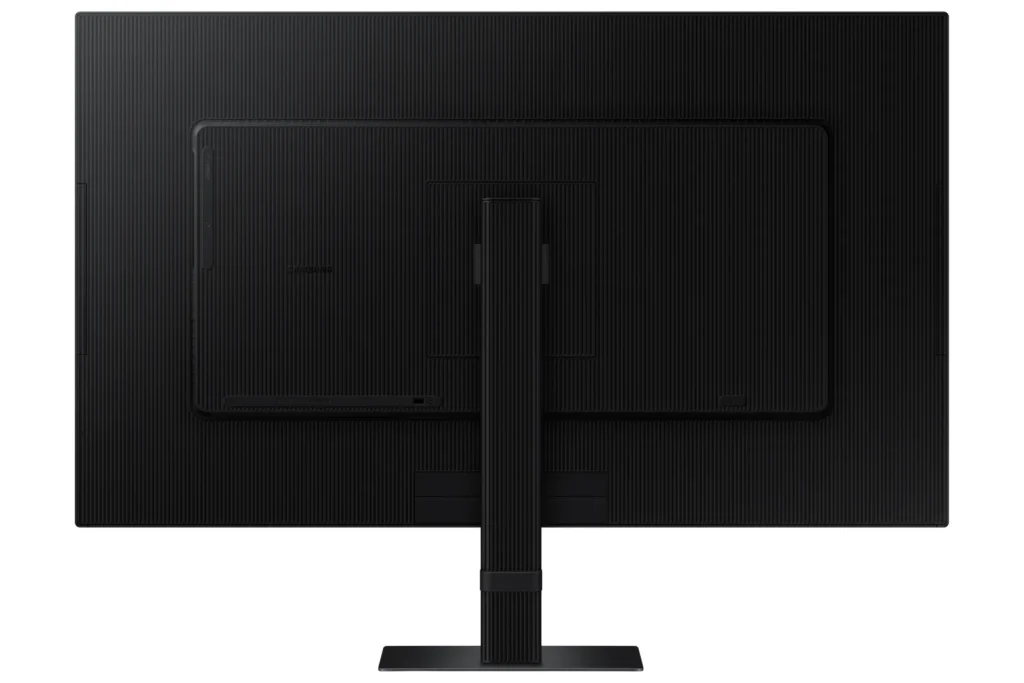
- Non-Adjustable Stand: A frequent complaint is the monitor's stand, which lacks height adjustment and sometimes swivel capabilities. Users find this inconvenient for ergonomics and multi-monitor setups, with some even noting inconsistent heights between identical models.
- Missing Cables and Limited Connectivity: Several reviews report that advertised cables, such as DisplayPort and USB-C, were missing from the box. Furthermore, the general lack of USB-C ports and limited input options (often only one HDMI and one DisplayPort) are significant drawbacks for many users, especially those with modern laptops or multiple devices.
- Annoying Software & Connectivity Issues: Users are frustrated by persistent software annoyances, including a large, non-dismissible 'register' pop-up menu that appears upon waking or turning on the monitor. Connectivity issues like losing signal with the computer, slow wake-up from sleep mode, and performance lag (especially with Macs) are also commonly reported.
Customer Fit
- Primary audience: Productivity / creative users: People doing photo/video editing, spreadsheets, design, or multitasking across many windows say the 4K clarity and large desktop space make work easier and more comfortable for long sessions.
- Secondary audience: Home / general use owners: Users who mainly browse, stream, or want a single big screen instead of two monitors praise the image quality and say it “replaces having two displays” for everyday use.
- Ideal scenarios: Work-from-home setups needing a bigger second screen for laptops or Mac Mini. Casual console / PC gaming at 4K 60Hz, but not high frame rate shooters. Households that watch YouTube / streaming on the monitor instead of using a TV.
You might also like










Customer Reviews
Showing reviews 51-60 of 295
-
The Best, I have 3!
Verified purchase Verified purchase: This reviewer bought the product. Incentivized Incentivized review: The reviewer received a benefit for sharing feedback.KakaM June 3, 2025Review source: BestbuyBest Monitor. Super clean and crisp. Better than any computer screen you can get for the same price.
-
27" monitor choice!
Verified purchase Verified purchase: This reviewer bought the product. Incentivized Incentivized review: The reviewer received a benefit for sharing feedback.MarkH June 2, 2025Review source: BestbuyGreat looking monitor for the price. Highly recommend!!
-
Buyer Beware – Used / Re-stocked
Verified purchase Verified purchase: This reviewer bought the product.Keith R Stachowiak May 31, 2025Review source: AmazonI ordered 4 total of these monitors. Of those, 2 of them had been previously used/returned. One of those was new with the exception that the packaging had been opened. The other was missing some inside packaging, the protection on the screen had been removed and it was covered with greasy fingerprints. It wasn’t worth the hassle of returning, so I cleaned it up – they work fine and are good monitors, but please be aware these are re-stocked, not new.
-
Good Monitor for Graphic Design and Still images
Verified purchase Verified purchase: This reviewer bought the product. Incentivized Incentivized review: The reviewer received a benefit for sharing feedback.DrRubenBB May 28, 2025Review source: BestbuyIt’s well built. The colors and resolution are really good.
-
Excellent Product!
Verified purchase Verified purchase: This reviewer bought the product.Mo May 25, 2025Review source: AmazonFinding I’m needing bigger screen as I’m getting older. Love this thing! I can see so much better with this monitor. Screen quality is very good. I find it gets easy to use!
-
Great Monitor and display – no sound or speakers
Verified purchase Verified purchase: This reviewer bought the product.Farzan May 23, 2025Review source: AmazonAfter having read the specs again, I realized that it states that it doesn’t have speakers.
For the monitor itself, the quality is great. The video, refresh, colours and quality are great and definitely feel premium
However, at its price point, I would really expect speakers -
Best 4k monitor for value.
Verified purchase Verified purchase: This reviewer bought the product. Incentivized Incentivized review: The reviewer received a benefit for sharing feedback.smdieter0 May 20, 2025Review source: BestbuyBest 4k monitor for value. No backlight bleed, no dead pixels. 10/10
-
Affordable 4k monitor
Verified purchase Verified purchase: This reviewer bought the product. Incentivized Incentivized review: The reviewer received a benefit for sharing feedback.Forthepoints May 17, 2025Review source: BestbuyI was hesitant to purchase after reading so many bad reviews. Monitors not waking up, always turning off, menu was difficult to use. I thought since i have best buy plus giving me 60 days to return i went ahead and purchased.
I love them!!! Super light. Very sharp for editing photos or creating graphics. They wake up fine and the menu does take a min to figure out, but once you do its not that hard to make adjustments. No dead pixels yet after using for 2 weeks. No vertical lines. Not sure why everyone else has problems, unless they just got bad monitors.
Anyway, I do not use my pc for gaming. At only 60hz I dought it would keep up with todays games. I use it for photo editing, spreadsheets, and other office to dos.
If you need a great 4k monitor for just everyday type pc tasks I say go for it, especially if you are a plus member with the 60 day return option.
-
Overall Great monitor
Verified purchase Verified purchase: This reviewer bought the product. Incentivized Incentivized review: The reviewer received a benefit for sharing feedback.BondsSin May 16, 2025Review source: BestbuyI love the size, image, and pretty much everything about it, the interface is easy to use once you understand it and I have 0 complaints all I needed was a solid 4k 60 fps monitor and this aces it for a reasonable price
-
Good 4K Monitor for the Price
Verified purchase Verified purchase: This reviewer bought the product. Incentivized Incentivized review: The reviewer received a benefit for sharing feedback.OnlineLC May 16, 2025Review source: BestbuyI purchased this to add more detail for Microsoft Flight Simulator 2024. The frames per second is not a game changer for this application and this monitor fits the requirements admirably.