No images available for this model.
Imagery for this model matches or very closely resembles the visuals shown for similar versions. Please review the nearby models for a reliable reference.
No images available for this model.
Imagery for this model matches or very closely resembles the visuals shown for similar versions. Please review the nearby models for a reliable reference.
No images available for this model.
Imagery for this model matches or very closely resembles the visuals shown for similar versions. Please review the nearby models for a reliable reference.
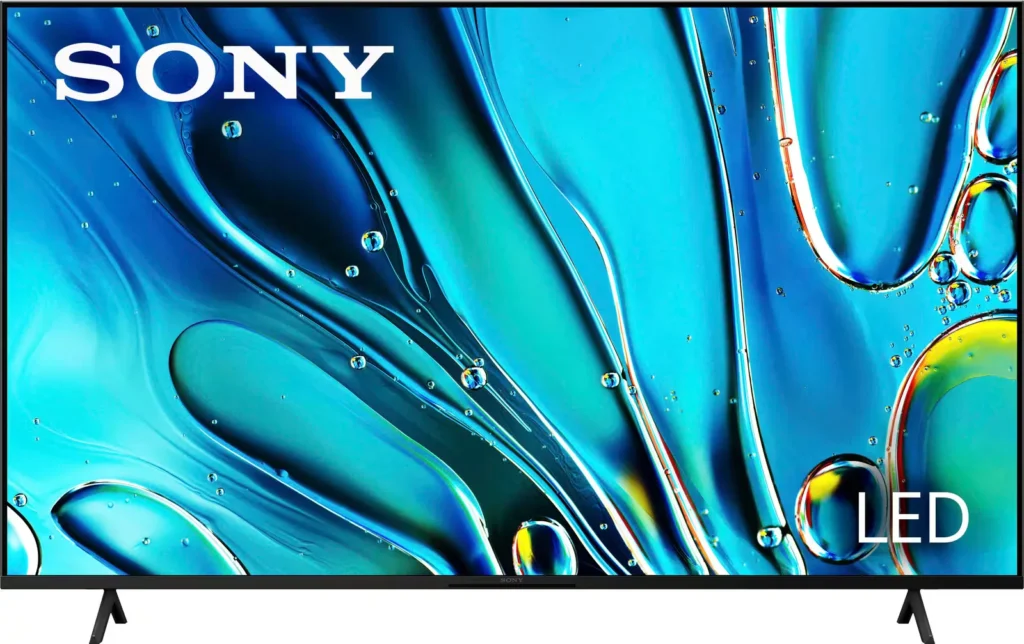
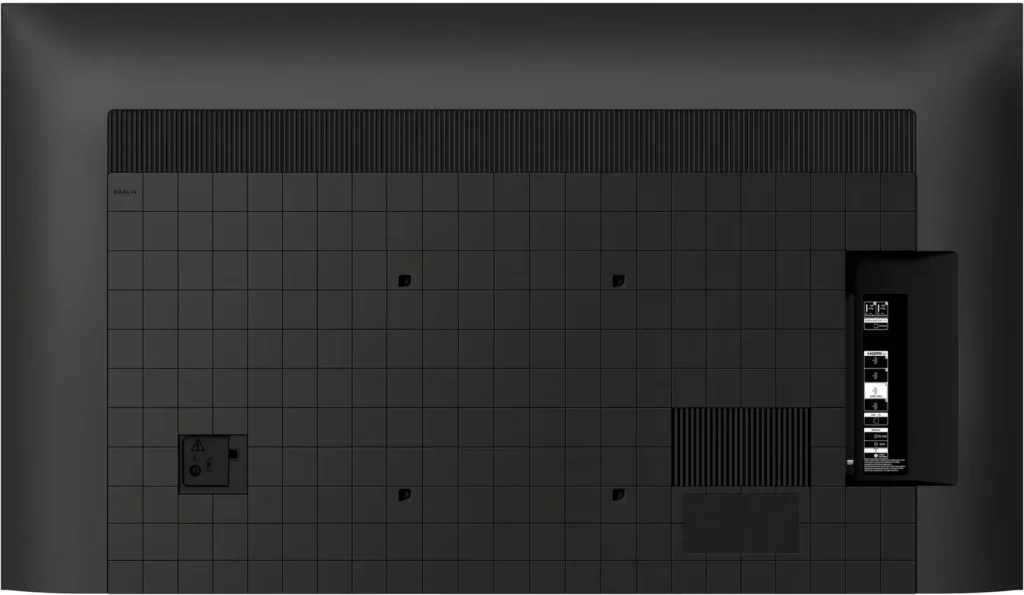
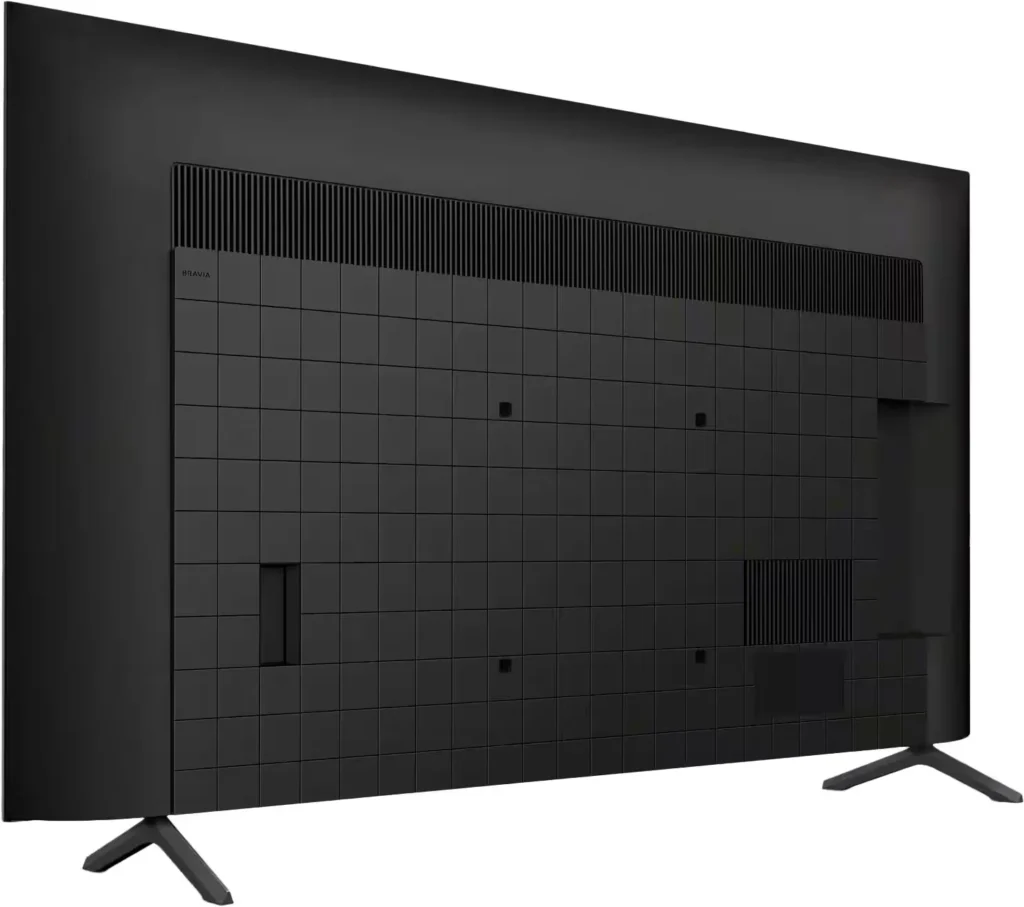
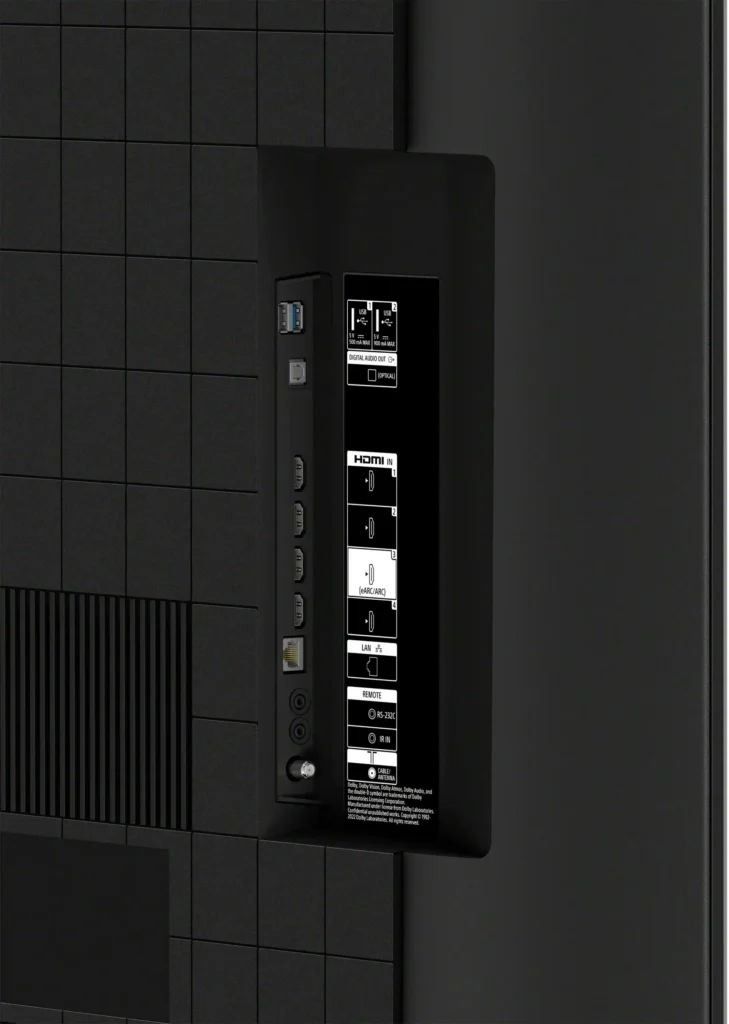

No images available for this model.
Imagery for this model matches or very closely resembles the visuals shown for similar versions. Please review the nearby models for a reliable reference.
No images available for this model.
Imagery for this model matches or very closely resembles the visuals shown for similar versions. Please review the nearby models for a reliable reference.
Customer Media
Highlights
| Intelligent 4K Processing | Powered by the 4K HDR Processor X1, this TV intelligently enhances every scene in real-time, boosting color, contrast, and clarity to deliver a lifelike 4K HDR picture. |
|---|---|
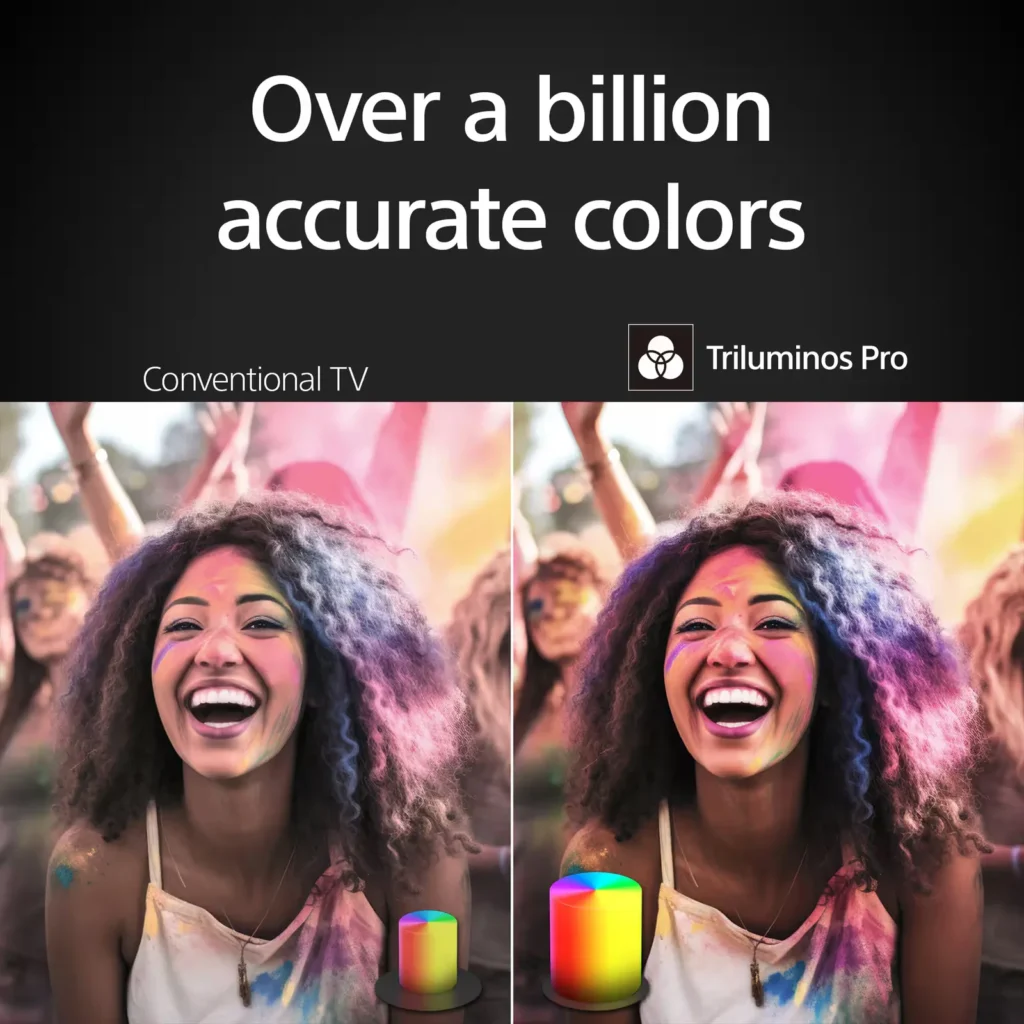
| Vivid Real-World Colors | With Triluminos Pro technology, the BRAVIA 3 reproduces over a billion accurate colors with enhanced saturation and hue, ensuring natural shades and vibrant picture quality. |
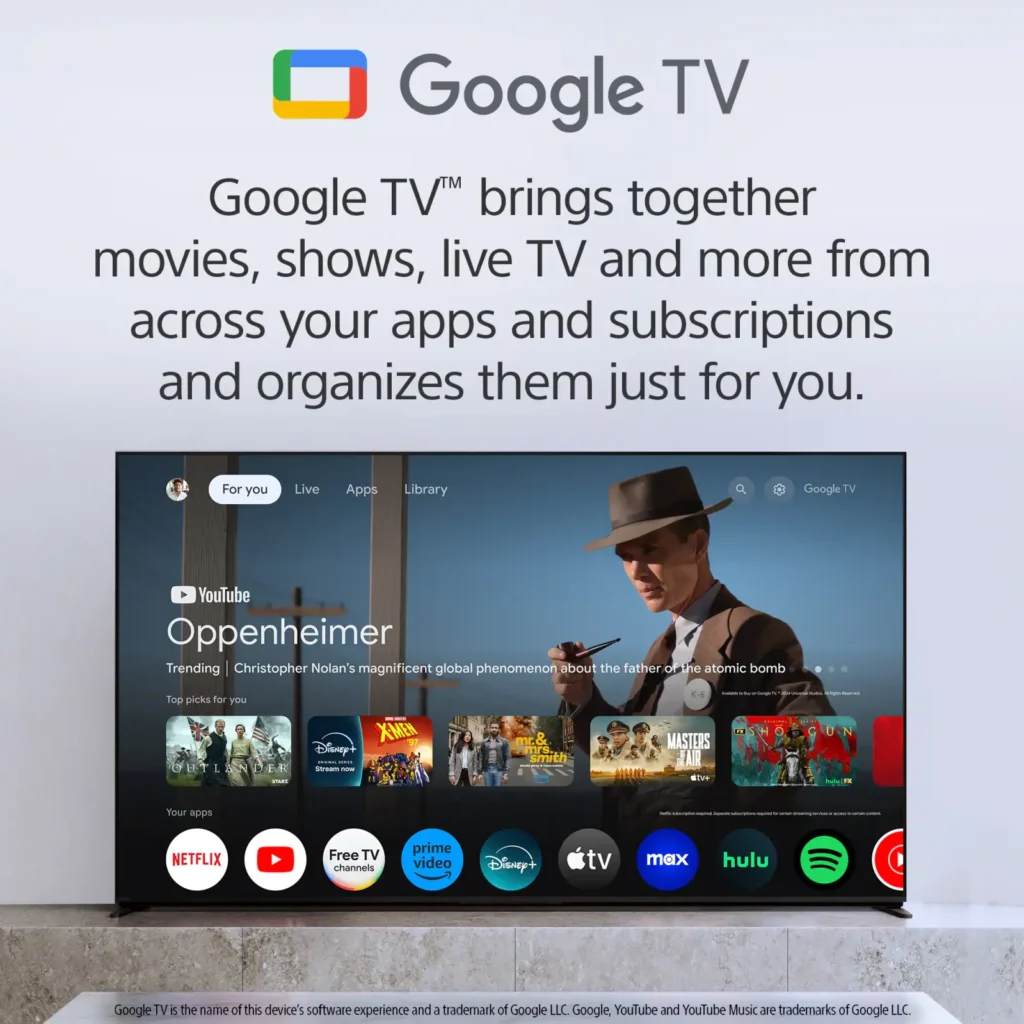
| Smart Entertainment with Google TV | Access over 700,000 movies and TV episodes across your favorite streaming services in one place, featuring hands-free voice control with Google Assistant and support for Apple AirPlay 2. |
| Immersive Cinematic Sound | Experience clear, natural sound and powerful bass with the uniquely shaped X-Balanced Speaker, complemented by Dolby Atmos support for a truly atmospheric audio experience. |
| Optimized for PlayStation 5 | Enhance your gaming with exclusive features like Auto HDR Tone Mapping and Auto Genre Picture Mode, which automatically optimize picture quality for both gaming and streaming on your PS5. |
Pros & Cons
Pros
- Exceptional Picture Quality: Users consistently praise the sharp 4K resolution, vibrant yet natural colors, and the ability of the X1 processor to upscale older, lower-resolution content with impressive clarity.
- Strong Value for Money: Many reviewers highlight that this model provides the premium build quality and performance expected from the brand at a much more affordable price than high-end OLED models.
- Intuitive Google TV Interface: The smart TV platform is frequently described as snappy and easy to navigate, offering seamless integration with popular streaming apps and effective voice control via Google Assistant.
Cons
- Frequent Software Freezing: A recurring issue among users is the TV's tendency to freeze or become unresponsive, often requiring the unit to be physically unplugged and restarted to restore functionality.
- Poor Remote Control Design: The included remote is widely criticized for being too small, lacking a numeric keypad for direct channel entry, and having no backlighting for visibility in dark rooms.
- Unreliable Wi-Fi Connectivity: Multiple customers reported that the TV frequently drops its wireless connection or fails to find networks entirely, necessitating frequent network resets or hard reboots.
Customer Fit
- Primary audience: People using this model as the main living room TV praise the large screen sizes (65–85"), theater-like feel, strong color, and clear dialogue for sports, movies, and everyday shows from across the room.
- Secondary audience: Many buyers explicitly installed the 50–65" sizes in bedrooms and liked that it’s easy to mount, sounds good without a soundbar, and is quick to get streaming.
- Ideal scenarios: Reviewers say PS5 gameplay “looks great” and input lag feels low for casual gaming, but competitive players wanting 120Hz/VRR or simultaneous 4K+HDR may be disappointed.
Customer Reviews
Showing reviews 1361-1370 of 2653
-
Tv
Verified purchase Verified purchase: This reviewer bought the product. Incentivized Incentivized review: The reviewer received a benefit for sharing feedback.PaulA February 28, 2025Review source: BestbuyPhenomenal picture. Easy setup
Sound is crisp. Fair price -
Excellent 👌🏾
Verified purchase Verified purchase: This reviewer bought the product.Louise Ngwa February 28, 2025Review source: AmazonI just got this TV today, I’m still trying it out. But image quality is incredible 👌🏾
I did so much research on different TV’s, read lot of comments before landing on Sony Bravia 3 75″.
I know Sony in general is a powerful mark, I’ve had so many Sony gadgets before, they lasted pretty long. The images posted speaks for themselves though!
Recommended -
Ms
Verified purchase Verified purchase: This reviewer bought the product. Incentivized Incentivized review: The reviewer received a benefit for sharing feedback.PatM February 28, 2025Review source: BestbuyAll was done professionally and with care. Sales rep was knowledgeable and thorough.
-
sticking with Sony
Verified purchase Verified purchase: This reviewer bought the product. Incentivized Incentivized review: The reviewer received a benefit for sharing feedback.satisfieduser February 28, 2025Review source: Bestbuygreat picture easy set up
replaced an old Sony after 15 years
-
Al
Verified purchase Verified purchase: This reviewer bought the product. Incentivized Incentivized review: The reviewer received a benefit for sharing feedback.Gary918 February 28, 2025Review source: BestbuyThis tv has it all.Great picture, sound and color.
-
Great television
Verified purchase Verified purchase: This reviewer bought the product. Incentivized Incentivized review: The reviewer received a benefit for sharing feedback.Stefanie February 28, 2025Review source: BestbuyGreat quality, easy to put up. Easy to navigate and good streaming.
-
55” Sony
Verified purchase Verified purchase: This reviewer bought the product. Incentivized Incentivized review: The reviewer received a benefit for sharing feedback.ArmandoR February 28, 2025Review source: BestbuySo far a great television. Very happy with the product.
-
Sony TV
Verified purchase Verified purchase: This reviewer bought the product. Incentivized Incentivized review: The reviewer received a benefit for sharing feedback.JohnS February 28, 2025Review source: BestbuyWhat a great picture! Best buy you have done it again
-
Never buying another Sony TV
Verified purchase Verified purchase: This reviewer bought the product. Incentivized Incentivized review: The reviewer received a benefit for sharing feedback.WillG February 28, 2025Review source: BestbuyI’ve had Sony TVs in the past and really liked them and never had any issues. I decided to replace a 10-yr old Vizio with this Bravia tv. My input source is Nvidia Shield. I have the shield settings all set to turn on the tv, turn to source etc., when shield is activated and the TV settings to turn on to active source when the tv is turned on. This should enable me to use the shield remote to turn the shield and the tv on and the tv should automatically go to the shield hmdi port. But it doesn’t. More often than not, the tv either doesn’t turn on at all or turns on but with a blank screen. I either have to use the tv remote and change the source manually or I can use the shield remote and turn it on and off a couple of times and usually the tv will then turn on and show the shield home screen. What a hassle. This should be the simplest function to perform other than plugging it in.
I have 3 other tvs (LG, older Sony, Roku) all hooked up to a shield source and none of them have this issue. I can active all of them with the shield remote and they all go directly to the shield home screen. For the Bravia, I did set the power on option to ‘last used input’ and I did set the hdmi input to automatic when a source is activated but neither of those help much. I don’t want to use 2 remotes to turn the tv on but I’m stuck with it now and I’ll never get another Sony if this is how they will perform going forward. LG is much better all around, at least with the TVs I own.
Also, the color only looks really good when your head is directly in the center of the screen. If you move to the side at all, the color looks faded and washed out.
-
TV Display was Great
Verified purchase Verified purchase: This reviewer bought the product. Incentivized Incentivized review: The reviewer received a benefit for sharing feedback.stlperson February 28, 2025Review source: BestbuyOverall, TV has worked well. There have been a continuing issue with its relationship with old SONY sound bars and with the use of an Apple TV to interface with streaming services. Sony tech support was finally able to resolve the issues and get everything working correctly and consistently. Sound bar issue had to be resolved by replacing the 19 year old device with a compatible SONY sound system.