






Customer Media
Highlights
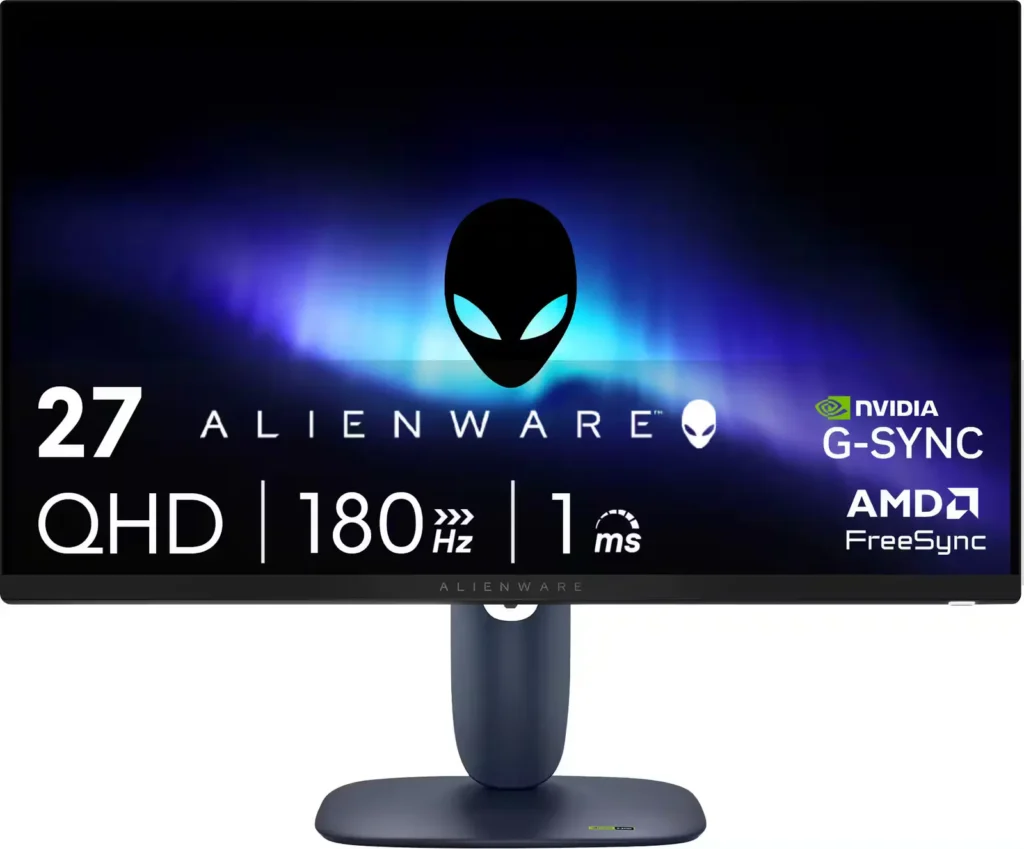
| High-Speed Performance | Experience fluid and responsive gameplay with a 180Hz refresh rate and a 1ms gray-to-gray response time in Extreme Mode, minimizing motion blur and ghosting. |
|---|---|
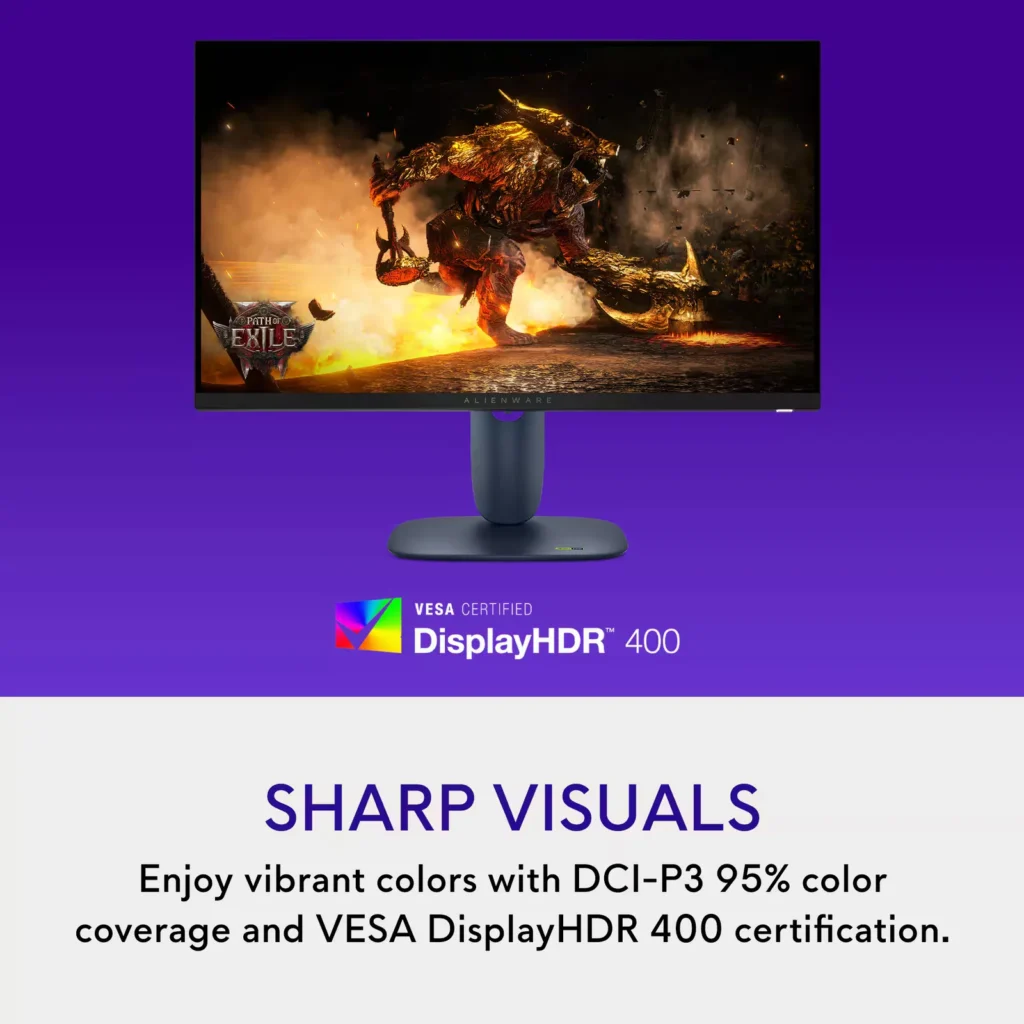
| Vibrant QHD Visuals | The 27-inch Fast IPS panel delivers sharp 2560 x 1440 resolution with 95% DCI-P3 color coverage and VESA DisplayHDR 400 for rich, lifelike colors and enhanced contrast. |
| Universal Sync Compatibility | Enjoy tear-free gaming regardless of your GPU thanks to full support for NVIDIA G-SYNC Compatible, AMD FreeSync, and VESA AdaptiveSync technologies. |
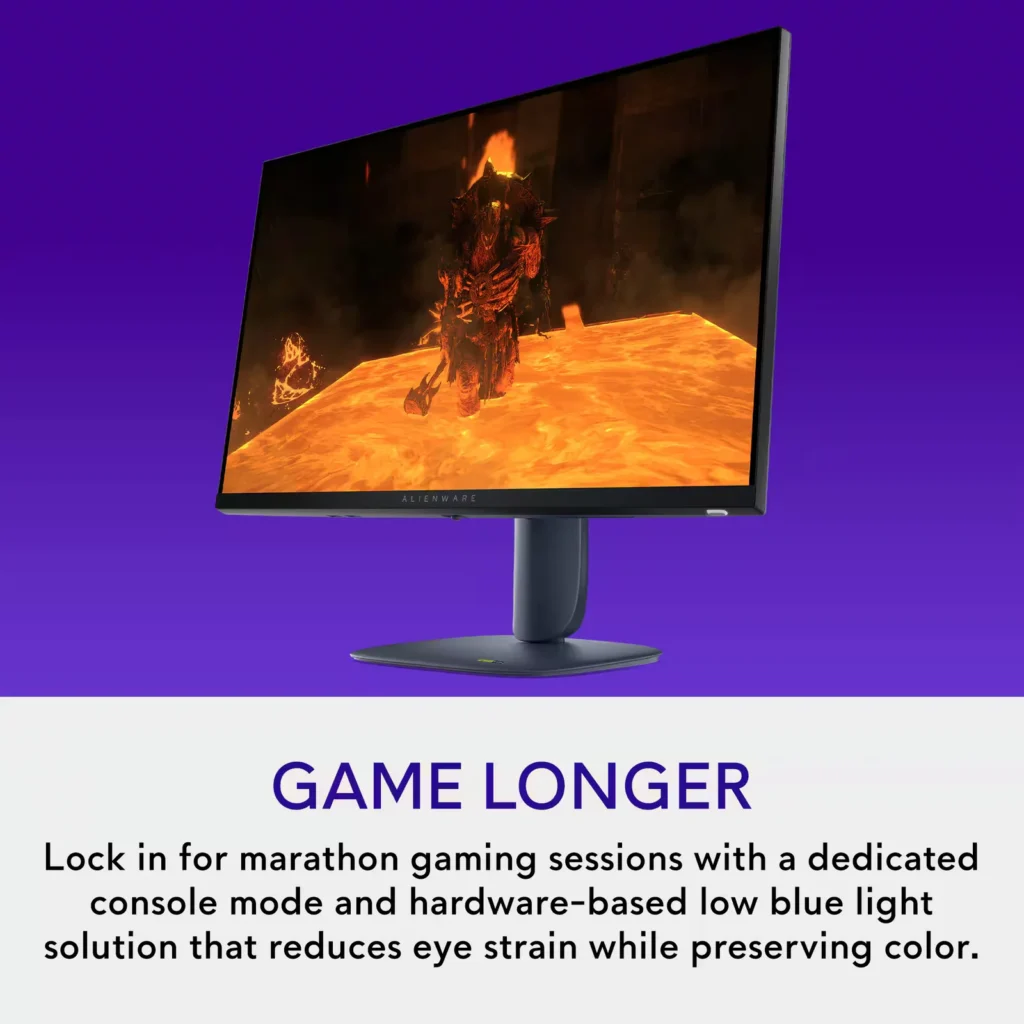
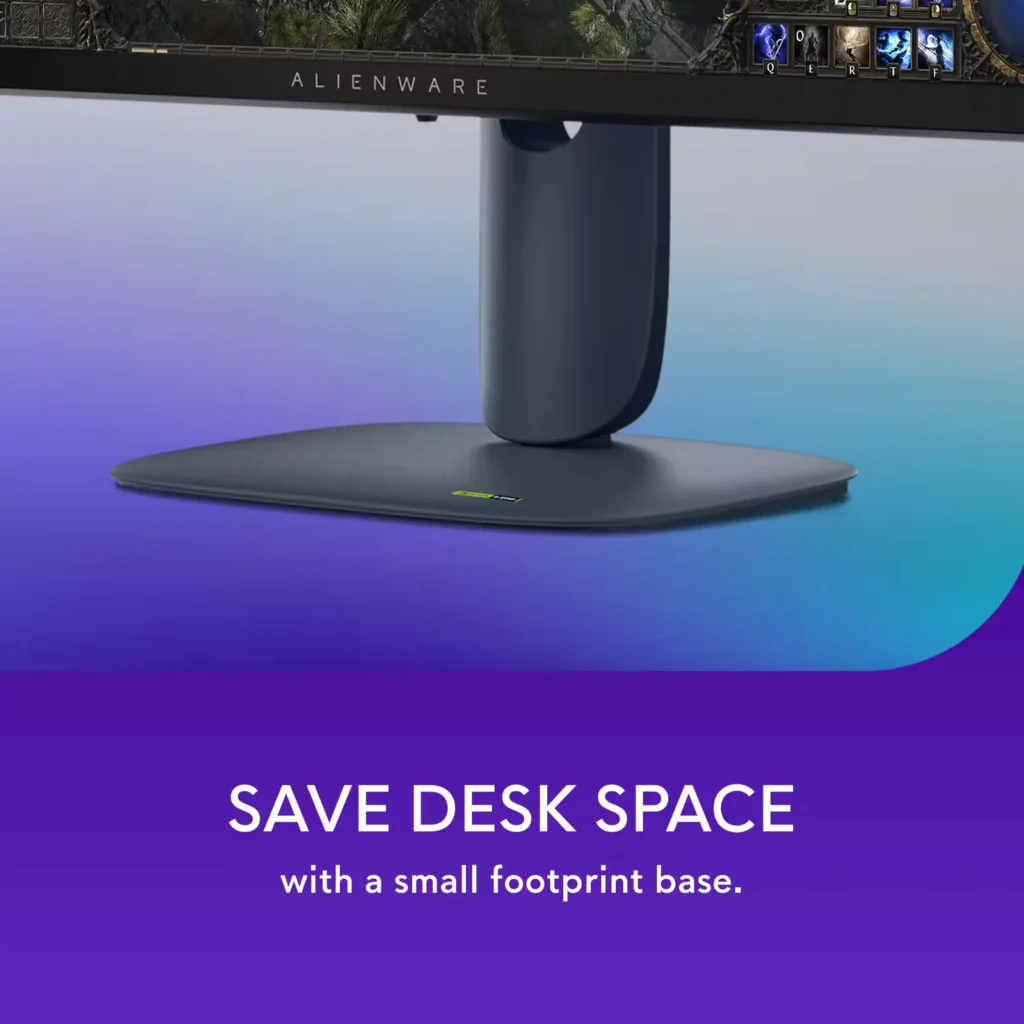
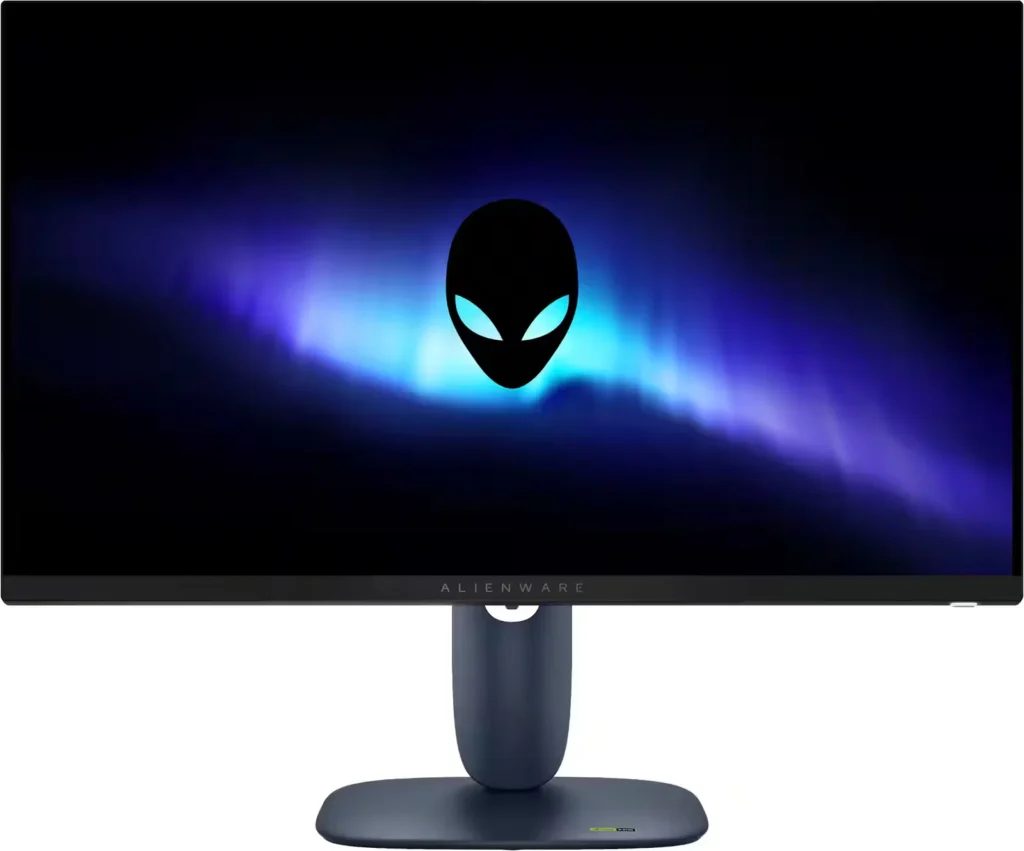
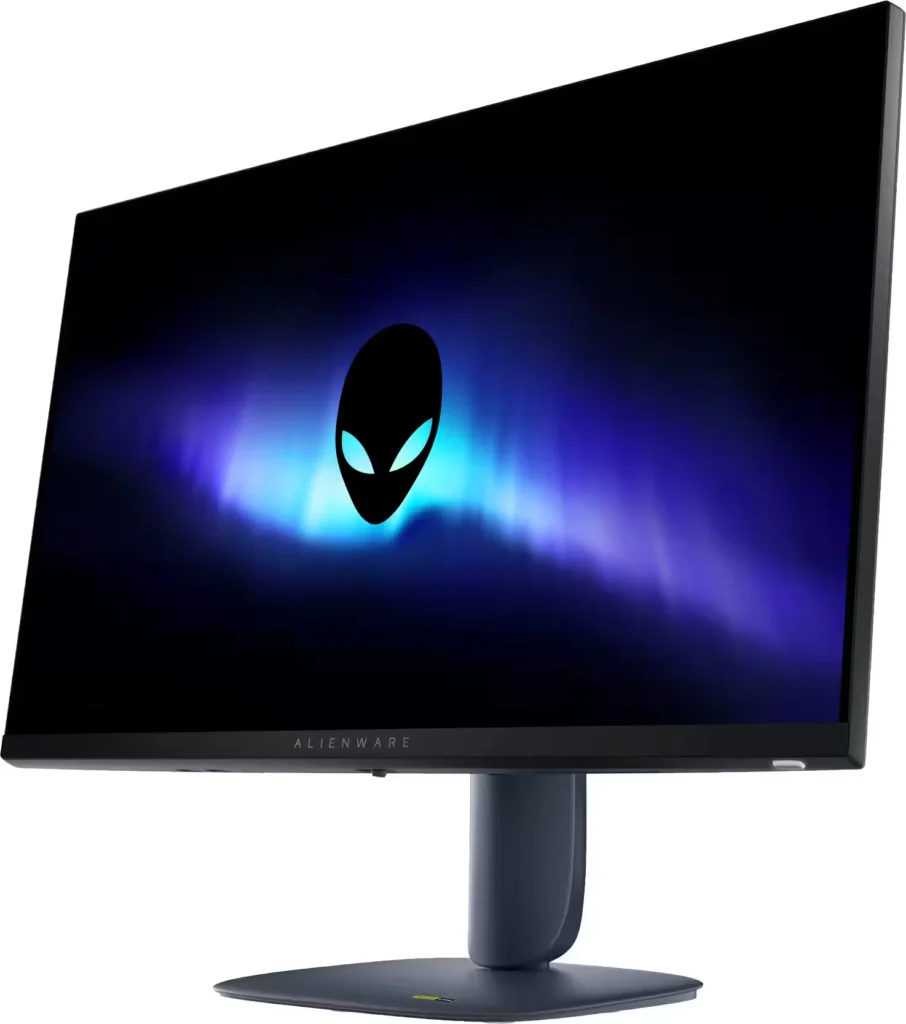
| Iconic AW30 Design | Features the refined Alienware AW30 industrial design in Interstellar Indigo, including 360-degree ventilation for improved cooling and a space-saving hexagonal base. |
| Fully Ergonomic Stand | Maximize your comfort with a highly adjustable stand that offers height, tilt, swivel, and bi-directional pivot capabilities to suit any gaming setup. |
Pros & Cons
Pros
- Exceptional Value: Reviewers frequently highlight the monitor as a 'steal' for its price, offering high-end specs like 1440p resolution and a 180Hz refresh rate that typically cost much more.
- Highly Adjustable Stand: The build quality is praised for being sturdy and premium, featuring a tool-less assembly and a stand that allows for extensive height, tilt, swivel, and pivot adjustments.
- Smooth Gaming Performance: Users report buttery smooth gameplay with no screen tearing or ghosting, thanks to excellent G-Sync and FreeSync compatibility across PC and modern consoles.
Cons
- No Integrated Audio or Aux Port: A major complaint is the total absence of built-in speakers and a 3.5mm headphone jack, which complicates audio setups for console gamers who do not use headsets.
- Underwhelming HDR: Multiple reviews describe the HDR performance as 'terrible' or 'unusable,' noting that it often results in low brightness and washed-out colors.
- Calibration and Tint Issues: Some customers reported that the display had a noticeable blue or orange tint out of the box, requiring significant manual calibration to achieve accurate colors.
Customer Fit
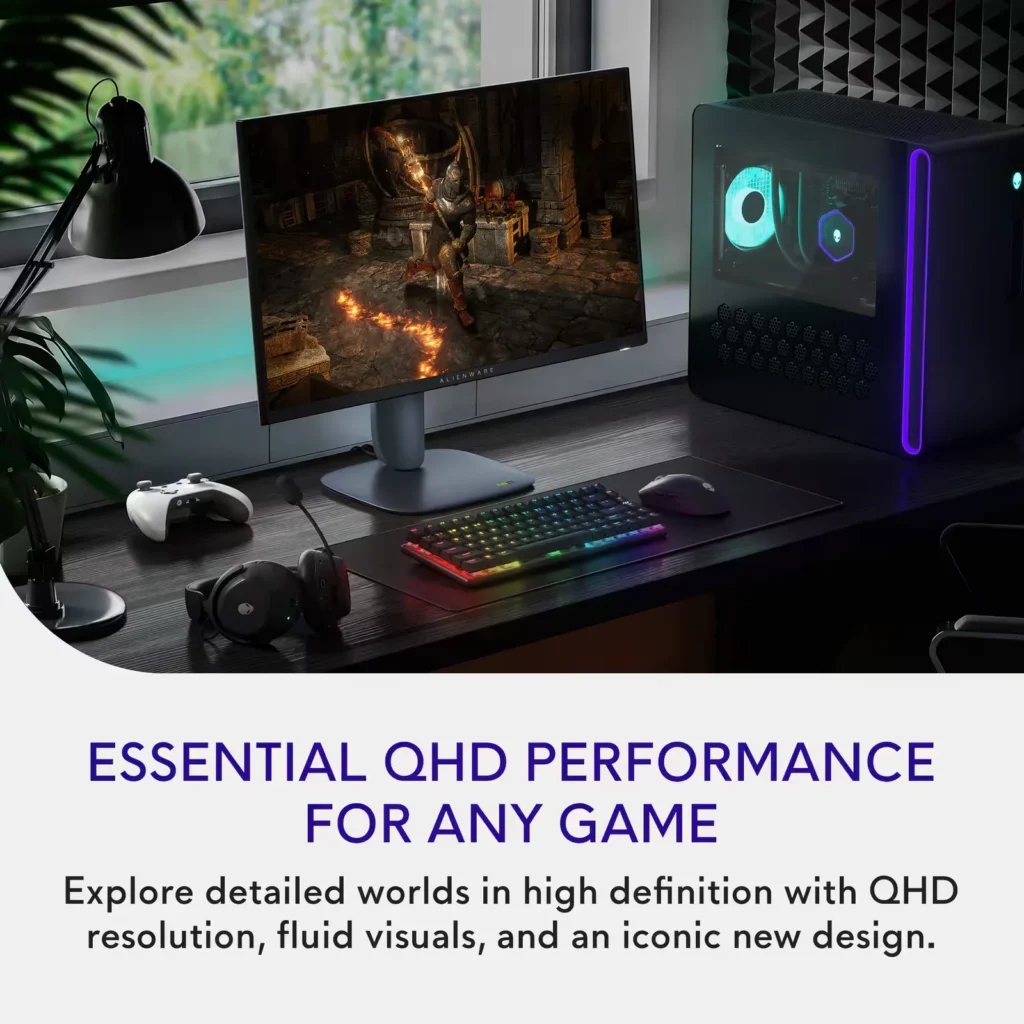
- Primary audience: Competitive and mid-core gamers who want fast, tear-free 1440p performance on PC or console, with high refresh rate, low latency feel, and adaptive sync.
- Secondary audience: Multifunction home users (work + play) who split the screen for emails, documents, or multiple tabs and still want sharp, comfortable visuals.
- Ideal scenarios: Fits desks where a 27" display is the “sweet spot,” replaces older 1080p panels or living-room TVs, supports Xbox / PS-style console gaming at high frame rates, and doubles as a daily work monitor.
Customer Reviews
Showing reviews 331-340 of 406
-
Simple monitor for a great price!
Verified purchase Verified purchase: This reviewer bought the product. Incentivized Incentivized review: The reviewer received a benefit for sharing feedback.ChristopherA June 13, 2025Review source: BestbuyLooks very clear with great quality, real easy setup as well
-
..
Verified purchase Verified purchase: This reviewer bought the product. Incentivized Incentivized review: The reviewer received a benefit for sharing feedback.KlebbieDine June 13, 2025Review source: BestbuyWell. Packed well. It was easy to set up and connect. So far so good
-
Great colors 1440P Monitor
Verified purchase Verified purchase: This reviewer bought the product.edward June 13, 2025Review source: AmazonThis is a Fantastic monitor
Have it hookup to a RTX 4070 Super
Big Improvement over my MSI Sports monitor nice Upgrade colors are great. No complaints, 5 stars. -
Great 27” gaming monitor for the price
Verified purchase Verified purchase: This reviewer bought the product. Incentivized Incentivized review: The reviewer received a benefit for sharing feedback.Naee June 13, 2025Review source: BestbuyGreat for gaming so far. The price is reasonable for the specs
-
Pretty good
Verified purchase Verified purchase: This reviewer bought the product. Incentivized Incentivized review: The reviewer received a benefit for sharing feedback.Em18 June 13, 2025Review source: BestbuyGreat graphics for my needs. Took a little getting used to the screen control “button” at the bottom of the screen but other than that I have no complaints.
-
No demon logo
Verified purchase Verified purchase: This reviewer bought the product. Incentivized Incentivized review: The reviewer received a benefit for sharing feedback.PierreN June 13, 2025Review source: BestbuyAlthough, it looks great, but I returned it to the store because of the diabolical logo ( a demon logo )
-
Monitor
Verified purchase Verified purchase: This reviewer bought the product. Incentivized Incentivized review: The reviewer received a benefit for sharing feedback.LucyS June 13, 2025Review source: BestbuyWorks great! My son loves it. Definitely a good upgrade.
-
What an upgrade!
Incentivized Incentivized review: The reviewer received a benefit for sharing feedback.Samson June 12, 2025Review source: BestbuyThis has been a HUGE upgrade to my gaming setup and is my first dedicated gaming monitor. In the past I would use TV monitors and I thought it was fine until I tried a monitor that was built just for gaming! The price of the monitor makes it a can’t miss deal for me! My son realized the difference as soon as he turned his xBox on and he’s asked why we didn’t upgrade to an Alienware sooner. The colors POP on this and it’s so much quicker that my old monitor! When I opened the box assembly was pretty easy! I attached the stand to the monitor in a few seconds connected the power cables and HDMI cable and BOOM I’m ready to roll! Fired up my gaming system and a collective “ohhhh” came from my kids as they watched and noticed the difference in the clarity and colors! The brightness, refresh rate and speed is perfect and you truly cannot go wrong with this monitor at this size and at this price! I’m not sure how much better they can get with a higher price point, but I will say that I will be looking for Alienware monitors going forward!
-
Can't go wrong with this one
Incentivized Incentivized review: The reviewer received a benefit for sharing feedback.Jim1590 June 12, 2025Review source: BestbuyI have a few monitors on my desk. I have a 14″ in portrait mode for my security cameras, I have a Alienware AW2724HF 27″ and a 32″ as my main screen. Adding the Alienware AW2725DM 27″ Gaming Monitor really puts the cherry on top of my setup.
I find it easily compares to my ASUS – TUF 31.5″ LED WQHD FreeSync Gaming Monitor. The color profile, the brightness, the response time all sync up very well when mounted on top of last years Alienware 27”.
The connection options are nice as well and Alienware / Dell included all of the cables for HDMI, DisplayPort and USB-C. The monitor easily connected to my monitor arm for proper placement.
I have found that games such as Fortnite, Rogue Squadron and Halo look great on the screen while movies and video calls are crisp and clear. Text is just about perfect for me and scrolling the web is relaxing with the balance between size, brightness and contrast. I will gladly be suggesting this monitor to others in a work from home environment or casual gaming.
-
Great budget QHD Gaming monitor
Incentivized Incentivized review: The reviewer received a benefit for sharing feedback.Idoc June 9, 2025Review source: BestbuyThe Alienware AW2725DM monitor is a great budget gaming monitor for 1440p gaming. Max refresh rate is 180 hz with the display port. This monitor supports Vrr and has multiple response time settings for gaming. The monitor can reach 600 nits in SDR. The monitor will also do HDR but it is a little less bright about 400 nits max. If you use the HDMI on a PC it can only do 144hz at 2560 x 1440. On a gaming console outputting 4k the monitor will downscale to 1440p but at only 60 hz.
I found the panel looked great gaming with my Nvidia card at 2560 x 1440, the brightness and response time was excellent using the gaming settings and fast response time settings. There is a dark stabilizer to enhance black levels while gaming. The monitor has DCI-P3 95% color coverage and VESA DisplayHDR 400 certification making all those colors accurate and bright. The new 360 degree ventilation keeps everything cool while gaming.
The supplied Alienware stand is really good. It has height, x and y rotation allowing you to get the monitor in just the right position. There is a cable management channel in the stand. The base is small and does not take up a lot of room while being very stable.
The monitor has 1 DP1.4 ports HDCP 1.4 & 2.3 supporting up to 2560 x 1440 @180 Hz, HDR, VRR), 2 HDMI 2.1 ports (HDCP 1.4 & 2.3 that support up to QHD 2560 x 1440 @ 144 Hz, 10 bit, TMDS, HDR, VRR), 2 USB A ports in the built in hub one supports charging. Power is input with a standard pc power cord and there is no power brick needed.
The ips panel has wide viewing angles. The semi-matt coating decreases reflections without decreasing sharpness like full matt coatings on other monitors.
The monitor is good for general purpose office use but text is slightly blurred making it a better choice for gaming rather than office use. This is a great monitor for console gaming and will do Vrr with a PS5.
Overall this is a great choice for 1440p (2560 x 1440) gaming if you are on a budget. Alienware has tweaked it to get the best out of this panel and the stand is very good.
The Alienware AW2725DM is a solid budget-friendly option for 1440p (2560 x 1440) gaming. Utilizing DisplayPort, it achieves a maximum refresh rate of 180Hz, while HDMI on a PC limits it to 144Hz at 1440p. For 4K console output, it downscales to 1440p at 60Hz. The monitor supports VRR and offers various response time settings for enhanced gaming. Brightness reaches 600 nits in SDR and around 400 nits in HDR.In gameplay with an Nvidia card at 1440p (2560 x 1440) , the panel delivered excellent brightness and response times, particularly when using the gaming and fast response time presets. A dark stabilizer feature improves black levels. Alienware includes some gaming tools but I seldom use them.
The included Alienware stand is highly adjustable, offering height and x/y rotation and tilt, along with a cable management channel. Despite its small footprint, the stand provides excellent stability. Connectivity includes two DP 1.4 ports, one HDMI 2.0 port, and two USB ports in the integrated hub. Power is supplied via a standard PC power cord (supplied), eliminating the need for an external power brick. 1 Dp to Dp cable, 1 HDMI cable and 1 USB Type A to Type B cable are supplied.
Equipped with an IPS panel, the monitor provides wide viewing angles, and the semi-matte coating minimizes reflections without sacrificing sharpness. While suitable for general office tasks, text clarity is slightly compromised, making it better suited for gaming. It’s also a good fit for console gaming, supporting VRR with a PS5. See the Table here for full support info for consoles: https://www.dell.com/support/kbdoc/en-us/000187148/dell-gaming-monitors-support-for-gaming-consoles
In summary, the Alienware AW2725DM is a great 1440p gaming monitor for those on a budget. Alienware has optimized the panel performance, and the stand’s adjustability and design is a significant advantage for a monitor at this price point.