






Customer Media
Highlights
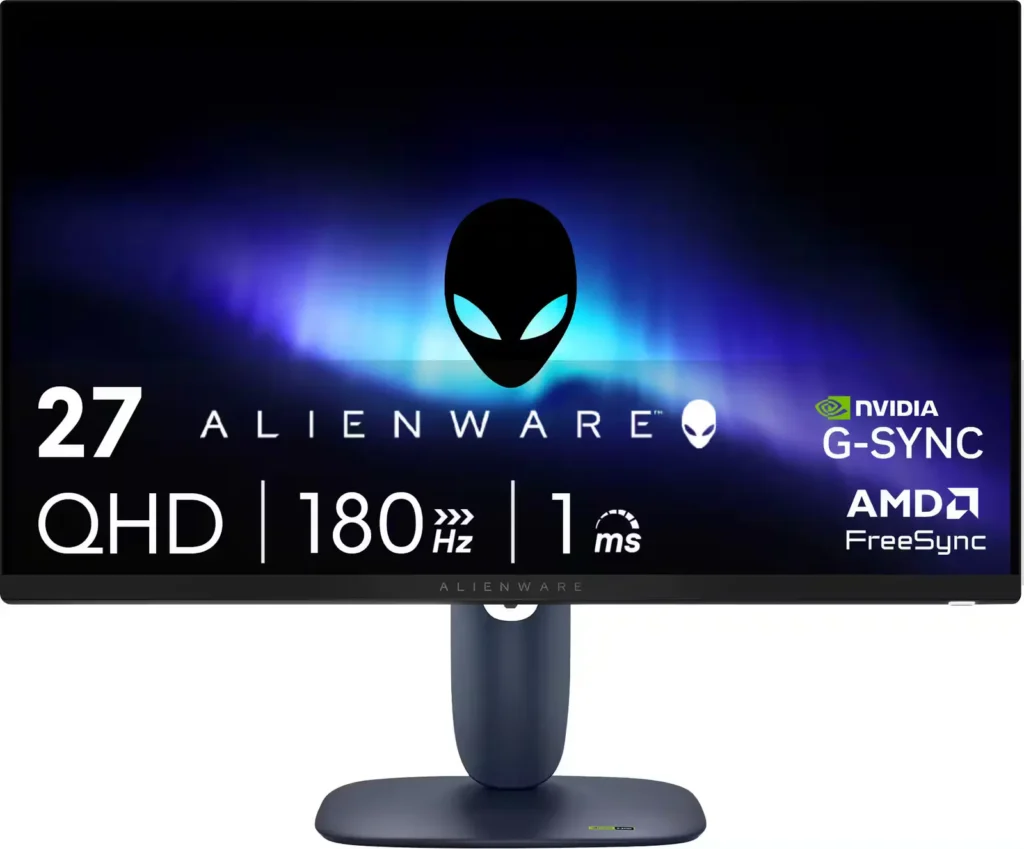
| High-Speed Performance | Experience fluid and responsive gameplay with a 180Hz refresh rate and a 1ms gray-to-gray response time in Extreme Mode, minimizing motion blur and ghosting. |
|---|---|
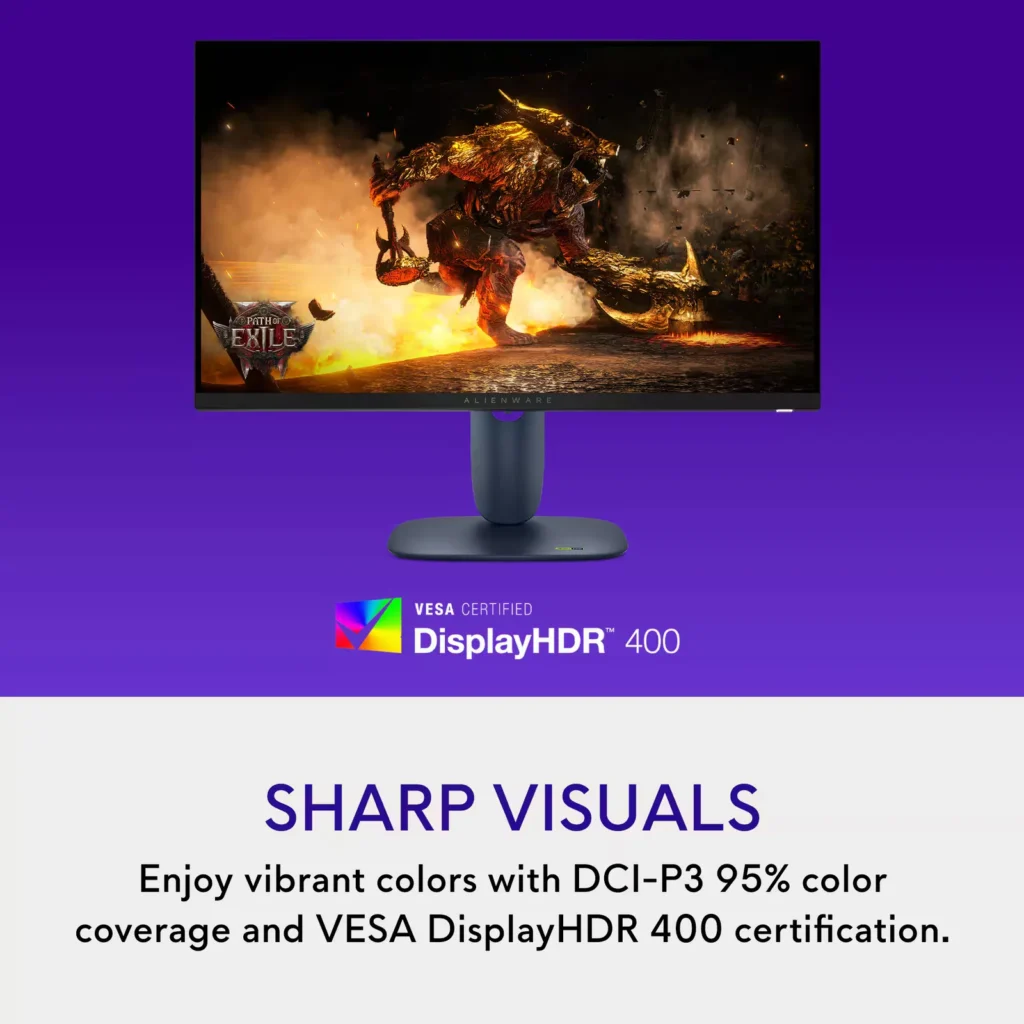
| Vibrant QHD Visuals | The 27-inch Fast IPS panel delivers sharp 2560 x 1440 resolution with 95% DCI-P3 color coverage and VESA DisplayHDR 400 for rich, lifelike colors and enhanced contrast. |
| Universal Sync Compatibility | Enjoy tear-free gaming regardless of your GPU thanks to full support for NVIDIA G-SYNC Compatible, AMD FreeSync, and VESA AdaptiveSync technologies. |
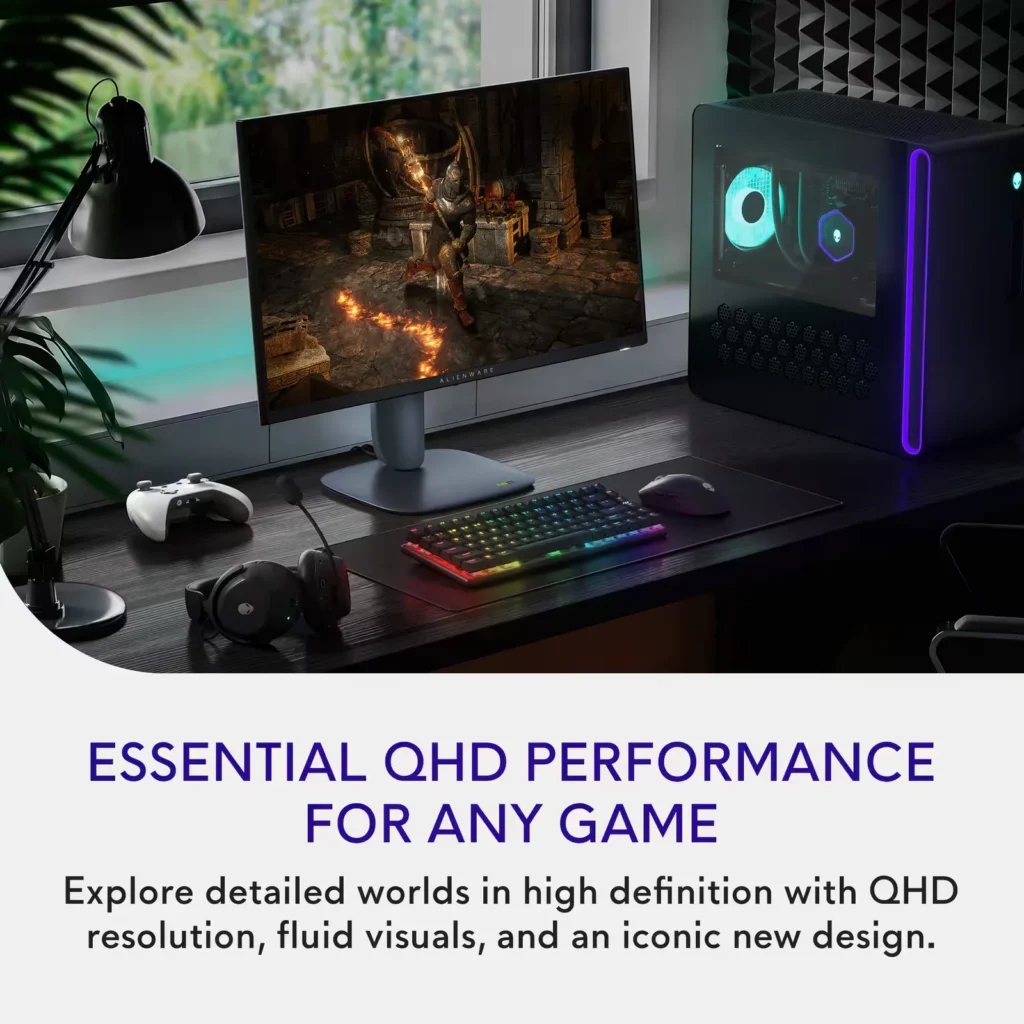
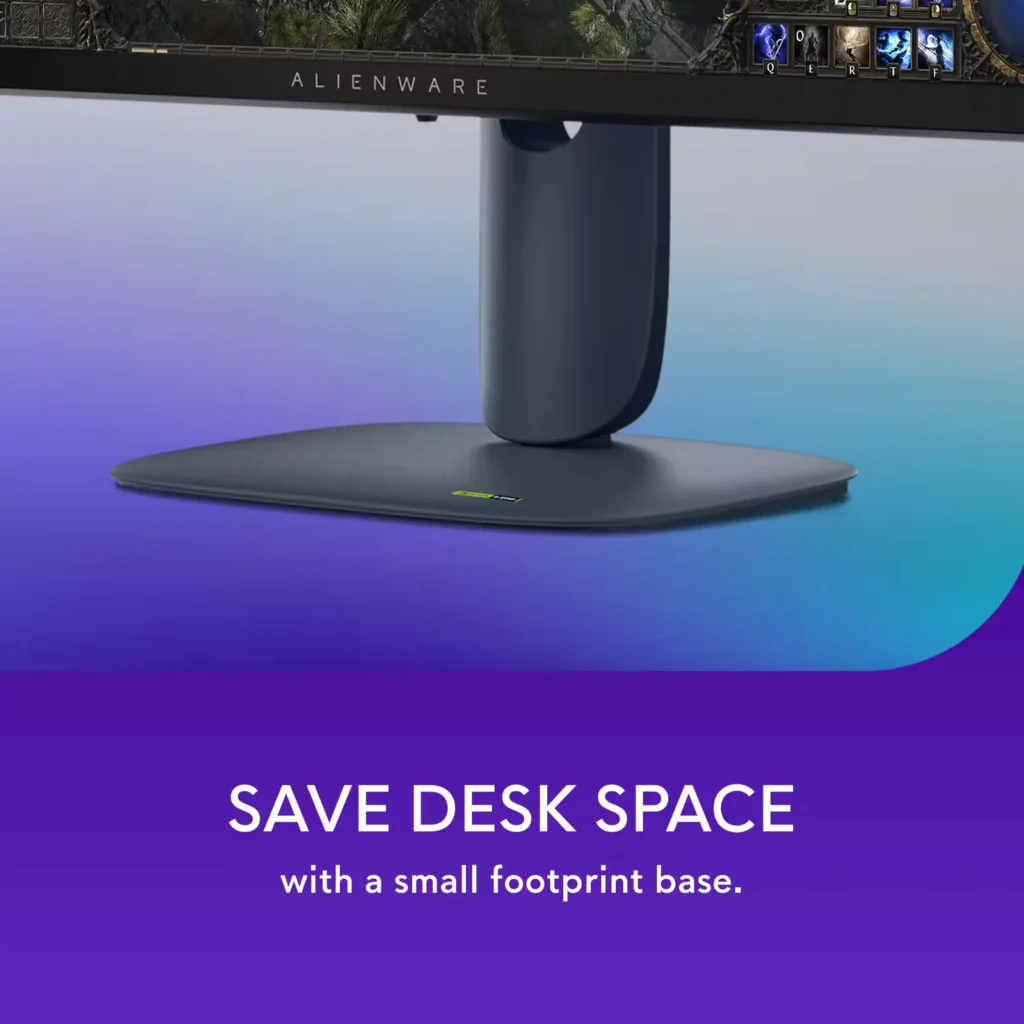
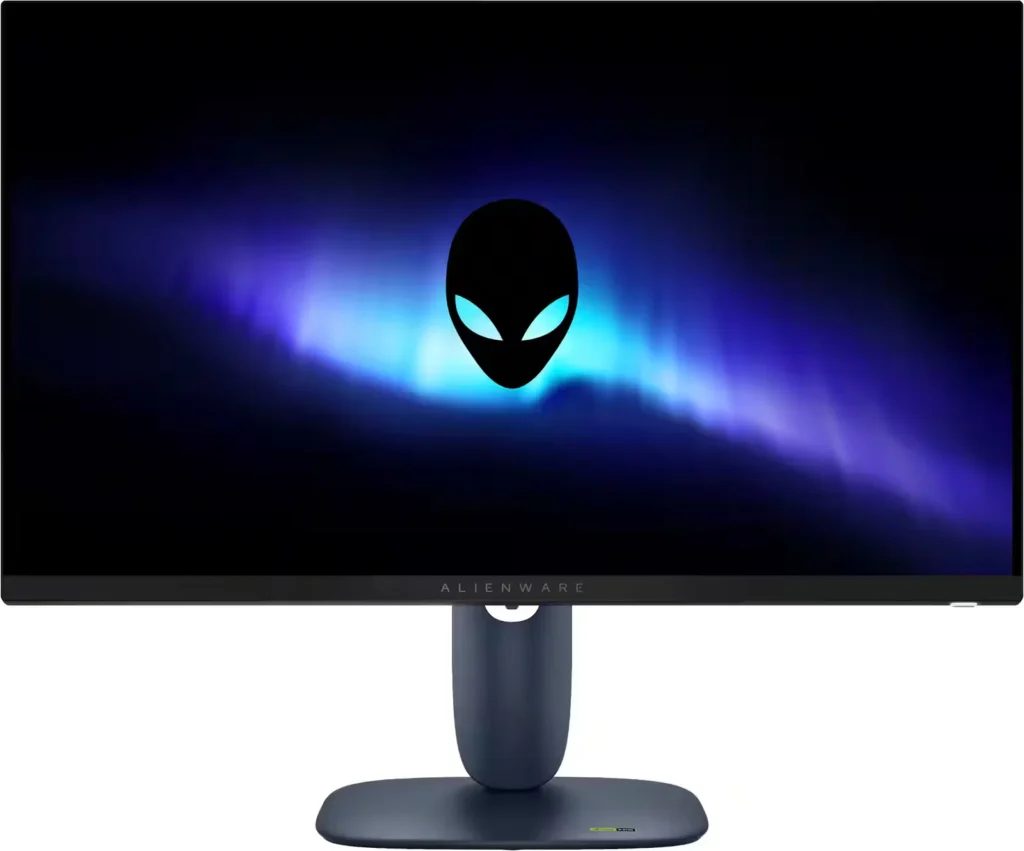
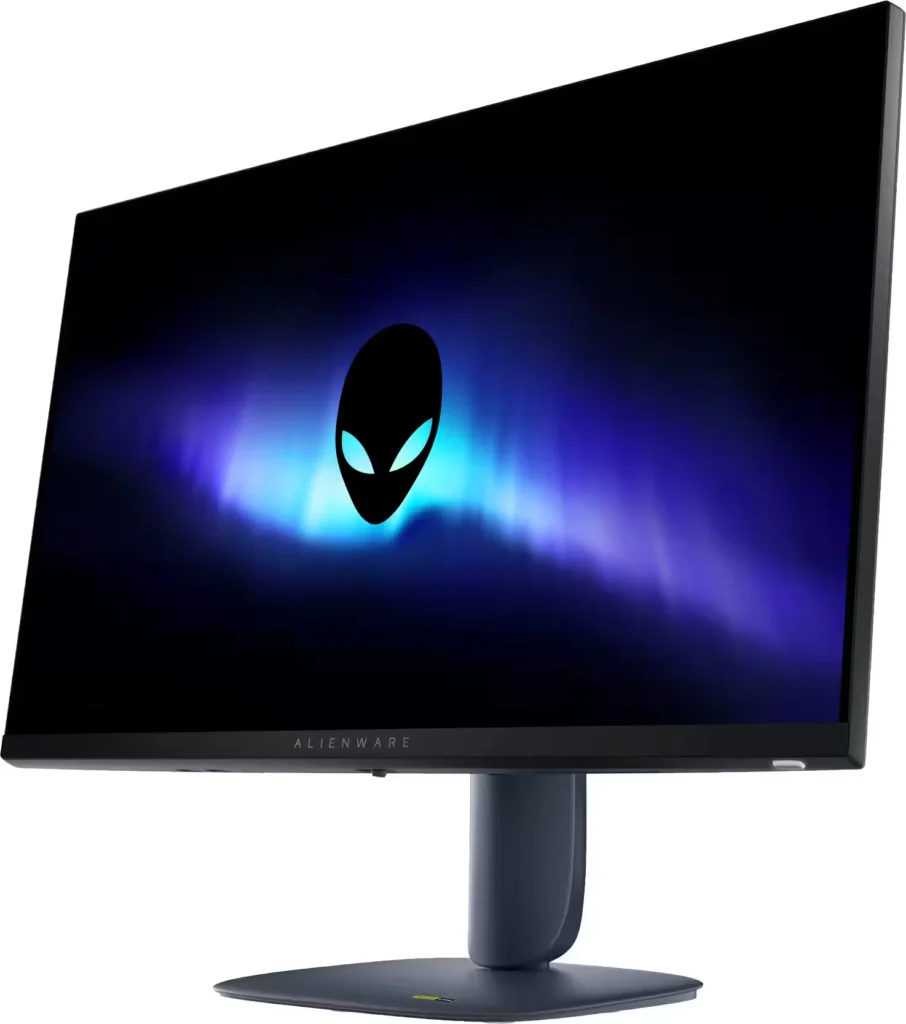
| Iconic AW30 Design | Features the refined Alienware AW30 industrial design in Interstellar Indigo, including 360-degree ventilation for improved cooling and a space-saving hexagonal base. |
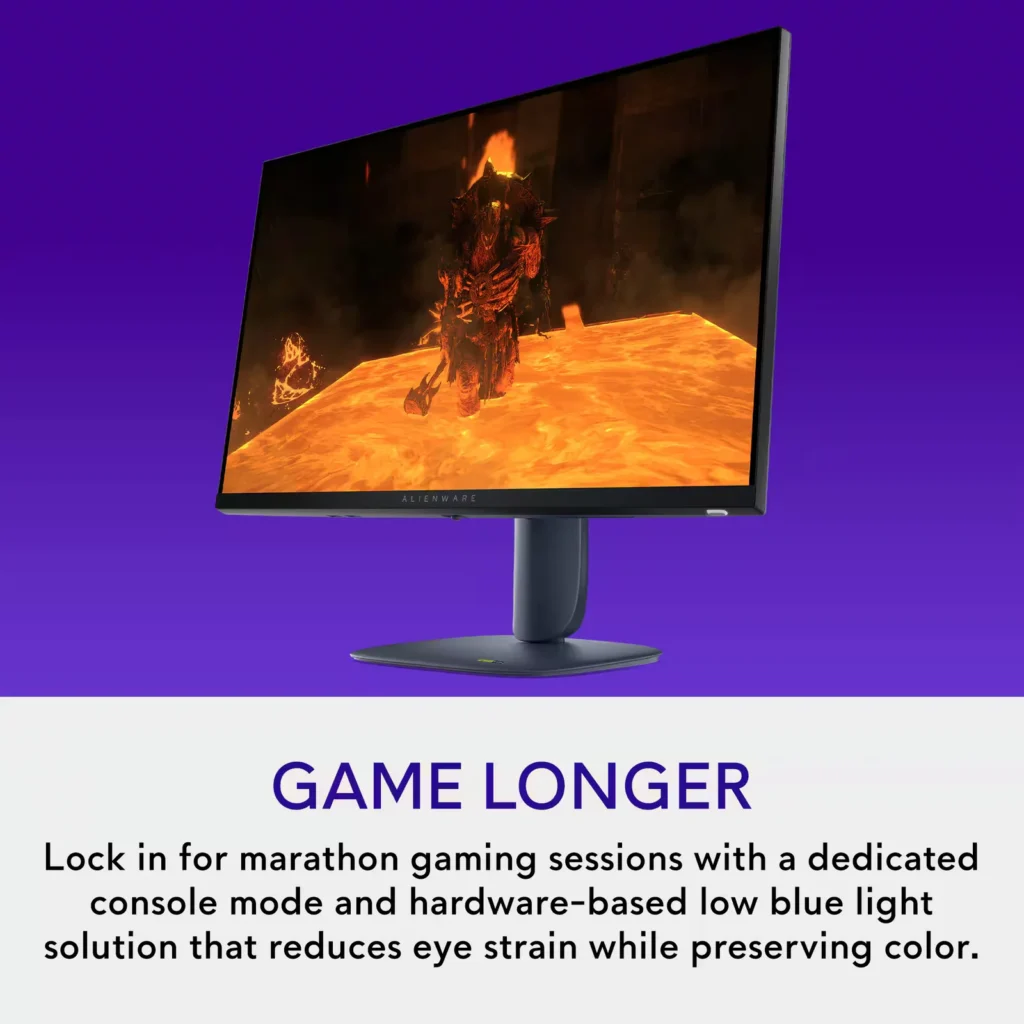
| Fully Ergonomic Stand | Maximize your comfort with a highly adjustable stand that offers height, tilt, swivel, and bi-directional pivot capabilities to suit any gaming setup. |
Pros & Cons
Pros
- Exceptional Value: Reviewers frequently highlight the monitor as a 'steal' for its price, offering high-end specs like 1440p resolution and a 180Hz refresh rate that typically cost much more.
- Highly Adjustable Stand: The build quality is praised for being sturdy and premium, featuring a tool-less assembly and a stand that allows for extensive height, tilt, swivel, and pivot adjustments.
- Smooth Gaming Performance: Users report buttery smooth gameplay with no screen tearing or ghosting, thanks to excellent G-Sync and FreeSync compatibility across PC and modern consoles.
Cons
- No Integrated Audio or Aux Port: A major complaint is the total absence of built-in speakers and a 3.5mm headphone jack, which complicates audio setups for console gamers who do not use headsets.
- Underwhelming HDR: Multiple reviews describe the HDR performance as 'terrible' or 'unusable,' noting that it often results in low brightness and washed-out colors.
- Calibration and Tint Issues: Some customers reported that the display had a noticeable blue or orange tint out of the box, requiring significant manual calibration to achieve accurate colors.
Customer Fit
- Primary audience: Competitive and mid-core gamers who want fast, tear-free 1440p performance on PC or console, with high refresh rate, low latency feel, and adaptive sync.
- Secondary audience: Multifunction home users (work + play) who split the screen for emails, documents, or multiple tabs and still want sharp, comfortable visuals.
- Ideal scenarios: Fits desks where a 27" display is the “sweet spot,” replaces older 1080p panels or living-room TVs, supports Xbox / PS-style console gaming at high frame rates, and doubles as a daily work monitor.
Customer Reviews
Showing reviews 341-350 of 406
-
Great monitor with all the features I need.
Incentivized Incentivized review: The reviewer received a benefit for sharing feedback.Josh454 June 9, 2025Review source: BestbuyI’ve had this monitor for a couple weeks and really like it.
It’s colors are great, the menus and adjustability are easy and the stand is very solid and convenient.
I’ll start with the stand. It’s nicely designed, easy to assemble and feels very solid. the swivel and height adjustments are very easy and smooth. The stand base is not overly large for this size monitor which is nice, it’s definitely on the small side without compromising being sturdy.
I plan on using a Vesa mount and that is nicely located behind the stand. Should be easy to mount.
The colors on this monitor are great. They’re bright and accurate. The refresh rate is definitely nice for gaming and the g-sync was working smoothly on my 3060. I have been very happy with this monitor so far.
The back of the monitor is a blue/navy color which I haven’t seen on a monitor before but looks nice.
The Inputs are well located and easy to access. Having USB ports on the bottom of the monitor is also very convenient for my setup as my desktop is remotely located in another room. This gives me a couple extra ports without having to run more extension cables or splitters.
I think 1440 is a great resolution these days. I have a couple 4k monitors and they are great but the difference in visible resolution between a 1440 and 2160 is very slight, and the other use who wears glasses cannot really even tell a difference. The gap between 1080 and 1440 seems to be much more noticeable and visible by everyone. I don’t think I’ll ever by a 1080 monitor again and don’t know that I’ll spend the money on a 2160 monitor unless it’s 32″ or larger.
Overall I would recommend this monitor. The size, color rendition, and resolution are all very nice.
-
Great starter monitor for serious gamers
Incentivized Incentivized review: The reviewer received a benefit for sharing feedback.Bruce June 8, 2025Review source: BestbuyAlienware is a brand synonymous with high-end gaming hardware. Normally, “high-end” comes with “high price,” however Alienware as of late has been doing a great job of putting out solid products without making you break the bank. The Alienware – AW2725DM 27″ is another example of Alienware making a really good product, at a solid price point.
I love the base of this monitor being so easy to apply, and taking up such little space, I do wish it had a bit more height and adjustable height…but setup was quick and easy. In a world where monitors are starting to have bloat software, the AW27 keeps it light and easy in regards to options/software. I know some may like the whole “smart monitor” options out there, but this is probably a way in which Alienware finds a way to keep the price down.
1440p is still the sweet spot for gaming, and boy is the 1440p crisp on this monitor. With a 180hz refresh rate…the frames! This is a very solid starter monitor for those getting in to gaming. I do wish with the monitor not being an OLED that the brightness would be brighter. Normally the benefit of LED is the brightness, but again, this is probably another spot where Alienware keeps the price low. With that said, the colors still look great.
Overall, this is a great monitor at a solid price point. Yeah, it’s missing some of the big monitor checkmarks, but bang for your buck, this is a winner, I’d strongly recommend for those not looking to sell an arm for a monitor.
-
Excellent monitor with great picture quality!
Incentivized Incentivized review: The reviewer received a benefit for sharing feedback.jonnyd2885 June 8, 2025Review source: BestbuyThe Alienware AW2725DM 27″ IPS LED QHD monitor is a great monitor offering from Dell’s Alienware lineup. A QHD (2560 x 1440 resolution) LED monitor that makes use of IPS technology to avoid some of LED’s shortcomings and it actually looks amazing! With a 180Hz refresh rate and 1ms response time as well as being FreeSync and G-SYNC compatible makes your games look and run great.
The monitor features an integrated standard VESA mount allowing you to easily mount this monitor in whatever way works for you which is great and should be universal on all monitors without having to buy an additional accessory. My only issue with the VESA mount is that there is a decent amount of the frame in the way so depending on how you attach the VESA mount you may need to use spacers. This is a very minor complaint and in now way affects my opinions on this monitor, as I still think this is an amazing monitor, but I feel like it is something to be aware of.
Overall, this is a great monitor that looks and plays amazingly and I would highly recommend this to anyone looking for a monitor. The picture quality is great, the response and refresh times are perfect, and it looks great aesthetically making this a great choice for anyone looking for a monitor.
-
Saturated, Crisp, and Fluid Graphics
Incentivized Incentivized review: The reviewer received a benefit for sharing feedback.Akire June 7, 2025Review source: BestbuyThe Alienware AW2725 QHD is sleek, compact, and provides great graphics. The visuals are crips and detailed, providing a great monitor for gaming and streaming. I appreciate the sleek and space-saving design, it beats out other monitors I have had in how much less cluttered the desk looks.
What’s included?
Along with the monitor is a power cable, DisplayPort cable, HDMI cable, and a USB A-B cable.
Build
This thin monitor can be adjusted by height, as well as tilt, pivot, and swivel. It has a hefty, stable base. The button underneath is placed straight in the middle, making easy to find and maneuver through the screen options. The screen is completely anti-glare, but this feature does make it hard to see colors properly at even a slight angle. Possibly good for privacy but not for sharing the screen with others sitting by you. This monitor includes a variety of video ports: 2HDMI, 1 DisplayPort 1.4, 2 different USB-A ports, and a USB-B upstream port.
Screen
The screen provides great QHD visuals with crisp and nicely saturated graphics. I do notice a negligible amount of fringe on text, not a dealbreaker when using it just for gaming, streaming, or artistic endeavors, but slightly annoying when using it for text-based purposes. The response time can be changed from 4ms, 2ms, and 1ms GTG. Alienware Control Center gives the option for easy changes to settings and toggling between preset settings. The response time has worked well for me playing first-person shooter, fast-paced games. It does vary and can stay at five though, even when 1ms is the chosen preset. The 180hz rapid refresh makes a huge difference in the smoothness and flow of the visuals.App
The Alienware Control Center is quite handy in setting presets to quickly change out how you want the monitor to function. Each presets includes a variety of functions that can be customized and relives me of having to go through each one when switching from fast paced games to slower leisurely ones.Overall, I am quite enjoying this gaming monitor, as is my family, for a variety of reasons. We love the graphics, color, and fluidity of the screen. My daughter and I enjoy the sleek look of it because there appears to be less clutter on the desk, which is also used for purposes beyond PC usage. The amount and degree of tilt, pivot, and swivel is enjoyed by my youngest, whose small height has struggled to game with other monitors in the past. I wish text fringe was less evident, that the monitor remained viewable at angels, and that the monitor remained at 1ms GTG more often but have little complaint beyond that. Overall, this is a solid monitor for the price and a great addition to a multipurpose PC.
-
Worth it
Verified purchase Verified purchase: This reviewer bought the product. Incentivized Incentivized review: The reviewer received a benefit for sharing feedback.ChrisO June 7, 2025Review source: BestbuyWorth every penny.
-
So far so good!
Verified purchase Verified purchase: This reviewer bought the product. Incentivized Incentivized review: The reviewer received a benefit for sharing feedback.MtzzJr June 7, 2025Review source: BestbuyIt’s been great so far. Quality and graphics are literally outstanding and I love how you can adjust height/tilt of the monitor.
-
Versatile, high-quality gaming monitor
Incentivized Incentivized review: The reviewer received a benefit for sharing feedback.EvilChaderCheez June 7, 2025Review source: BestbuyThe Alienware – AW2725DM 27″ IPS LED QHD 180Hz 1ms FreeSync and G-Sync Gaming Monitor with HDR is a great monitor at what I consider to be the perfect size.
There are plenty of other larger monitors available on the market but I am a firm believer in the idea that 27” monitors like this Alienware AW2725DM monitor hit the sweet spot when it comes to monitor size, especially if you are like me and plan on using your monitor for both work and gaming.
One of the things that I was pleasantly surprised by when first setting up this monitor was just how small yet sturdy the stand is. It is also tiltable and height-adjustable which really comes in handy when trying to find the perfect angle for your setup.
As for connections, this Alienware AW2725DM offers the following wide variety of ports:
2x HDMI, 1x DisplayPort, 1x USB 5Gbps Type-B upstream port, and 2x USB 5Gbps Type-A downstream ports (one of which includes battery charging).
Having both HDMI and DisplayPort connections is nice, and I especially like the inclusion of the two USB ports, making it easier to add additional peripheral devices. Included in the package are the power cable, an HDMI cable, DisplayPort cable, and USB Type-B cable.
One of the things that expands the functionality of this Alienware AW2725DM even further is the fact that it is both FreeSync and G-Sync compatible. This means you can take advantage of advanced features that help prevent screen tearing in fast-paced games and all of the other benefits that come with FreeSync and G-Sync technology regardless of whether your system uses AMD or NVIDIA graphics cards.
As for performance, I am very happy with this monitor. The QHD resolution (2560×1440) coupled with the 180Hz refresh rate and 4ms response time (1ms gray to gray response time) results in a high-quality picture no matter what I am using the monitor for.
Overall, I am very impressed with the Alienware – AW2725DM 27″ IPS LED QHD 180Hz 1ms FreeSync and G-Sync Gaming Monitor with HDR and I highly recommend it!
-
Good if on decent sale
Verified purchase Verified purchase: This reviewer bought the product. Incentivized Incentivized review: The reviewer received a benefit for sharing feedback.Cole June 7, 2025Review source: Bestbuyvery bright, but for me returned it due to the bezels being a little too thick
-
Great Monitor at a Great Price
Verified purchase Verified purchase: This reviewer bought the product. Incentivized Incentivized review: The reviewer received a benefit for sharing feedback.EthanS June 7, 2025Review source: BestbuyWorks well, has good colors. the usb passthrough is really nice for plugging in controllers, especially with short cables as the ports are on the bottom of the monitor.
-
Excellent product
Verified purchase Verified purchase: This reviewer bought the product. Incentivized Incentivized review: The reviewer received a benefit for sharing feedback.YunietP June 7, 2025Review source: BestbuyExcellent product, everything perfect and very good price