






Customer Media
Highlights
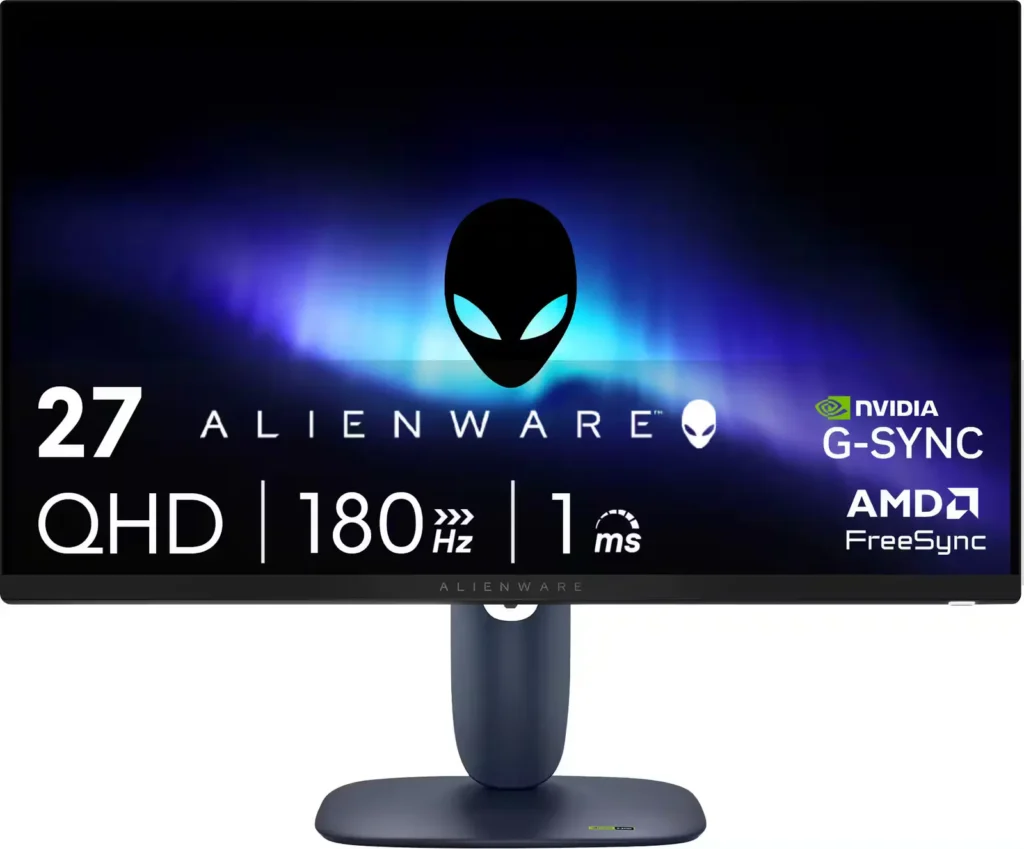
| High-Speed Performance | Experience fluid and responsive gameplay with a 180Hz refresh rate and a 1ms gray-to-gray response time in Extreme Mode, minimizing motion blur and ghosting. |
|---|---|
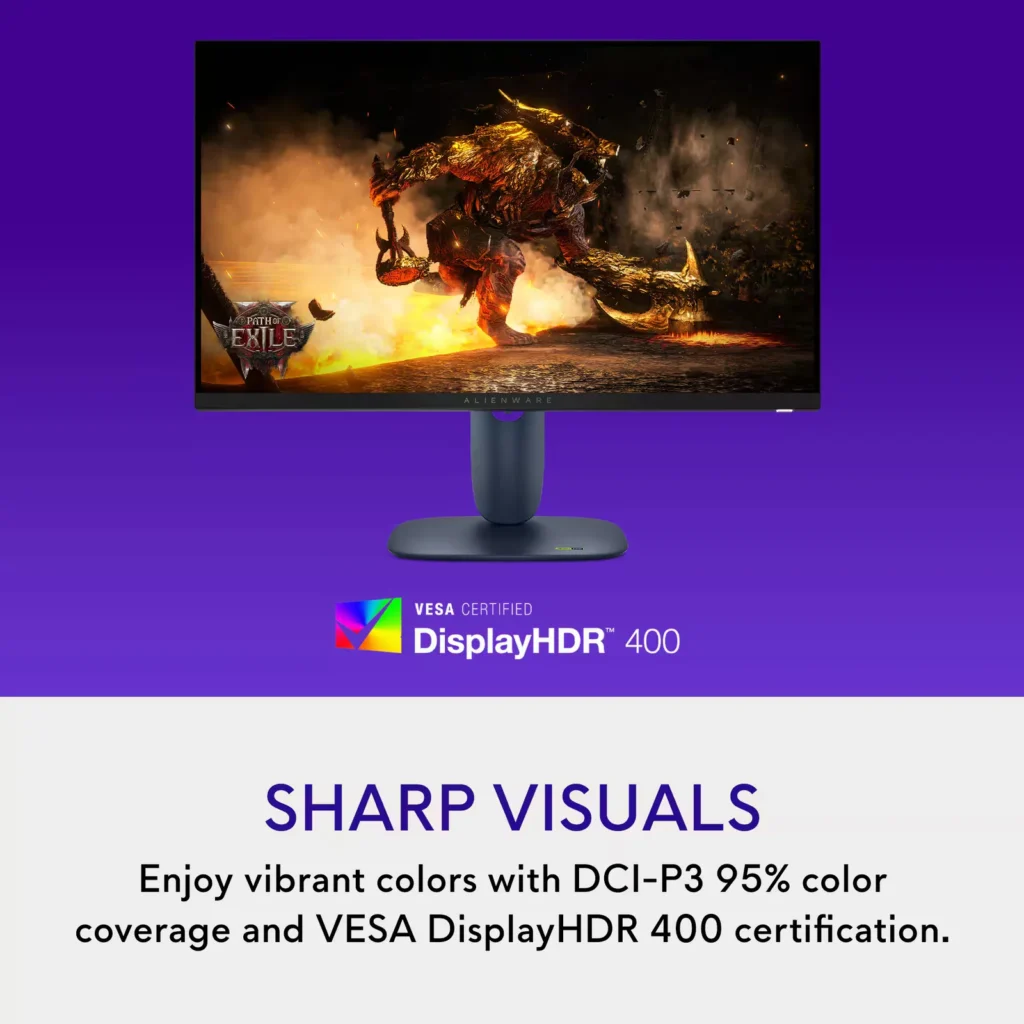
| Vibrant QHD Visuals | The 27-inch Fast IPS panel delivers sharp 2560 x 1440 resolution with 95% DCI-P3 color coverage and VESA DisplayHDR 400 for rich, lifelike colors and enhanced contrast. |
| Universal Sync Compatibility | Enjoy tear-free gaming regardless of your GPU thanks to full support for NVIDIA G-SYNC Compatible, AMD FreeSync, and VESA AdaptiveSync technologies. |
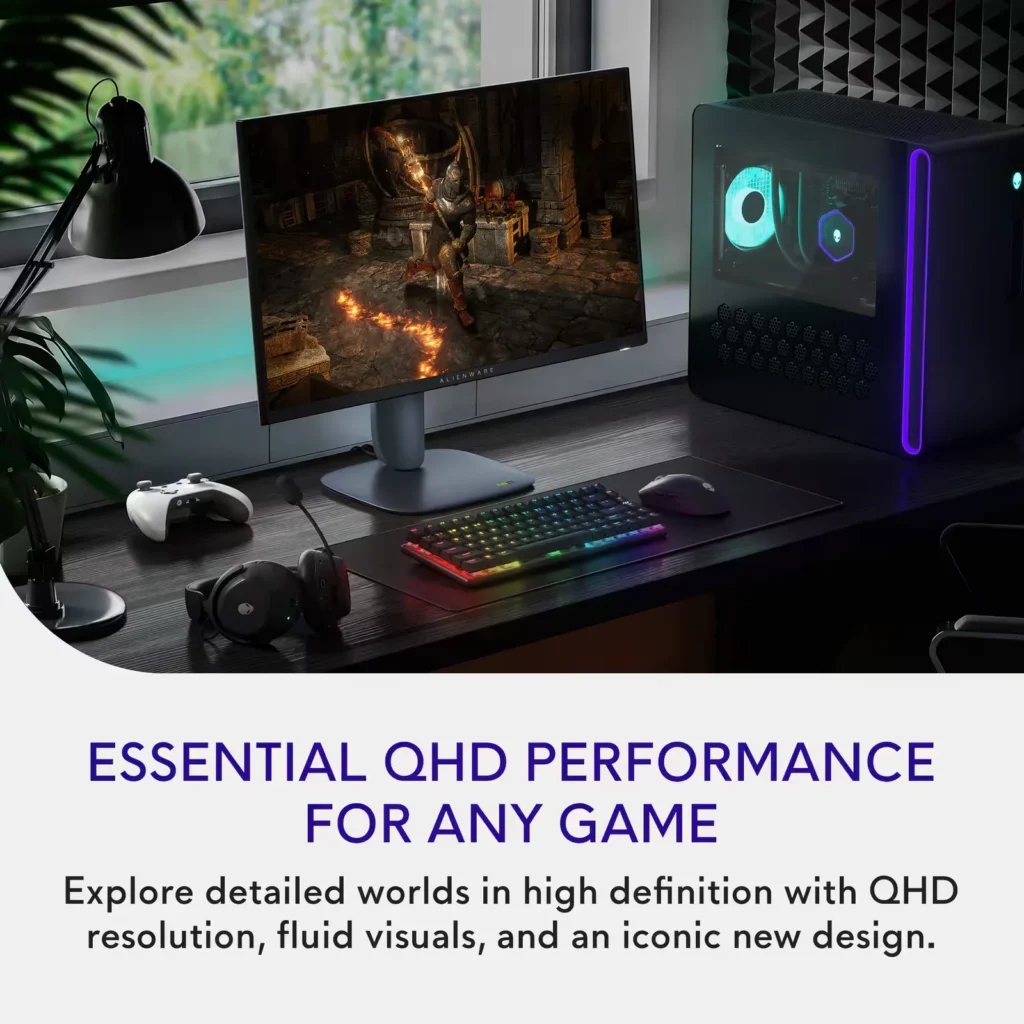
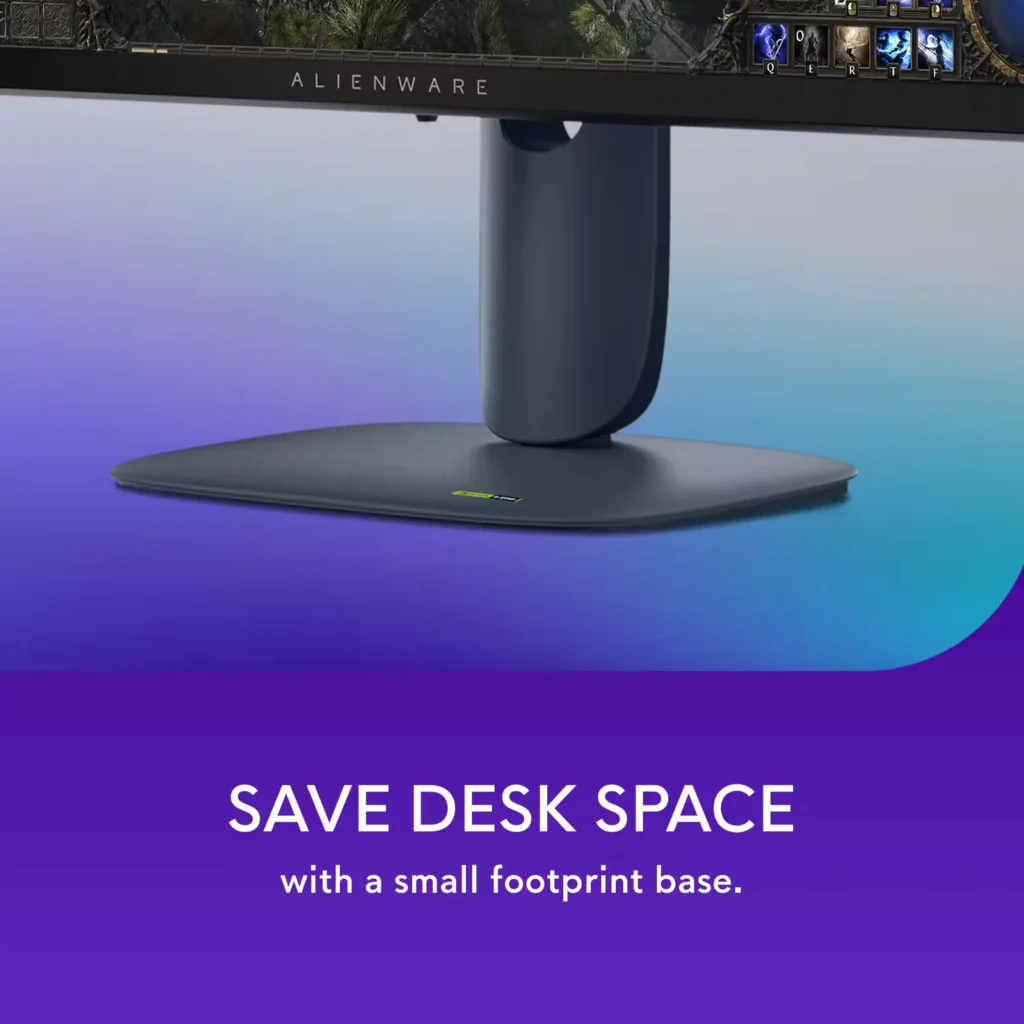
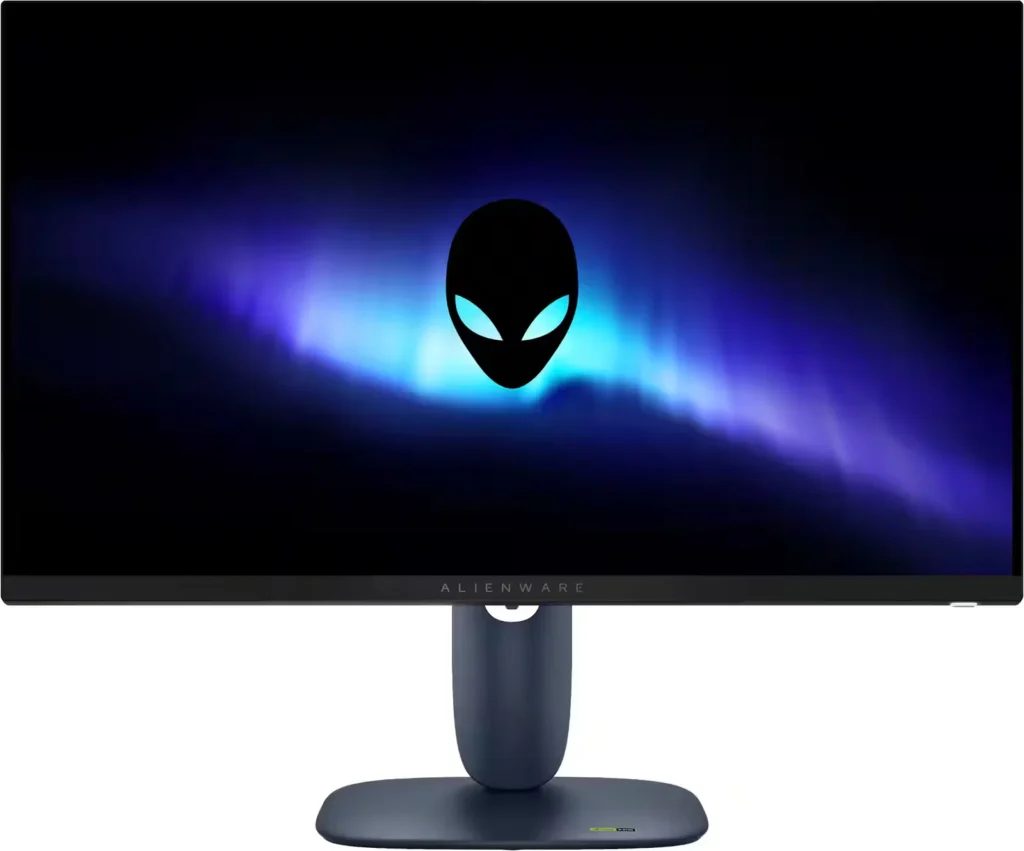
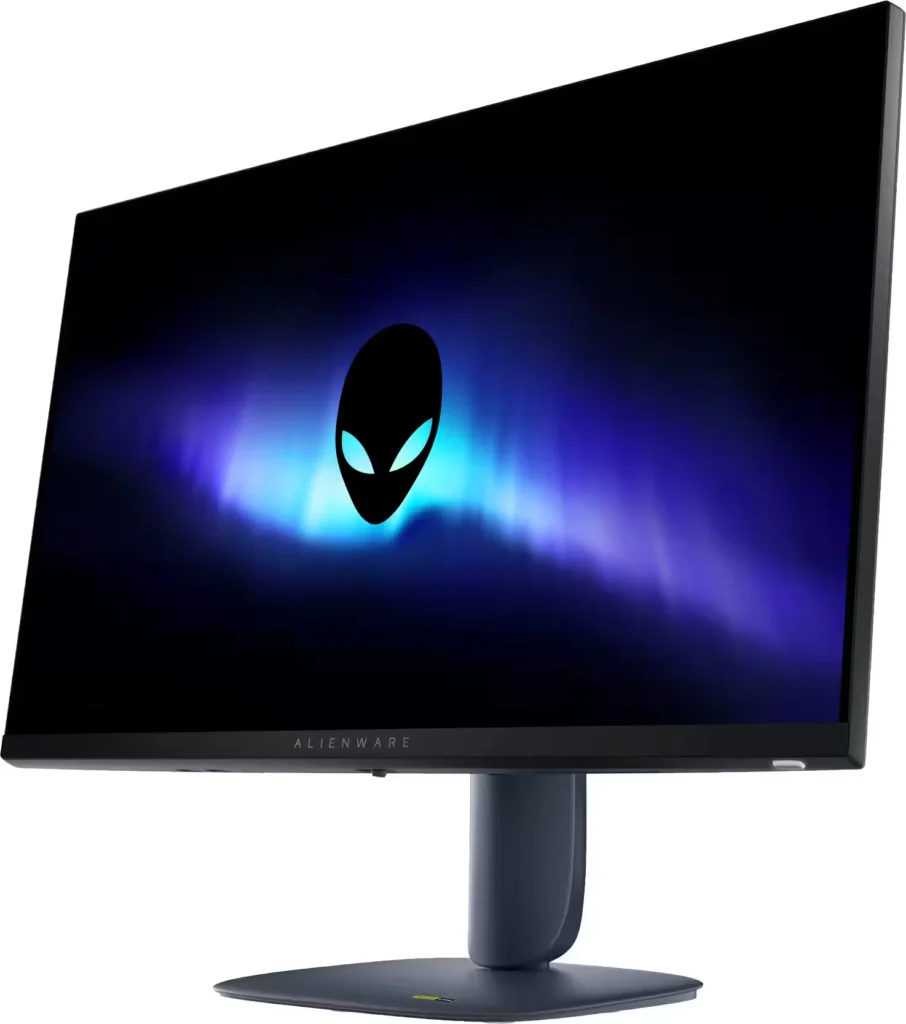
| Iconic AW30 Design | Features the refined Alienware AW30 industrial design in Interstellar Indigo, including 360-degree ventilation for improved cooling and a space-saving hexagonal base. |
| Fully Ergonomic Stand | Maximize your comfort with a highly adjustable stand that offers height, tilt, swivel, and bi-directional pivot capabilities to suit any gaming setup. |
Pros & Cons
Pros
- Exceptional Value: Reviewers frequently highlight the monitor as a 'steal' for its price, offering high-end specs like 1440p resolution and a 180Hz refresh rate that typically cost much more.
- Highly Adjustable Stand: The build quality is praised for being sturdy and premium, featuring a tool-less assembly and a stand that allows for extensive height, tilt, swivel, and pivot adjustments.
- Smooth Gaming Performance: Users report buttery smooth gameplay with no screen tearing or ghosting, thanks to excellent G-Sync and FreeSync compatibility across PC and modern consoles.
Cons
- No Integrated Audio or Aux Port: A major complaint is the total absence of built-in speakers and a 3.5mm headphone jack, which complicates audio setups for console gamers who do not use headsets.
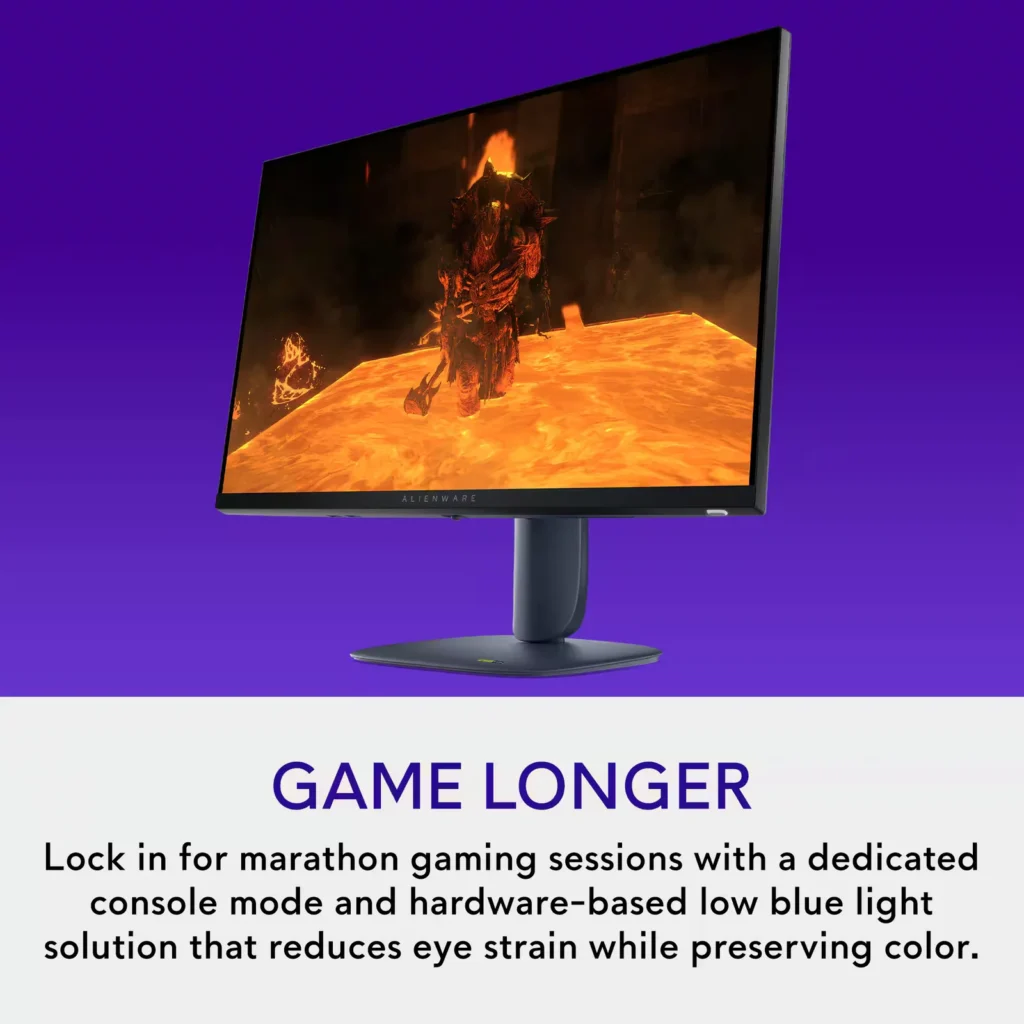
- Underwhelming HDR: Multiple reviews describe the HDR performance as 'terrible' or 'unusable,' noting that it often results in low brightness and washed-out colors.
- Calibration and Tint Issues: Some customers reported that the display had a noticeable blue or orange tint out of the box, requiring significant manual calibration to achieve accurate colors.
Customer Fit
- Primary audience: Competitive and mid-core gamers who want fast, tear-free 1440p performance on PC or console, with high refresh rate, low latency feel, and adaptive sync.
- Secondary audience: Multifunction home users (work + play) who split the screen for emails, documents, or multiple tabs and still want sharp, comfortable visuals.
- Ideal scenarios: Fits desks where a 27" display is the “sweet spot,” replaces older 1080p panels or living-room TVs, supports Xbox / PS-style console gaming at high frame rates, and doubles as a daily work monitor.
Customer Reviews
Showing reviews 361-370 of 406
-
Great
Verified purchase Verified purchase: This reviewer bought the product. Incentivized Incentivized review: The reviewer received a benefit for sharing feedback.KyleK June 6, 2025Review source: BestbuyGood monitor, bright, vibrant and a really good price
-
Great picture at a great price
Incentivized Incentivized review: The reviewer received a benefit for sharing feedback.Kenneth June 6, 2025Review source: BestbuyThis monitor displays a very nice picture, especially for its price. Despite being a less-expensive option, it appears to deliver a high-quality result.
The 1440 line display has excellent color and is plenty bright. Even though the refresh rate, at 180hz, is a little slower than some other gaming monitors, the picture still looks excellent. The response speed is adjustable between 4 ms, 2 ms, and 1 ms—all of which are faster than the max refresh rate, which makes me wonder why it’s even adjustable—but regardless it performs well.
The stand and monitor are molded out of a dark bluish plastic—kind of a weird but cool color. The stand looks basic but it is perfectly functional: smooth height adjustment, and it even rotates 180 degrees for vertical orientation either direction. My favorite part is the chromatic mirror alien logo on the back. The plastic has a generic feel to it but it still feels plenty durable. The bezel around the visible display is quite minimal, except where it’s a little thicker on the bottom. It would be nice if it had a detent to hold the monitor in the horizontal position, because it can take some finesse to get it perfectly level.
On-screen controls let you adjust all kinds of things, including some settings I rarely see on a monitor (dark stabilizer?). I definitely prefer more options over less, but it includes some options I can’t imagine anyone using other than as a party trick (i.e. Alienvision). The settings definitely include features marketed to gamers who are serious about their hardware, but even then some may be more gimmick than actually useful.
The packaging is mostly recyclable cardboard, which I love. The box included all the cables you’d need and then some: power, HDMI, DisplayPort, and USB. Speaking of USB: the only thing I’d prefer to see improved on this product is that the built-in USB hub only has ports for USB Type A. Don’t they know everyone is switching to USB C now? Even with Type A, I still found it useful to be able to plug in my wireless mouse dongle to get it extra close to my mouse for optimum reception.
-
Amazing Colors and Super Smooth
Incentivized Incentivized review: The reviewer received a benefit for sharing feedback.John June 6, 2025Review source: BestbuyIt looks AMAZING! The Colors pop a lot especially on sports color preset!
-
Great Gaming and Graphics Monitor
Incentivized Incentivized review: The reviewer received a benefit for sharing feedback.MDH4PennState June 5, 2025Review source: BestbuyFor my review of this Alienware – AW2725DM 27″ IPS LED QHD 180Hz 1ms FreeSync and G-Sync Gaming Monitor which I rate 5 out of 5 stars.
Out of the box the monitor is very easy to assemble. Simply attach the stand neck to the back of the monitor chassis and then fasten the monitor base with the thumbscrew to the stand neck per figures as shown. The monitor glides well on the stand, up and down, pivots left and right and finally rotates from landscape to portrait all with ease. Under the Alienware logo at the bottom of the monitor yields a multi-directional control button to aid in your video set-up. On the underside of the monitor, you will find a 1.4 DisplayPort and 2-HDMI ports, plus 2 USB ports.
This monitor packs all the features needed for everyday use, graphics design, and gaming. The 27” display is good to use in confined spaces or to pair with another monitor for dual monitor use. This IPS (In-Plane Switching) panel type monitor allows for great color consistency along with viewing from extreme angles. The monitor brightness at 400 cd/㎡ (or 400 NIT) is great for use in bright rooms without the need for shades. The response time of 4ms combined with the max 180Hz refresh rate allows for non-competitive gameplay with limited blur or lag in typical gaming scenarios. The icing on the cake making this a monitor to own is the G-SYNC (NVIDIA Adaptive Sync), FreeSync (AMD Adaptive Sync) features. A small caveat is the lack of a build-in WebCam, but many users prefer higher specs of add-on WebCams offering greater features.
You cannot go wrong with this monitor and highly recommend it. I hope you enjoyed reading my review and it aided in your purchase decision.
-
Hands Down, a Beautiful Display
Incentivized Incentivized review: The reviewer received a benefit for sharing feedback.Janine June 5, 2025Review source: BestbuyThis Alienware AW2725DM 27″ LED QHD gaming monitor is awesome! It’s pretty much ‘plug and play.’ All I had to do what just go into my PC’s Display settings to duplicate/extend my screen appearance, and to adjust resolution. There’s also menu options for the monitor itself, via a “joystick” button located in the middle on the underside of the monitor frame.
The monitor is made exceptionally well. The display screen attaches to a strong, sturdy, solid base. While there isn’t a “slider-type” ‘up/down’ adjustment on the stand, the monitor does tilt, as well as, swivel to a vertical position, if desired. There is also a ‘cord minder’ cut-out hole on the stand, which is quite helpful.
The monitor comes with 3 cables (besides the power cord) – an HDMI cable, Display Port cable, USB Type-A to USB Type-B cable. There are 2 HDMI ports, 1 Display Port, 2 USB-A, and 1 USB-B ports. The power cord is nice and lengthy; strong yet flexible.
Now, while the monitor screen itself is only 27″ diagonally, the display dimension seems larger perhaps as a result of the 2560×1440 screen resolution. Couple that with Nvidia’s G-Sync technology, and the performance of this gaming monitor impresses. This Alienware’s LED display boasts bright, clear, lifelike visuals. In a word, it’s gorgeous!
-
Great features at a fantastic price
Incentivized Incentivized review: The reviewer received a benefit for sharing feedback.Scott S June 5, 2025Review source: BestbuyThis monitor feels like it hits all the right notes – Price, clarity, frame rate, ports/cables and resolution are all very respectable in an entry-level gaming monitor. A monitor like this cost a lot more just a few years ago, and while it probably couldn’t compete directly with an OLED, it’s incredibly vibrant and presents colors accurately. Blacks even look better than others IPS monitors I’ve owned.
__ Picture __
Like I mentioned above, the IPS panel here makes for great gaming. It’s plenty responsive at 4 ms (1 ms for grey to grey, but I don’t count that) – all while presenting colors accurately and with a vibrancy I usually only seen in OLEDs. It’s not quite the contrast you’d get in an OLED, but I find myself continually surprised by just how good it looks. Alienware has another new option that utilizes an VA panel, but I chose this to prevent the potential muddiness or ghosting that those can present. The panel here looks great from all angles, with a wide viewing angle and no real discernible color shift when looking off-axis. Blacks fall away a bit at extreme angles, but you’ll be looking at this straight-on most of the time. Games looked great and I saw none of that ghosting or smearing of the image during quick movements.
The 1440 resolution is no 4K, but it’s a good sweet spot density for a monitor at this size. Games look great – while other uses, like web browsing, still have good readability. And when it comes to size, some who are used to gaming on 24 inch monitors it may feel it’s larger than they like, but I find 27” the best size for most uses, including gaming.
Since colors look so good through it’s DCI-P3 95% color coverage, it also seems like a great, affordable option for creative work as well.
__ Design __
I wasn’t sure I’d think much of this design, but in person it looks fantastic. The rear cover and stand have a dark, subtle purple-blue tint to them that feels special. It’s both tasteful and understated, with logos that don’t stand out in person as the official product photos suggest (preferred). The front of the screen is a true black with an edge-to-edge design that reads as upscale and premium. In other words, it looks like a much more expensive monitor. Included in the box are both HDMI and DisplayPort cables, allowing you to select either for your connection. A small joystick on the lower edge of the screen allows for simple menu navigation. It’s worth noting that this monitor does not have any integrated speakers… but if you’re gaming, you’d want external ones anyway.
__ Summary __
I was truly surprised by how good this monitor is. It’s vibrant, fast and well designed. I paid a lot more for a lesser monitor just a few years ago. It’s probably one of the best deals in monitors today. Quality and a very fair price.
-
Absolutely WONDERFUL! – Compare to LG Omen
Incentivized Incentivized review: The reviewer received a benefit for sharing feedback.MurphyR June 5, 2025Review source: BestbuyThis is a WONDERFUL monitor! I’ve used a variety of standard HD (1080p) monitors, and I’ve used a 34″ Samsung 4k monitor, but 27″ at 1440p seems to be the sweet spot for productivity monitors (I’m not much of a gamer, but the clarity of the image is fantastic as well).
I do have an LG Omen which was about $700-800 originally as well, and I must say that this Alienware monitor is very comparable for about 1/3 of the price. I can say that the clarity of the image/text is just slightly less than the LG Omen, but still absolutely usable for productive work and reading text at 1440p. Very clear and easy to read, but just a quarter-step behind the LG.
For the refresh-rate, this is honestly more dependent on your computer. I’m using a Surface Go 3 at the moment, and any monitor maxes out at 144 Hz refresh rate. From that perspective, there is absolutely no difference between this and the LG, so spending extra money on a monitor that can go to 240 Hz is absolutely not necessary. If you do have a dedicated gaming rig, it may be worth considering, but the science is honestly still out on whether the human eye can perceive the difference between 144 and 240.
This is a great monitor, and if you’re even considering the LG Omen, I’d say you’re better off getting two or three of these with a docking station and setting up a full command center rather than a single monitor. 🙂
-
Excellent high performing gaming monitor
Incentivized Incentivized review: The reviewer received a benefit for sharing feedback.Beradon June 5, 2025Review source: BestbuyI never expected that the one thing in my house that I needed more of than anything would be monitors, but it turns out that is the case. Alienware has released another excellent entry to their lineup that while it may not be their highest end, is definitely a great monitor.
Packaging:
To start, it’s well packaged, as to be expected, comes with power, HDMI and Displayport cables, as well as the stand of course. Box is rather large but it’s a good sized monitor, though I figure they could probably save some cardboard somewhere, it’s not really a ding on the itemInstallation:
Easy as can be, plug and play, running over HDMI it was instantly recognized by Windows and no issues with setup or configuration.Gaming:
Here’s the fun part. The monitor supports both AMD Freesync and Nvidia G-Sync which I was in an interesting situation to be able to try out both as I was in the process of upgrading my graphics card from an AMD card to an NVidia card. In both AMD Adrenaline and NVidia Control panel, the monitor was recognized as capable of sync and allowed me to enable adaptive sync as needed for both. In firing up Clair Obscure 33 running it at QHD, the beauty of the monitor was immediately apparent, no tearing, no issues with performance, it really runs well. It’s definitely a high performing monitor without breaking the bank.Overall:
Alienware always delivers, their blood is gaming and this is another standout addition without sporting the ‘Alienware’ level price tag. The multiple input types and high refresh with gsync and freesync capabilities make it an easy addition for anyone looking for a solid performing gaming monitor. -
Good monitor
Verified purchase Verified purchase: This reviewer bought the product. Incentivized Incentivized review: The reviewer received a benefit for sharing feedback.Marcia June 3, 2025Review source: BestbuyExcellent picture quality. It was a good upgrade over my old one.
-
Ok monitor
Verified purchase Verified purchase: This reviewer bought the product. Incentivized Incentivized review: The reviewer received a benefit for sharing feedback.SameerM June 3, 2025Review source: BestbuyMonitor works fine but make sure you have a gpu that can handle it. Mine is pretty old so the monitor made my computer crash a lot