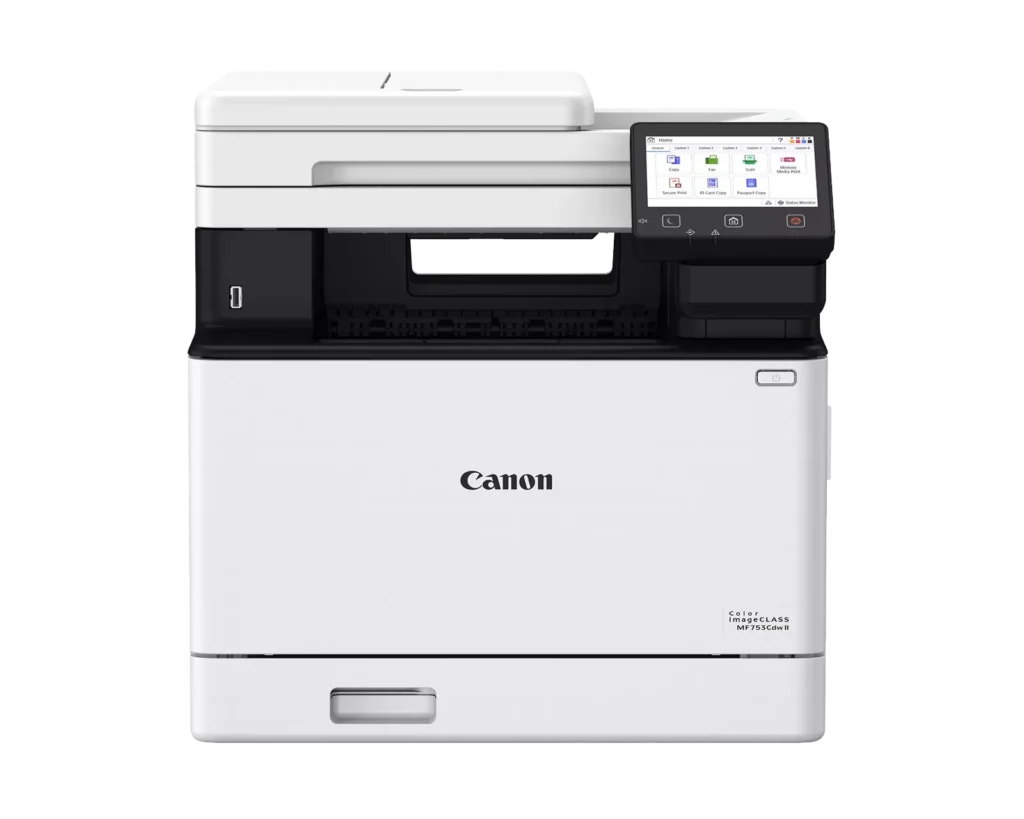
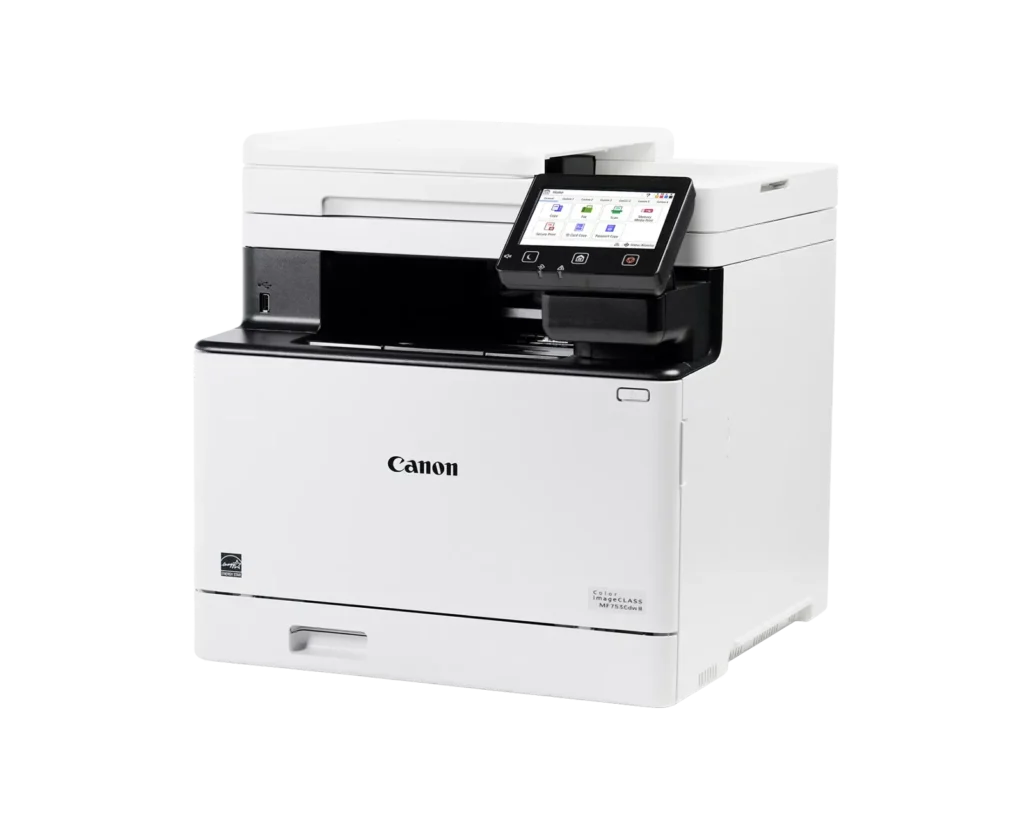
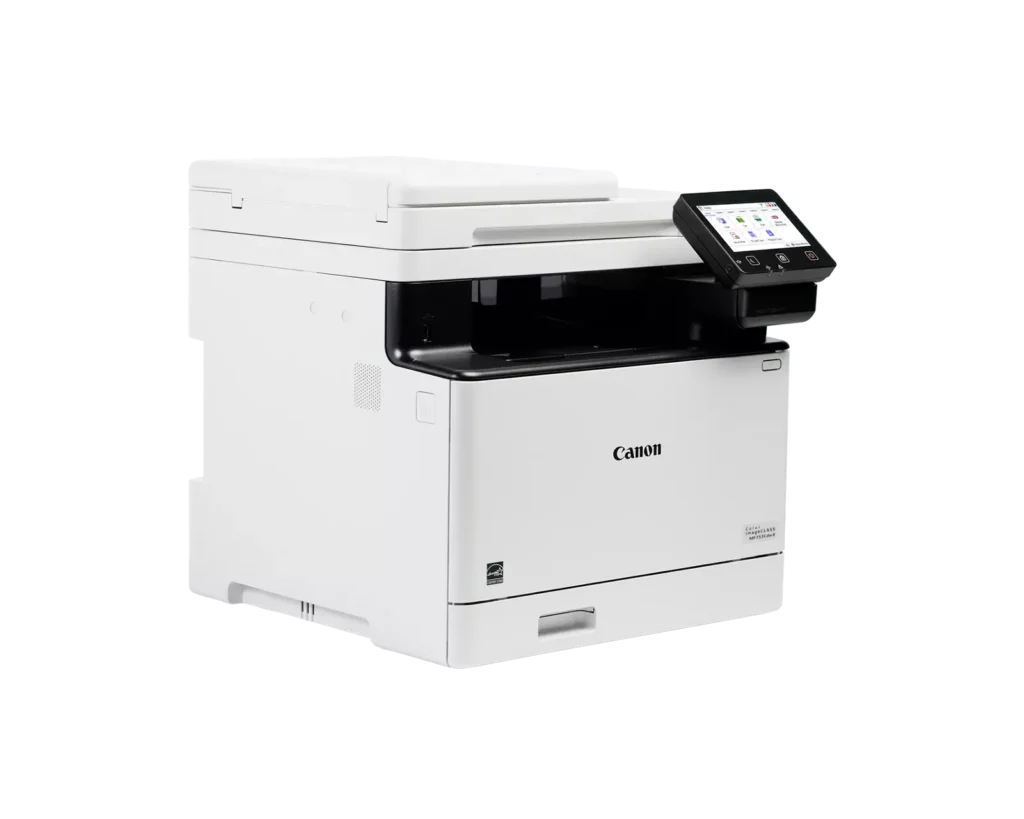
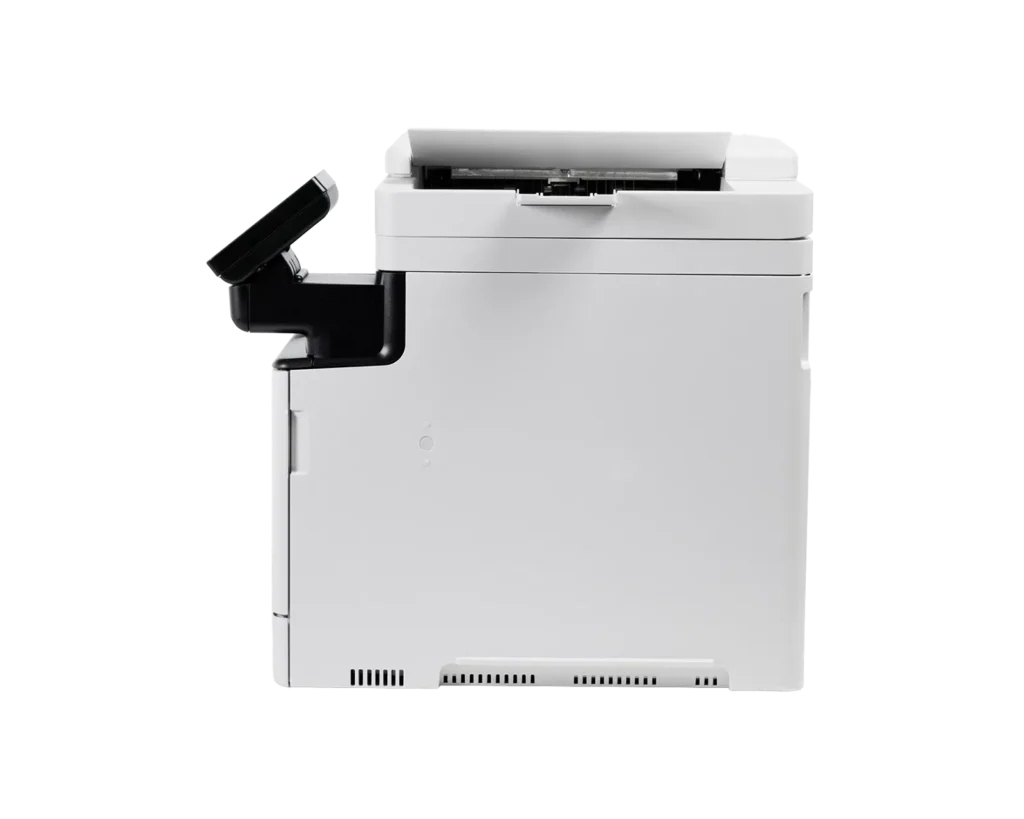
Customer Media
Highlights
| Fast Print Speeds | Delivers efficient performance for busy offices with print speeds of up to 35 pages per minute in both color and monochrome, featuring a quick first-print time of approximately 7 seconds. |
|---|---|
| Single-Pass Duplex Scanning | Equipped with a 50-sheet automatic document feeder (ADF) that supports one-pass, two-sided scanning to save time and improve workflow efficiency when processing multi-page documents. |
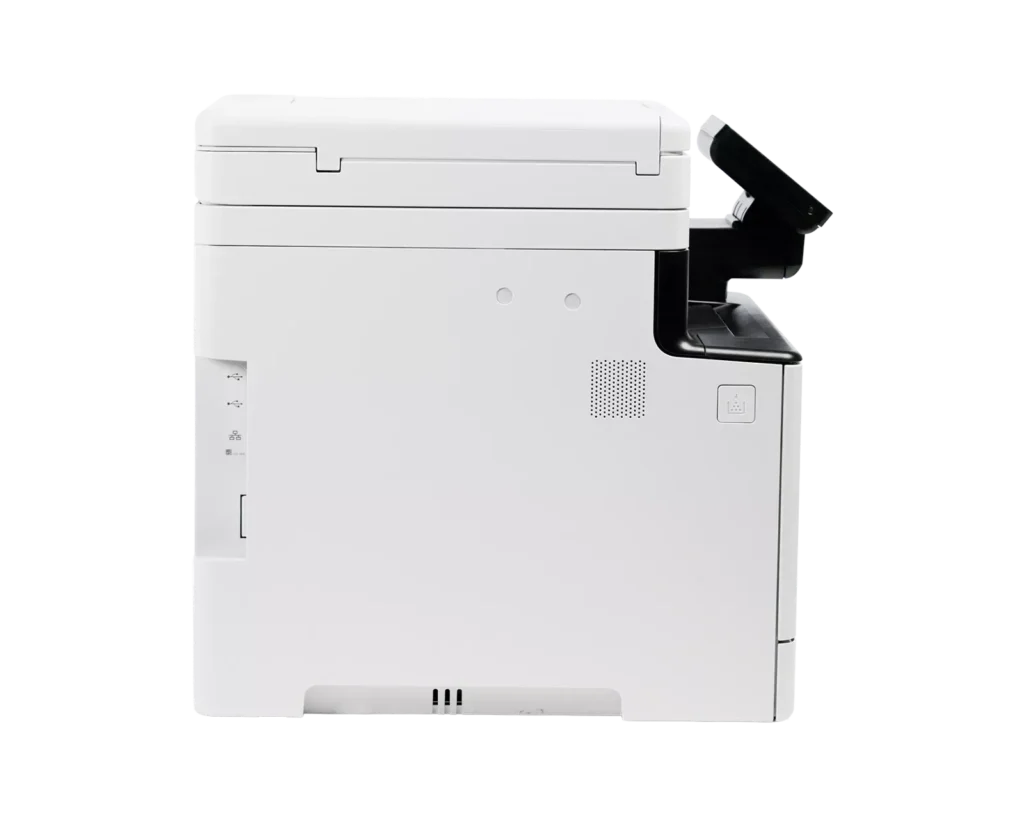
| Customizable 5-Inch Color Touchscreen | Features an intuitive, smartphone-like 5-inch color touchscreen that can be customized with the Application Library to provide easy access to the functions you use most. |
| Versatile Connectivity and Mobile Printing | Offers seamless integration with built-in Wi-Fi, Ethernet, and USB ports, supporting mobile printing via the Canon PRINT Business app, Apple AirPrint, and Mopria Print Service. |
| Expandable Paper Capacity | Comes standard with a 250-sheet cassette and a 50-sheet multipurpose tray, with the option to expand up to 850 sheets using an additional cassette to handle high-volume print jobs. |
Pros & Cons
Pros
- Fast Performance and Efficiency: The printer is highly praised for its rapid 35 ppm print speed and a quick first-page-out time of approximately 7 seconds. Additionally, the one-pass duplex auto-document feeder (ADF) significantly speeds up scanning and copying tasks.
- Superior Print and Scan Quality: Users consistently report sharp, crisp text and vibrant, accurate color reproduction for both documents and marketing materials. The scanning function is also noted for producing high-quality PDFs with ease.
- Modern Features and Connectivity: The device offers a responsive 5-inch color touchscreen with customizable menus and seamless wireless connectivity. It supports mobile printing via AirPrint and the Canon PRINT app, and integrates well with professional business software.
Cons
- Warranty Registration Issues: A significant number of reviewers discovered that their units were not intended for sale in the USA, leading to Canon refusing warranty registration and technical support for these 'grey market' units.
- High Toner and Operating Costs: The genuine Canon 069 toner cartridges are described as very expensive, which increases the total cost of ownership. Some users also noted that the printer only comes with 'starter' cartridges that may need early replacement.
- Bulky and Heavy Design: The printer has a large physical footprint and weighs nearly 50 pounds, making it difficult to move and requiring a sturdy, dedicated space. Some users found it much larger and noisier than expected for a home office environment.
You might also like












Customer Reviews
Showing reviews 41-48 of 48
-
Great Upgrade
Verified purchase Verified purchase: This reviewer bought the product.DwightN November 1, 2025Review source: BestbuyWe replaced an older Canon MF printer with this newer model. The setup was easy. We had no issues with integrating it onto the network. The printing quality is great.
-
Great color printing quality and speed, super fast scan for multi page docs
Incentivized Incentivized review: The reviewer received a benefit for sharing feedback.MHJC October 31, 2025Review source: AmazonUPDATE:
After some days of use, I have noticed that the printer constantly becomes offline, so when trying to print something from my phone it is not available for printing. I have to turn it off and on again and refresh the app many times until I see it back online, then I can use the printer. I also own an Epson ink jet printer and never had an issue like this with it, and I have had it for many years.Because of this inconvenience, I think this printer is not quite at 5 stars, 4 stars is probably more accurate. Overall, I am still happy with this product though.
ORIGINAL REVIEW:
I am very happy with this product. I was hesitant at first because I read a review saying they printed some docs with pictures and the images were printed with defects in the form of bars, but maybe that was a defective one because mine printed perfectly (see attached pictures of the color calibration print and a picture of a sofa I printed)The build quality feels ok, acceptable, some plastic pieces are on the thinner side, I have to say build does not feel super sturdy, but not so much that it bothers me.
Setting it up was super easy, I was printing and scanning from my phone in no time.
Scanner is super fast and convenient (see attached video), you just place all the papers you want to scan on the upper bin, then click on the scan button on your phone and a PDF is created on your configured folder.
The touch screen is easy to use and responsive, and it is nice that it shows the toner levels.
Very happy with this product, giving 5 stars.
-
Fantastic printer
Incentivized Incentivized review: The reviewer received a benefit for sharing feedback.Chief October 29, 2025Review source: AmazonItem arrived well packed. Setup can be a little challenging for those not familiar with more modern printers these days but once you get it setup you’ll be good to go. The interface is nice but in certain settings may get a bit difficult to navigate but nothing extremely hard. Print quality is great and as for picture print quality its a bit varied but expected with laser printers but looks good to me at least for my needs. As a business printer it will work well for a lot of printing especially black and white. I haven’t tried this with 3rd party toners but read so where during my research it does accept 3rd party toners which immediately is a mandatory thing. The scanner is very good as well and captures my documents accurately and can get sent directly to your email if needed. You can also print as well directly from your mobile devices to. Overall works well and I recommend for a good laser printer provided you don’t mind the initial cost.
-
Comprehensive Review of the Canon MF753 Cdw Color Laser Printer
Incentivized Incentivized review: The reviewer received a benefit for sharing feedback.REVIEW NINJA October 29, 2025Review source: AmazonThis detailed analysis provides insights into the performance and quality of the Canon MF753 Cdw Color Laser Printer, emphasizing its suitability for home use and highlighting key factors that influence print quality.
Professional Experience and Perspective. **Please watch the video for my print evaluation testing**With over 30 years of experience as a help desk technician, I have maintained a wide range of printers, from legacy dot-matrix printers to advanced, six-figure, hyper-resolution plotters. While this experience does not make me an absolute expert, it offers a practical perspective on printer performance and reliability. My personal ownership of various home printer brands further informs my evaluation, and I consider this model a dependable choice for home users.
Understanding Printer Features and Print Quality:
It is important to recognize that the number of features a printer offers does not necessarily correlate with print quality. A printer can be feature-rich yet produce subpar output. The primary criterion for assessing printers, especially color laser models, should be the quality of the printed images. Superior print quality is essential, and it cannot be compensated for by additional features alone.
Key Factors in Evaluating Color Laser Printers
1. Image Color Accuracy
Color accuracy is largely influenced by the printer’s settings, driver, firmware, and toner application process. Modern printers typically offer automatic color calibration, which ensures reasonable accuracy. Toner is applied in layers corresponding to the four primary colors, and precise application is critical for achieving a broad color gamut and true-to-life colors.2. Grayscale and Color Depth Precision
High-quality printers are distinguished by their resolution, measured in DPI (dots per inch). While mid-range models now deliver impressive quality, maintaining the printer through the use of quality toner cartridges and regular cleaning is vital. Proper maintenance ensures consistent performance and optimal image quality, regardless of the printer’s price point.3. Linearity and Mechanical Precision
Linearity refers to the printer’s ability to produce straight, accurate lines without distortion. Mechanical components such as rollers, belts, and toner application mechanisms play a significant role. Inferior parts can cause issues such as banding, light spots, and crooked lines, compromising overall image quality.Performance Evaluation of the Canon MF753 Cdw:
The Canon MF753 Cdw demonstrated excellent performance across all three evaluation criteria. It successfully produced high-quality monochromatic and multicolor images, with the latter exhibiting near three-dimensional depth and lifelike detail. The calibration test sheets confirmed its superior linearity, color gamut, and crispness of printed text.
Final Recommendations:
I highly recommend the Canon MF753 Cdw for home users seeking a reliable, high-quality color laser printer. To maximize its performance, regular cleaning and the use of high-quality toner cartridges are essential, despite their higher cost. It is important to note that this model is designed primarily for home use and may not be suitable for high-capacity or commercial printing environments. In conclusion, this printer offers excellent value for home consumers who prioritize print quality and reliability. Proper maintenance and quality consumables will ensure long-term satisfaction and optimal performance.
-
A workplace workhorse that lives up to the CANON name.
Incentivized Incentivized review: The reviewer received a benefit for sharing feedback.Jordan Wyatt October 28, 2025Review source: AmazonWith an impressive array of refined features and increased productivity speeds, the imageclass 2 is a solid reminder that few do it as good as CANON does. Print quality has seen a marked uptick in color accuracy and sharpness in both single and double sided prints, and duplication speed has improved as well. Ive experienced only a single paper jam thus far and it occurred at the tail end of an extreme high use long stretch of mad faxing, multi printing and non stop copying. All of those functions worked at full bore without a hiccup until that single jam (A jam that was easily fixed due to easy servicability). This printer has already seen heavy testing to its longevity and ability to operate thru 23rd hour scenarios and sudden high gear crunch times so the praise is well warranted. It is truly an office space workhorse that rewards the user with quality of life improvements, upgrades to user friendliness and a seemless integration with our devices that has made it the beating heart of both the workplace and family computer space. For those who require this type of fidelity (you know who you are), I can’t recommend it enough.
-
ImageCLASS MF753CDw II: A Meditation on Function, Refinement, and the Vanishing Art of Competence
Incentivized Incentivized review: The reviewer received a benefit for sharing feedback.Daniel J. Cascioppo October 27, 2025Review source: AmazonThere are moments when one encounters a machine so competently conceived that it restores, however briefly, one’s faith in the intelligence of the human species. The Canon ImageCLASS MF753CDw II is such a device. It is not merely a printer; it is an expression of quiet authority, a reminder that some corners of engineering still value precision over pretense.
I have long used Canon’s ImageCLASS printers and still keep an older model that performs as flawlessly as it did the day I unboxed it. This new generation continues that lineage with an elegance that borders on defiance. In an era when most printers demand an online account, a credit card, and a vow of allegiance to some corporate cloud before they will print a test page, Canon’s refusal to engage in such nonsense feels almost radical.
The unboxing itself carries a faint sense of ceremony. Toner installed, protective wrappings removed, I powered it on, tapped a few options on the color touchscreen, and it connected to my Wi Fi network instantly, without drama or groveling software. It is a machine that behaves as though it understands its purpose and sees no need to involve the rest of the world in its affairs.
Its design includes one of those rare touches that signal true craftsmanship: a gravity fed pass through compartment located at the front of the unit, allowing for flawless printing on cardstock, envelopes, and other specialty media. It is a simple but refined accommodation—one that spares the user from the fumbling, paper wrinkling ordeal that lesser devices inflict. Feeding fine stationery into this compartment and watching it emerge perfectly printed feels oddly satisfying, almost genteel, like using a well-balanced fountain pen in a world of disposable ballpoints.
Printing and scanning proceed with unflappable grace. The fax function remains, a vestigial nod to bygone decades, perhaps kept for those government offices and medical institutions that still insist on pretending the internet never happened. I ignored it, as any sensible person would.
The Canon Print Business application found the printer immediately from my iPhone and integrated smoothly with Canon’s Cloud services. Within minutes I was printing and scanning without incident. On my Windows 11 desktop, I bypassed Canon’s website—cluttered with unnecessary downloads—and allowed Windows to detect the printer autonomously. The result was perfection: automatic duplex printing, rich and accurate color, all configured without a single complaint.
Scanning through Windows Scan produced immaculate PDF documents, even duplex ones, with quiet precision. The device also allows direct printing from a USB drive, an understated convenience for those who prefer autonomy over complication.
Most impressively, the MF753CDw II plays beautifully with the real software ecosystems that matter. It integrates seamlessly with Salesforce and other line of business applications that require dependable, network-level print and scan resources. In offices where reliability is not a luxury but a necessity, this ability to perform across professional environments sets the Canon apart as a serious tool, not a hobbyist’s gadget.
Performance is brisk, consistent, and elegant. The printer produces color with confidence, not exaggeration, and carries itself with the assurance of a device that knows it has been built correctly.
As for toner, I will state this plainly. Yes, there are compatible options available. No, you should not use them. To feed this printer imitation toner is to serve boxed wine at a black-tie dinner and insist that no one will notice. Those inclined toward such thrift should perhaps purchase a lesser printer and spare this one the indignity.
My previous ImageCLASS has endured half a decade of service and still prints as crisply as the day it arrived. I have every expectation that this new model will do the same, possibly longer, as it embodies the rare combination of thoughtful engineering and professional restraint.
In conclusion, the Canon ImageCLASS MF753CDw II stands as a small masterpiece of practical design. It prints, scans, and even handles cardstock through its front feed compartment with the kind of quiet competence that borders on art. It does not nag, it does not spy, and it does not ask for your personal information. It merely performs—flawlessly, and without apology. It is, in every sense, a printer for adults. -
Working as expected
Verified purchase Verified purchase: This reviewer bought the product.D H October 27, 2025Review source: AmazonA little pricey for the machine, but all functions are working perfectly. Print speed is fast. Easy set up.
-
If You Print Marketing Collateral. . . Do NOT Buy This Printer!!!
Verified purchase Verified purchase: This reviewer bought the product.Amazon Customer September 26, 2025Review source: AmazonDon’t buy if you print marketing collateral or need Canon technical support at 3:50pm (in Pacific Time zone) on a Thursday (they’ll be closed!). How can this be? And, there was no online option to at least chat with someone about an issue.
I print marketing flyers, sell sheets, proofs, etc. however, this printer will NOT work for you if you plan on doing the same. Case in point, it will make solid colors print/appear with streaks/lines. Colors are also light/faded. When you go to calibrate the colors and set up the scanner, it will ask you to print a sheet to scan. However, if the print is lower quality, it will scan it at lower quality. Also the bypass door does not accept paper any thicker than the main print tray. I read somewhere/watched a video on it and it stated that it was a business printer, but not a photo printer. However, for flyers, sell sheets, proofs, it’s GARBAGE!
This was a replacement for a HP Coloer LaserJet CP2025 (8 years old). I bought a new MacBook Pro and HP did not support a driver for new MacOS systems. So, I thought I would give Canon a try (being I had a Canon large format printer and it was GREAT! I printed the same document from 3 different printers and this one was unusable.
I ended up purchasing the HP MFP 3301fdw and the quality of graphics, images, and photos is acceptable and they print very closely to how they look. However, this Canon printer is no bueno for images and photos on a brochure, sell sheet, or flyer!
Learn from my experience and save yourself time and money! If so, you won’t have to return it. It arrived today and the first print shocked me. The second print at 1200DPI was no better. Pass!!!