Customer Media
Highlights
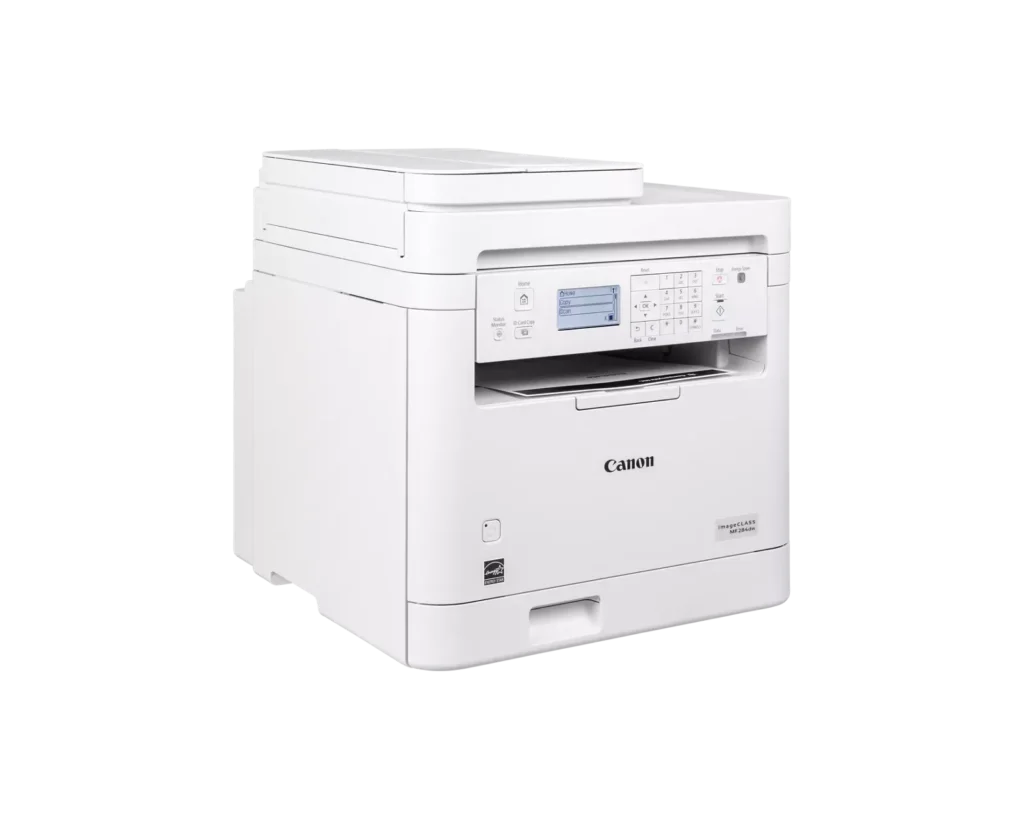
| Fast and Efficient Performance | Boost productivity with high-speed printing of up to 35 pages per minute (Letter) and a quick first-print time of approximately 4.9 seconds, ensuring your documents are ready when you need them. |
|---|---|
| Automatic 2-Sided Printing | Save on paper costs and reduce environmental impact with built-in automatic duplex printing, allowing you to easily produce professional double-sided documents. |
| Seamless Mobile Connectivity | Print on-the-go from your compatible mobile devices using the Canon PRINT app, Apple AirPrint, and Mopria Print Service, or utilize built-in Wi-Fi Direct for easy connection without a router. |
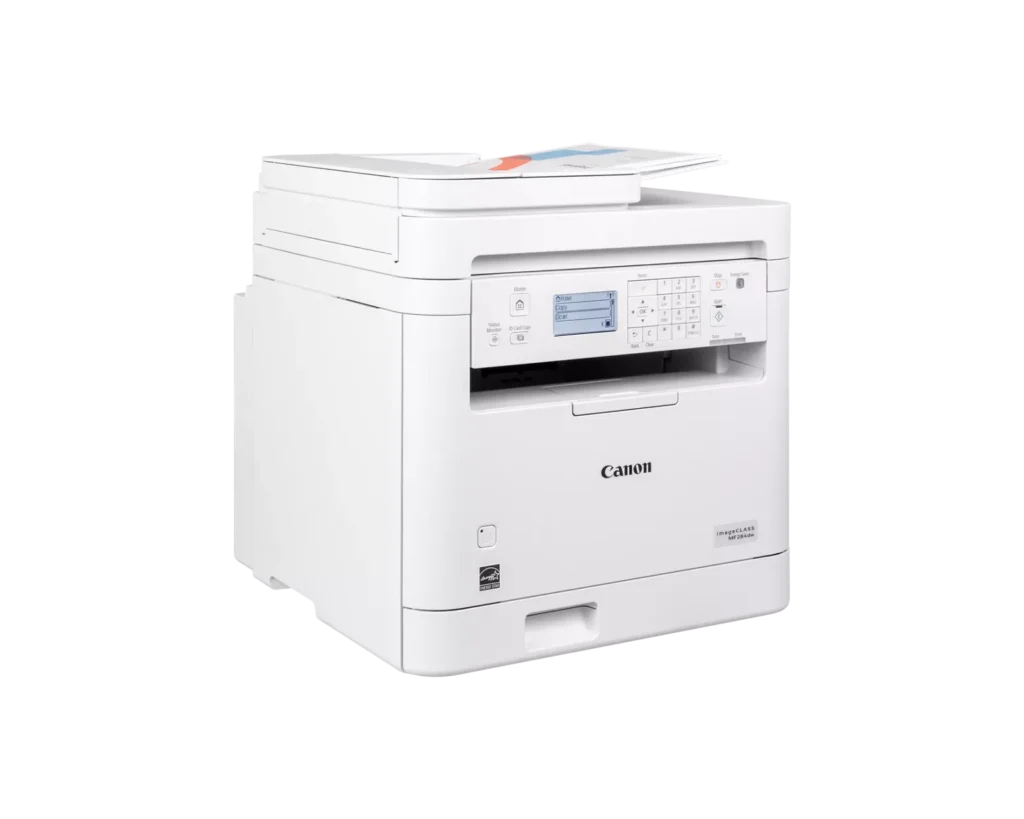
| 35-Sheet Auto Document Feeder | Streamline multi-page scanning and copying tasks with the integrated 35-sheet automatic document feeder, designed to handle batch jobs efficiently. |
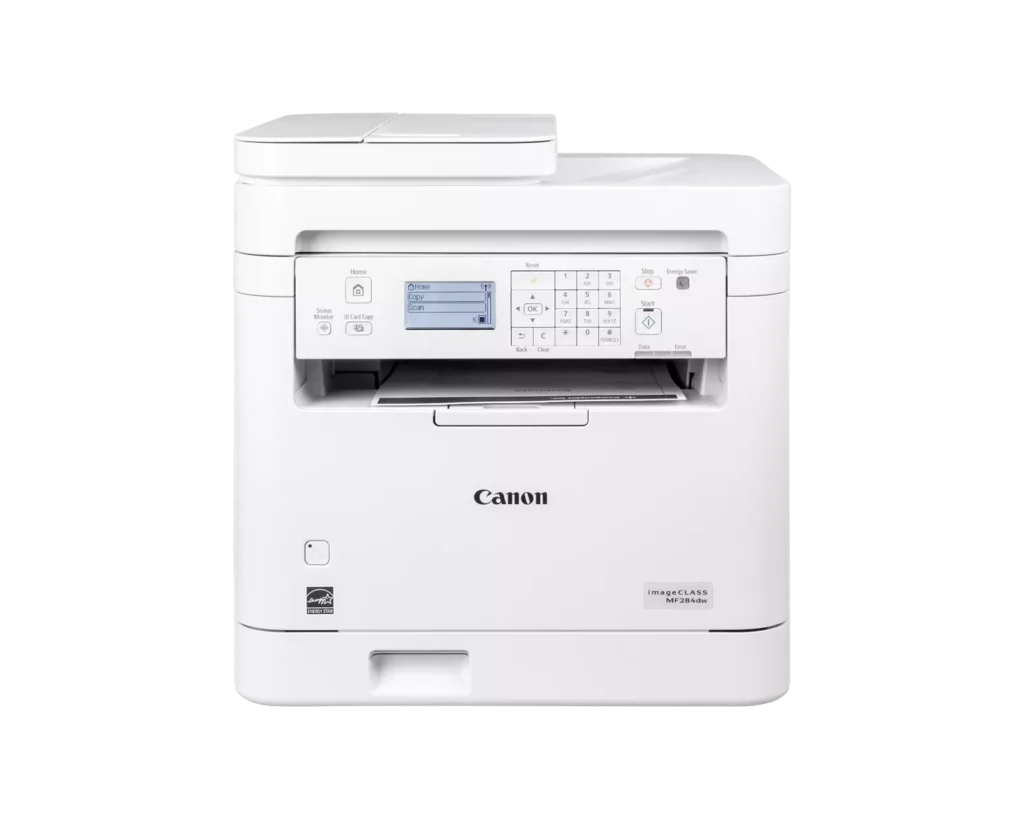
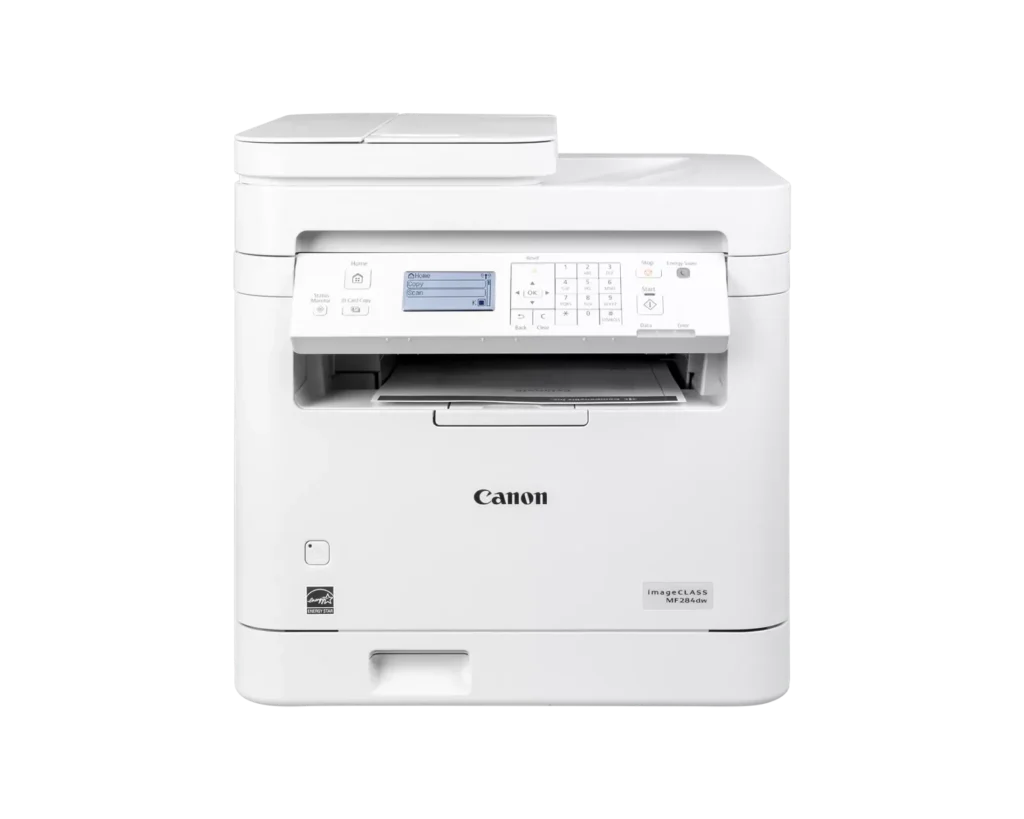
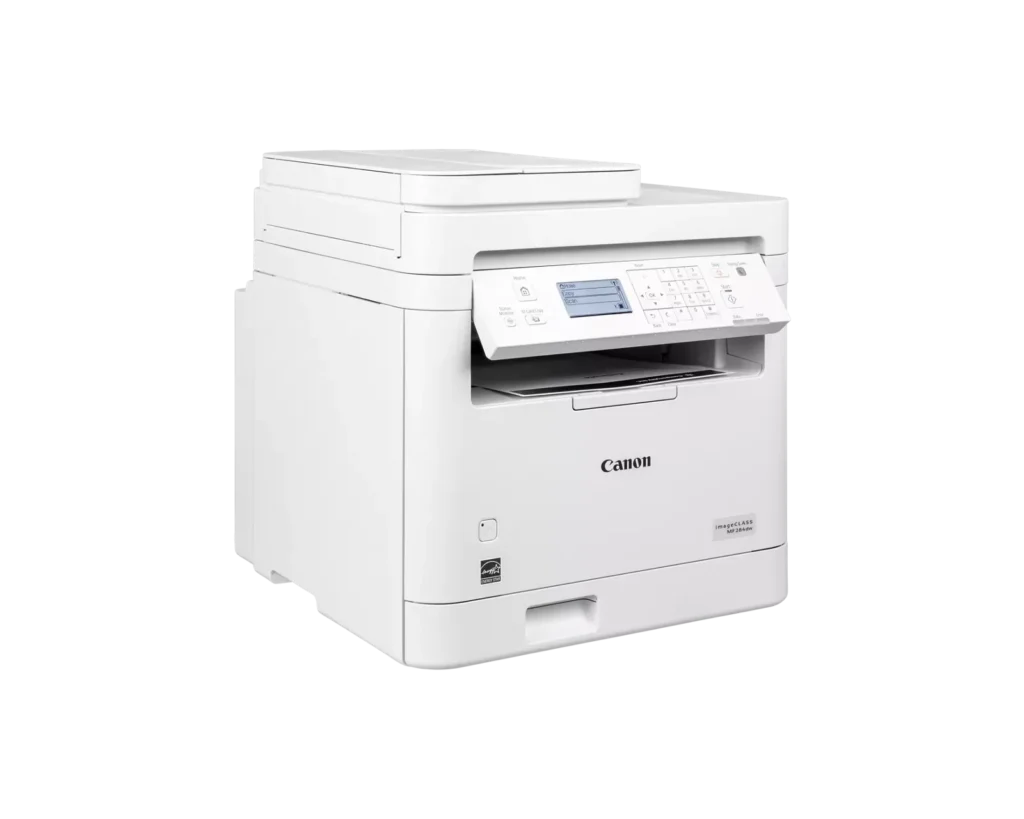
| Intuitive 5-Line LCD Display | Easily navigate settings and monitor printer status with the adjustable 5-line LCD control panel, which can be tilted to provide the best viewing angle for your workspace. |
Pros & Cons
Pros
- Fast and High-Quality Printing: The printer delivers crisp, sharp text at speeds up to 35 pages per minute, with a very quick first-print time of under five seconds.
- Versatile Multifunction Features: It includes a useful auto document feeder (ADF), automatic duplex printing, and reliable mobile printing capabilities via AirPrint and the Canon PRINT app.
- Excellent Value: Reviewers highlight it as a cost-effective choice for small offices, offering professional features like a 250-sheet paper tray and efficient toner usage at a competitive price.
Cons
- Difficult Setup and Connectivity: Many users reported a frustrating initial setup process, particularly on Mac systems, and some experienced persistent issues maintaining a stable wireless connection.
- Outdated User Interface: The small, non-touch monochrome display and physical button layout are described as obsolete and less intuitive than modern touchscreen interfaces.
- Poor Paper Exit Design: The printed pages are deposited in a recessed middle opening that makes them difficult to see or retrieve without reaching deep into the machine.
You might also like












Customer Reviews
Showing reviews 11-20 of 65
-
Easy to set up, configure, and use. Excellent value.
Verified purchase Verified purchase: This reviewer bought the product.Rob L. October 24, 2025Review source: AmazonI recently wrote a somewhat unfavorable review for a different printer (not a Canon), which I found extremely difficult to set up, and which I ended up returning. However this printer was relatively easy to set up and configure. Copying either single or multi-page documents is very straightforward. Configuring the wireless/network connection was easy. The control panel display and buttons are clear and reasonably intuitive. Setting up the scanning feature required a bit more effort – it was necessary to download the scanning software for the computer (I have Mac OS Sequoia) from the Canon website, but again, once installed the software was easily able to detect the device on the network. The multi-page document feed is really useful, and is a feature not found on many similarly priced machines. Overall I am very satisfied with this purchase, and it is excellent value.
-
Excellent Laser printer for the price.
Verified purchase Verified purchase: This reviewer bought the product.JCV October 23, 2025Review source: AmazonI got this cannon printer for under 190 dollars.
I can scan, copy, and print. Print quality is great and it is fast.
Very easy to set up. We used it i our office of 10 employees, connected through a wired LAN network.
It can scan to the specific user folder. -
Awesome
Verified purchase Verified purchase: This reviewer bought the product.fuel2u October 22, 2025Review source: AmazonPurchased this to replace a 15 year old Canon printer that my wife and I had been using. The old printer still worked, but we decided to replace because an upgrade in our internet service caused us difficulties in sharing. This new one has all the capabilities of our old one with two additional things going for it. One is the wireless capability. Our old printer was used like a wireless through a USB port in the modem. This one has true wireless and setup was easy. The other thing this one has that the old one didn’t was the document feeder for the copier/scan/fax. The old one did not come with that feature. We haven’t yet made much use of it except for testing, but with my wife being a teacher, I am sure we will.
If you need a multi-function machine, I highly recommend this one.
-
Excellent copier at a great price
Verified purchase Verified purchase: This reviewer bought the product.Amazon Customer October 19, 2025Review source: AmazonVery impressed with this copier! It does all I want and more that I didnt even think of before! I admit to being worried about damage in transit. It arrived in perfect comdition and it did it quickly!
-
Will not print with professional assistance
Verified purchase Verified purchase: This reviewer bought the product.Kindle Customer October 18, 2025Review source: AmazonEvery single time I try to print I have to have our family IT professional reset this printer. I can never just hit print and get my document. Extremely disappointed as Canon has always been so reliable in the past.
-
Too old
Verified purchase Verified purchase: This reviewer bought the product.Amazon Customer October 16, 2025Review source: AmazonSuper old and you can’t scan double sided
-
Watch Youtube: imageCLASS 5 Line UI Easy Wireless Setup for Windows
Verified purchase Verified purchase: This reviewer bought the product.John L. Lampert October 15, 2025Review source: AmazonI purchased model MF284dw and watched the above video. I have Windows 11. It took 20 minutes to setup my printer and computer. I did not try to understand the enclosed confusing setup instructions. The printer and scanner are working with no problems.
-
Good value. Works well.
Verified purchase Verified purchase: This reviewer bought the product.Nhan H. October 1, 2025Review source: AmazonGood value. Works well. Canon makes good products.
-
Nice large scale printer
Verified purchase Verified purchase: This reviewer bought the product.G September 29, 2025Review source: AmazonGets the job done. easy to setup.
-
Easy set up
Verified purchase Verified purchase: This reviewer bought the product.Robert Salisbury September 28, 2025Review source: AmazonGot what I paid for. My opinion good printer, and easy to set up