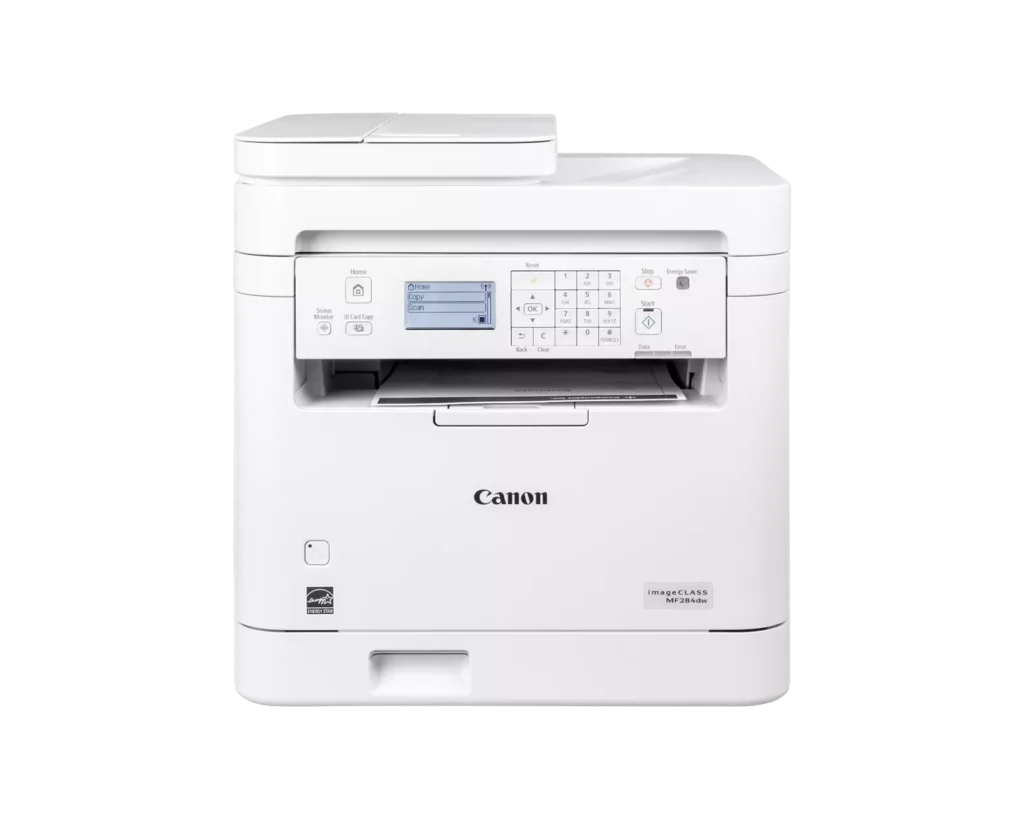
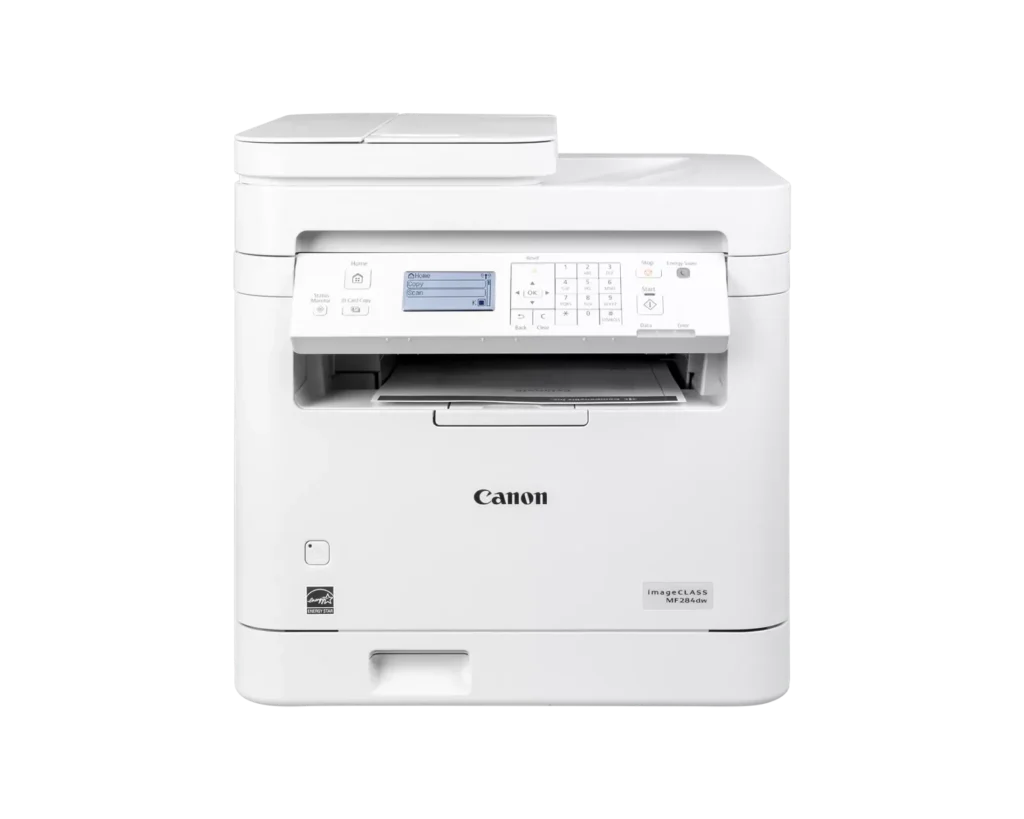
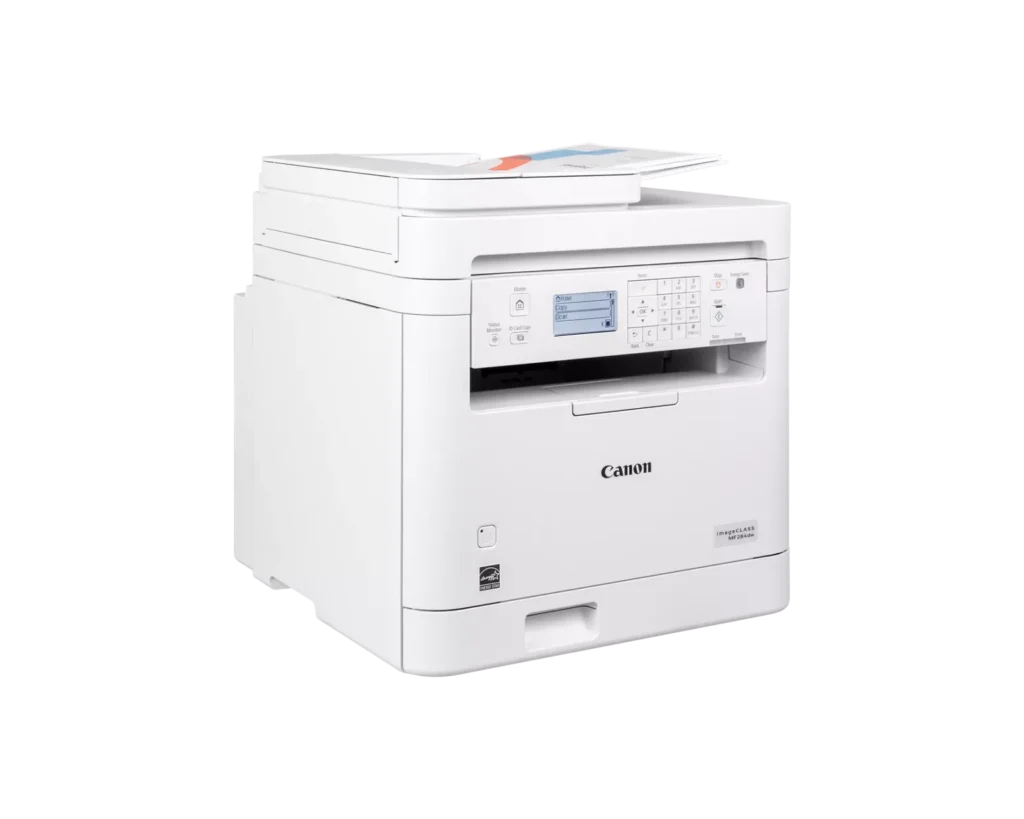
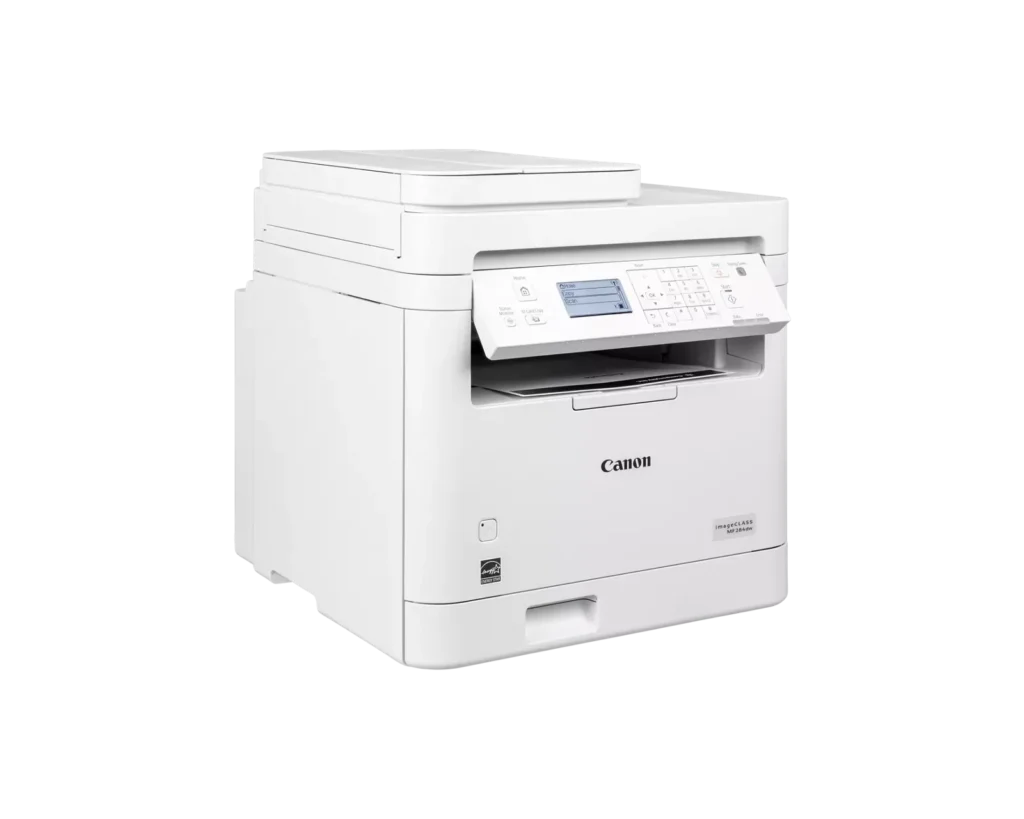
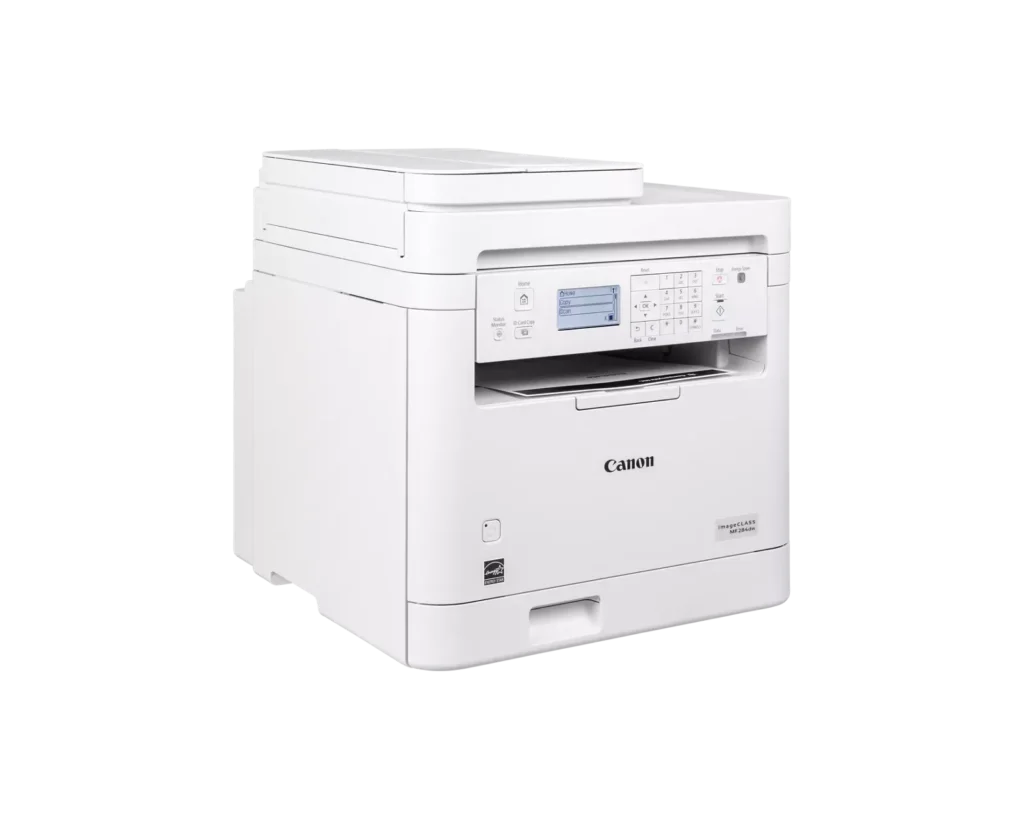
Customer Media
Highlights
| Fast and Efficient Performance | Boost productivity with high-speed printing of up to 35 pages per minute (Letter) and a quick first-print time of approximately 4.9 seconds, ensuring your documents are ready when you need them. |
|---|---|
| Automatic 2-Sided Printing | Save on paper costs and reduce environmental impact with built-in automatic duplex printing, allowing you to easily produce professional double-sided documents. |
| Seamless Mobile Connectivity | Print on-the-go from your compatible mobile devices using the Canon PRINT app, Apple AirPrint, and Mopria Print Service, or utilize built-in Wi-Fi Direct for easy connection without a router. |
| 35-Sheet Auto Document Feeder | Streamline multi-page scanning and copying tasks with the integrated 35-sheet automatic document feeder, designed to handle batch jobs efficiently. |
| Intuitive 5-Line LCD Display | Easily navigate settings and monitor printer status with the adjustable 5-line LCD control panel, which can be tilted to provide the best viewing angle for your workspace. |
Pros & Cons
Pros
- Fast and High-Quality Printing: The printer delivers crisp, sharp text at speeds up to 35 pages per minute, with a very quick first-print time of under five seconds.
- Versatile Multifunction Features: It includes a useful auto document feeder (ADF), automatic duplex printing, and reliable mobile printing capabilities via AirPrint and the Canon PRINT app.
- Excellent Value: Reviewers highlight it as a cost-effective choice for small offices, offering professional features like a 250-sheet paper tray and efficient toner usage at a competitive price.
Cons
- Difficult Setup and Connectivity: Many users reported a frustrating initial setup process, particularly on Mac systems, and some experienced persistent issues maintaining a stable wireless connection.
- Outdated User Interface: The small, non-touch monochrome display and physical button layout are described as obsolete and less intuitive than modern touchscreen interfaces.
- Poor Paper Exit Design: The printed pages are deposited in a recessed middle opening that makes them difficult to see or retrieve without reaching deep into the machine.
You might also like












Customer Reviews
Showing reviews 21-30 of 65
-
Avoid – outdated
Verified purchase Verified purchase: This reviewer bought the product.John A. Young September 26, 2025Review source: Amazon1990s printers have better setup, this is fully manual setup for iPhone or Mac
I bought this to replace a 8 year old printer but it is not any more advanced than the old printer
-
A dependable, efficient black-and-white workhorse
Verified purchase Verified purchase: This reviewer bought the product.David K. August 15, 2025Review source: AmazonThe Canon imageCLASS MF284dw is a fast, reliable monochrome laser all-in-one for small offices and home setups. It prints up to 35 ppm, produces crisp text, and supports duplex printing to save paper. A 250-sheet tray, 35-sheet ADF, and wireless, Ethernet, and USB connectivity make it versatile. Mobile printing is supported via AirPrint, Mopria, and the Canon PRINT app.
Pros:
– Quick first print (~5 seconds)
– Compact design with solid build
– Cost-efficient high-yield toner
– Easy operation with a clear LCDCons:
– No manual feed for envelopes
– Basic, non-touch display
– Occasional wireless setup quirksBottom line: A dependable, efficient black-and-white workhorse ideal for everyday business printing and scanning.
-
Excellent printer for small business use
Verified purchase Verified purchase: This reviewer bought the product.Katarina July 7, 2025Review source: AmazonThe Canon MF284dw is an excellent all-in-one printer for home or small office use. I’ve been using it for a few weeks now and have been consistently impressed by its fast print speed, sharp text quality, and reliable wireless connectivity. Setup was straightforward, and the touchscreen interface is intuitive and easy to navigate. The duplex printing and scanning features save time and paper, which is a big plus. It’s also relatively quiet during operation. My only minor complaint is that it’s a bit bulky, but the performance more than makes up for the size. Overall, it’s a solid investment for anyone needing a dependable, high-quality monochrome laser printer.
-
Excelente
Verified purchase Verified purchase: This reviewer bought the product.marthasanchez June 24, 2025Review source: AmazonExcelente funcionalidad práctica y imprimi
Muy bonito -
Linux compatible
Verified purchase Verified purchase: This reviewer bought the product.Keith June 18, 2025Review source: AmazonI can’t comment about quality and lastiness, I just set it up.
I can say it is Linux compatible. I run Ubuntu 24.04 LTS and it found the printer without me telling it to look for it. Probably the benefit of the previous printer was a Canon.
-
Not bad ..I like it
Verified purchase Verified purchase: This reviewer bought the product.Mom-Mon🌸 June 18, 2025Review source: AmazonI’m really inlove am satisfied but I prefer the older version 🥹 this one is so fragile and hard to understand
-
What's beyond "abysmal"?
Verified purchase Verified purchase: This reviewer bought the product.RagsToRags June 17, 2025Review source: AmazonSince 2008, I have had a trusty, problem-free Canon MF4150. This is the heir-apparent, and a logical choice when upgrading my laptop and scanner-copier-printer MultiFunction device. After hours upon hours of trouble-shooting, and being unsuccessful in installing the scanner portion (the heaviest duty portion for me) of the software, this MF284dw made a U-turn back to Amazon.
Amazon would not do an exchange, only a refund. I believe the 284 I received was faulty, with a glitch in the circuitry between the MF’s USB-B port (port worked fine for local *printing*) and the scan hardware. In Windows’ Device Manager, the 284 did not show up on either of two laptops (Win 10 on one, Win 11 on the other) when directly connected via USB-A to USB-B (working cables x 2 as proved by printing). The scan did work wireless, but with about a 20- to 30-sec lag for each page, totally unworkable for me.
Because Amazon would not do an exchange, I ordered a competitor product through Sam’s for exactly the same price to the penny. Oh My Fair Godmother (as they say in Disenchanted, another word that describes my 284 experience), what a difference. Installation for that was almost as simple as download the software and press one-button for complete WiFi installation. Scanning so fast it’s like the old “Lucy” clip where she can’t keep up trying to get the pies off the conveyor belt. This new machine connects via 5G. The 284 only has the ability to connect at 2.4G. The new one has a separate feeder for odd sizes in addition to the paper drawer, the more traditional setup.
For the same $$, the other (new) one is much superior. Am so glad I ended up with the new one, hopefully for the next 15-20 years.
-
Printer
Verified purchase Verified purchase: This reviewer bought the product.ClaudineJ June 6, 2025Review source: BestbuyWork great. Easy to install. Best Buy had a better price
-
Wireless set-up is quirky.
Verified purchase Verified purchase: This reviewer bought the product.Blitzer May 24, 2025Review source: AmazonGreat B&W laser printer. Wireless set-up is quirky.
-
Canon the best
Verified purchase Verified purchase: This reviewer bought the product.Ivan K. May 13, 2025Review source: AmazonGreat! My son (14 yo) set it up by him self and show me how to do it. That’s as easy as 1,2,3