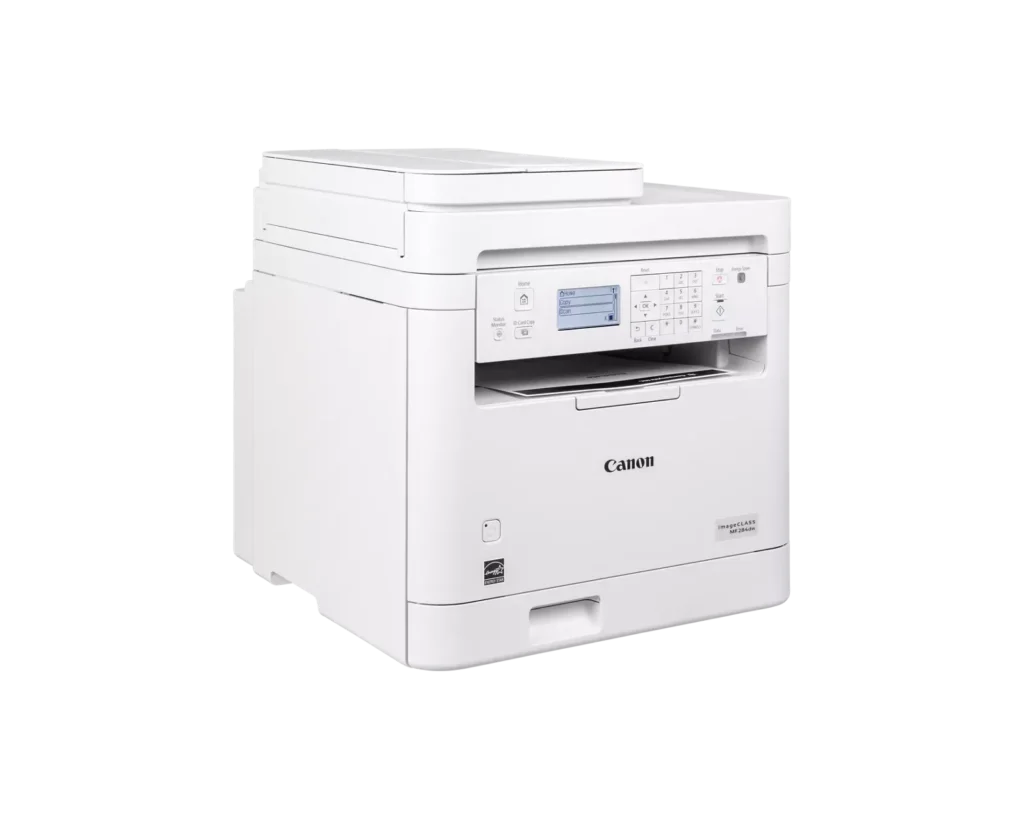
Customer Media
Highlights
| Fast and Efficient Performance | Boost productivity with high-speed printing of up to 35 pages per minute (Letter) and a quick first-print time of approximately 4.9 seconds, ensuring your documents are ready when you need them. |
|---|---|
| Automatic 2-Sided Printing | Save on paper costs and reduce environmental impact with built-in automatic duplex printing, allowing you to easily produce professional double-sided documents. |
| Seamless Mobile Connectivity | Print on-the-go from your compatible mobile devices using the Canon PRINT app, Apple AirPrint, and Mopria Print Service, or utilize built-in Wi-Fi Direct for easy connection without a router. |
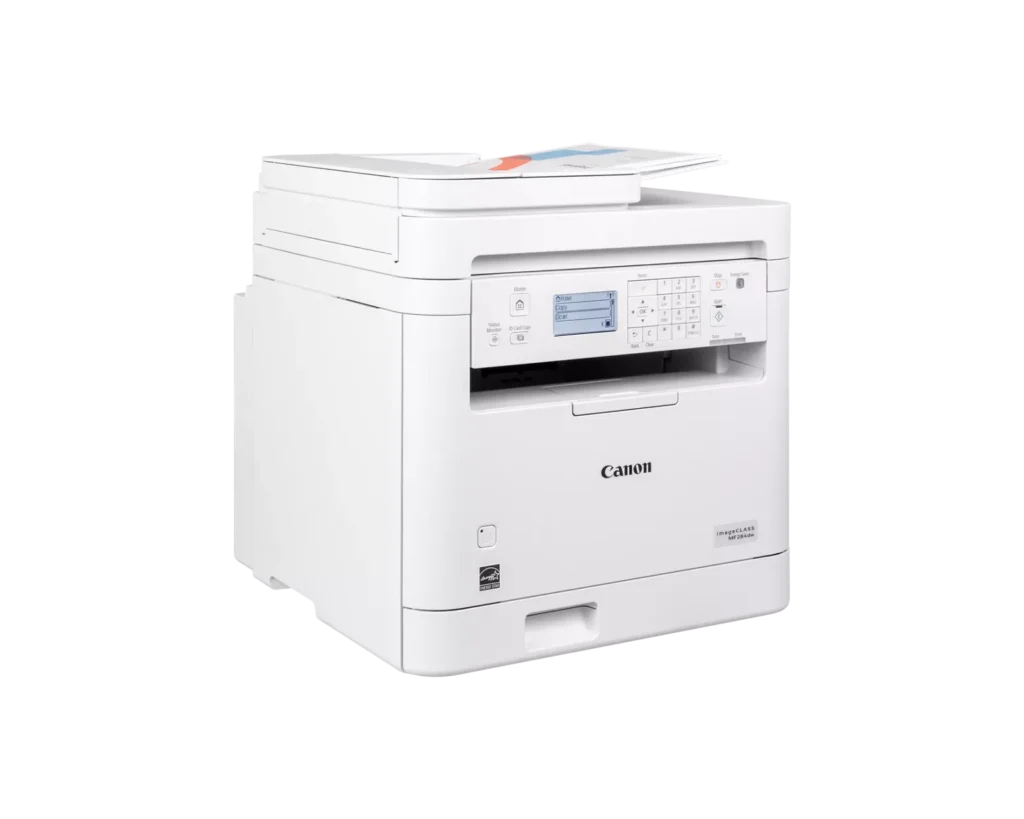
| 35-Sheet Auto Document Feeder | Streamline multi-page scanning and copying tasks with the integrated 35-sheet automatic document feeder, designed to handle batch jobs efficiently. |
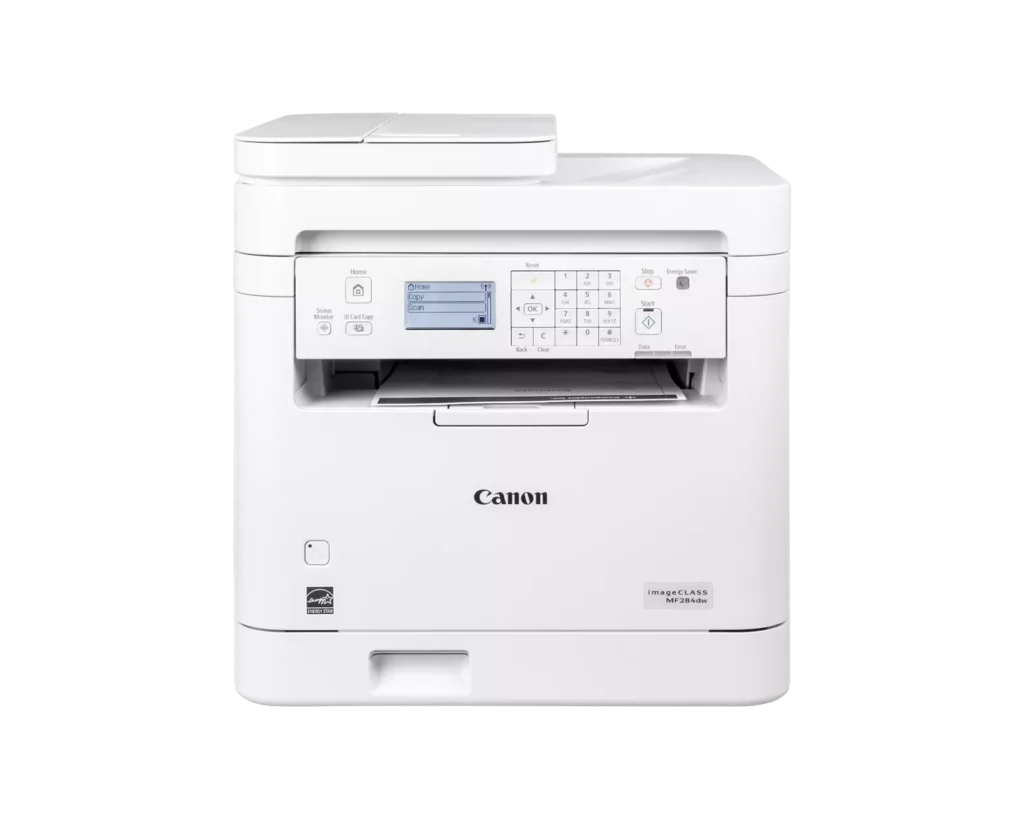
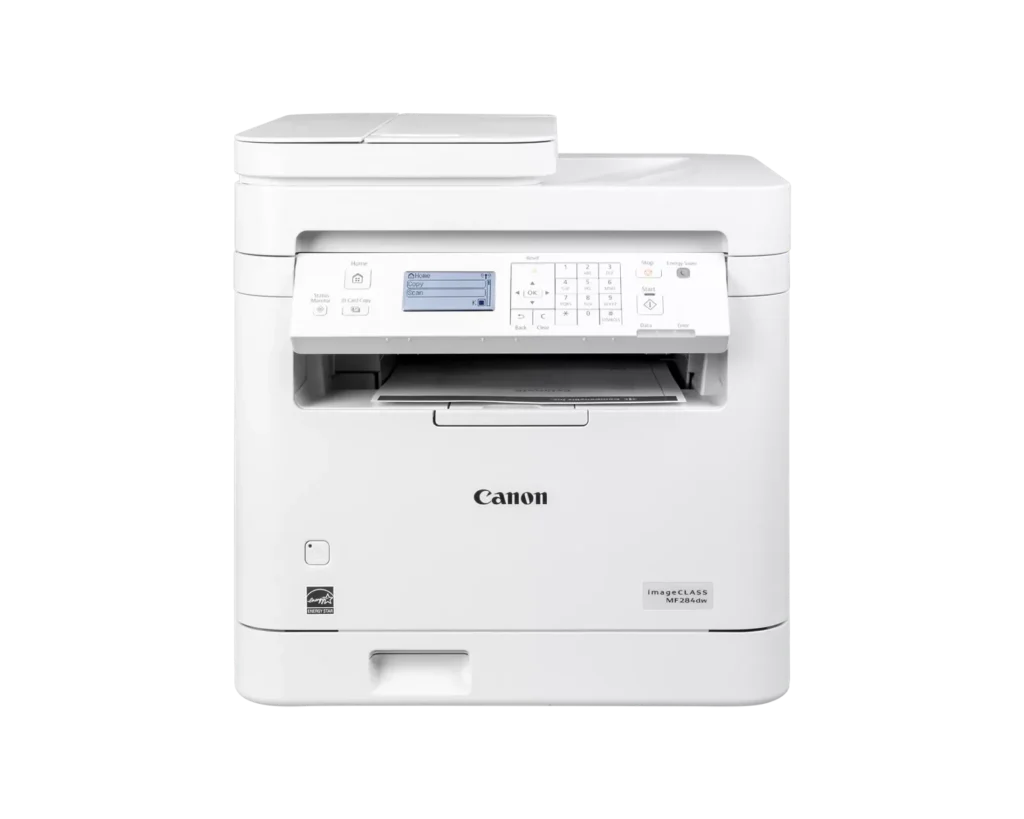
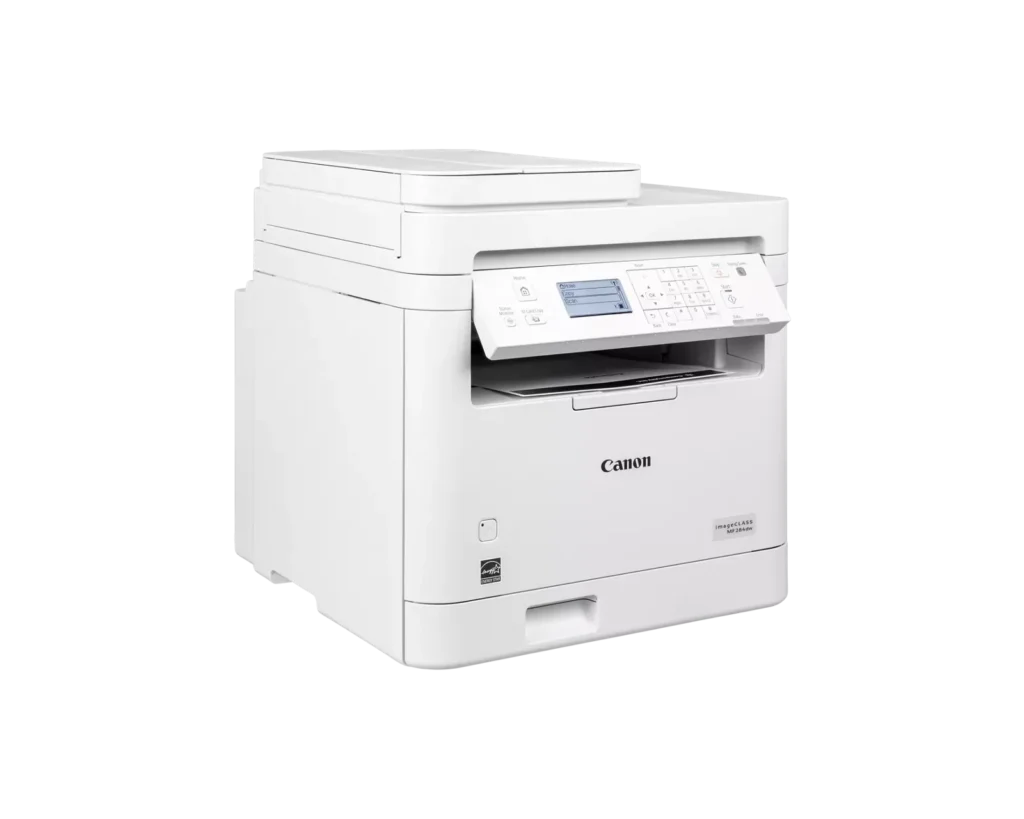
| Intuitive 5-Line LCD Display | Easily navigate settings and monitor printer status with the adjustable 5-line LCD control panel, which can be tilted to provide the best viewing angle for your workspace. |
Pros & Cons
Pros
- Fast and High-Quality Printing: The printer delivers crisp, sharp text at speeds up to 35 pages per minute, with a very quick first-print time of under five seconds.
- Versatile Multifunction Features: It includes a useful auto document feeder (ADF), automatic duplex printing, and reliable mobile printing capabilities via AirPrint and the Canon PRINT app.
- Excellent Value: Reviewers highlight it as a cost-effective choice for small offices, offering professional features like a 250-sheet paper tray and efficient toner usage at a competitive price.
Cons
- Difficult Setup and Connectivity: Many users reported a frustrating initial setup process, particularly on Mac systems, and some experienced persistent issues maintaining a stable wireless connection.
- Outdated User Interface: The small, non-touch monochrome display and physical button layout are described as obsolete and less intuitive than modern touchscreen interfaces.
- Poor Paper Exit Design: The printed pages are deposited in a recessed middle opening that makes them difficult to see or retrieve without reaching deep into the machine.
You might also like












Customer Reviews
Showing reviews 31-40 of 65
-
Works well
Verified purchase Verified purchase: This reviewer bought the product.bobisi May 8, 2025Review source: AmazonWorks well. Was easy to connect to wifi. Prints crisp copies.
-
black and white and print all over
Incentivized Incentivized review: The reviewer received a benefit for sharing feedback.skeptic April 17, 2025Review source: AmazonThis is a pretty good office printer. It is not too large for most smaller offices (or home based office). It is relatively easy to setup. It comes with an ink cartridge. It also has wireless connectivity which is a must nowadays. It is monochrome, so do not get if you are using this for anything other than black and white documents. This is a disadvantage, as many office reports may use various colors for charts or sections. However, as many office documents are monochrome this is a good printer with crisp lettering and imaging from a well known copier company. It also has auto 2 sides which can come in handy and a built in accurate scanner.
-
Easy to set up. Works on Chromebook without Play Store!
Verified purchase Verified purchase: This reviewer bought the product.KT March 30, 2025Review source: AmazonI had to replace my 15+ yo Canon MFP. I chose this printer because it supports ethernet and Chromebook. It was very easy to set up. After going through the menu on the printer to get it on the network, it showed a URL to go to from your devices. I selected the printer model, and it detected the printer and the operating system and installed the necessary drivers. This worked flawlessly on Windows 10 and 11. What surprised me was, on my Chromebook, it said I needed to install an app from the Play Store, which I don’t have enabled (my preference). There was also a link on how to print from Chromebooks, which was just to print, and selecting the printer. And it worked! I saved the printer and set it as the default.
It only takes a few seconds to start printing, and the quality is as expected. Some inside plastic parts feel a bit flimsy, but this is not a commercial printer. I like the paper cassette – it’s an actual drawer that you open to load the paper into (my old printer was not like this). I have not tried scanning or printing from a phone.
-
Has stable connection and fast print
Incentivized Incentivized review: The reviewer received a benefit for sharing feedback.Mil March 26, 2025Review source: AmazonIt has good quality, is easy to install, and connects quickly with Apple devices, laptops, and other devices. The printing quality is also good. The only downside is the high cost of ink. It would be great if they included extra ink in the box so users could get more initial use. Overall, I like it, and the quality is impressive.
-
easy setup with some minor things to be aware of
Incentivized Incentivized review: The reviewer received a benefit for sharing feedback.BookishTechie March 16, 2025Review source: AmazonThis Canon imageCLASS MF284dw printer is a Monochrome, Duplex, Wireless Laser Printer. It has Multifunction with Print, Copy, Scan, and Auto Document Feeder capabilities. This came in a giant box, and getting it unpackaged wasn’t too bad. Pay attention to the adhesive strip tape on everything – it’s even inside the unit and in the tray.
As far as setup – not bad. That’s coming from someone with IT experience that still hates printer setup.
I powered it on, browsed to find my home Wi Fi network, and connected this to it. After that, I changed the IP settings from DHCP to manual, because I prefer a static IP setup. You can have it be static or dynamic. I was able to print some pages to test things out – my PC easily found it and connected without any drivers or extra setup needed.
The only issue I found during initial use for printing is that it kept erroring out when I would go to print – I looked up the errors and the unit itself to find it said “out of paper” – WHAT?! Couldn’t be – I fully loaded that bad boy up with printer paper and adjusted the size to letter, or 8.5×11″ – what could be the issue? Turns out, for this printer, I was using a 20lb printer paper, and went into settings for the tray for letter paper and modified it to match the paper I was using [closest setting was 19lb, close enough!] and then stopped encountering that issue. So turns out, paper type matters – at least for my case!
Overall, this printer is easy to get going, has main functionality I was looking for, and the toner hopefully will last a long time.
-
Solid Workhorse for a Home Office
Incentivized Incentivized review: The reviewer received a benefit for sharing feedback.Ron March 13, 2025Review source: AmazonI’ve been using the Canon imageCLASS MF284dw for a while now, and it’s been a great addition to my home office. Printing is super fast at 35 pages per minute, and the first page comes out in under 5 seconds, which is a huge time saver. Duplex printing helps cut down on paper use, and the high-capacity toner lasts a long time, so I’m not constantly replacing it. The wireless printing works smoothly with Apple AirPrint and the Canon Print App, making it easy to print from my phone. Scanning is also quick and reliable. Overall, it’s a solid, efficient printer that does exactly what I need!
-
Awesome printer
Verified purchase Verified purchase: This reviewer bought the product.MarlonR February 21, 2025Review source: BestbuyThis is my second Canon laser printer and is a definitely a much needed upgrade. The printer has all the features needed for today’s connectivity setup. My old printer wasn’t compatible with Windows 11 that’s why I had to replace it. I’m really glad I got this printer. I also enjoyed this beige color!
-
Canon – imageCLASS MF284dw Wireless Black-and-Whit
Verified purchase Verified purchase: This reviewer bought the product.user507351 February 3, 2025Review source: BestbuyThis 2024 Canon printer is not perfect but it is better than a lot of the competition.
-
Prints super fast! I print out a lot of shipping labels
Incentivized Incentivized review: The reviewer received a benefit for sharing feedback.Justin January 23, 2025Review source: AmazonGot this printer because I’m always having to print out labels when shipping stuff. Wasn’t hard to connect it to my iPhone.
This printer only prints in black so no color pictures. It prints super quick way quicker than my previous printer and with this printer I’m
Not being bugged 24/7 about signing up for ink each month which was annoying.The printer takes up more room but the cost to print is cheaper, how fast it is at printing is incredible. It’s clear and doesn’t smear or anything even tho it prints in seconds.
If you print out a lot of shipping labels, Scan codes, black white stuff then this is the printer for you
-
Print, scan and copy!
Verified purchase Verified purchase: This reviewer bought the product.DaneG January 18, 2025Review source: BestbuyI bought this All In One printer to replace a Brother one that I had for several years. Over the years, I have bought many printers. In the last ten years or so I have stuck with Canon printers. The old Brother one gave me a weird error message every time I wanted to use it “front door is open”, so I was sick of that. I actually only really wanted this printer for the copying capability. I am one of those people who really likes to be able to make a copy when I need it. Sure I print to it once in a while just to use it, but it is in a room across the house, so I have to remember to turn it on first…
I set this printer up all by myself, as usual. It did seem to take a bit to get it to work on my network, but I figured it out within 30 minutes. The commands seem to be intuitive. It does enlarge and reduce, and you can control the percentage with the numeric pad. The only thing I would say is a bit odd is when something prints, it sits in the dark opening in the middle without any part of the paper sticking out. It is not easy to see that there is anything there, I actually have to walk right up to it to see if my print job is there. Not a huge deal, but different than my old one. I like this Canon laser printer because I don’t have to have a subscription for the toner, and I didn’t want to pay a lot of money for color toner. Sure a color laser printer sounds cool but the reality is that I don’t need it.