Customer Media
Highlights
| Fast and Efficient Performance | Boost productivity with high-speed printing of up to 35 pages per minute (Letter) and a quick first-print time of approximately 4.9 seconds, ensuring your documents are ready when you need them. |
|---|---|
| Automatic 2-Sided Printing | Save on paper costs and reduce environmental impact with built-in automatic duplex printing, allowing you to easily produce professional double-sided documents. |
| Seamless Mobile Connectivity | Print on-the-go from your compatible mobile devices using the Canon PRINT app, Apple AirPrint, and Mopria Print Service, or utilize built-in Wi-Fi Direct for easy connection without a router. |
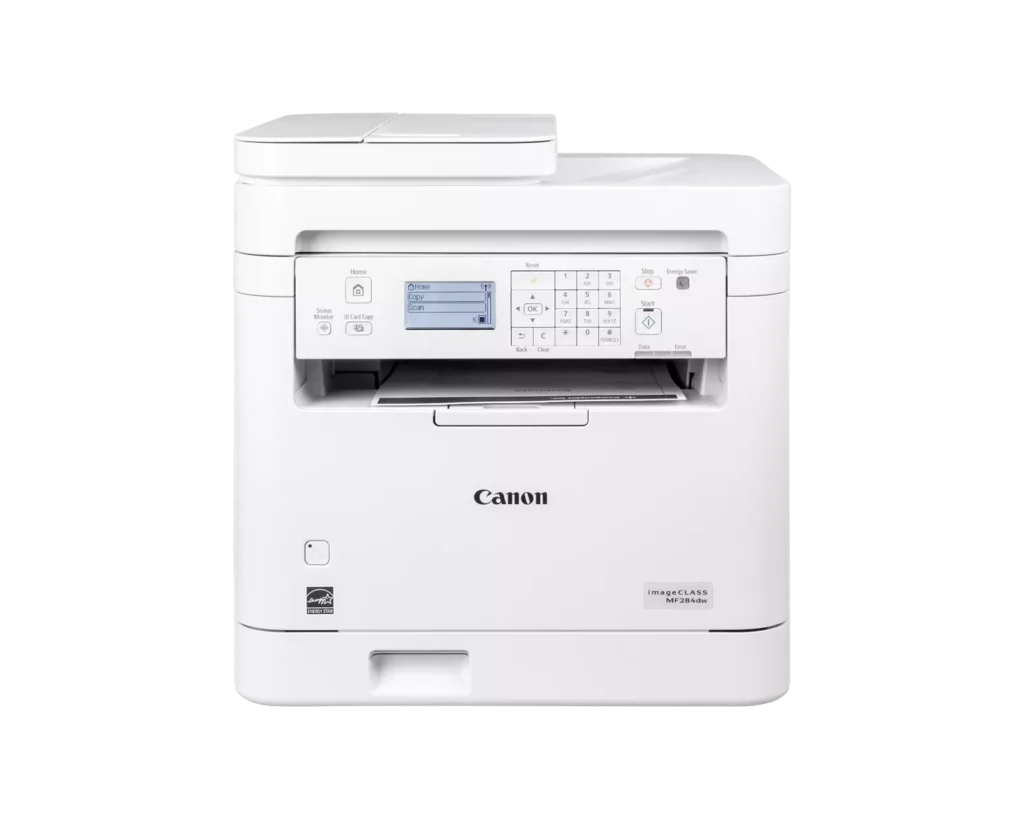
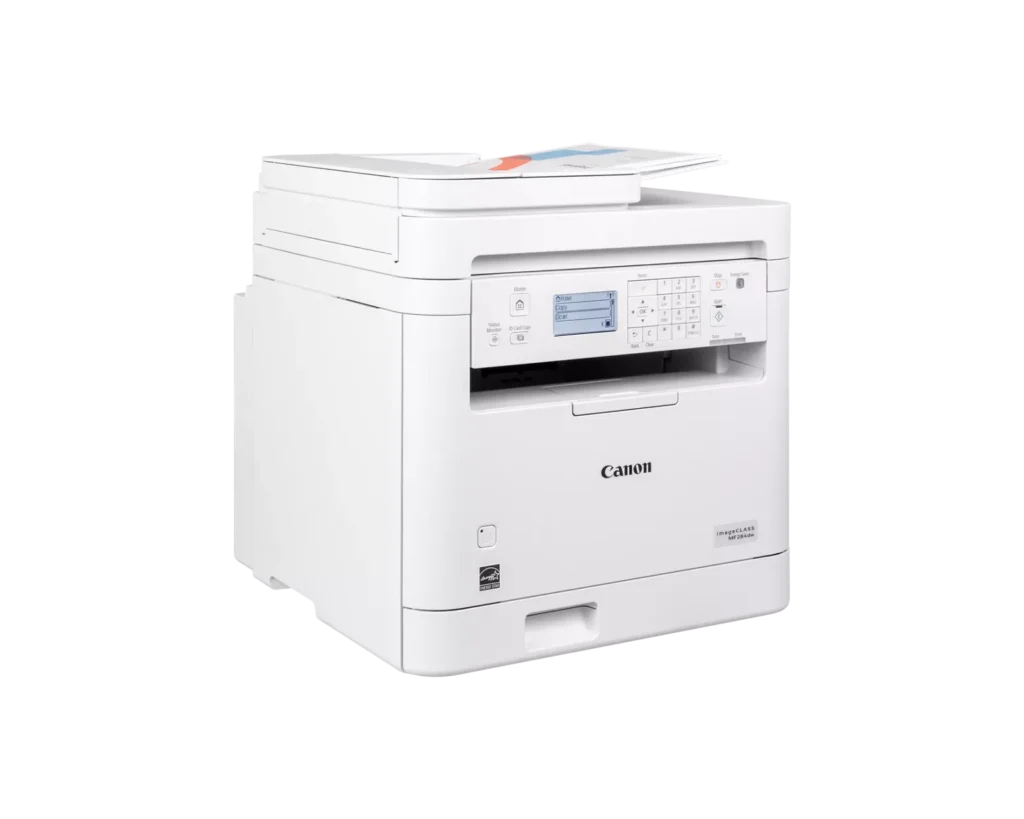
| 35-Sheet Auto Document Feeder | Streamline multi-page scanning and copying tasks with the integrated 35-sheet automatic document feeder, designed to handle batch jobs efficiently. |
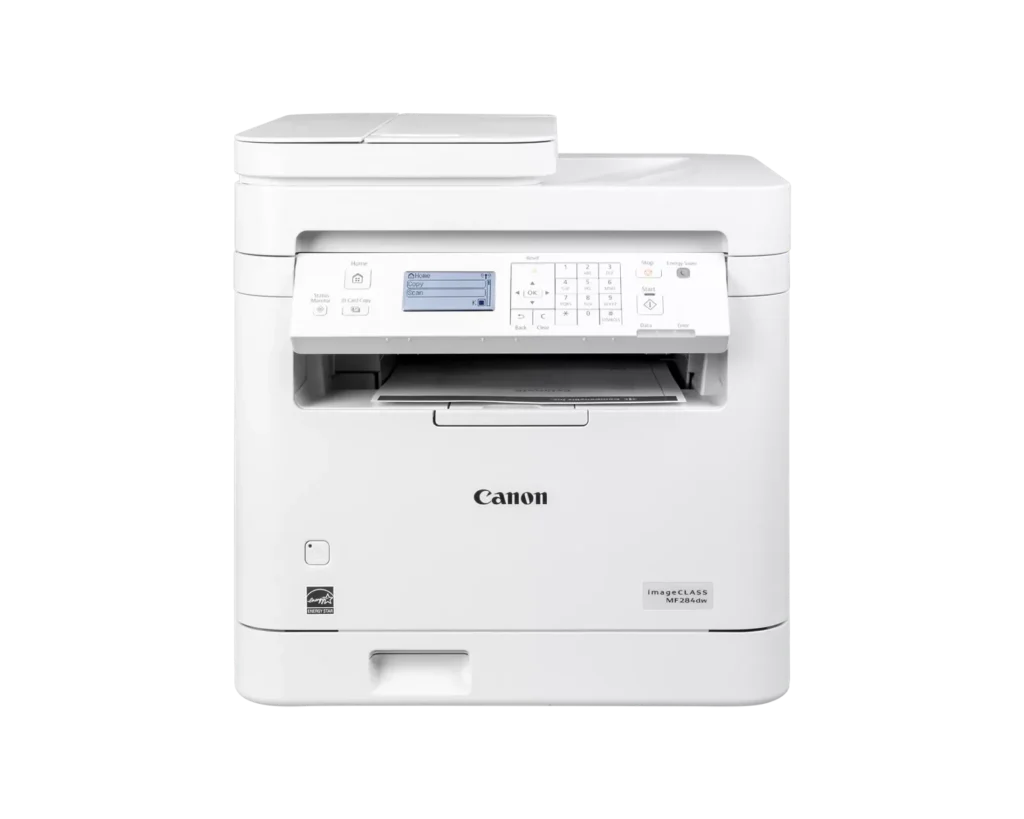
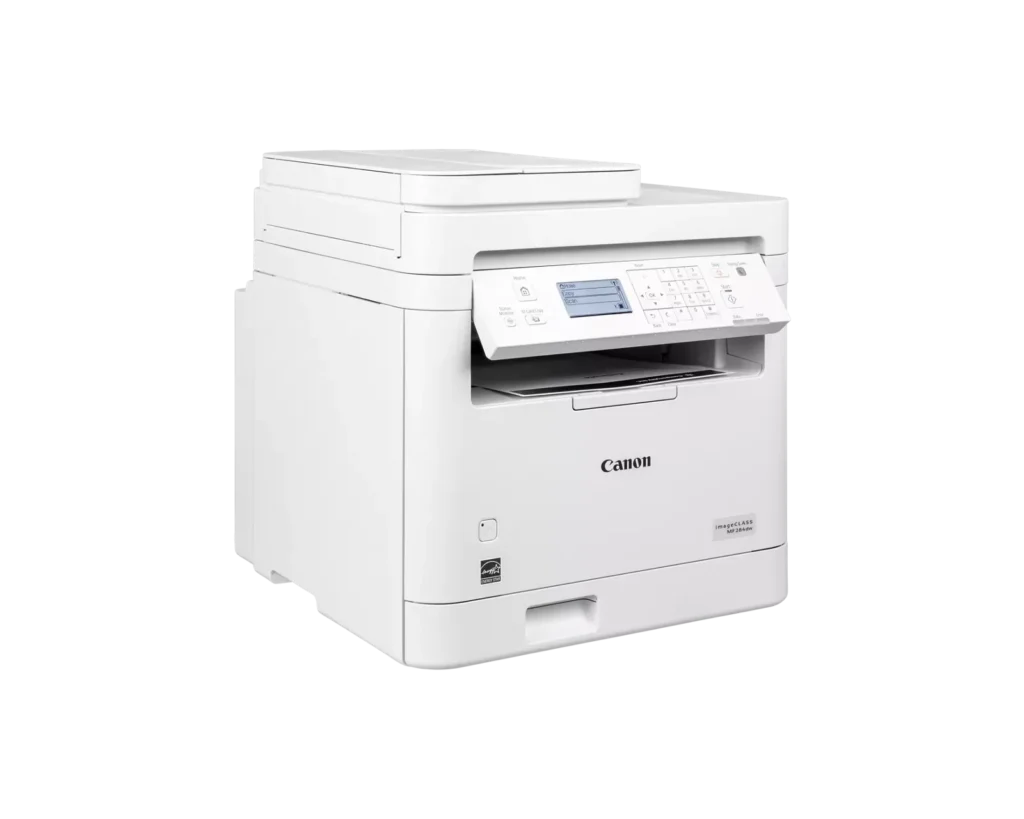
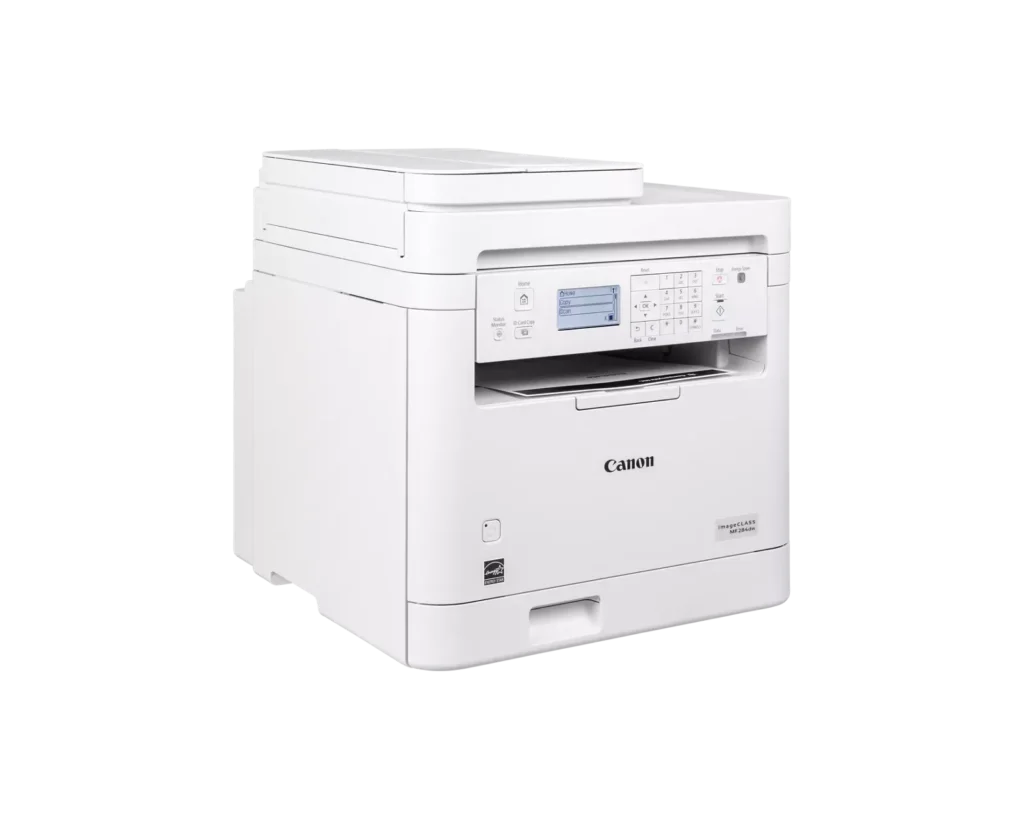
| Intuitive 5-Line LCD Display | Easily navigate settings and monitor printer status with the adjustable 5-line LCD control panel, which can be tilted to provide the best viewing angle for your workspace. |
Pros & Cons
Pros
- Fast and High-Quality Printing: The printer delivers crisp, sharp text at speeds up to 35 pages per minute, with a very quick first-print time of under five seconds.
- Versatile Multifunction Features: It includes a useful auto document feeder (ADF), automatic duplex printing, and reliable mobile printing capabilities via AirPrint and the Canon PRINT app.
- Excellent Value: Reviewers highlight it as a cost-effective choice for small offices, offering professional features like a 250-sheet paper tray and efficient toner usage at a competitive price.
Cons
- Difficult Setup and Connectivity: Many users reported a frustrating initial setup process, particularly on Mac systems, and some experienced persistent issues maintaining a stable wireless connection.
- Outdated User Interface: The small, non-touch monochrome display and physical button layout are described as obsolete and less intuitive than modern touchscreen interfaces.
- Poor Paper Exit Design: The printed pages are deposited in a recessed middle opening that makes them difficult to see or retrieve without reaching deep into the machine.
You might also like












Customer Reviews
Showing reviews 41-50 of 65
-
Inferior replacement for an older Canon all-in-one
Verified purchase Verified purchase: This reviewer bought the product.elrol January 15, 2025Review source: BestbuyThis Canon MF284dw was purchased as a replacement for a MF229dw that lasted 9 years before the hinges broke. This new all-in-one (but without fax capability) seems flimsier, even though it is bulky and heavy. This device lacks a manual feed for envelopes and card stock and the non-touch display screen is small.
Reviews on the Canon website comment on ease of setup (probably for Windows computers). This was not true in my case for an iMac, OS 12.7.2. I first tried connecting with a USB cable – the scan function worked from my computer but the print function did not despite replacing the printer driver several times. I then changed to a LAN wireless hookup. It was not intuitive to figure out how to do that and the online user manual was overly complex and ultimately of minimal help. Finally I was successful when I entered my network’s passcode where “Encrypt Key” was asked for. However, while the print function now works wirelessly, the scan function does not (even after replacing the scan driver). Meaning that I can print wirelessly but scanning requires the USB connection. In all, a less satisfactory product than my old ImageCLASS all-in-one. -
bulky but great
Incentivized Incentivized review: The reviewer received a benefit for sharing feedback.Liz January 7, 2025Review source: AmazonI thought this also held color toner but I was wrong. Its a great printer, the toner lasts a while. This is much bigger than I anticipated.
-
It is plug and play with Linux, a little harder with Windows
Incentivized Incentivized review: The reviewer received a benefit for sharing feedback.Robert Jackson December 21, 2024Review source: AmazonReview of Canon imageCLASS MF284dw – Wireless Monochrome Laser Printer
This is a pretty good printer, once you set this up for wifi it just works with LInux, windows however you’ll need to download and install software and drivers. I remember a time when windows was plug and play and linux was a pain, now windows sucks and Linux is king. This prints really good and is a good printer.
-
Easy setup, ease of use, excellent print quality
Incentivized Incentivized review: The reviewer received a benefit for sharing feedback.CampVibes December 19, 2024Review source: AmazonThis is an excellent multi-function printer for a home office. It has features that one would expect from an office printer, plus a few more for a home environment like USB connectivity and toner reordering, though I prefer to order toner myself.
I set this up as a wifi printer and setup was a breeze. Note that for Windows, setup involves installing Canon software. However, they’re not obnoxious and are actually useful. You get a scan utility to customize scanning settings, a toner status taskbar icon to check toner levels, and network connectivity tool.
I like the physical buttons here, because everything nowadays are touch keys on a display panel. Scanning with the tray was easy. Copying with the feeder was also useful for multiple page documents. Print quality is excellent.
I’m very impressed with it and looking forward to maximizing its use.
-
Good luck!
Verified purchase Verified purchase: This reviewer bought the product.GaryA December 15, 2024Review source: BestbuyAbsolutely the worst printer to try and install. Manual tells you to push buttons that aren’t on the panel. After hacking for half an hour I finally got it connected and printed a test page. Today when I cut it on the “common” message that appears wants to to subscribe for cartridges. Won’t print at all. If I can’t find a solution soon it will be returned. Maybe you will have better luck.
-
Great for a home or small business
Incentivized Incentivized review: The reviewer received a benefit for sharing feedback.GC November 29, 2024Review source: AmazonVery easy setup, I was able to start printing in 10 minutes. It also comes with everything necessary other than paper and prints fast and efficiently. Printer looks good too. Overall, I really like this printer. It is very speedy. The pages printed clearly and it was generally easy to use.
-
Works Great!
Incentivized Incentivized review: The reviewer received a benefit for sharing feedback.C. Baker November 27, 2024Review source: AmazonI love it! I’ve always used inkjet printers exclusively at home. I picked this BLACK and WHITE laser printer up and absolutely love it! Printing monochrome (black and white) documents is a breeze with this device. It was super easy to set up, too! I’ve not yet needed to use the copier function yet, but keep in mind it will only reproduce copies in black and white. I’ve used it to print files from my iPhone, iPad, MacBook Pro, and my Lenovo laptop with ease. It’s fast too! I hit print in the living room and the document is waiting for me on the printer when I get to the room it’s located in. In my humble opinion, it’s the perfect black and white laser printer for low volume printing in the home or home office.
-
Reliable and Efficient Printer for Home and Office Use
Incentivized Incentivized review: The reviewer received a benefit for sharing feedback.Zoomer November 27, 2024Review source: AmazonI’ve been using the Canon imageCLASS MF284dw for a few weeks now, and it’s proven to be an excellent addition to my workspace. The setup was straightforward, and I appreciate the wireless capabilities that make it easy to print from my phone or laptop. The print quality is sharp and crisp, and the multifunction features—print, copy, scan—are all very responsive. The Auto Document Feeder is a convenient touch, saving time when scanning multiple pages. It’s a reliable printer that fits well in both home and small office environments, and the 1-year limited warranty adds peace of mind.
-
Works Great….
Incentivized Incentivized review: The reviewer received a benefit for sharing feedback.Amaz-Mel November 25, 2024Review source: AmazonI did not realize this was not a color laser printer. Regardless, it works well but I am having issues having it stay connected to my wifi so so I am having to “forget device” and re-add each time I use it. That must be a wifi issue because once connected, it works perfect and quick! If I need to print a color flyer, I just use my other printer. It is a pretty basic model. No faxing capability. Copy and scan is about it. Functional and practical.
-
Great printer
Incentivized Incentivized review: The reviewer received a benefit for sharing feedback.Amazon Customer November 24, 2024Review source: AmazonThis printer has been working great for me so far. It is quite packed with features. It is a black and white laser printer and works well overall. It has a very useful scanning bed and an auto feeder for scanning or copying documents. Network connectivity was simple with WiFi and set up on a few computers and even my phone was straight forward and everything prints reliably. This supports Apple phones making it very easy to print documents viewed on my phone without getting a computer involved. So far I really don’t have anything bad to say about this laser printer.