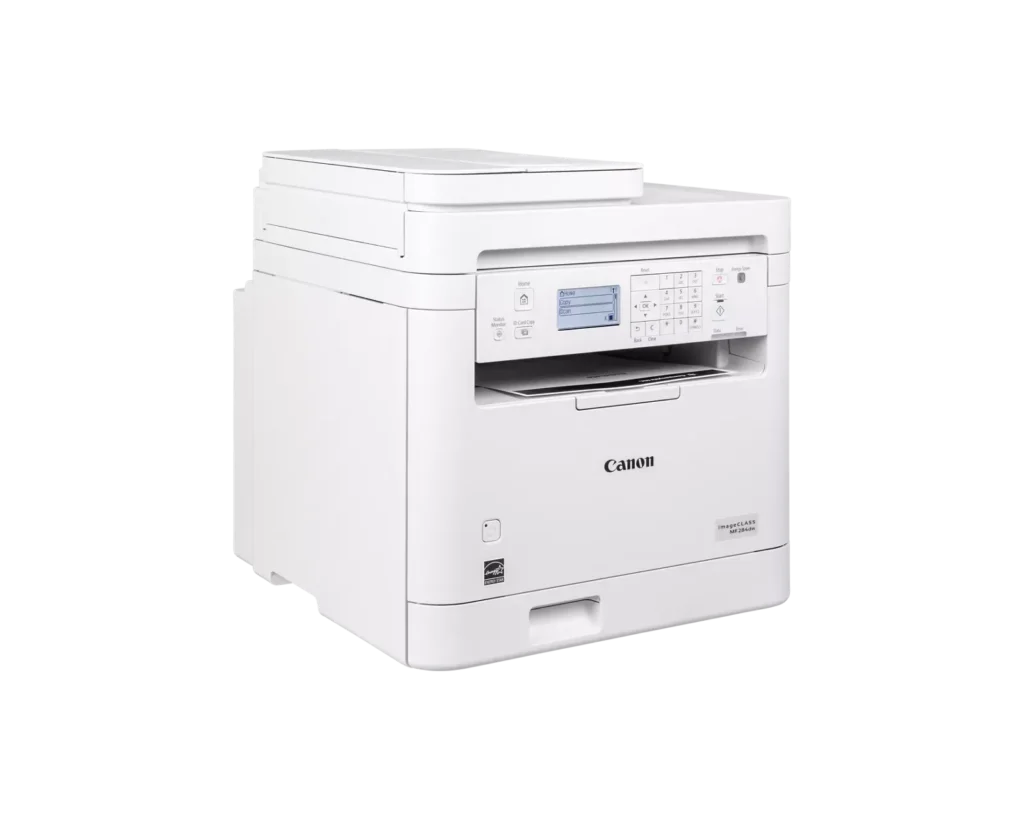
Customer Media
Highlights
| Fast and Efficient Performance | Boost productivity with high-speed printing of up to 35 pages per minute (Letter) and a quick first-print time of approximately 4.9 seconds, ensuring your documents are ready when you need them. |
|---|---|
| Automatic 2-Sided Printing | Save on paper costs and reduce environmental impact with built-in automatic duplex printing, allowing you to easily produce professional double-sided documents. |
| Seamless Mobile Connectivity | Print on-the-go from your compatible mobile devices using the Canon PRINT app, Apple AirPrint, and Mopria Print Service, or utilize built-in Wi-Fi Direct for easy connection without a router. |
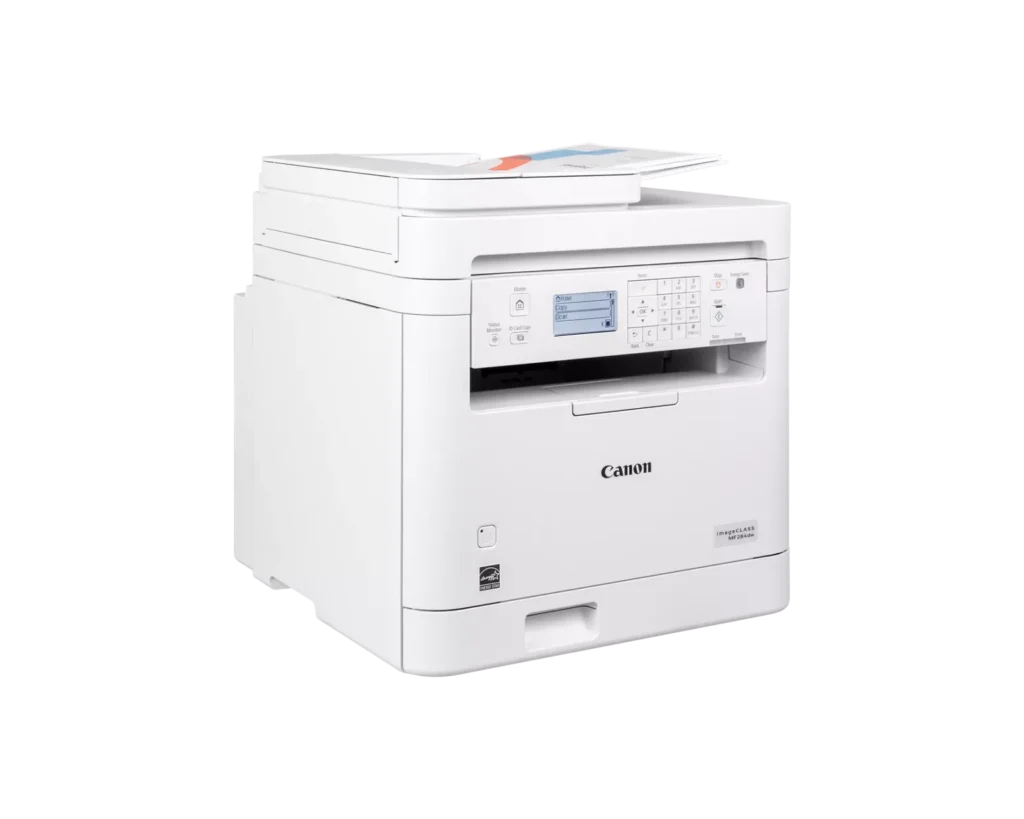
| 35-Sheet Auto Document Feeder | Streamline multi-page scanning and copying tasks with the integrated 35-sheet automatic document feeder, designed to handle batch jobs efficiently. |
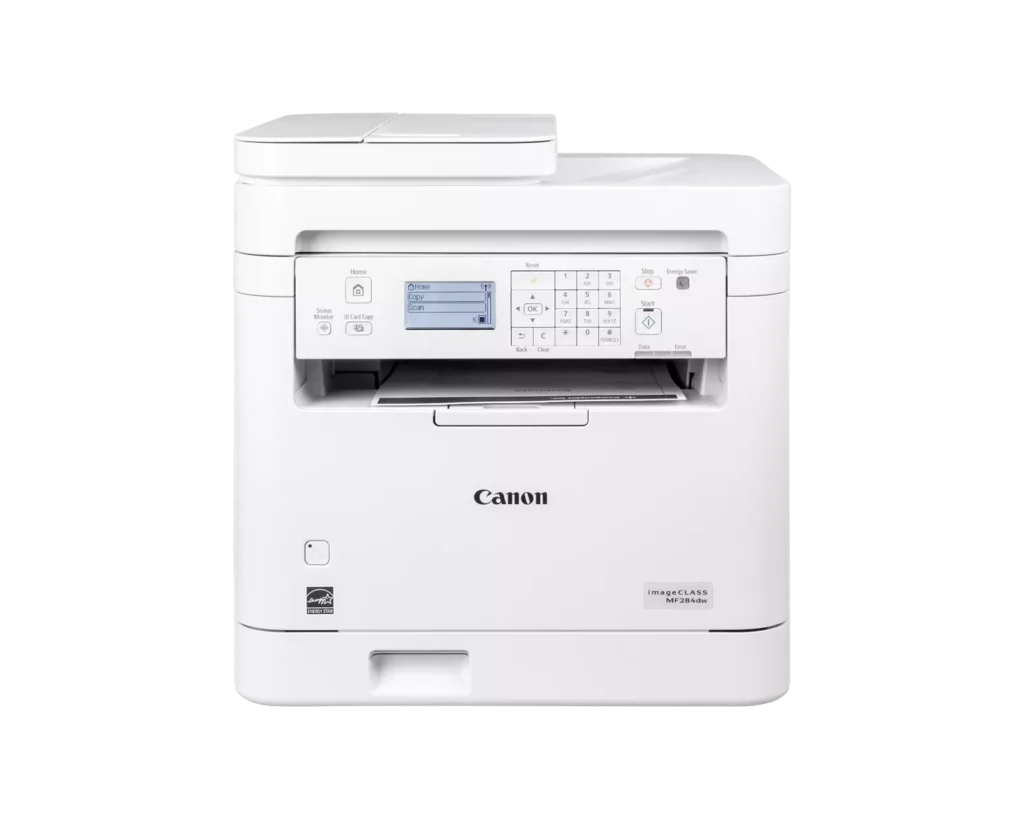
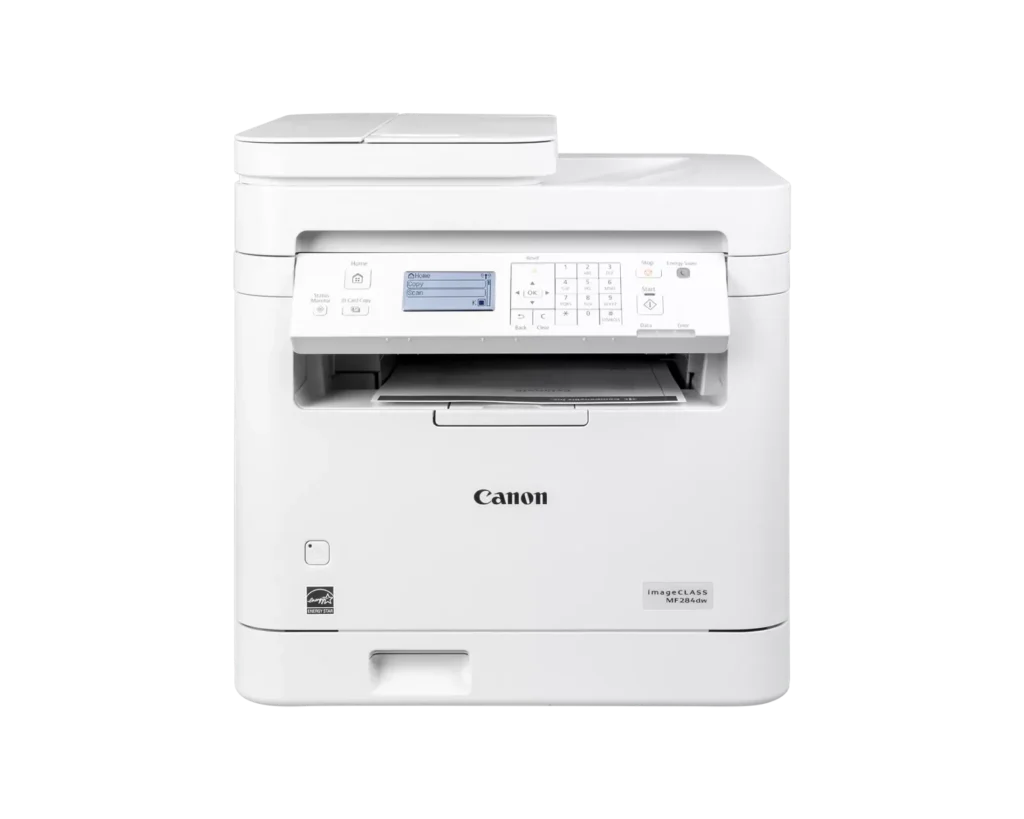
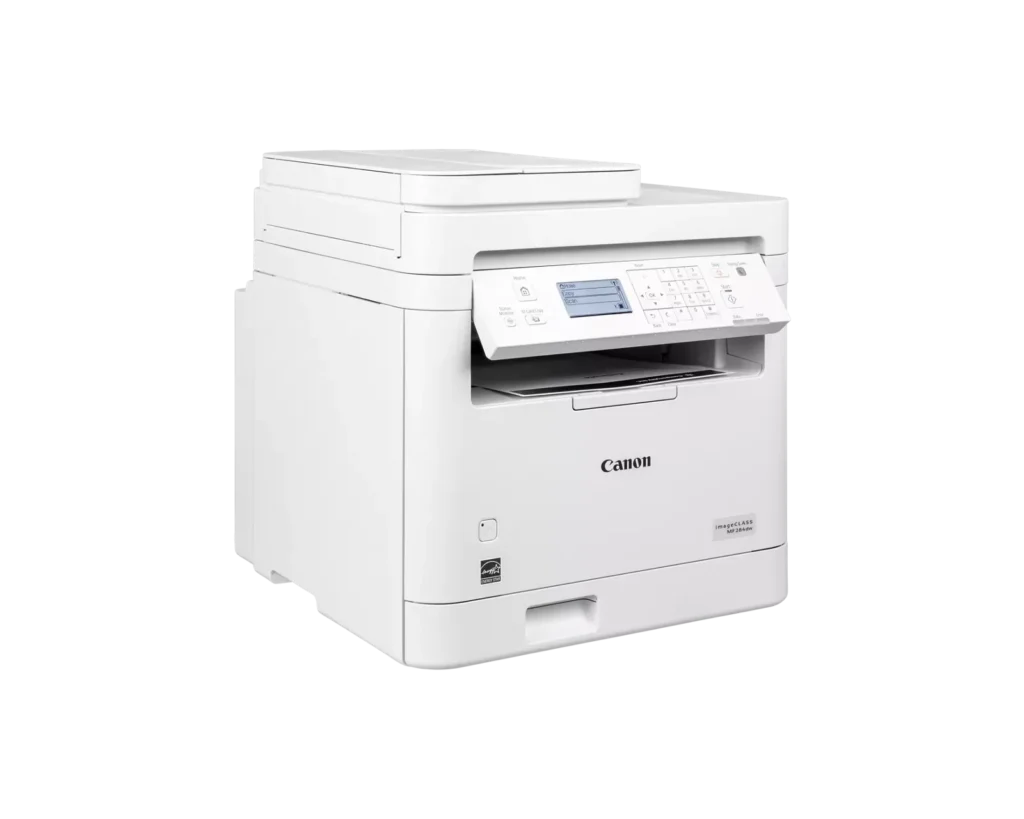
| Intuitive 5-Line LCD Display | Easily navigate settings and monitor printer status with the adjustable 5-line LCD control panel, which can be tilted to provide the best viewing angle for your workspace. |
Pros & Cons
Pros
- Fast and High-Quality Printing: The printer delivers crisp, sharp text at speeds up to 35 pages per minute, with a very quick first-print time of under five seconds.
- Versatile Multifunction Features: It includes a useful auto document feeder (ADF), automatic duplex printing, and reliable mobile printing capabilities via AirPrint and the Canon PRINT app.
- Excellent Value: Reviewers highlight it as a cost-effective choice for small offices, offering professional features like a 250-sheet paper tray and efficient toner usage at a competitive price.
Cons
- Difficult Setup and Connectivity: Many users reported a frustrating initial setup process, particularly on Mac systems, and some experienced persistent issues maintaining a stable wireless connection.
- Outdated User Interface: The small, non-touch monochrome display and physical button layout are described as obsolete and less intuitive than modern touchscreen interfaces.
- Poor Paper Exit Design: The printed pages are deposited in a recessed middle opening that makes them difficult to see or retrieve without reaching deep into the machine.
You might also like












Customer Reviews
Showing reviews 61-65 of 65
-
Very easy to get running, it definitely is meant for wifi
Incentivized Incentivized review: The reviewer received a benefit for sharing feedback.C October 25, 2024Review source: AmazonFirst of, yes, this doesn’t come with a USB cable, which may come as a shock to those of you who don’t bother to look at pictures. There’s a picture of what’s in the box in the listing. They hide it behind the cryptic title of “What’s in the box.” I would have never guess that a picture with that title would show me what’s in the box. I thought it was a recipe for cornbread.
Setting this up was super simple, and worked the first time. I only say that because I set up a Brother laser printer a while back that took 20 minutes because it absolutely refused to connect to my network for some reason. I followed the exact instructions 15 times before it randomly decided to connect. This, I just did what it said and it was connected. It has stayed connected and has given me zero connection issues.
Make sure that you understand that this is a black and white printer. It’s monochrome, which means one-color. That color is not purple, it’s black. I only say this because I was checking reviews on Canon’s website to see what others thought and someone was complaining that this black and white printer didn’t print in color. The scanner is full color though.
It looks like a fax machine, but it isn’t. That’s the MF289dw. It does have the number pad, but it doesn’t send faxes. Not that I mind. I haven’t sent a fax in decades.
Print quality is pretty good and more than fast enough. It sounds like every other laser printer I’ve ever encountered. Whirr, click click click, whirr and that’s about it.
You can copy text pages quite quickly and it looks pretty good. Obviously, if you try to copy something that is in color, it’s going to come out black and white. There is software you can install on your computer that allows you to send scanned documents right to that computer. You can make a shortcut in the menu to quickly scan something to a computer so you don’t have to go through the whole process every time. Scanned documents look pretty good. If you want a true photo scanner, get a true photo scanner. An all in one is never going to match the quality of one of those.
Overall, it is a very good system for a home office. It doesn’t take a degree in anything or a stiff drink to get through setting it up. I’m happy with it.
-
High Quality Laser Printer
Incentivized Incentivized review: The reviewer received a benefit for sharing feedback.Andy Costa Films October 19, 2024Review source: AmazonMy first laser printer I got in 1992 and guess what it was a Canon (Or maybe an HP) anyhow, 30 years later I decided to go back to Laser as I had inkjet printers for the past 30 years. An boy this one is fast and the printed image is sharp. It does not comes with an USB cable, maybe because Canon think we are all living in the wireless world. But from experience the USB cable setup is WAY easier than the wireless.
Key Features:
Wireless Connectivity: Easily print from PCs, smartphones, and tablets.
*All-in-One Functionality: Print, scan, copy, and fax.
Fast Print Speeds: Up to 28 pages per minute.
High-Quality Prints: Crisp and clear output, especially for fine print.
User-Friendly Interface: Intuitive touchscreen display and easy setup.Conclusion:
The Canon image CLASS MF284 Laser Printer is a reliable and versatile option for small to medium-sized offices. Its fast print speeds, wireless connectivity, and high-quality output make it a suitable choice for various printing needs. While the lack of a USB cable might be a minor inconvenience, the overall experience and performance of the printer are highly positive.
-
Easy to set up and prints great
Incentivized Incentivized review: The reviewer received a benefit for sharing feedback.OndaWire October 12, 2024Review source: AmazonI was looking for a new printer that did not use ink cartridges. Ink cartridges tend to dry out even when you’re not using them, and toner cartridges last a lot longer. This printer came very well packed, and it was completely taped down from every crevice on the printer to prevent anything from opening or moving in the box.
I wanted to try out this Canon Imageclass printer, and so far, it’s great. It was super easy to set up, and it took less than 5 minutes to connect to my network, completely set up, and start printing.
It comes with the 072 Cartridge, which, according to the manual, should let me print around 1400 pages. They have a 072H cartridge, which says it could print up to 4500 pages, so I will probably opt for that one when this one runs out. I tried to add a picture to show the print quality, which probably won’t come out too good in the photo, but it definitely looks a lot cleaner in person, especially with the “fine print” on documents.
This prints double-sided, and another cool feature is that you can also print directly from your phone by connecting your phone through the app, which is super cool. I took a picture of the front of the printer so you could see how easily Cannon made everything by placing all the function buttons together. The panel on the front with these buttons is also adjustable, so you can tilt it at an angle or leave it flat. I really like that.
I love the functionality of this printer. It is downstairs, and my office is upstairs, so I can easily print pages wirelessly with zero issues.
I am giving it a 5***** star rating and would highly recommend it! -
No USB cable
Incentivized Incentivized review: The reviewer received a benefit for sharing feedback.Euan October 10, 2024Review source: AmazonThis printer did not come with a USB cable. I don’t know if it was a mistake or if they expect everybody to use WiFi to print now, but it seems a bit ridiculous. I shouldn’t have to jump through hoops to connect a wireless printer when it’s a large stationary office printer with a USB port. Although my Linux desktop discovered the printer on the network right away, I had to reconfigure it manually using the IP with the drivers found on Canon’s website in order for it to actually work. It seems that if you are using Windows or Mac there is an easier setup solution available.
Other than that, it prints fast and very clearly. It also scans cleanly. It was packed well with an overabundance of tape everywhere so nothing came loose during shipping. Despite having a numpad and a feed-style scanner, it is not fax capable, so look elsewhere if you need a fax machine.
-
get itttt
Incentivized Incentivized review: The reviewer received a benefit for sharing feedback.Your Shopping Muse October 8, 2024Review source: AmazonSmall to medium-sized offices are the target market for the flexible all-in-one laser printer, the Canon imageCLASS MF284dw. With its printing, scanning, copying, and faxing capabilities, this small gadget is a dependable option for a variety of office duties. With a print speed of up to 28 pages per minute, it is an efficient choice for printing large volumes of documents. With the printer’s wireless connectivity, printing from PCs and mobile devices is a breeze. The MF284dw also features a big touchscreen display for simple navigation and an intuitive user interface. This printer is made with a large paper capacity and automatic duplex printing to maximize efficiency without sacrificing quality.