Customer Media
Highlights
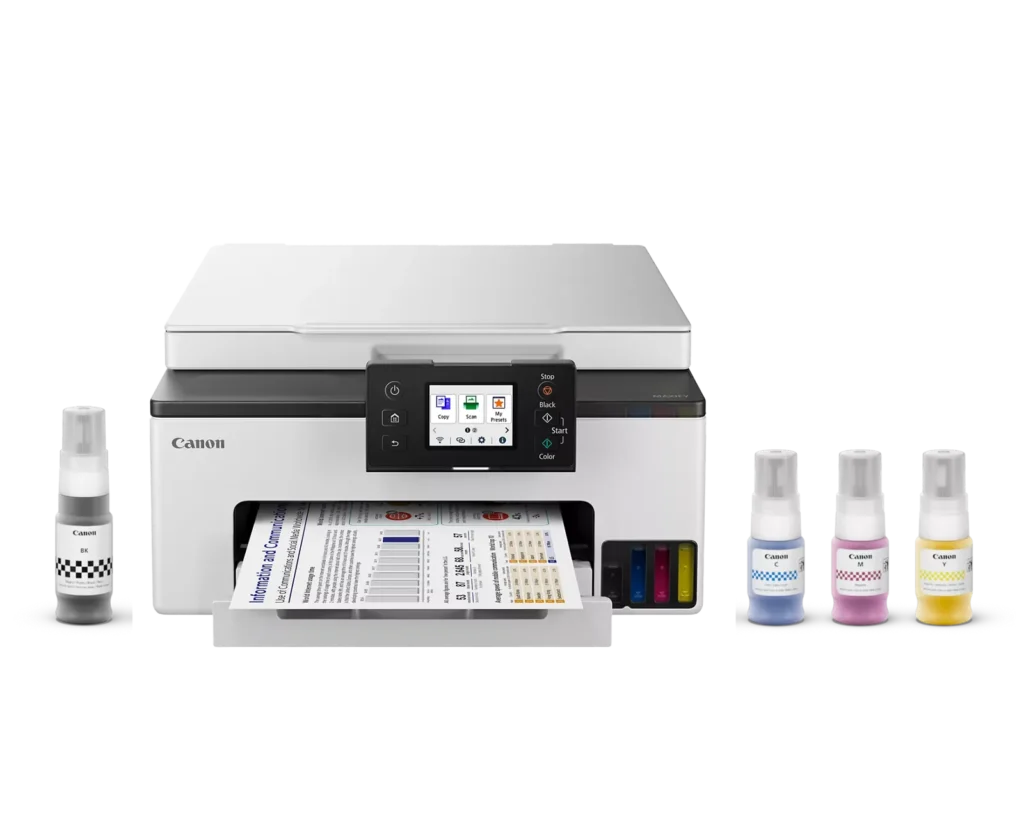
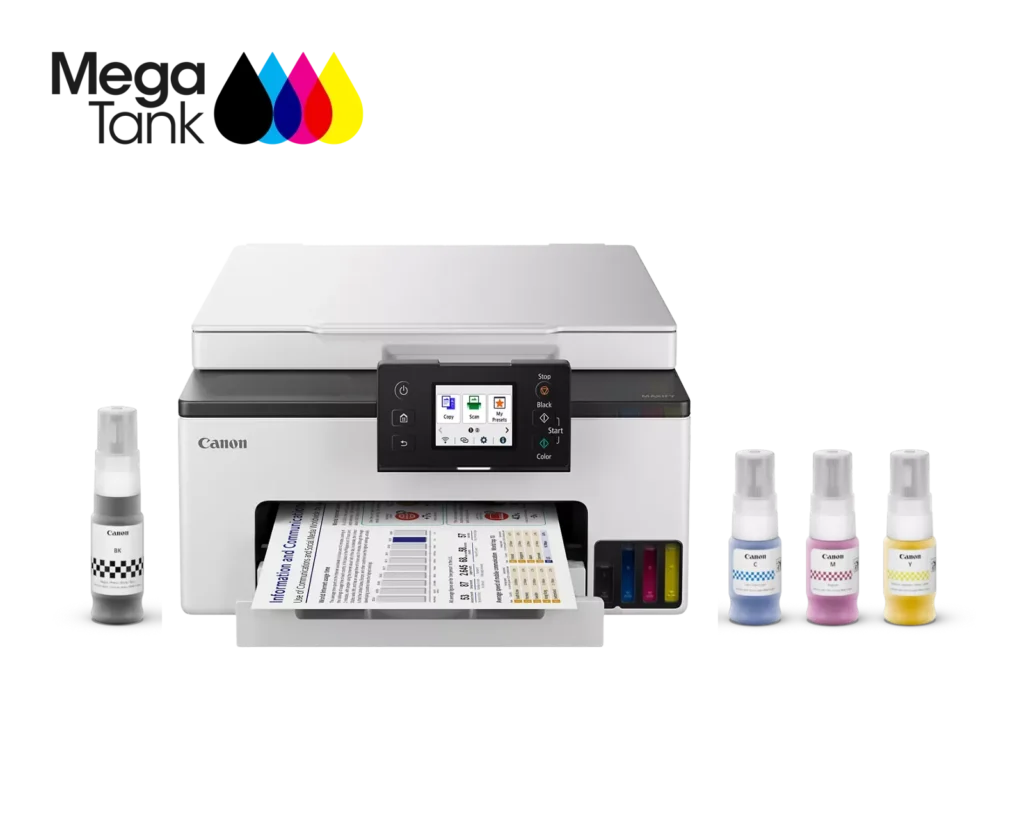
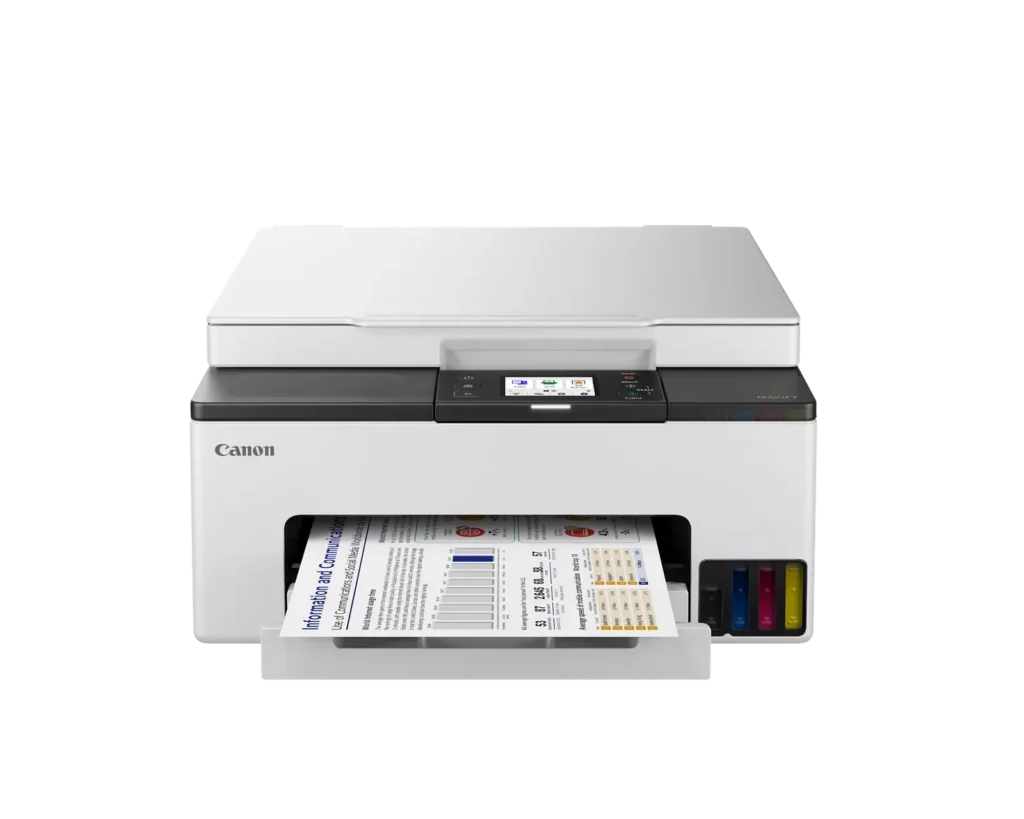
| High-Volume MegaTank Printing | The integrated MegaTank ink system allows you to print up to 3,000 black and 3,000 color pages with a single set of included ink bottles, significantly reducing running costs and the frequency of refills. |
|---|---|
| Business-Quality Pigment Inks | Utilizes a 4-color pigment-based ink system that produces sharp, crisp text and vibrant colors that are highlighter-resistant and smudge-proof, ideal for professional documents and reports. |
| Fast and Efficient Performance | Boost productivity with print speeds of up to 15 ipm in black and 10 ipm in color, complemented by automatic two-sided (duplex) printing to save time and reduce paper consumption. |
| Versatile Connectivity Options | Stay connected with stable dual-band Wi-Fi (2.4GHz or 5GHz), Ethernet, and USB options. Easily print from mobile devices using the Canon PRINT app, Apple AirPrint, and Mopria Print Service. |
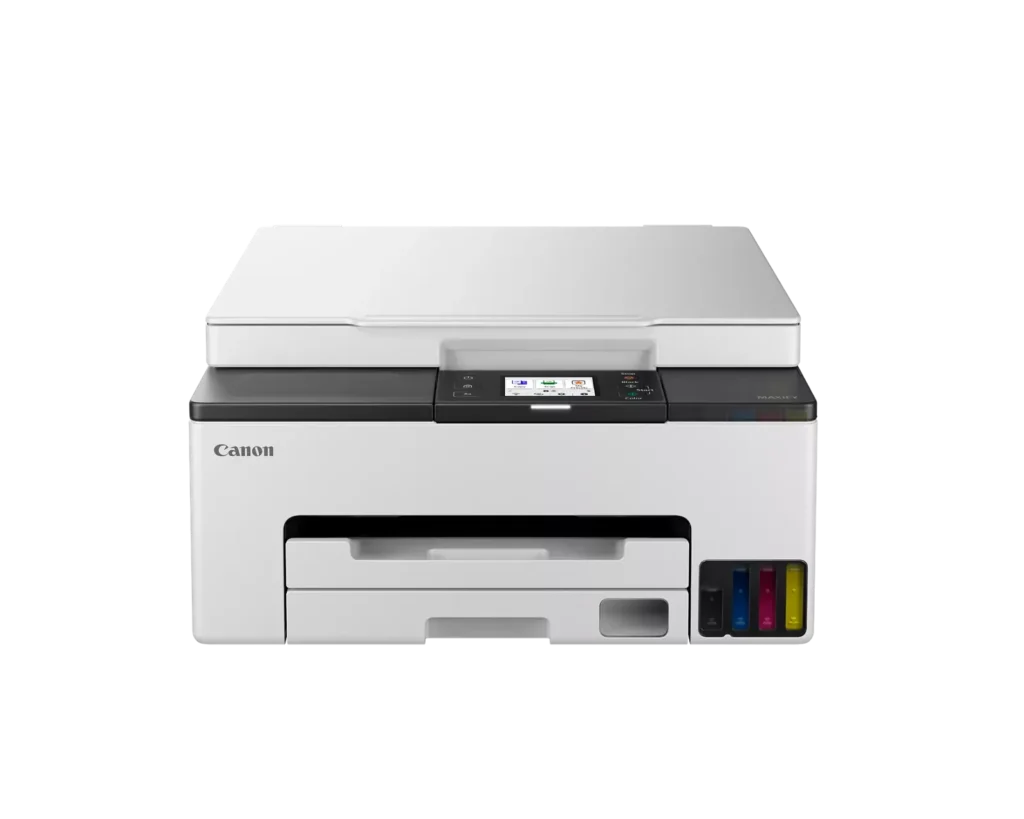
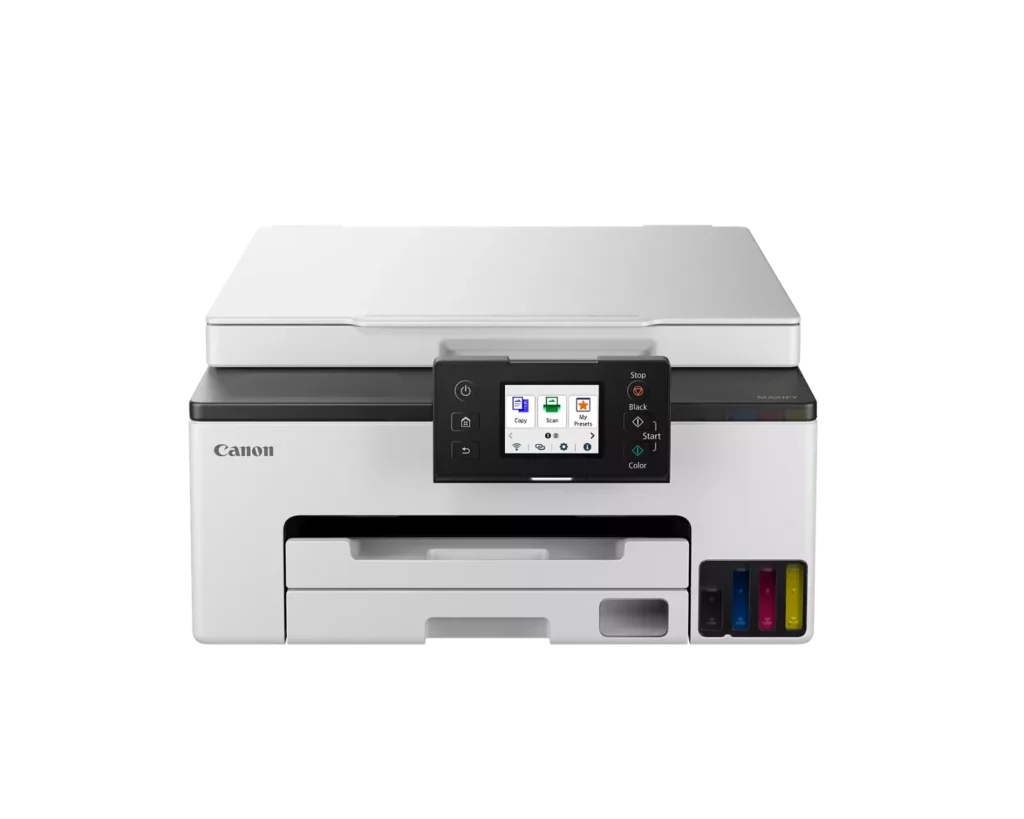
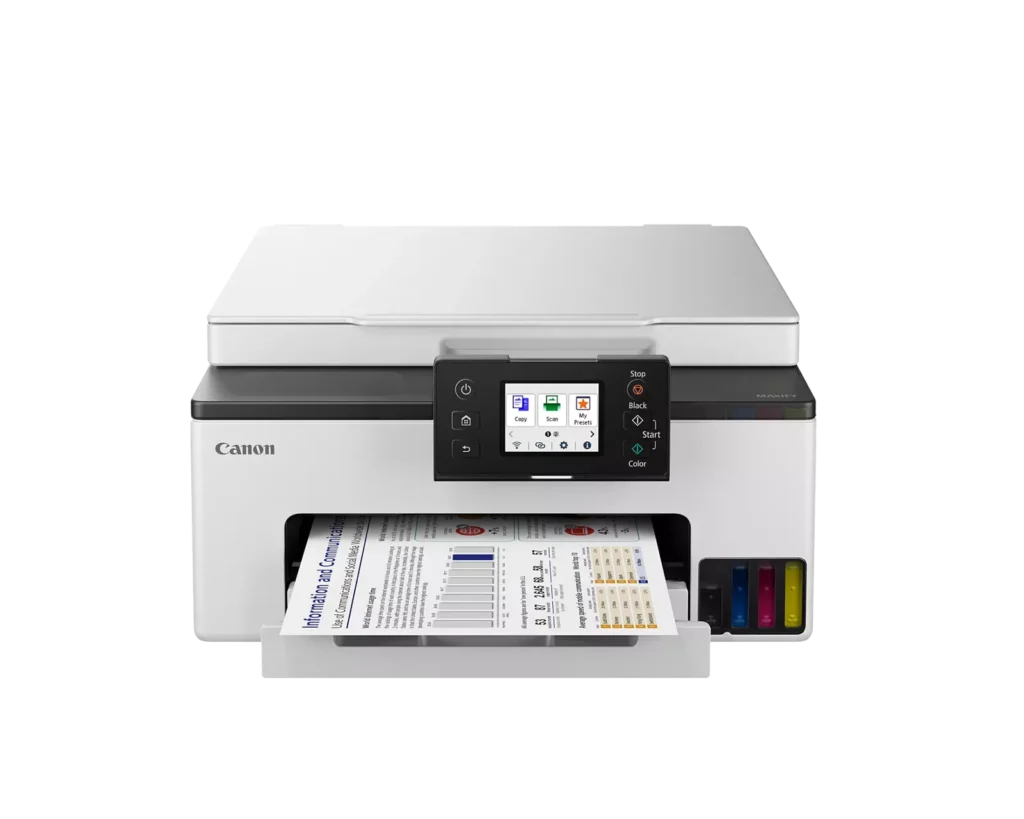
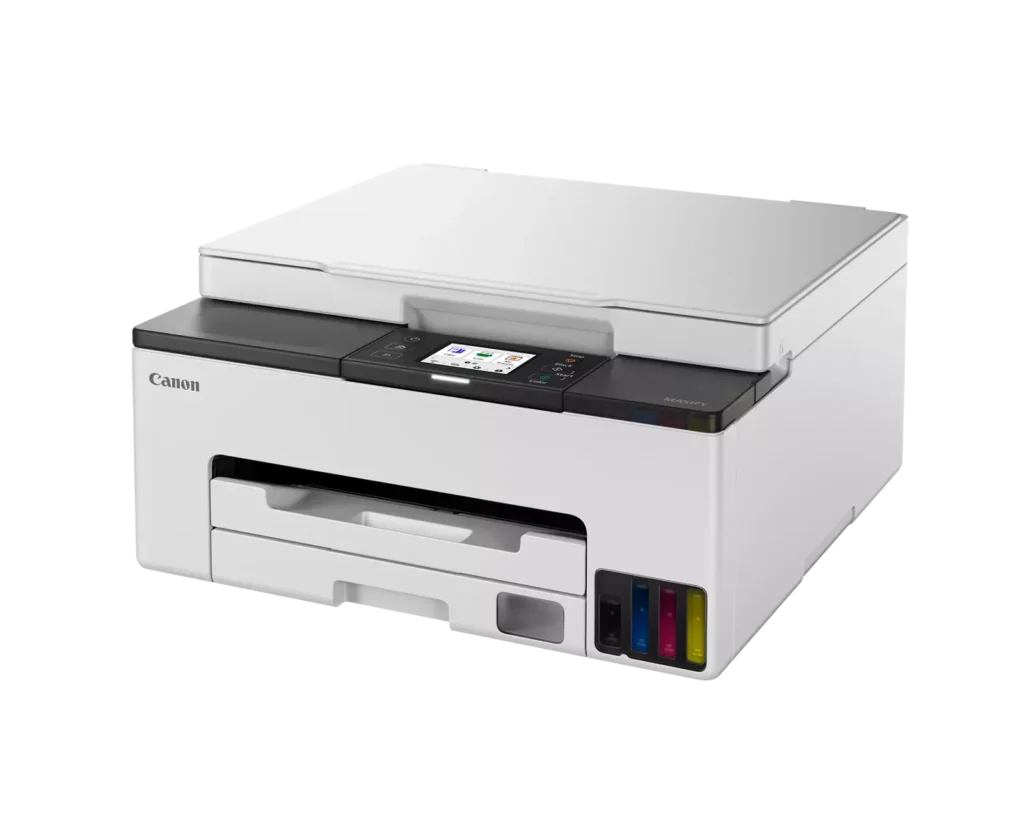
| User-Friendly and Compact Design | Features an intuitive 2.7-inch LCD color touchscreen for easy navigation, a generous 250-sheet paper cassette, and a compact footprint designed to fit comfortably in home or small office workspaces. |
Pros & Cons
Pros
- Cost-Effective MegaTank System: The refillable ink tanks offer exceptional longevity and significantly lower operating costs compared to traditional cartridges, with users reporting they can print thousands of pages before needing a refill.
- High-Quality Print Output: The printer produces sharp, professional-looking text and vibrant colors that many reviewers noted approach laser-quality, making it excellent for both business documents and high-resolution photos.
- Intuitive Touchscreen Setup: Most users found the initial installation process fast and simple, thanks to a responsive color touchscreen that provides clear, step-by-step prompts for filling ink and aligning print heads.
Cons
- Unreliable Wireless Connectivity: A recurring issue among reviewers is the printer's tendency to lose its Wi-Fi connection, particularly on the 2.4GHz band, leading to 'printer not found' errors and difficulty printing from mobile devices.
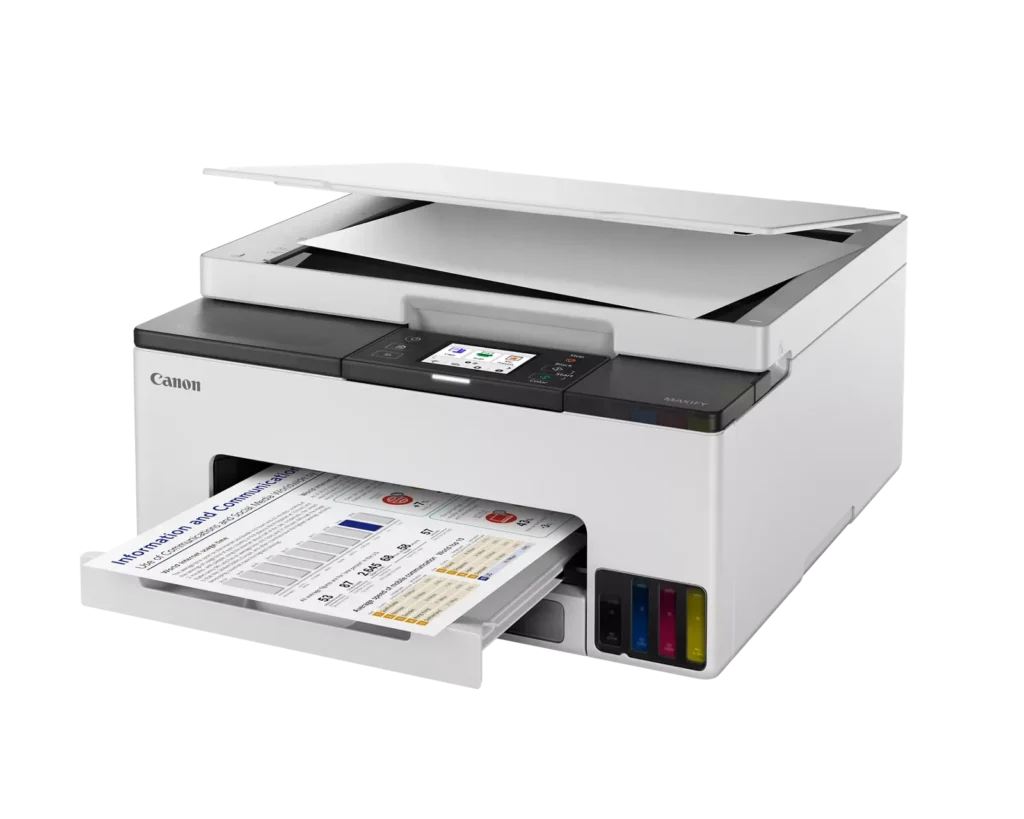
- No Automatic Document Feeder (ADF): Several users were disappointed to find the machine lacks an ADF, meaning multi-page documents must be scanned or copied manually one sheet at a time, which is time-consuming for office tasks.
- Software and App Limitations: Some customers found the Canon Print app and desktop software difficult to navigate, noting compatibility issues with older operating systems and a lack of advanced scanning destination settings.
You might also like












Customer Reviews
Showing reviews 91-100 of 134
-
Easy Set-Up and Crisp Printing Output
Incentivized Incentivized review: The reviewer received a benefit for sharing feedback.Sabrinna March 31, 2024Review source: AmazonThis printer is good for personal printing and some remote printing while working at home. It’s relatively quiet and prints efficiently. As a notary signing agent or anyone who needs to print large volumes of documents at one time, I would not recommend this. At about 15 ppm in black, again, it’s good for personal printing and some remote work but you’ll need something else if you are printing upwards of 200 pages per client packet with a copy to give to the client for 6-8 clients in one day. Canon makes a great copier for larger printing with its ImageClass D1620 which I own two of……one in my home office and one in my vehicle that I power with a marine battery and inverter for true remote printing. Setting this up was easy and intuitive and I was up and printing within 15 minutes of taking this out of the box.
That being said, I love Canon printers and this one is good for personal and remote work printing. It’s gets the job done and does not appear to require a lot of ink cartridge changes even when printing pictures on photo paper which this does a great job at.
-
Not as good as my last Canon
Verified purchase Verified purchase: This reviewer bought the product.Marie Way March 27, 2024Review source: AmazonWe’ve had lots of networking isssues. I’ve had both the local and corporate IT from my work out to my house. I had to resort to a cable connection.
-
Reliable
Verified purchase Verified purchase: This reviewer bought the product.Amazon Customer March 24, 2024Review source: AmazonSet up was easy!
-
After my Canon MG6220 Printer died after 12 years of faithful service I found a replacement.
Verified purchase Verified purchase: This reviewer bought the product.Jim Pyle March 14, 2024Review source: AmazonAfter searching YouTube review videos for two days I took a chance and bought a Canon MAXIMA GX1020 All In One printer. I really hoped I had chosen one that would be compatible to my MG6220… After 25 minutes from opening to printing and scanning ….. I was and am impressed with my purchase. The installation process was very smooth and easy to follow.
One thing though… I only wish it came with a manual… Everything is on line help… -
No more ink cartridges
Verified purchase Verified purchase: This reviewer bought the product.sharron jordan March 12, 2024Review source: AmazonEasy set up prints well
-
EZ setup
Verified purchase Verified purchase: This reviewer bought the product.David March 5, 2024Review source: AmazonSetting up the Canon printer was super easy 15 minutes. The ink wells are easy to fill no mess, and the sight glass allows you to see when you’ll need to add more ink. Paper tray fully removes and very easy to add new paper of various sides. Well thought out features! The Canon is replacing a HP we had for @ a year and died.
-
Not easy to use, very slow!
Verified purchase Verified purchase: This reviewer bought the product.D. Bloor February 29, 2024Review source: AmazonThis is the 4th Canon Printer I’ve owned and the worst. I cannot get it to print a custom size piece of paper correctly–just printing from a file–really a copy. A size 22 font is reduced to about an 8 font and prints like it’s trying to print a billboard. VERY SLOW. I have read manuals, watched videos etc. -nothing helps. I gave it a 2 star rating because it will print a standard letter size paper quickly and good quality. An expensive regret.
-
Compact and quiet
Incentivized Incentivized review: The reviewer received a benefit for sharing feedback.GG February 22, 2024Review source: AmazonSwitched from an HP inkjet to this Canon and we are impressed with the quality. It doesn’t take a cartridge per se, it has these little bottles you use to fill the color. Which so far has had more longevity than our HP printer ever did, I felt like I was buying cartridges every month and I’ve had this printer since November and still running on what we got out of box.
Pros:
Very Quiet
5/5 print quality, all in one use: scanner printer etc.
Easily accessible ink cartridge station without having to open up the whole scanner
Lightweight
Compact design, doesn’t take up a lot of desk space
Sleek and modern in appearance
Easy to set up and print from any mobile deviceCons:
A little slow with high quality prints
Cannon app is not as user friendly and versatile as HP print app (I could previously easily scan view and print items)
Small touch screen -
DON’T BUY THIS
Verified purchase Verified purchase: This reviewer bought the product.Amateur Dancer February 20, 2024Review source: AmazonIf you don’t already have an account with Canon, find another printer.
I was very put out when, the ink cartridges THAT CAME WITH THE PRINTER, couldn’t be recognized by the printer during set up. I called the enclosed troubleshooting phone number and the artificially intelligent machine just put me on hold. After 1/2 hour, I just hung up. Called a local canon store and found that I had to have an account that would cost me $80.00.
That thing is on it’s way back. -
Print away
Verified purchase Verified purchase: This reviewer bought the product.Maryk February 20, 2024Review source: AmazonJust got it. Used it several times and printed picture. Good quality.