Customer Media
Highlights
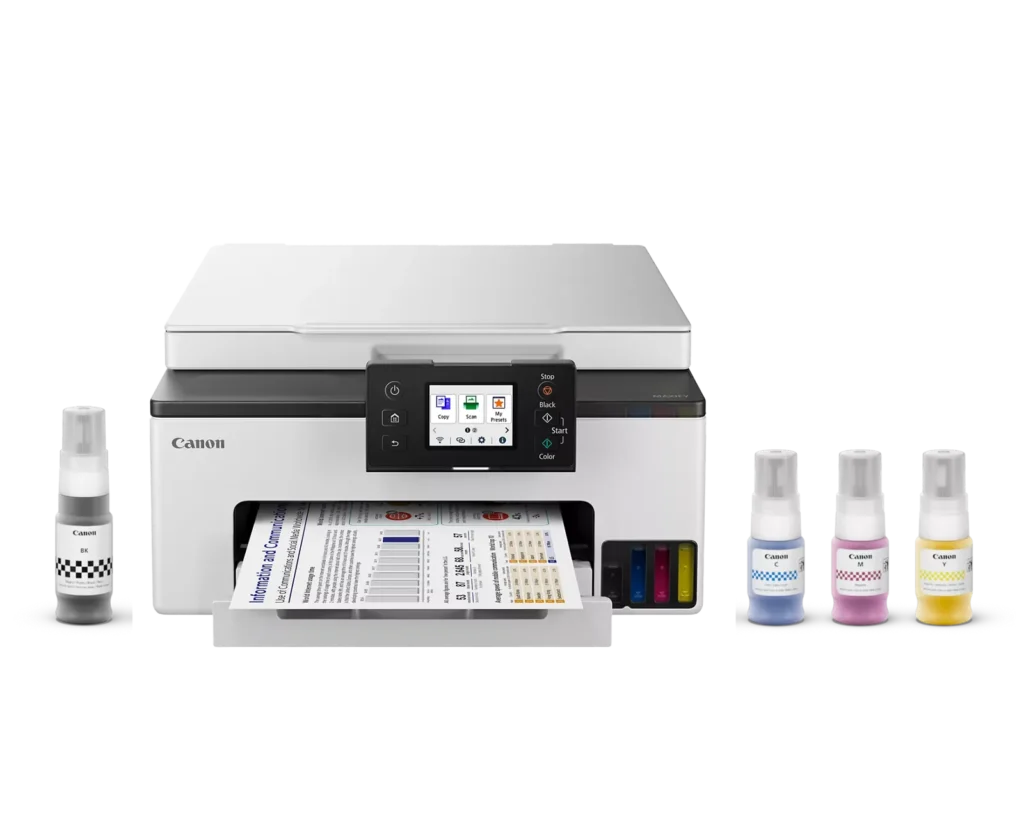
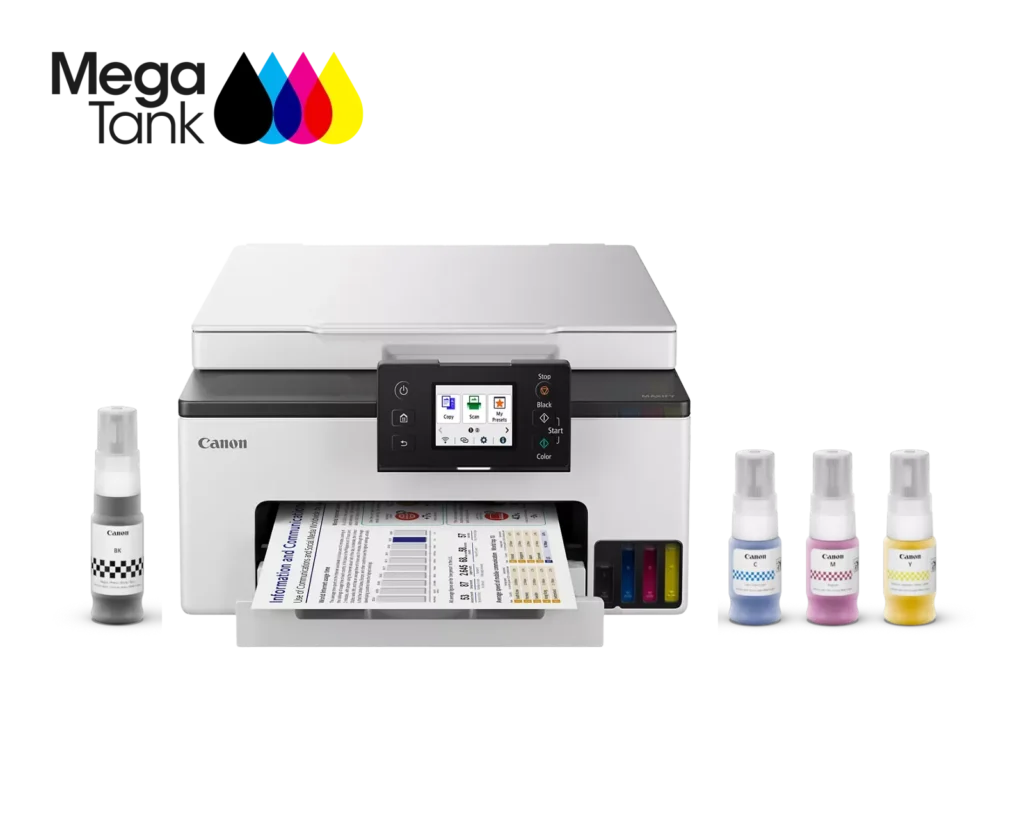
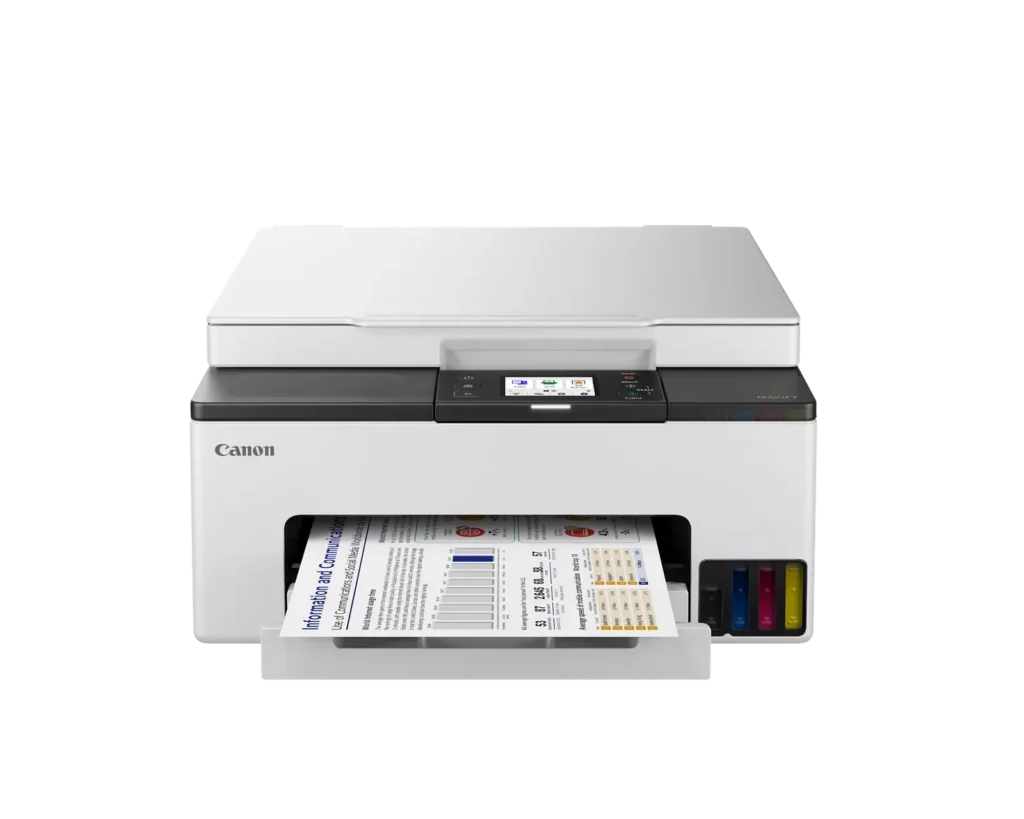
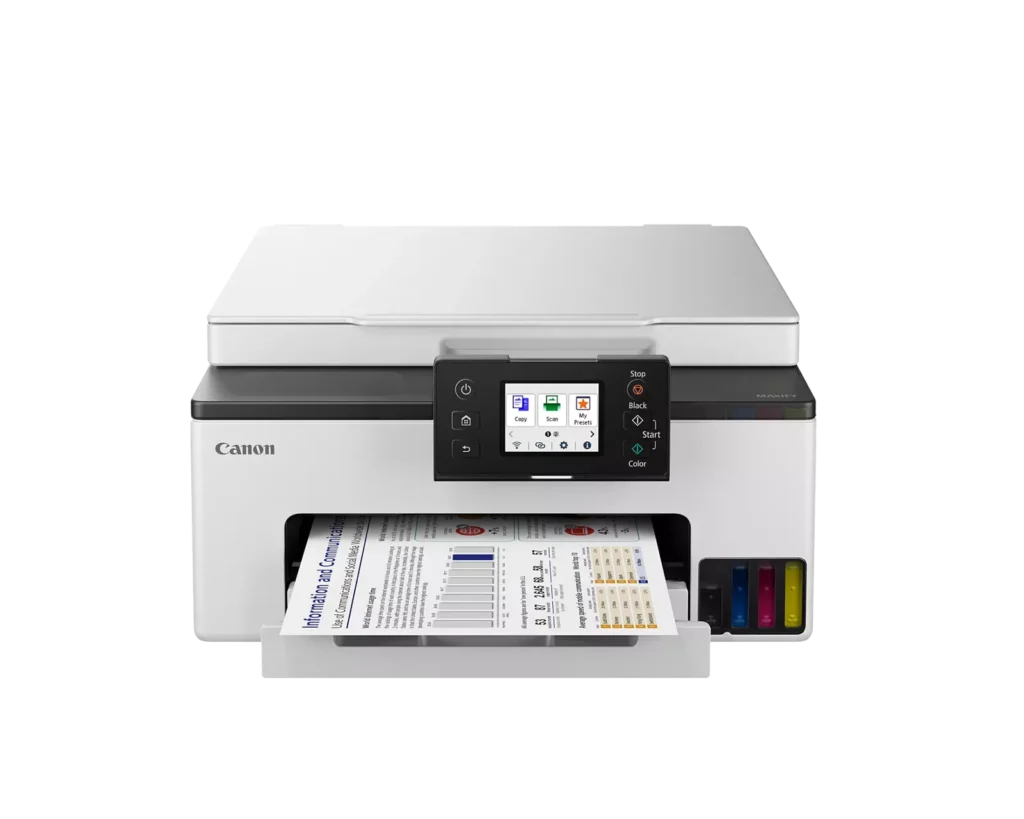
| High-Volume MegaTank Printing | The integrated MegaTank ink system allows you to print up to 3,000 black and 3,000 color pages with a single set of included ink bottles, significantly reducing running costs and the frequency of refills. |
|---|---|
| Business-Quality Pigment Inks | Utilizes a 4-color pigment-based ink system that produces sharp, crisp text and vibrant colors that are highlighter-resistant and smudge-proof, ideal for professional documents and reports. |
| Fast and Efficient Performance | Boost productivity with print speeds of up to 15 ipm in black and 10 ipm in color, complemented by automatic two-sided (duplex) printing to save time and reduce paper consumption. |
| Versatile Connectivity Options | Stay connected with stable dual-band Wi-Fi (2.4GHz or 5GHz), Ethernet, and USB options. Easily print from mobile devices using the Canon PRINT app, Apple AirPrint, and Mopria Print Service. |
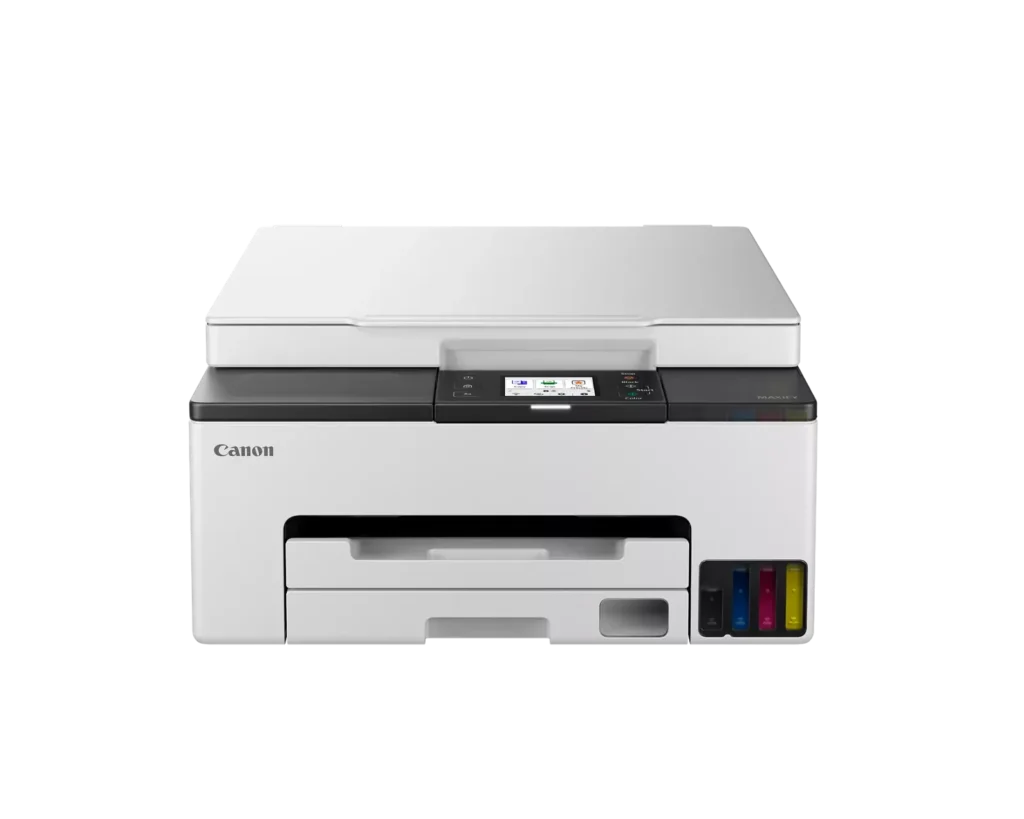
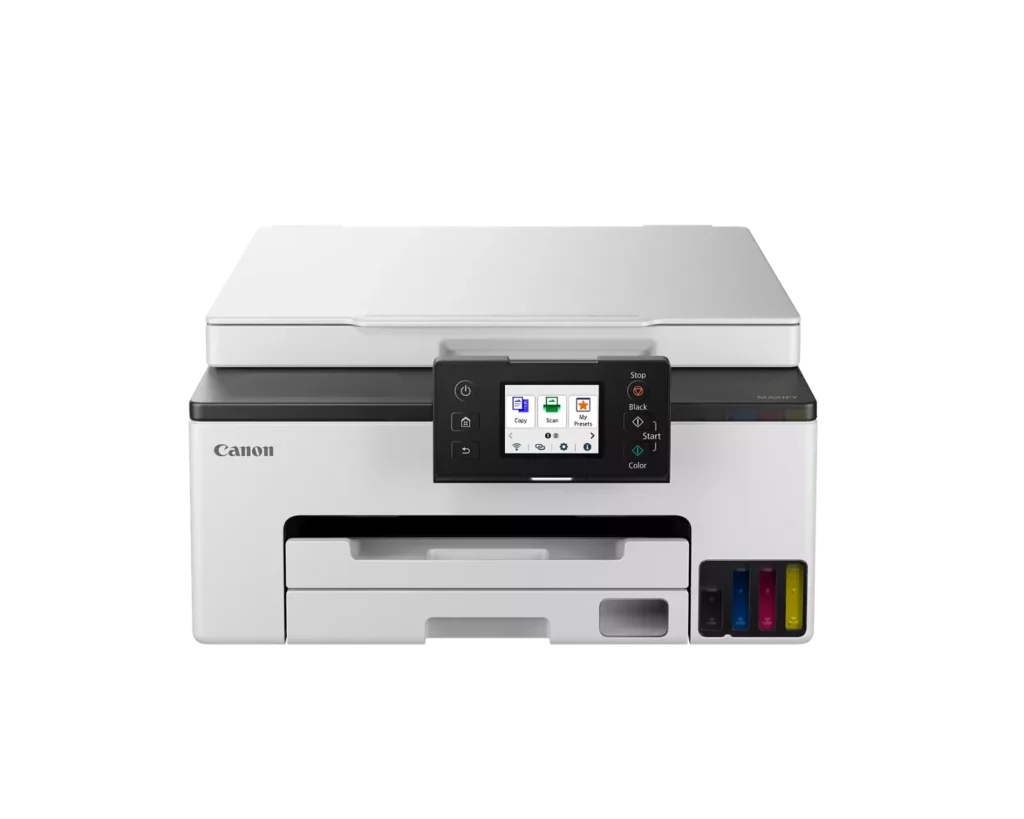
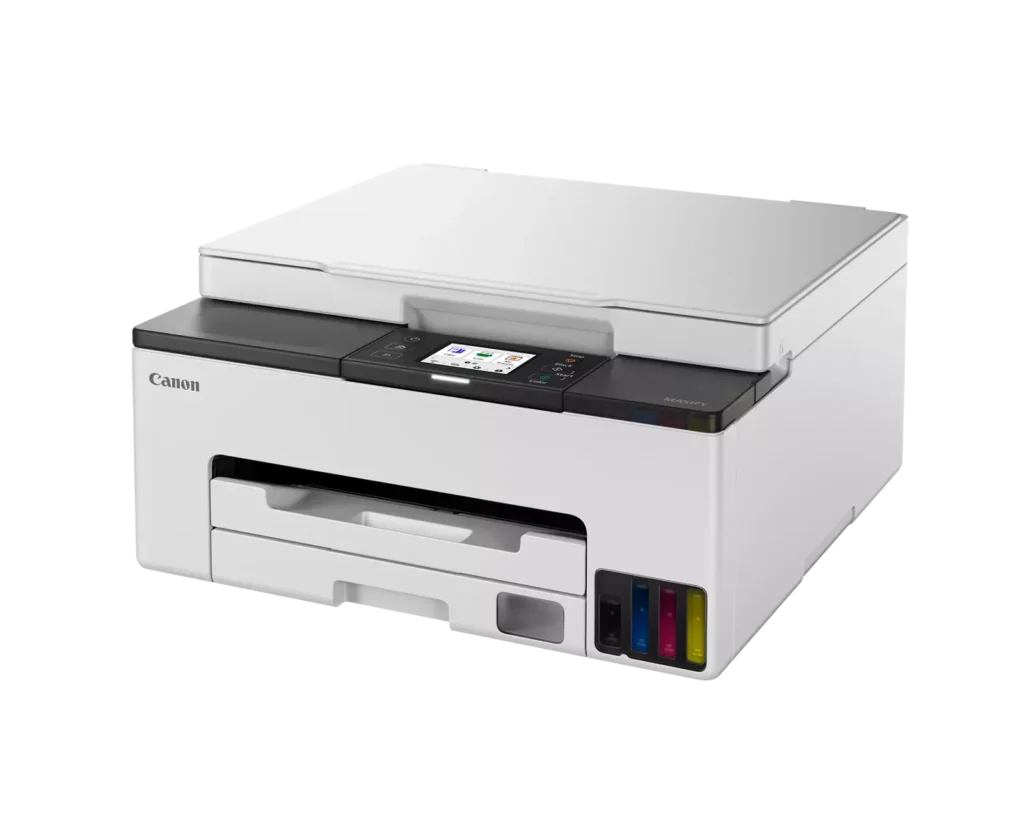
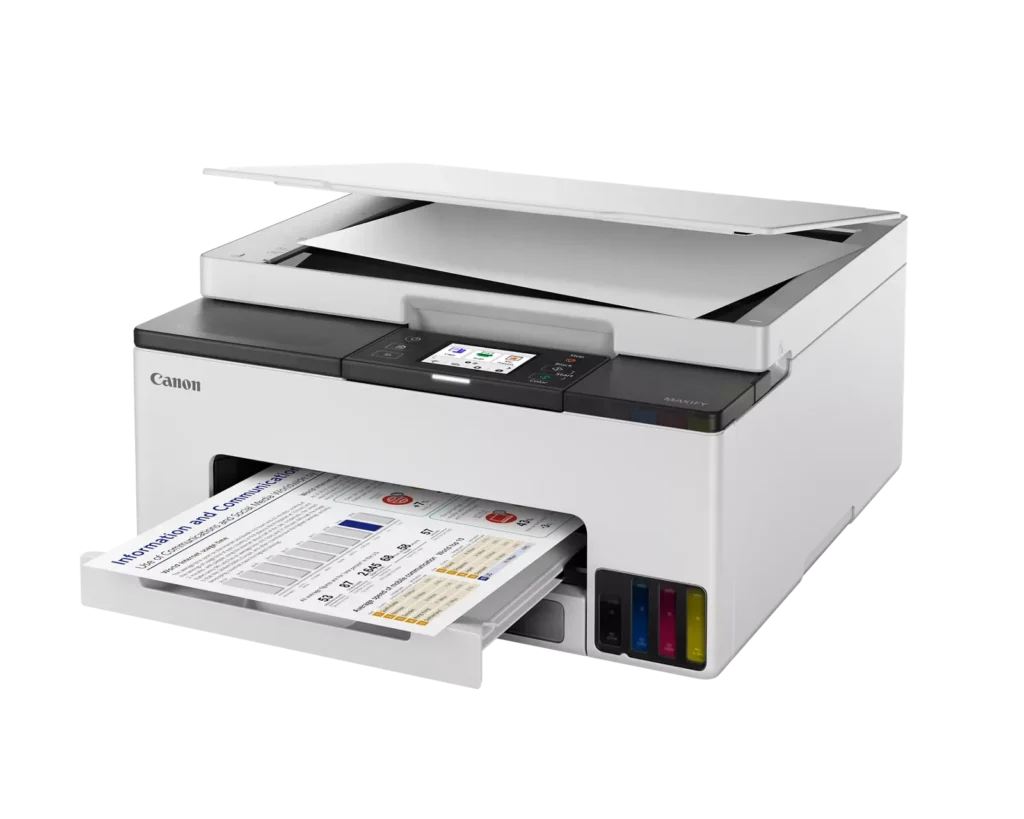
| User-Friendly and Compact Design | Features an intuitive 2.7-inch LCD color touchscreen for easy navigation, a generous 250-sheet paper cassette, and a compact footprint designed to fit comfortably in home or small office workspaces. |
Pros & Cons
Pros
- Cost-Effective MegaTank System: The refillable ink tanks offer exceptional longevity and significantly lower operating costs compared to traditional cartridges, with users reporting they can print thousands of pages before needing a refill.
- High-Quality Print Output: The printer produces sharp, professional-looking text and vibrant colors that many reviewers noted approach laser-quality, making it excellent for both business documents and high-resolution photos.
- Intuitive Touchscreen Setup: Most users found the initial installation process fast and simple, thanks to a responsive color touchscreen that provides clear, step-by-step prompts for filling ink and aligning print heads.
Cons
- Unreliable Wireless Connectivity: A recurring issue among reviewers is the printer's tendency to lose its Wi-Fi connection, particularly on the 2.4GHz band, leading to 'printer not found' errors and difficulty printing from mobile devices.
- No Automatic Document Feeder (ADF): Several users were disappointed to find the machine lacks an ADF, meaning multi-page documents must be scanned or copied manually one sheet at a time, which is time-consuming for office tasks.
- Software and App Limitations: Some customers found the Canon Print app and desktop software difficult to navigate, noting compatibility issues with older operating systems and a lack of advanced scanning destination settings.
You might also like












Customer Reviews
Showing reviews 101-110 of 134
-
Bad
Verified purchase Verified purchase: This reviewer bought the product.mary L. Sprengnether February 17, 2024Review source: AmazonNo manual! Try reading directions on cell phone. Ink smears every time. Took cartridge out to look at it and my carpet became a tiger!!! Would have sent back but I was to fast to recycle the box!!!
-
Works great
Verified purchase Verified purchase: This reviewer bought the product.Michelle Ricke February 11, 2024Review source: AmazonWorks great. Was easy to set up and install.
-
Nice printer
Verified purchase Verified purchase: This reviewer bought the product.Annie February 9, 2024Review source: AmazonSo far so good. It prints surprisingly fast and prints come out great. It was easy to connect to our phones iPhone and android. I love the idea that we can print from our phones and laptops.
-
GARBAGE!!!!!
Verified purchase Verified purchase: This reviewer bought the product.DMACK February 3, 2024Review source: AmazonPros – Small and Light
Cons – It’s a Canon so it’s total JUNK
– Difficult to set up
– impossible to get live help
– won’t allow email from printer
– touch screen is small and clumsy
– very slow print
– color print quality is lacking
– super expensive ink refils -
Canon Printer
Incentivized Incentivized review: The reviewer received a benefit for sharing feedback.Dr. T January 27, 2024Review source: AmazonI love this printer. Easy setup and connection to wifi was a breeze. Touch screen was easy to use as well as the all in one functions. This was a great value for the money
-
Can't have both worlds
Verified purchase Verified purchase: This reviewer bought the product.lance January 25, 2024Review source: AmazonAccording to the printer LED screen you can either have it setup for wireless or wired to your network not both. Have an older office pc that’s not wireless so that’s the need for the wire.
Need the wireless for all the modern day printing -
A Great Little Printer, but It Has One Problem.
Verified purchase Verified purchase: This reviewer bought the product.Deborah Tickle January 25, 2024Review source: AmazonI’ve been using this printer for four days now. I’ve gotten to know the setup menus and I have tried different configurations of the WiFi connections. I love that this printer just uses bottles of ink and these bottles do NOT have a chip in them so the printer can’t tell when you are not using high priced ink bottles from the manufacturer. The double siding printing works very well. I have had no trouble connecting this printer to both Windows laptops and Chromebooks. However, if you are using a Chromebook, make sure the printer has the Bonjour service enabled. The only thing I have found about this printer that just isn’t quite right is the 2.4gHz WiFi. The printer supports both 2.4gHz and 5gHz which is a good thing since the 2.4gHz doesn’t seem to work well. I have the printer located in the next room away from my router which translates to about 50 feet and one wall between them. From all that I’ve read, 2.4gHz WiFi is slower than 5gHz, but goes through walls better and works at greater distances. Well, the 2.4gHz band in this printer will not connect reliably to my router in the next room. The 5gHz band does connect reliably however. Hopefully, the weak 2.4gHz WiFi problem will be fixed with future firmware releases. If you have the skills to work through the WiFi issues, then you will find this to be a great little printer with a lot of nice features. Also, if the printer is located close to your computer, you can always connect it with a USB cable. If the printer is located close to your router, you can connect it with a CAT5 cable.
-
Canon Megatank: Easy Setup, Fantastic Printing – A Happy Buyer!
Verified purchase Verified purchase: This reviewer bought the product.Dakota January 25, 2024Review source: AmazonI recently purchased the Canon MAXIFY GX1020 and I’m genuinely impressed. The setup was incredibly easy – no confusing steps or technical glitches. It connected to my network smoothly, making the whole process a breeze.
The ink wells are a standout feature. They last ages and make printing a worry-free experience. The print quality deserves a shoutout too – sharp, vibrant, and consistently professional.
Design-wise, it’s a neat fit for my space, and the touchscreen interface is user-friendly. Whether it’s for work documents or home projects, this printer handles it all with ease.
If you’re looking for a reliable, high-quality printer that’s hassle-free from start to finish, this Canon Megatank is a solid choice. It’s made my printing tasks so much simpler and enjoyable.
-
Easy set up
Verified purchase Verified purchase: This reviewer bought the product.Amazon Customer January 20, 2024Review source: AmazonI love everything about this little printer. It’s user-friendly, and was a snap to set up. It is printing great pictures That has large bottles of ink. I looked at the prices When I need to order more ink in there, not bad at all.
-
Lotta printer for NOT a lotta dough!
Incentivized Incentivized review: The reviewer received a benefit for sharing feedback.RAAYMOND January 18, 2024Review source: AmazonMore printer than our household needs, actually, but I am glad to say, “Adios!” to the nagging from my HP that it’s low on [ink] when it is freshly loaded. HP printers detect & alert to non-HP cartridges or toner in an attempt to force you to overpay for their branded ink.
So — this Canon does double-sided printing & scans smoothly. Cannot attest to WiFi capabilities due to ongoing WiFi issues at our house. This is my first experience with ink tanks. I am hopeful they prove to provide something close to the claimed [up to] 3,000 pages Black / 3,000 pages Color.
It’s early yet, but I am hopeful this “Megatank Printer” continues to deliver!