Customer Media
Highlights
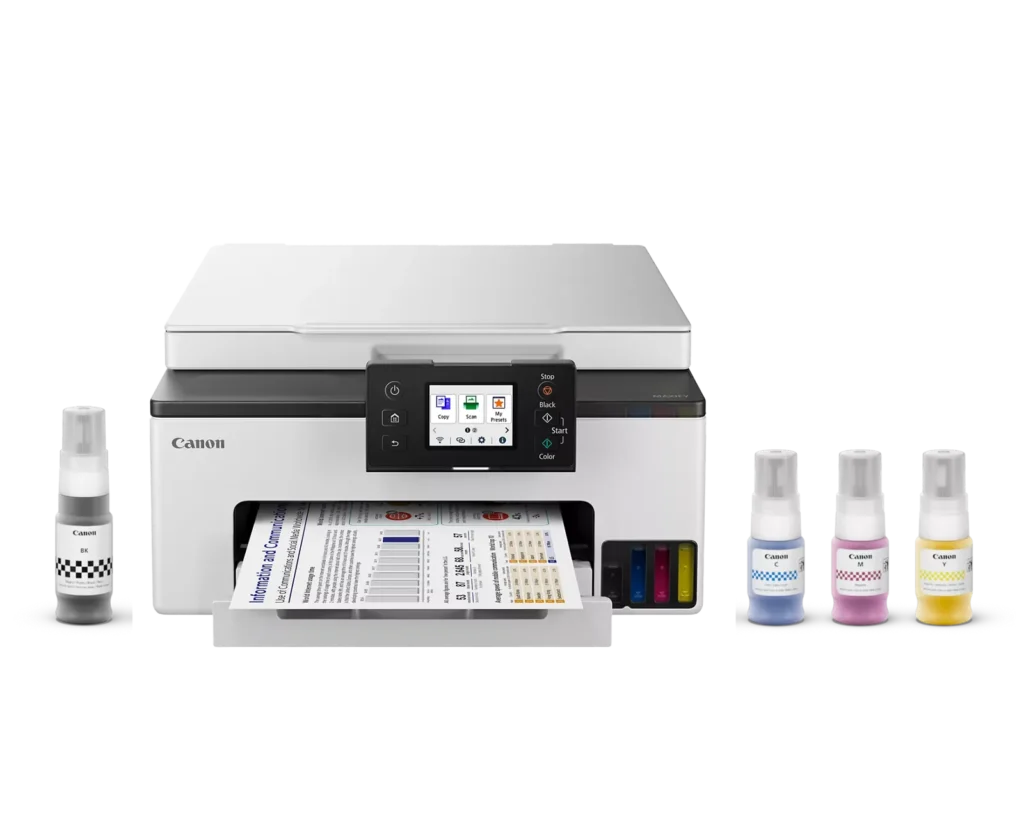
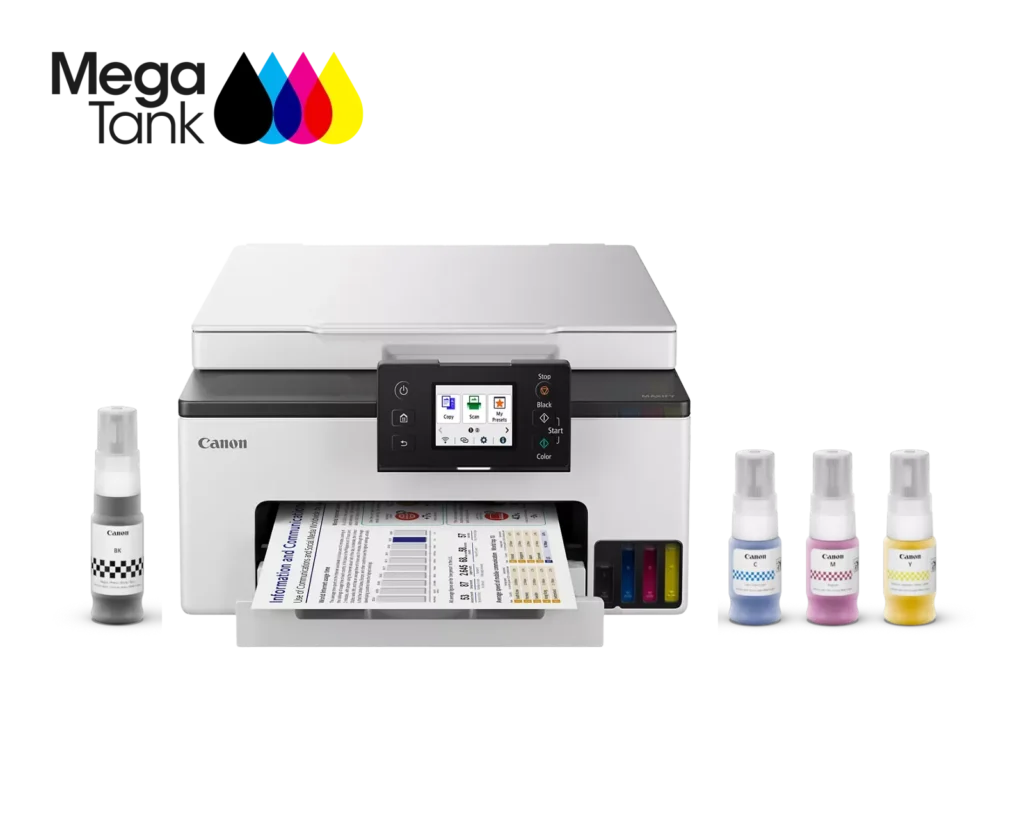
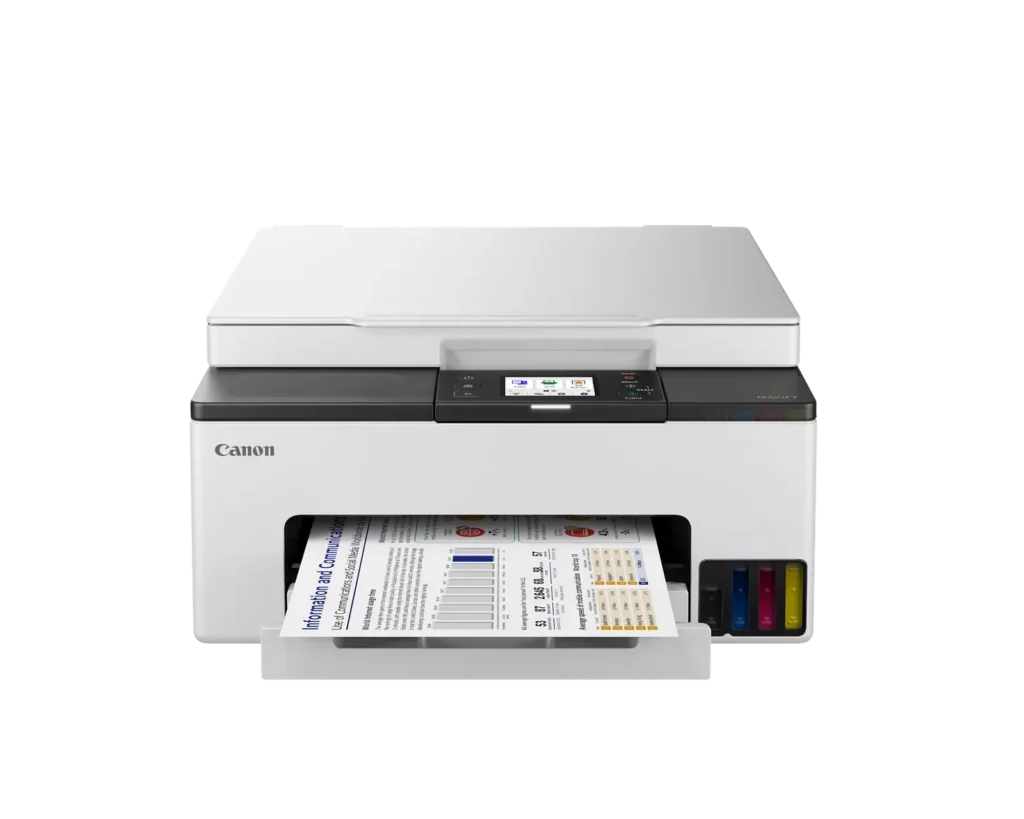
| High-Volume MegaTank Printing | The integrated MegaTank ink system allows you to print up to 3,000 black and 3,000 color pages with a single set of included ink bottles, significantly reducing running costs and the frequency of refills. |
|---|---|
| Business-Quality Pigment Inks | Utilizes a 4-color pigment-based ink system that produces sharp, crisp text and vibrant colors that are highlighter-resistant and smudge-proof, ideal for professional documents and reports. |
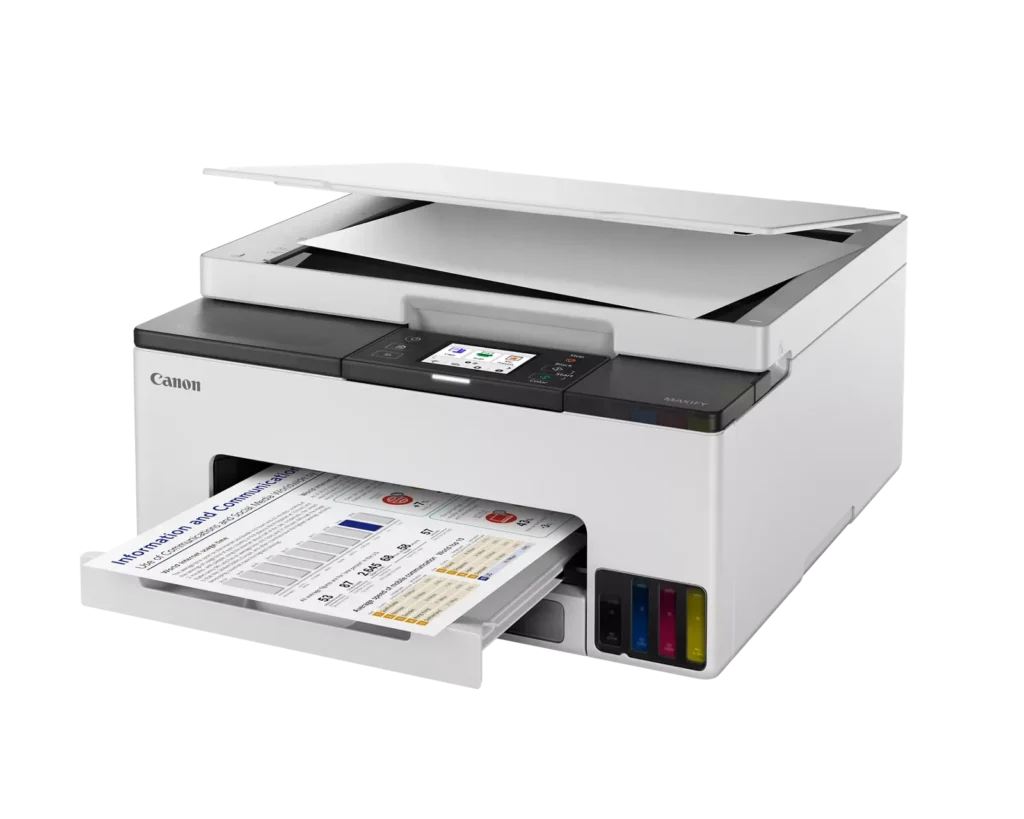
| Fast and Efficient Performance | Boost productivity with print speeds of up to 15 ipm in black and 10 ipm in color, complemented by automatic two-sided (duplex) printing to save time and reduce paper consumption. |
| Versatile Connectivity Options | Stay connected with stable dual-band Wi-Fi (2.4GHz or 5GHz), Ethernet, and USB options. Easily print from mobile devices using the Canon PRINT app, Apple AirPrint, and Mopria Print Service. |
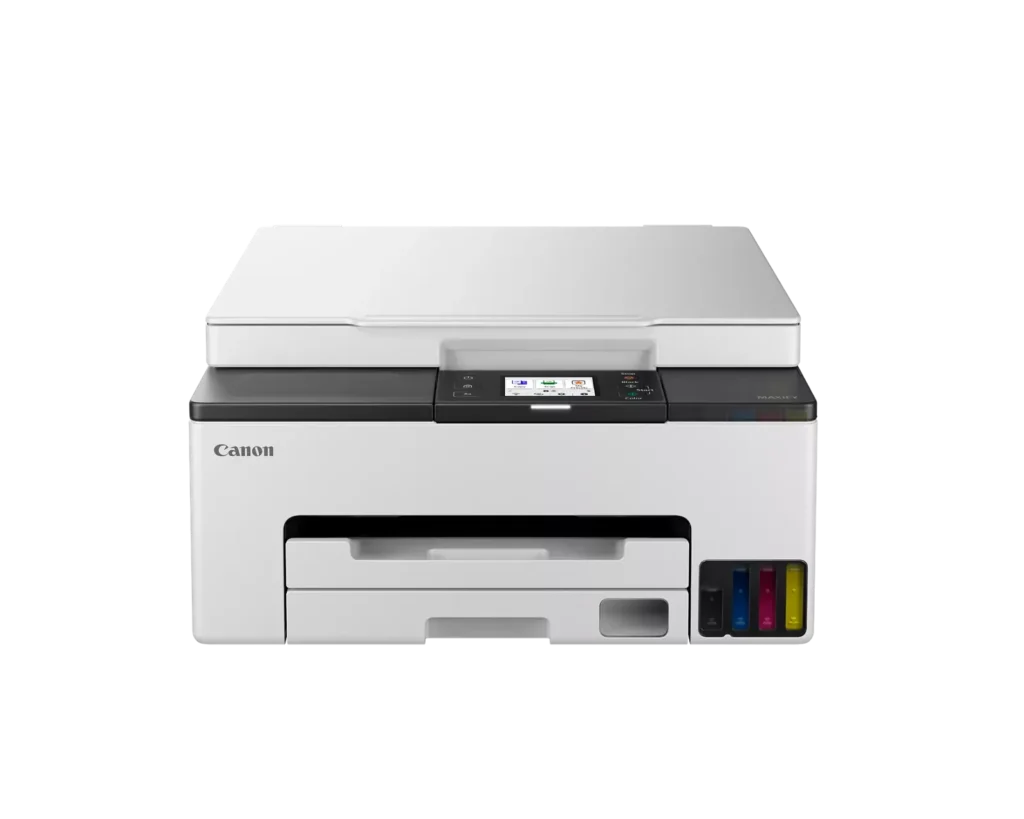
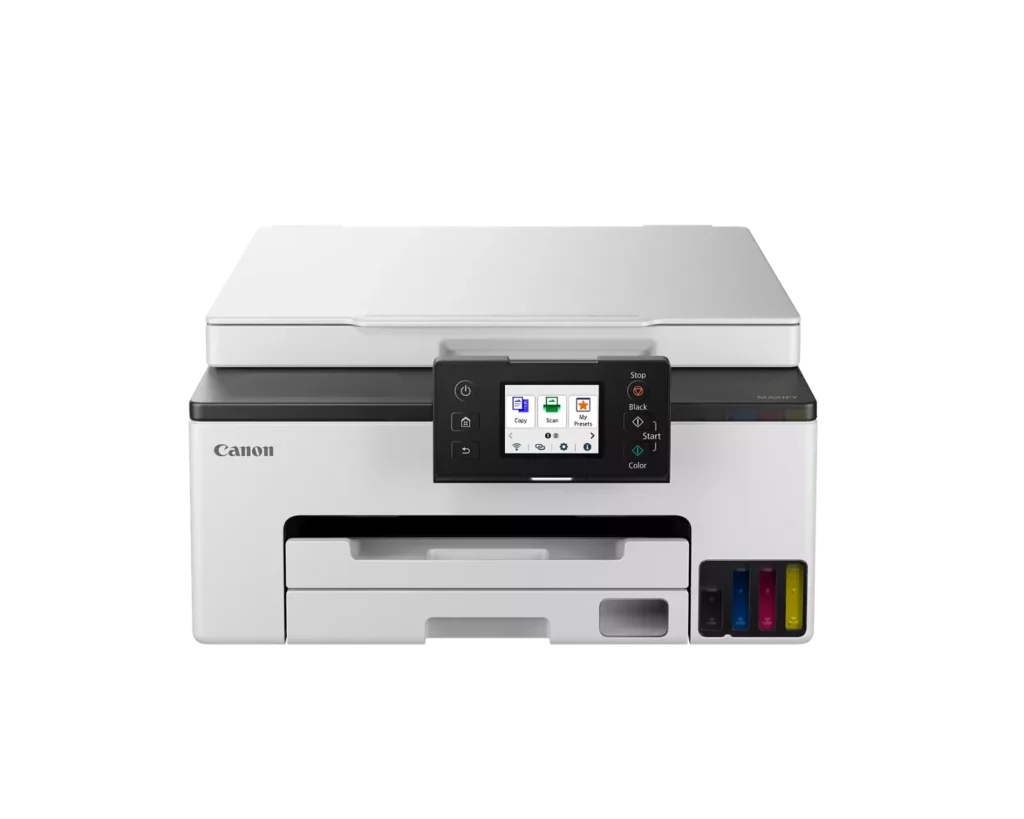
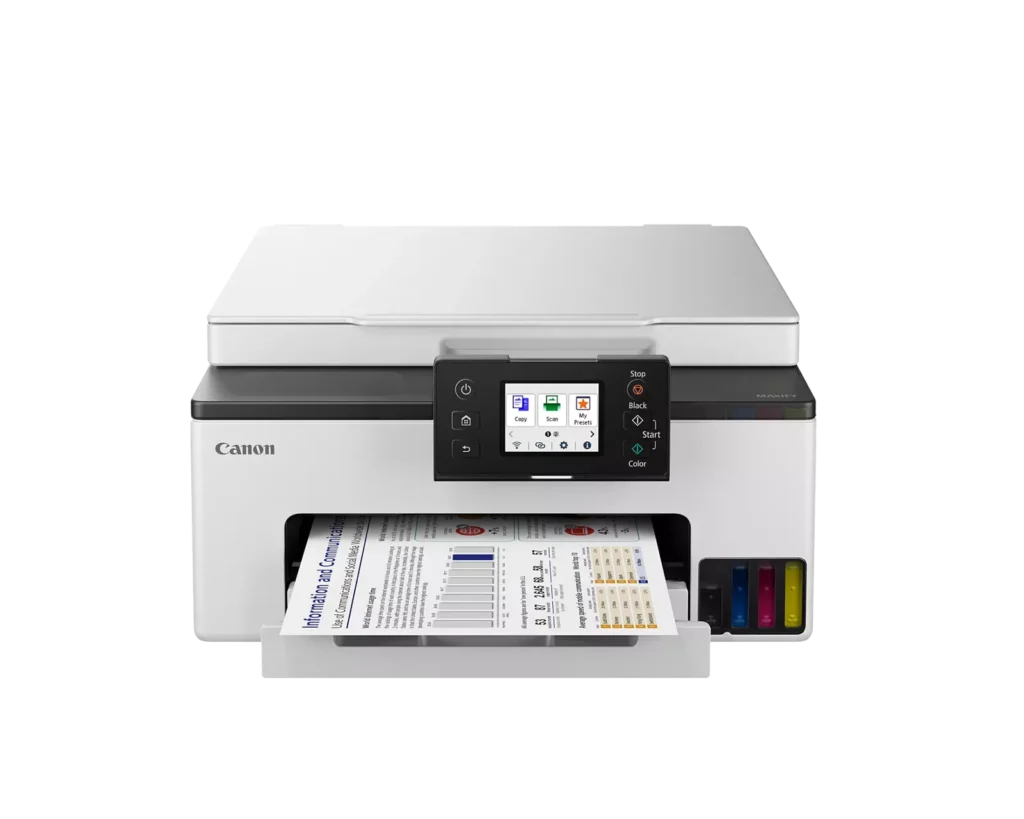
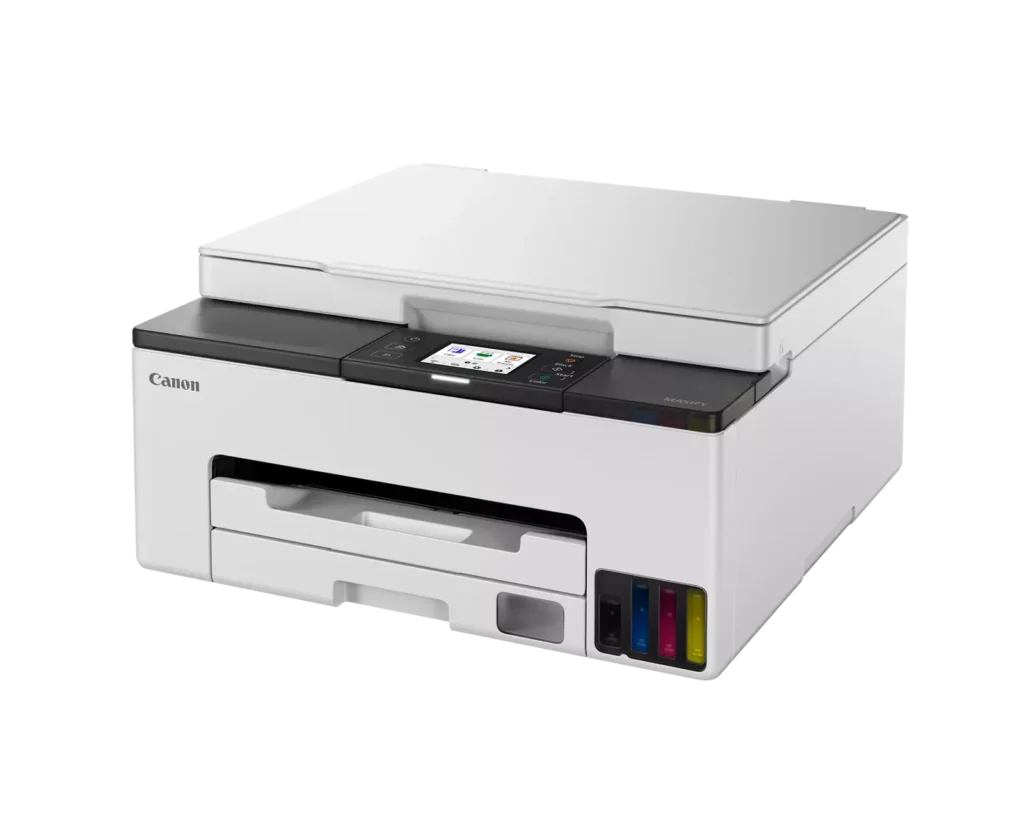
| User-Friendly and Compact Design | Features an intuitive 2.7-inch LCD color touchscreen for easy navigation, a generous 250-sheet paper cassette, and a compact footprint designed to fit comfortably in home or small office workspaces. |
Pros & Cons
Pros
- Cost-Effective MegaTank System: The refillable ink tanks offer exceptional longevity and significantly lower operating costs compared to traditional cartridges, with users reporting they can print thousands of pages before needing a refill.
- High-Quality Print Output: The printer produces sharp, professional-looking text and vibrant colors that many reviewers noted approach laser-quality, making it excellent for both business documents and high-resolution photos.
- Intuitive Touchscreen Setup: Most users found the initial installation process fast and simple, thanks to a responsive color touchscreen that provides clear, step-by-step prompts for filling ink and aligning print heads.
Cons
- Unreliable Wireless Connectivity: A recurring issue among reviewers is the printer's tendency to lose its Wi-Fi connection, particularly on the 2.4GHz band, leading to 'printer not found' errors and difficulty printing from mobile devices.
- No Automatic Document Feeder (ADF): Several users were disappointed to find the machine lacks an ADF, meaning multi-page documents must be scanned or copied manually one sheet at a time, which is time-consuming for office tasks.
- Software and App Limitations: Some customers found the Canon Print app and desktop software difficult to navigate, noting compatibility issues with older operating systems and a lack of advanced scanning destination settings.
You might also like












Customer Reviews
Showing reviews 111-120 of 134
-
Solid printer
Verified purchase Verified purchase: This reviewer bought the product.Amazon Customer January 18, 2024Review source: AmazonComes fully loaded with Ink, very easy setup and a small footprint. Printed a picture just to check out quality and I can say it performs very well.
-
Checks all the boxes.
Incentivized Incentivized review: The reviewer received a benefit for sharing feedback.la plume d'une femme January 3, 2024Review source: AmazonI don’t understand the low price on this printer. It is everything I want and need for home use and some light office stuff, when I need full color prints for work. It set up easily, it prints quickly and with great coverage and color reproduction, and the ink is so easy to reload. So why the low price on the printer – and the ink?! I’m just be quiet and enjoy the heck out of it.
-
Great setup experience and outstanding prints
Incentivized Incentivized review: The reviewer received a benefit for sharing feedback.Hyytekk December 31, 2023Review source: AmazonI think everyone who has ever replaced their printer does so with trepidation and fear. Its a bit like a visit to the DMV; its something that needs to be done but you know from past experience it will be a day filled with mind-blowing frustration. I am thrilled to relate that the setup for this printer was a breeze! Canon has become a brand of choice in past printers for their reliability and utility. I missed having the color option with my current printer and I also lacked a scanner. Both options aren’t used often but when I need them they were missed. A previous printer that did do color had cartridges that were obscenely expensive and periodically one color would not cooperate which ruined the prints. My current b&w printer is a reliable workhorse, though basic, but I never got the print from phone setup working. So my ambitions and attraction to this Canon were the fact that it has the scanner capability, it offered the color option, of course, it offered a less expensive color ink option, the reviews said wifi setup was a breeze and the hopes of print by phone was on the table again. It seems like someone finally nailed all those offerings and checked all the right boxes. Setup was indeed a breeze, printing color photos, when needed, on photo paper produces impressive results, print quality is equal to more expensive printers I’ve owned. Too soon to offer an opinion about how long lasting the color and ink replacement will be. Overall, I can highly recommend this quality printer if it checks the boxes of your needs as it did mine.
-
Worst wifi print
Verified purchase Verified purchase: This reviewer bought the product.Lora L Repka December 30, 2023Review source: AmazonThis thing doesn’t stay connected to wifi and fails to reconnect to phones. It is a huge waste of time. Too bad my husband already got rid of the box because it would be going back for sure. No matter the advanced knowledge of tech…no thing gets it to work properly.
-
Better than Expected!
Incentivized Incentivized review: The reviewer received a benefit for sharing feedback.MJ December 29, 2023Review source: AmazonThis printer is definitely better than I expected. Still, I had to take one star away because it does not print as fast as I expected. The B&W and color print quality is phenomenal. The colors are nice and vivid, and the number of pages you can get for each set of ink is incredible, approximately 3000 black and 3000 color. I print a lot because I like hard copies, and it seems as if this printer is neverending with one set of ink. This feature makes this printer very desirable, affordable, and quite the money-saver.
Another great feature is the very clear touchscreen. It is easy to use and to read. The setup for this printer is simple and takes very little time. Finally, the mobile app is very useful and a great addition to this family of printers. It is definitely worth the money.
-
Easy to set up and install
Incentivized Incentivized review: The reviewer received a benefit for sharing feedback.Shelly Stansbury December 28, 2023Review source: AmazonThis printer was very easy to set up and install. The app is great, I am able to print high quality photos from my phone. I love that this does not take an ink cartridge. I am looking forward to not having to refill the ink as often as I have in the past with canon printers that take cartridges. Great features for the price!
-
Fantastic quality prints, super quiet, awesome megatank ink system, but where is ADF and 2nd tray?
Incentivized Incentivized review: The reviewer received a benefit for sharing feedback.Vlad S. December 22, 2023Review source: AmazonI recently got my hands on this new and shiny Canon MAXIFY GX1020 printer, and let me tell you, this printer is AWESOME! After bidding farewell to my trusty Epson WorkForce printer, which lived strong for 5 years before calling it quits, I scoured through printer options and this Canon MAXIFY printer caught my eye with its cool features and reasonable price point. When it arrived, the packaging was neat, and unboxing was a piece of cake. Instructions were a bit sparse, but the printer’s design made it easy to figure things out. Setup was an absolute breeze and within 30 minutes, I had it up and running, connected to my network, and happily printing away, thanks to the straightforward on-screen prompts.
What sealed the deal for me was its double-sided printing, fantastic print quality, built-in high-definition scanner, and the megatank ink well system – a welcome shift from cartridges. Speaking of print quality, it is truly impressive, even at the highest printing speed setting. And it’s super quiet – so much so that I don’t even need to turn ON the “quiet” setting. What’s great is the ink efficiency. Despite the incredible quality, it uses very little ink. Speaking of ink, the four refillable ink bottles are a significant plus. They not only make the printer more affordable in the long run but also contribute to its environmental friendliness. I’ve printed pictures that honestly look like they were done by a professional-grade printer. In addition, the adjustable touch screen is a nice touch, making it comfortable to use no matter where it’s placed. Plus, printing from both my Mac and my phone was seamless, the range of print sizes available on the PC and the variety that the phone offers cater to different needs flawlessly.
But it’s not all smooth sailing. The printer is missing two crucial features that caused me to rate it 4 instead of 5. The missing feature number 1 is the lack of ADF (automatic document feeder) scanner that is absolutely necessary for digitizing stacks of documents. The second one is that the printer lacks the second paper tray. I usually use one tray for high-quality photo paper and the other for plain document paper. These two features would have made it a perfect printer for my use.
Overall, this Canon MAXIFY GX1020 has exceeded my expectations. It seems to be an excellent choice for those who need to print photos, posters, artwork, etc. It’s a solid all-in-one machine for printing, scanning, and copying and excels in setup ease, print quality, and cost-effective ink usage. If only it had an ADF scanner and two paper trays, that would make it a perfect printer. Even then, it’s a sleek, efficient, and high-quality printer from a reputable brand that I’d recommend to anyone in need of professional-grade printing at home.
*** TL;DR ***
The Canon MAXIFY GX1020 printer impresses with its easy setup, great print quality, and cost-effective ink system. It’s user-friendly, quiet, and supports seamless printing from various devices. However, it lacks an automatic document feeder (ADF) scanner and a second paper tray, which are crucial for certain tasks. Despite these missing features, it’s a solid all-in-one printer for home use, offering professional-grade prints and functionality. My rating is 4 stars.+++ Pros +++
1) Excellent print quality, especially for photos.
2) Cost-effective ink system reduces long-term expenses.
3) Easy setup and user-friendly interface.
4) Seamless connectivity across multiple devices.
5) Quiet operation even during high-performance tasks.
6) Slick design and solid construction.— Cons —
1) Missing automatic document feeder (ADF) scanner.
2) Only one paper tray limits paper type flexibility. -
WOW!!!
Verified purchase Verified purchase: This reviewer bought the product.David T December 15, 2023Review source: AmazonI’m 70, and remember trying to get a new printer hooked up to my home WiFi was a hair pulling nightmare.
Those days are gone!
I am delighted to report the new Canon Maxify GX1020 was a breeze for me to set-up.
After downloading the Canon Print app to my IPhone the printer recognizes your existing WiFi settings from the settings on your phone.
You merely follow the instructions on the printer’s touchscreen and it easily walks you through each step.
You will be instructed to install the black and color print heads but they both are clearly marked and easily drop into place with no fuss.
Absolutely no problems encountered.
To get my laptop hooked up was just as simple. They provide a link to Canon that has the program needed to be downloaded onto my laptop for a seamless WiFi connection.
The ink bottles were even easier to install and since they are GI-25 (as opposed to the more expensive GI-26) ink bottles, they are cheaper to purchase.
The 3 bottle color set was only $29 direct from Canon! They claim a new ink bottle set can print 3000 copies.
The first picture I printed from the photos on my IPhone is provided.
It’s on a plain sheet of A4 paper btw and looks fantastic.
I think Canon got this one right.
If you do a little research you’ll discover it has many easily replaceable internal components should the need arise.
I read through many reviews before making my decision to purchase this printer and I’m totally convinced I made the best choice.
I highly recommend this printer for home use.Update: I print our weekly church prayer list so I needed a reliable printer. I work from my laptop upstairs and the printer is in the basement next to the router and an old Dell tower computer (which also is hooked into this printer via WiFi connection).
Well … I’m happy to say, so far, this Canon Maxify has accomplished everything I’ve asked of it.
The copies print flawlessly on command from my laptop upstairs and they look crisp and clean.
Should I encounter any issues in the future I’ll leave you another update.
So far so good.👍Update 01-16-24 Well I’ve been putting this printer thru its paces for over a month and everything still working perfectly.
BTW, LU2000 makes a printer dust cover that works great on this printer.
It’s measurements are 18.9” W x 15” D x 9” H and sells for $9.99 as of January 2024.Update March 18 2024: Well I’ve been using this printer for 3 months now and it’s still working great!
Absolutely no issues.
Don’t hesitate purchasing for a good home printer that’s easy to use and more importantly reliable.
Still using original ink supply btw.Update: Well, it’s July now and I’m pleased to report after over six months of constant use this printer has had zero hiccups. All is well!👍
Update: 08/2025 This printer is used frequently and it’s operated perfectly since day one. Ink is inexpensive and lasts quite awhile.
Don’t hesitate, just buy one! -
Says it does not recognize ink cartridges
Verified purchase Verified purchase: This reviewer bought the product.itrainonpulse December 13, 2023Review source: AmazonInk cartridges were opened. Cartridges were suspicious when we saw they were very small for the opened ink container. Now computer says it does not recognize the cartridges. I believe the original cartridges were swapped out.
-
Printer does not want to install properly
Verified purchase Verified purchase: This reviewer bought the product.Does not fit front Ford F150 2… December 12, 2023Review source: AmazonPrinter too complecated.
Not interested.