Customer Media
Highlights
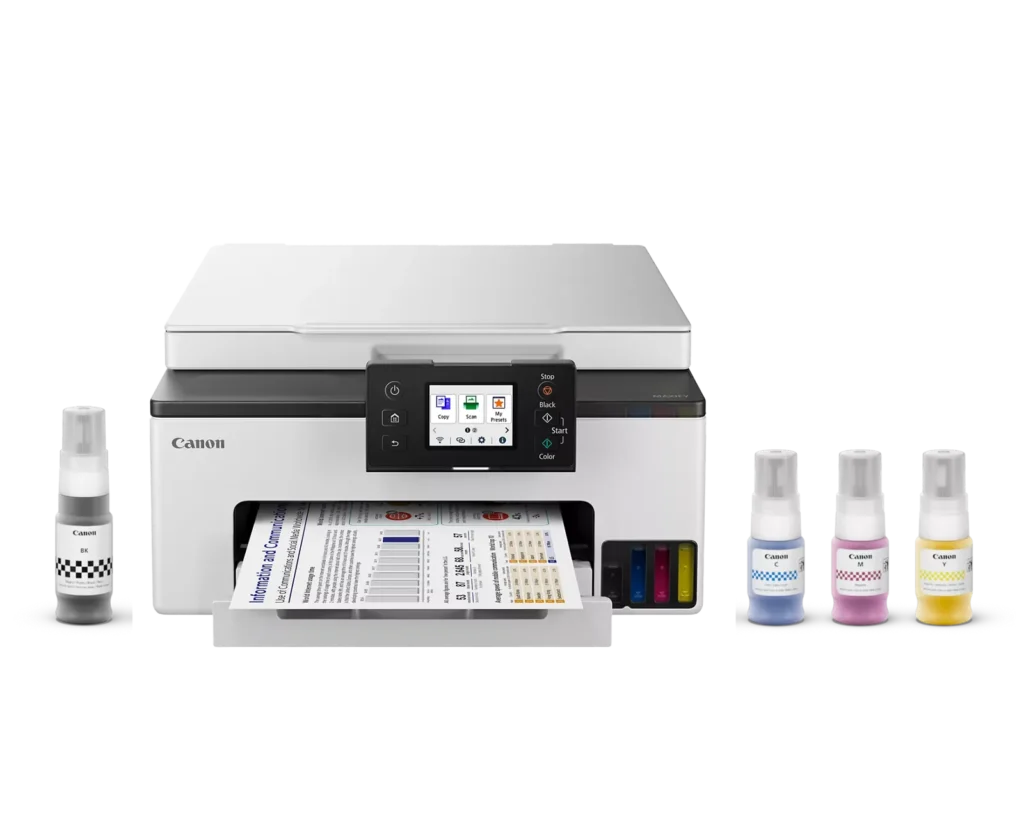
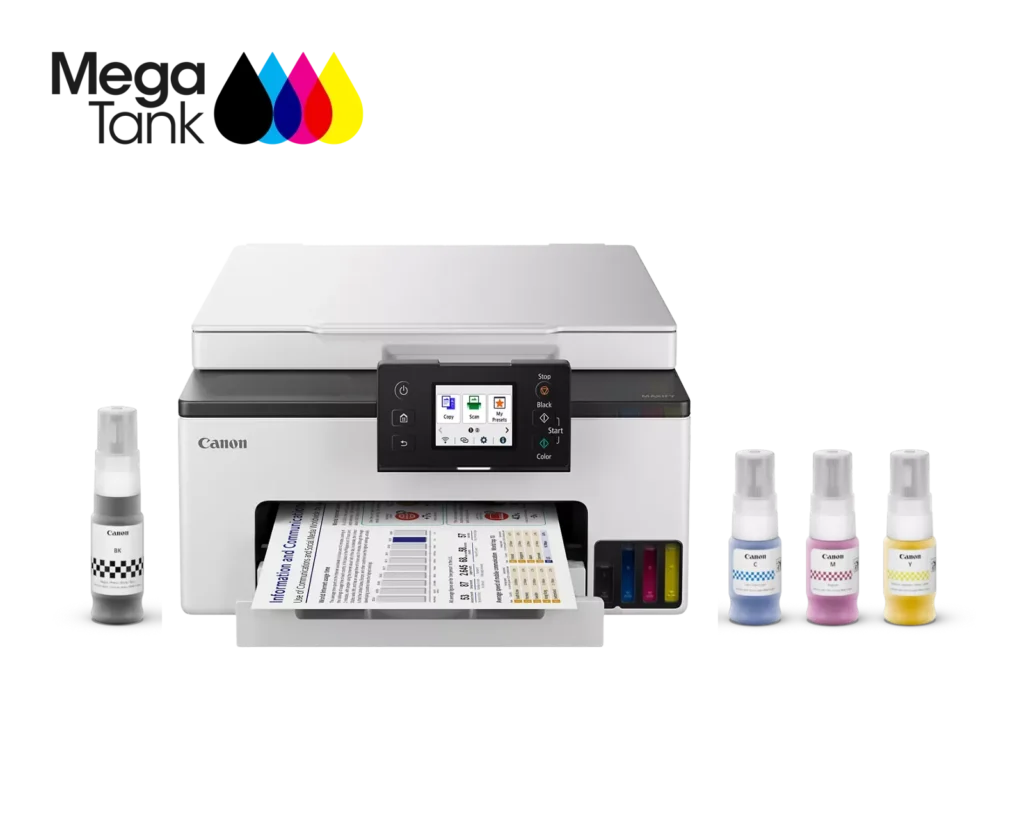
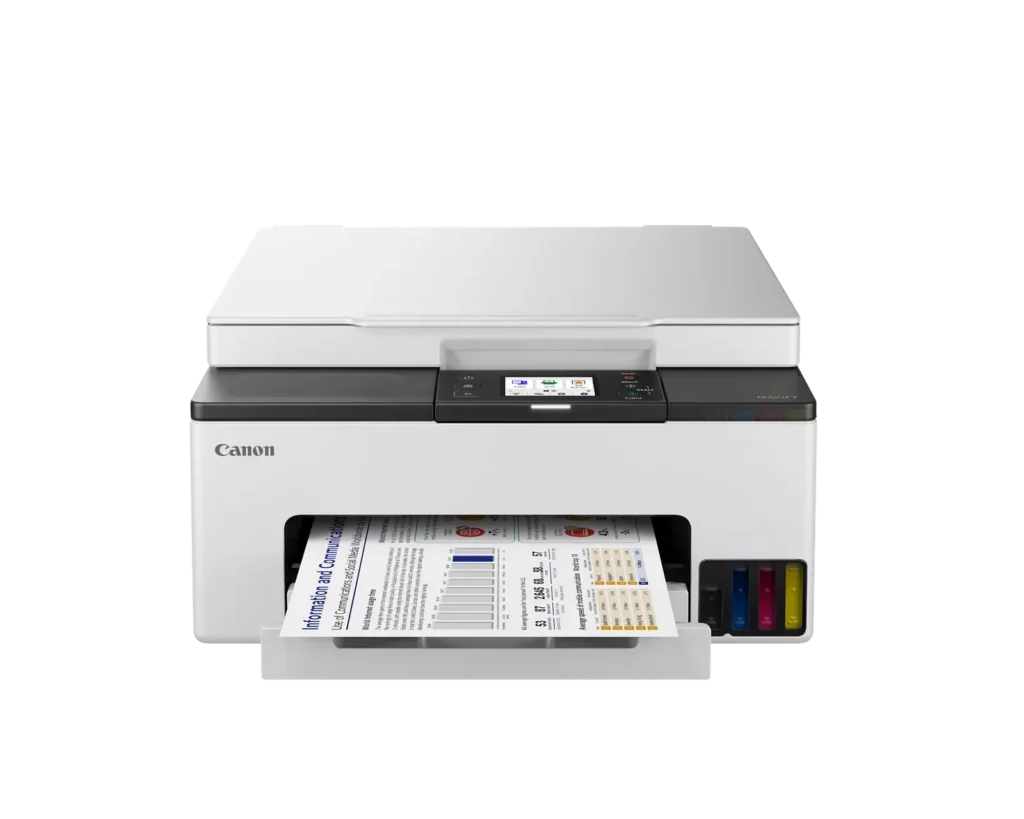
| High-Volume MegaTank Printing | The integrated MegaTank ink system allows you to print up to 3,000 black and 3,000 color pages with a single set of included ink bottles, significantly reducing running costs and the frequency of refills. |
|---|---|
| Business-Quality Pigment Inks | Utilizes a 4-color pigment-based ink system that produces sharp, crisp text and vibrant colors that are highlighter-resistant and smudge-proof, ideal for professional documents and reports. |
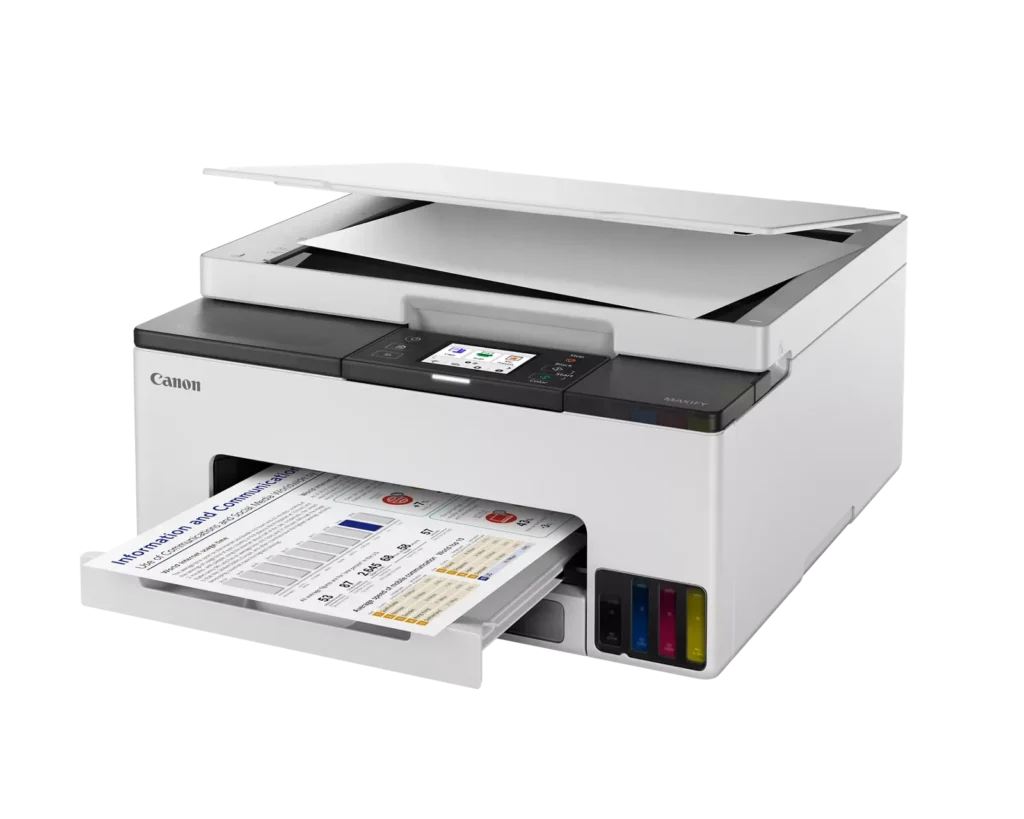
| Fast and Efficient Performance | Boost productivity with print speeds of up to 15 ipm in black and 10 ipm in color, complemented by automatic two-sided (duplex) printing to save time and reduce paper consumption. |
| Versatile Connectivity Options | Stay connected with stable dual-band Wi-Fi (2.4GHz or 5GHz), Ethernet, and USB options. Easily print from mobile devices using the Canon PRINT app, Apple AirPrint, and Mopria Print Service. |
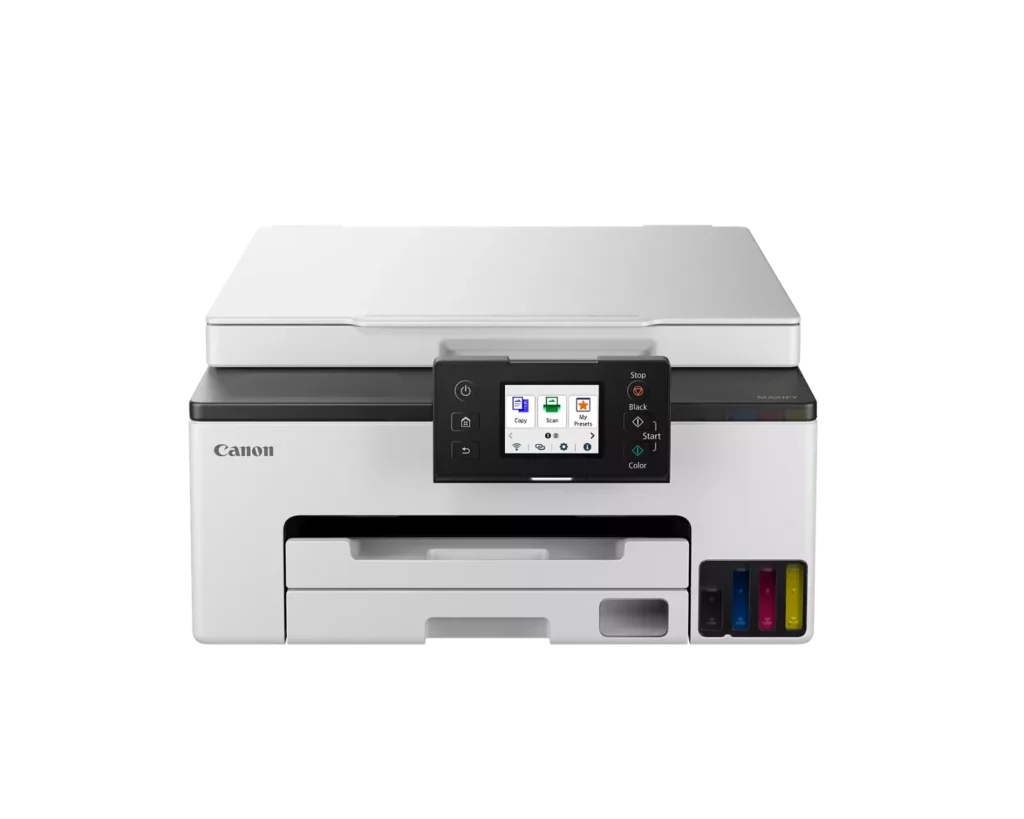
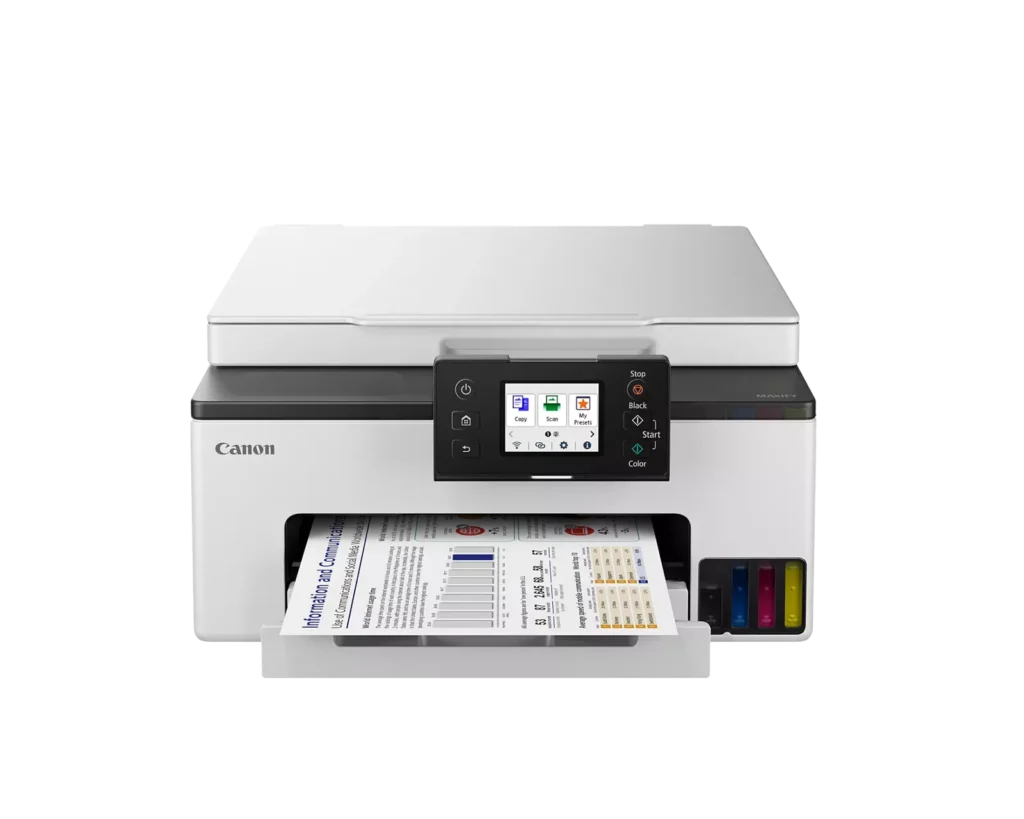
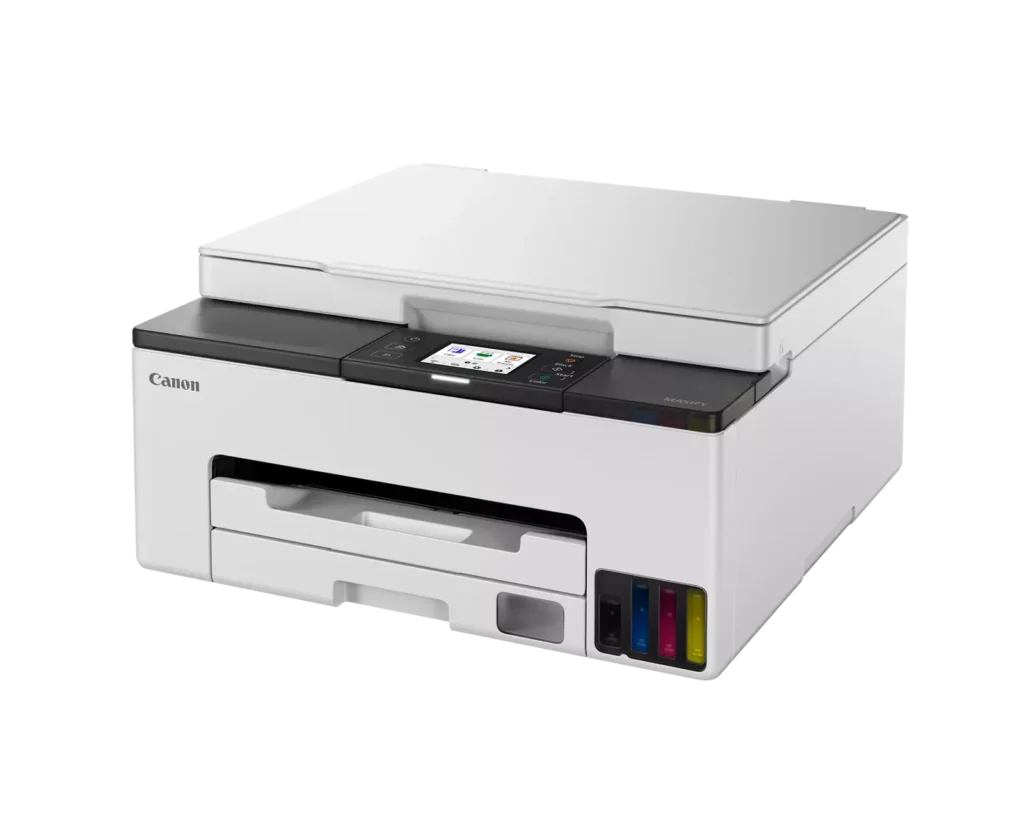
| User-Friendly and Compact Design | Features an intuitive 2.7-inch LCD color touchscreen for easy navigation, a generous 250-sheet paper cassette, and a compact footprint designed to fit comfortably in home or small office workspaces. |
Pros & Cons
Pros
- Cost-Effective MegaTank System: The refillable ink tanks offer exceptional longevity and significantly lower operating costs compared to traditional cartridges, with users reporting they can print thousands of pages before needing a refill.
- High-Quality Print Output: The printer produces sharp, professional-looking text and vibrant colors that many reviewers noted approach laser-quality, making it excellent for both business documents and high-resolution photos.
- Intuitive Touchscreen Setup: Most users found the initial installation process fast and simple, thanks to a responsive color touchscreen that provides clear, step-by-step prompts for filling ink and aligning print heads.
Cons
- Unreliable Wireless Connectivity: A recurring issue among reviewers is the printer's tendency to lose its Wi-Fi connection, particularly on the 2.4GHz band, leading to 'printer not found' errors and difficulty printing from mobile devices.
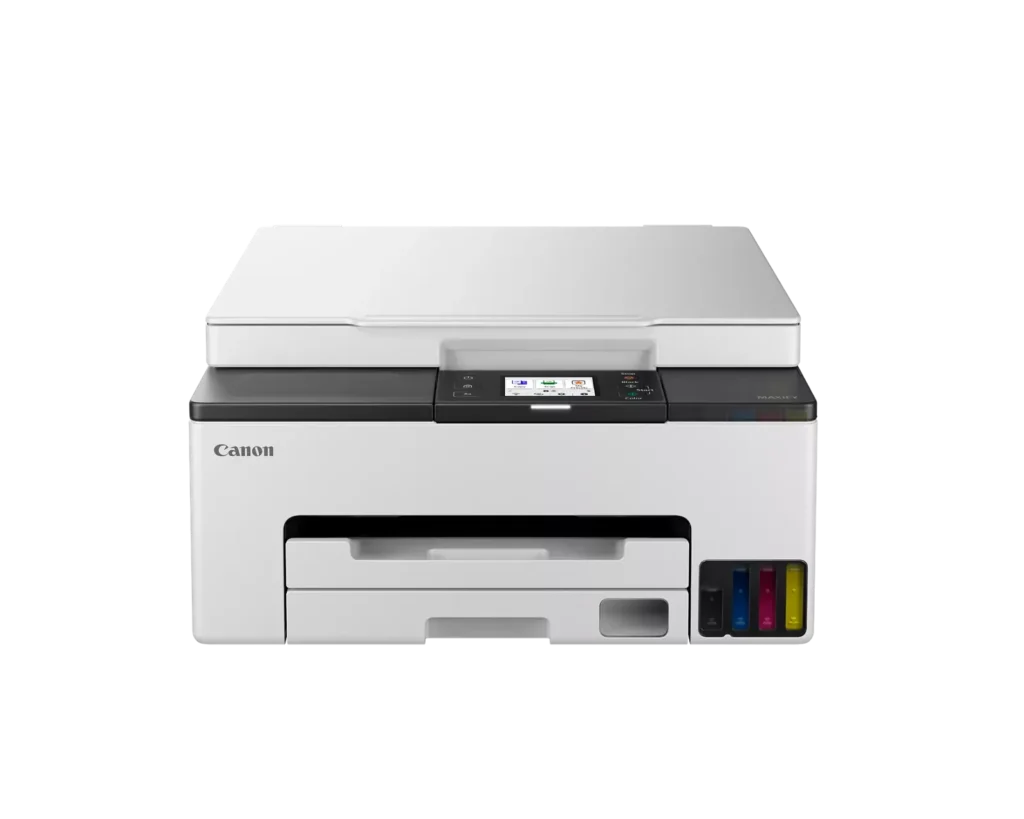
- No Automatic Document Feeder (ADF): Several users were disappointed to find the machine lacks an ADF, meaning multi-page documents must be scanned or copied manually one sheet at a time, which is time-consuming for office tasks.
- Software and App Limitations: Some customers found the Canon Print app and desktop software difficult to navigate, noting compatibility issues with older operating systems and a lack of advanced scanning destination settings.
You might also like












Customer Reviews
Showing reviews 131-134 of 134
-
Copy thay
Incentivized Incentivized review: The reviewer received a benefit for sharing feedback.Frenchsilk November 19, 2023Review source: AmazonVery easy to install, and I love the inks and how big they are. The quality of the prints was very good. And it looks good in any space.
-
Poor wireless function, setup hassles, great at printing text/figures, good at photos
Verified purchase Verified purchase: This reviewer bought the product.Amazon Customer November 16, 2023Review source: AmazonBought this printer to replace an 10 year old Canon cartridge Pixma MG printer which was still working great, but Canon stopped updating drivers so it was not compatible with Windows 11 on my new lab top. I bought this for my home which I print approximately once per week and scan 1-2 times a month. I wanted to go with the tank model because despite my little use was replacing cartridges about twice a year ($100/yr).
SETUP/WIRELESS: Initially Easy then Extremely, Extremely frustrating. I plugged the printer in and turned it on and followed the prompts. Ink was extremely easy to fill and to my my amazement not a drop of ink was spilled. After running a print head alignment and a few other steps it prompted to connect my wireless network and connected to my printer hassle free and within minutes I had printed a test page and was amazed. (I’m not a tech guy but did have questions over security in that it connected to my network without me ever having to enter my network password). Didn’t have to create a Canon account either to get it working either.
After printing the test page I decided to try to print a full page photo. Nothing. The print job showed that it never fully loaded. Tried this numerous times and again the job never fully sent to printer. Tried a several page text document and again failed. My router is in another room and had similar problems with my old canon model that I gave up trying with it but was hopeful maybe some improvements have been made it ten years but apparently not. I figured I would be forced to plug it in via USB cable whenever I want to print (which I am okay with given how little I print). That’s where the hassles began.
CANON DOESN’T INCLUDE A USB PRINTER CABLE WHICH MAKES THE MODEL USELESS IF WIRELESS ISN’T WORKING. So I utilized my old printer’s cable. Plugged it in and no printer was found. Tried to add it manually via Windows 11 and did so then said drivers weren’t installed. Long story short. I had to delete all the canon drivers, disable the wireless function on the printer, go to the canon website product page (not the wireless setup address given in the paperwork). I downloaded the drivers again and on the install setup on the computer (not the printer) they have an option for USB install which was quick and easy. Could immediately access all the functions. Don’t know if I’ll ever attempt the wireless install again.
PRINTING: Great quality with text and figures both in black/white and color. Photos- no borderless option given this is an office based model. Photo quality I would say is just below drug score quality. The colors are not as vibrant as the original image. I assume this is related to the pigment based ink used in this system rather than the dye based used for colors in my old Pixma. Photos have clear details, and black and white photos look great and have no banding in large dark areas.
Copying: Great image quality
Scanning: Okay, images are a bit grainy and definitely can tell they are scanned**One last issue- every time I go to print a photo I remove the cassette and insert my 4×6 glossy photo. When I push the cassette back in it asks to confirm the size which it detects automatically and I push the button to confirm. However whenever I go to print a photo I get a prompt that wrong paper is inserted even though I confirmed on the printer when I inserted the cassette and on my print settings to make sure they match and are correct. I have to push print with current paper and everything comes out fine but If I was printing wirelessly (which I can’t) that would mean I would still have to walk to the printer to click the okay to print button which each photo.
In summary, despite some setup issues. I am very pleased with printer and how it functions using a USB cable and the quality of images produced. I would have major concerns if I desired to use the wireless function consistently.
-
Quality Fast Color Printing
Incentivized Incentivized review: The reviewer received a benefit for sharing feedback.MC November 16, 2023Review source: AmazonI would give this more stars if I could. I am able to print directly from my iPhone. Color printing is fairly fast in speed. The color print quality is superb, shows great color and details. This MAXIFY GX1020 has great paper handling, feeds and prints nicely. The adjustable touch screen is a great feature as well, allows good view of screen no matter if I place it on a high or low surface.
It does print, scan, and copy which is all I need for home use. When I look into printers I also search on ink cost. These refilling ink bottles are significant less and more affordable than cartridges, which is a big plus for me.
-
Easiest Setup Ever!
Verified purchase Verified purchase: This reviewer bought the product.Joe W November 16, 2023Review source: AmazonHad a HP Envy 4500printer for 4+ years which after printing 22+K copies gave up the ghost.
Researched printers and for me the price point and features this one offered, appeared to be the best fit.
What did it for me was: Double sided printing, good print quality, fair price, ink well vs. cartridge, and easy set-up.
Printer arrived a day earlier than initially posted.
Unit was well packaged, but not overly so – easy to unbox.
Set-up instructions were very sparse, but… the engineering that went into the unit made it easy to understand what needed to be done and easy to accomplish.
power up the unit – follow the on-screen prompts, and within 30 minutes the printer was operating and connected to my laptop, to include a Wi-Fi connection.
Print quality is good, speed of operation is good and I like the ability to replace the ink overflow cartridge in the back of the unit. Plus, it appears cost of printing will be less than using cartridges. Time will tell. For me, for now, I am a satisfied customer and based on initial impressions of this printer, do recommend it for home printing.
Oh, I did give it a 4 rating [4 and a half is what I wanted to give it] based on printing a copy of an advertisement that came with the unit. The predominant background color of the ad was a dark color and the printed copy of the background color was just a tiny bit darker that the original. The other colors in the ad were spot on. So, for me. Not a deal breaker.