Customer Media
Highlights
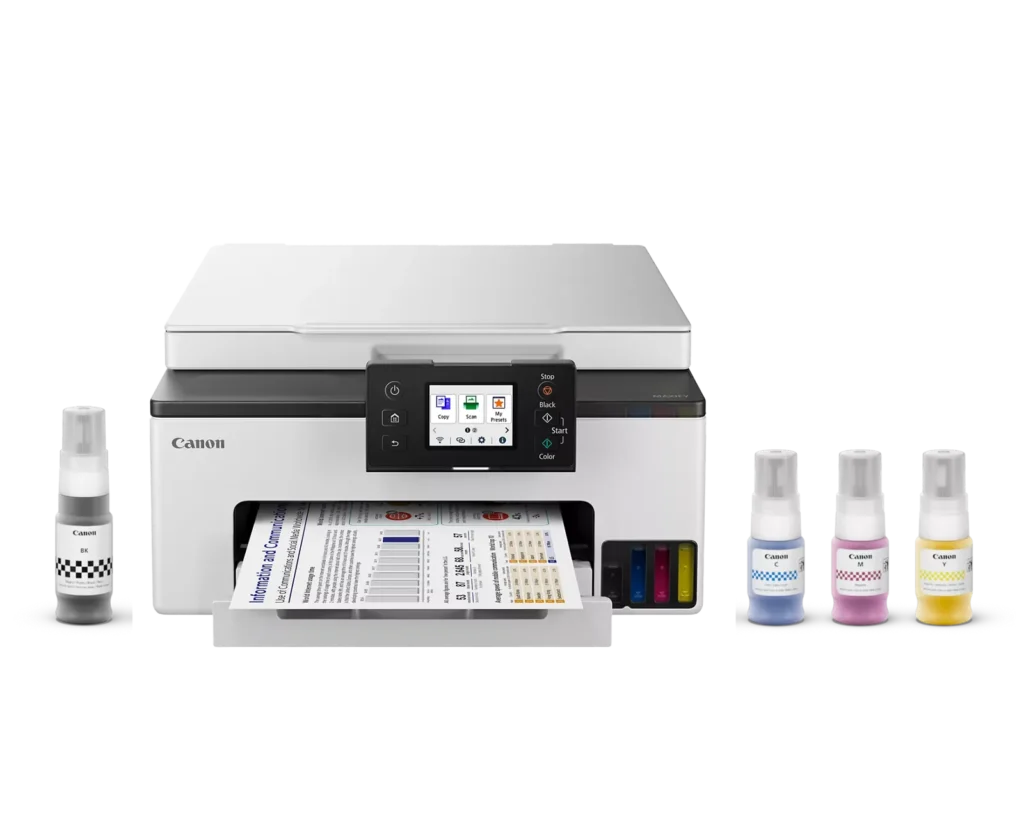
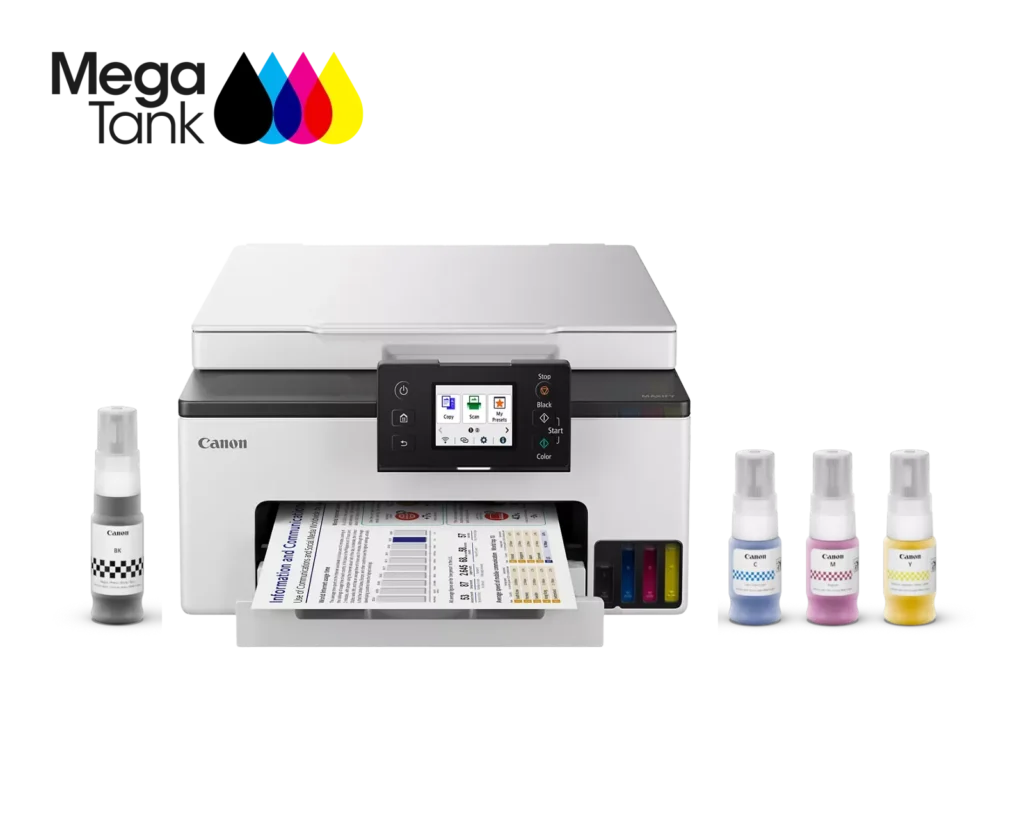
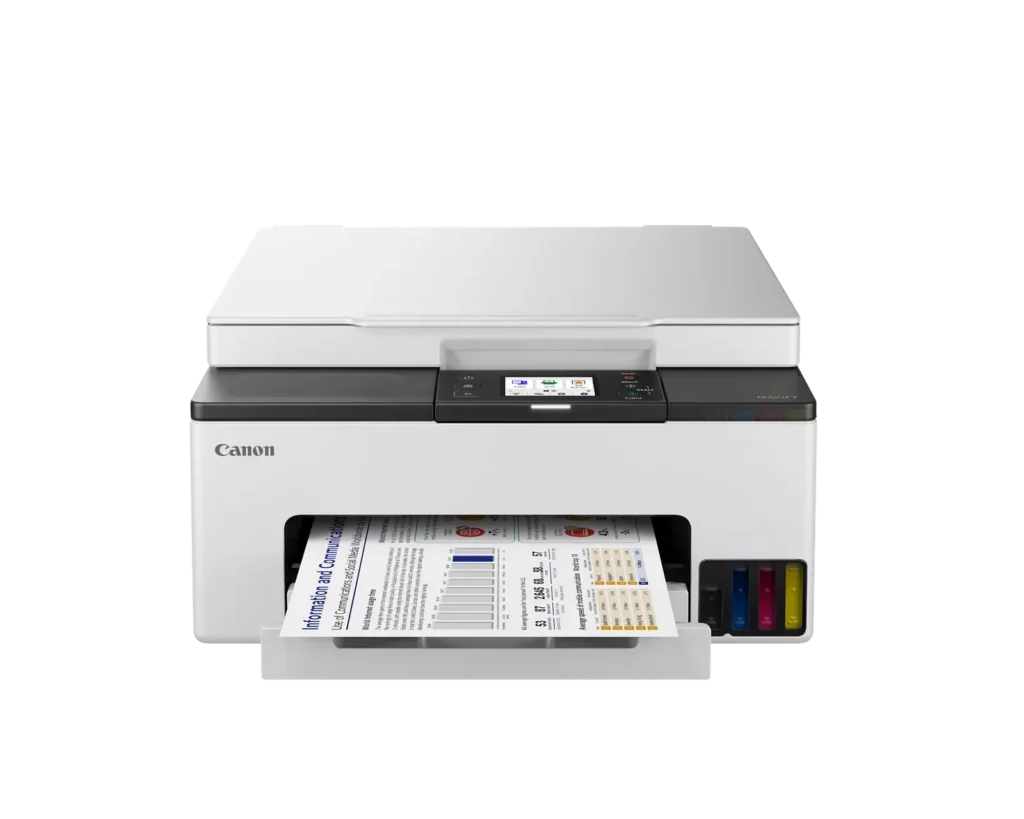
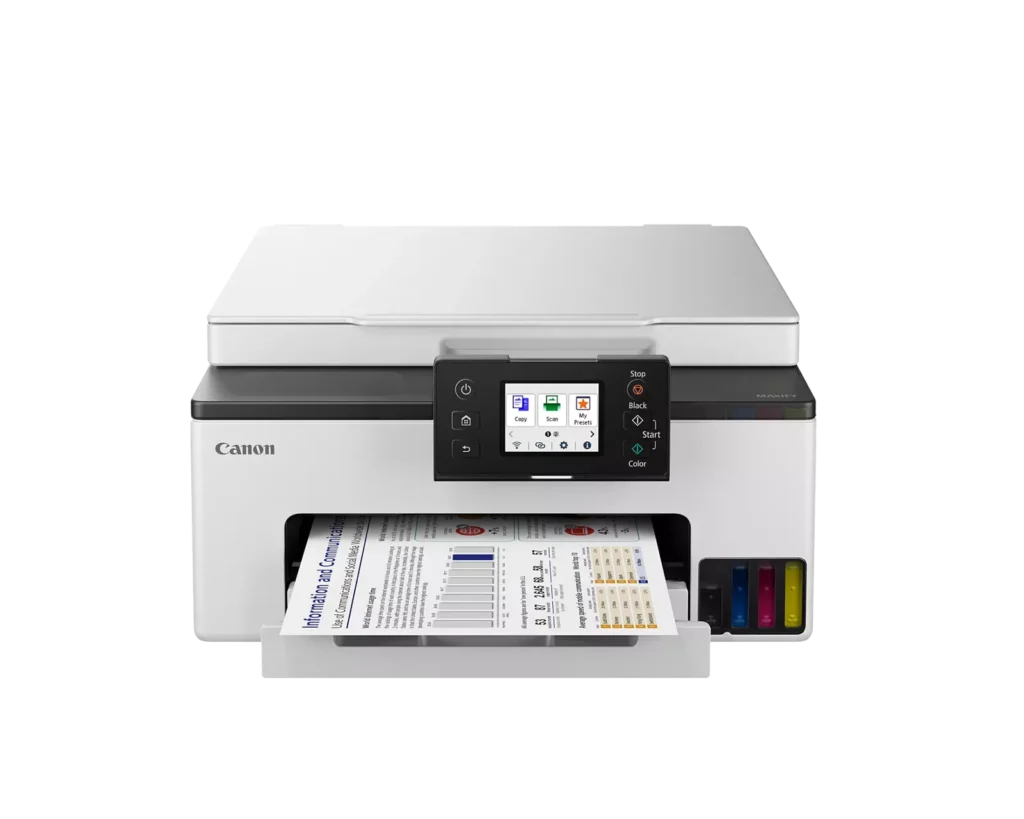
| High-Volume MegaTank Printing | The integrated MegaTank ink system allows you to print up to 3,000 black and 3,000 color pages with a single set of included ink bottles, significantly reducing running costs and the frequency of refills. |
|---|---|
| Business-Quality Pigment Inks | Utilizes a 4-color pigment-based ink system that produces sharp, crisp text and vibrant colors that are highlighter-resistant and smudge-proof, ideal for professional documents and reports. |
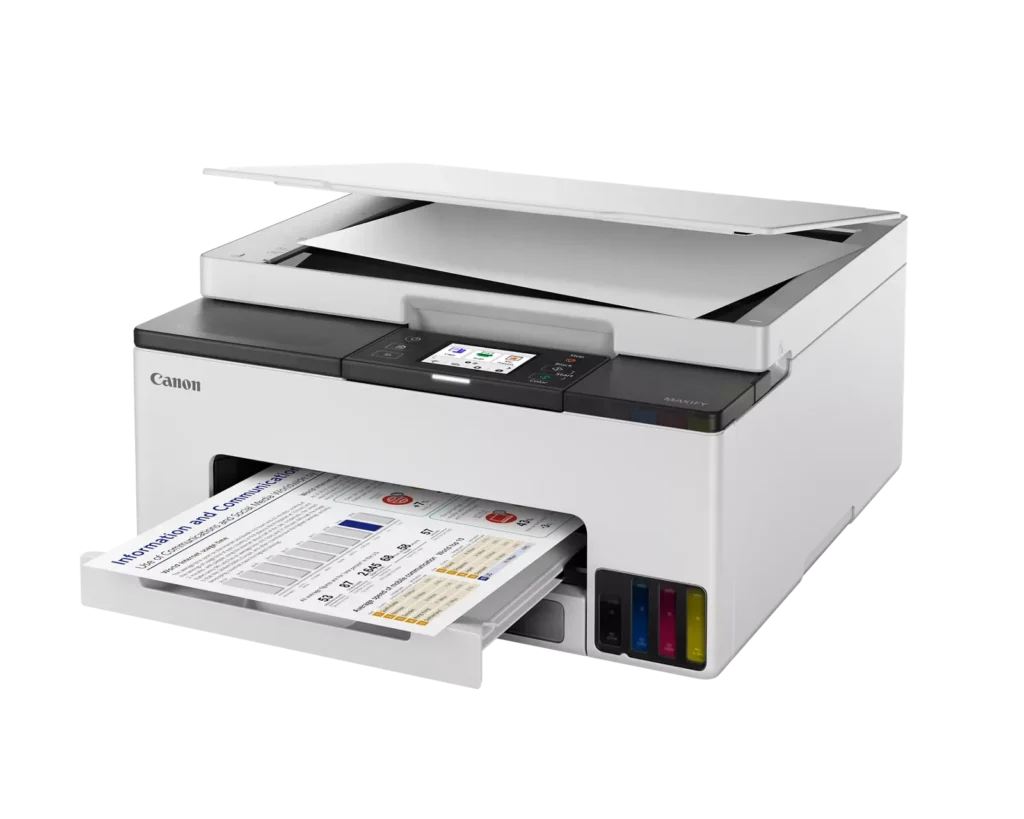
| Fast and Efficient Performance | Boost productivity with print speeds of up to 15 ipm in black and 10 ipm in color, complemented by automatic two-sided (duplex) printing to save time and reduce paper consumption. |
| Versatile Connectivity Options | Stay connected with stable dual-band Wi-Fi (2.4GHz or 5GHz), Ethernet, and USB options. Easily print from mobile devices using the Canon PRINT app, Apple AirPrint, and Mopria Print Service. |
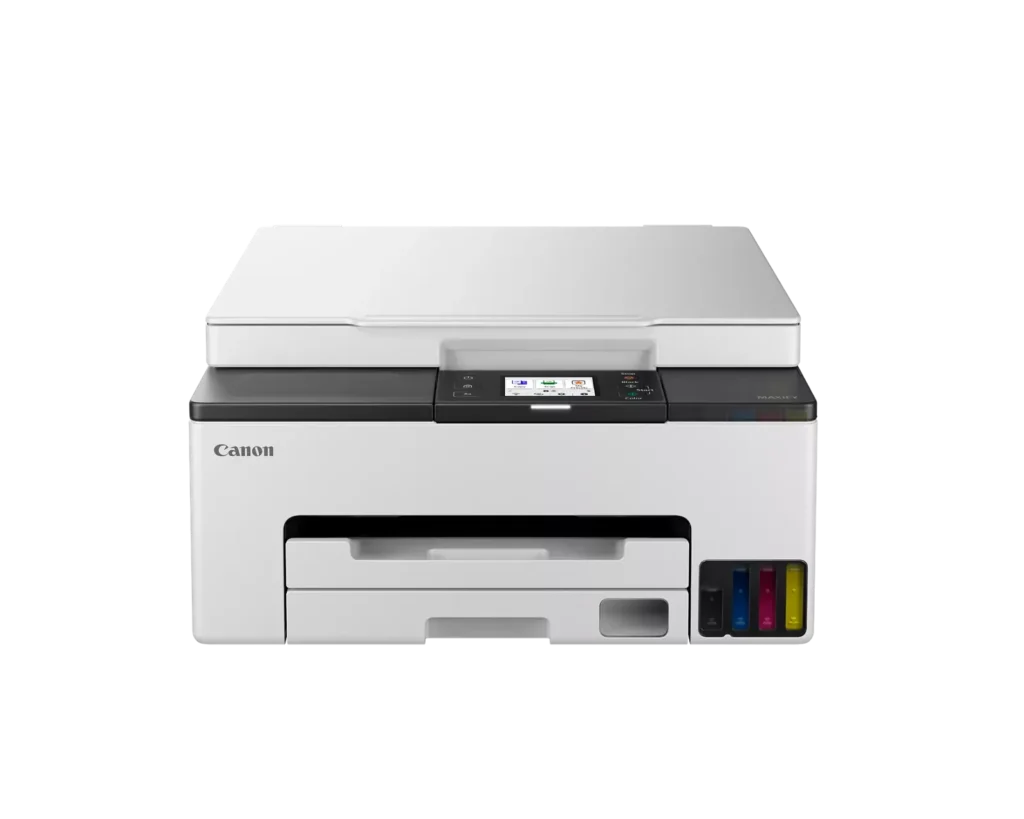
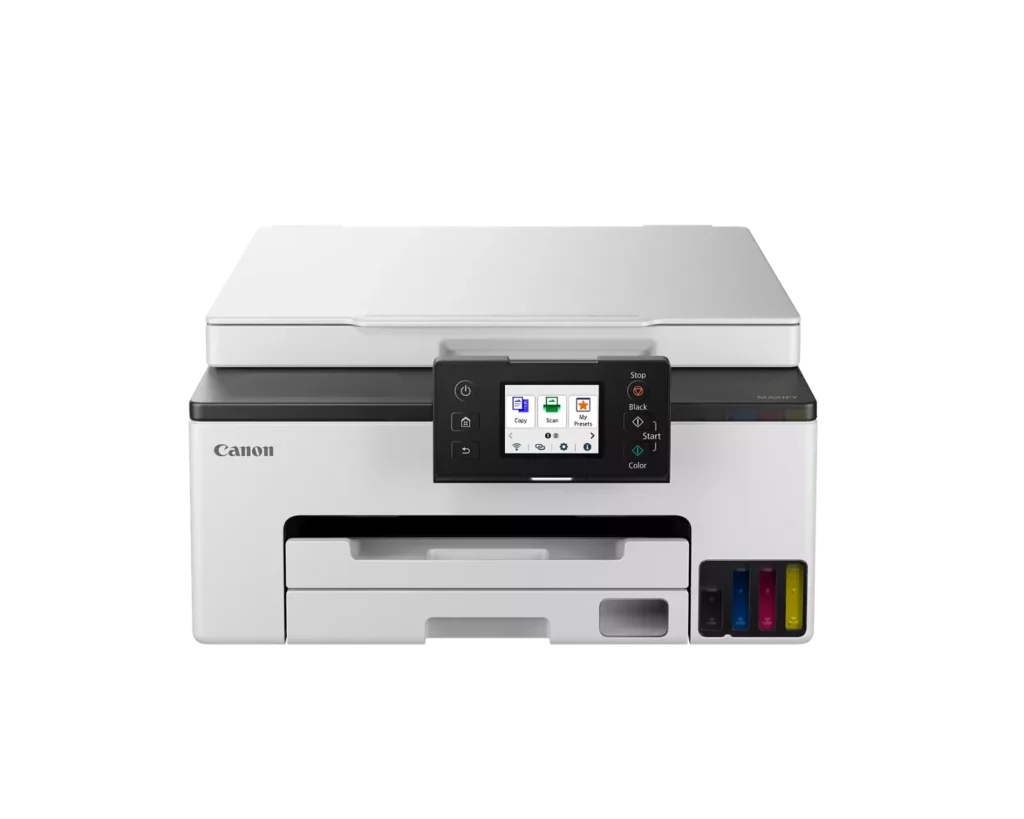
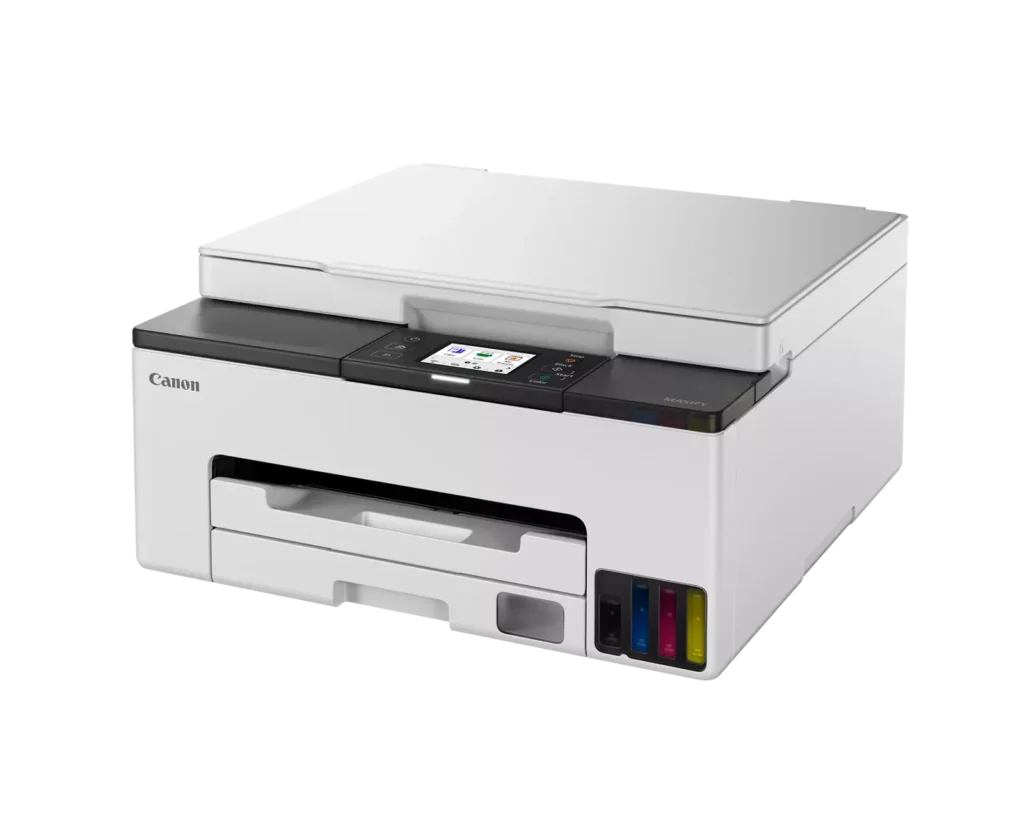
| User-Friendly and Compact Design | Features an intuitive 2.7-inch LCD color touchscreen for easy navigation, a generous 250-sheet paper cassette, and a compact footprint designed to fit comfortably in home or small office workspaces. |
Pros & Cons
Pros
- Cost-Effective MegaTank System: The refillable ink tanks offer exceptional longevity and significantly lower operating costs compared to traditional cartridges, with users reporting they can print thousands of pages before needing a refill.
- High-Quality Print Output: The printer produces sharp, professional-looking text and vibrant colors that many reviewers noted approach laser-quality, making it excellent for both business documents and high-resolution photos.
- Intuitive Touchscreen Setup: Most users found the initial installation process fast and simple, thanks to a responsive color touchscreen that provides clear, step-by-step prompts for filling ink and aligning print heads.
Cons
- Unreliable Wireless Connectivity: A recurring issue among reviewers is the printer's tendency to lose its Wi-Fi connection, particularly on the 2.4GHz band, leading to 'printer not found' errors and difficulty printing from mobile devices.
- No Automatic Document Feeder (ADF): Several users were disappointed to find the machine lacks an ADF, meaning multi-page documents must be scanned or copied manually one sheet at a time, which is time-consuming for office tasks.
- Software and App Limitations: Some customers found the Canon Print app and desktop software difficult to navigate, noting compatibility issues with older operating systems and a lack of advanced scanning destination settings.
You might also like












Customer Reviews
Showing reviews 11-20 of 134
-
difficult to operate
Verified purchase Verified purchase: This reviewer bought the product.Butch Coolidge April 24, 2025Review source: Amazonwhat a waste of money. if you want a printer that’s easy to print with do NOT buy this. I have to jump through hoops every time I want to print a simple document. you cannot print through apple air print and you have to use the canon app. and sometimes that doesn’t even work. the printer will just endlessly try to print it until you have to unplug the printer, wait 5 min for it to reset and try again until it works. not sure how such a bad product exists. I even talked to canon customer support when I first bought and they said it was defective and sent me a new one. the new one works a little better I have to say but it’s still very difficult to use.
-
Loud and Slow
Incentivized Incentivized review: The reviewer received a benefit for sharing feedback.Z Customer April 22, 2025Review source: AmazonThis printer is great at times. It has vivid colors, amazing quality printout, however, it super loud and it takes forever to print something out. Seriously, I’ve waited 5 minutes for it to print out a couple of pages. It’s actually a bummer because I love the quality of the print. Not sure if I’m going to keep it as my go-to printer, maybe for good prints when it’s worth the wait.
-
Good printer
Verified purchase Verified purchase: This reviewer bought the product.GLE April 19, 2025Review source: AmazonLove the printer and not having to buy ink cartridges so often!
-
Canon Maxify printer
Verified purchase Verified purchase: This reviewer bought the product.KristinaC March 21, 2025Review source: BestbuyTHIS PRINTER IS PERFECT. Ink seems never-ending. Quality is fantastic. Highly recommend!
-
Don’t buy
Verified purchase Verified purchase: This reviewer bought the product.Amazon Customer March 18, 2025Review source: AmazonThis printer is terrible. Too many things wrong to describe. Very, very, difficult to use.
-
Unreliable and rarely functions.
Sym Pecunius March 15, 2025Review source: AmazonPrinter rarely prints or scans. I have it set up, connected to wifi/desktop etc. Sometimes it will decide to print or scan, sometimes it will say “can’t connect.” Makes no sense. Overall an expensive waste of money. If it’s not connected, why will it print, then not scan a document 2 minutes later and then fail to print a document for no reason, no changes made? The printer is sitting right next to my desktop. The wireless functionality is simply too unreliable and low quality. Just because it’s a Canon doesn’t mean it will work properly. Don’t waste your money on a major brand label when a cheaper option will be more reliable.
-
Good home office printer
Verified purchase Verified purchase: This reviewer bought the product.Protoman March 8, 2025Review source: AmazonLove this printer, easy wireless set up and ink lasts forever, no more trips to office supply store in the middle of a print job.
-
Yes, Buy It!
Verified purchase Verified purchase: This reviewer bought the product.M.Yarbrough March 4, 2025Review source: AmazonSet up was fast and easy! I’ve owned several brands of home office printers including HP, Epson and Canon. The setup of this printer was faster than any other printers I’ve purchased in the past. Start with the Quick Start Guide which only has 3 steps. It directs you to the touch screen that walks you through the set up. Connecting to wifi at the end of setup took a few more steps and was also easy. You can share your WiFi settings through your phone so you don’t have to specifically enter the details, which really simplified the process. I printed a page from my phone to see if it was working and the printer spit it out twice as fast as my old printer. From unboxing to completion of set up took about 45 minutes.
-
Works great!
Verified purchase Verified purchase: This reviewer bought the product.Linda Bartz March 3, 2025Review source: AmazonWorks great, printing is spot on.
-
Great little printer
Verified purchase Verified purchase: This reviewer bought the product.Sibbern February 11, 2025Review source: AmazonI love this printer! I do very little printing. When I do, sometime several weeks, the nozzles are not dry like my old WS series printer. Also the wireless connection is flawless. Buy it, you’ll like it.