Customer Media
Highlights
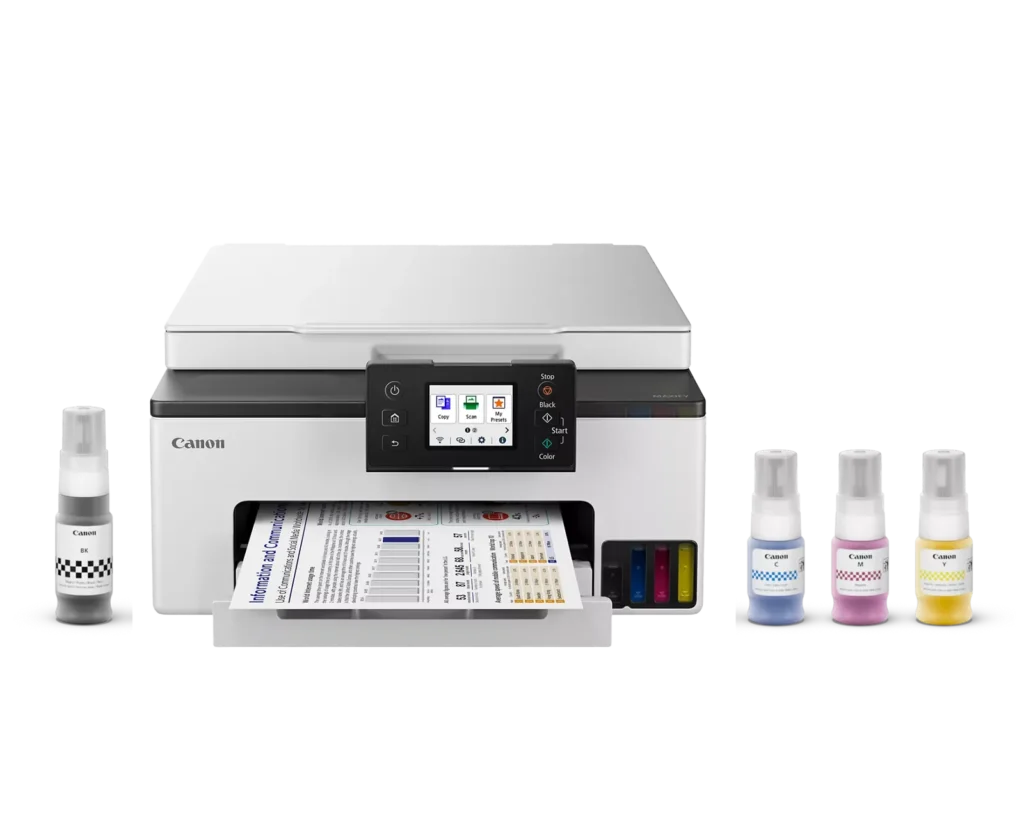
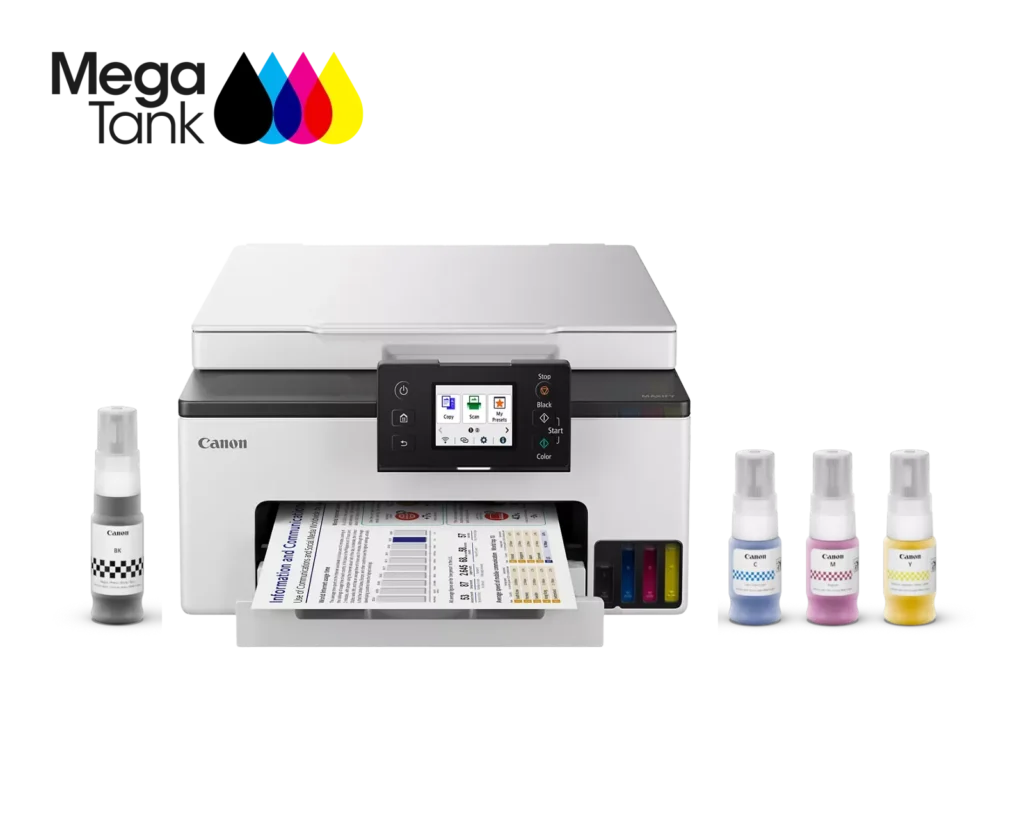
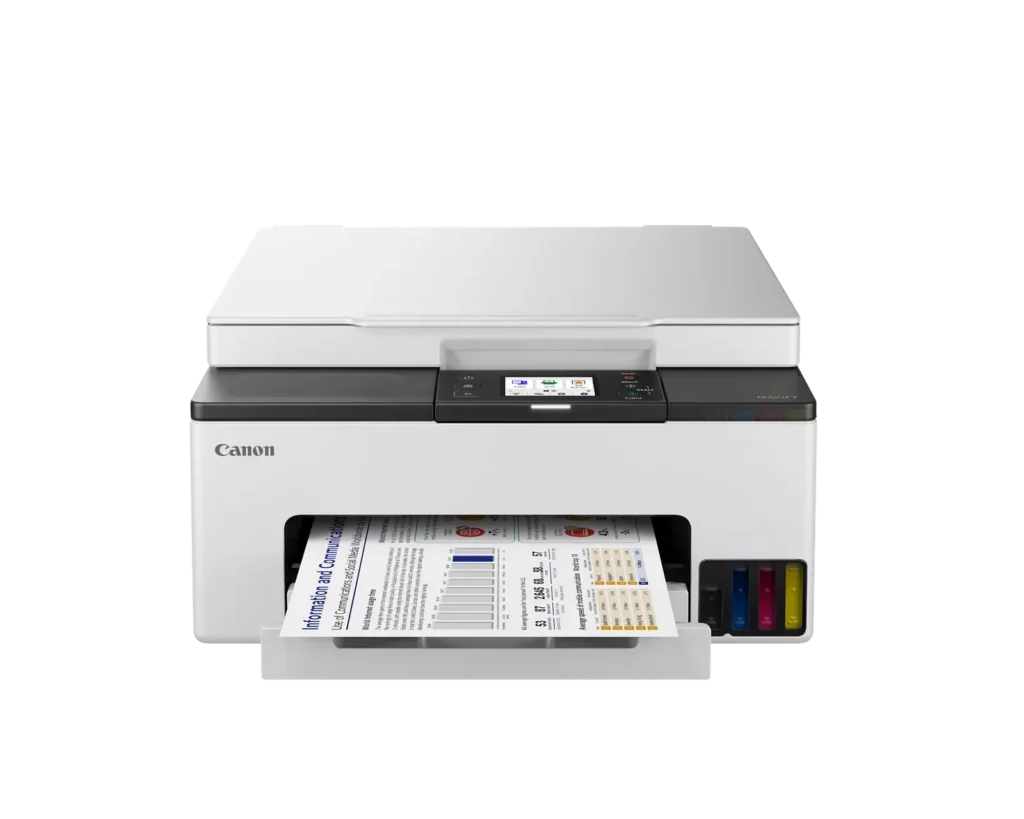
| High-Volume MegaTank Printing | The integrated MegaTank ink system allows you to print up to 3,000 black and 3,000 color pages with a single set of included ink bottles, significantly reducing running costs and the frequency of refills. |
|---|---|
| Business-Quality Pigment Inks | Utilizes a 4-color pigment-based ink system that produces sharp, crisp text and vibrant colors that are highlighter-resistant and smudge-proof, ideal for professional documents and reports. |
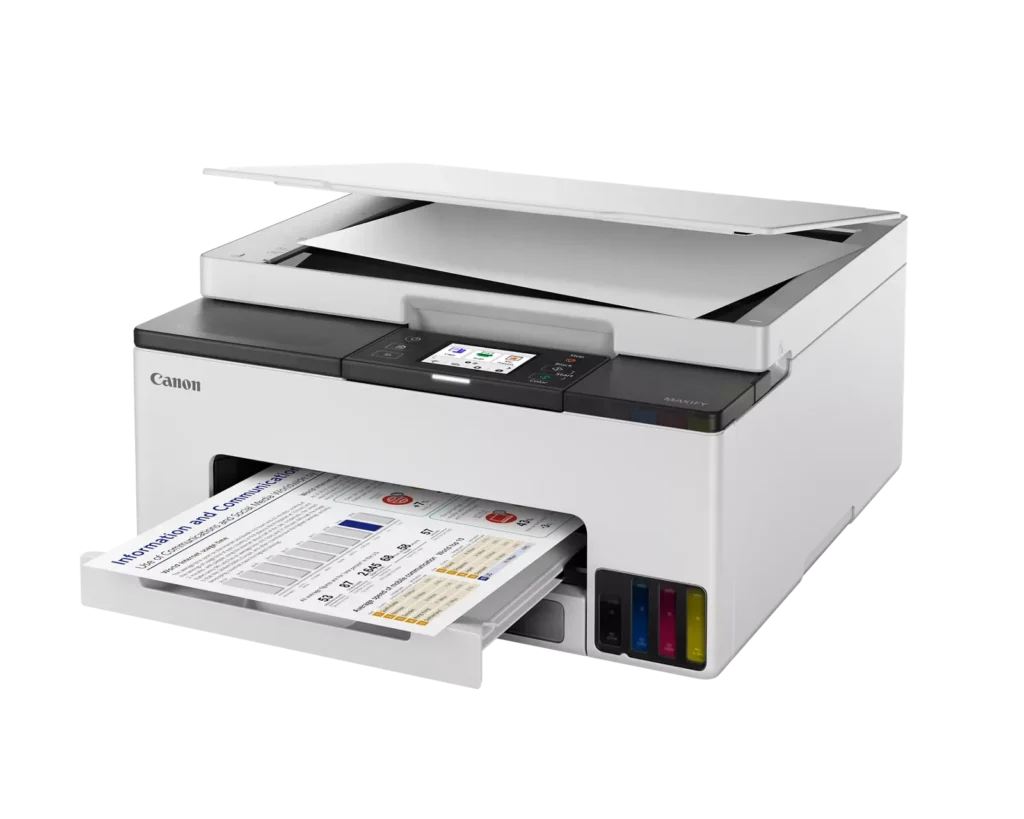
| Fast and Efficient Performance | Boost productivity with print speeds of up to 15 ipm in black and 10 ipm in color, complemented by automatic two-sided (duplex) printing to save time and reduce paper consumption. |
| Versatile Connectivity Options | Stay connected with stable dual-band Wi-Fi (2.4GHz or 5GHz), Ethernet, and USB options. Easily print from mobile devices using the Canon PRINT app, Apple AirPrint, and Mopria Print Service. |
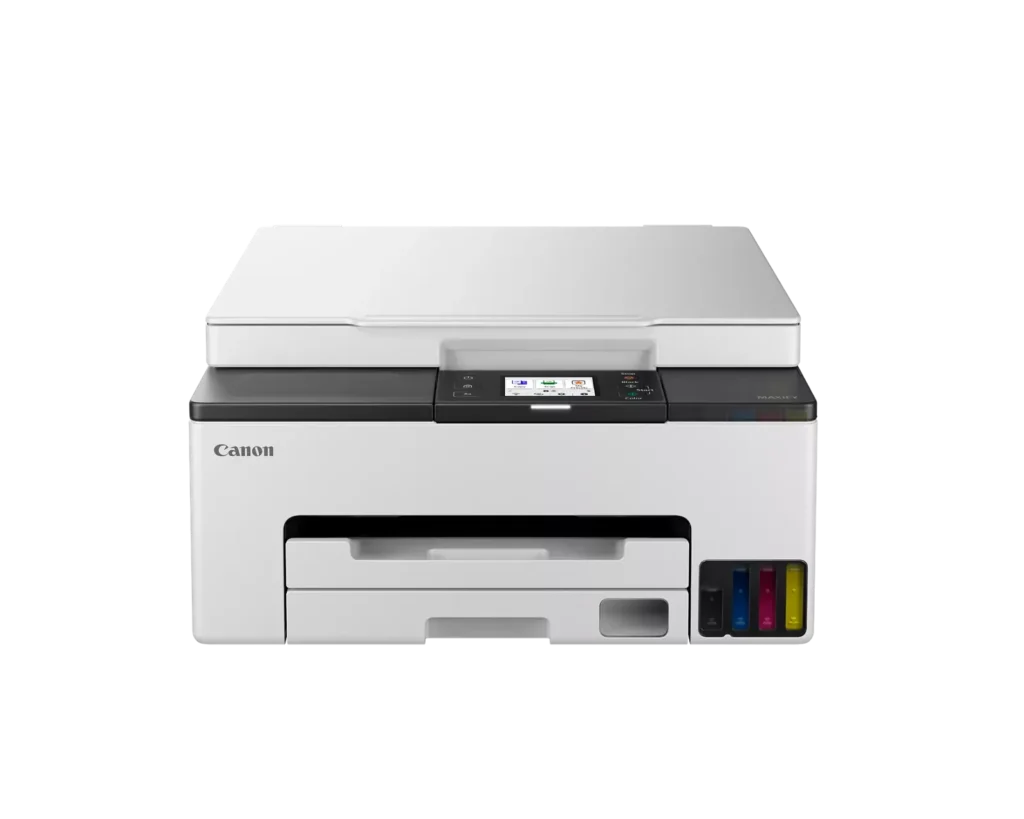
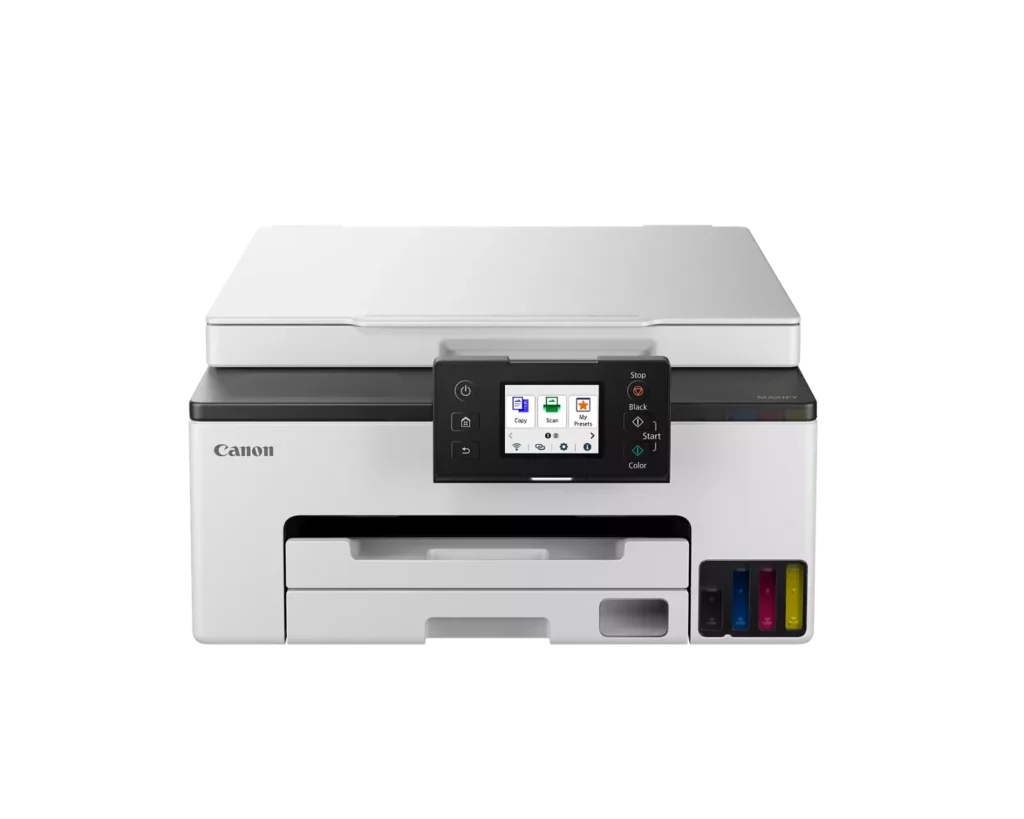
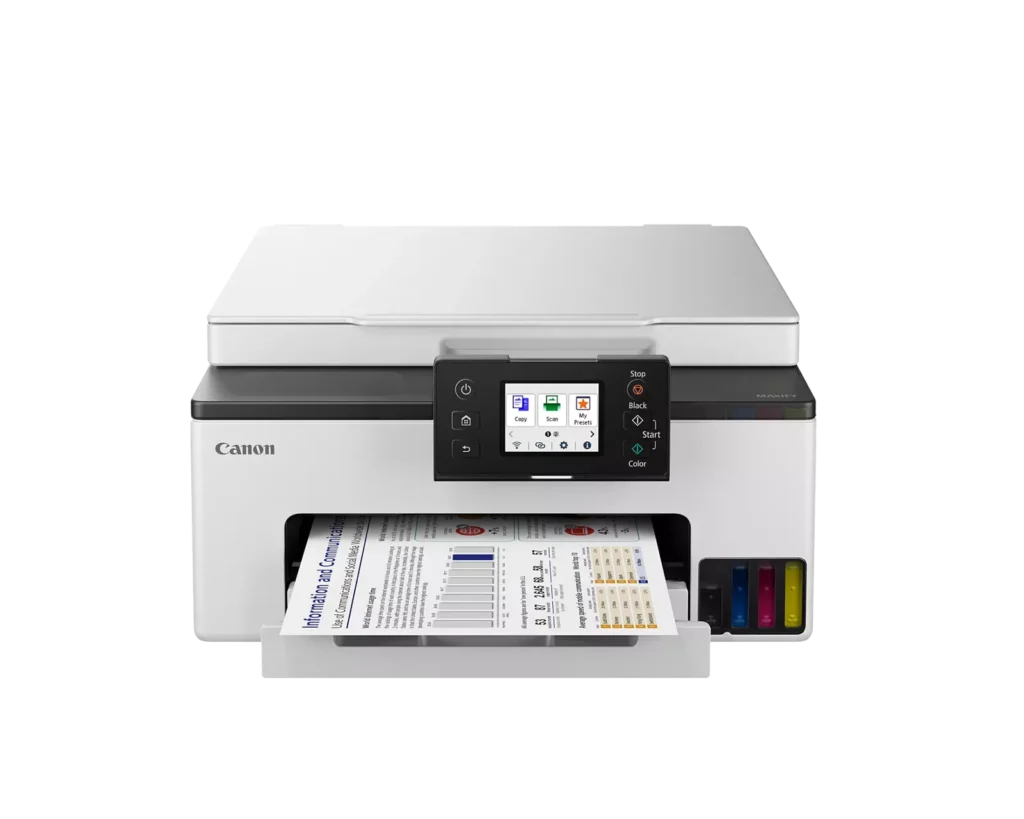
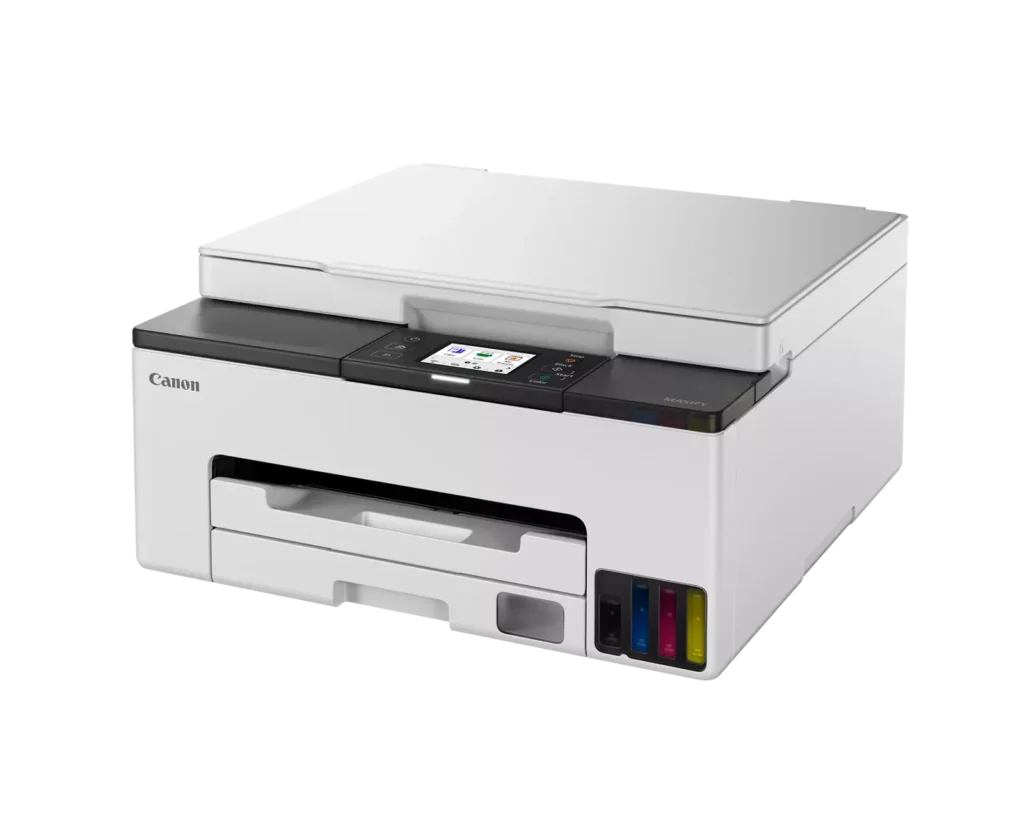
| User-Friendly and Compact Design | Features an intuitive 2.7-inch LCD color touchscreen for easy navigation, a generous 250-sheet paper cassette, and a compact footprint designed to fit comfortably in home or small office workspaces. |
Pros & Cons
Pros
- Cost-Effective MegaTank System: The refillable ink tanks offer exceptional longevity and significantly lower operating costs compared to traditional cartridges, with users reporting they can print thousands of pages before needing a refill.
- High-Quality Print Output: The printer produces sharp, professional-looking text and vibrant colors that many reviewers noted approach laser-quality, making it excellent for both business documents and high-resolution photos.
- Intuitive Touchscreen Setup: Most users found the initial installation process fast and simple, thanks to a responsive color touchscreen that provides clear, step-by-step prompts for filling ink and aligning print heads.
Cons
- Unreliable Wireless Connectivity: A recurring issue among reviewers is the printer's tendency to lose its Wi-Fi connection, particularly on the 2.4GHz band, leading to 'printer not found' errors and difficulty printing from mobile devices.
- No Automatic Document Feeder (ADF): Several users were disappointed to find the machine lacks an ADF, meaning multi-page documents must be scanned or copied manually one sheet at a time, which is time-consuming for office tasks.
- Software and App Limitations: Some customers found the Canon Print app and desktop software difficult to navigate, noting compatibility issues with older operating systems and a lack of advanced scanning destination settings.
You might also like












Customer Reviews
Showing reviews 21-30 of 134
-
CANON still offers free tech service
Verified purchase Verified purchase: This reviewer bought the product.Patricia N February 9, 2025Review source: AmazonI’ve been buying Canon products for years mostly because of free tech sprinted upport regardless of how old the product is I recently moved and needed a new printer/scanner/copier. a friend told me about this one and he had printed out of with hardly refilling the inkjets. So I ordered it and love it BUT I assumed it came with the feature of automatically scanning several sheets of paper at one time. It doesn’t and this is a big negative for me. But the machine prints beautifully. Wish I had read the features more carefully before buying it.
-
Great Printer; Frustrating Set-Up
Verified purchase Verified purchase: This reviewer bought the product.Maine shopper February 2, 2025Review source: AmazonThis printer is compact, does a fine job of printing and copying on a variety of papers, as the touch screen is easy to figure out. The only reason it didn’t get 5 stars is a penalty for the time I wasted trying to get this particular printer to show up in the set-up menu on my computer. After multiple tries, I noticed that the “Next” button wasn’t grayed out even though the printer didn’t show up on the list. So I clicked “Next”, the printer hummed happily away and worked immediately thereafter. Wireless connection makes life so much easier as it responds to both my computers and even to the smart phone. And the tanks of ink cut down on plastic waste! This is a definite win.
-
Easy Setup!
Verified purchase Verified purchase: This reviewer bought the product.Daniel Prather January 26, 2025Review source: AmazonVery happy with this printer! Very easy setup and just plane works!
-
Great experience
Verified purchase Verified purchase: This reviewer bought the product.Randy C January 23, 2025Review source: AmazonGreat product/easy to set up/quick delivery
-
Replaces my older Canon printer
Verified purchase Verified purchase: This reviewer bought the product.Marilyn G January 19, 2025Review source: AmazonI purchased this Canon printer to replace my older model, and so far I really love the ink tanks instead of the cartridges. I giving it 4 stars, because it will not allow borderless printing from my iPad or iPhone during printing. I didn’t know this before I purchased it. It also said it would work with my older Mac OS, and I was able to select it, but then I got a message that said it wasn’t compatible when I attempted to install in on my laptop. I can no longer upgrade my OS, and as my computer works perfectly, I am not going to replace it. So I have to do all my printing on my iPad.
-
Post set up review- this is easiest printer I have ever setup.
Verified purchase Verified purchase: This reviewer bought the product.dalec January 17, 2025Review source: AmazonI recieved and set up last week, it was a dream to setup.
-
Best printer I have had in years
Verified purchase Verified purchase: This reviewer bought the product.qwerty46 January 15, 2025Review source: AmazonThis is the first ink tank printer for me and I’ll never go back to cartridges. The printer screen menu is logical and easy to follow. The wireless connectivity to my IPhone and IPad were simple and fast. This is also the quietest printer I have ever had. I print high resolution photographs and art images so I purchased 4 types of 8×10 and 8.5×11 Canon photo papers and the print quality is pretty amazing on all of them. The only small negative I have to mention is that during initial setup you have to install two printer heads before you add the ink. The instructions as to how to open the top of the printer heads cover is severely lacking. Be careful here there are fragile plastic parts here that release the printer head cover. Instead of dreading printing or wondering whether my cartridges have dried up I actually look forward to using this printer. Great product.
-
Difficult to set up and bad photo-print quality
Verified purchase Verified purchase: This reviewer bought the product.Marilyn January 15, 2025Review source: AmazonI replaced an Epson ET-2850 with this Canon because of a paper jam error on the Epson that I could not fix and no accessible customer service could be contacted for help. I selected the Canon because I had a Canon a few years ago and it was a good printer. This Canon was almost impossible to set up. No customer service help here either. The directions didn’t really say what they meant and after very much trial and error trying to get it to communicate with my devices, I am very unhappy with the picture quality. It powers down when not in use and if I want to print something from the other room, I have to go into the office and physically turn it on. (Annoying). I would have returned it but was afraid I’d have to spend a lot more money and time in researching and just didn’t want to bother after hassling with this one.
-
Can't print when no connection
Verified purchase Verified purchase: This reviewer bought the product.Iforgetmyname January 13, 2025Review source: AmazonI have had numerous unsuccessful attempts to print documents using this Canon printer. I either receive error messages “Printer not found” or only one page prints. I have had this printer less than one month and am very disappointed with this model. Not worth the money.
-
Easy setup and works great!
Verified purchase Verified purchase: This reviewer bought the product.Michelle Hamilton January 11, 2025Review source: AmazonI researched this purchase for days. And I am happy to report that this is the best printer I’ve owned in over 10 years-which equates to about 8 printers because I have found most of them to be useless. The setup was easy, it prints perfectly and hasn’t jammed. Highly recommend.