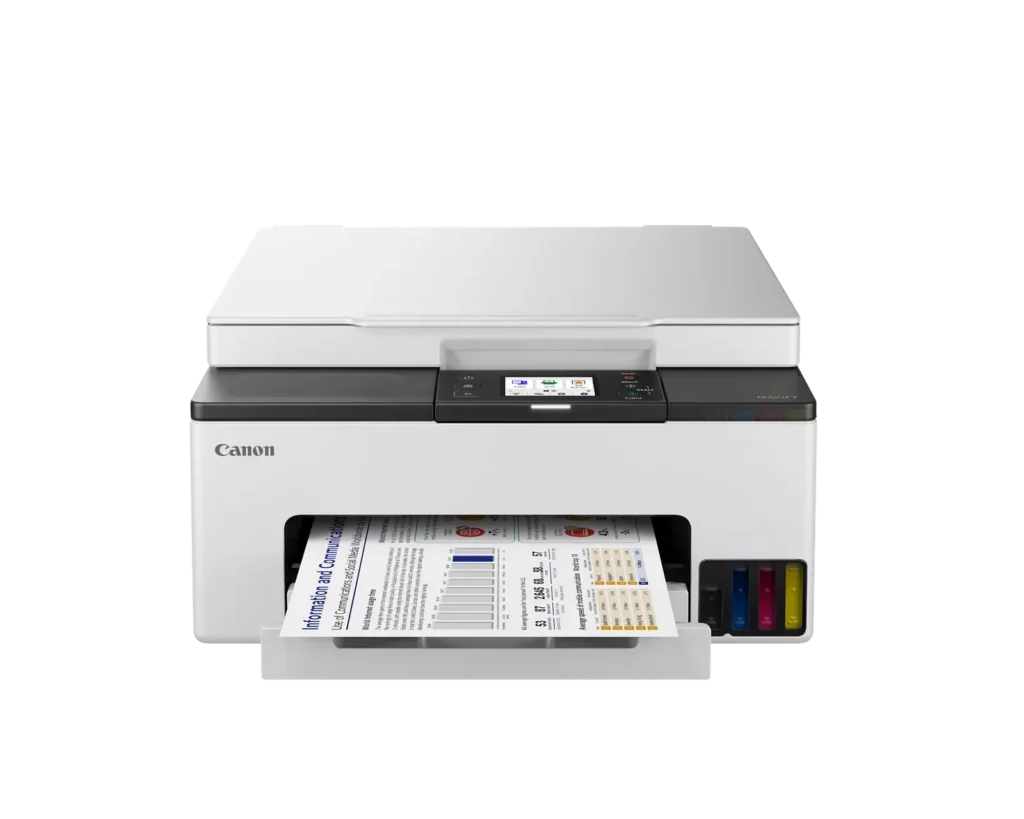
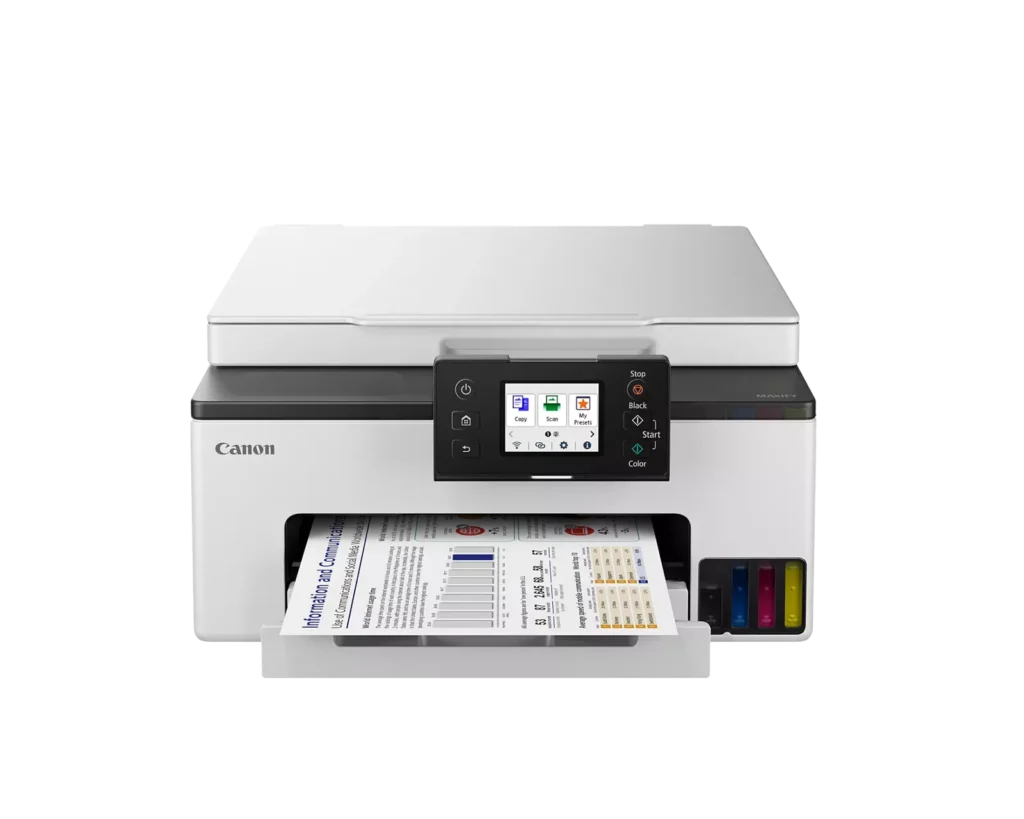
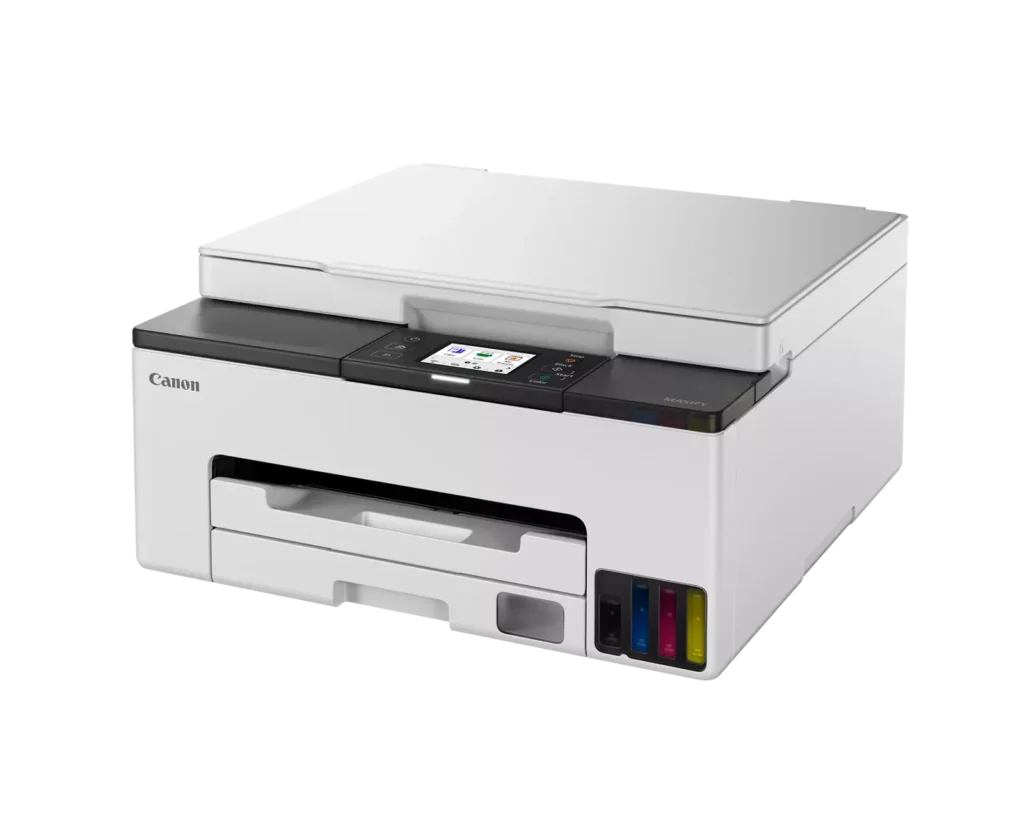
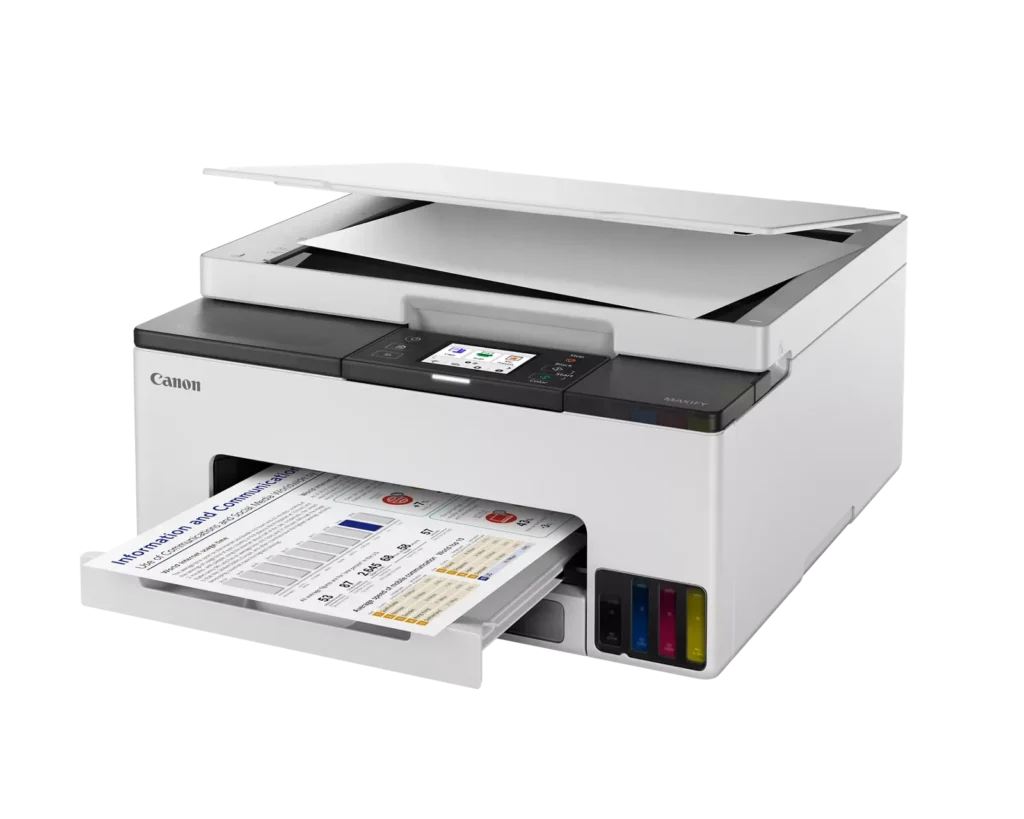
Customer Media
Highlights
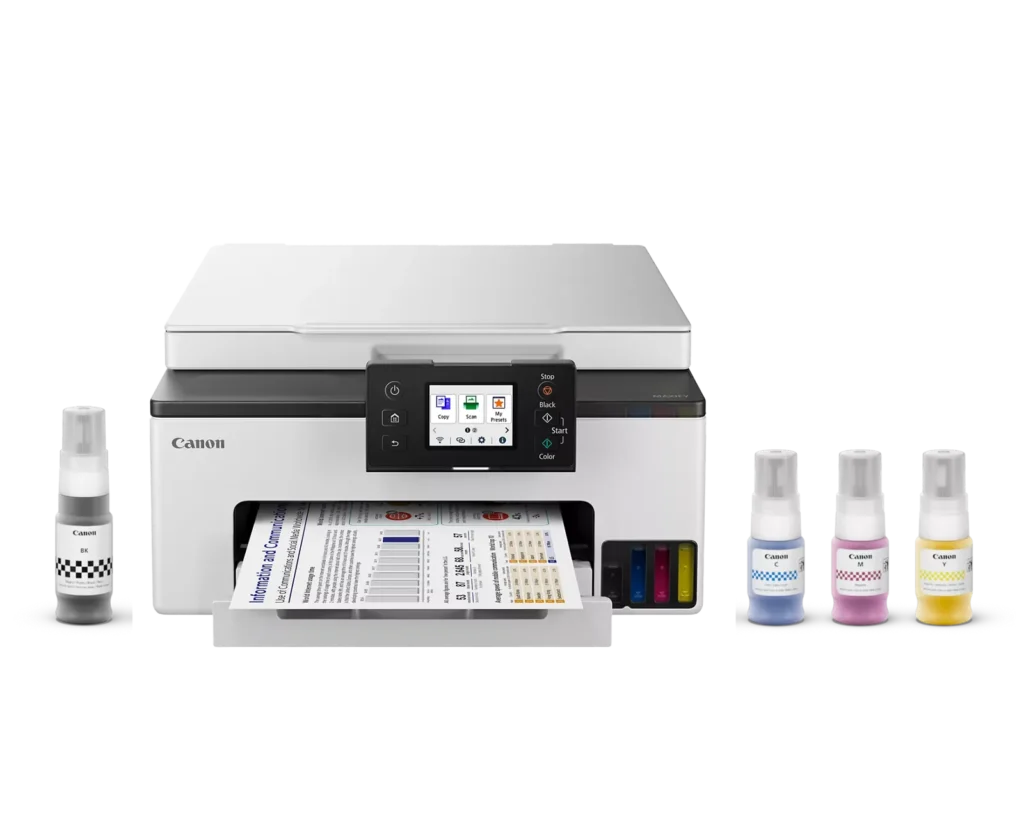
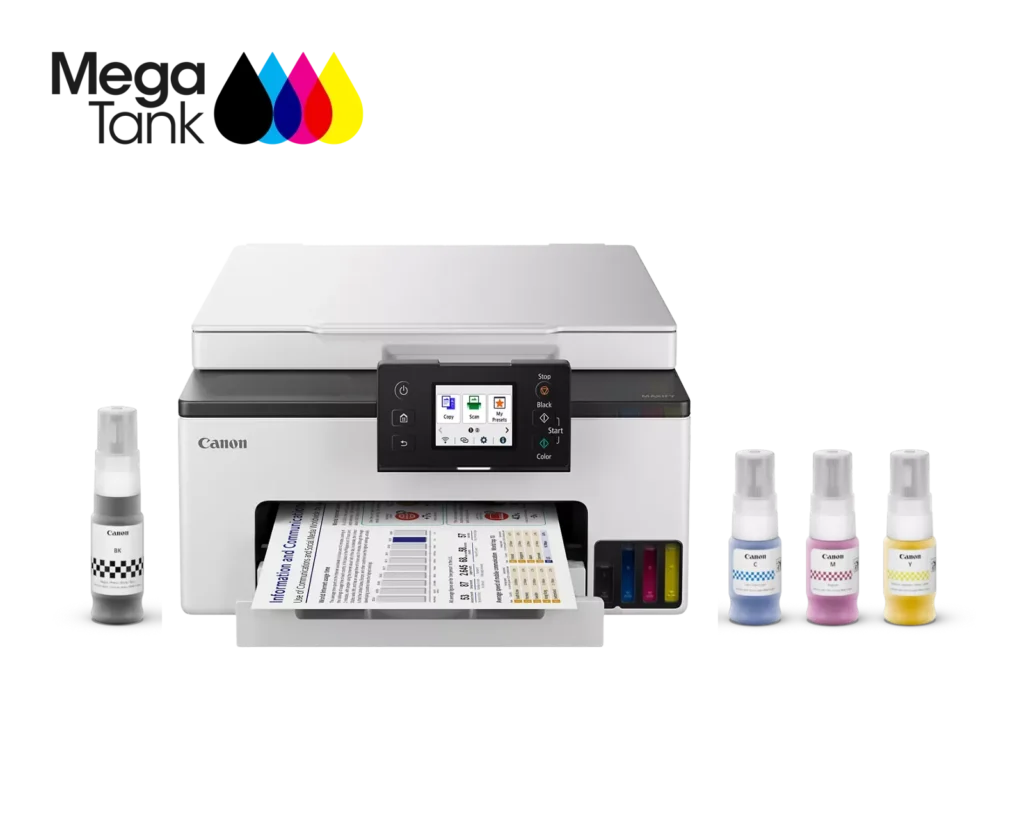
| High-Volume MegaTank Printing | The integrated MegaTank ink system allows you to print up to 3,000 black and 3,000 color pages with a single set of included ink bottles, significantly reducing running costs and the frequency of refills. |
|---|---|
| Business-Quality Pigment Inks | Utilizes a 4-color pigment-based ink system that produces sharp, crisp text and vibrant colors that are highlighter-resistant and smudge-proof, ideal for professional documents and reports. |
| Fast and Efficient Performance | Boost productivity with print speeds of up to 15 ipm in black and 10 ipm in color, complemented by automatic two-sided (duplex) printing to save time and reduce paper consumption. |
| Versatile Connectivity Options | Stay connected with stable dual-band Wi-Fi (2.4GHz or 5GHz), Ethernet, and USB options. Easily print from mobile devices using the Canon PRINT app, Apple AirPrint, and Mopria Print Service. |
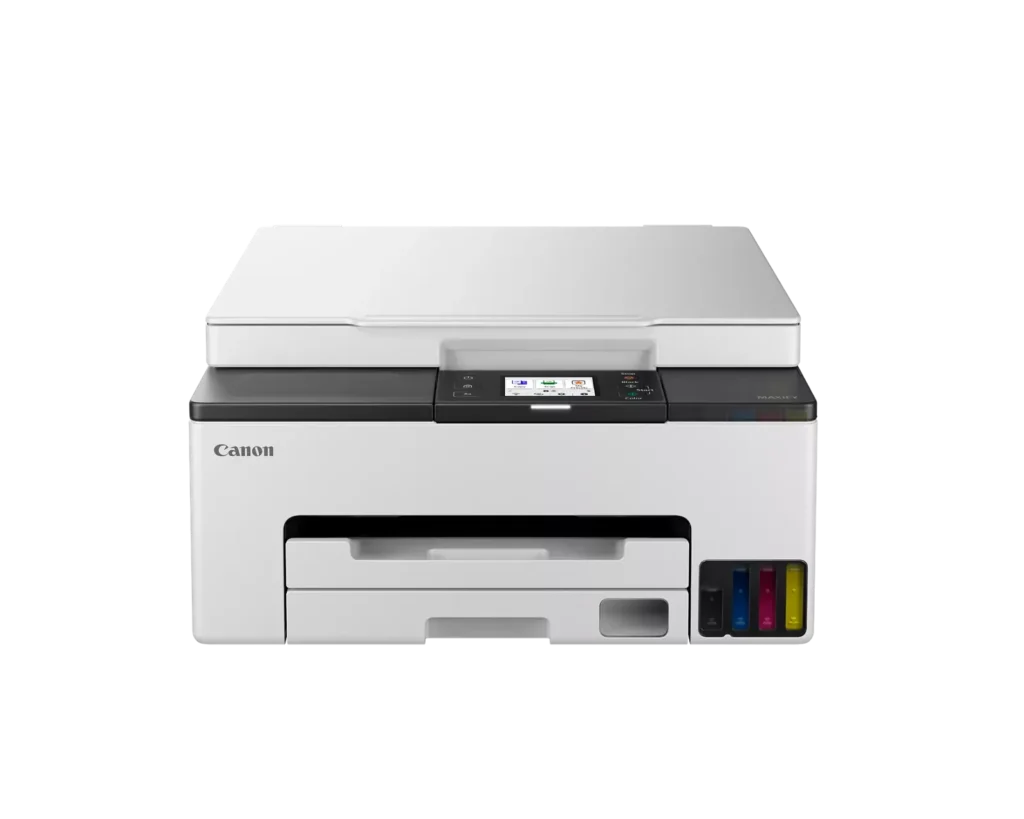
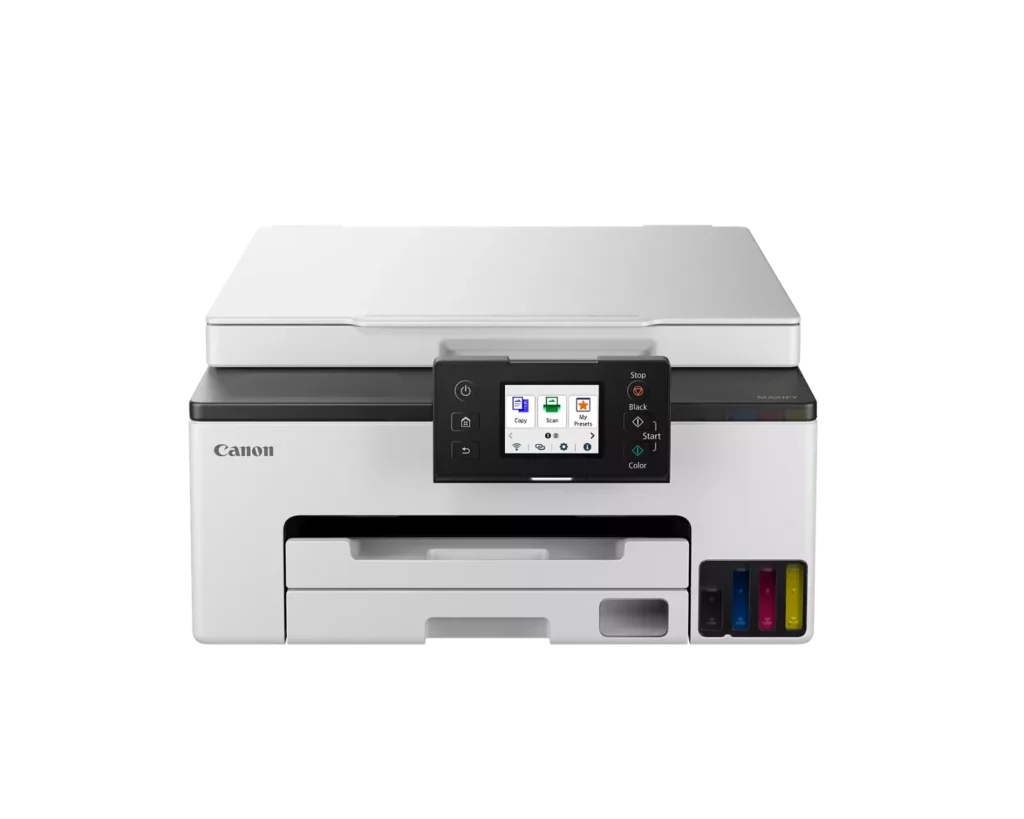
| User-Friendly and Compact Design | Features an intuitive 2.7-inch LCD color touchscreen for easy navigation, a generous 250-sheet paper cassette, and a compact footprint designed to fit comfortably in home or small office workspaces. |
Pros & Cons
Pros
- Cost-Effective MegaTank System: The refillable ink tanks offer exceptional longevity and significantly lower operating costs compared to traditional cartridges, with users reporting they can print thousands of pages before needing a refill.
- High-Quality Print Output: The printer produces sharp, professional-looking text and vibrant colors that many reviewers noted approach laser-quality, making it excellent for both business documents and high-resolution photos.
- Intuitive Touchscreen Setup: Most users found the initial installation process fast and simple, thanks to a responsive color touchscreen that provides clear, step-by-step prompts for filling ink and aligning print heads.
Cons
- Unreliable Wireless Connectivity: A recurring issue among reviewers is the printer's tendency to lose its Wi-Fi connection, particularly on the 2.4GHz band, leading to 'printer not found' errors and difficulty printing from mobile devices.
- No Automatic Document Feeder (ADF): Several users were disappointed to find the machine lacks an ADF, meaning multi-page documents must be scanned or copied manually one sheet at a time, which is time-consuming for office tasks.
- Software and App Limitations: Some customers found the Canon Print app and desktop software difficult to navigate, noting compatibility issues with older operating systems and a lack of advanced scanning destination settings.
You might also like












Customer Reviews
Showing reviews 31-40 of 134
-
Arrived DOA – Support Code 6000
Verified purchase Verified purchase: This reviewer bought the product.TL in AZ January 7, 2025Review source: AmazonDid quite a bit of homework and decided this printer was best-suited for my home office needs. Super excited to set it up when it arrived today. The process was going smoothly…followed the printer’s on-screen prompts as instructed. Proceeded to enable the system to align the heads, then about 3 minutes into alignment the printer threw a 6000 Support Code. “Ok”, I said…not really…I began to cuss, but followed the instructions to power the printer off, disconnect the power cord, then power back on. Tried it multiple times to no avail…same 6000 error code. Zero help from Canon’s AI chat. Tried their toll-free number and it stated “they were closed” (at 4:30 PM MST, no less.) Contacted Amazon support via chat. Christel was super helpful and basically said the only option was to return it. So I boxed it up and it’s ready for UPS to pick up tomorrow. Now, do I give Canon a second chance? The printer fit perfectly on my desk and the overall build quality seemed solid. Or do I go for an Epson or Brother inkjet? Guess I’ll sleep on it. If I decide to reorder the GX1020, I will update this post. Otherwise, I’ll be reviewing a different printer. Truly disappointed in Canon after owning multiple Canon inkjets over the past 15 years.
-
GOOD PRODUCT
Verified purchase Verified purchase: This reviewer bought the product.Teena G January 3, 2025Review source: AmazonWorking just fine.
-
Excellent for Mac Users
Verified purchase Verified purchase: This reviewer bought the product.R. Graham January 3, 2025Review source: AmazonUnlike my two Epson printers, this Canon GX1020 is Mac friendly. It hooked right up to my network, and all the software that Canon supplies works just fine with an older Macintosh Mini. It stays connected to the network, and the tank printer is going to save a lot of money. The Epson ran through expensive ink cartridges like no tomorrow. The Canon ink bottles are relatively inexpensive and they hold at least 5X the ink that the individual Epson cartridges hold. The other nice features of this printer is that the B&W and color print heads are easily replaceable. They just slip into place, and during setup they are auto-aligned for best print quality. Not only does the Canon print and scan software work, but the native Mac OS software will also drive both printer and scanner. Works flawlessly either way. This is my first Canon all in one, and I’ve had an H-P (Mac hostile) and three Epsons, one of which was fine, but the other two were Mac hostile. And with the Epsons I completely ditched apps and software and attempted to start over from scratch following Epson’s instructions and still couldn’t get it working, even to the point that the firmware updater couldn’t find the printer on the network.
-
Great little printer came just in time
Verified purchase Verified purchase: This reviewer bought the product.Honest December 31, 2024Review source: AmazonHad to do a bunch of copies for job and family services for disablity. This is why I wanted one cause SSI and such always want new records and new info. The day I got it had to have a bunch of paperwork turned in on the 30th..copied them all no problem..could not tell which one was original or the copy. Printed a picture of my deceased father he sent me from South Carolina back in 2014 just to see how it would come out. On regular paper not even photo paper yet…the image was beautiful.
Now when I set this up I had to do manual wifi in order for it to search for my router..easy setup wouldnt find it, but it was no big deal doing it manual. So I suggest you try that first and just sign into your router to save time.
Now last thought. I had a brother printer/copy/scan/fax all in one that I didnt use for a year or two so the print heads wouldnt clean and I was not about to get into all that. Replaced the cartridges bought like a 15 pack hoping after a few cleanings it would be ok. Then got the insert new cartridge into slot…does not recognize cartridge..after about 15 tries it did…then it didnt recognize the black so after reseating it about 15 times it did. Then it went to does not recognize the cyan…..again replaced it until it did..then it went back to black..didnt recognize it. I pitched the printer.
Now my rant here is just to explain that whole cartridge business is a nightmare with replacements that actually work. I got this stuck the bottles in each port (setup is easier watching a video on youtube) filled the little tanks after installing the print heads….soooooooooooo easy. NO MESS. They slide right in and release and when done just remove the bottle. I will never go back to cartridges.The display works just fine I know someone said it could be updated and maybe thats true but it does what I need it to do.
All in all it prints better than any printer I have ever had..and hell I been on a puter in 85 with dot matrix lol. This thing is a relief so simple to use and so easy to fill I will never go back to a cartridge printer. And Canon known for print quality and picture quality lives up to its name.
Definitely would recommend this printer to anyone.
-
Great on ink use. Easy to fill too.
Verified purchase Verified purchase: This reviewer bought the product.Catherine G. December 31, 2024Review source: AmazonMy five year old Canon cartridge style printer needed its ink absorbers replaced, but it still was printing. It had been a great printer. Quieter than other brands and printed well. I live far from a big city with repair shop, so I opted to just get a new Canon printer. After reading reviews, wasn’t sure I wanted to go with a no cartridge model. They are still fairly new and untested by time. I bravely decided to do so, because I really needed to cut ink costs. I do a lot of printing for job and home. I print documents, photos, advertising, flyers, you name it. I have not been disappointed. This printer is still quieter and faster than a few other brands I have access to write now to use. It is pretty good print quality. Its ink use is wonderful. I am already saving on ink expense. Filling the ink tanks was super easy. No mess, no confusion. They set up the filling system to allow the user not to make any mistakes filling. Only one way to fill each separate color. Also very easy set up. Matter of minutes and I was done. Canon seems to have made some improvements even to the software from my last printer. Very pleased and happy I got this model and cartridge free.
-
Love this printer’
Verified purchase Verified purchase: This reviewer bought the product.Bjingles December 27, 2024Review source: AmazonNever will I ever buy a HP printer ever again! I print a lot because of Bible studies and journaling an I use so much ink. Those tiny cartridges I had to buy through a monthly subscription through HP was not worth it!’
Love this new Canon printer! Large bottles of ink I can refill myself and besides that, my Canon printer is less noisy than the HP!
Price was awesome too! -
Nice printer
Verified purchase Verified purchase: This reviewer bought the product.Bob Stamper December 21, 2024Review source: AmazonI only had this printer for about a month. The printer was delivered by the post office so I was worried it might have been damaged but it seems fine. I like the idea of the bottles of ink. Hope it lasts a long time.
-
TECH SUPPORT
chief December 11, 2024Review source: AmazonFirst try – Would not print in color. Black/white was fine.
Called tech support – hard to understand speech. Would not listen to me.
I hung up.
Days later I called again. Very polite and helpful. Problem solved very quickly. Happy camper here. -
Time consuming set-up! Minimal instructions for set up and functions.
Verified purchase Verified purchase: This reviewer bought the product.CaptJim December 9, 2024Review source: AmazonPrints good,set up to scan and email from the printer is horrible. Keeps getting error 3418,Canon said you need your own email domain, wont work on Comcast. Does not make sense.
Bought an Epson and set up was a breeze and working perfectly! -
Will not print via AirPrint from IPad Pro!
Verified purchase Verified purchase: This reviewer bought the product.S. Ahern December 9, 2024Review source: AmazonFirst problem: the setup instructions skipped a minor but necessary install step: locating where you pop in the print heads. In the black-on-black gloom of the innards, even with a flashlight I overlooked – and the install cartoon video did not illustrate – that there is a lid over the little box-within-a-box. Second: funky connectivity with main WiFi, even flakier with WiFi extender where I need to USE the thing. I moved the printer close to router, then spent WAY TOO LONG discovering that from my iPad Pro, although the printer showed as selectable, nothing printed directly via AirPrint; I only could print via the Canon Print app, and only docx and pdf format items and photos stored on my Google Drive! (Google Doc items do not print unless you save them as Docx; that usually results in fouled-up formatting and missing fonts. Haven’t tried Sheets.) And the settings (paper size, double-sided…) kept reverting to default (no, I don’t always want photos to print 4×6 glossy…). I finally discovered that I could print directly from my iPhone (the drivers work…) using AirPrint, as I had expected all along. Lest you attribute my difficulties to my being an old lady, note that when ranting to my daughter, who teaches AP Computer Science, I learned that she had exactly the same experience with a different Canon printer. All of that said: nice print quality once I managed to clear a path.