Customer Media
Highlights
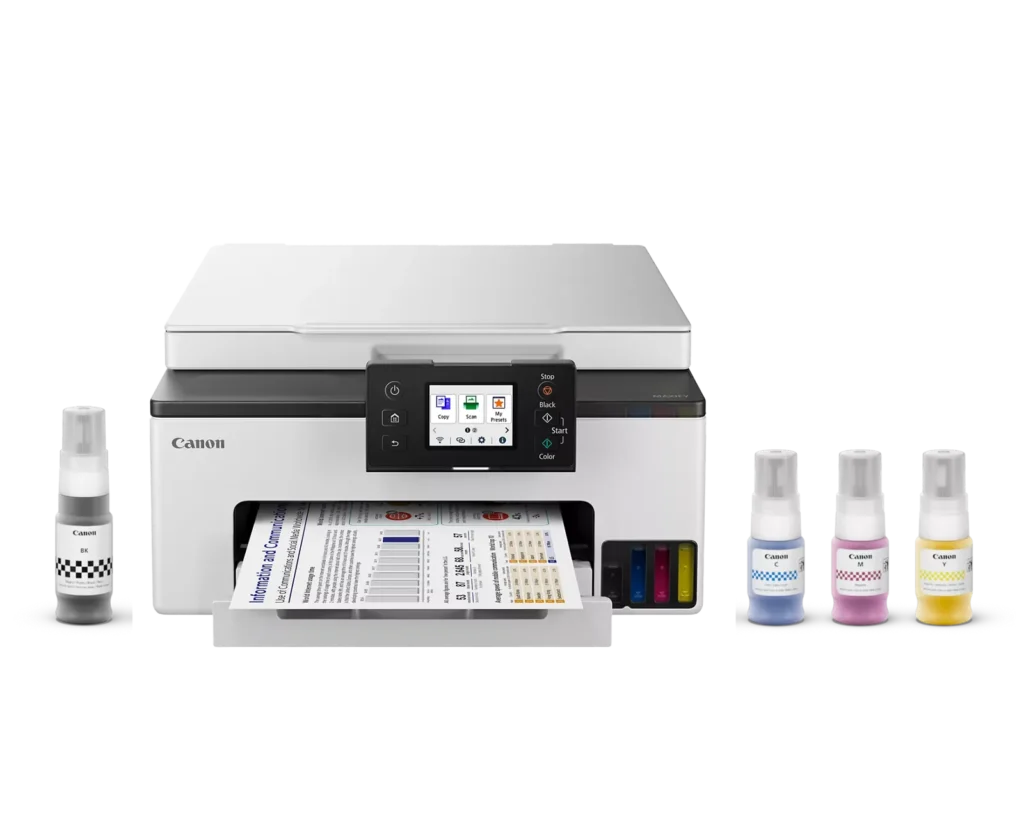
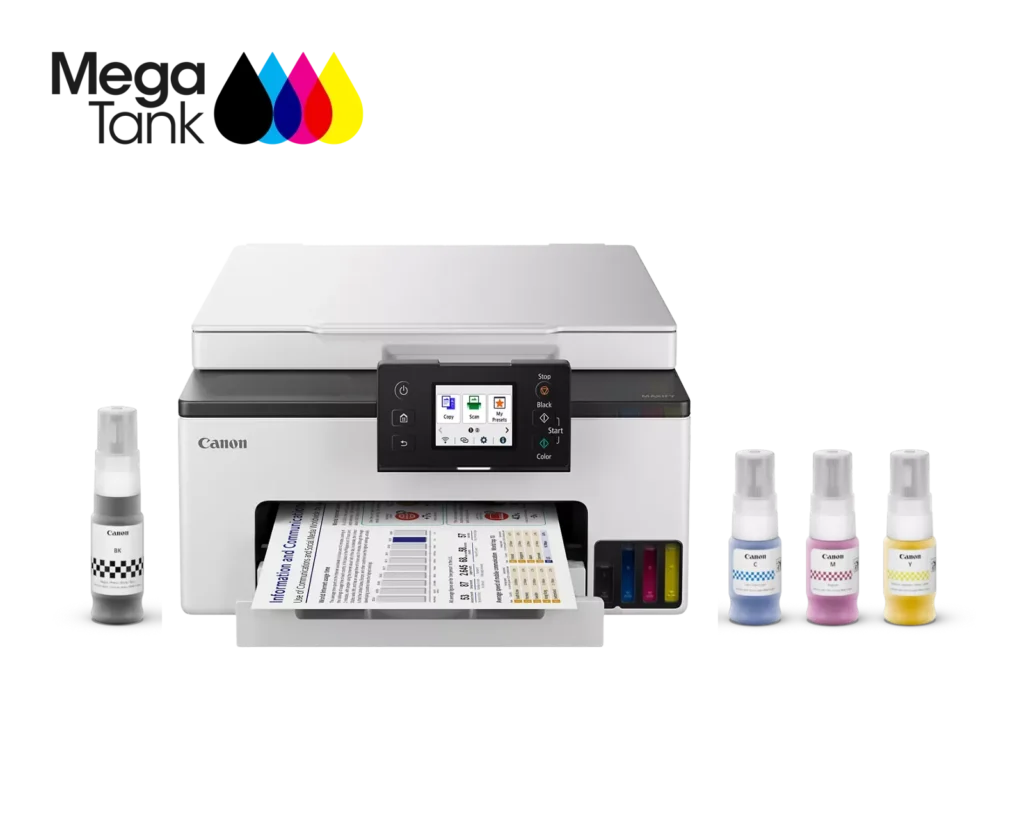
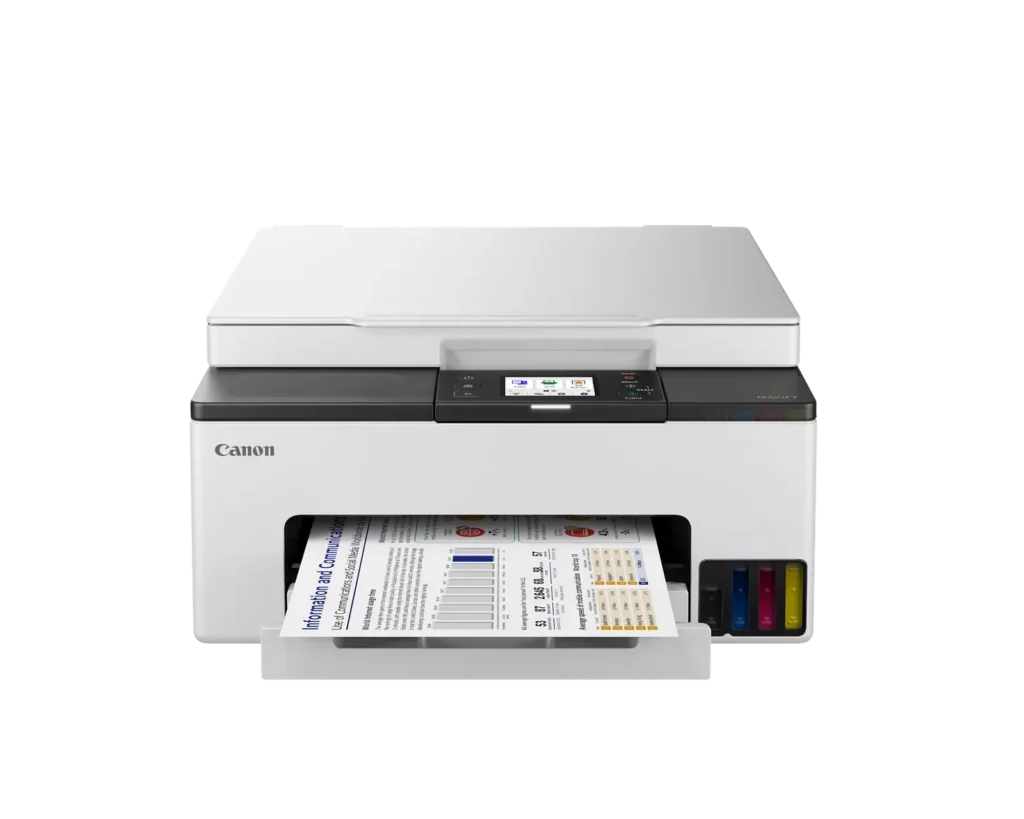
| High-Volume MegaTank Printing | The integrated MegaTank ink system allows you to print up to 3,000 black and 3,000 color pages with a single set of included ink bottles, significantly reducing running costs and the frequency of refills. |
|---|---|
| Business-Quality Pigment Inks | Utilizes a 4-color pigment-based ink system that produces sharp, crisp text and vibrant colors that are highlighter-resistant and smudge-proof, ideal for professional documents and reports. |
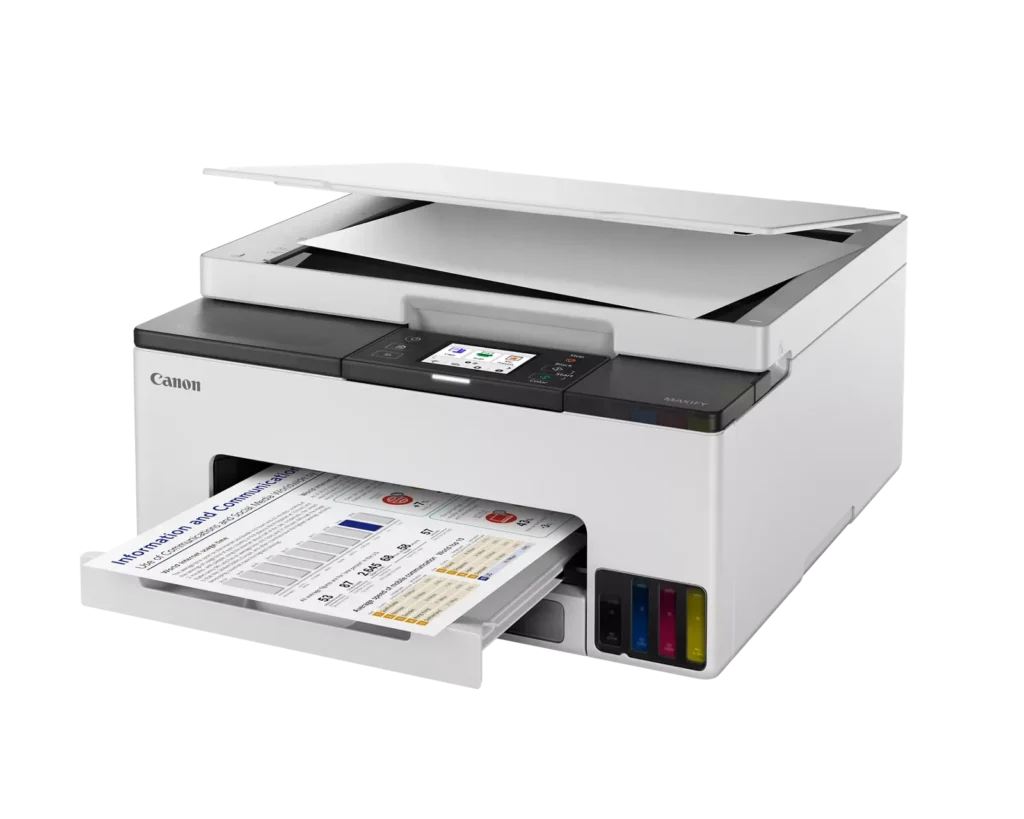
| Fast and Efficient Performance | Boost productivity with print speeds of up to 15 ipm in black and 10 ipm in color, complemented by automatic two-sided (duplex) printing to save time and reduce paper consumption. |
| Versatile Connectivity Options | Stay connected with stable dual-band Wi-Fi (2.4GHz or 5GHz), Ethernet, and USB options. Easily print from mobile devices using the Canon PRINT app, Apple AirPrint, and Mopria Print Service. |
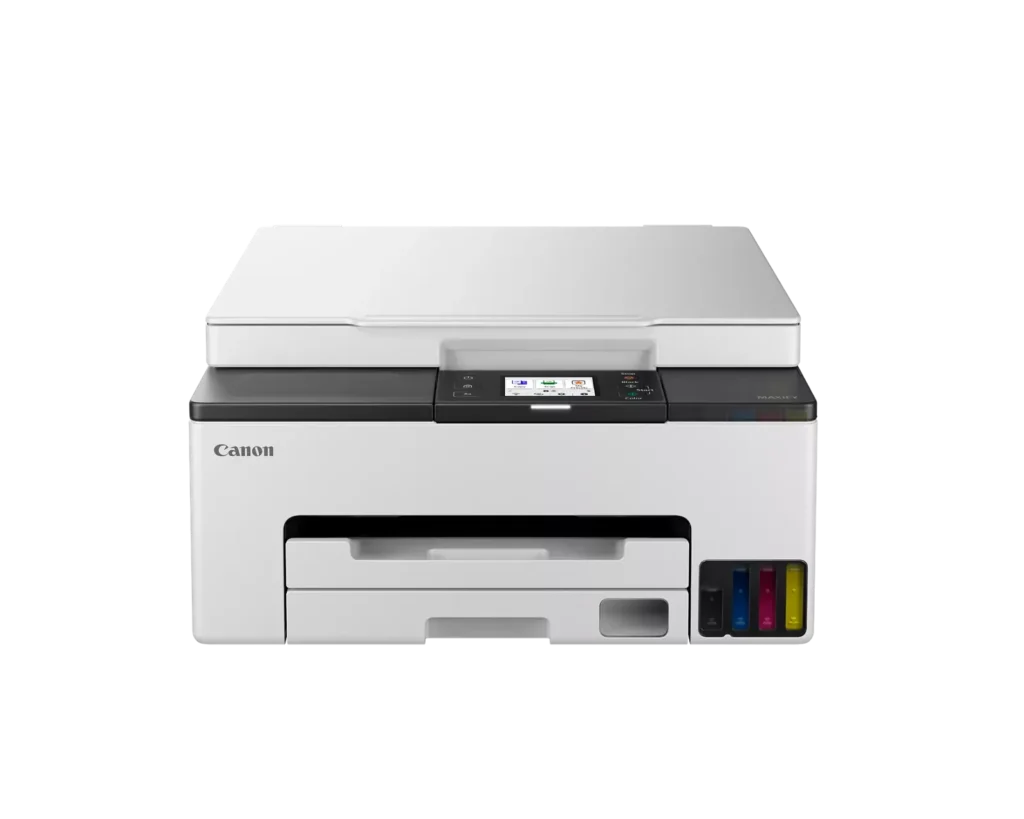
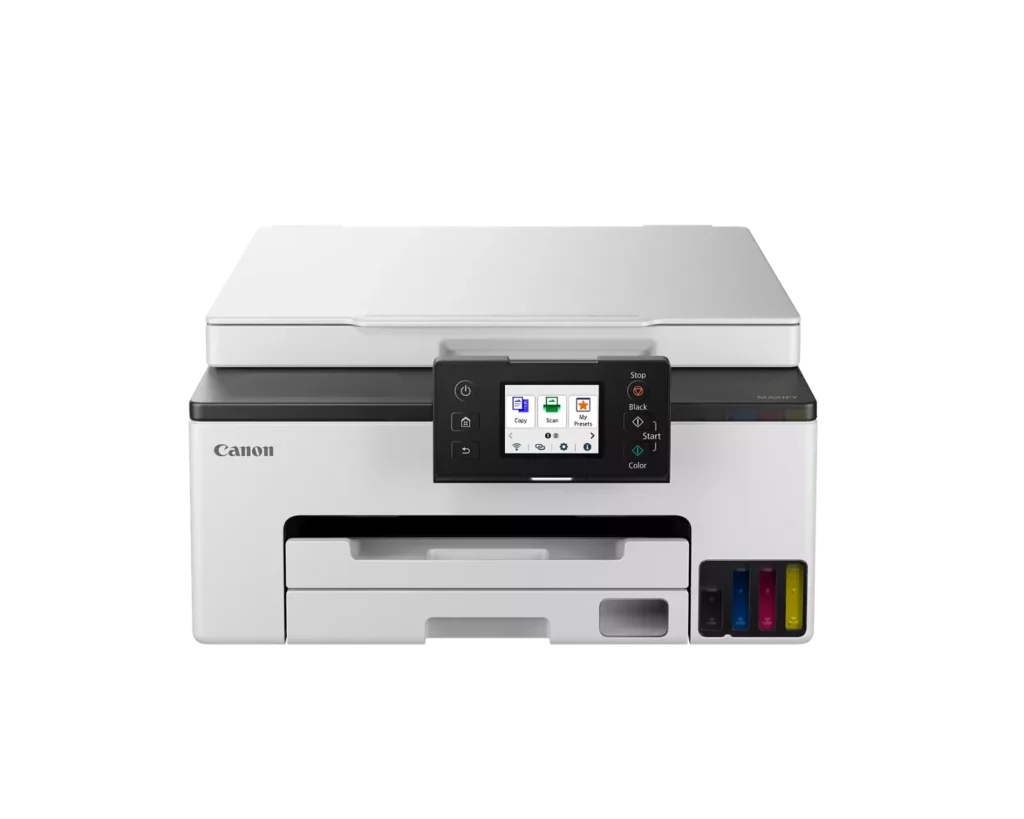
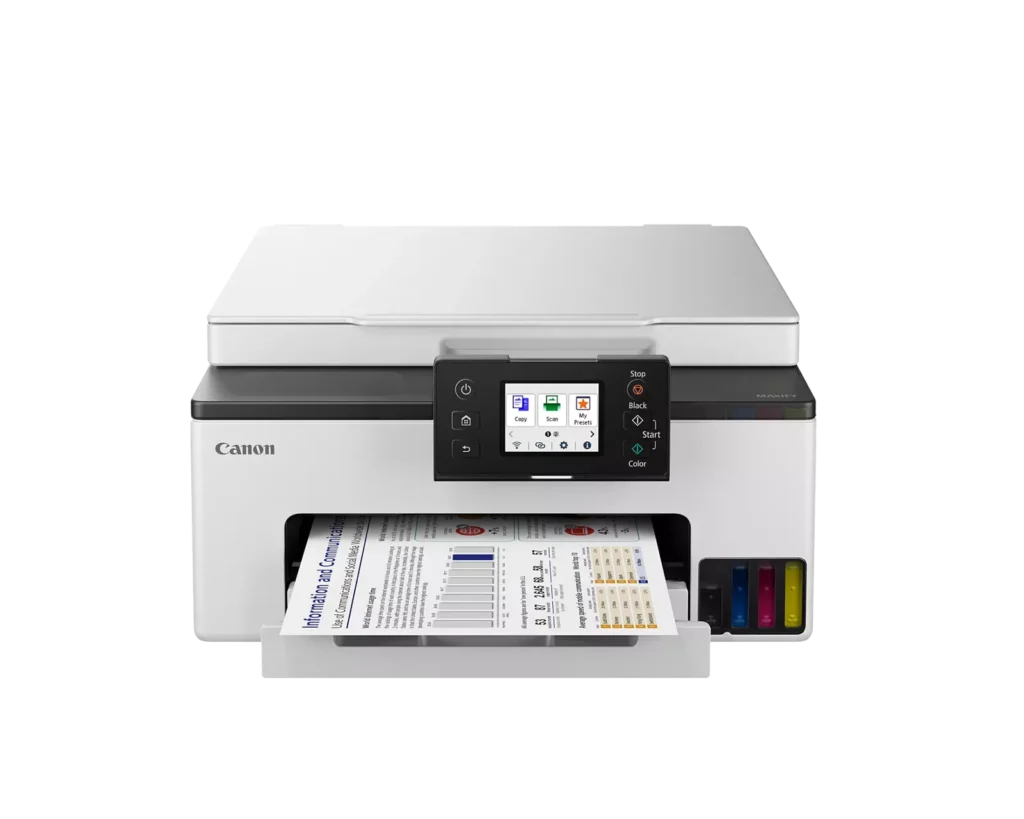
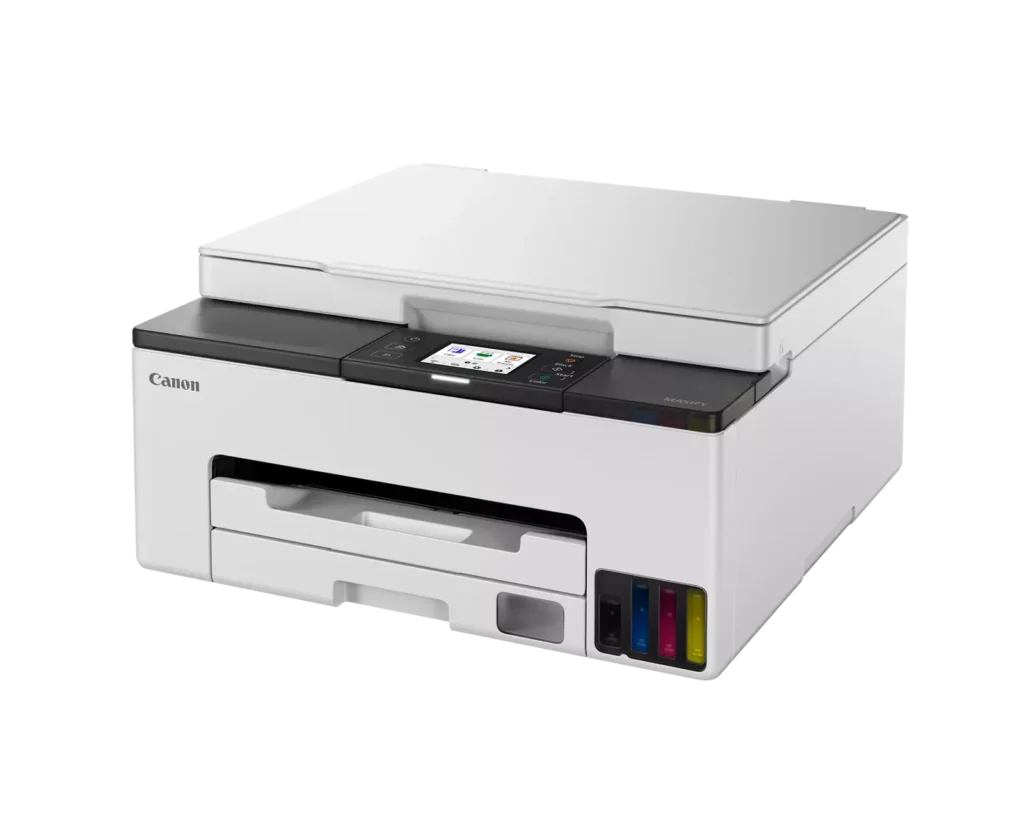
| User-Friendly and Compact Design | Features an intuitive 2.7-inch LCD color touchscreen for easy navigation, a generous 250-sheet paper cassette, and a compact footprint designed to fit comfortably in home or small office workspaces. |
Pros & Cons
Pros
- Cost-Effective MegaTank System: The refillable ink tanks offer exceptional longevity and significantly lower operating costs compared to traditional cartridges, with users reporting they can print thousands of pages before needing a refill.
- High-Quality Print Output: The printer produces sharp, professional-looking text and vibrant colors that many reviewers noted approach laser-quality, making it excellent for both business documents and high-resolution photos.
- Intuitive Touchscreen Setup: Most users found the initial installation process fast and simple, thanks to a responsive color touchscreen that provides clear, step-by-step prompts for filling ink and aligning print heads.
Cons
- Unreliable Wireless Connectivity: A recurring issue among reviewers is the printer's tendency to lose its Wi-Fi connection, particularly on the 2.4GHz band, leading to 'printer not found' errors and difficulty printing from mobile devices.
- No Automatic Document Feeder (ADF): Several users were disappointed to find the machine lacks an ADF, meaning multi-page documents must be scanned or copied manually one sheet at a time, which is time-consuming for office tasks.
- Software and App Limitations: Some customers found the Canon Print app and desktop software difficult to navigate, noting compatibility issues with older operating systems and a lack of advanced scanning destination settings.
You might also like












Customer Reviews
Showing reviews 51-60 of 134
-
Printer
Verified purchase Verified purchase: This reviewer bought the product.Kittyvoelker November 9, 2024Review source: AmazonDoes what I need
-
Worst Printer I have ever owned.
Verified purchase Verified purchase: This reviewer bought the product.Gary Long October 30, 2024Review source: AmazonOver the last 35-yrs or so, I have owned several great HP and Canon printers, but this Canon GX1020 is the worst printer I have ever owned. the Wi-Fi connection is terrible, and switching to direct cable connection is not any better. I strongly suggest not to buy this product. In fact I will probably throw it in the trash, and try buying some HP model.
-
We love it already!
Verified purchase Verified purchase: This reviewer bought the product.Ryan M. October 28, 2024Review source: AmazonInstillation was easy and very happy with it! The quality is amazing. So far, it has exceeded my expectations. Prints relatively quickly and looks great on my office desk. Set up was very easy. Connecting devices to isn’t as simple as I’d like but it’s really simple. Not looking forward to helping four kids and a husband connect all their devices. Pro, that time means one on one time with each kid. I recommend!
-
Love this printer so far
Verified purchase Verified purchase: This reviewer bought the product.Rick O'Donnell October 22, 2024Review source: AmazonA great upgrade from my previous Canon
-
Broke in less than a month and less than 3 prints
Verified purchase Verified purchase: This reviewer bought the product.Tae K. October 22, 2024Review source: AmazonAbsolutely garbage if you ask me
-
Cheaper than ink cartridges
Verified purchase Verified purchase: This reviewer bought the product.Daniel October 18, 2024Review source: BestbuyIt is a great printer and even better than the epson I had before. It would be perfect in my opinion if it had a larger black ink tank as it is the one that is used the most.
-
PRINT CANON!
Verified purchase Verified purchase: This reviewer bought the product.MHECK October 11, 2024Review source: BestbuyPrints great. Easy hookup. Easy interface with iPad, HP COMPUTER, and Android phone. Love the Big Tank feature.
-
Defective right out of the box
Verified purchase Verified purchase: This reviewer bought the product.drussell October 11, 2024Review source: AmazonUnboxed the printer yesterday. Installed the print heads. Loaded the ink. Hooked up to WiFi. So far so good. The unit then wanted to do an alignment. Took about 12 minutes. Then Support code 6000. It can’t be cleared no matter what I try. No jams, no blockage, etc… very disappointed. Too bad, looks like a nice unit and fits my space requirements. Will be returning.
-
Sleek, compact, worthy product
Verified purchase Verified purchase: This reviewer bought the product.EC-47 Gary October 10, 2024Review source: AmazonFollowed the recommendations on Amazon comments and pulled the string! Very happy with my purchase and it’s working beautifully and it was very easy to install.
-
Canon Gx1020 copier/printer
Verified purchase Verified purchase: This reviewer bought the product.Mik October 2, 2024Review source: AmazonGood brand name, easy to install and set up. Wifi printing slow and takes longer than normal to print out. Eventually it does, but u wait.. so if u want it to print out fast… look for another printer…
Good overall images when prints out…