Customer Media
Highlights
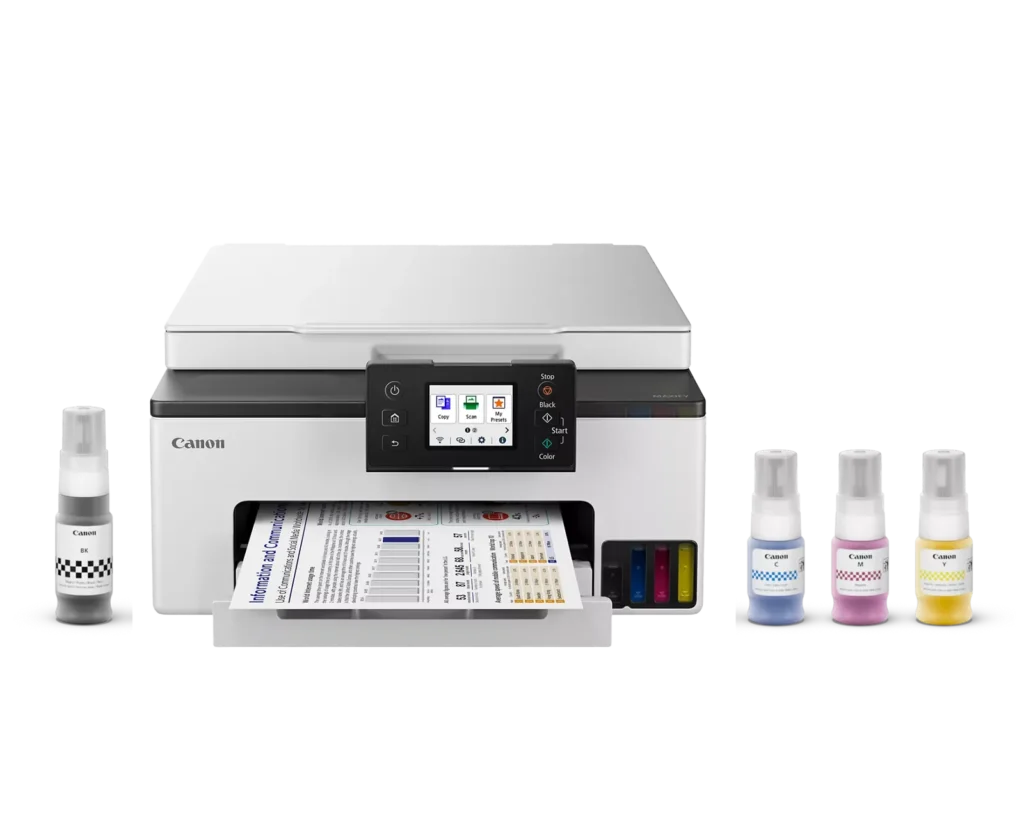
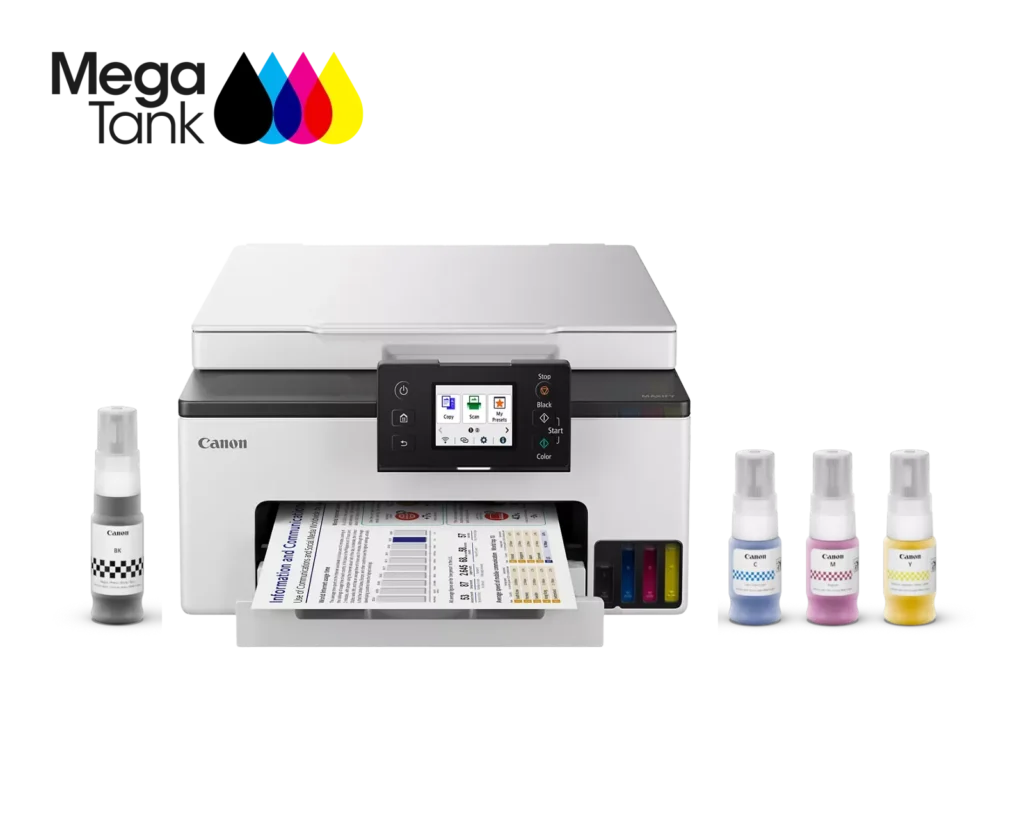
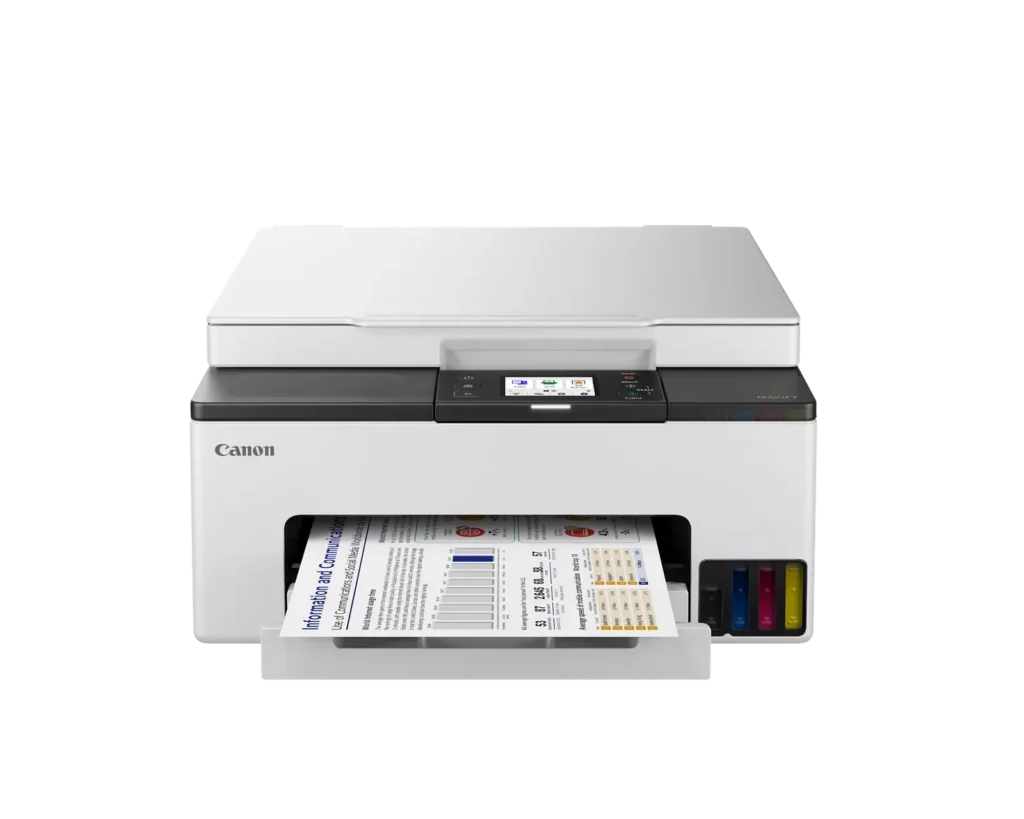
| High-Volume MegaTank Printing | The integrated MegaTank ink system allows you to print up to 3,000 black and 3,000 color pages with a single set of included ink bottles, significantly reducing running costs and the frequency of refills. |
|---|---|
| Business-Quality Pigment Inks | Utilizes a 4-color pigment-based ink system that produces sharp, crisp text and vibrant colors that are highlighter-resistant and smudge-proof, ideal for professional documents and reports. |
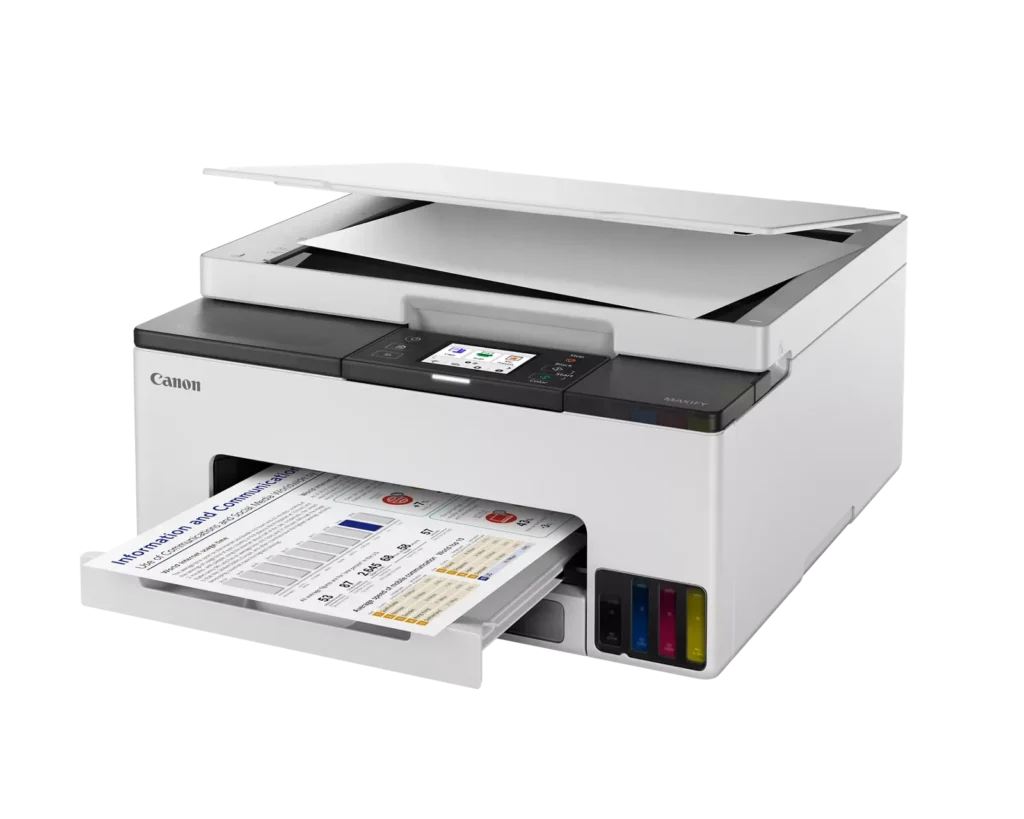
| Fast and Efficient Performance | Boost productivity with print speeds of up to 15 ipm in black and 10 ipm in color, complemented by automatic two-sided (duplex) printing to save time and reduce paper consumption. |
| Versatile Connectivity Options | Stay connected with stable dual-band Wi-Fi (2.4GHz or 5GHz), Ethernet, and USB options. Easily print from mobile devices using the Canon PRINT app, Apple AirPrint, and Mopria Print Service. |
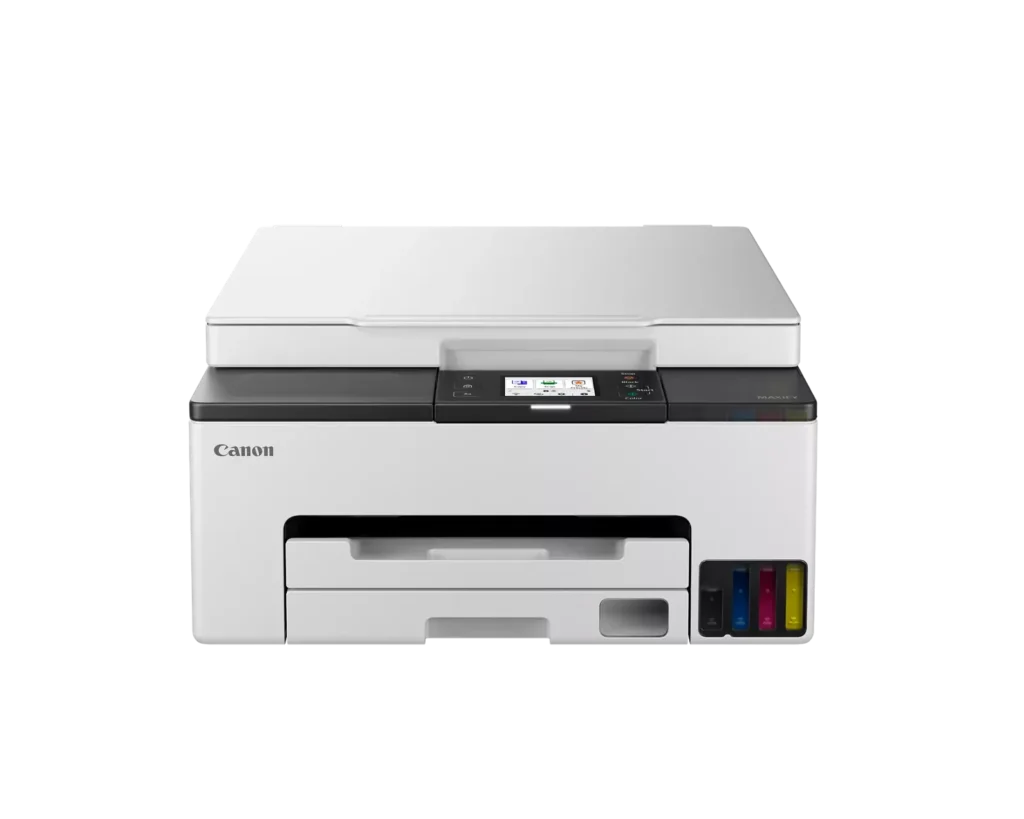
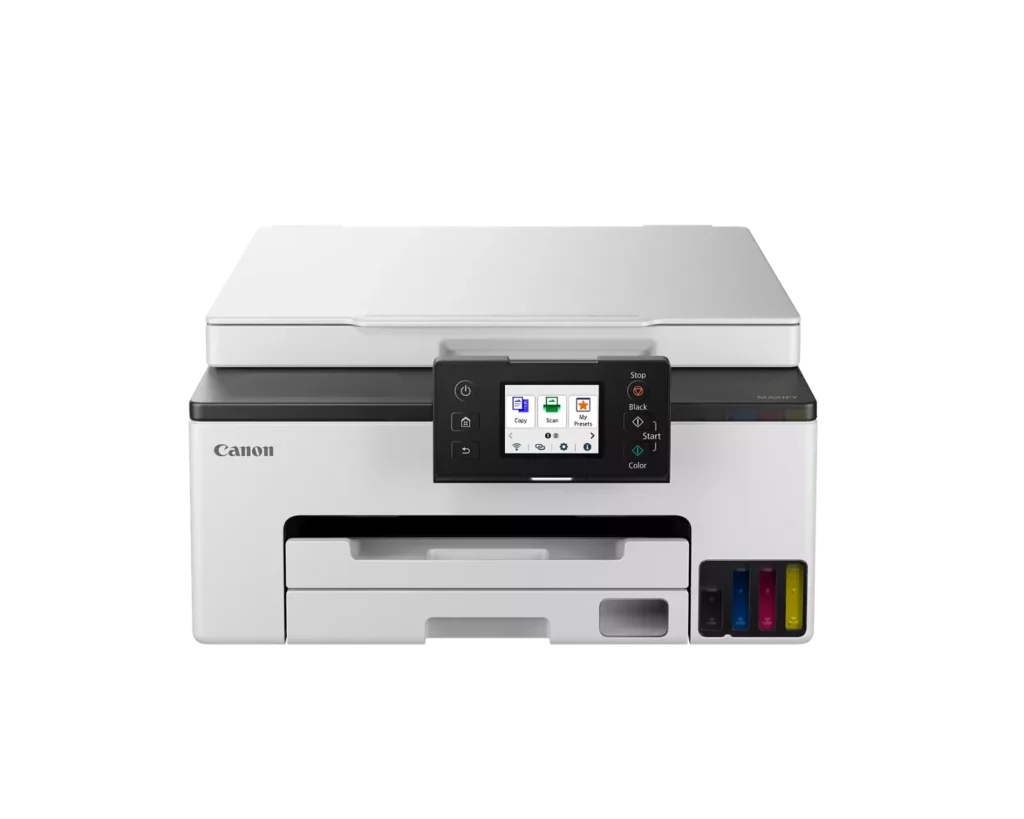
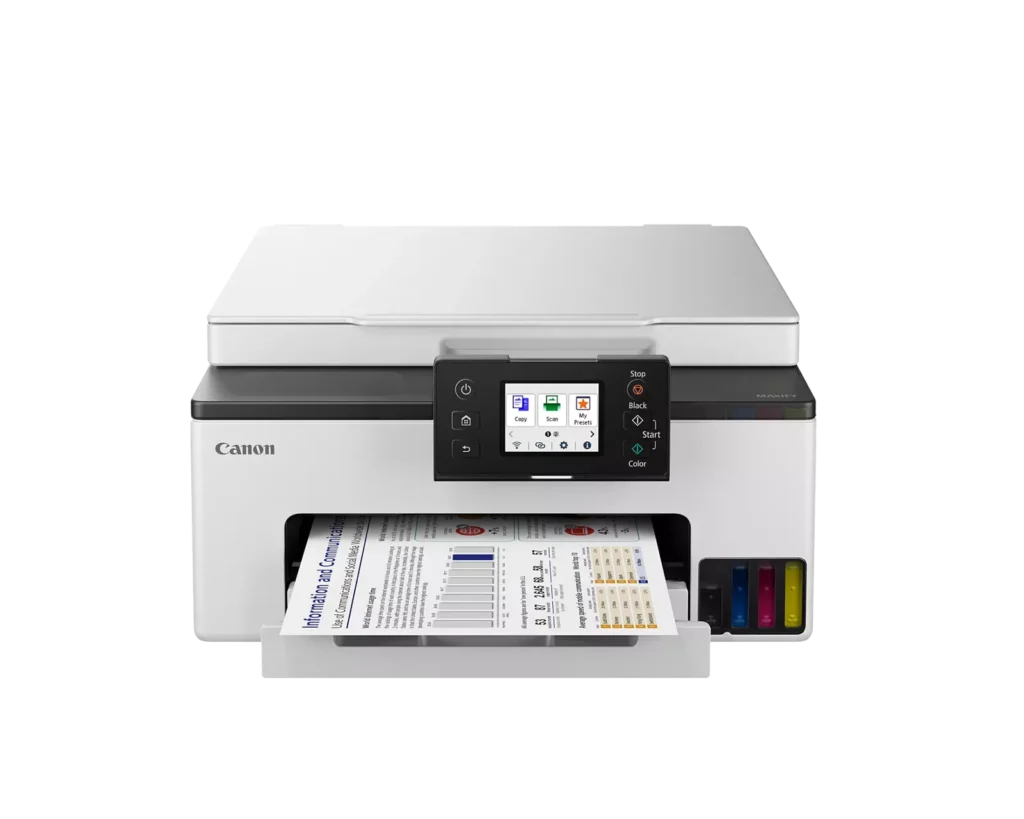
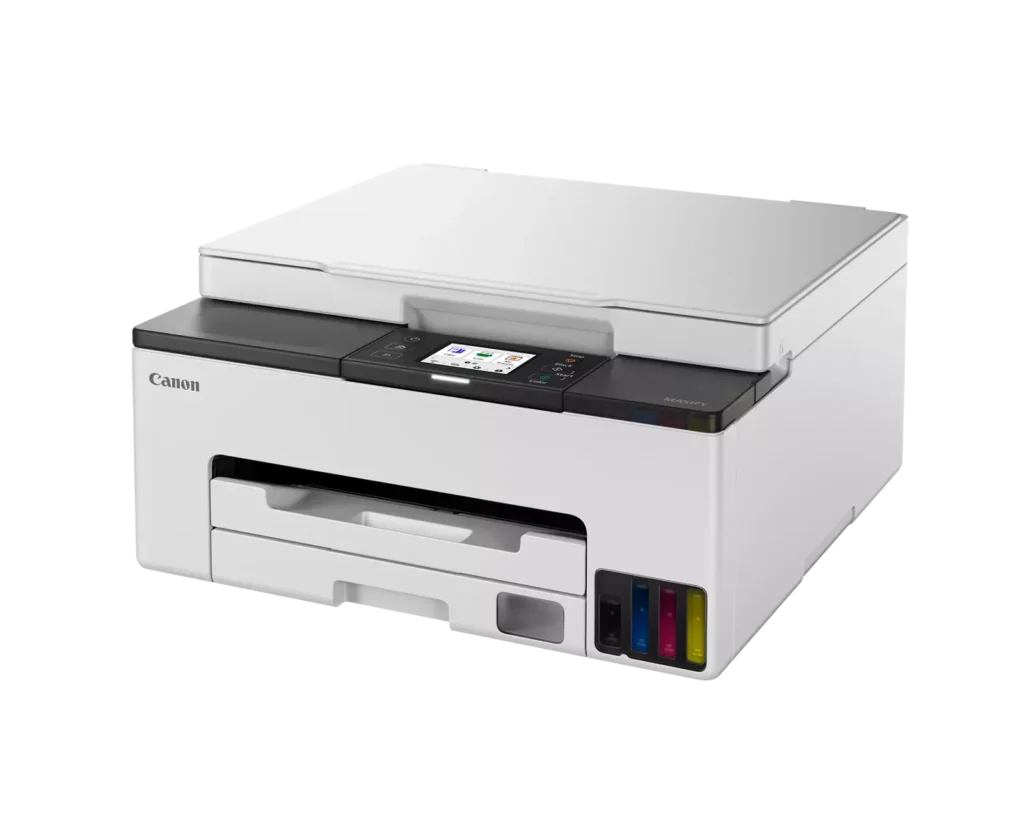
| User-Friendly and Compact Design | Features an intuitive 2.7-inch LCD color touchscreen for easy navigation, a generous 250-sheet paper cassette, and a compact footprint designed to fit comfortably in home or small office workspaces. |
Pros & Cons
Pros
- Cost-Effective MegaTank System: The refillable ink tanks offer exceptional longevity and significantly lower operating costs compared to traditional cartridges, with users reporting they can print thousands of pages before needing a refill.
- High-Quality Print Output: The printer produces sharp, professional-looking text and vibrant colors that many reviewers noted approach laser-quality, making it excellent for both business documents and high-resolution photos.
- Intuitive Touchscreen Setup: Most users found the initial installation process fast and simple, thanks to a responsive color touchscreen that provides clear, step-by-step prompts for filling ink and aligning print heads.
Cons
- Unreliable Wireless Connectivity: A recurring issue among reviewers is the printer's tendency to lose its Wi-Fi connection, particularly on the 2.4GHz band, leading to 'printer not found' errors and difficulty printing from mobile devices.
- No Automatic Document Feeder (ADF): Several users were disappointed to find the machine lacks an ADF, meaning multi-page documents must be scanned or copied manually one sheet at a time, which is time-consuming for office tasks.
- Software and App Limitations: Some customers found the Canon Print app and desktop software difficult to navigate, noting compatibility issues with older operating systems and a lack of advanced scanning destination settings.
You might also like












Customer Reviews
Showing reviews 71-80 of 134
-
The setup was easy, the print quality is good, I love the ink tanks, and it has offline drivers.
Incentivized Incentivized review: The reviewer received a benefit for sharing feedback.Michael July 27, 2024Review source: AmazonI have had this printer for a while now and just had not had the time or need to set it up (as I typically use a color laser printer for most things), but after setting it up and testing it out, I am quite pleased and quite impressed. Overall setup only took me about 20 minutes (including 12 minutes the printer itself used to pressurize the ink tanks and print and register the alignment page). All of the setup steps were shown on the LCD display and it guided me through it perfectly. Loading the ink in the ink tanks was seamless, simple, and clean — which I like. The capacity of the tanks and the size of the bottles is quite impressive and I expect this to print a lot of pages before needing to be refilled. I also really like that, unlike some other printer manufacturers, the actual print heads are separate and easily replaced, so if you do get ink dried in the head, you can fix it without having to replace the entire printer. Additionally, I liked that the printer very simply and obviously gave me the option to opt out of sending any data to Canon and allowed me to completely skip the online WiFi setup. And, when it came to installing it on the PC, the printer still works fine with just a USB cable (not included) and I was able to go download the basic print and scan drivers on another PC, carry them over by flash drive, and install them without needing to install any apps or ever connecting the printer to wireless at all. Essentially, you can both use and setup this printer in a completely offline environment (though you will need to have internet access at least somewhere to be able to download the drivers), which is a rarity in this day and age. So, overall, this was one of the easiest and least painful printer set ups I have been through in quite a while and may be almost enough to make me rethink using color inkjet printers again.
-
Great printer
Incentivized Incentivized review: The reviewer received a benefit for sharing feedback.Kelly Egbert July 21, 2024Review source: AmazonI haven’t tried printing photos yet, I keep forgetting to get photo paper, but I have used it for several other color pages. Color is great, prints fast, easy to refill the tanks. I’ve hardly used any ink and it looks like the bottles refill twice or close to it. It prints a lot faster than I’m used to with color printers. Set up was pretty easy, I had to look it up online because I misplaced the instructions. Easy to do though. I hope photos turn out as well, I’d like to print some of my kids to hang up, instead of just having everything on my phone.
-
Quality, easy to use All-In-One, but some oddities
Verified purchase Verified purchase: This reviewer bought the product.LabRat July 1, 2024Review source: AmazonThe GX1020 was very easy to set up out of the box, just plug in, power it up and follow the prompts on the display. There are a couple of things I had to assume, like the prompt to install “a printer head” when there are two printer heads, and no mention of loading the tray with paper before an alignment test, but overall pretty straightforward. Adding the ink from the bottles provided was simple and clean but I can’t find a way to recycle or refill the empty bottles. You will have to connect to your network (USB or wi-fi) to download the operation app from the website you are given but it is all automatic and smooth. I tested the scanning ability first and discovered that each scan requires about 40 seconds after pressing the scan button (seems like an awful long time) and there is no apparent way to access settings to set a scan destination, etc., however once you have saved a scan to a particular location it seems to remember that for subsequent scans. If you have scanned a document and not yet saved it, do not click on any menu items to take you away from the scan window or you will lose the scan and have to repeat it. Odd. Moving on to print a photo, I chose one with lots of color from my library (attached) and inserted a sheet of high gloss paper. The results were impressive with sharp lines, vivid colors and no apparent banding. I’ll continue to put the unit through various tests but so far I am happy with it and glad to get away from the cycle of standard ink cartridges drying up from non-use while still full and costing me $120 a year for the privilege.
-
difficult to interface with this product and get support
Verified purchase Verified purchase: This reviewer bought the product.vb June 20, 2024Review source: AmazonNo instructions other than go through the screen to set up the printer. Very user unfriendly. I had difficulty printing from my laptop. No customer service numbers to call. I googled Canon service and got chat. Chat connected me to a third party to solve my problem. However, the charged my $47. Absolutely ridiculous!
I can print from by android phone but it does not work if the printer goes to sleep (turns off). I cant figure out how to turn on the printer remotely. I have tried googleing but am unsuccessful. The support is really lacking by Canon. I have switched from 30 years of HP printers to give Canon a try. I did not have these issues with HP. I am thinking I made a big mistake. I am willing to continue working to resolve my remote printing issue. A little helpful hand from Canon would make this a better experience. But can’t talk with a live person from Canon. -
Disappointing
Verified purchase Verified purchase: This reviewer bought the product.K Thomasson June 2, 2024Review source: AmazonThis machine is the SLOWEST printer I have ever had. I have had great Canon ones, but not this one. You never know if it is going to print. It hardly works for my husband. I want my money back!!
-
Solid print solid brand
Incentivized Incentivized review: The reviewer received a benefit for sharing feedback.Frankie May 31, 2024Review source: AmazonNever been disappointed in a Canon printer and this one holds up well too for my home office.
-
The worst printer i ever bought
Verified purchase Verified purchase: This reviewer bought the product.Kiki May 23, 2024Review source: BestbuySince opening the box the printer kept showing error code 5c03, and i tried 17 times with no luck. Cheap build and not recomemd at all. Go for hp a much better solution. Thanks
-
Good printer
Verified purchase Verified purchase: This reviewer bought the product.ArtPro May 20, 2024Review source: AmazonThis is a good home printer. Color is pretty close to original, which is hard to find. Nice printer
for the price. -
Great Printer
Verified purchase Verified purchase: This reviewer bought the product.SSAethelwulf May 17, 2024Review source: BestbuyThe printer so far has exceeded my expectations, to the nice menu and touch screen, to the easy to fill ink tank. Setup was simple. Printing has been great.
-
this product does not work …not compatibility with most computer.
Verified purchase Verified purchase: This reviewer bought the product.Mae J. May 4, 2024Review source: Amazonwill not print with most computers….