Customer Media
Highlights
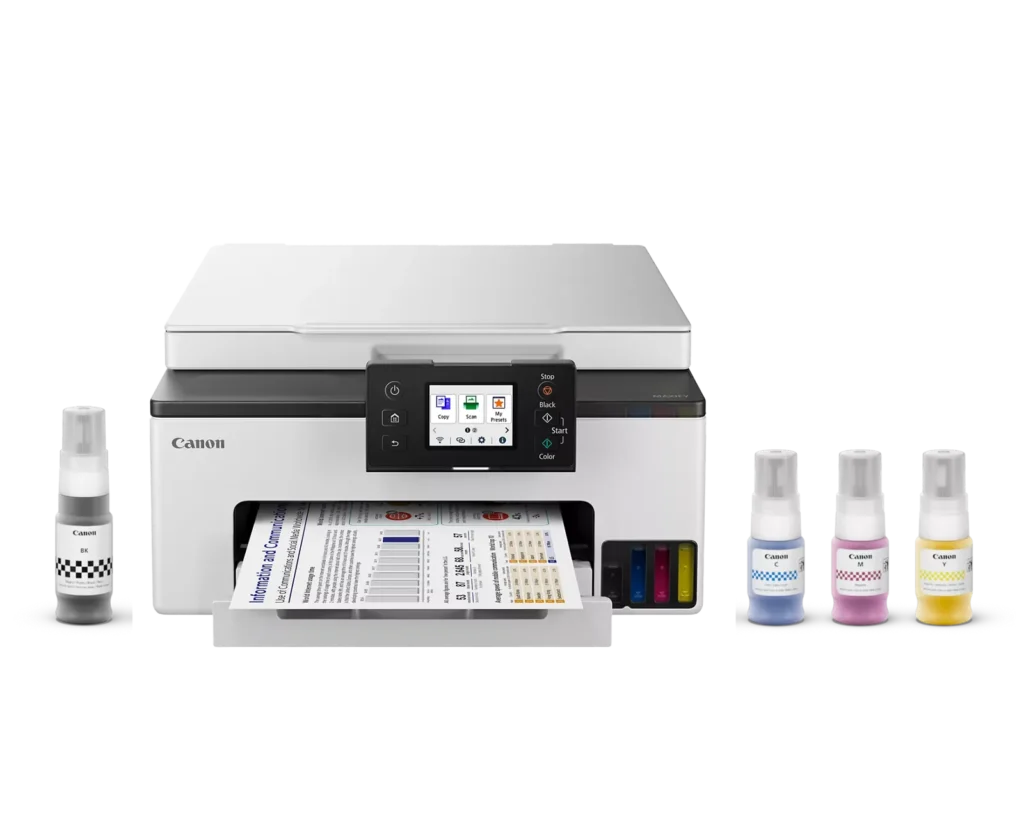
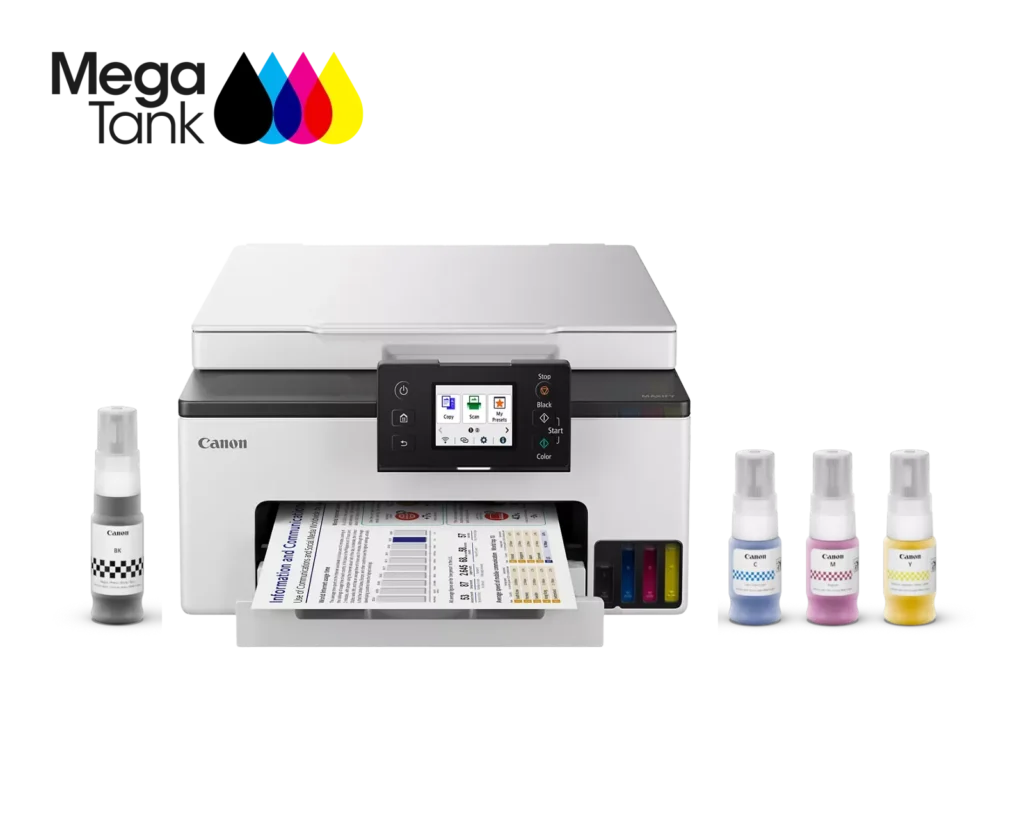
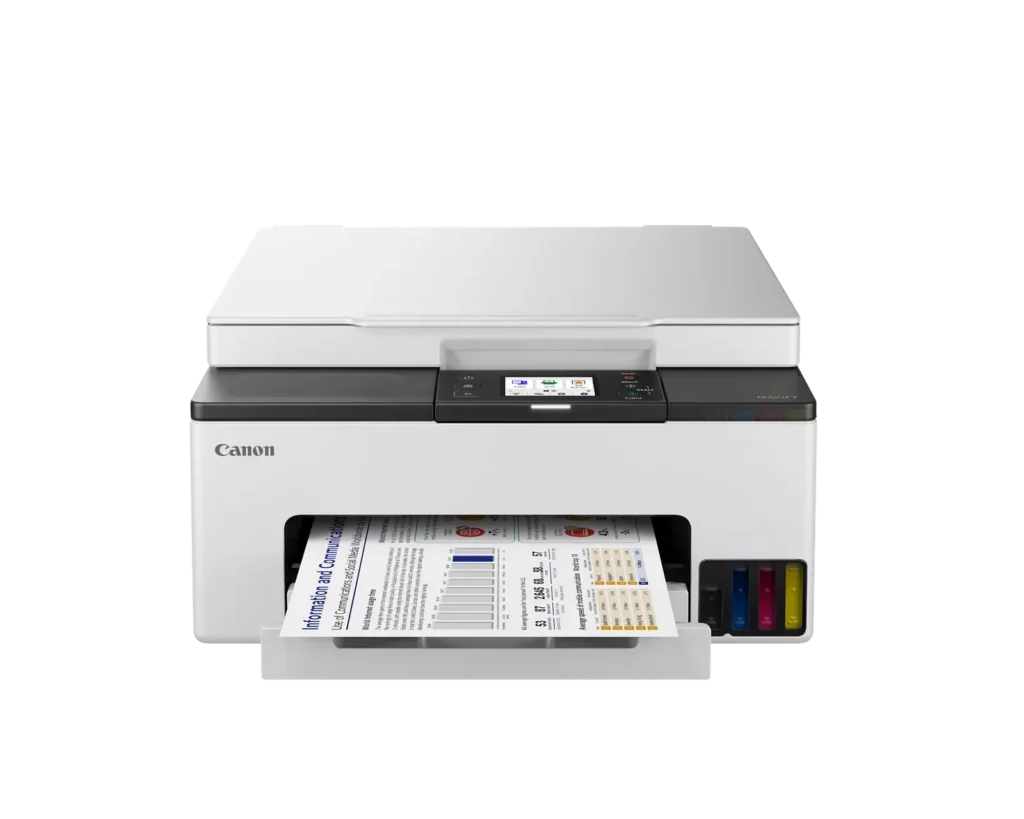
| High-Volume MegaTank Printing | The integrated MegaTank ink system allows you to print up to 3,000 black and 3,000 color pages with a single set of included ink bottles, significantly reducing running costs and the frequency of refills. |
|---|---|
| Business-Quality Pigment Inks | Utilizes a 4-color pigment-based ink system that produces sharp, crisp text and vibrant colors that are highlighter-resistant and smudge-proof, ideal for professional documents and reports. |
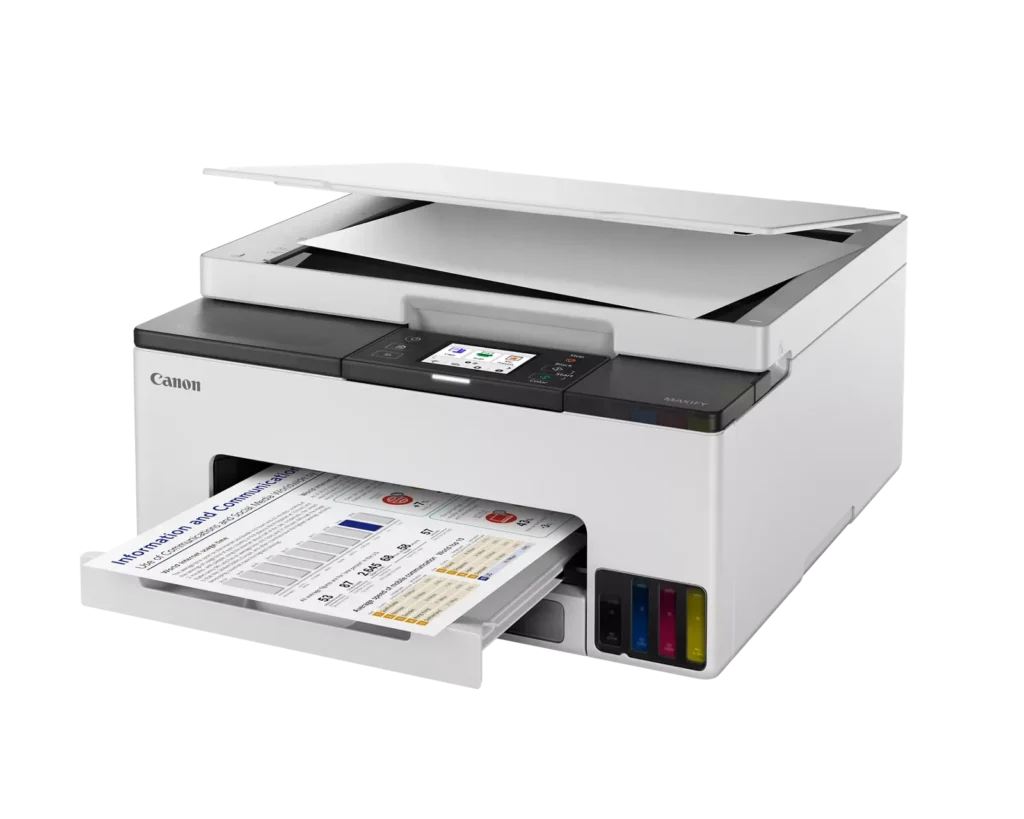
| Fast and Efficient Performance | Boost productivity with print speeds of up to 15 ipm in black and 10 ipm in color, complemented by automatic two-sided (duplex) printing to save time and reduce paper consumption. |
| Versatile Connectivity Options | Stay connected with stable dual-band Wi-Fi (2.4GHz or 5GHz), Ethernet, and USB options. Easily print from mobile devices using the Canon PRINT app, Apple AirPrint, and Mopria Print Service. |
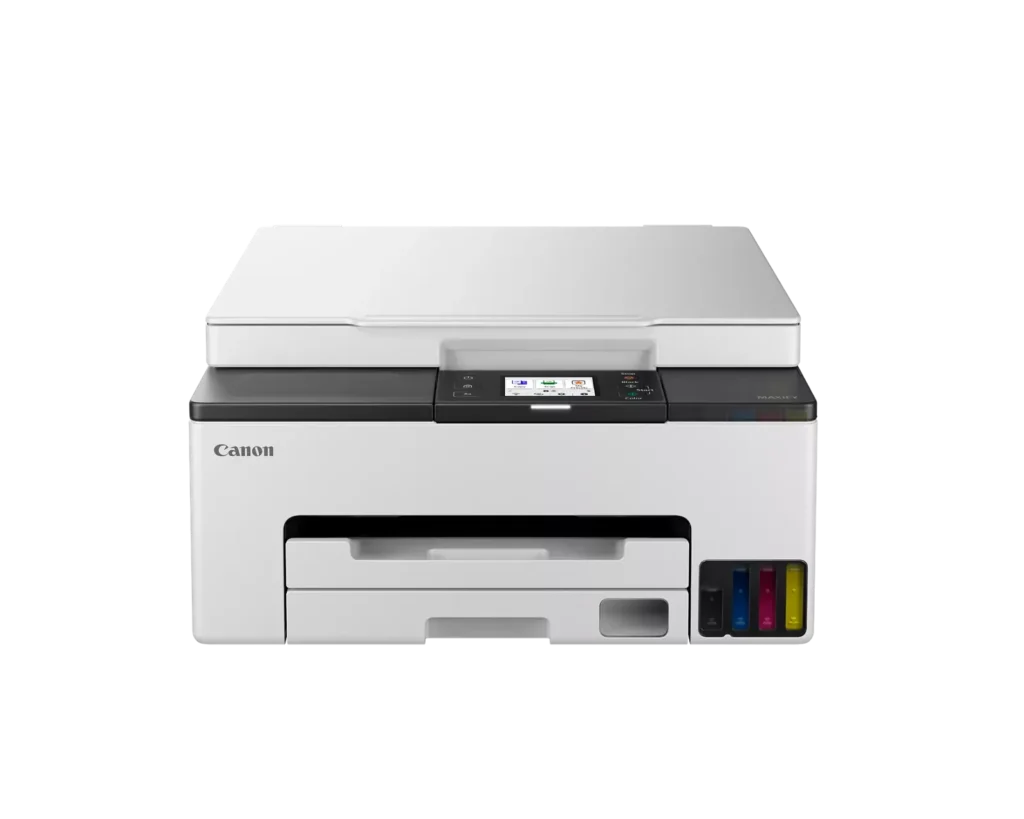
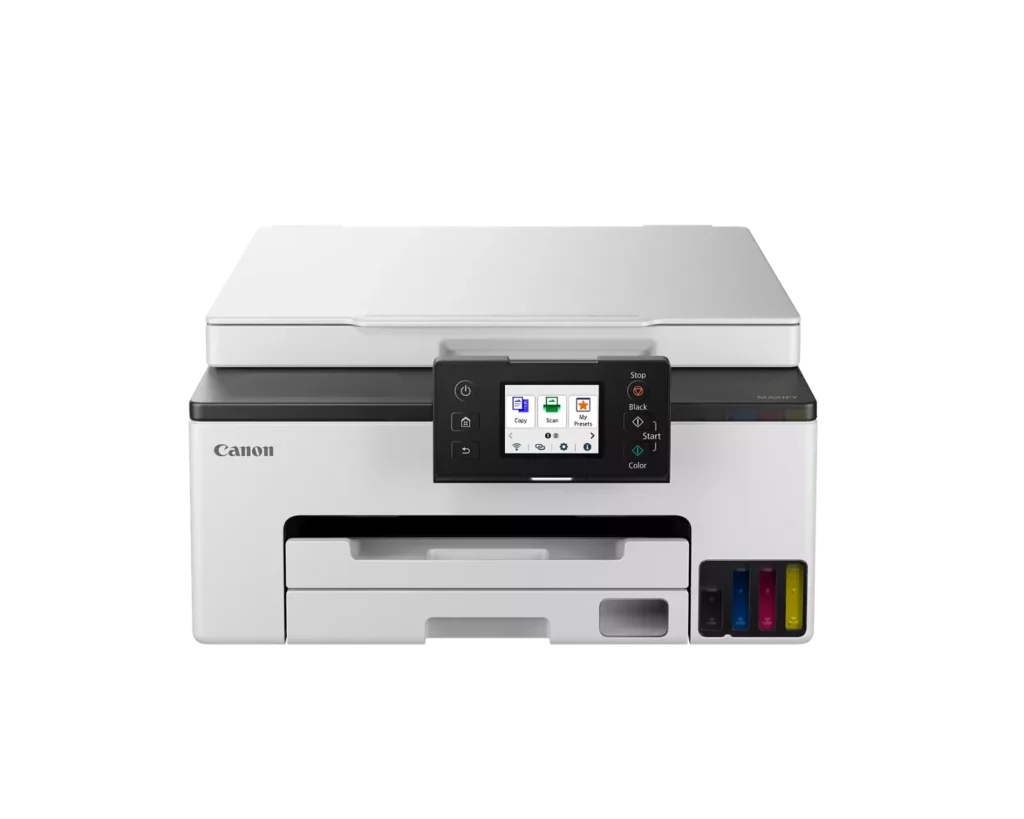
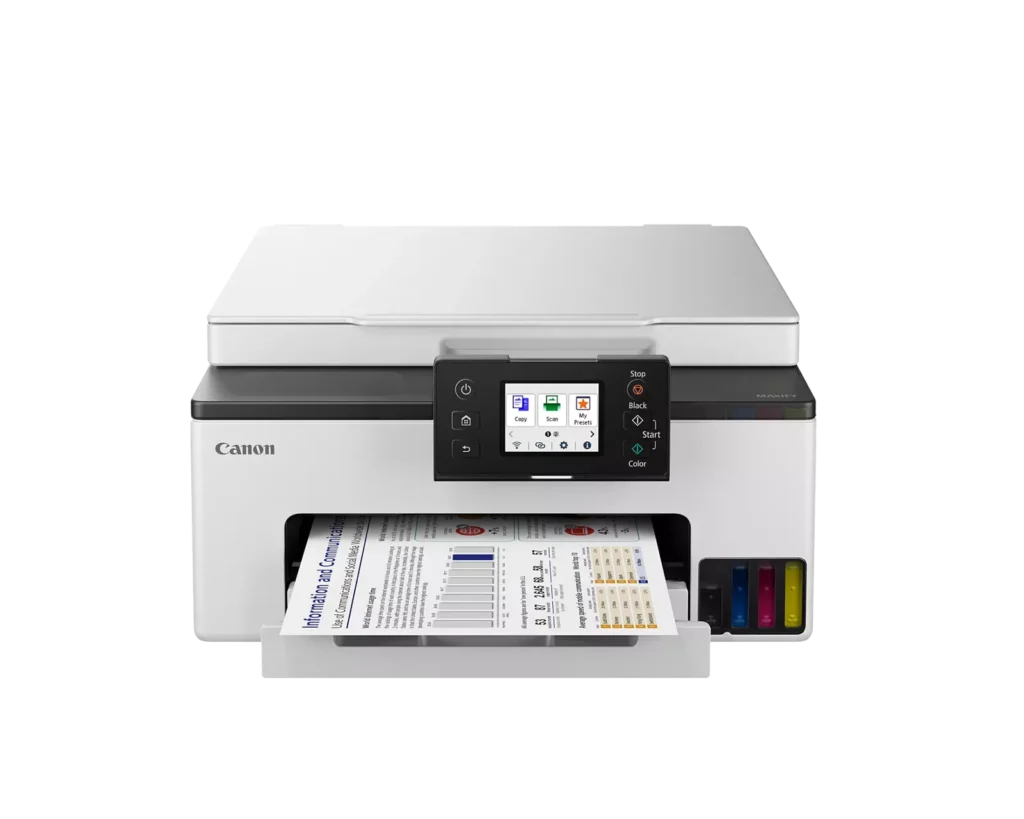
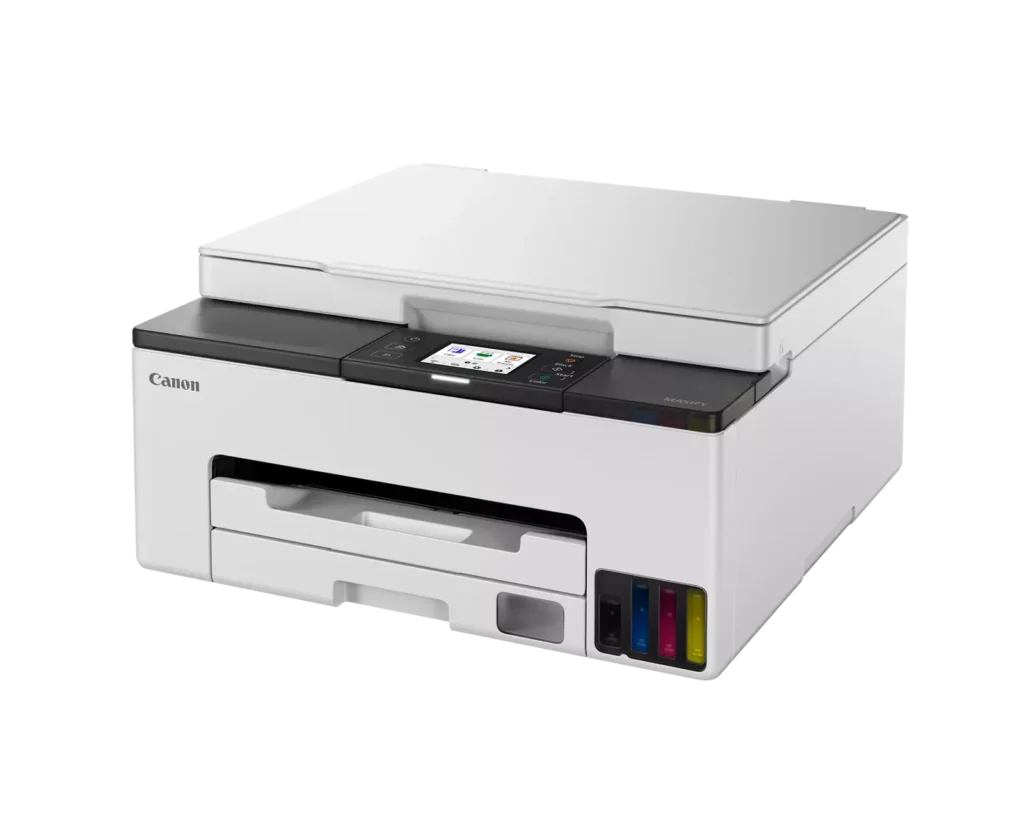
| User-Friendly and Compact Design | Features an intuitive 2.7-inch LCD color touchscreen for easy navigation, a generous 250-sheet paper cassette, and a compact footprint designed to fit comfortably in home or small office workspaces. |
Pros & Cons
Pros
- Cost-Effective MegaTank System: The refillable ink tanks offer exceptional longevity and significantly lower operating costs compared to traditional cartridges, with users reporting they can print thousands of pages before needing a refill.
- High-Quality Print Output: The printer produces sharp, professional-looking text and vibrant colors that many reviewers noted approach laser-quality, making it excellent for both business documents and high-resolution photos.
- Intuitive Touchscreen Setup: Most users found the initial installation process fast and simple, thanks to a responsive color touchscreen that provides clear, step-by-step prompts for filling ink and aligning print heads.
Cons
- Unreliable Wireless Connectivity: A recurring issue among reviewers is the printer's tendency to lose its Wi-Fi connection, particularly on the 2.4GHz band, leading to 'printer not found' errors and difficulty printing from mobile devices.
- No Automatic Document Feeder (ADF): Several users were disappointed to find the machine lacks an ADF, meaning multi-page documents must be scanned or copied manually one sheet at a time, which is time-consuming for office tasks.
- Software and App Limitations: Some customers found the Canon Print app and desktop software difficult to navigate, noting compatibility issues with older operating systems and a lack of advanced scanning destination settings.
You might also like












Customer Reviews
Showing reviews 81-90 of 134
-
Much better than expected
Verified purchase Verified purchase: This reviewer bought the product.Brian Menke April 30, 2024Review source: AmazonSo I have seen a few negative reviews about difficult setup. My experience was flawless. Now to be clear I do have a better than average understanding of WIFI and Networks. However, I was surprised by how little I had to set up. Once I figured out how to install the ink, everything else was a breeze. The print quality is excellent. Very happy with this printer.
-
saving on ink supplies
Verified purchase Verified purchase: This reviewer bought the product.Frederick J. Tyson April 26, 2024Review source: Amazonwhat to say excellent copier/printer for my small office.
-
Fantastic printer!
Incentivized Incentivized review: The reviewer received a benefit for sharing feedback.MICHELLE K. April 22, 2024Review source: AmazonThis printer is everything I was looking for and more! It was easy to set up on both of my laptops and my phone and has worked seamlessly with all three. I love the tanks that you fill with ink that seem to last forever. You get so many more sheets out of this than any other type of printer I have owned. I did have an issue with a paper jam that was difficult to get out. It was in the bottom back of the printer and was hard to pull out but I got it and have had no other issues with it. It has excellent print quality and bright vivid color pages. It works off wifi allowing you to print from multiple devices and from anywhere within range. This is pricier than what I normally pay for a printer but it works so much better and with the number of pages you can print without refilling, it is definitely worth the expense. This is from a trusted brand and works great!
-
Such a great printer
Incentivized Incentivized review: The reviewer received a benefit for sharing feedback.Amanda April 21, 2024Review source: AmazonI should have gotten one of these way before this. This is such a great idea and the print quality is really good. The ink is in bulk and you just open the printer and put on the special ink bottle and let it fill up it is that easy. I print pages regularly so I cannot speak to if it has issues if it sits for long periods between prints. I really do like this printer it prints quick and it is really easy to use. If you are buying ink on a regular basis you need to go get one of these and you will never look back.
-
Cheap & cheap
Verified purchase Verified purchase: This reviewer bought the product.Syvy777 April 19, 2024Review source: BestbuyMeh,
Paper tray is flimsey & cheap . Paper must be loaded correctly , printer paper jammed on me 2X .
I have owned 6 printers over the last 30 years , this is the 1st printer that has jammed on me !
companies continue to make cheaper products without making them better .
Shame on Canon (they should know better by now) . -
Canon Quality Printer
Incentivized Incentivized review: The reviewer received a benefit for sharing feedback.The Couple April 19, 2024Review source: AmazonWe nabbed this for our office and finally got to install and test it in our new building. Once we got everything set up with our network (the small interface screen was challenging) we had no other problems. Fantastic print quality and it looks sharp. Our biggest problem will be keeping our kids away after school wanting color prints of everything. Print speed and noise level are great. I am familiar with modern printers so other complaints in reviews maybe I am just used to these days. It does its job and does it right.
-
Recommended, sorry I waited so long to replace my old printer.
Verified purchase Verified purchase: This reviewer bought the product.Jason Sprouse April 15, 2024Review source: AmazonI bought this to replace another Canon mega tank printer that was a couple years old. It had quit printing black. This new printer is WAY faster, quieter and has print quality approaching a laser printer (I’d say 90% of the quality of a good laser printer, most people would not notice the difference). The only downside I see to this newer model is the ink tanks are smaller. If you print high volumes daily. I would suggest going with the more commercial model that has much larger tanks. I really don’t have anything bad to say about this unit…. it does what it says it does and is a vast improvement over their offering a few years ago.
-
Dye or Pigment? Deceptive marketing
Sebastian W. Parker April 6, 2024Review source: AmazonI almost bought this but Canon is being deceptive about the ink types. The marketing text implies that this is a pigment printer, saying “ Part of a 4-Color Pigment, Continuous Ink Supply System “. Their support has also told me that all the color inks are pigment based, however other parts of the website say “Black pigment-based ink for sharp smudge-free text and Color dye-based ink for vivid long-lasting color printouts.”
-
just like toiloet paper
Verified purchase Verified purchase: This reviewer bought the product.assurance April 5, 2024Review source: AmazonIf toilet paper gets any narrower you will be able to put two rolls on your toilet paper holder. Well, Canon has followed the lead in joining the toilet paper industry, ice cream, cereal, and about almost all manufactured goods. I remember when a half gallon of ice cream was a half gallon.
How surprised I was in opening the Canon Maxify GX1020 printer. There is no document feed. There is no USB port. They didn’t mention in the advertising that besides the ink bottles you also have to buy two toner cartridges. I think they are toner cartridges; they came with the printer but had no labeling.
The viewing window is so small (2.5 x 1.5 inches) that I have to use a magnifying glass to read the print.
I am only 5’6″ tall so expect my thumb is relatively small. When I went to input a password I could not get it correct because my thumb covered most of the screen or pressed the wrong button I have yet to find how to insert the # symbol,. Could not find any support anywhere. Although the window is lit, the operatives for off/on, home, back and others ore not. The photo images are drab, out of focus, and grainy.
Now mind you, I have two bachelor degrees, two master degrees, completed a PhD, have twenty four certifications and two Board certifications. I still have not been able to connect the printer to my laptop
and Iphone. -
Won’t stay on
Verified purchase Verified purchase: This reviewer bought the product.Marilyn March 31, 2024Review source: AmazonPrinter powers off all the time and then you have to unplug it for 10 minutes before you can get it back on total waste don’t buy won’t stay connected to WiFi