Customer Media
Highlights
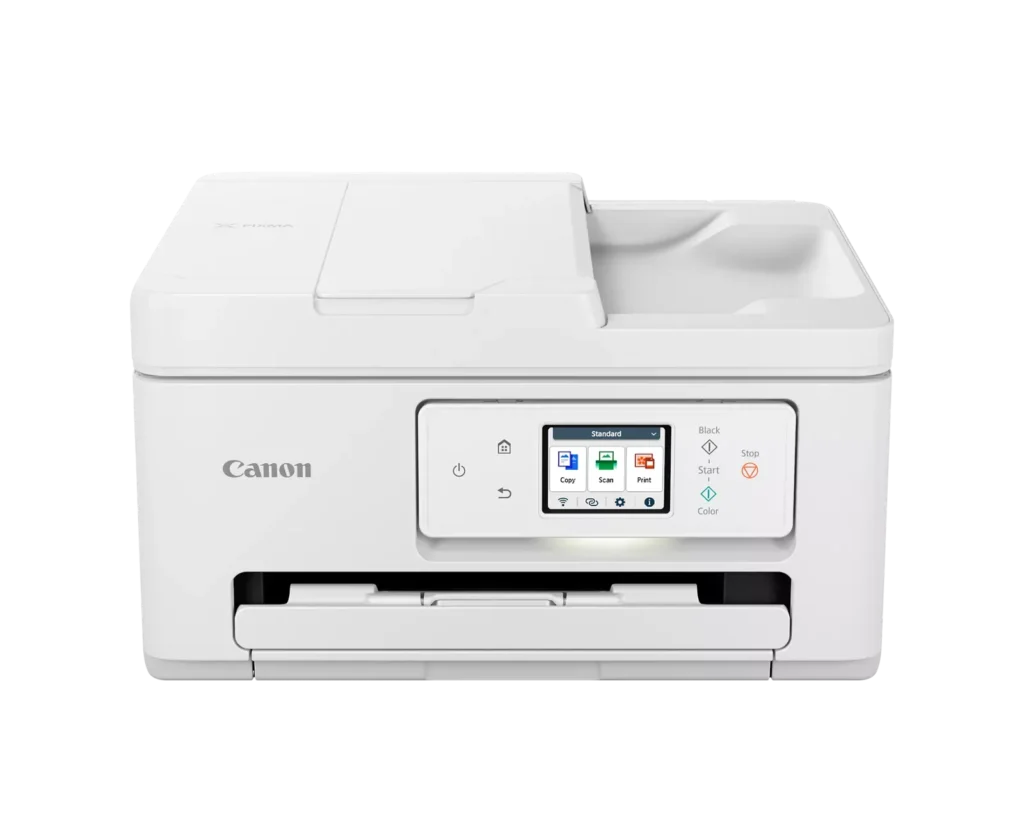
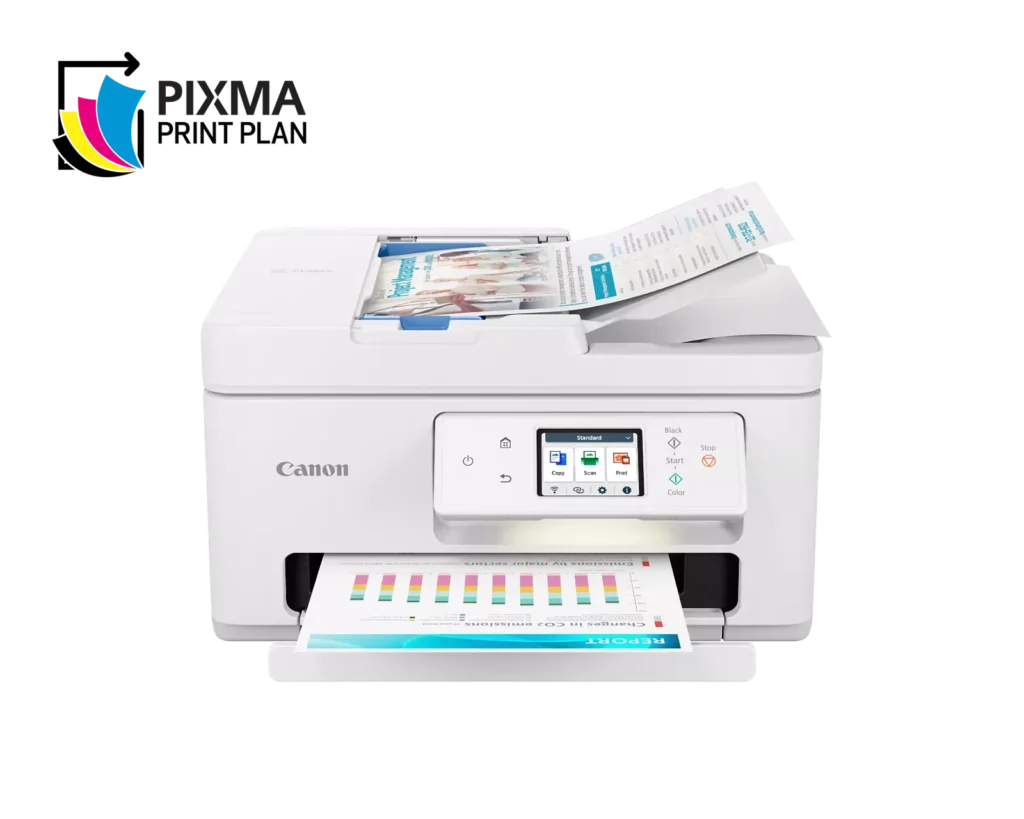
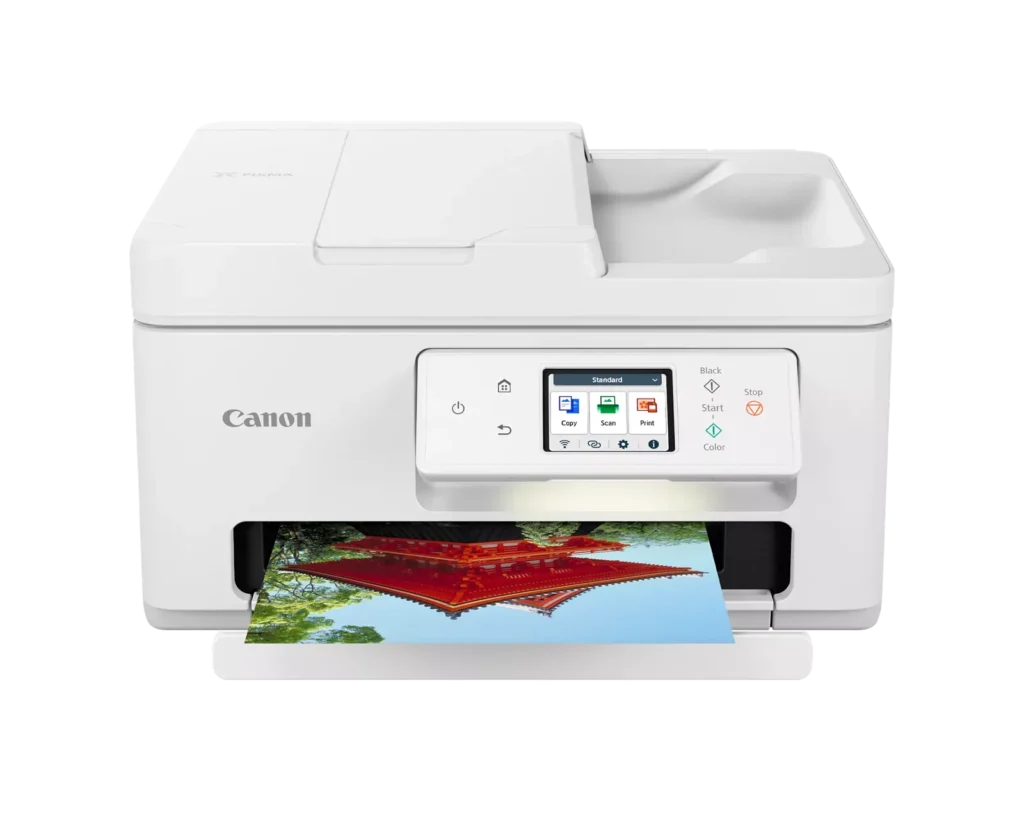
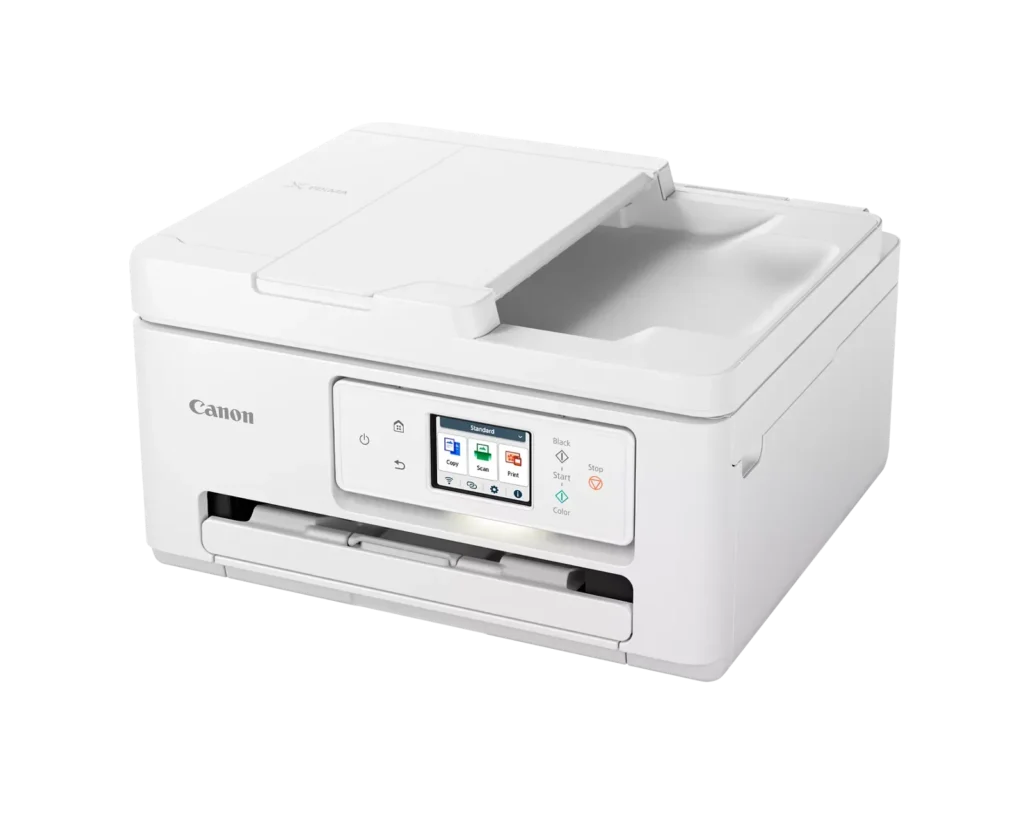
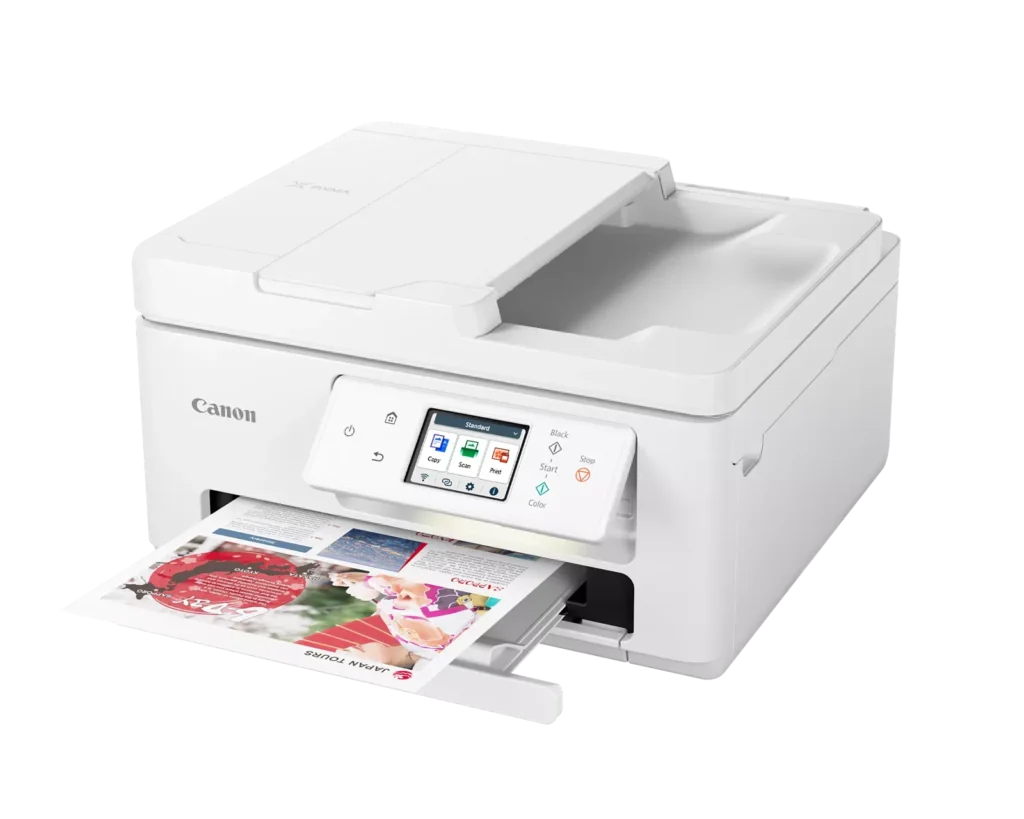
| Versatile All-in-One Performance | The PIXMA TR7820 is a compact 3-in-1 solution that allows you to print, copy, and scan with ease. It delivers fast ISO print speeds of up to 15 ipm in black and 10 ipm in color, making it ideal for home offices and school assignments. |
|---|---|
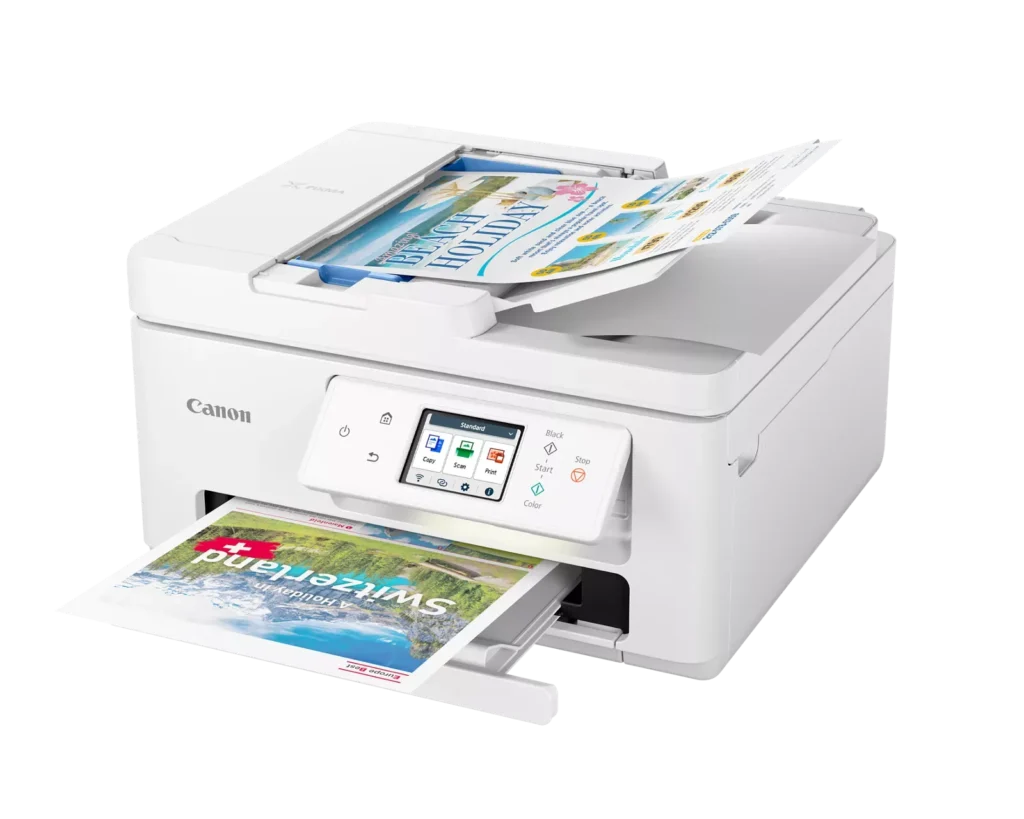
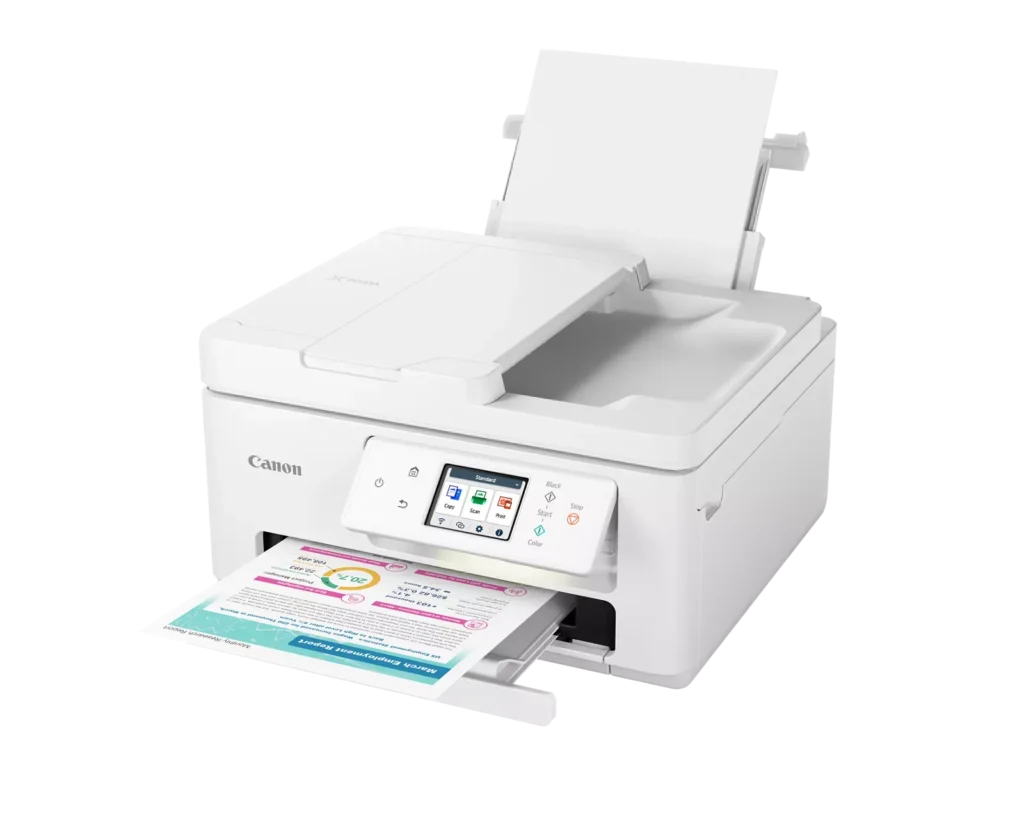
| Efficient Paper Handling | Boost productivity with a 35-sheet Automatic Document Feeder (ADF) for multi-page scanning and copying. The printer also features a dual-tray system with a 100-sheet front cassette and a 100-sheet rear tray, providing a total capacity of 200 sheets. |
| Intuitive 2.7" LCD Touchscreen | Navigate printer functions and settings effortlessly using the built-in 2.7-inch color LCD touchscreen. The user-friendly interface simplifies setup and provides quick access to maintenance and cloud printing options. |
| Seamless Wireless Connectivity | Equipped with Dual-Band Wi-Fi (2.4GHz and 5GHz), the TR7820 ensures a stable connection for wireless printing. It supports mobile printing via the Canon PRINT app, Apple AirPrint, and Mopria Print Service for convenient printing from smartphones and tablets. |
| High-Quality Hybrid Ink System | Utilizing a 2-cartridge FINE Hybrid ink system, this printer produces sharp black text with pigment-based ink and vibrant, borderless photos up to 8.5" x 11" with dye-based colors. The mess-free cartridges are designed for easy replacement. |
Pros & Cons
Pros
- Simple and Quick Setup: Many reviewers found the initial installation process to be exceptionally easy, with some reporting they were able to start printing within minutes of unboxing.
- Excellent Print Quality: The printer is frequently praised for producing sharp, clear text and vibrant photos, with several users noting it performs better than previous models from other brands.
- Compact and Space-Efficient: The small footprint of the device is a major highlight for users with limited desk space, making it an ideal choice for home offices and small business environments.
Cons
- High Ink Consumption and Cost: A recurring complaint is that the printer 'eats' ink quickly, and the cost of replacement cartridges is often described as expensive or nearly the price of the printer itself.
- Unreliable Wireless Connectivity: Numerous users reported that the printer frequently goes offline or loses its Wi-Fi connection, requiring constant troubleshooting or a switch to a wired USB connection.
- Lack of Duplex Scanning: Despite having an Automatic Document Feeder (ADF), the device does not support automatic double-sided scanning, which was a deal-breaker for several customers.
You might also like












Customer Reviews
Showing reviews 91-100 of 278
-
Shipped in a million pieces lol
Verified purchase Verified purchase: This reviewer bought the product.Brad M. May 31, 2025Review source: AmazonNeeded it for my stump grinding business by the looks of this printer looks like it been in a grinder lol
-
Not worth the amount of wasted time to reconnect every time..ugh
Kris B May 28, 2025Review source: AmazonIt works randomly with iphone and Mac. I just printed the other day and now it will not connect through airprint. The network config page says there’s no problem. I’m baffled, and ready to throw it out the window. I have spent 3 hours just trying to get something to communicate with it to print something that should have taken less than 5 minutes. Absolutely hate this printer.
-
Printer
Verified purchase Verified purchase: This reviewer bought the product.Sheryl May 16, 2025Review source: BestbuyEasy to set up. Great printing. Easy to use. Would buy product again.
-
Top quality printer.
Verified purchase Verified purchase: This reviewer bought the product.GeraldM May 10, 2025Review source: BestbuyThis printer was perfect for in home use. Very easy to set up. There are only two ink cartridges to deal with. You can print pictures on true quality paper that is so easy to use. It has the capacity to pair up your I phone and print from it also. Quality of printed material is top grade. All in all it is the easiest and most efficient printer I’ve ever used.
-
Great value for the price
Verified purchase Verified purchase: This reviewer bought the product.AlasterB May 9, 2025Review source: BestbuySuch an awesome printer! I didnt have any issues setting it up. Ive used all of the functions, and they have worked just fine. My only complaint is that it didn’t say anywhere what kind of ink cartridges to use, but I eventually found the answer.
-
Canon Printer
Verified purchase Verified purchase: This reviewer bought the product.SeaBass May 9, 2025Review source: BestbuyGreat all in one printer/scanner/copier. Easy set up and great print quality. Would definitely recommend for an everyday printer.
-
Trash
Verified purchase Verified purchase: This reviewer bought the product.gem May 2, 2025Review source: AmazonHave to reconnect printer after every time I boot my PC back up. The app is trash. I bought a usb cable to make it easier and it won’t connect. Imagine that.
Update: The printer randomly started throwing code:5011 and now does not work. not even a year after purchase and its already out of warranty. I REPEAT DO NOT BUY THIS PRINTER! absolute garbage.
-
Great, cheap printer
Verified purchase Verified purchase: This reviewer bought the product.AlamoDoc April 30, 2025Review source: BestbuyA snap to install and use. Top-notch print quality. The only knock against it is that the ink cartridges don’t last long even with moderate use, and they’re not cheap.
-
Regretting this purchase. Very inefficient.
Verified purchase Verified purchase: This reviewer bought the product.Daniela de Figueroa April 28, 2025Review source: AmazonSo frustrating! Almost impossible to print from a mac, the printer is not found (shows as offline) 90% of the time, so I have to send everything to my pc and hope it will not show as offline too. If by some miracle it will finally print and then I send a second document it show offline again. It takes me hours to print multiple short documents. I had an HP before and never had this problem.
-
No double sided scanning.
Verified purchase Verified purchase: This reviewer bought the product.Liyah April 27, 2025Review source: BestbuyYey another printer with an adf that doesn’t scan double sided. Will not be buying another canon product. If I wanted to flip pagesanually, I’d save money and buy a basic printer and use the flatbed scanner. Waste of money. And came opened.